Home
Home
 CS 1.6 Builds
 CS:GO Builds
 CS:S Builds
 CS2 Builds

Download CS 1.6 for 32-bit systems
 Русская версия
 С ботами и серверами
 Работает на всех Windows (от XP до 11)
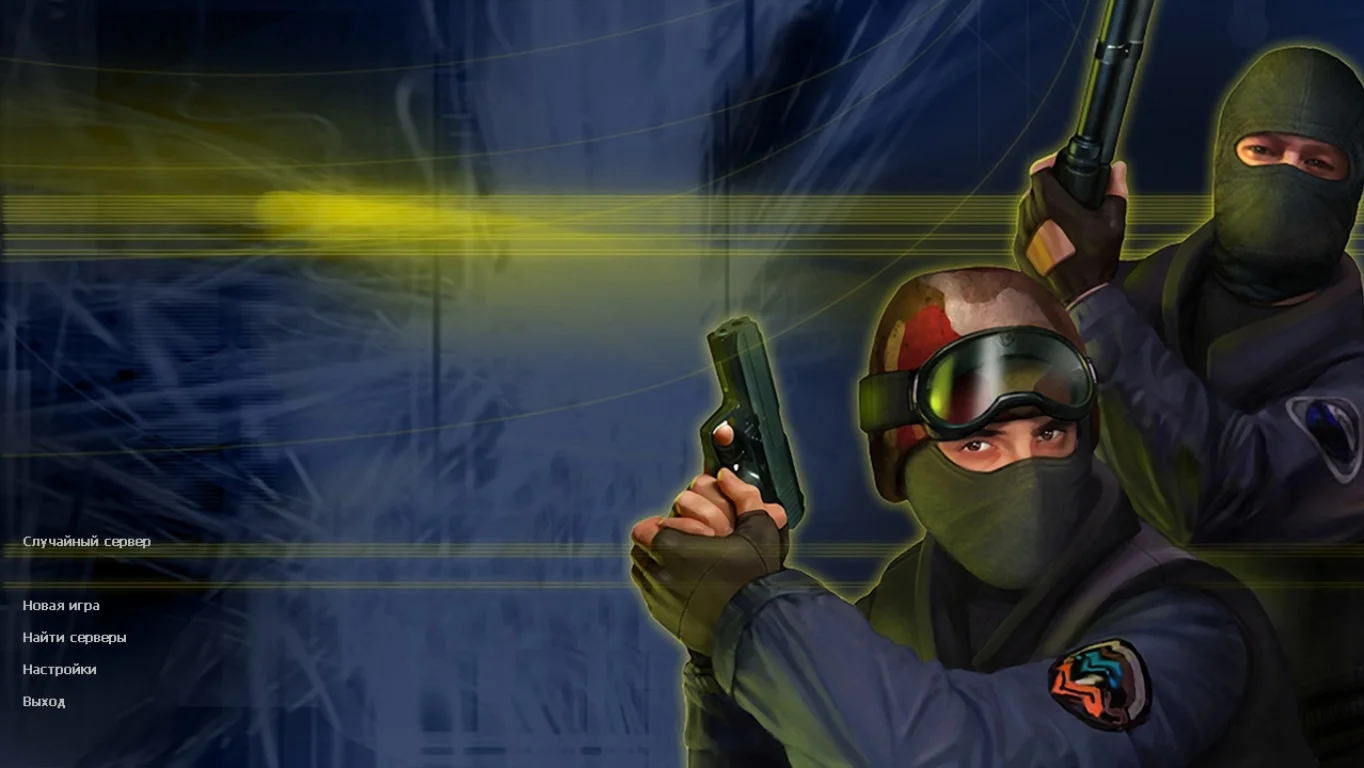
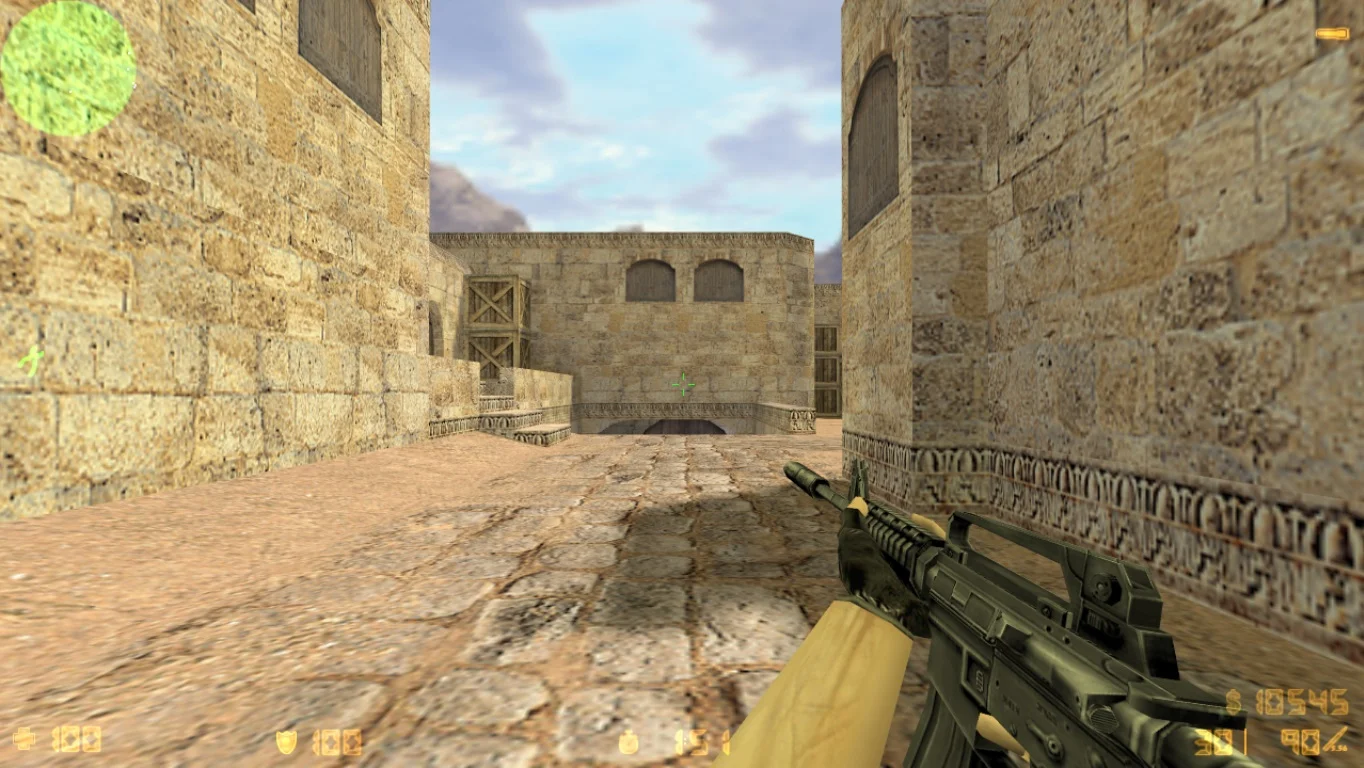
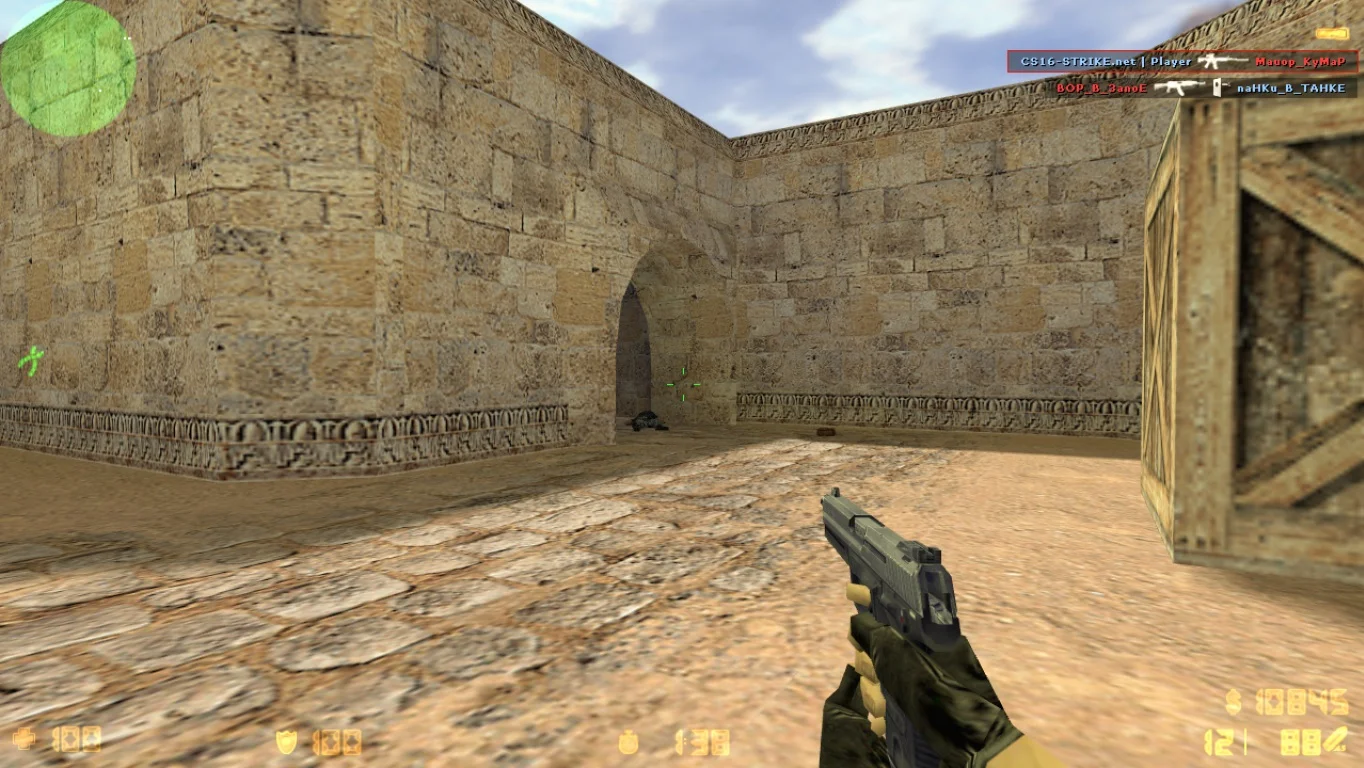
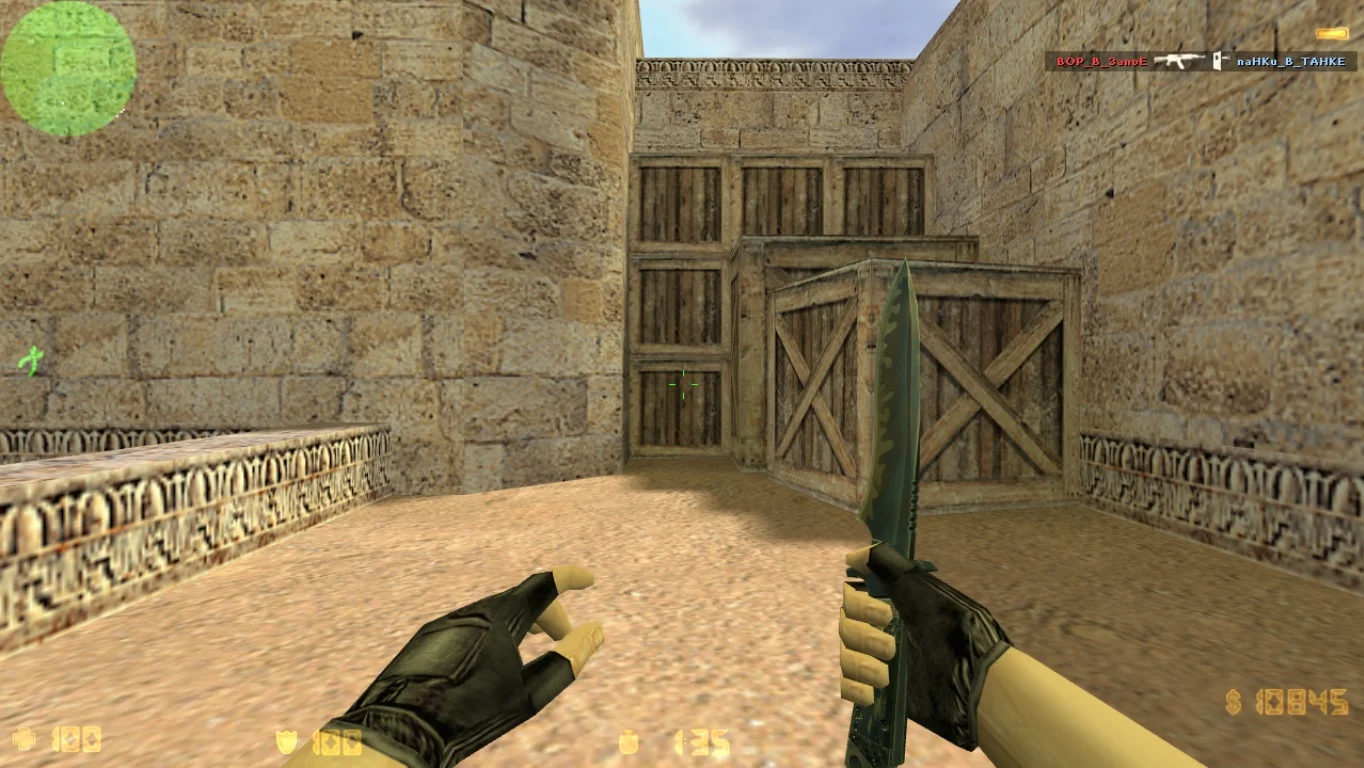
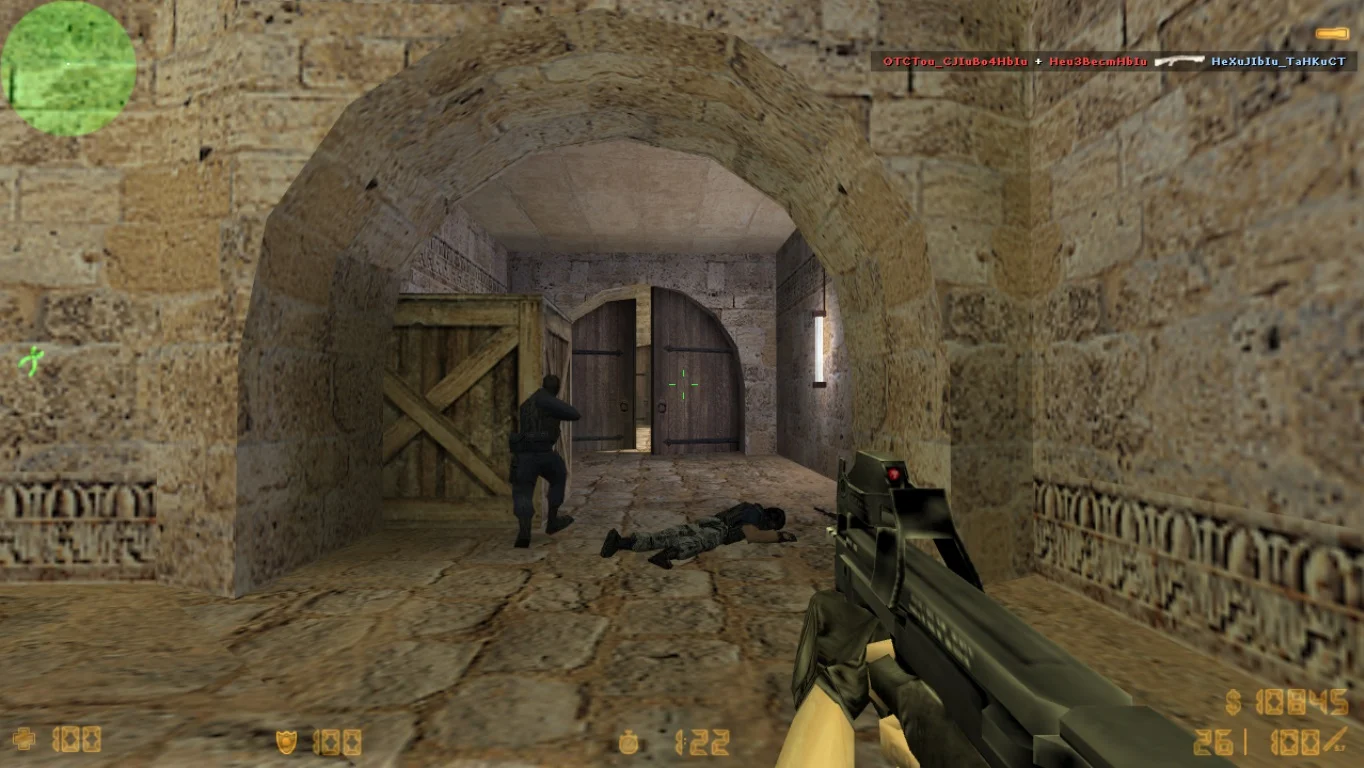
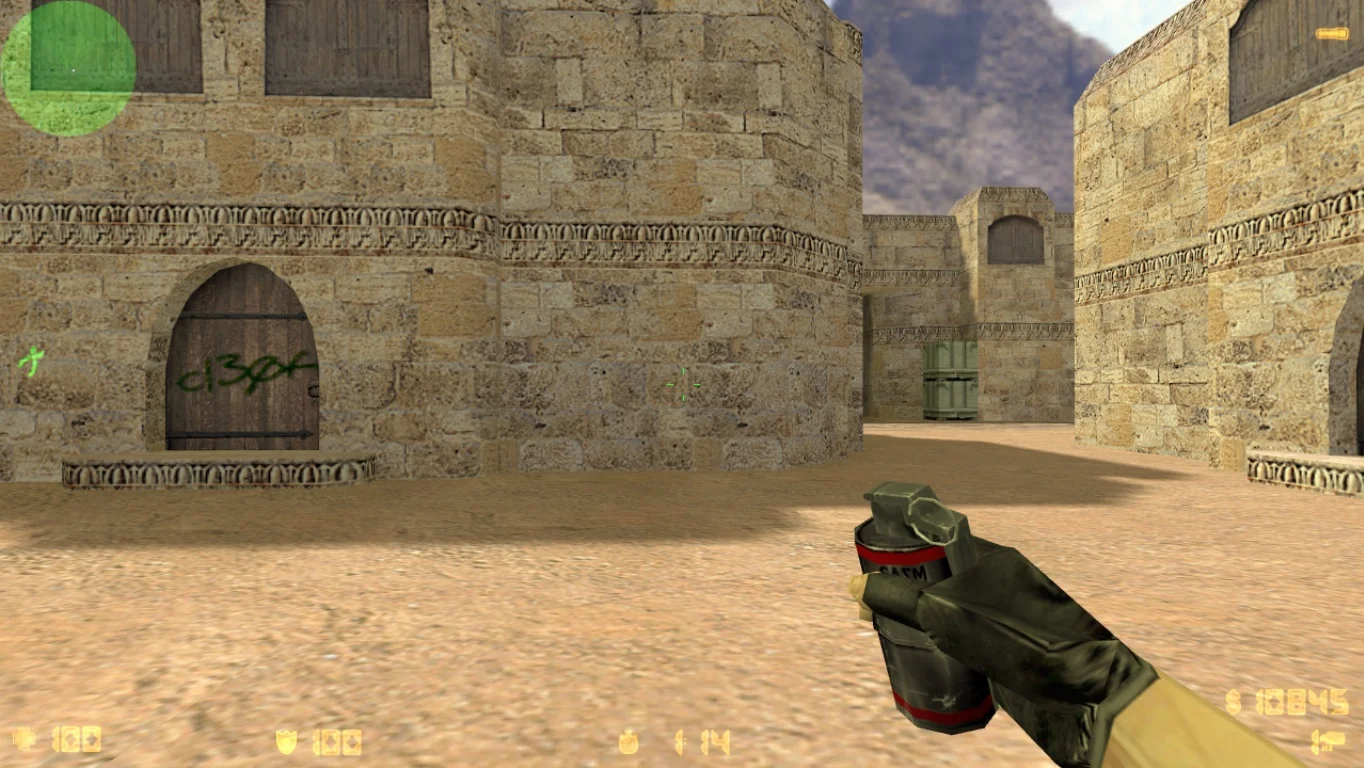
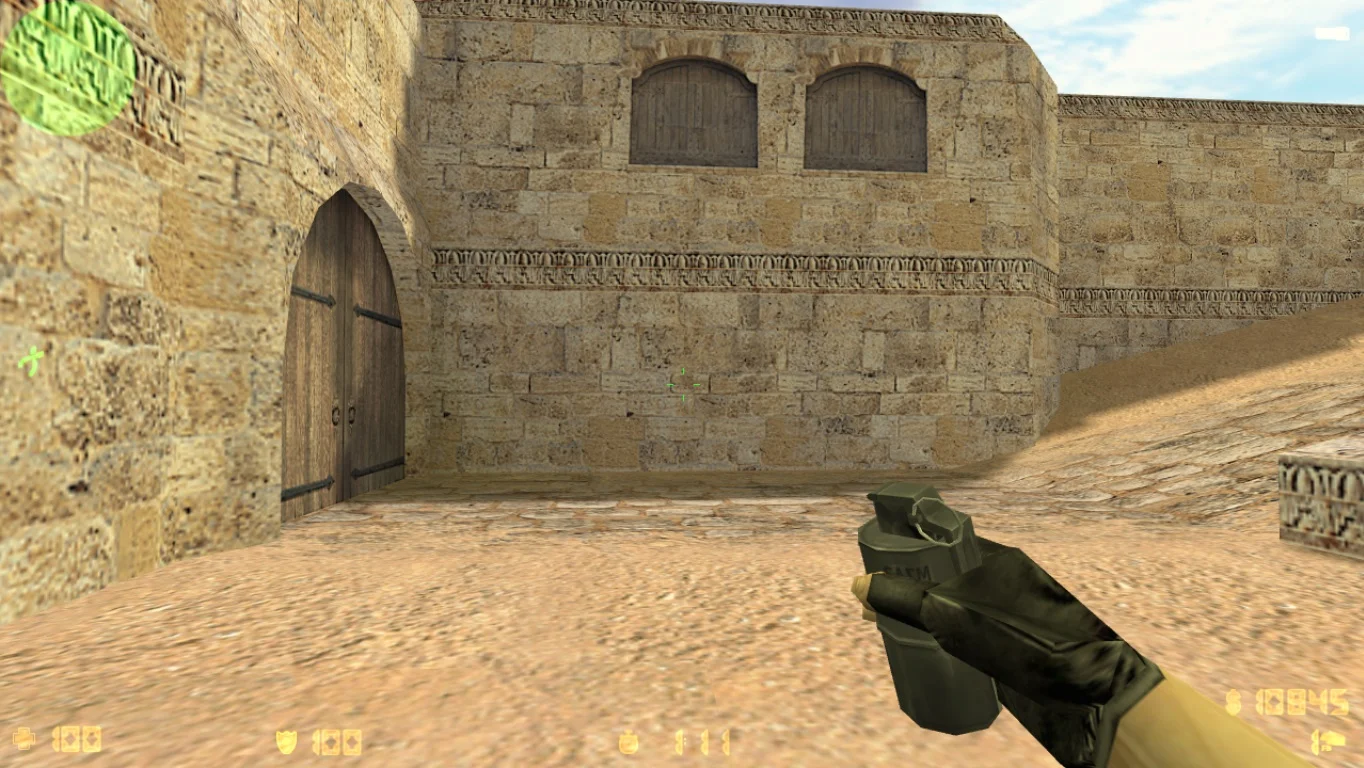
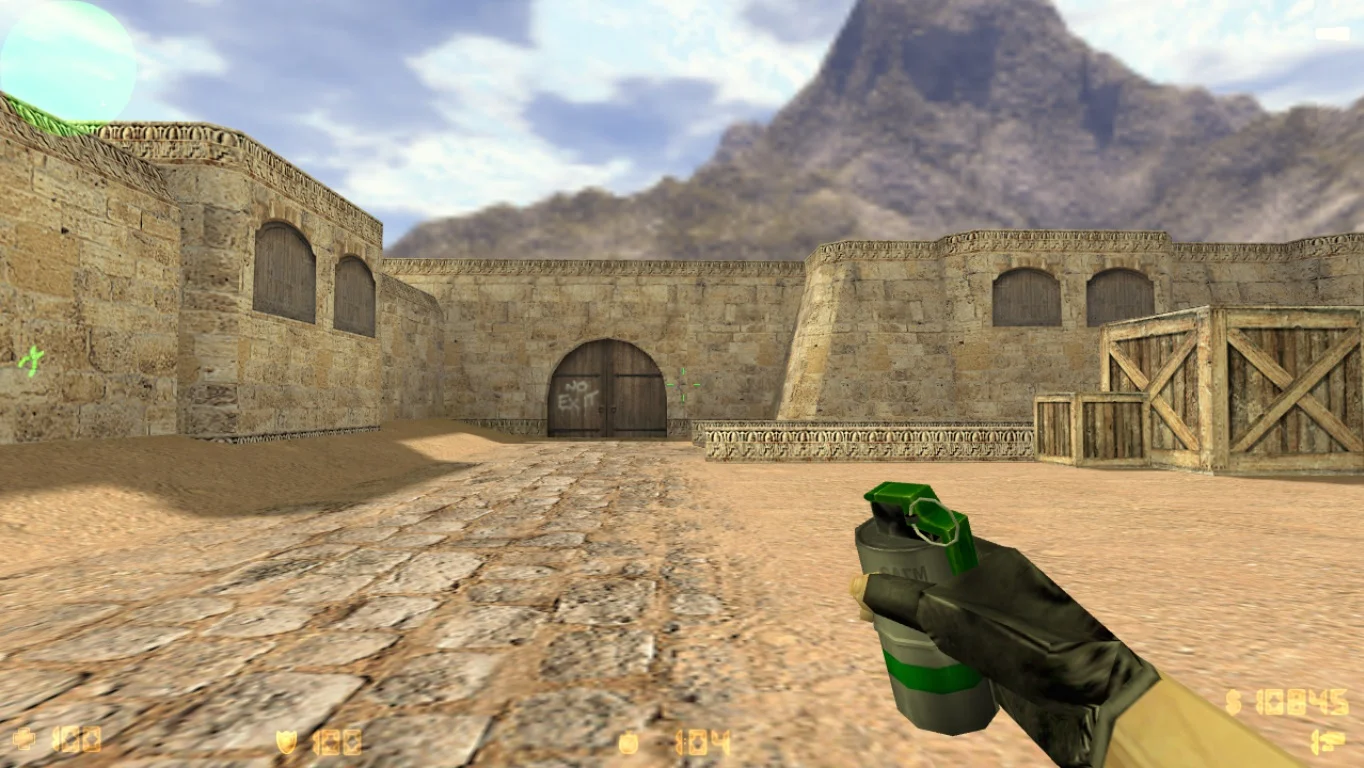
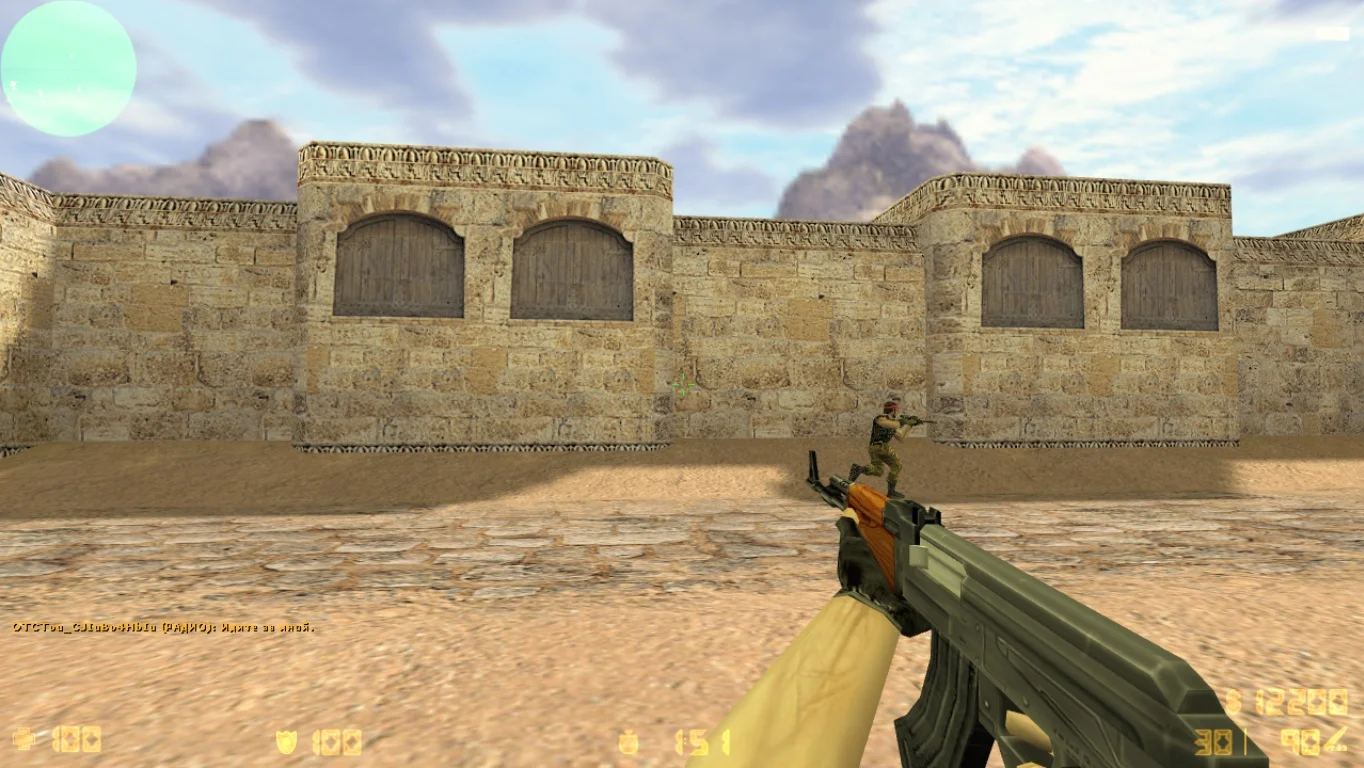
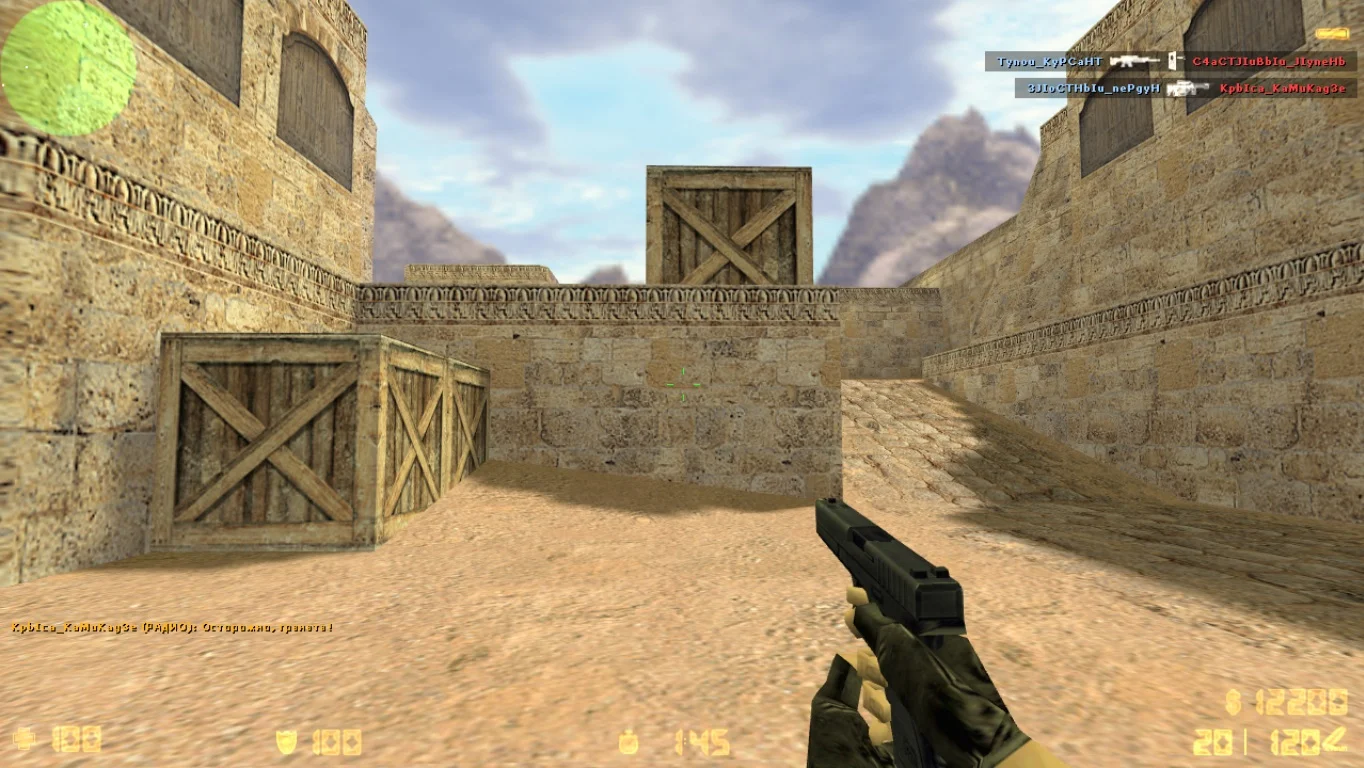
Download CS 1.6 for 32-bit — this is an adapted version of the legendary Counter-Strike 1.6 game, fully compatible with 32-bit Windows operating systems. This build is specifically designed for older and low-end computers, providing stable performance, high FPS, and comfortable gameplay even on minimal system configurations. It’s an excellent choice for anyone who wants to enjoy classic CS 1.6 without lags or slowdowns, regardless of their PC’s performance.
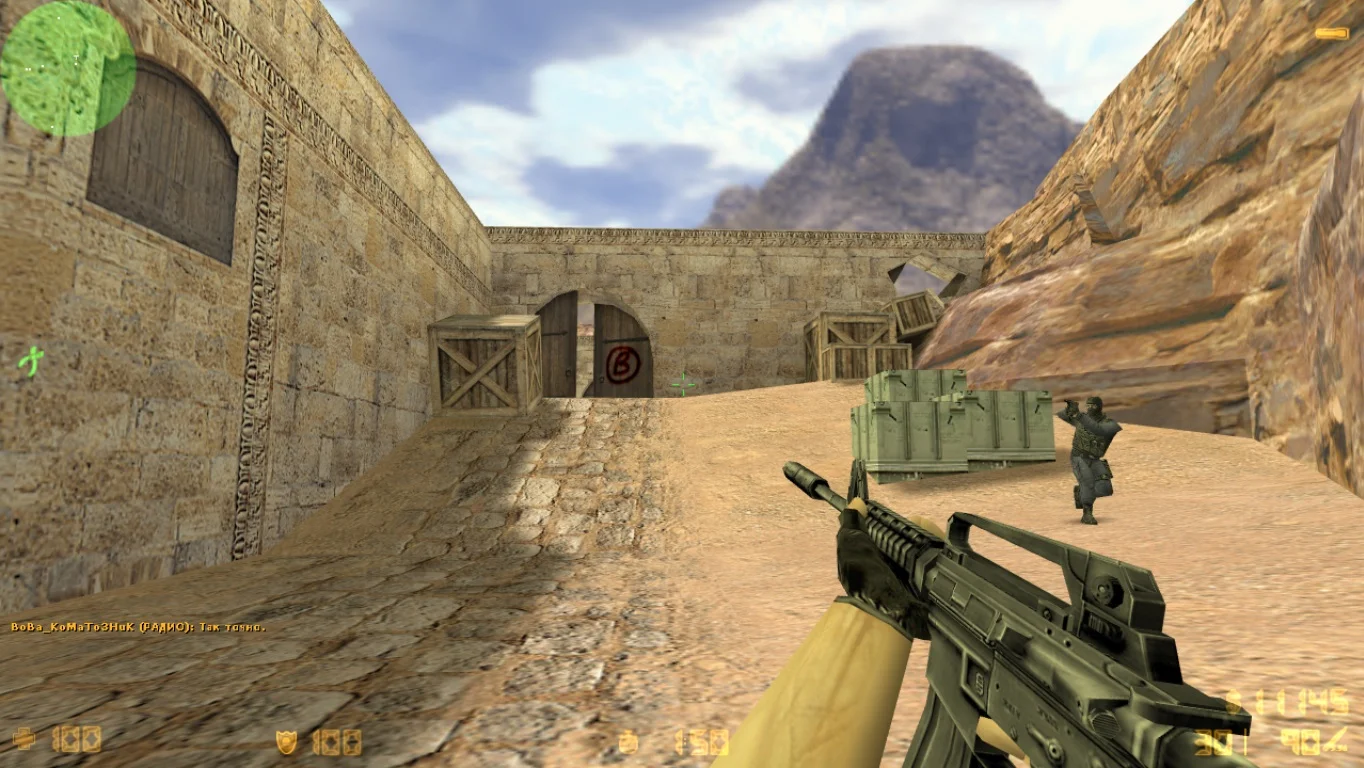
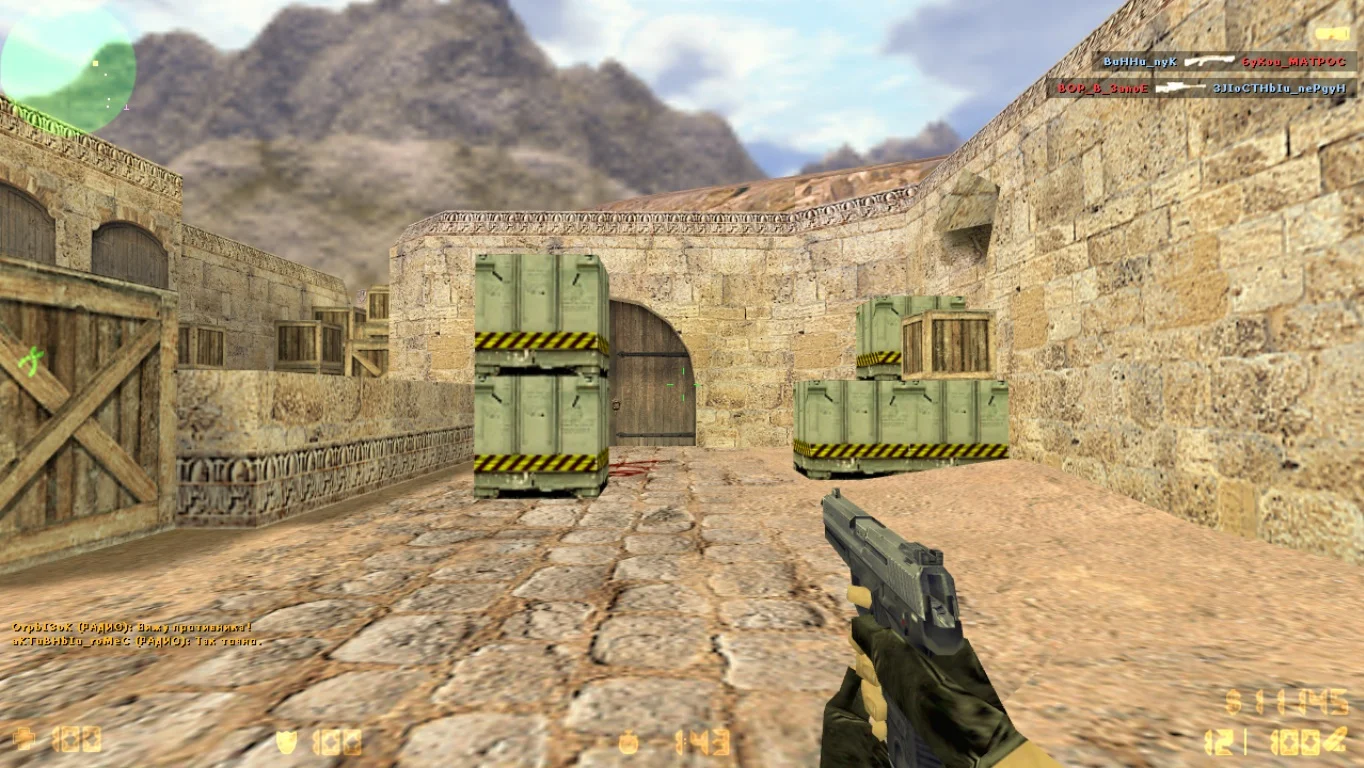
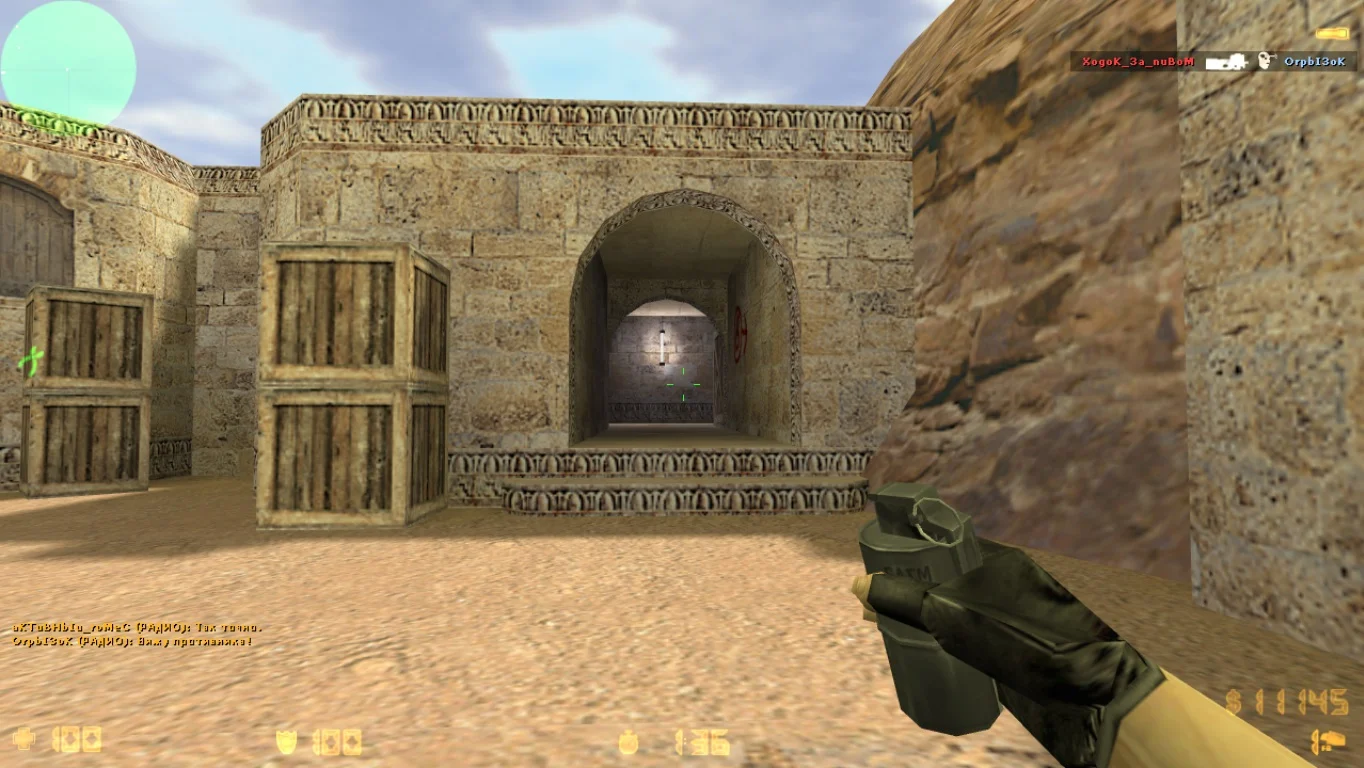
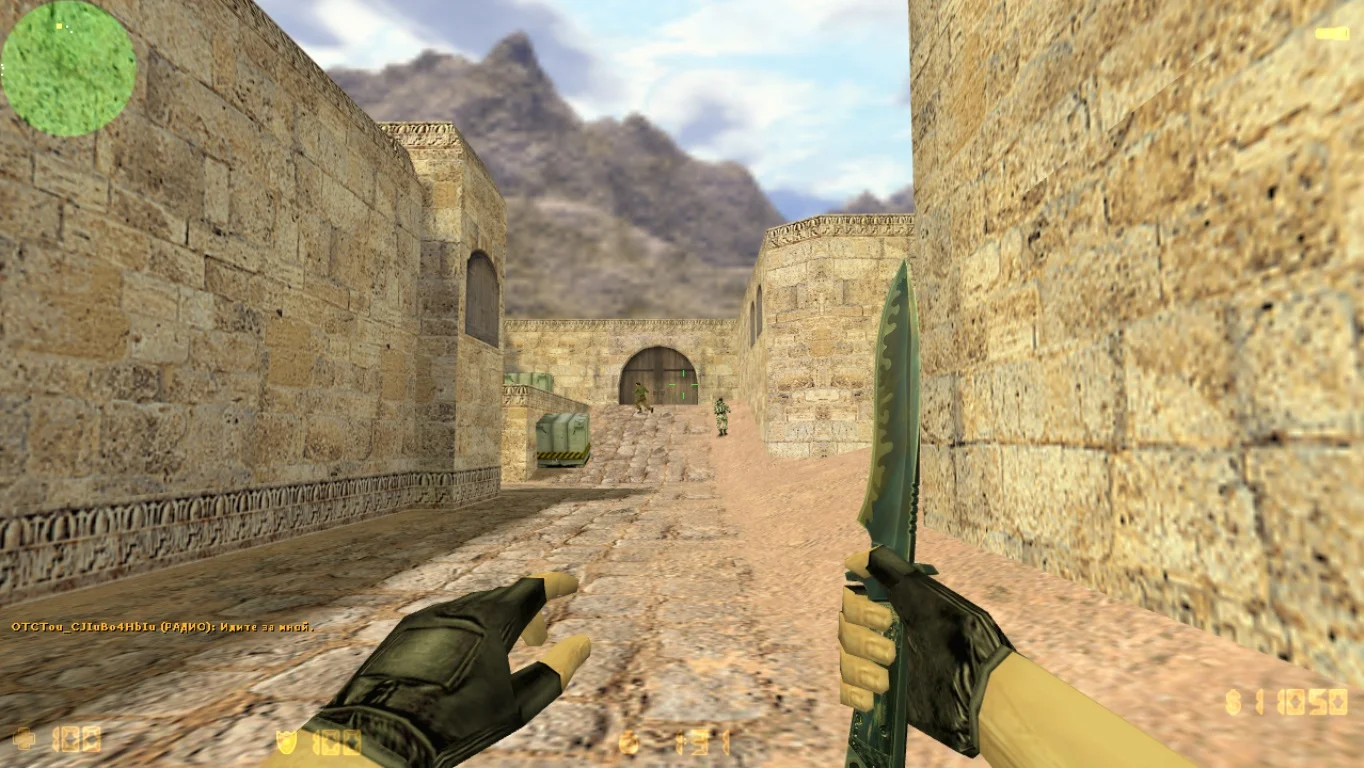
CS 1.6 for 32-bit systems preserves all original gameplay: classic maps (de_dust2, de_inferno, cs_assault, and more), standard weapons, as well as online and single-player modes. The build is fully compatible with game servers, bots work correctly, and controls are pre-configured for comfortable play. Thanks to the optimized client, this version launches quickly, does not overload the system, and requires no additional driver or component installations.
Installation of CS 1.6 for 32-bit is very simple: download the game archive, extract it to any folder, and launch the client. No registration, installation, or key input is required — just start and play. This build is perfect for old laptops, office PCs, and users looking for a fast, simple, and stable version of the game. Download CS 1.6 for 32-bit and start playing without restrictions today!
Features of the build:
• Full support for 32-bit operating systems
• Classic gameplay with original maps and weapons
• Quick launch and high performance
• Suitable for low-end and old computers
• Compatibility with game servers
• Pre-configured client with bot support
• Single-player and online modes
• Simple installation — no installer required
System requirements:
• Operating system: Windows XP, Vista, 7, 8, 10 (32-bit)
• Processor: 800 MHz or higher
• RAM: 256 MB or more
• Video card: DirectX 8.1 compatible
• Free disk space: 300 MB
• Internet connection for online mode
How to install:
• Download the CS 1.6 archive for 32-bit systems
• Extract it to a convenient folder on your PC
• Run cs16.exe
• Configure graphics, sound, and controls if needed
• Start playing in single-player or online mode
Классическое оформление сборки
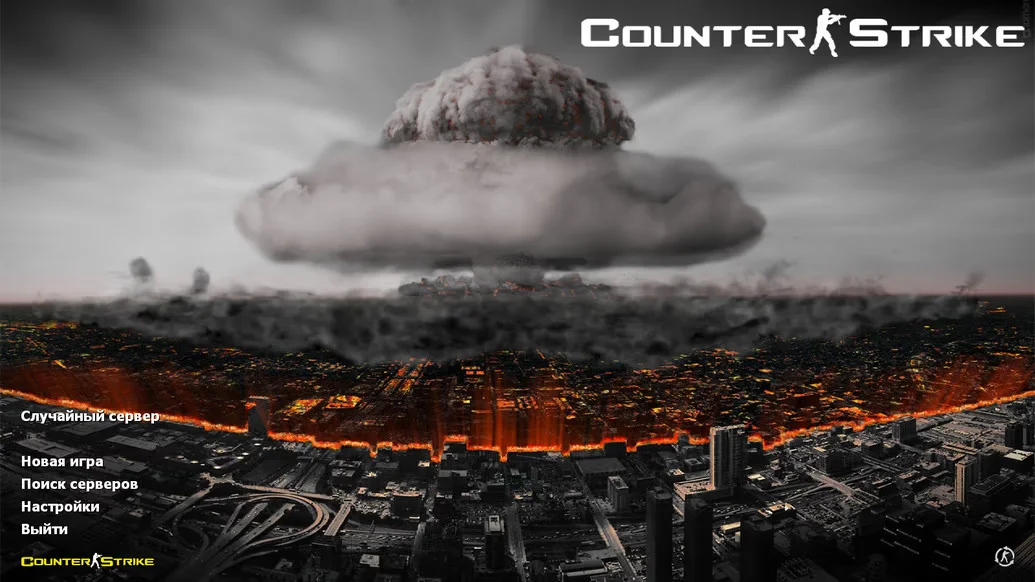
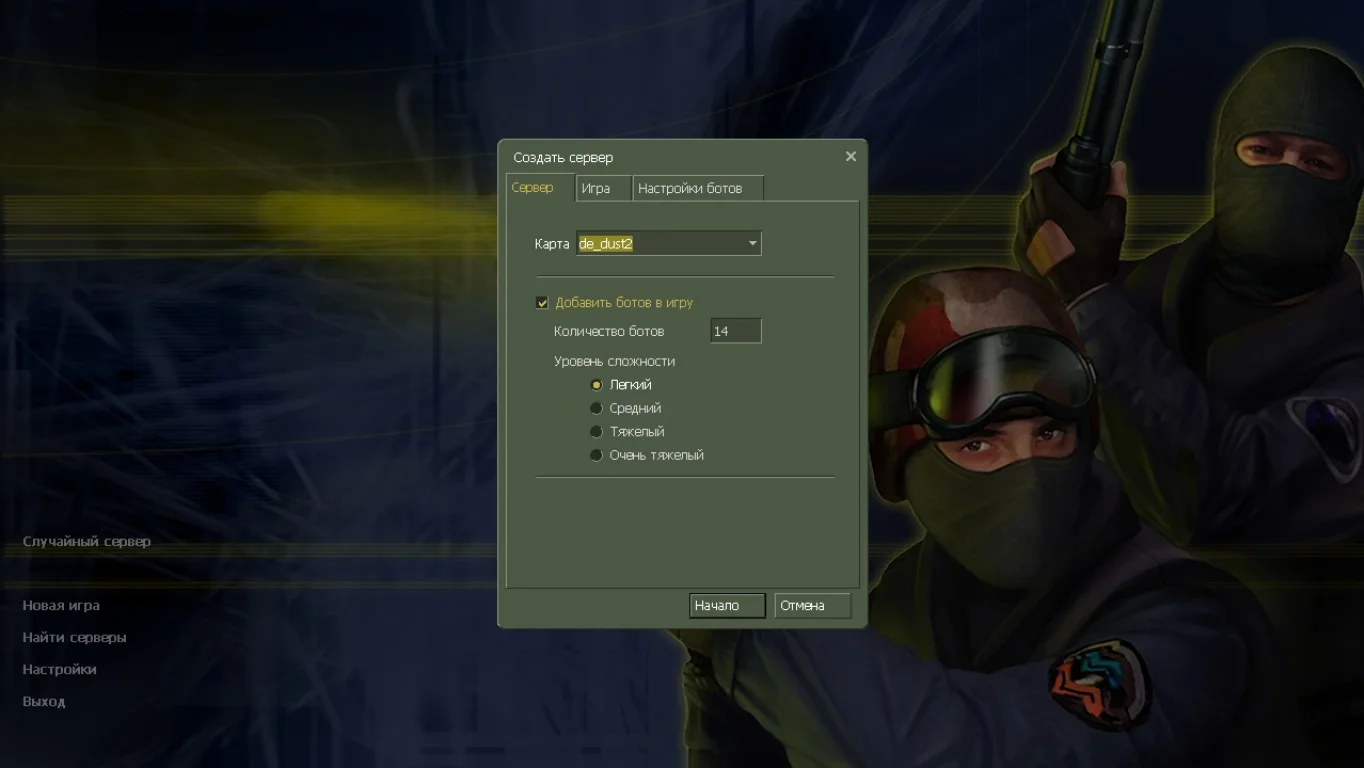
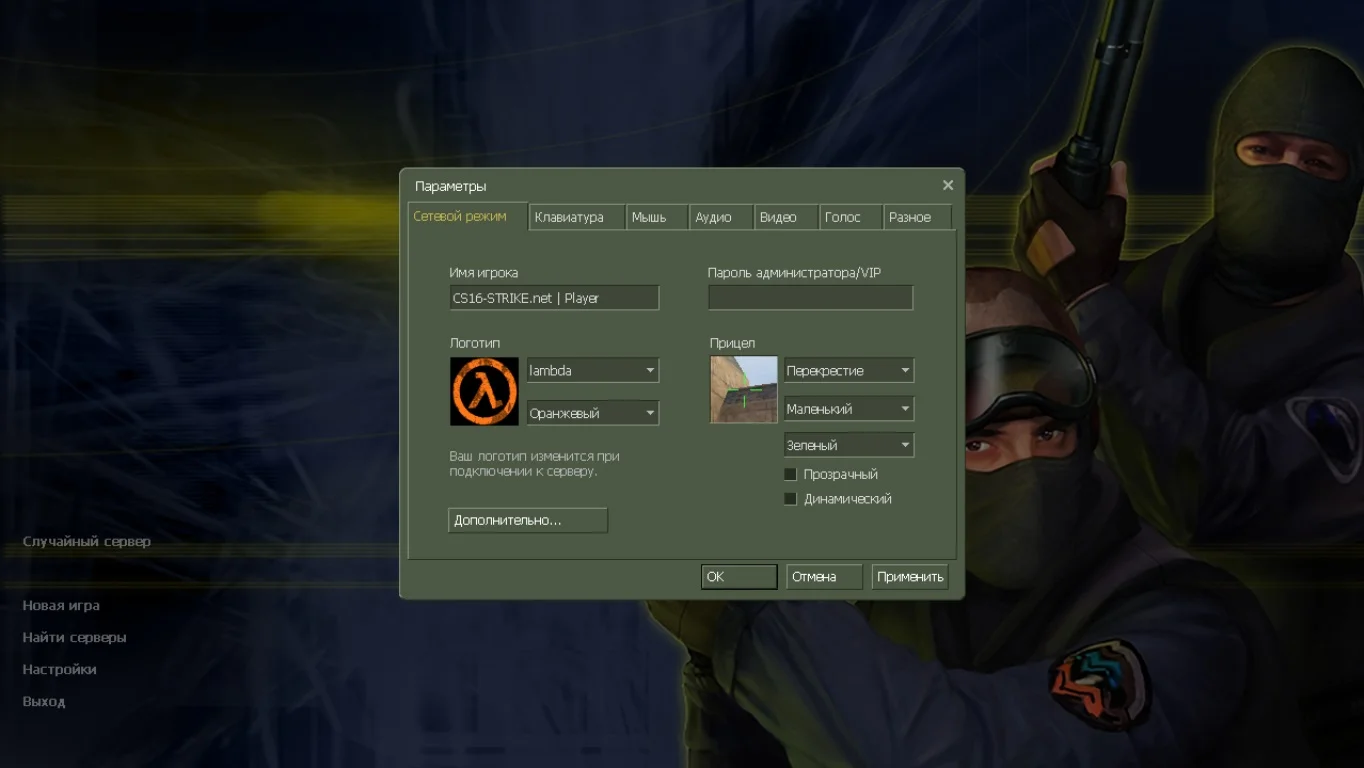
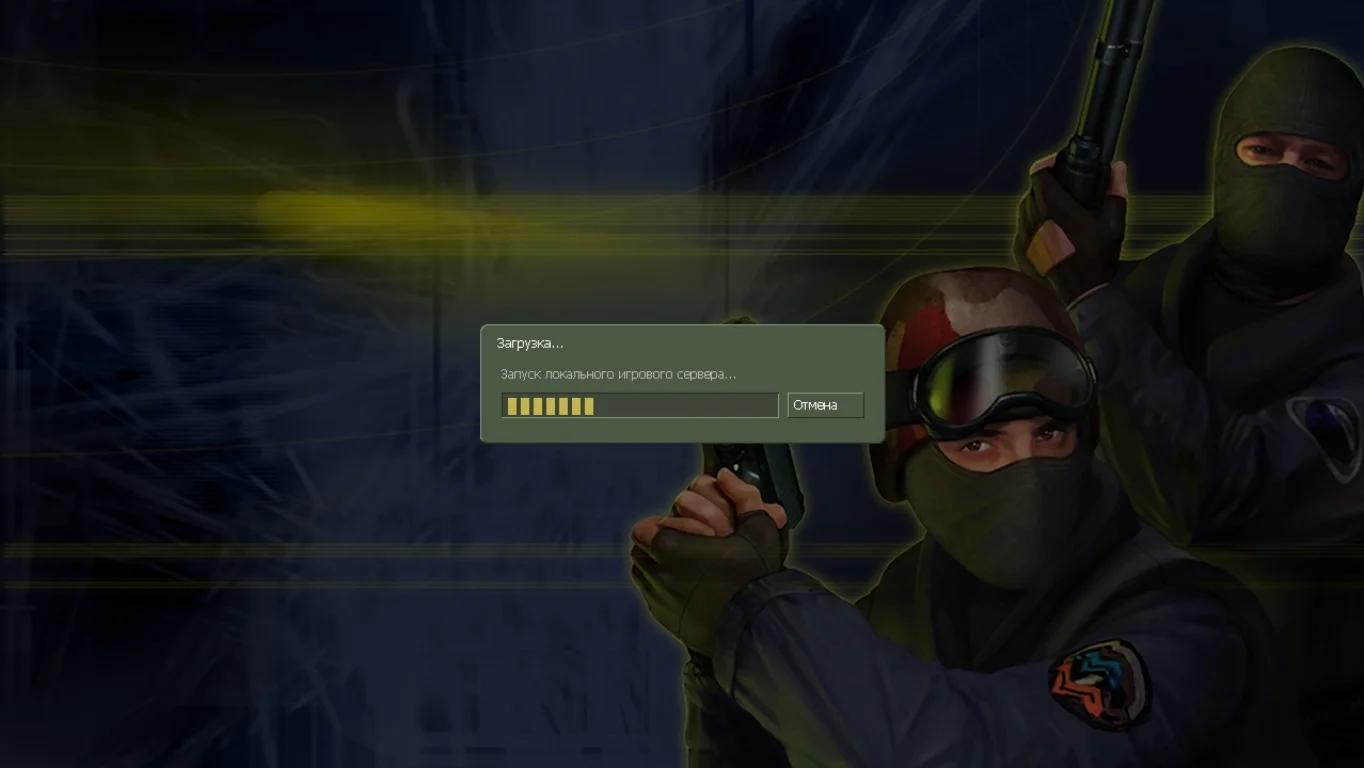
При запуске игры, вы встретите оригинальную картинку главного меню, на которой расположились кнопки на русском языке. Сборка дает возможность сразу же подключиться к серверах либо создать битву с интеллектуальными ботами.
Стандартный набор карт
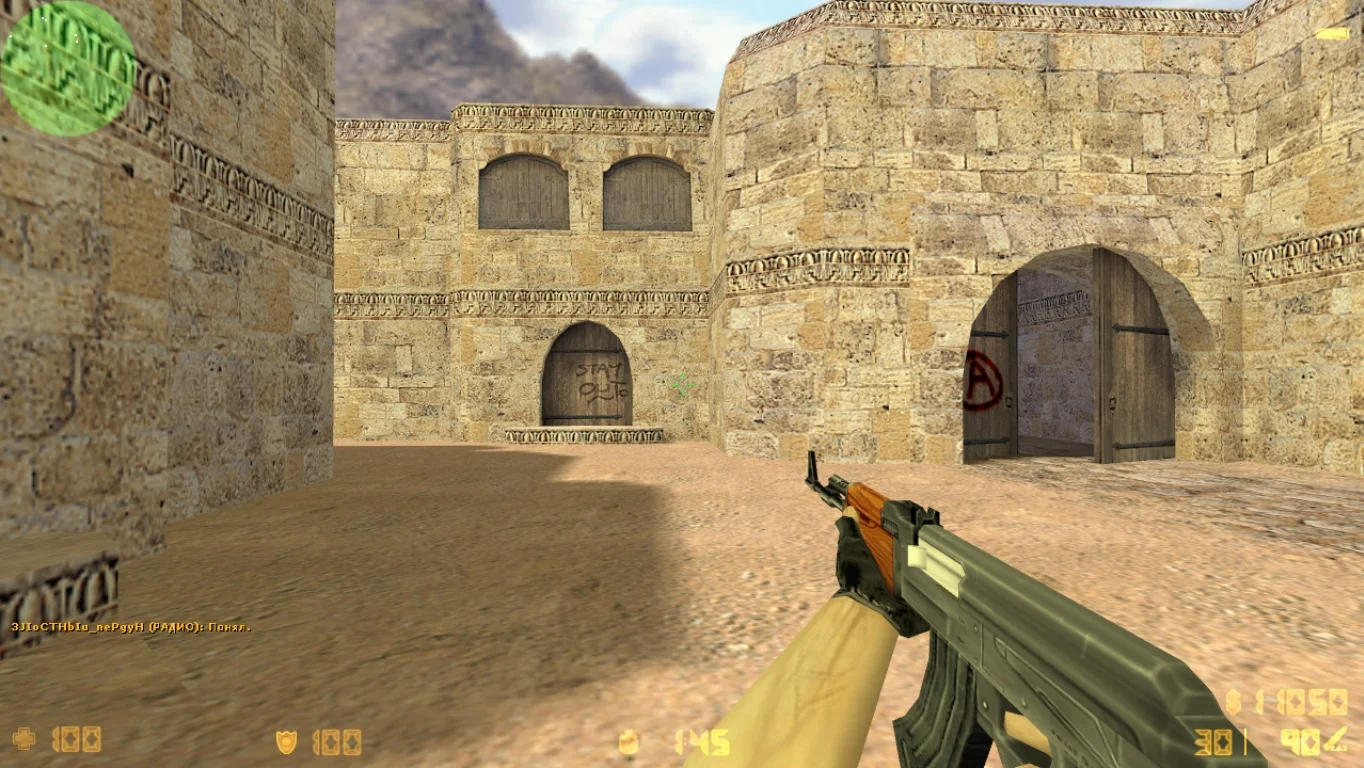
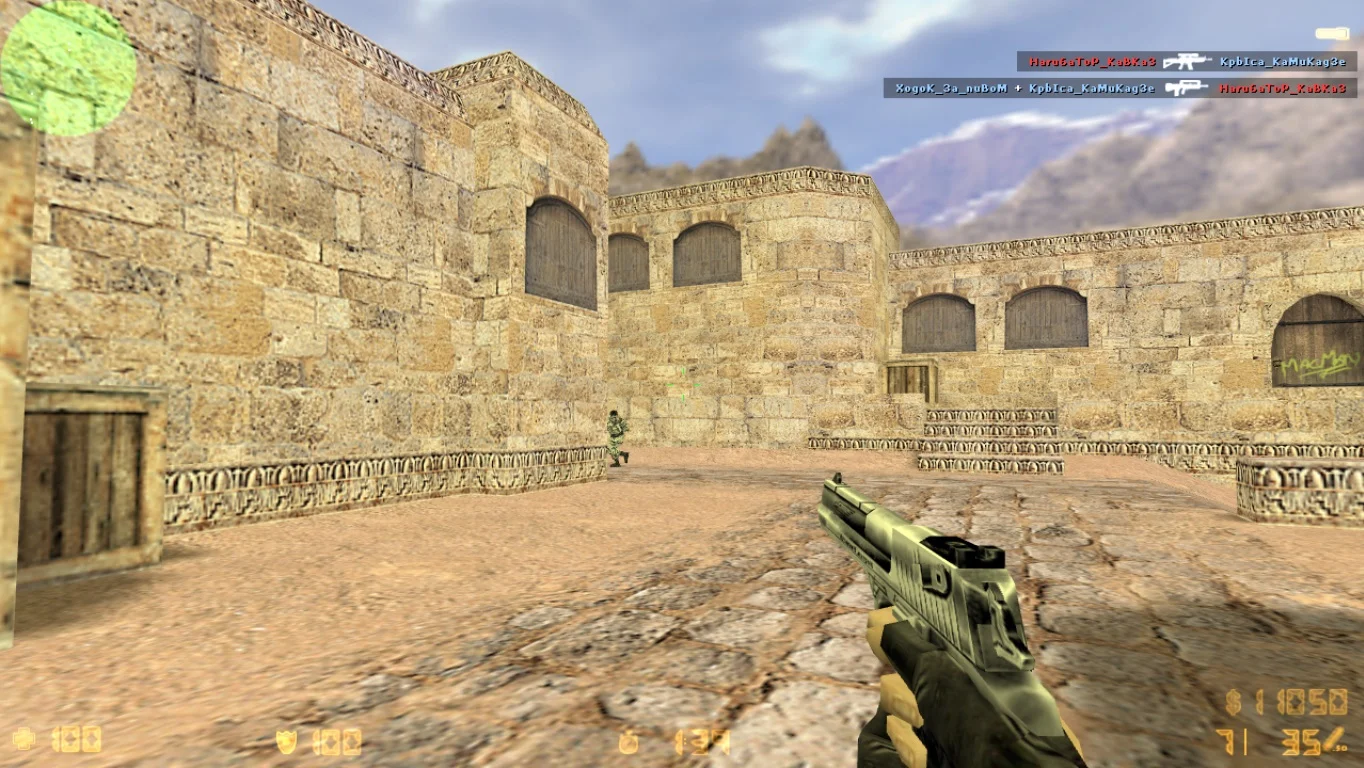
Версия игры получила стандартные локации, на которых и будут развиваться боевые действия. Большинство карт предназначены для установки и разминирования взрывного устройства, кроме этого есть места, где можно потренировать игровые навыки стрельбы.
Уникальная защита
Сборка находится под современной защитой, что делает игру максимально безопасной от вредоносных файлов и рекламы. Версия работает на лучшем движке, который содержит последние обновления, а значит вы всегда будете использовать актуальный игровой клиент.