Home
Home
 CS 1.6 Builds
 CS:GO Builds
 CS:S Builds
 CS2 Builds

Download CS 1.6 with cases
 Русская версия
 С ботами и серверами
 Работает на всех Windows (от XP до 11)
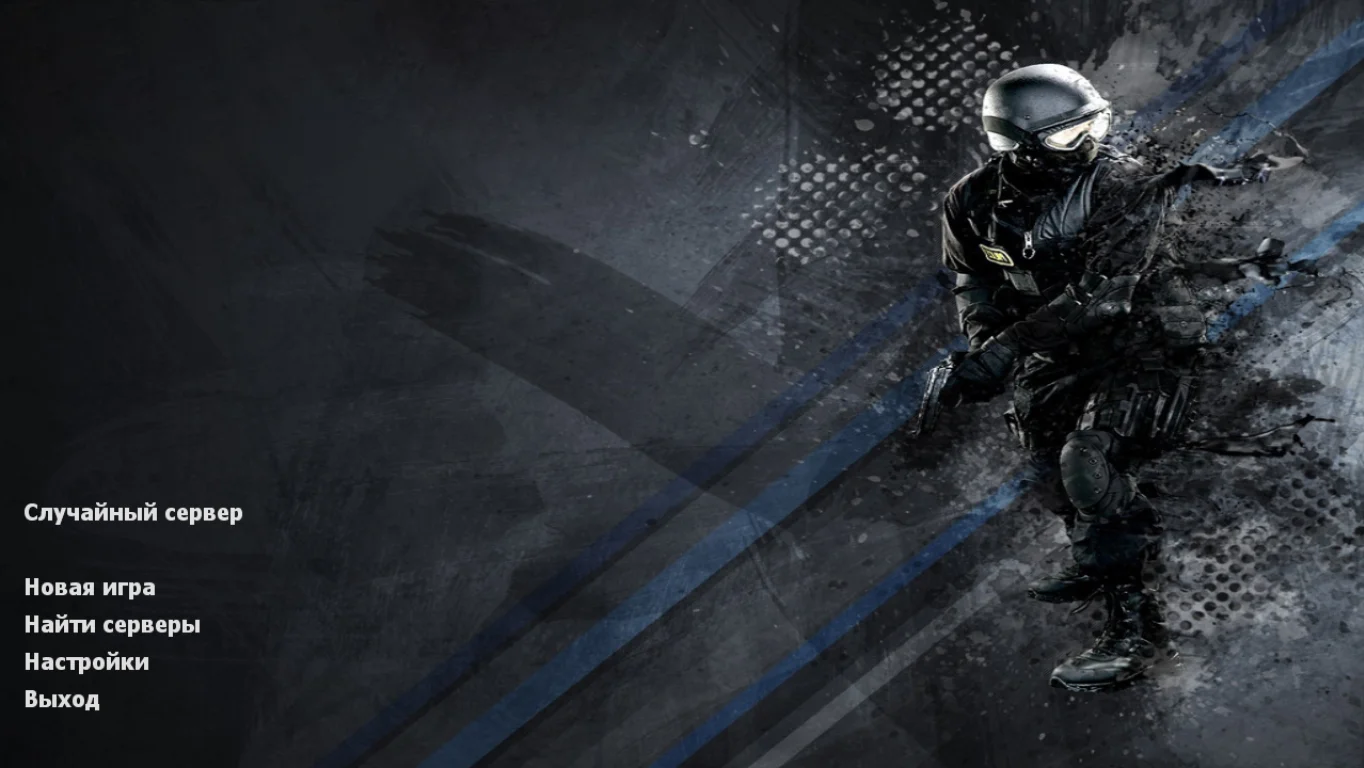
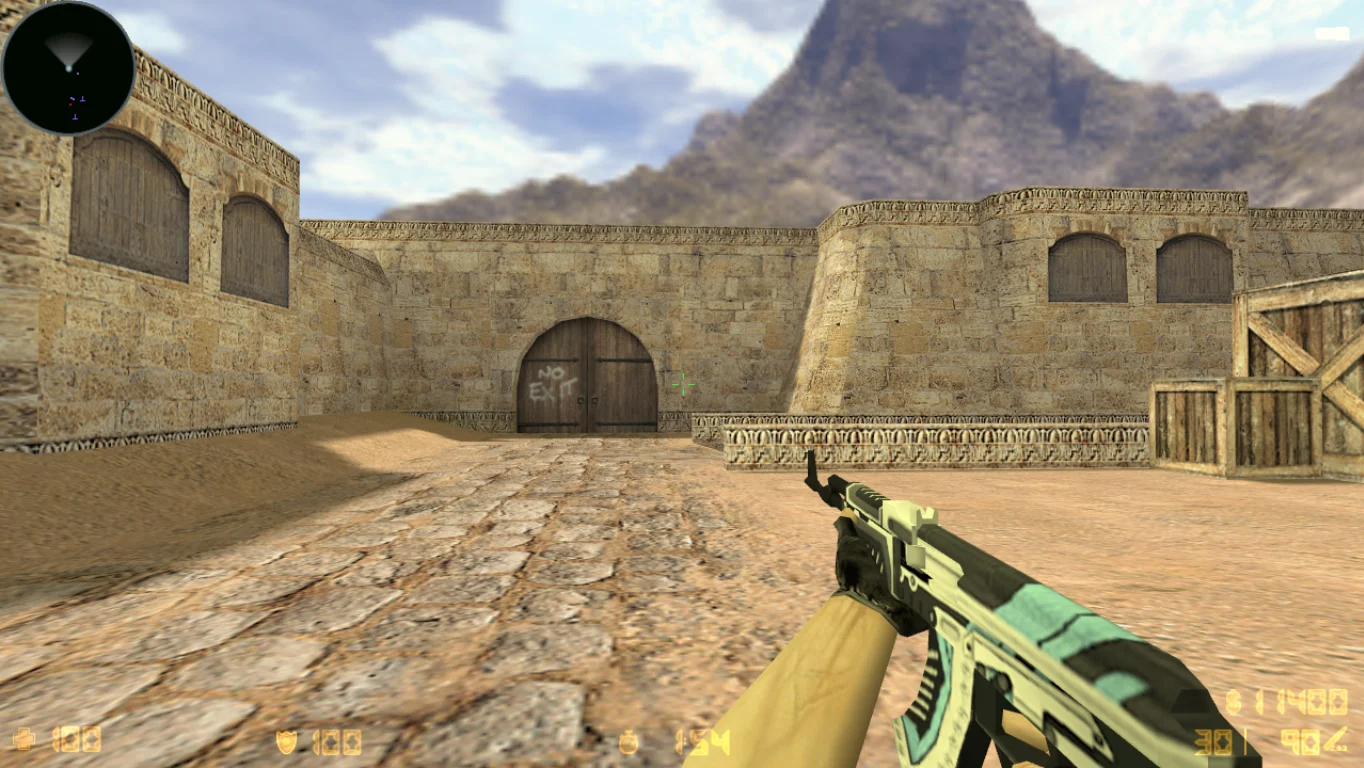
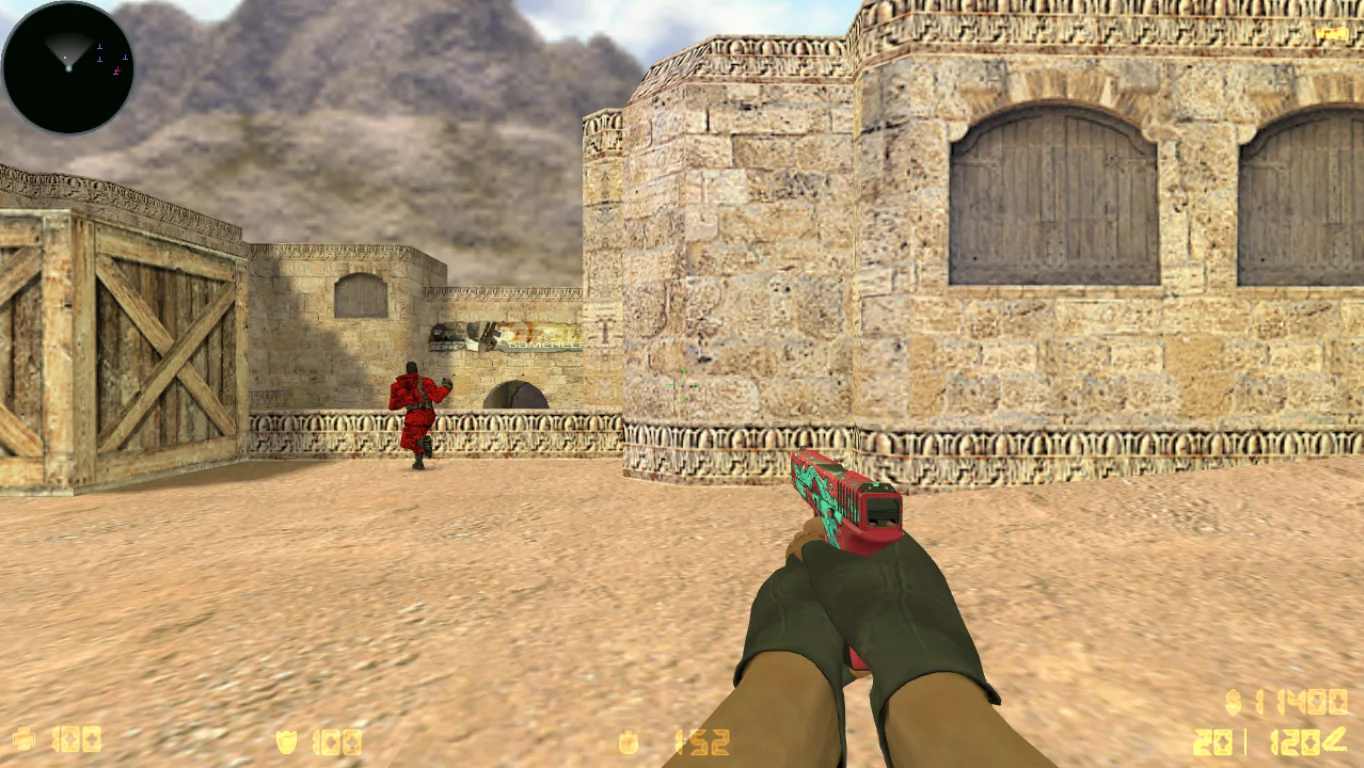
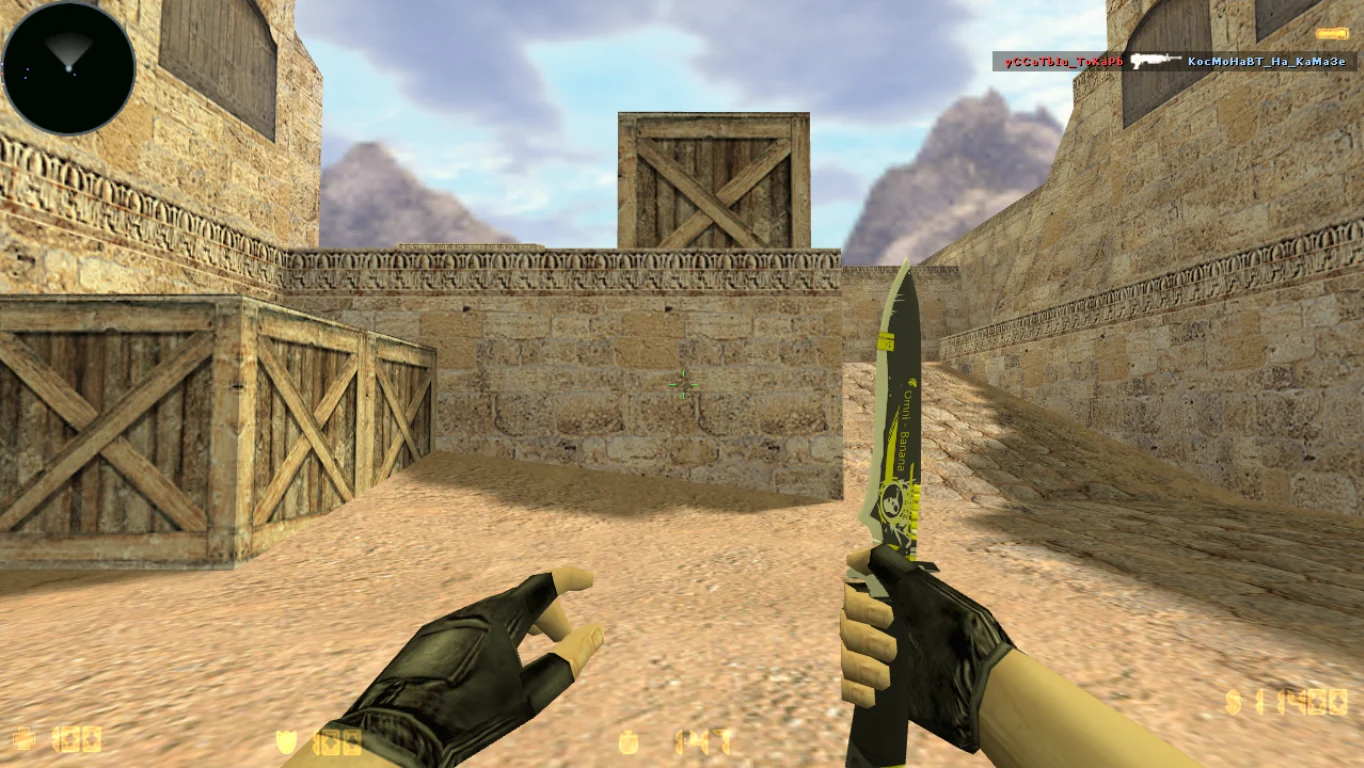
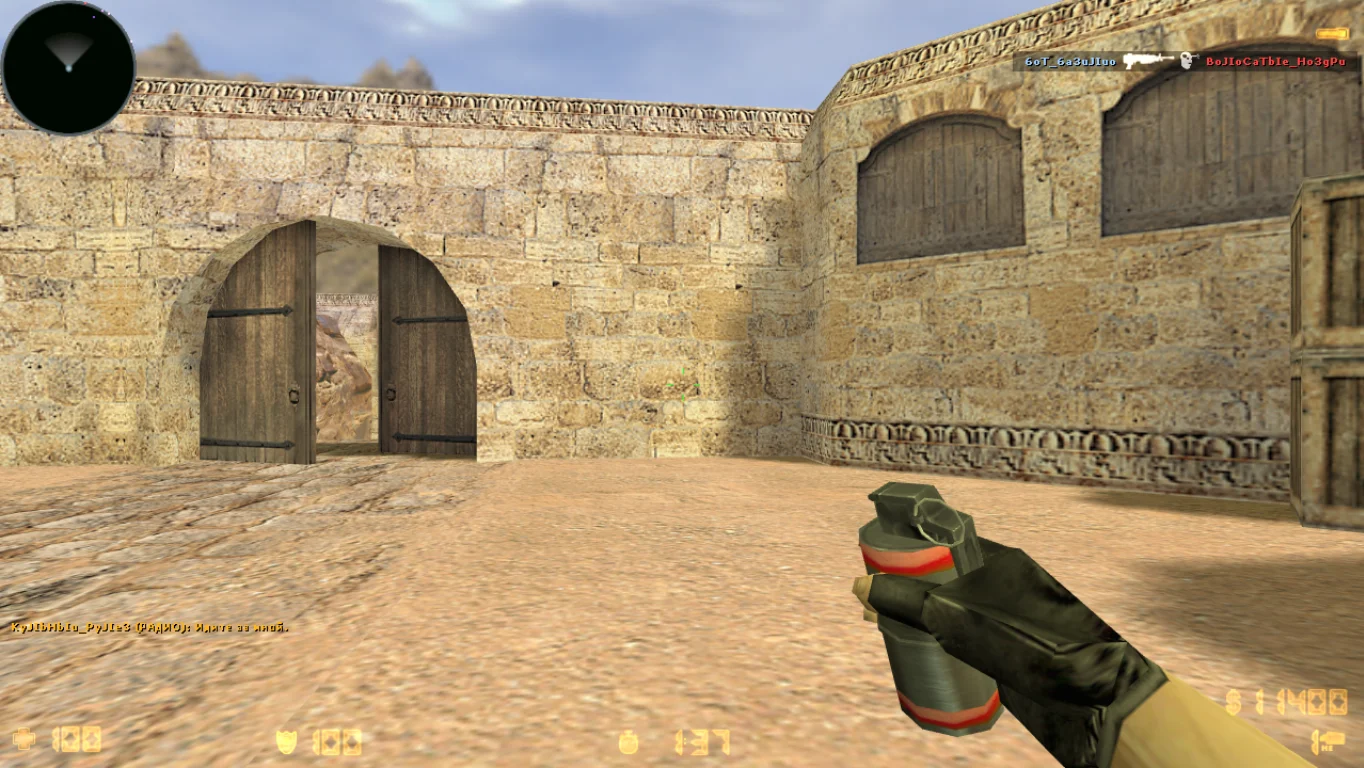
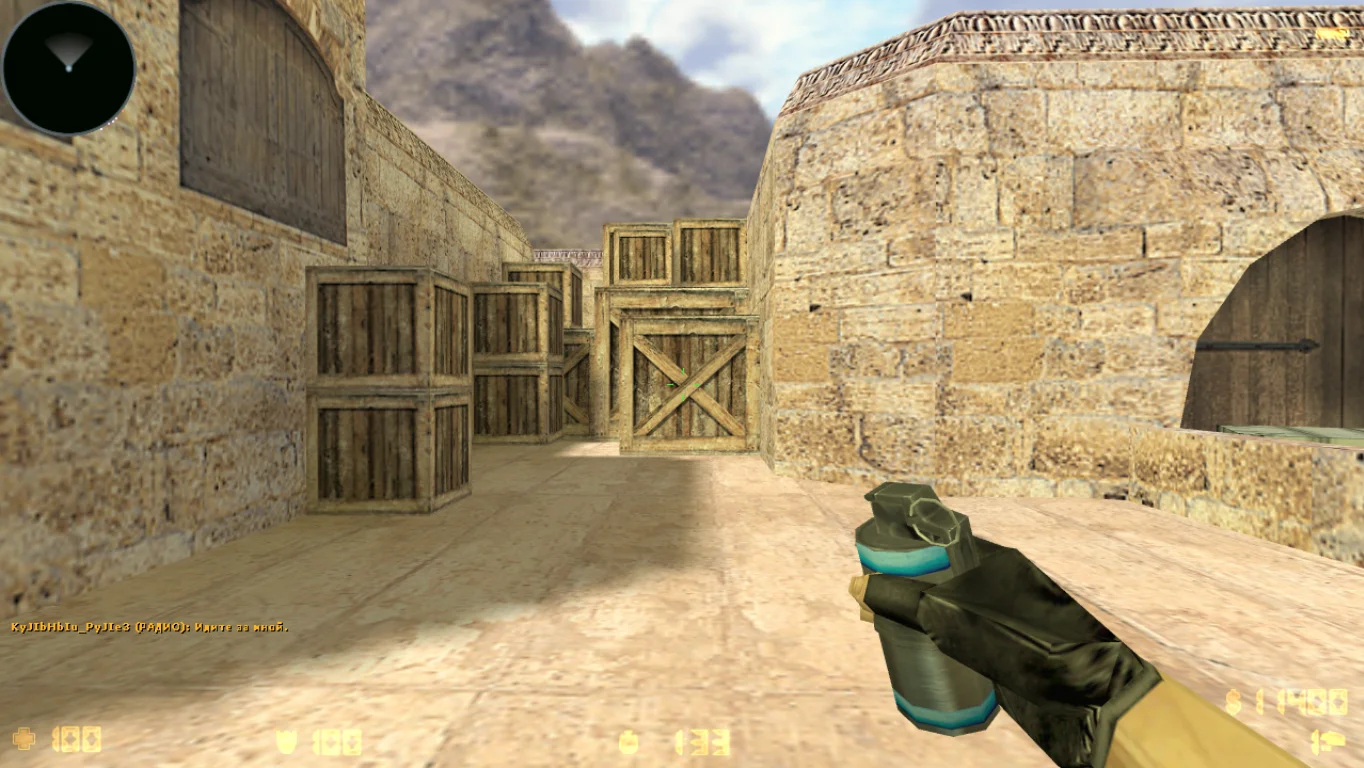
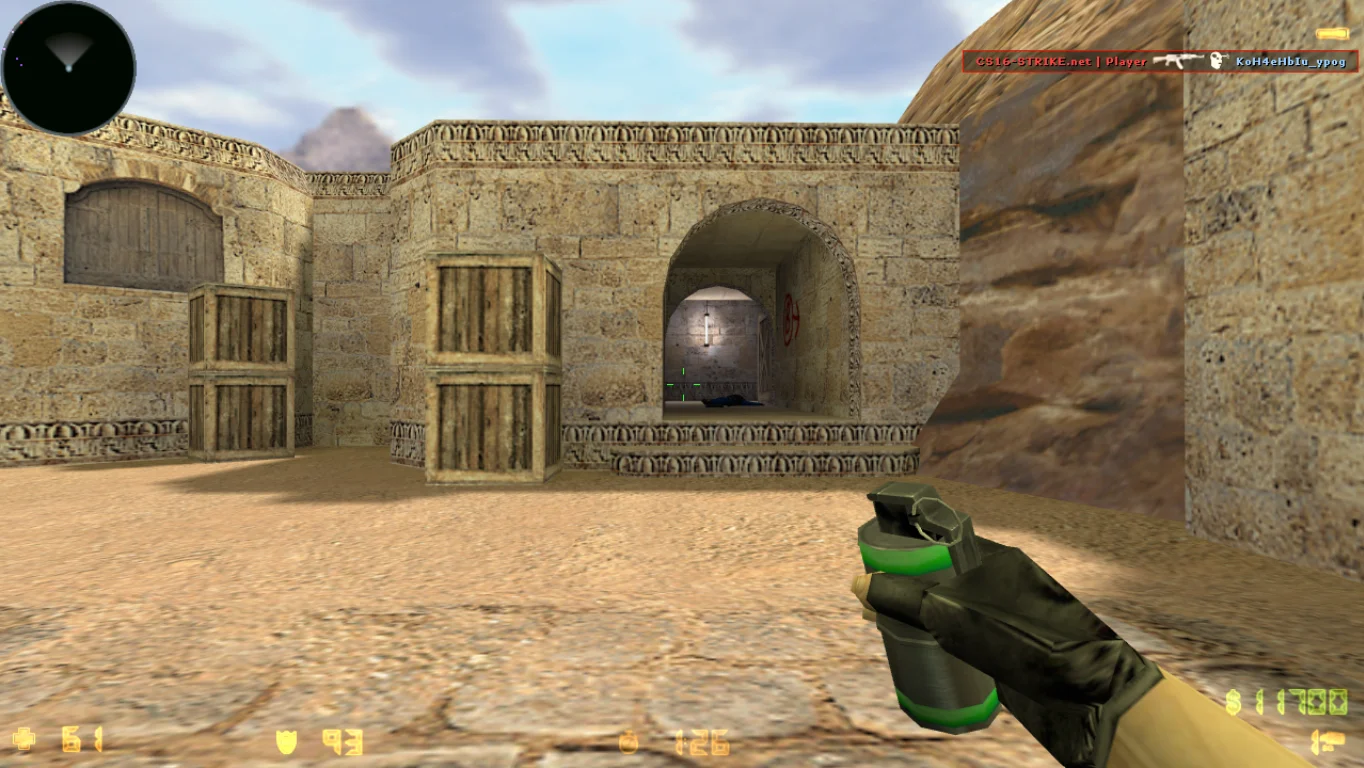
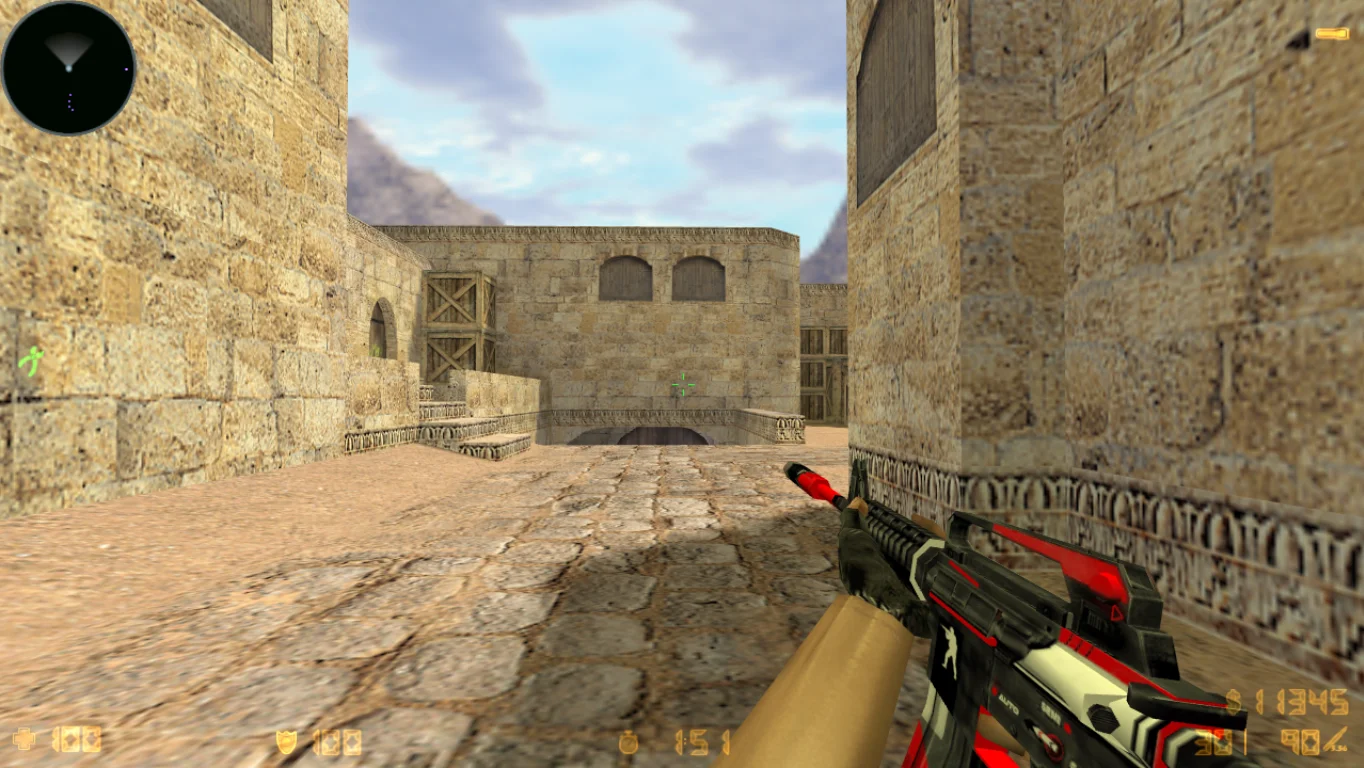
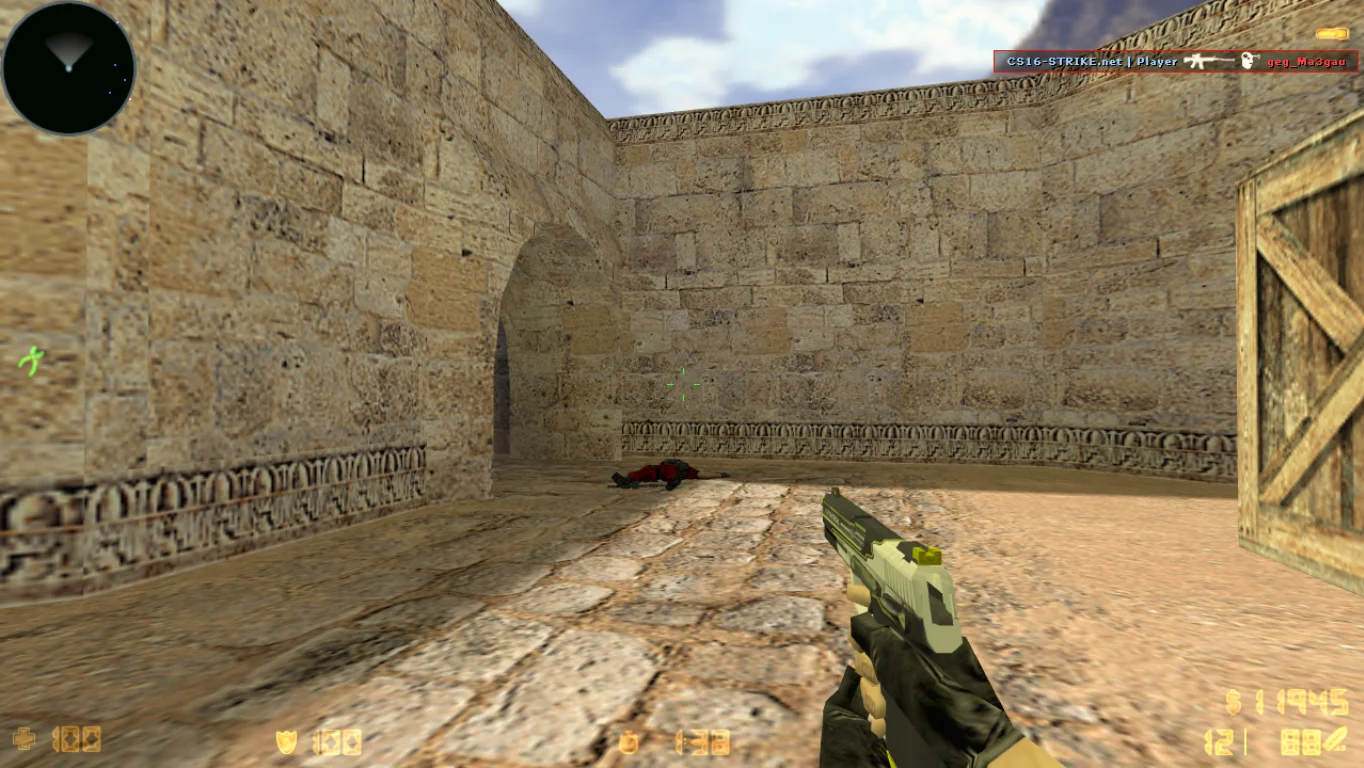
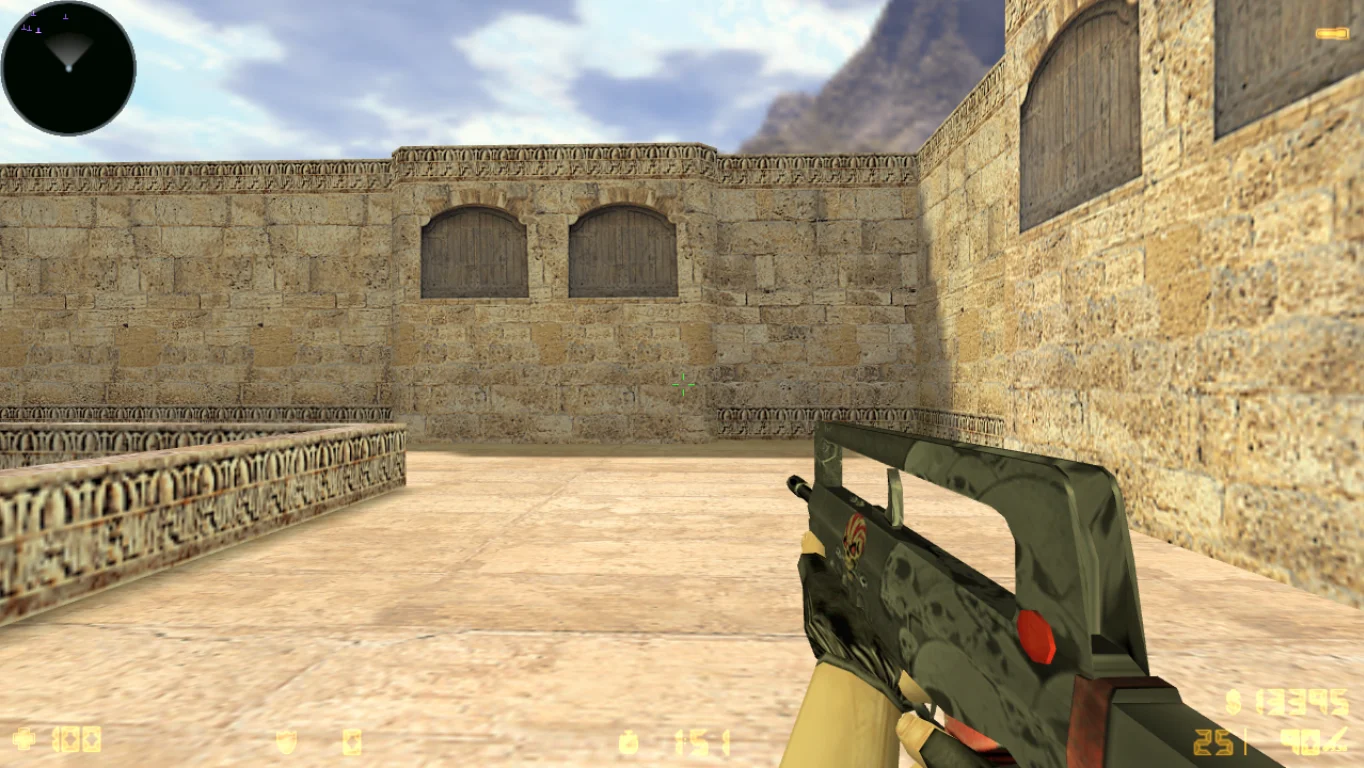
CS 1.6 with cases — is a unique build of the classic shooter, featuring a case-opening system similar to CS:GO. Here, you can not only shoot and win but also collect skins by getting them from cases with random drops. Downloading CS 1.6 with cases is recommended for anyone who wants to combine classic gameplay with the excitement of collecting weapons without switching to the heavier and more demanding CS:GO.
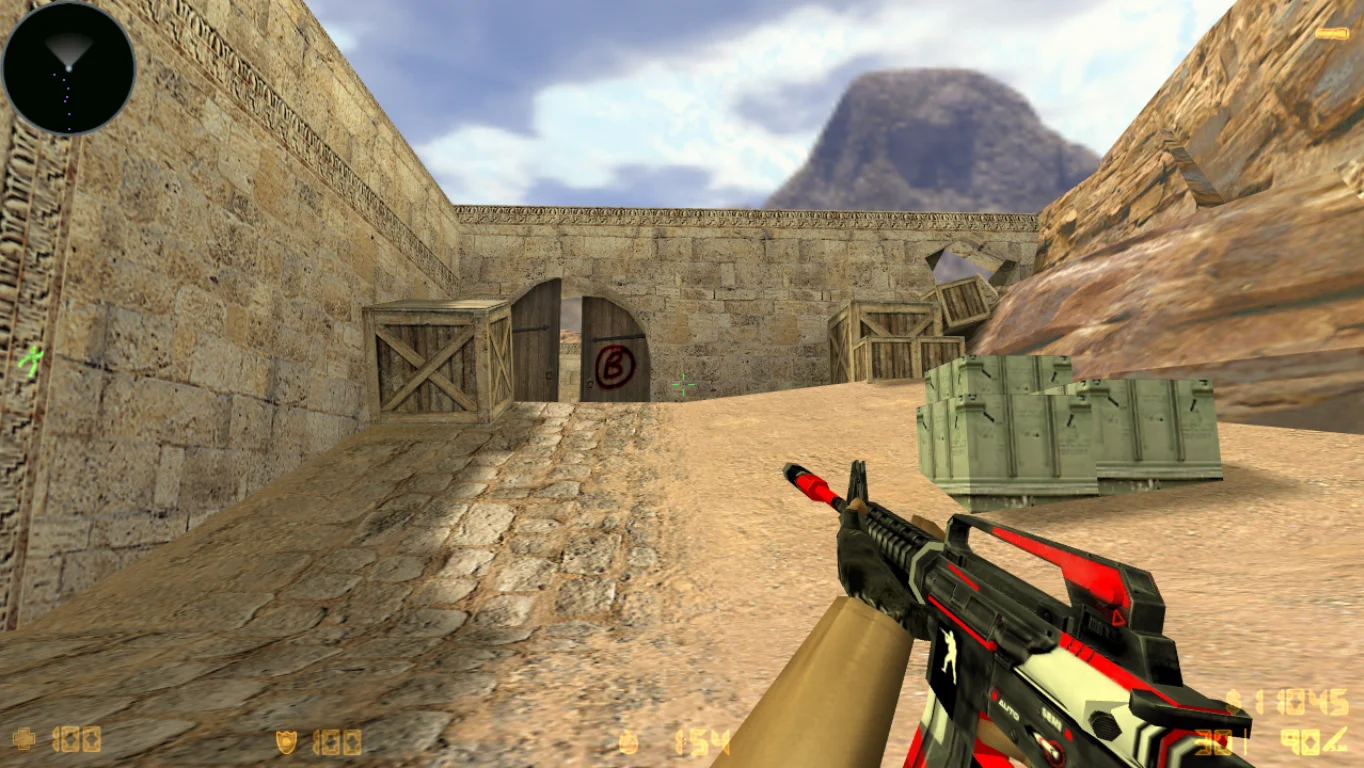
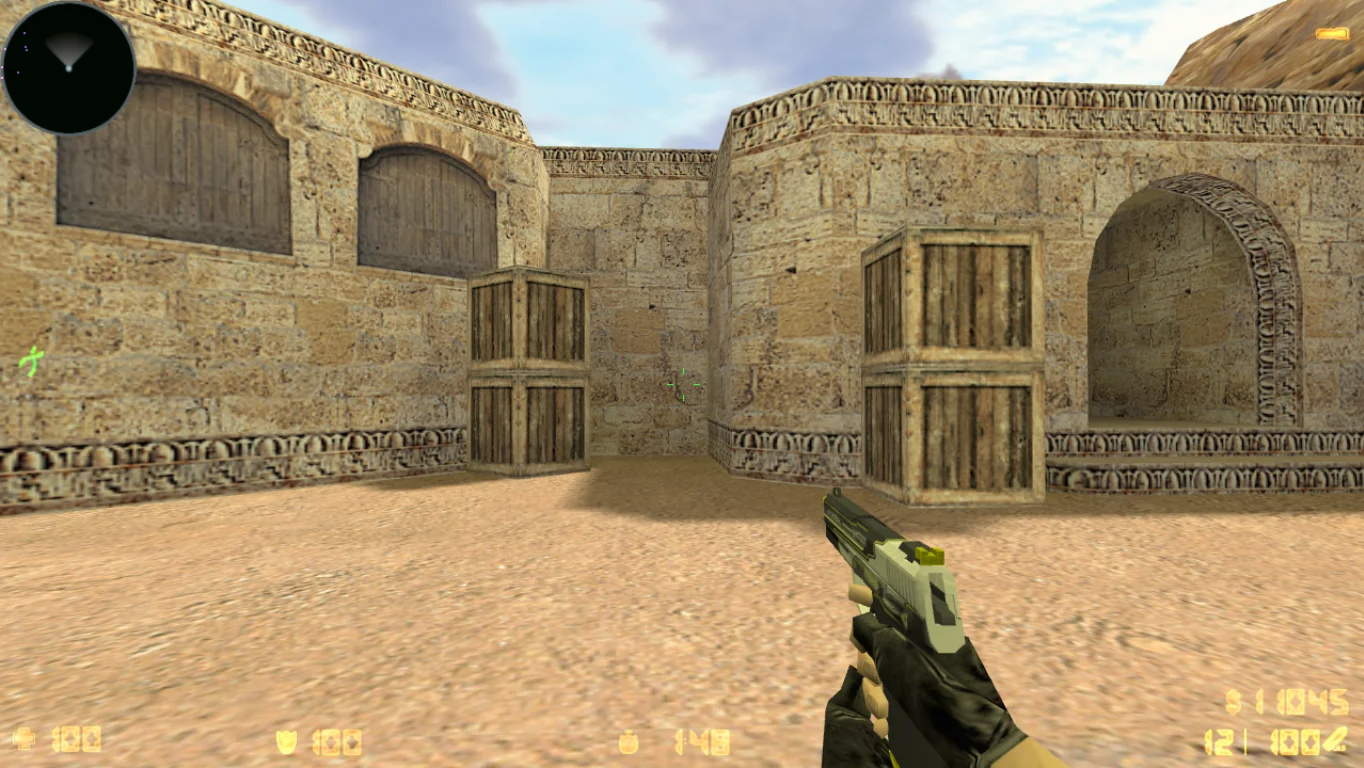
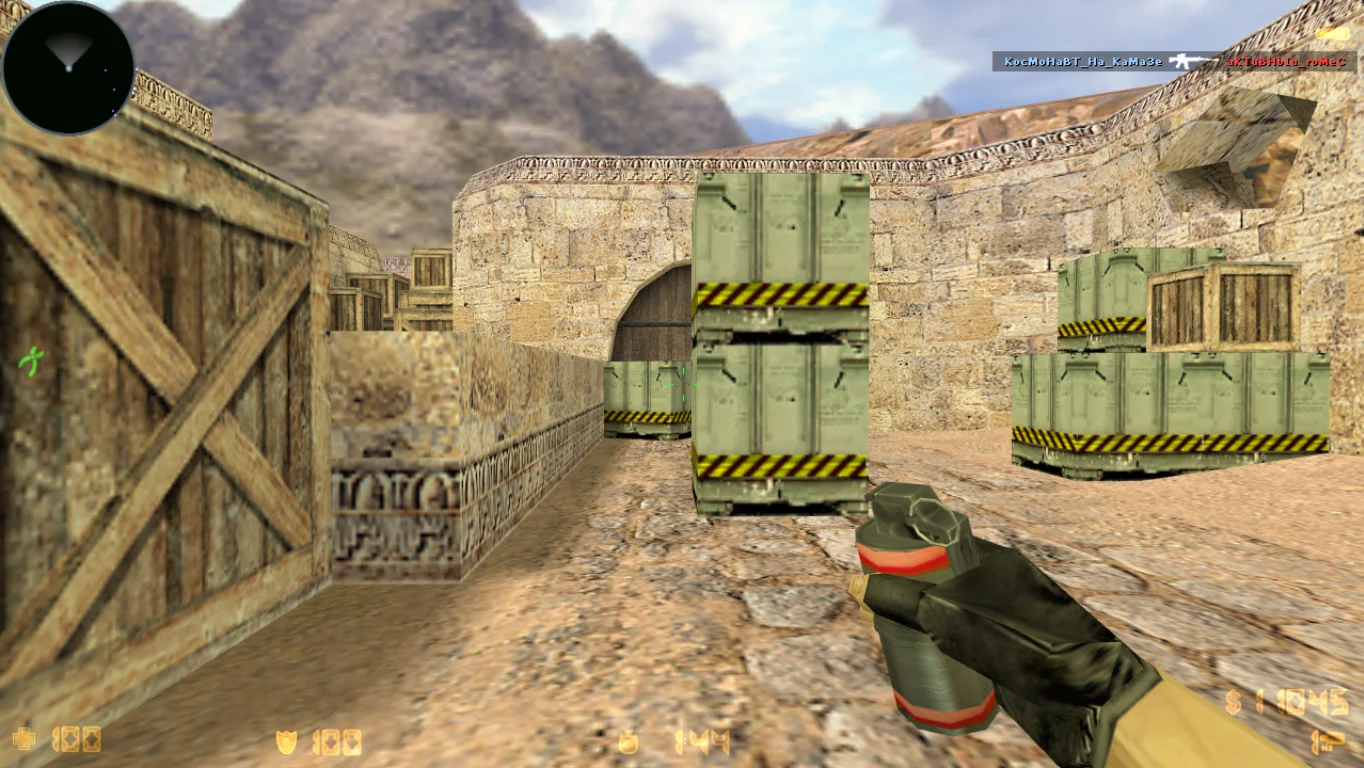
The build completely redesigns the game mechanics: cases, keys, inventory system, and skins are displayed in-game, on hands, and in the kill feed. Various cases with unique weapon sets are available — from classic to bright, neon, and animated models. The game supports offline mode with bots and online play, is fully compatible with Windows XP, 7, 8, 10, 11, and runs stably without lags. The interface is intuitive, and opening cases is an exciting part of the gameplay.
CS 1.6 with cases is free to download, easy to install, and takes just a couple of minutes. The client contains no viruses, ads, or extra software. All weapon models work correctly, without crashes or conflicts. This version is perfect for those who want to add modern mechanics to the classic game and experience CS 1.6 in a new way. Get drops, collect sets, and win with your favorite skins!
Features of CS 1.6 with cases build:
Built-in system of cases and keys
Skin drop mechanics when opening cases
Personal weapon inventory
Beautiful weapon skins displayed in-game
Works in offline mode and online
Supports Windows XP, 7, 8, 10, 11
Russian-localized interface
No viruses, ads, or third-party programs
Quick installation without registration
Works perfectly on low-end PCs
System requirements and installation:
Minimum system requirements:
OS: Windows XP/7/8/10/11
Processor: from 1 GHz
RAM: from 512 MB
Video card: OpenGL support
Free space: from 800 MB
Installation instructions:
Download the CS 1.6 with cases installer
Run the installer and choose the folder
Wait for the installation to complete
Launch the game from the desktop shortcut
Start opening cases and playing with new skins
Модели с ручной анимацией
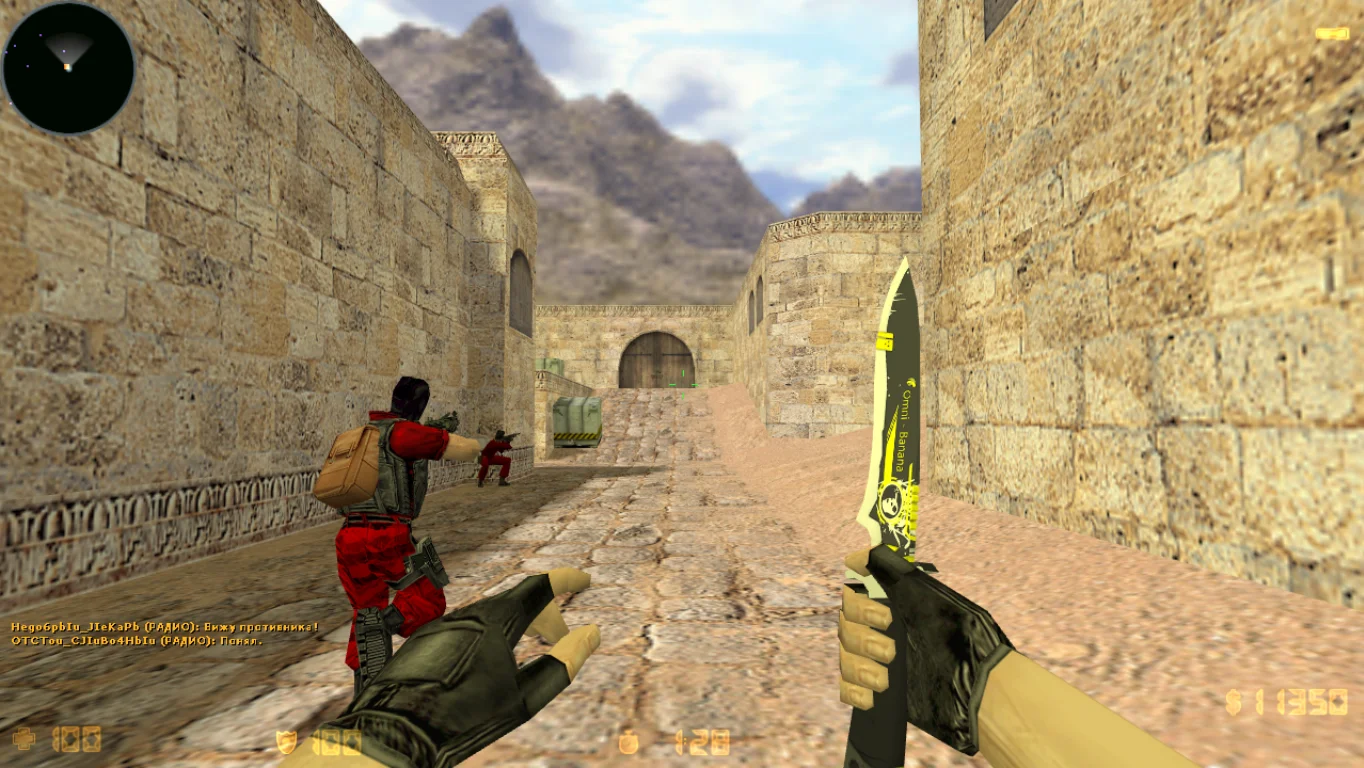
Пушки содержат автоматическую анимацию осмотра, что смотрится довольно таки качественно. Кроме этого, заменен нож на более красивое лезвие, выполненное в темно-желтых цветовых сочетаниях.
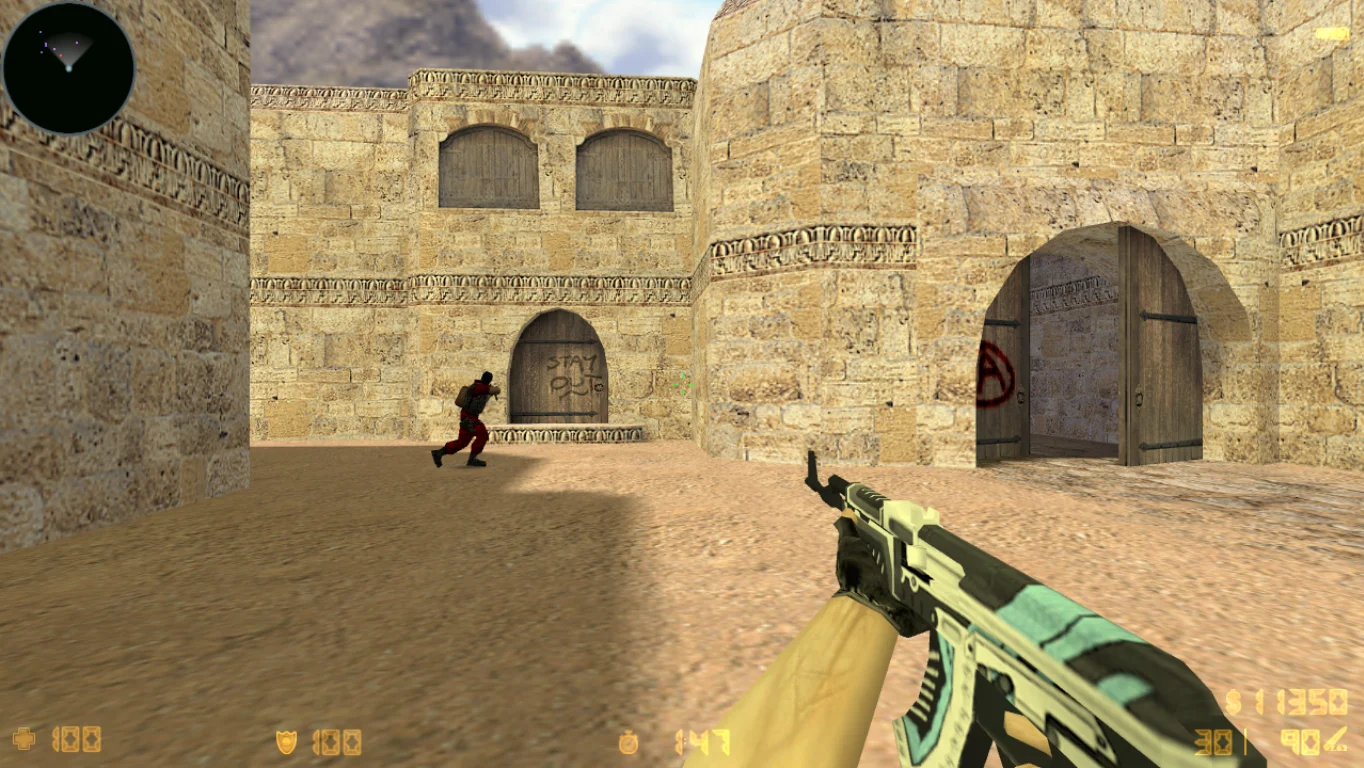
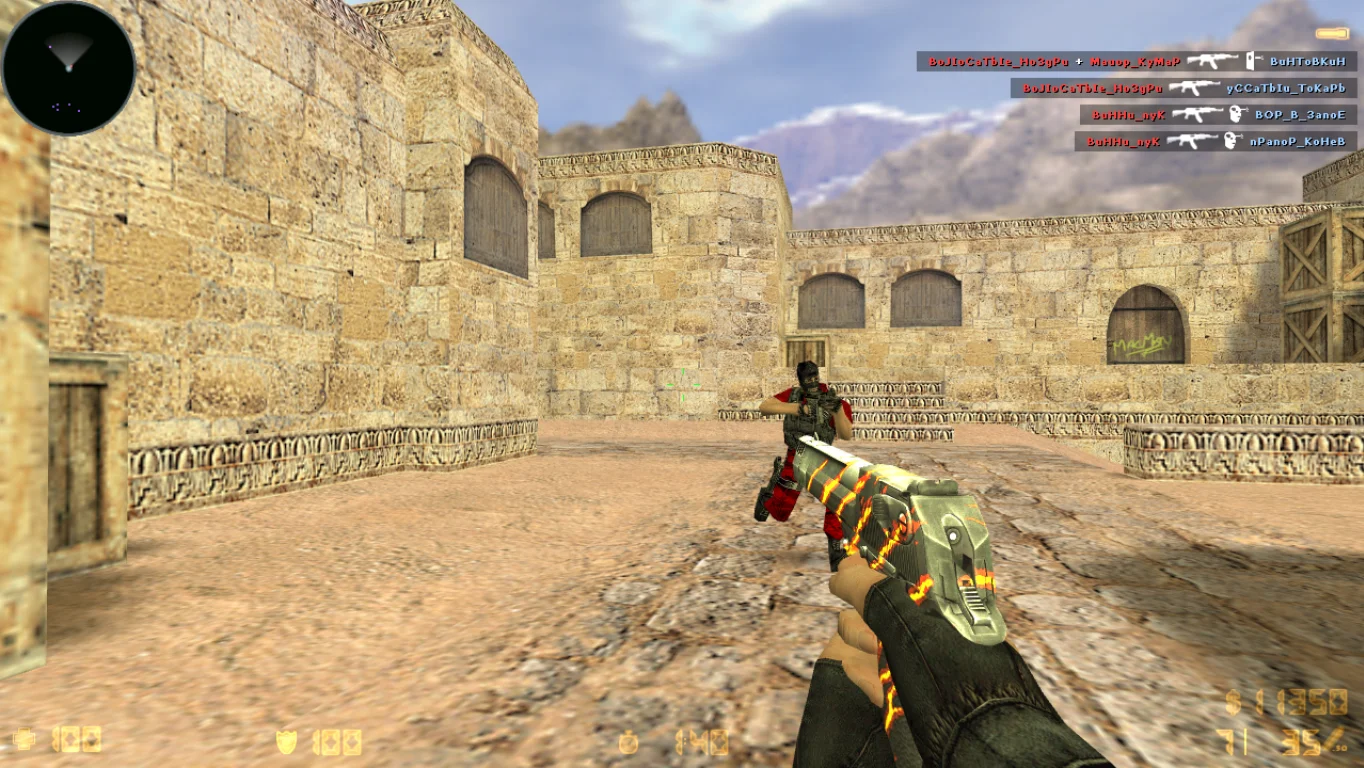
Заменены персонажи
Игровые персонажи теперь красные и синие, благодаря чему будет проще увидеть противника. Бонусом идет дополнительное обмундирование и улучшенная броня от вражеских попаданий, а значит геймеры станут более сильными.