Home
Home
 CS 1.6 Builds
 CS:GO Builds
 CS:S Builds
 CS2 Builds

Download CS 1.6 Beta Version
 Русская версия
 С ботами и серверами
 Работает на всех Windows (от XP до 11)
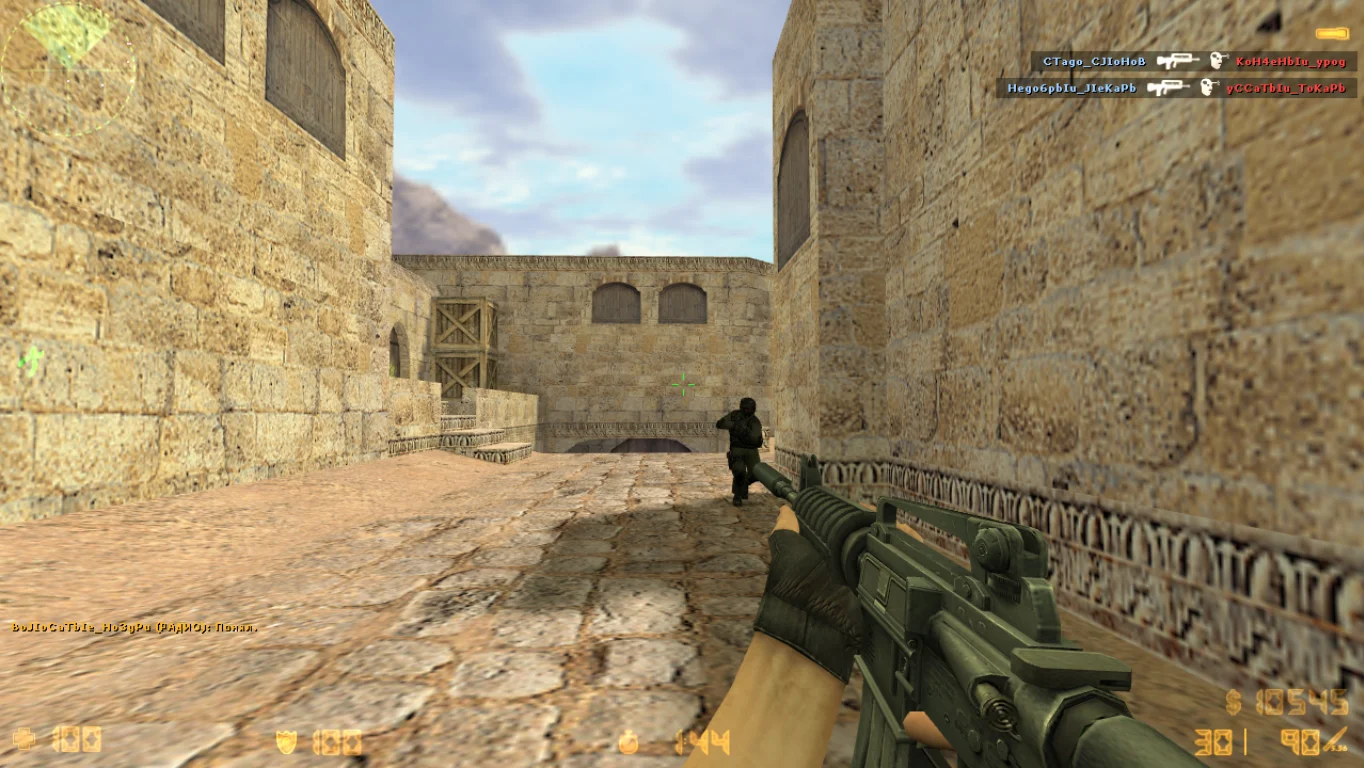
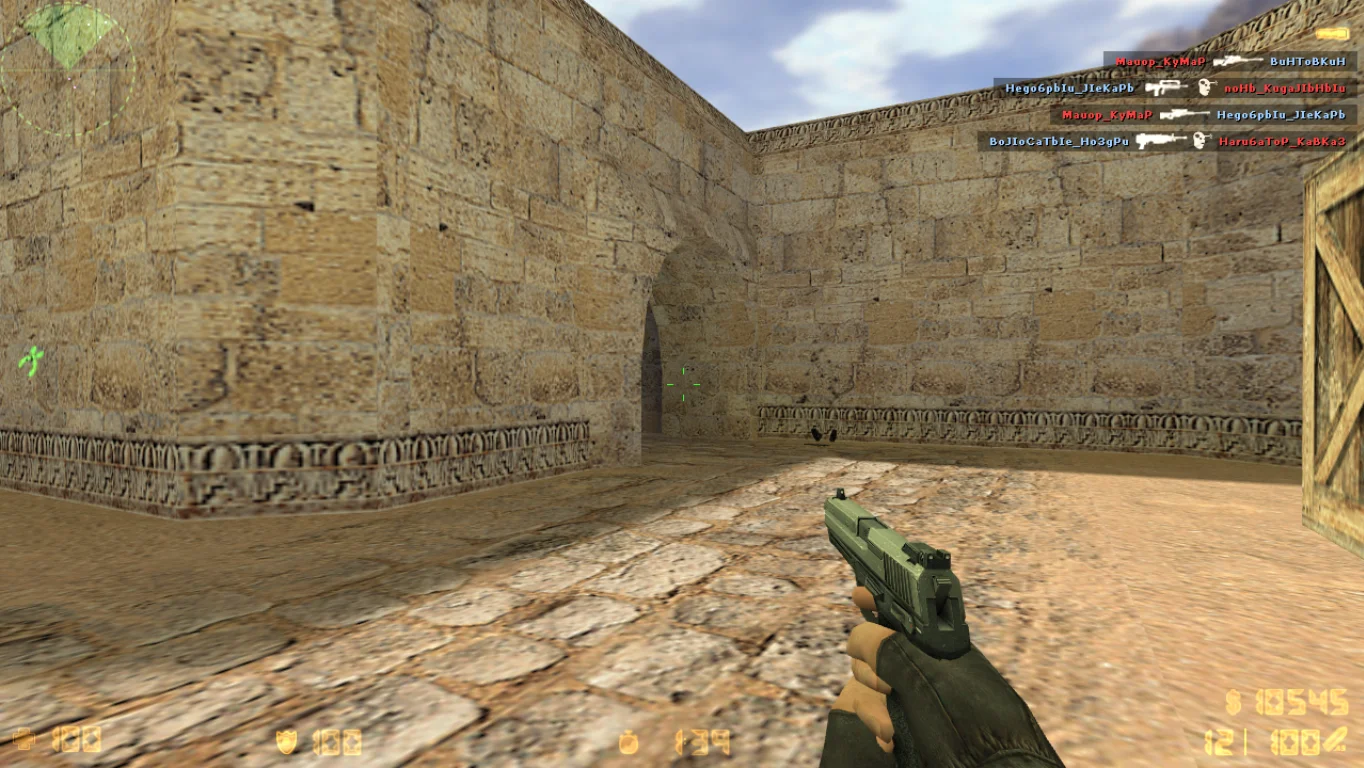
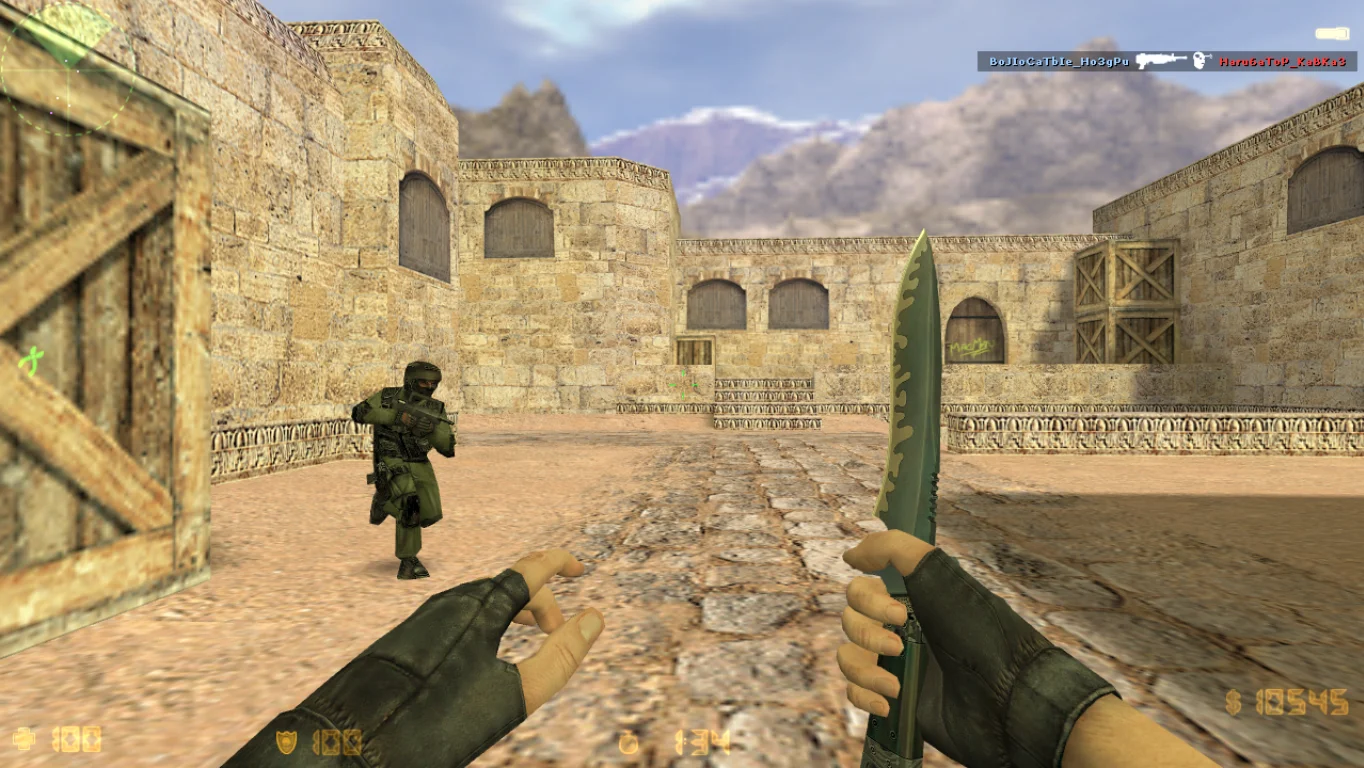
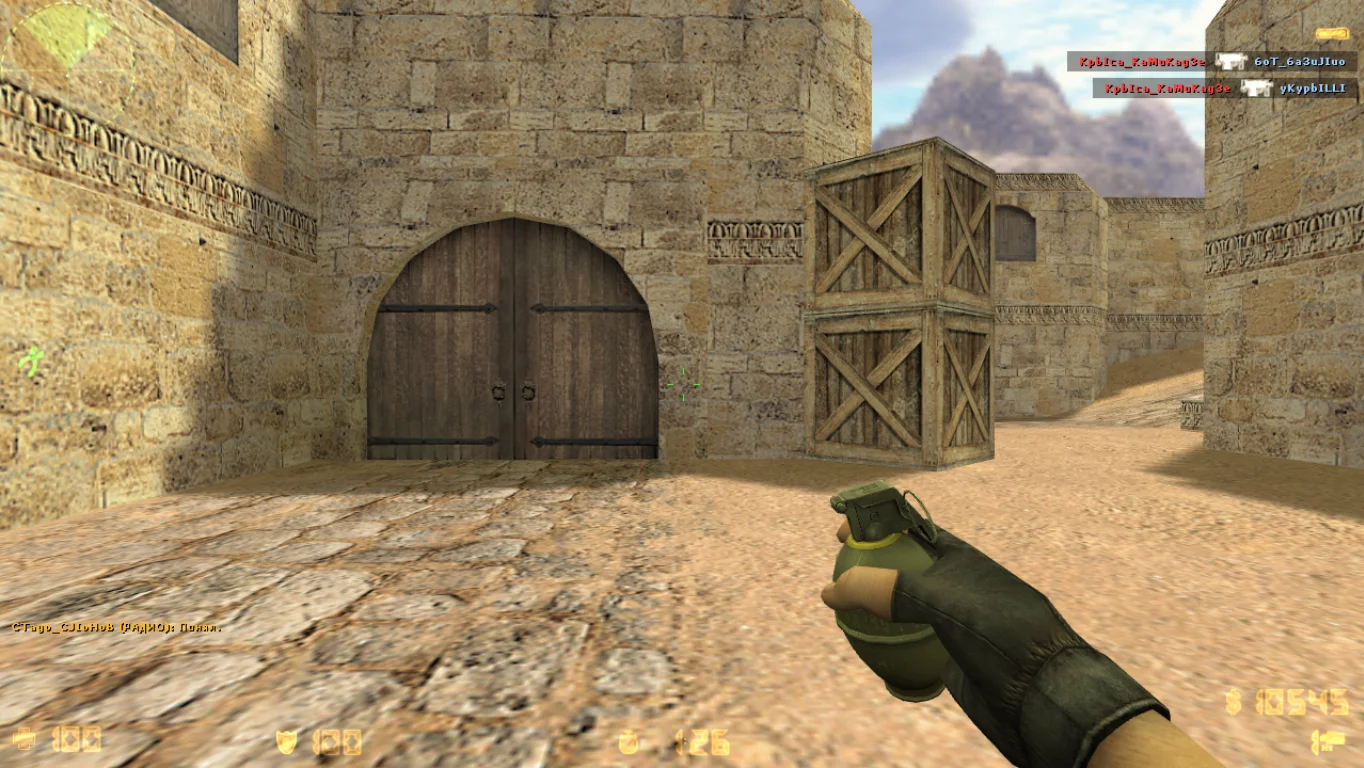
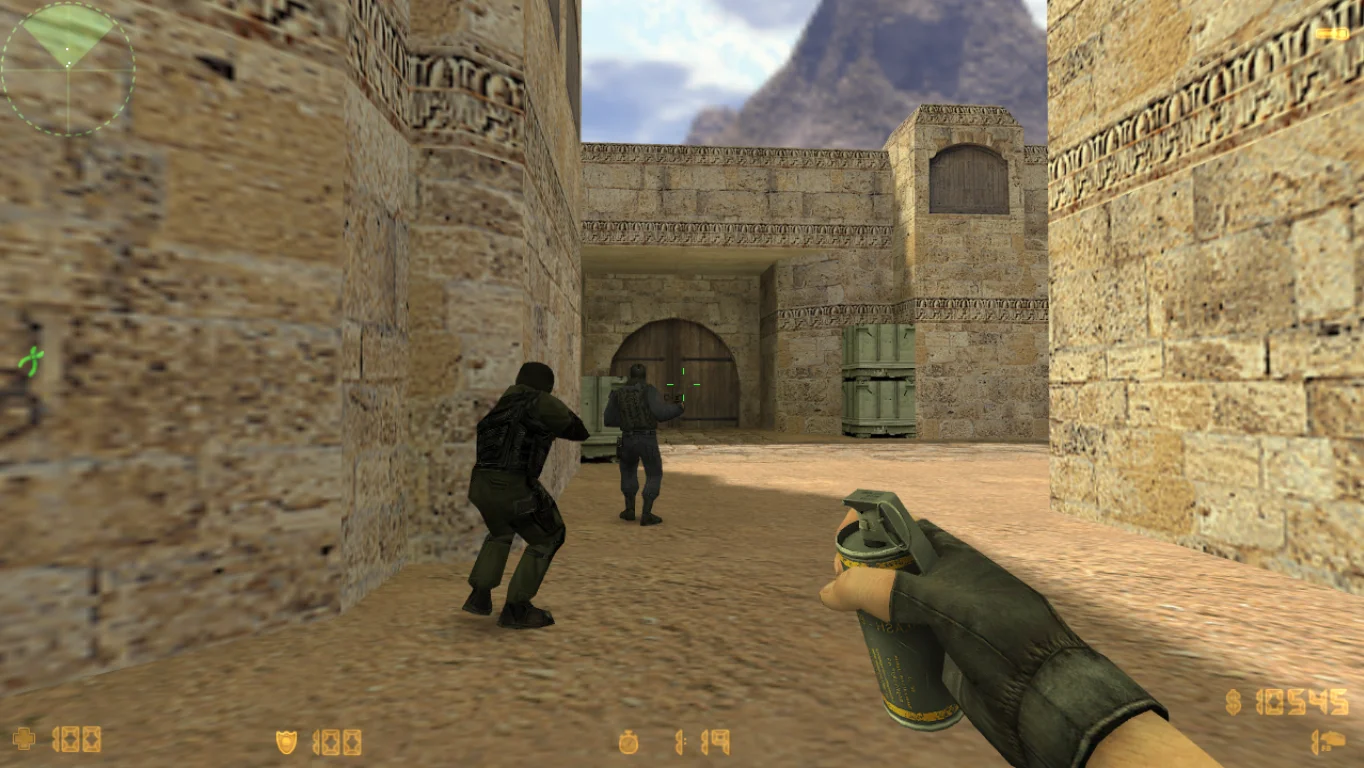
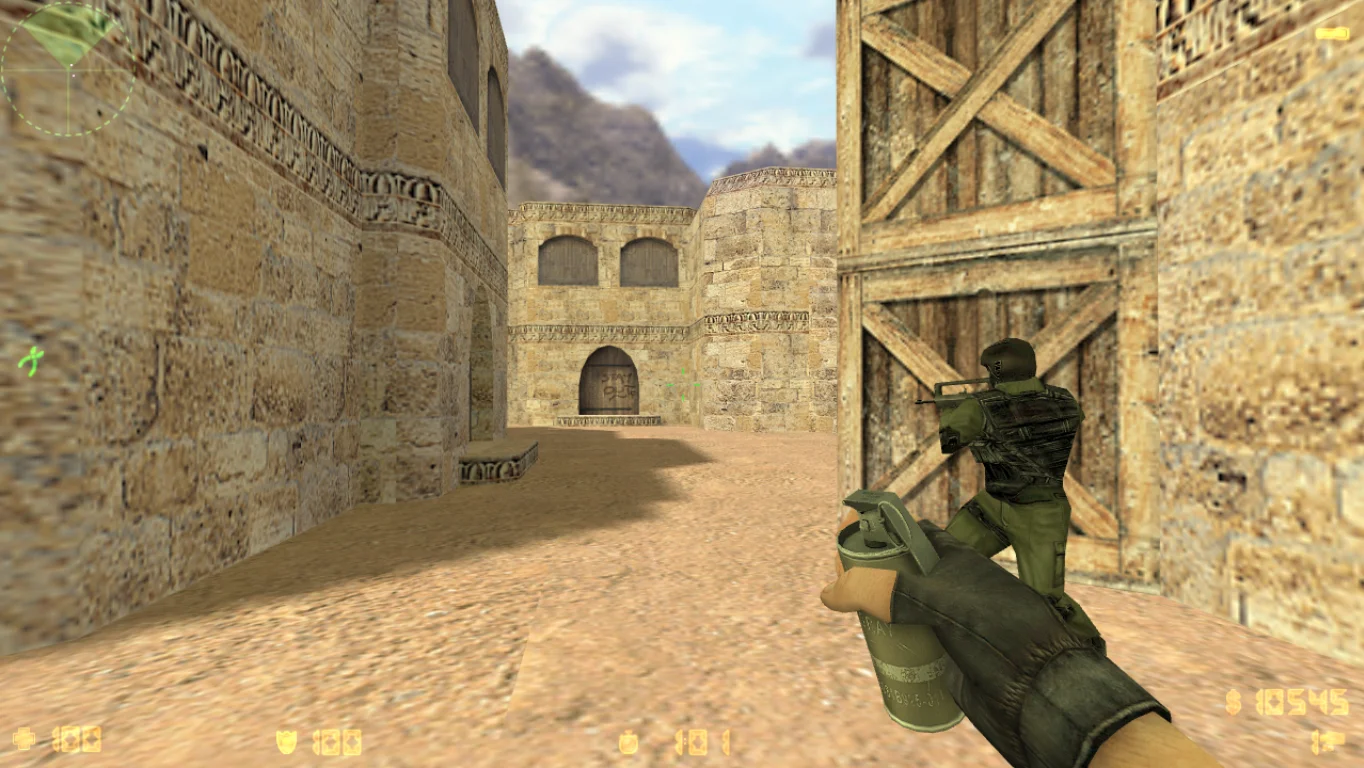
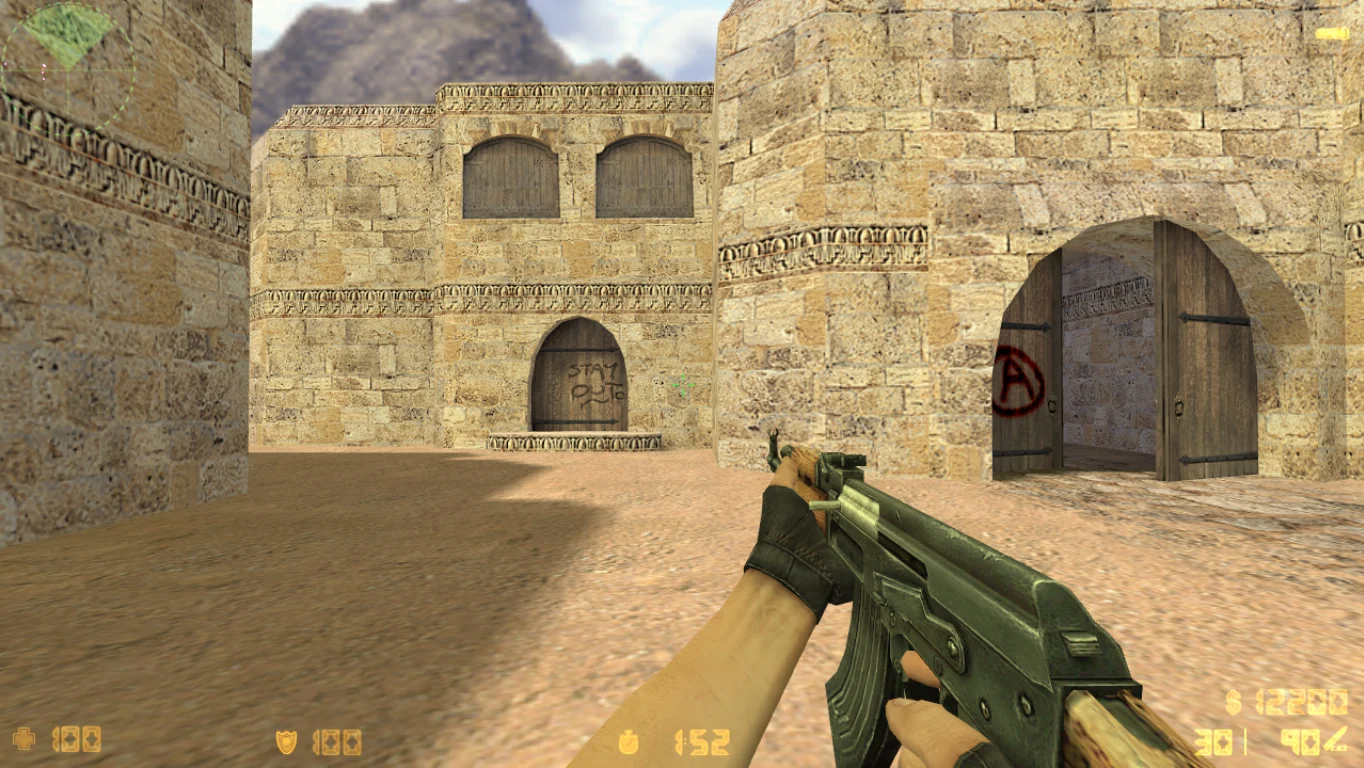
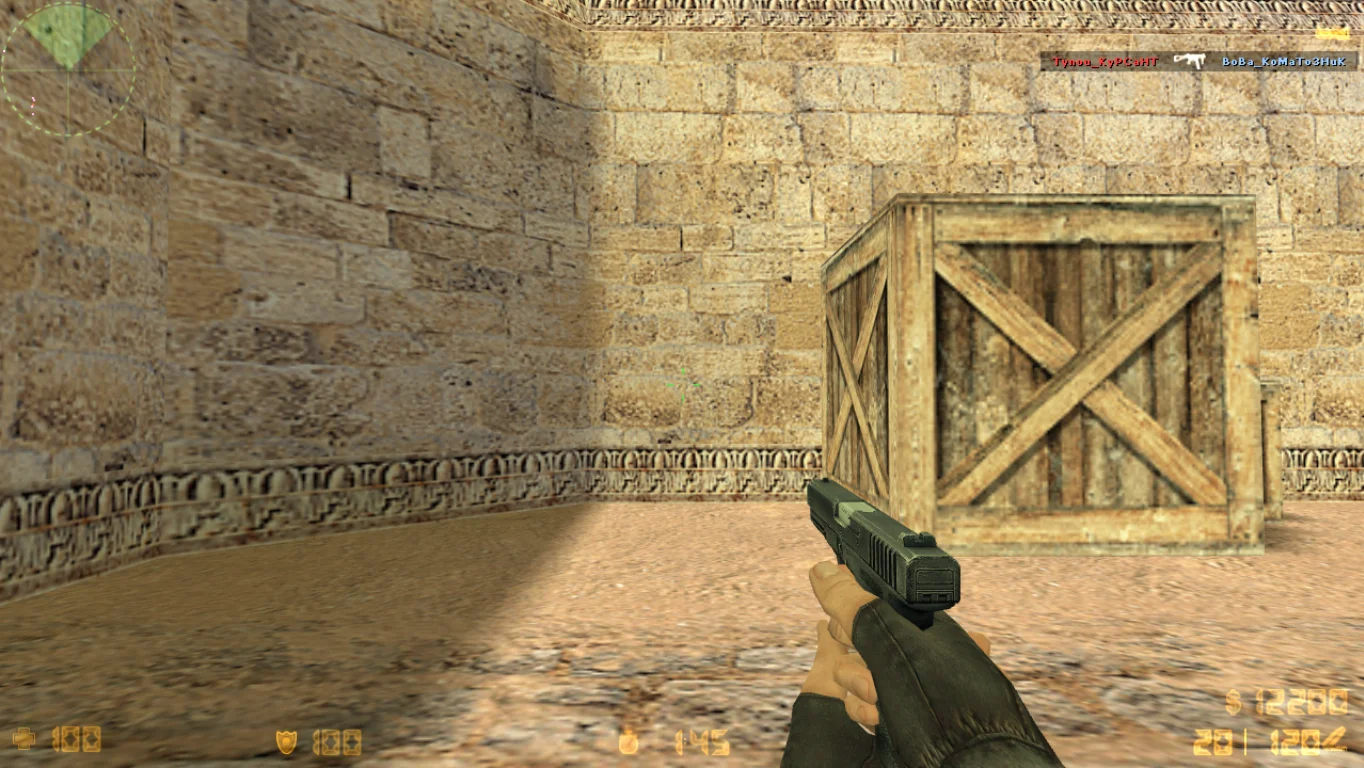
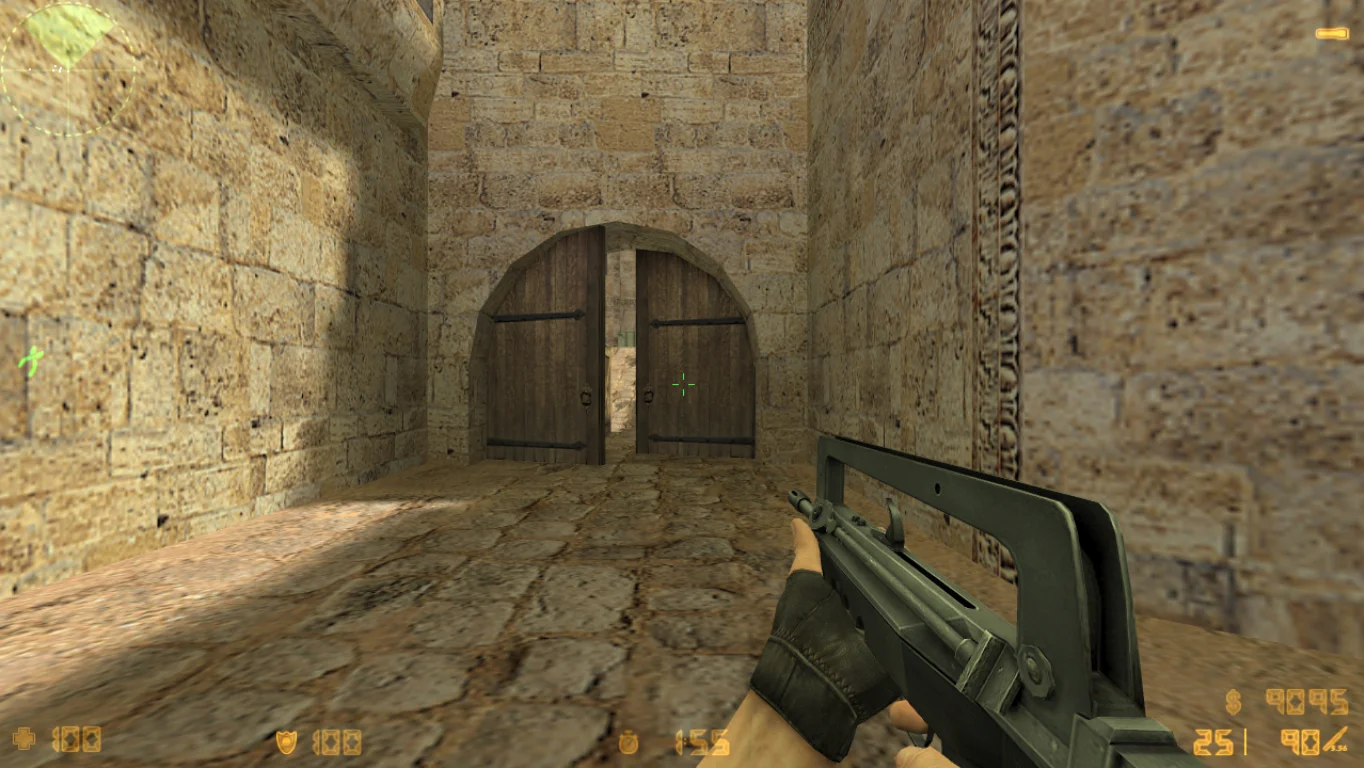
CS 1.6 Beta Version — is a unique build of the classic shooter Counter-Strike 1.6, representing an early test version of the game with original settings and mechanics. This version closely resembles the initial releases, preserving the atmosphere and gameplay of the early days of CS 1.6. Downloading CS 1.6 Beta Version is recommended for those who want to experience the classic game in its original form and feel nostalgia for the time when the legend was born.
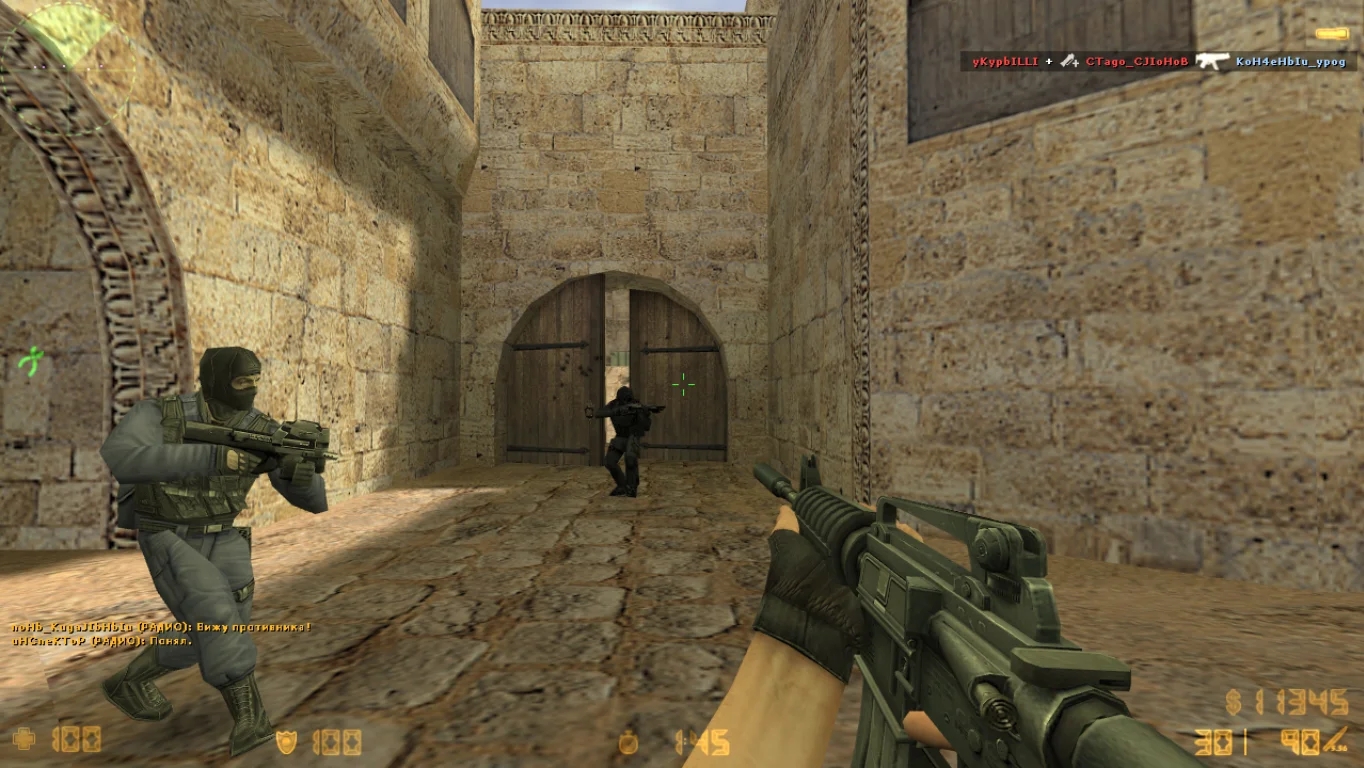
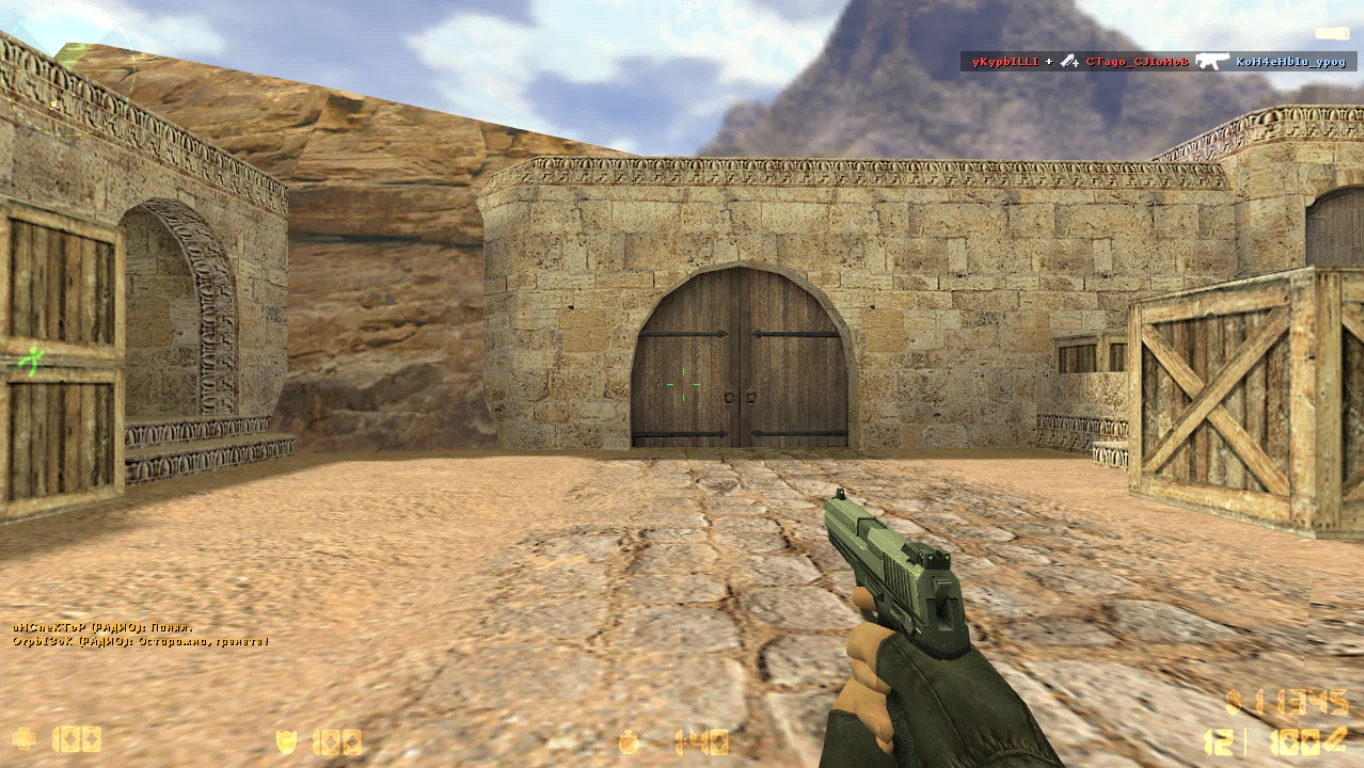
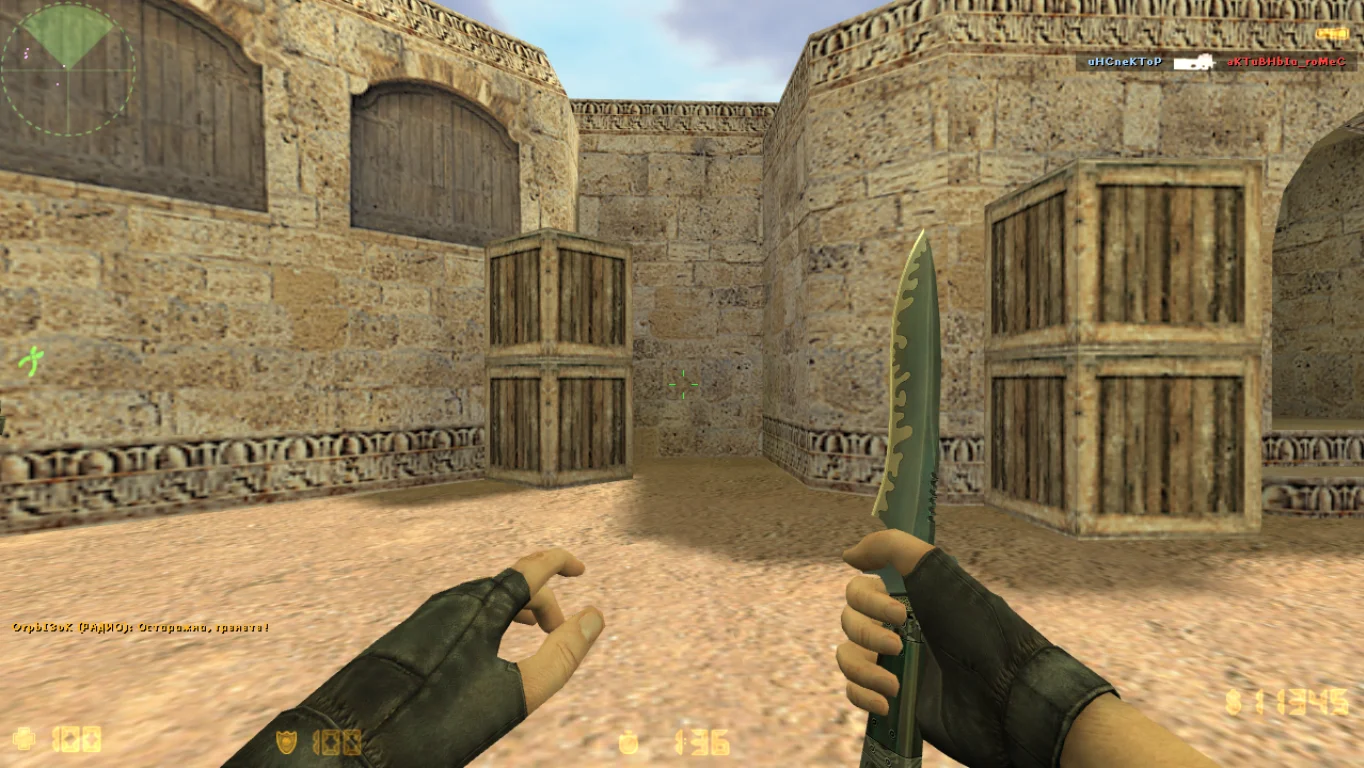
In this beta version, original weapon models and textures, characteristic sounds and animations, as well as basic maps familiar to many veteran players are preserved. The client is optimized for stable performance on modern systems running Windows XP, 7, 8, 10, and 11. Support for offline play with bots and online play via master servers allows you to enjoy classic gameplay both solo and with friends. This is an excellent choice for retro enthusiasts and collectors of game versions.
Downloading CS 1.6 Beta Version is very simple — installation takes minimal time and requires no special skills. The client is safe, contains no ads or viruses, ensuring comfort and reliability. Immerse yourself in the atmosphere of the early days of Counter-Strike and experience the game as millions of players saw it worldwide!
CS 1.6 Beta Version Build Features:
Original models and textures from the early versions
Classic sounds and animations
Offline play support with bots
Online play via master server
Compatible with Windows XP, 7, 8, 10, 11
Optimized for stable performance
No ads or viruses
Russian-localized interface
Simple and fast installation
Basic classic maps
System Requirements and Installation Instructions:
Minimum System Requirements:
OS: Windows XP/7/8/10/11
CPU: … GHz or higher
RAM: … MB or more
Video Card: OpenGL support
Disk Space: … MB or more
Installation Instructions:
Download the CS 1.6 Beta Version installer
Run the installer and choose the installation folder
Wait for the installation to complete
Launch the game via the desktop shortcut
Enjoy classic gameplay and retro style
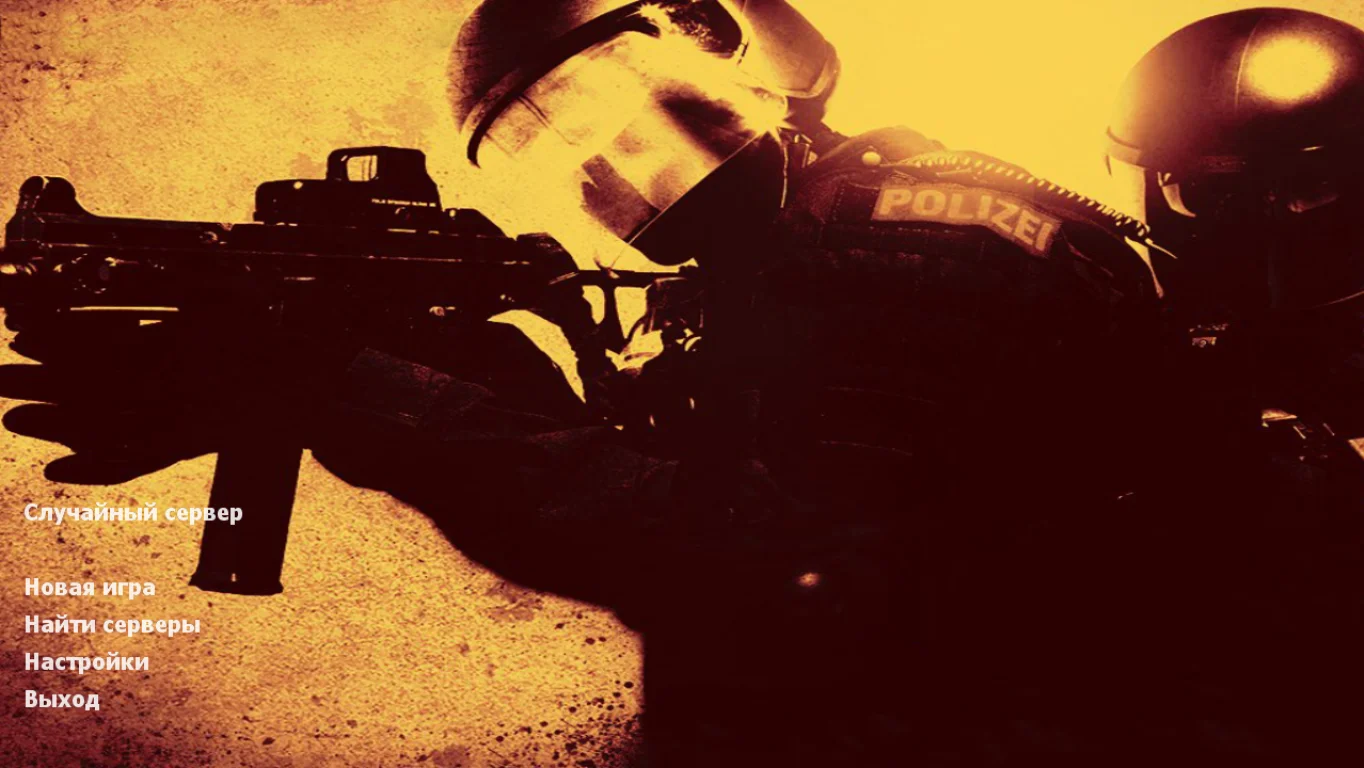
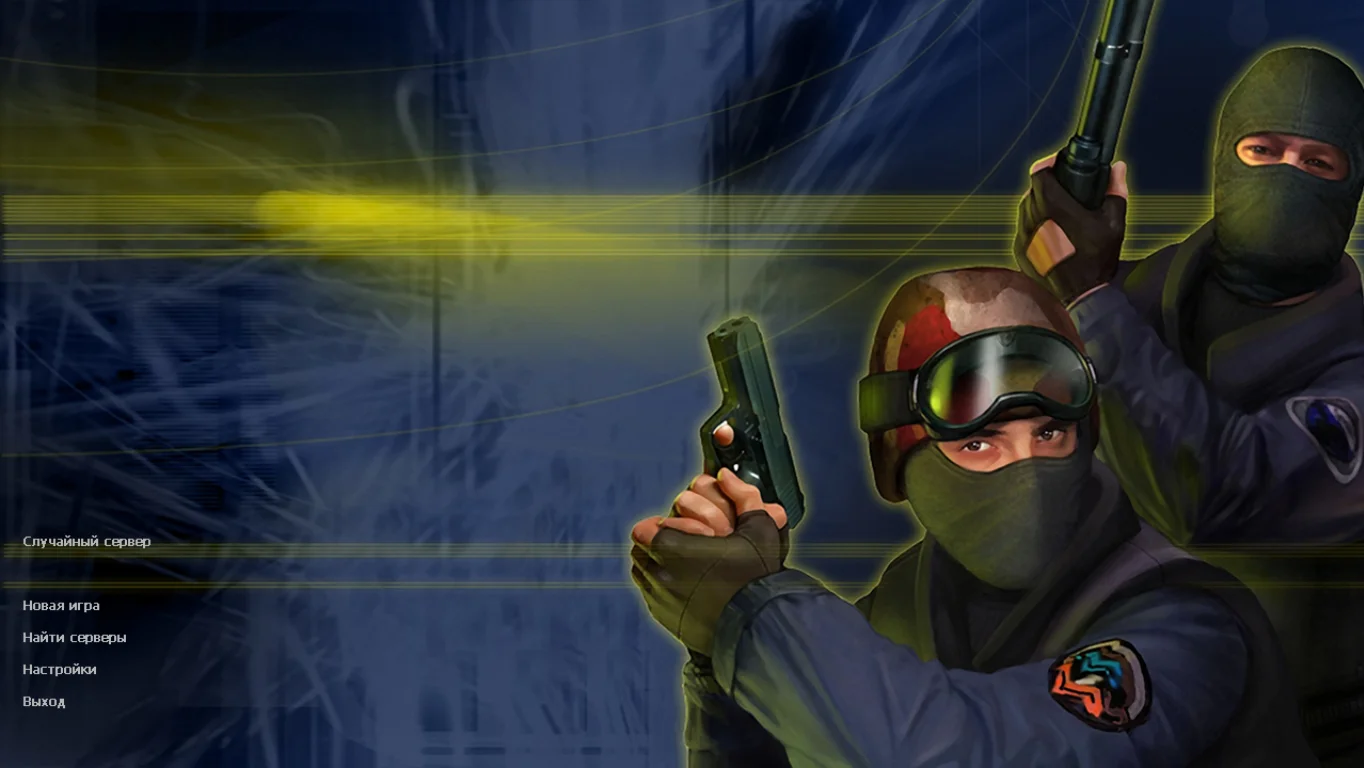
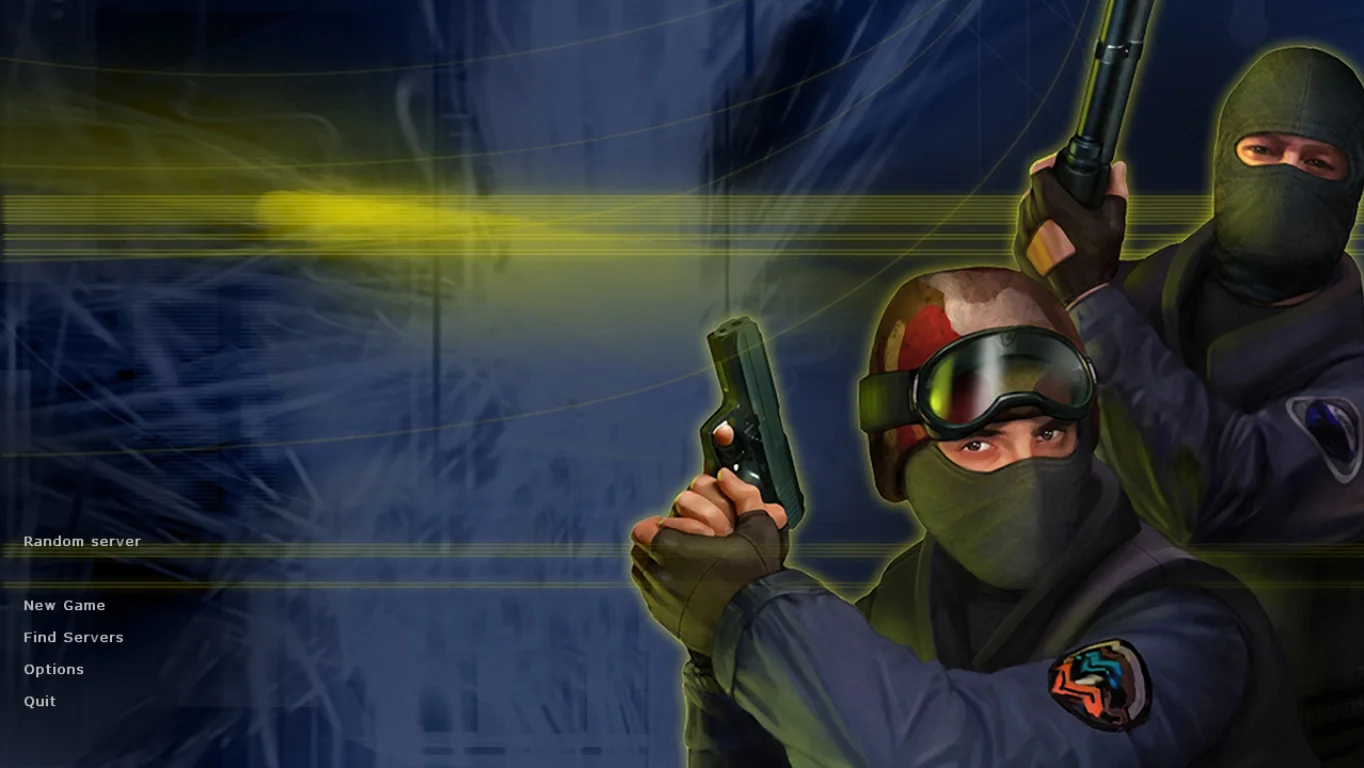
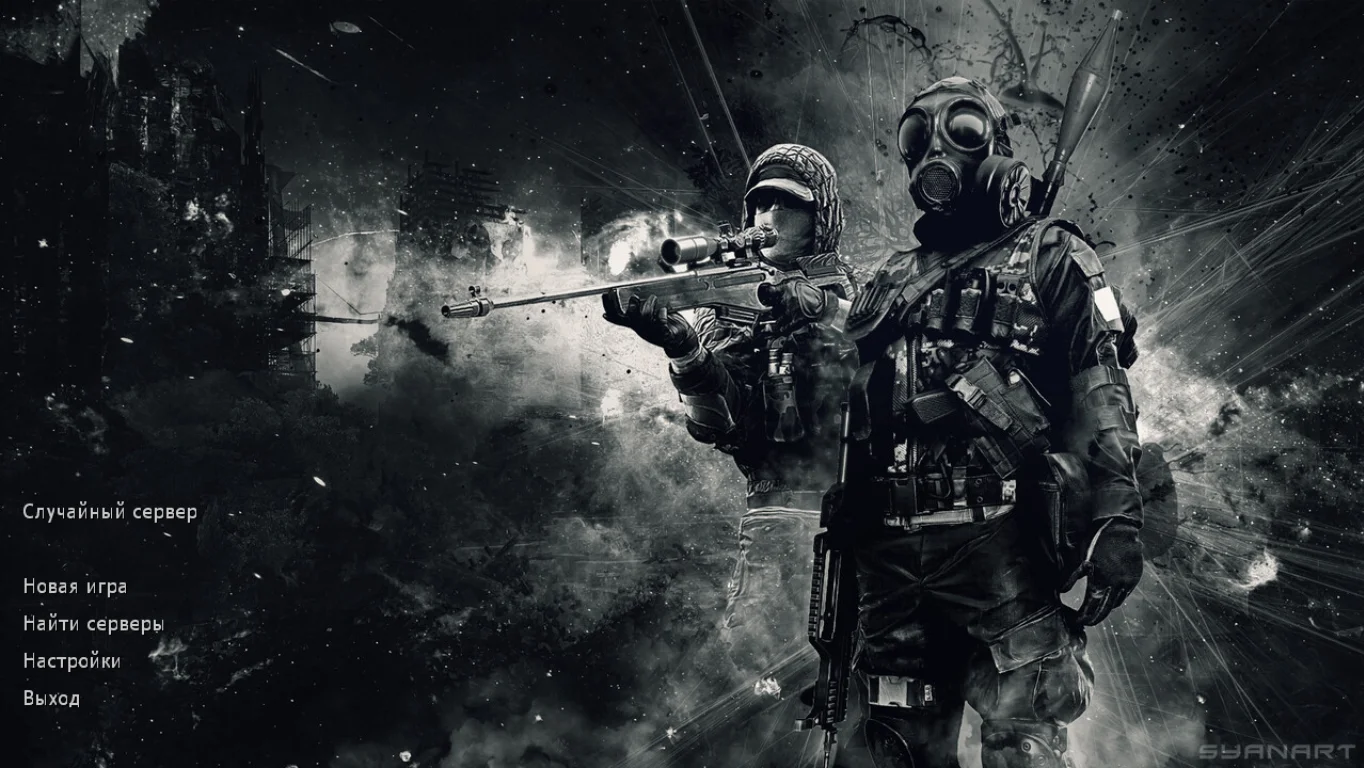
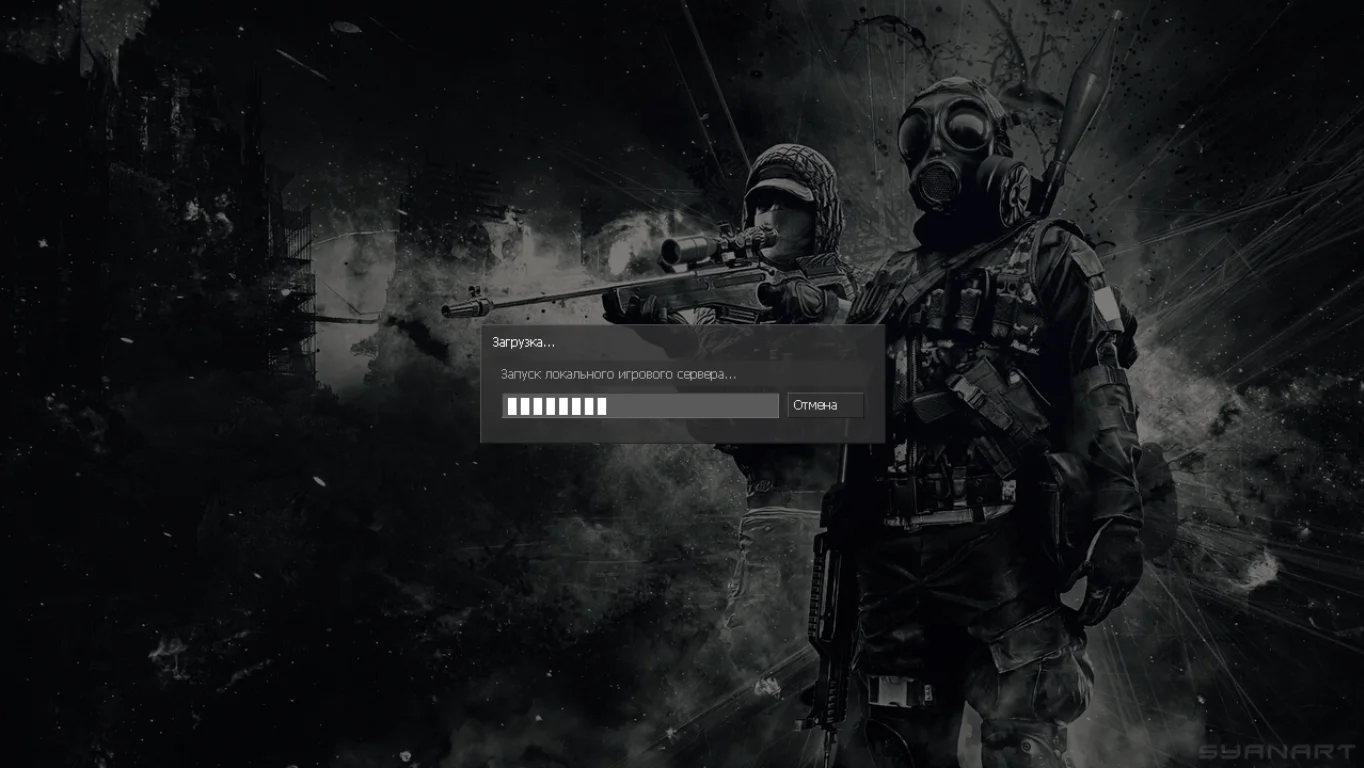
Заменена картинка главного меню
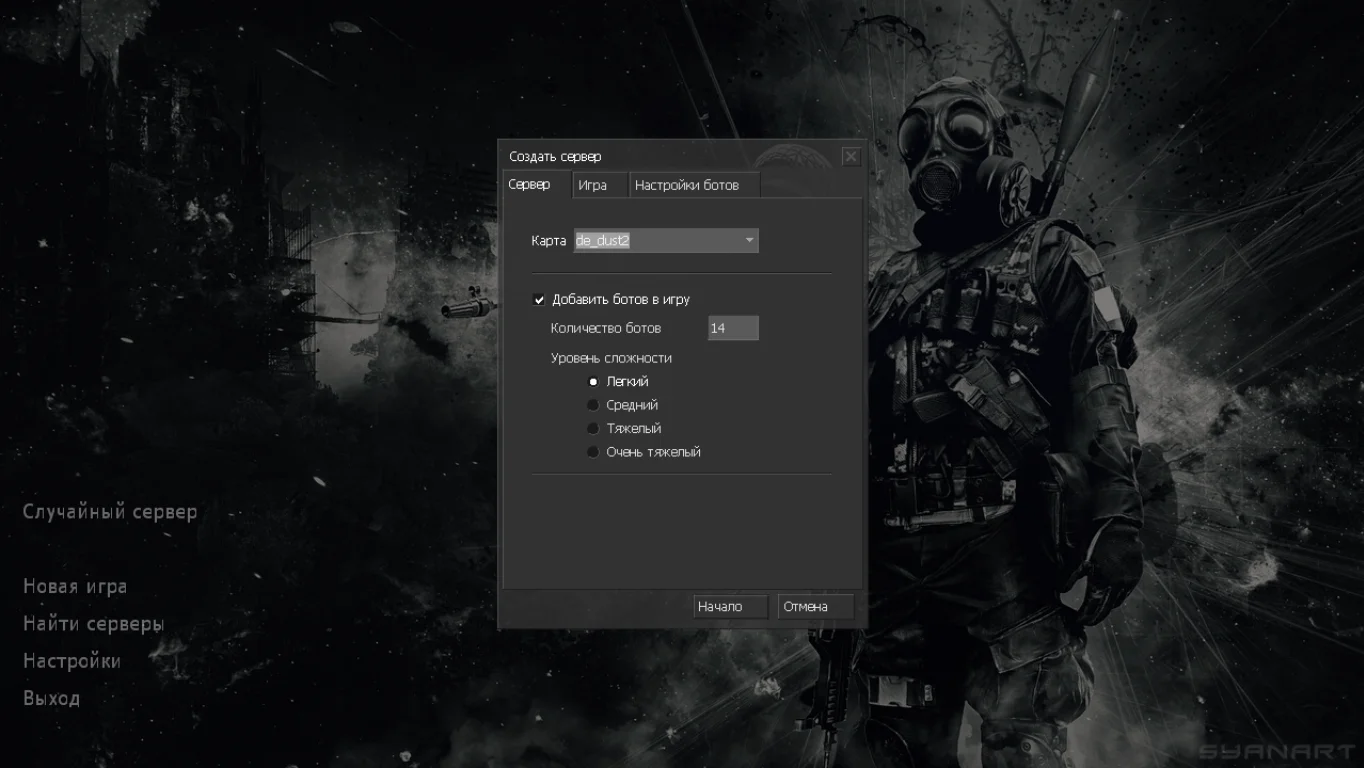
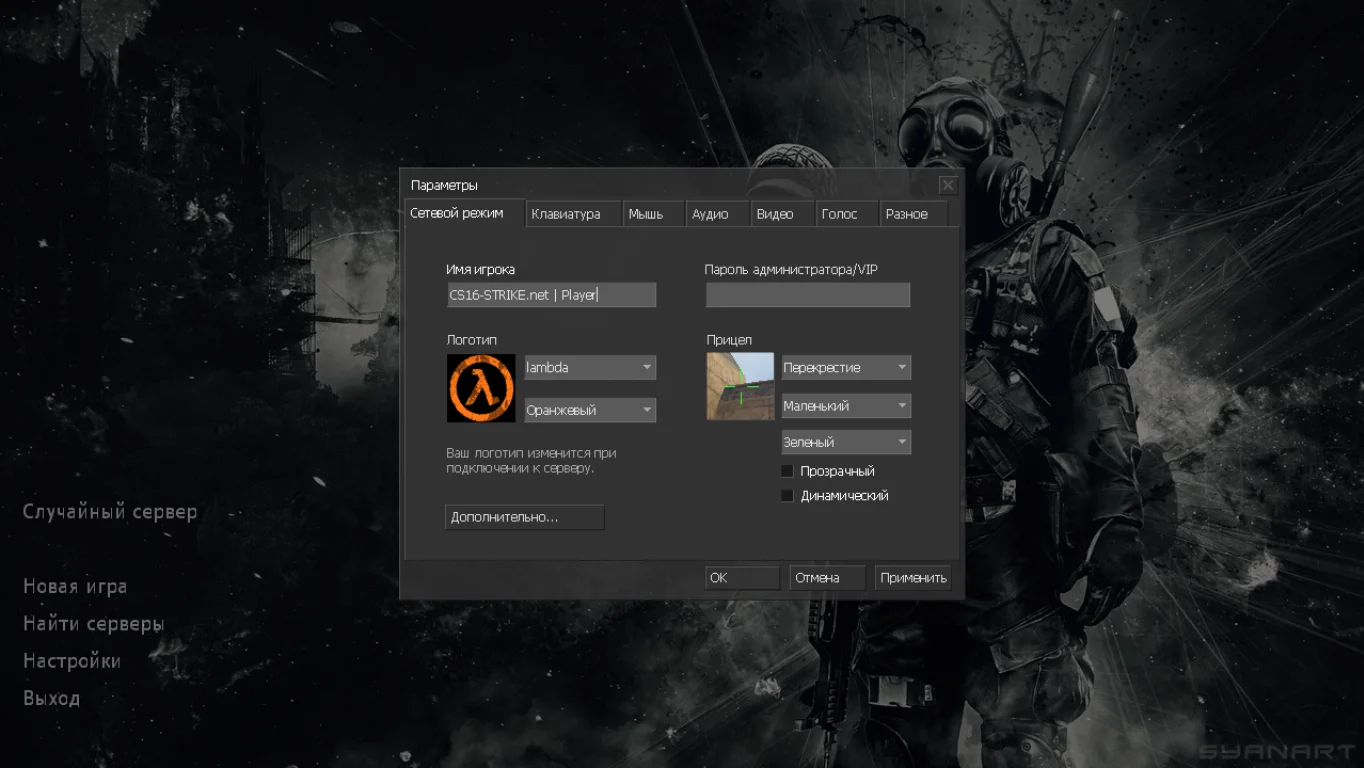
Сборка включает уникальное обновление в виде темной картинки меню игры, на которой можно увидеть вооруженных спецназовцев. Заставка выполнена в лучшем качестве и содержит настройки на русском языке.
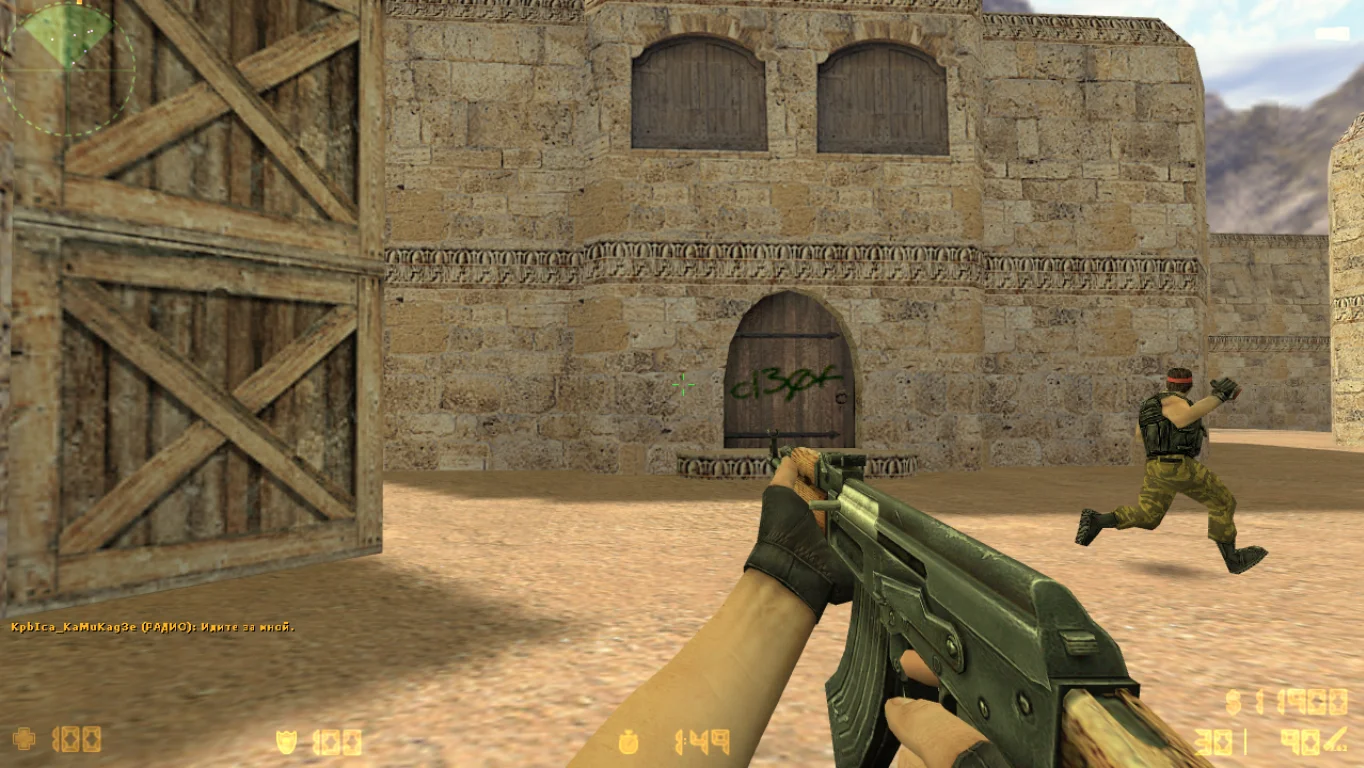
Улучшенные модели пушек
Стандартные модели вооружения были позаимствованы из первой версии контры, правда были немного обновлены. Данные пушки теперь выглядят в стиле CS Source и нечем не уступают по качеству, а наоборот стали лучше.
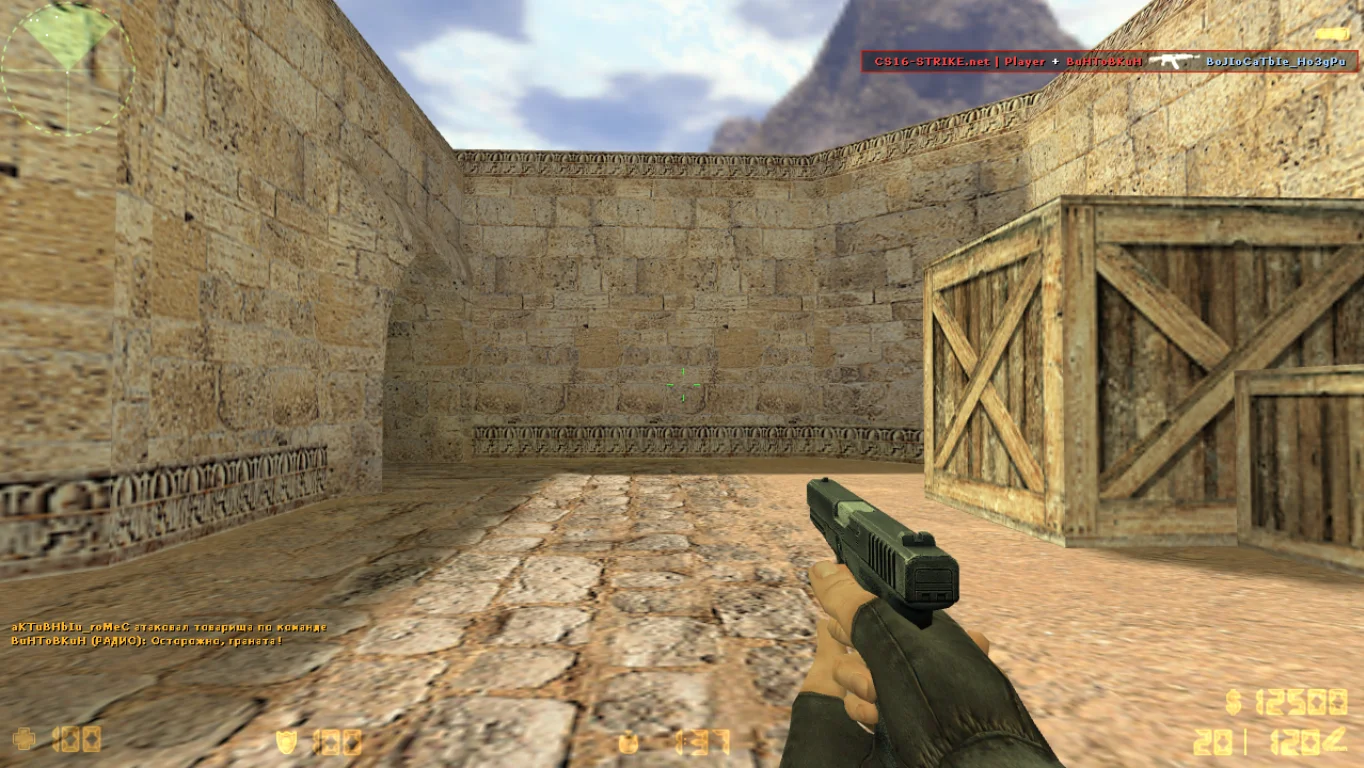
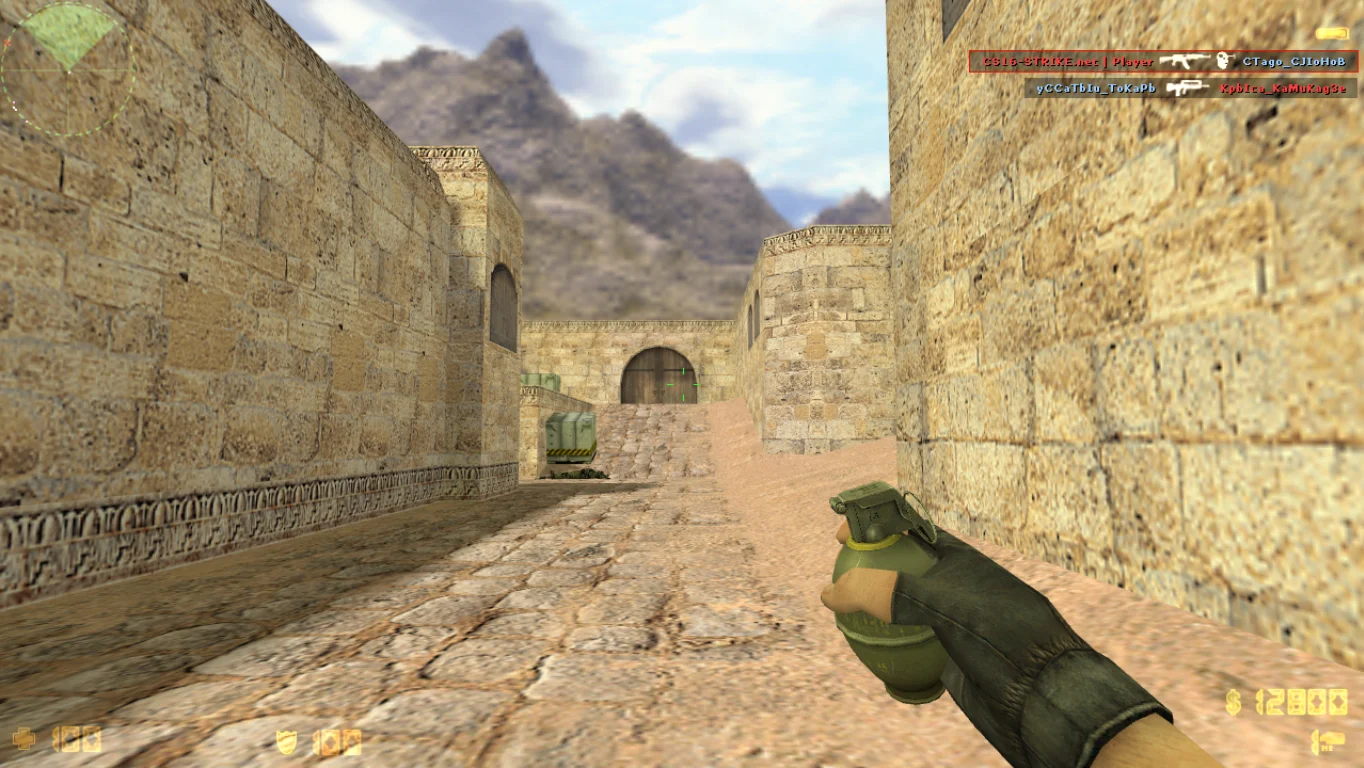
Добавлены умные боты
При выключенном интернете либо для тренировки навыков стрельбы будут доступны интеллектуальные боты. Стоит добавить, что боты играют как обычные геймеры и на постоянной основе общаются между собой в голосовом чате.