Home
Home
 CS 1.6 Builds
 CS:GO Builds
 CS:S Builds
 CS2 Builds

Download CS 1.6 with avatars
 Русская версия
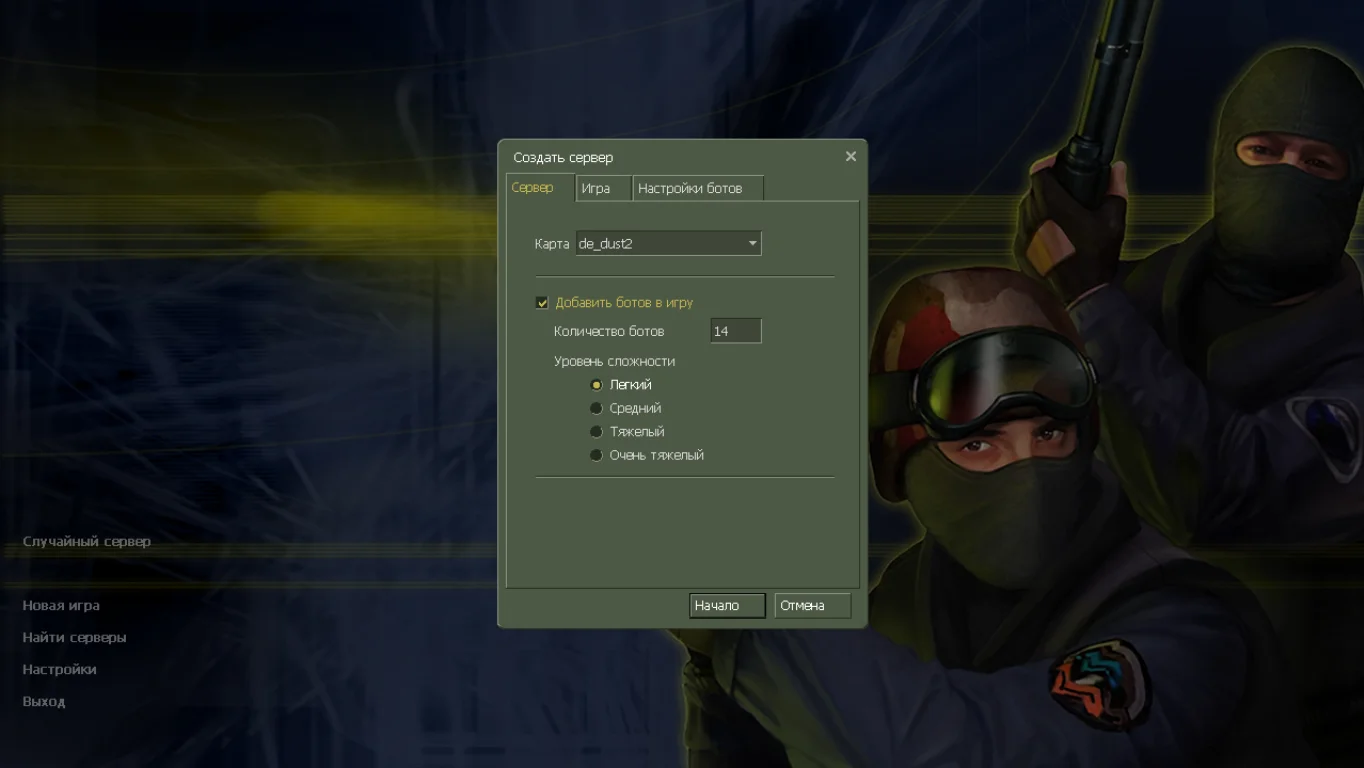
 С ботами и серверами
 Работает на всех Windows (от XP до 11)


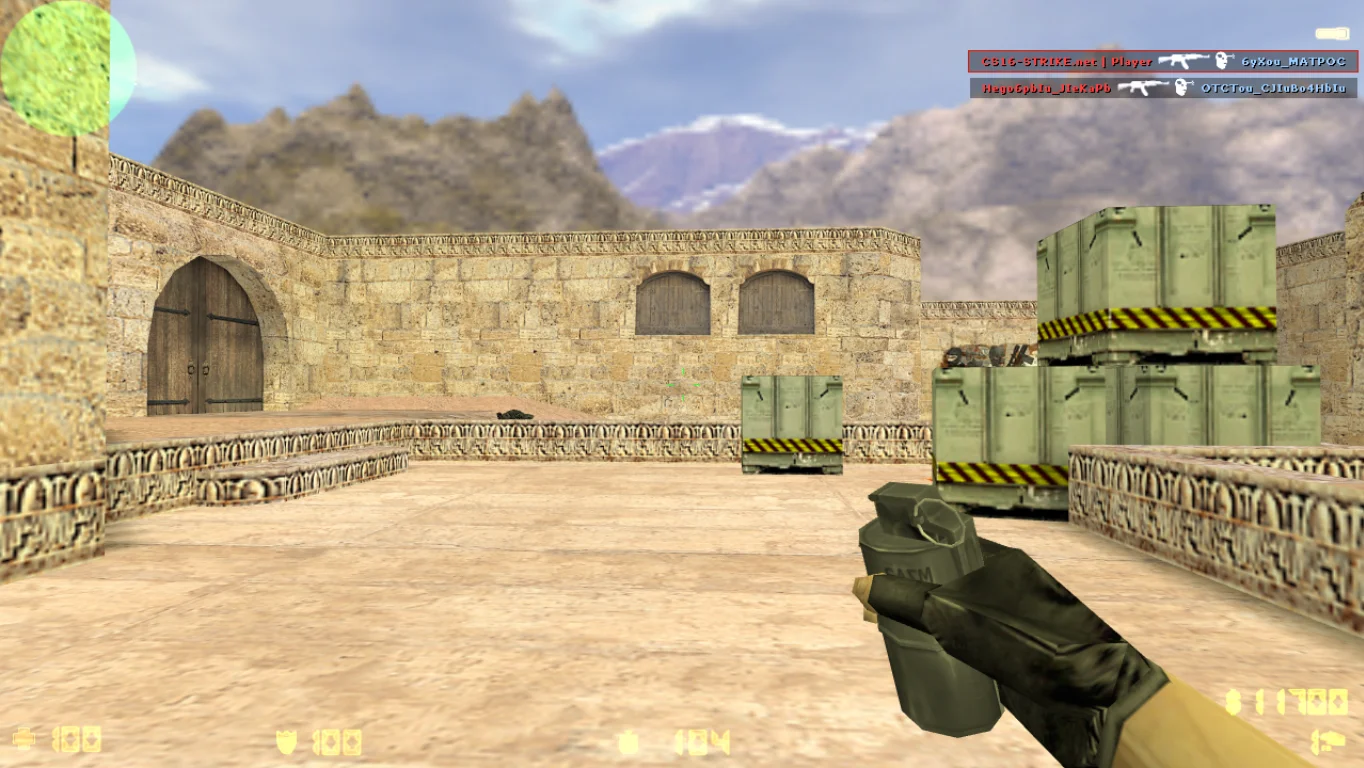
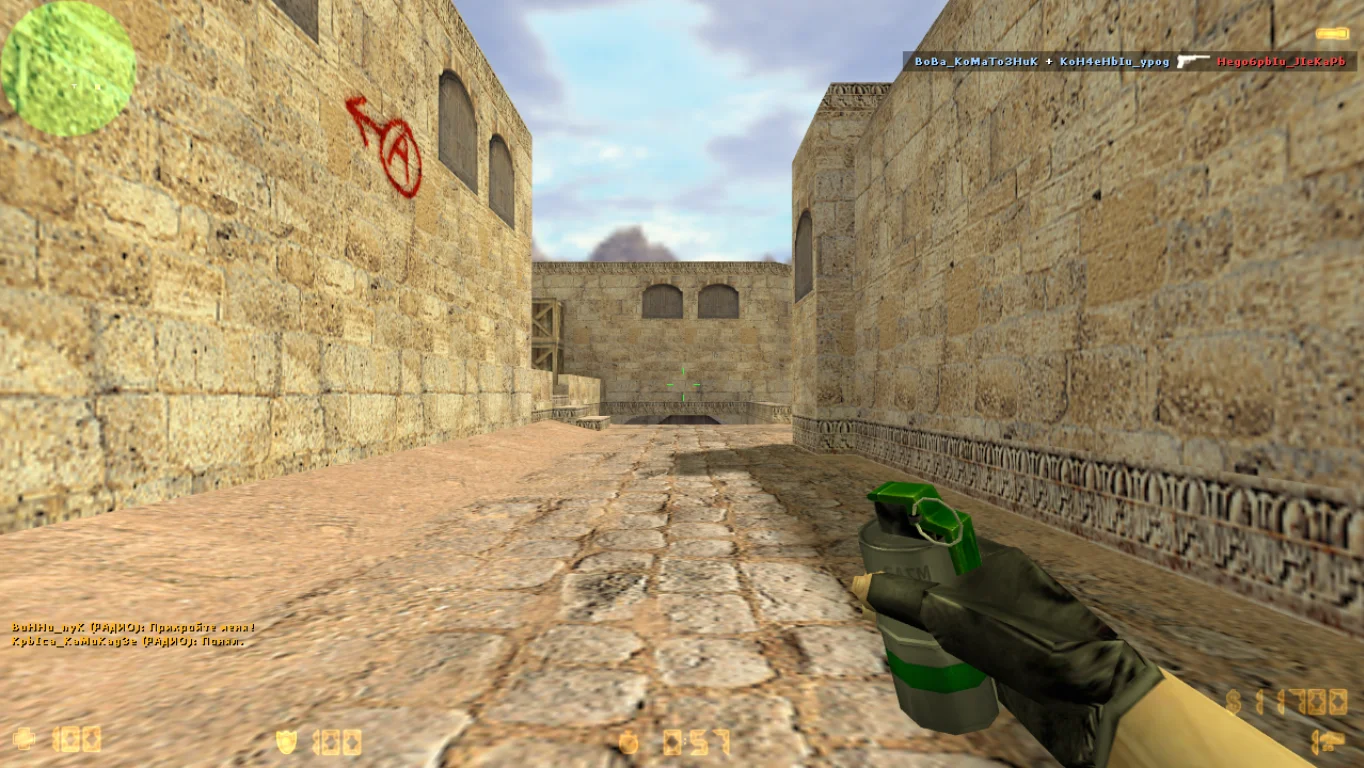
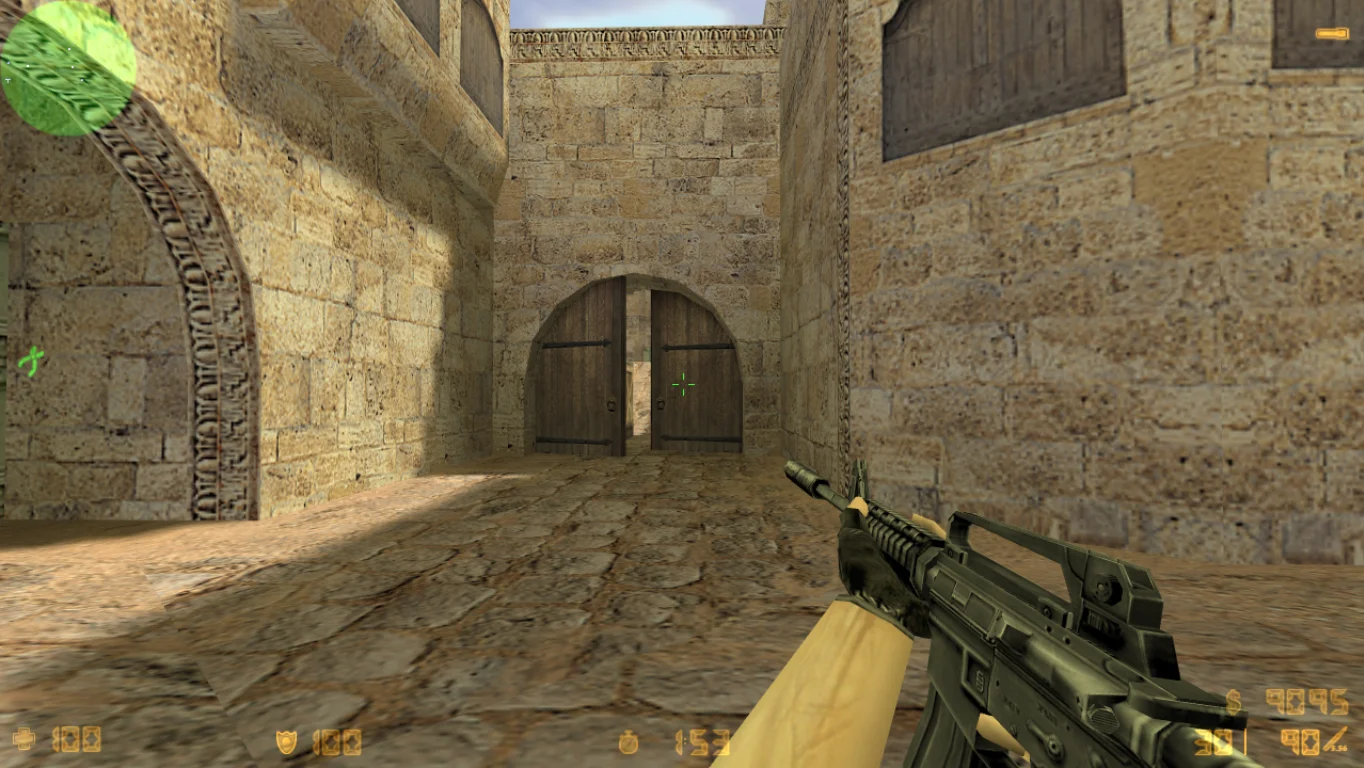
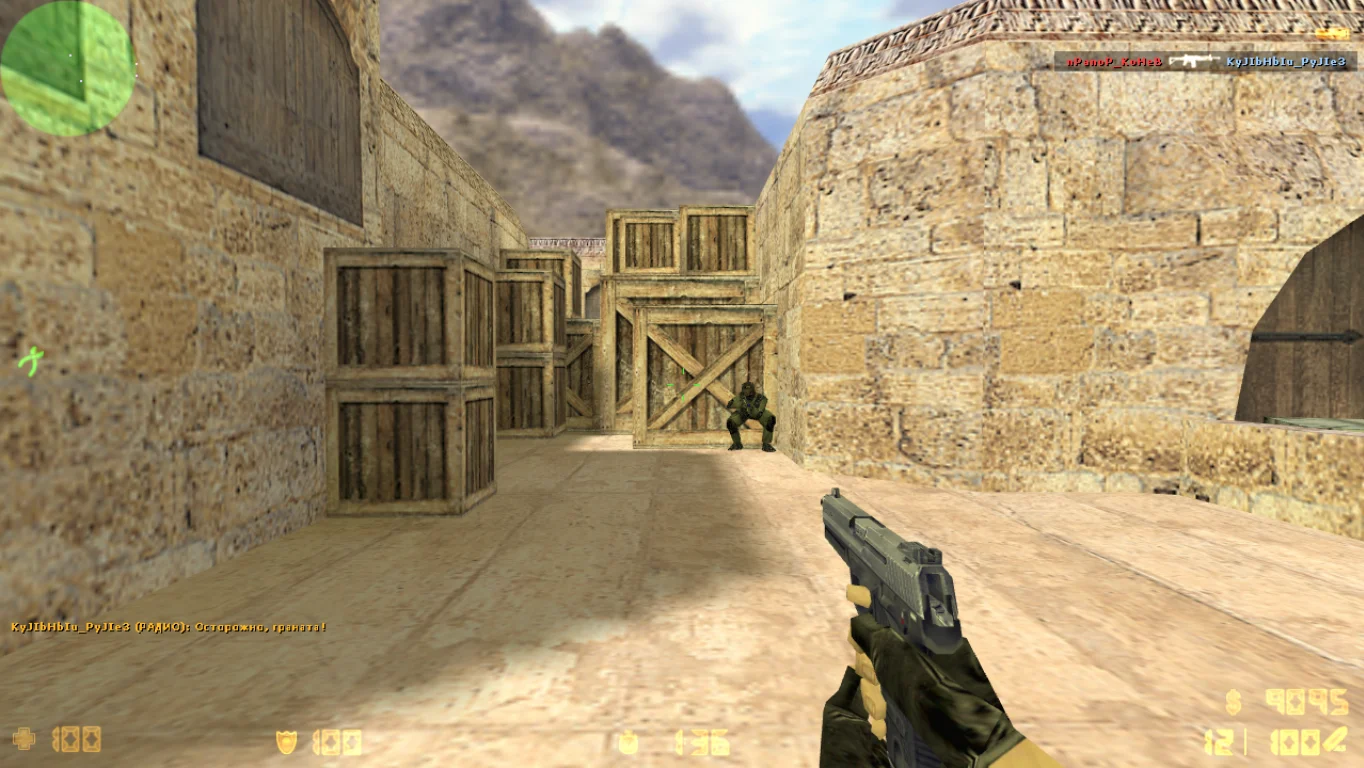
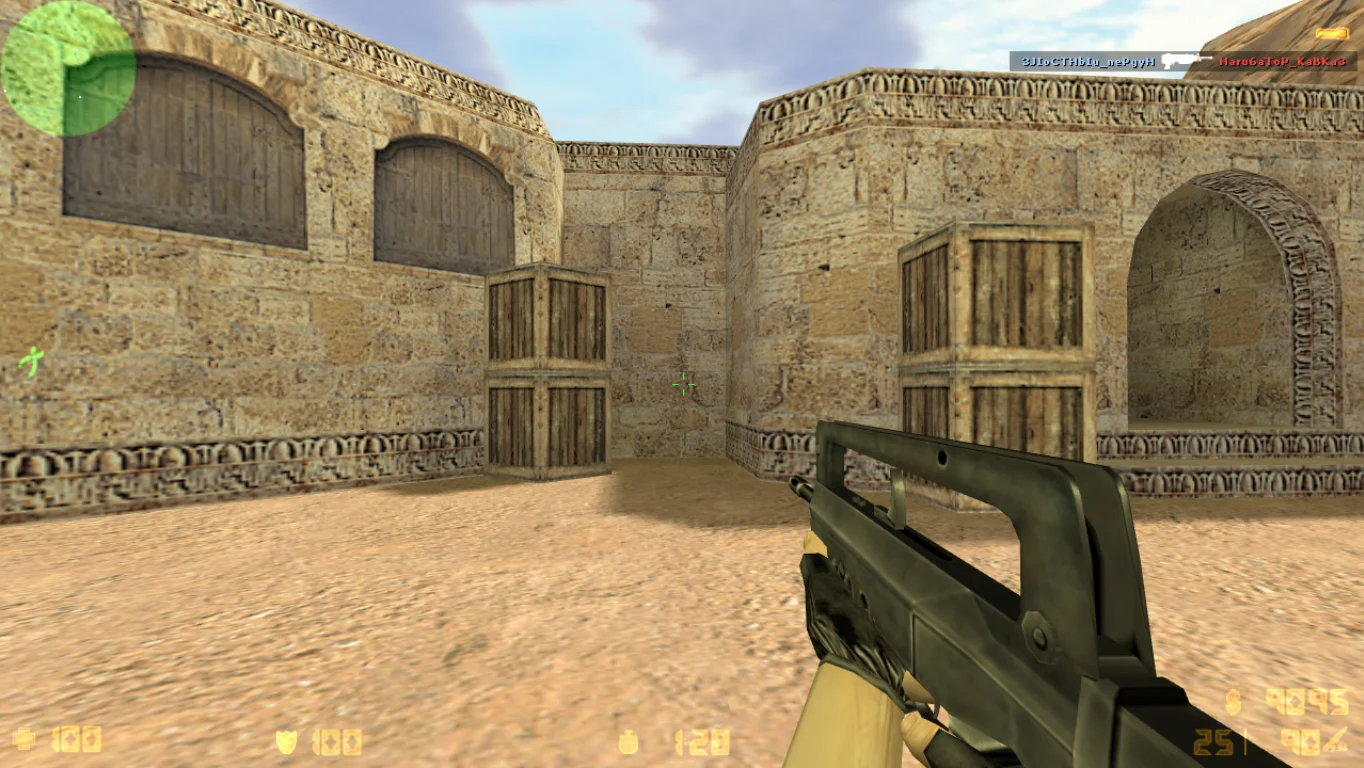
Counter-Strike 1.6 with Avatars
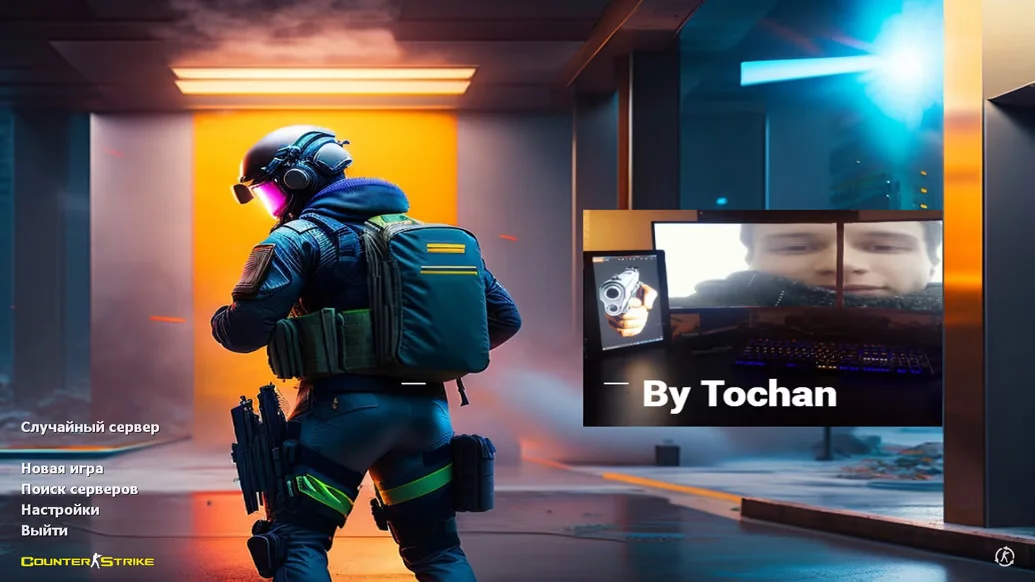
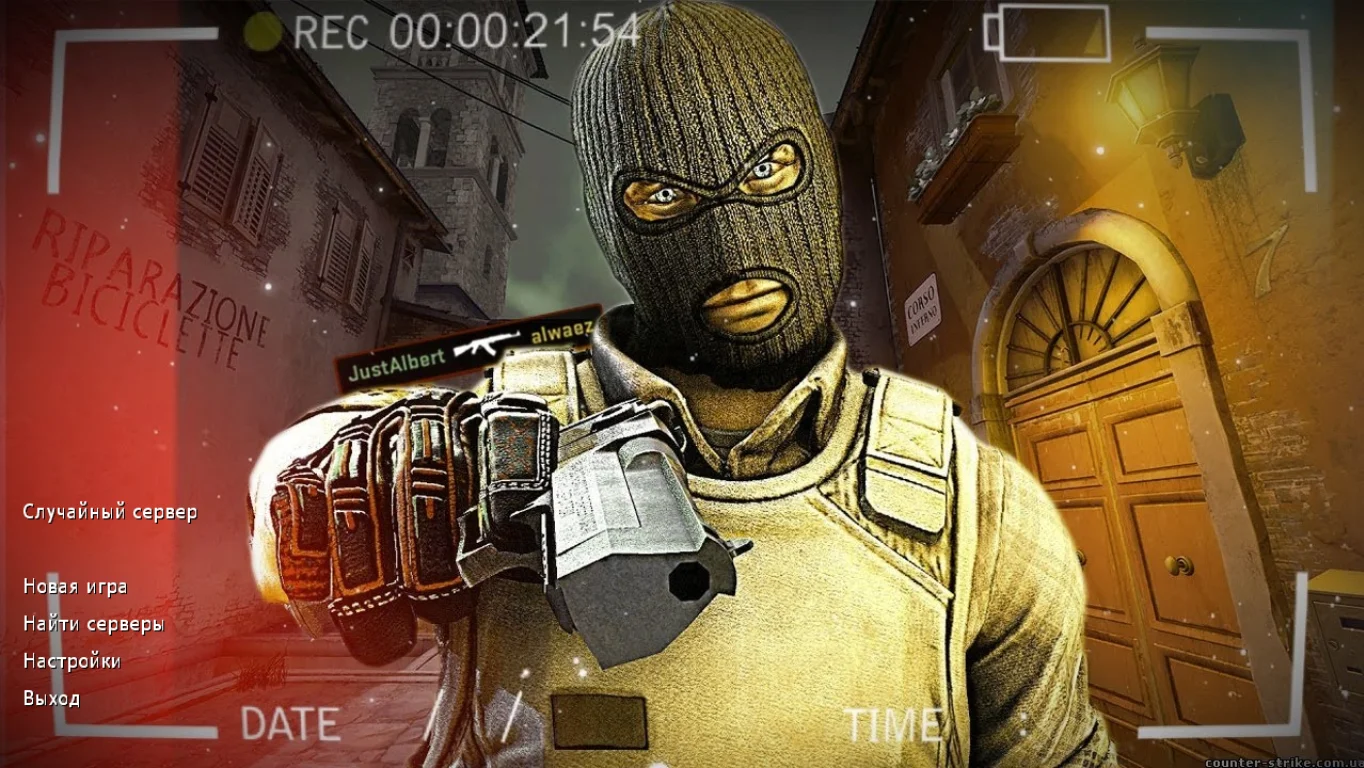
Counter-Strike 1.6 with avatars is a unique build of the classic shooter that adds the ability to see player avatars directly in the interface. This feature helps better identify teammates and opponents, creating a more personalized and engaging gameplay experience. Downloading CS 1.6 with avatars is ideal for those who value comfort and want to add more social elements to the classic game while preserving the original mechanics and maps.
The build preserves classic gameplay, original models, and sounds, but adds support for displaying player avatars in lists, scoreboards, and the HUD. This allows you to recognize allies and enemies faster and improves team interaction. The build is compatible with most modern servers and supports offline play with bots. The optimized client ensures stable performance without lags on various Windows versions, including Windows 7, 10, and 11.
Downloading CS 1.6 with avatars is a great choice for those who want to update the classic version with additional convenience and functionality. Installation is simple, the client is safe, and it contains no ads or cheats. This build is suitable for both beginners and experienced players who want a more user-friendly and visually informative interface. Just download, install, and enjoy comfortable gameplay.
Features of CS 1.6 with Avatars:
Player avatars displayed in HUD and lists
Classic gameplay and maps
Compatible with online servers and bots
Optimized for Windows 7, 10, 11
No ads, viruses, or cheats
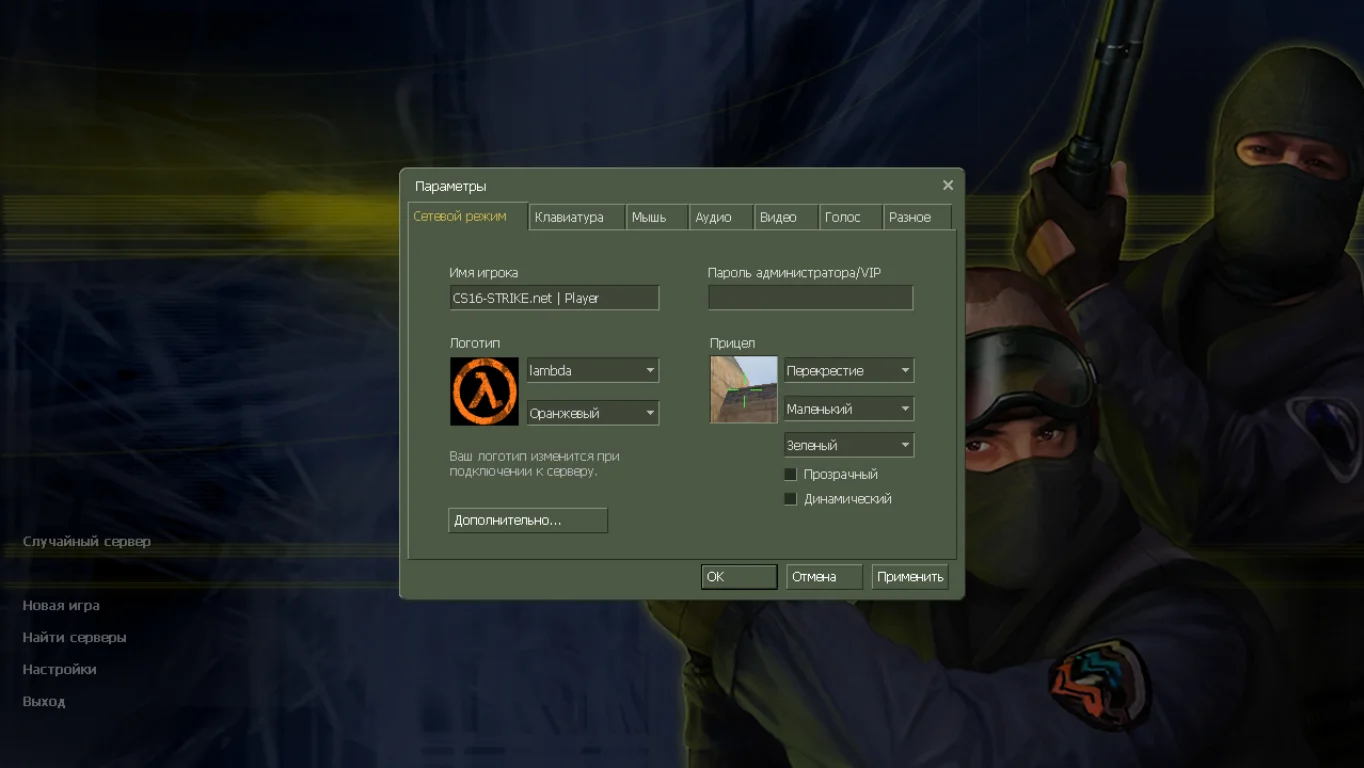
Supports Russian-localized interface
Stable and fast game performance
Improved convenience and team communication
Simple installation and launch
System Requirements:
OS: Windows XP/Vista/7/8/10/11
Processor: 1 GHz or higher
RAM: 256 MB or more
Video card: with OpenGL support
Disk space: 600 MB or more
Installation Instructions:
Download the installation file for the build
Run the installer and choose the game folder
Wait for the installation to complete
Launch the game using the desktop shortcut
Play with convenient avatar display
Особенности сборки CS 1.6 с аватарками
Можно установить любую картинку при отображении количества игроков и команды;
Пушки выполнены в высоком качестве, а также имеют прорисовку;
Стандартные варианты всех игровых персонажей;
Игра на качественных проектах по сети;
Боты работают без интернета.