Home
Home
 CS 1.6 Builds
 CS:GO Builds
 CS:S Builds
 CS2 Builds

Download CS 1.6 on Windows 11
 Русская версия
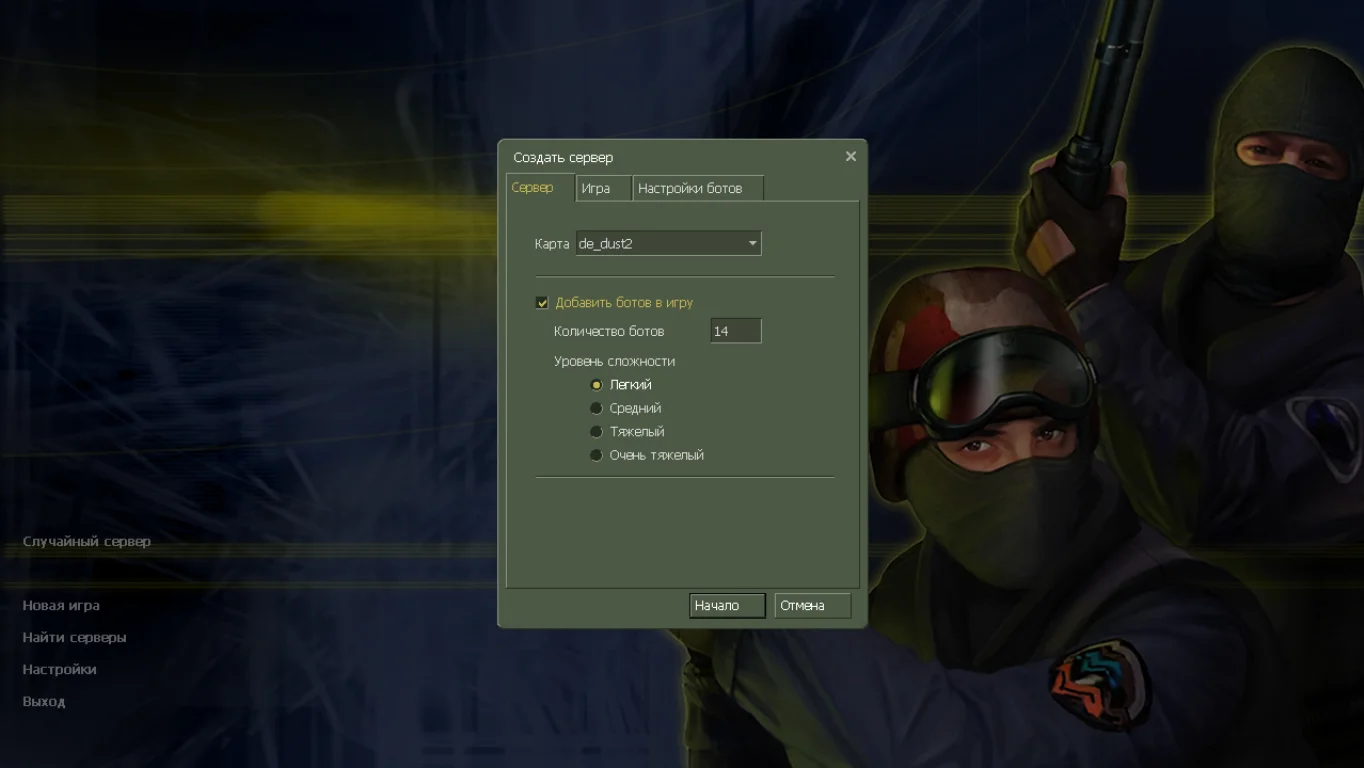
 С ботами и серверами
 Работает на всех Windows (от XP до 11)


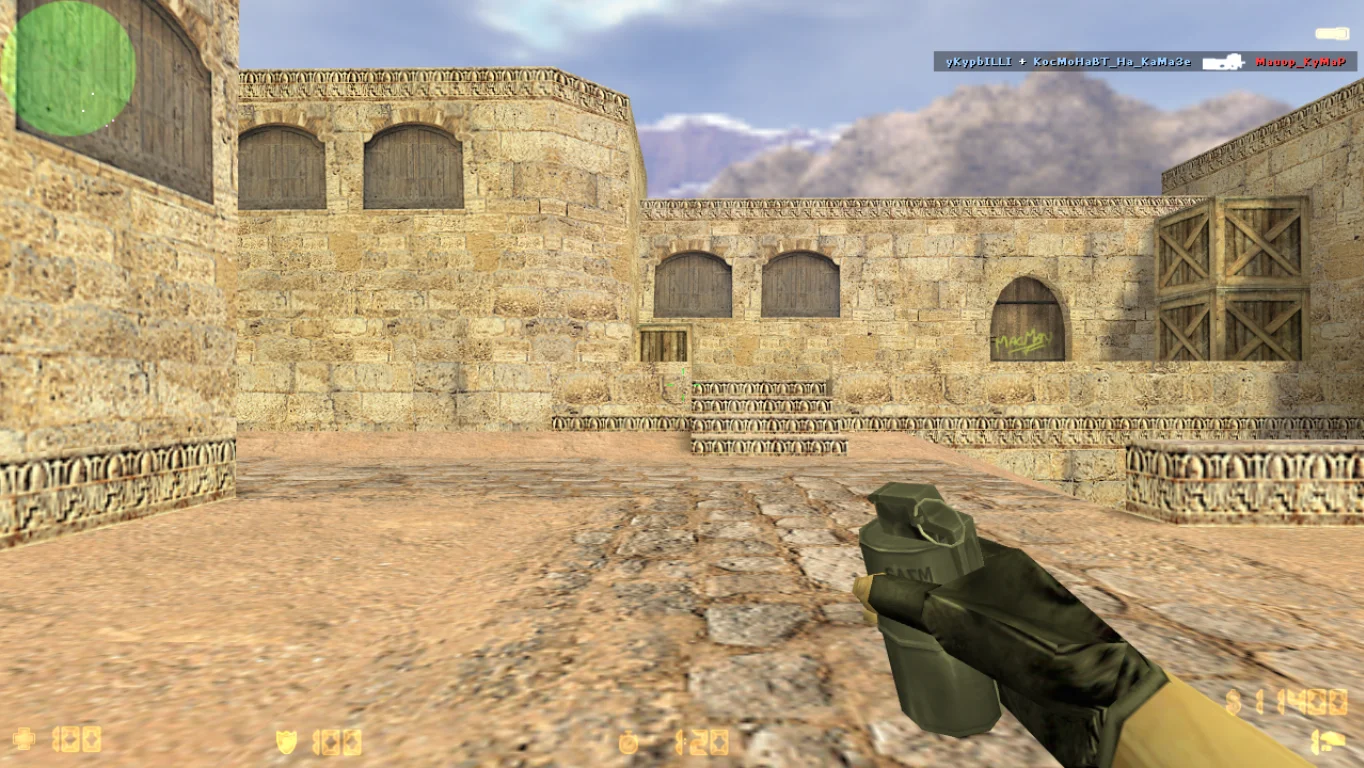
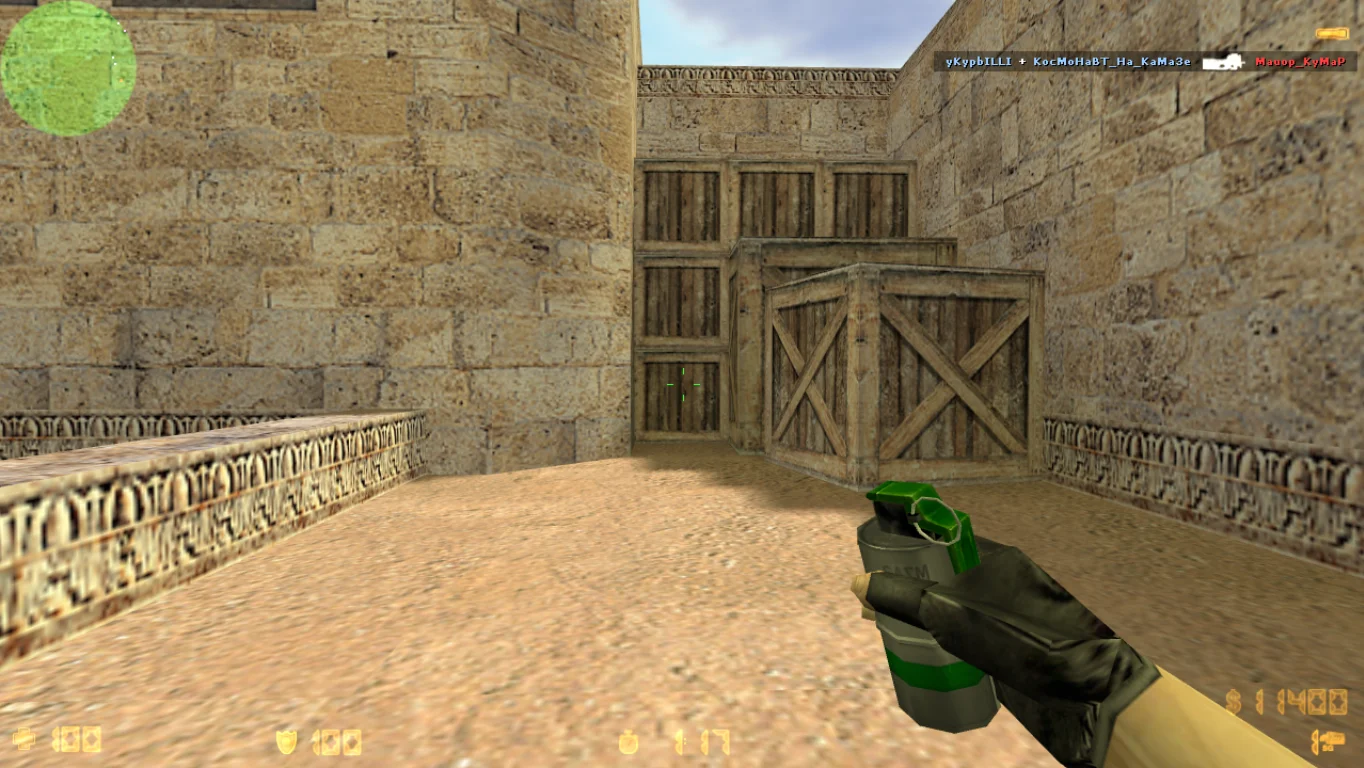
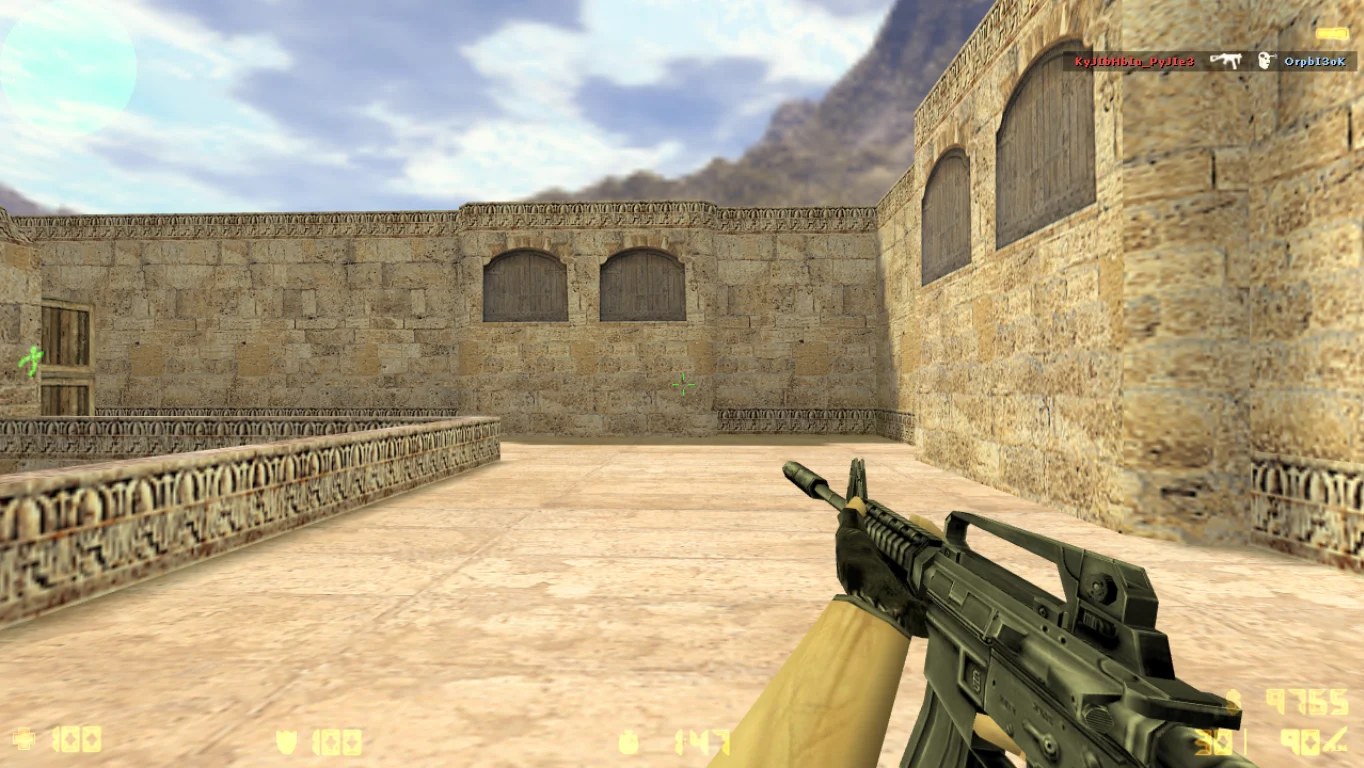
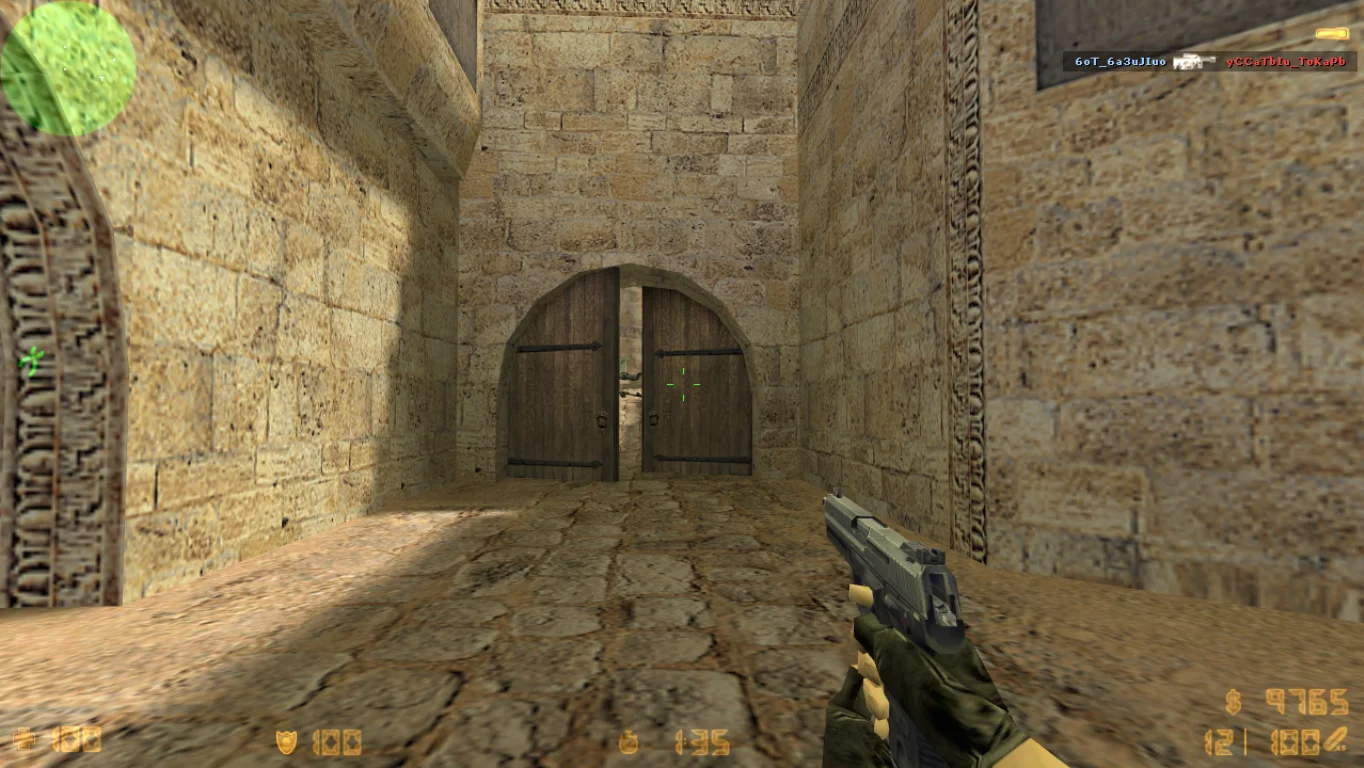
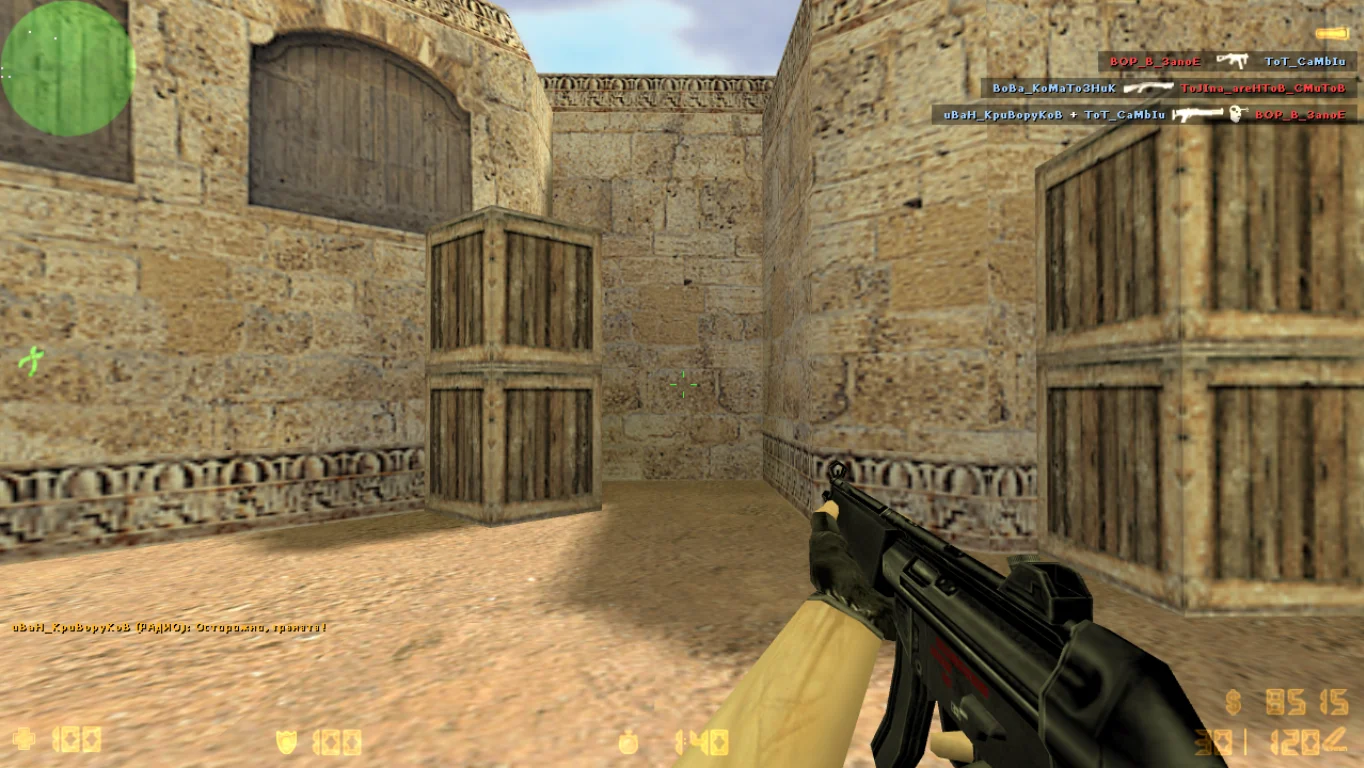
Counter-Strike 1.6 on Windows 11
Counter-Strike 1.6 on Windows 11 is a fully adapted build of the legendary shooter for Microsoft’s latest operating system. If you’ve experienced launch issues, lags, or errors on Windows 11 when installing the classic version, this build solves all such problems. It includes support for modern libraries and components, has no conflicts with drivers or security systems, allowing you to install and start playing instantly without additional tweaks. This is a stable, clean, and compatible version that works “out of the box.”
The build stays as close as possible to the original CS 1.6 while being technically updated: improved compatibility with the new DirectX, fixes for proper network module and audio driver operation on Windows 11. Thanks to internal optimization, CS 1.6 launches quickly, does not conflict with the system, and runs stably in both windowed and fullscreen modes. The master server for online games is included, as well as bots for offline battles and an optimal config for high FPS. All ads, unnecessary scripts, and unstable modules have been removed.
Downloading CS 1.6 on Windows 11 is the best choice for gamers who upgraded to the new OS and want to play without issues. Simple installation, 100% compatibility, stable performance, and original gameplay — all this comes with this build. It is perfect for both single-player bot matches and online mode. Enjoy your favorite classic on a modern system without errors, lags, or outdated settings. Just download, install, and play.
Features of CS 1.6 on Windows 11:
Full compatibility with Windows 11
Quick installation without errors or conflicts
Stable performance in windowed and fullscreen mode
Support for new drivers and libraries
No ads, cheats, or unnecessary files
High FPS on any device
Working master server for online play
Bots for single-player mode
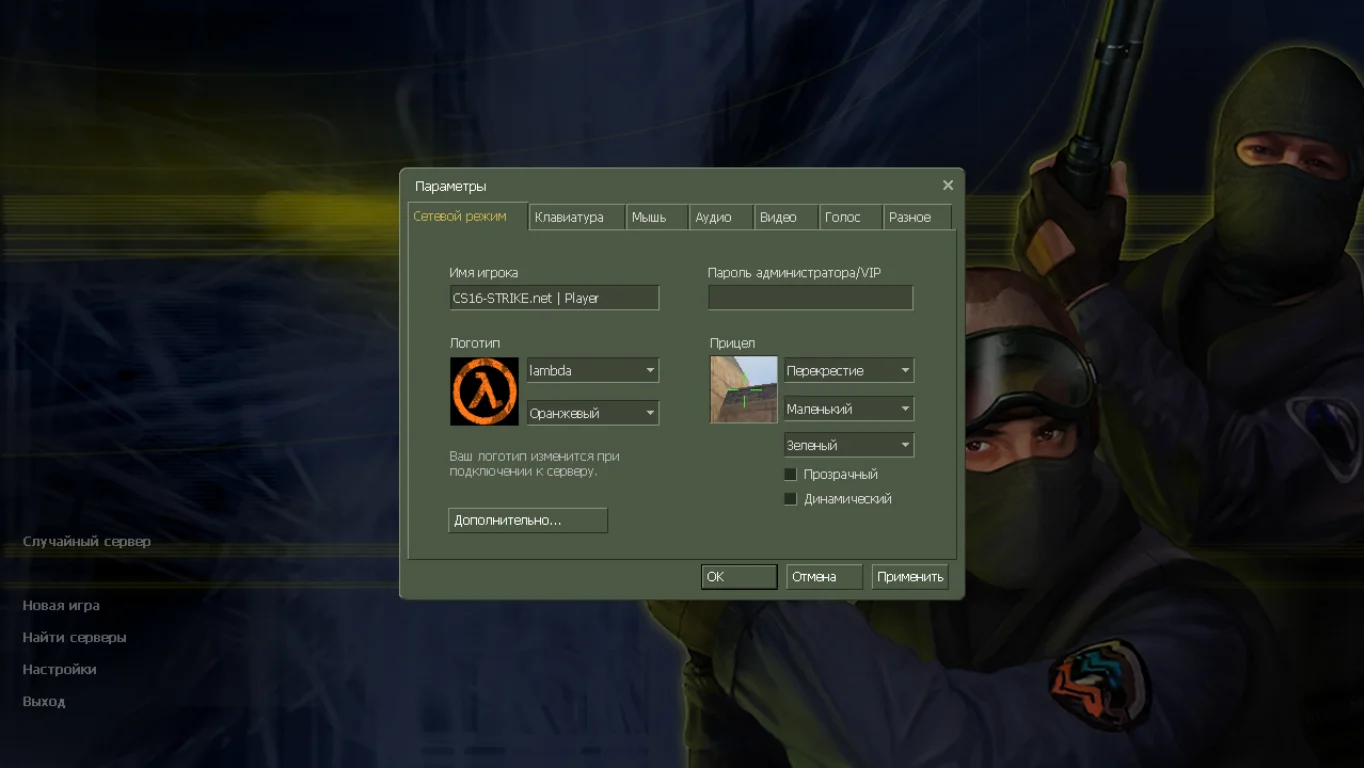
Russian-localized menu and console
Safe and clean installation file
System Requirements:
OS: Windows 11 (x64 and x86)
Processor: 1 GHz or higher
RAM: 1 GB or more
Video card: with OpenGL support
Disk space: 500 MB or more
Installation Instructions:
Download the installation file for the build
Run the installer and choose the installation path
Wait for the installation to complete
Launch the game shortcut from the desktop
Play without errors or lags on Windows 11
Особенности сборки CS 1.6 на Windows 11
Гарантируем полную совместимость игры с любыми операционными системами;
Установлены оригинальные модели в самом лучшем качестве;
Игровые проекты имеют разные дополнения;
Максимальная защита сборки от рекламы;
Боты получили разные сложности.