Home
Home
 CS 1.6 Builds
 CS:GO Builds
 CS:S Builds
 CS2 Builds

Download CS 1.6 from Bestman
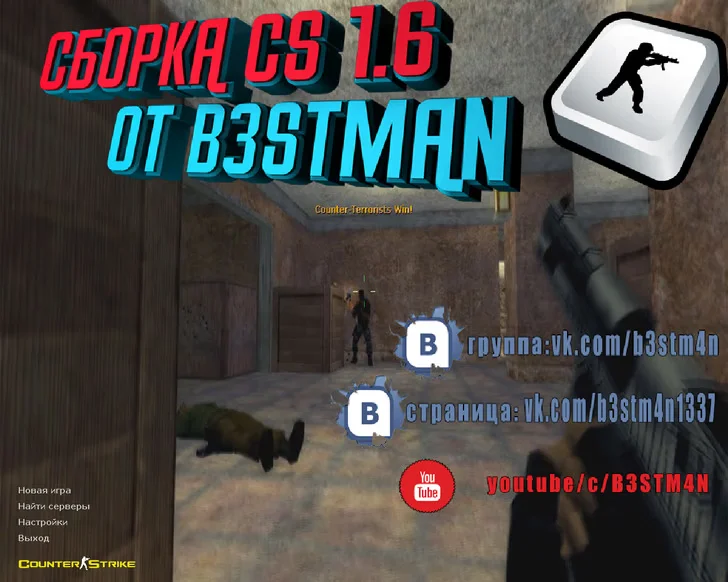
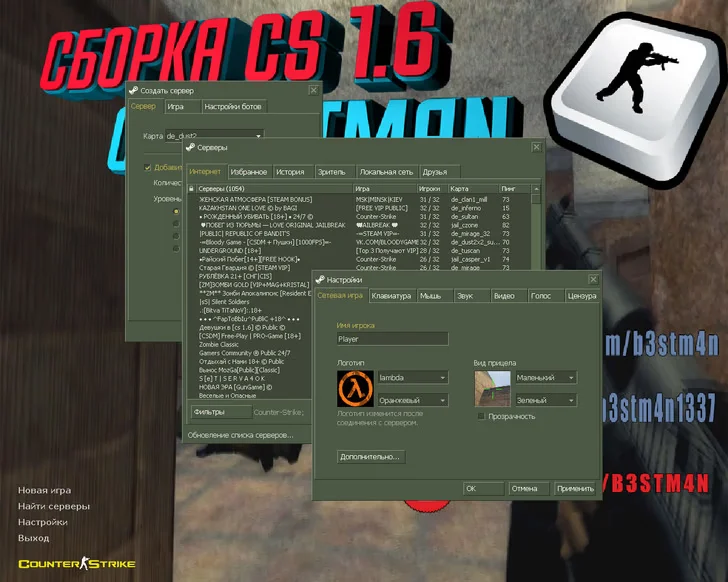
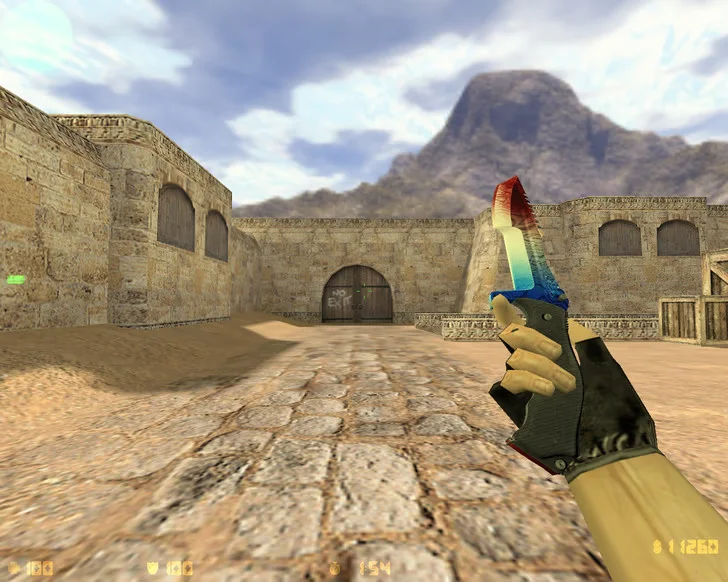
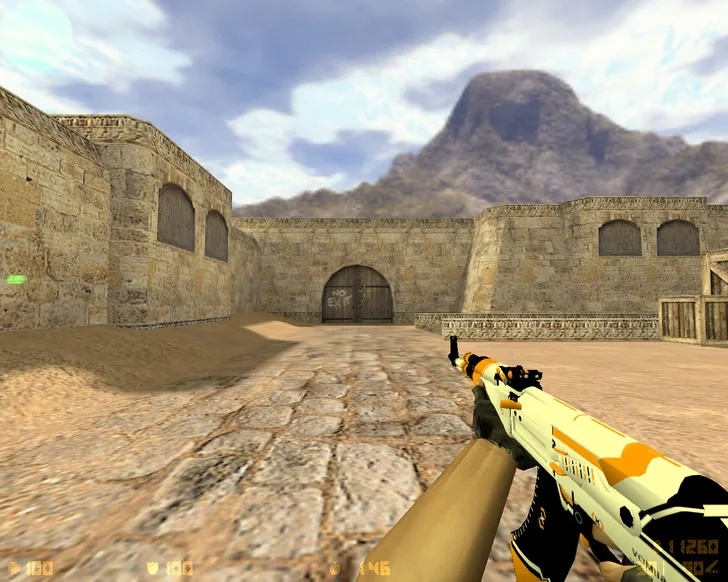
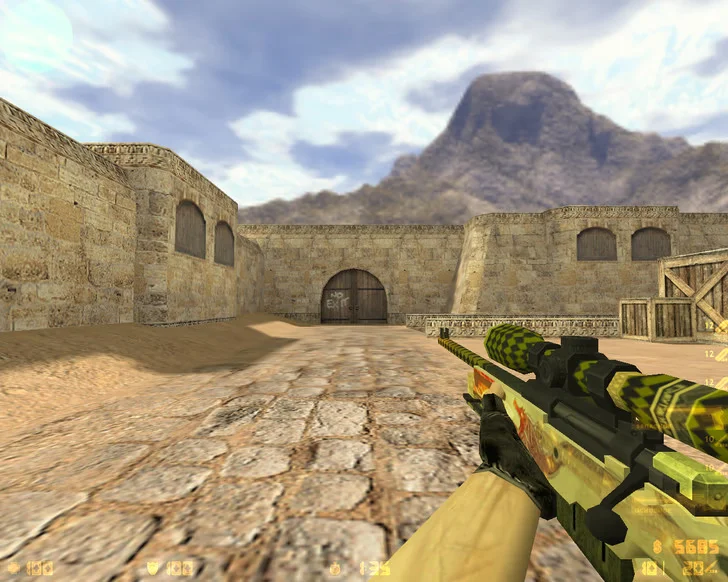
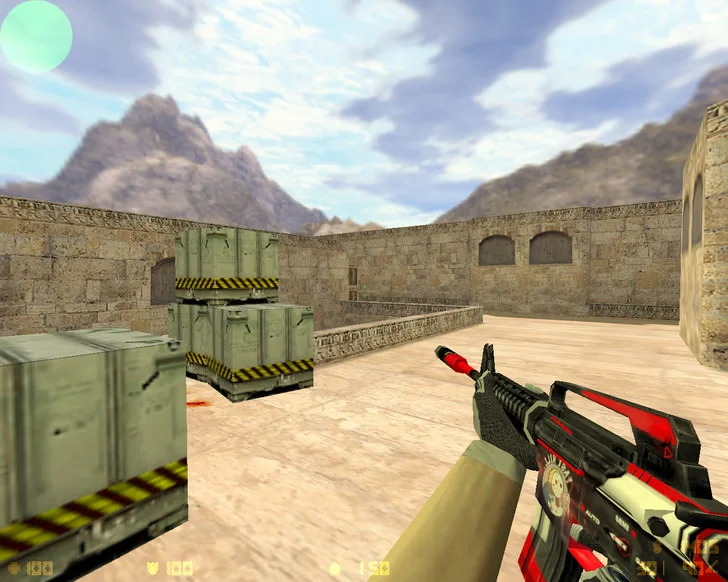
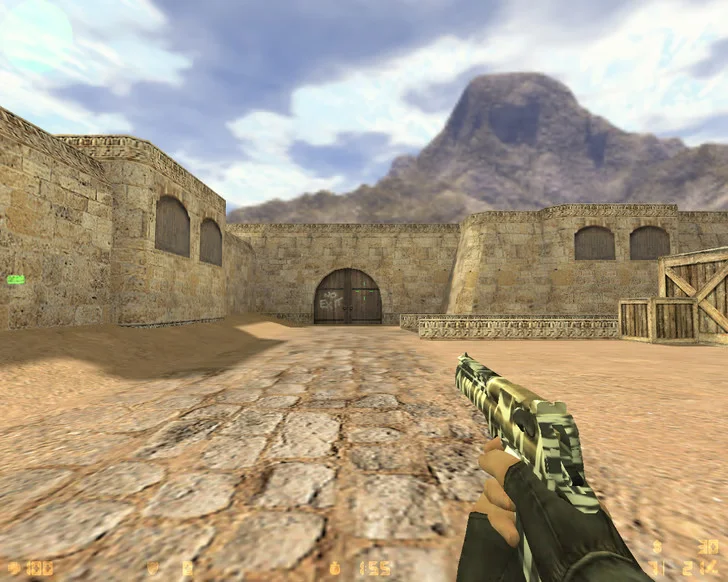
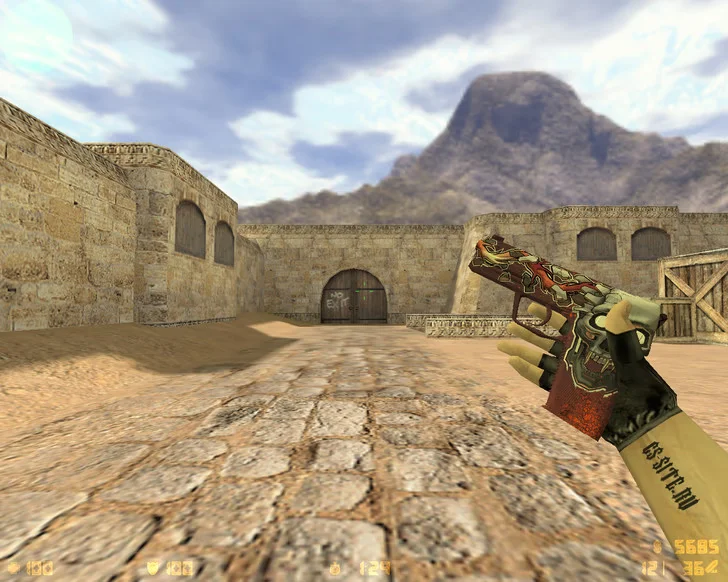
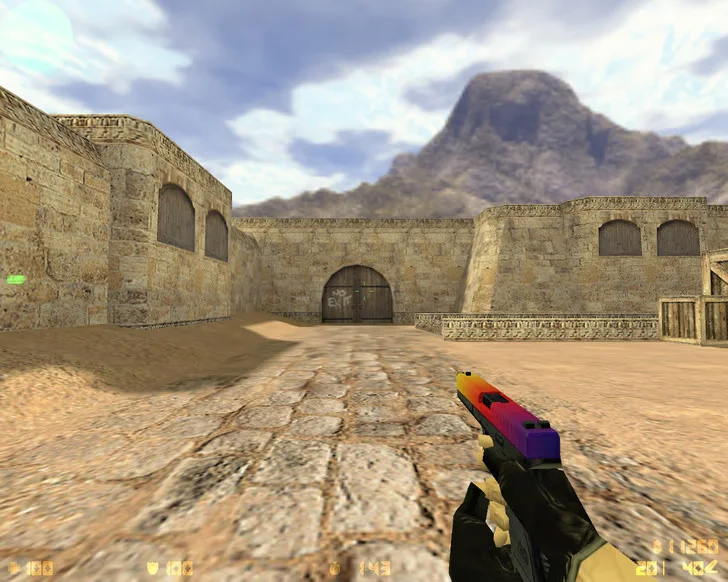
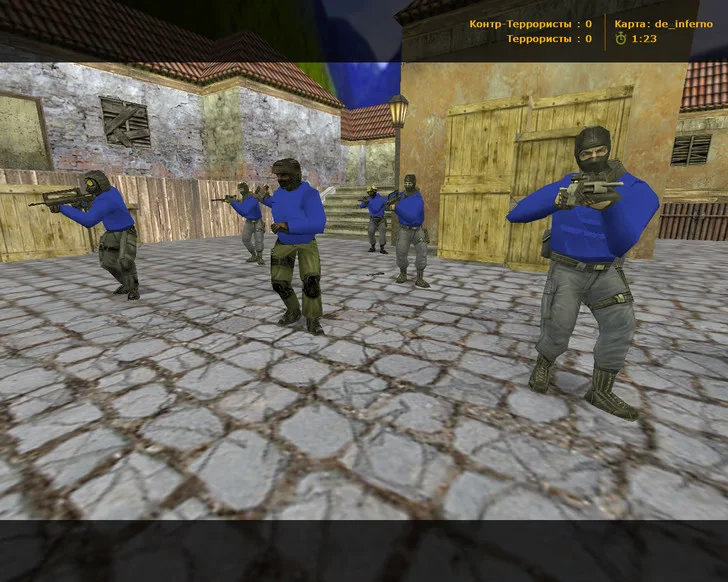
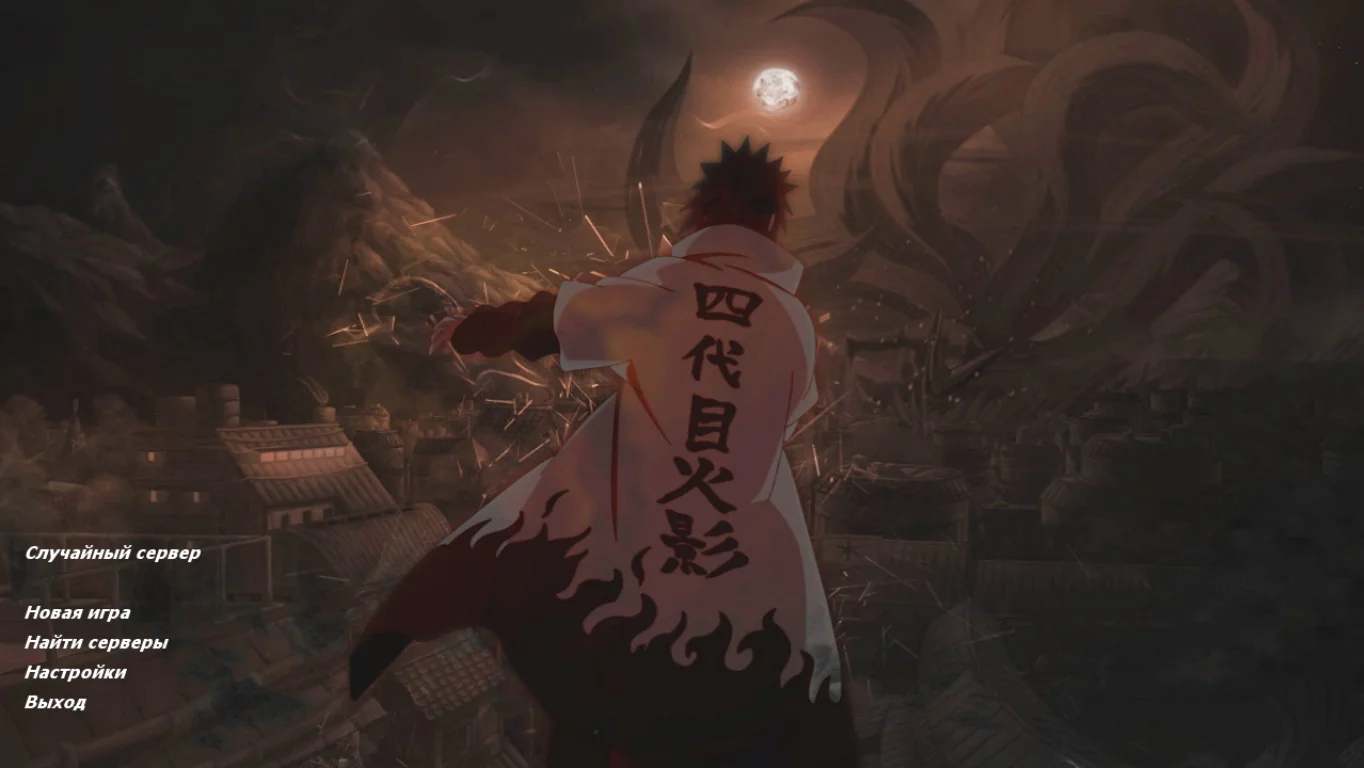
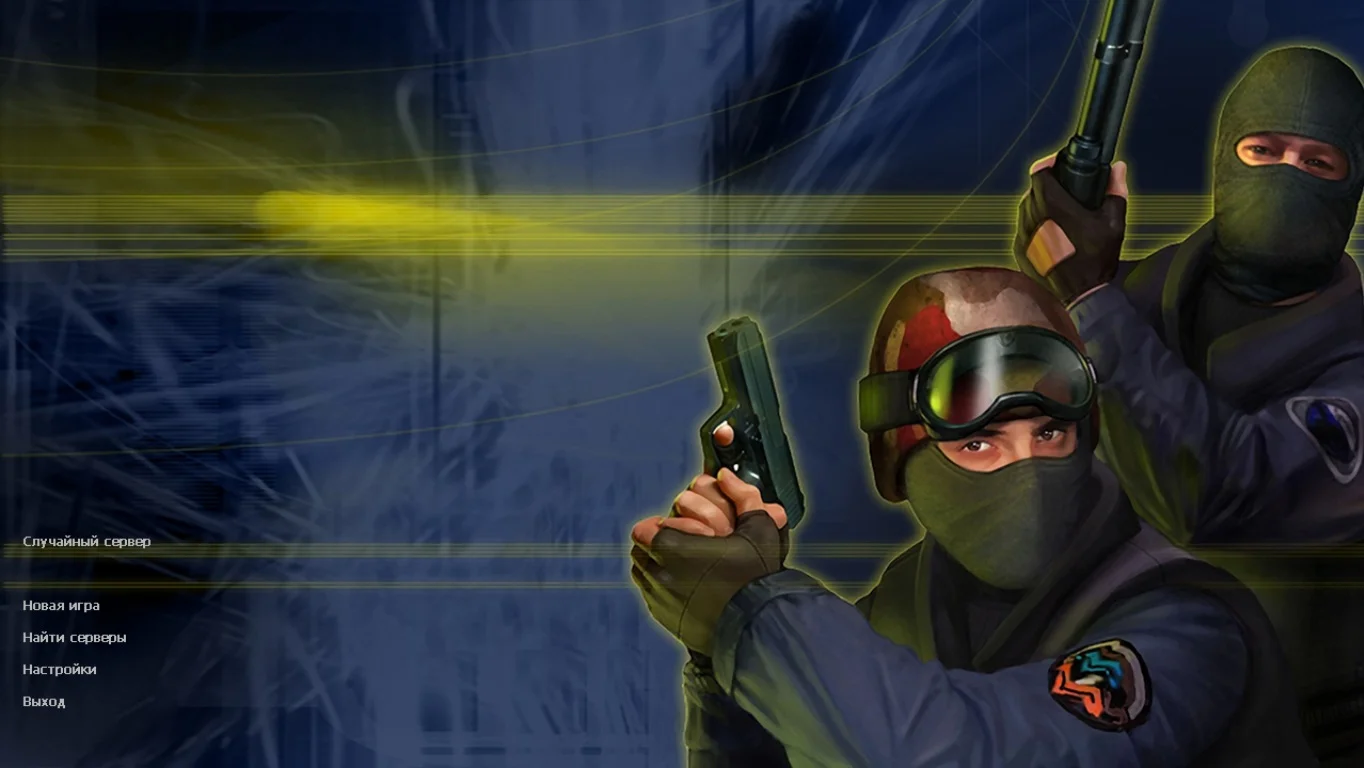
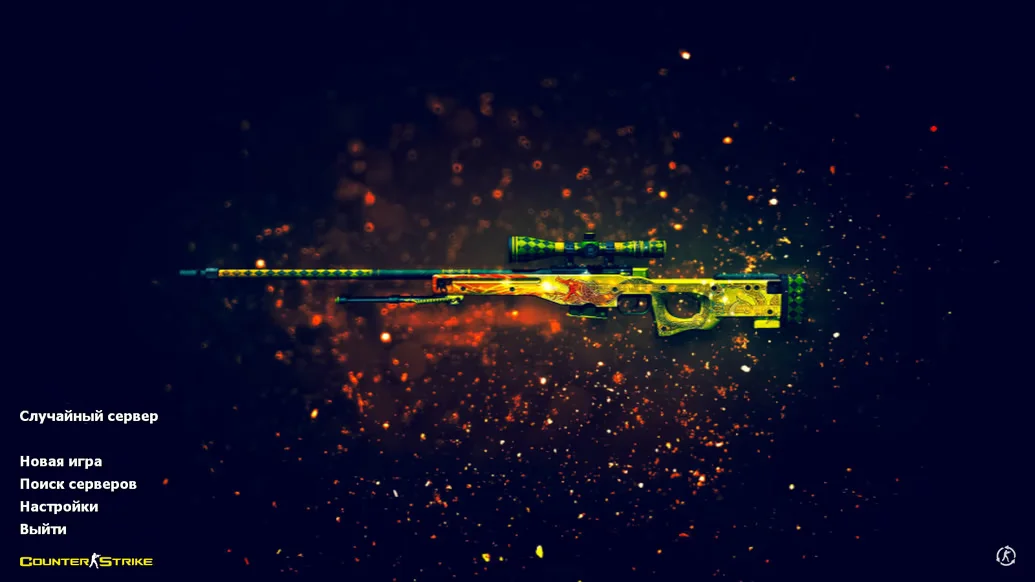
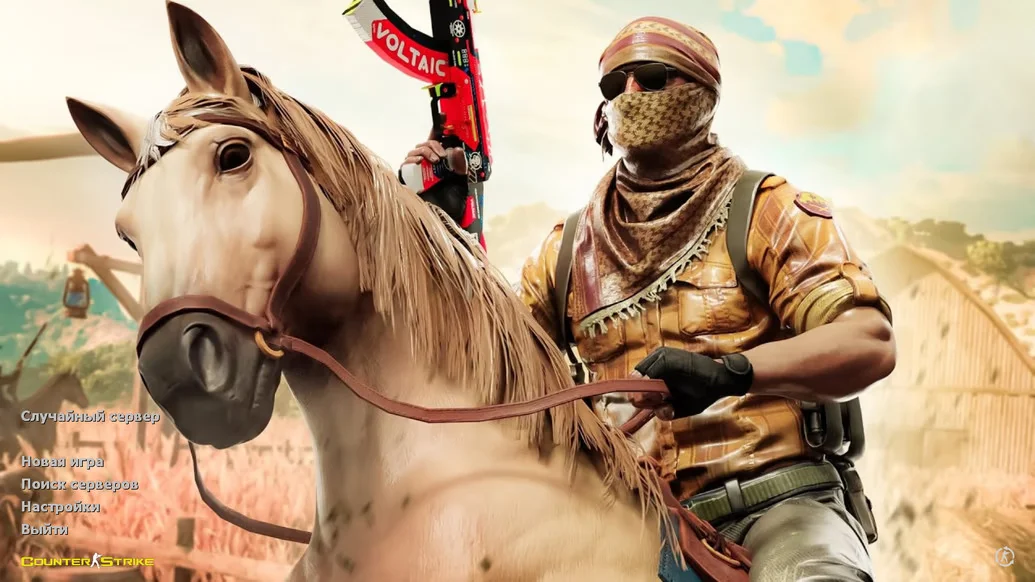
CS 1.6 from Bestman is a custom build of the legendary game by a well-known player and YouTuber, designed for those who value client stability, cleanliness, and precise shooting. In this version, you get a time-tested client with adapted settings that allow you to maximize your potential in any game mode. Downloading CS 1.6 from Bestman means choosing a reliable build that you can start playing immediately without extra setups or hassles.
The client includes professionally configured shooting settings, a minimalist interface, classic player and weapon models, and full bot support. This allows you to train offline and practice shooting even without an internet connection. All maps and modes are fully supported: Classic, AWP, DM, Knife, and more. The game is free from unnecessary software and visual clutter—only essential files needed for stable and fair gameplay. An integrated anti-cheat system ensures the build is ready for any server.
CS 1.6 from Bestman is ideal for both beginners and experienced players. The build is fully compatible with all modern Windows versions, including XP, 7, 8, 10, and 11. Thanks to excellent optimization, it launches quickly and runs even on low-end PCs. Installation takes just a few minutes, and once launched, you get a clean, fast, and convenient client. Downloading CS 1.6 from Bestman gives you a stable version without ads, bugs, or unnecessary elements—perfect for both online and offline play.
Build Features:
Custom build by Bestman
Completely clean client without ads
Professionally configured settings
Support for all popular game modes
Built-in bots with selectable difficulty
Classic player and weapon models
Minimalist and convenient interface
High stability and performance
Compatible with Windows XP — 11
Anti-cheat for safe server play
System Requirements and Installation:
Operating System: Windows XP / 7 / 8 / 10 / 11
Processor: 1.0 GHz or higher
RAM: 512 MB or more
Graphics Card: 64 MB or more
Free Disk Space: 750 MB or more
How to Install:
Download the CS 1.6 from Bestman installer
Open the installer by double-clicking
Choose the installation path
Wait for the installation to complete
Launch the game from the desktop shortcut