Home
Home
 CS 1.6 Builds
 CS:GO Builds
 CS:S Builds
 CS2 Builds

Download CS 1.6 USSR

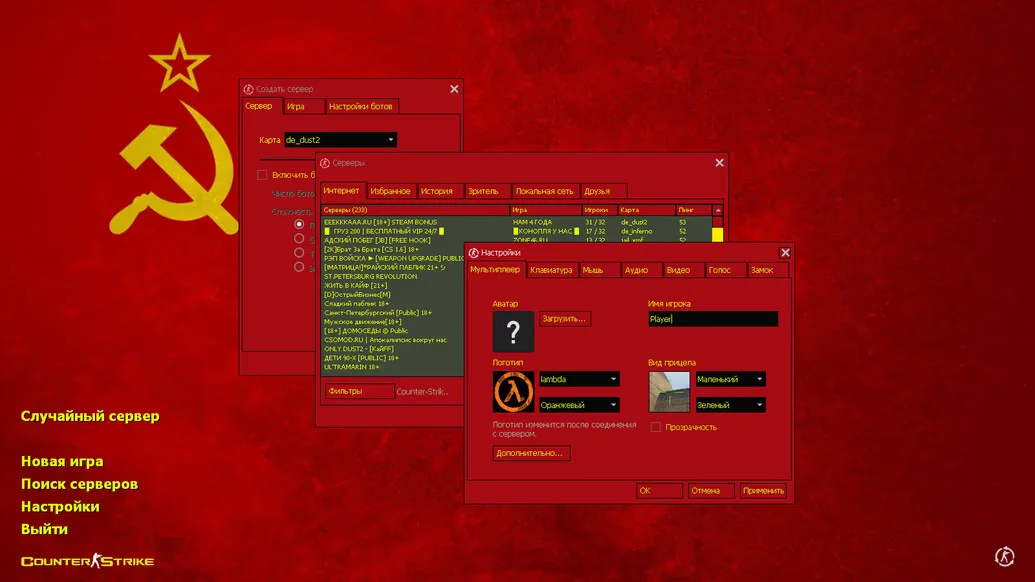
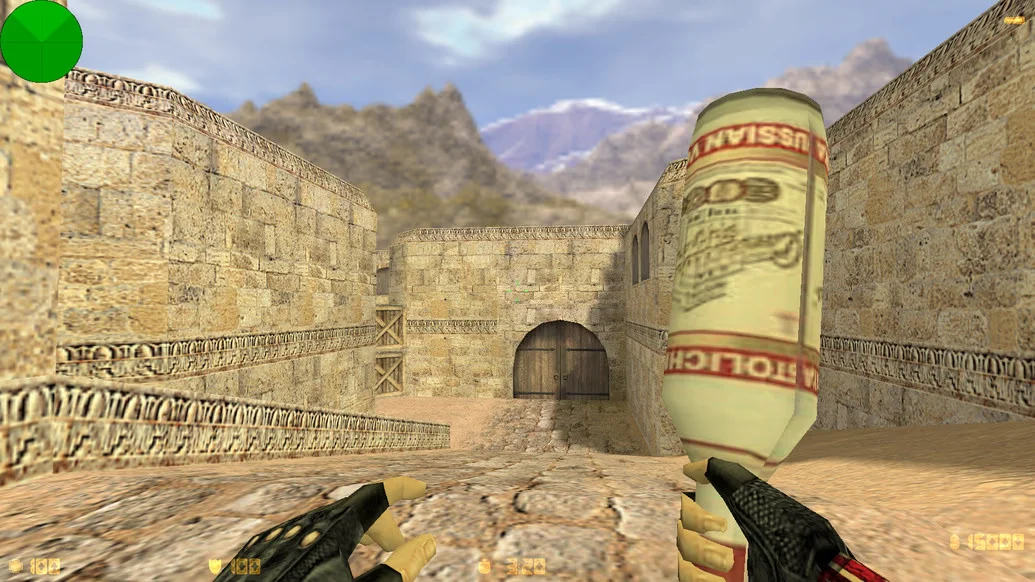
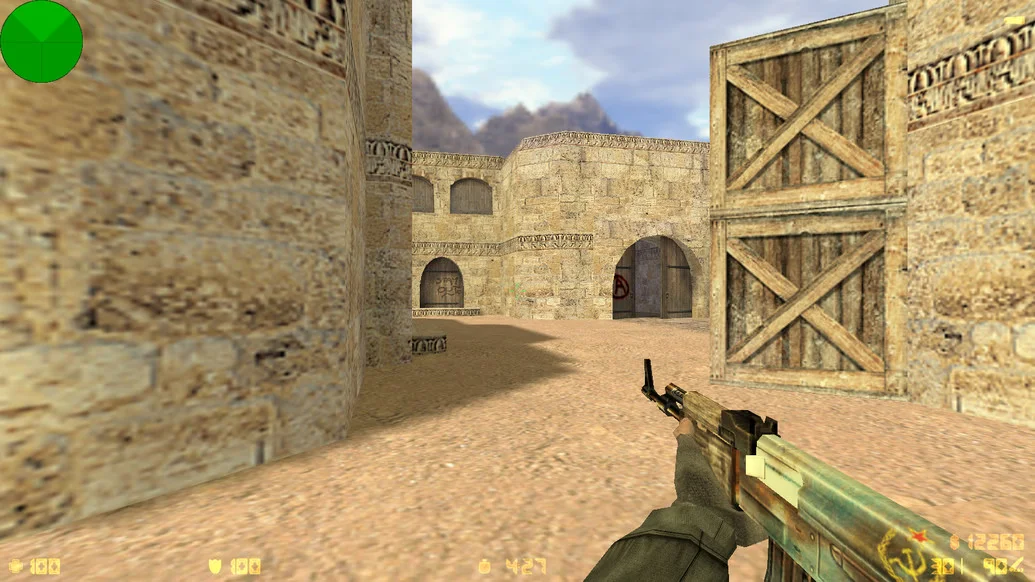
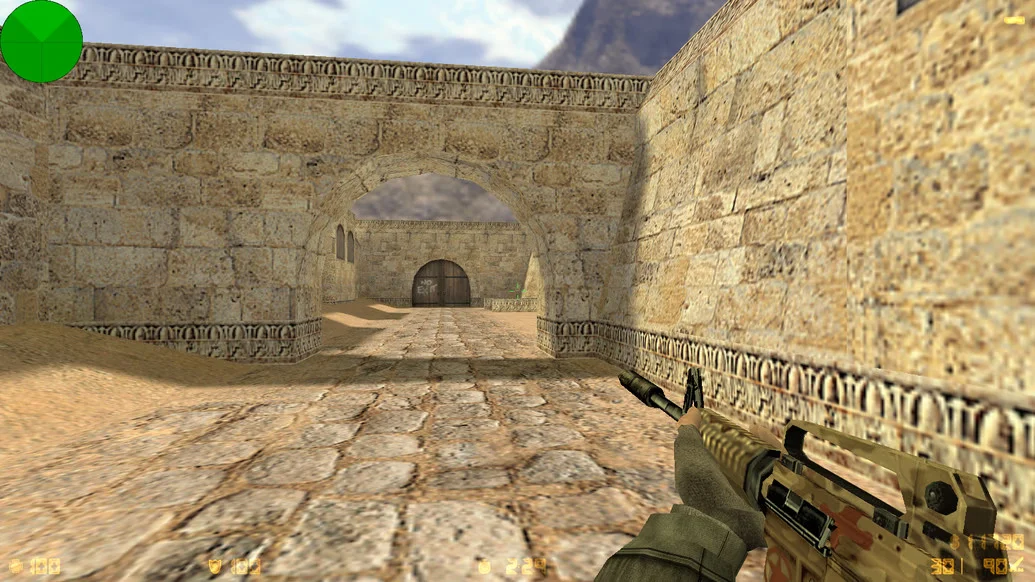
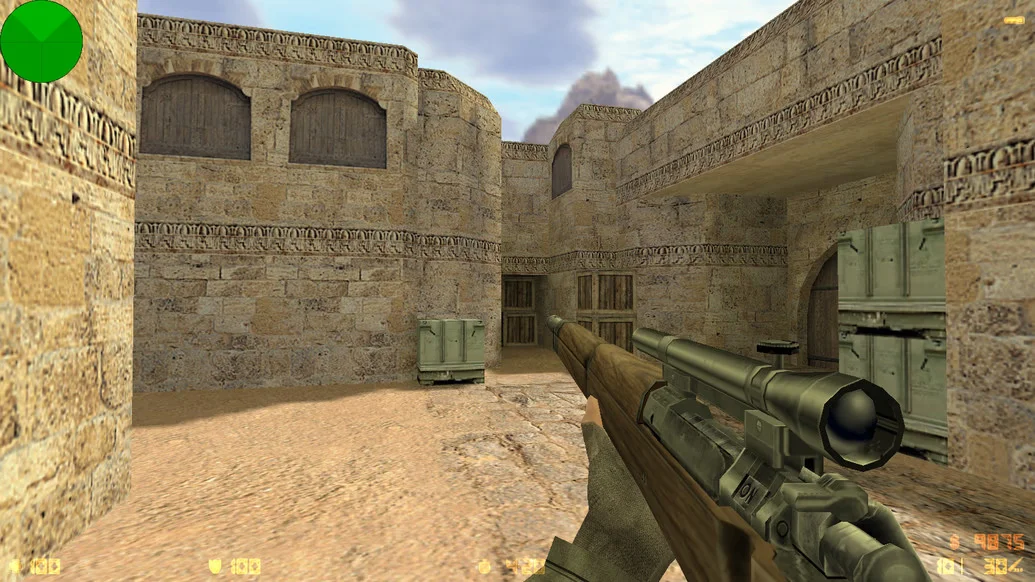

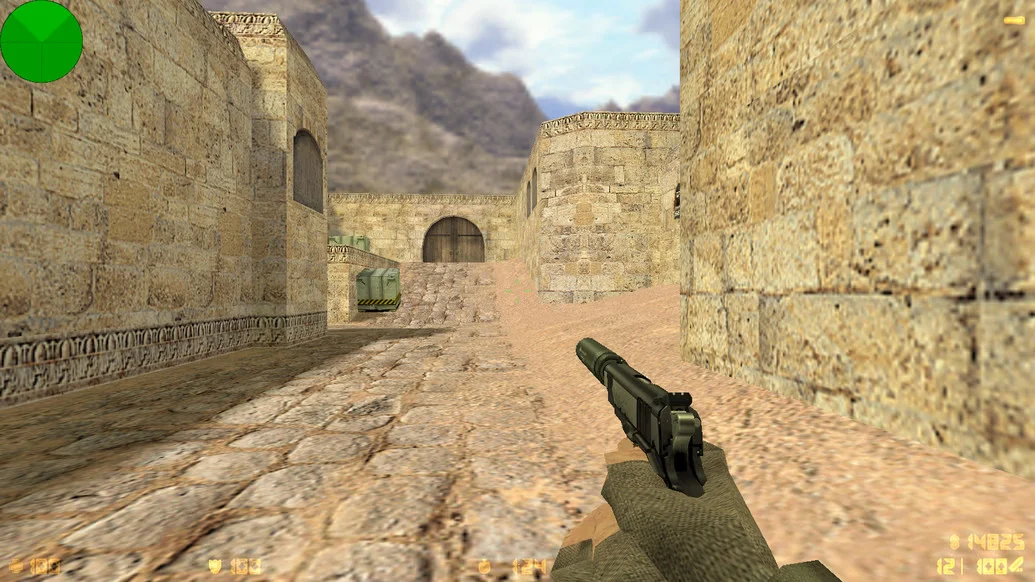
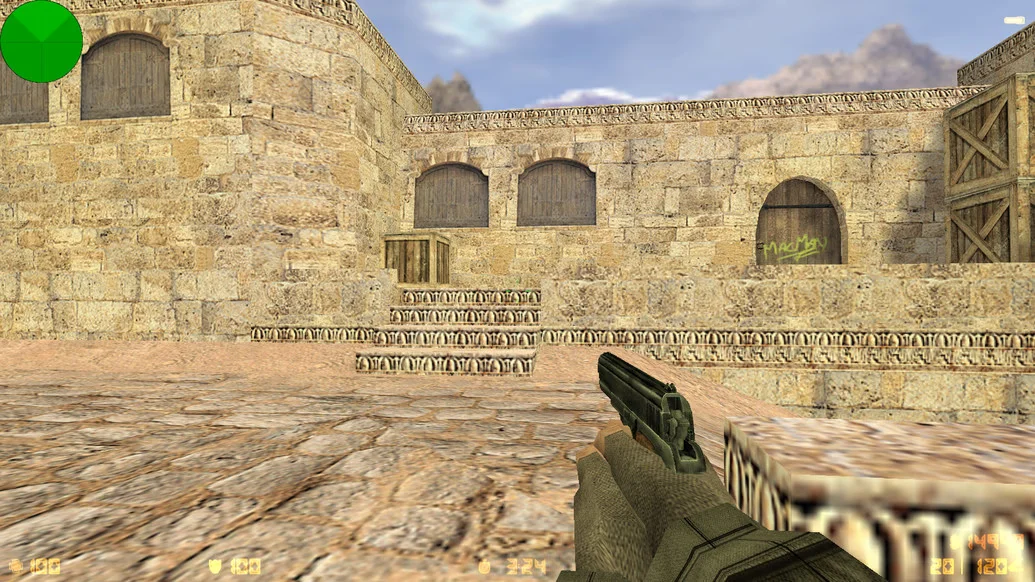
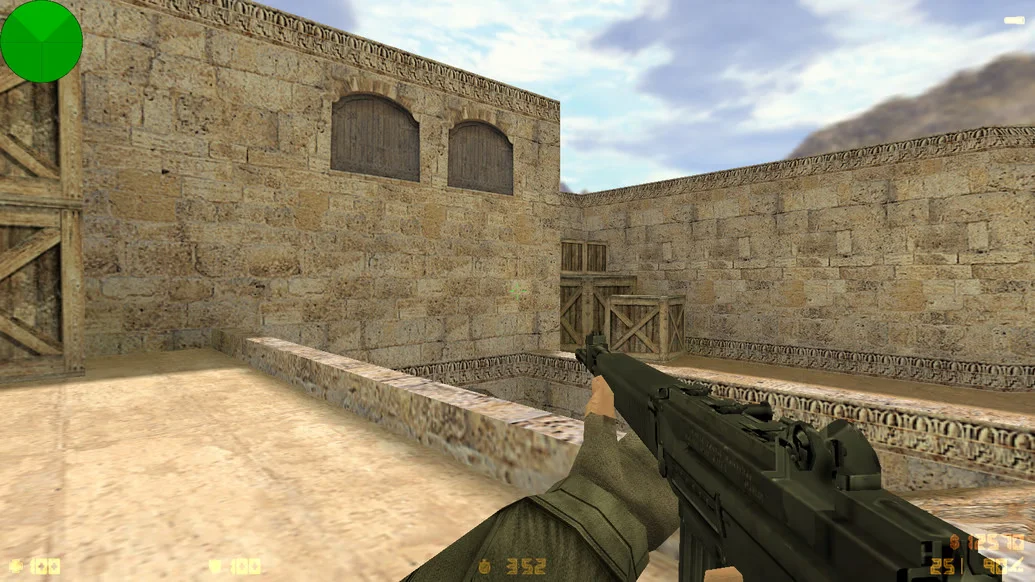
CS 1.6 USSR is a unique themed build of the iconic shooter, designed in the spirit of the Soviet era. Every element — from the interface to character and weapon models — is made in the USSR style. The nostalgic atmosphere of the past combines with the classic Counter-Strike 1.6 gameplay, making this version interesting both for history enthusiasts and fans of unconventional builds. Downloading CS 1.6 USSR is a great way to see the legendary game in a new light.
This build features a fully redesigned interface with red-Soviet elements, unique soldier models in USSR-era uniforms, and weapons styled according to Soviet themes. Maps are adapted to the appropriate atmosphere — from panel houses to factory hangars. The sound design is also updated, featuring recognizable melodies, sounds, and voice commands styled after the Soviet army. The game is fully Russian-localized, configs are optimized for comfortable shooting and control, and built-in bots allow for offline play.
CS 1.6 USSR works well on all versions of Windows, including XP, 7, 8, 10, and 11. The game does not require powerful hardware and runs stably even on low-end systems. Installation is quick and does not require additional software — just download, install, and start playing. The client is clean, with no ads, viruses, or unnecessary software. Downloading CS 1.6 USSR is perfect for anyone who wants an atmospheric, unconventional, and fully functional version of the legendary game in the spirit of the Soviet Union.
• Build Features:
Full USSR-style design
Player models in Soviet military uniforms
Stylized weapons and interface
Maps with Soviet-era architecture
Updated sound design
Full Russian localization
Built-in bots and ready-to-use configs
Stable FPS and good optimization
Compatibility with Windows XP, 7, 8, 10, 11
Free from viruses and ads
• System Requirements:
Operating System: Windows XP / 7 / 8 / 10 / 11
Processor: 1.0 GHz or higher
RAM: 512 MB or more
Video Card: 64 MB or more
Free Disk Space: 700 MB or more
• How to Install:
Download the CS 1.6 USSR installer
Run the installation file with a double-click
Choose the installation folder
Wait for the installation to complete
Launch the game via the created shortcut