Home
Home
 CS 1.6 Builds
 CS:GO Builds
 CS:S Builds
 CS2 Builds

Download CS 1.6 from Elektronika


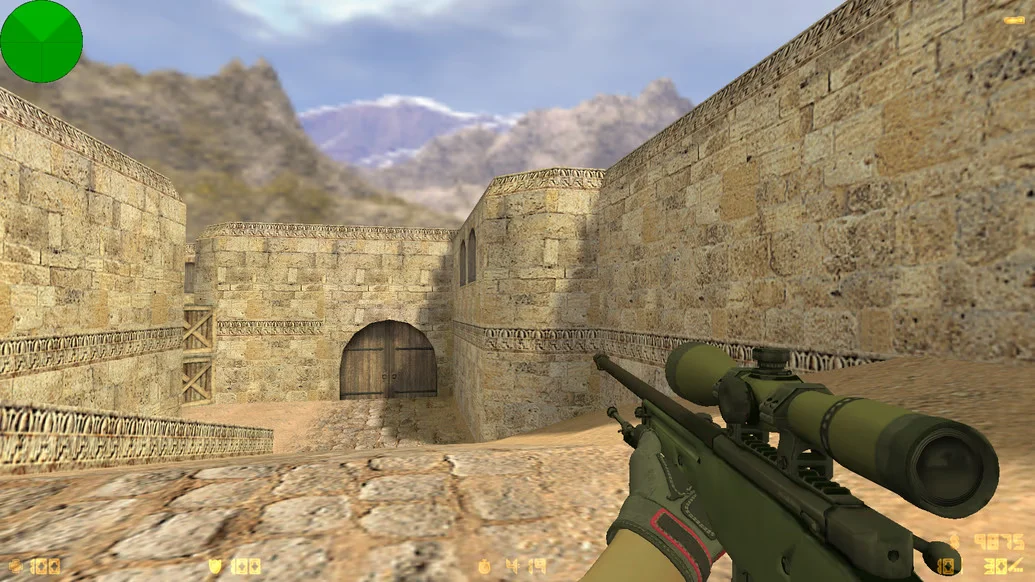
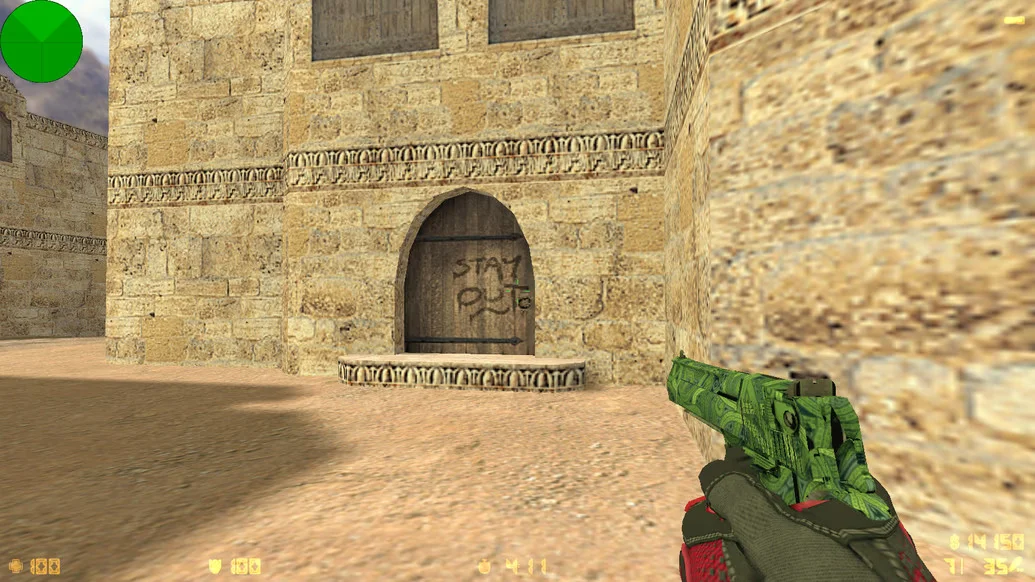
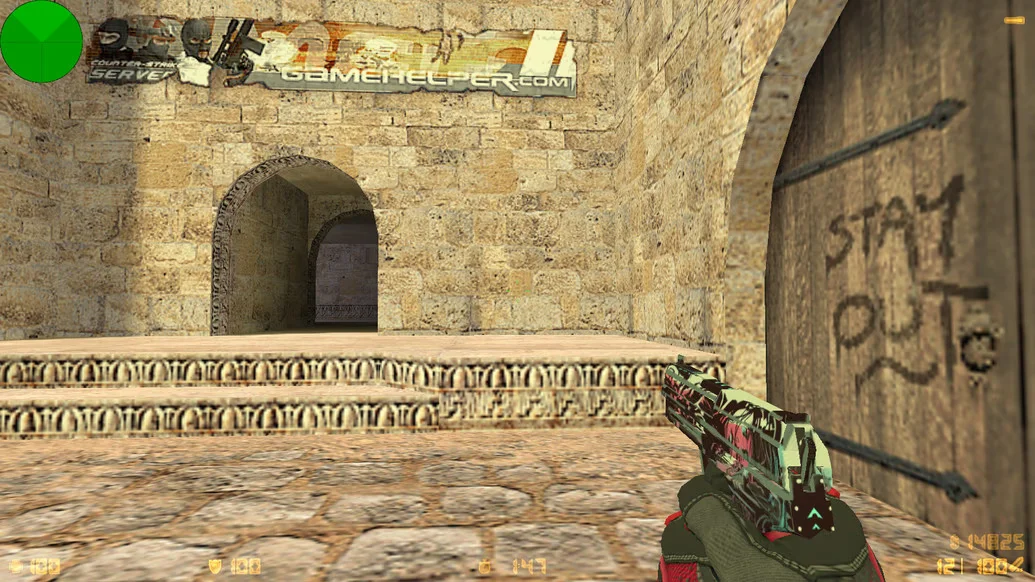
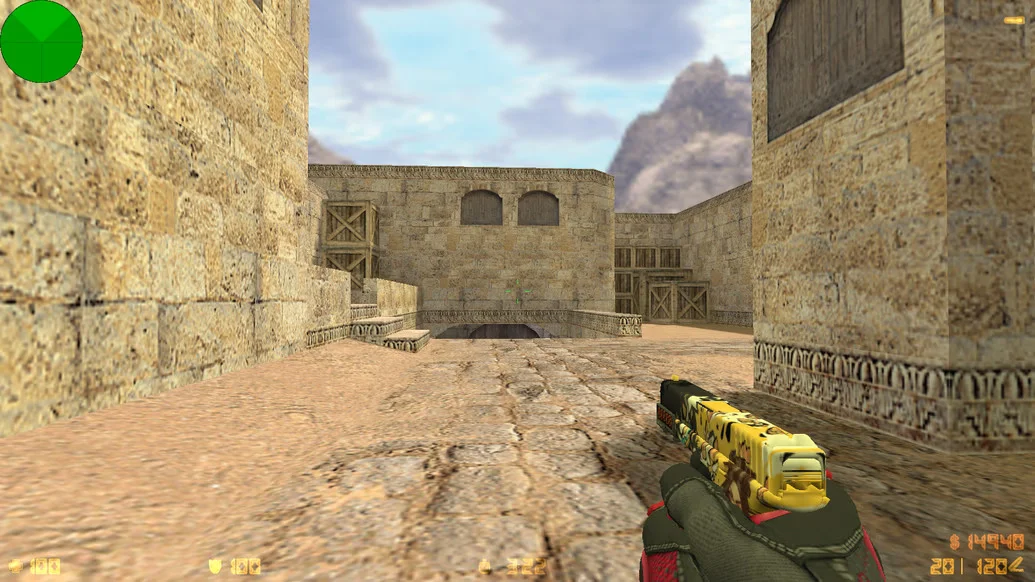
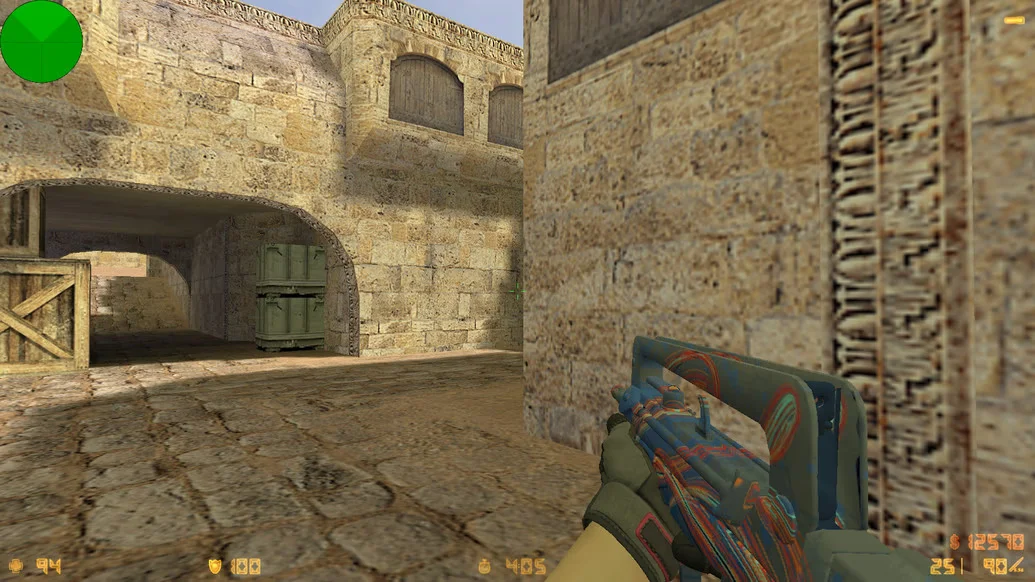
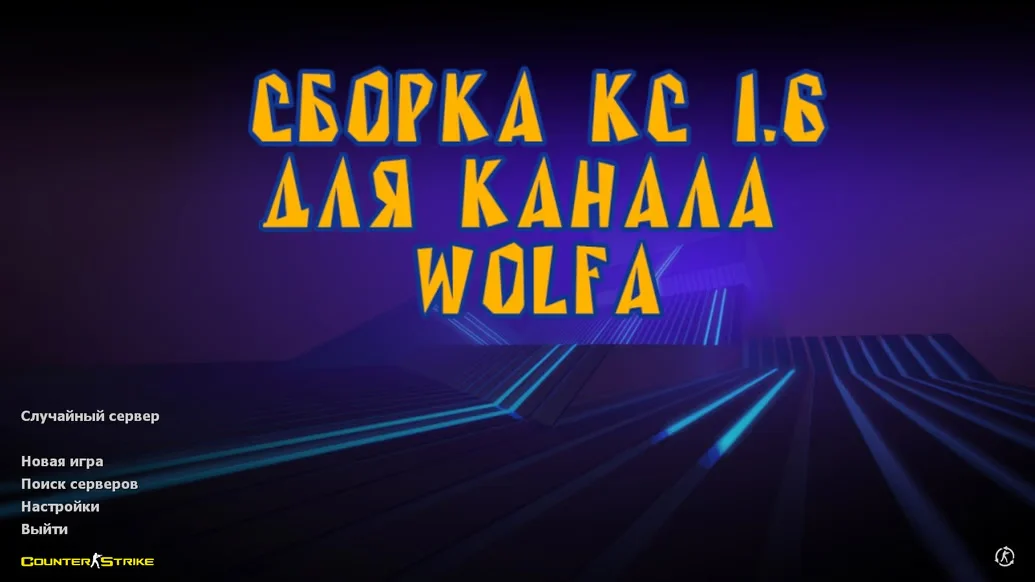
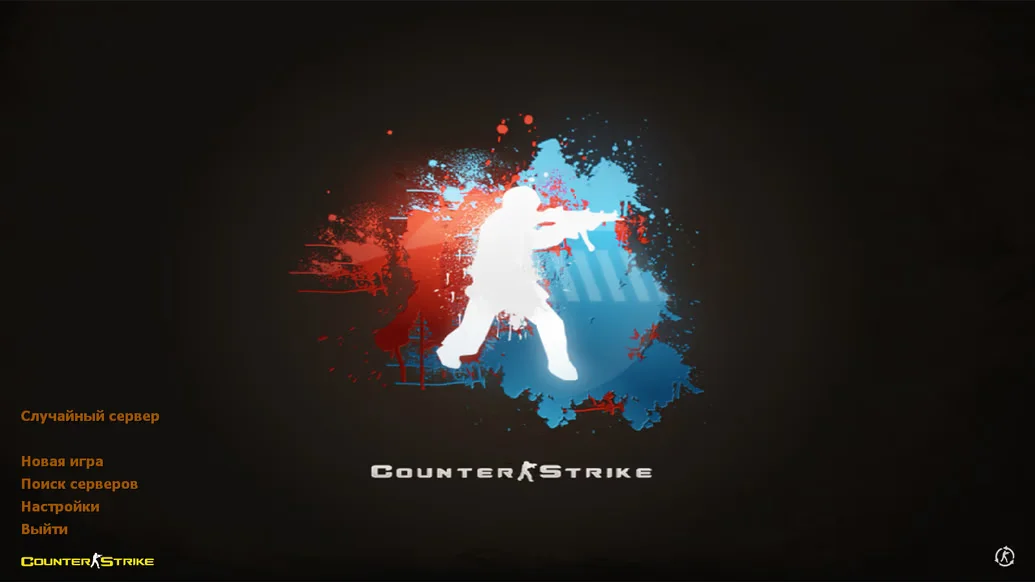
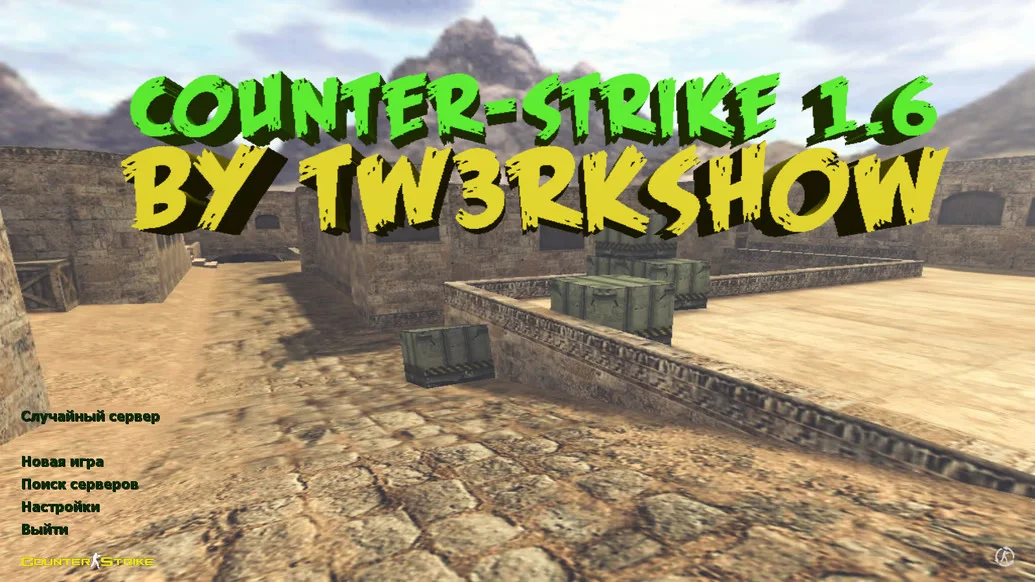
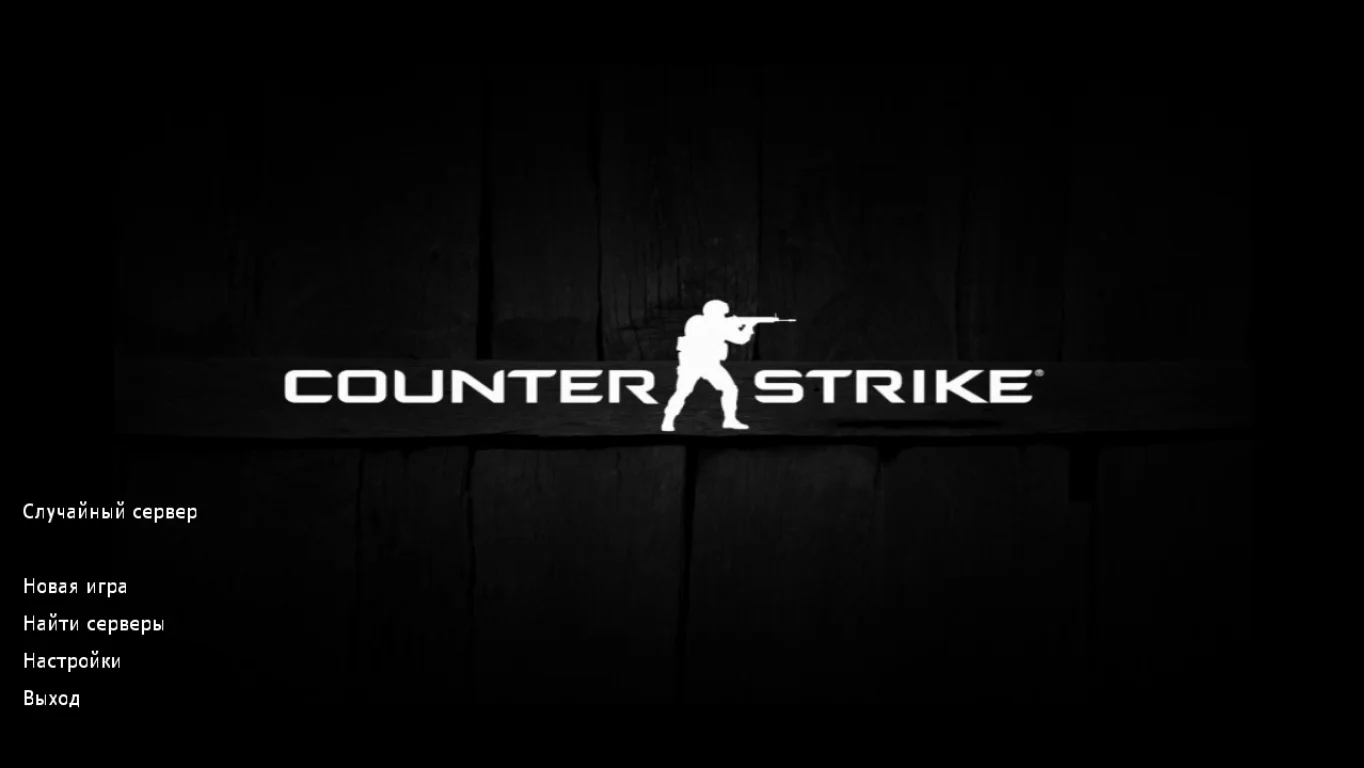
CS 1.6 from Elektronika is a custom build created based on the professional playstyle of one of the most renowned modern esports players. This version focuses on accuracy, stability, and maximizing performance in every firefight. The interface is designed in a signature style, and in-game configs are tuned for precise shooting and high performance. Downloading CS 1.6 from Elektronika is the perfect choice for those who want to play like a pro.
The build includes professional configs optimized for recoil control, quick response, and smooth movement. Footstep, gunfire, and reload sounds are made as informative as possible to ensure quality team play and positional awareness. Player and weapon models are updated but lightweight — all adapted to esports standards. The interface features dark and neutral tones, while the radar, crosshair, and menu are redesigned for convenience and minimalism. The menu is fully Russian-localized, and built-in bots allow offline training.
CS 1.6 from Elektronika runs stably on all Windows versions: XP, 7, 8, 10, and 11. The client is completely free from ads, viruses, and unnecessary software. Installation is quick — just download the file, choose a folder, and within minutes you’re in the game. The build is well-optimized and provides stable FPS even on low-end PCs. Downloading CS 1.6 from Elektronika is ideal for anyone who wants to experience the style of a top player and play at a professional level.
Build Features:
Custom build in the style of Elektronika
Updated but lightweight weapon and player models
Professional shooting and control configs
Modern minimalist interface
Full Russian localization of the menu
Built-in bots for training
Replaced footstep and gunfire sounds
Optimized for esports gameplay
Stable FPS on low-end PCs
Installation without ads or extra software
System Requirements and Installation:
Operating System: Windows XP / 7 / 8 / 10 / 11
Processor: 1.0 GHz or higher
RAM: 512 MB or more
Video Card: 64 MB or more
Free Disk Space: 700 MB or more
How to Install:
Download the CS 1.6 from Elektronika installer
Run the file with a double-click
Choose the installation path
Wait for the installation to complete
Launch the game using the desktop shortcut