Home
Home
 CS 1.6 Builds
 CS:GO Builds
 CS:S Builds
 CS2 Builds

Download CS 1.6 from Nikan Show

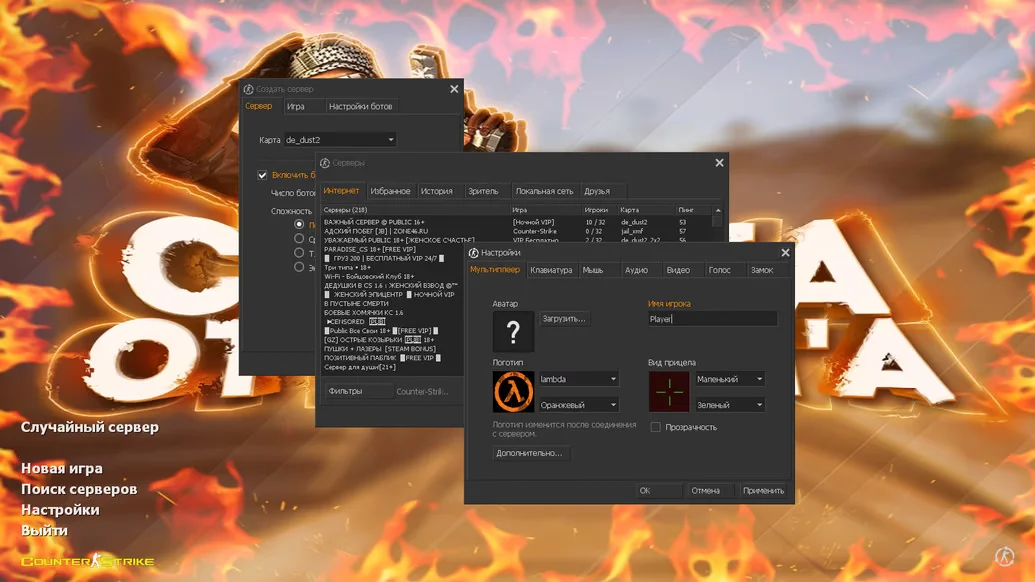
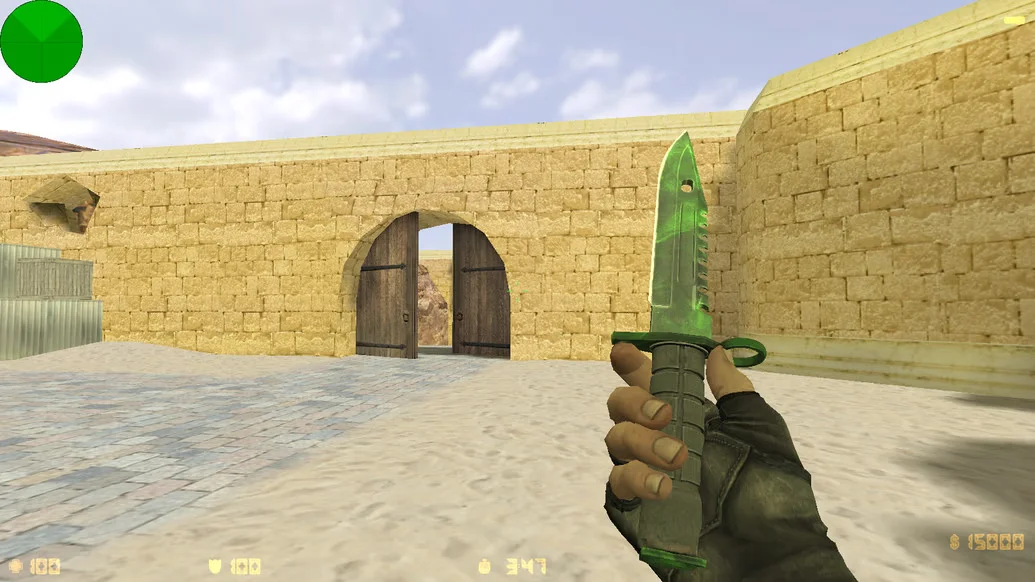
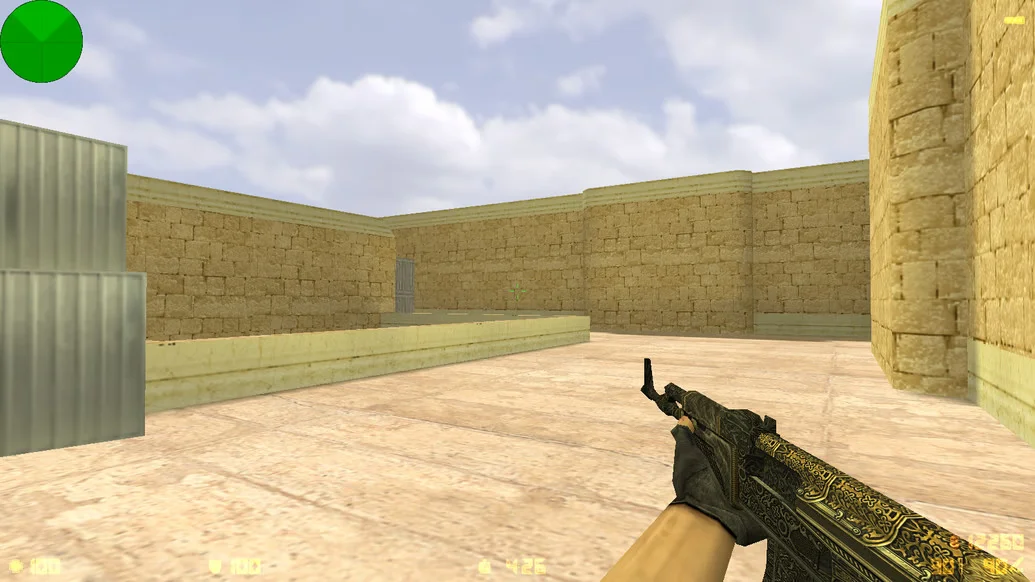
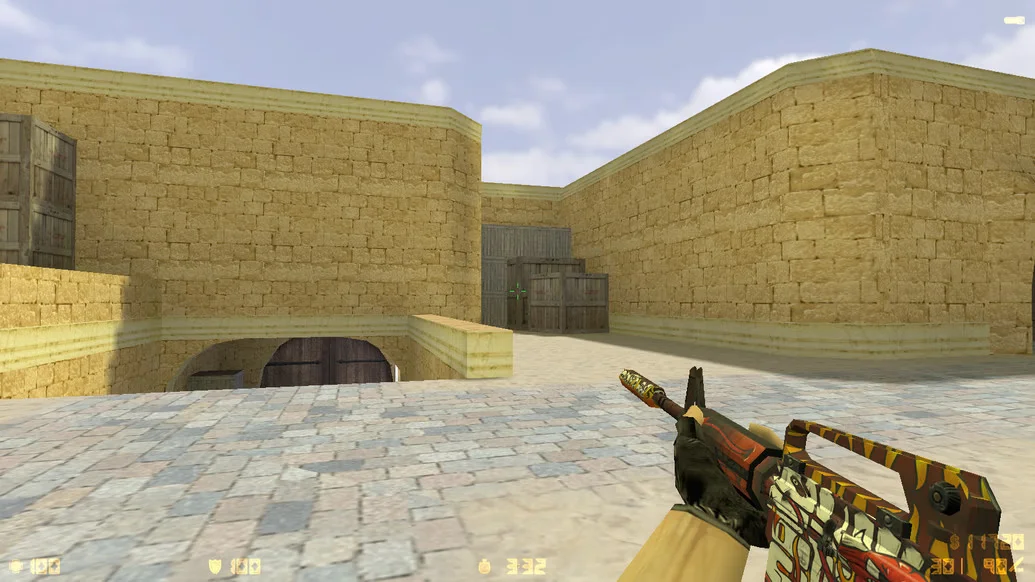
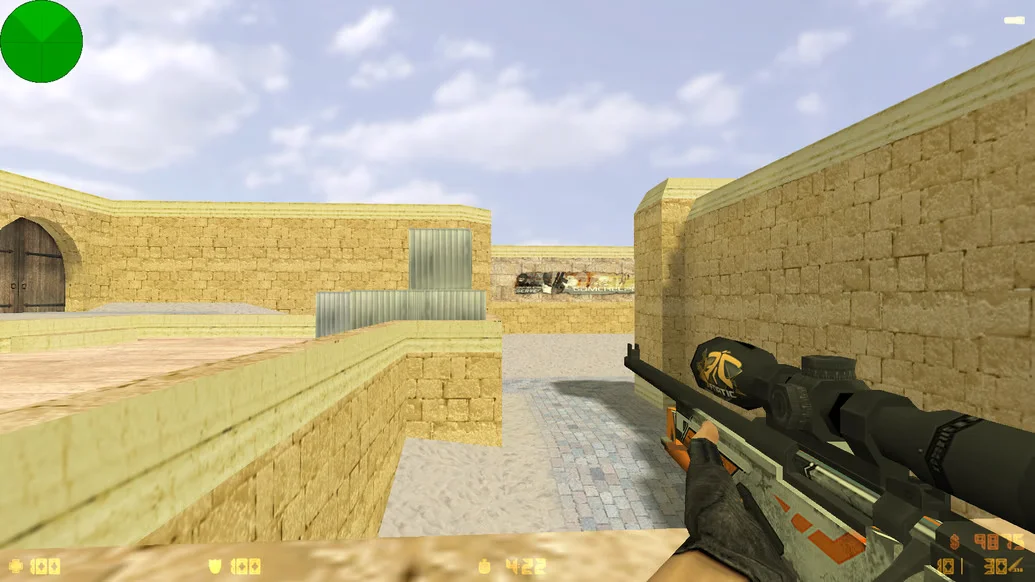
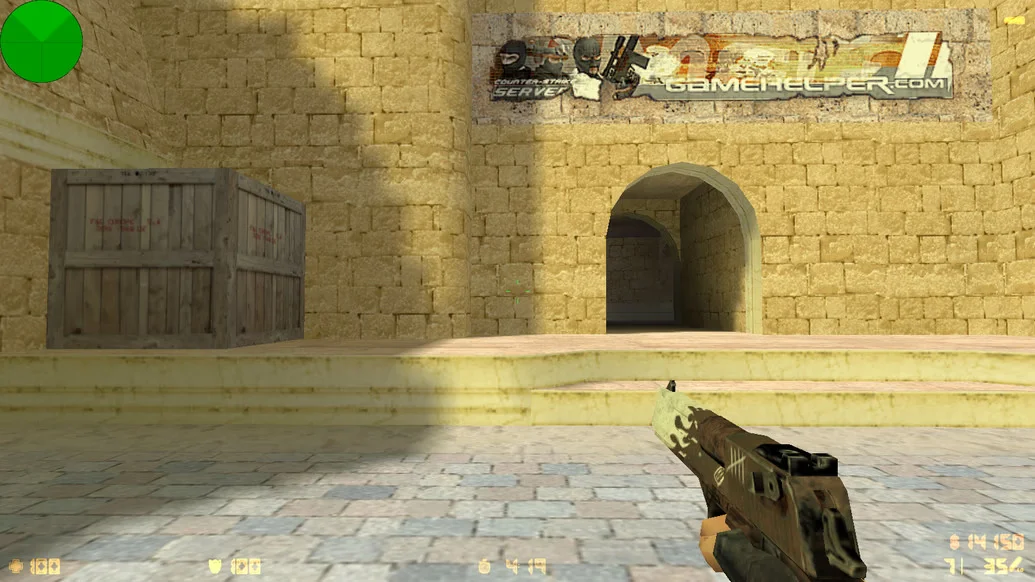
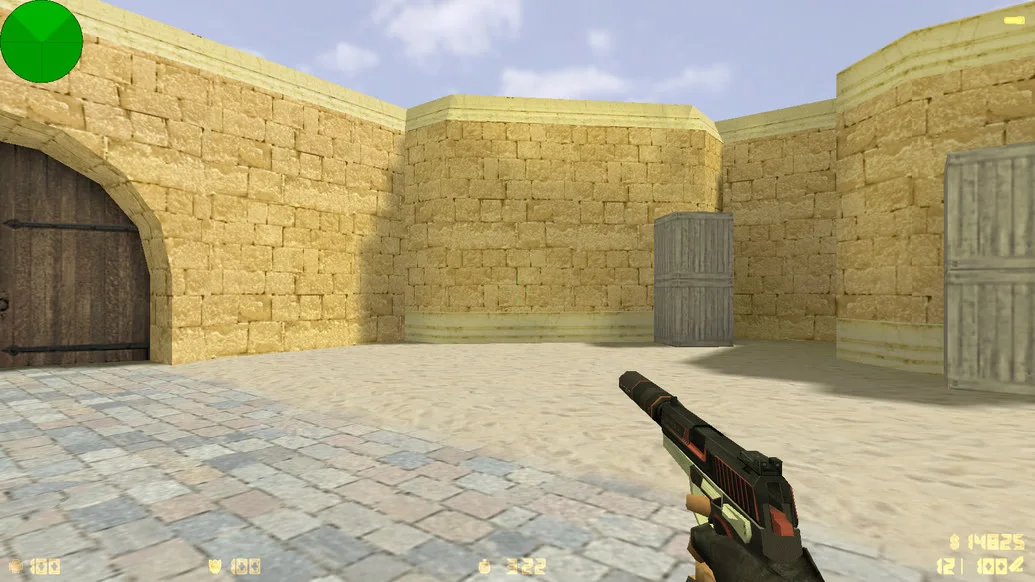
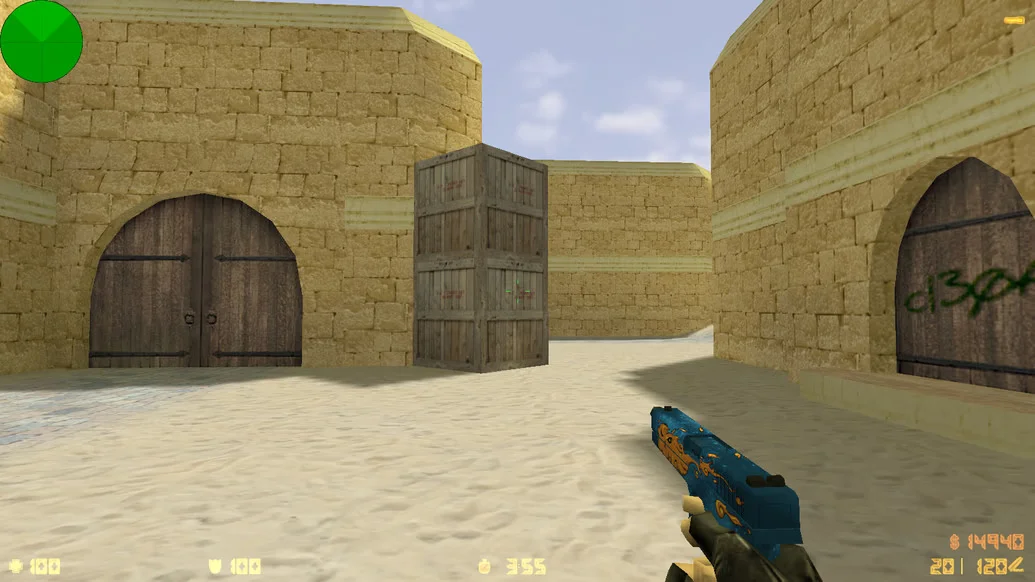
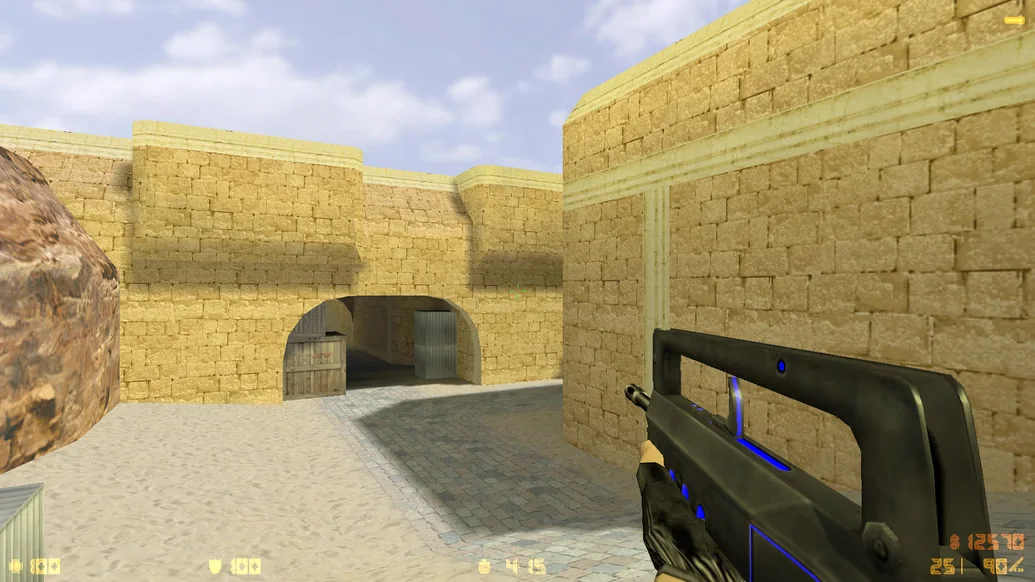
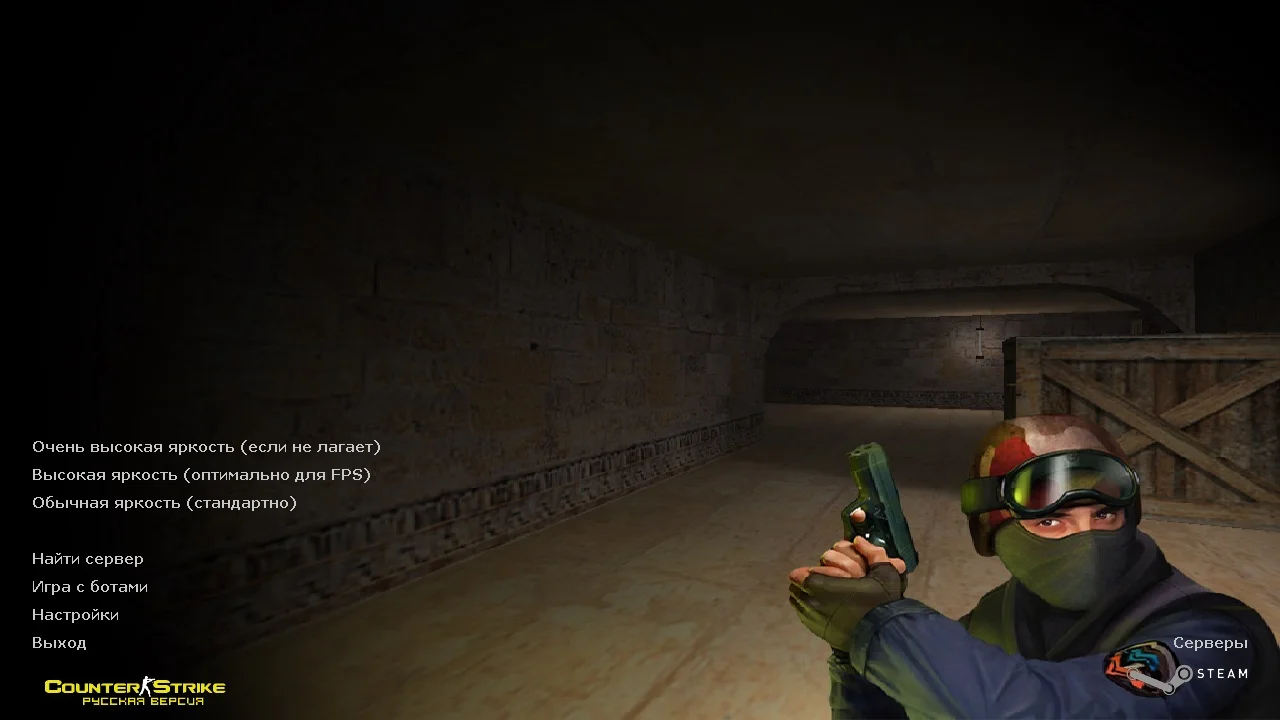
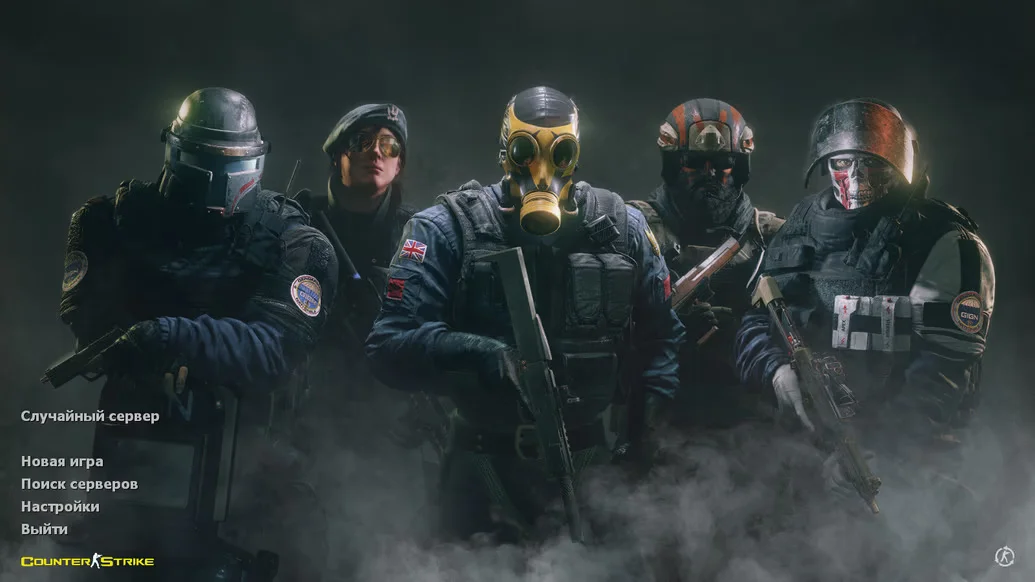
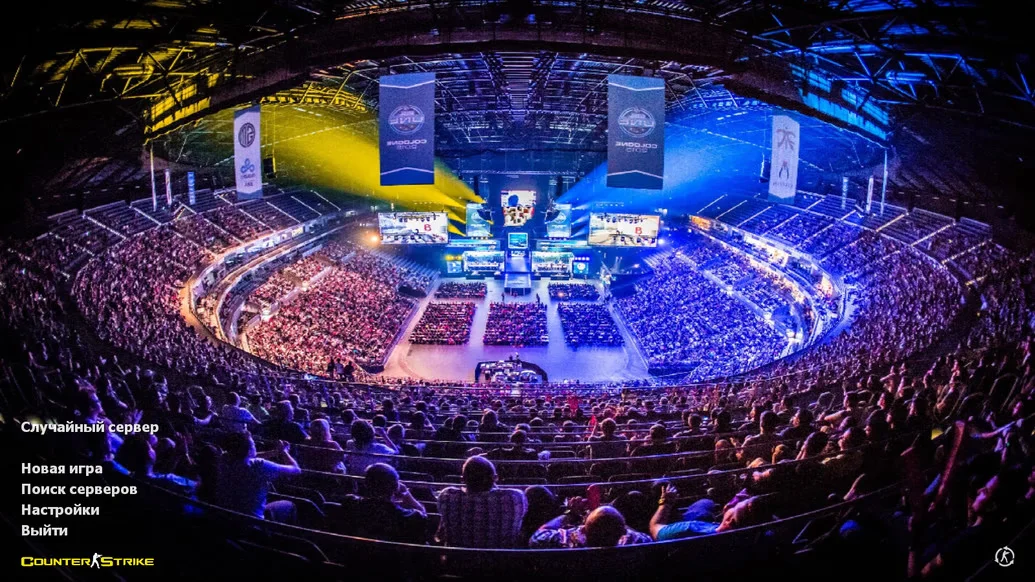
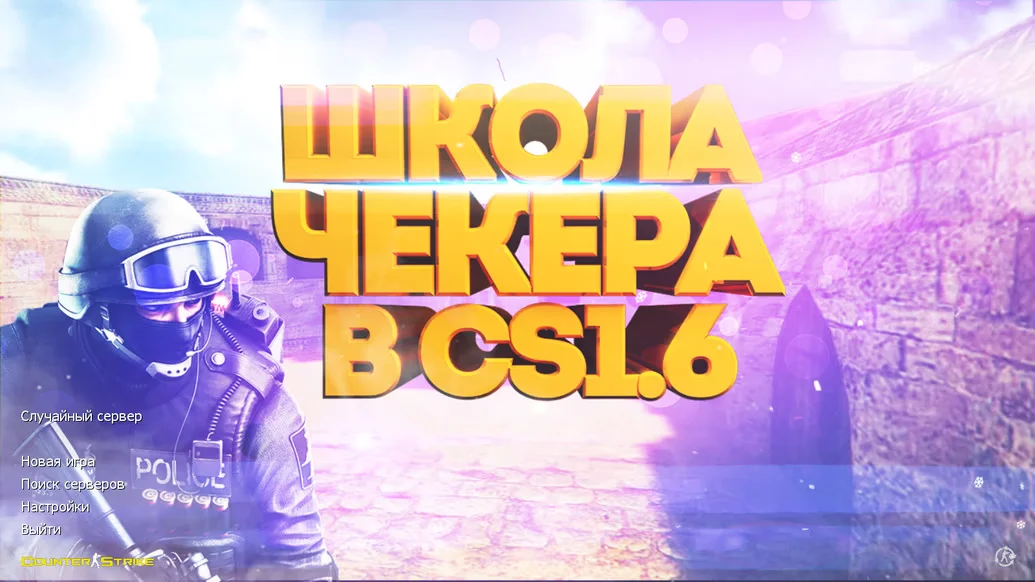
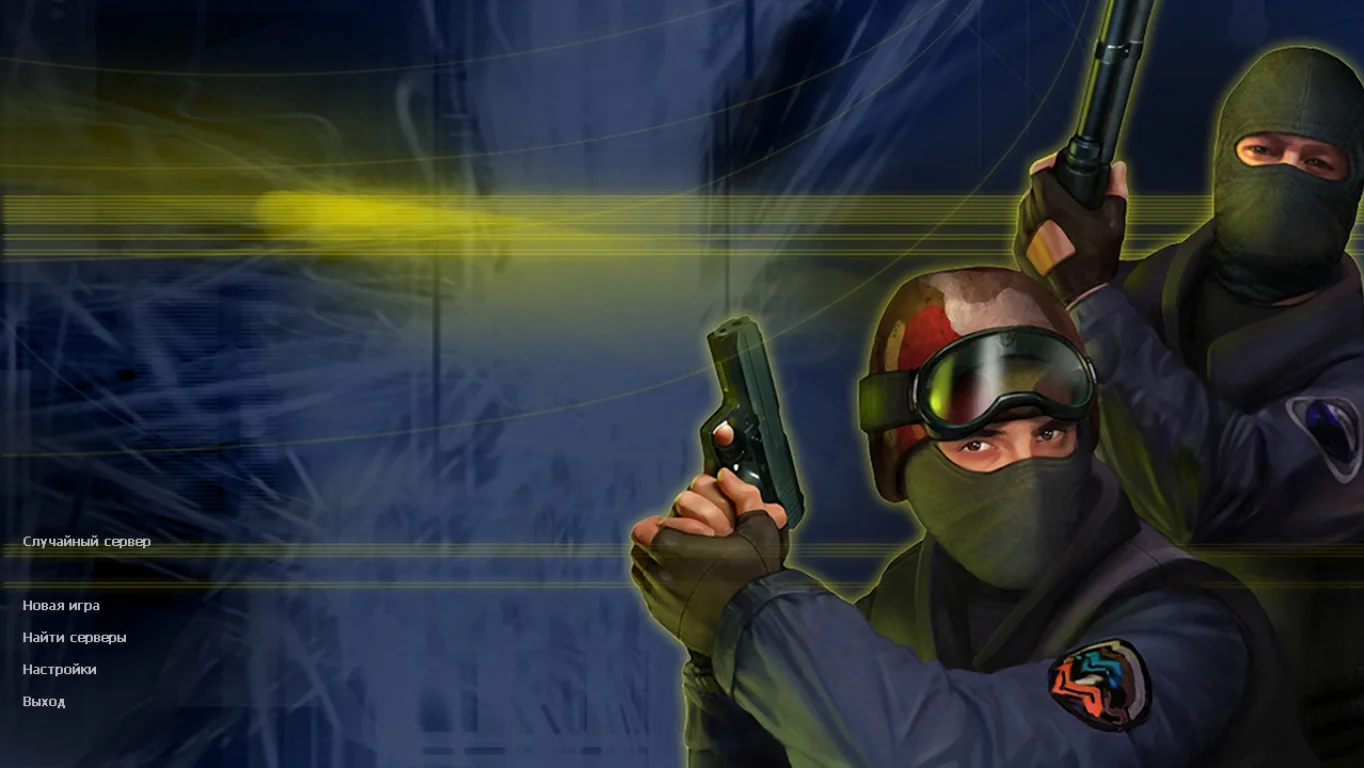
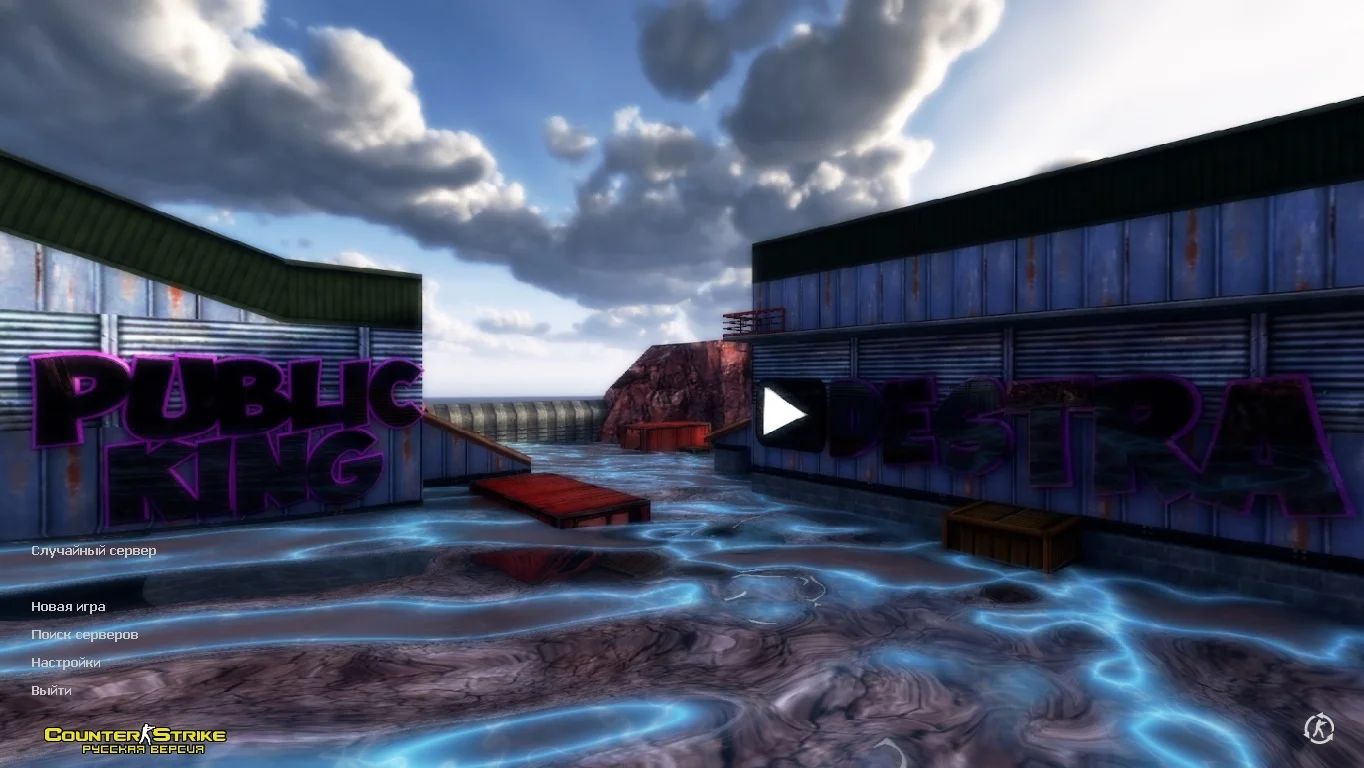
Download CS 1.6 from Nikan Show — this is a great opportunity to install a build created by the popular YouTuber and streamer Nikan Show on your computer. It was designed with the preferences of his audience and fans in mind and is adapted for comfortable gameplay for both beginners and experienced players. This version features the author’s bright and recognizable style, a signature menu, updated models, and visual elements matching the Nikan Show brand. The build is ready to play immediately and requires no additional configuration.
CS 1.6 from Nikan Show stands out from the standard version with original weapon and player models, an improved interface, and a configured setup that ensures maximum performance and smooth gameplay. Bots are designed to behave naturally, making solo play engaging and useful for practice. The build also includes a list of active servers that can be accessed with a single click directly from the main menu. Pleasant color schemes and stable performance make the gaming experience highly comfortable.
This build is ideal both for fans of Nikan Show and for anyone looking to play CS 1.6 with quality improvements. The game is free of unnecessary elements, fully cleared of ads, runs stably, and can even launch on low-end computers. Quick installation, thoughtful design, modern appearance, and optimization for both online and offline modes make CS 1.6 from Nikan Show one of the best themed builds available today. If you want a high-quality, stylish, and reliable version of CS 1.6, this build is a must-try.
Features of the CS 1.6 Build from Nikan Show
Unique design in the style of Nikan Show
Signature menu and modified GUI
Updated weapon and player models
Configured settings for smooth gameplay
Full Russian localization for interface and chat
Built-in bots with map adaptation
Fast installation and launch
Support for most online servers
Compatibility with all Windows versions
No ads or unnecessary files
System Requirements
Operating System: Windows XP / 7 / 8 / 10 / 11
Processor: 800 MHz or higher
RAM: 512 MB or more
Video Card: 32 MB or more, DirectX 8.1 support
Free Disk Space: 1 GB or more
Internet Connection: required for online mode
How to Install
Download the CS 1.6 installer from Nikan Show
Run the installer (double-click the .exe file)
Choose the installation folder
Wait for the installation to complete
Launch the game via the desktop shortcut
Play with bots or join online servers