Home
Home
 CS 1.6 Builds
 CS:GO Builds
 CS:S Builds
 CS2 Builds

Download CS 1.6 from Stilus
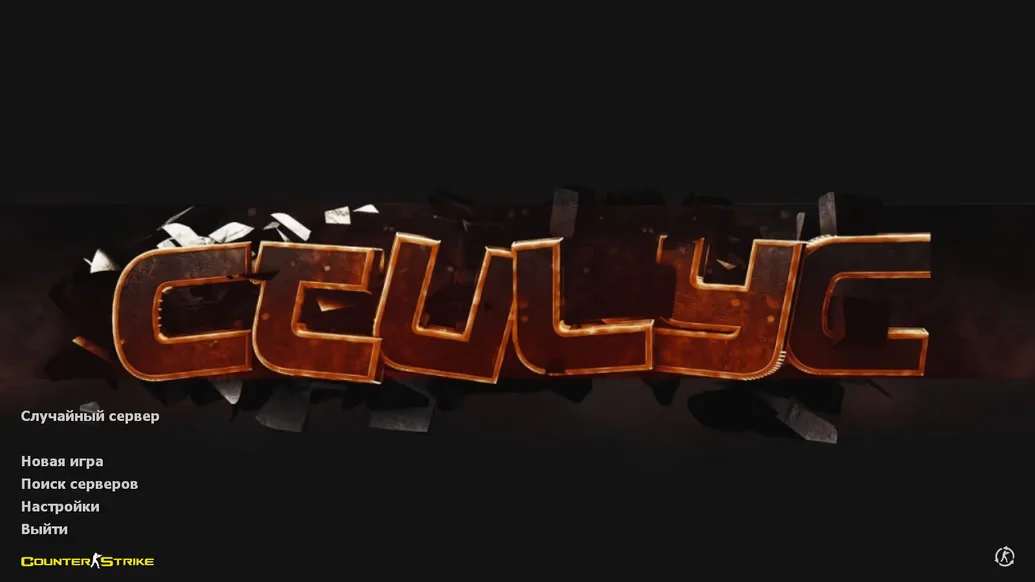
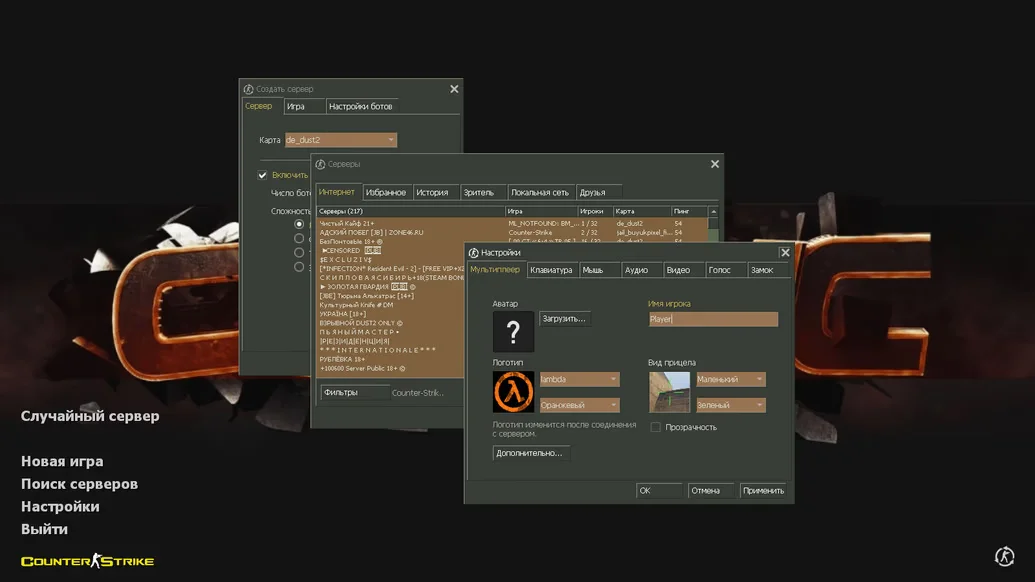
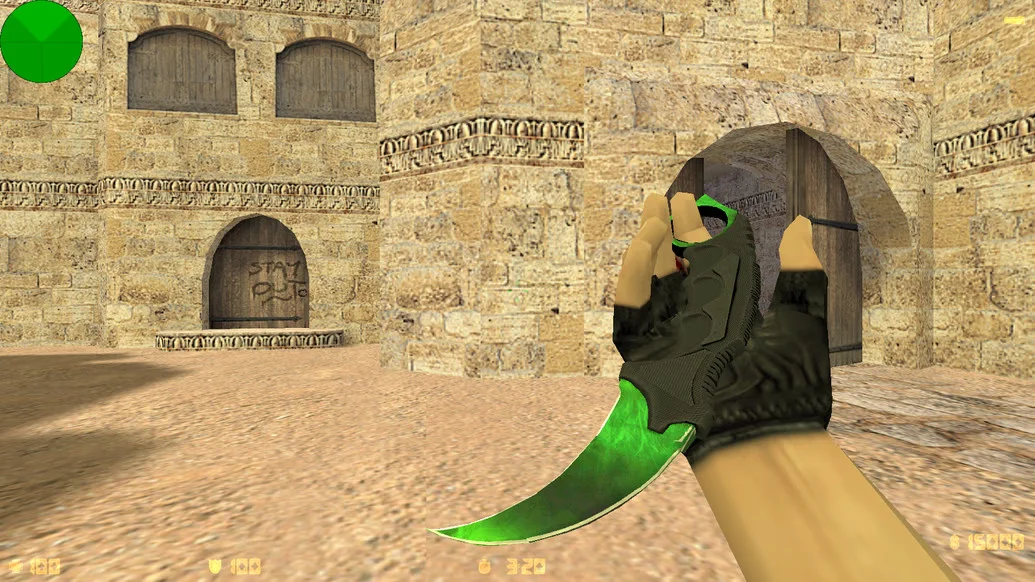
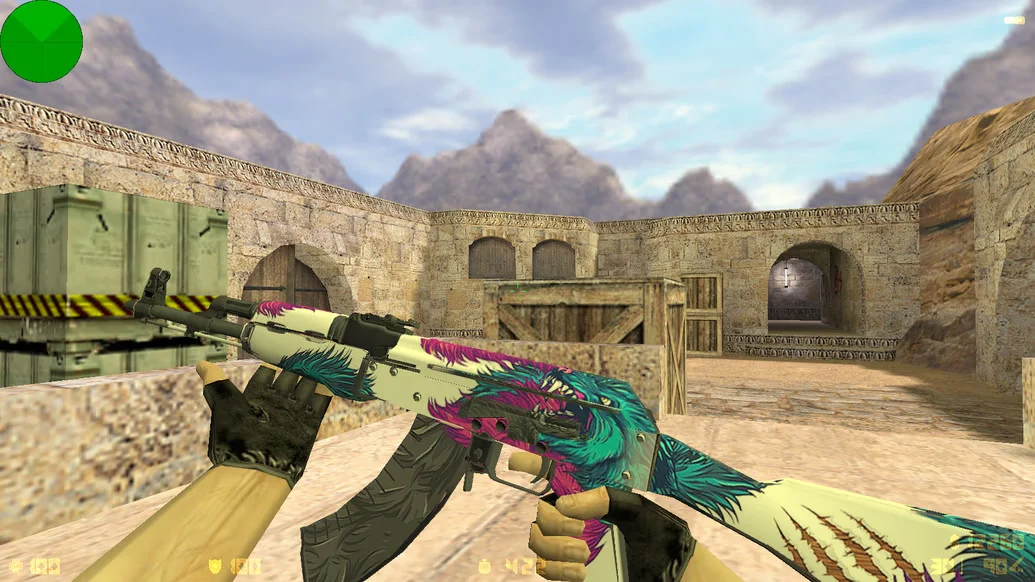
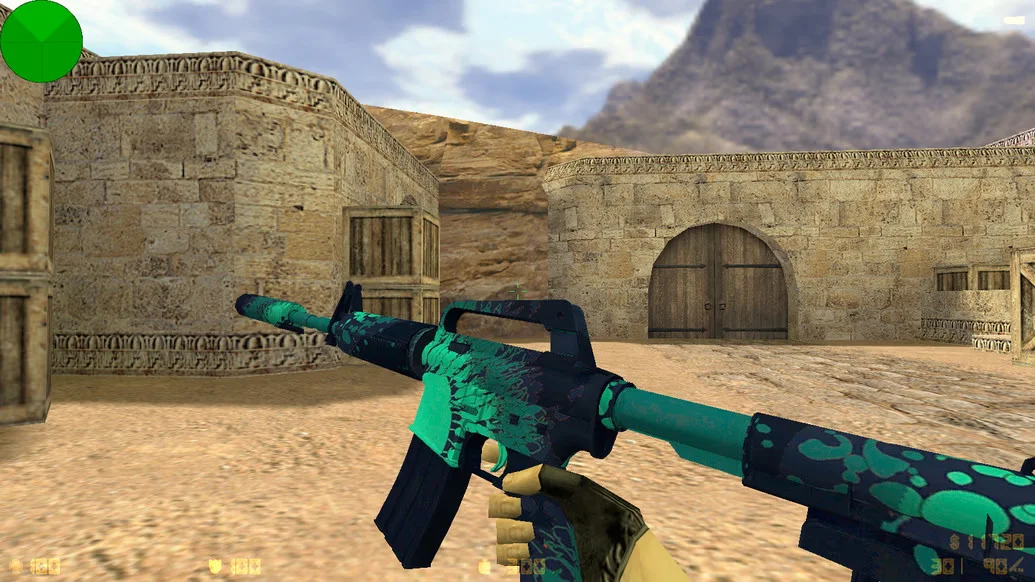
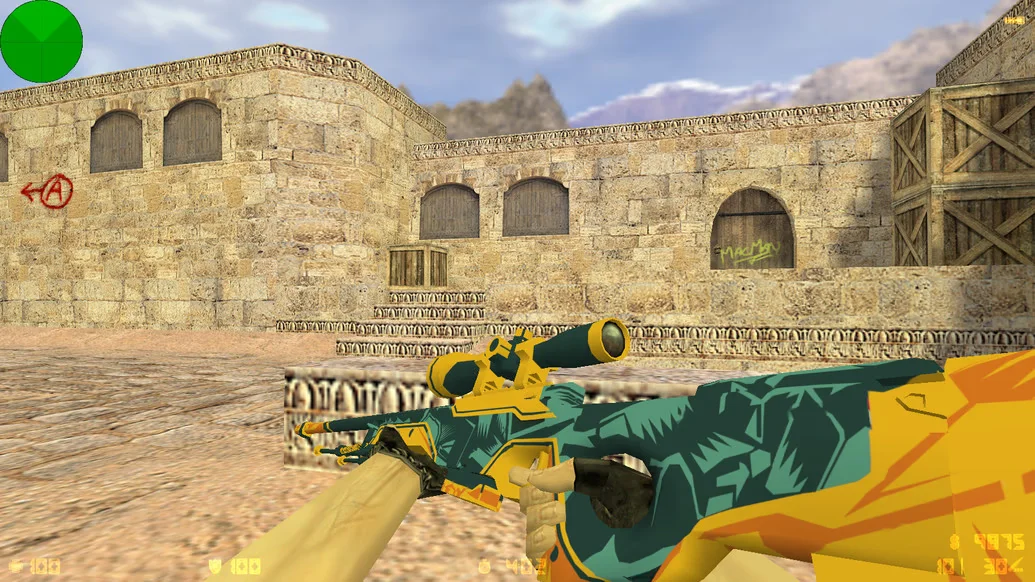
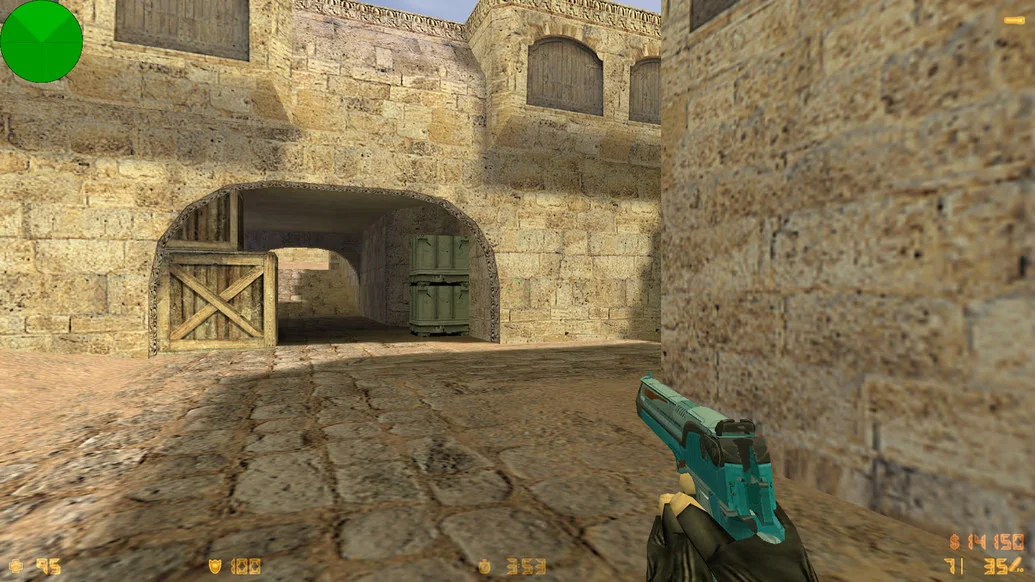
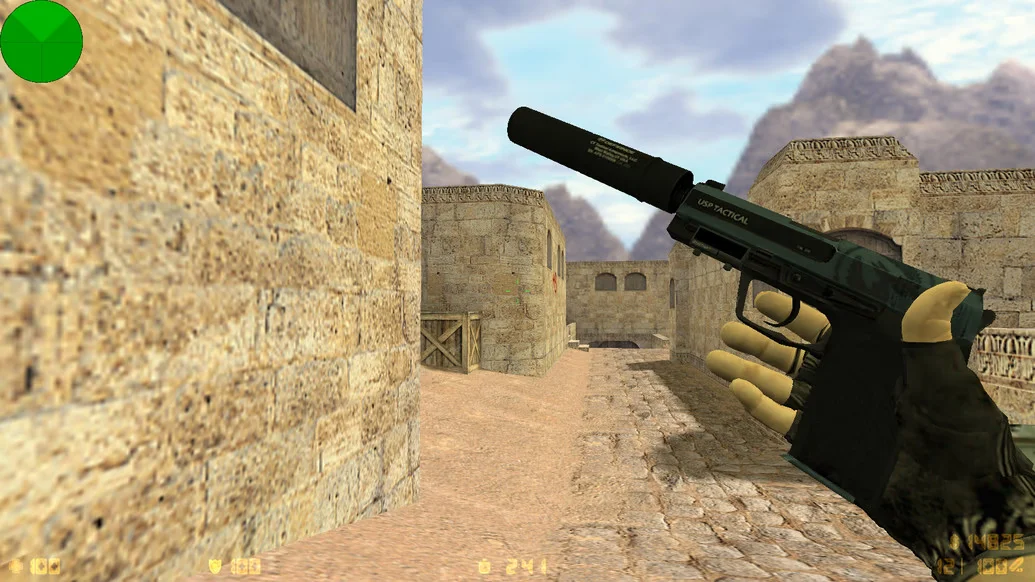
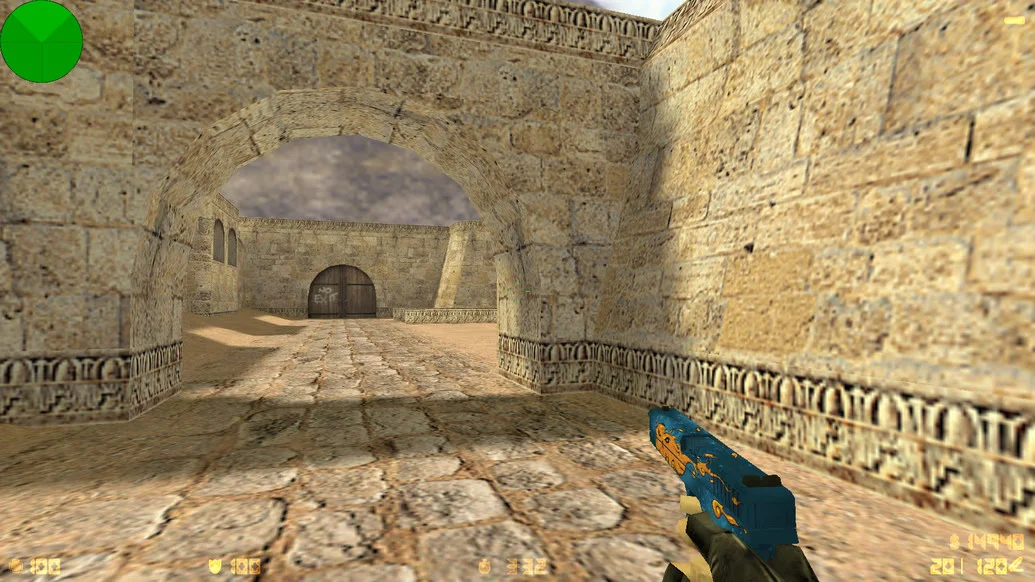
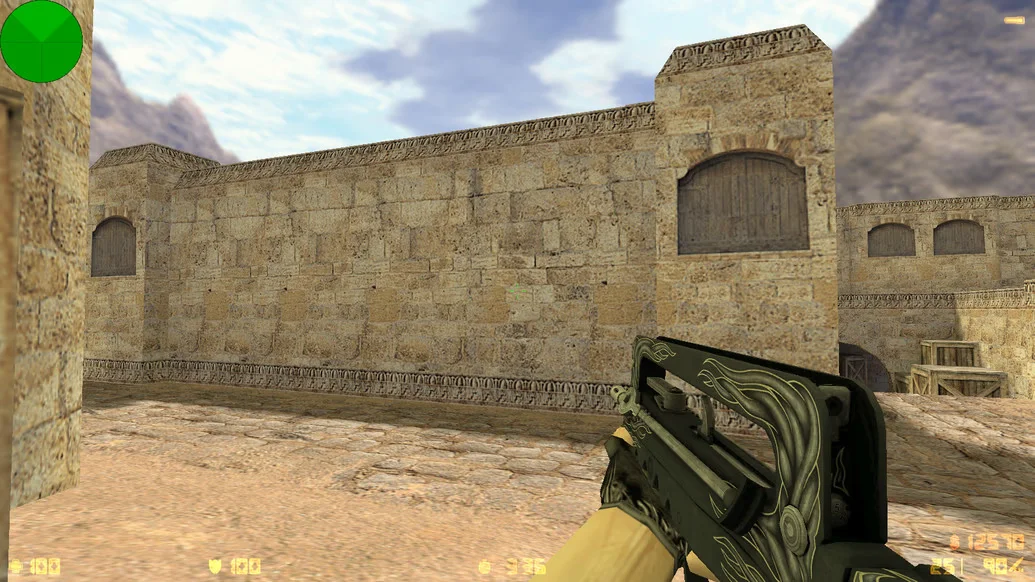
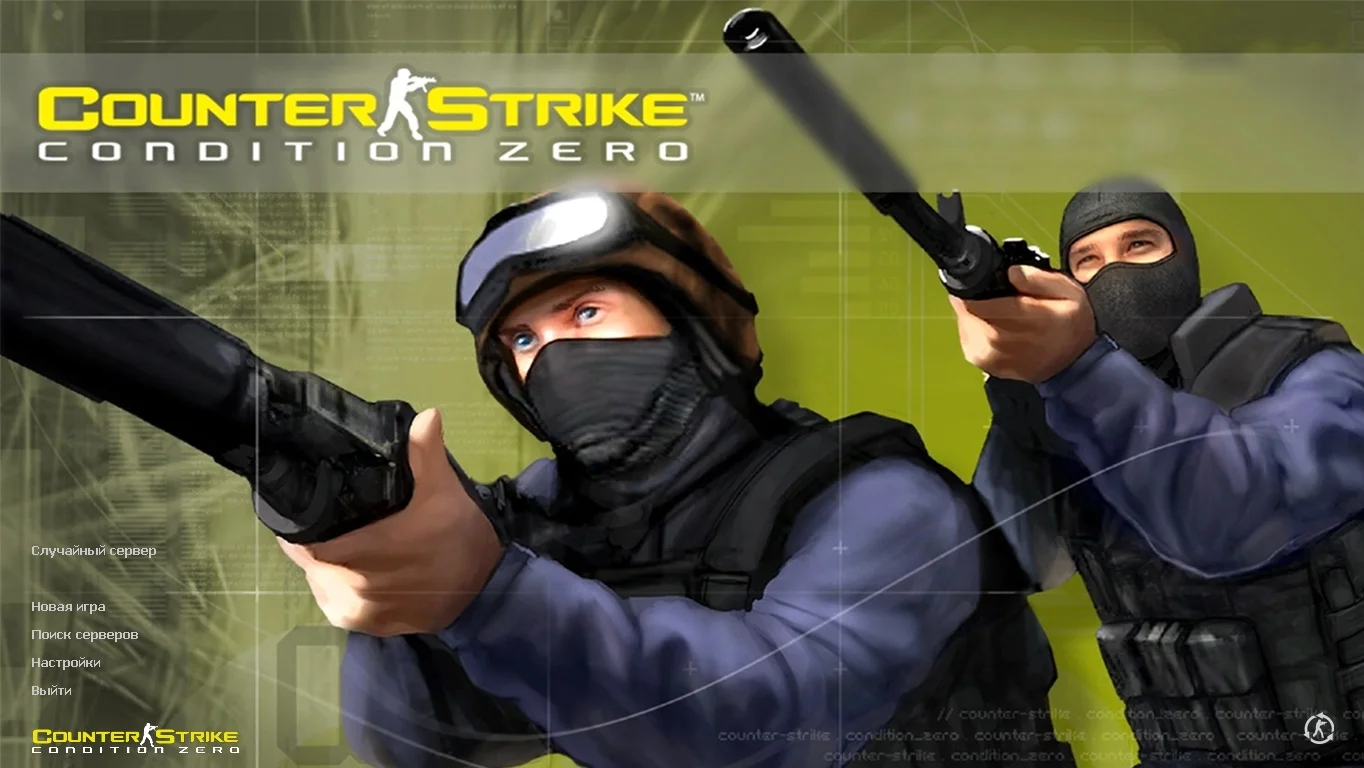
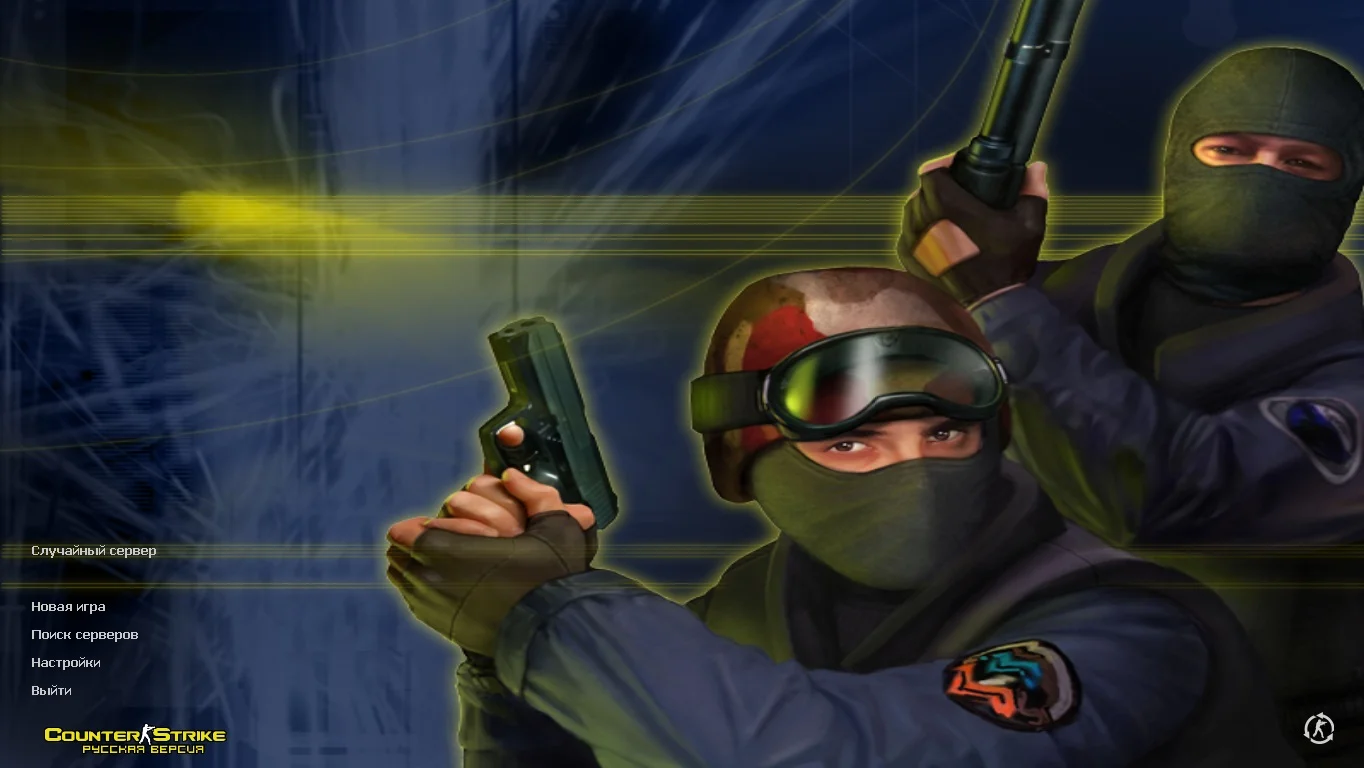
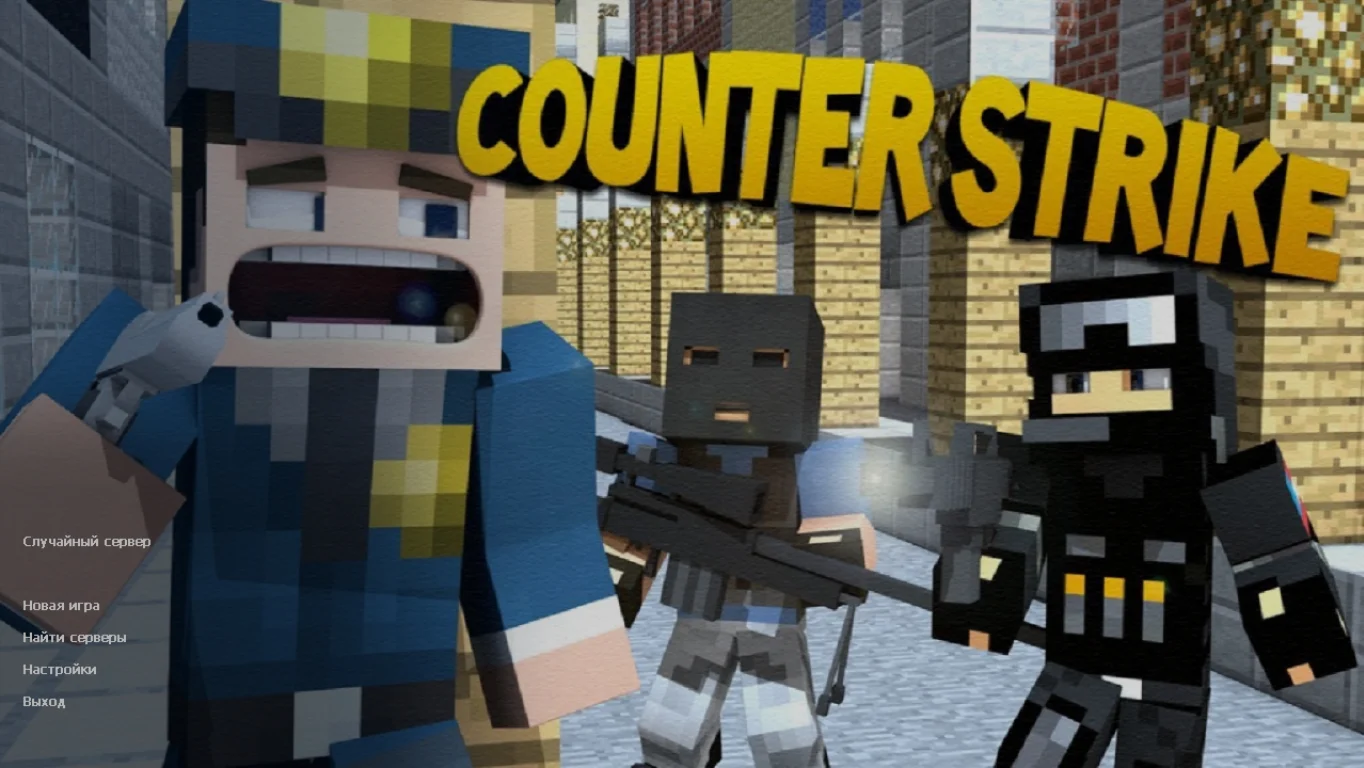
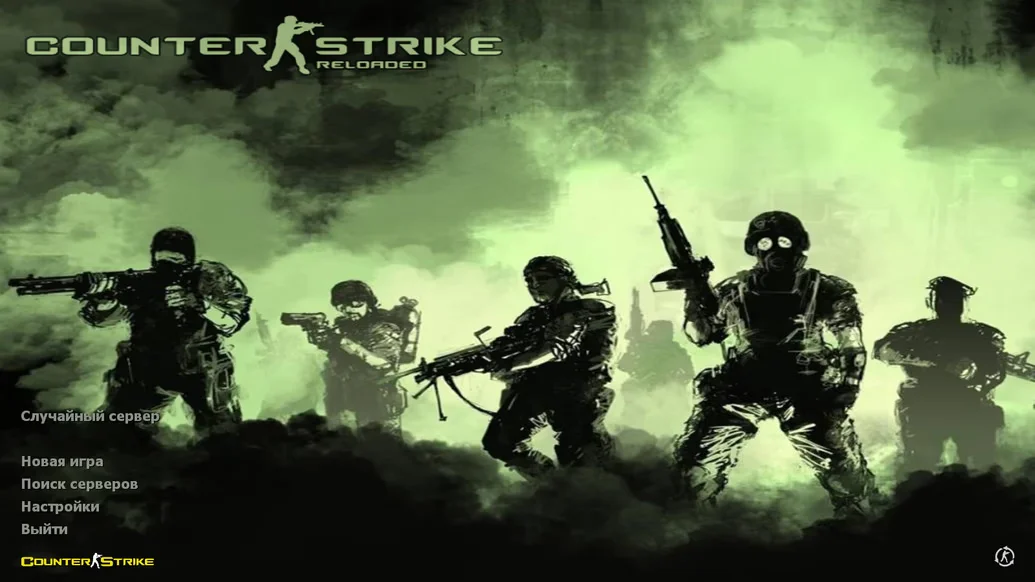
CS 1.6 from Stilus — a unique build of the legendary game, created by the popular streamer and YouTuber Stilus. It is designed especially for his subscribers, but is also perfect for anyone looking for a high-quality and stable client for everyday play. The build combines the best features: convenience, style, stable performance, a well-configured setup, and signature design. The interface is crafted in a unique style, and menu elements and visual details are adapted to the author’s aesthetic.
The game client features updated weapon and character models, a redesigned menu, a clean config, and a thoughtful HUD interface. All visual changes are tasteful and do not distract from gameplay. The main advantages are stability and speed. The build launches in seconds, does not overload the system, and works perfectly even on weak PCs. The absence of ads, viruses, and unnecessary software makes the game safe and convenient for every user.
CS 1.6 from Stilus can be downloaded for free and without registration. Installation takes just a few minutes, after which you will get a fully functional version ready to play. A master server is integrated for quick access to online games, and support for single-player mode with bots is also included. This is an excellent choice for Stilus fans and anyone who wants a high-quality custom CS 1.6 build without extra problems.
Features of the build:
Signature design style by Stilus
Unique menu and interface
High-quality weapon and character models
Clean and stable config
No ads, viruses, or unnecessary software
Support for online play and LAN
Smart and fast bots
High performance on weak PCs
Compatible with Windows XP – 11
Quick installation in 2–3 minutes
System requirements and how to install:
Operating system: Windows XP/Vista/7/8/10/11
Processor: 1.0 GHz or higher
RAM: 512 MB or more
Video card: DirectX-compatible
Free disk space: 1 GB or more
How to install:
Download the CS 1.6 from Stilus installer
Run the installer and choose the installation folder
Wait for the installation to complete
Launch the game via the desktop shortcut
Play online, over the network, or with bots