Home
Home
 CS 1.6 Builds
 CS:GO Builds
 CS:S Builds
 CS2 Builds

Download CS 1.6 from Yaugen Show
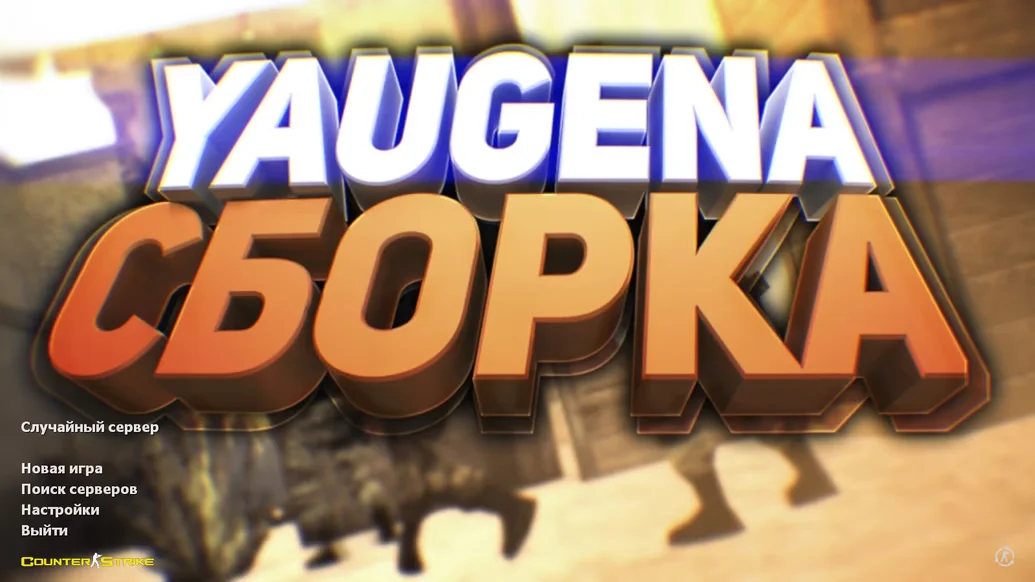
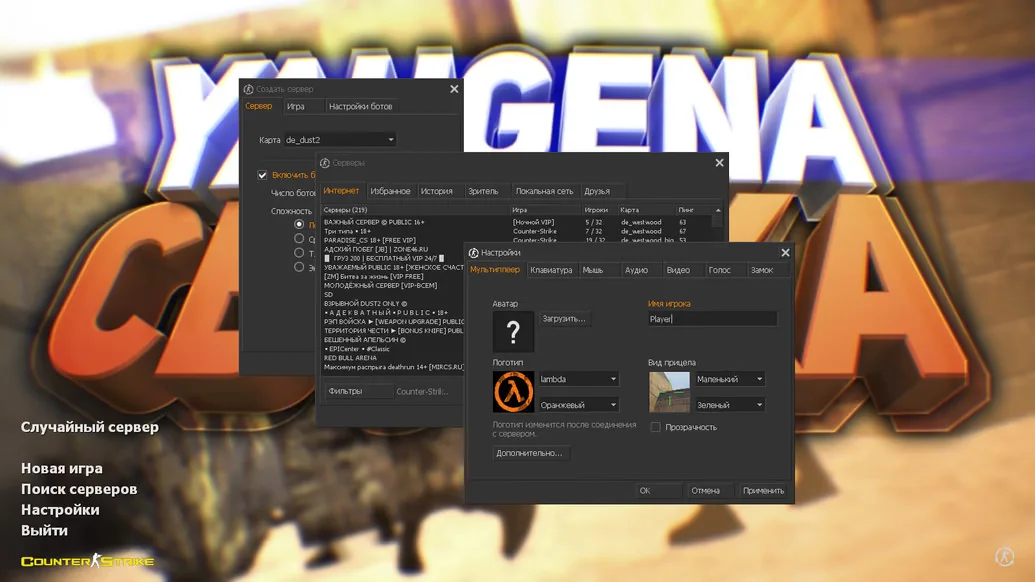
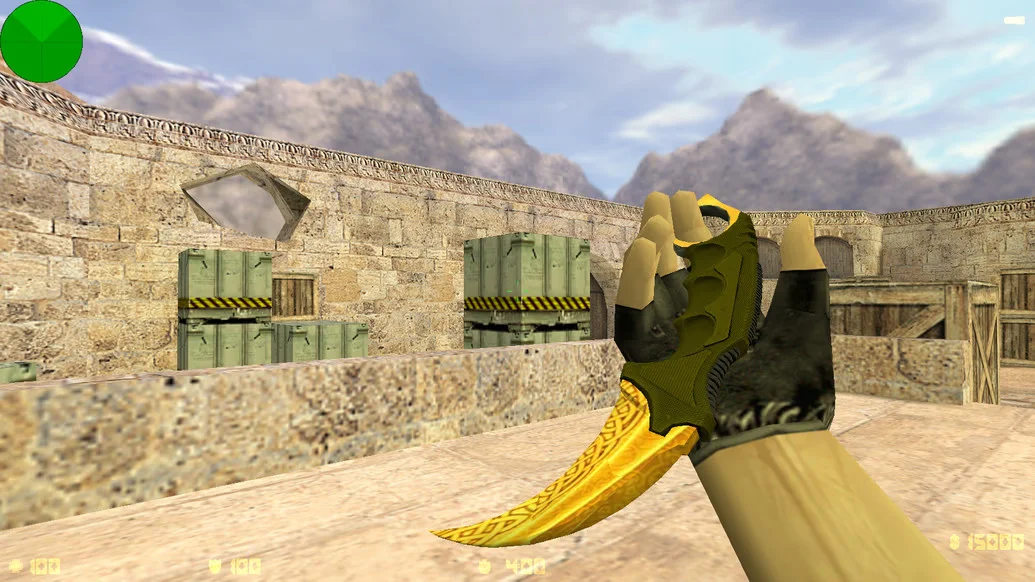
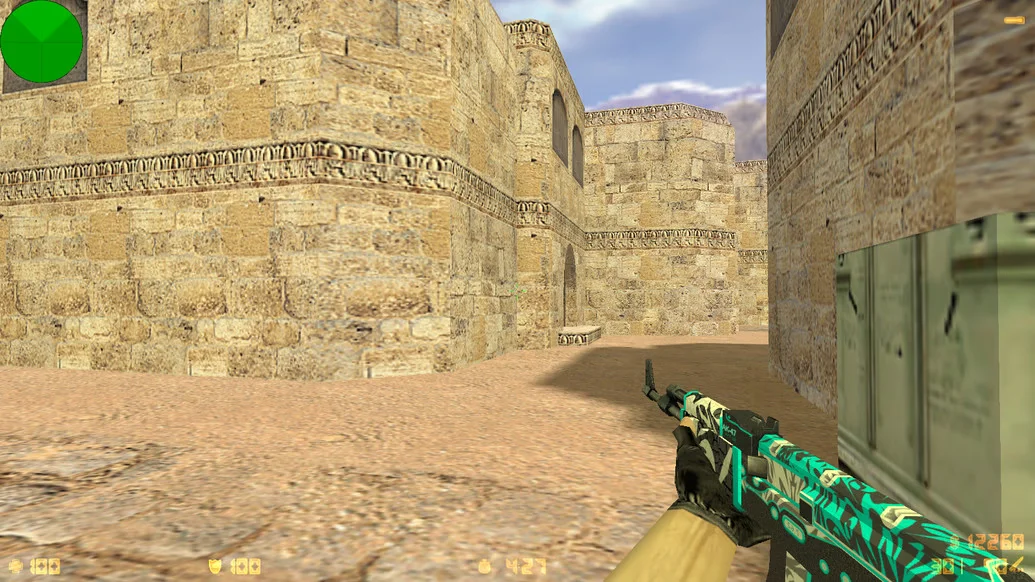
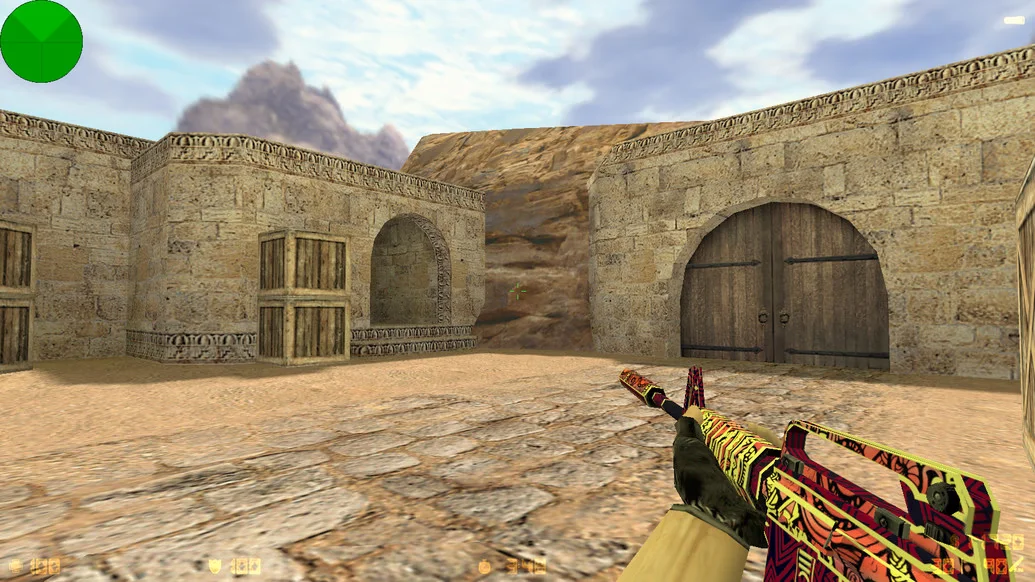
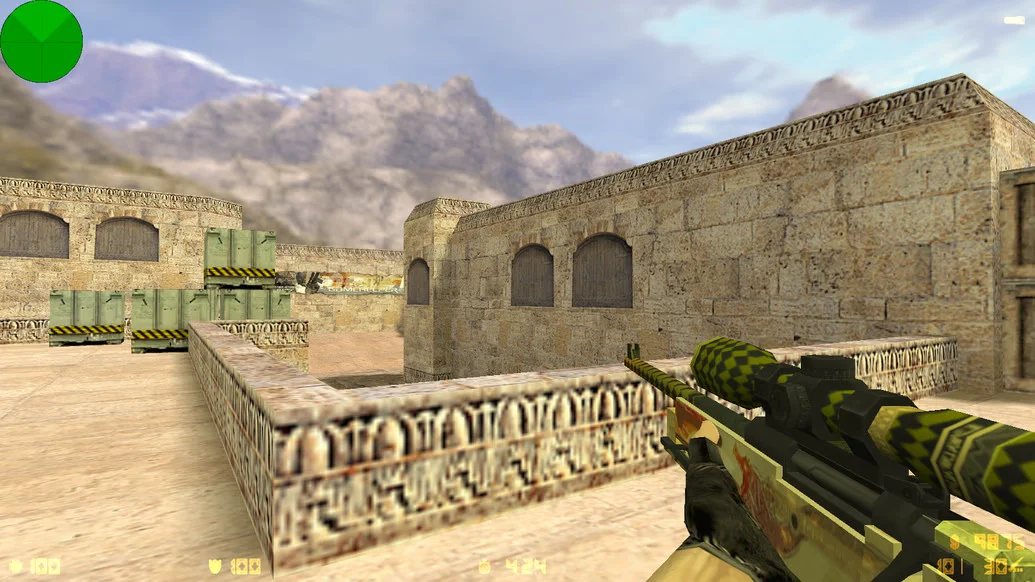
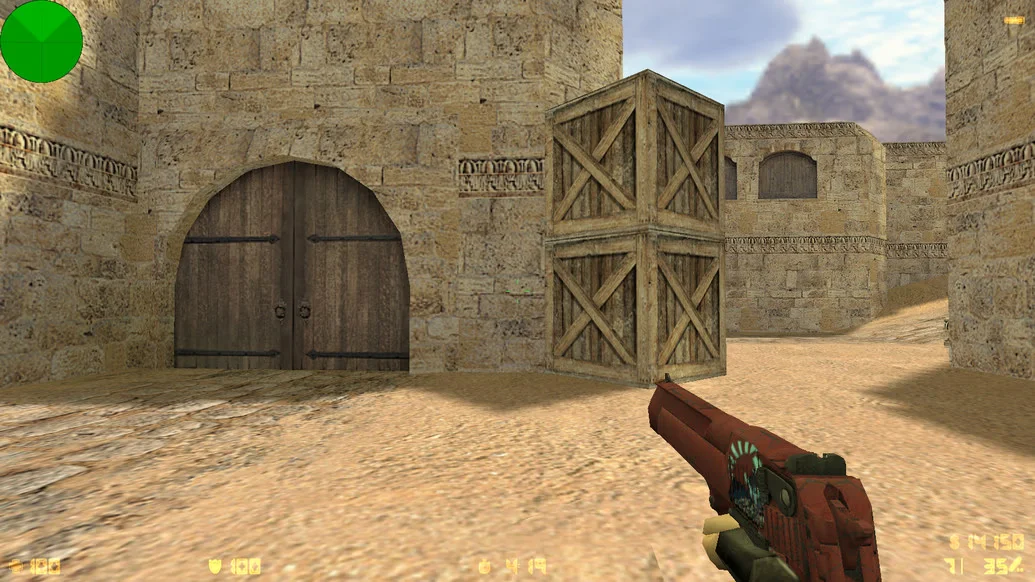
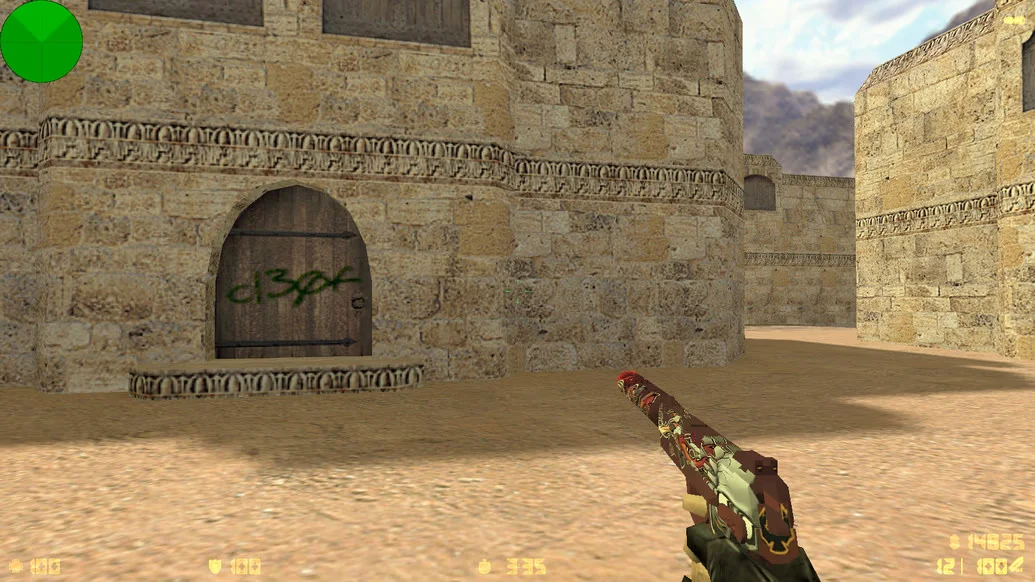
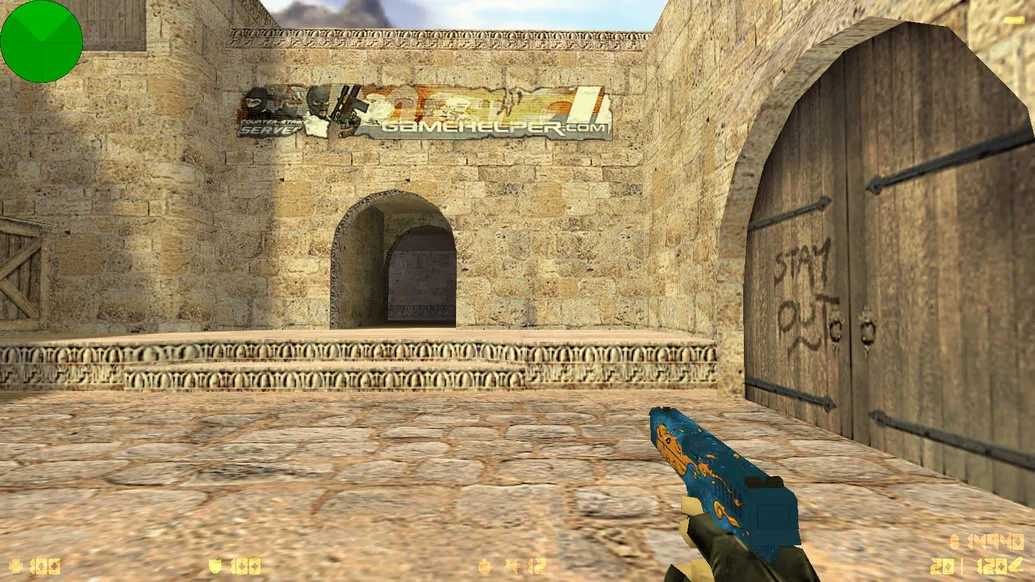
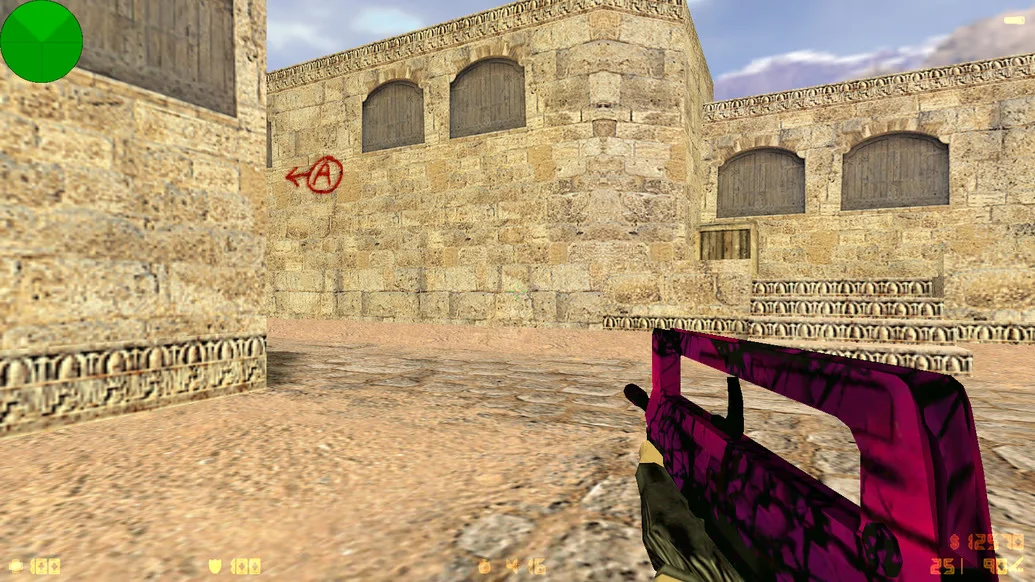
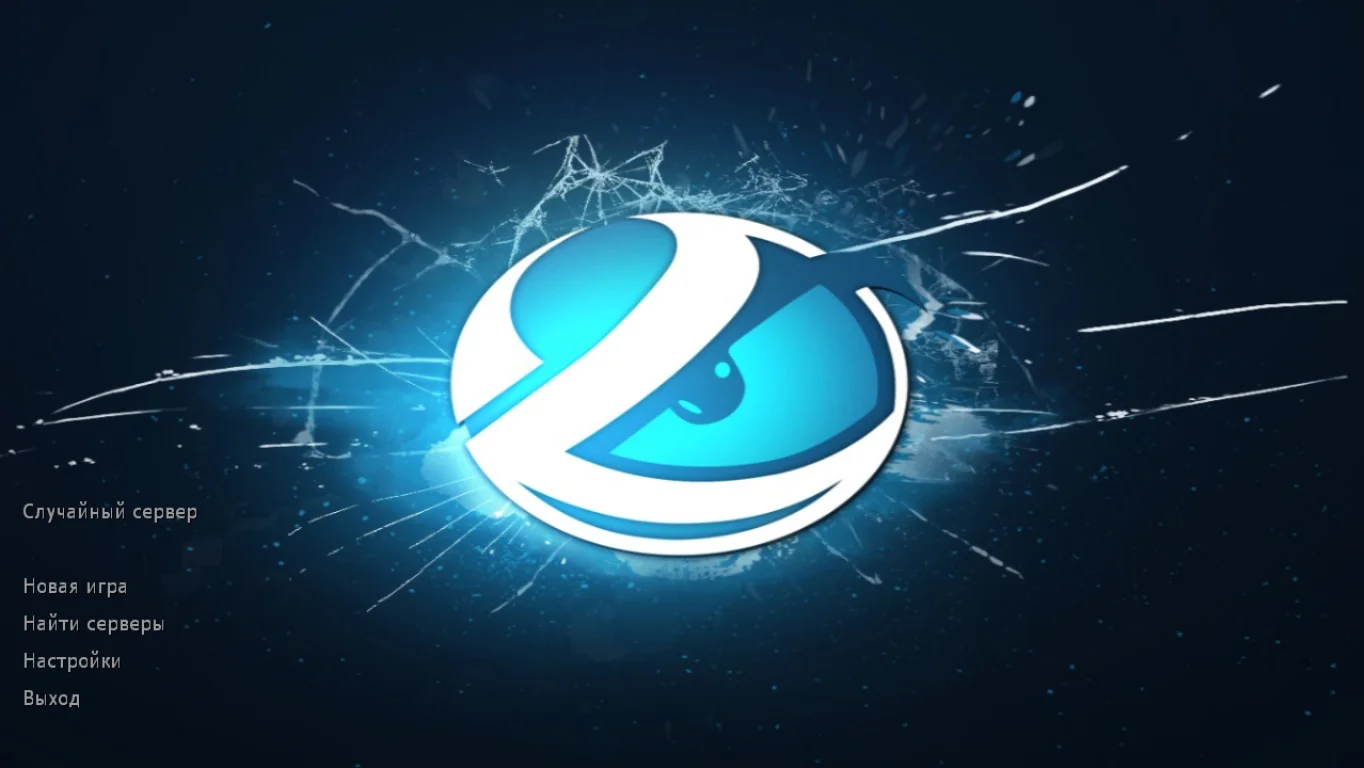
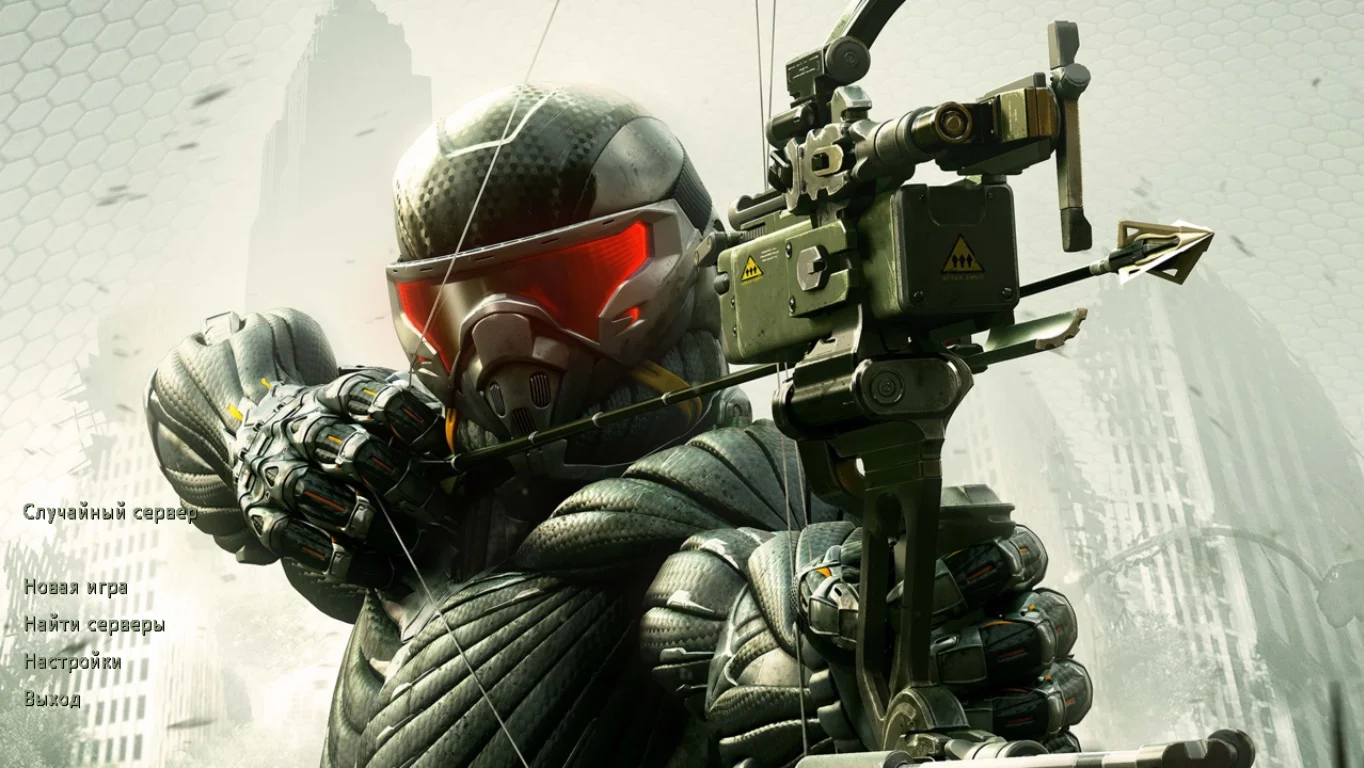
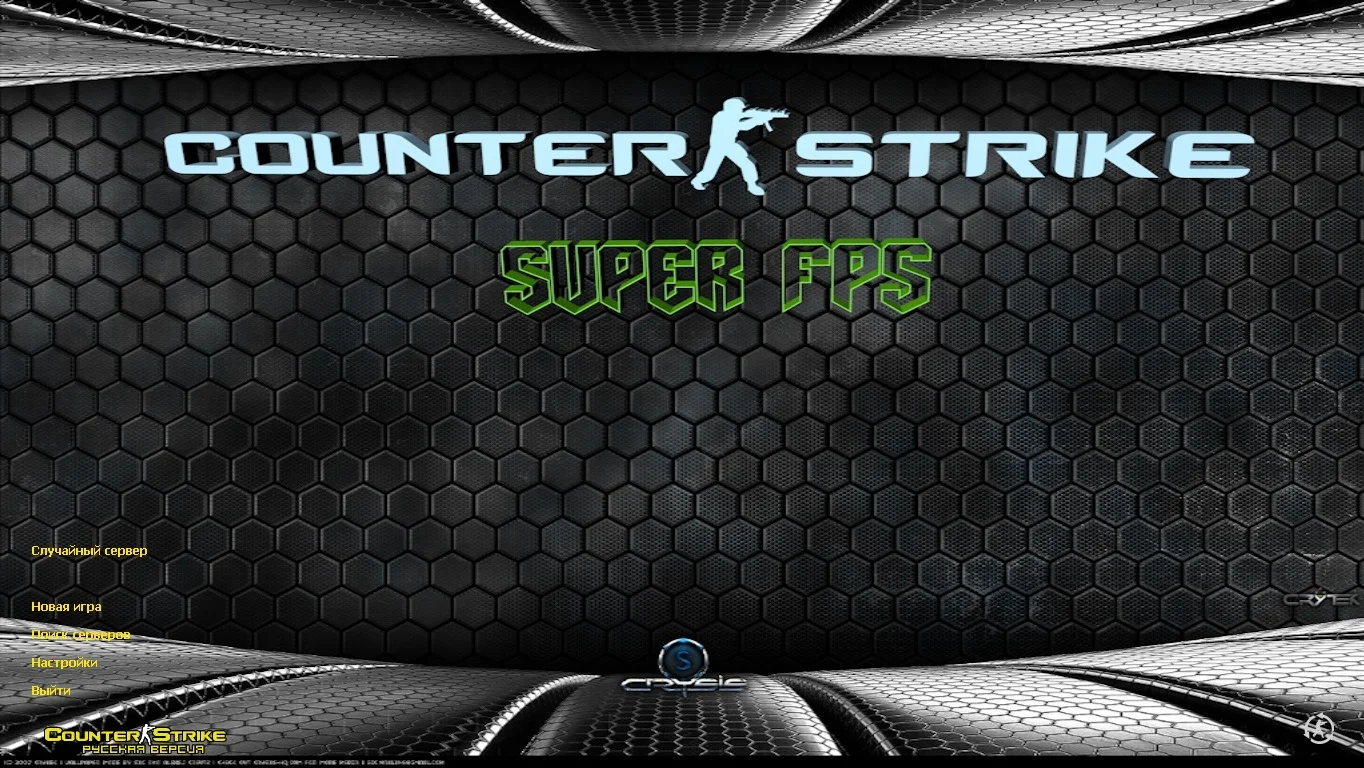
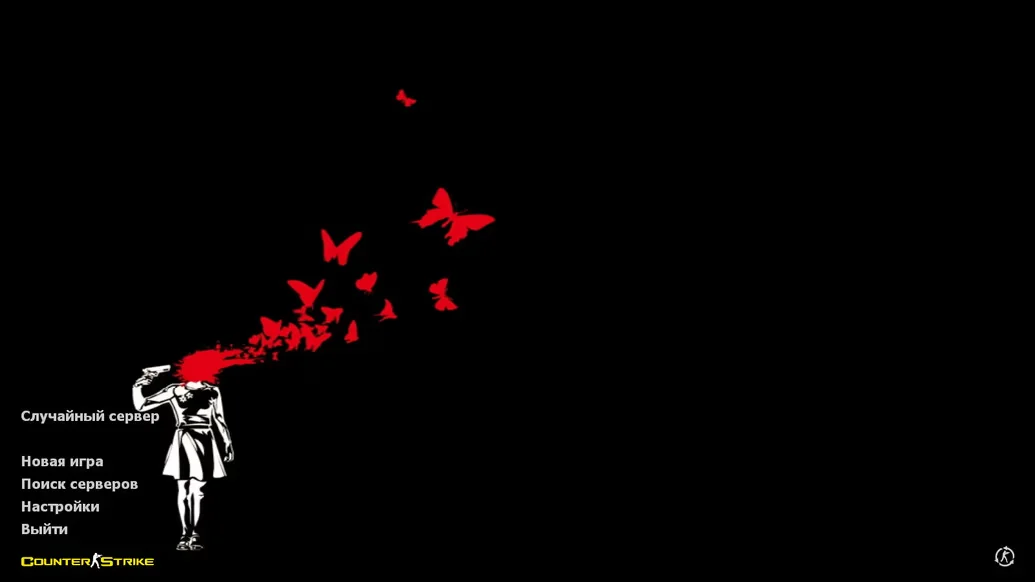
CS 1.6 by Yaugen Show — is a custom build of the classic Counter-Strike 1.6, created by the popular YouTuber and streamer Yaugen. The client is a well-crafted version of the original game, combining stylish visual design, stable performance, and refined game settings. It is aimed at Yaugen Show viewers, as well as all players looking for a clean and modern build without unnecessary files or advertising clutter.
The game interface, menu, and weapon models have been modified and styled according to the author’s unique design. The client configuration is optimized for comfortable gameplay: crosshair, HUD, network settings, and mouse sensitivity are all pre-configured and ready to use. Smart bots are built in for offline mode, along with a working master server for quick online server searches. The build runs stably even on low-end PCs and is completely safe to install.
You can download CS 1.6 by Yaugen Show for free and without registration. Installation takes no more than 2–3 minutes, after which the game is ready to launch. The client supports all modes — from single-player with bots to online battles. It is an excellent choice for those who want a reliable, clean, and modern version of CS 1.6 with recognizable design from one of the most popular Counter-Strike content creators.
Build features:
Unique design by Yaugen Show
New menu and interface
Updated weapon and player models
Clean, optimized config
Modern crosshair and HUD
No ads, viruses, or unnecessary software
Smart bots included
Working master server
High performance on any PC
Support for Windows XP – 11
Fast installation in 2–3 minutes
System requirements and how to install the file:
Operating system: Windows XP/Vista/7/8/10/11
Processor: from 1.0 GHz
RAM: from 512 MB
Video card: with DirectX support
Free disk space: from 1 GB
How to install:
Download the CS 1.6 by Yaugen Show installer
Run the installation and choose the installation path
Wait for the process to complete
Launch the game via the desktop shortcut
Play online, over LAN, or with bots