Home
Home
 CS 1.6 Builds
 CS:GO Builds
 CS:S Builds
 CS2 Builds

Download CS 1.6 Xtreme V8 2020
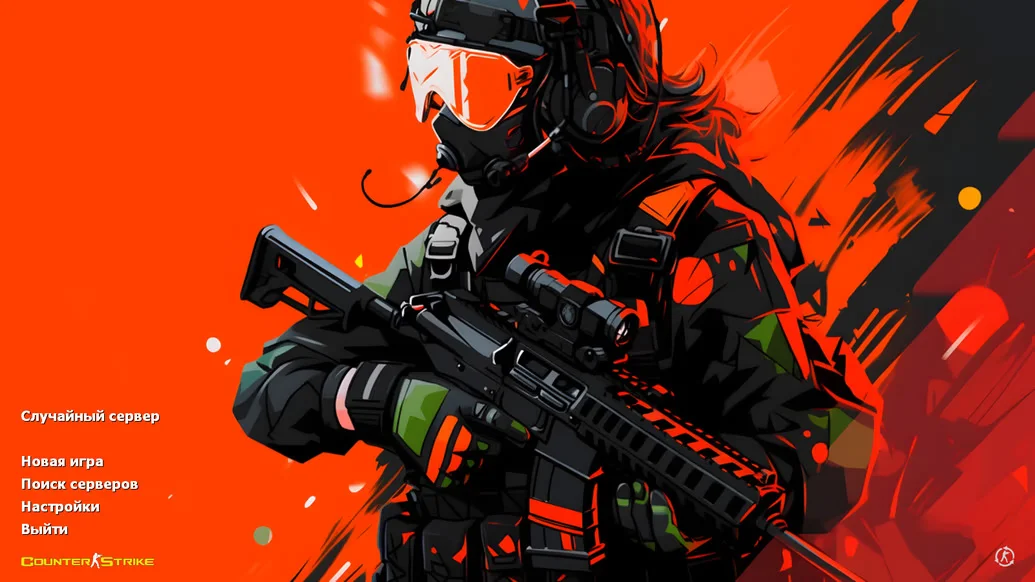
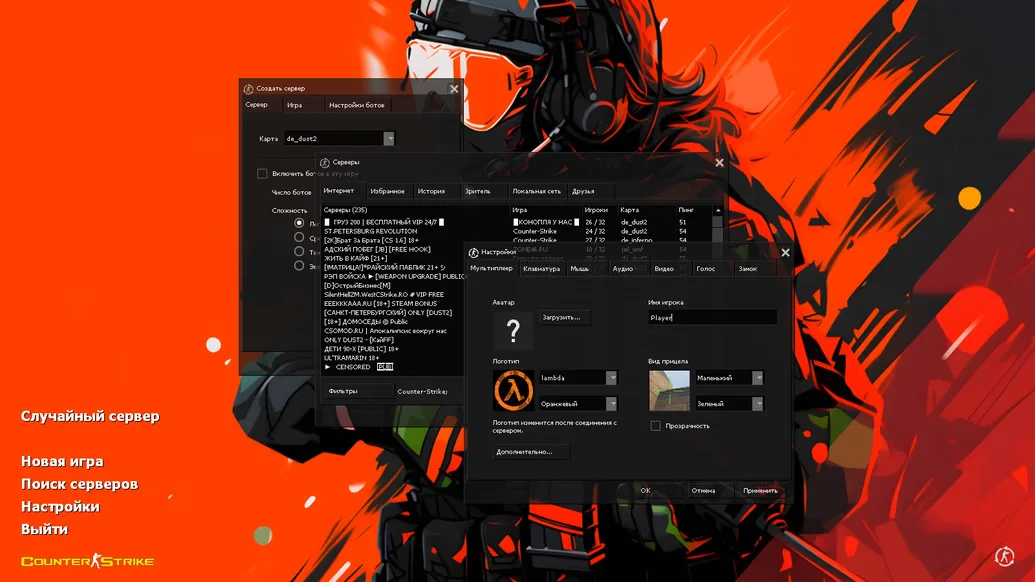
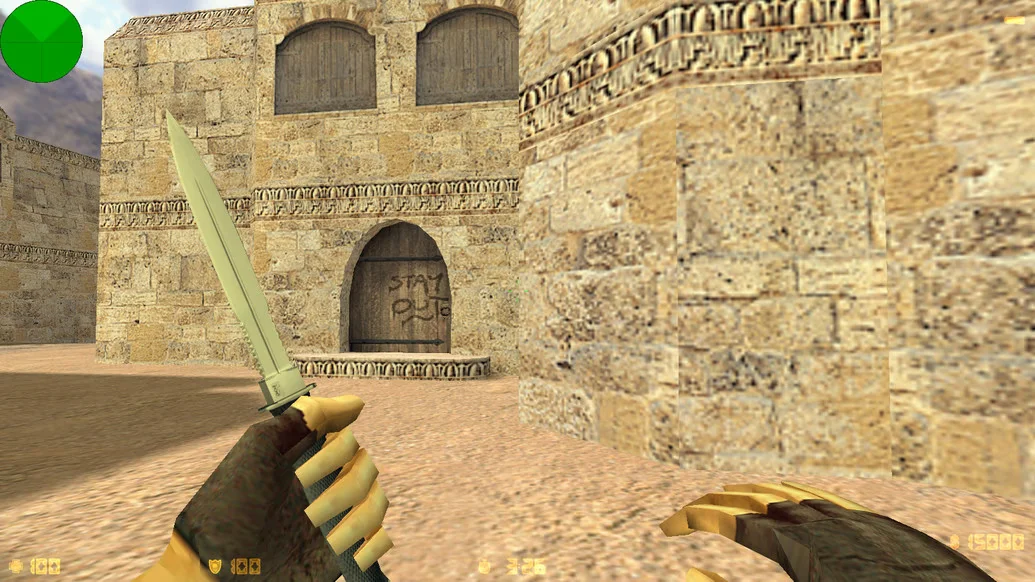
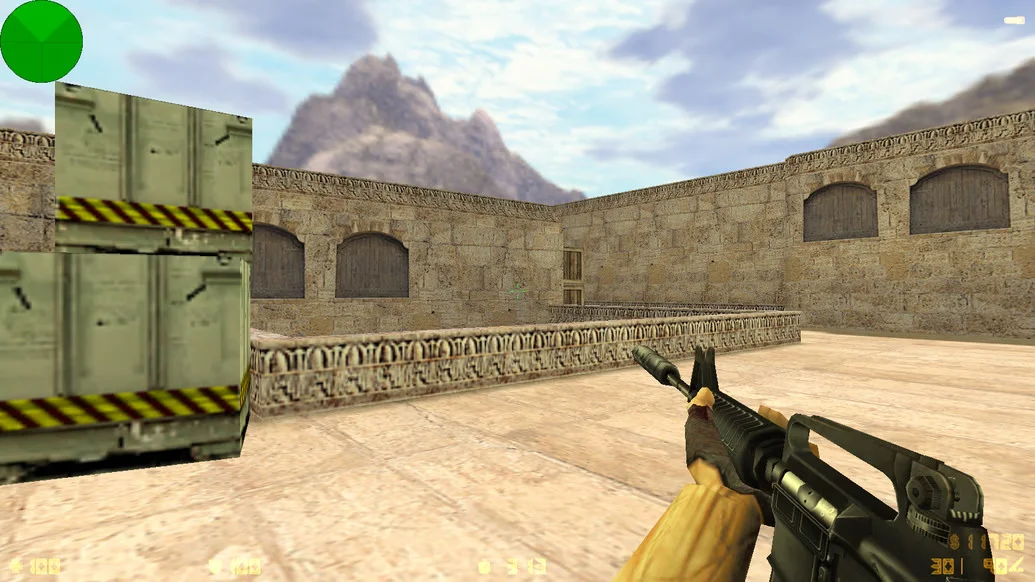
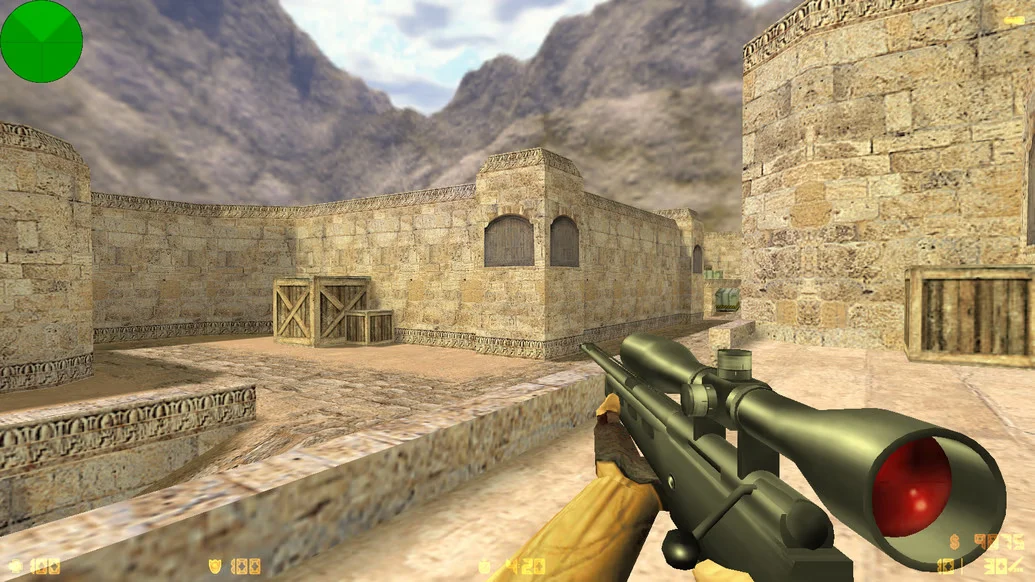
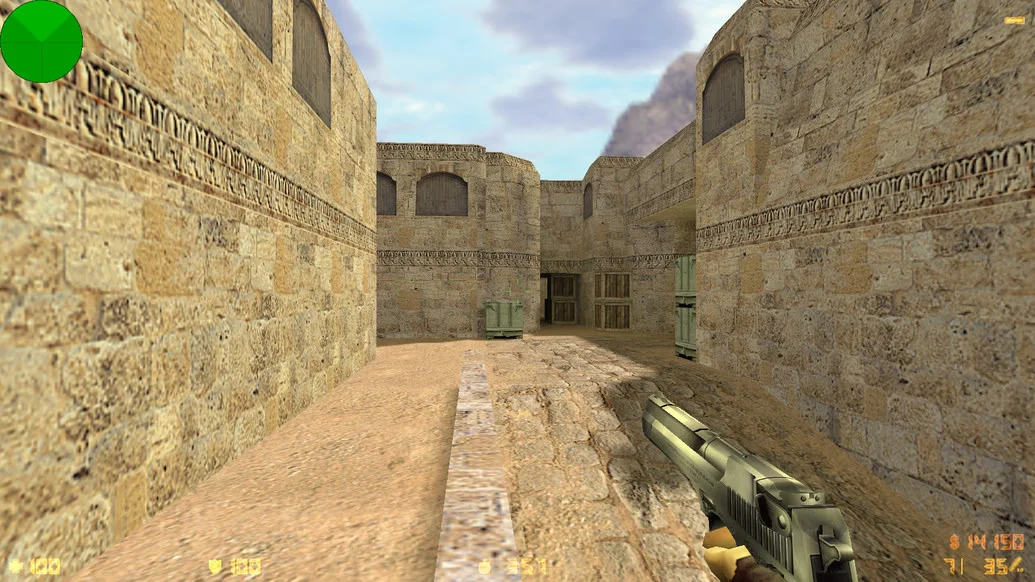
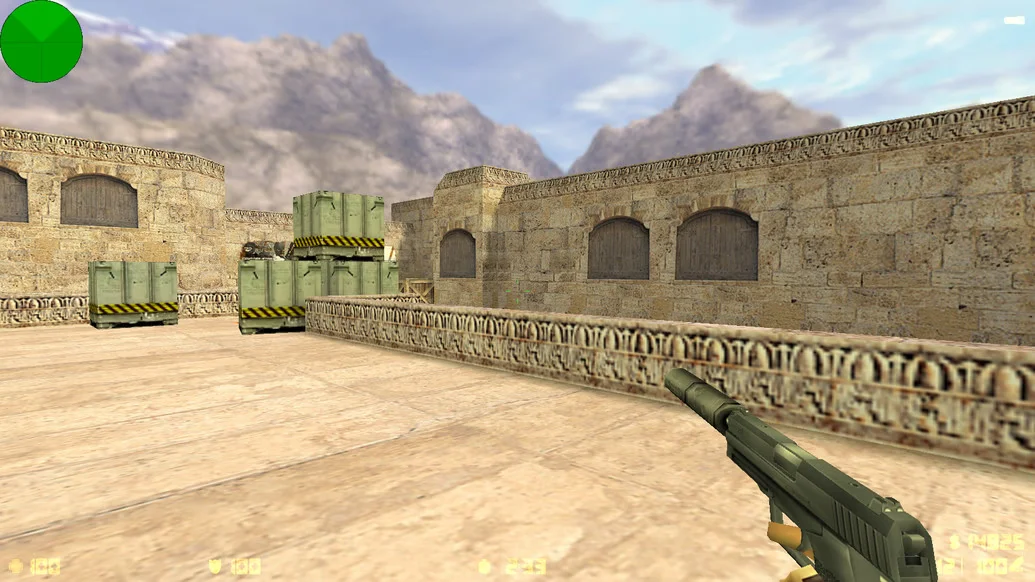
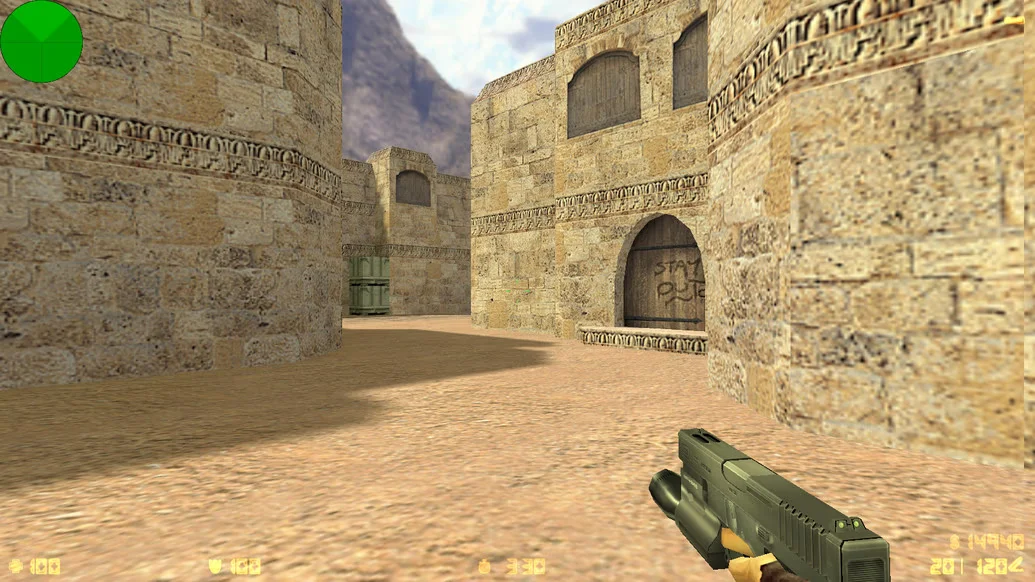
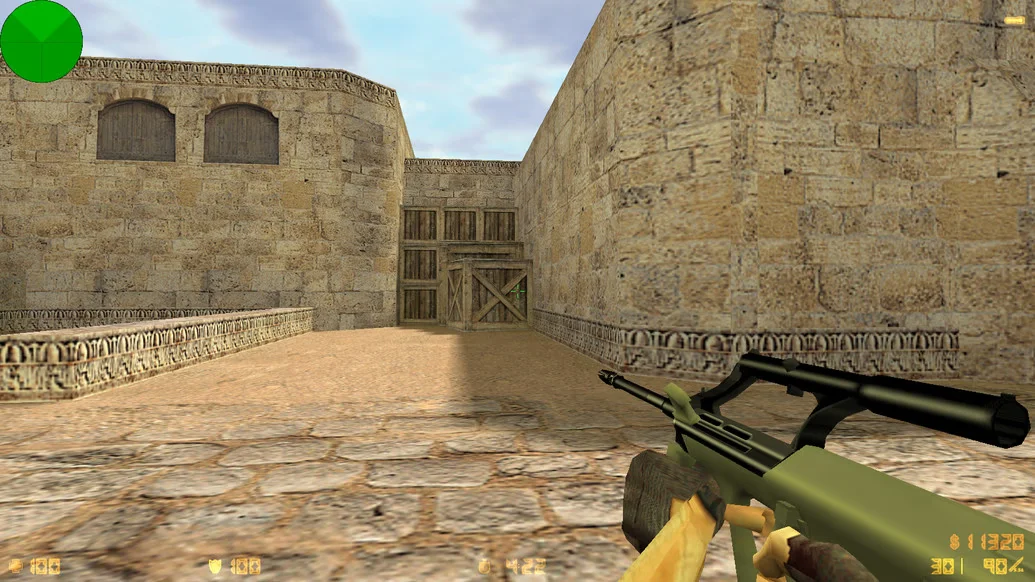
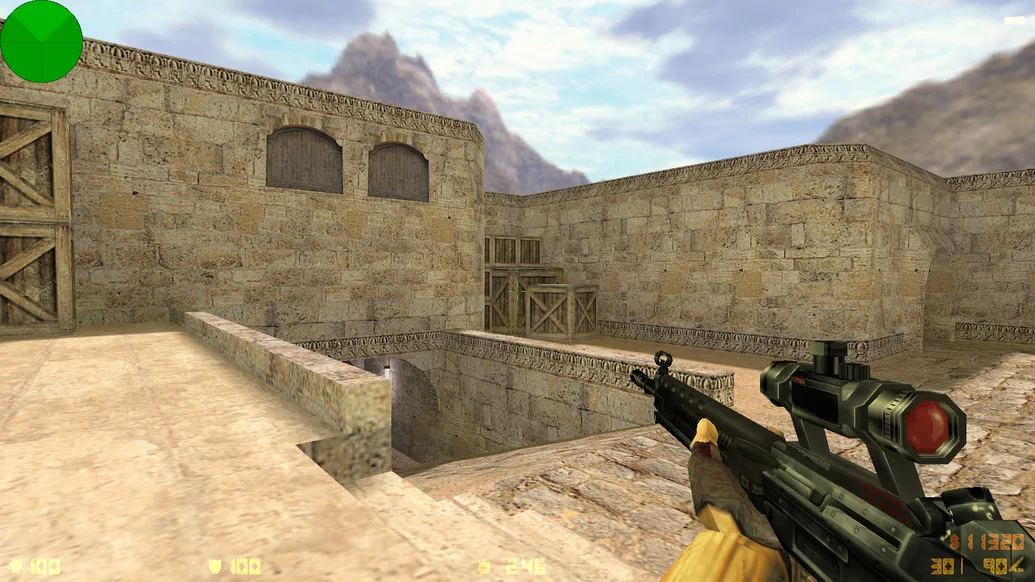
CS 1.6 Xtreme V8 2020 is one of the most popular and recognizable builds in the Counter-Strike 1.6 community, revitalized in the updated 2020 version. It combines powerful visuals, stability, a modern config, and extensive functionality. This build is perfect for both online battles and solo play with bots. The interface, models, and sounds are all redesigned and improved based on feedback from thousands of players.
In this version of CS 1.6 Xtreme V8, the main menu has been redesigned, enhanced HD models for weapons and players have been added, textures and sounds updated, and lighting improved. The config is fully tuned for fast and precise shooting, and the network settings are adapted for modern servers. The build includes intelligent bots with selectable difficulty levels. A working master server allows instant connection to active game servers without additional setup.
CS 1.6 Xtreme V8 2020 is free to download and requires no registration. The build is completely clean, without ads, third-party software, or viruses. It installs and launches quickly, even on low-end PCs. The client supports all modern Windows versions, from XP to 11. It’s an excellent choice for anyone who wants a high-quality, visually impressive CS 1.6 client capable of competing with modern games in graphics and stability.
Build Features:
Updated Xtreme V8 version with 2020 improvements
HD weapon and player models
New main menu and interface
Modern sounds and visual effects
Fully tuned config for stable shooting
Responsive controls and low ping
Intelligent bots with selectable difficulty
Working master server
No ads or unnecessary software
High performance on any PC
Installation in 2–3 minutes
Compatible with Windows XP – 11
System Requirements and Installation Instructions:
Operating System: Windows XP/Vista/7/8/10/11
Processor: from 1.0 GHz
RAM: from 512 MB
Video Card: DirectX compatible
Free Disk Space: from 1 GB
How to Install:
Download the CS 1.6 Xtreme V8 2020 installer
Run the installer and choose the installation path
Wait for the installation to complete
Launch the game via the desktop shortcut
Play online, over LAN, or with bots