Home
Home
 CS 1.6 Builds
 CS:GO Builds
 CS:S Builds
 CS2 Builds

Download CS 1.6 by JERRY
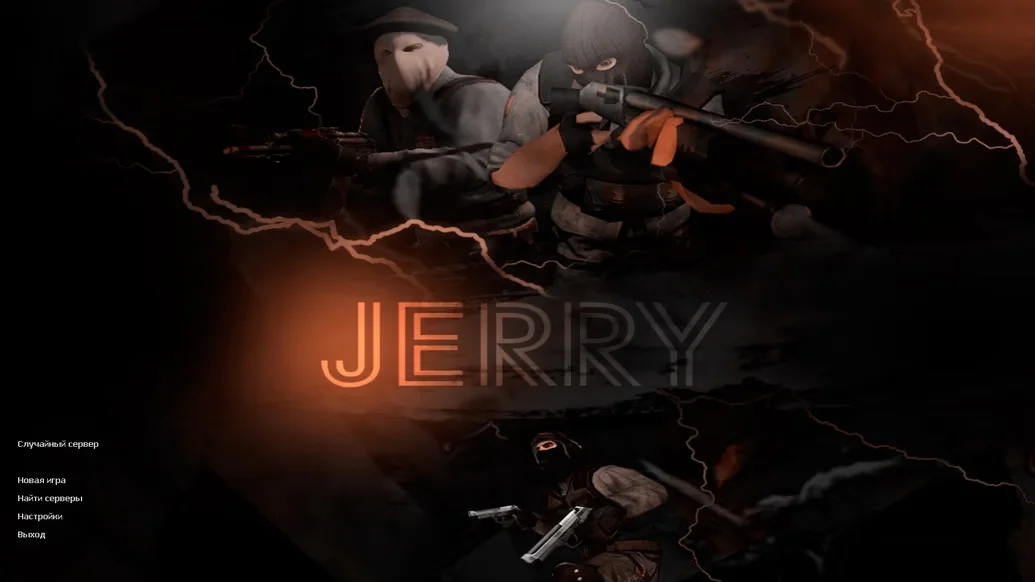
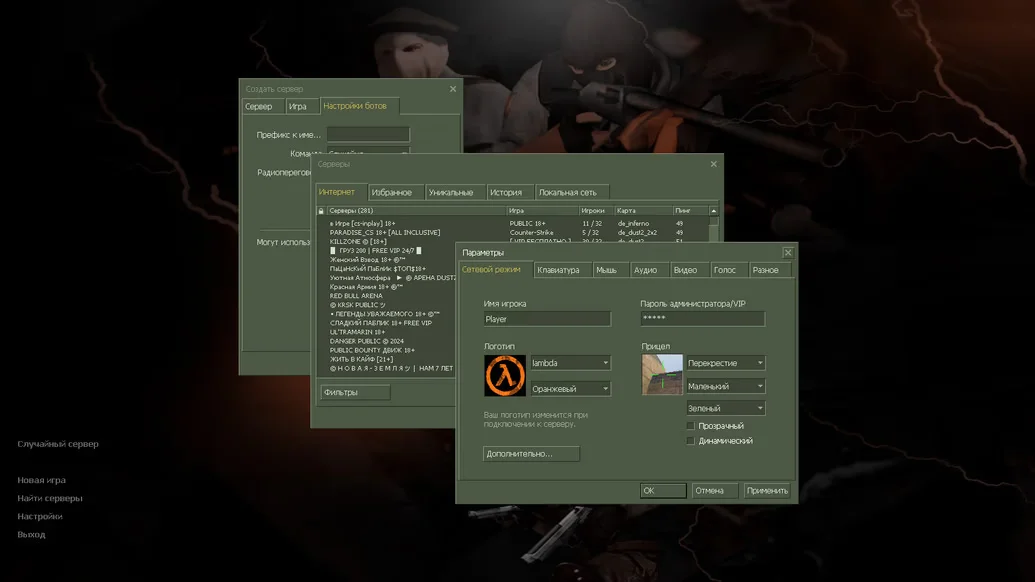
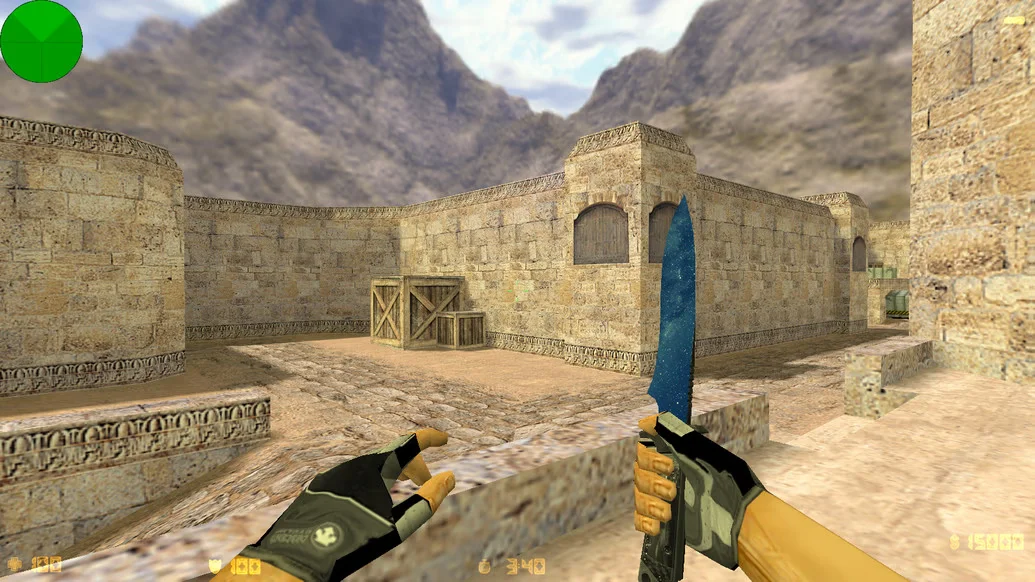
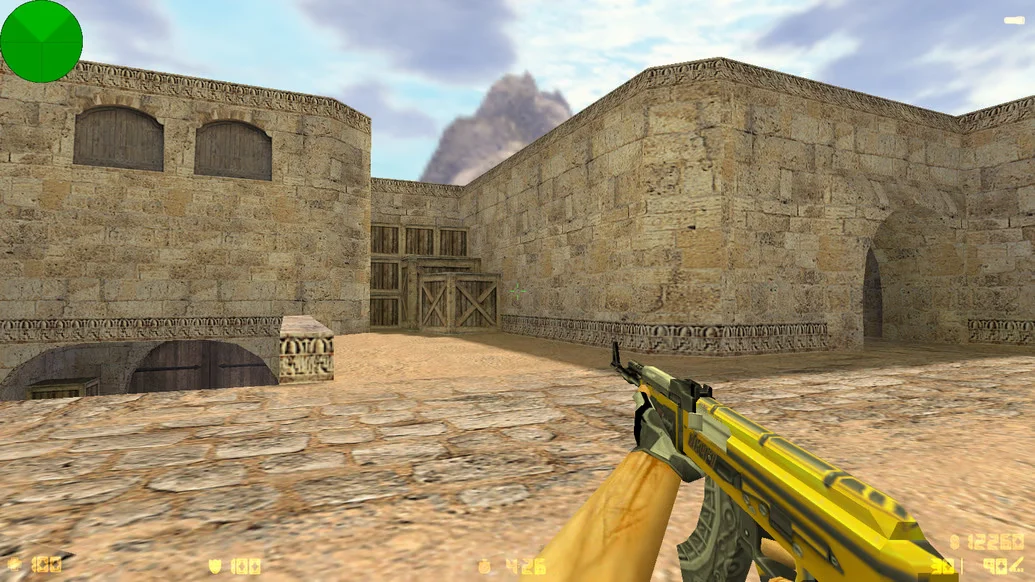
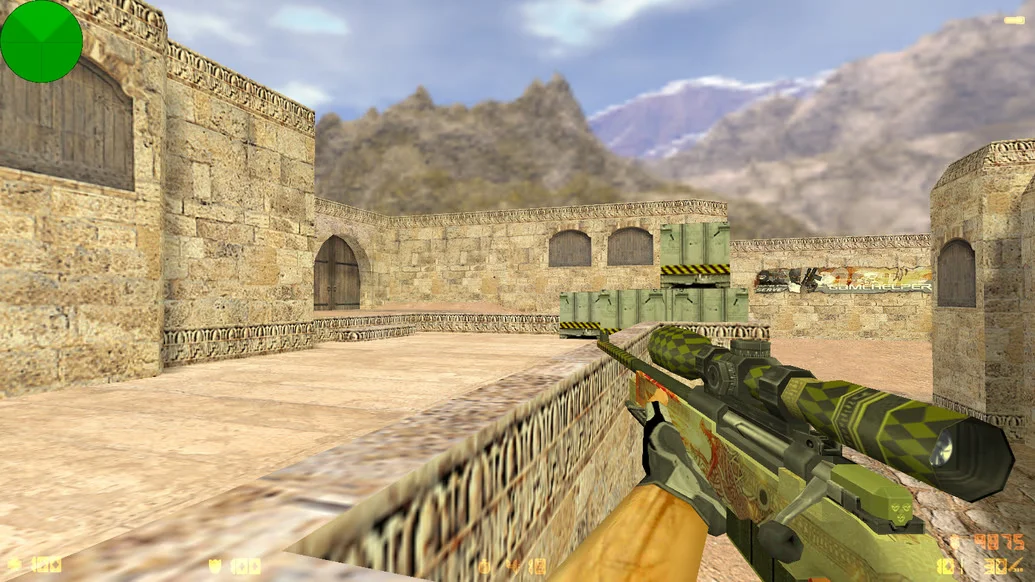
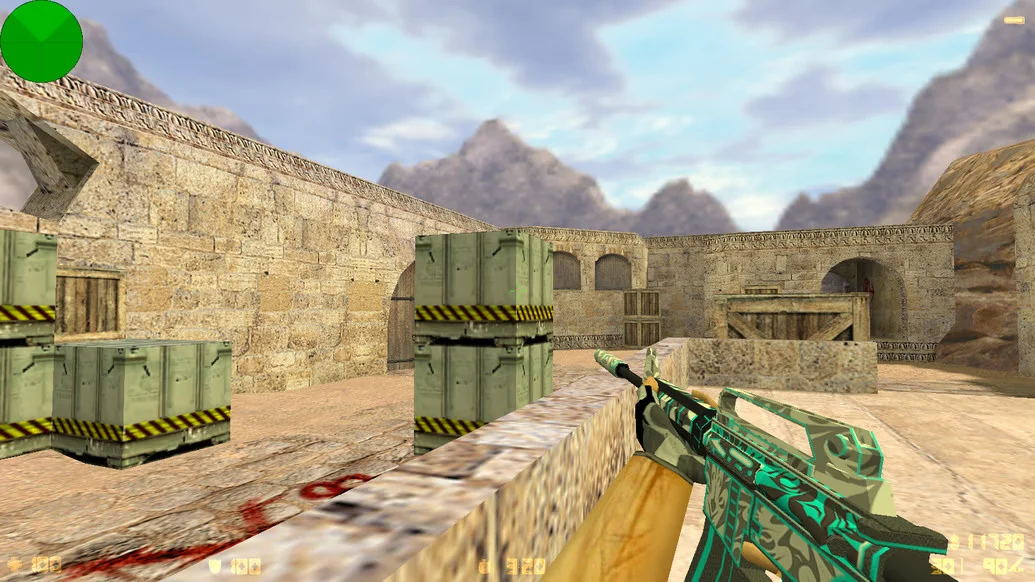
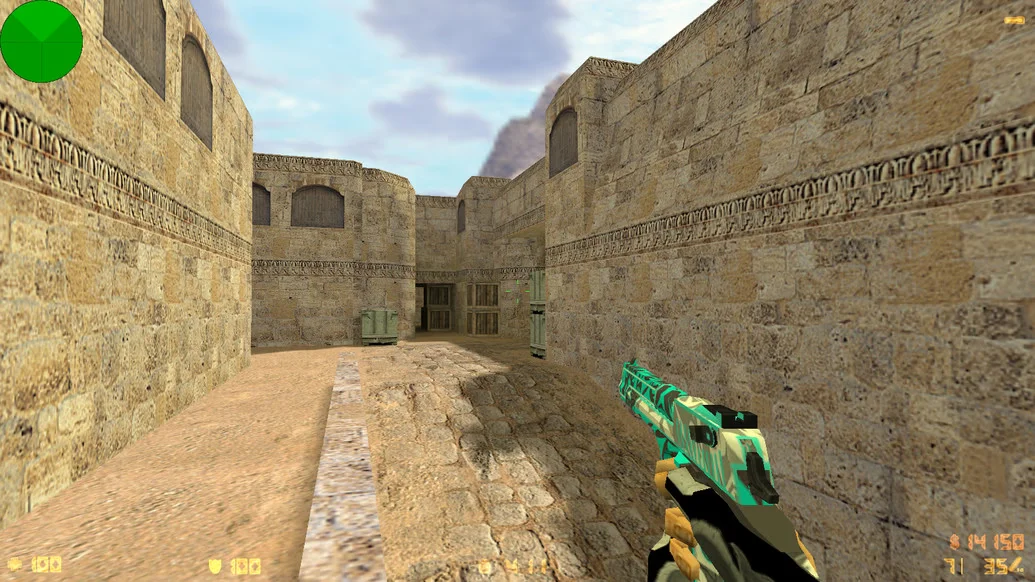
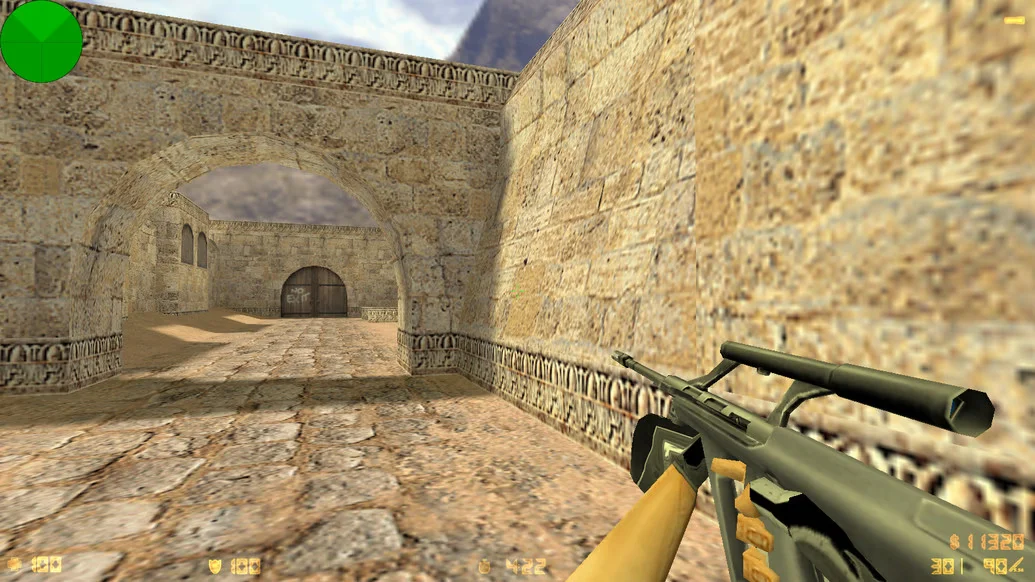
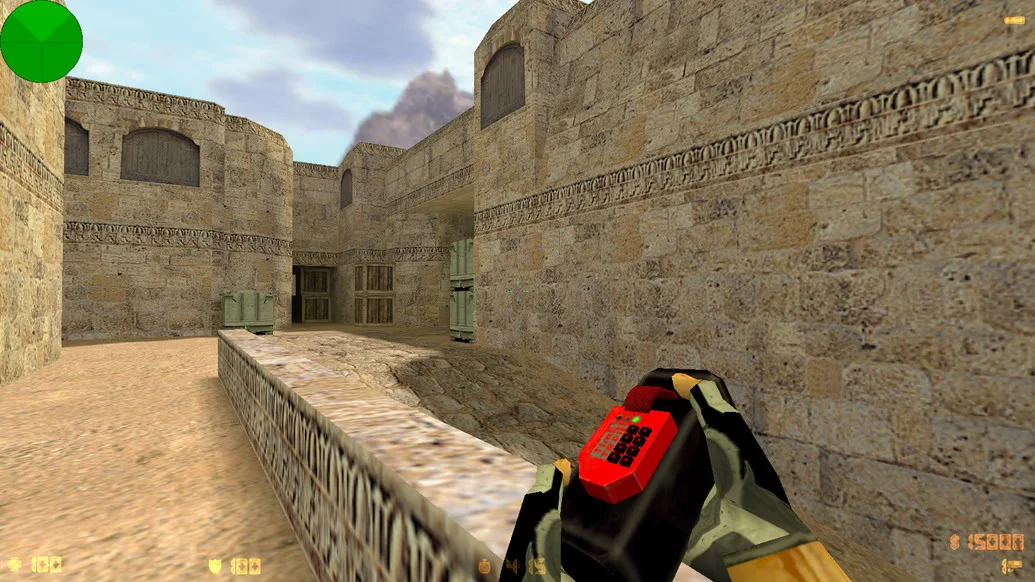
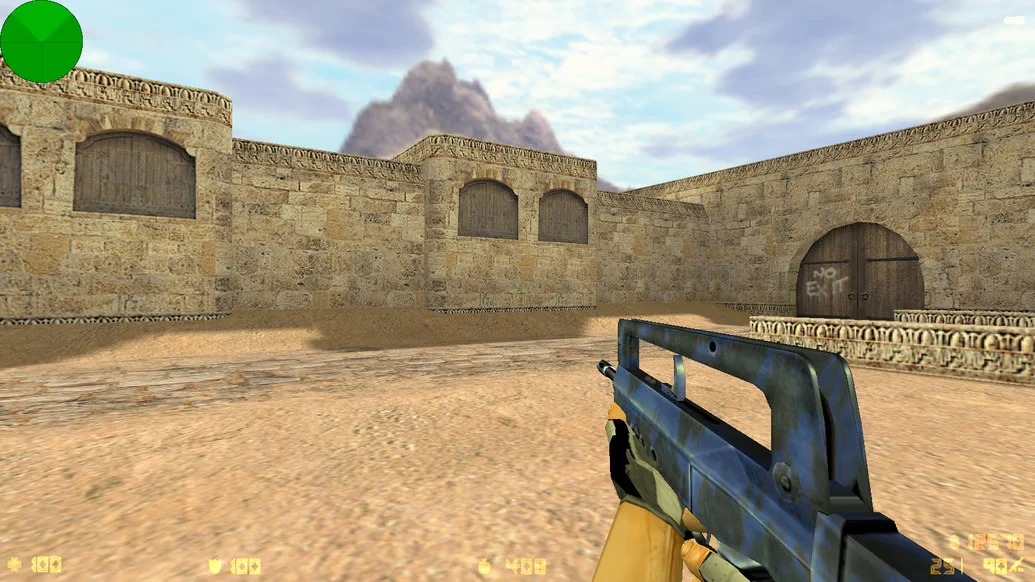
CS 1.6 by JERRY is an author’s build from a well-known player and content creator, designed for stability, precise shooting, and visual clarity. Everything in this version is optimized for aggressive gameplay, from the configuration to the interface. The build is perfect for JERRY fans as well as anyone looking for a reliable, modern, and balanced client. Downloading CS 1.6 by JERRY means getting a battle-ready version personally tested by the author.
The game menu is styled in JERRY’s signature design: dark background, modern fonts, redesigned buttons, and sounds. The interface is intuitive and uncluttered. The client includes high-quality HD models of weapons and players, adapted for fast-paced gameplay. The config is tuned for precise shooting and perfect responsiveness, making shooting feel smooth and stable. The build also features smart bots with adjustable difficulty, a master server with active servers, and LAN support.
Installation takes minimal time — just download, install, and play. CS 1.6 by JERRY is completely safe: no viruses, ads, or unnecessary software. The client runs stably on all Windows versions, from XP to 11, and even works on low-end PCs. It’s an excellent choice for anyone who wants a high-quality, modern CS 1.6 without spending time on setup or cleanup. JERRY has packed the best features into one client — all that’s left is to download and play.
Build Features:
Author’s build by JERRY
Modern menu and interface design
New HD weapon and player models
Clean and convenient HUD
Config for precise and fast shooting
Smart bots included
Fully working master server
Free from ads and viruses
Offline, online, and LAN support
Excellent performance on low-end PCs
Installation in 2–3 minutes
Compatibility: Windows XP – 11
System Requirements and Installation:
Operating System: Windows XP/Vista/7/8/10/11
Processor: 1.0 GHz or higher
RAM: 512 MB or more
Graphics Card: DirectX compatible
Free Disk Space: 1 GB or more
How to Install:
Download the CS 1.6 by JERRY installer
Run the installer and choose the installation path
Wait for the installation to complete
Launch the game using the desktop shortcut
Play with bots, over LAN, or online