Home
Home
 CS 1.6 Builds
 CS:GO Builds
 CS:S Builds
 CS2 Builds

Download CS 1.6 Online with servers
 Русская версия
 С ботами и серверами
 Работает на всех Windows (от XP до 11)


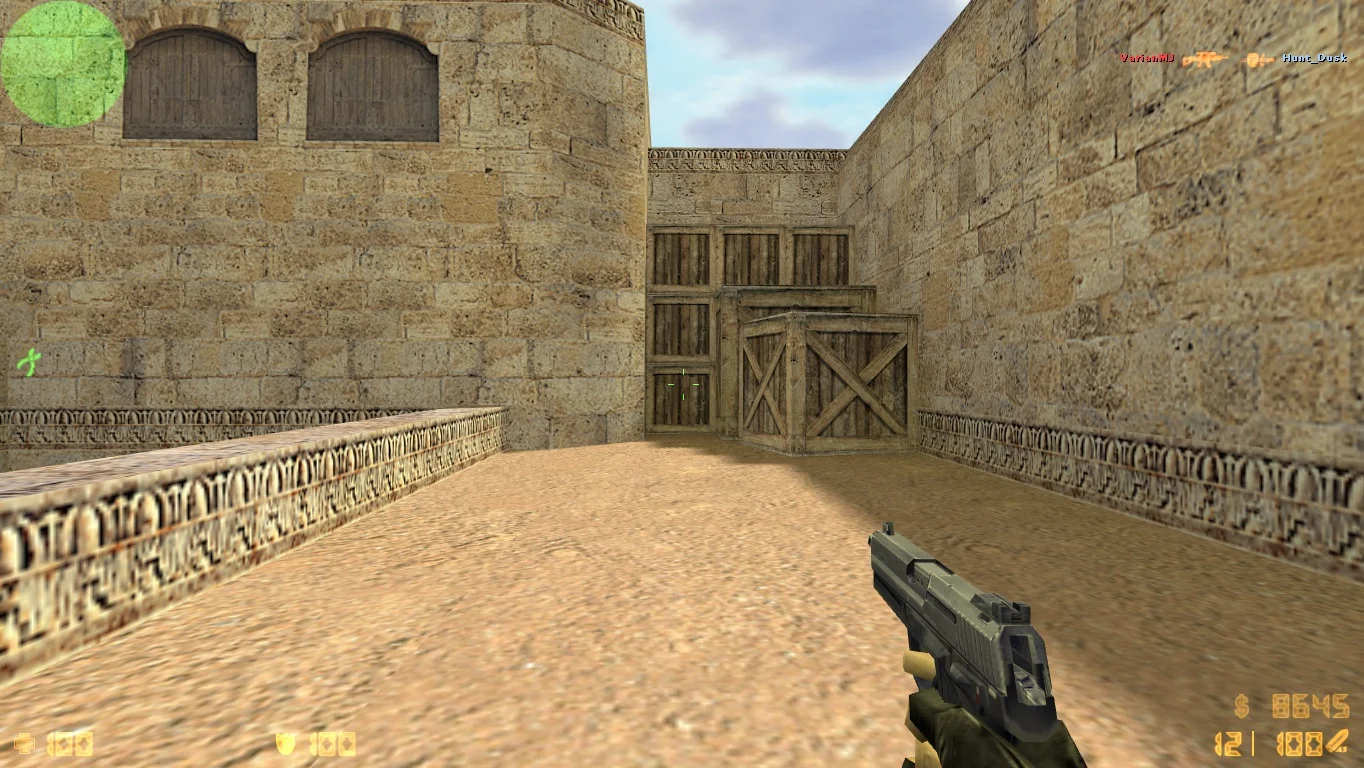


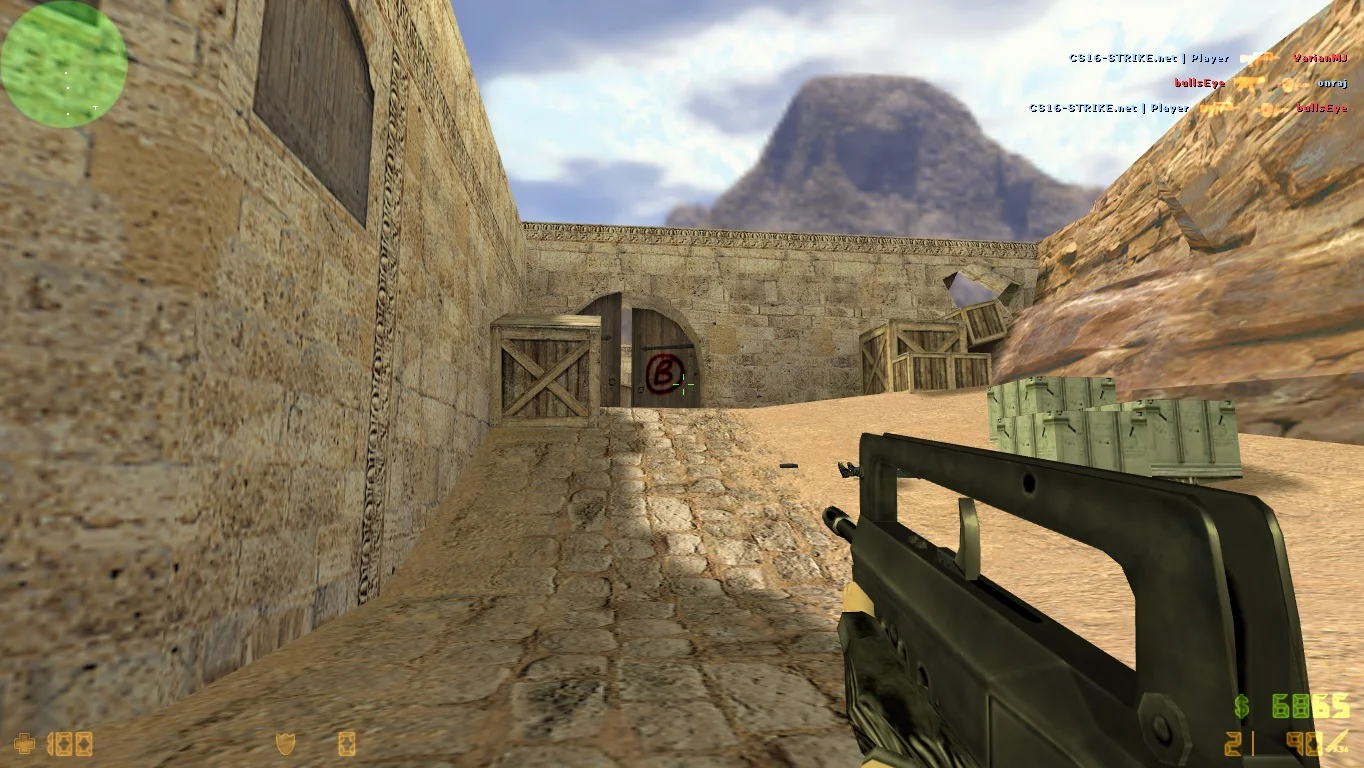
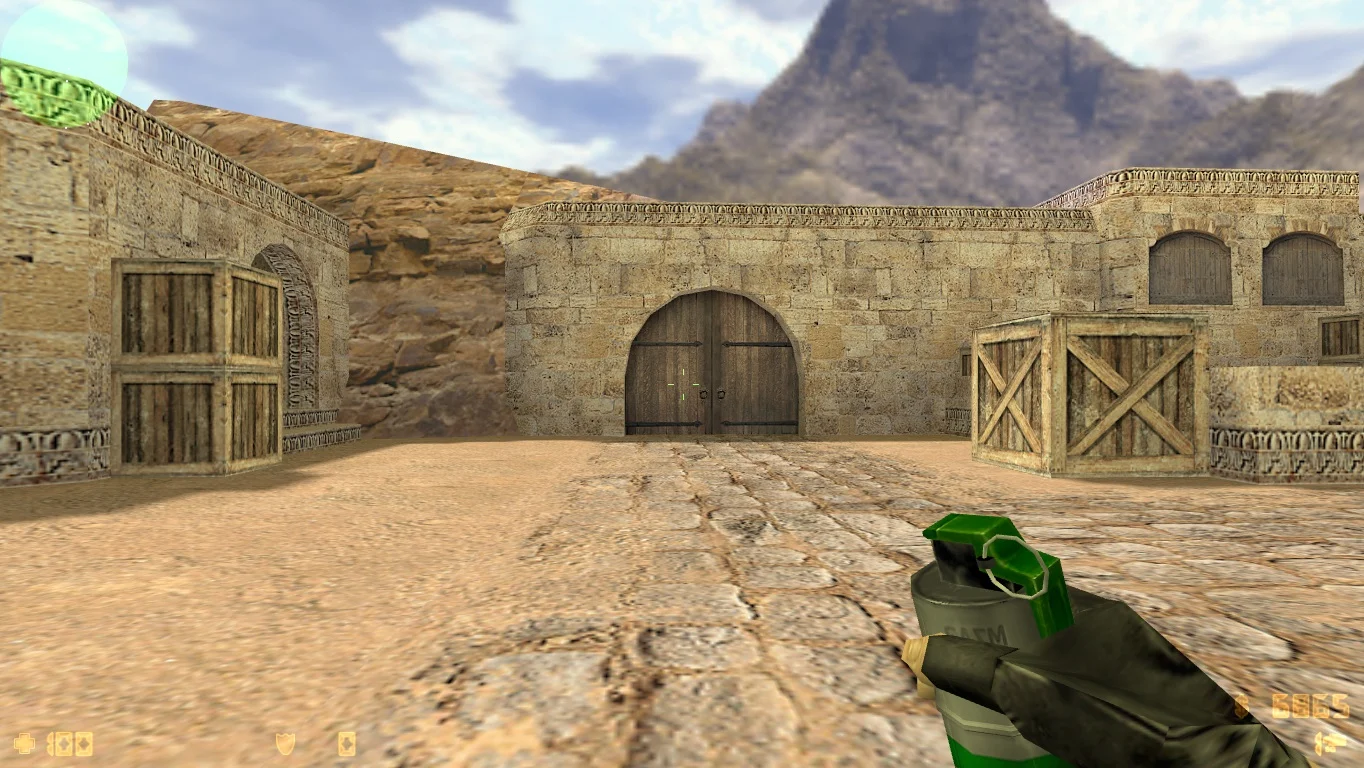
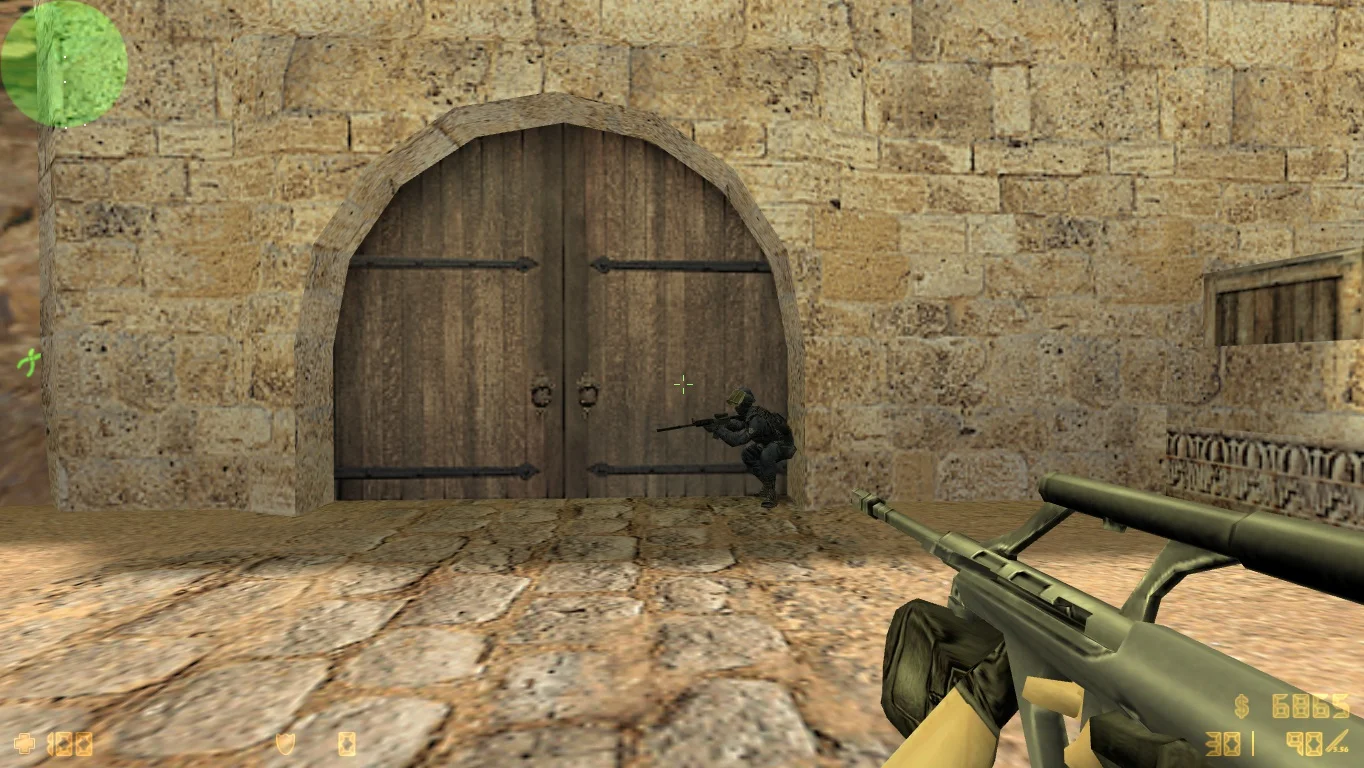
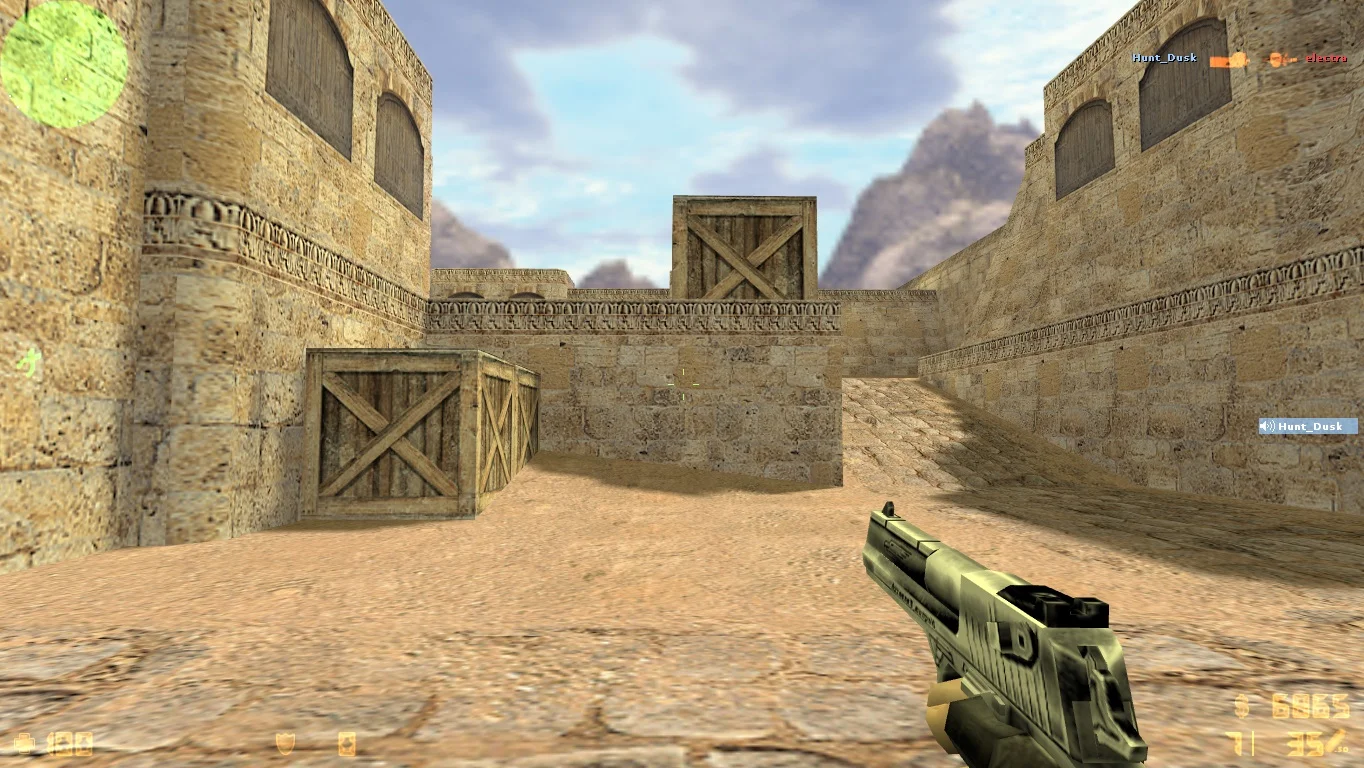
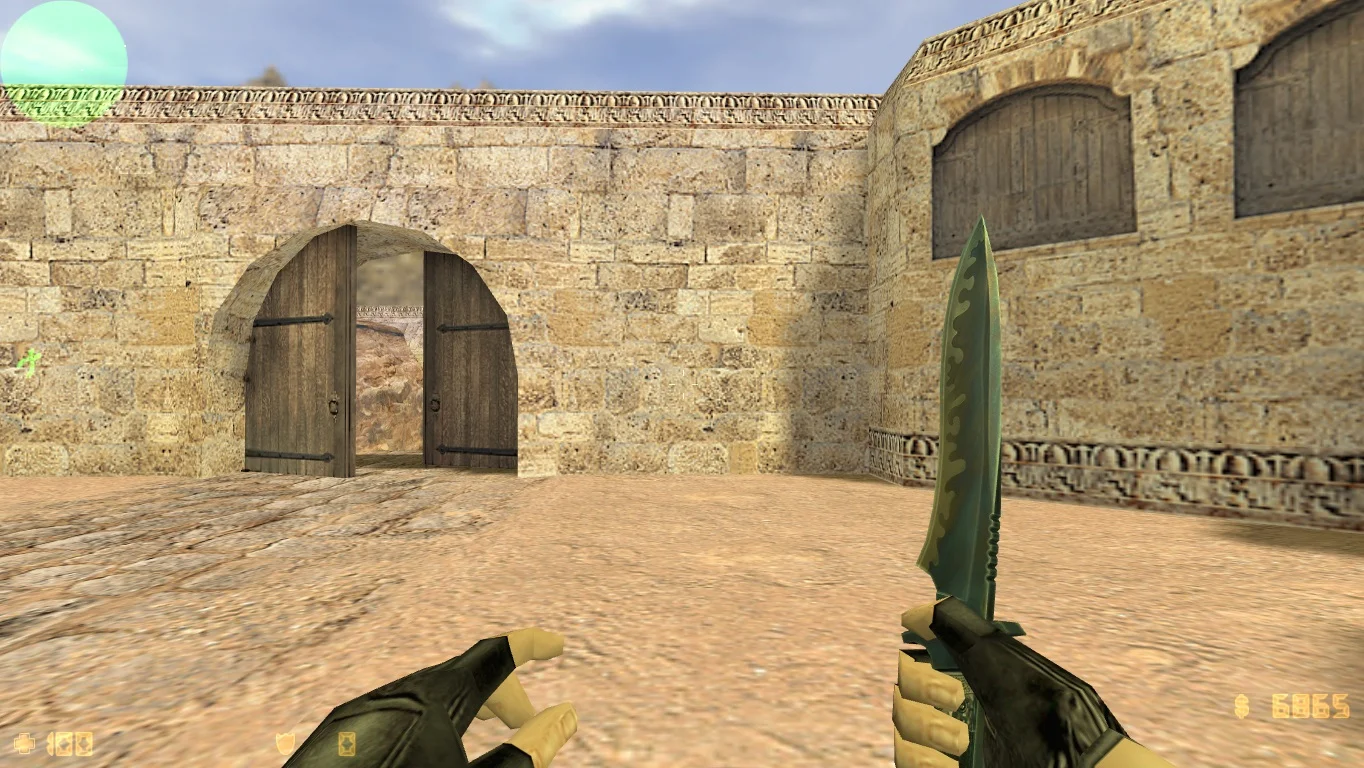
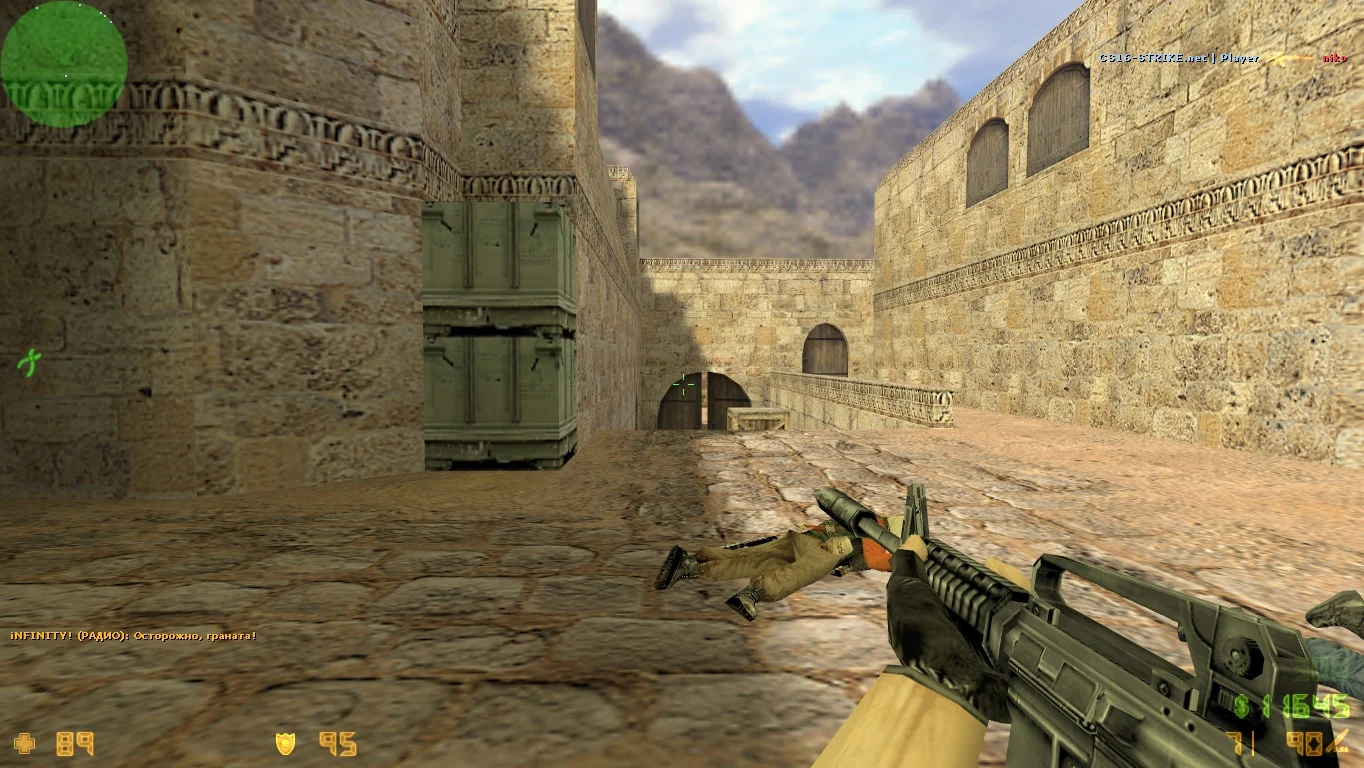
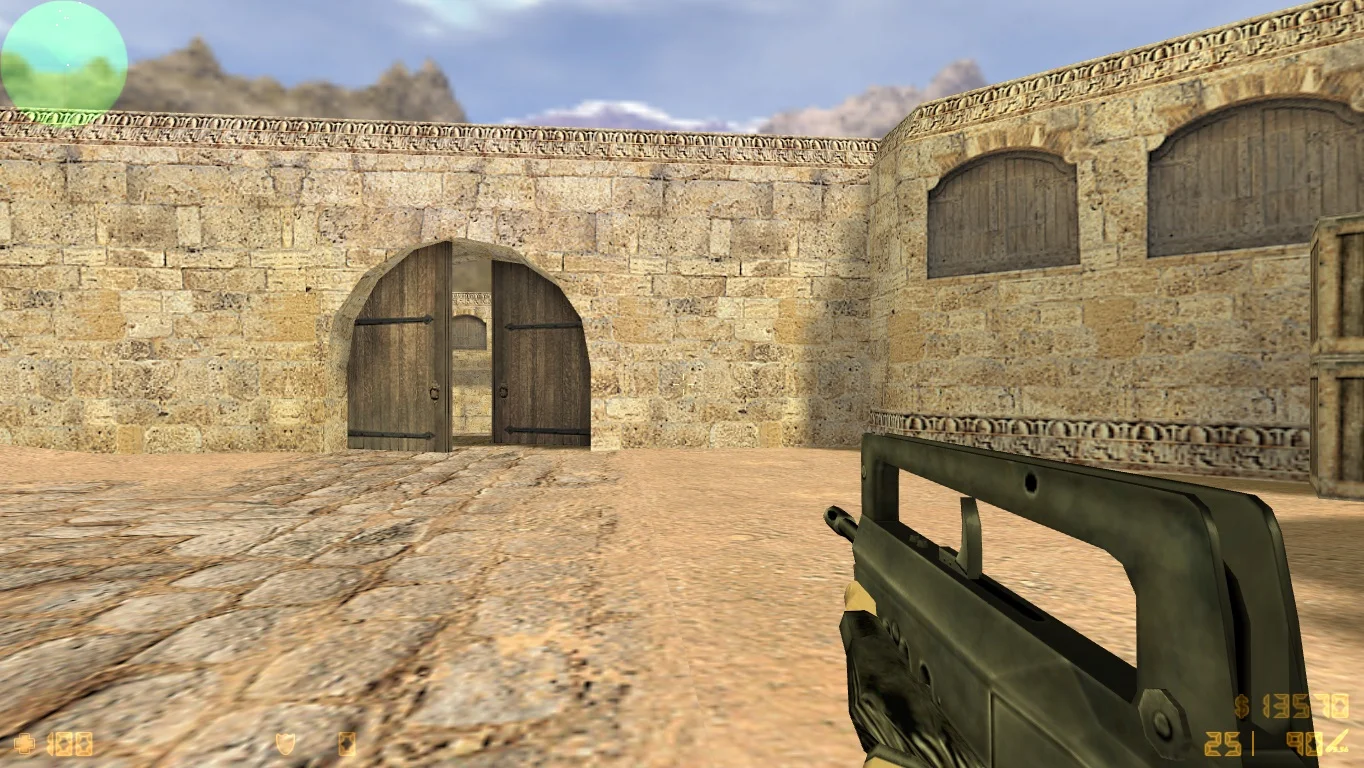
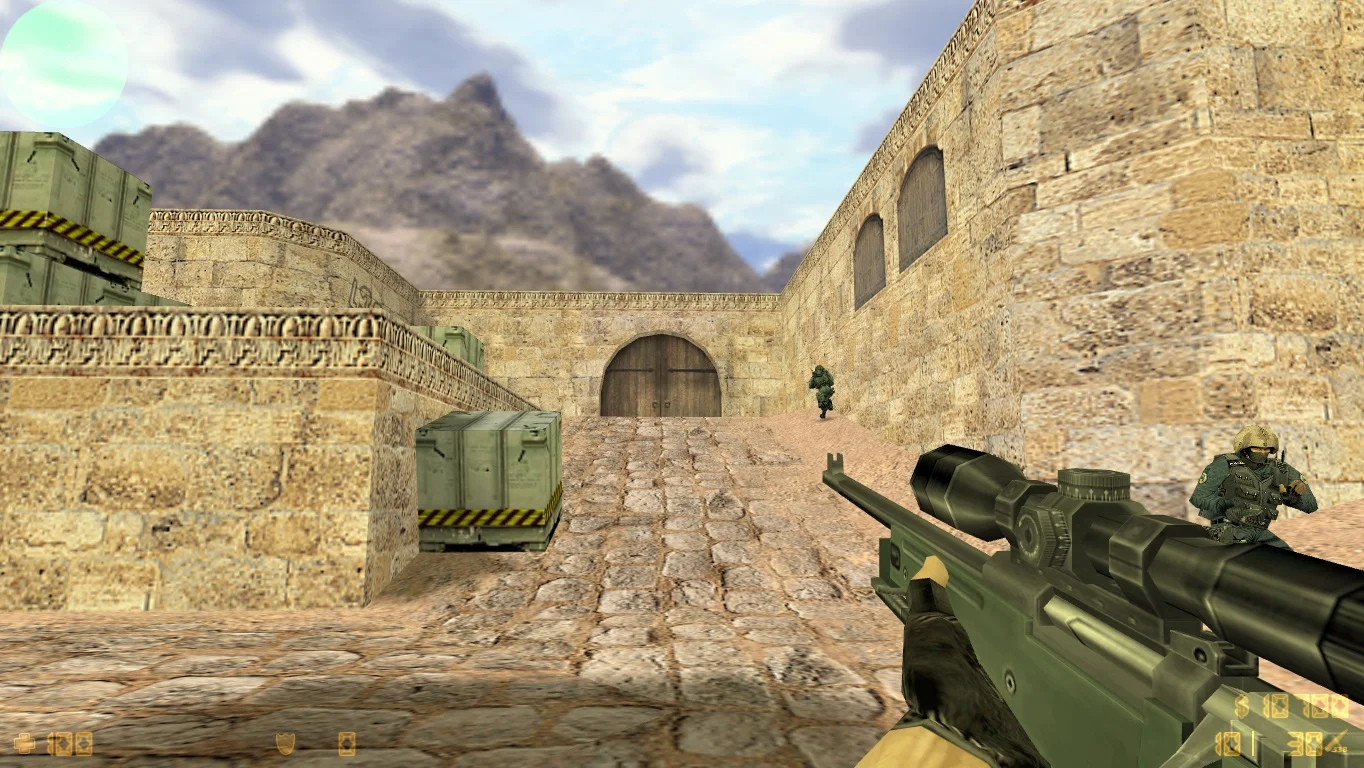
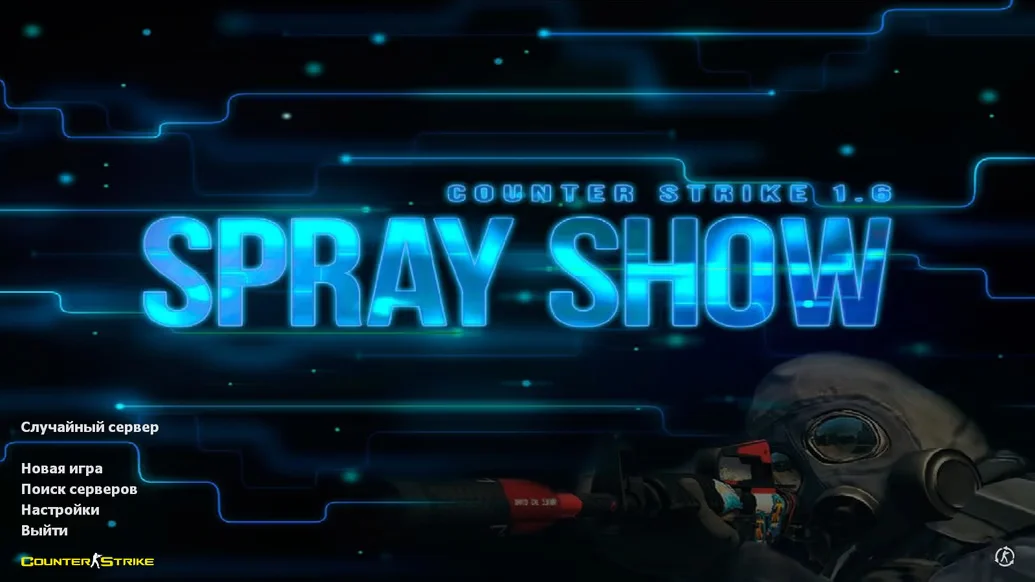
Download CS 1.6 Online with servers — a ready-to-play build of classic Counter-Strike 1.6, fully configured for fast online play on popular servers. This version is designed for those who want to immediately dive into network gameplay without lengthy setup, server search, or additional software. The build already includes a list of active servers with low ping and stable connections, ensuring high-quality and smooth matches. You’ll find servers with various game modes: classic, pistol rounds, DeathMatch, and other popular formats.
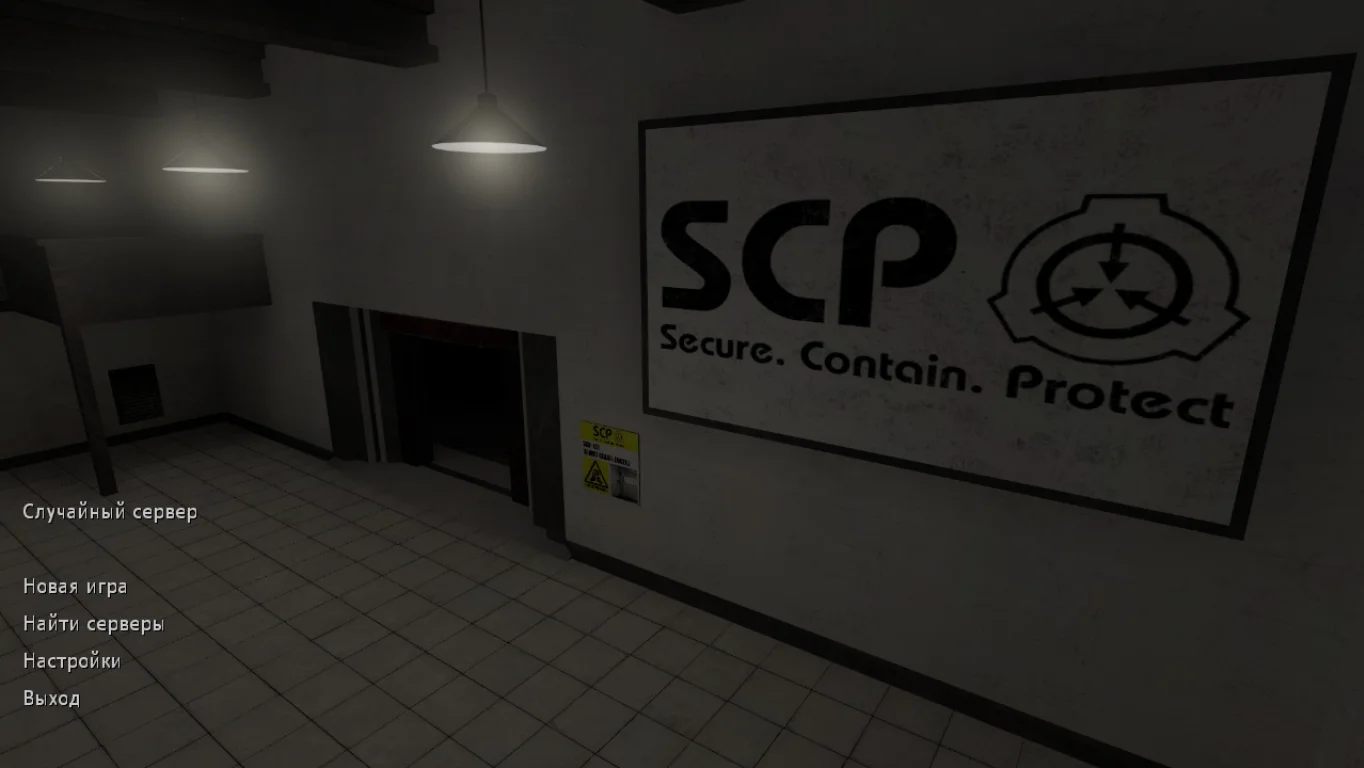
The CS 1.6 Online with servers build features a convenient interface with quick access to the server list and one-click connection. It includes popular maps, configured bots for single-player training, and optimized configs for smooth gameplay. This version does not require Steam and runs easily on all modern Windows versions. Thanks to regular server list updates, players can always find stable and active communities, chat, and compete with users from around the world.
Downloading CS 1.6 Online with servers is recommended for anyone who wants to start playing online quickly without unnecessary complications. The build is easy to install and use, contains no viruses or ads. All main CS 1.6 functions are supported, including control, graphics, and sound settings. It’s an excellent choice for both beginners and experienced players seeking a convenient and fast way to enjoy the classic shooter online.
Features of CS 1.6 Online with servers build:
• Built-in list of active working servers
• One-click fast connection to matches
• Support for different game modes: classic, DeathMatch, pistol rounds
• Optimized configs for smooth gameplay
• Built-in bots for offline training
• Full compatibility with Windows 7, 8, 10, 11
• No Steam or complex setup required
• No ads or malicious software
System requirements:
• OS: Windows XP, 7, 8, 10, 11
• CPU: from 1 GHz
• RAM: from 512 MB
• Video card: DirectX 9 support
• Free disk space: from 600 MB
• Internet — required for online play
How to install CS 1.6 Online with servers:
• Download the build archive from a reliable source
• Extract the files to a convenient folder on your computer
• Run cs.exe
• Choose a server from the built-in list
• Start playing online or with bots
В поиске лучшие сервера
Скачав и установив данную сборку, вы сможете поиграть на современных игровых проектах. Каждый сервер имеют уникальную модификацию, конечно классических вариантов игры на данный момент больше всего. Выбирайте желаемый мод и наслаждайтесь игрой.
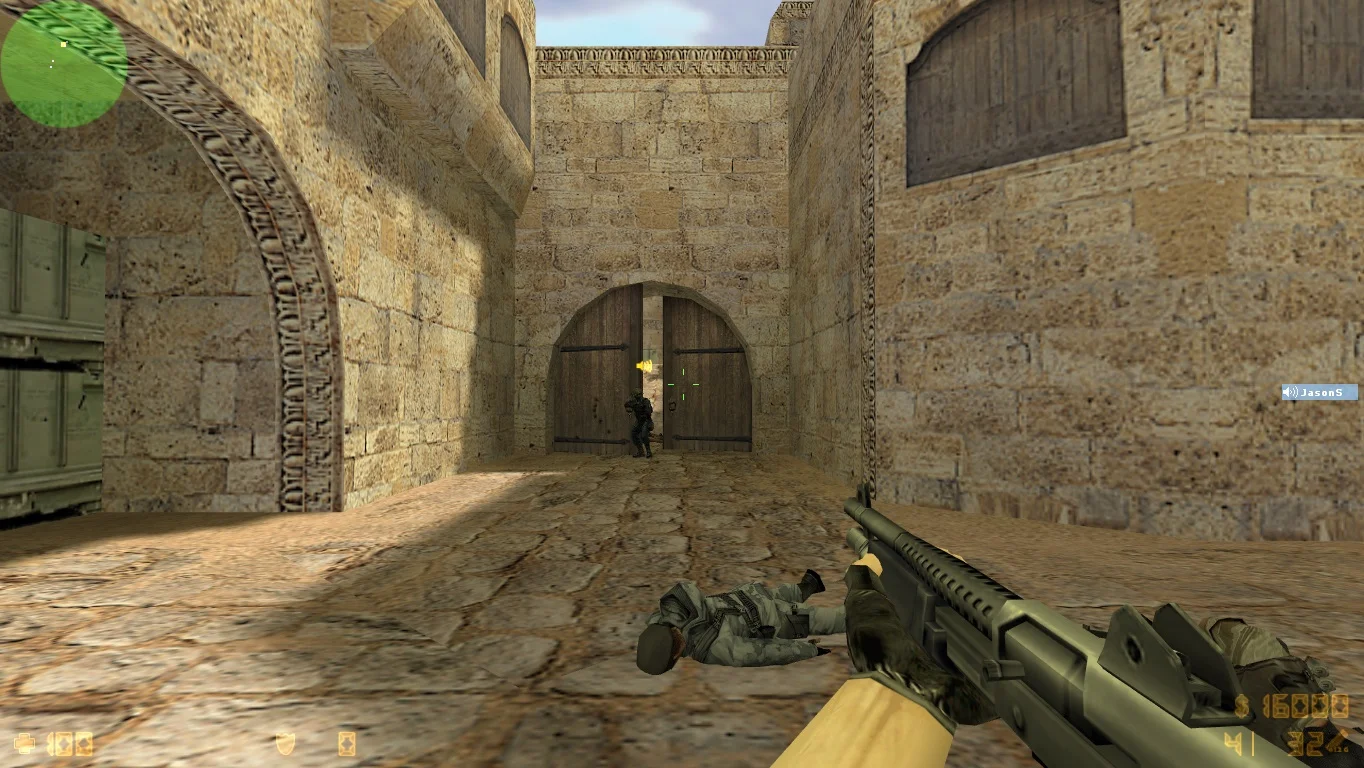
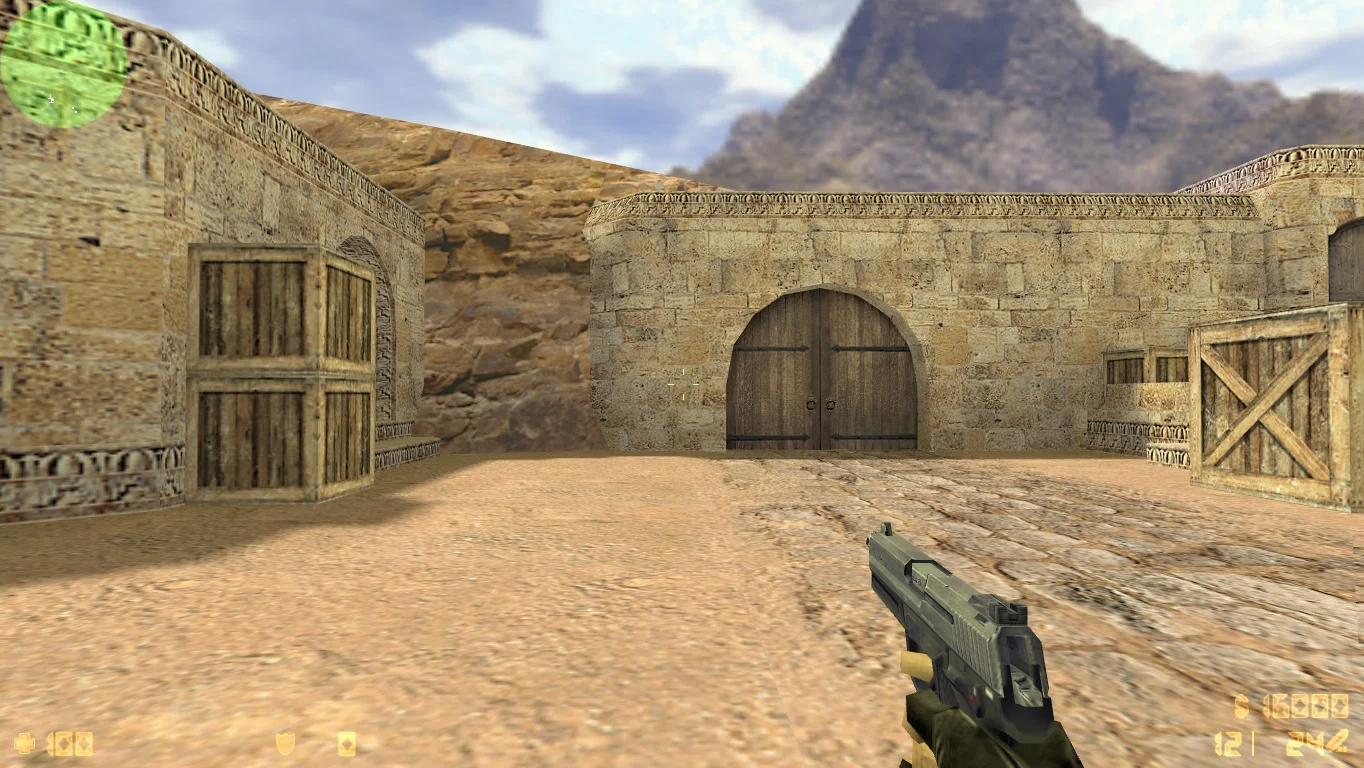
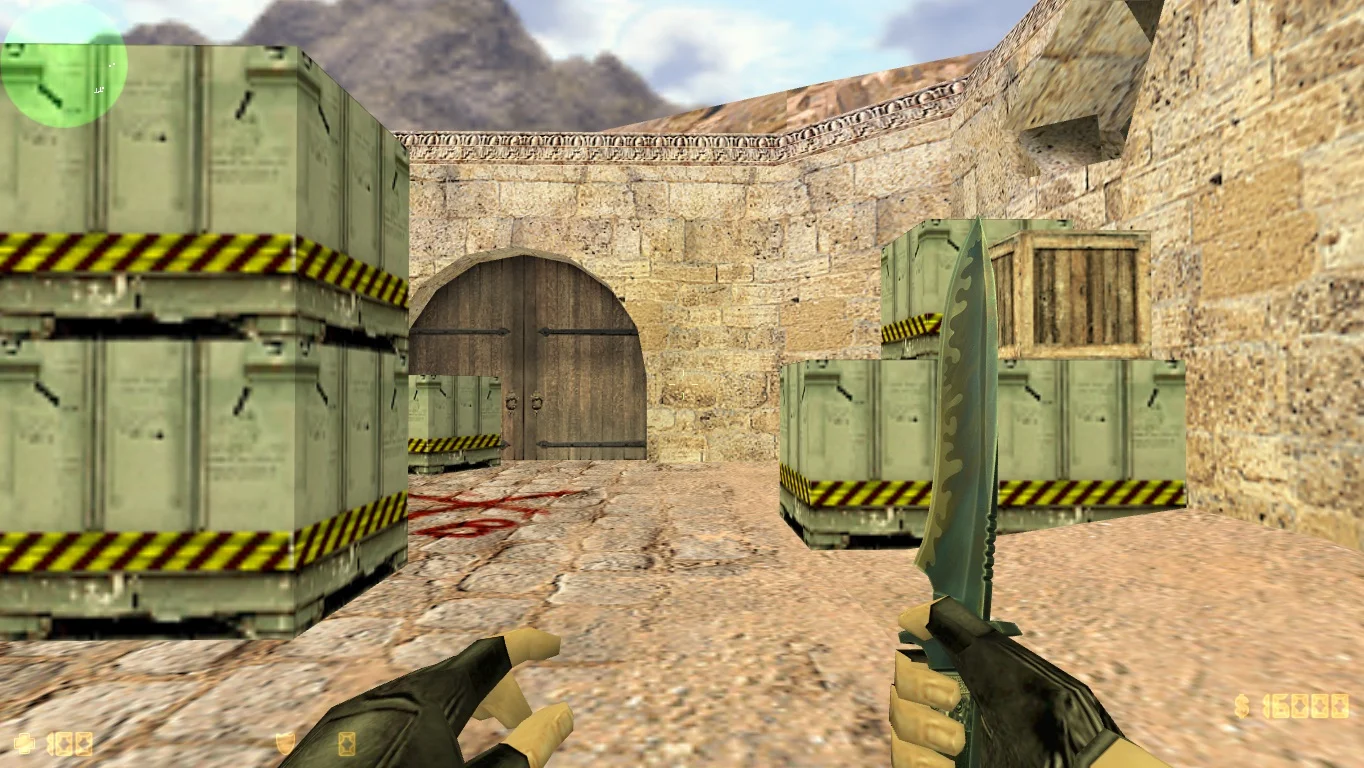
Установлены старые модели
Версия игры получила стандартные модели игровых персонажей и вооружения, поэтому для поклонников уникальных пушек следует выбрать какую-то другую сборку. Клиент настроен на точную стрельбу, что позволит уничтожить огромное количество противников.
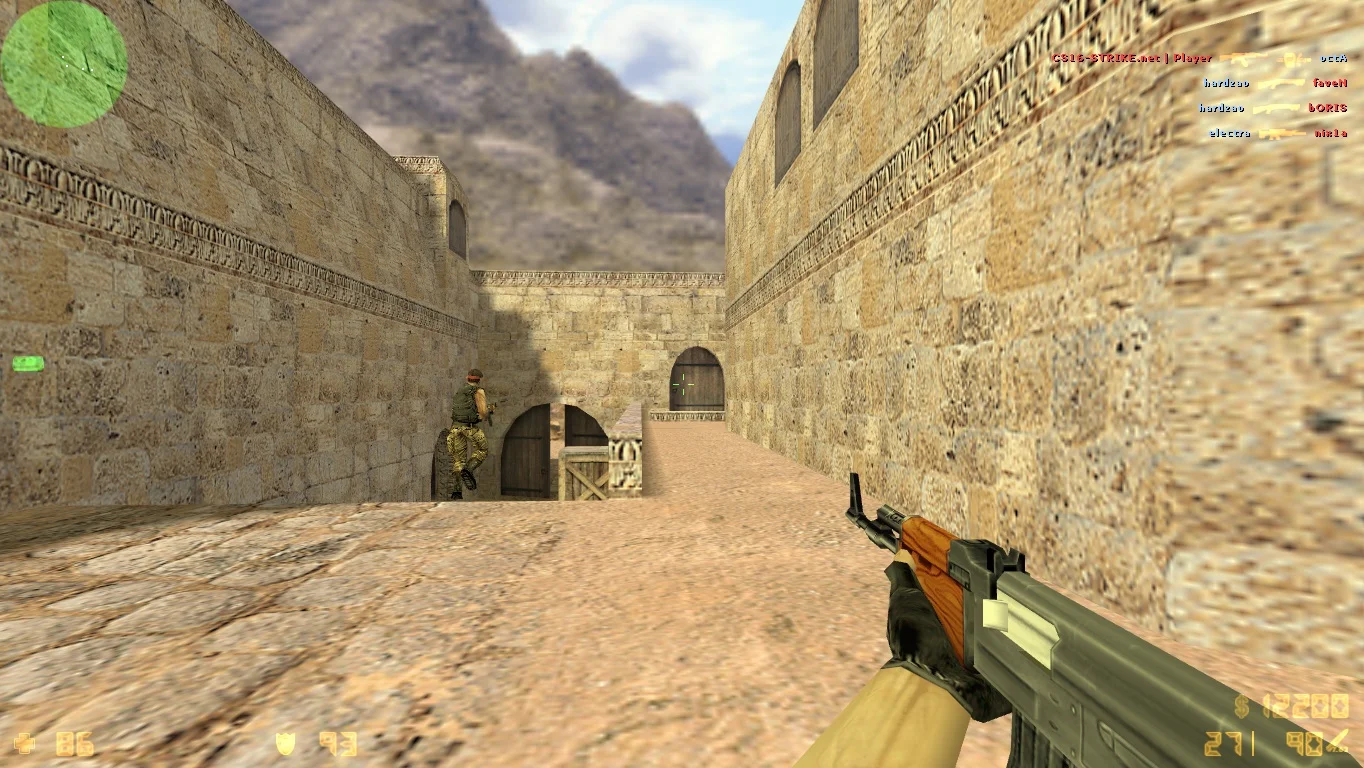
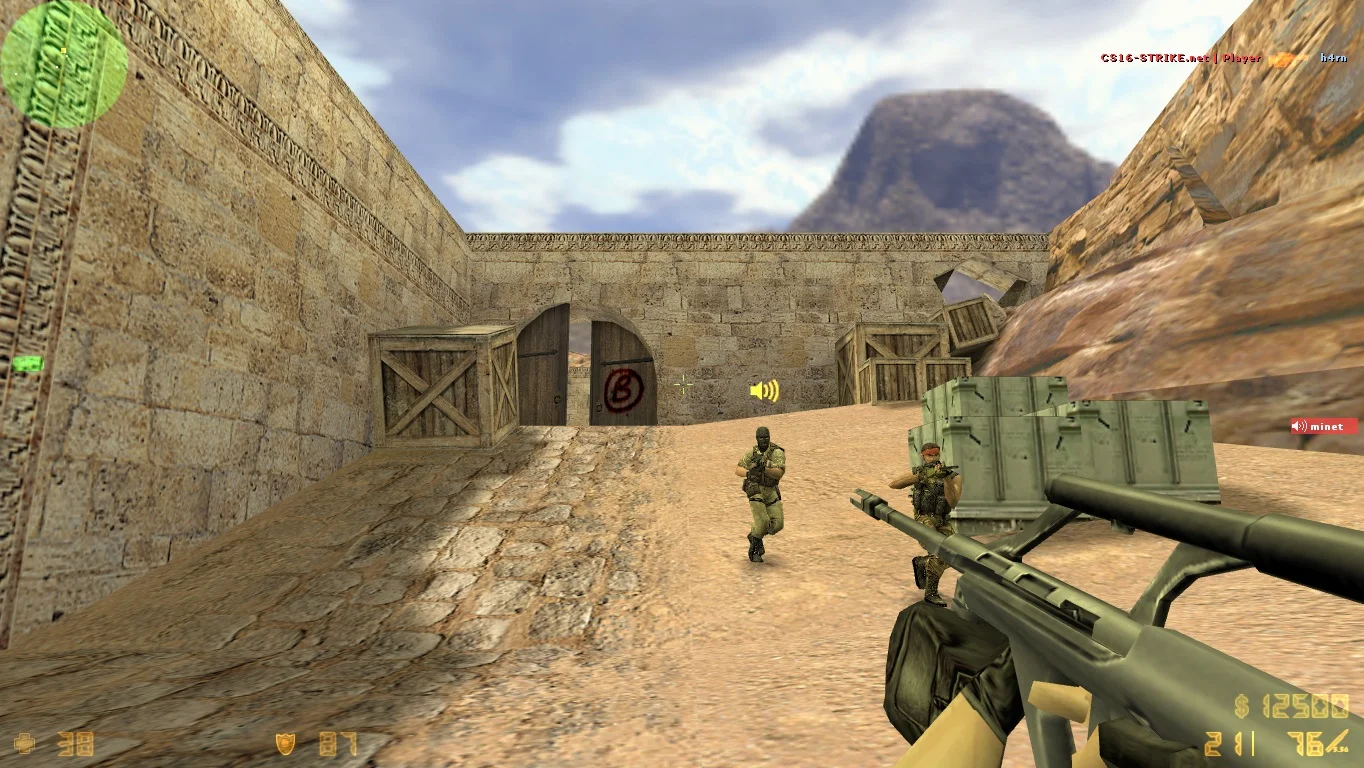
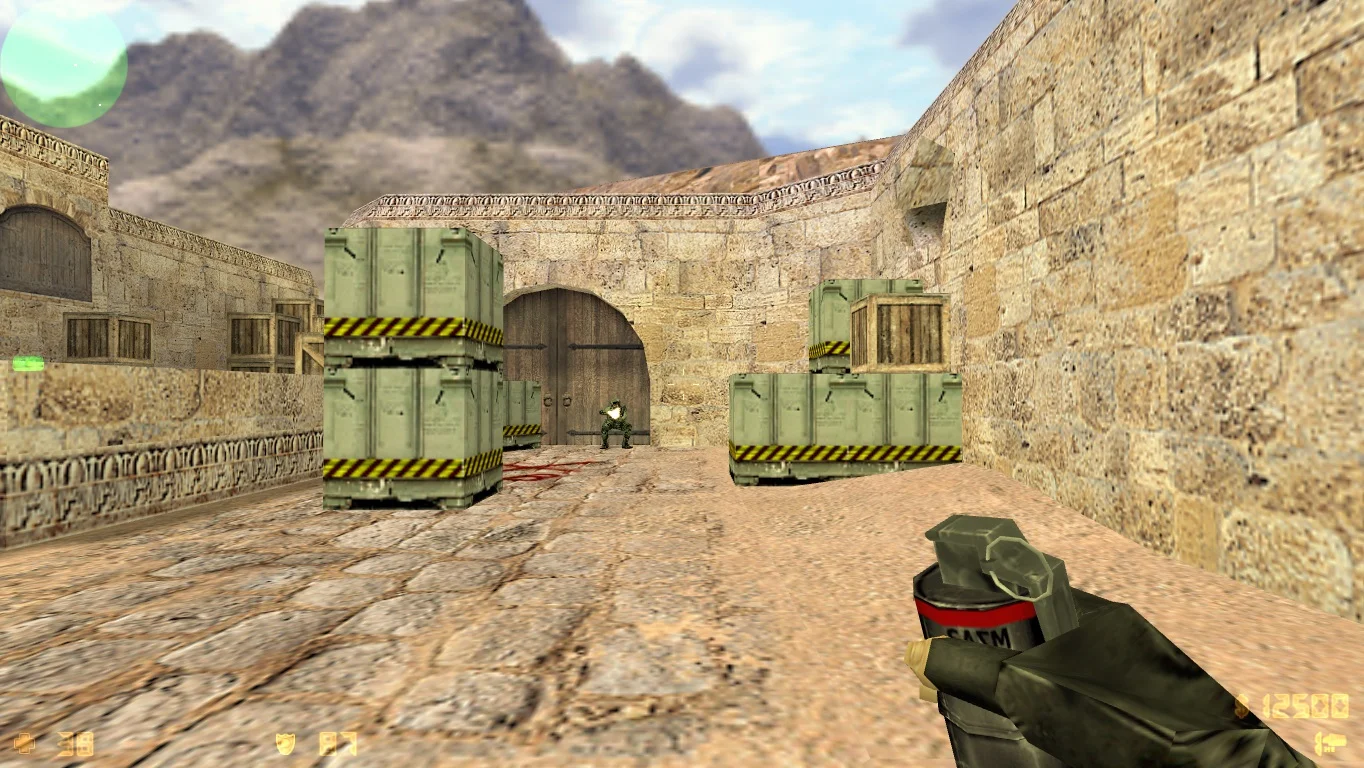
Моментальная загрузка игры
Мы гарантируем быстрое скачивание сборки в течении нескольких минут, после чего вы сможете приступать к игре. Версия содержит оригинальные модели, поэтому ожидается высокая производительность даже на самых слабых компьютерах.