Home
Home
 CS 1.6 Builds
 CS:GO Builds
 CS:S Builds
 CS2 Builds

Download CS 1.6 Pigeon
 Русская версия
 С ботами и серверами
 Работает на всех Windows (от XP до 11)

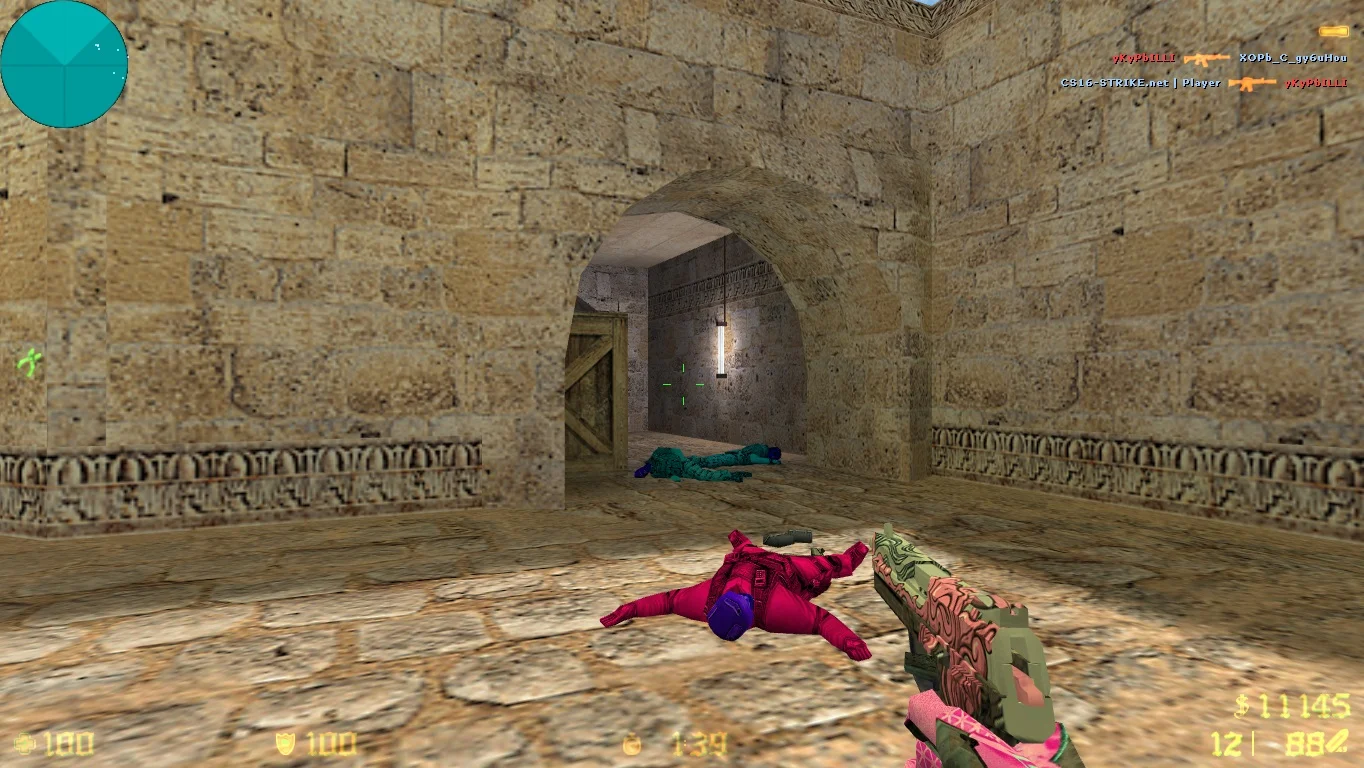
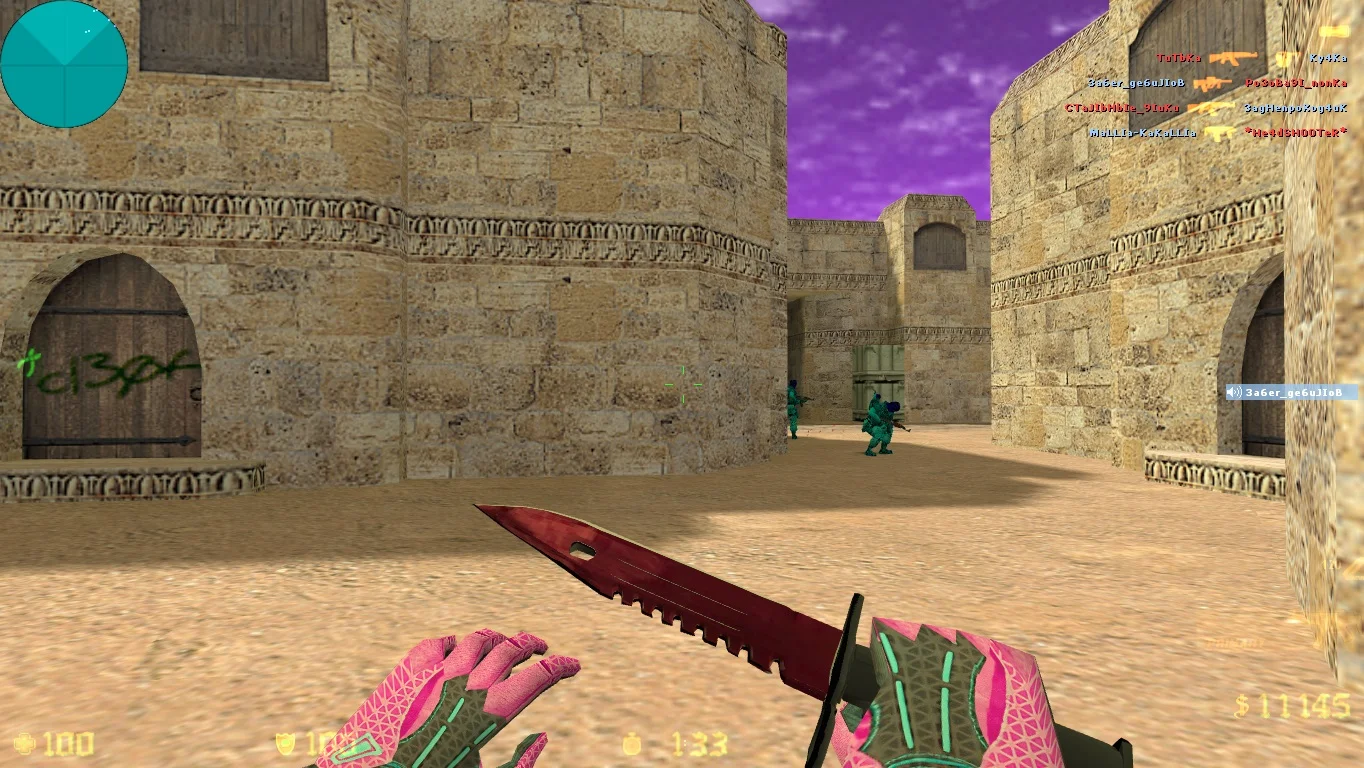
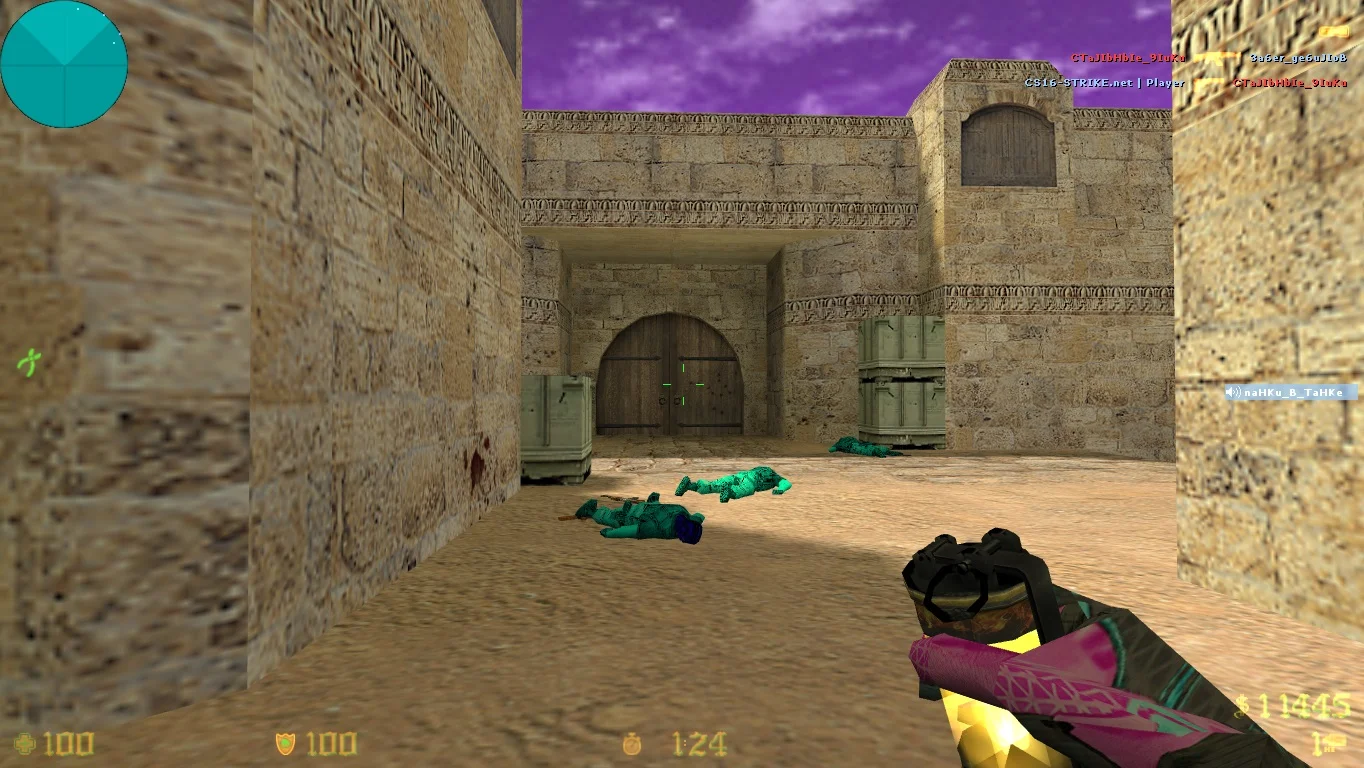


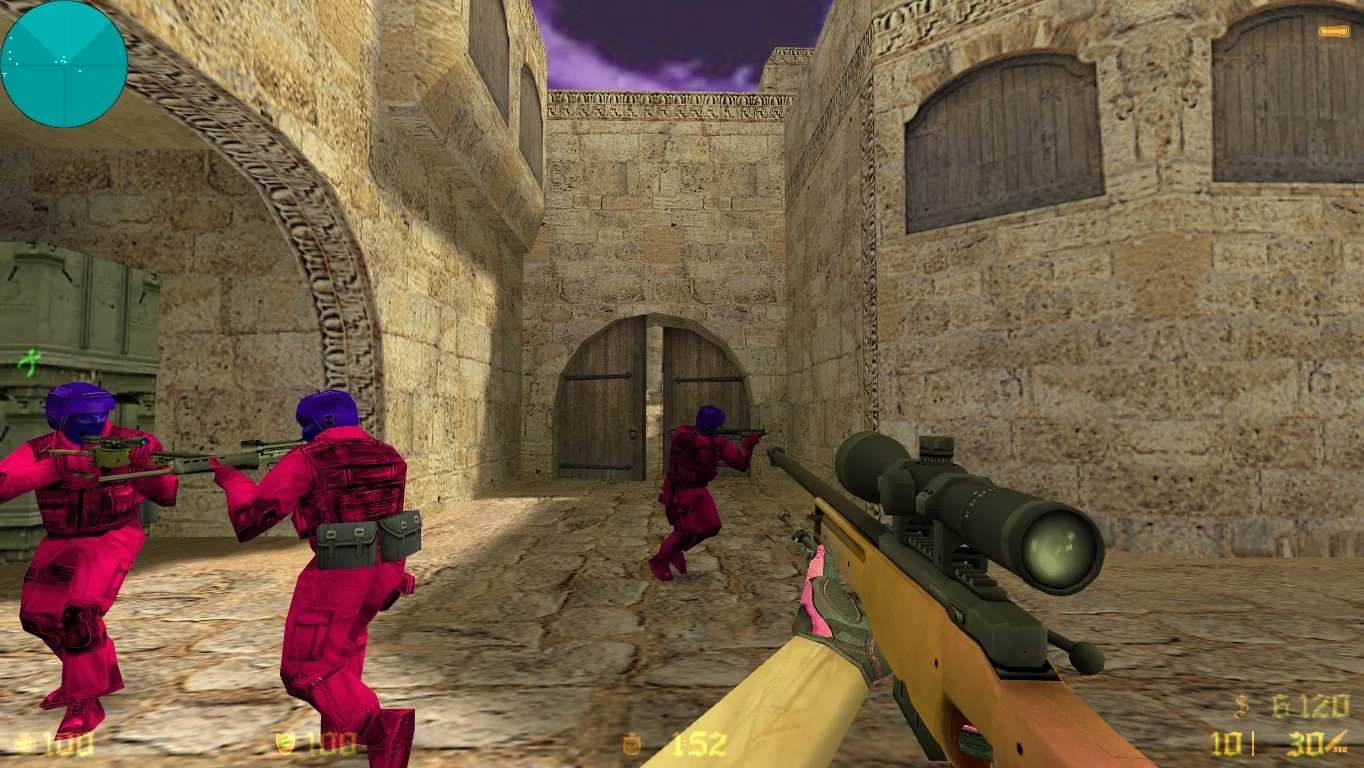

Download CS 1.6 Pigeon — a chance to get a unique build of the popular game Counter-Strike 1.6 with enhanced optimization and modern design. The Pigeon version is designed for players who want to enjoy classic gameplay with additional features and updates that make the game more stable and comfortable. The build improves performance, optimizes graphics, and adds new textures, allowing the game to run on various devices — from low-end laptops to powerful PCs — without loss of quality.
CS 1.6 Pigeon features high FPS stability and smooth gameplay, which is especially important for multiplayer modes and online games. The build includes popular maps, custom sounds, and convenient control settings, allowing you to adapt the game to your preferences. Thanks to these improvements, Pigeon provides comfortable conditions for competitive battles and training, while maintaining the classic style and atmosphere of the legendary shooter.
Installing CS 1.6 Pigeon is very simple and takes minimal time. Just download the archive with the game, extract the files, and launch the executable. The build supports both offline play with bots and full online battles on any popular servers. CS 1.6 Pigeon is the perfect choice for those who want the classic game with modern improvements and reliable performance.
Features of the build:
• Optimized for various PC configurations
• High and stable FPS
• Enhanced textures and sound effects
• Support for offline and online modes
• Convenient interface and control settings
• Compatibility with Windows 7/8/10/11
• Includes popular maps and custom models
• Quick and easy installation
System requirements:
• Operating system: Windows 7 / 8 / 10 / 11 (32/64-bit)
• Processor: Intel Pentium 4 or AMD equivalent
• RAM: from 512 MB
• Video card: DirectX 8 support or higher
• Disk space: from 600 MB
• Internet for online play
How to install:
• Download the archive with CS 1.6 Pigeon
• Extract the files to a convenient folder on your PC
• Launch the game via hl.exe or the desktop shortcut
• Adjust graphics and controls to your preference
• Play offline with bots or connect to online servers
Крутое оформление сборки
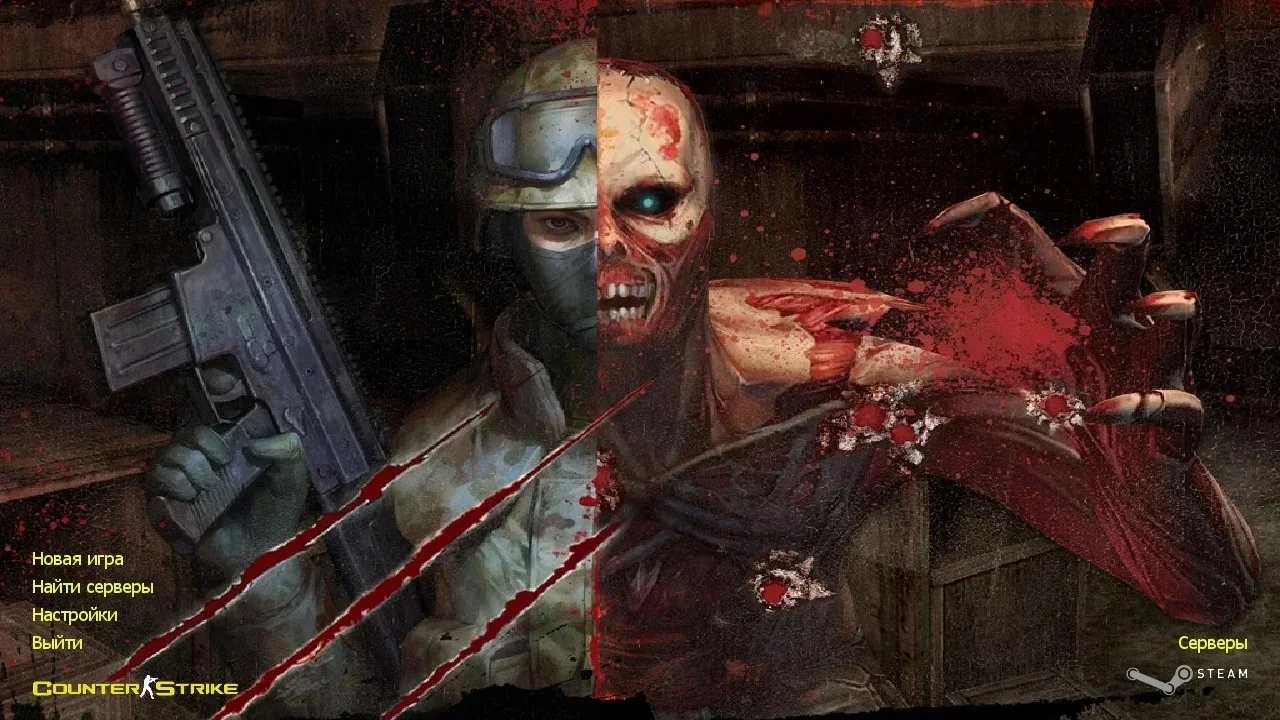
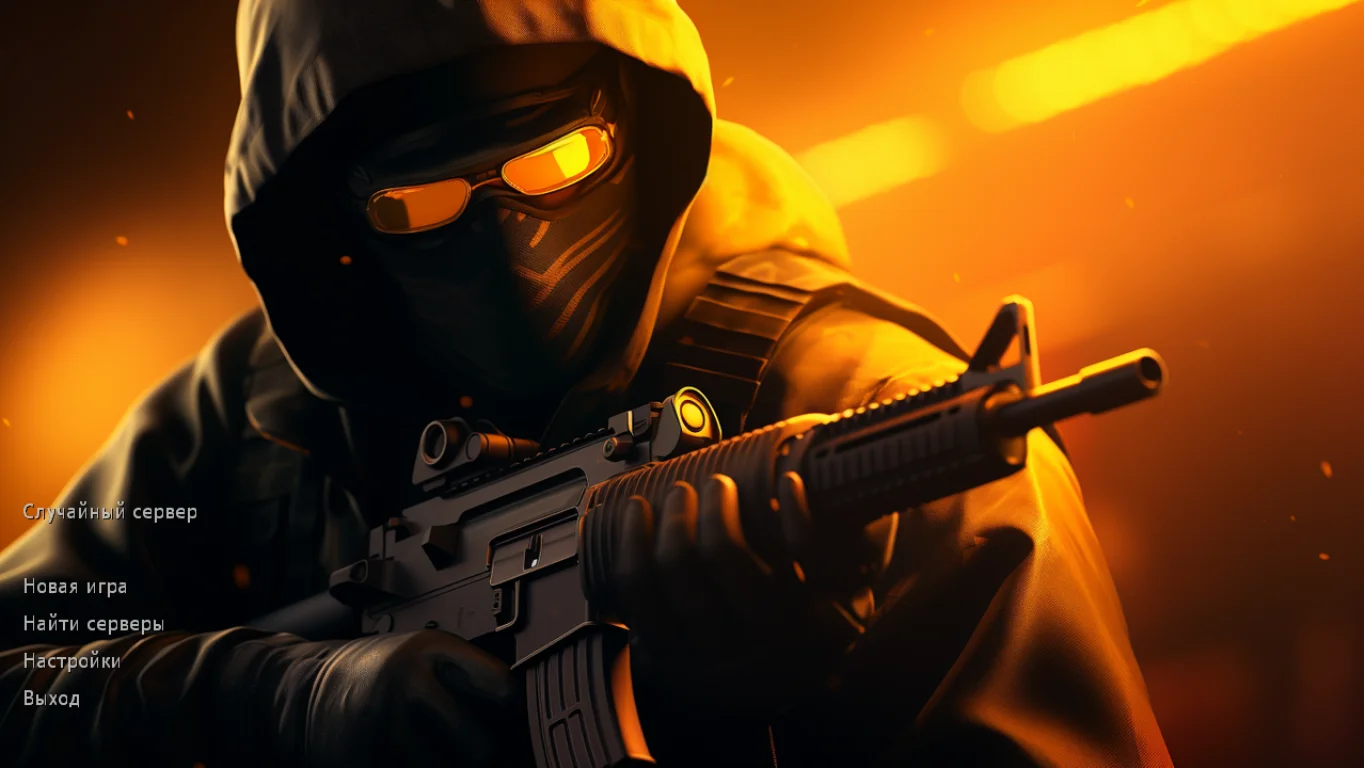
При подключении на картинке вы увидите крутую девушку в костюме. Главное меню сделано максимально качественно и без проблем открывается во всех форматах. Кроме этого, перед началом игры можно услышать новое музыкальное сопровождение.


Новые модели игроков
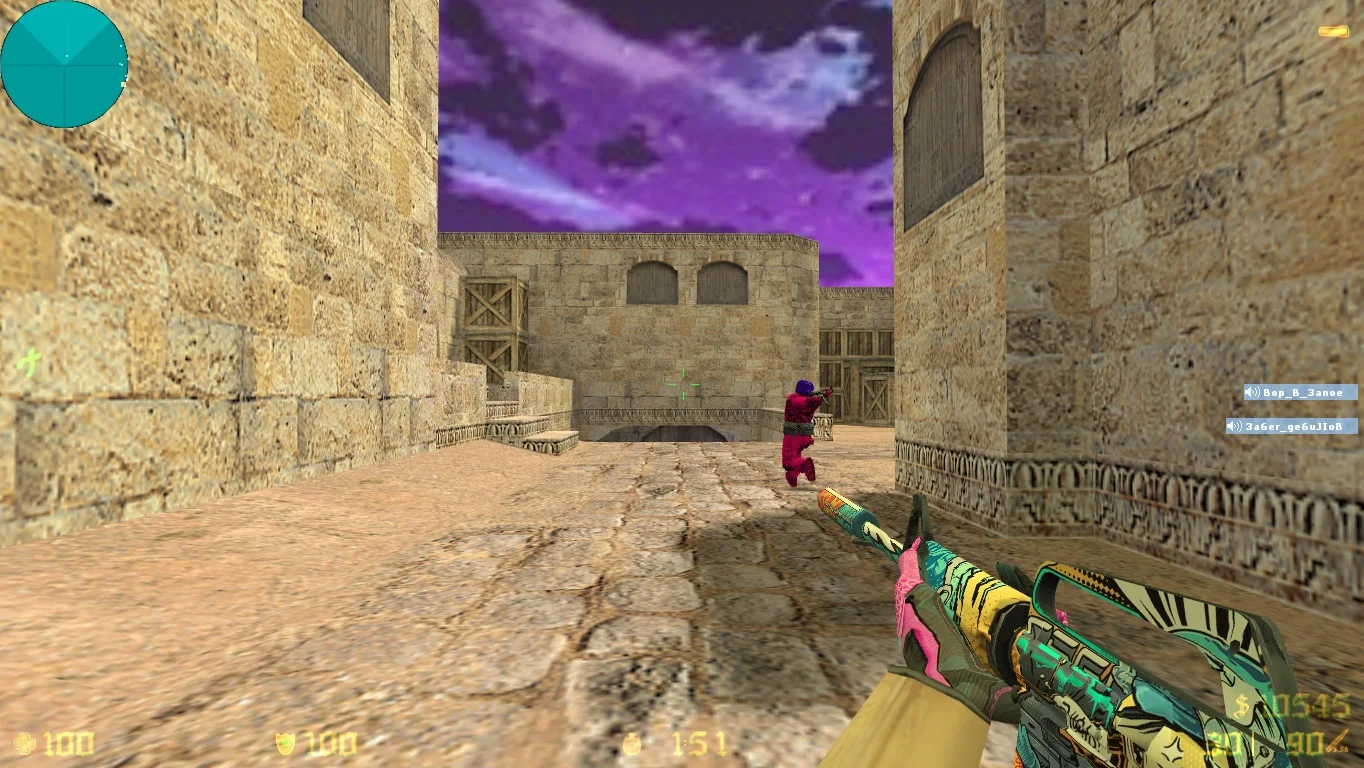
Сегодня вас порадуют качественные модели игровых персонажей, которые стали красными и зелеными. Все персонажи получили дополнительное обмундирование, а также пропорциональные текстуры. Сражаться с данными модельками будет одно удовольствие.
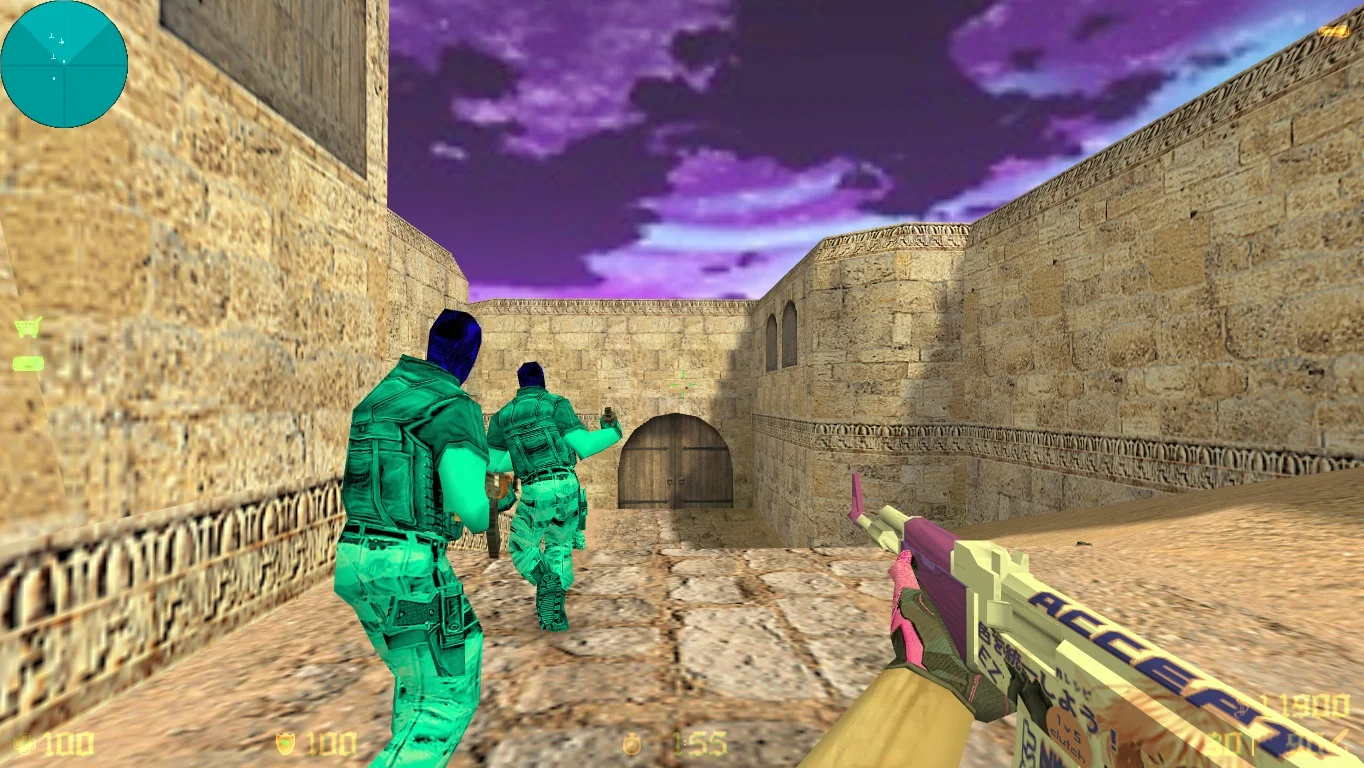


Уникальные дополнения
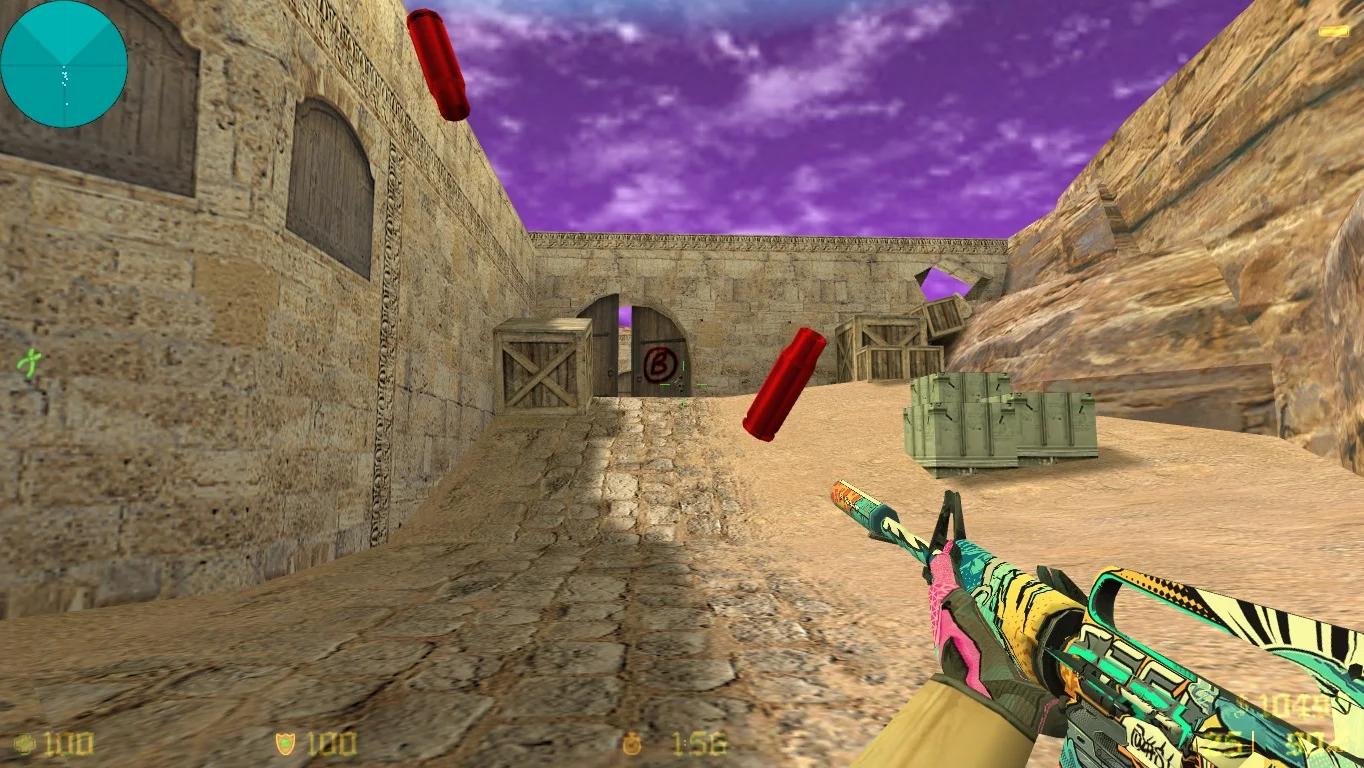
Сборка может похвастаться авторским эффектом, благодаря которому боевые действия станут куда интереснее. При выстреле вы увидите как вылетают разноцветные гильзы, после чего некоторое время остаются на земле. Данная особенность не несет нагрузки.