Home
Home
 CS 1.6 Builds
 CS:GO Builds
 CS:S Builds
 CS2 Builds

Download Counter-Strike 1.9
 Русская версия
 С ботами и серверами
 Работает на всех Windows (от XP до 11)
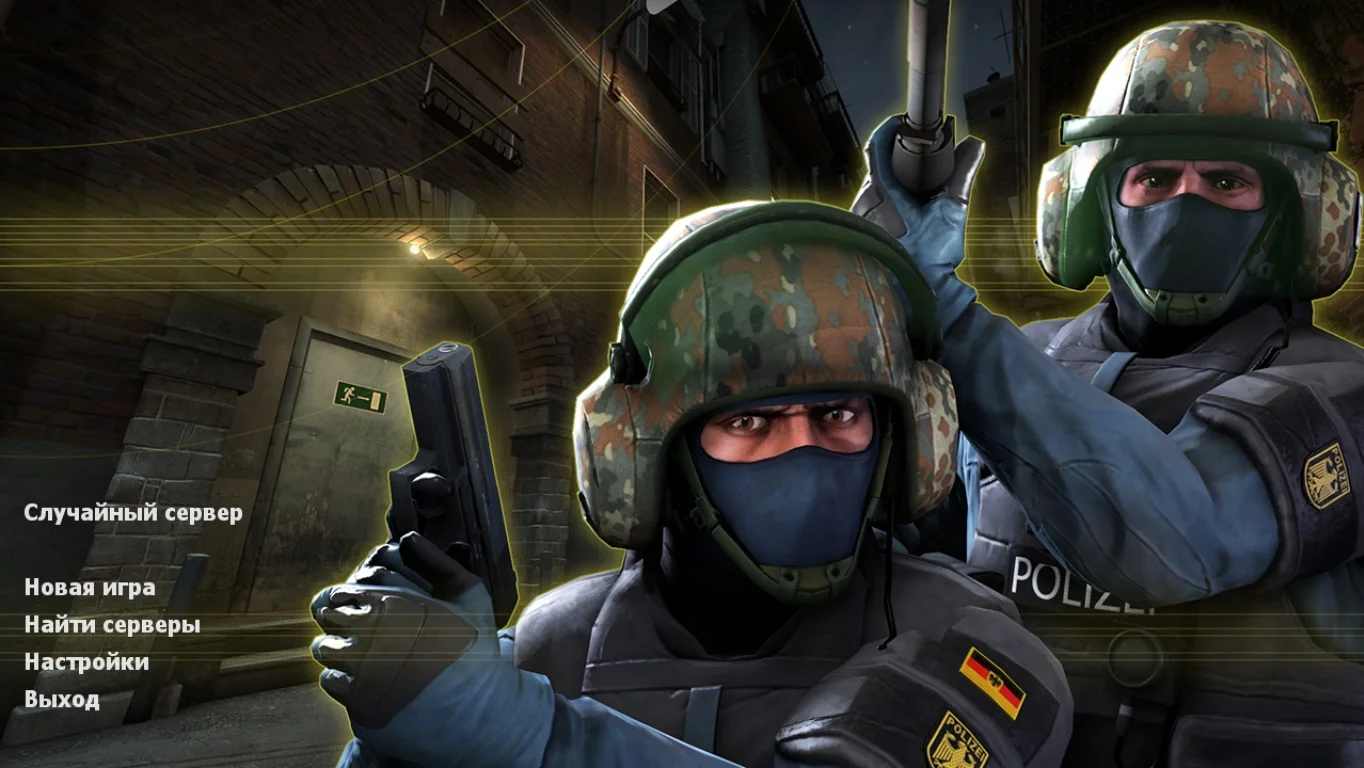
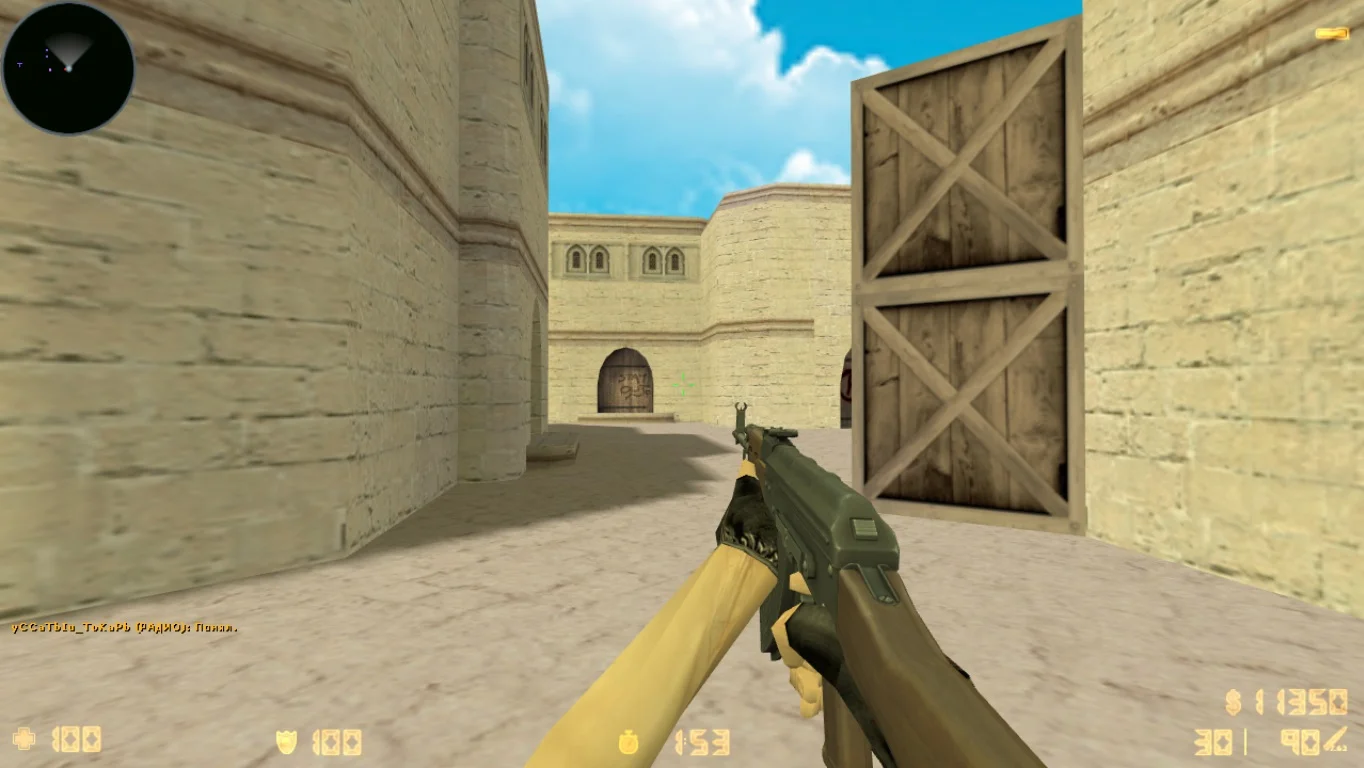
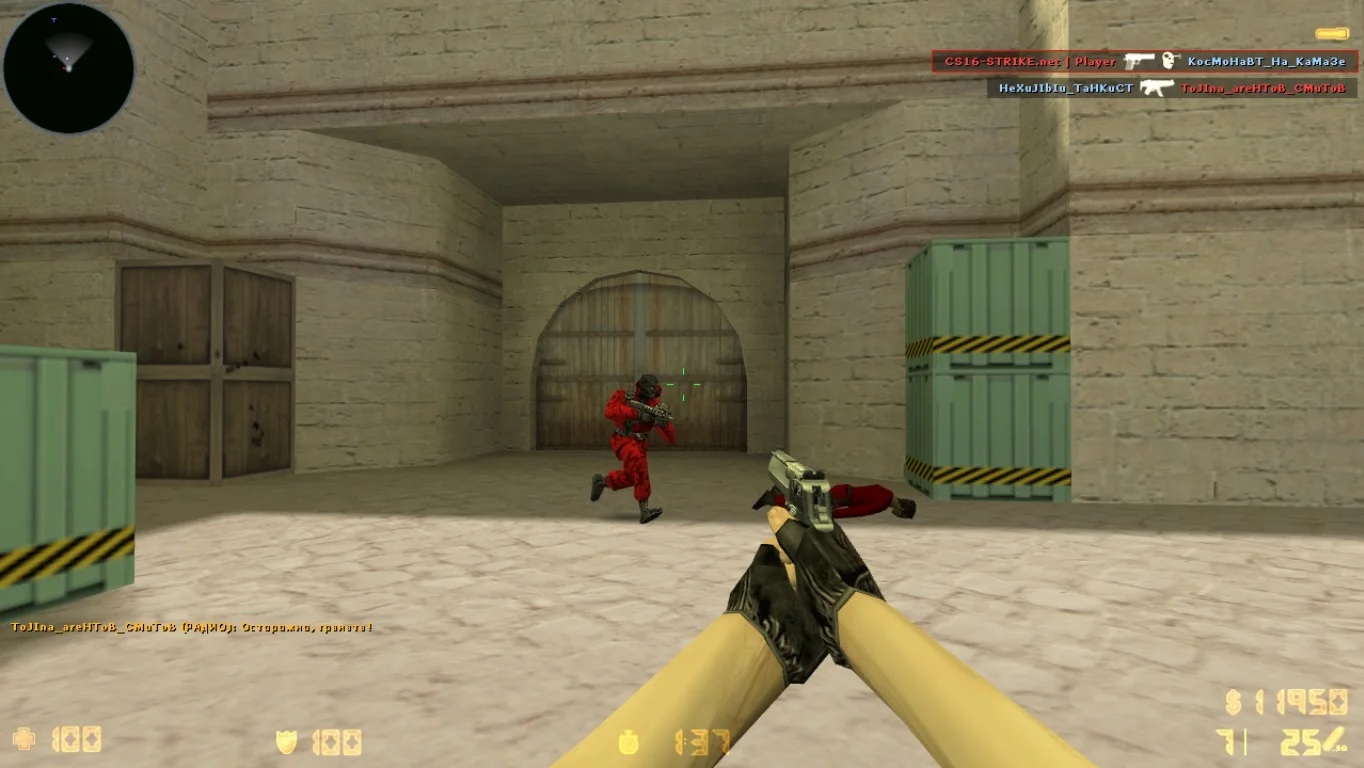
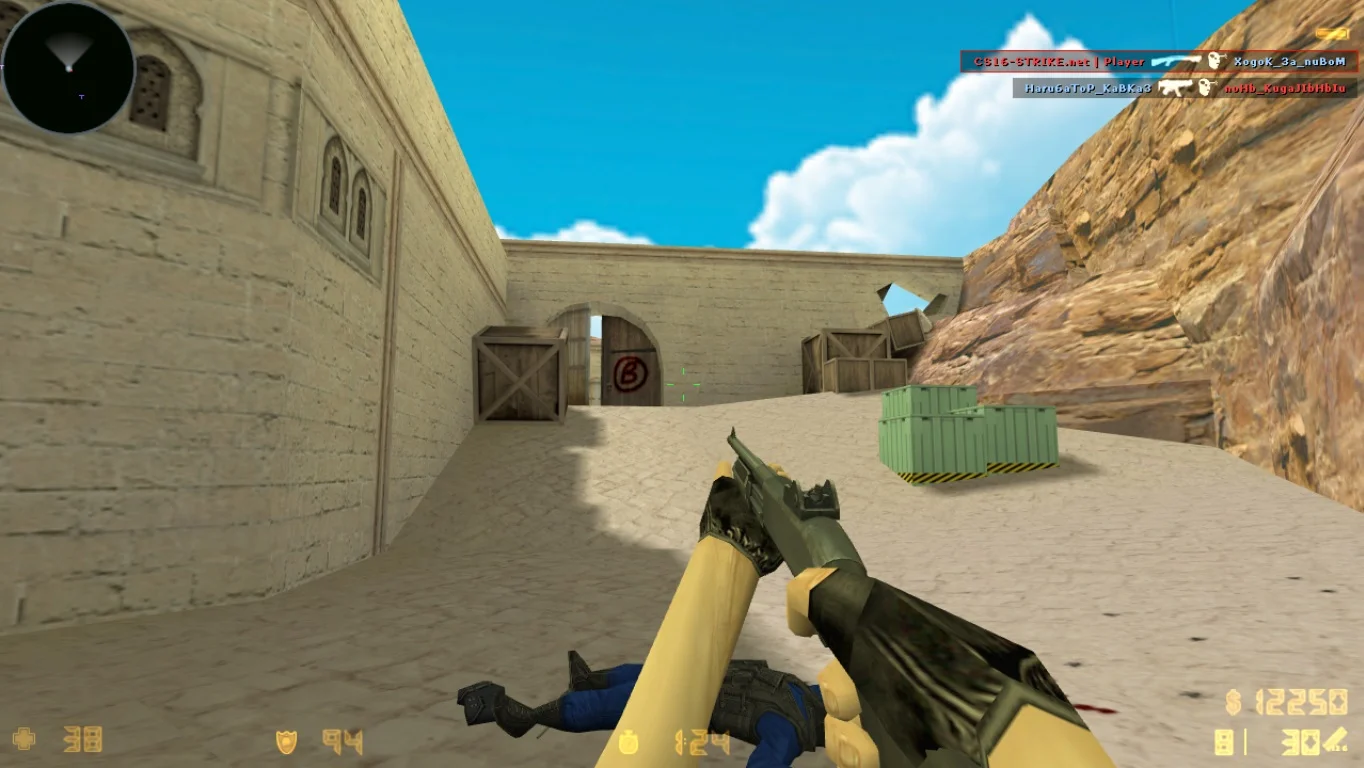
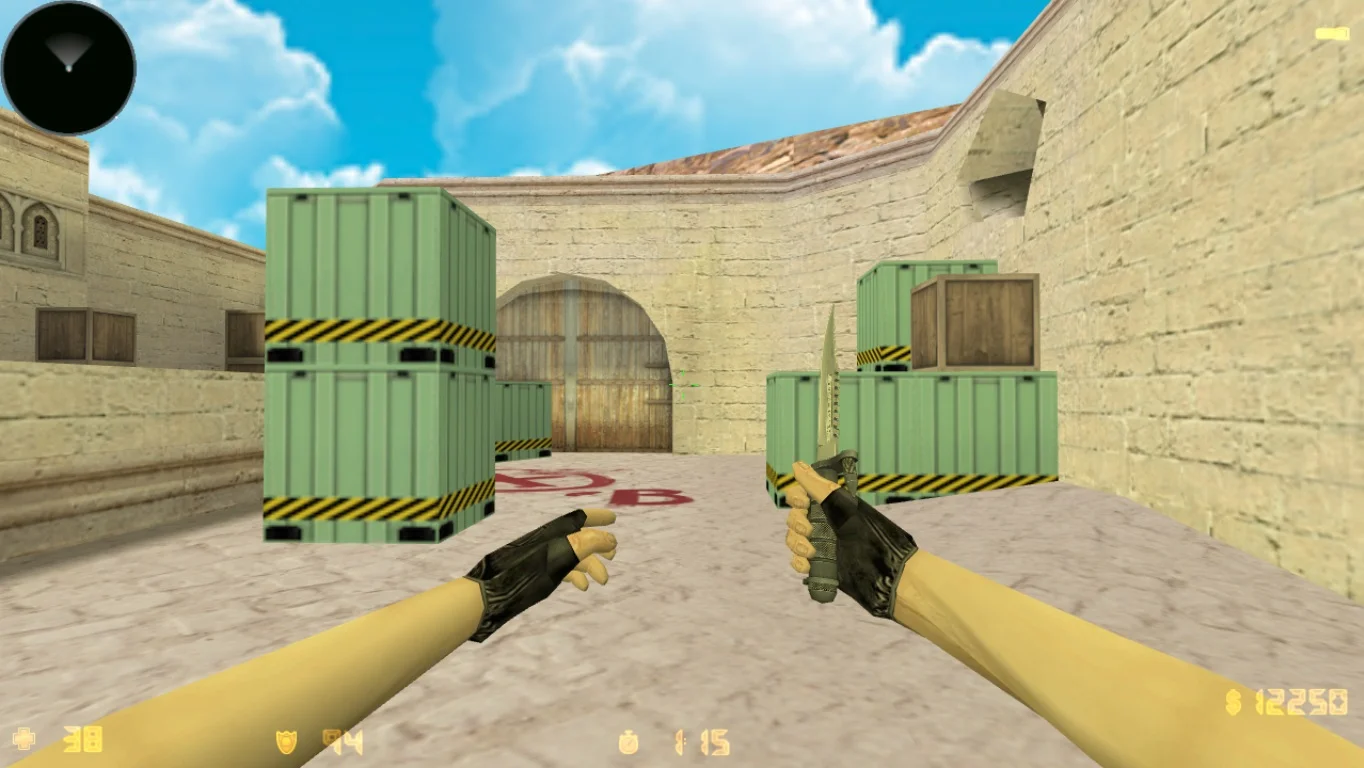
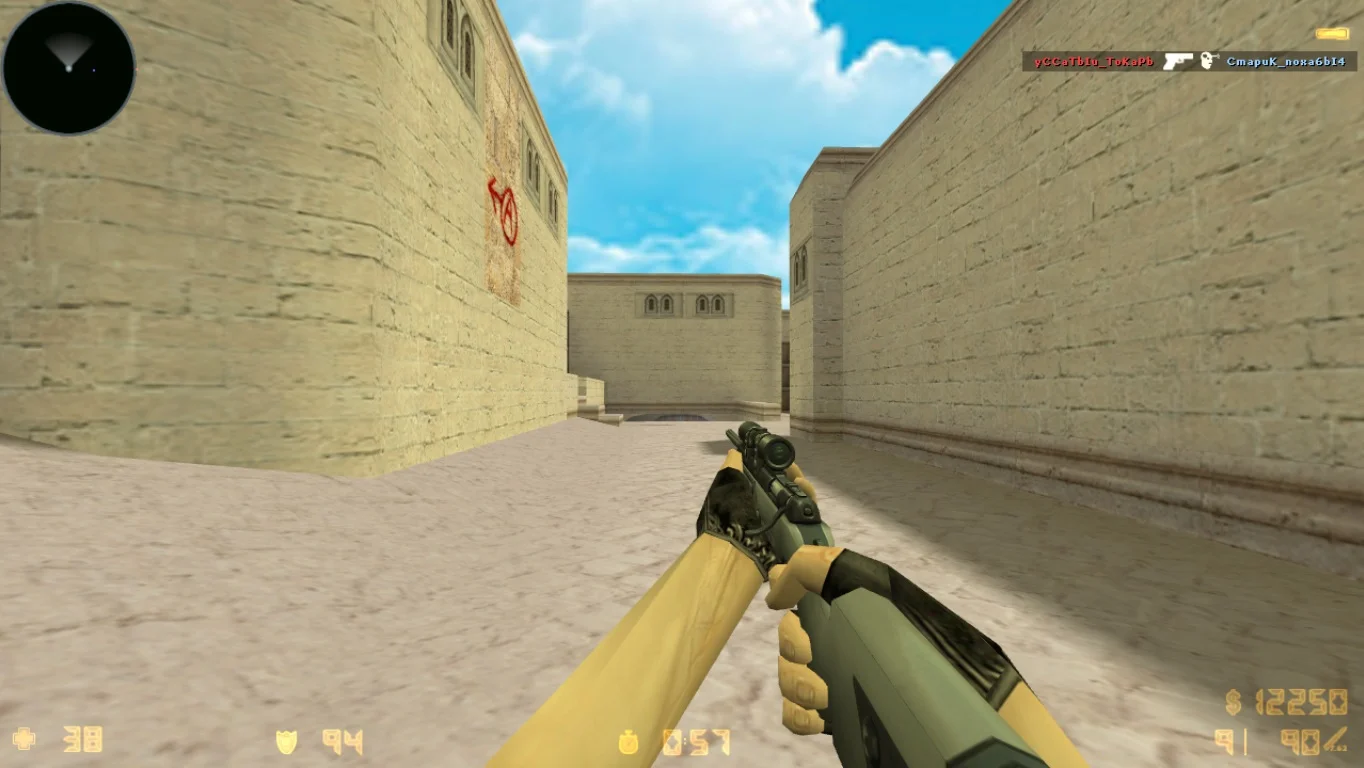
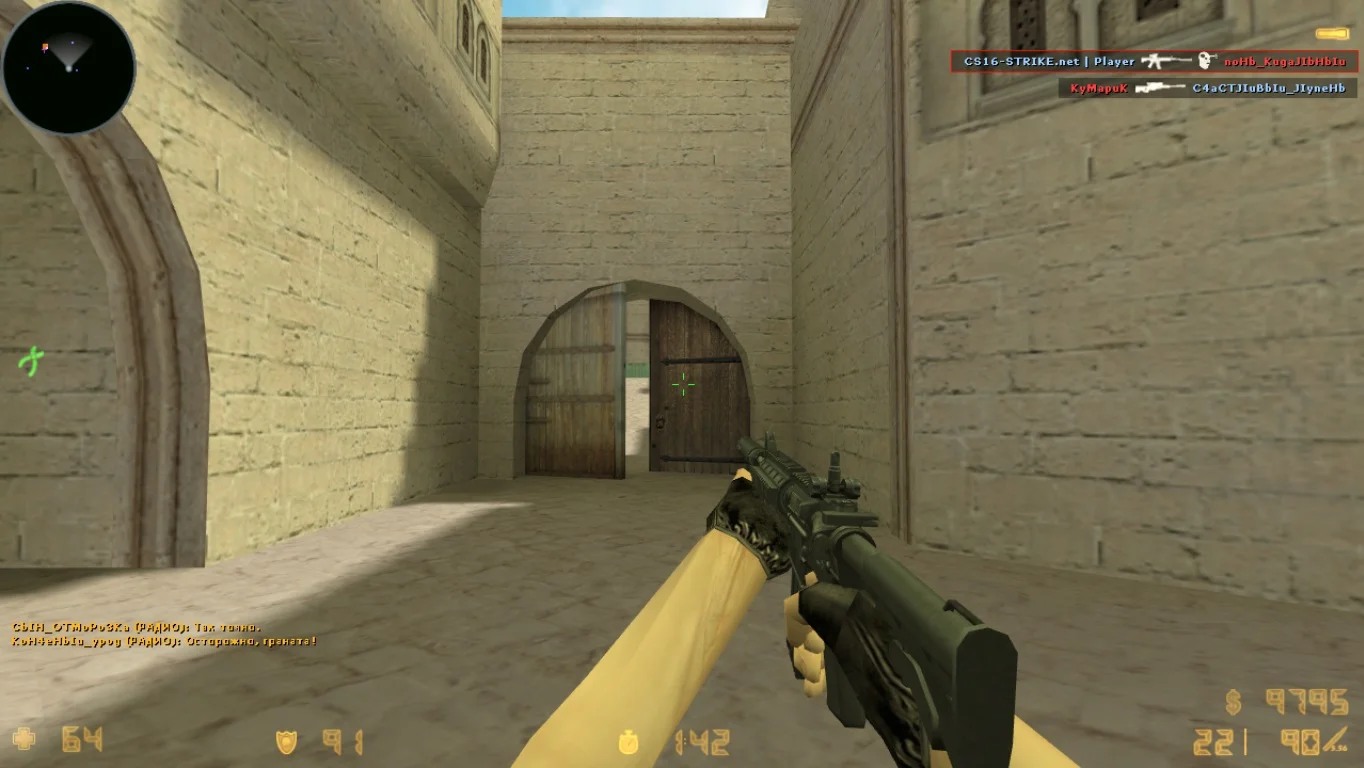
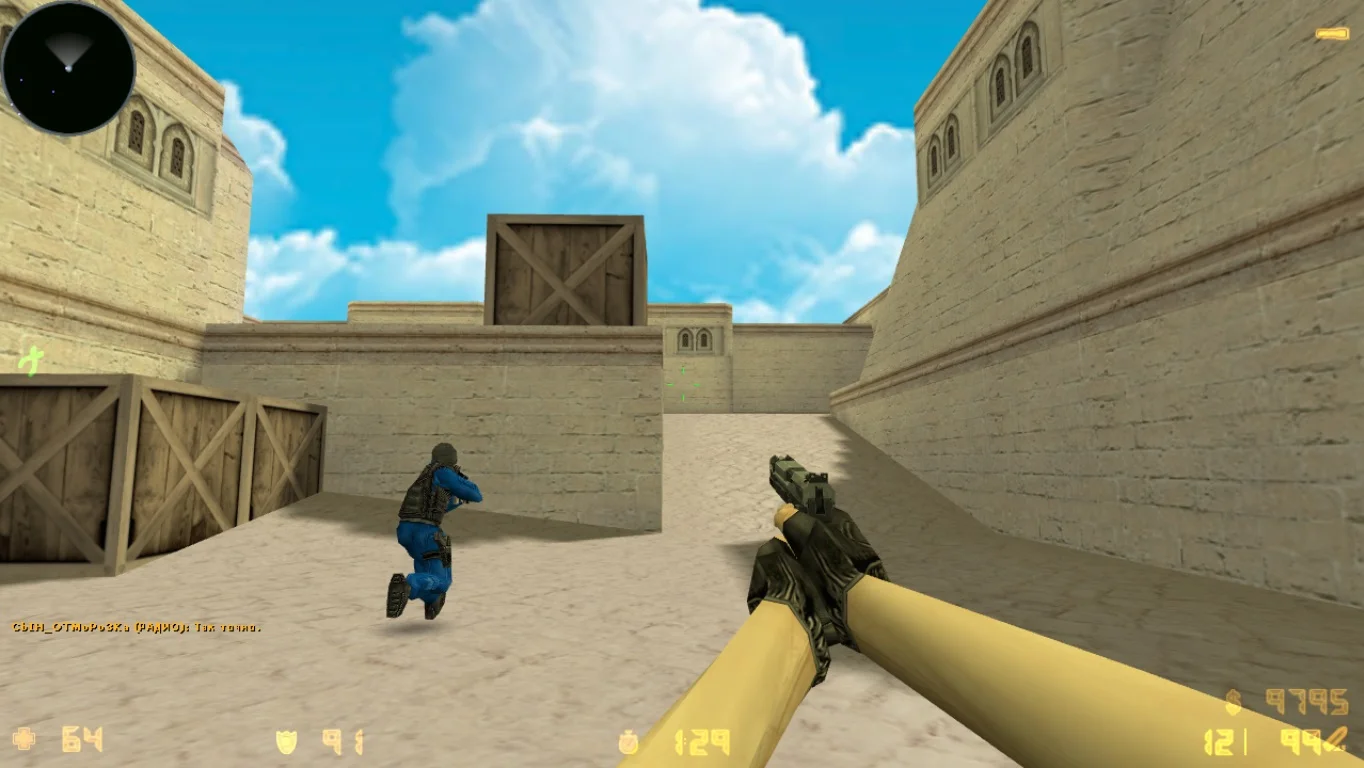
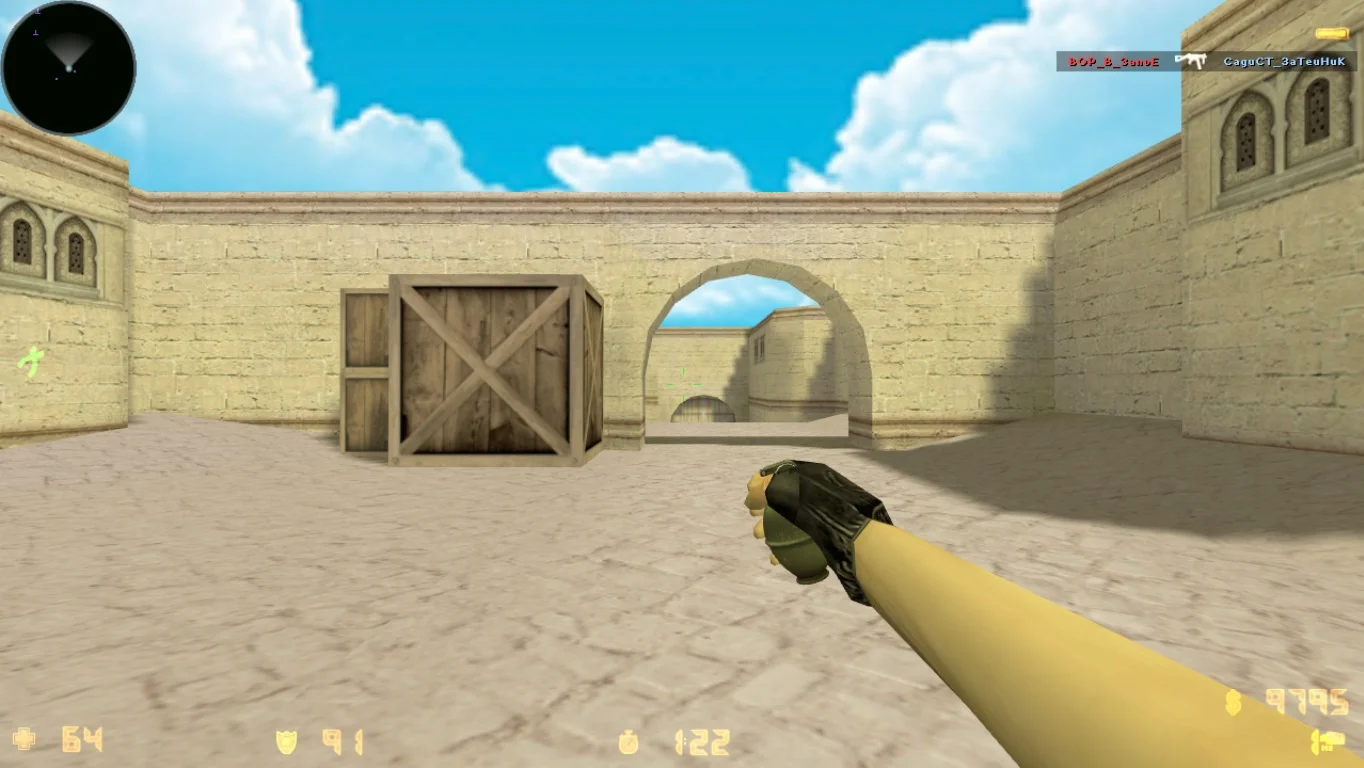
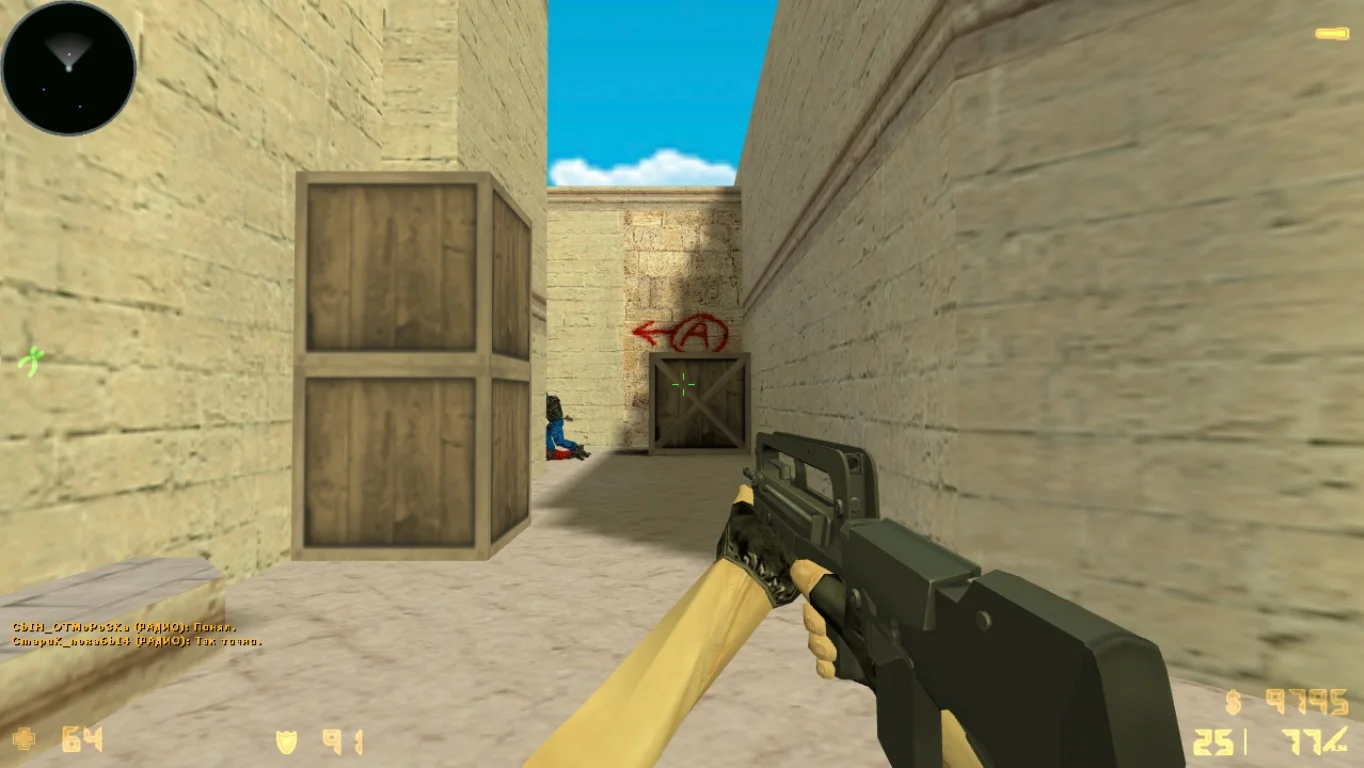
Download Counter-Strike 1.9 — a step into the next generation of the legendary game, combining the classic CS 1.6 gameplay with modern graphical and technical improvements. This unofficial but highly popular fan build offers players updated textures, models, sounds, and a high-quality interface, while preserving the core mechanics that millions of gamers love in Counter-Strike. CS 1.9 is a reimagined classic, perfect for both veteran shooters and new players.
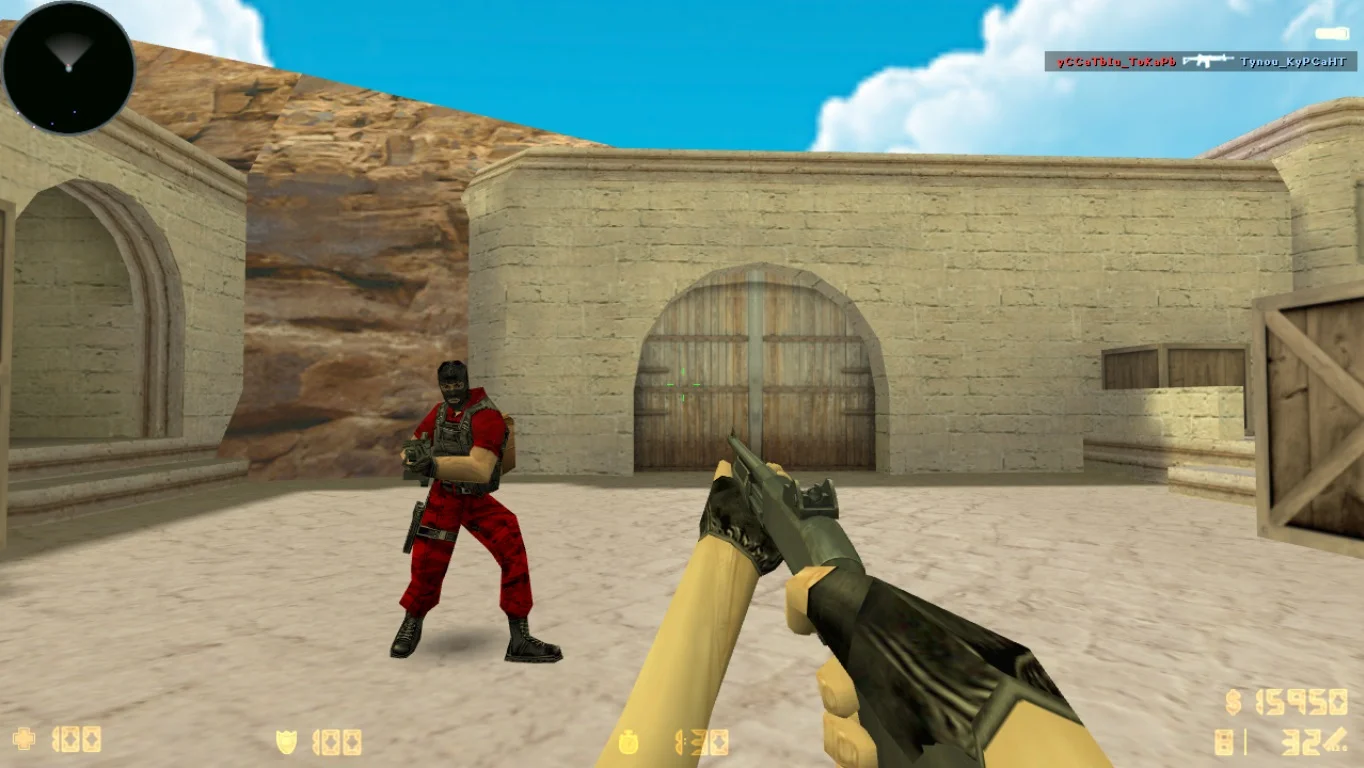
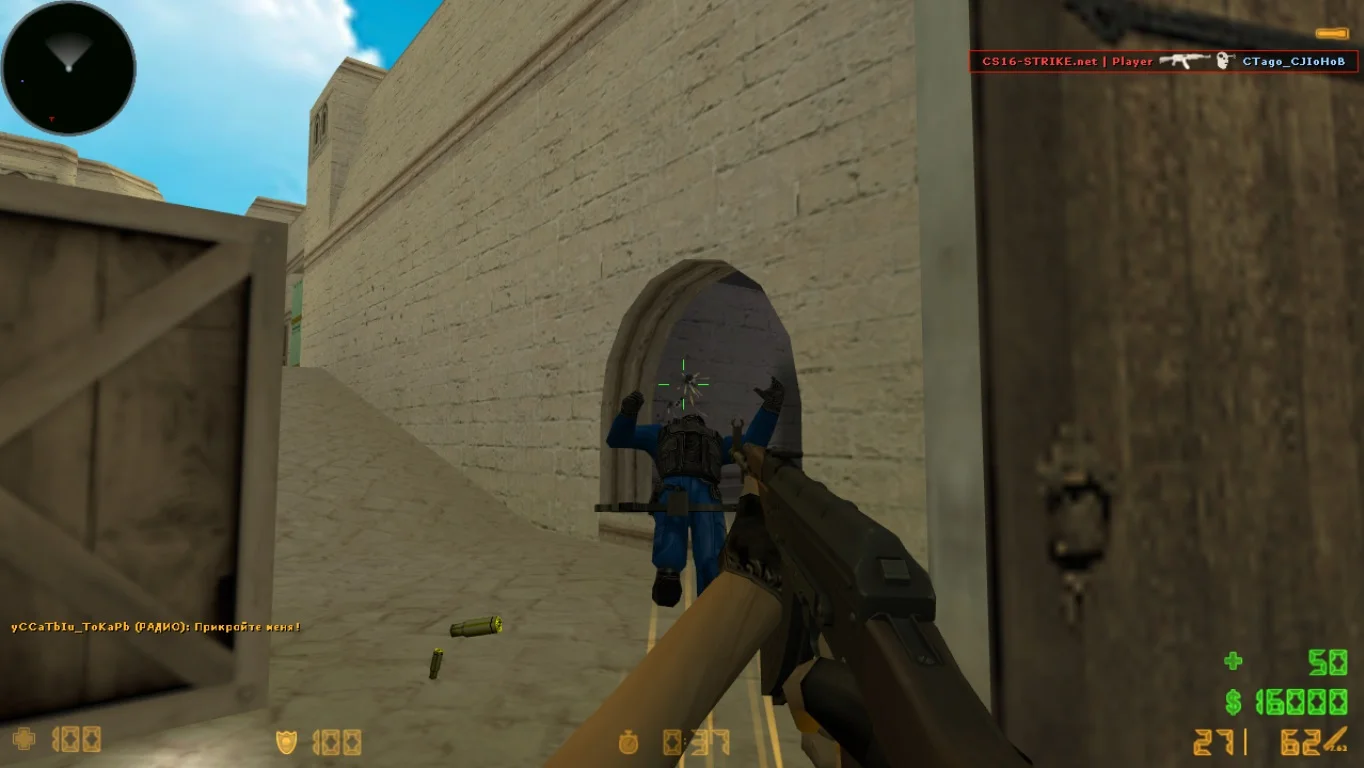
The CS 1.9 build features HD weapon, player, and map models, redesigned visual effects, and a modern-style interface. The game is well-optimized, allowing it to run even on low-end PCs. Shooting, movement, and interaction mechanics remain unchanged, making the gameplay familiar while visually upgraded. Additionally, enhanced animations, adapted sounds, smart bots, and full LAN and online server support have been added.
Downloading Counter-Strike 1.9 is recommended for anyone who wants to experience an improved classic without unnecessary modifications. Installation takes only a couple of minutes and does not require registration or Steam. This build is perfect for those who want to play CS with high FPS, beautiful graphics, and stable performance. The game is ready to play "out of the box" — just download, launch, and enjoy the updated legendary atmosphere.
Assembly Features:
• Updated HD graphics and textures
• Modern weapon and player models
• Redesigned interface and menus
• Full support for LAN and online modes
• Optimized for low-end PCs
• High FPS support (up to 100 and above)
• Enhanced bots and animations
• No Steam required, launch via shortcut
System Requirements:
• Operating System: Windows XP / 7 / 8 / 10 / 11
• Processor: 1.0 GHz or higher
• RAM: 512 MB or more
• Video Card: 64 MB or more with OpenGL support
• Free Disk Space: 700 MB or more
• Internet connection for online play (optional)
Installation:
• Download the Counter-Strike 1.9 archive
• Extract the files to a convenient folder
• Launch the game via shortcut or hl.exe
• Configure settings as needed (controls, video, sound)
• Start playing with bots or connect to a server
Приятный интерфейс клиента
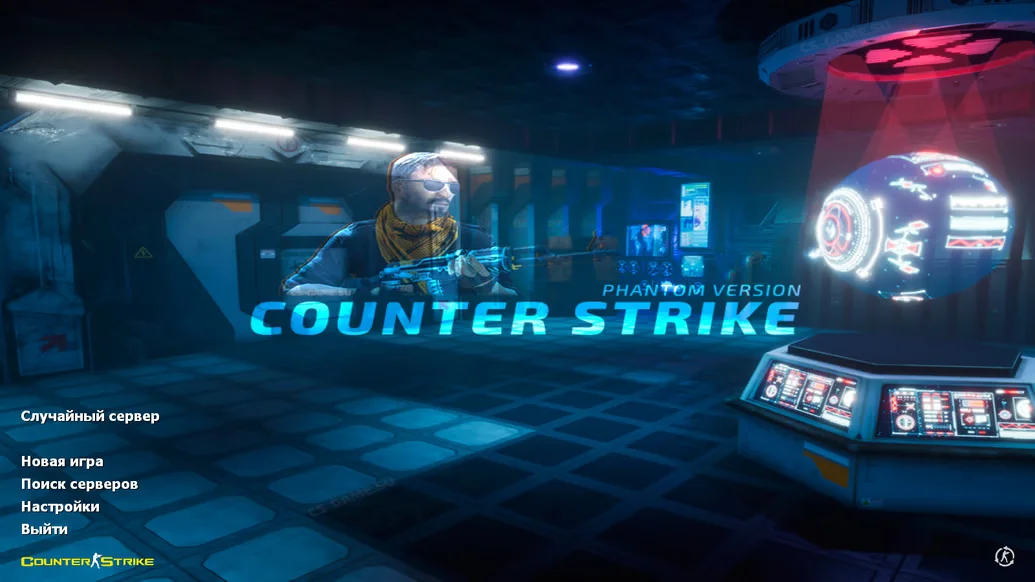
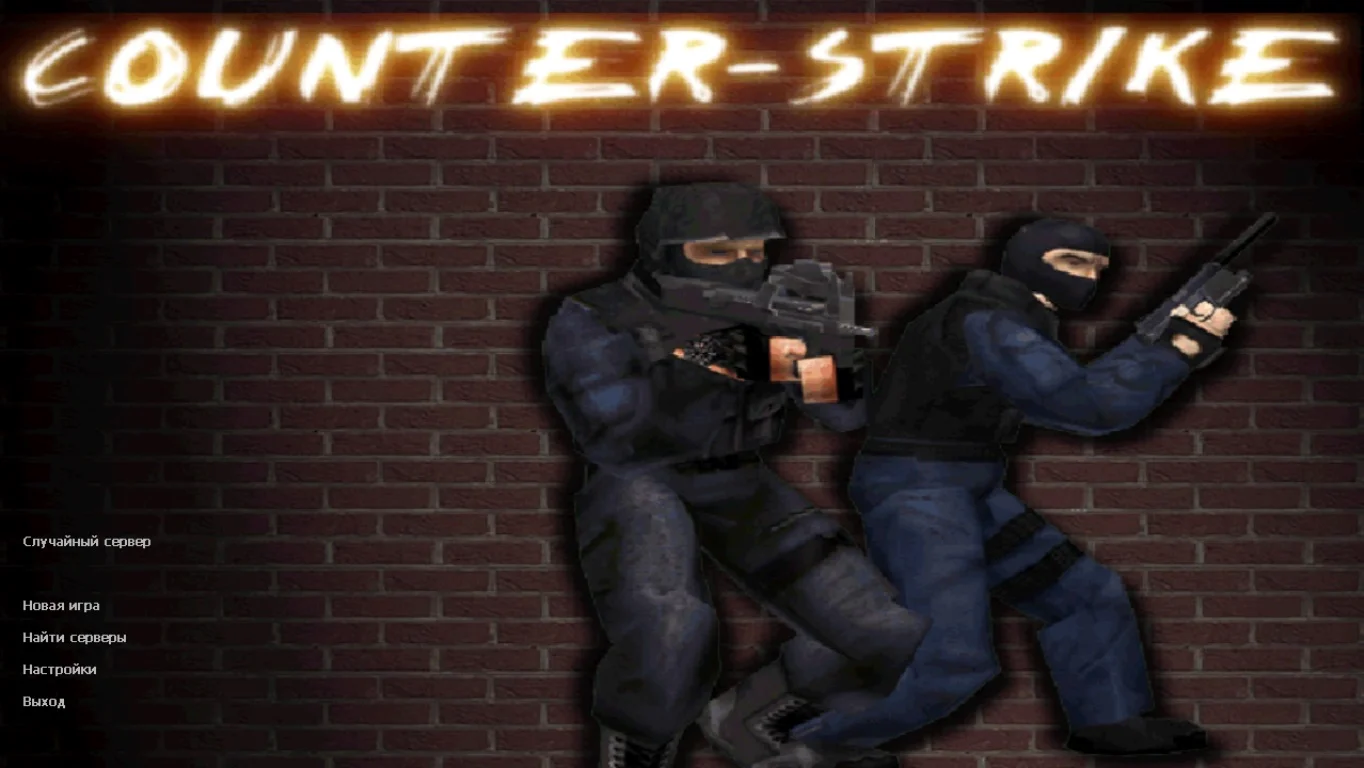
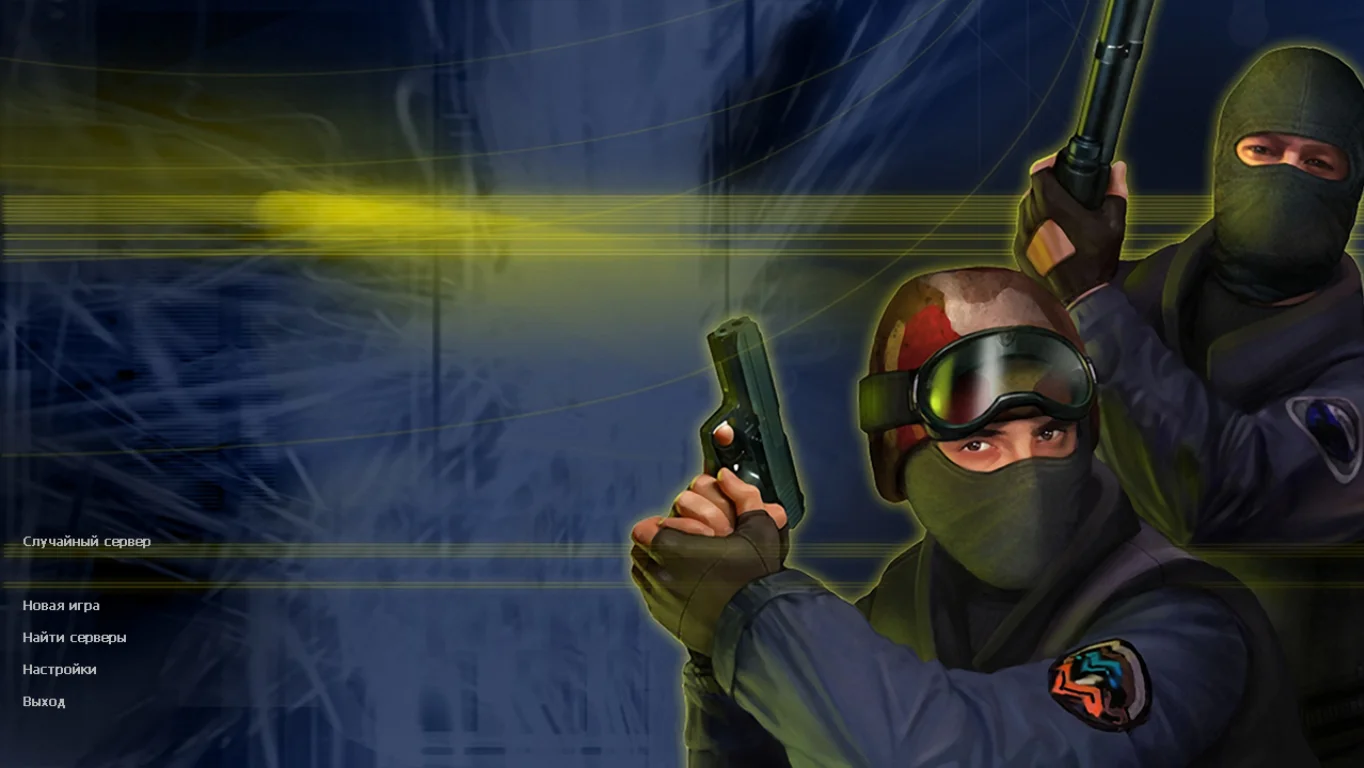
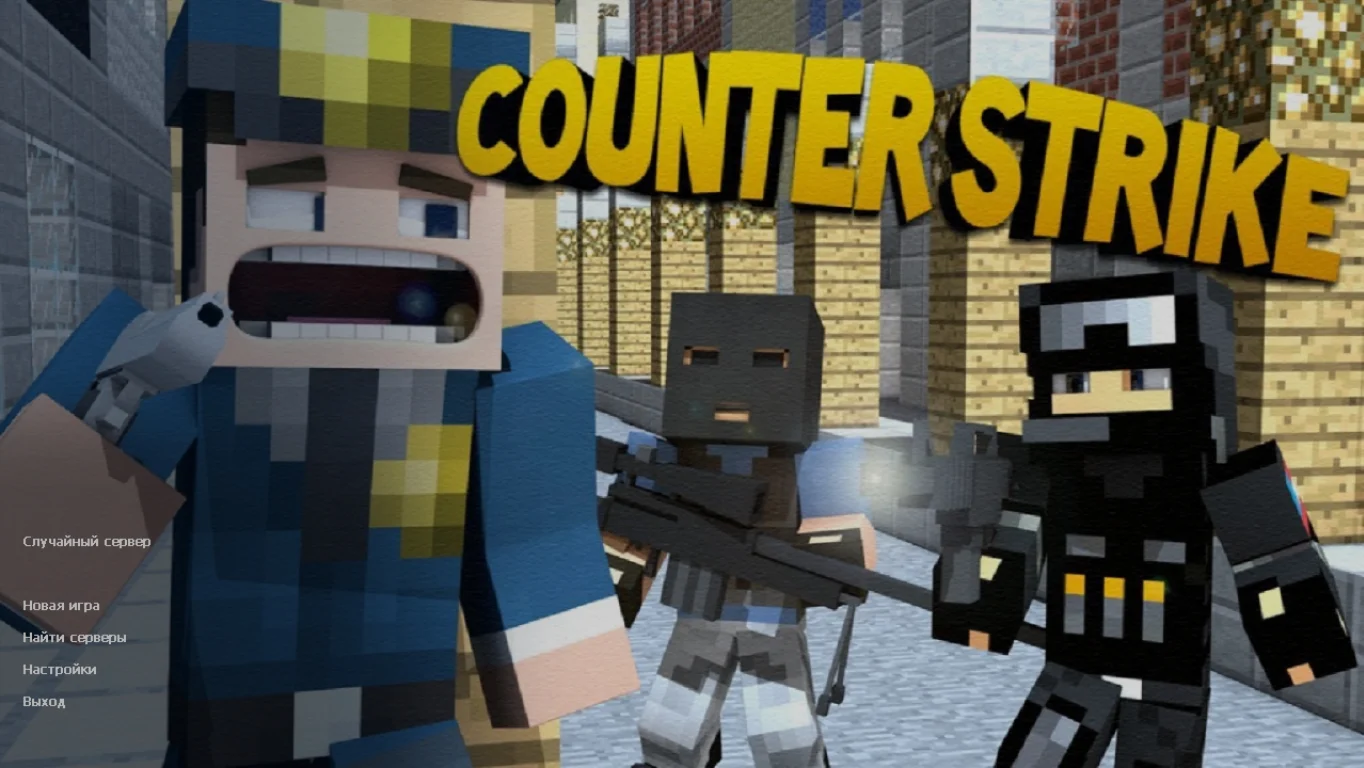
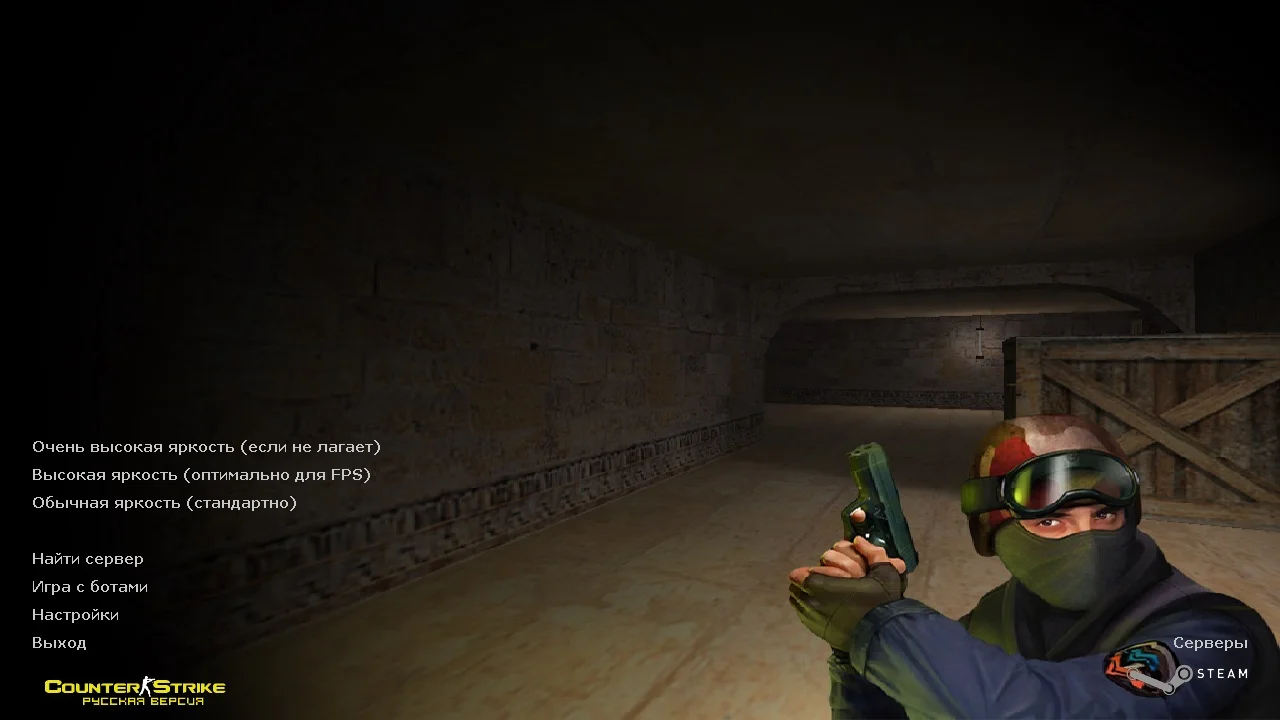
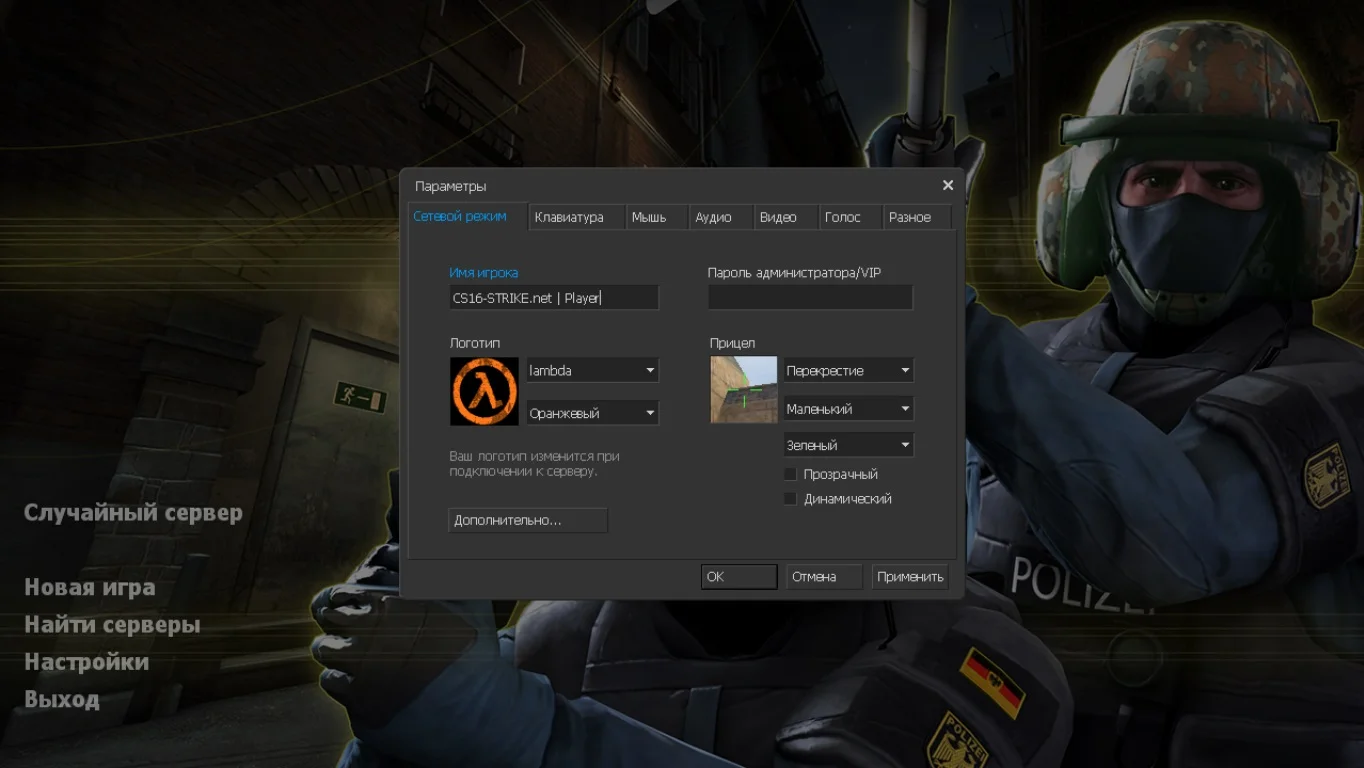
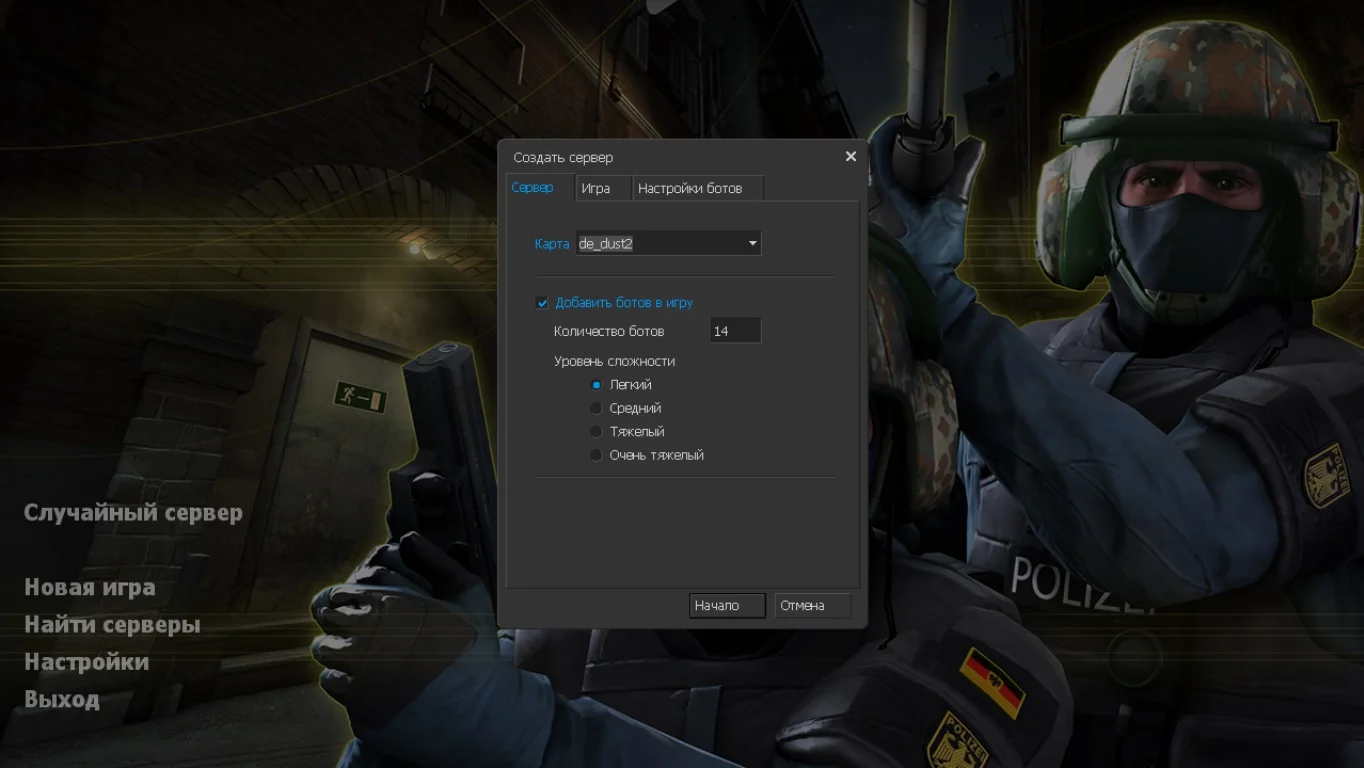
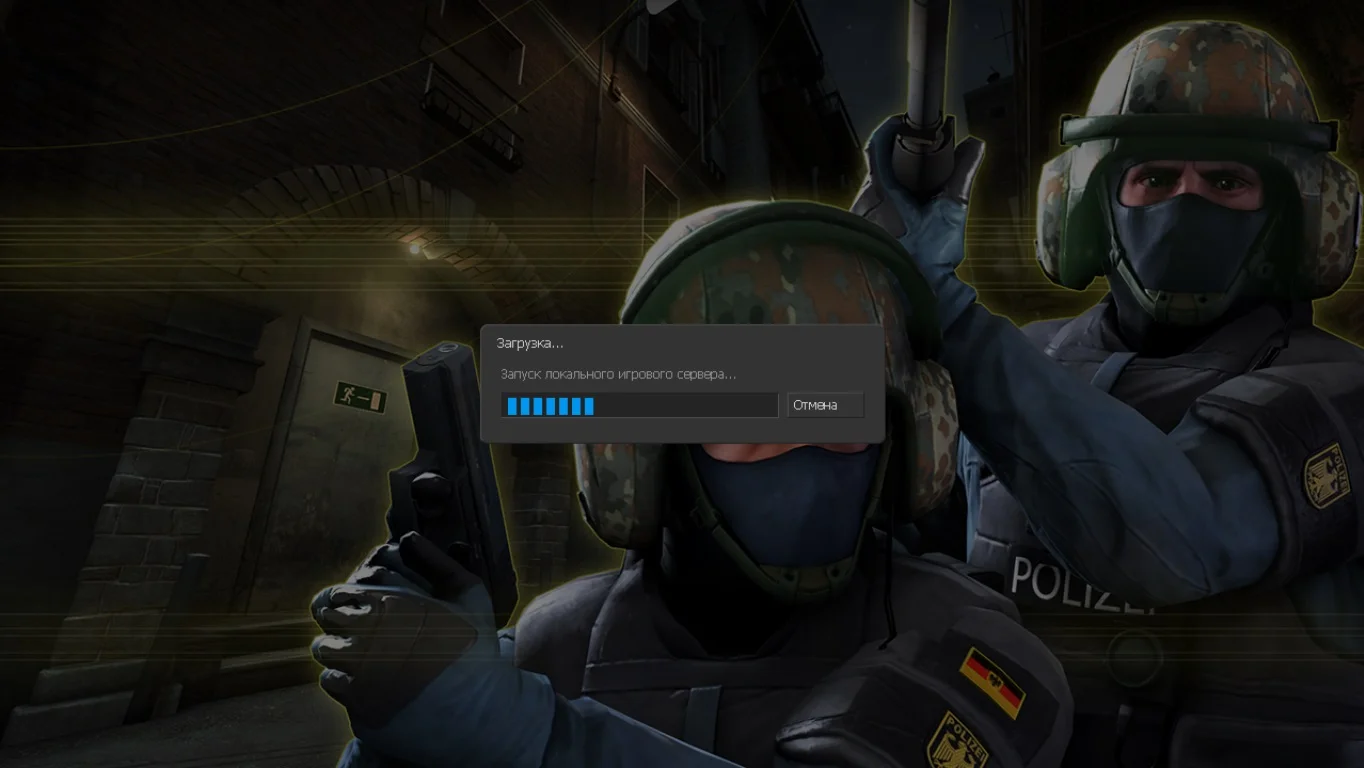
При запуске улучшенной контры, первым делом вы встретите красивую заставку главного меню, на которой разместились спецназовцы. Картинка сделана в лучшем качестве с максимальной прорисовкой. Настройки включают полный перевод на русский язык.
Улучшены почти все карты
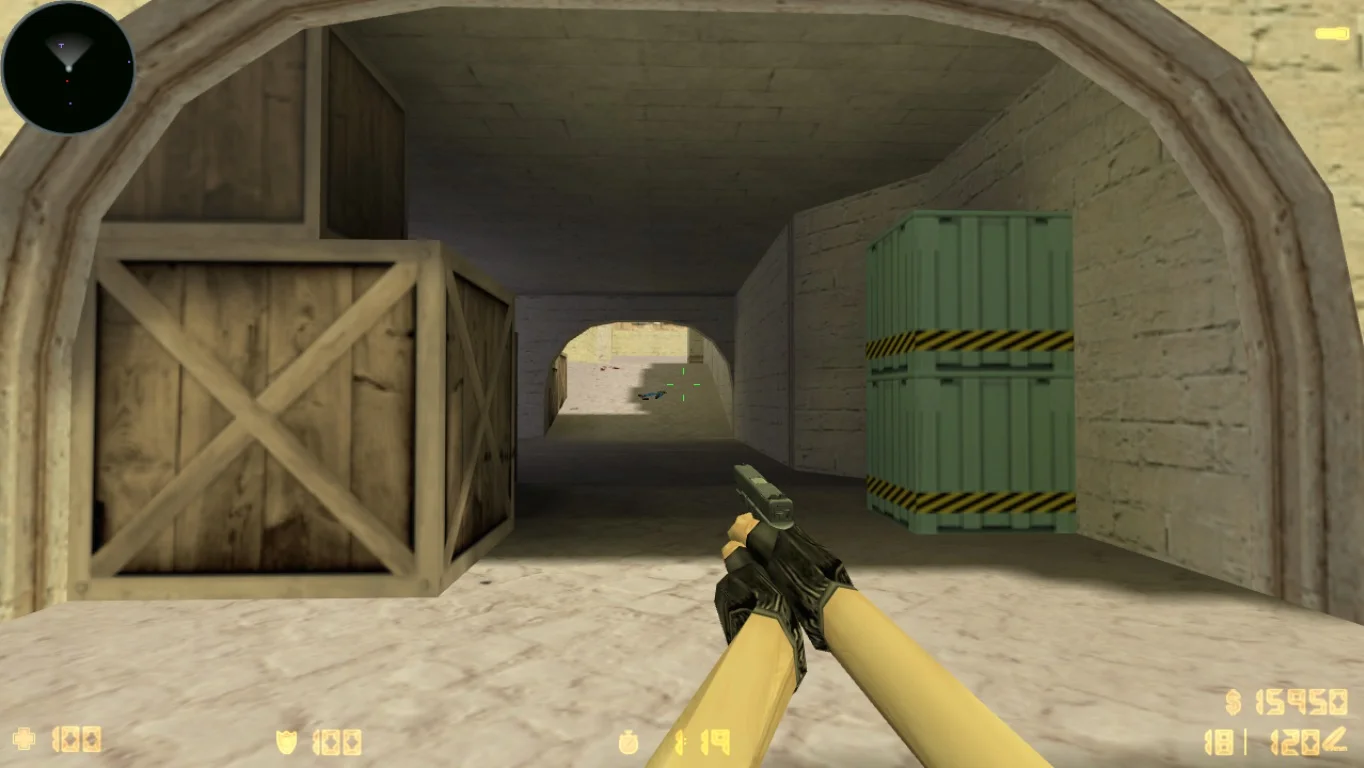
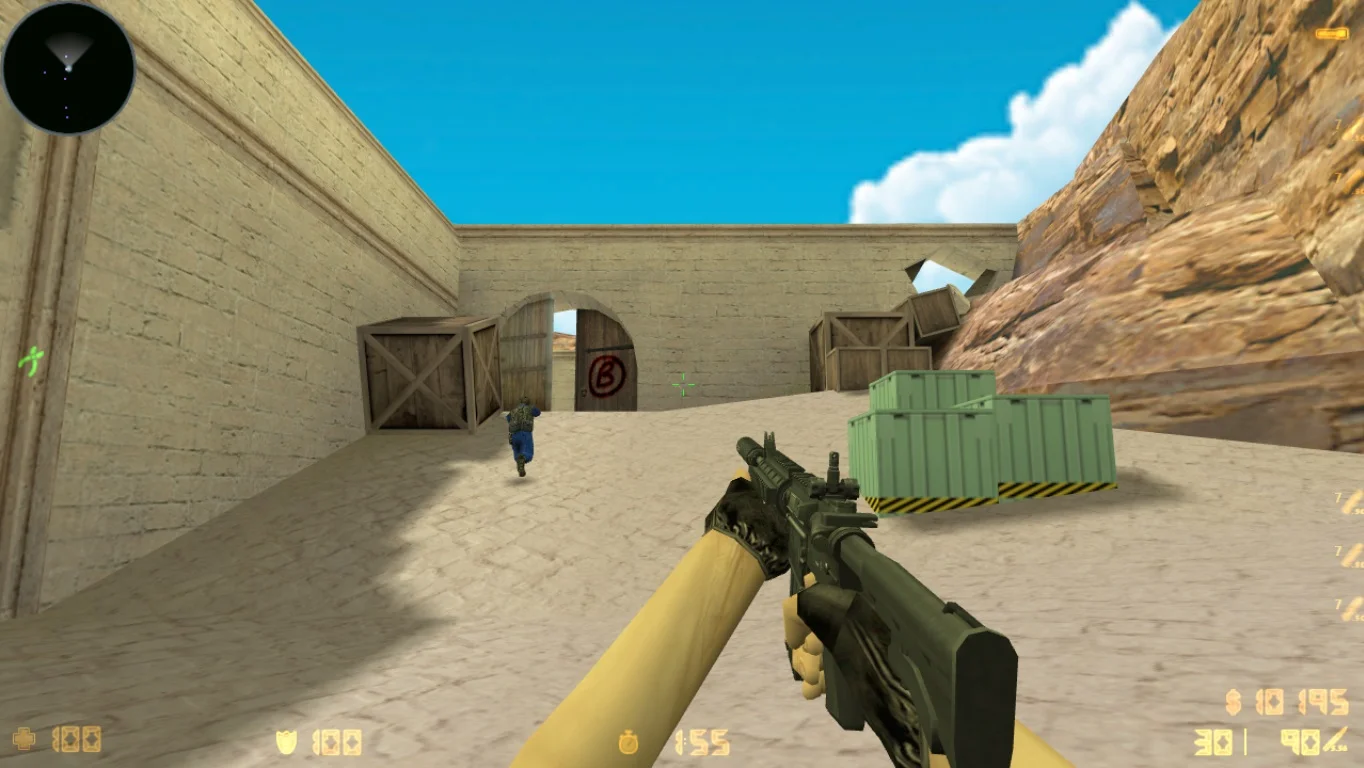
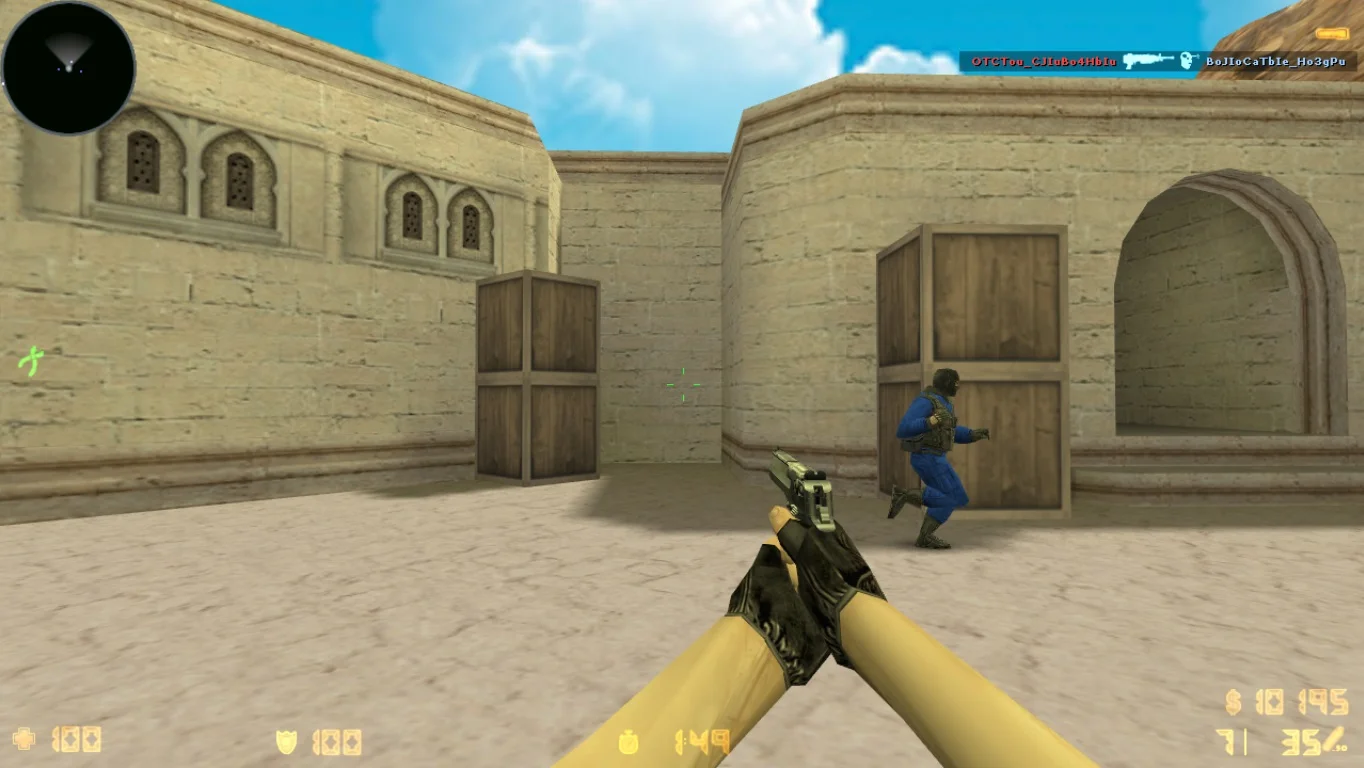
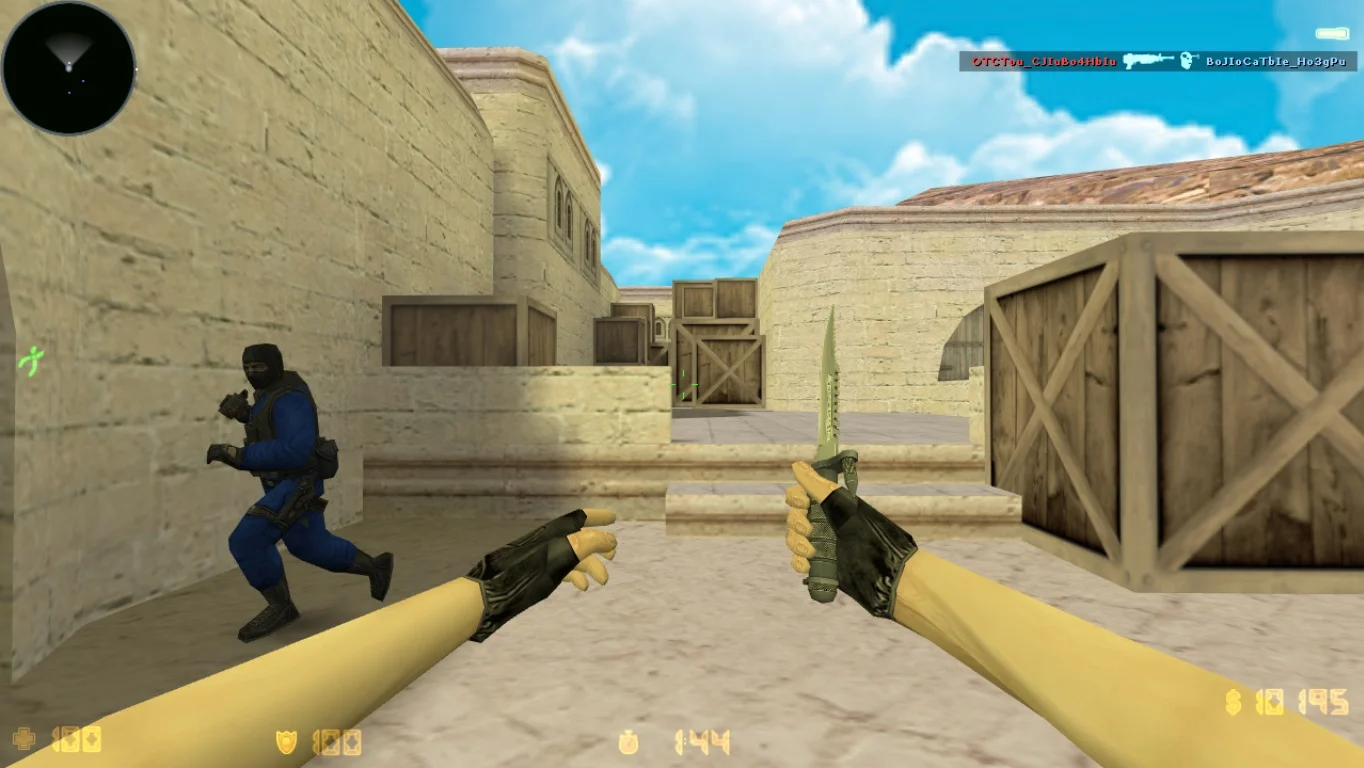
Все локации прошли модернизацию, благодаря чему текстуры выглядят довольно таки качественно без зависаний геймеров. Карты рассчитаны для максимального количества игровых персонажей и предназначены для разных задач.
Оптимальная стрельба
Благодаря современным настройки пули станут лететь точно в голову противника, протестировать можно с ботами. Игра будет выдавать стабильные значения производительности при любой нагрузке на компьютер или ноутбук.