Home
Home
 CS 1.6 Builds
 CS:GO Builds
 CS:S Builds
 CS2 Builds

Download CS 2 for Laptop
 Русская версия
 С ботами и серверами
 Работает на всех Windows (от XP до 11)
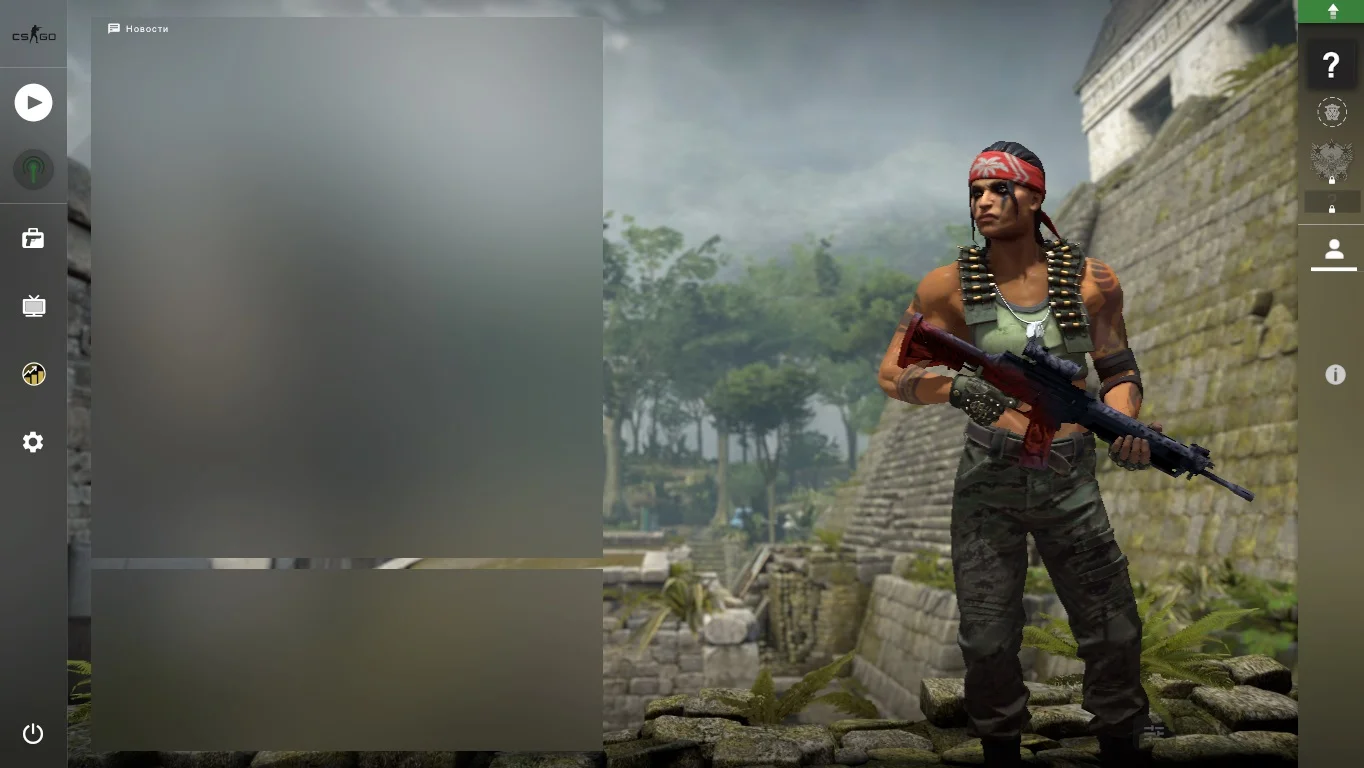
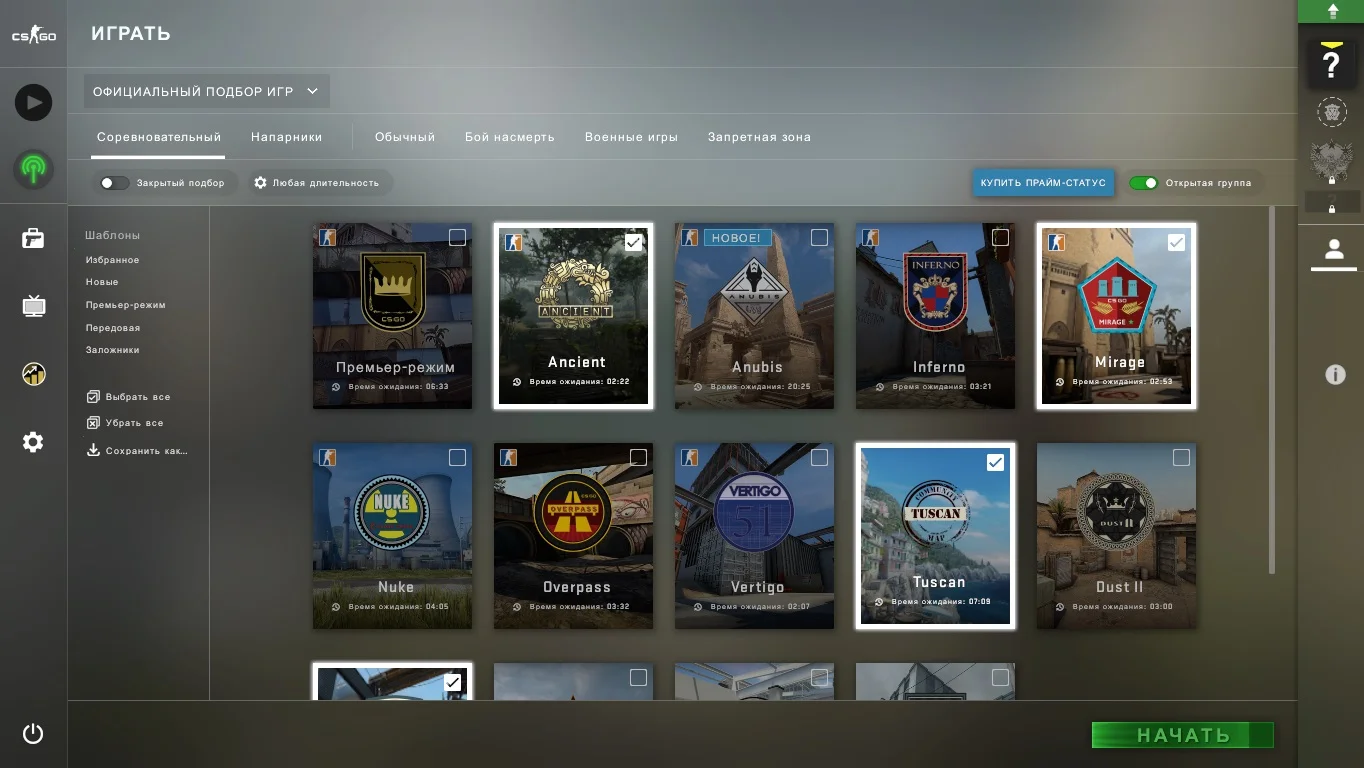
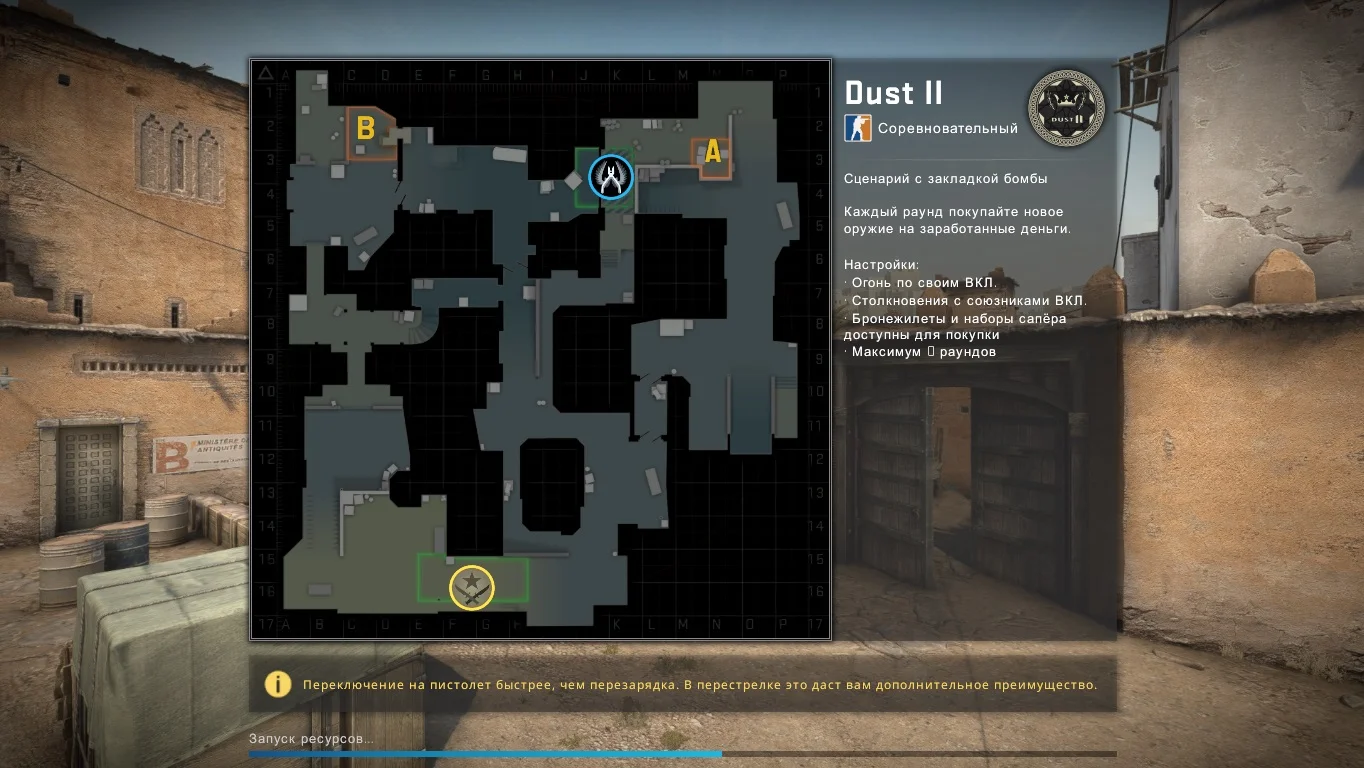
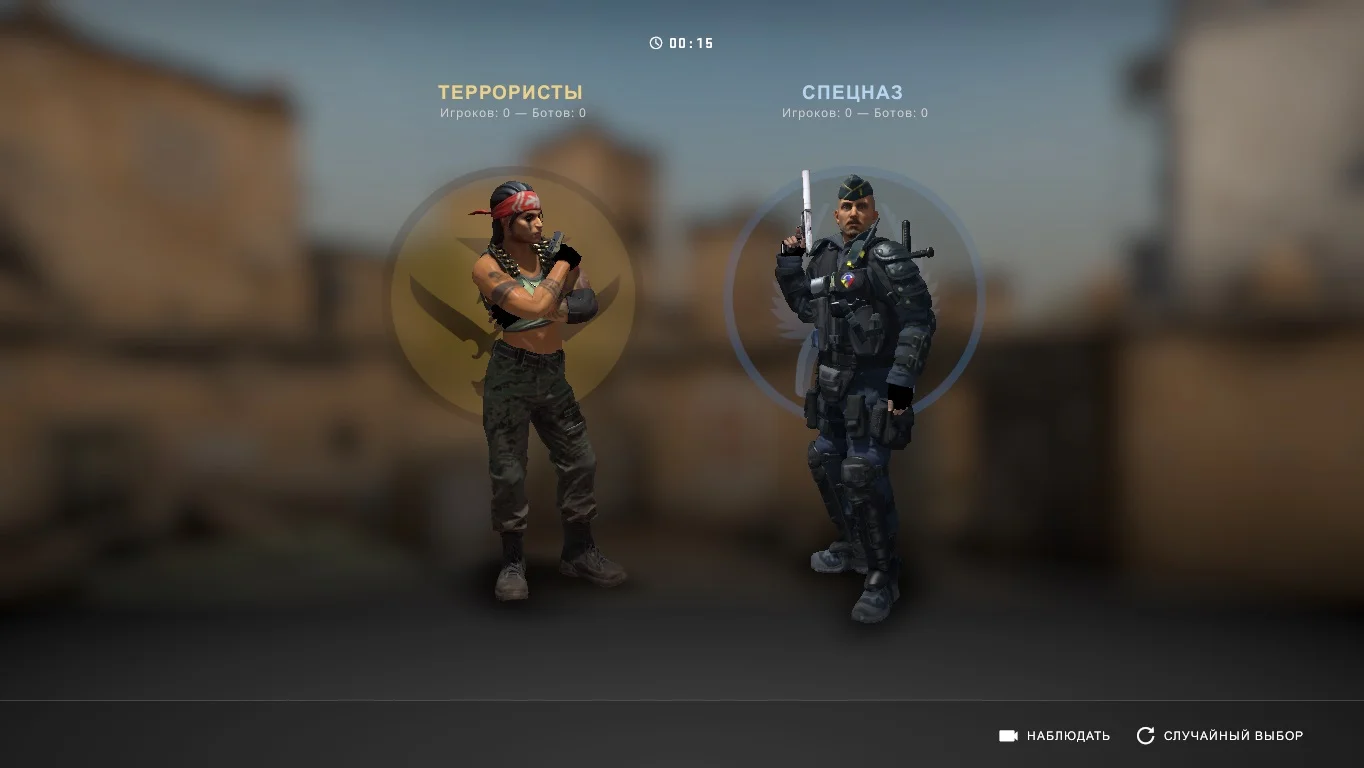

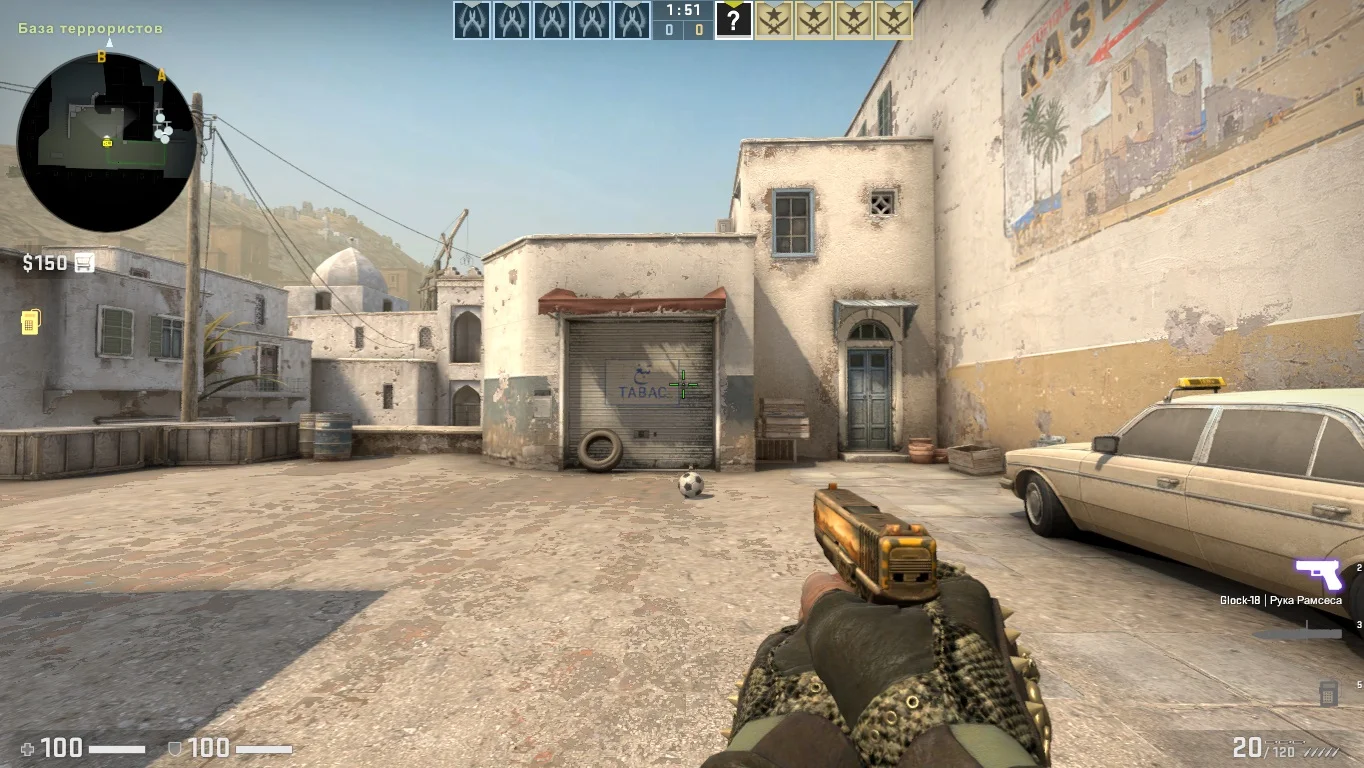
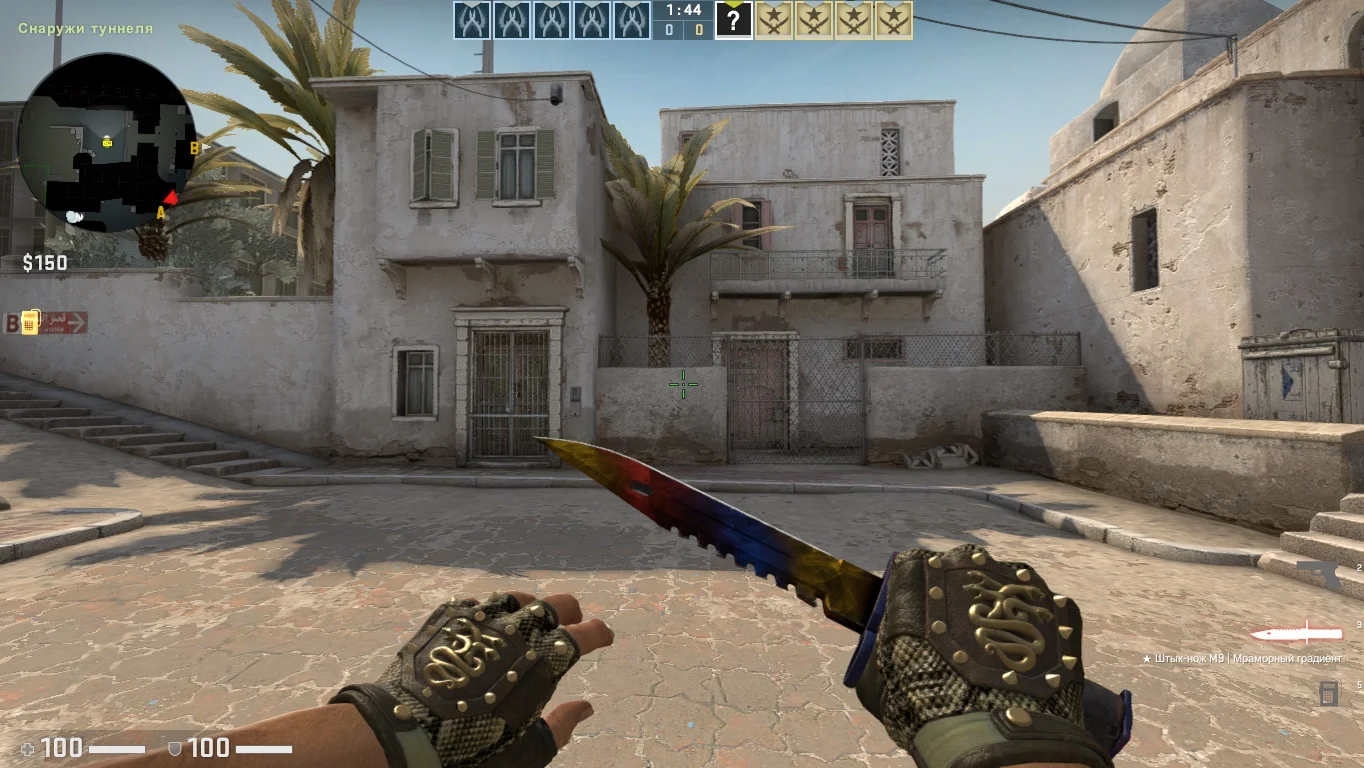
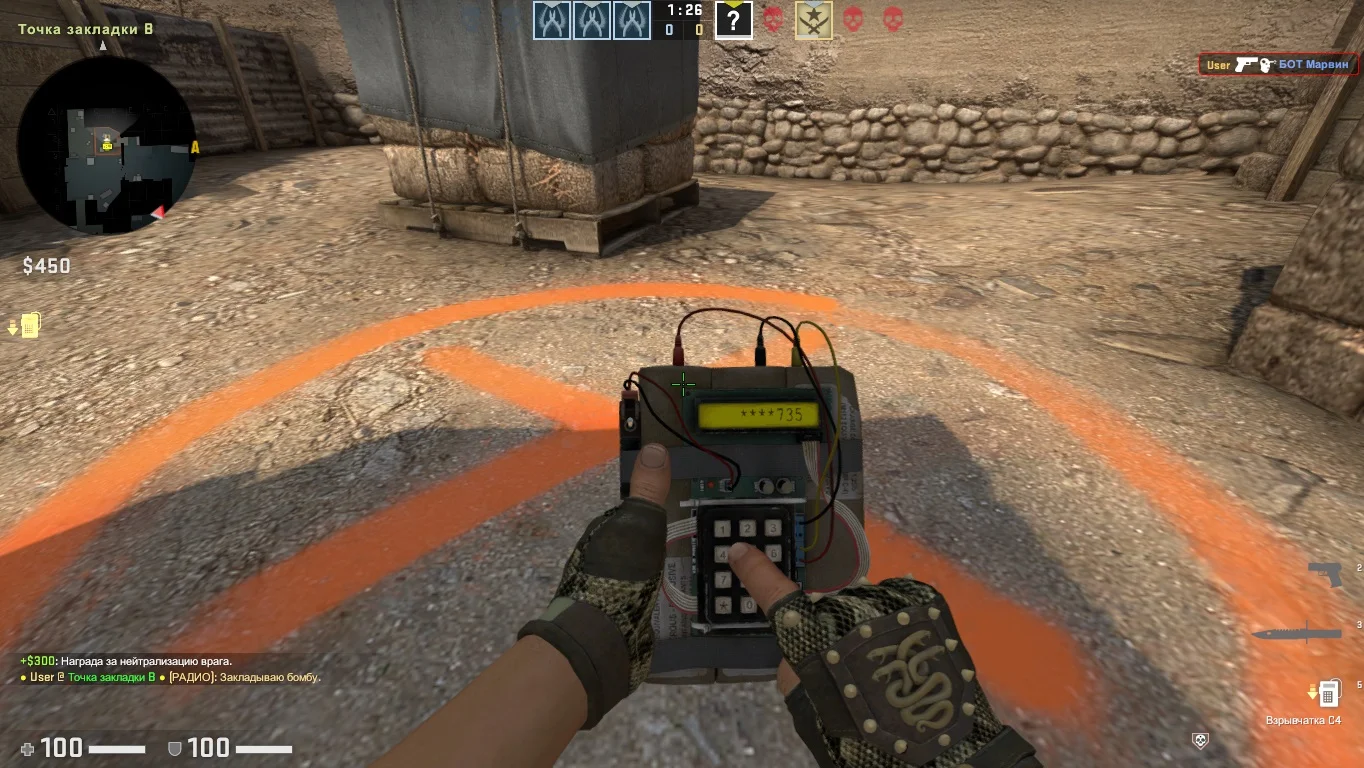
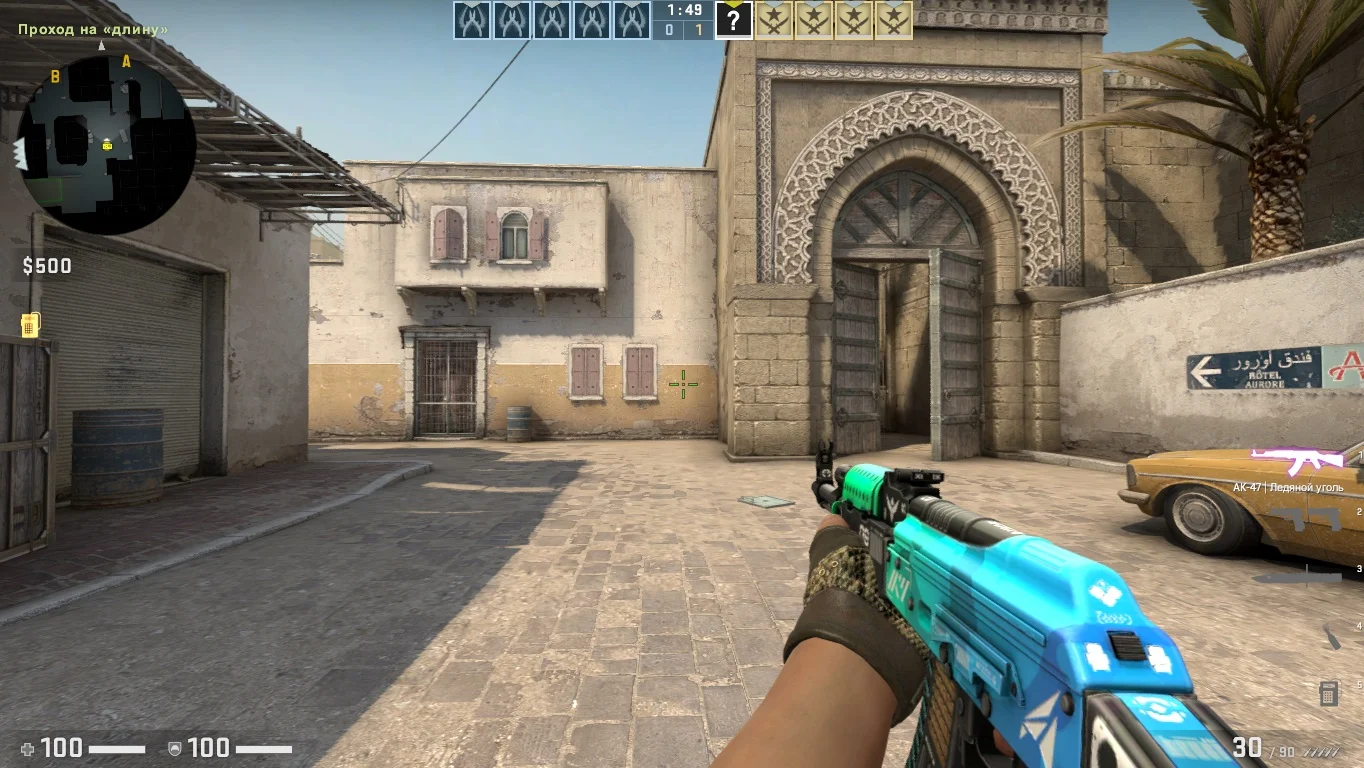

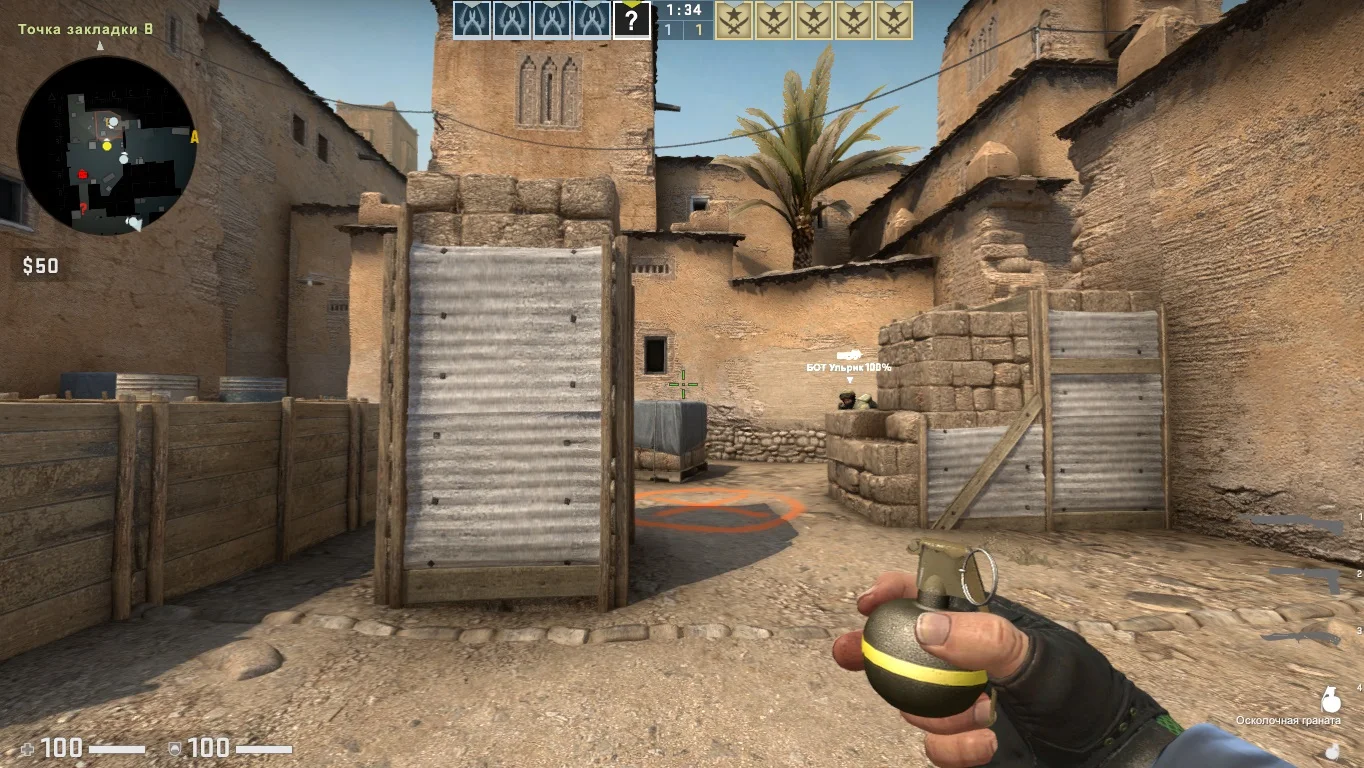
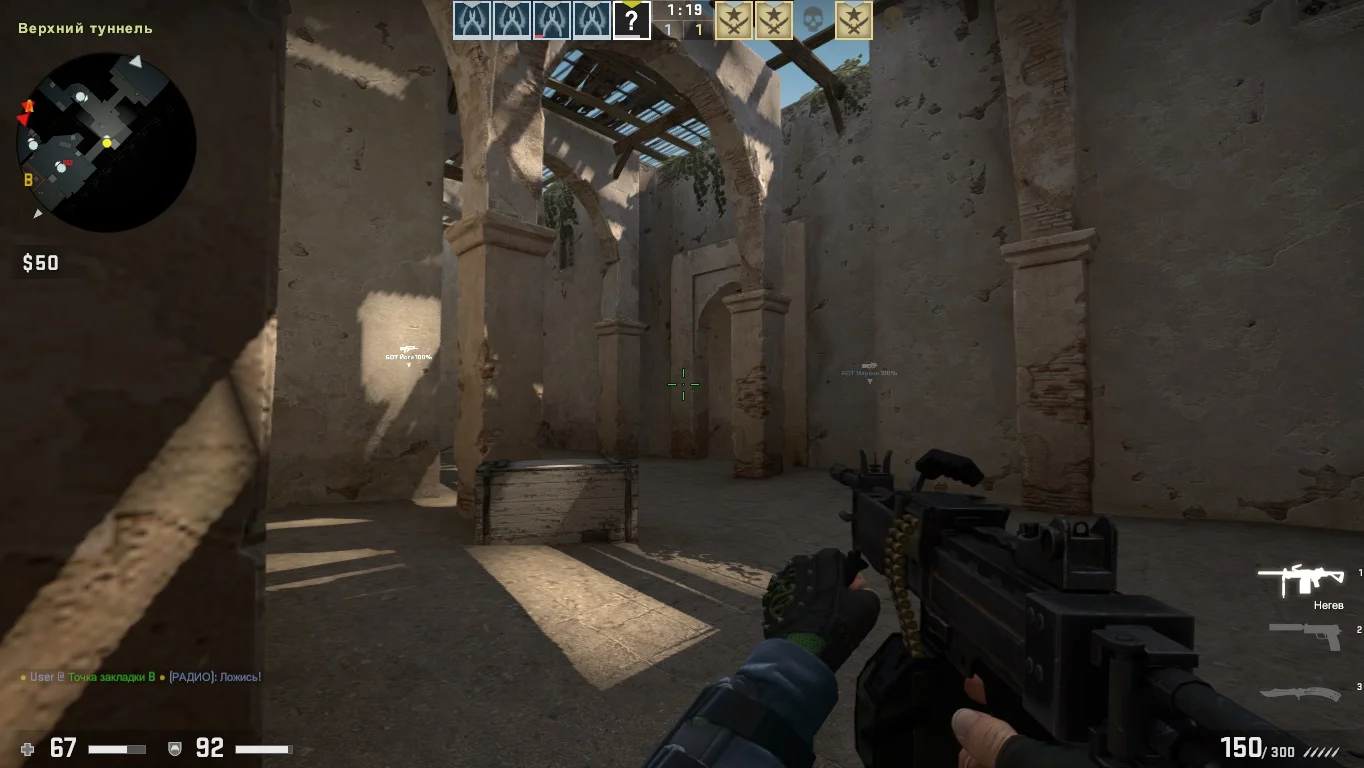
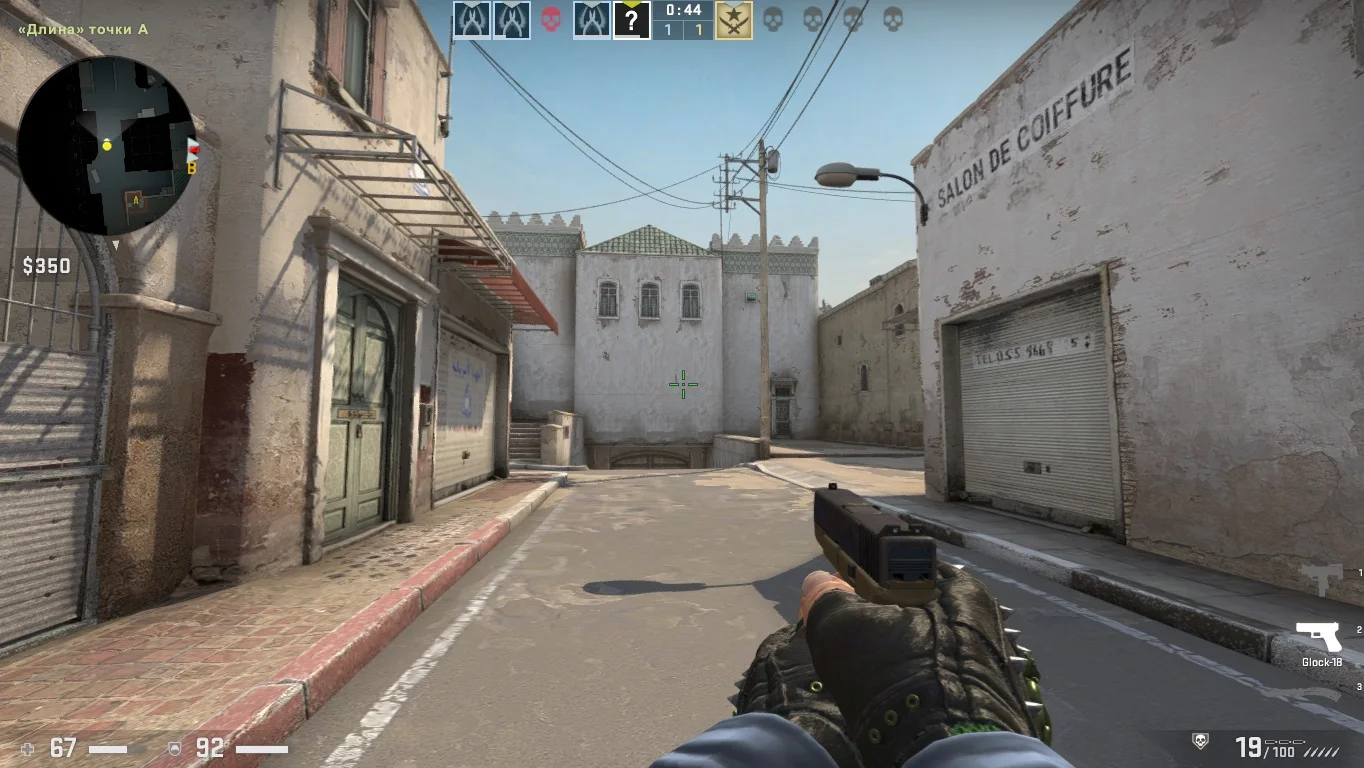
Download CS 2 for Laptop for CS 1.6 — this is an adapted build specifically optimized for portable devices with limited resources. It is designed with the technical features of laptops in mind: reduced power consumption, light load on the CPU and GPU, and high stability during extended play. The build allows you to enjoy the familiar gameplay with updated graphics, smooth animations, and a modern interface without overloading the system. Even on budget or older laptops, you will get excellent performance and a comfortable gaming experience.
CS 2 for Laptop features lightweight weapon models, simplified textures, and optimized graphics settings, allowing the game to run smoothly without lag or overheating. The interface is styled after CS 2 but adapted for small screens, which is especially important for portable gaming. The build supports all modes: from playing with bots to connecting to online servers. It requires no complicated installation and is fully ready to use immediately after launch.
Downloading CS 2 for Laptop is the right choice for students, office laptop users, and anyone who wants to play CS 1.6 anywhere without needing a powerful gaming PC. The build is suitable for both beginners and experienced players who value lightness, speed, and stability. The game launches instantly, requires no extra setup, and runs perfectly on any Windows laptop.
Features of the Build:
• Optimized for low-end laptops and netbooks
• Lightweight textures and models for stable FPS
• Modern CS 2-style interface
• Well-displayed on low-resolution screens
• Supports playing with bots and online servers
• Minimal system load and low power consumption
• Compatible with popular maps and modes
• Supports Windows XP, 7, 8, 10, 11
System Requirements:
• Operating System: Windows XP and above
• Processor: 1 GHz or higher
• RAM: 512 MB or more
• Video Card: integrated or discrete, 32 MB or more
• Free Disk Space: 500–600 MB
• Internet connection required for online play
How to Install:
• Copy the build to a separate folder on your laptop
• Ensure your system meets the requirements
• Launch the game using the shortcut
• Adjust resolution and controls for your laptop screen
• Start playing a stable version of CS on any device
Новые обновления
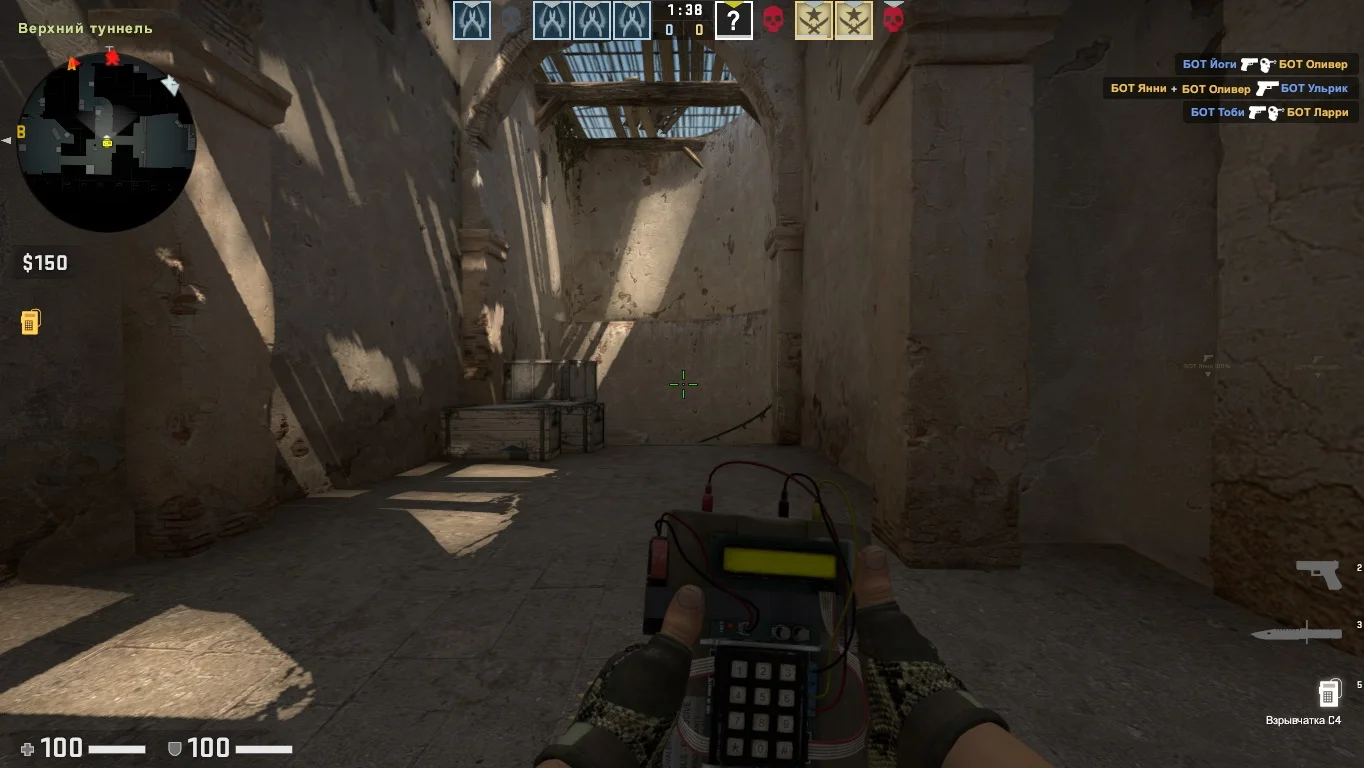
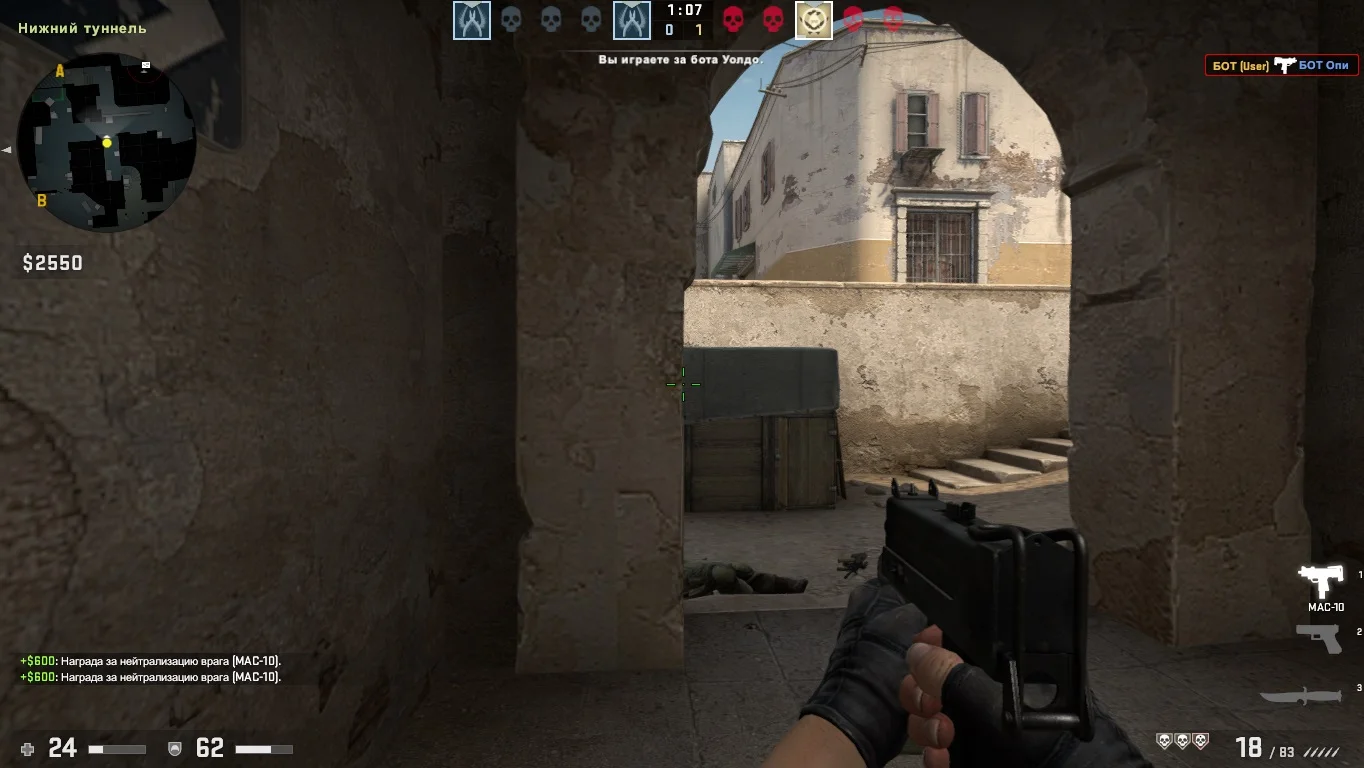
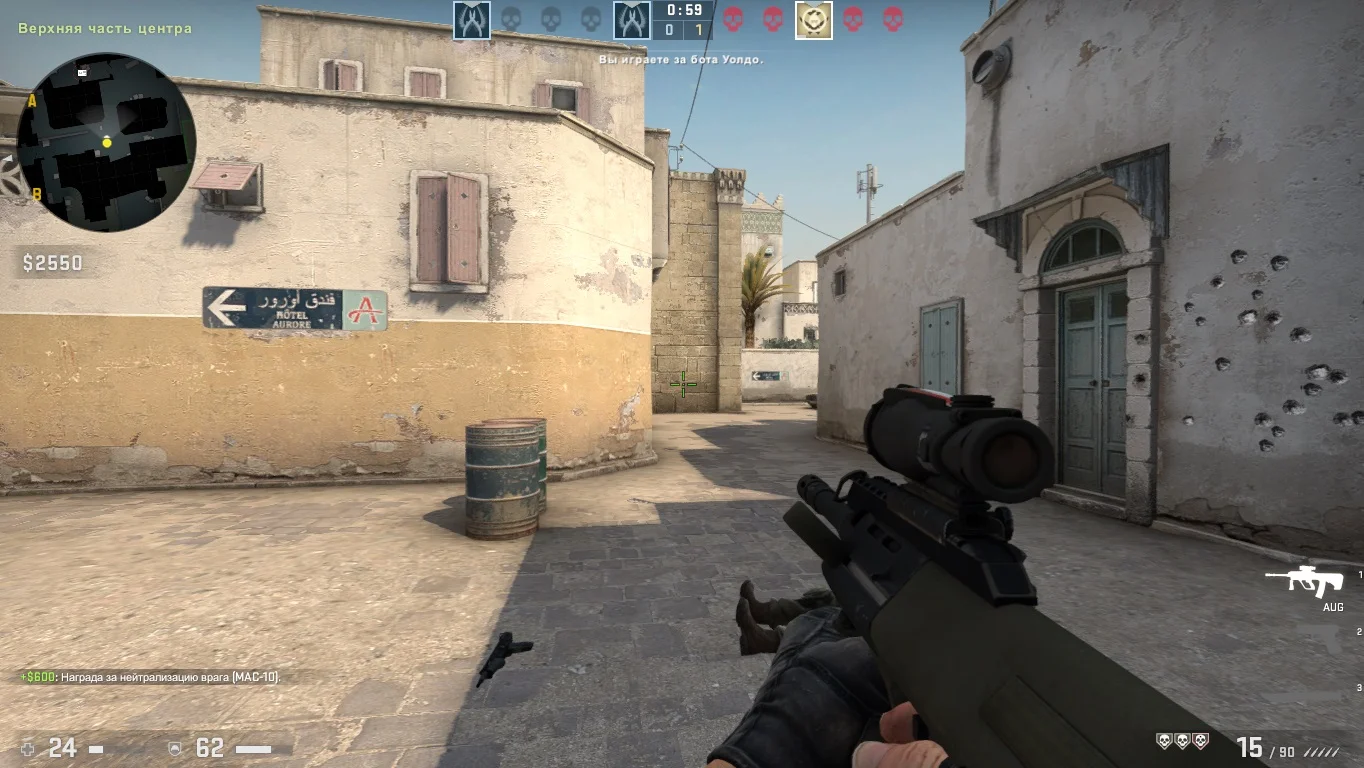
В обновленной версии Counter-Strike 2 реализованы значительные улучшения карт и интегрированы новые игровые режимы, что расширяет возможности для тактического взаимодействия игроков. Поддержка широкого спектра режимов, охватывающих классический и другие.
Сражения по сети
Версия оснащена многопользовательским режимом, позволяющим игрокам сражаться в режиме реального времени. Для тех, кто увлекается соревновательными играми и турнирами, предусмотрены рейтинговые системы и система подбора игроков.
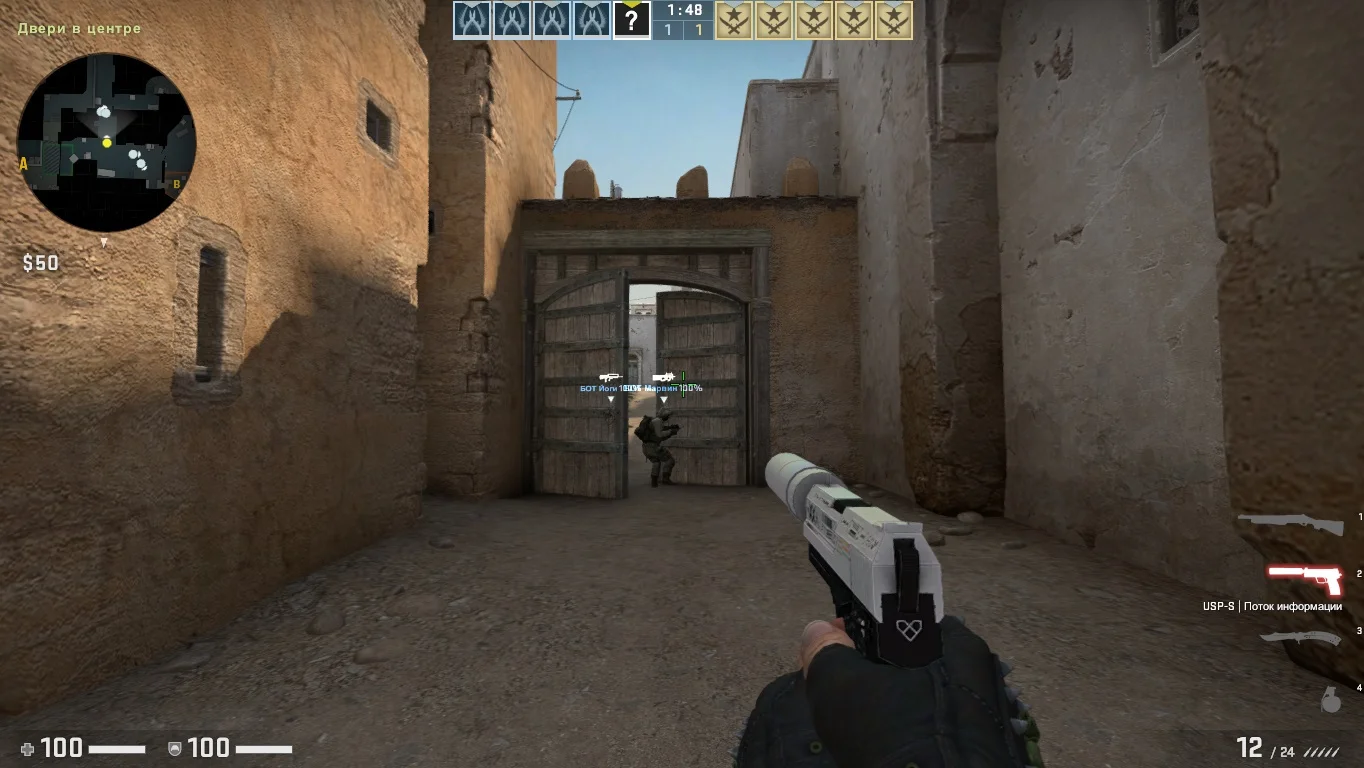
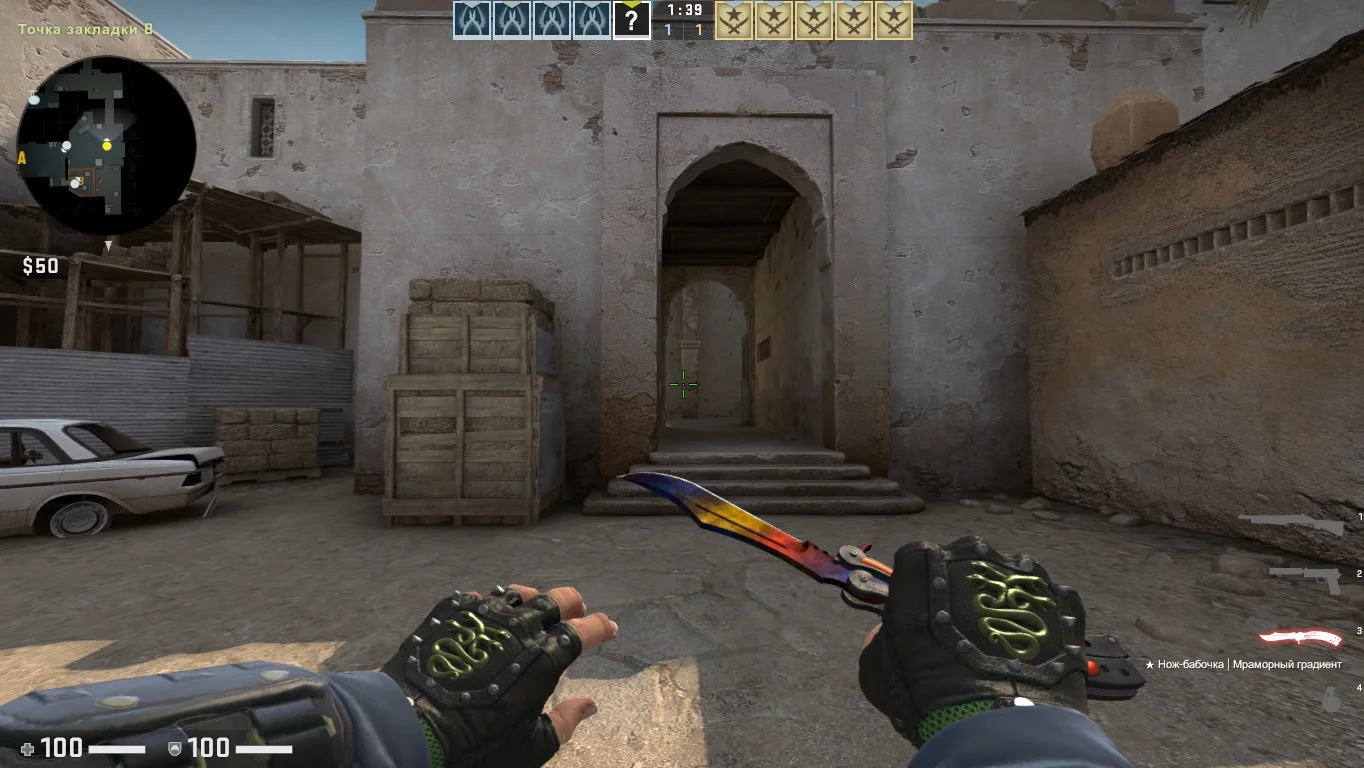
Лучшая игра
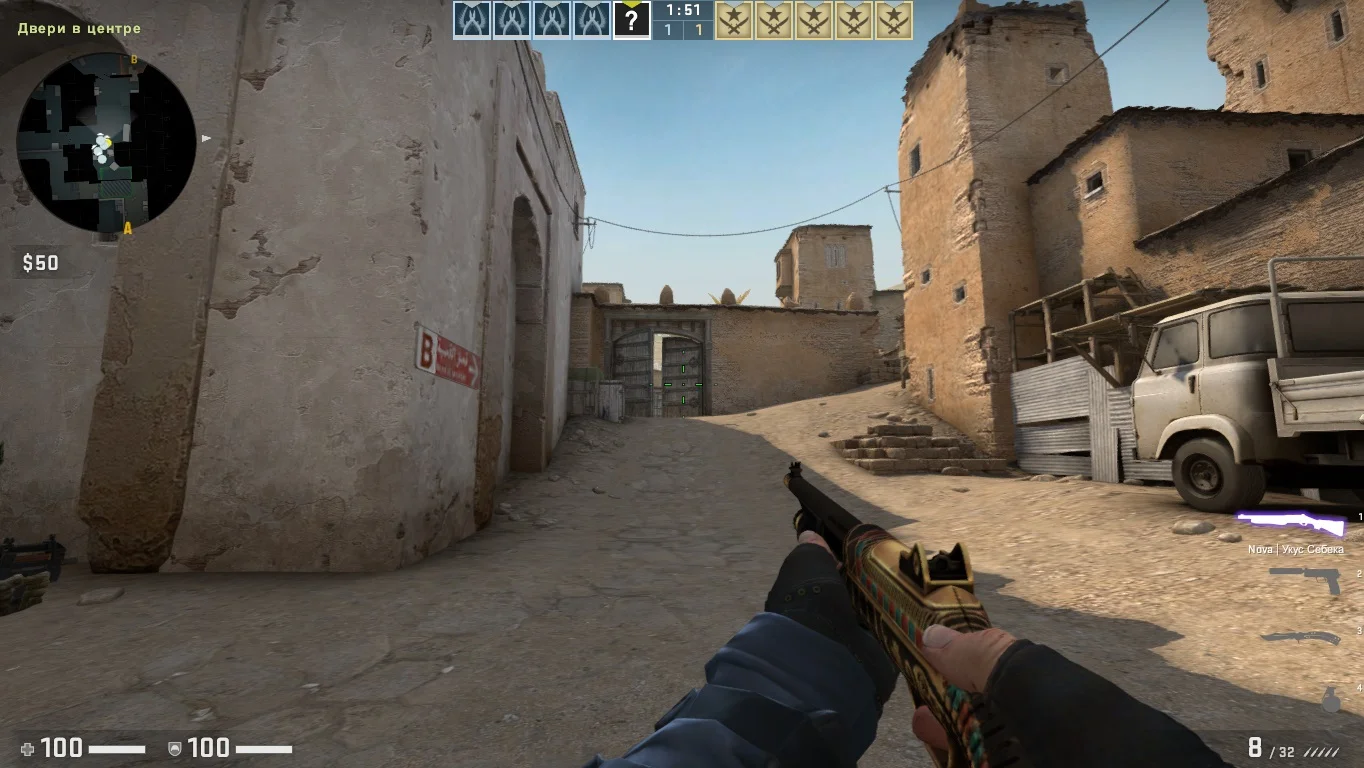
Counter-Strike 2 предоставляет поистине увлекательный игровой процесс, привлекая миллионы поклонников по всему миру. Эта игра по праву считается иконой в жанре тактических шутеров, поэтому не упустите момент и скорее загружайте сборку.