Home
Home
 CS 1.6 Builds
 CS:GO Builds
 CS:S Builds
 CS2 Builds

Download CS:GO Original
 Русская версия
 С ботами и серверами
 Работает на всех Windows (от XP до 11)


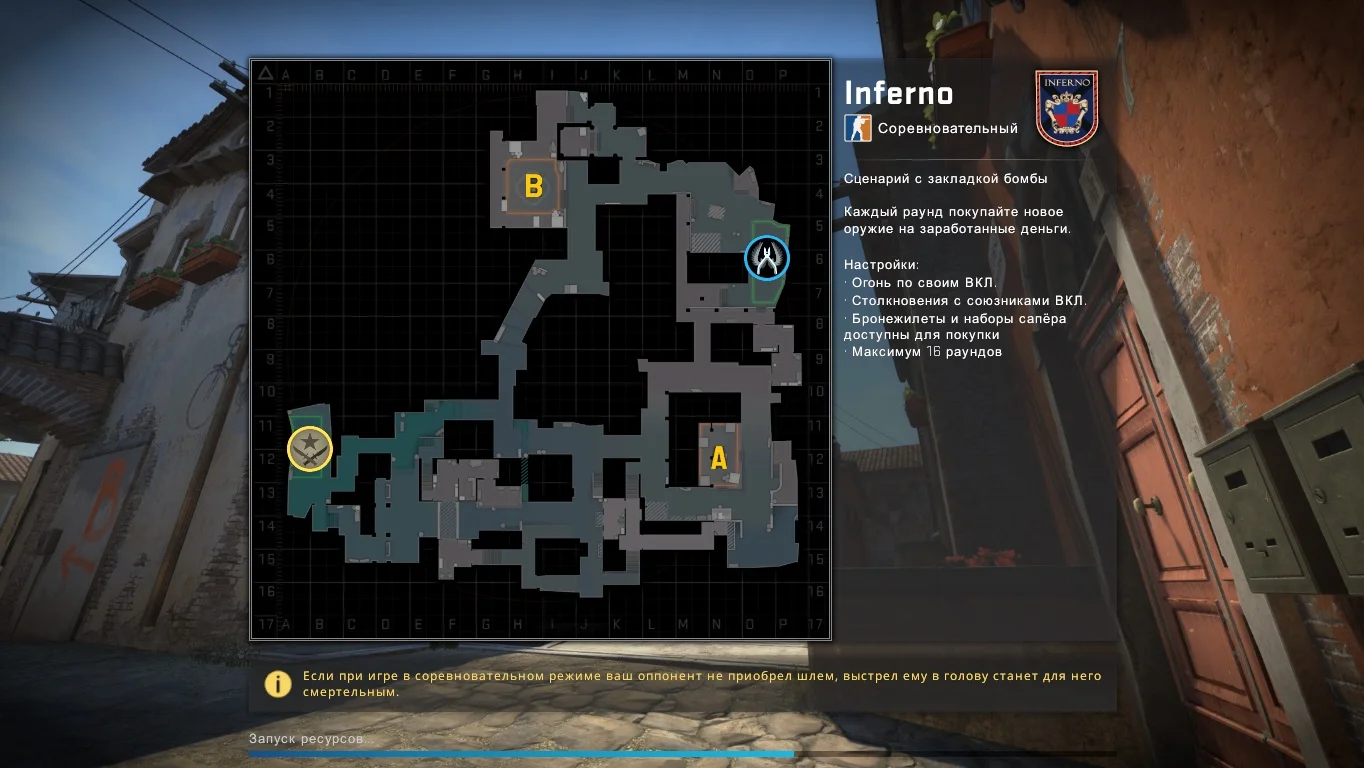
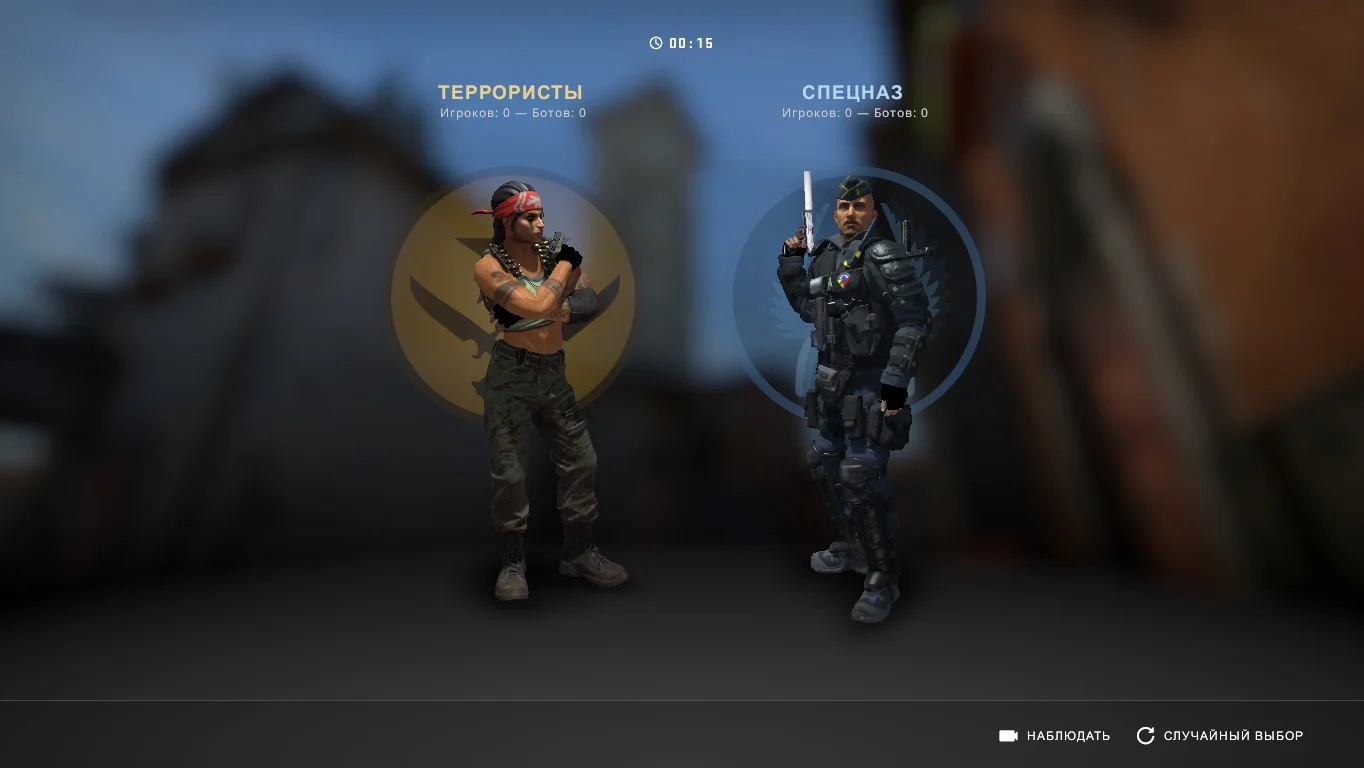

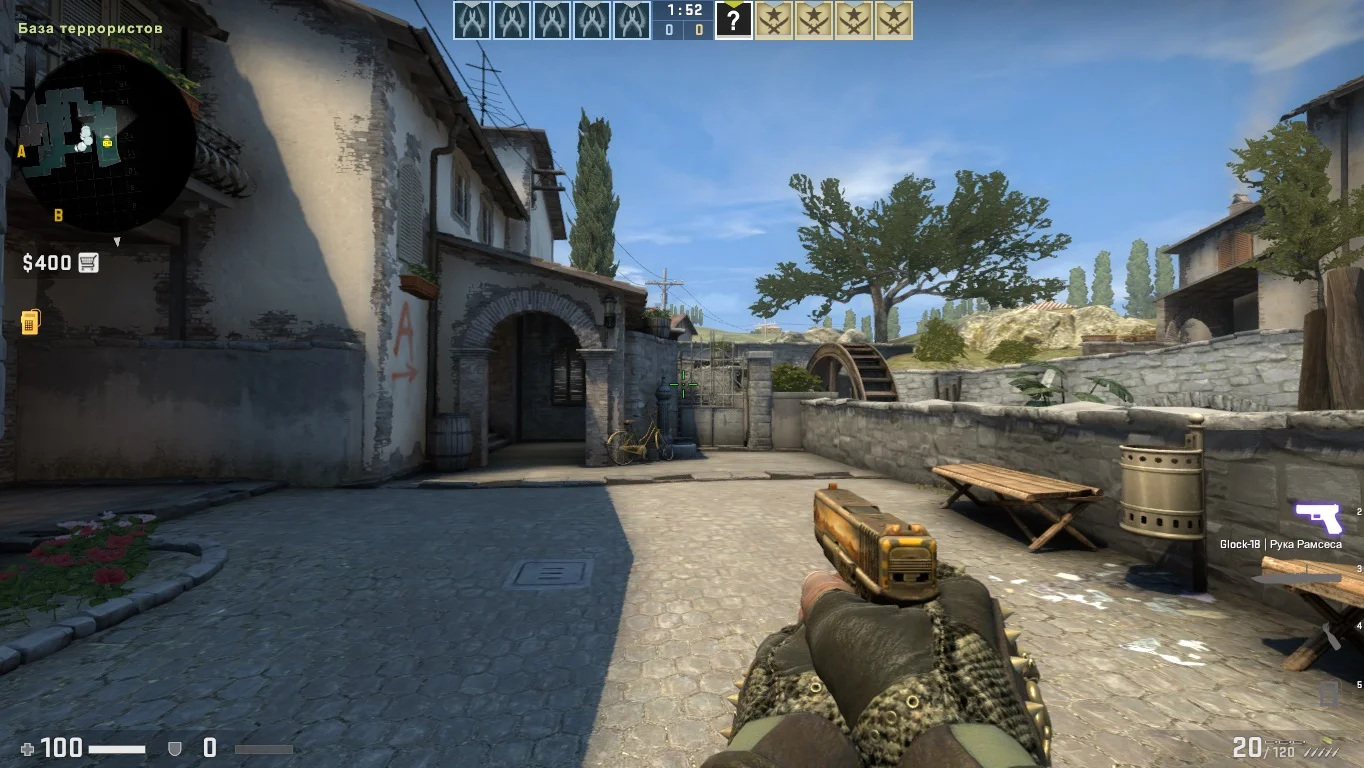
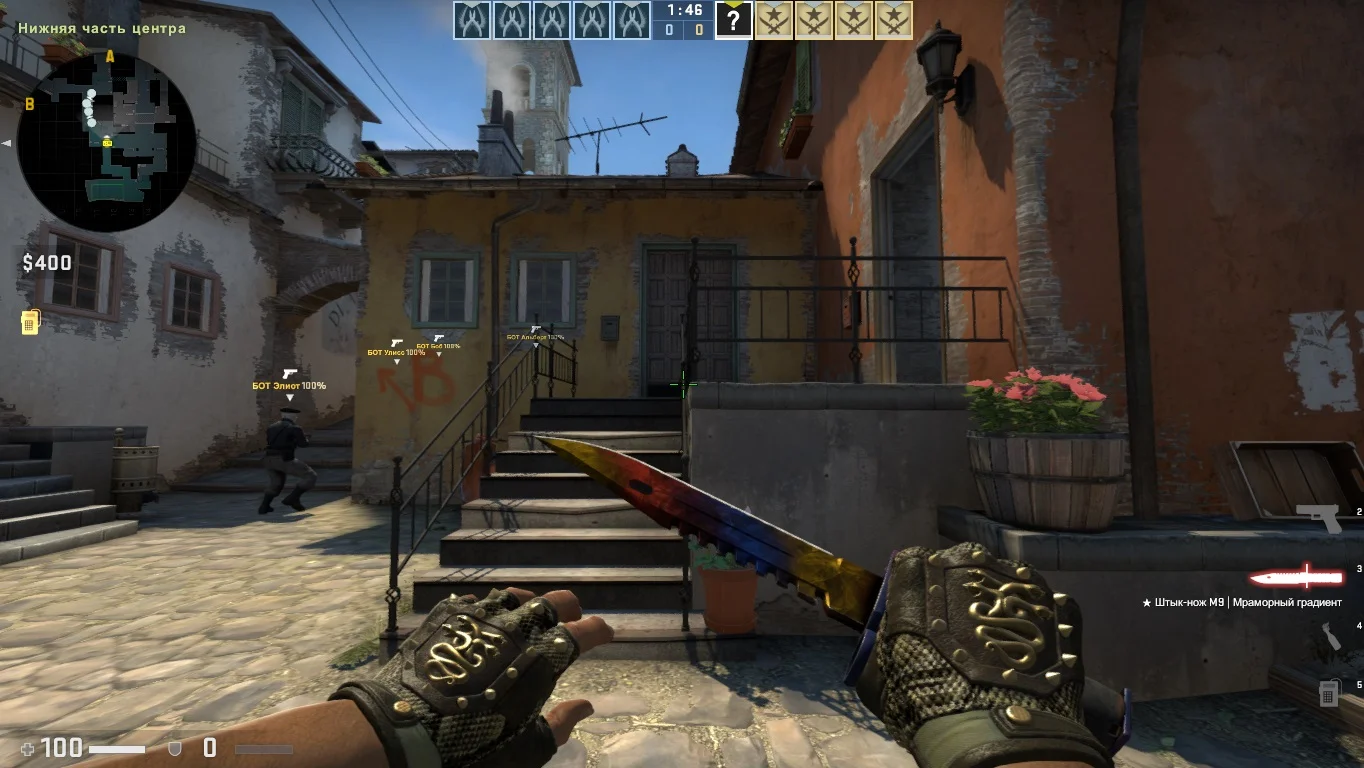
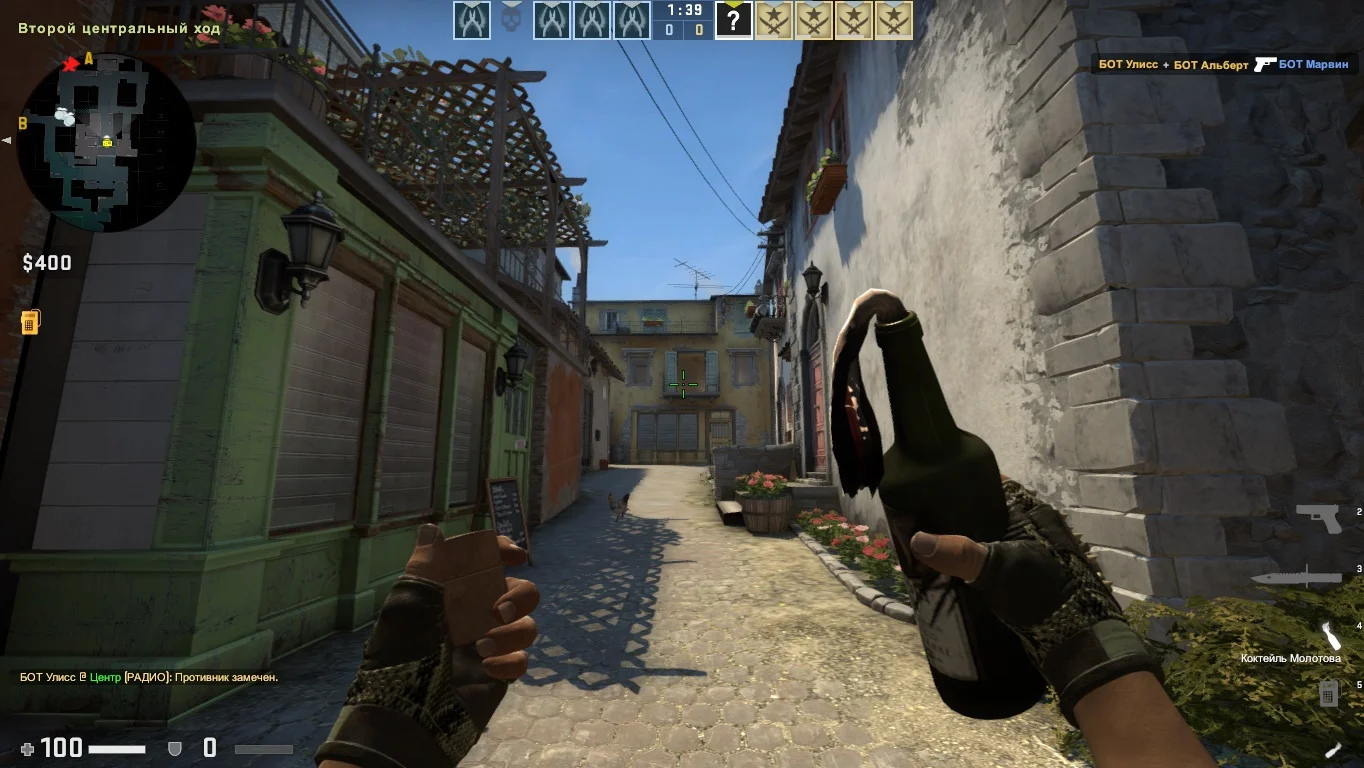
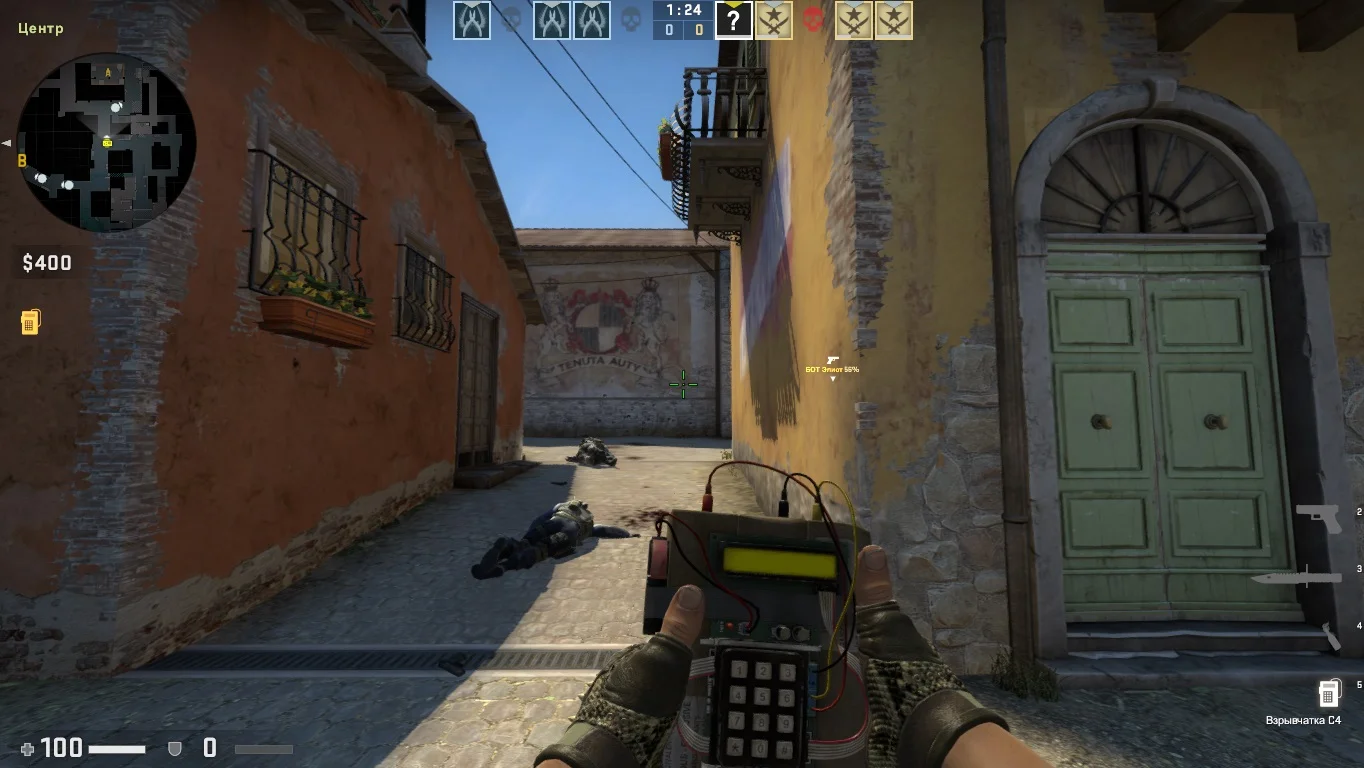
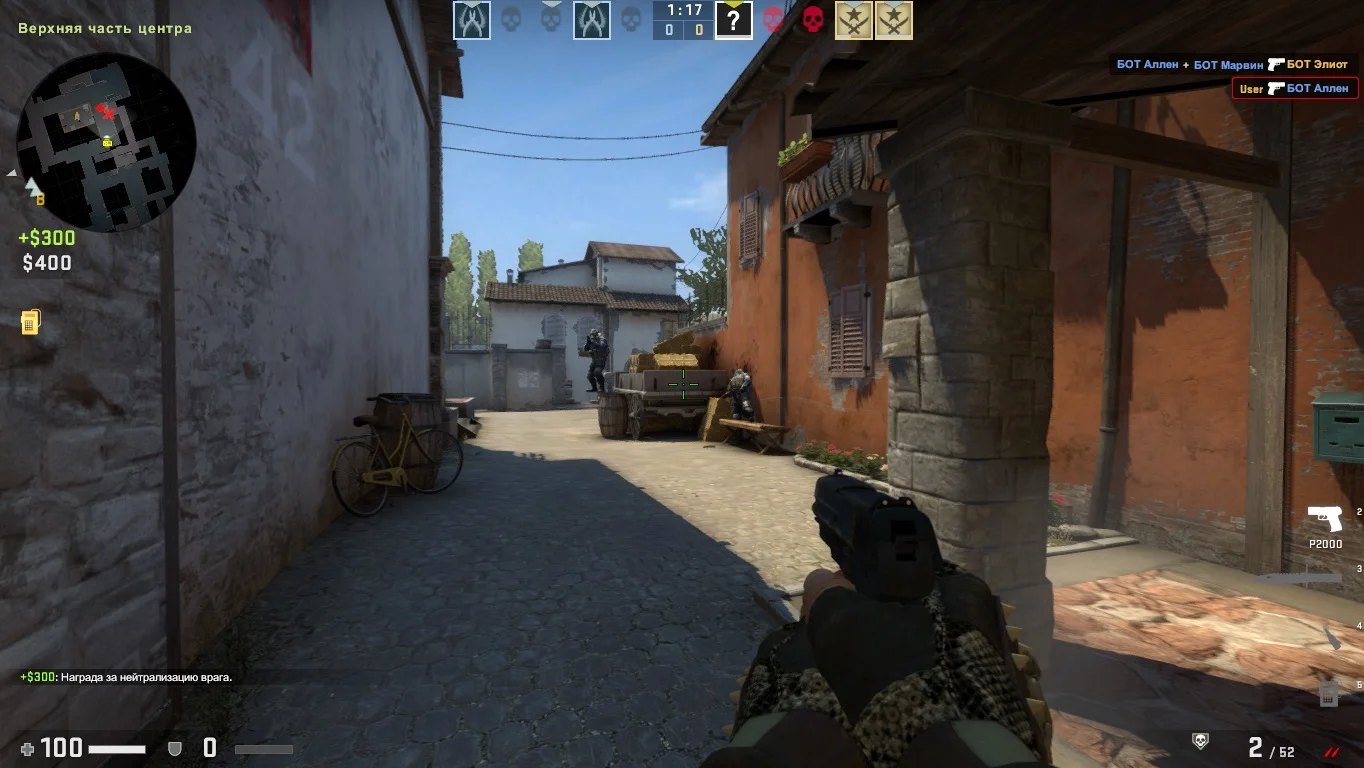
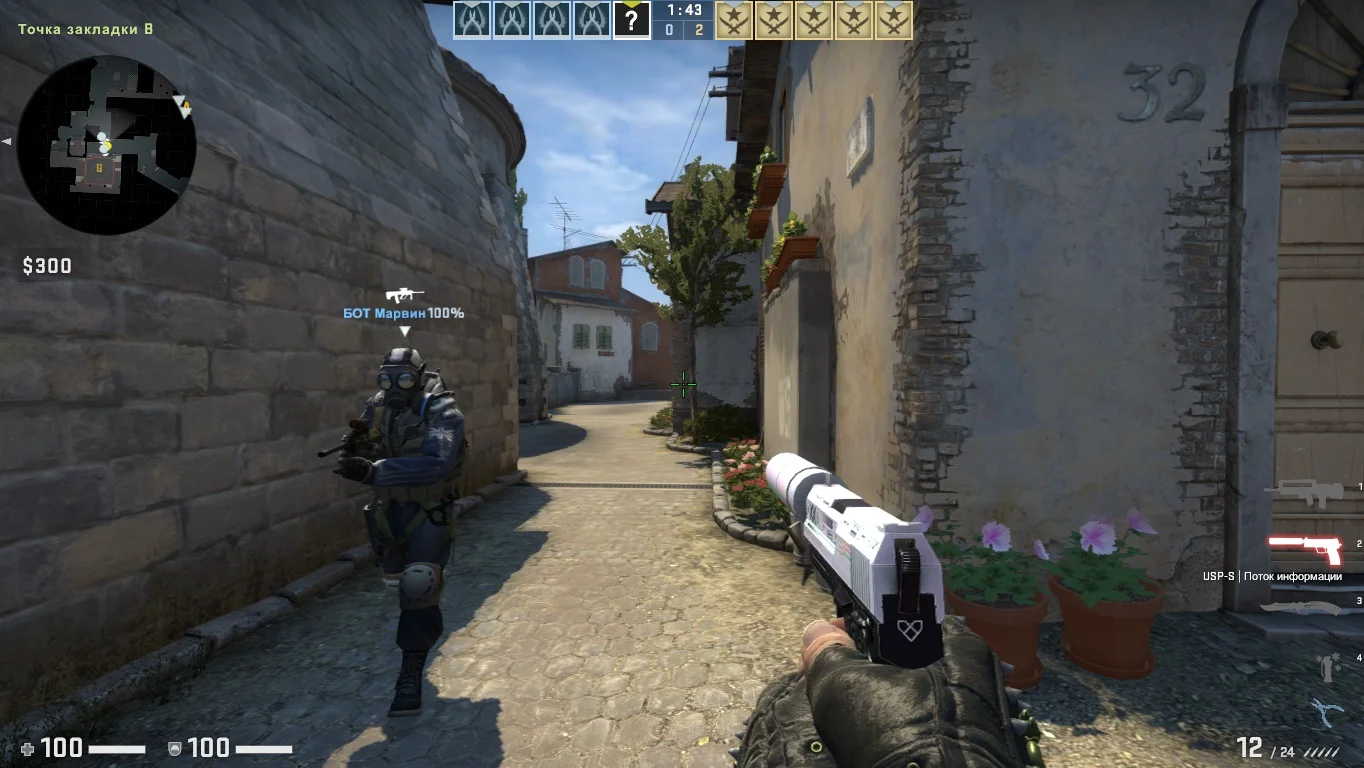
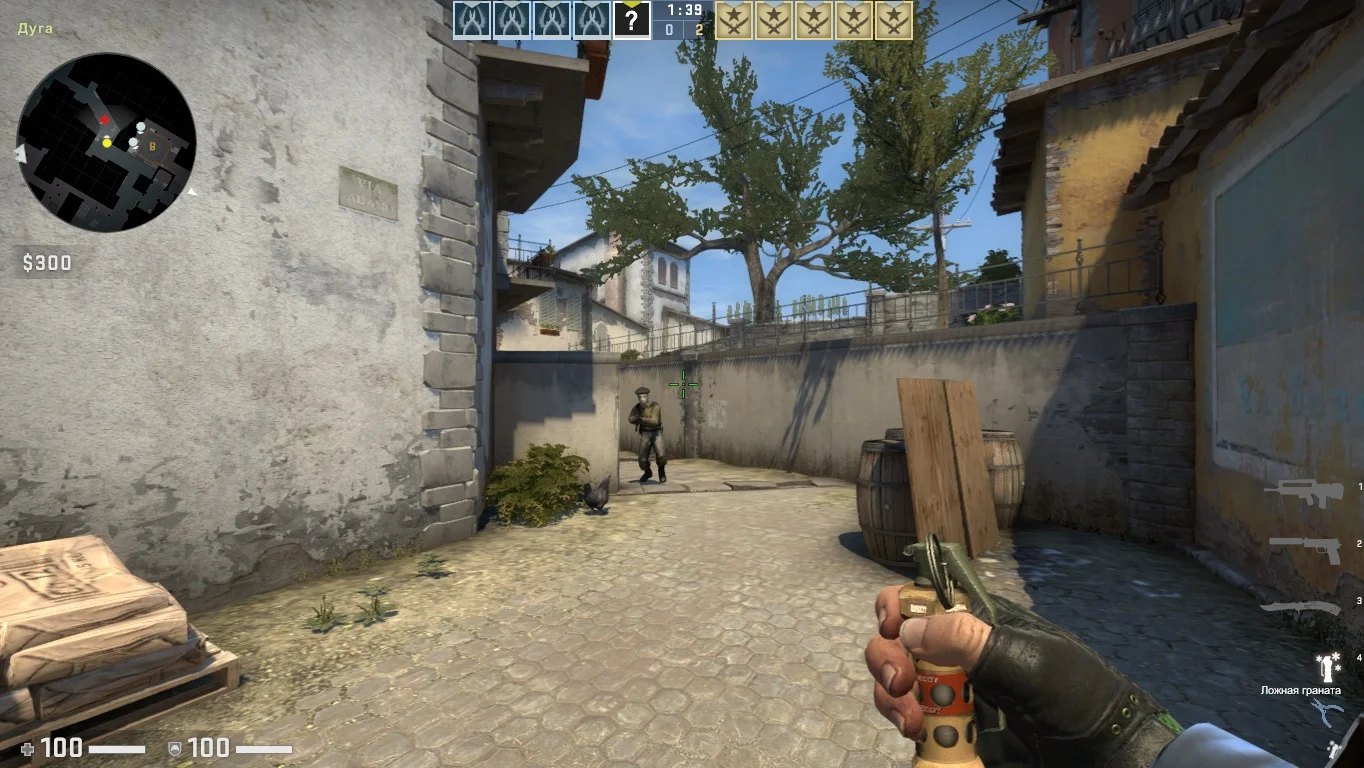
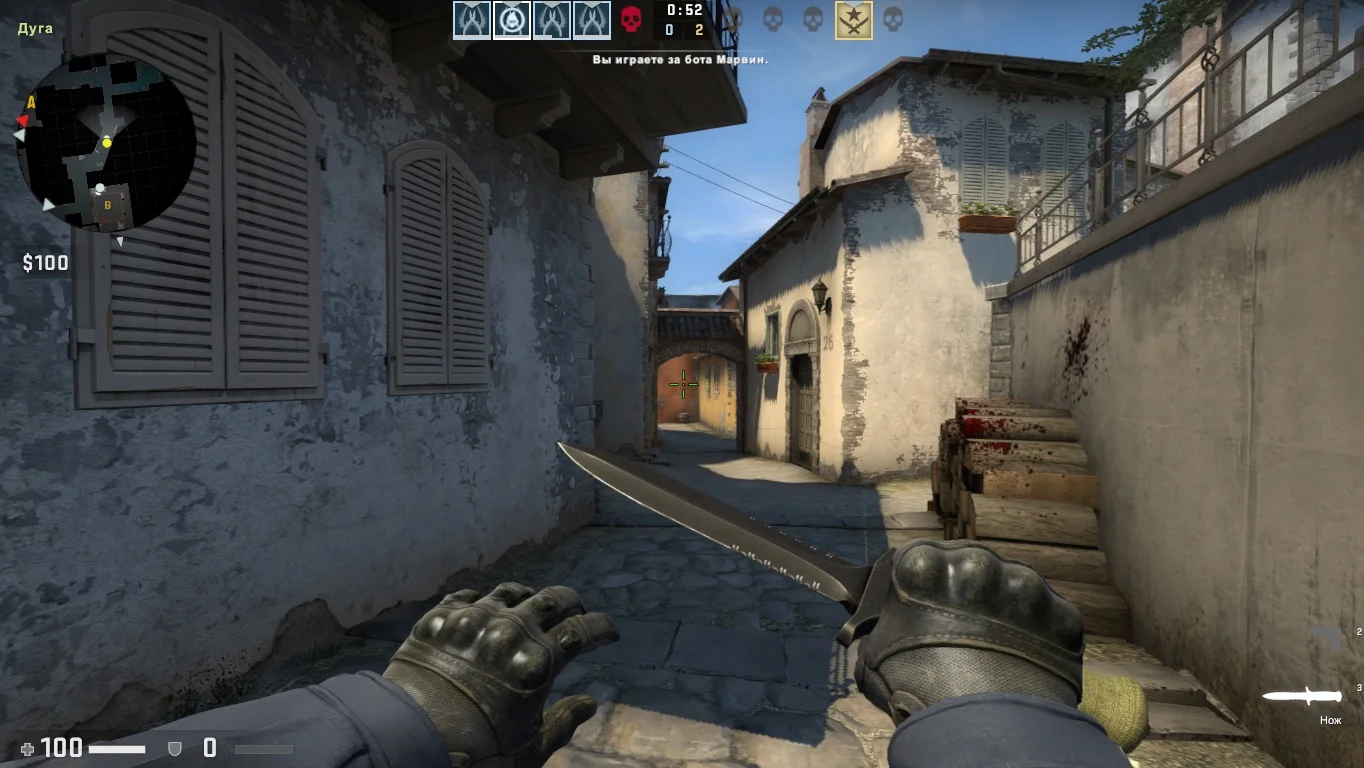
Download CS:GO Original — the opportunity to get the official and full version of Counter-Strike: Global Offensive, developed by Valve. This game has become a cult classic in the team shooter genre and continues to attract millions of players worldwide. The original CS:GO version includes all current updates, gameplay improvements, new maps, weapons, and modes, making the game engaging and dynamic. The game is available through the Steam platform, ensuring continuous support, cheat protection, and convenient interaction with the gaming community.
The original CS:GO offers a full online mode with ranked matches, tournaments, and a variety of modes: Competitive, Casual, Deathmatch, Arms Race, as well as special modes and events. Players have access to skin shops, cases, patches, and user-generated content. High-quality graphics, sound, and optimization for different devices make the game accessible both for high-end gaming PCs and mid-range computers.
By downloading CS:GO Original through Steam, you get a stable and secure version of the game with regular updates and the ability to play with friends and the community worldwide. This version ensures fair gameplay with built-in anti-cheats, supports multiple languages, and has a convenient interface. Downloading CS:GO Original means getting the most complete and up-to-date experience of this legendary shooter.
Features of the build:
• Full official version from Valve
• Regular updates and patches
• Ranked and competitive matches
• Variety of game modes
• Built-in skin and case store
• High optimization and graphics quality
• VAC anti-cheat support
• Integration with Steam community and streaming
System requirements:
• Operating system: Windows 7, 8, 10, 11 (64-bit)
• Processor: Intel Core i3-4340 / AMD FX-6300
• RAM: 4 GB
• Video card: NVIDIA GeForce GTX 660 / AMD Radeon HD 7850
• Free disk space: about 20 GB
• Internet connection for download and online play
How to install:
• Create or log in to a Steam account
• Download and install the Steam client from the official website
• Find CS:GO in the Steam store
• Purchase or download the free version of the game
• Click “Install” and wait for the download
• Launch CS:GO through the Steam client
• Configure game settings and start playing
Преимущества оригинальной сборки
Цель игры состоит в успешном прохождении разнообразных заданий. К таким заданиям относятся, в частности, установка или обезвреживание взрывного устройства, освобождение или защита заложников, а также ликвидация всех противников.
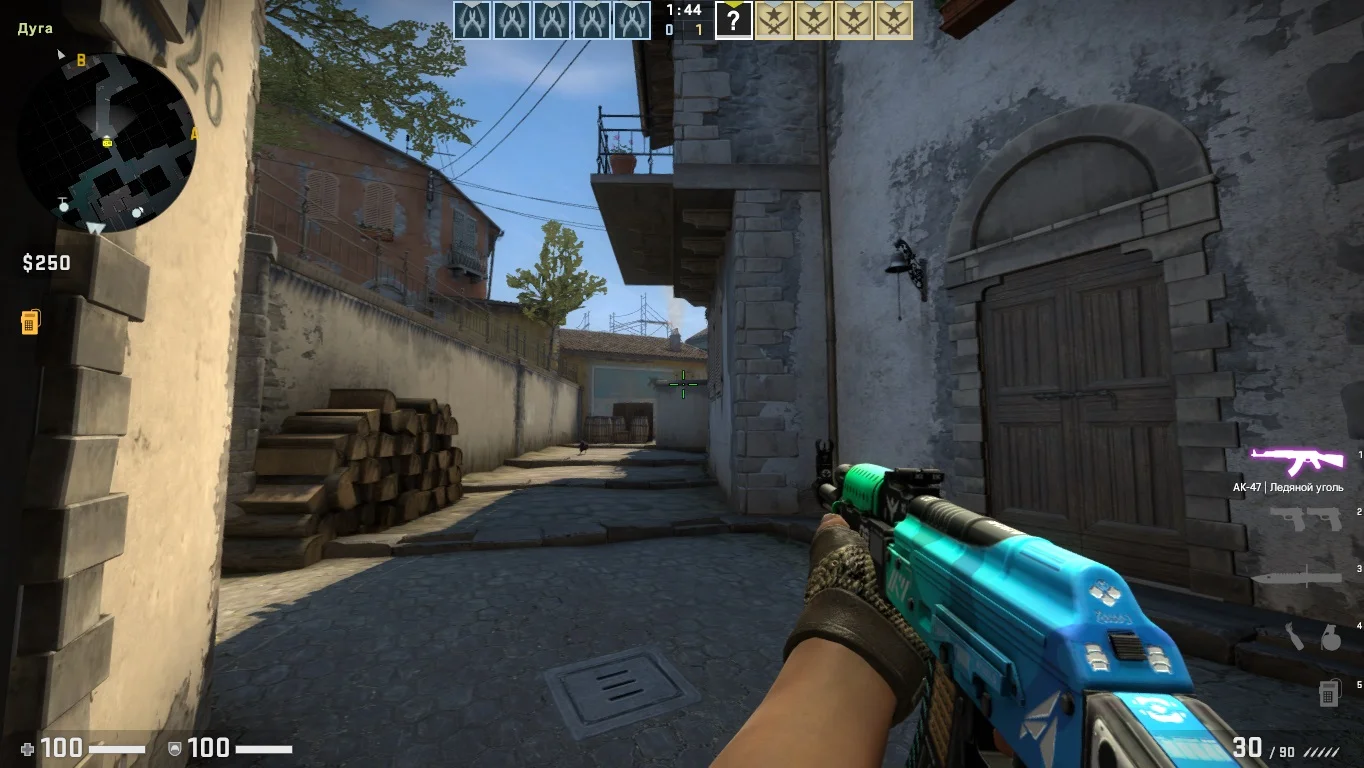
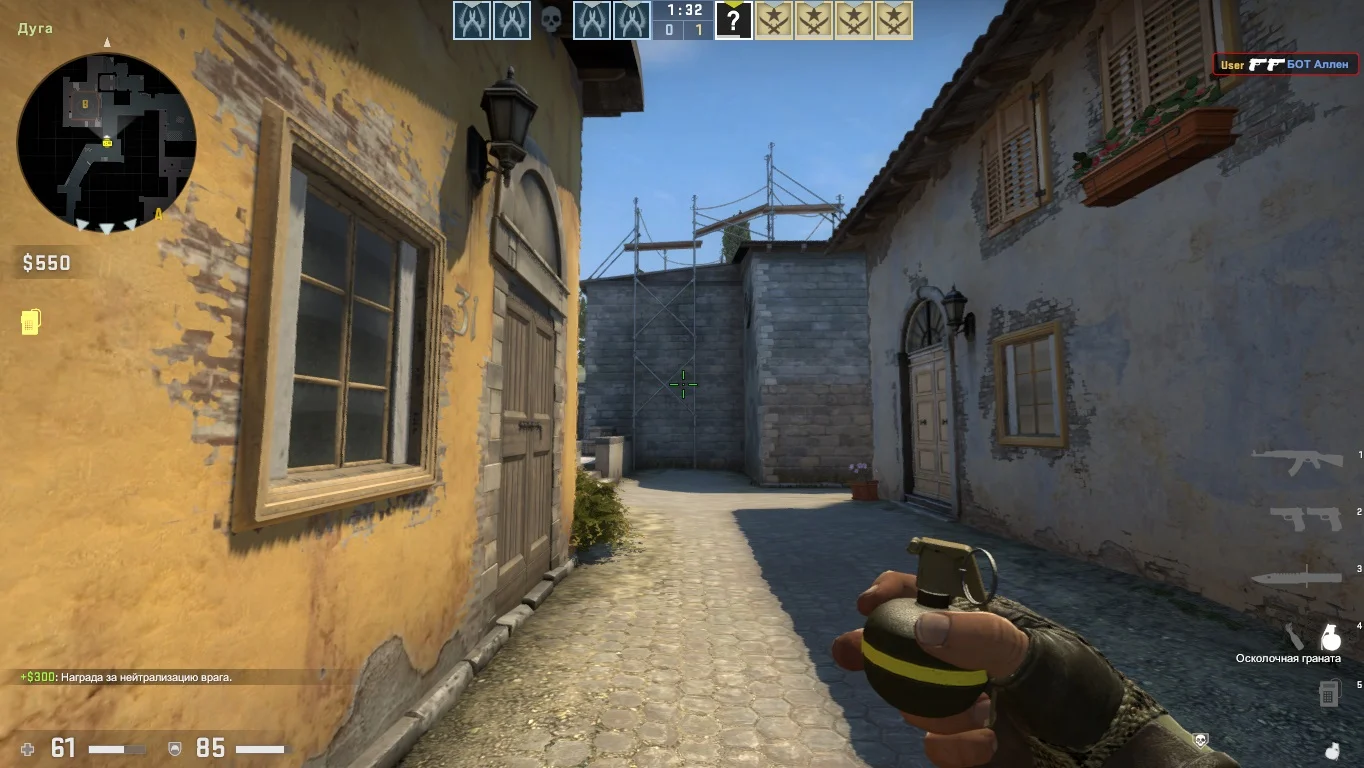
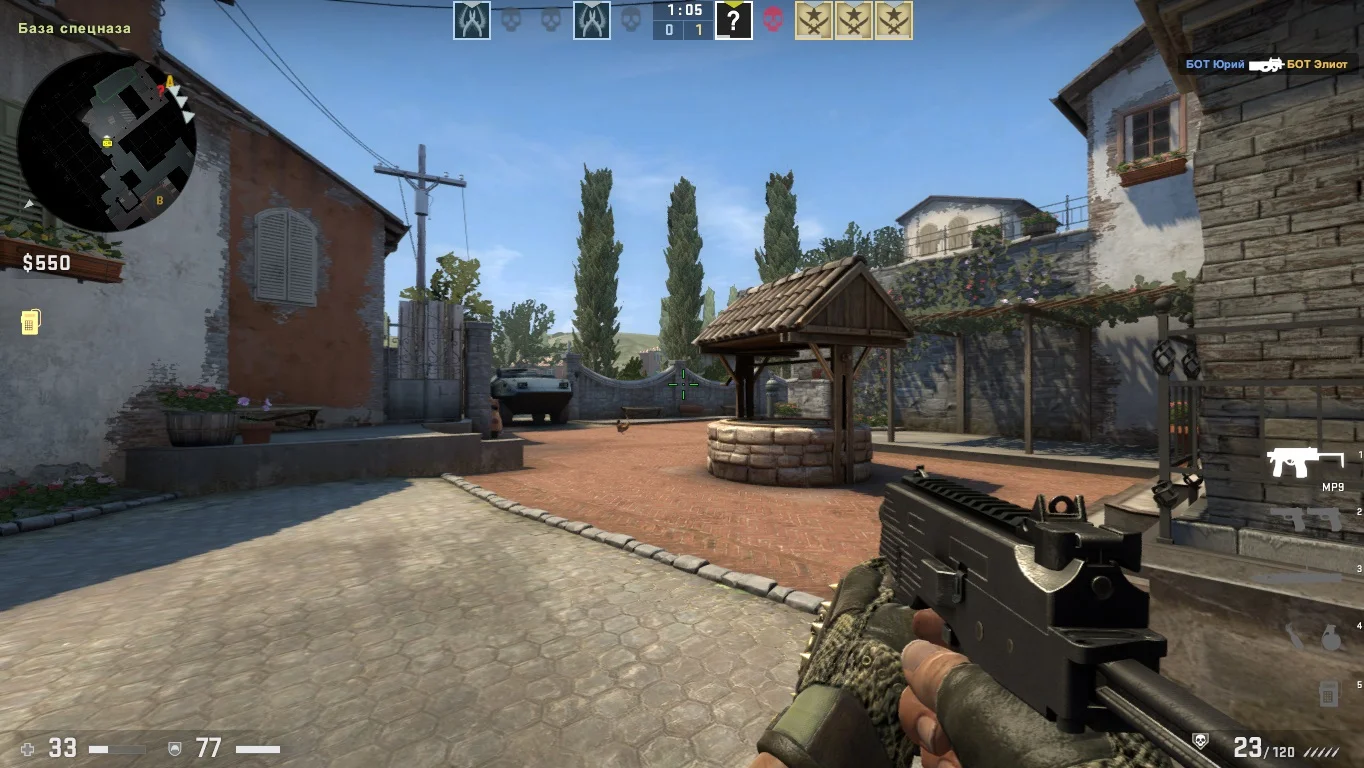
Стандартное оружие и карты
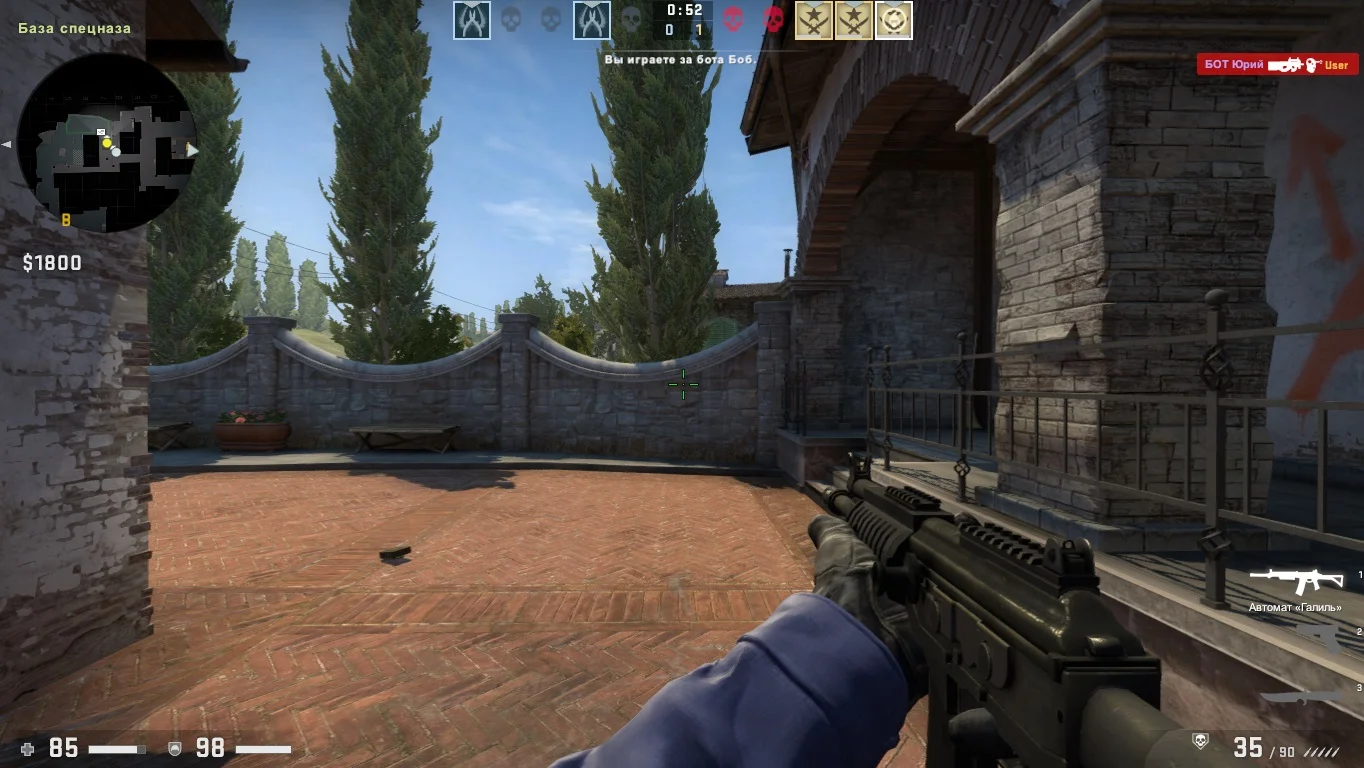
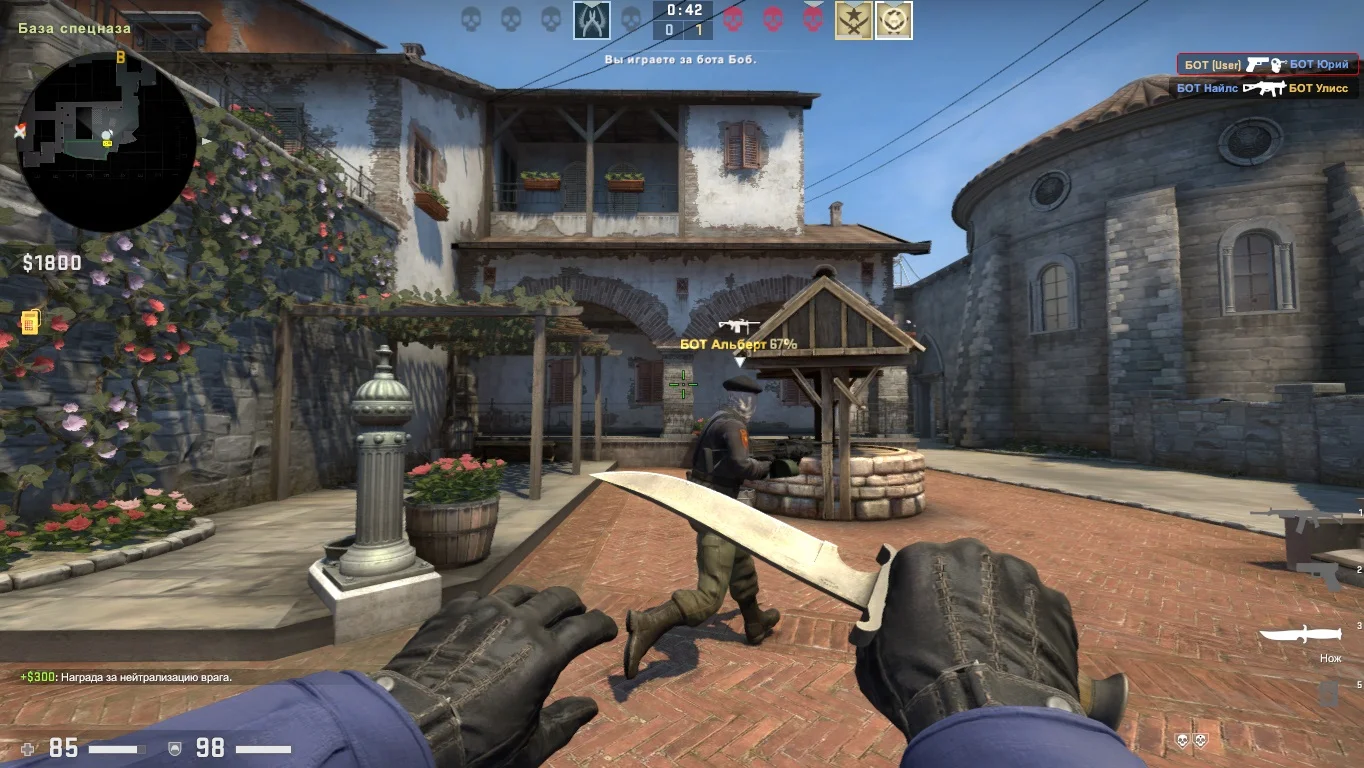
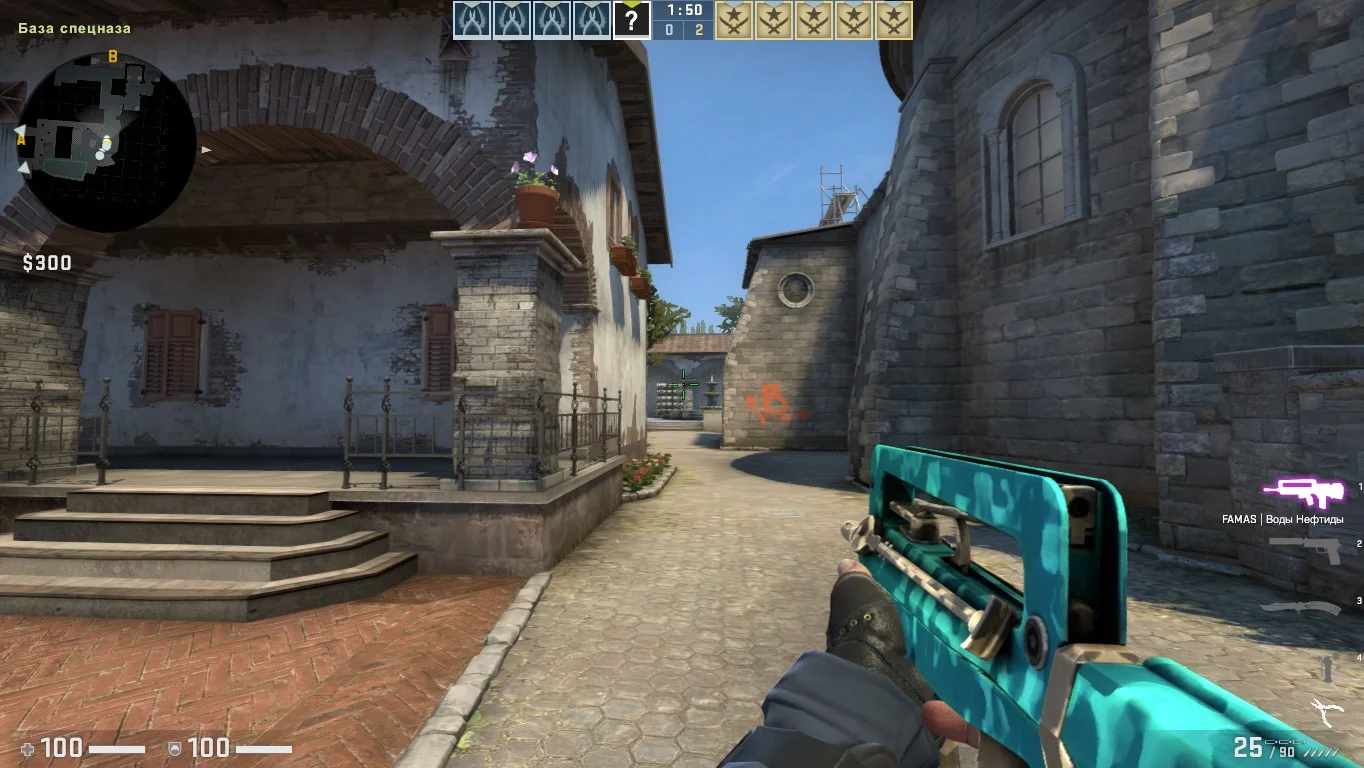
Counter-Strike: Global Offensive в своей оригинальной версии предоставляет пользователям широкий спектр карт, видов вооружения и режимов игры, что способствует разнообразию и привлекательности. Игрокам доступен обширный арсенал вооружения на любой вкус.
Несколько режимов игры
В данном клиента геймеры могут выбирать один из нескольких режимов игры, включая стандартный, соревновательный и гонку вооружений. Каждый из которых обладает собственным набором правил и особенностями игрового процесса.