Home
Home
 CS 1.6 Builds
 CS:GO Builds
 CS:S Builds
 CS2 Builds

Download CS:GO 2014
 Русская версия
 С ботами и серверами
 Работает на всех Windows (от XP до 11)
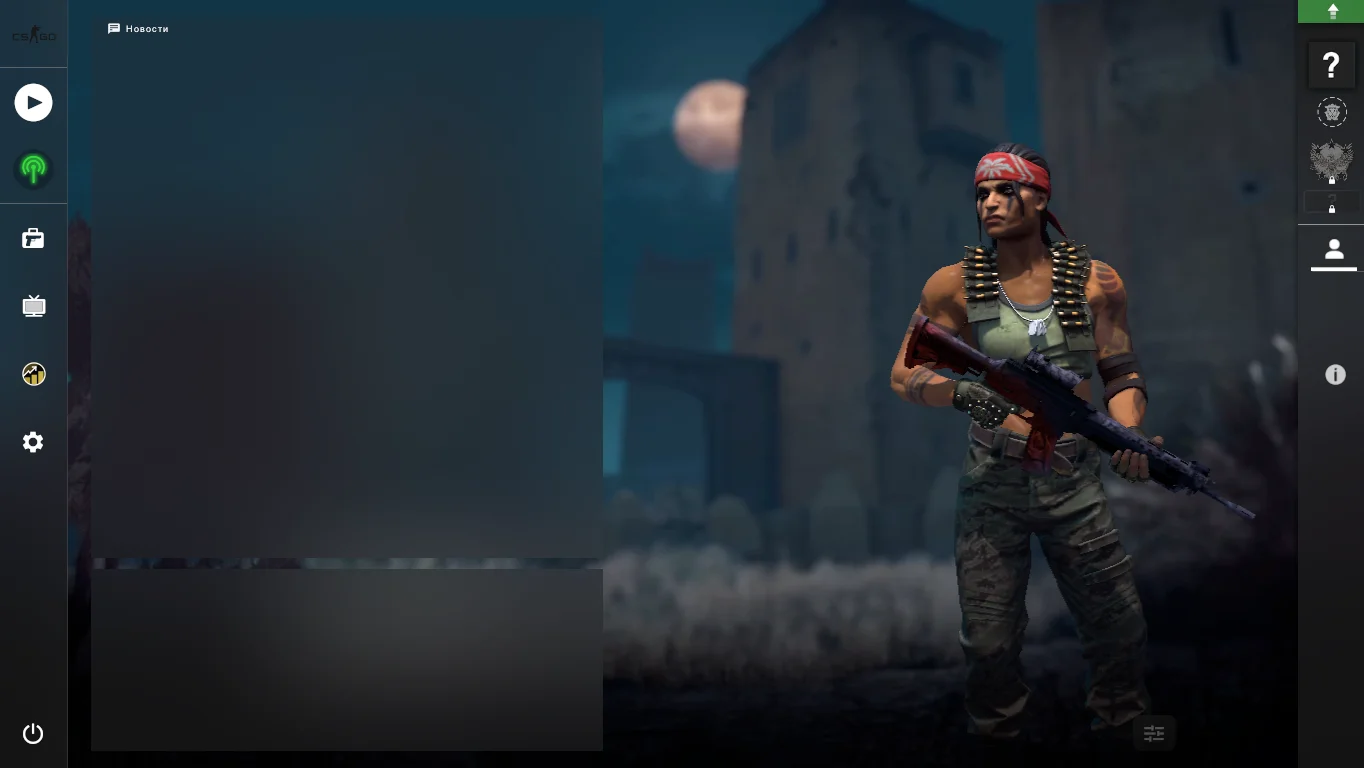

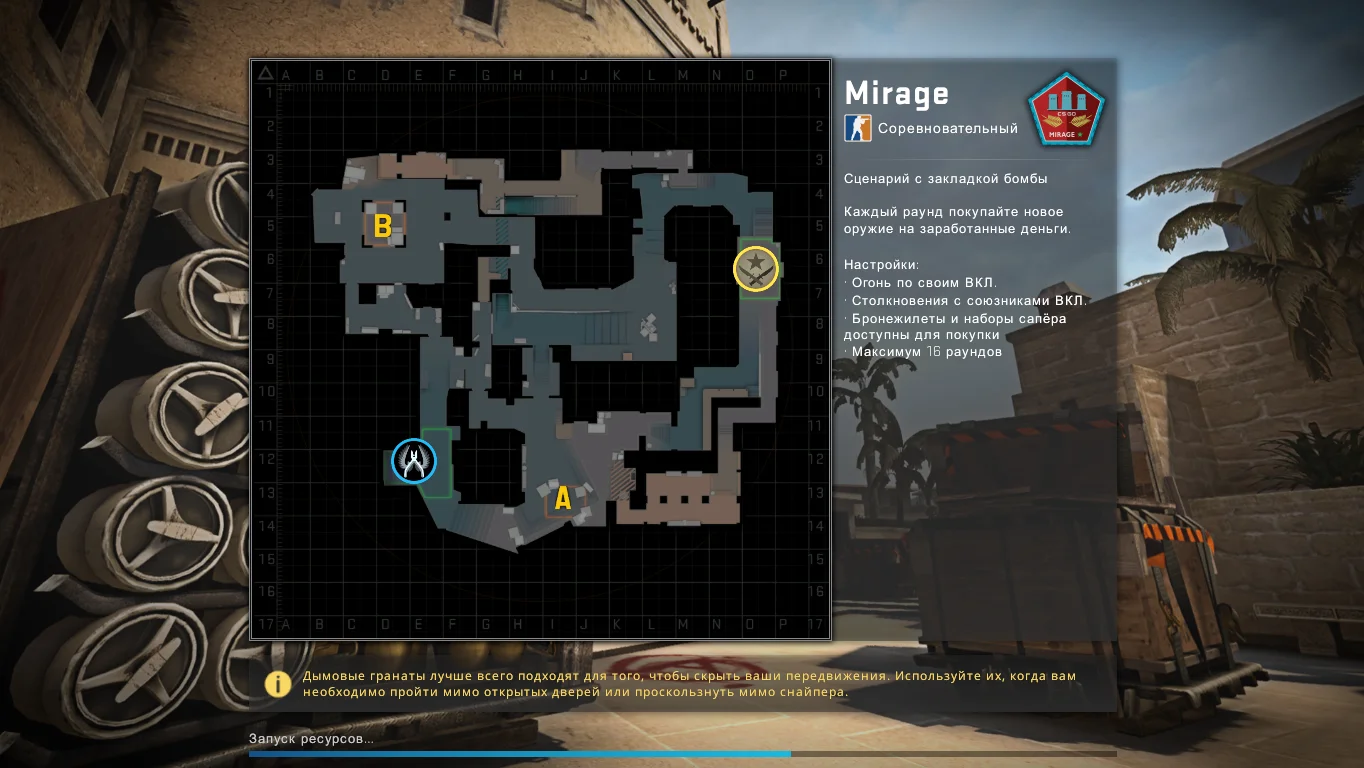

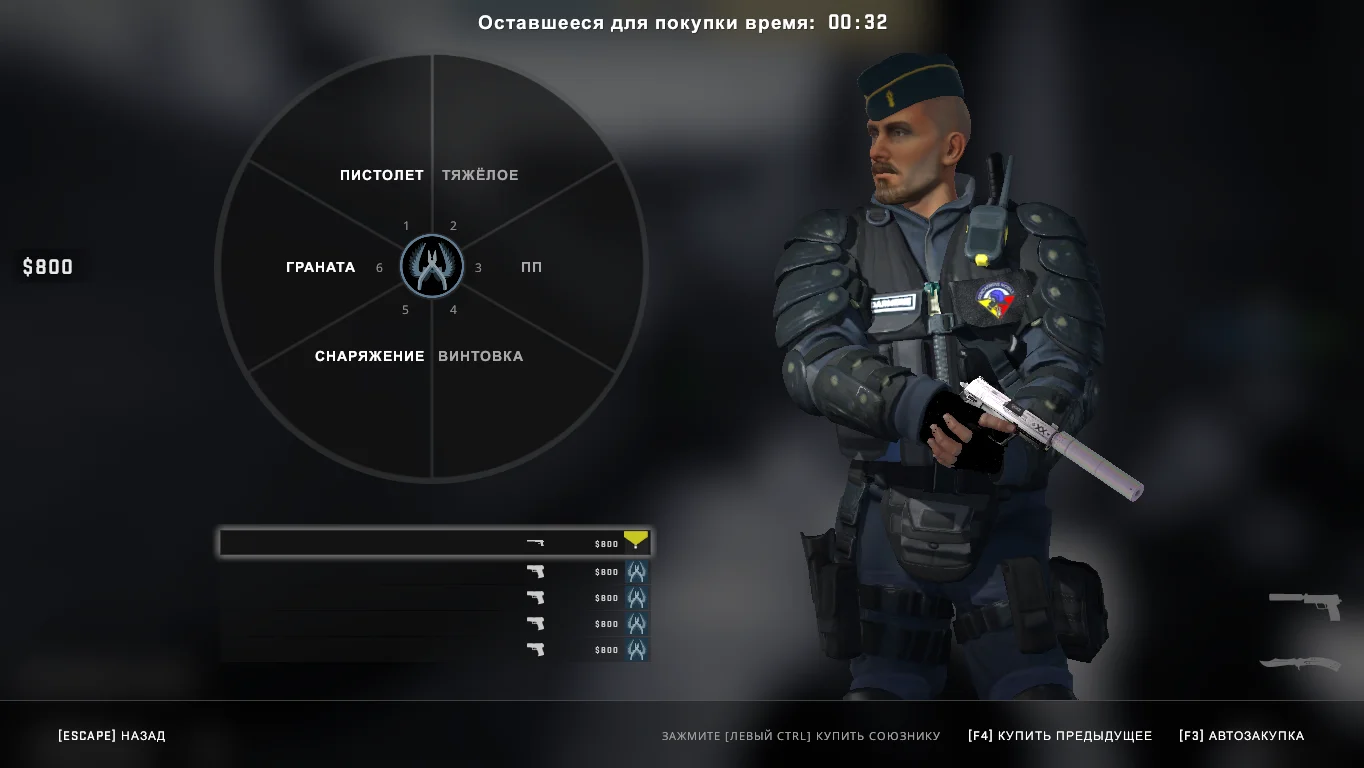
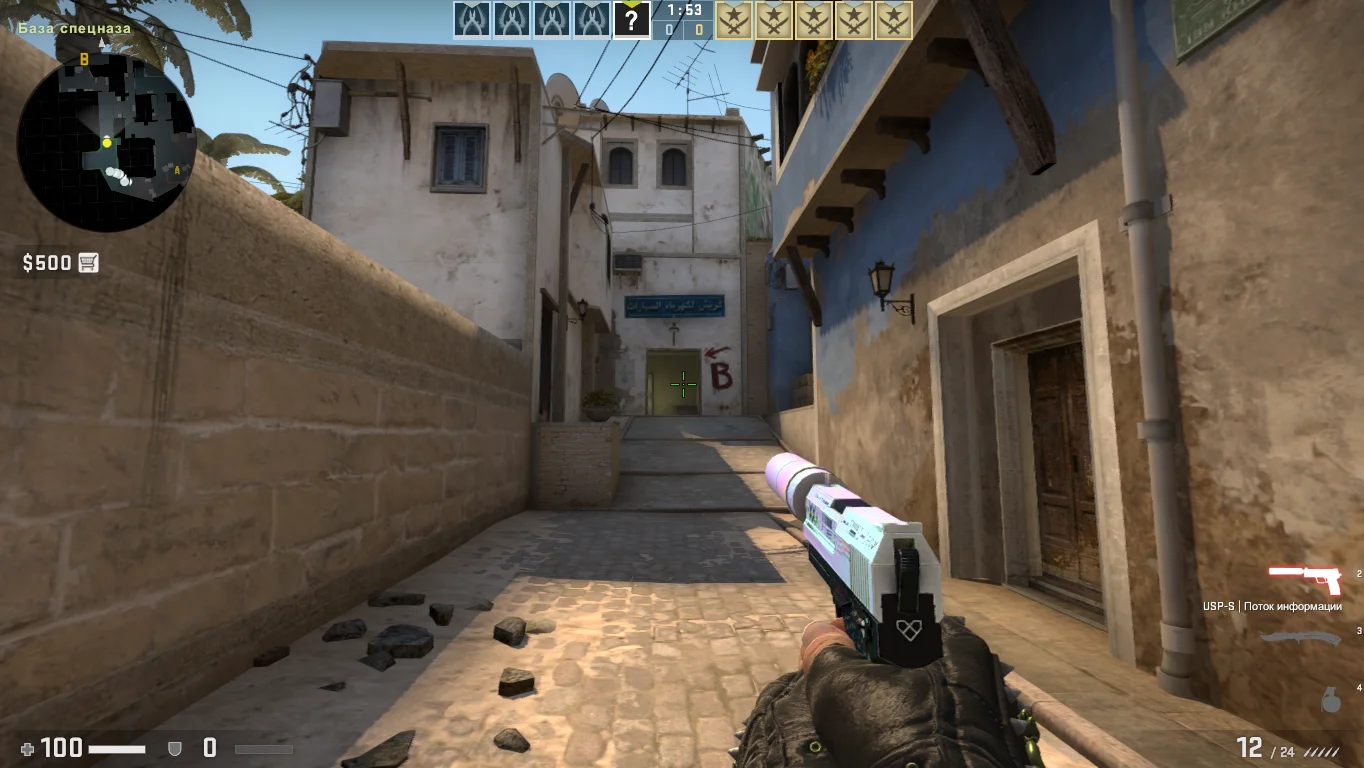
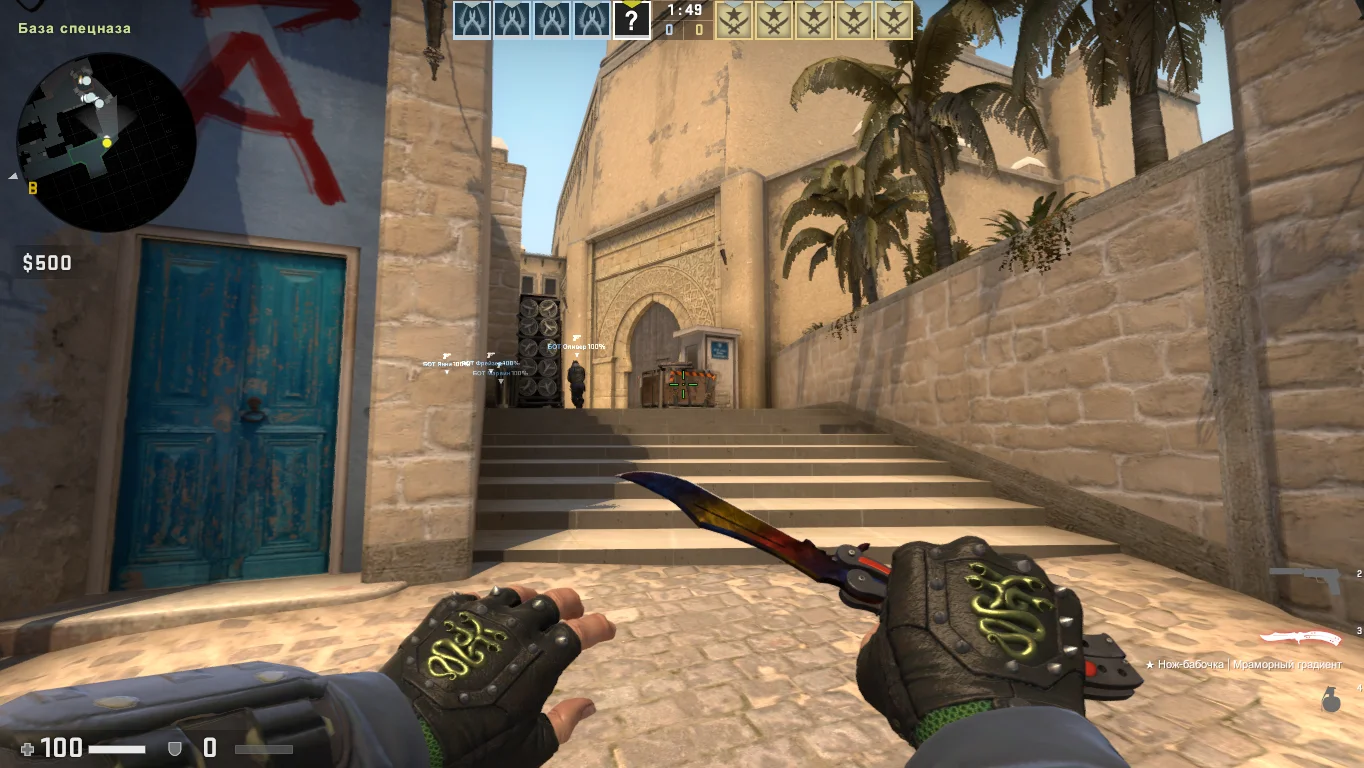
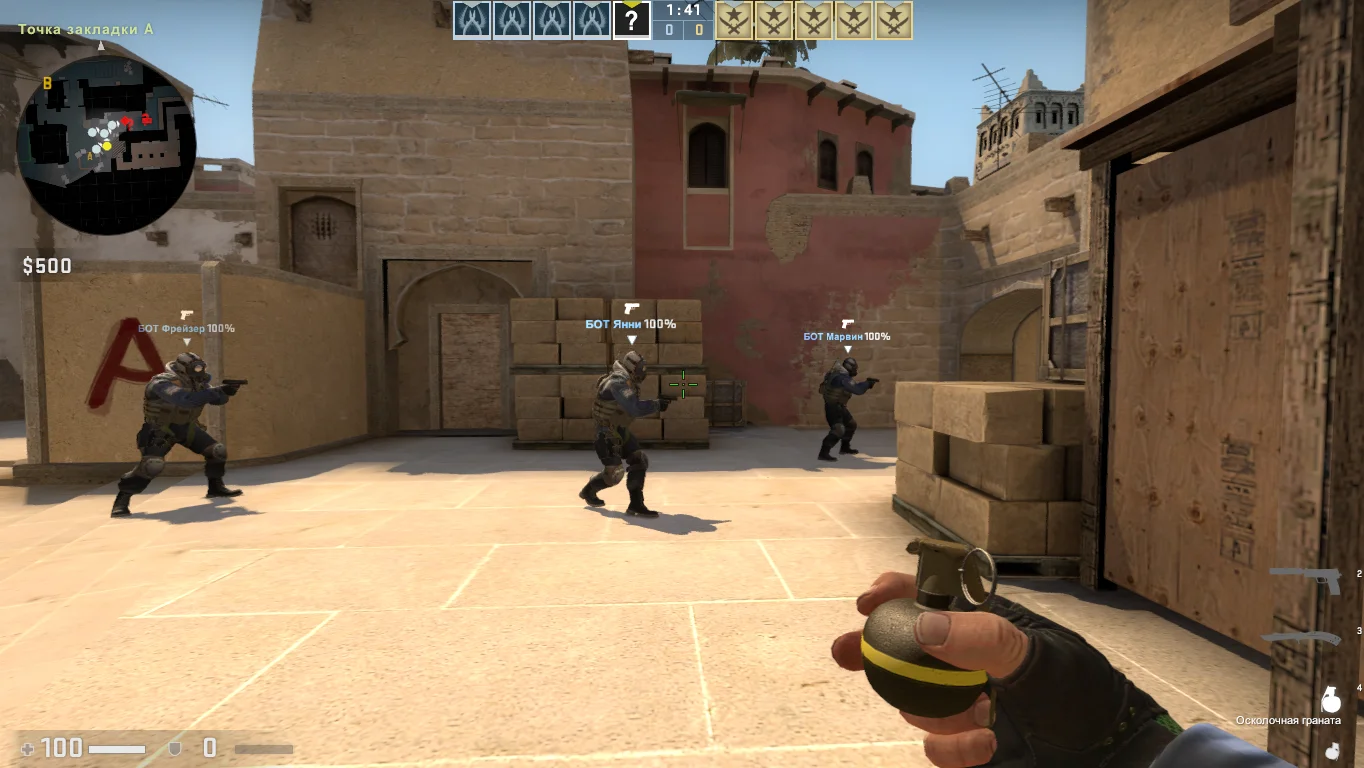
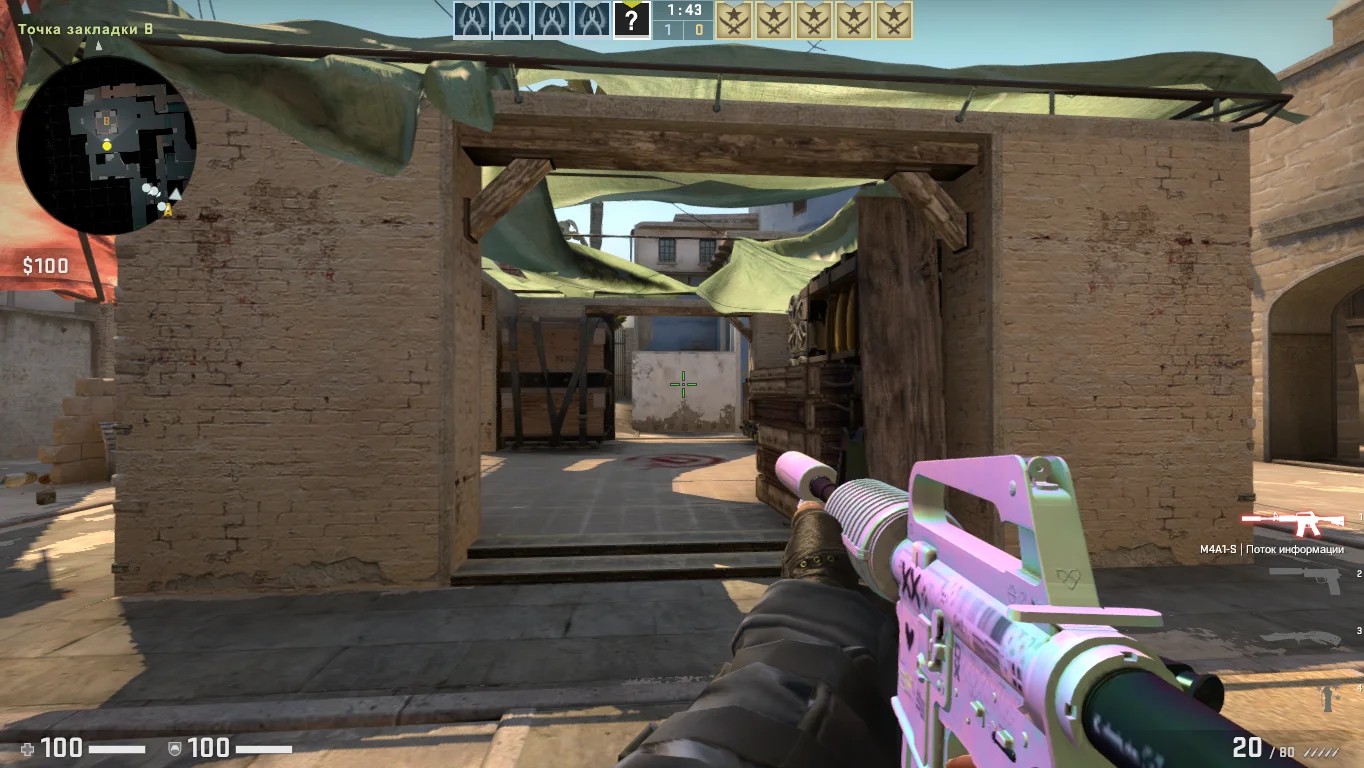
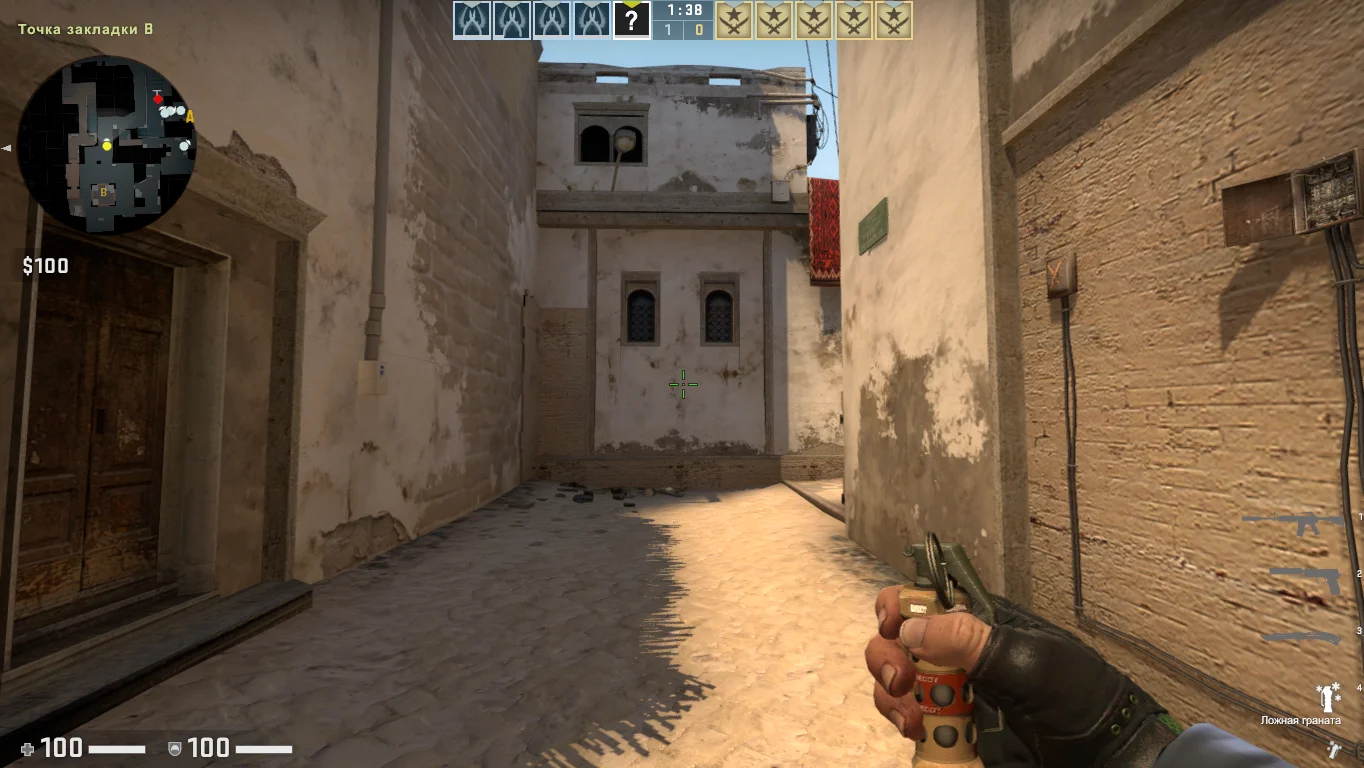
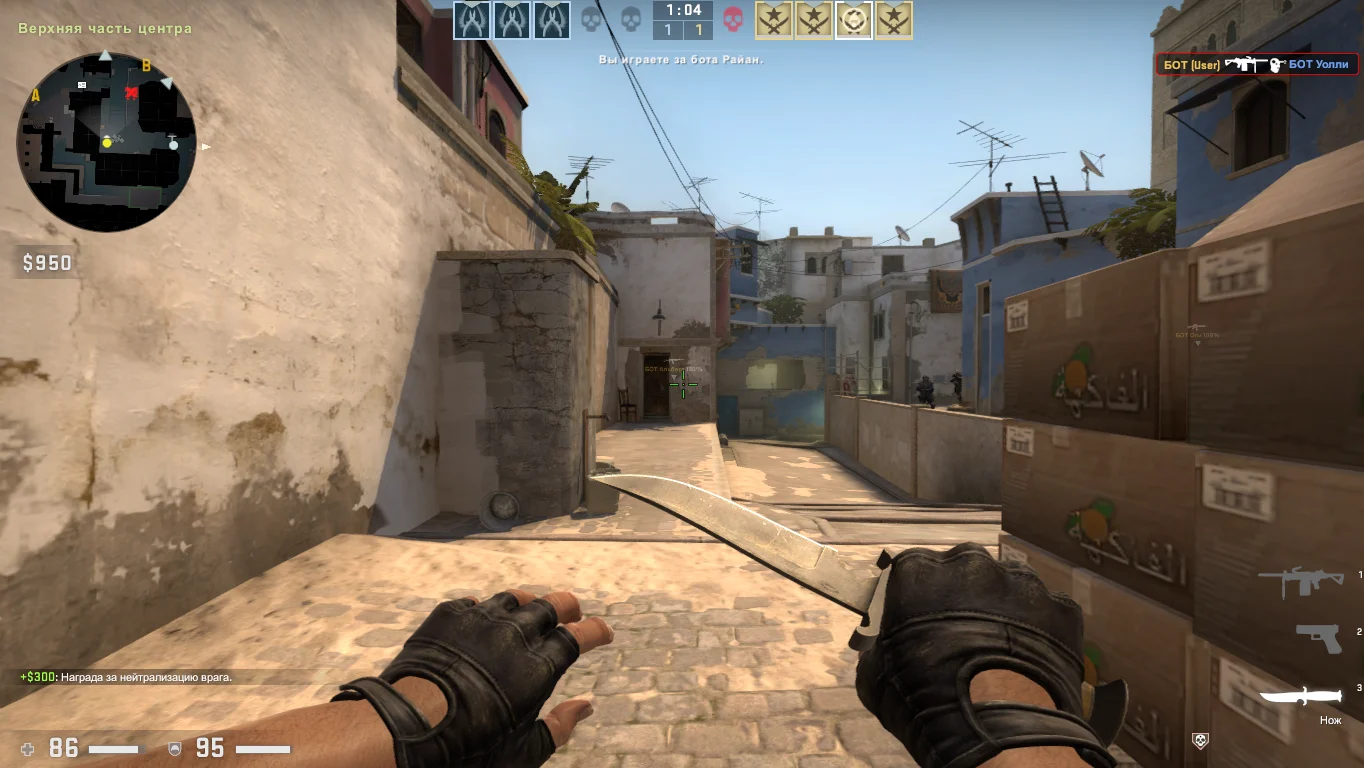
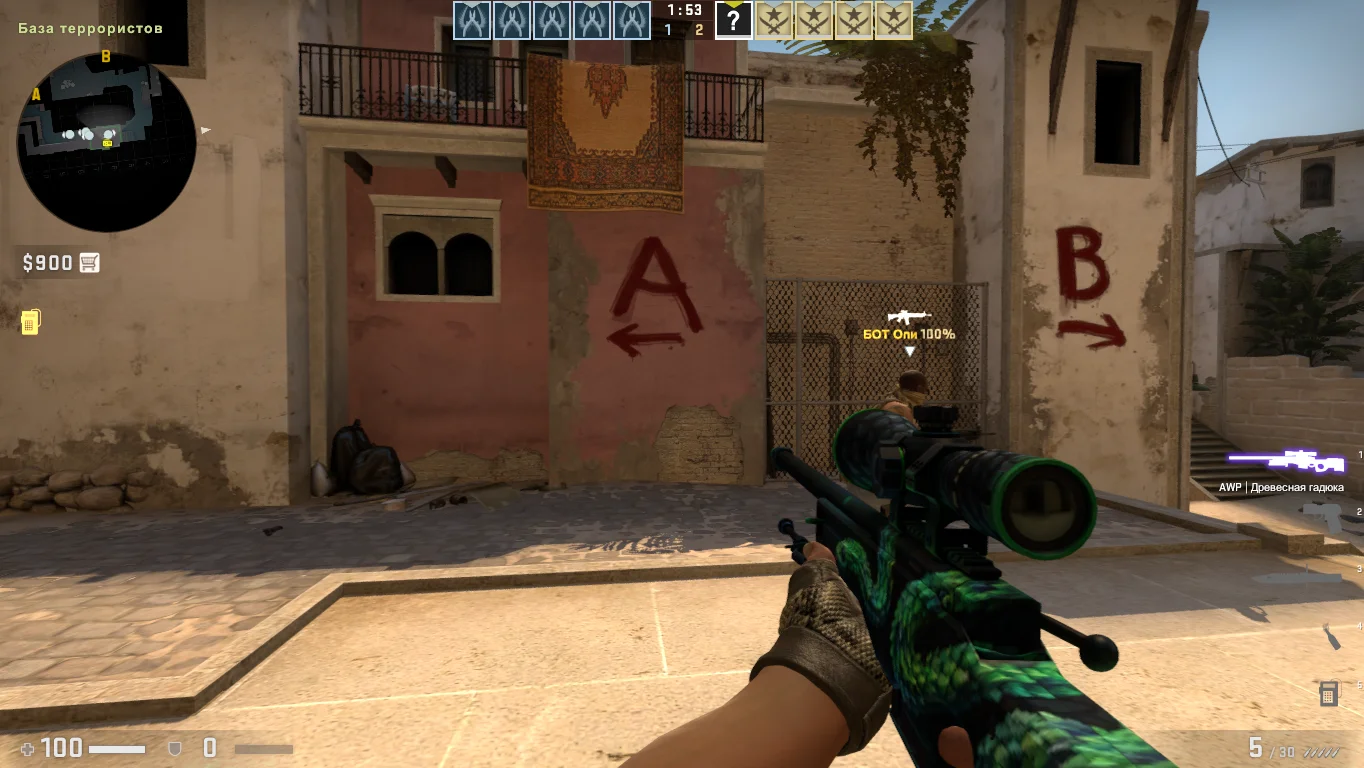
CS:GO 2014 is a great way to return to one of the most vivid and nostalgic versions of Counter-Strike: Global Offensive. In 2014, the game began gaining massive popularity due to major tournaments, the first big case updates, the introduction of the M4A1-S, AWP balance changes, and iconic skins that became legendary. This version is considered the "golden middle" — without modern additions, but already with an improved engine, decent graphics, and classic CS:GO gameplay.
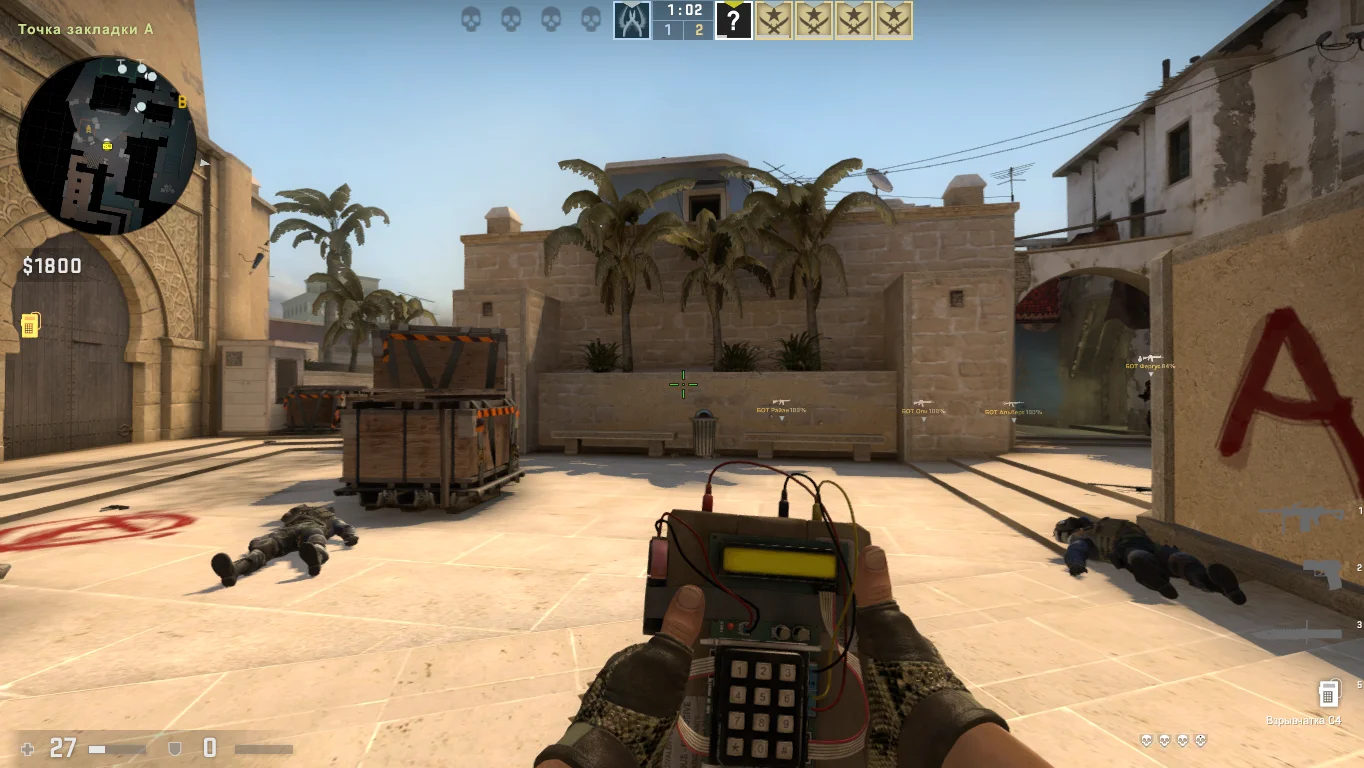
The CS:GO 2014 build includes all key updates released that year: old-style maps (including Dust2, Mirage, Inferno before redesign), original shooting mechanics, weapon models, and sounds. You’ll also find the classic CS:GO 2014 interface, which evokes nostalgia for many players today. The game works offline with bots, over a local network, and can connect to third-party servers. It does not require Steam and is well optimized for older and low-end computers.
You can download CS:GO 2014 for free and without registration. Installation is very simple — just extract the archive, launch the launcher, and start playing. The build contains no viruses, ads, or extra files — just a clean and stable version of CS:GO, exactly as it was in 2014. Perfect for players who want to see how the game looked before major updates or simply enjoy the old CS:GO that millions loved.
Features of the CS:GO 2014 build:
• Original 2014 interface and mechanics
• Classic maps before redesign (Dust2, Mirage, Inferno)
• Functional cases and skins from that period
• Shooting and weapon balance as in 2014
• Playable offline
• Local network support
• Excellent optimization for low-end PCs
• No ads, viruses, or third-party software
System Requirements and Installation of CS:GO 2014:
System Requirements:
• OS: Windows XP / 7 / 8 / 10
• Processor: from 2.0 GHz
• RAM: from 2 GB
• Graphics card: from 512 MB, DirectX 9 support
• Free disk space: 7–8 GB
Installation Instructions:
• Download the CS:GO 2014 archive
• Extract it to the chosen folder
• Run setup.exe or launcher.exe
• Wait for the installation to finish
• Configure graphics and control settings
• Play — offline or over a local network
Знакомство с персонажами
В игре противопоставлены две команды: террористы и контр-террористы. Каждая из сторон обладает некоторыми возможностями и тактическими приемами, что делает сражения интересными. Выбирайте желаемую сторону и приступайте к боевым действиям.
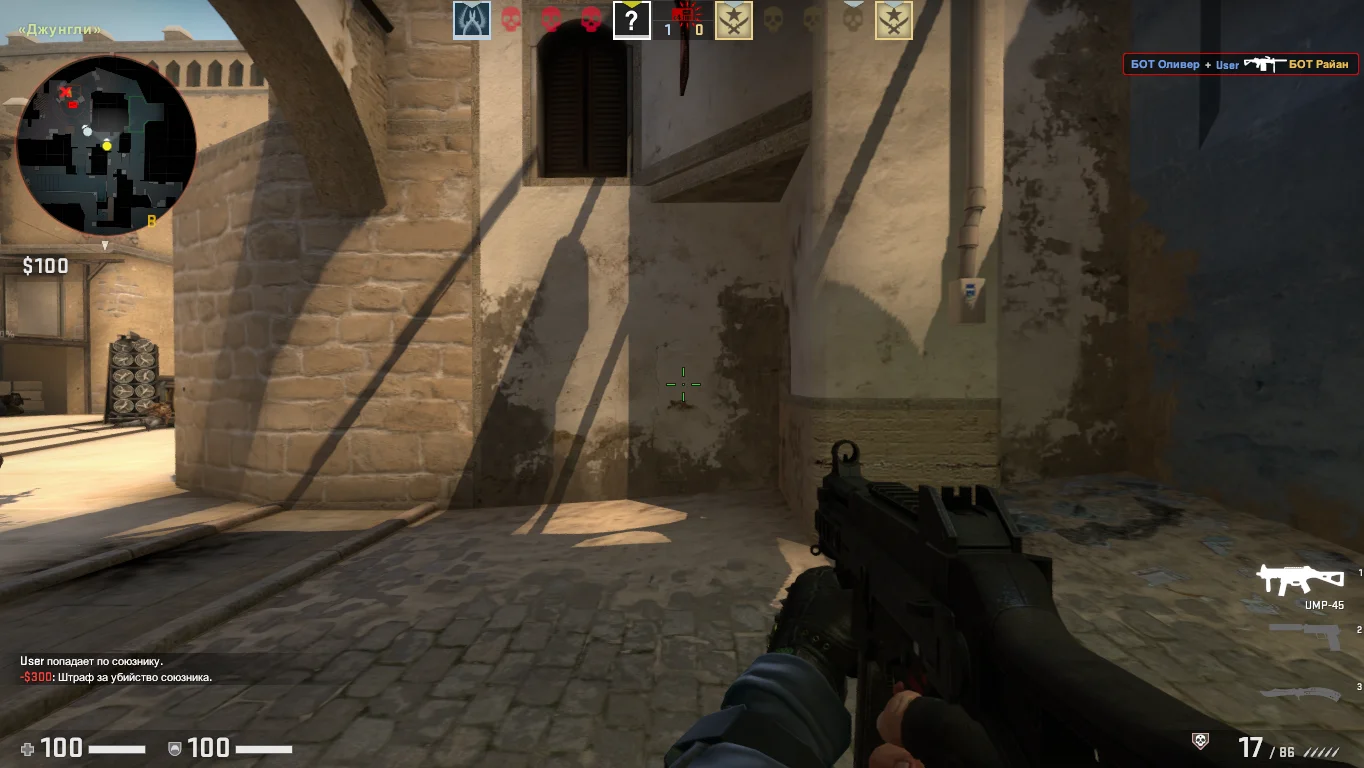
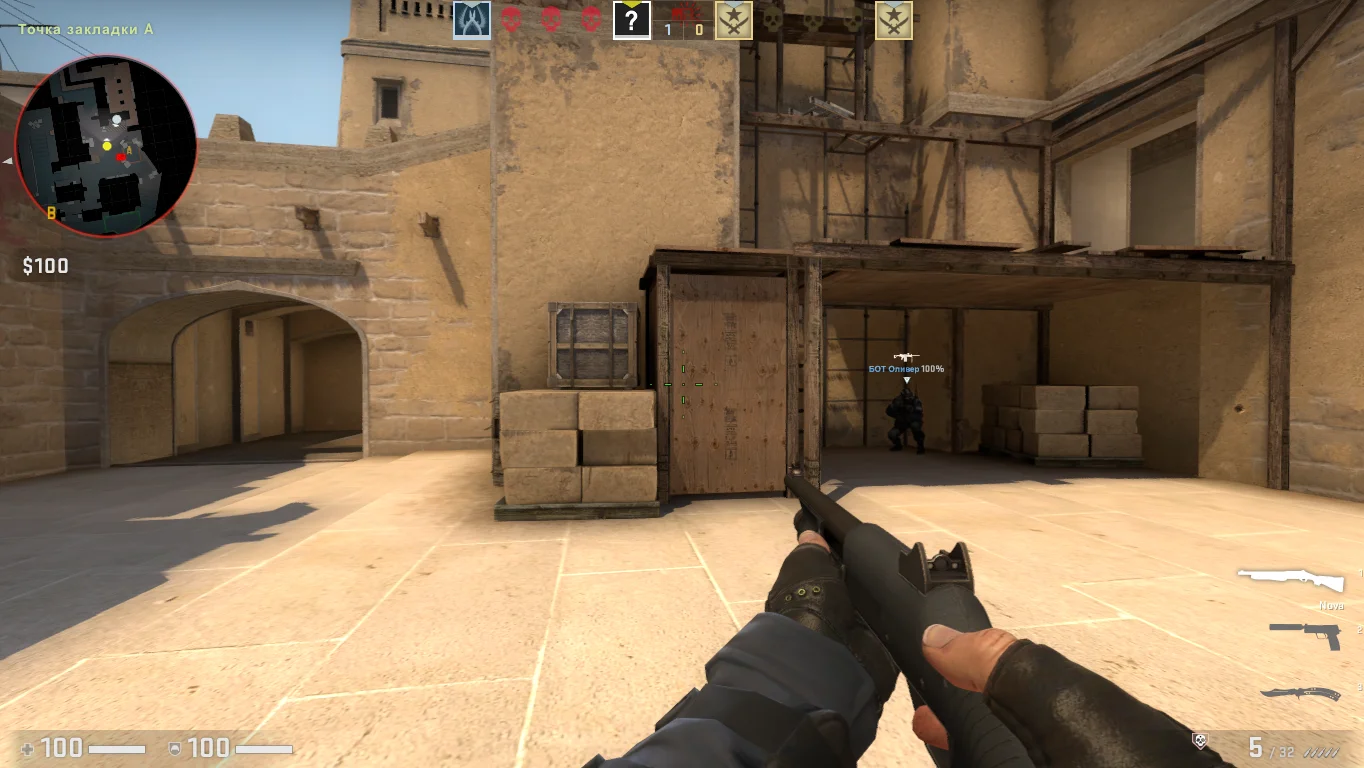
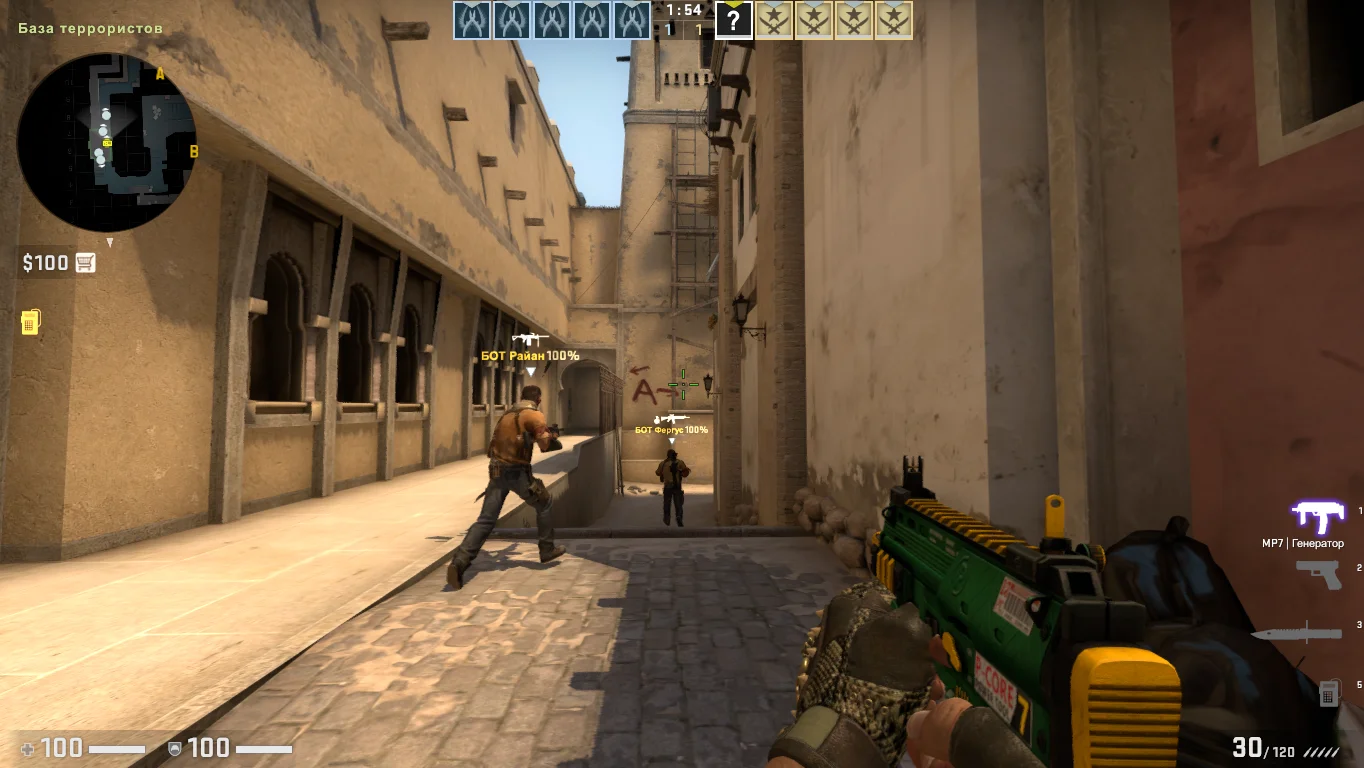
Особенности захватчиков
Террористы располагают арсеналом разнообразного оружия, взрывчатых веществ и могут прибегать к различным стратегиям, таким как установка взрывных устройств или захват заложников и удержание в каких-то зданиях.
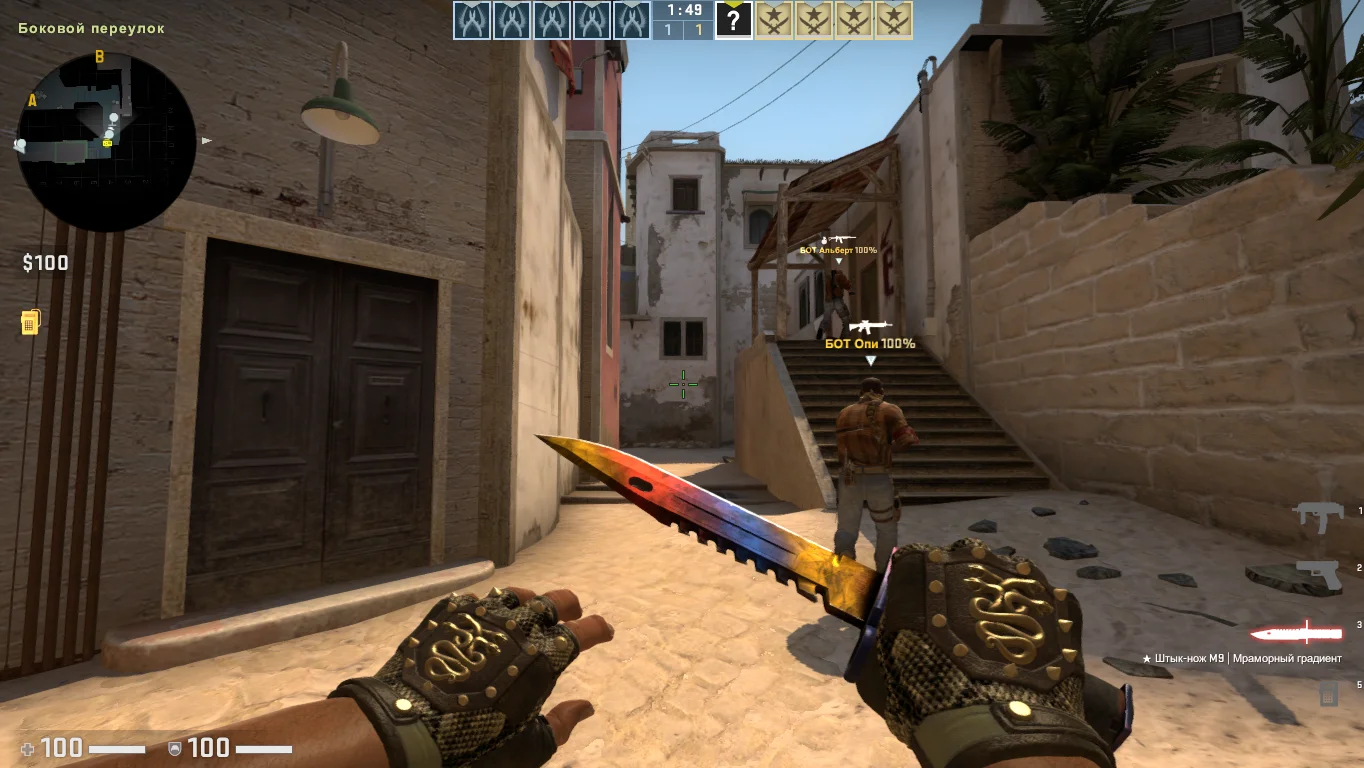
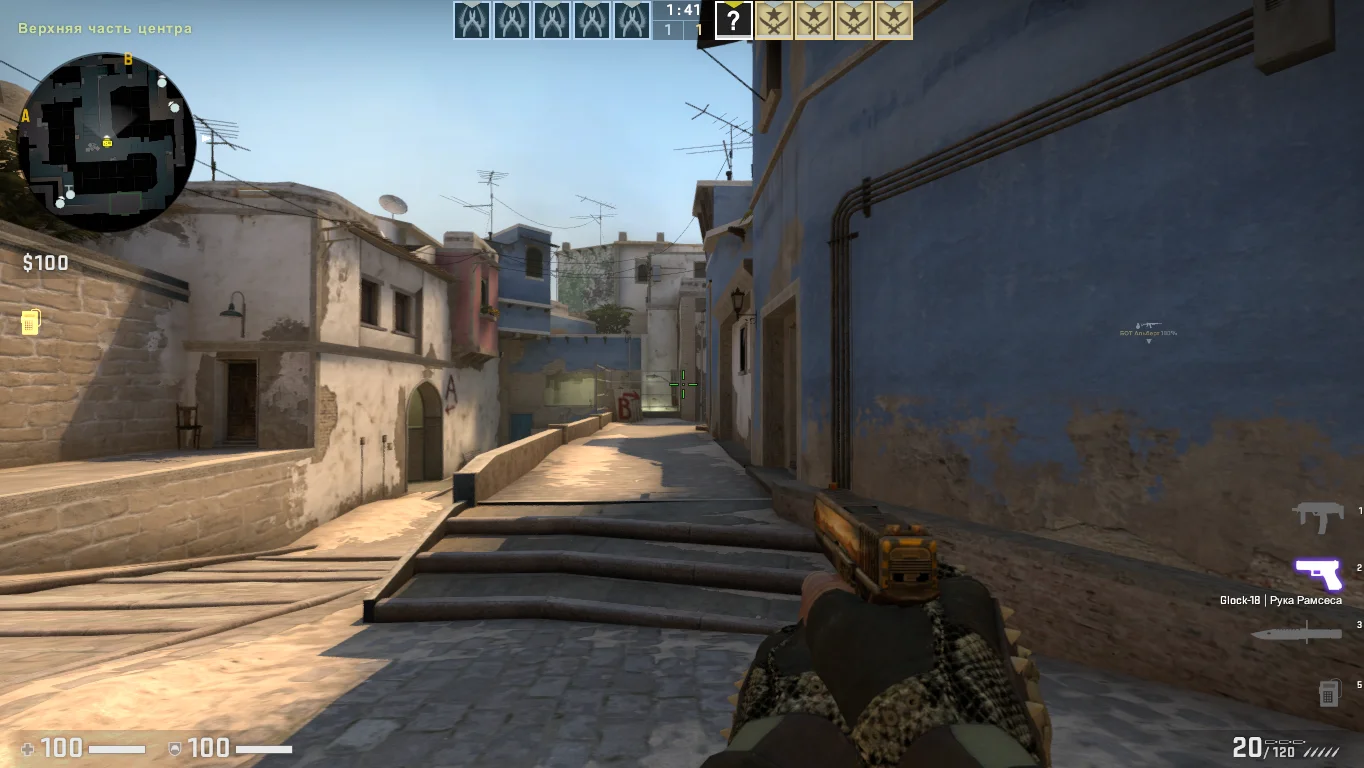
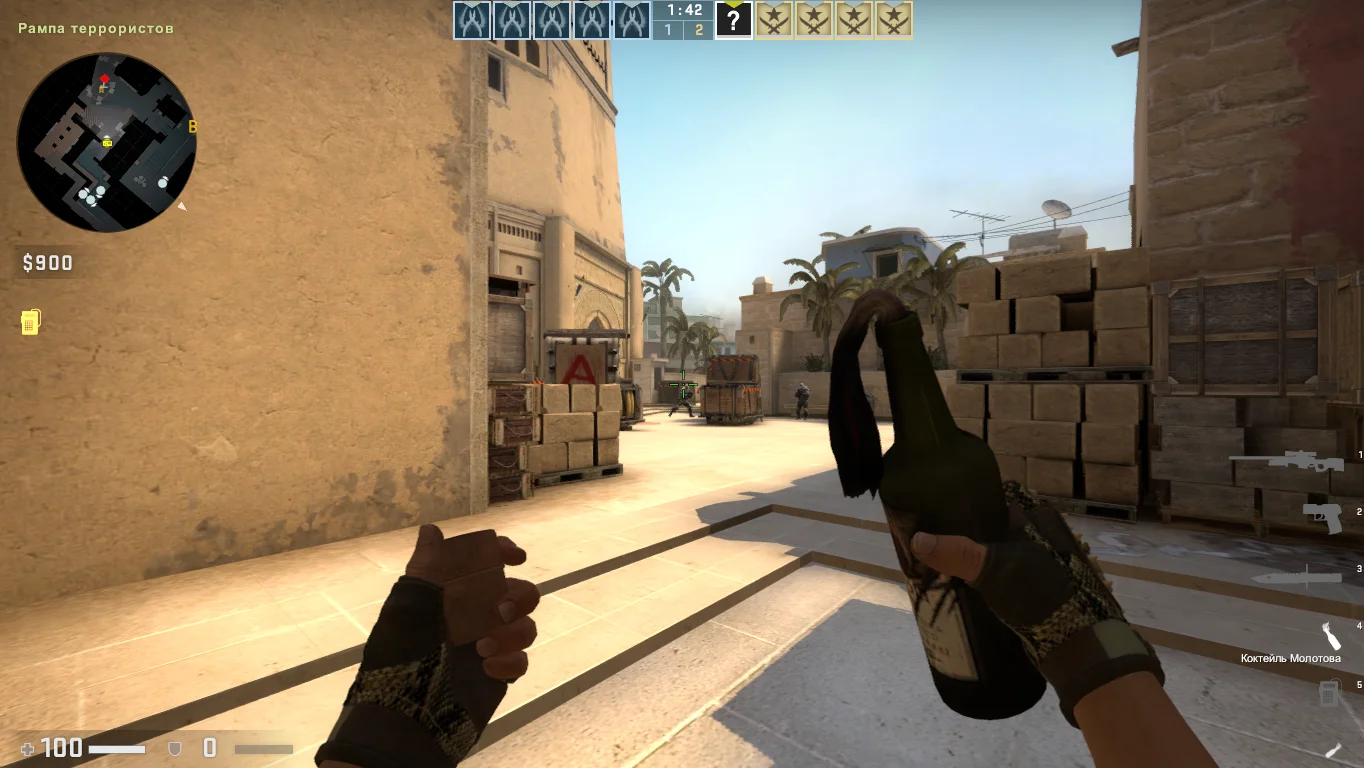
Спецназовцы в игре
Подразделение по борьбе с террористами, в свою очередь, оснащено более совершенным вооружением и снаряжением, что повышает его эффективность в противостоянии, а также они имеют инструменты для разминирования взрывчатки.