Home
Home
 CS 1.6 Builds
 CS:GO Builds
 CS:S Builds
 CS2 Builds

Download CS:GO Beta Version
 Русская версия
 С ботами и серверами
 Работает на всех Windows (от XP до 11)
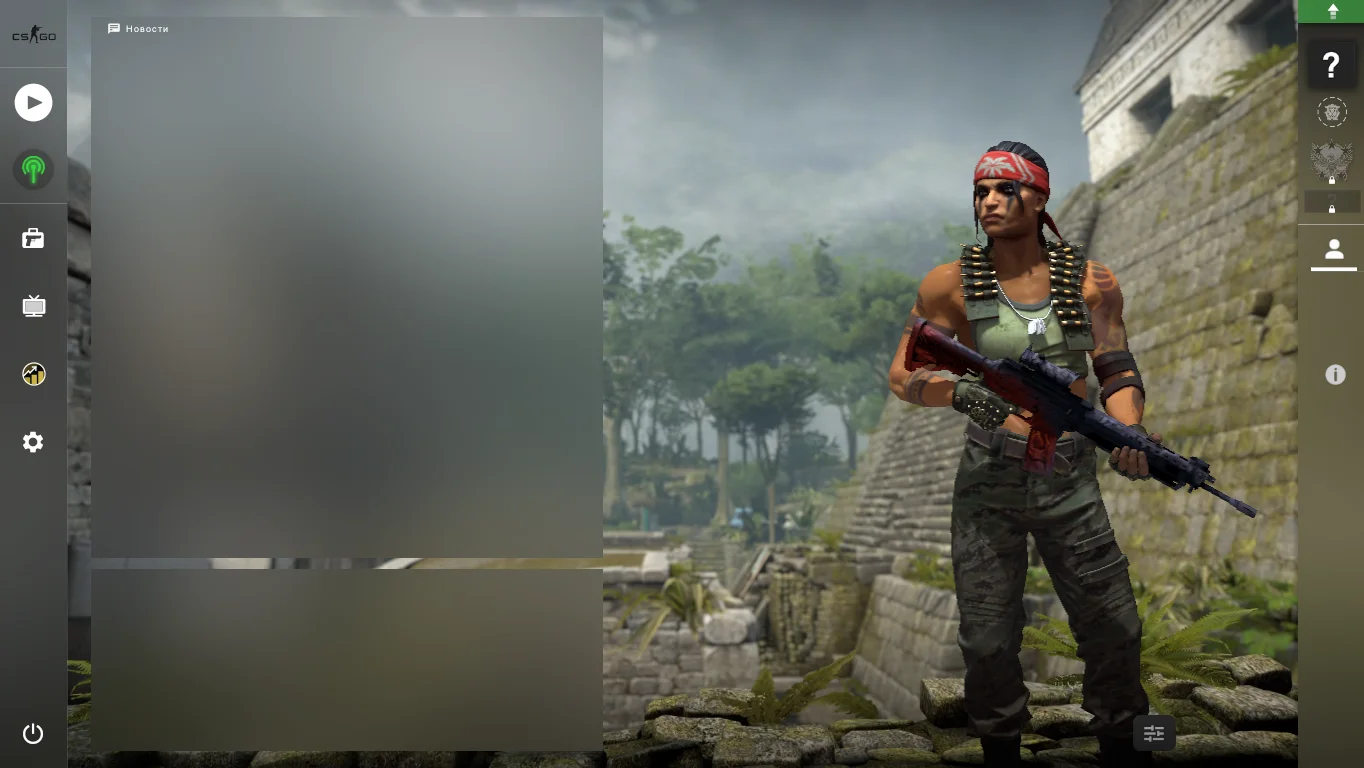
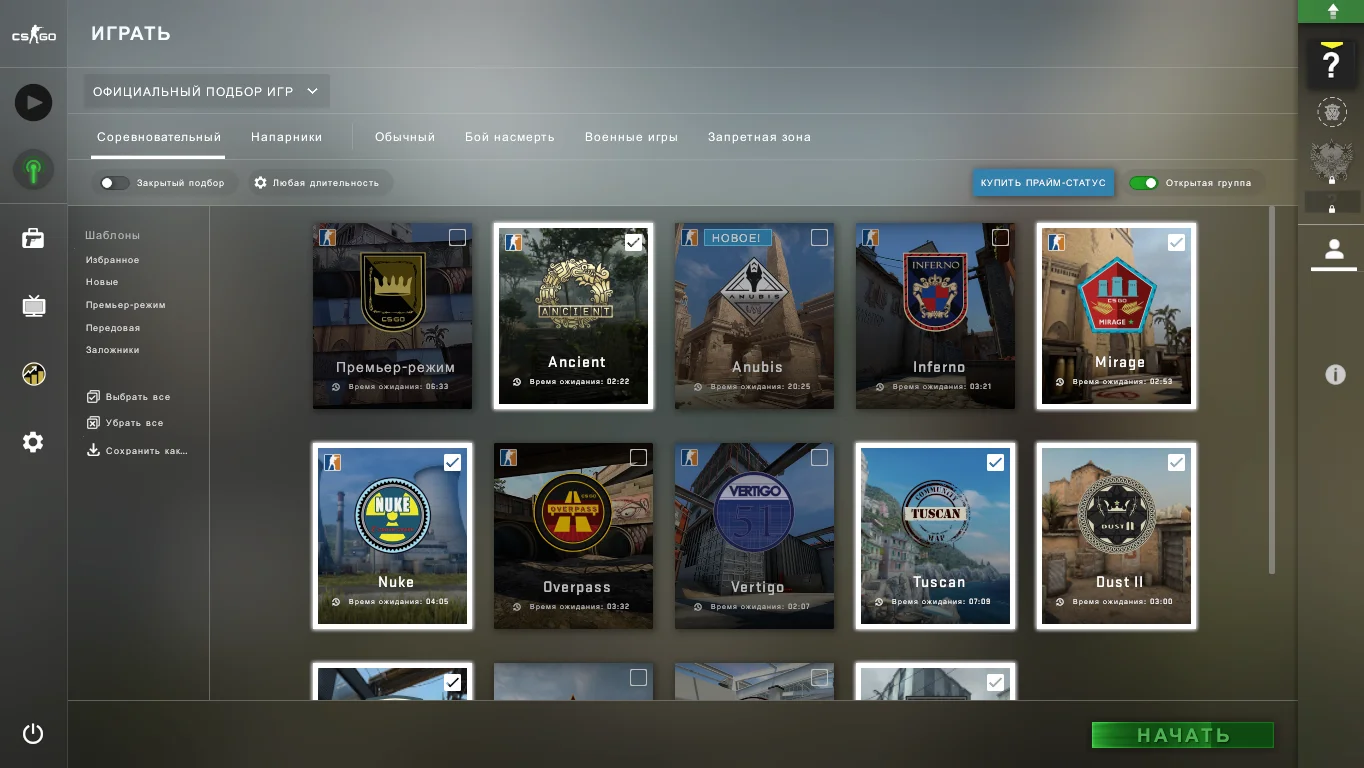
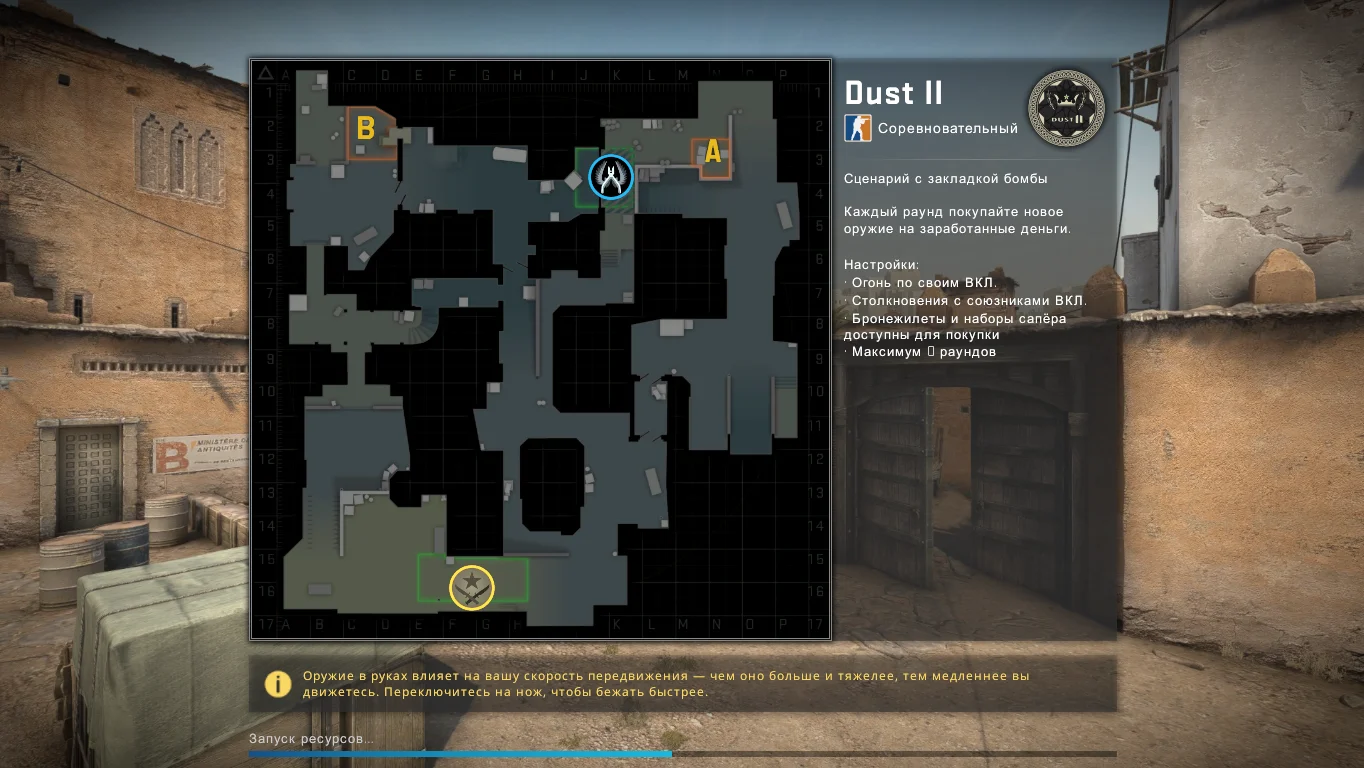
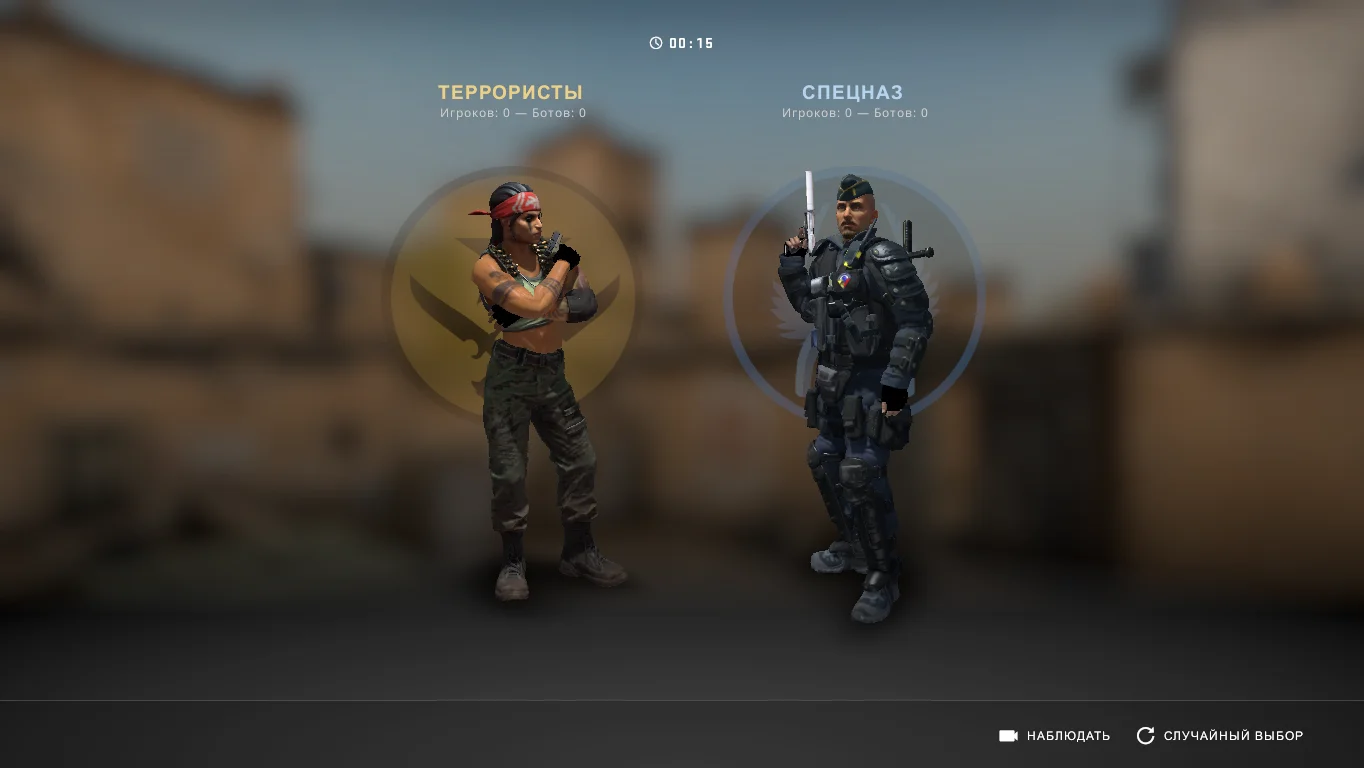
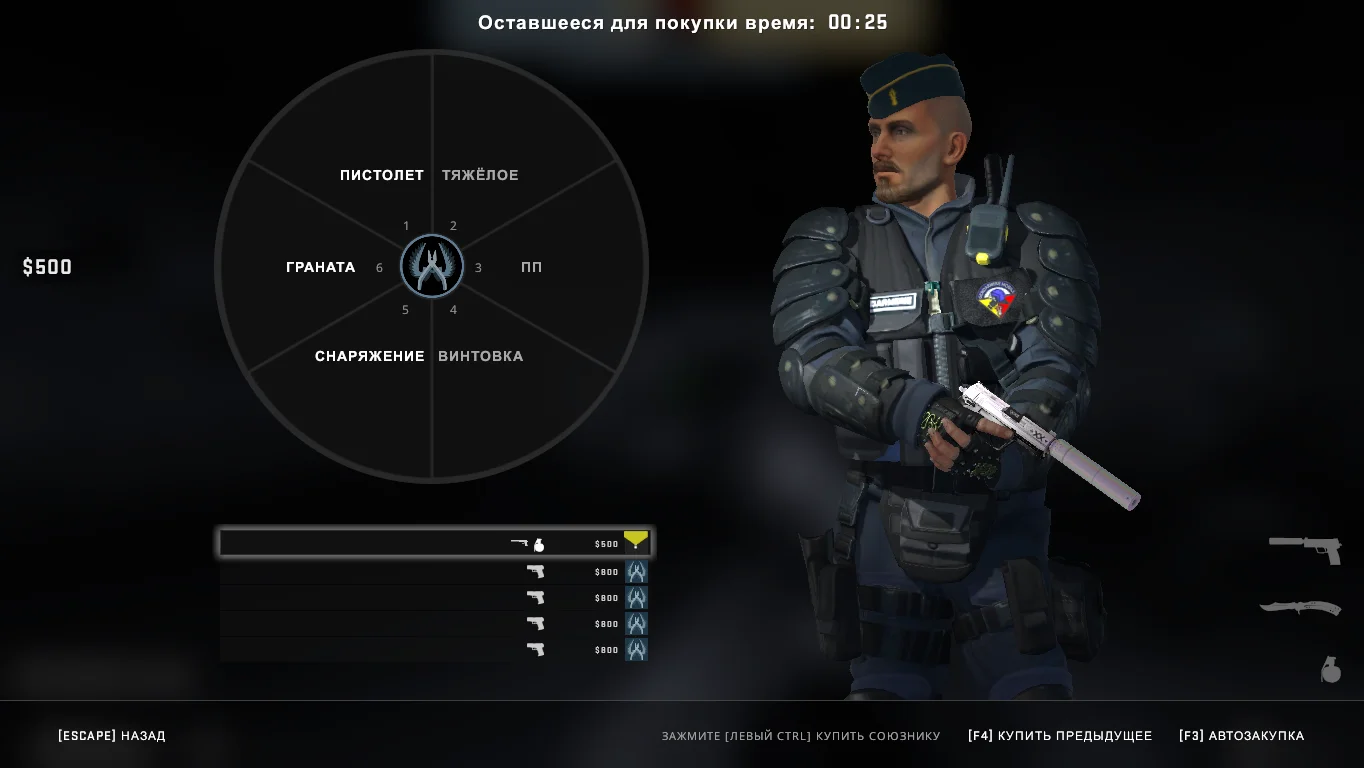
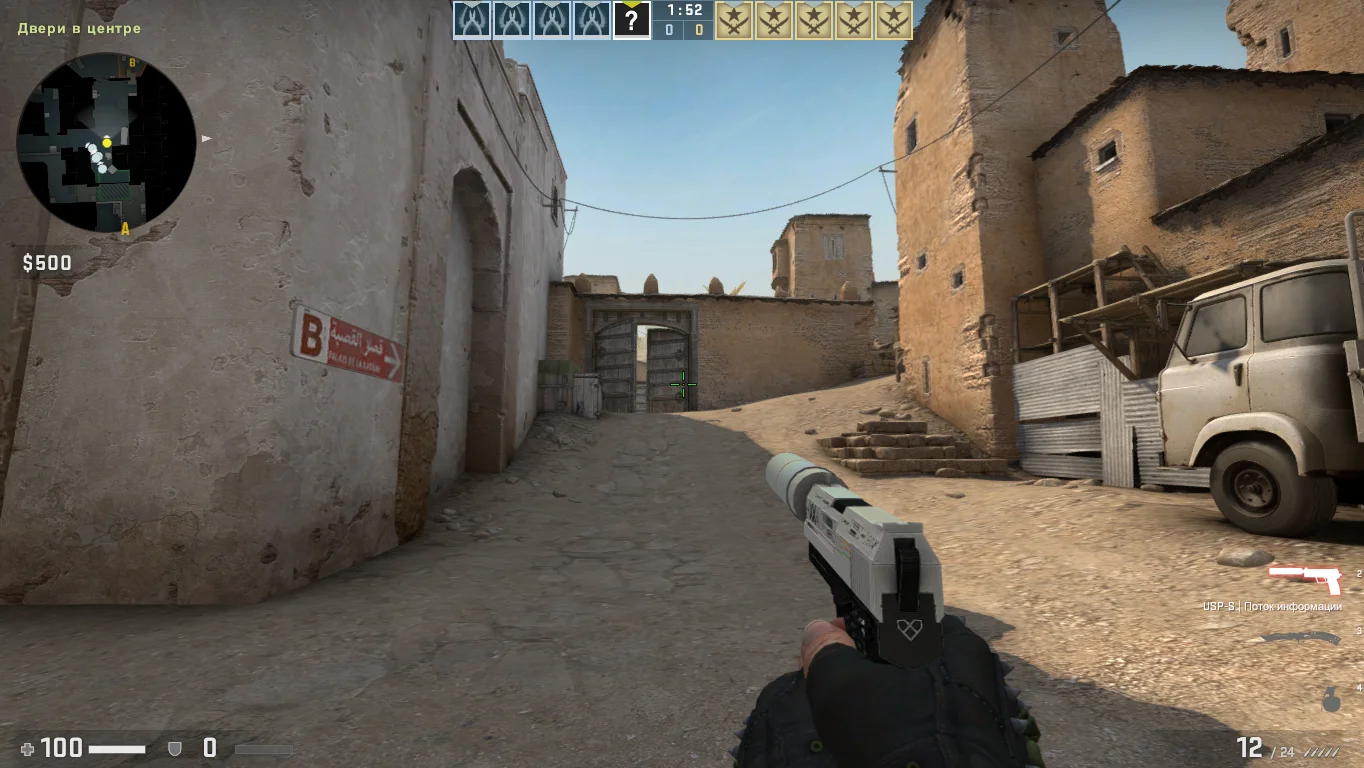
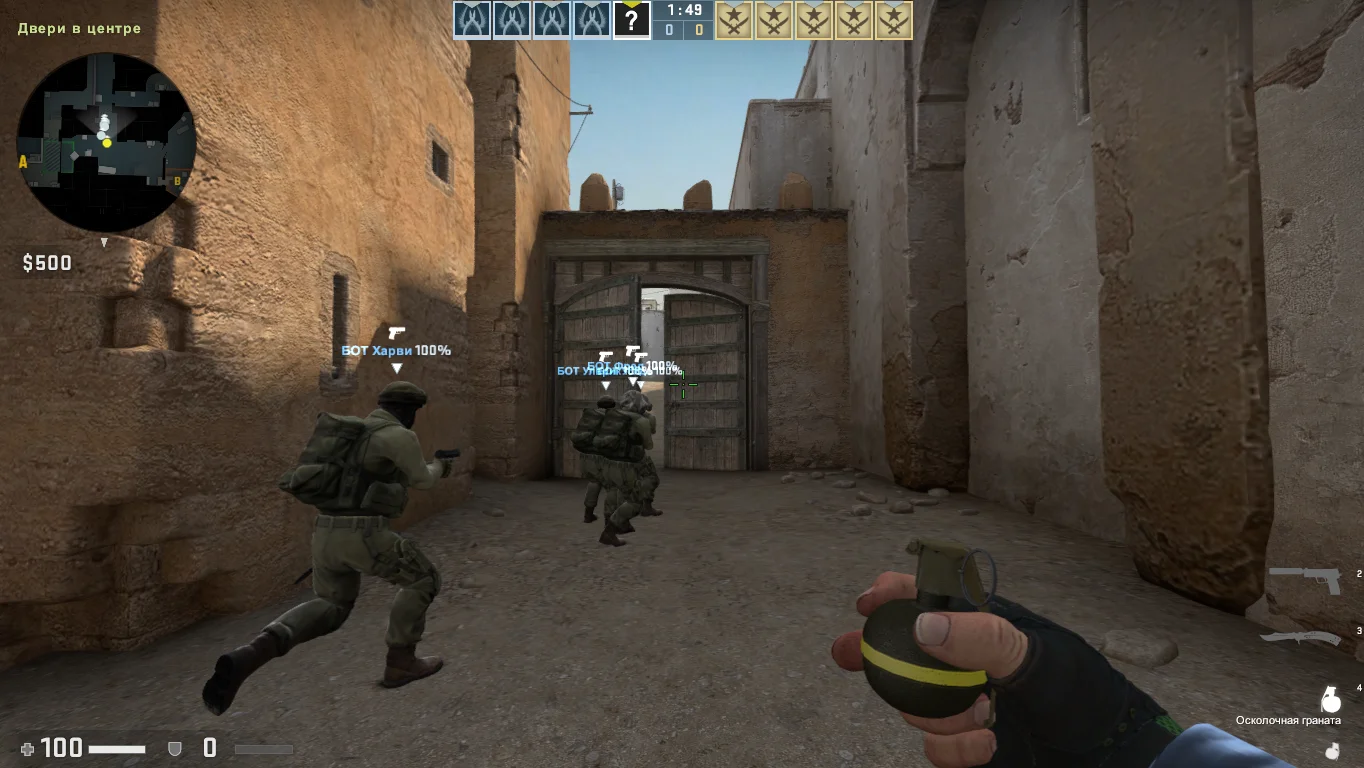
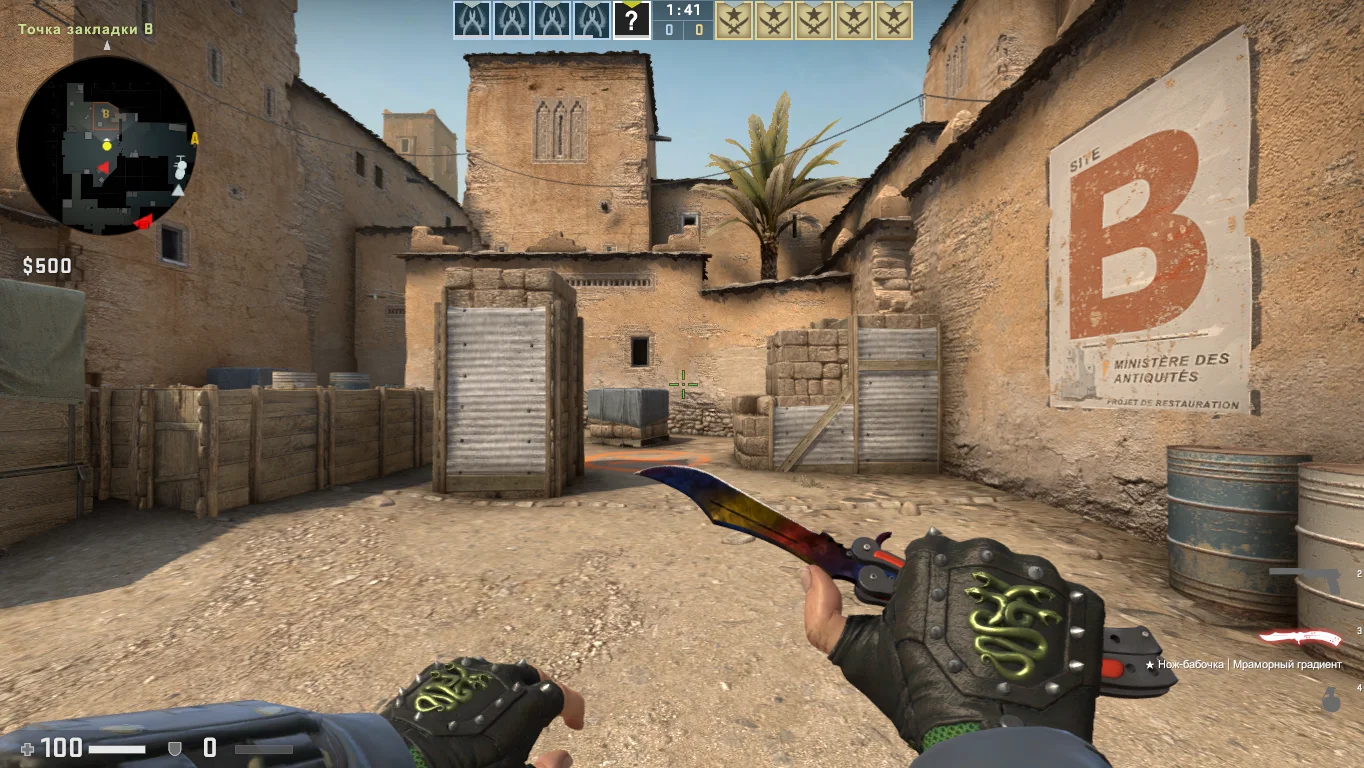
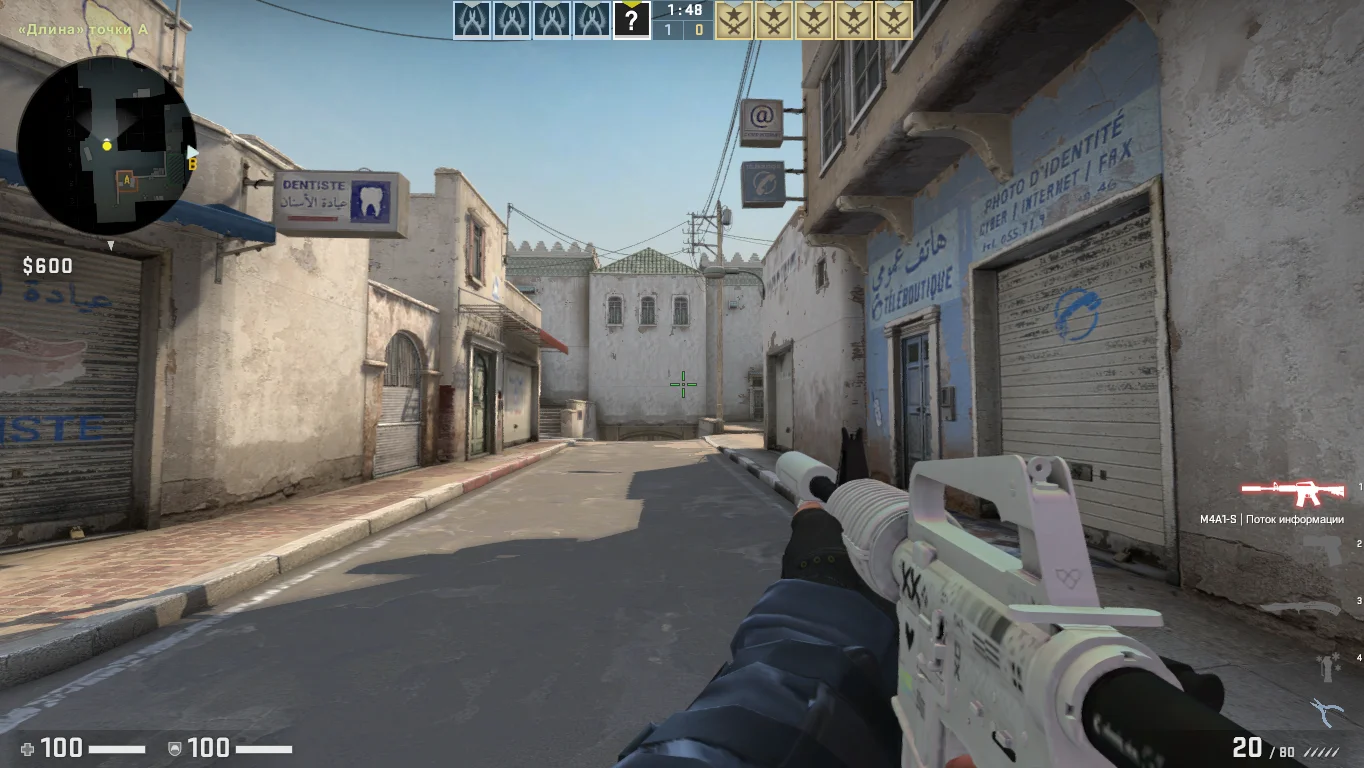
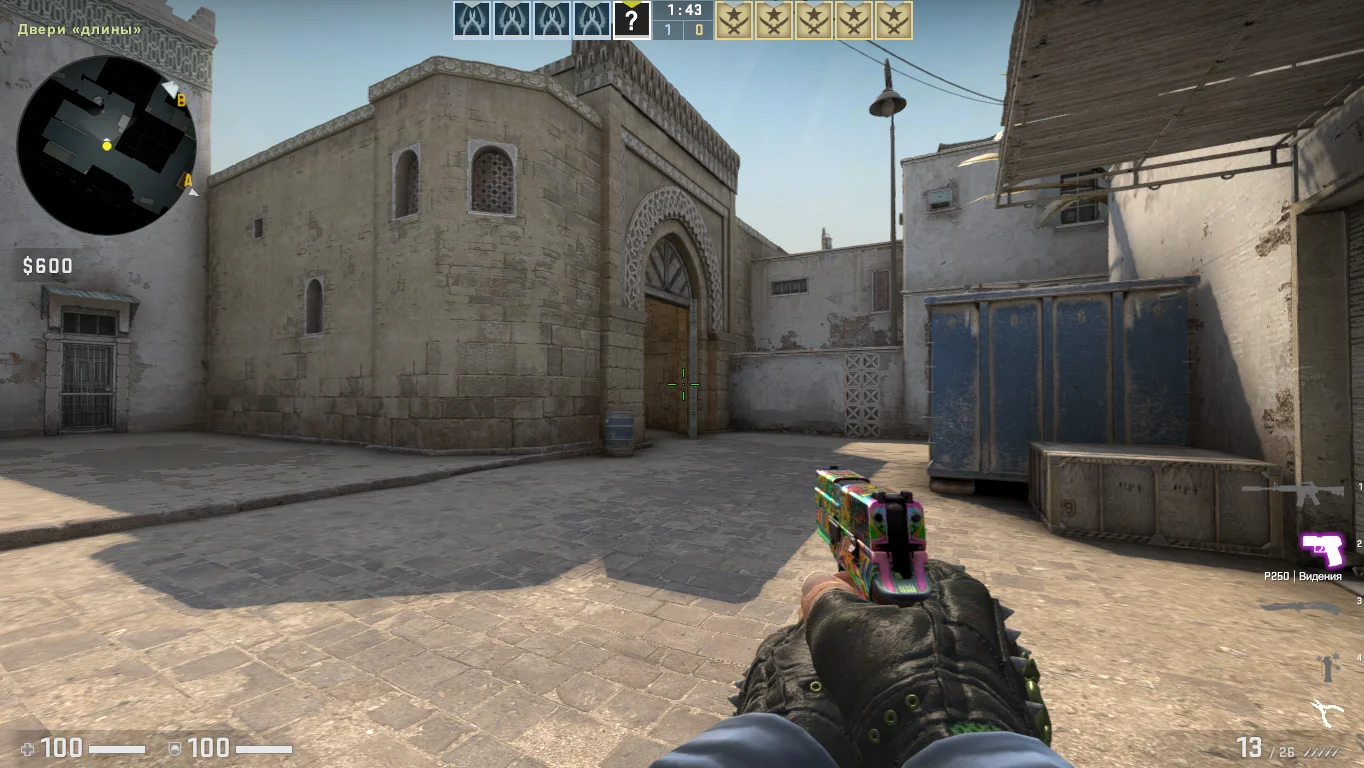
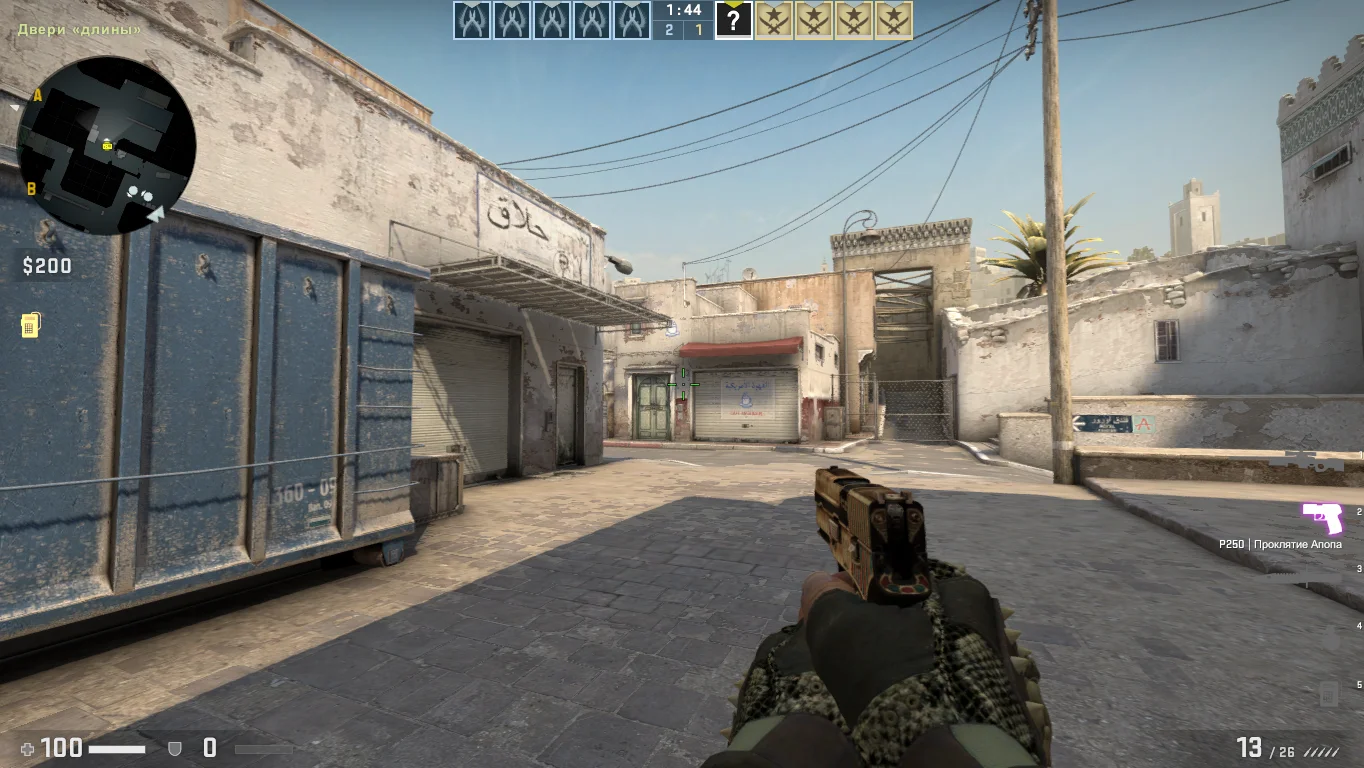
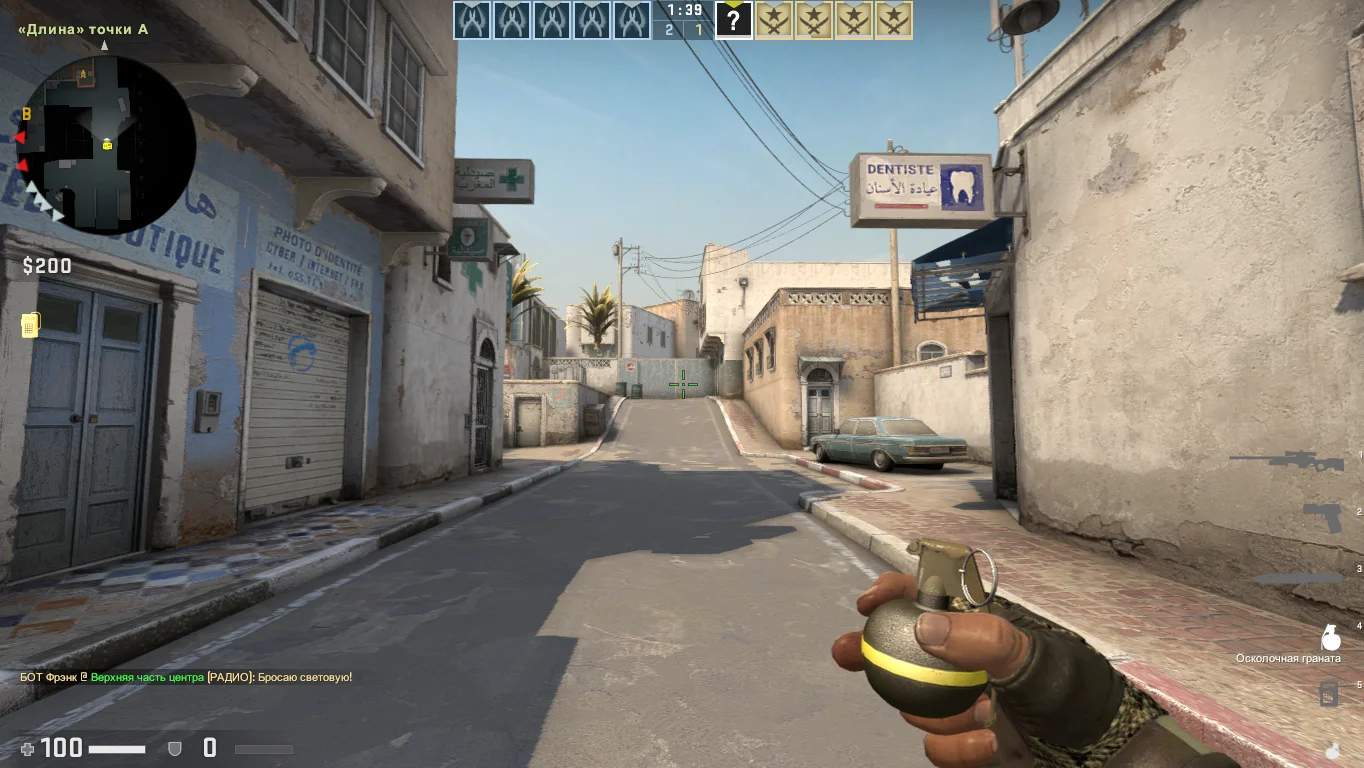
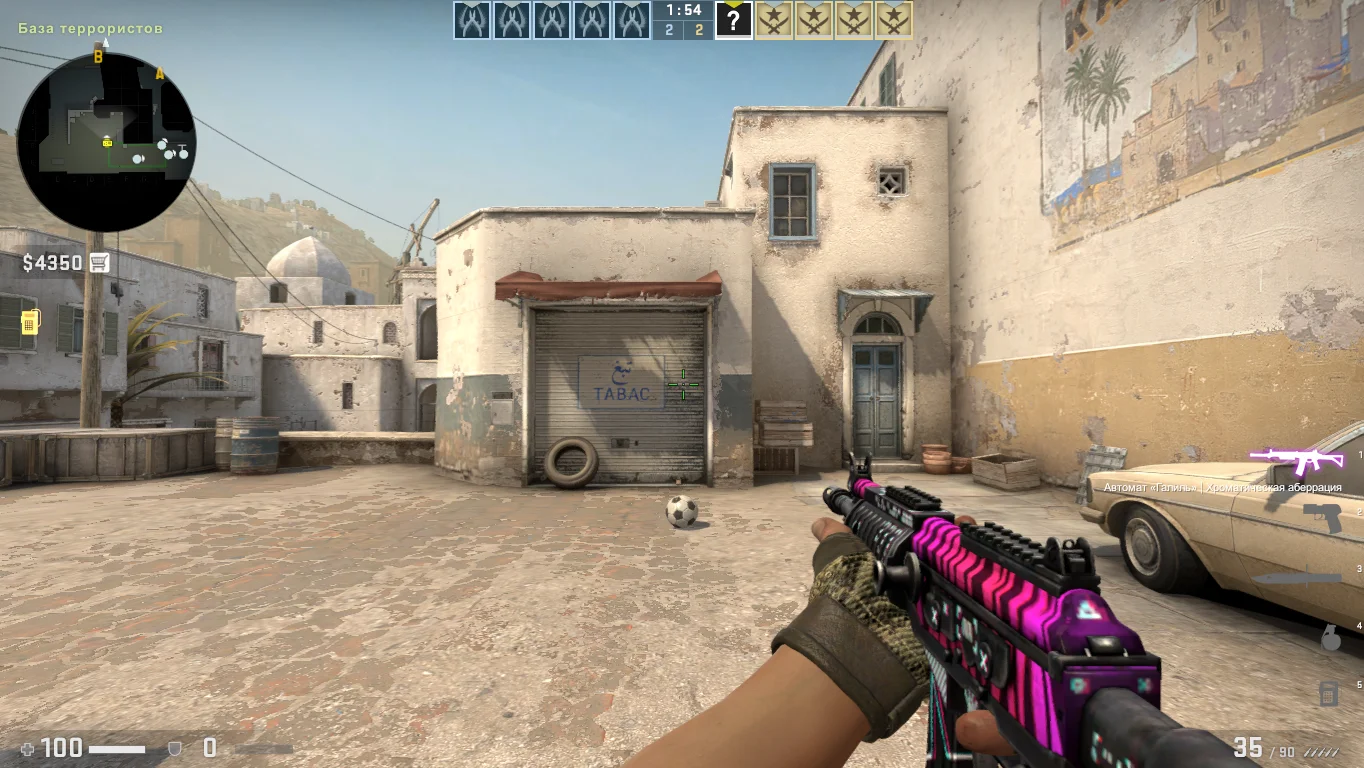
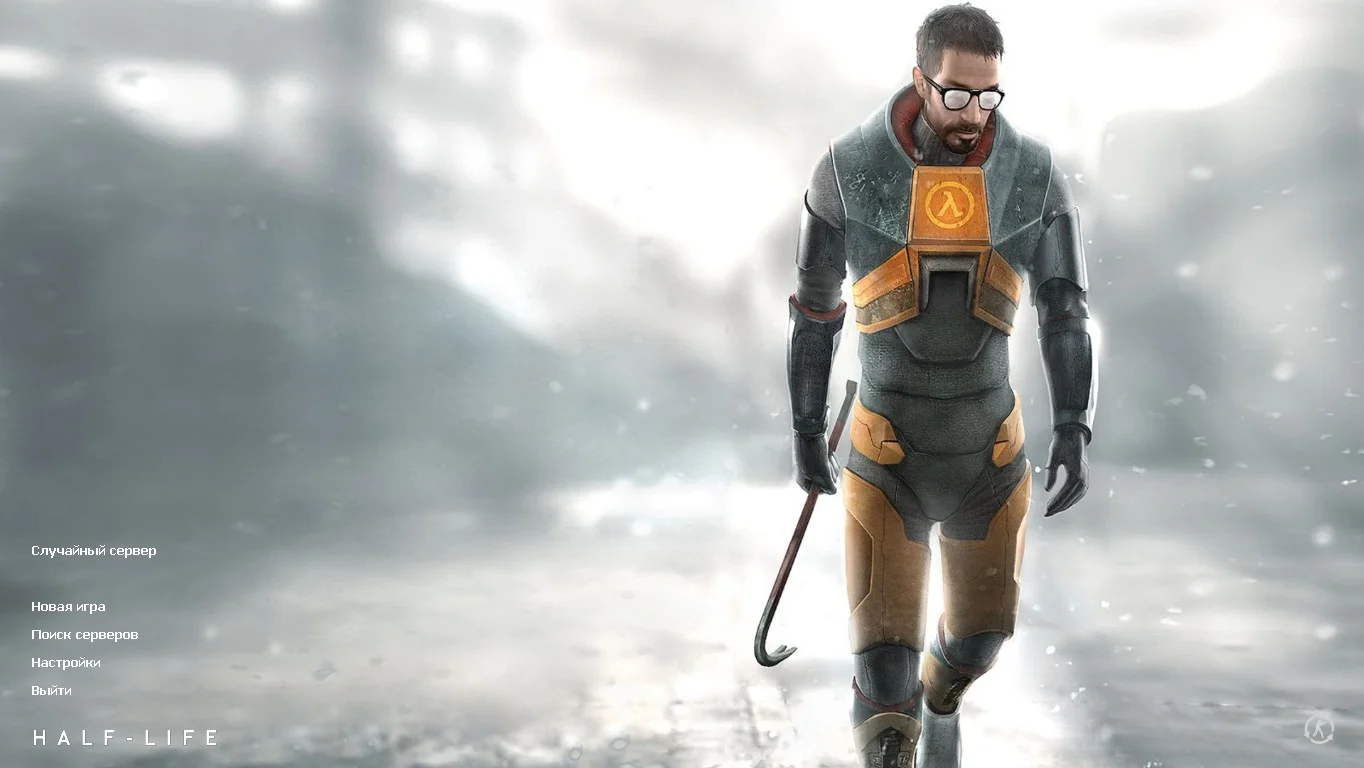
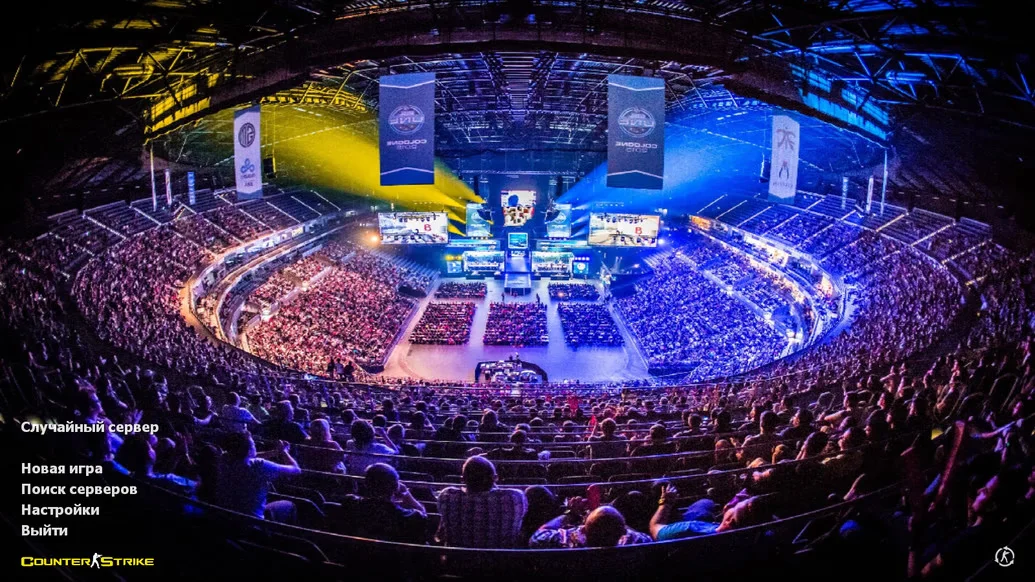
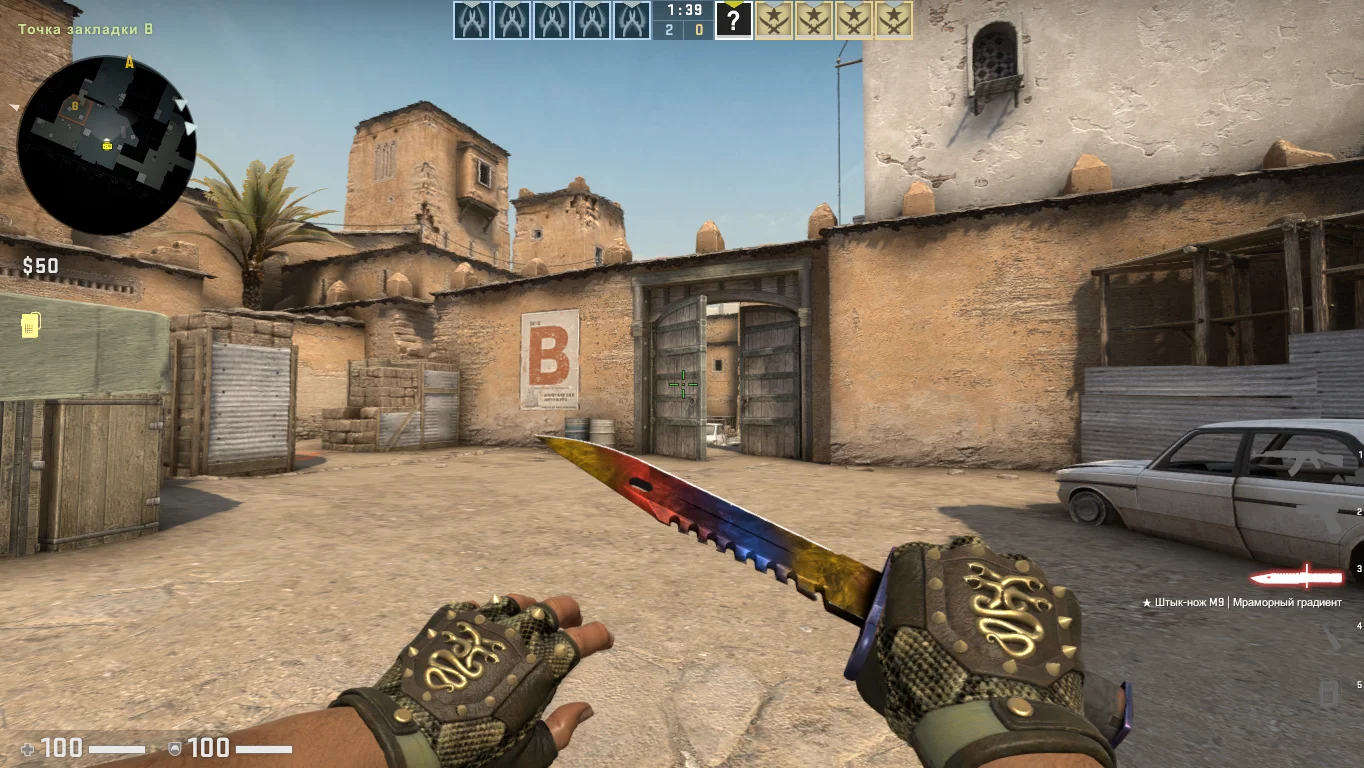
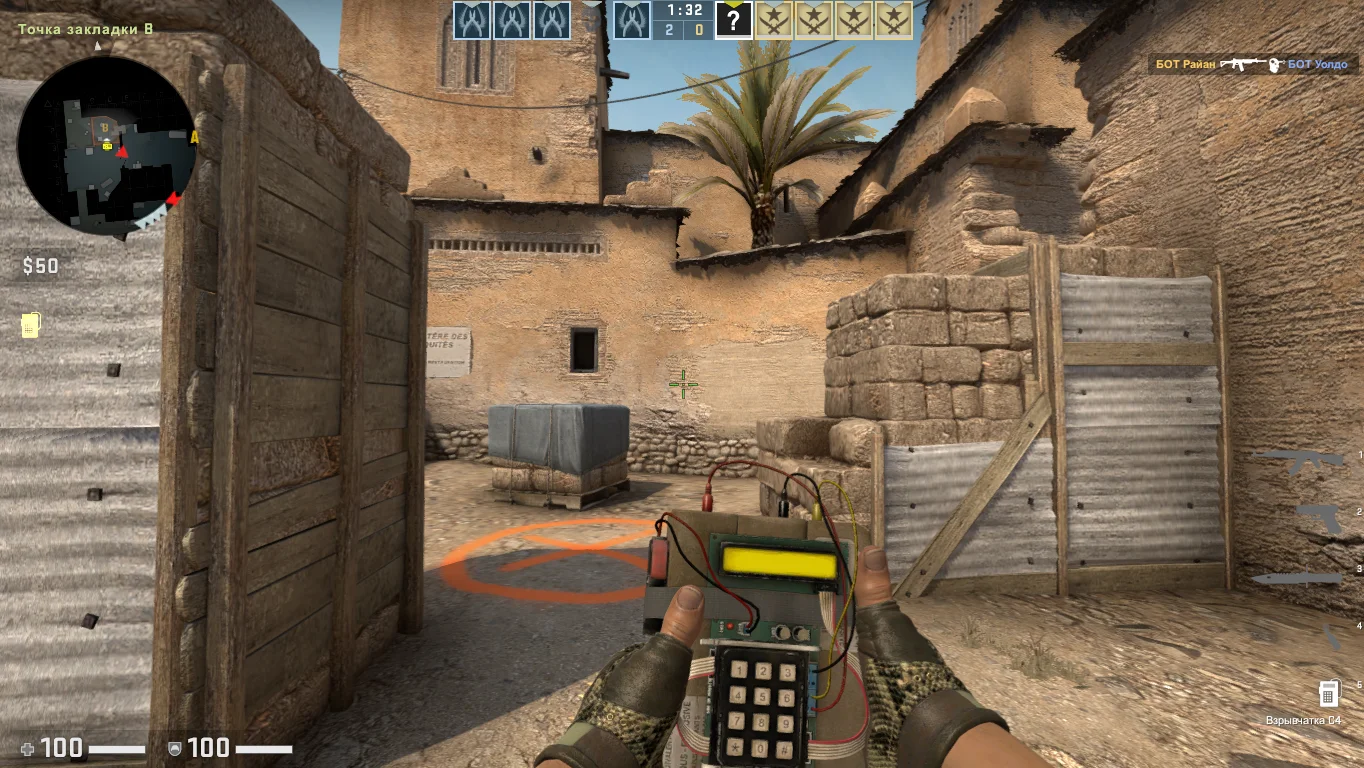
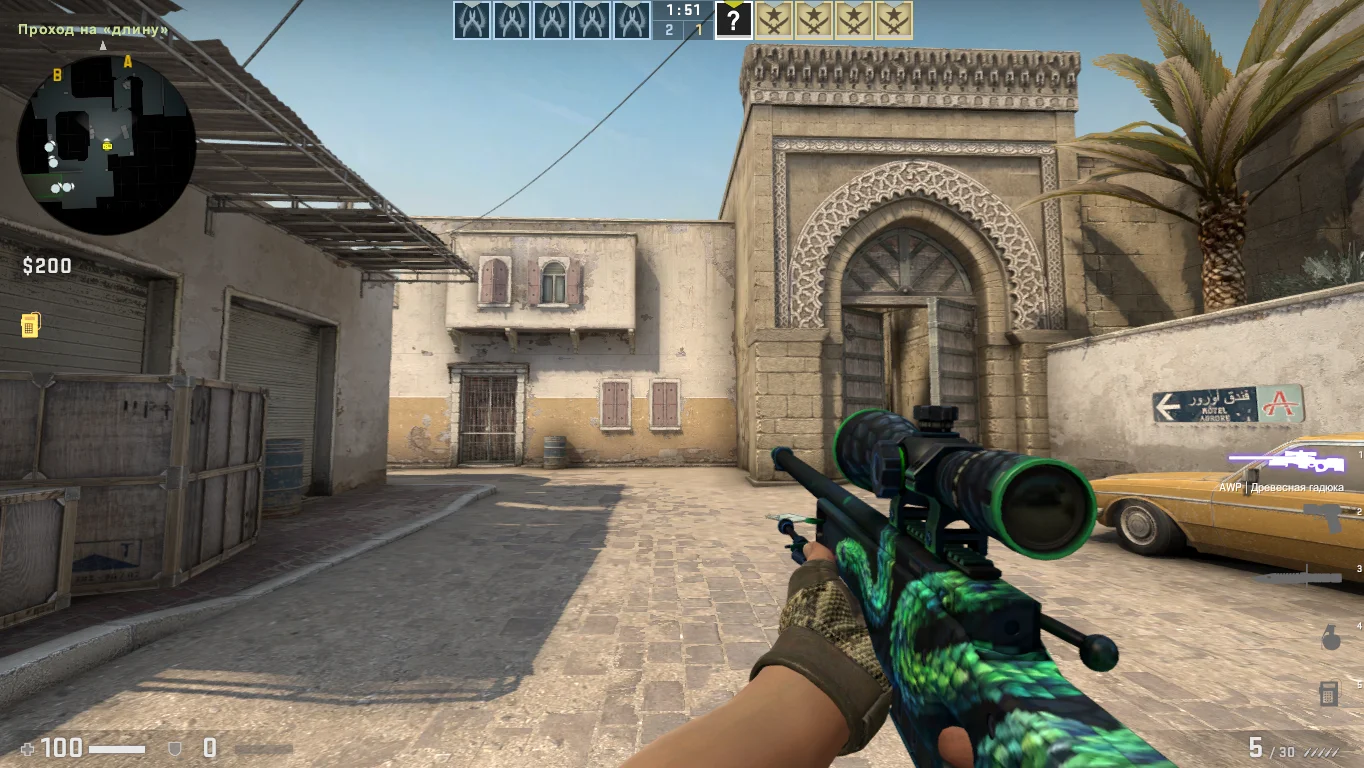
CS:GO Beta Version is a unique opportunity to experience the early stage of one of the world’s most popular games — Counter-Strike: Global Offensive. In the beta version, the foundation for the future gameplay was formed, with the first tests of graphics, models, shooting mechanics, and maps. This build is a true find for those who want to see how it all began and compare CS:GO before its official release and mass popularity.
The CS:GO Beta Version includes original prototype maps, early weapon and character models, and the distinctive atmosphere of the time when developers were balancing between classic CS 1.6 and the new Source engine. Despite its simplicity, this version runs well even on low-end PCs and does not require high performance. The game supports both offline mode with bots and connection to servers or local networks, allowing you to enjoy the old-school CS:GO experience with friends.
You can download the CS:GO Beta Version for free and without registration. Installation is very simple, the interface is clear, and the game is fully functional. This version contains no extra files, viruses, or modifications — just the clean, original beta of Counter-Strike: Global Offensive. If you want to see the evolution of this legendary game, feel nostalgic, or simply diversify your experience, the CS:GO Beta Version is an excellent choice.
Features of the CS:GO Beta Version build:
• Early prototypes of weapons, maps, and interface
• Classic gameplay in beta form
• Support for offline mode and LAN play
• Excellent optimization for low-end PCs
• No viruses, ads, or extra files
• Unique historical gaming experience
• Quick installation and easy launch
System Requirements and Installation of CS:GO Beta Version:
System Requirements:
• OS: Windows XP / 7 / 8 / 10
• Processor: from 1.5 GHz
• RAM: from 2 GB
• Graphics card: DirectX 9.0 compatible
• Disk space: from 6 GB
• Supports LAN and offline play
Installation Instructions:
• Download the CS:GO Beta Version archive
• Extract it to a convenient location
• Run setup.exe or launcher.exe
• Wait for the installation to complete
• Configure controls and graphics
• Play — with bots or online
Запуск на всех устройствах
Версия представляет собой ранний клиент, поэтому она оптимизирована для запуска на устройствах с ограниченными ресурсами, таких как компьютеры или ноутбуки с низкой производительностью. Не упустите момент скачать клиент по прямой ссылке.
В поиске разные сервера
Сборка включает сервера различных модификаций, позволяющие выбрать желаемый формат сражений, после чего насладиться динамичным игровым процессом. Устанавливайте версию любым удобным способом.