Home
Home
 CS 1.6 Builds
 CS:GO Builds
 CS:S Builds
 CS2 Builds

Download CS 1.6 with Alternative Cheat
 Русская версия
 С ботами и серверами
 Работает на всех Windows (от XP до 11)
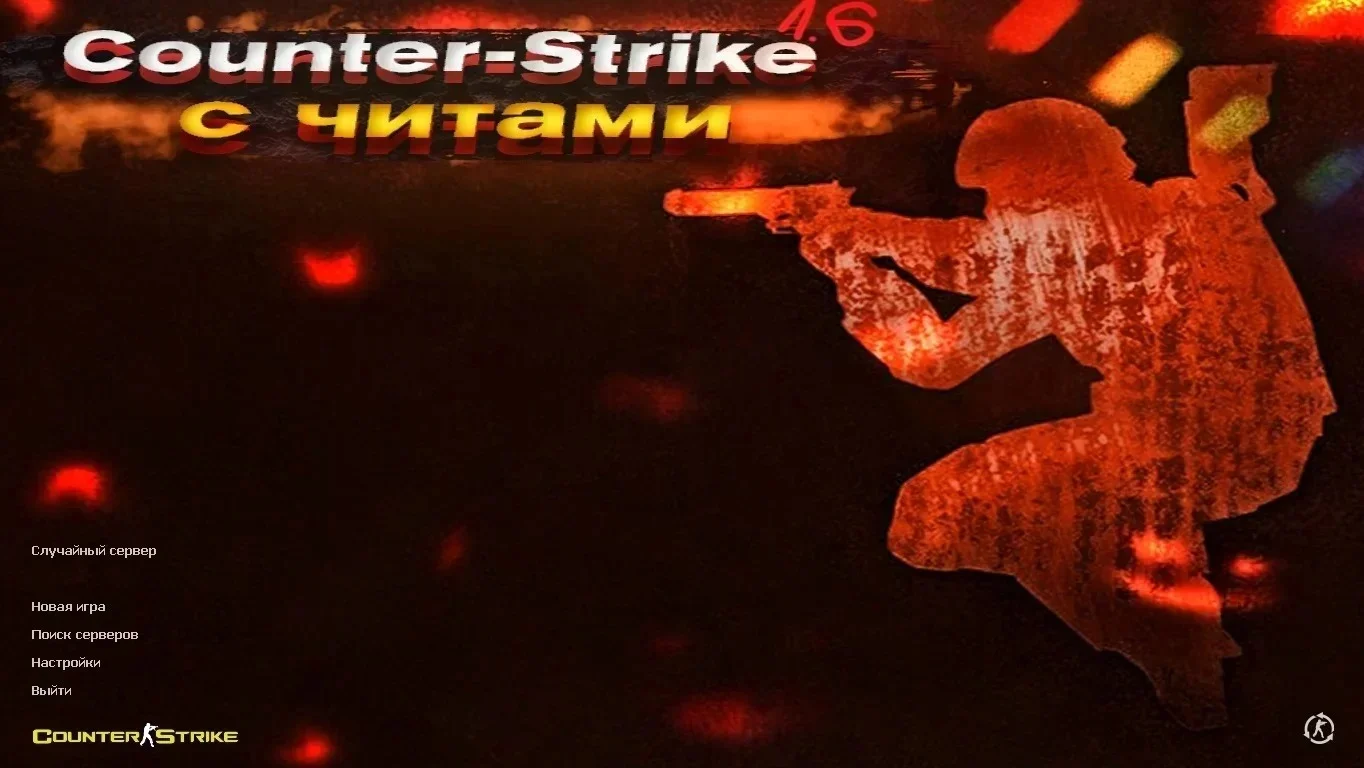
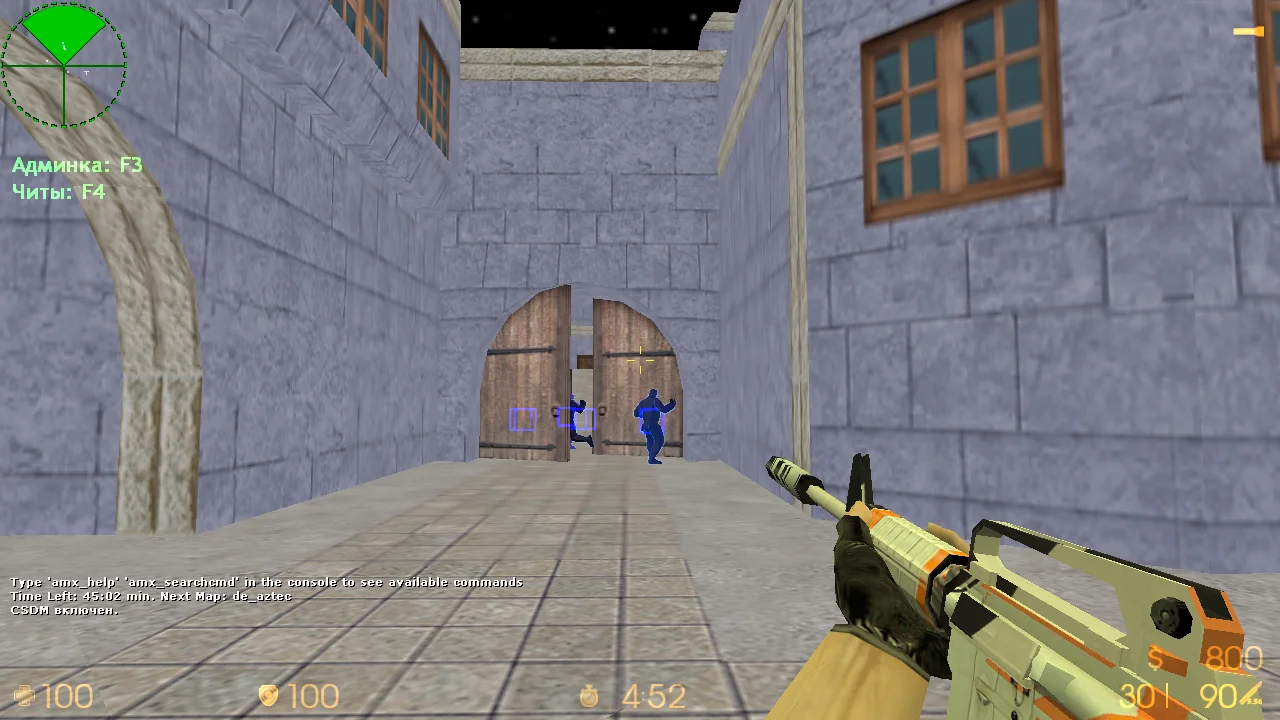
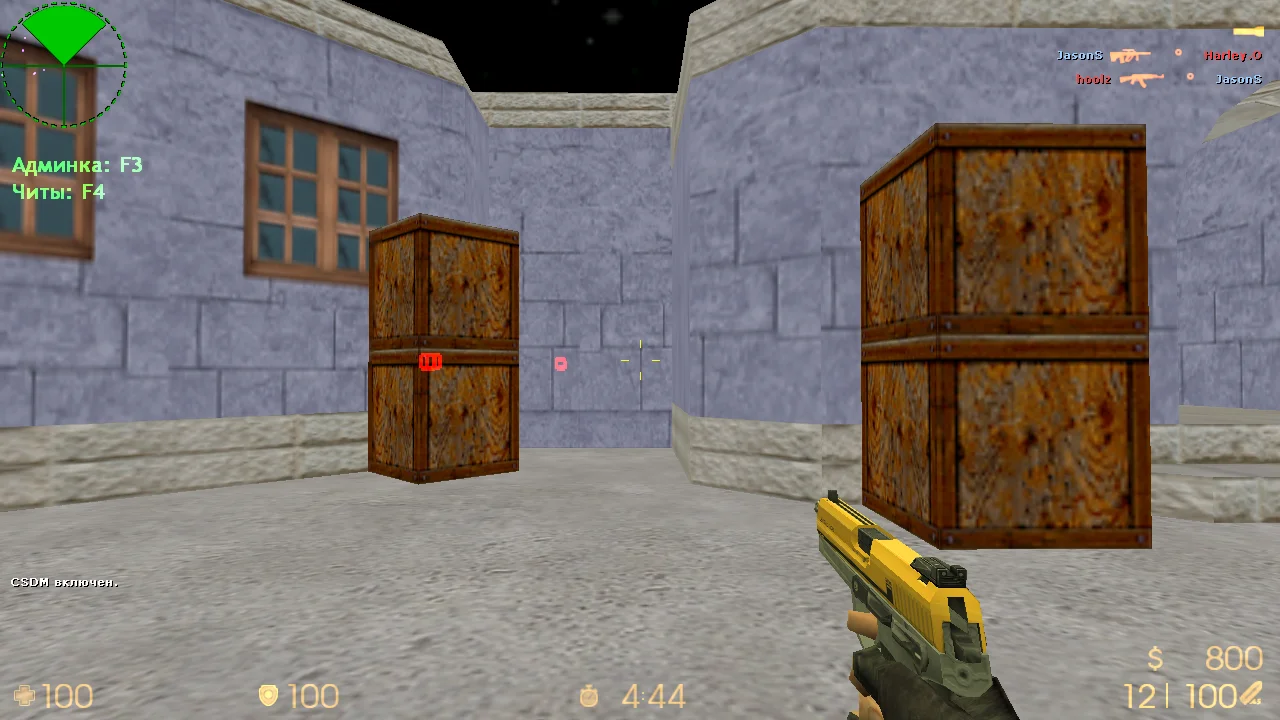
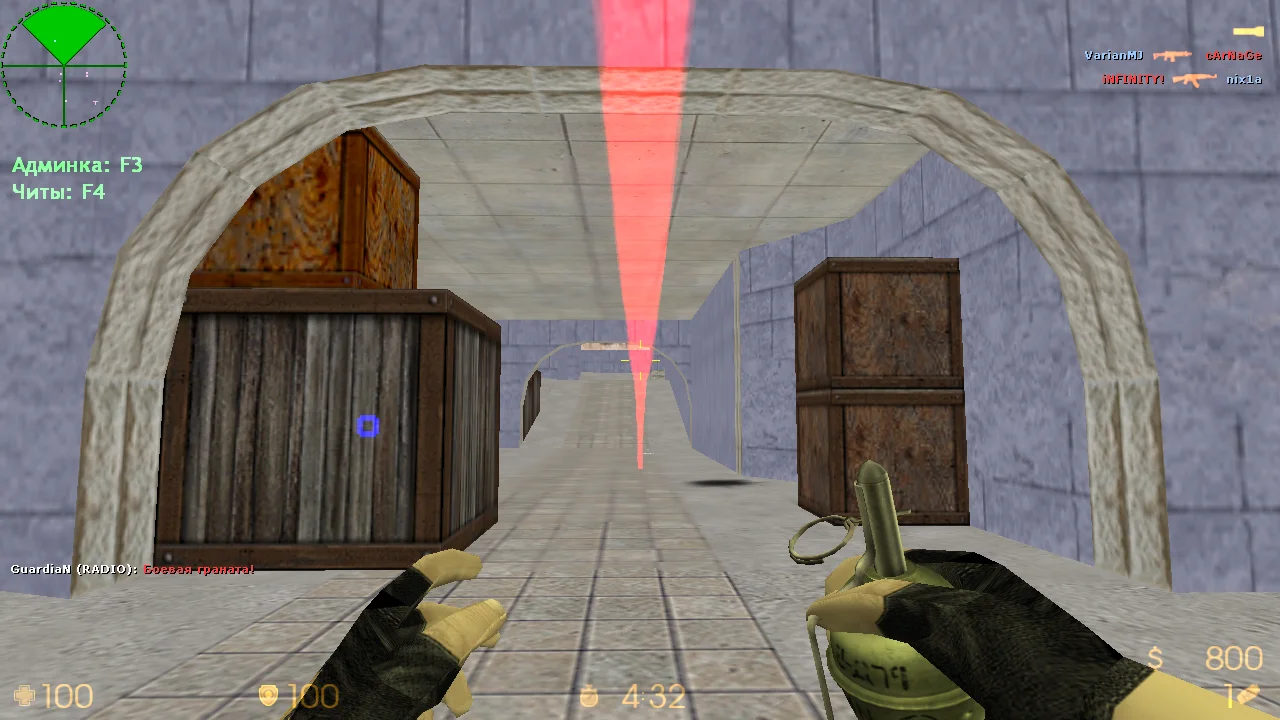
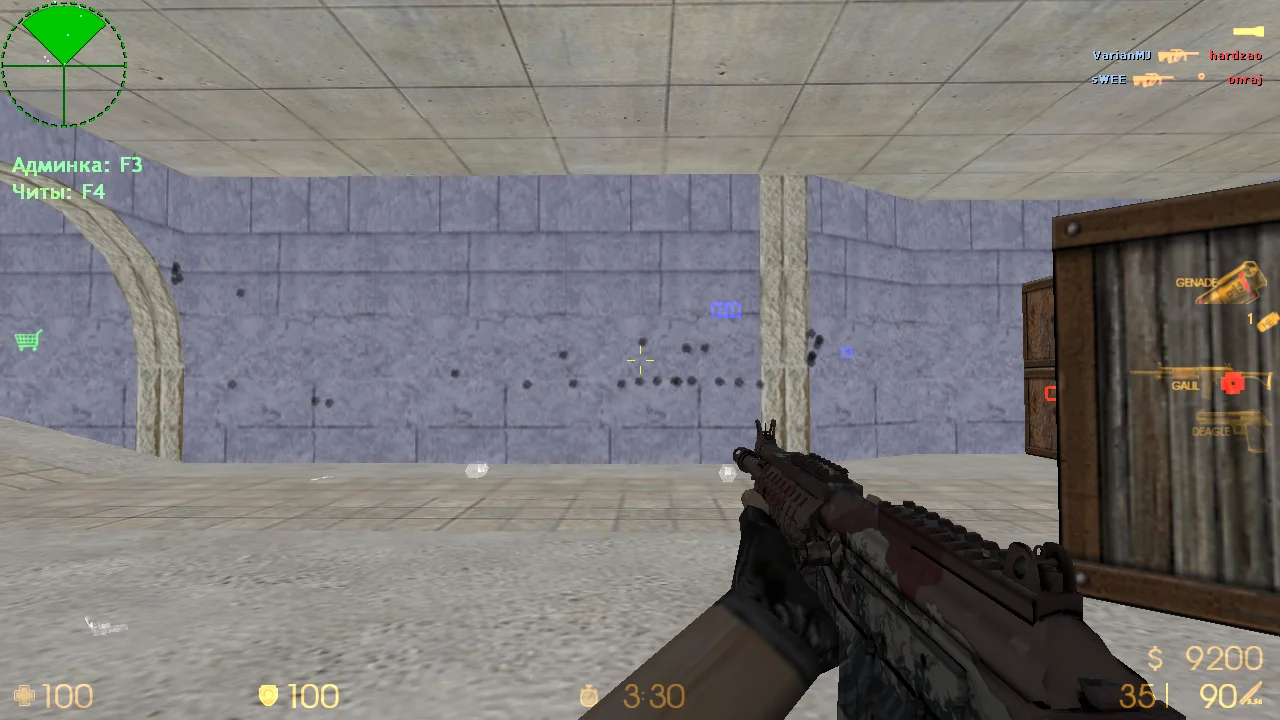
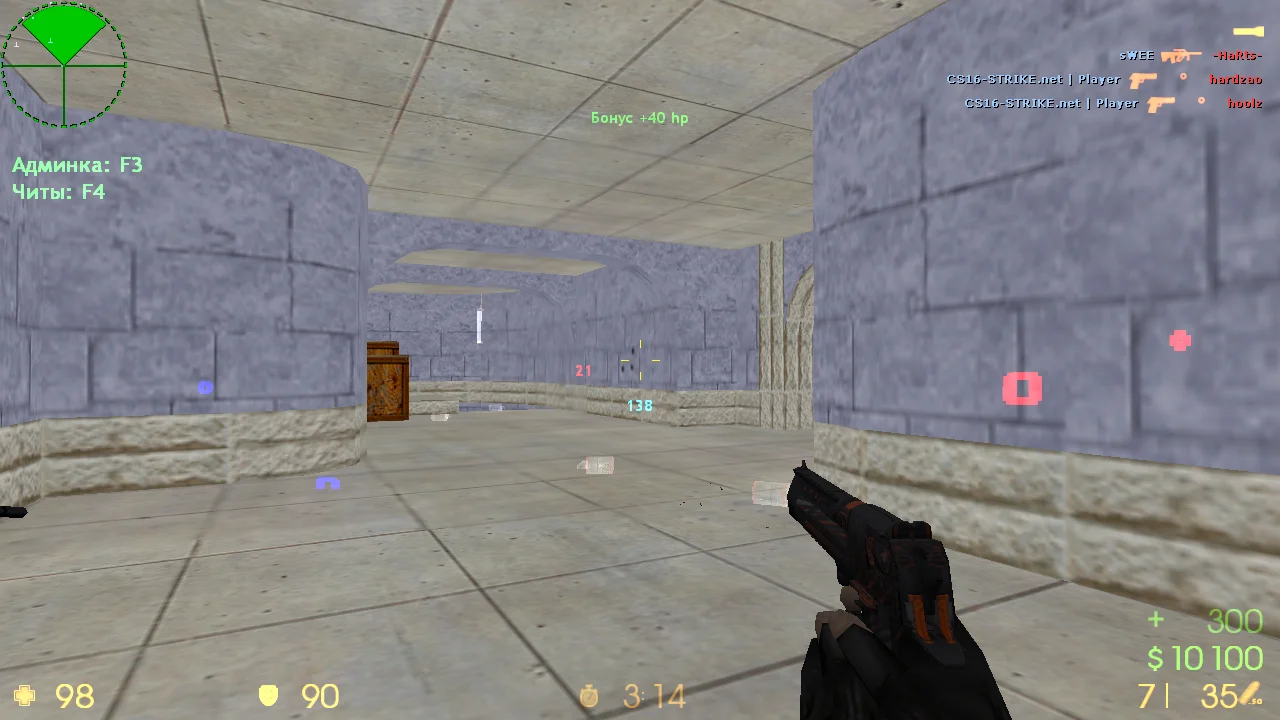
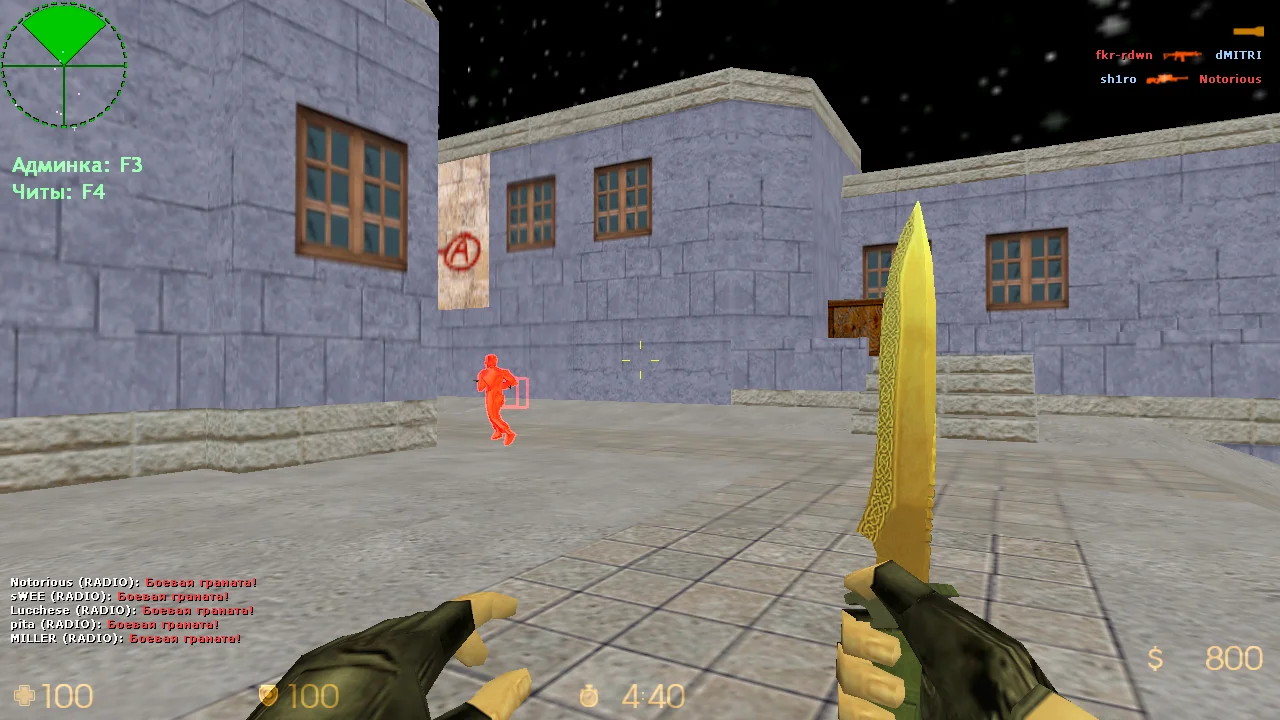
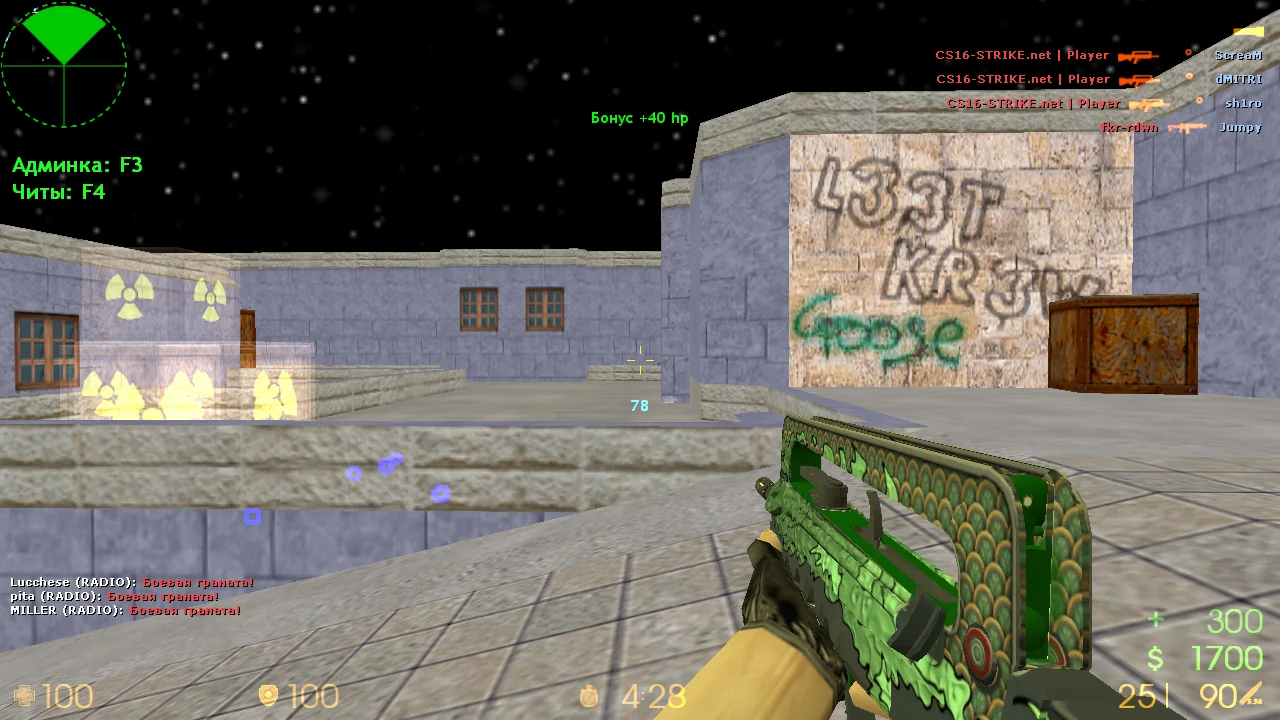
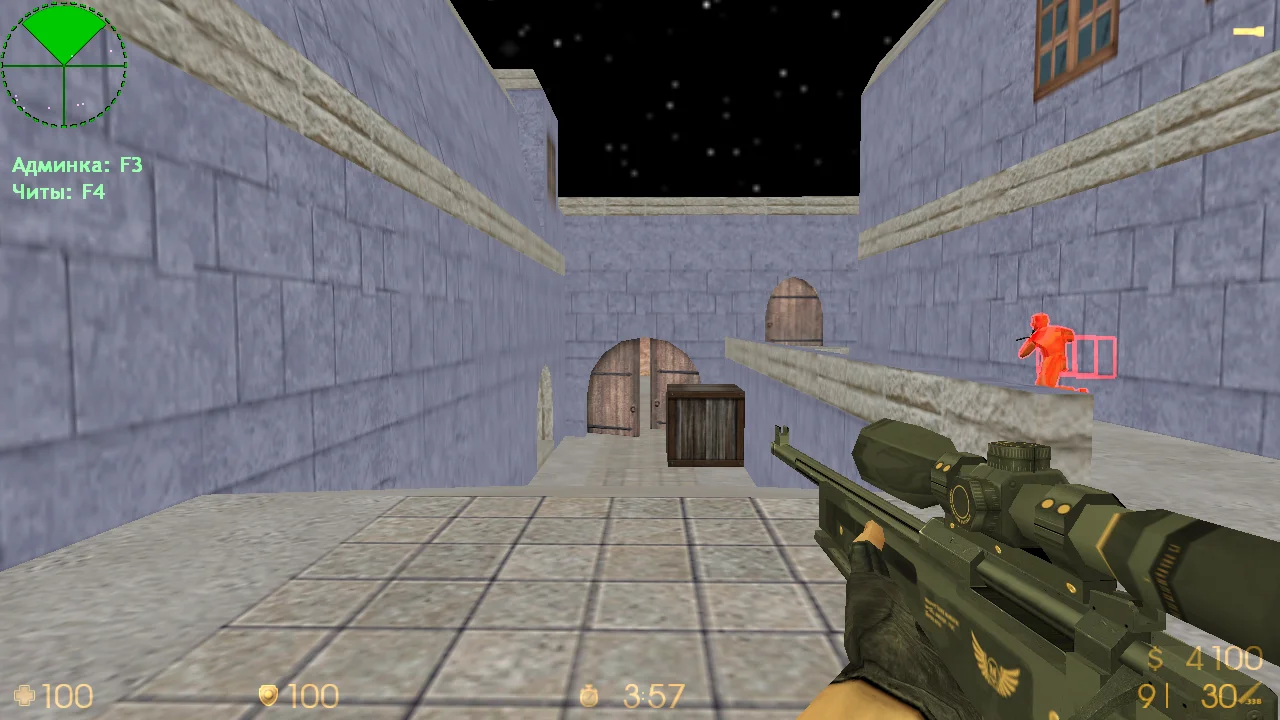
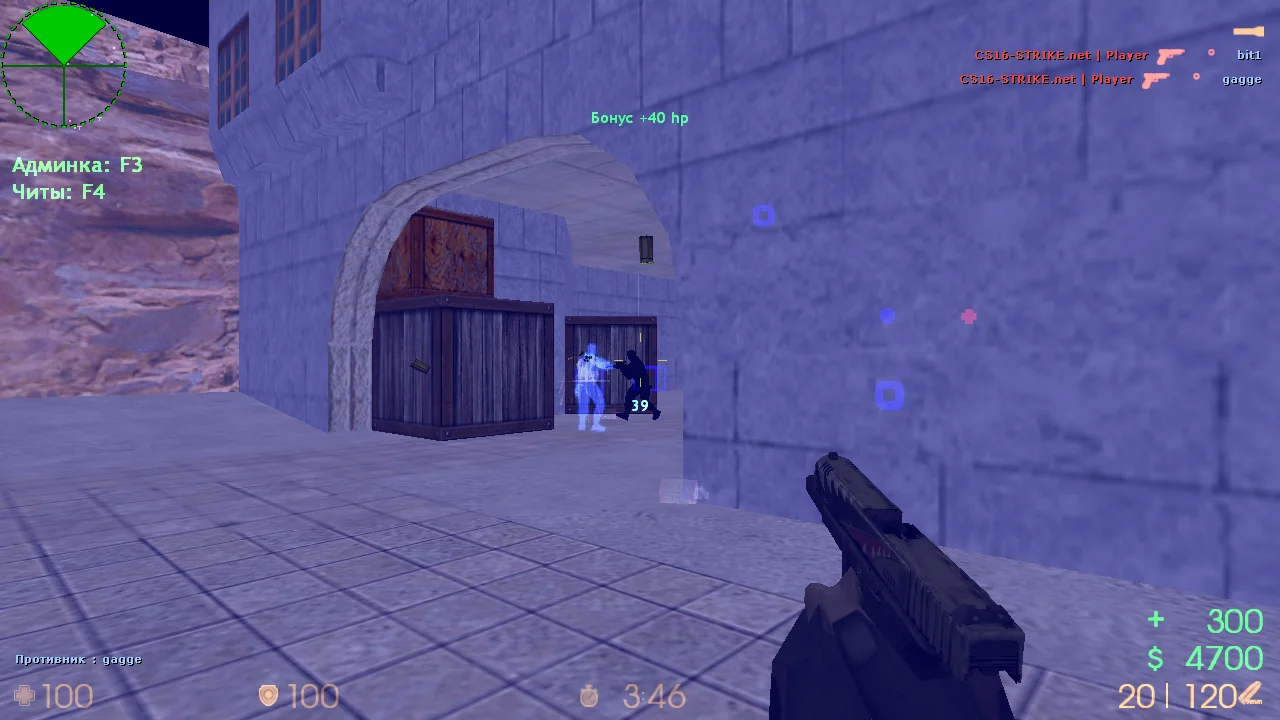
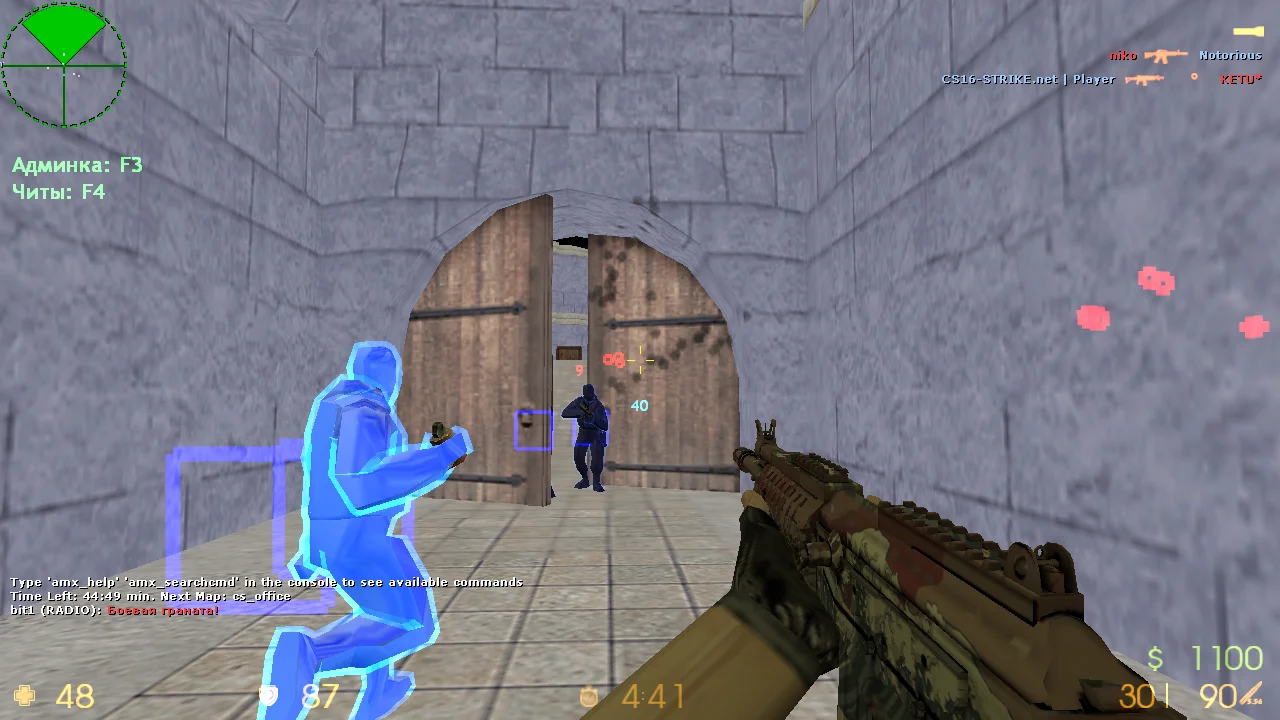
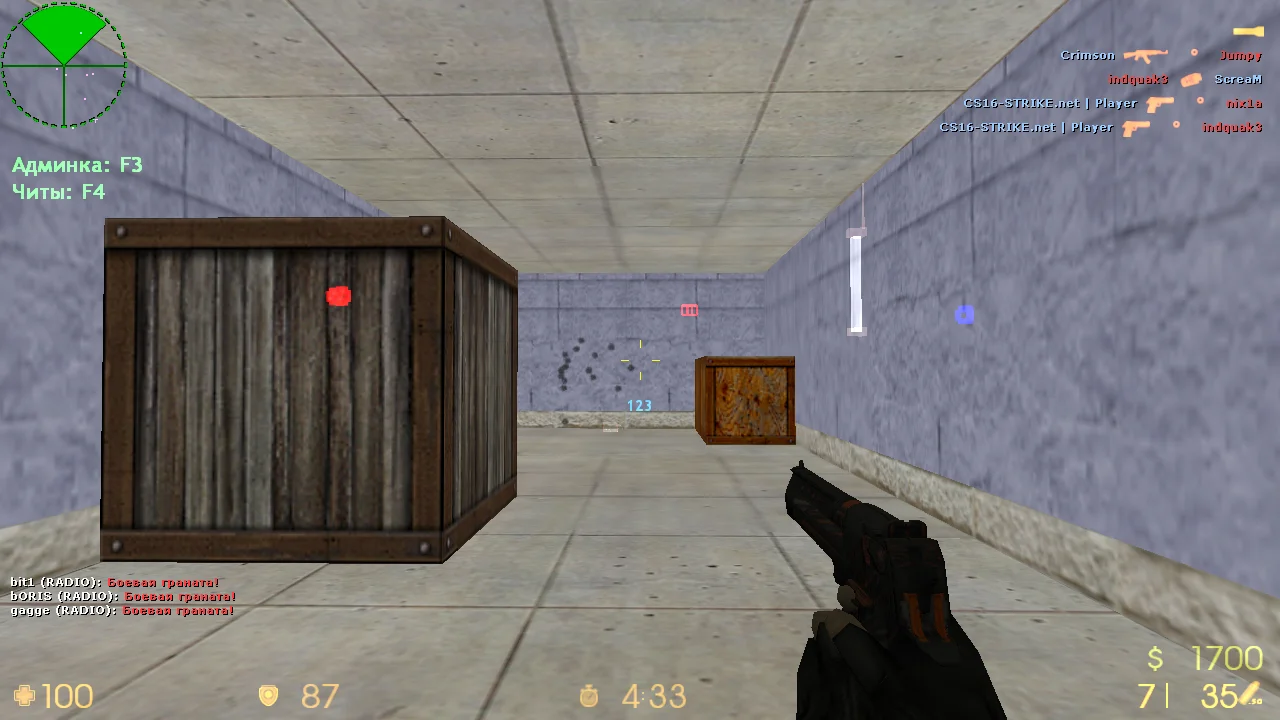
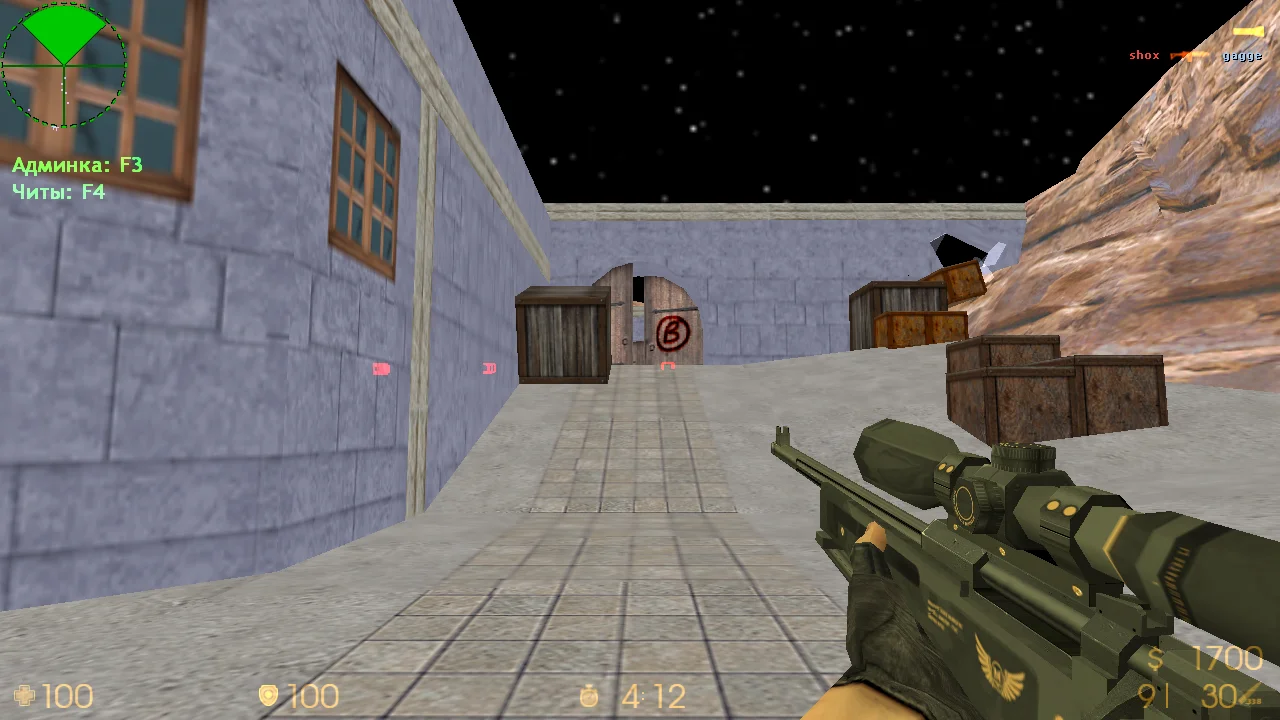
CS 1.6 with Alternative — a unique version of the classic Counter-Strike 1.6 with the private Alternative cheat pre-installed. This cheat is considered one of the most stable and powerful available. Downloading CS 1.6 with Alternative is recommended for those who want a full arsenal of cheat functions: Aimbot, Wallhack, ESP, Bunnyhop, Triggerbot, No Recoil, and other features integrated directly into the game client. It’s perfect for training, entertainment, content creation, or testing cheat capabilities on offline mode with bots or private servers.
The Alternative cheat provides access to a convenient menu (Insert), where you can toggle features, adjust sensitivity, set hitbox priorities, enable ESP to see enemies through walls, and even hide cheat usage from basic anti-cheats. The client interface remains original to preserve the classic CS 1.6 atmosphere. The build runs on Windows 7, 8, 10, 11 (including 64-bit) and operates smoothly without crashes or lags. LAN support, offline mode, and config compatibility make this build highly versatile.
CS 1.6 with Alternative can be downloaded for free and without registration. Installation takes only a couple of minutes — just download, install, and launch. All essential settings are pre-configured, and you can load your own config if desired. The build is free of viruses, ads, or hidden processes. It is intended for personal use only — using cheats on official servers is not recommended to avoid bans. Ideal for offline play, testing, and experimentation.
Features of CS 1.6 with Alternative:
• Built-in private Alternative cheat
• Functions: WH, Aimbot, ESP, Bhop, Triggerbot, No Recoil
• Cheat menu accessed via Insert
• Compatible with Windows XP / 7 / 8 / 10 / 11 (32/64 bit)
• Play with bots and over LAN
• No ads, viruses, or third-party software
• Fast installation and launch
• Supports custom configs
• Original CS 1.6 interface unchanged
• Perfect for offline play and testing
System requirements and installation:
Minimum system requirements:
• OS: Windows XP / 7 / 8 / 10 / 11
• Processor: 1.0 GHz or higher
• RAM: 512 MB or more
• Video card: OpenGL-compatible
• Free space: 700 MB or more
How to install:
• Download the CS 1.6 with Alternative installer
• Run the installation file
• Choose the installation path and complete the process
• Launch the game from the desktop shortcut
• Press Insert in-game to open the cheat menu
• Configure features and start playing
Качественный чит Aimbot
Главная особенность чита заключается в современном аимботе, который отвечает за точные попадания в голову противника. Стоит отметить, что программа работает автоматически, достаточно подключиться к любому серверу.
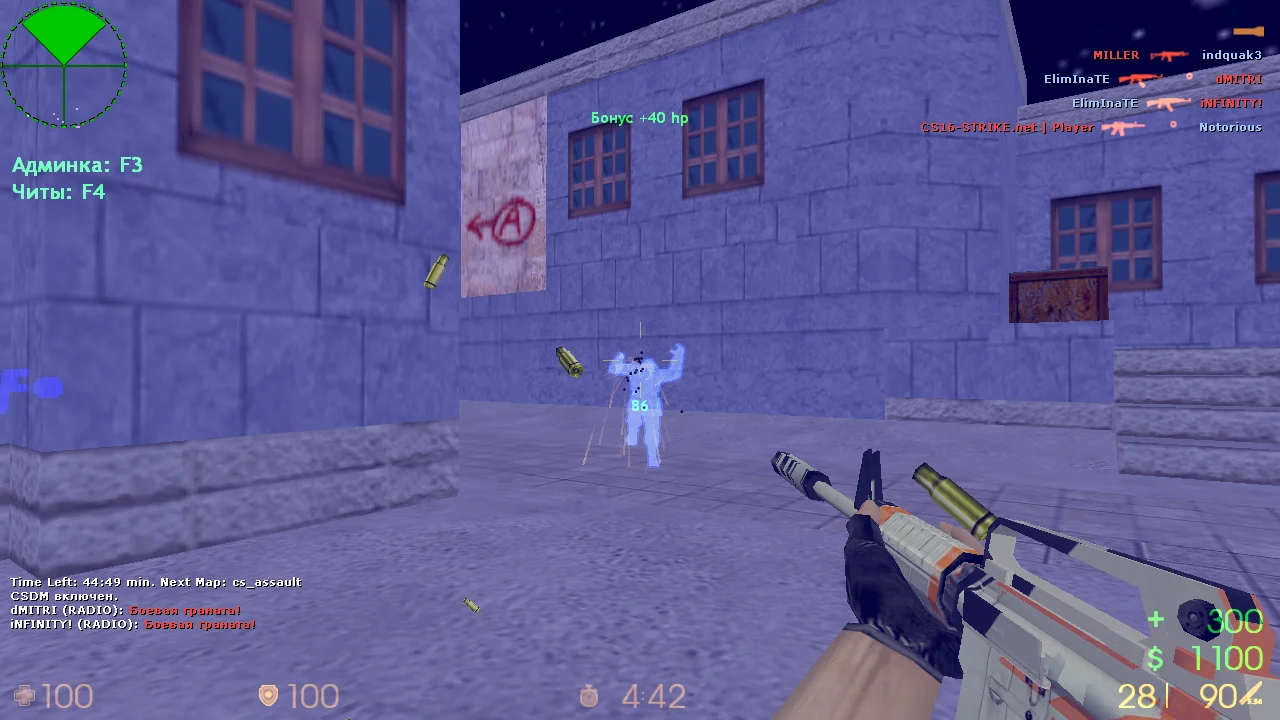
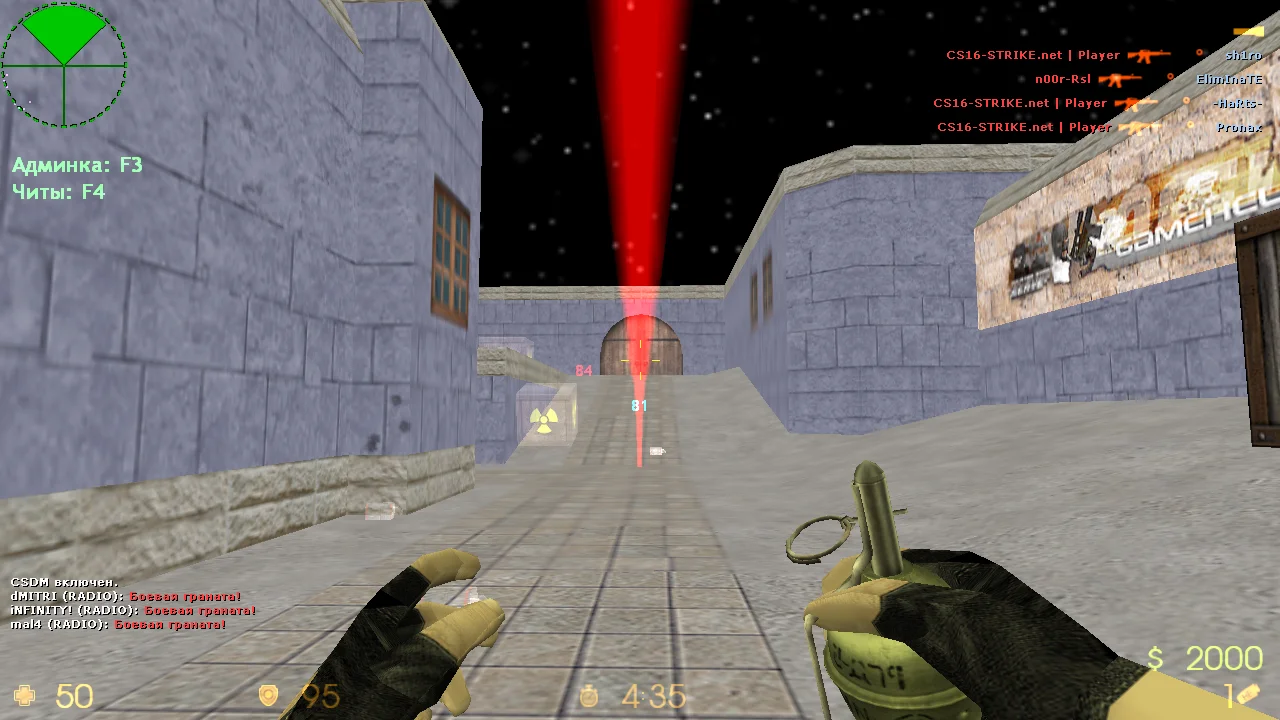
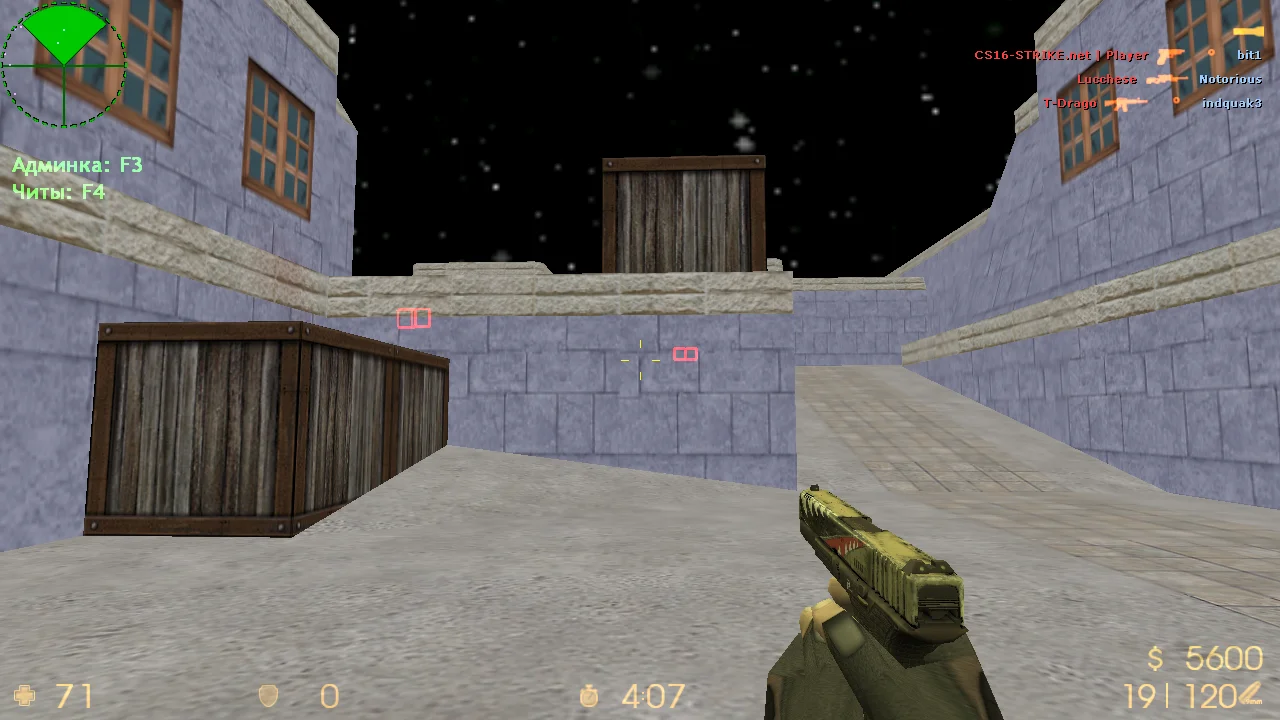
Современный Wallhack
Одним из самых востребованных читов является вх, благодаря котому вы сможете просматривать врагов сквозь стены. Отличный чит, позволяющий знать точное местоположение всех игроков, несмотря на разные преграды.