Home
Home
 CS 1.6 Builds
 CS:GO Builds
 CS:S Builds
 CS2 Builds

Download CS 1.6 for low-end PCs and laptops
 Русская версия
 С ботами и серверами
 Работает на всех Windows (от XP до 11)
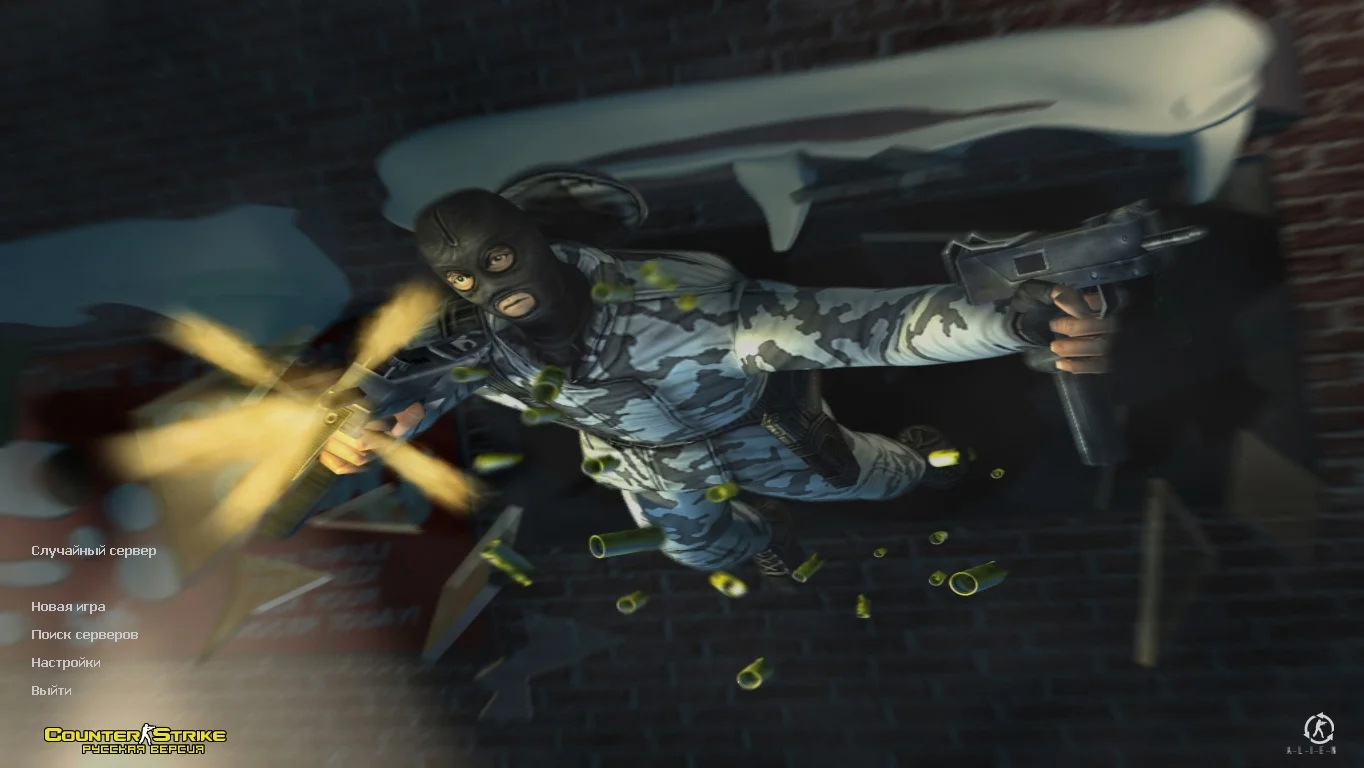
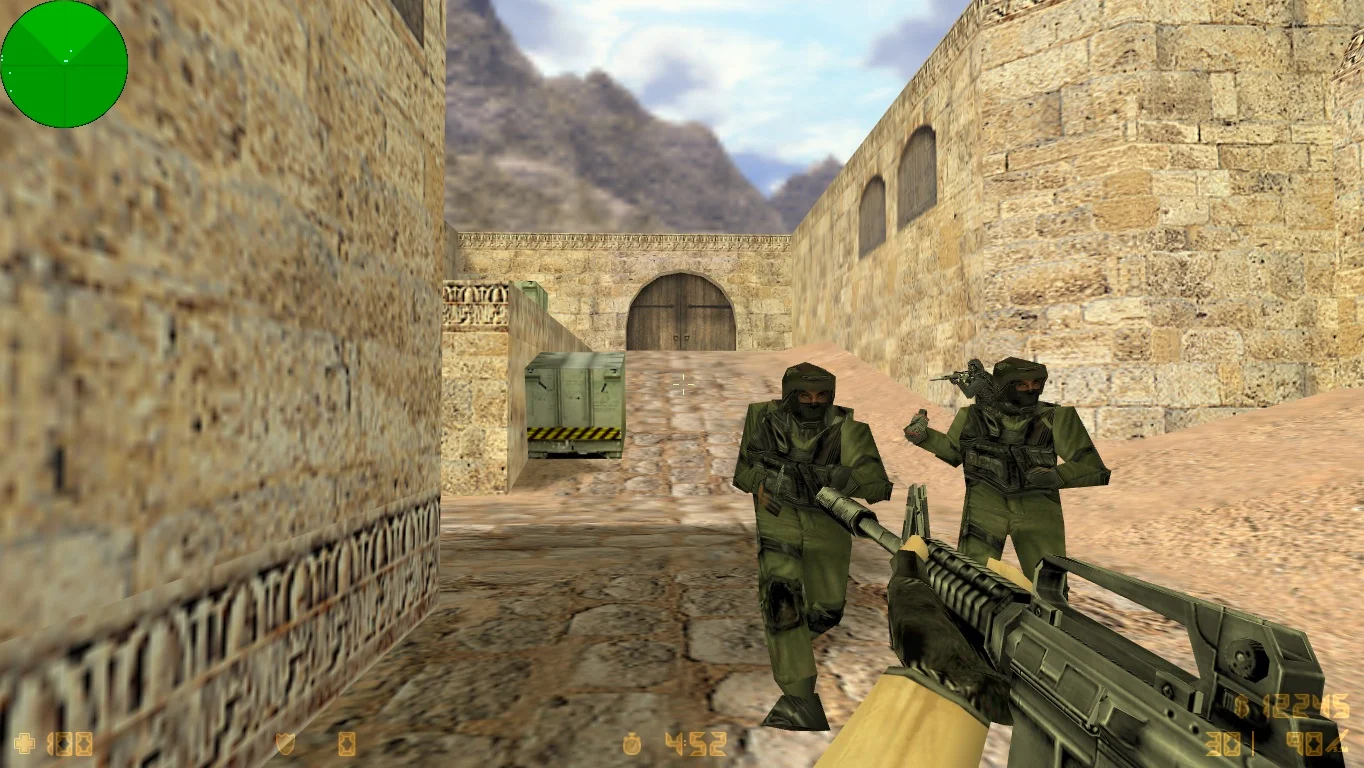
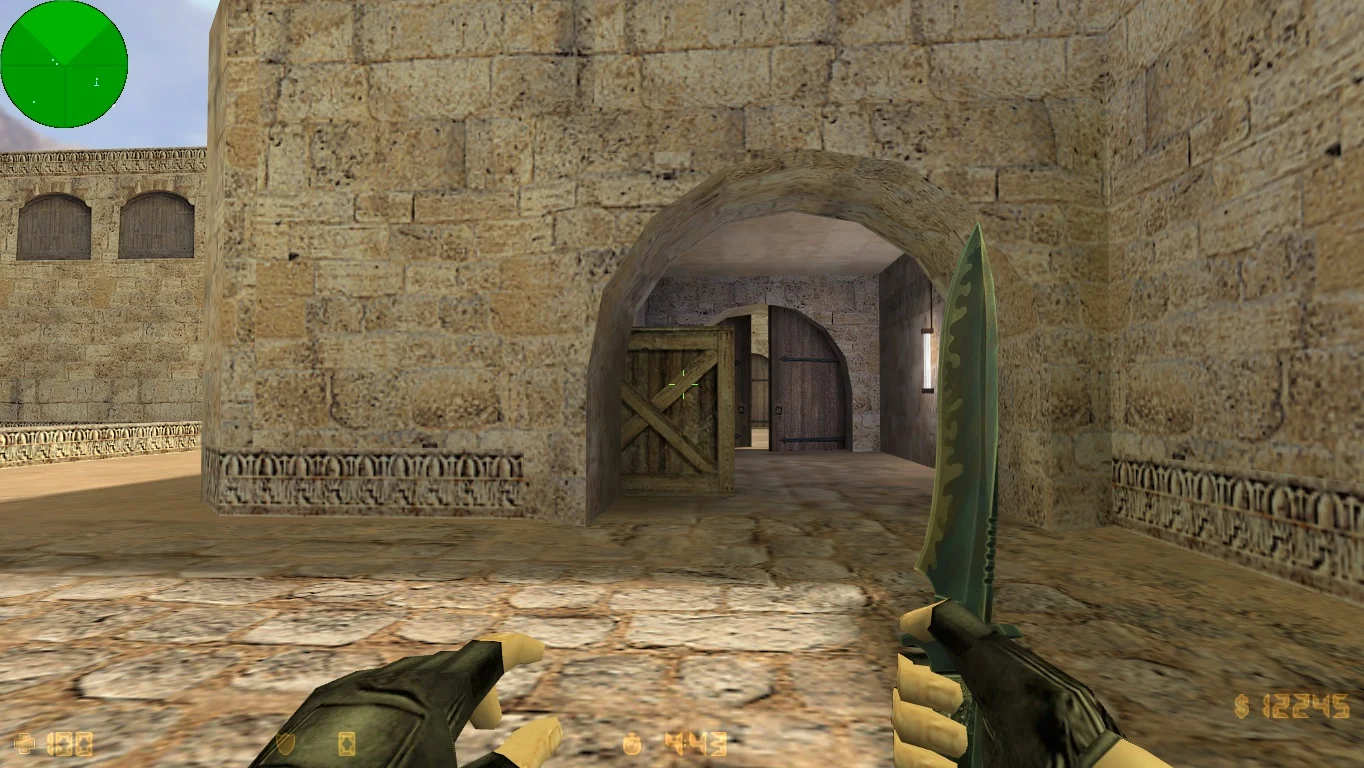
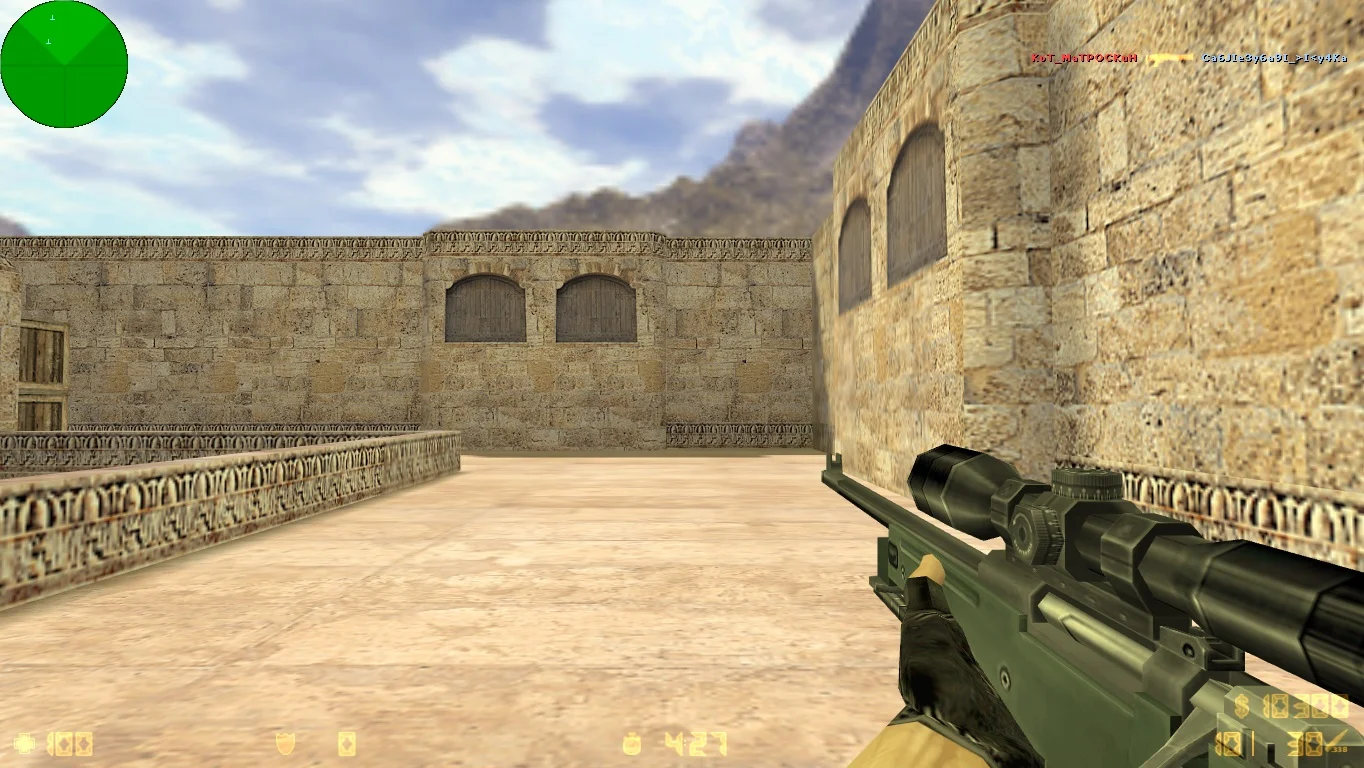

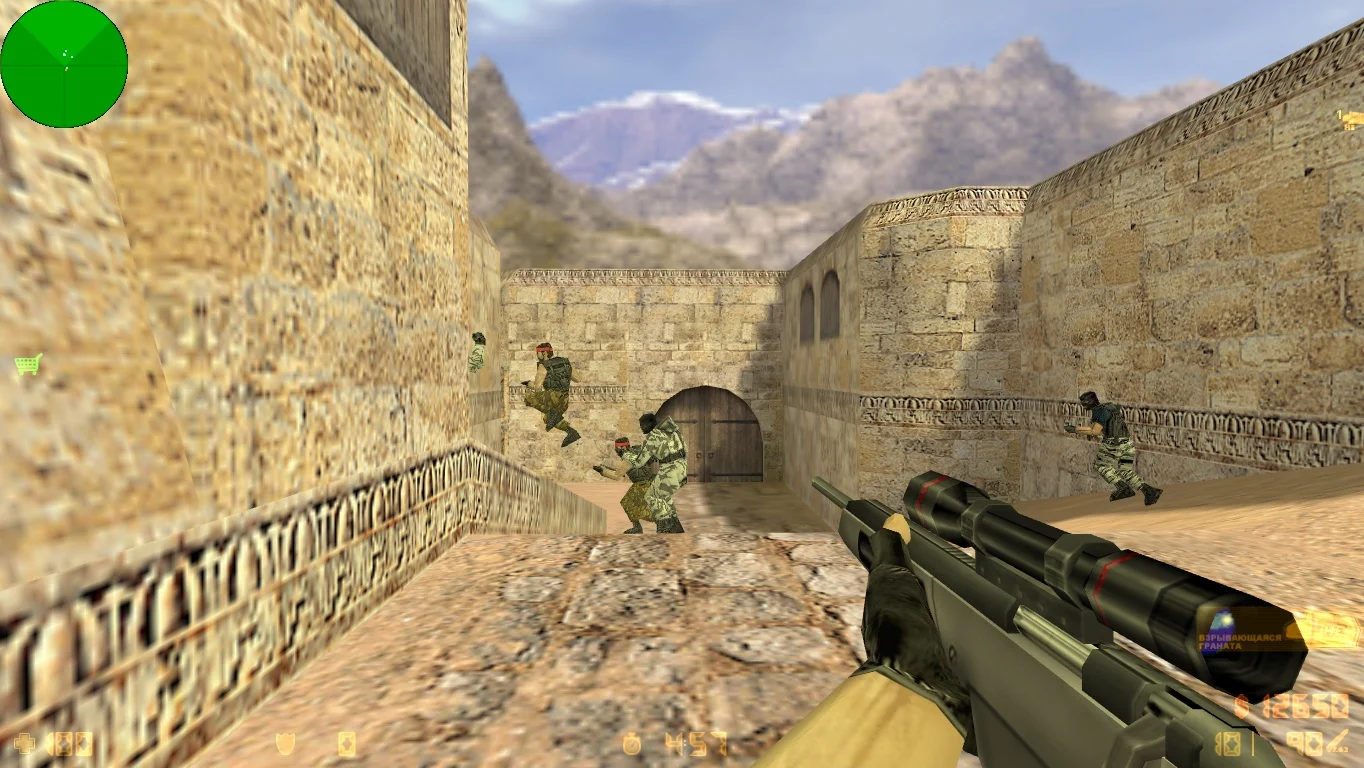
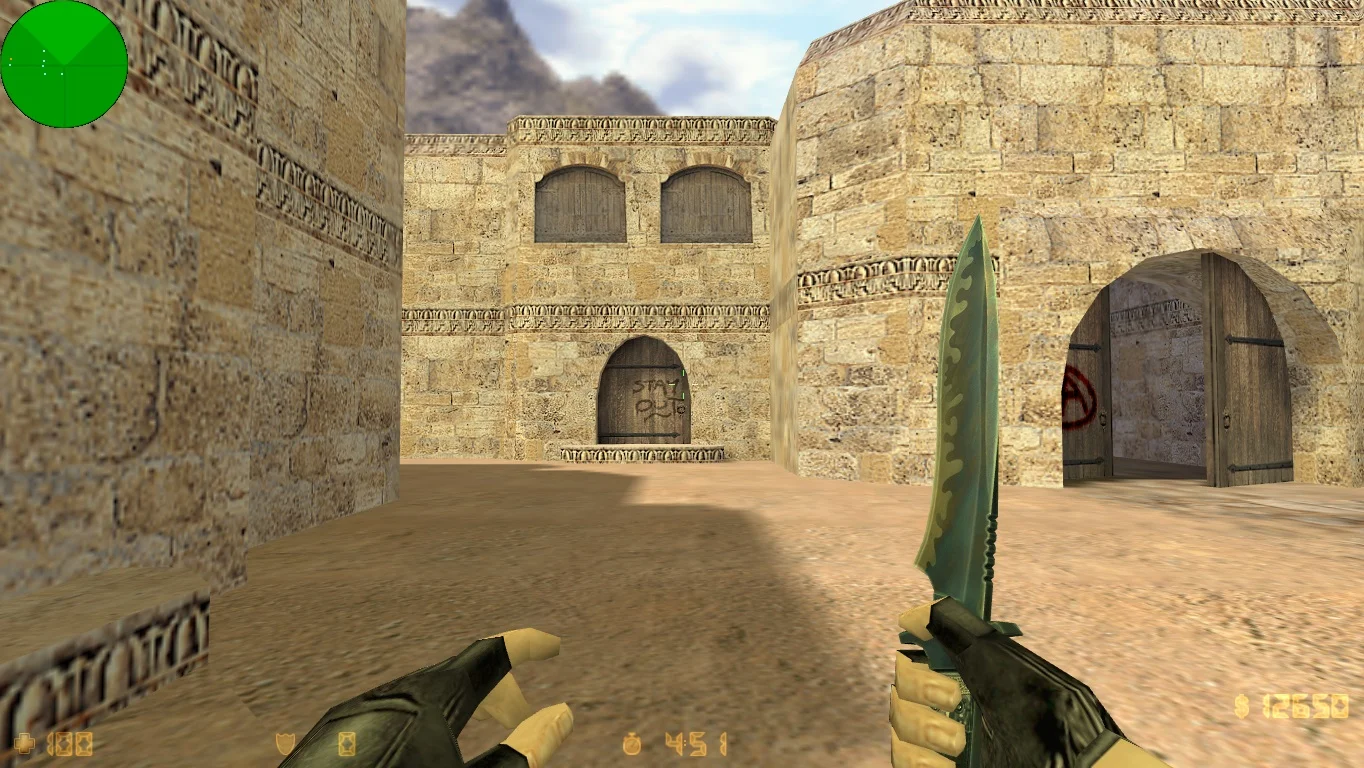
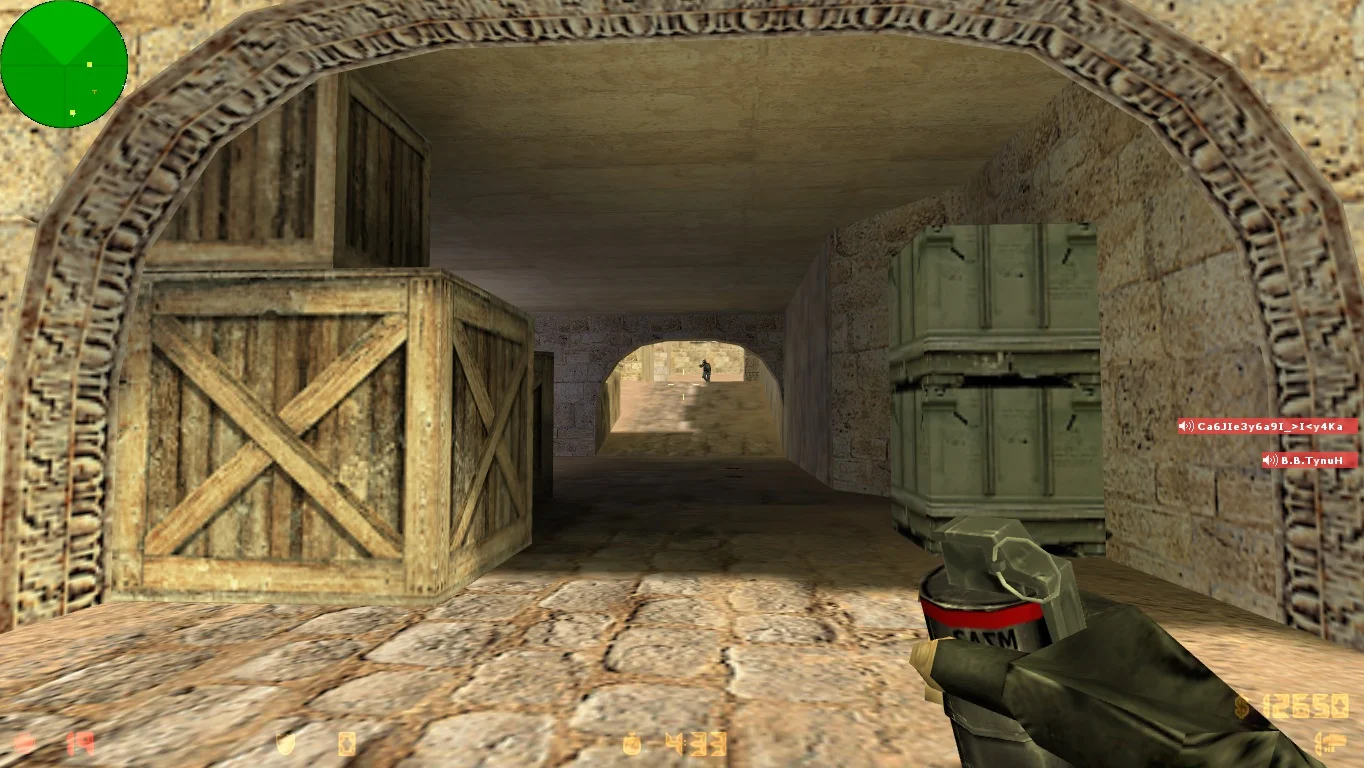
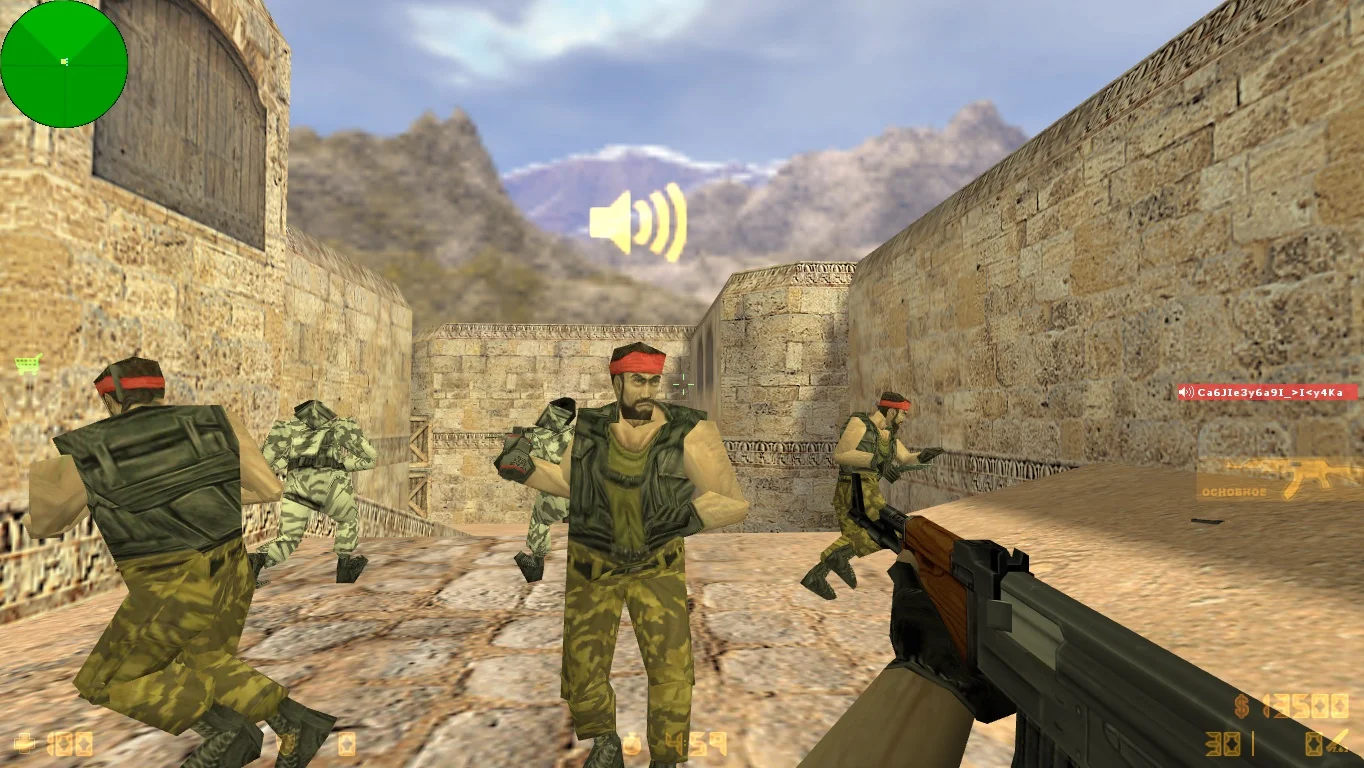
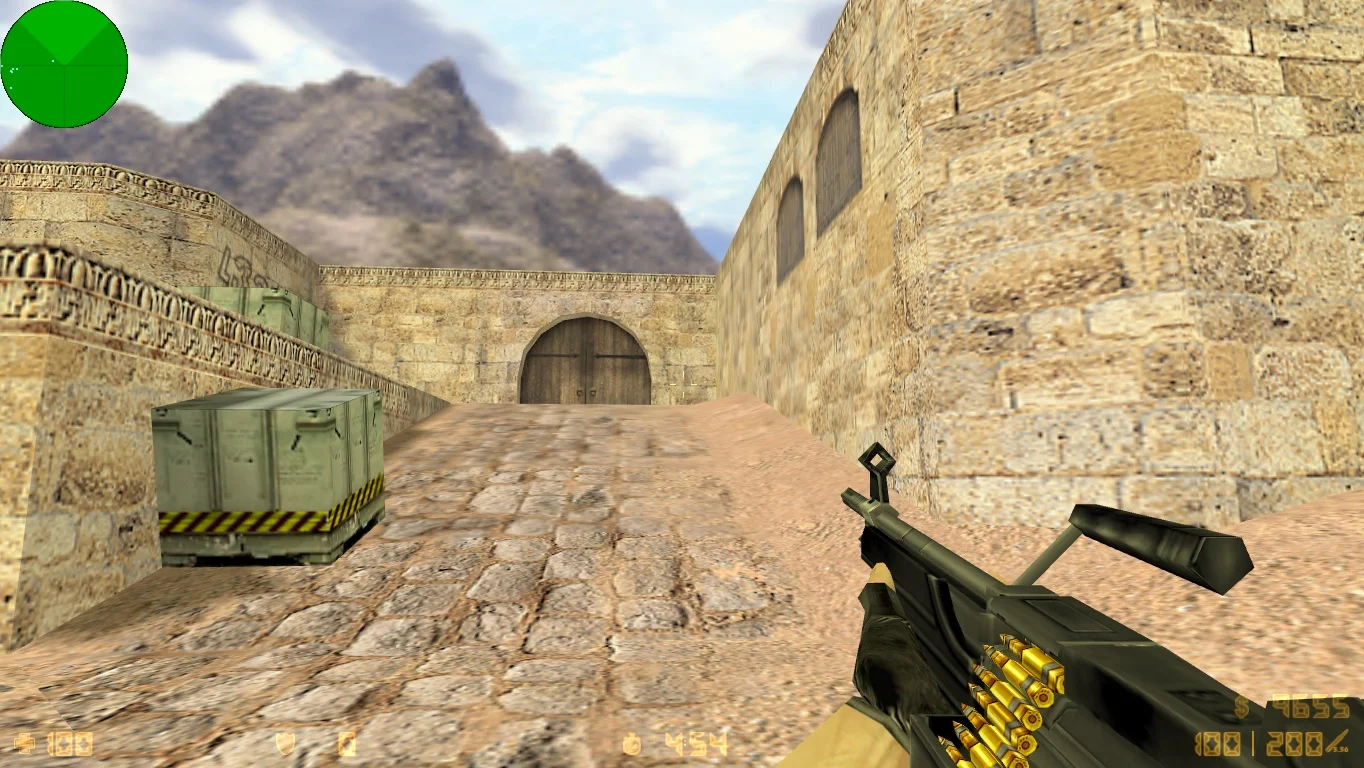
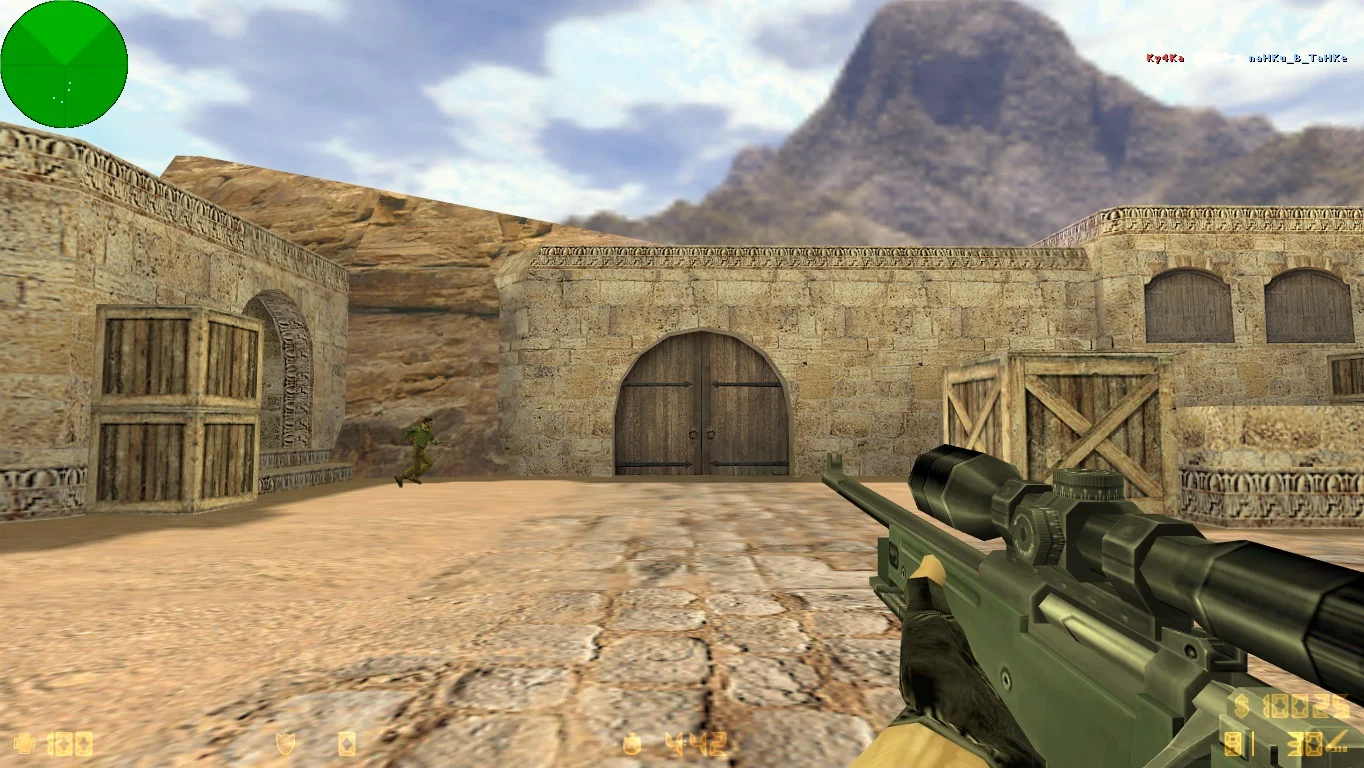
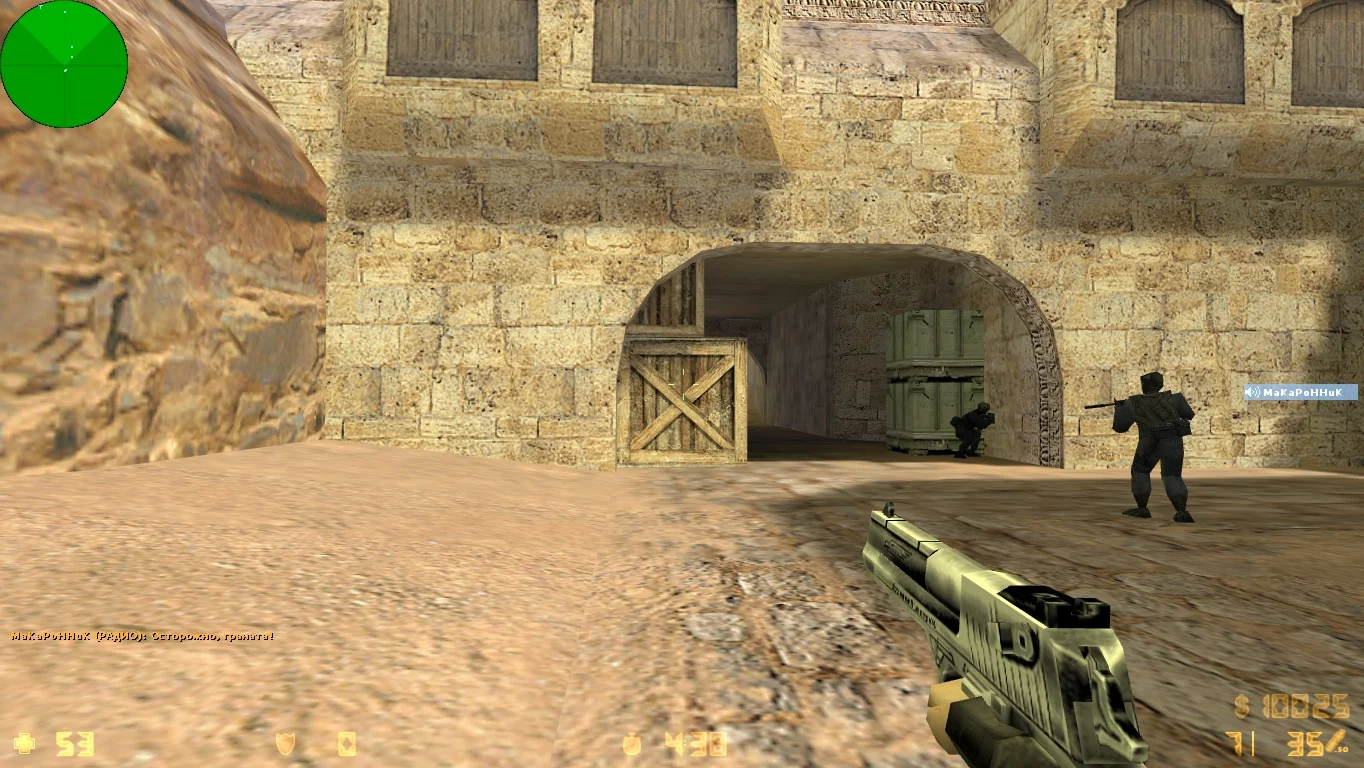
Download CS 1.6 for low-end PCs and laptops — this is an optimized build of the legendary Counter-Strike 1.6, designed specifically for old and low-performance devices. This version ensures stable and fast performance even on computers with minimal specifications, while preserving the classic gameplay familiar to millions of players worldwide. Thanks to the lightweight client and reduced graphics load, the game launches instantly, does not overload the system, and is perfectly suited for both offline and online matches.
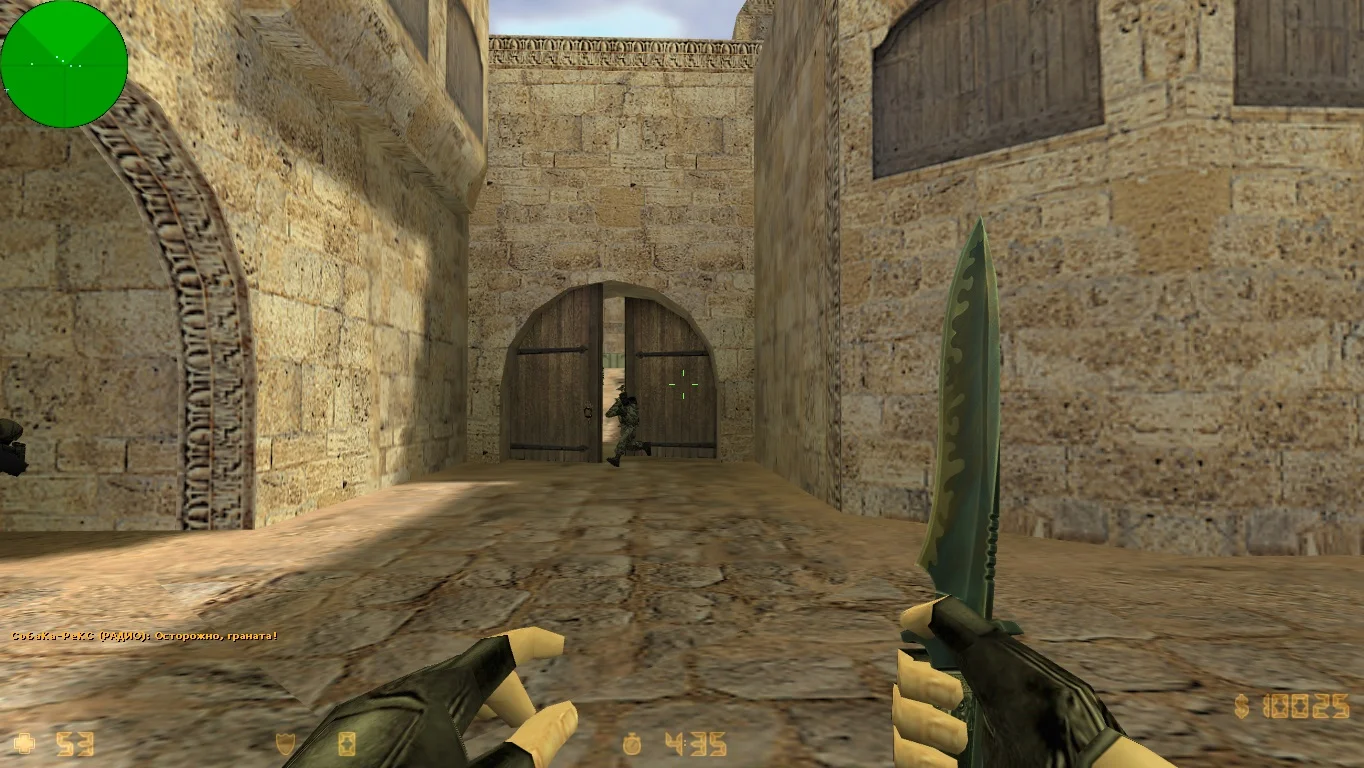
The build is completely cleaned of unnecessary files, ads, third-party add-ons, and heavy textures that can slow the game down. It features standard player and weapon models, simplified map textures, and optimized default settings to increase FPS. Even on an old laptop, CS 1.6 runs smoothly and stably. Built-in bots allow you to play without an internet connection, and support for protocols 47 and 48 makes it possible to connect to thousands of servers around the world.
Downloading CS 1.6 for low-end PCs and laptops is recommended for anyone who wants to enjoy their favorite shooter without lag or freezes. Installation takes only a few minutes — just download the archive, extract the files, and run the game. Support for all Windows versions, including XP, 7, 8, 10, and 11, makes this build universal. If your computer can’t handle heavy games but you still want to shoot, win, and enjoy the classic experience — this version is made for you.
Features of CS 1.6 for low-end PCs and laptops:
• Maximum optimization for low-performance hardware
• Simplified models and textures
• Fast launch and high performance
• Play with bots and online over the network
• Cleaned of unnecessary files and ads
• Compatibility with Windows XP, 7, 8, 10, 11
• Does not require Steam
• Works even on old laptops and PCs
System requirements:
• OS: Windows XP, 7, 8, 10, 11
• Processor: from 800 MHz
• RAM: from 256 MB
• Video card: DirectX 8 support
• Disk space: 500–600 MB
How to install CS 1.6 for low-end PCs and laptops:
• Download the build archive
• Extract it to any folder
• Run
cs.exe
• Configure controls and sound (optional)
• Start playing — with bots or on a server
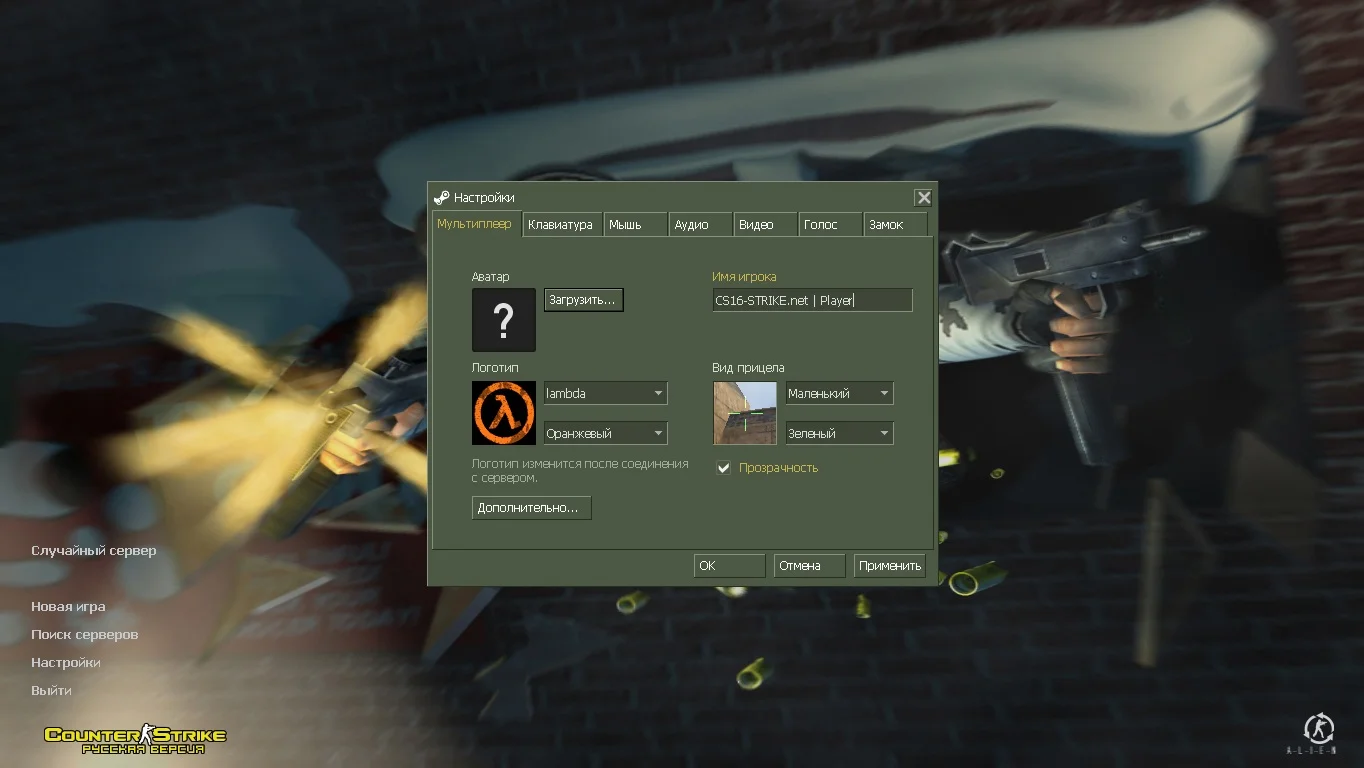
Стандартные модели и звуки
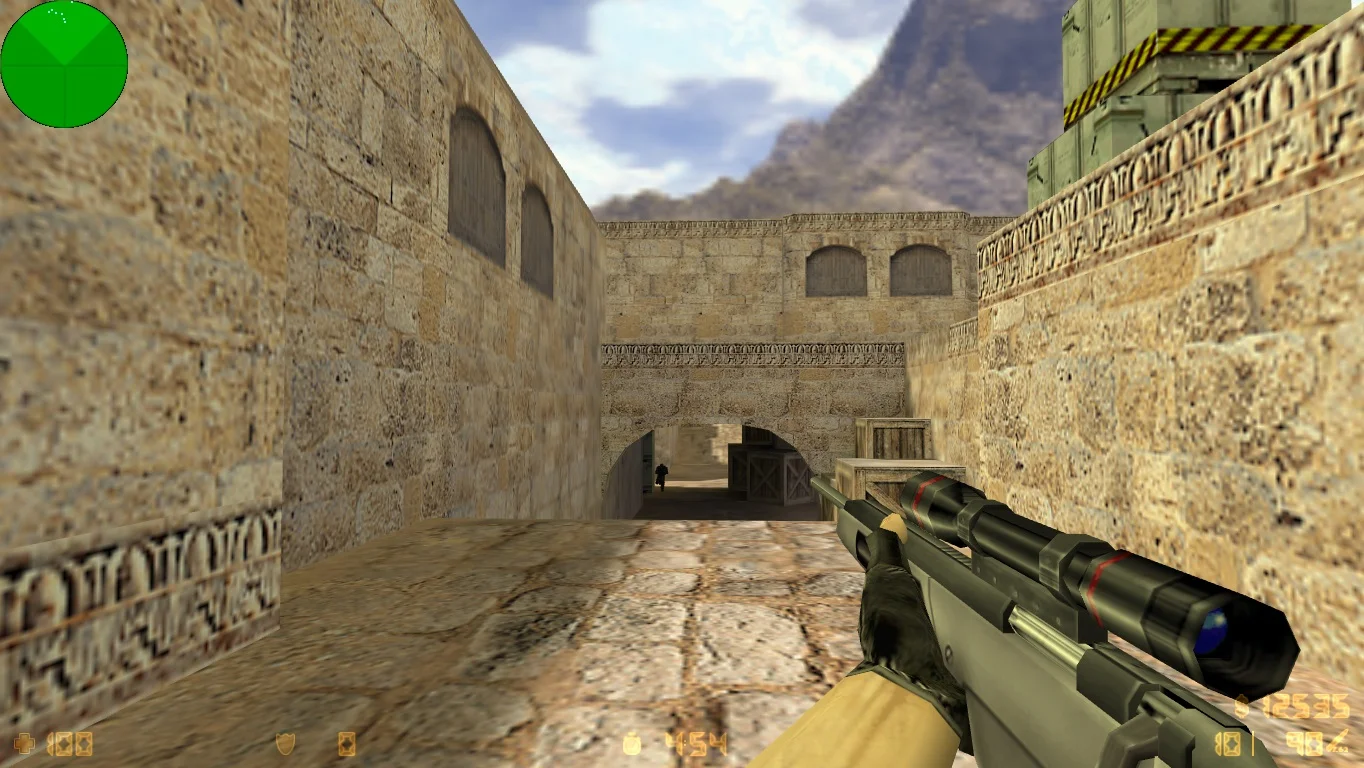
Данная сборка получила оригинальные модели, которые присутствуют в оригинальной контре, что позволило существенно уменьшить нагрузку. Установлены только стандартные звуки на английском языке, хотя также есть и русская озвучка всех радиокоманд.
Лучшая производительность сборки
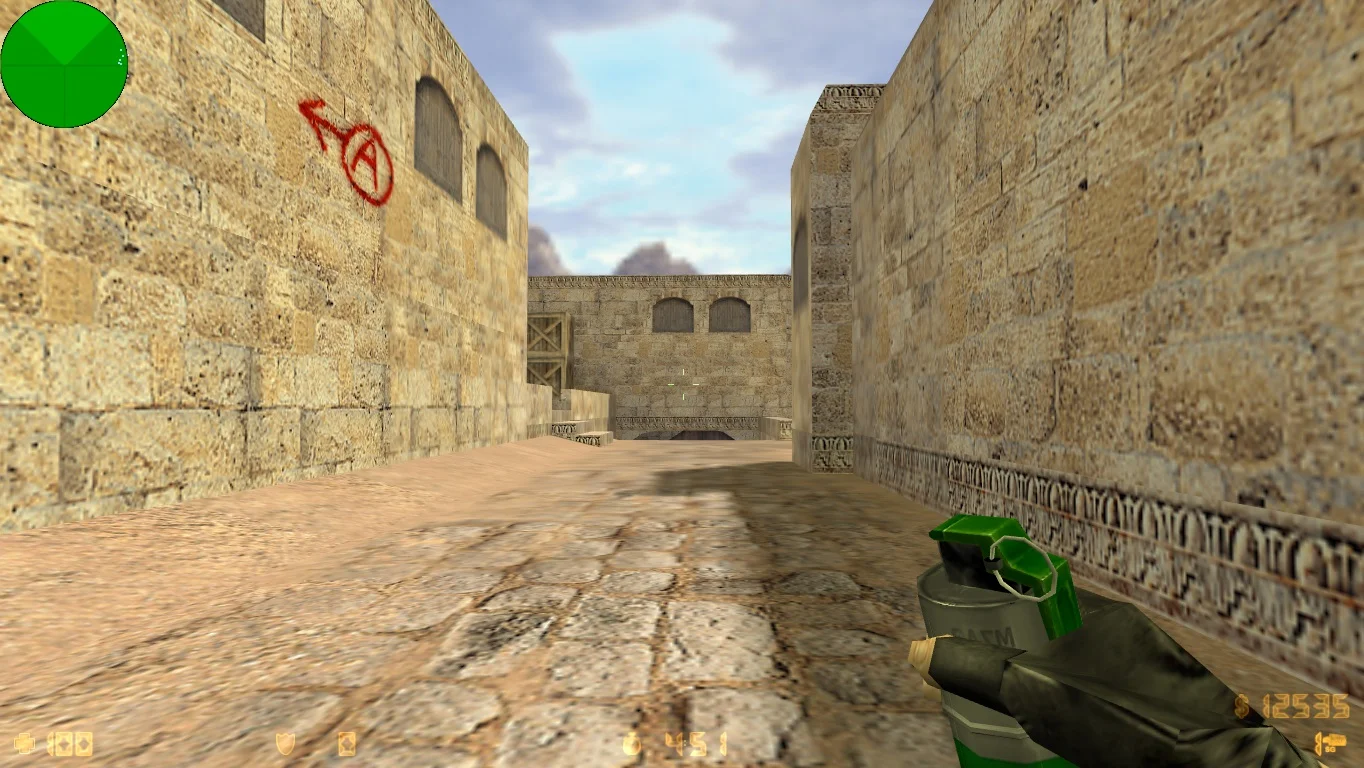
Благодаря тому, что версия игры не содержит каких-либо тяжелых дополнений, она выдает стабильную производительность, а значит быстрый запуск вам гарантирован. Даже играя на модифицированных серверах, проблем с зависаниями и вылетами не будет.
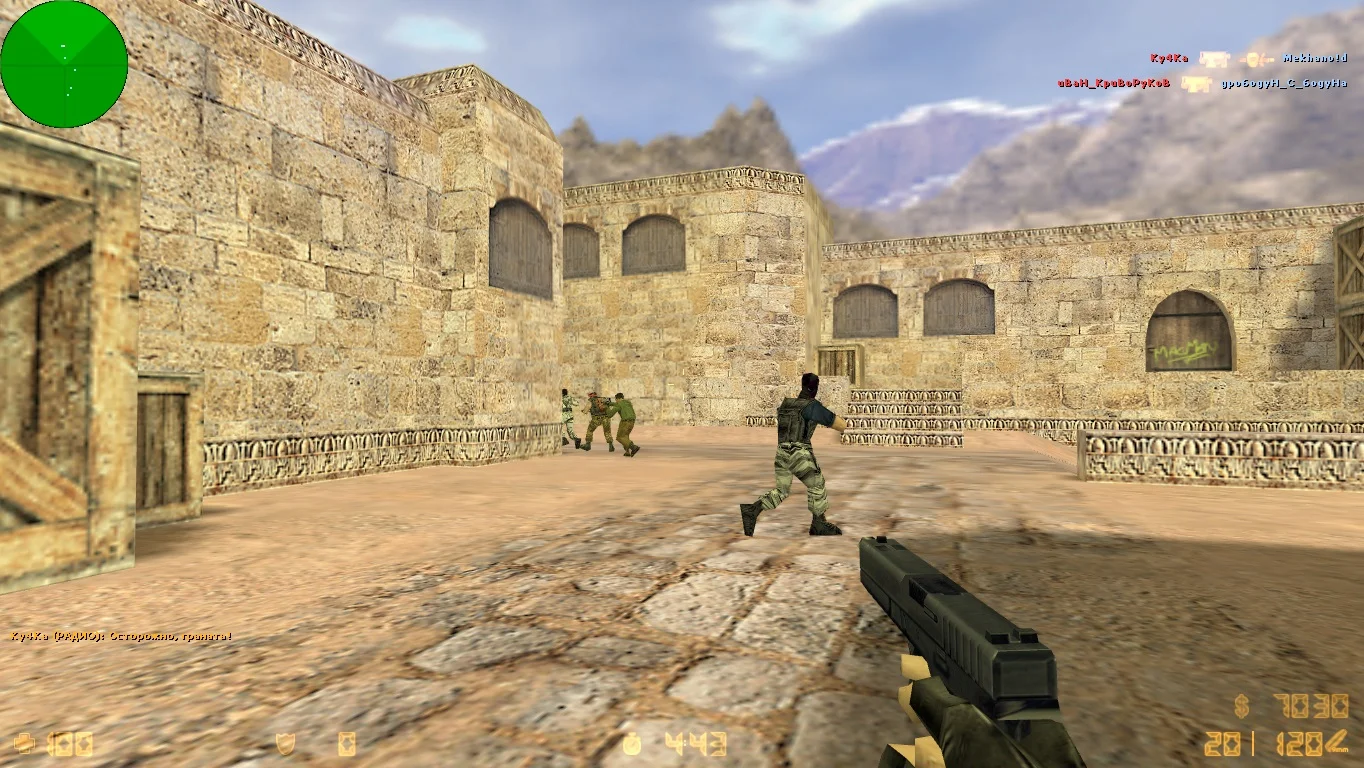
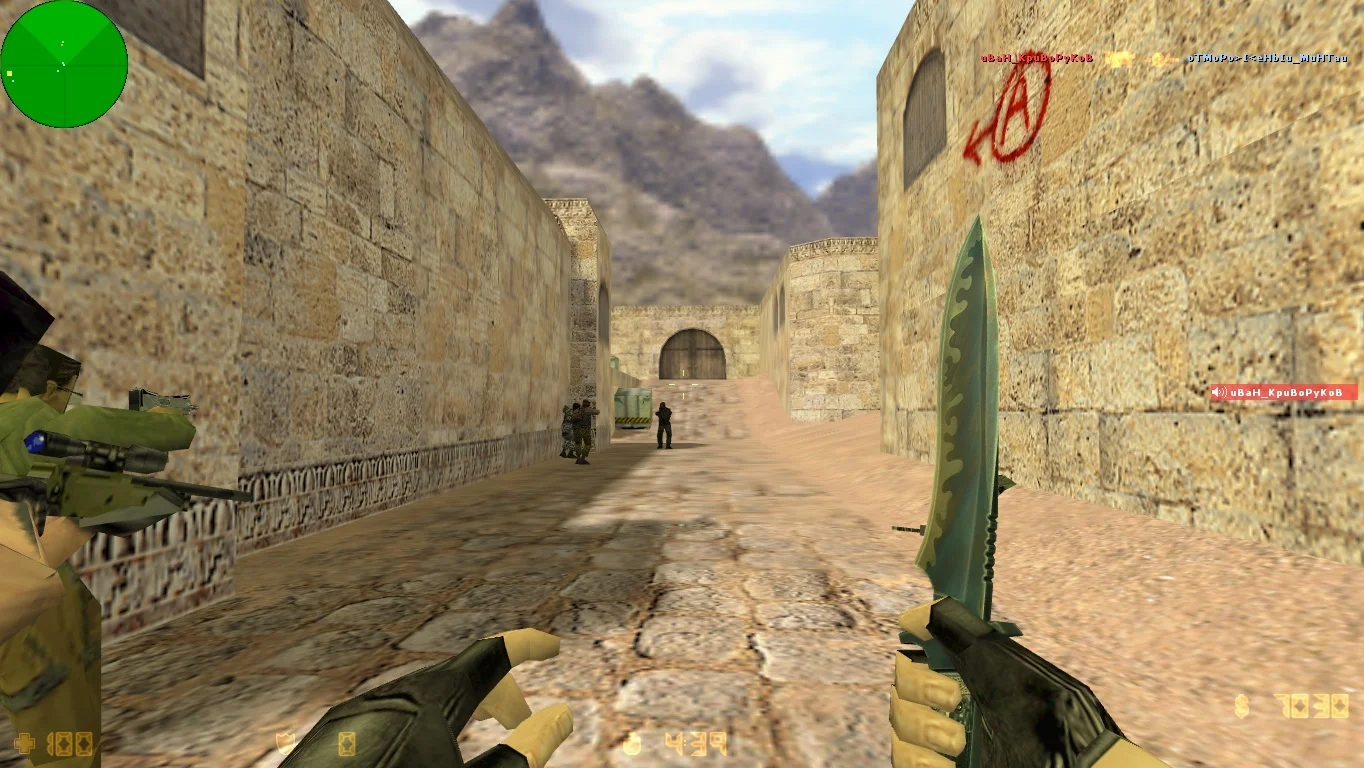
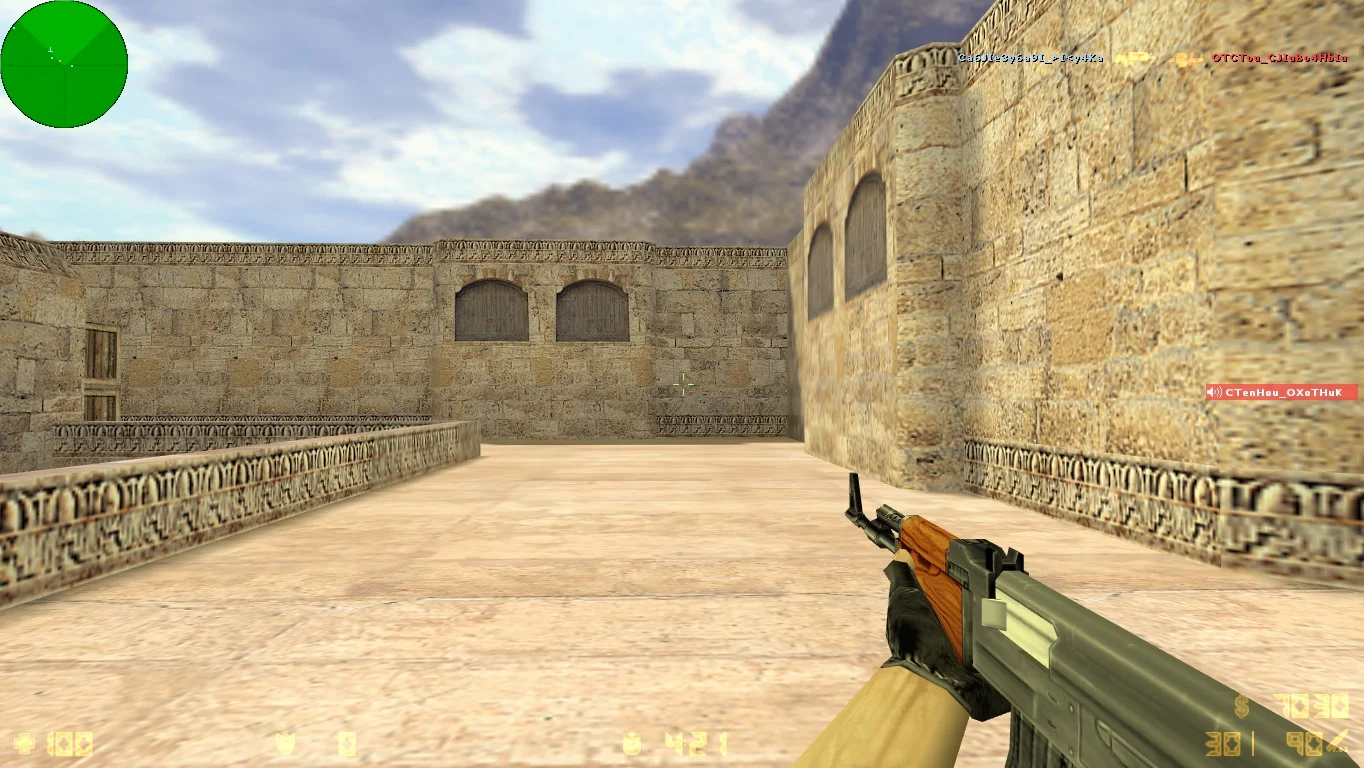
Установлены оригинальные карты
Сборка игры для слабых компьютеров и ноутбуков имеет в своем распоряжении только стандартные локации с оптимизированными текстурами. Большинство карт рассчитаны на максимальное количество игровых персонажей и отлично подойдут для сражений с ботами.