Home
Home
 CS 1.6 Builds
 CS:GO Builds
 CS:S Builds
 CS2 Builds

Download CS 1.6 64-bit
 Русская версия
 С ботами и серверами
 Работает на всех Windows (от XP до 11)
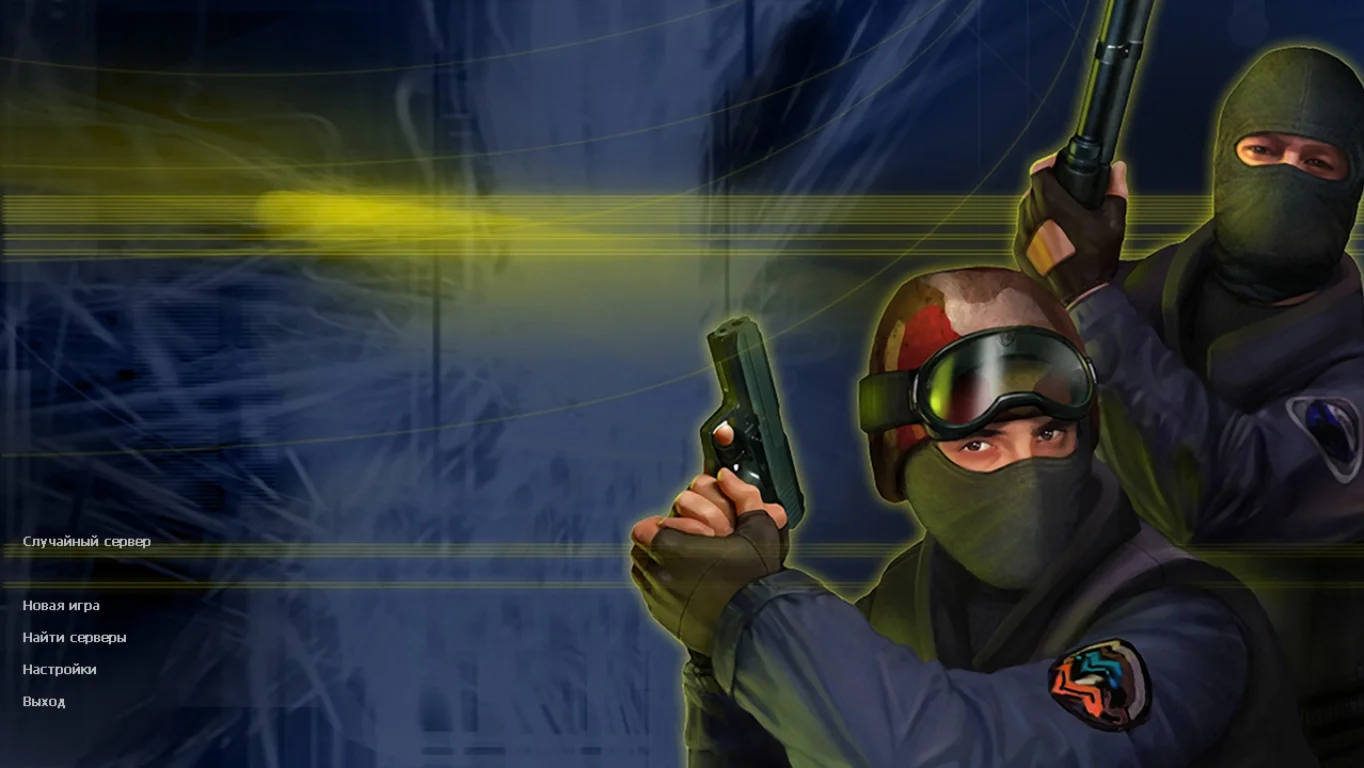
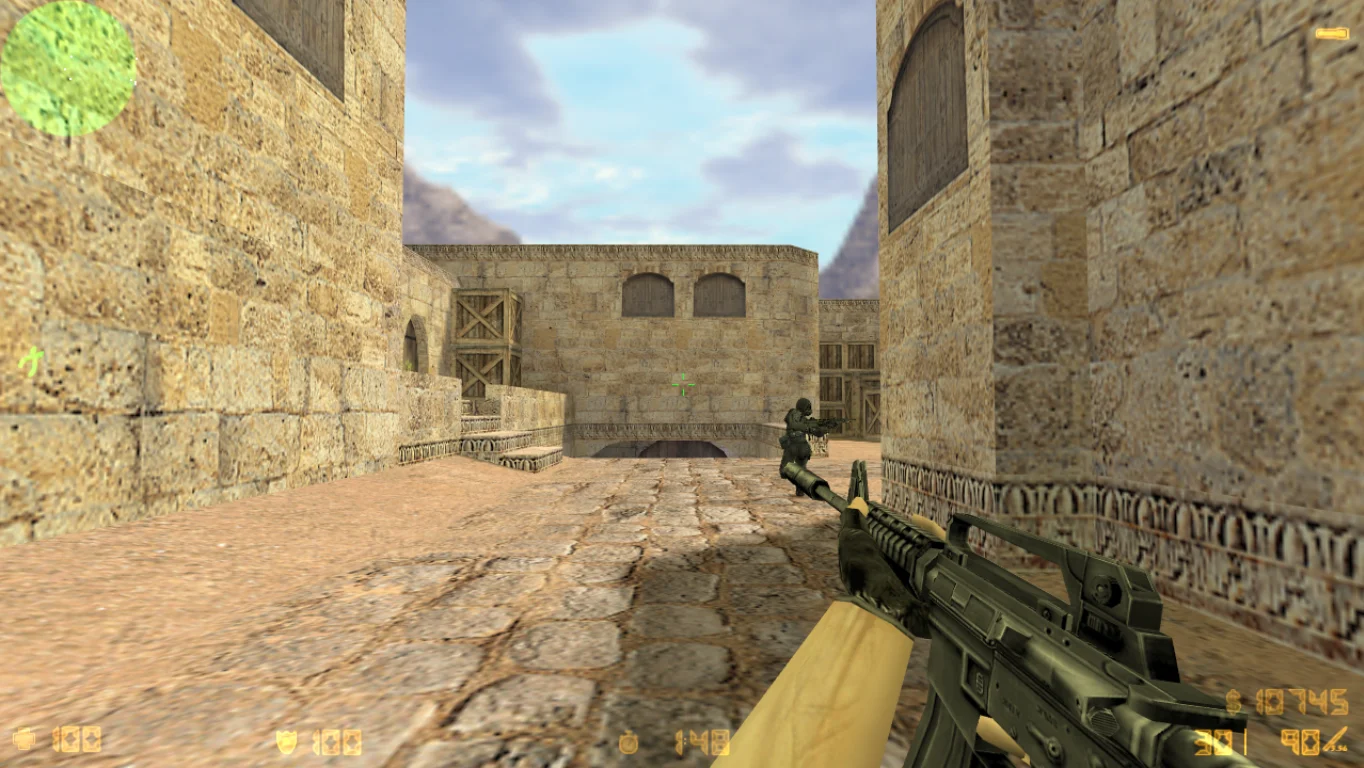
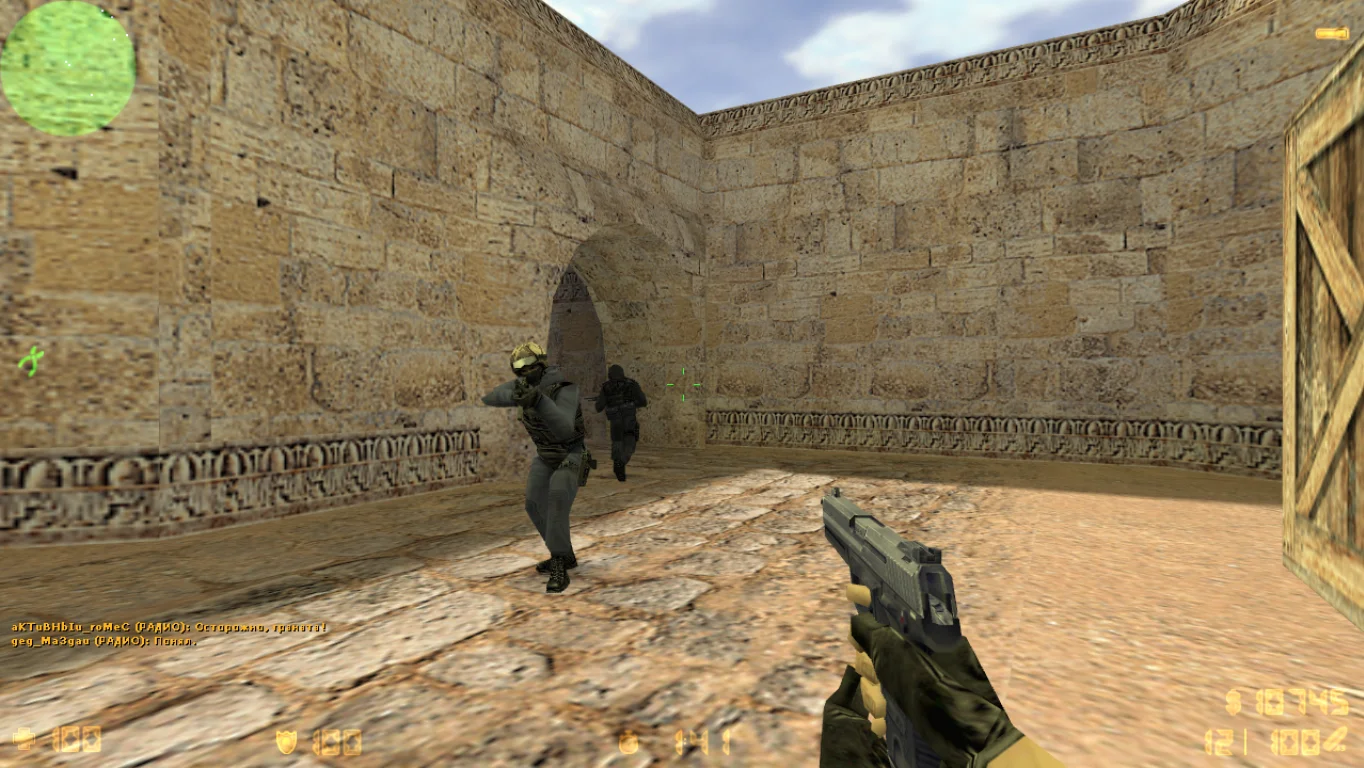
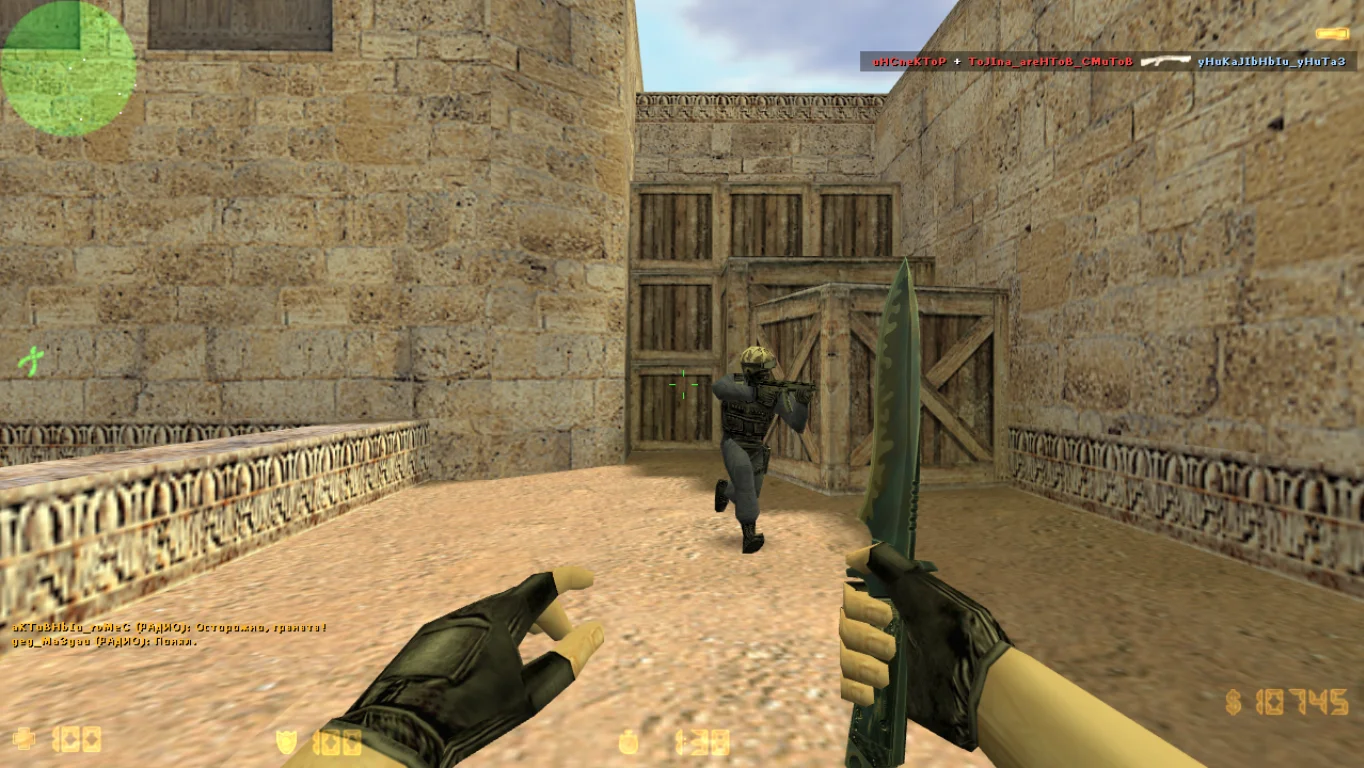
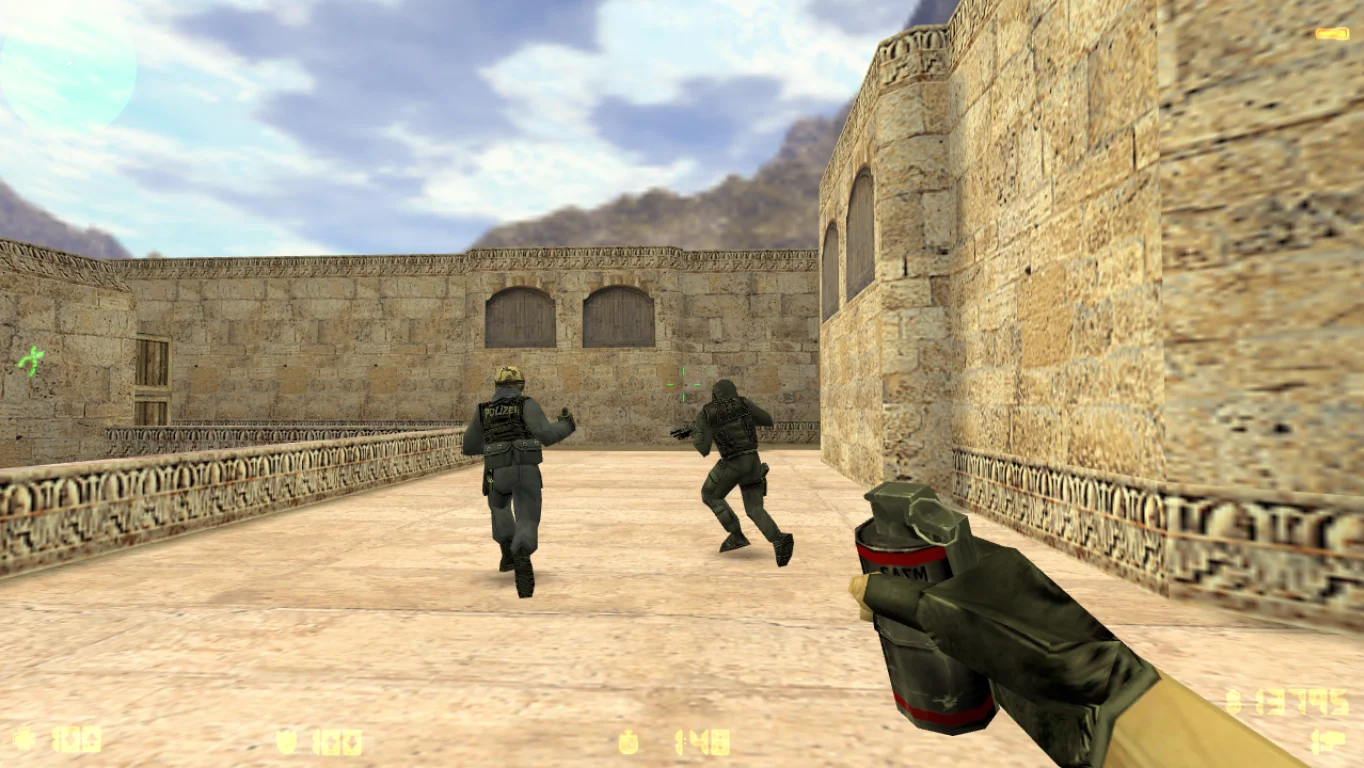
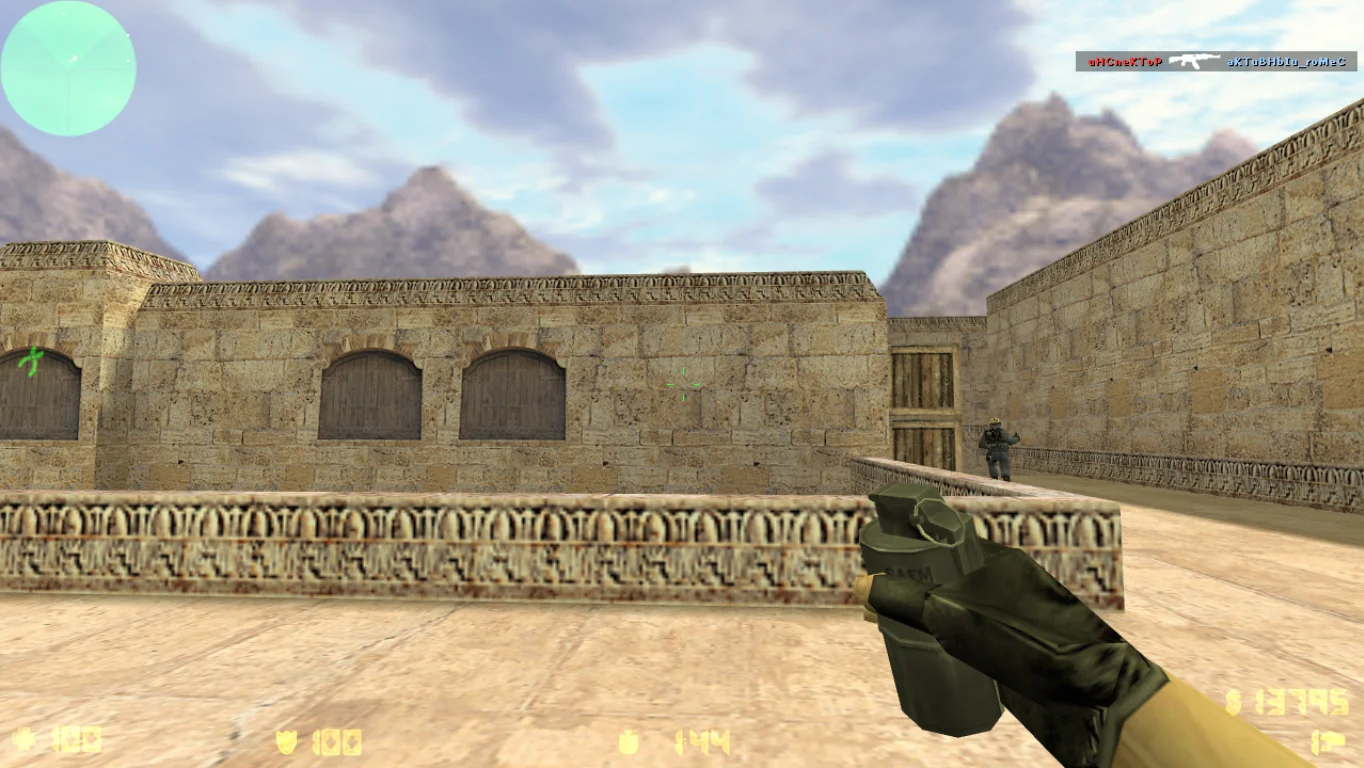
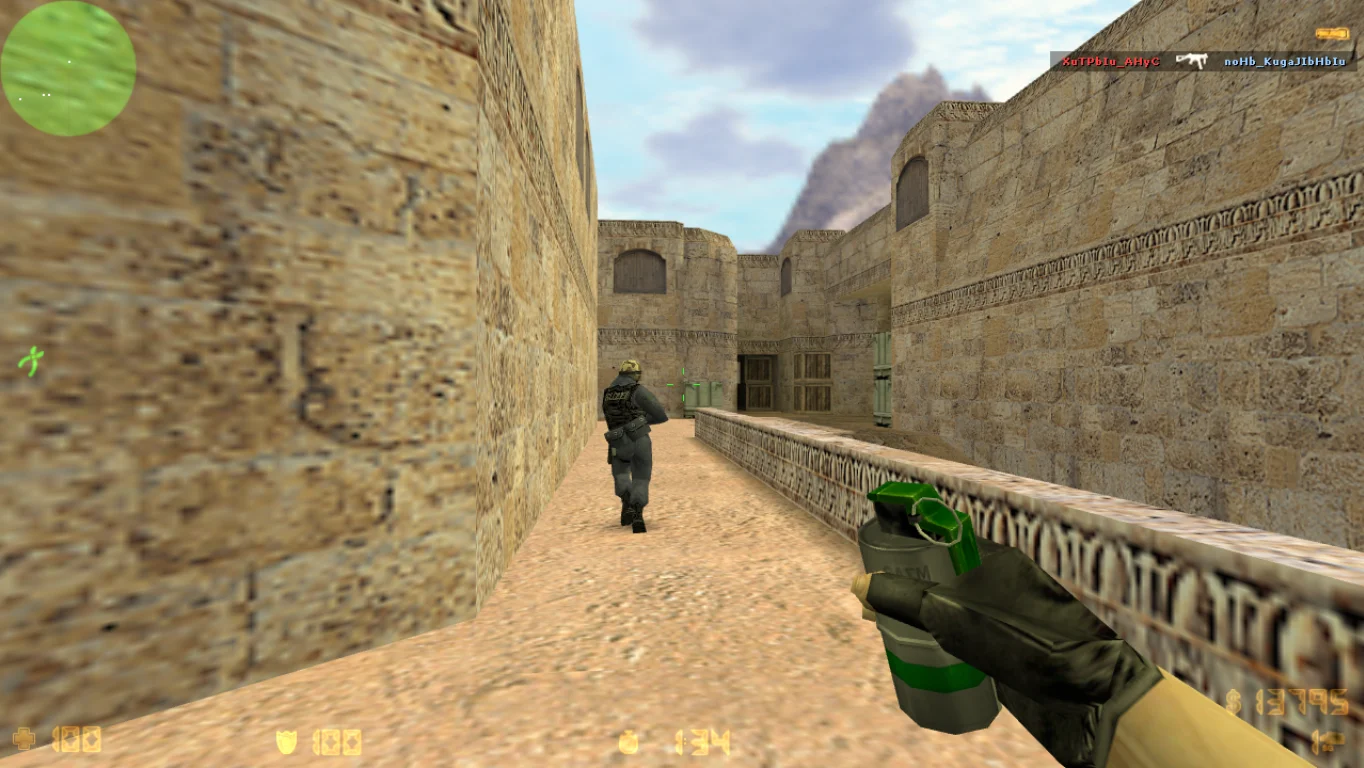
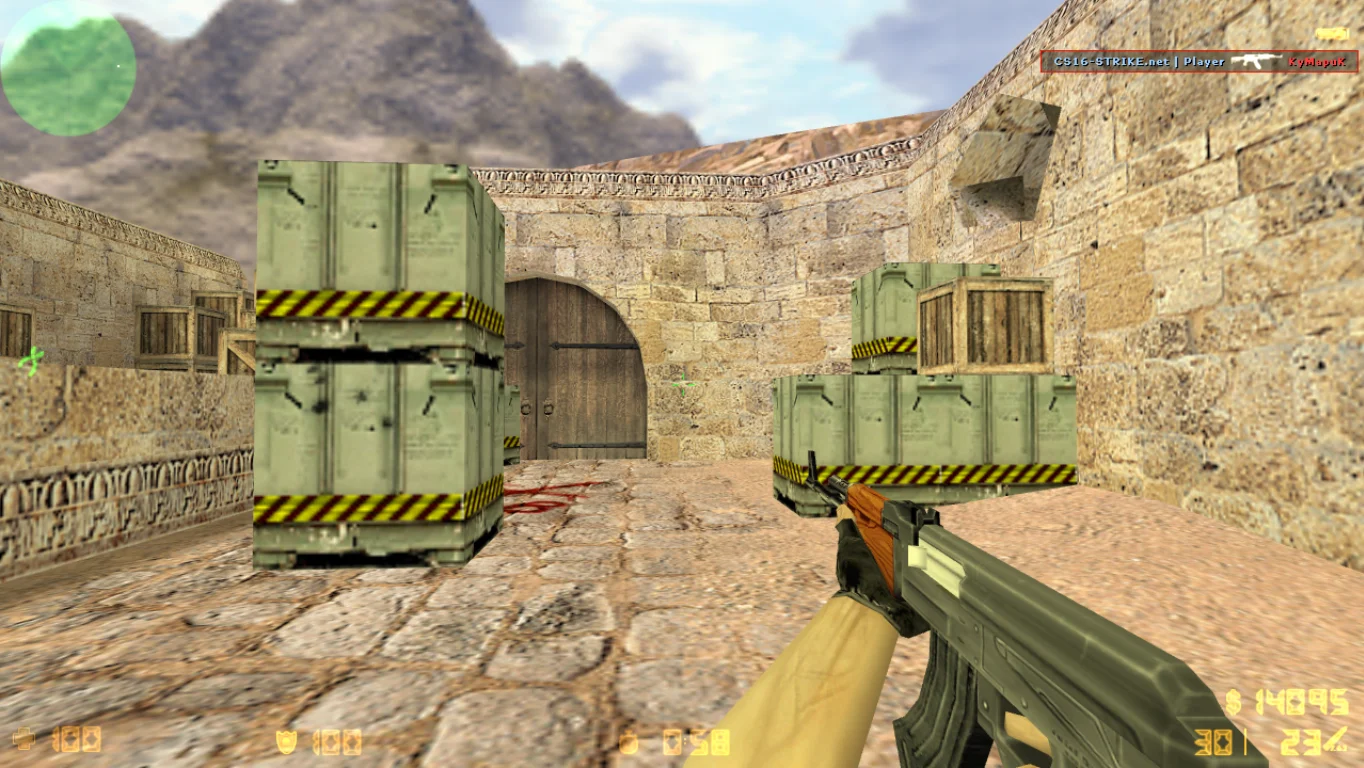
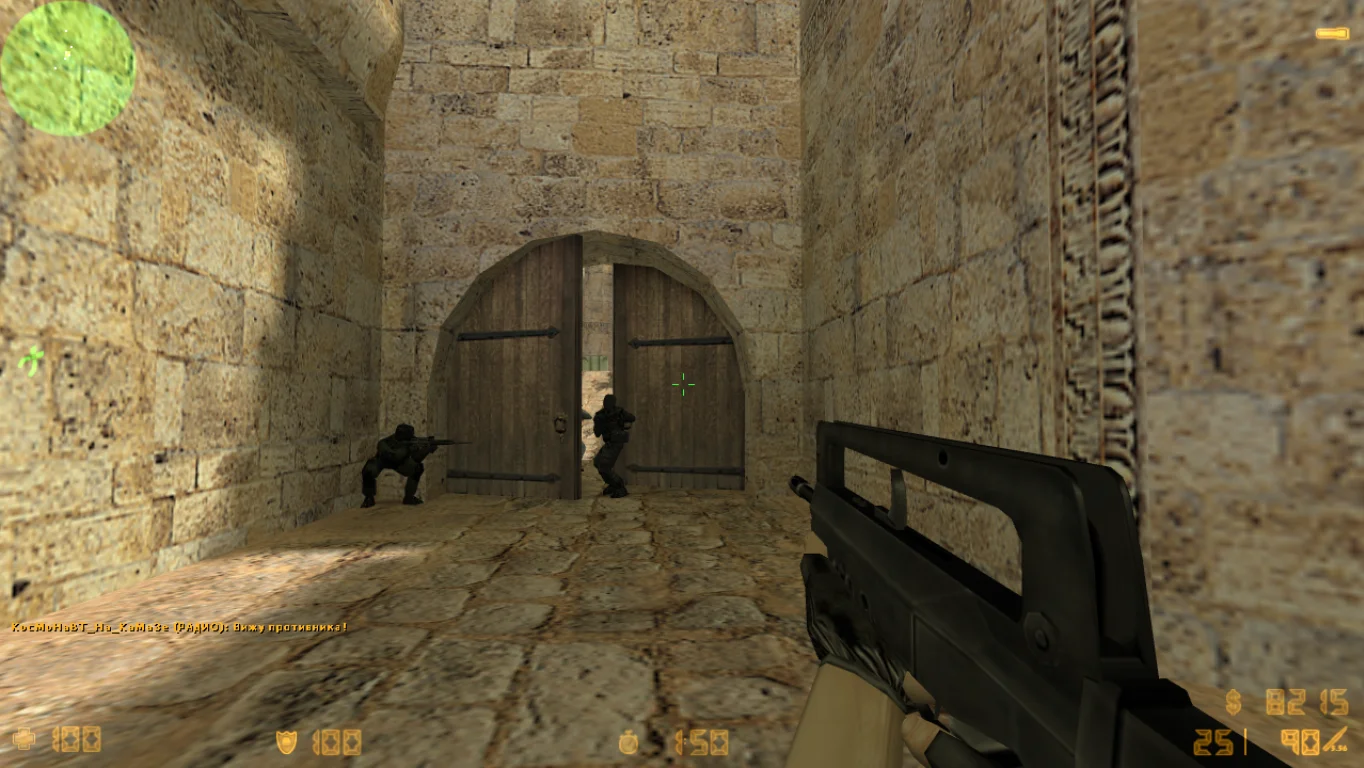
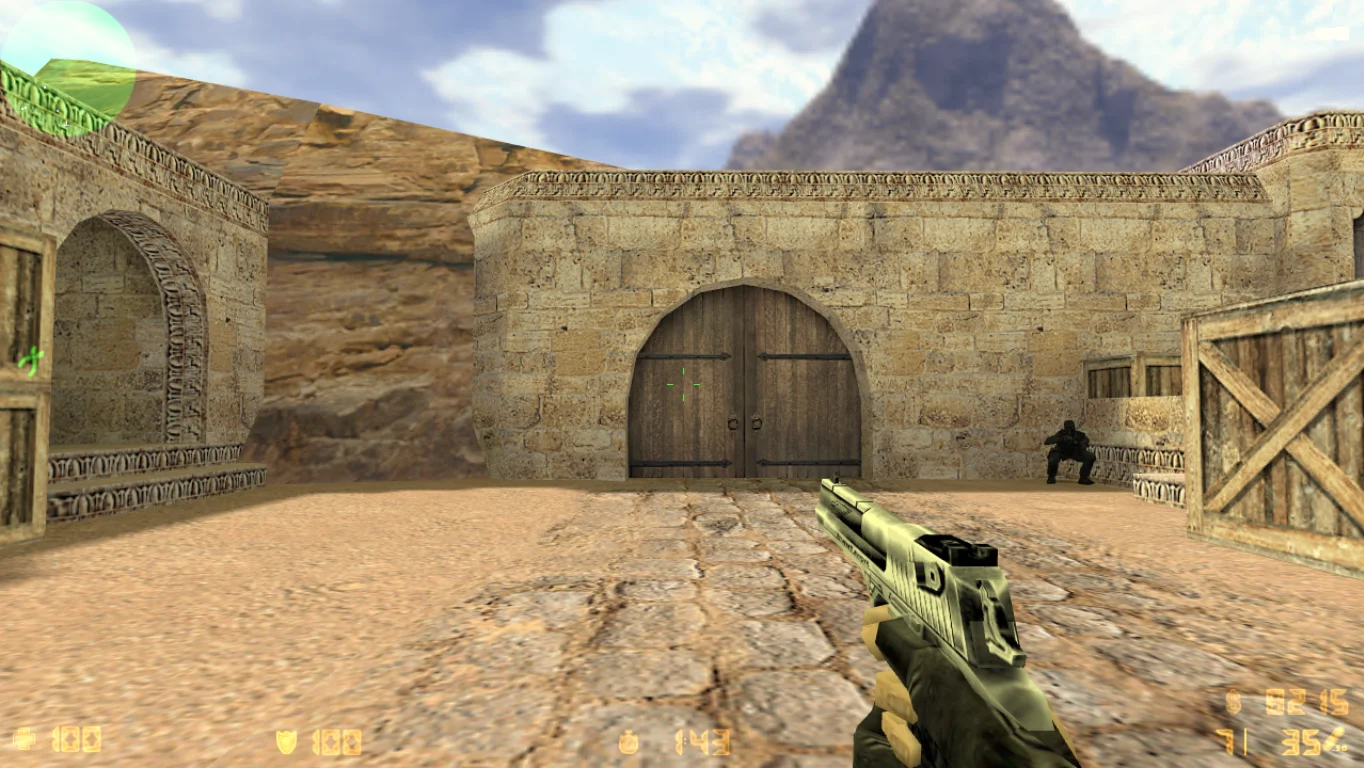
CS 1.6 64-bit — is a fully adapted and stable version of the legendary shooter, running smoothly on modern 64-bit operating systems. Downloading CS 1.6 for a 64-bit system is recommended for anyone using Windows 10, 11, or earlier versions with 64-bit architecture. The game launches instantly, runs without crashes or errors, and does not require emulators or additional libraries — everything is already included in the client.
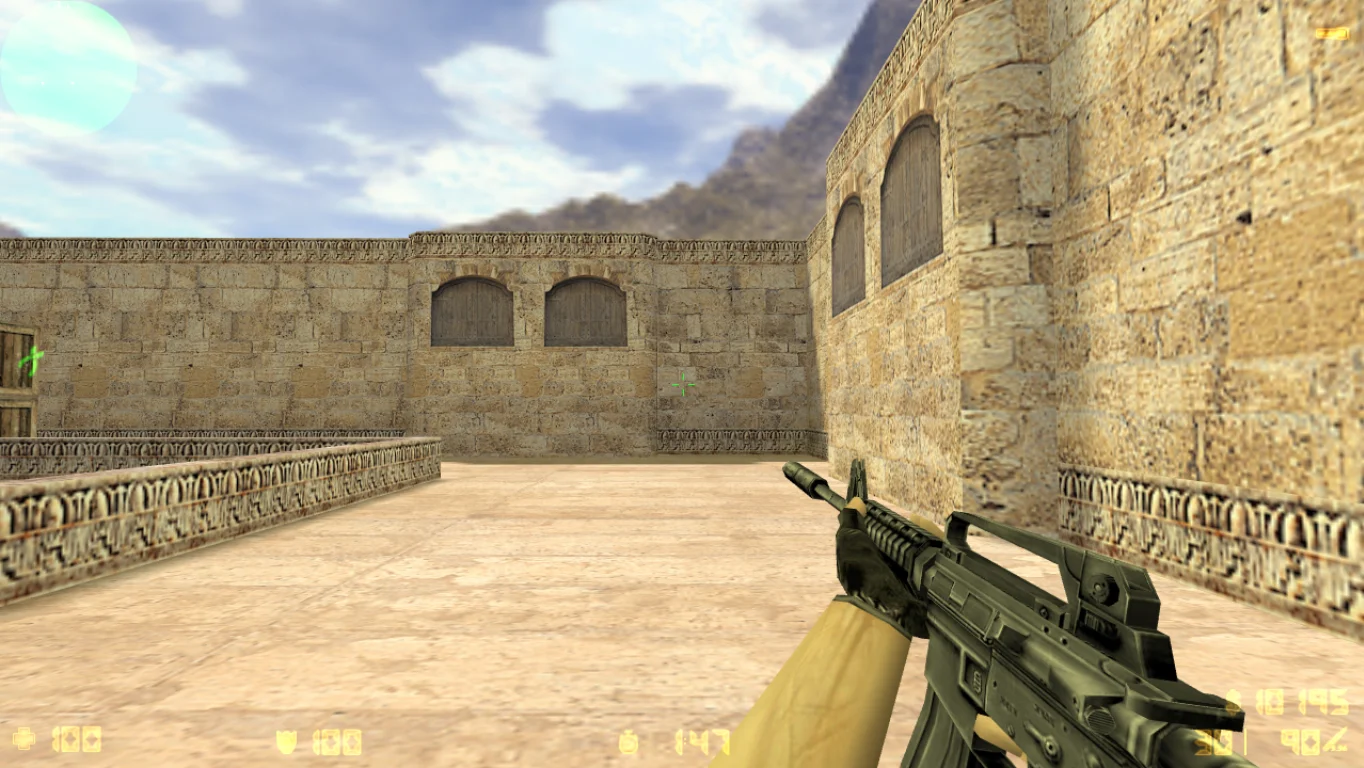
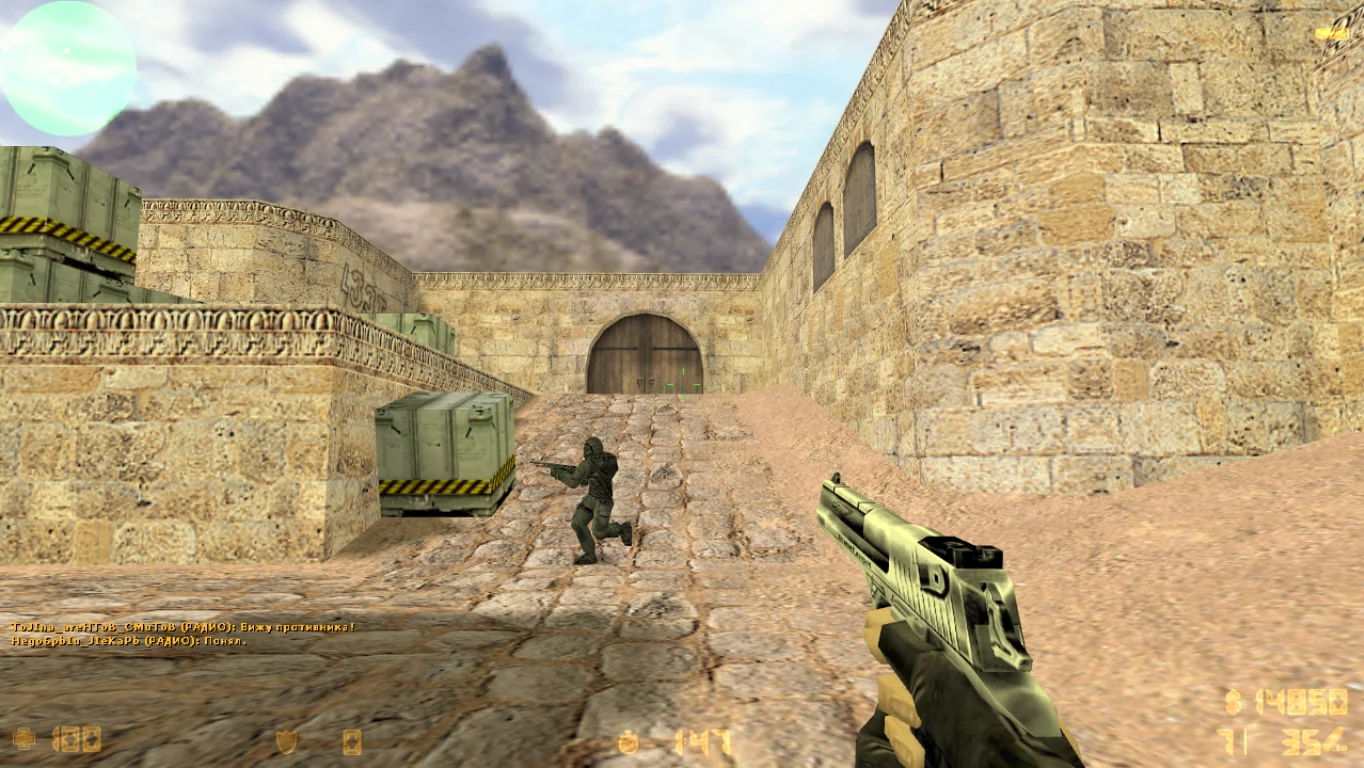
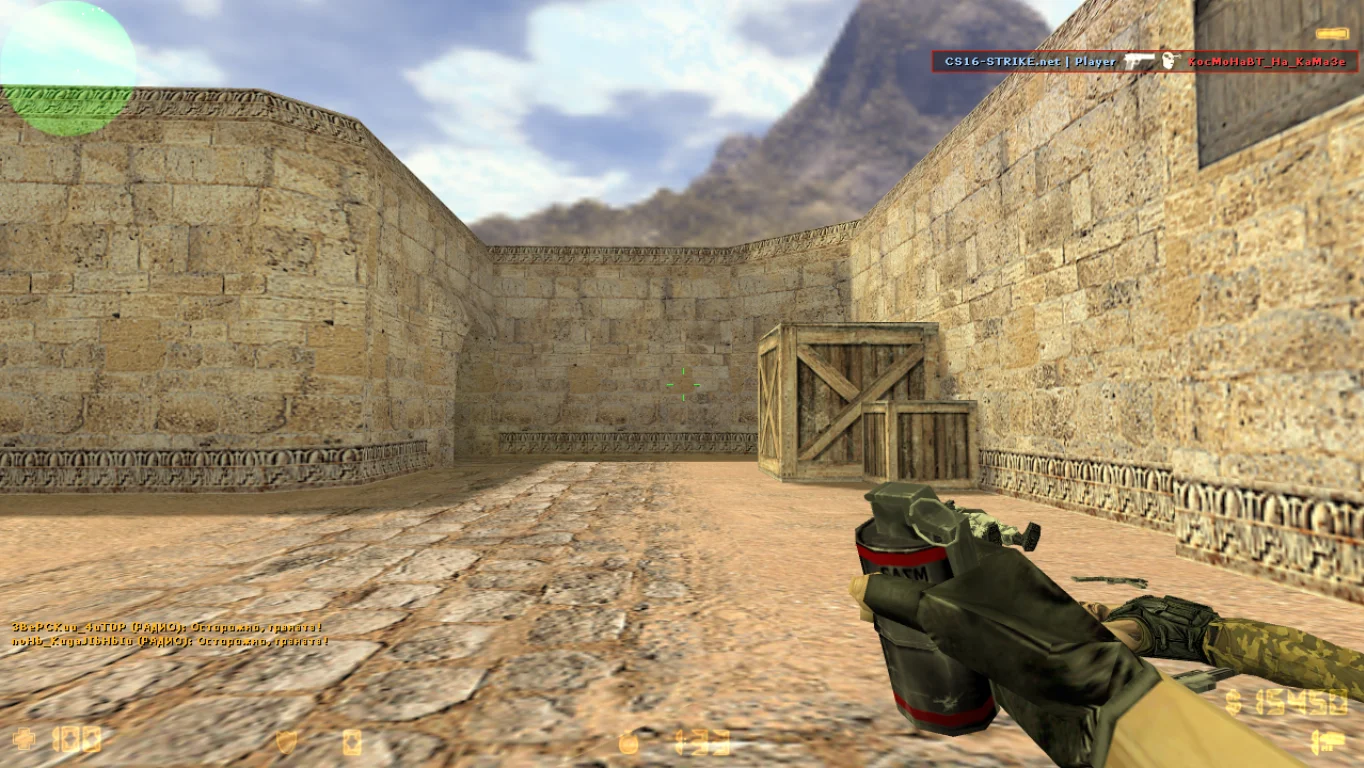
The build is based on the original CS 1.6 version but enhanced with 64-bit support. It not only provides maximum stability but also utilizes the resources of modern systems more efficiently than older clients. The package includes classic maps, models, sounds, and stable configs. Working bots, internet play, and LAN support are also included. The interface is in Russian, with an option to switch to English.
CS 1.6 64-bit can be downloaded for free. Installation is very simple: just download the installer, run it, and follow the instructions. The game contains no viruses, ads, third-party software, or hidden processes. Support for modern systems makes this build ideal for those who want to play CS 1.6 on new PCs and laptops without technical limitations. Suitable for both online matches and single-player bot games.
CS 1.6 64-bit Features:
• Full support for 64-bit systems
• Stable performance on Windows 7, 8, 10, 11
• No additional libraries or emulators required
• Original maps, models, and textures
• Supports online and LAN play
• Built-in bots and configs
• Quick installation
• No viruses, ads, or extra programs
• Interface in Russian and English
• Optimized for modern PCs and laptops
System requirements and how to install:
Minimum system requirements:
• OS: Windows 7 / 8 / 10 / 11 (64-bit)
• Processor: 1.0 GHz or higher
• RAM: 512 MB
• Graphics card: OpenGL support
• Free disk space: 700 MB or more
Installation instructions:
• Download the CS 1.6 64-bit installer
• Run the installation file
• Choose the installation path and wait for completion
• Launch the game via the desktop shortcut
• Configure settings and start playing
Только оригинальные карты
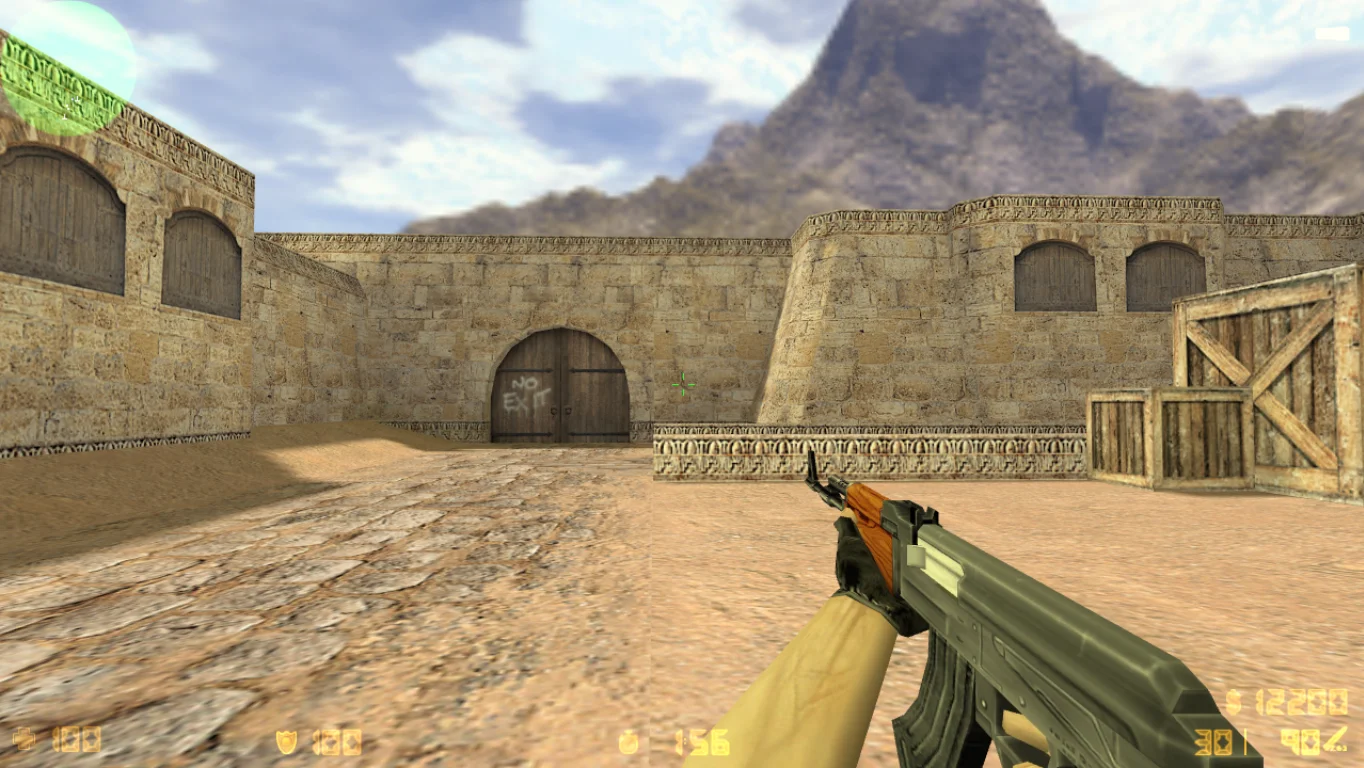
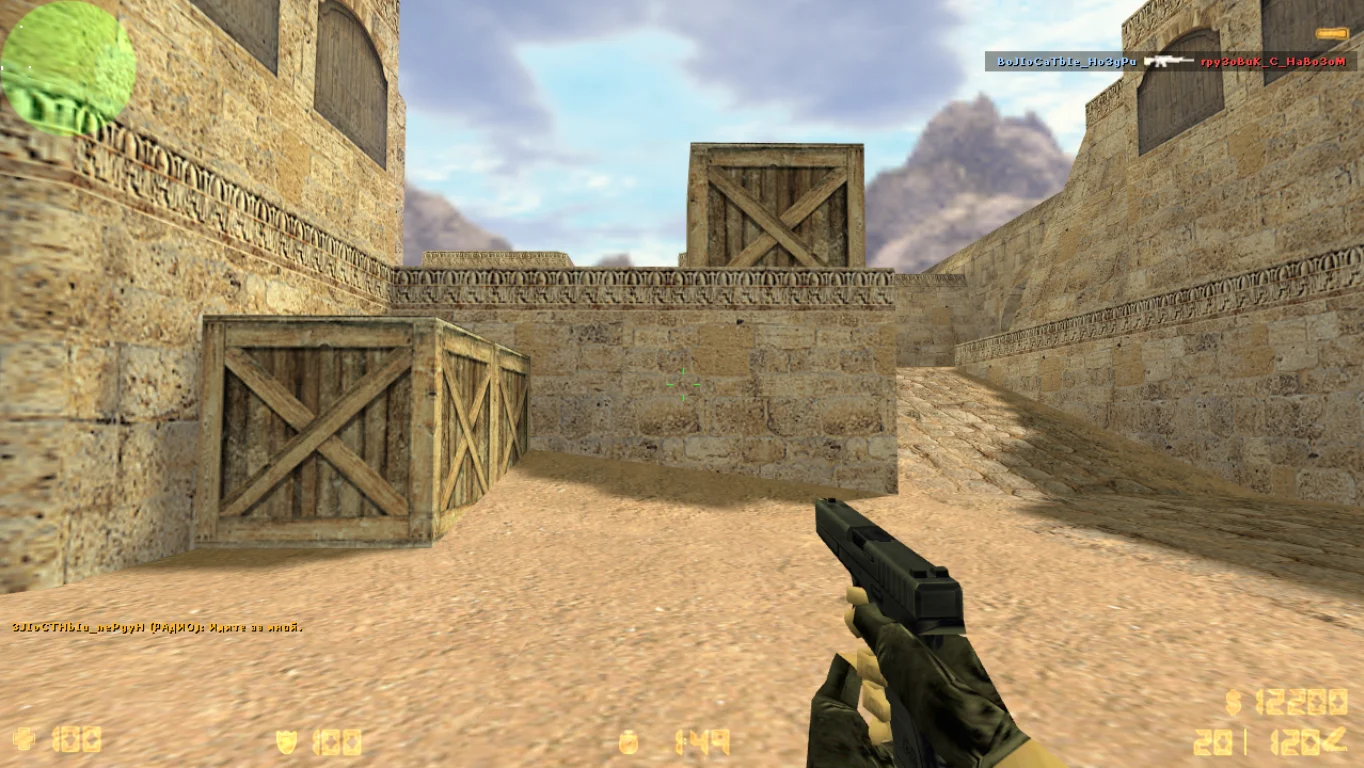
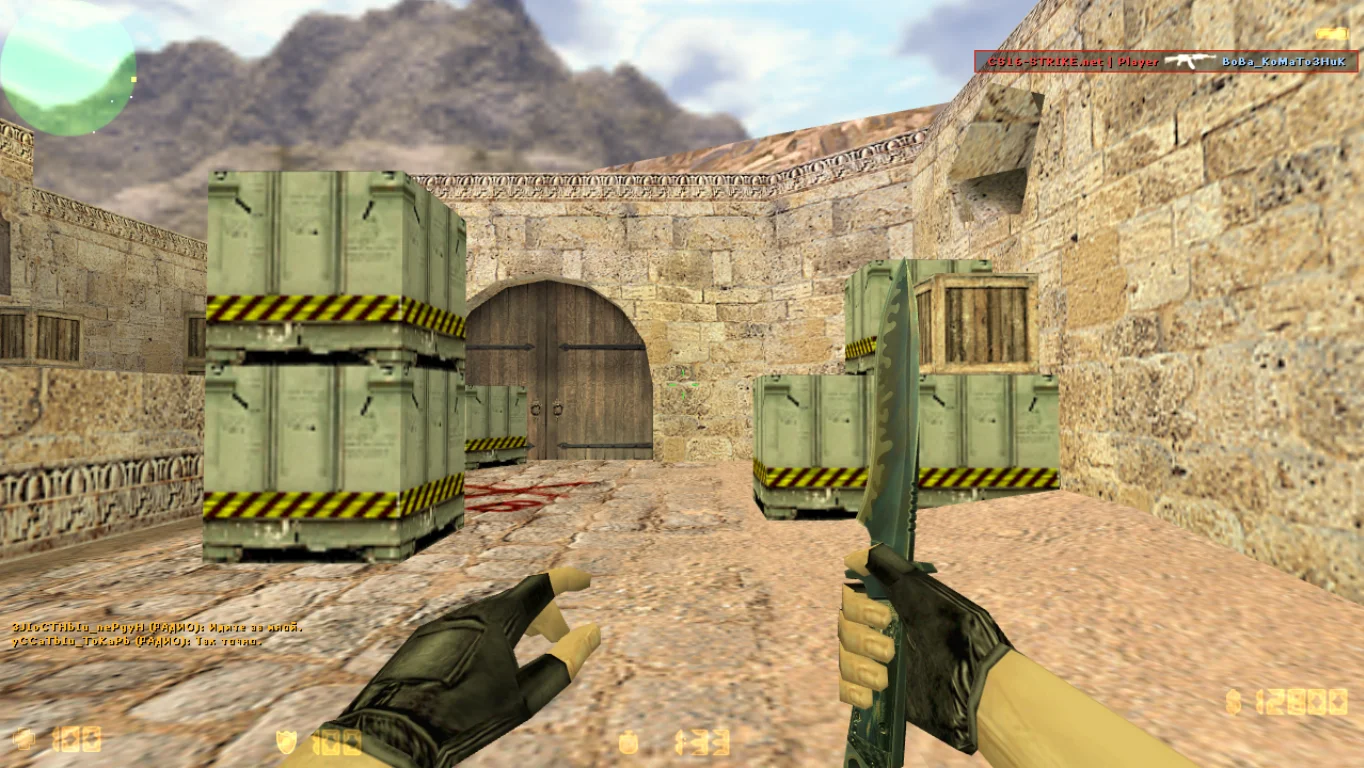
В игре предусмотрены стандартные карты, служащие ареной для качественных сражений. Основное назначение большинства из них заключается в установки и обезвреживания бомбы. Кроме того, в клиенте присутствуют локации, предназначенные для отработки навыков стрельбы.
Полная защита клиента
Сборку характеризует современная система защиты, гарантирующая полную безопасность игры от вредоносного программного обеспечения и рекламы. Применение последней версии игрового движка с актуальными обновлениями обеспечивает геймеру актуальный клиент.