Home
Home
 CS 1.6 Builds
 CS:GO Builds
 CS:S Builds
 CS2 Builds

Download CS 1.6 iPlay
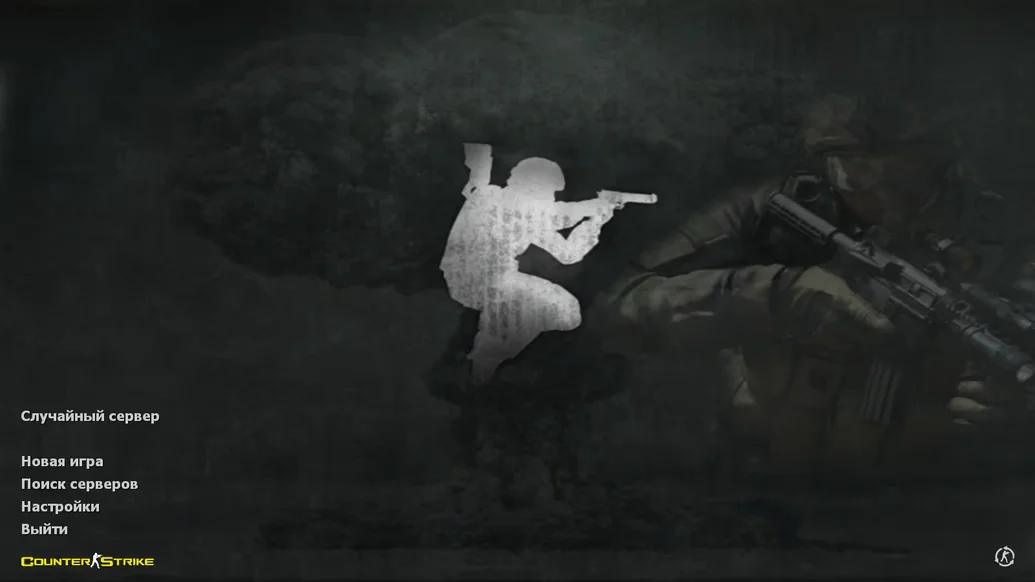
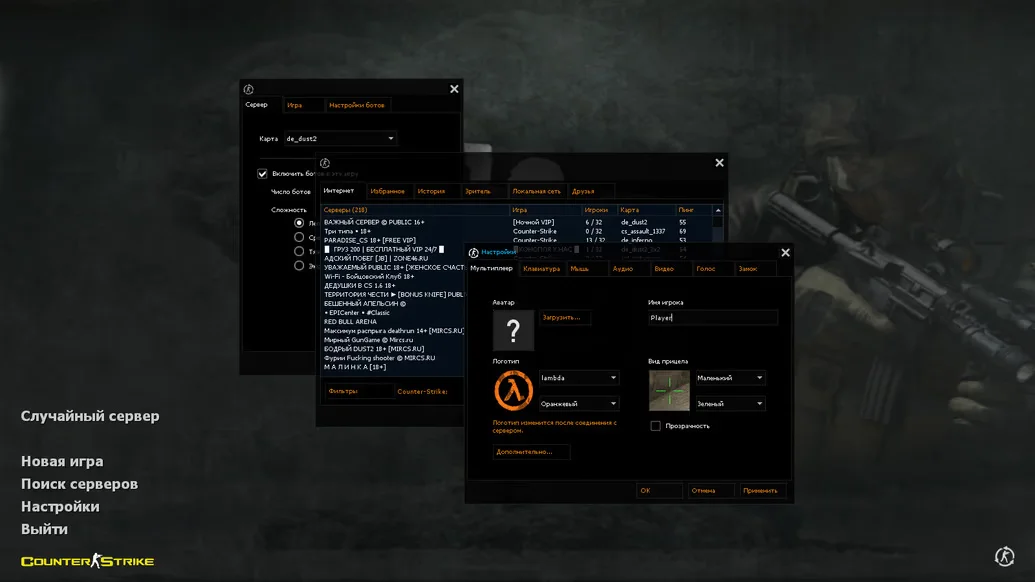
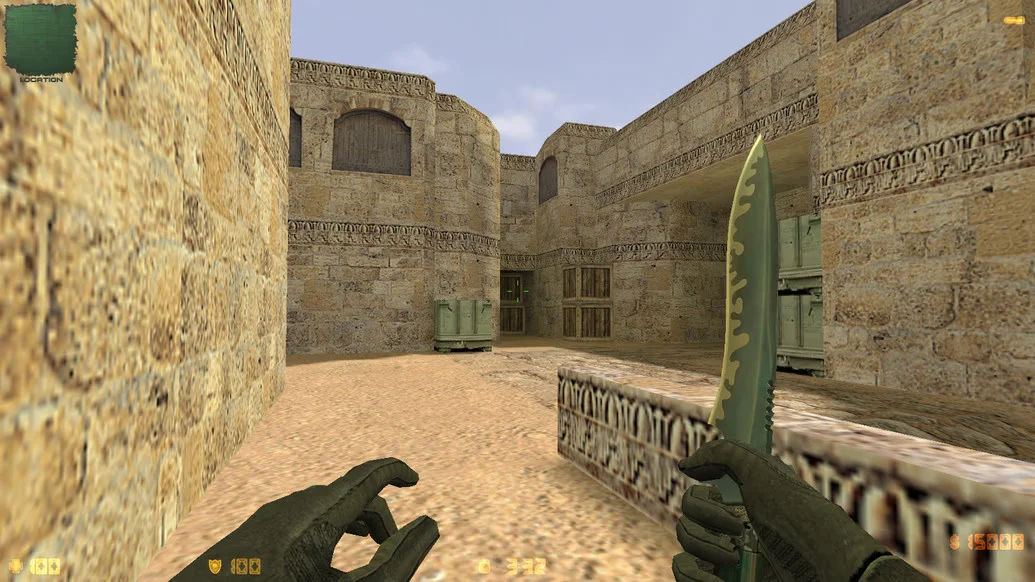
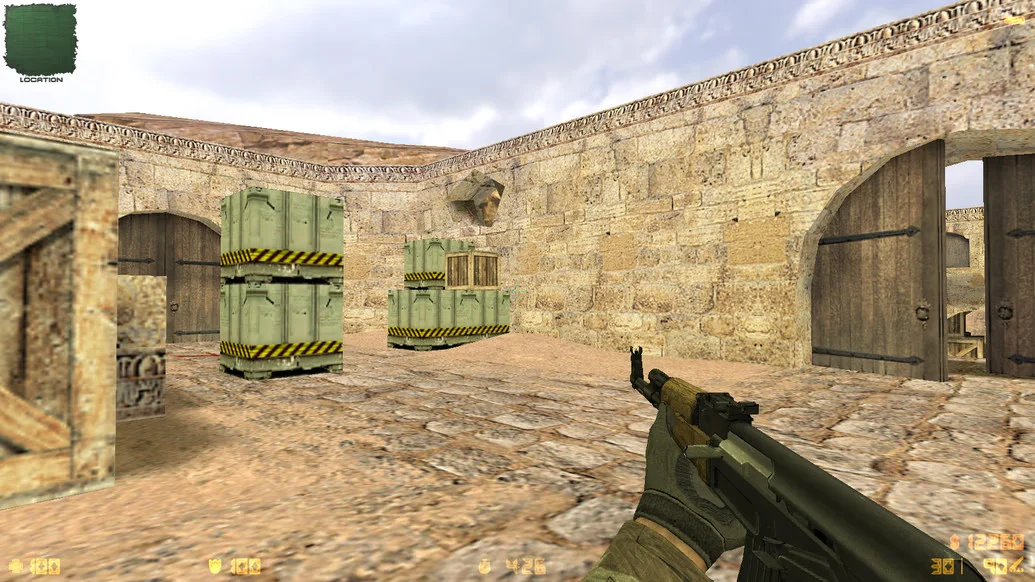
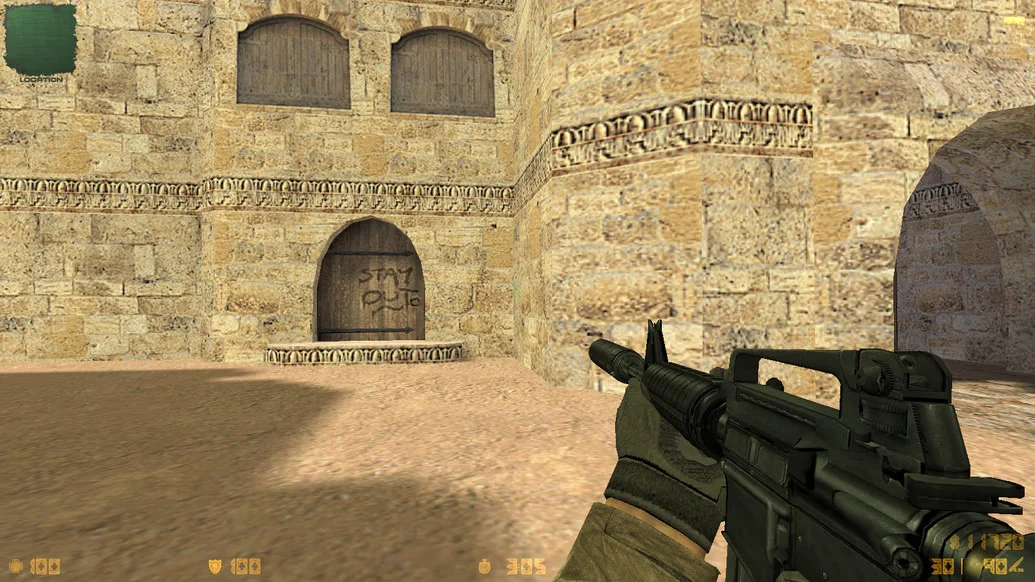
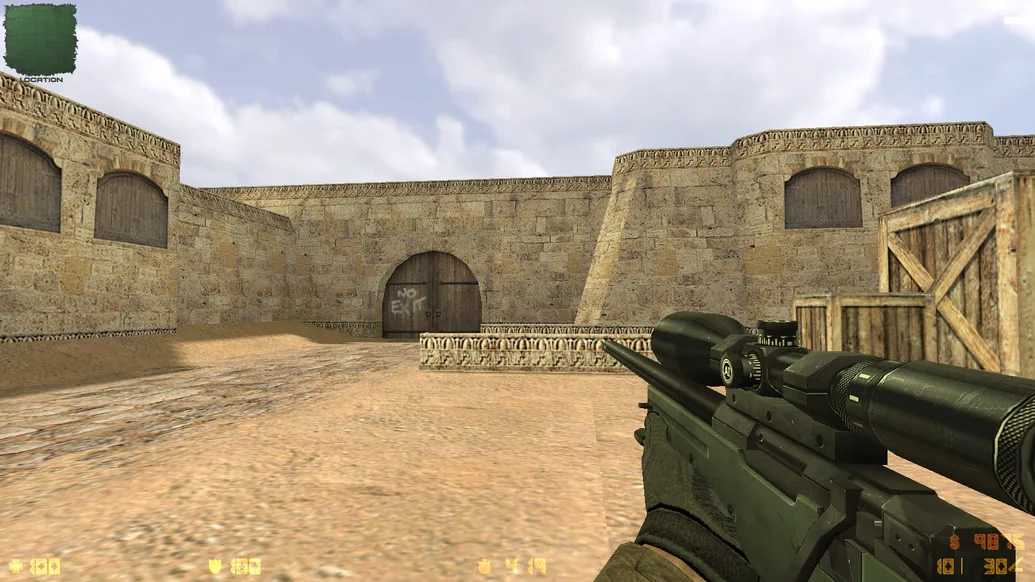
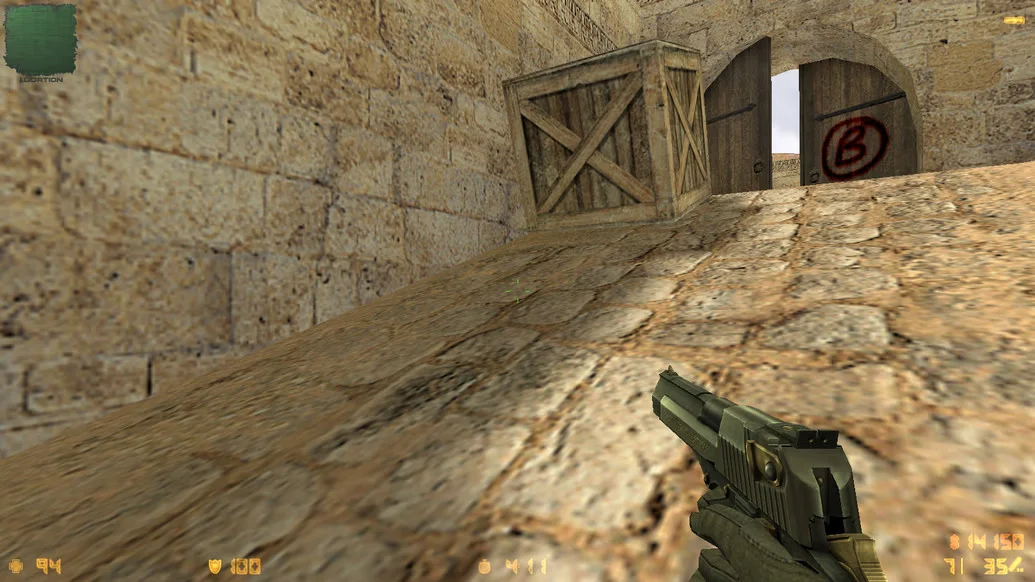
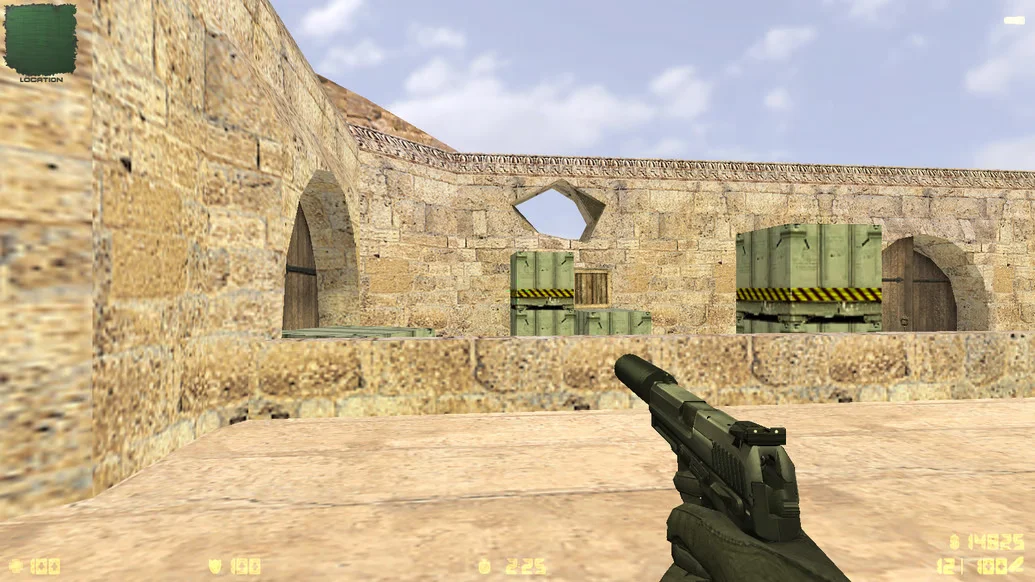
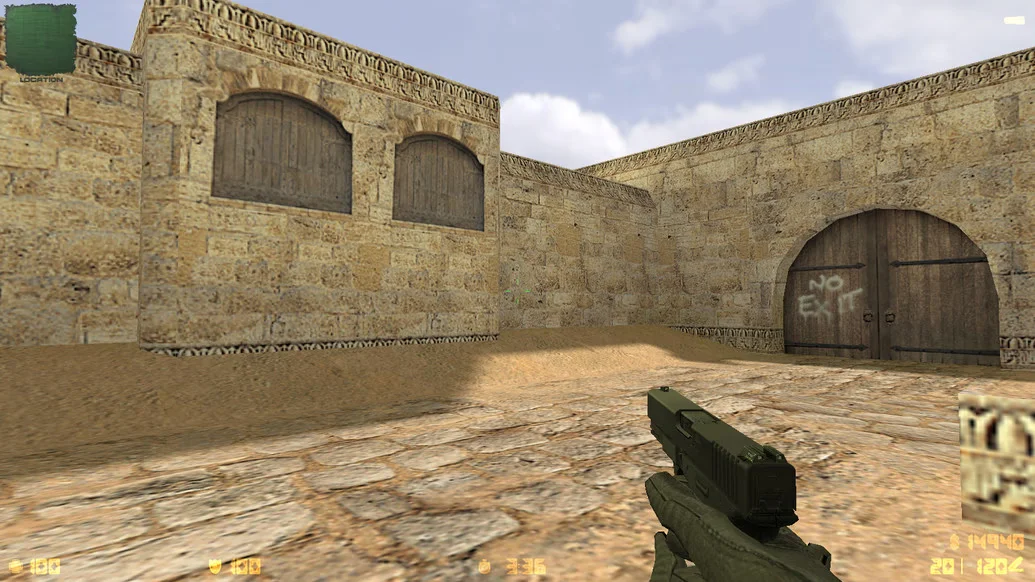
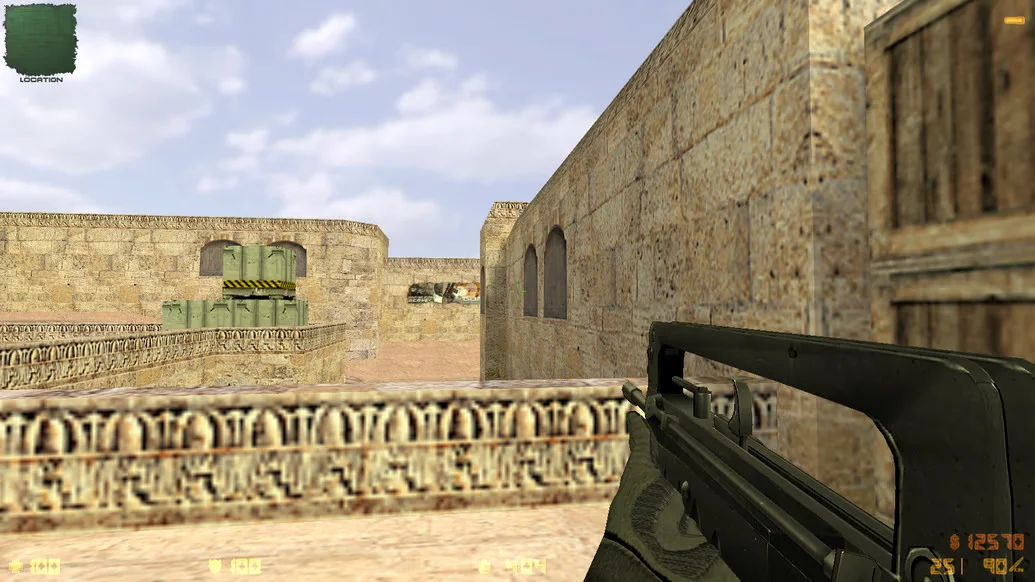
CS 1.6 iPlay is a stylish and modern build of the legendary Counter-Strike 1.6, designed specifically for comfortable and fast gameplay. It is aimed at players who value not only performance and stability but also visual design, a user-friendly interface, and a ready-to-use configuration for online battles. This build is perfect for both beginners and experienced players who want to install the game and start playing immediately without extra setup.
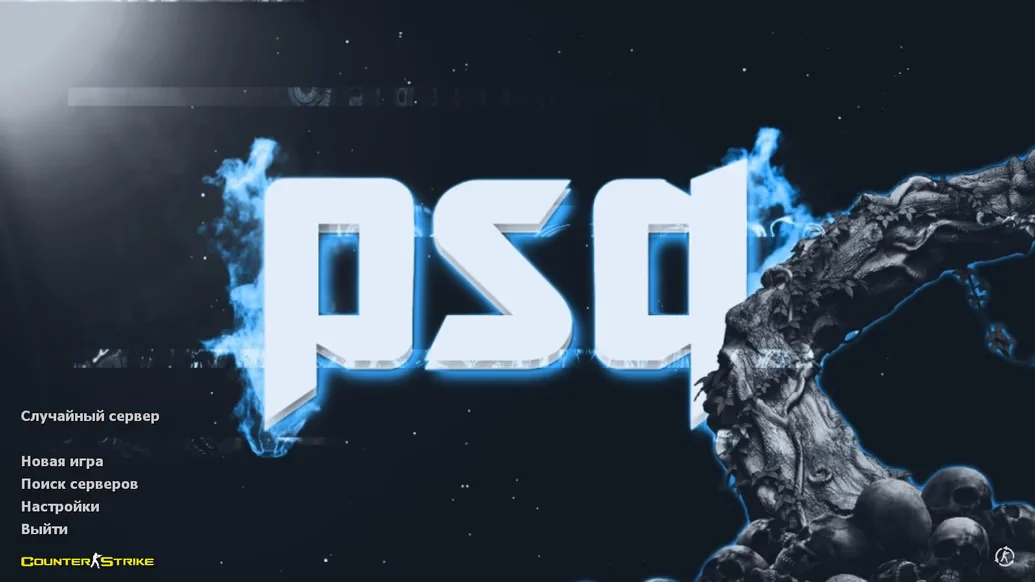
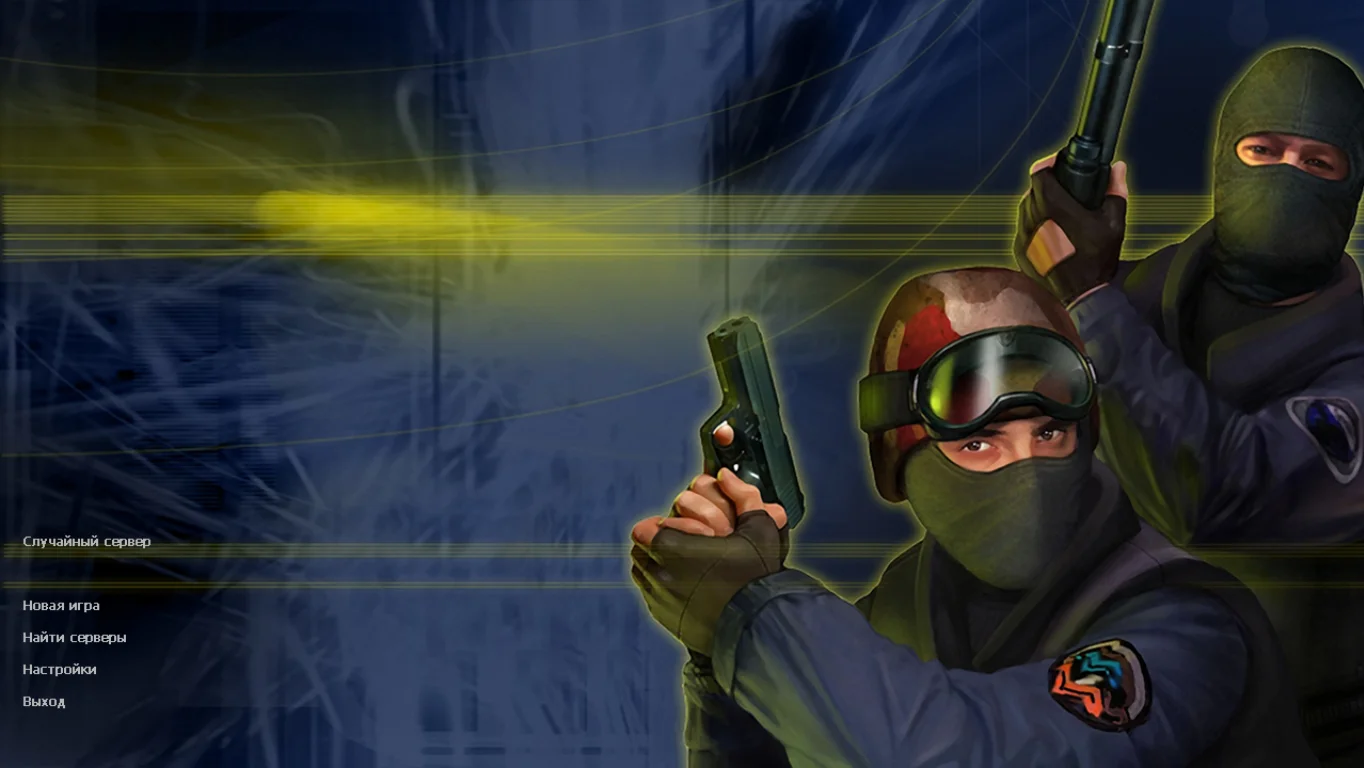
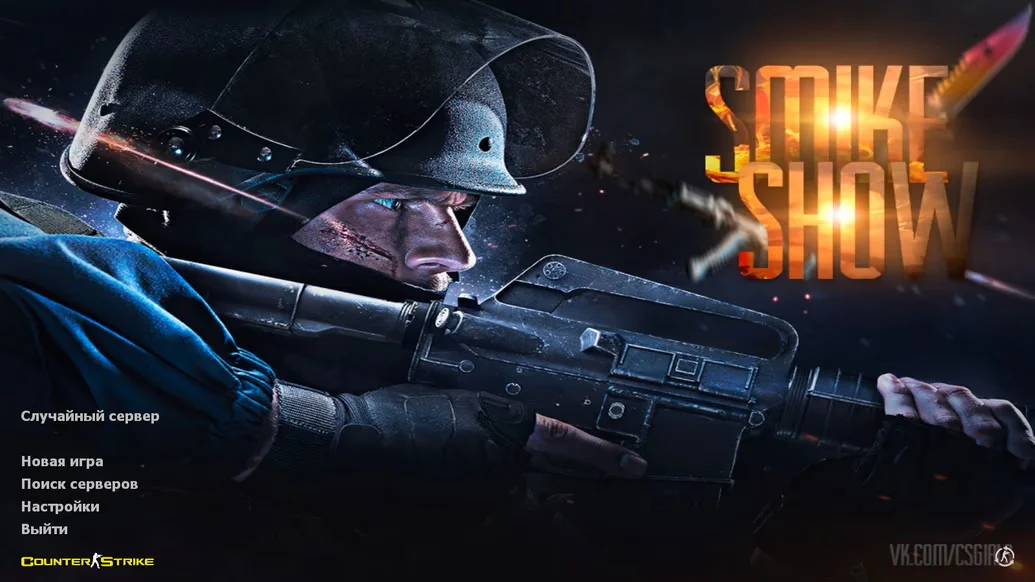
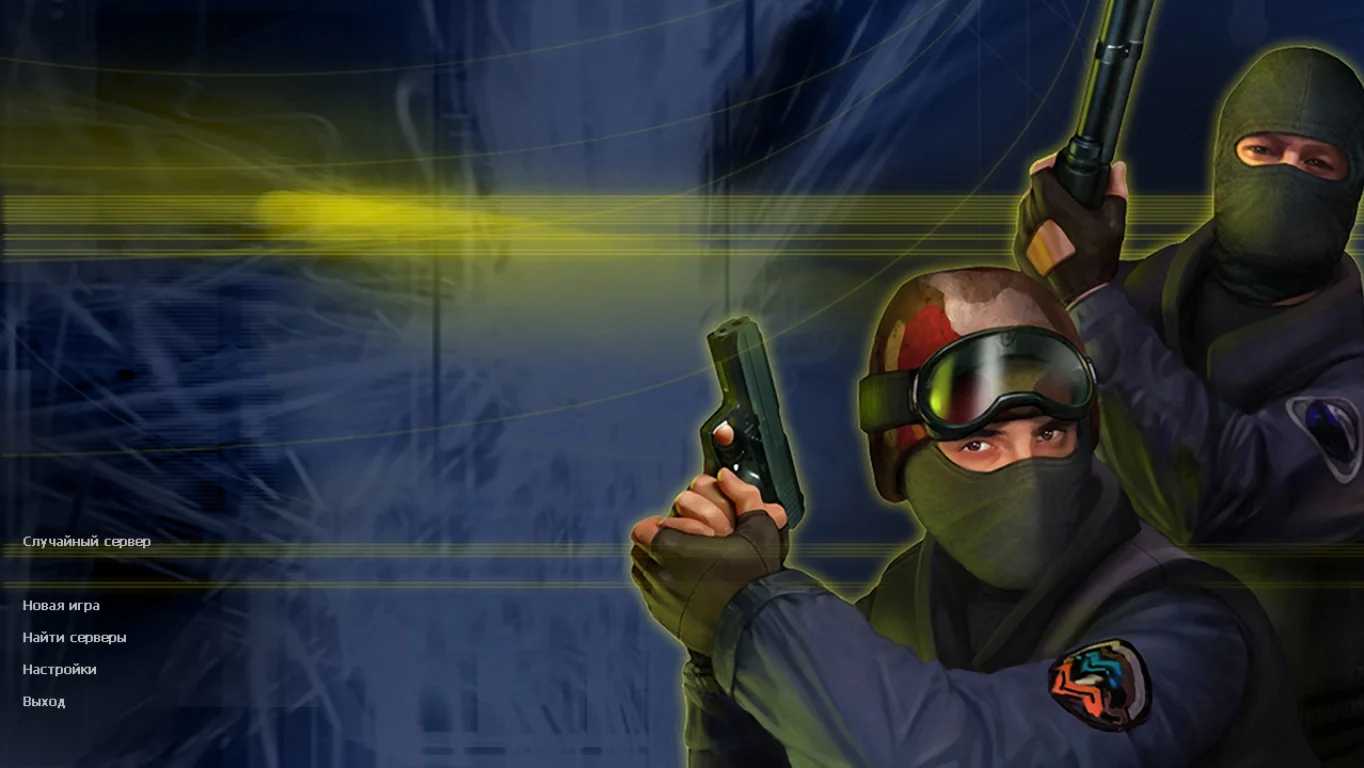
The menu is designed in a minimalist iPlay style, with convenient navigation and intuitive controls. The build includes high-quality weapon and player models, a pleasant crosshair, an optimized HUD, and updated sounds. The config is fully tuned: precise shooting, proper mouse response, stable ping — all tested in practice. The package includes intelligent bots for offline mode, as well as an active master server, allowing players to find working servers in seconds. The client is completely clean — no ads, third-party software, or viruses.
CS 1.6 iPlay is free to download and requires no registration. Installation takes only 2–3 minutes, after which the game is ready to launch. All Windows versions, including Windows 11, are supported, and the high performance makes it ideal even for low-end PCs. If you are looking for a universal, clean, and modern version of CS 1.6 that works "out of the box," CS 1.6 iPlay is an excellent choice.
Build Features:
Modern iPlay-style design
User-friendly menu and interface
High-quality weapon and player models
Updated crosshair and HUD
Optimized config for online and LAN
Completely clean: no ads or unnecessary software
Built-in intelligent bots
Working master server
Support for offline, LAN, and online modes
High performance on any PC
Compatible with Windows XP – 11
Installation in 2–3 minutes
System Requirements and How to Install:
Operating System: Windows XP/Vista/7/8/10/11
Processor: from 1.0 GHz
RAM: from 512 MB
Video Card: DirectX compatible
Free Disk Space: from 1 GB
How to Install:
Download the CS 1.6 iPlay installer
Run the installer and choose the installation path
Wait for the installation to complete
Launch the game via the desktop shortcut
Play online, with bots, or over LAN