Home
Home
 CS 1.6 Builds
 CS:GO Builds
 CS:S Builds
 CS2 Builds

Download CS 1.6 Portable
 Русская версия
 С ботами и серверами
 Работает на всех Windows (от XP до 11)
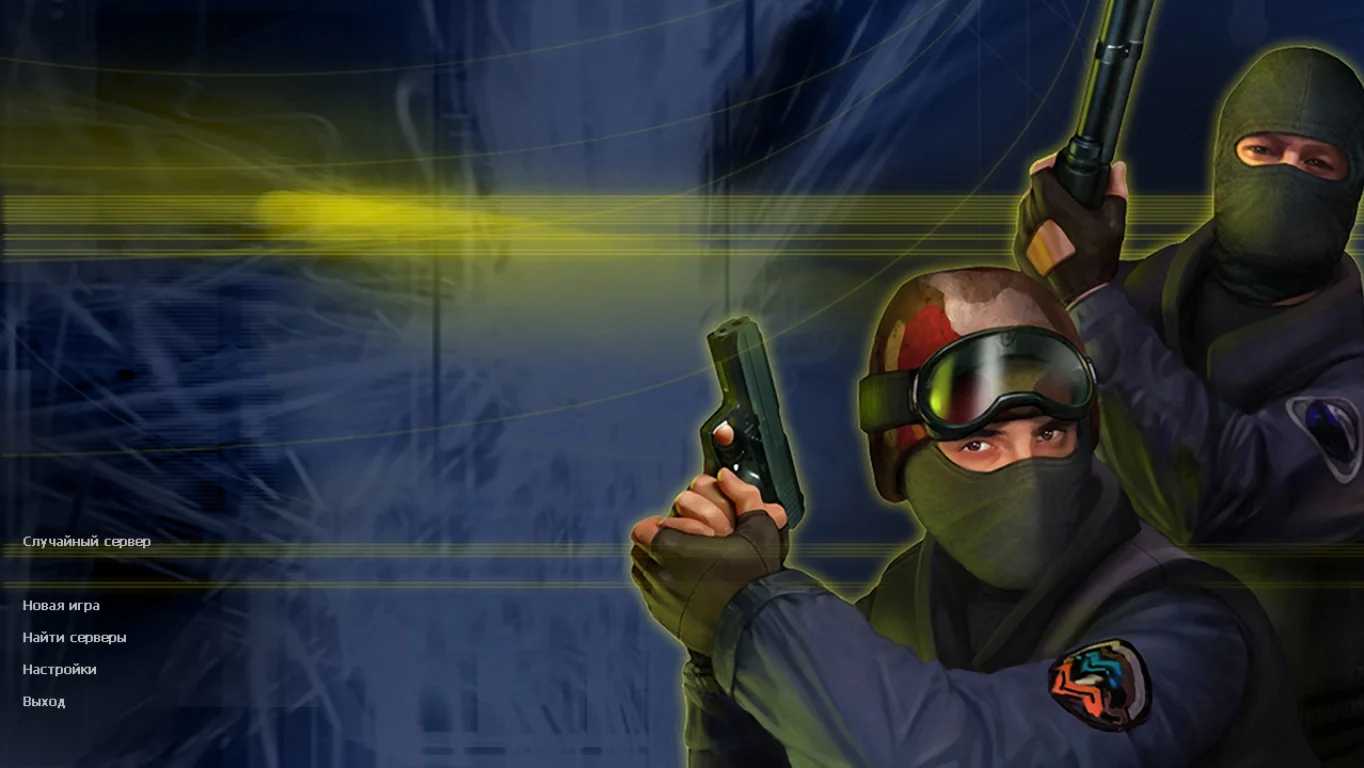
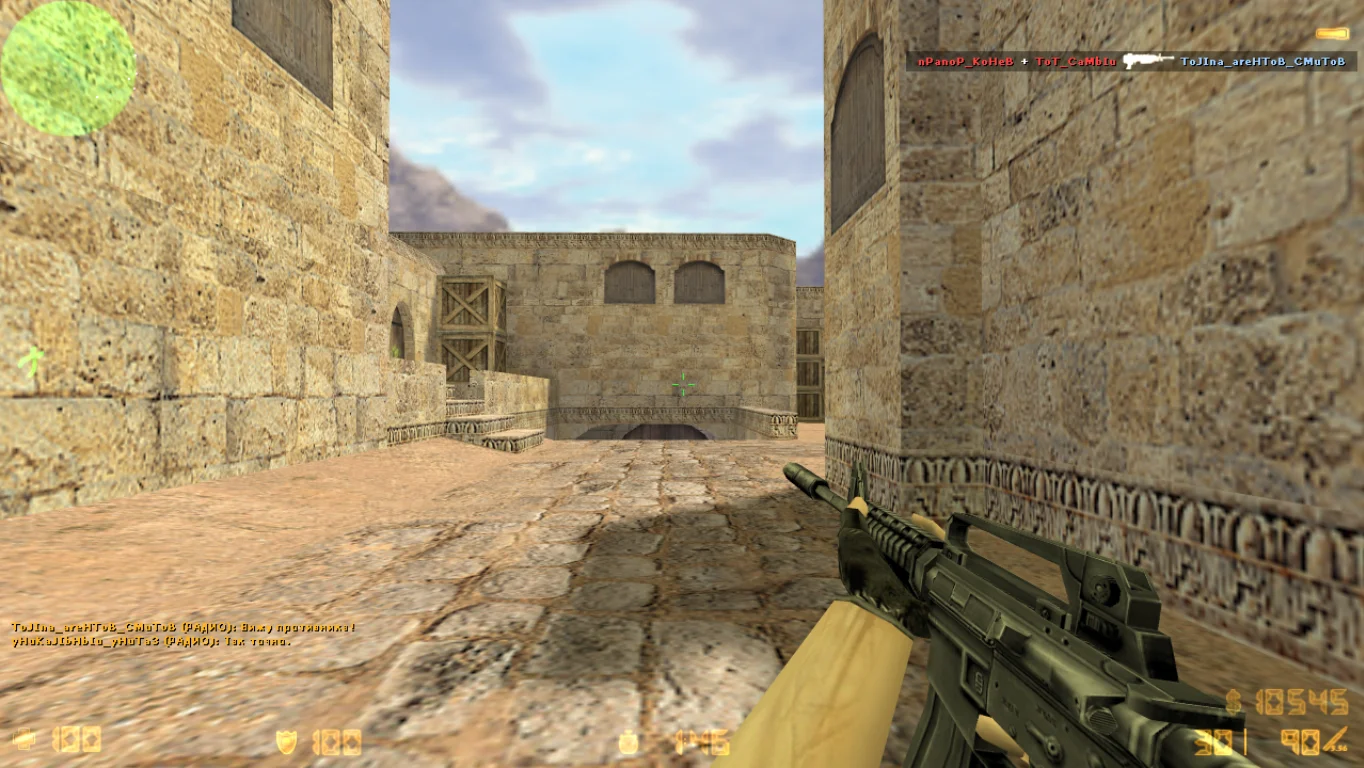
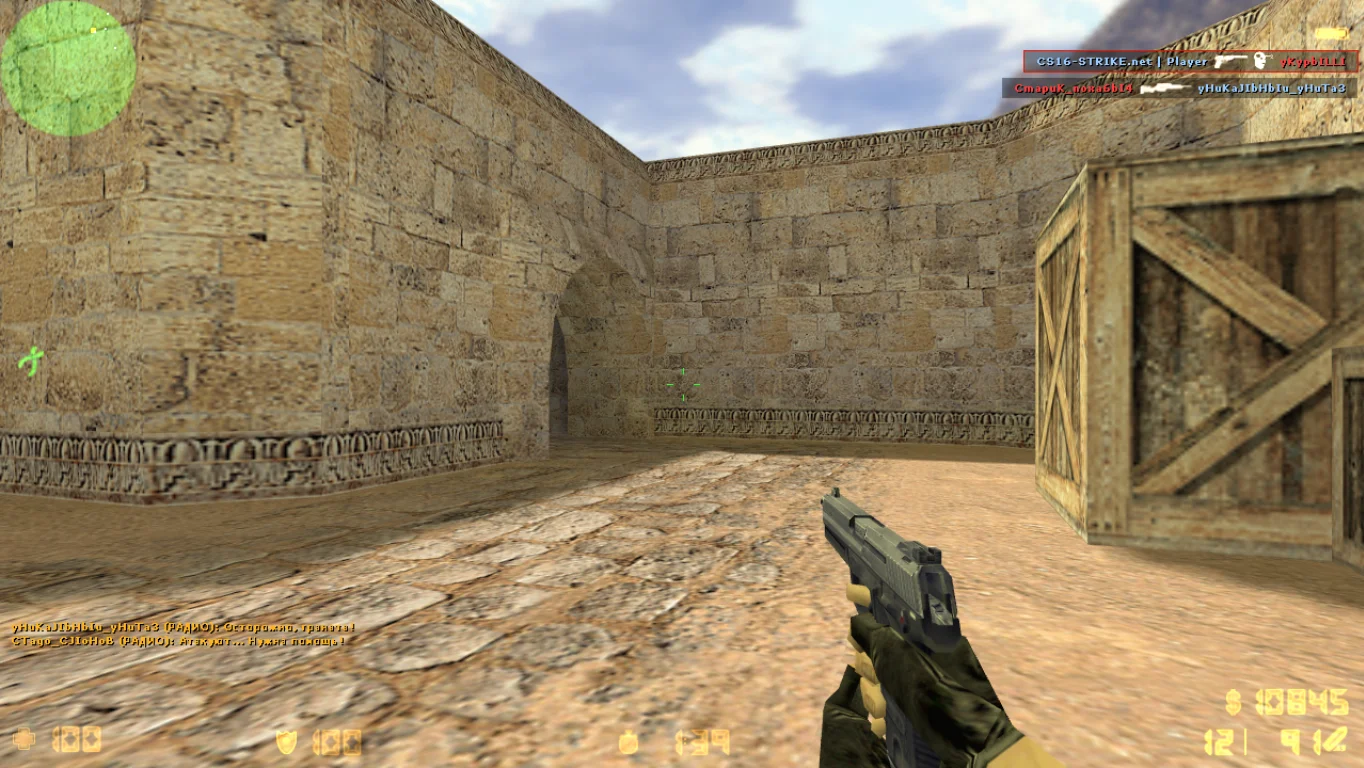
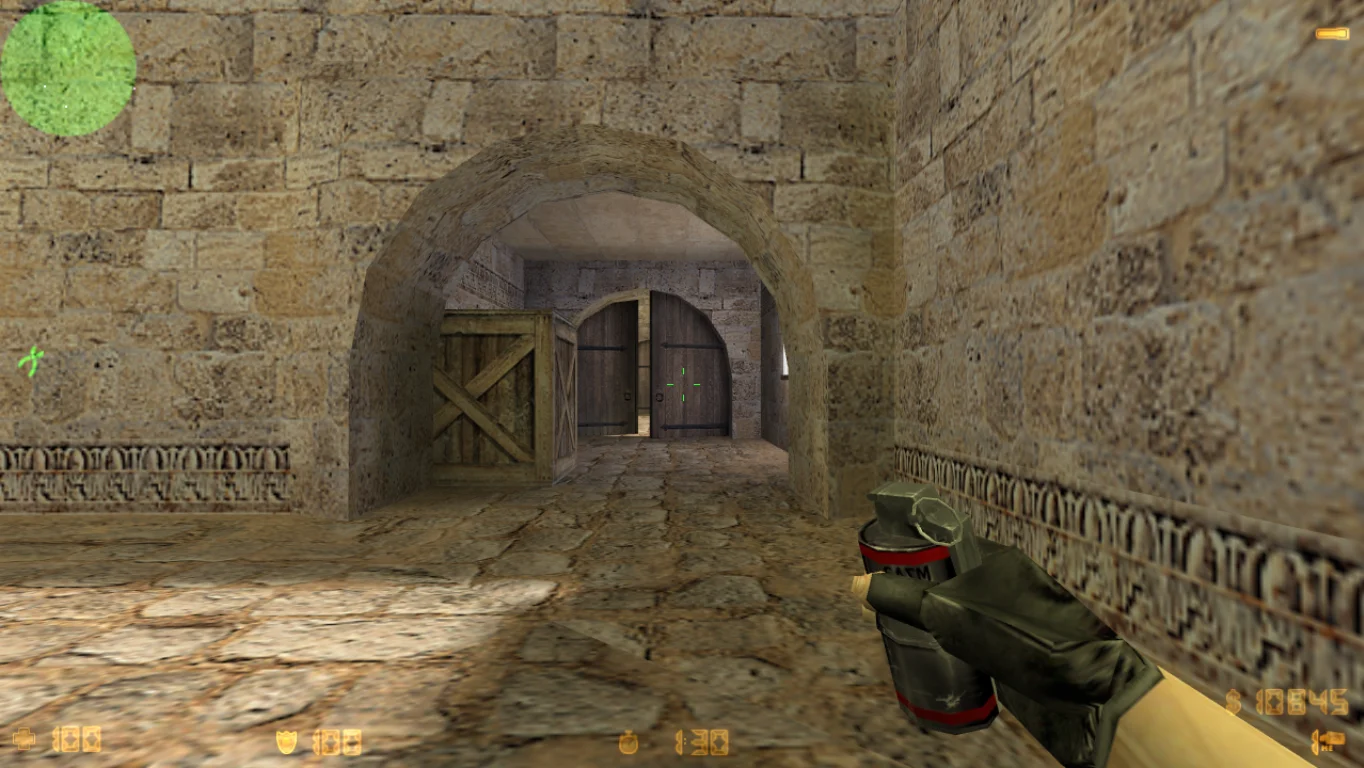
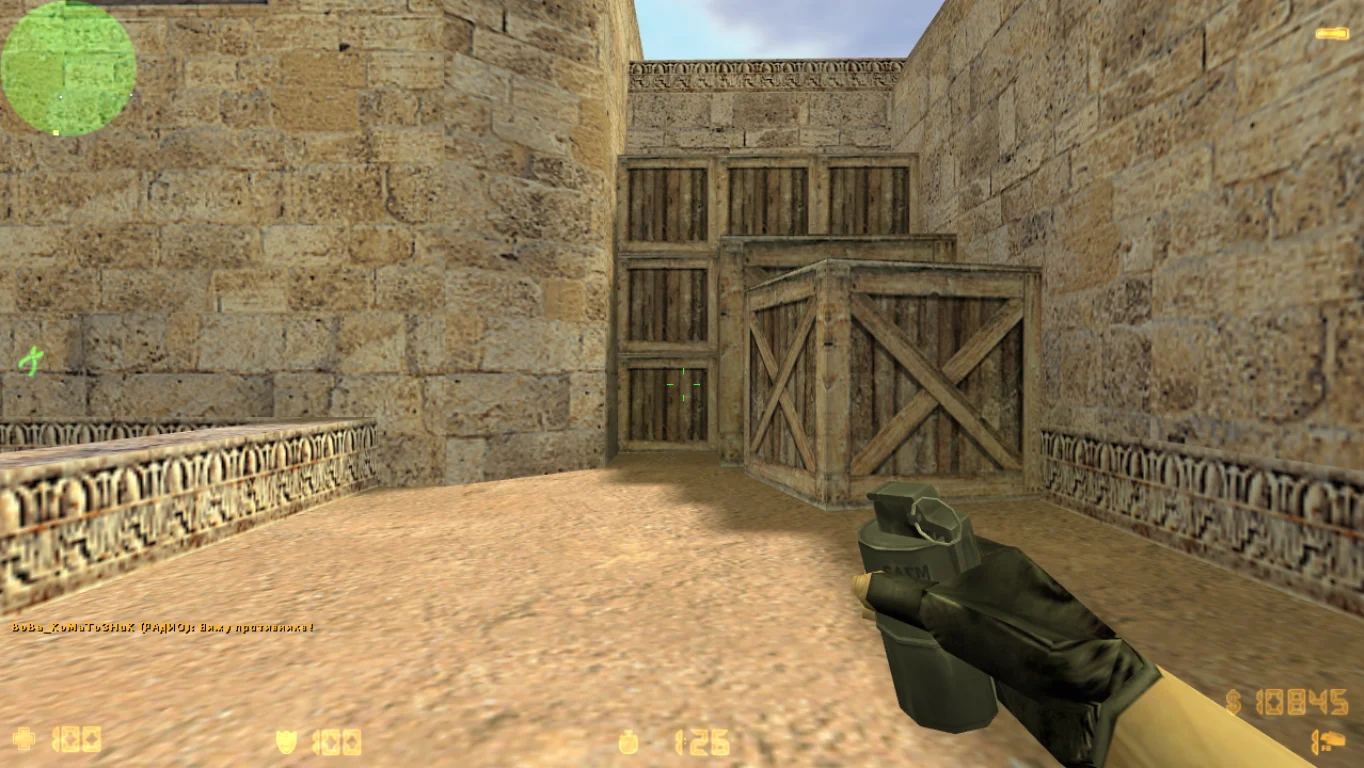
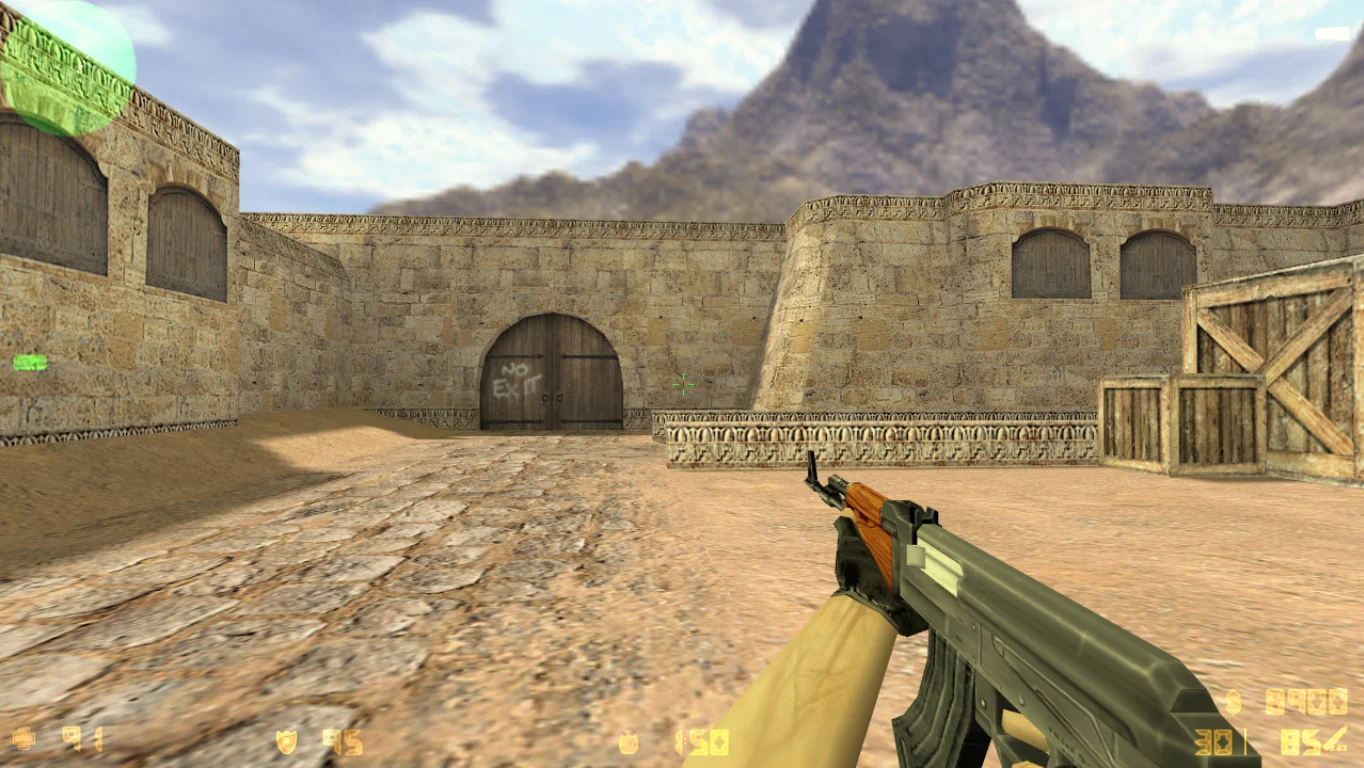
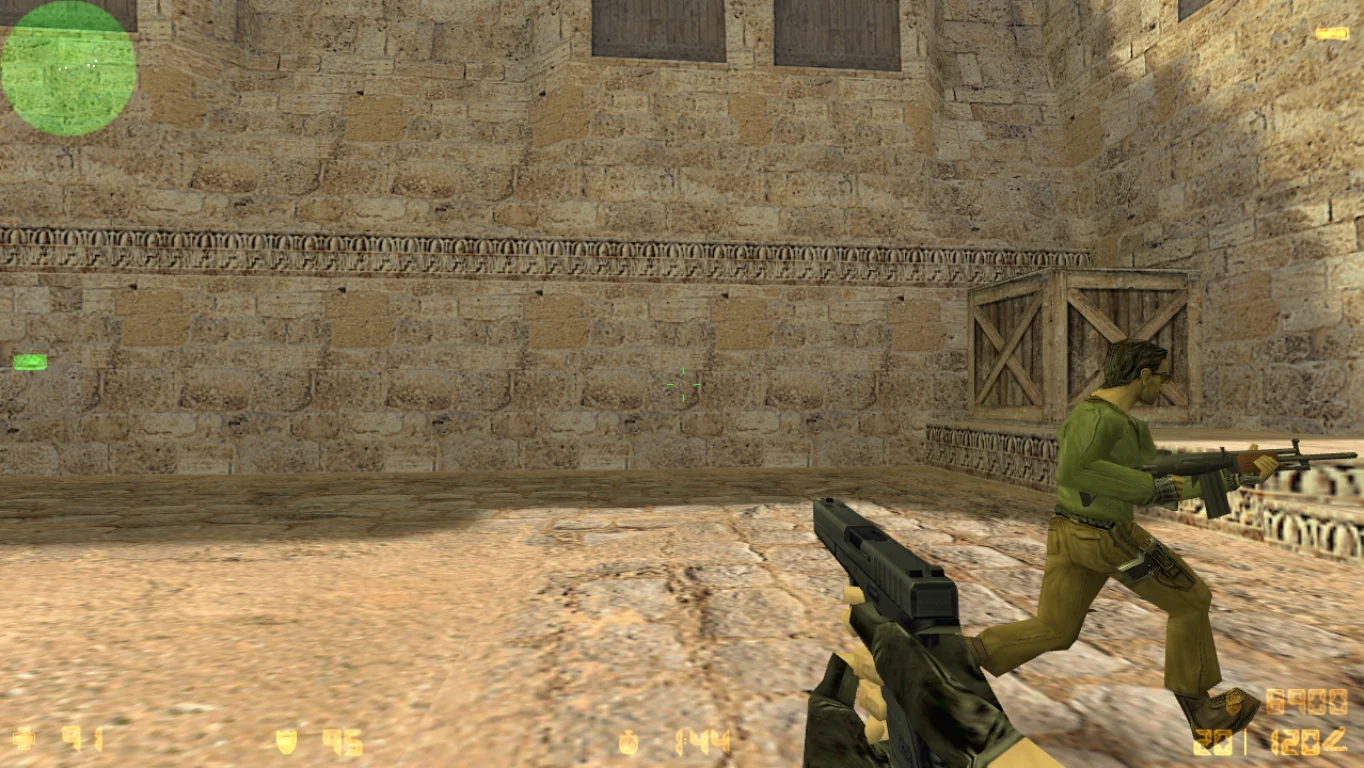
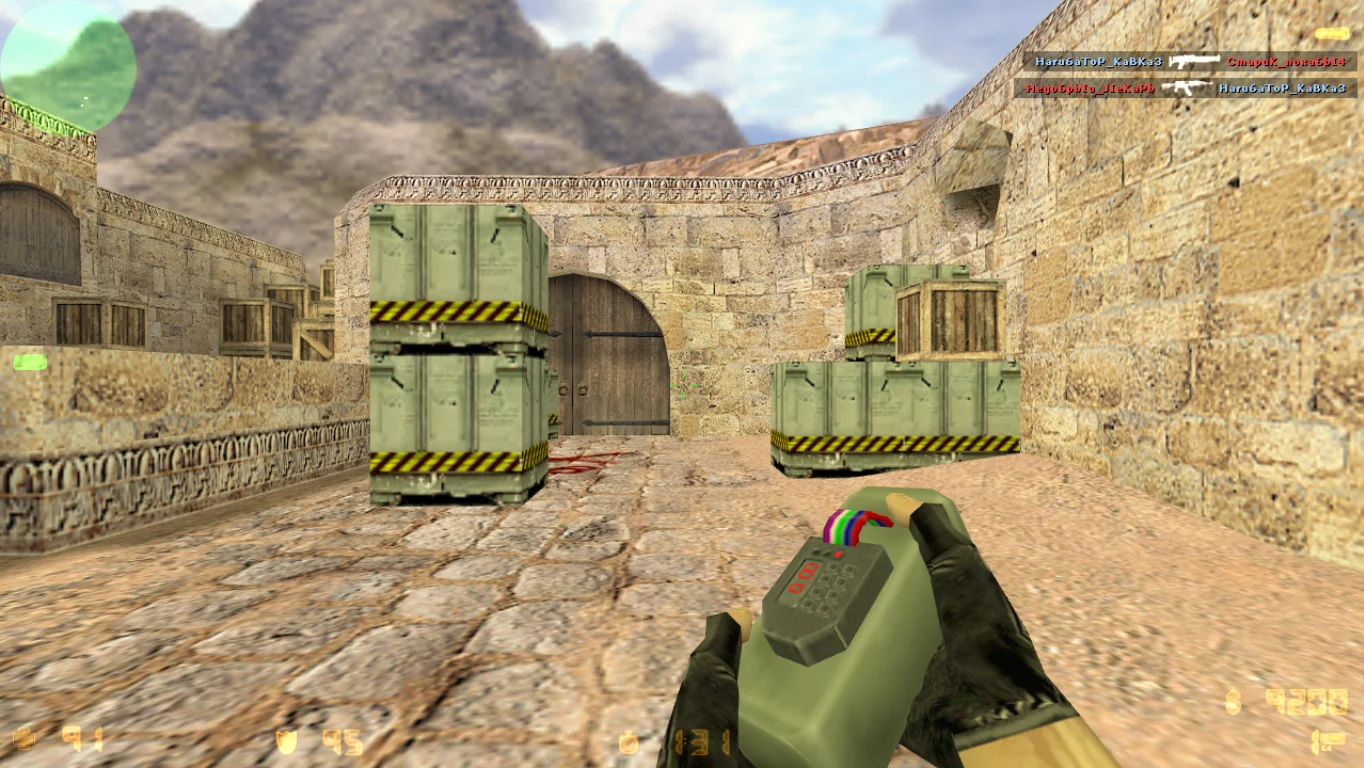
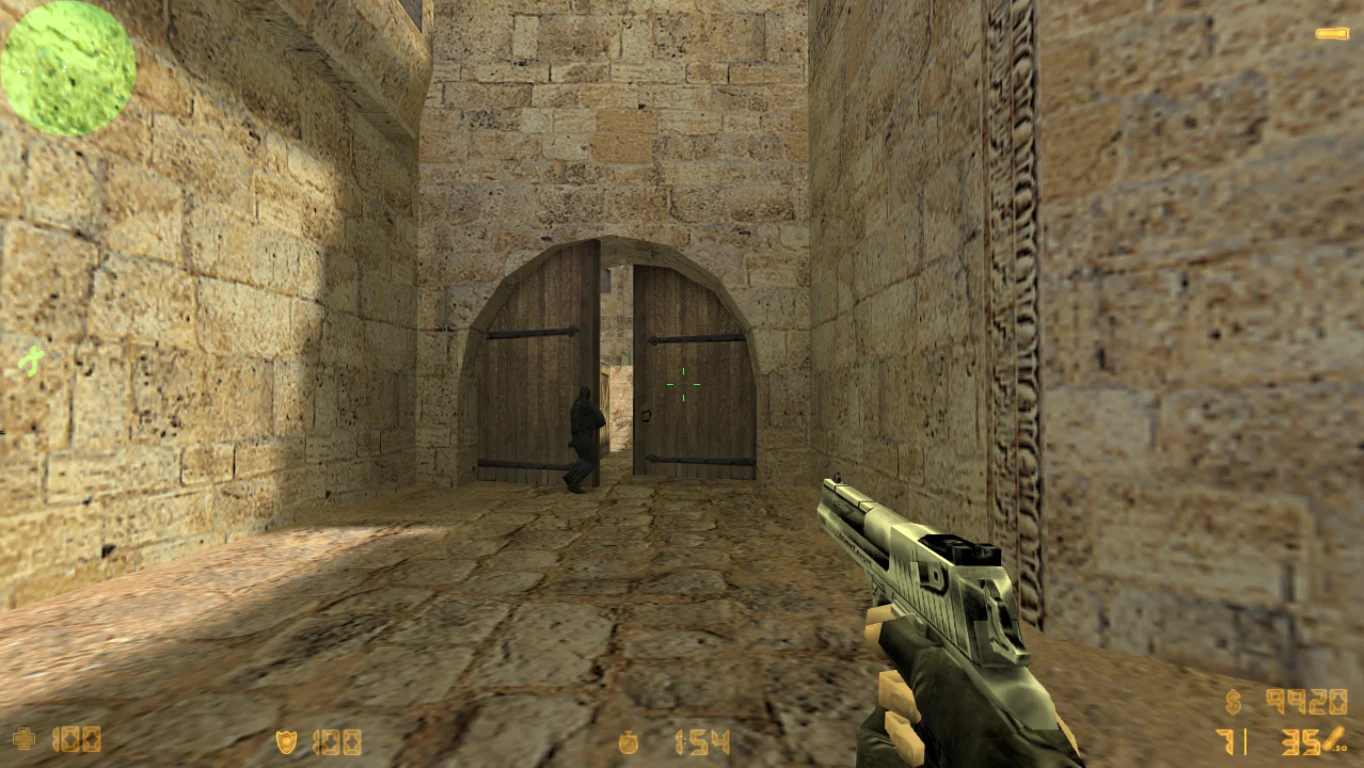
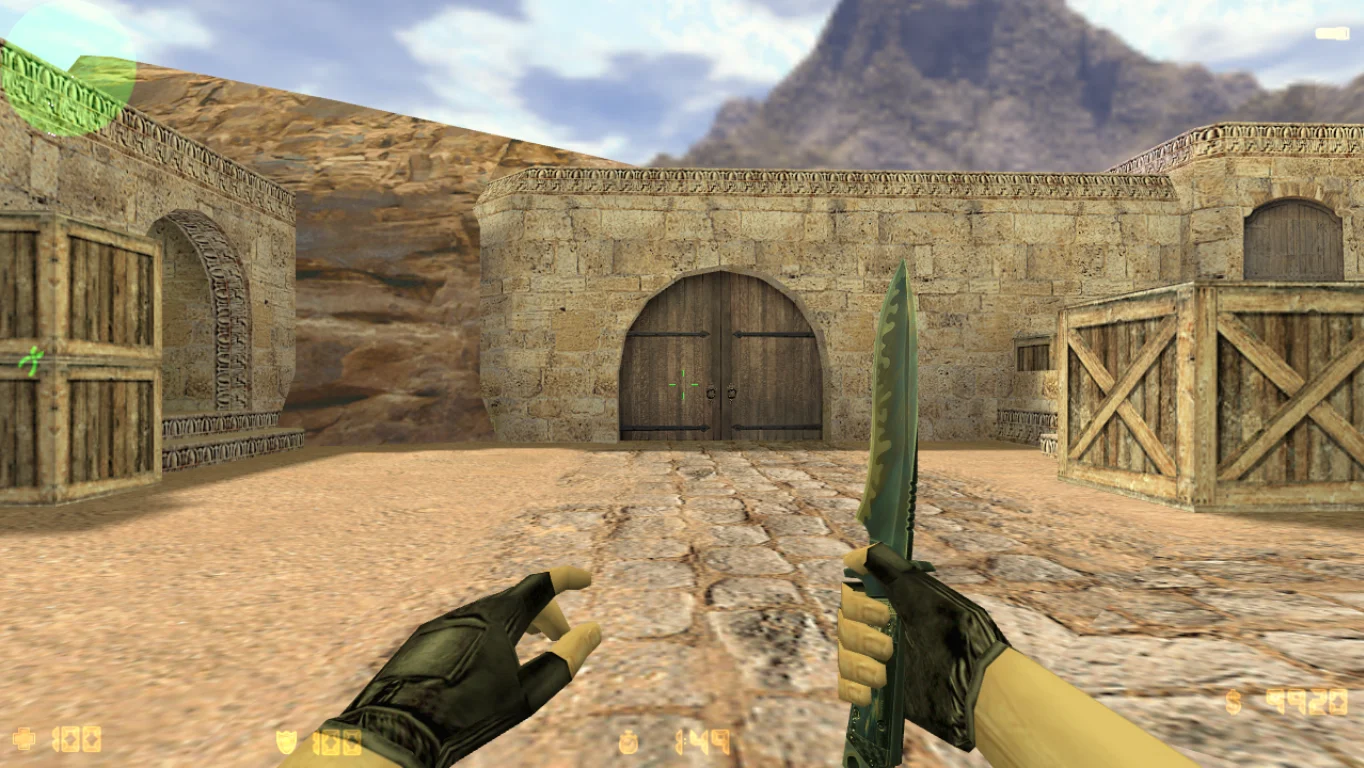
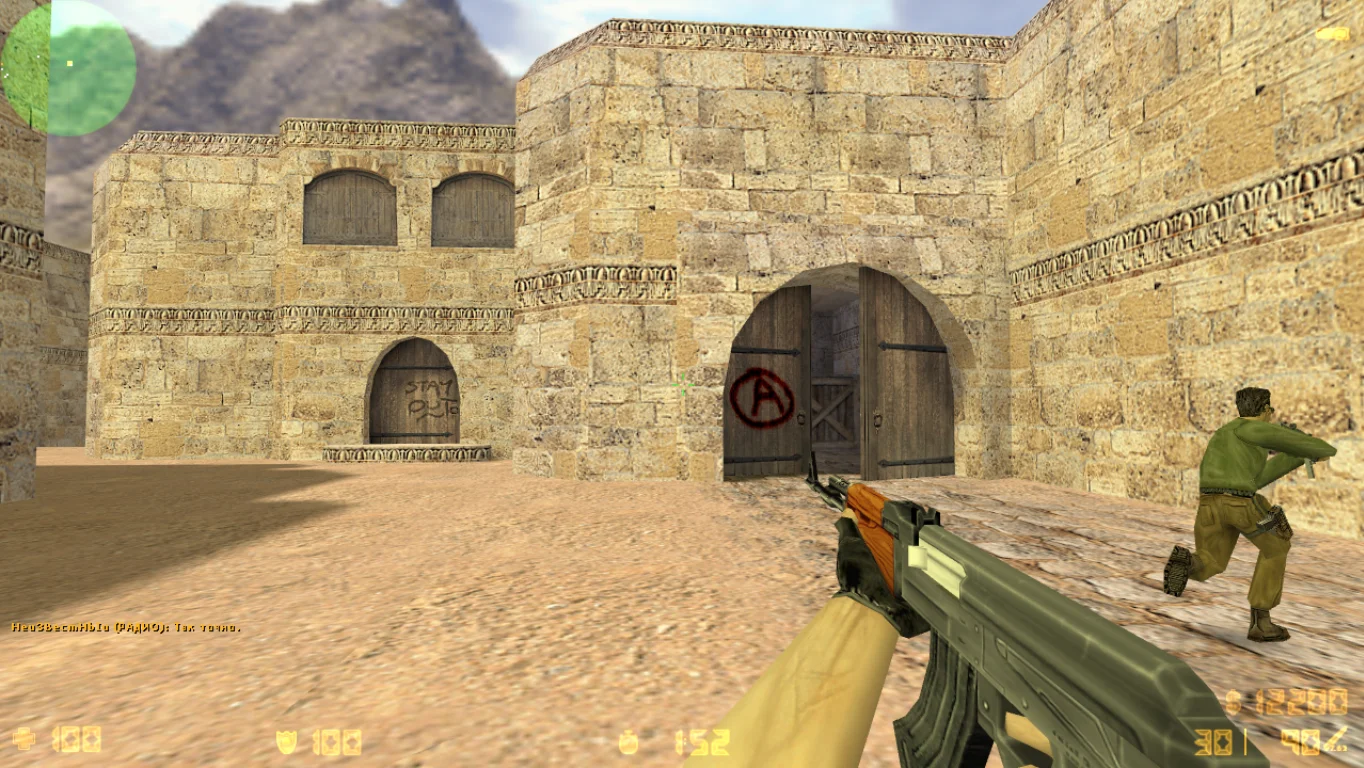
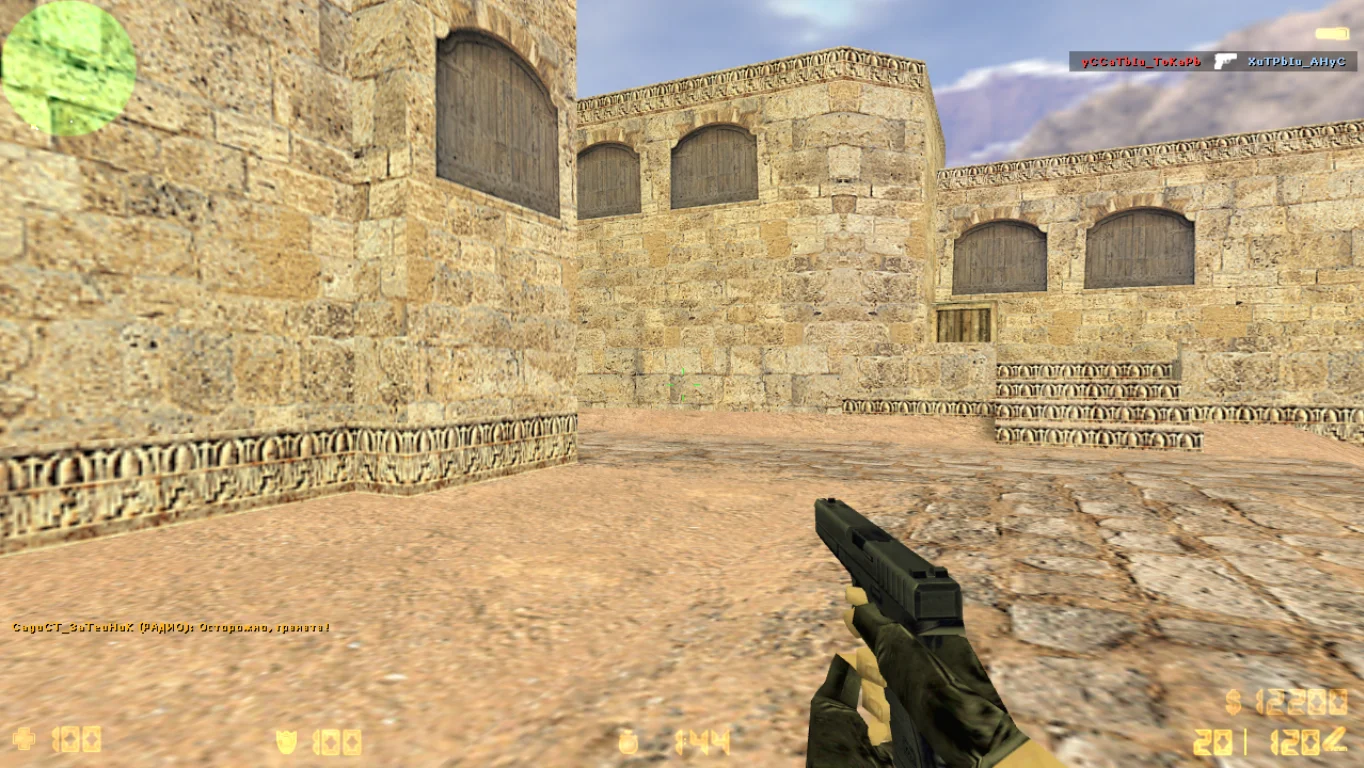
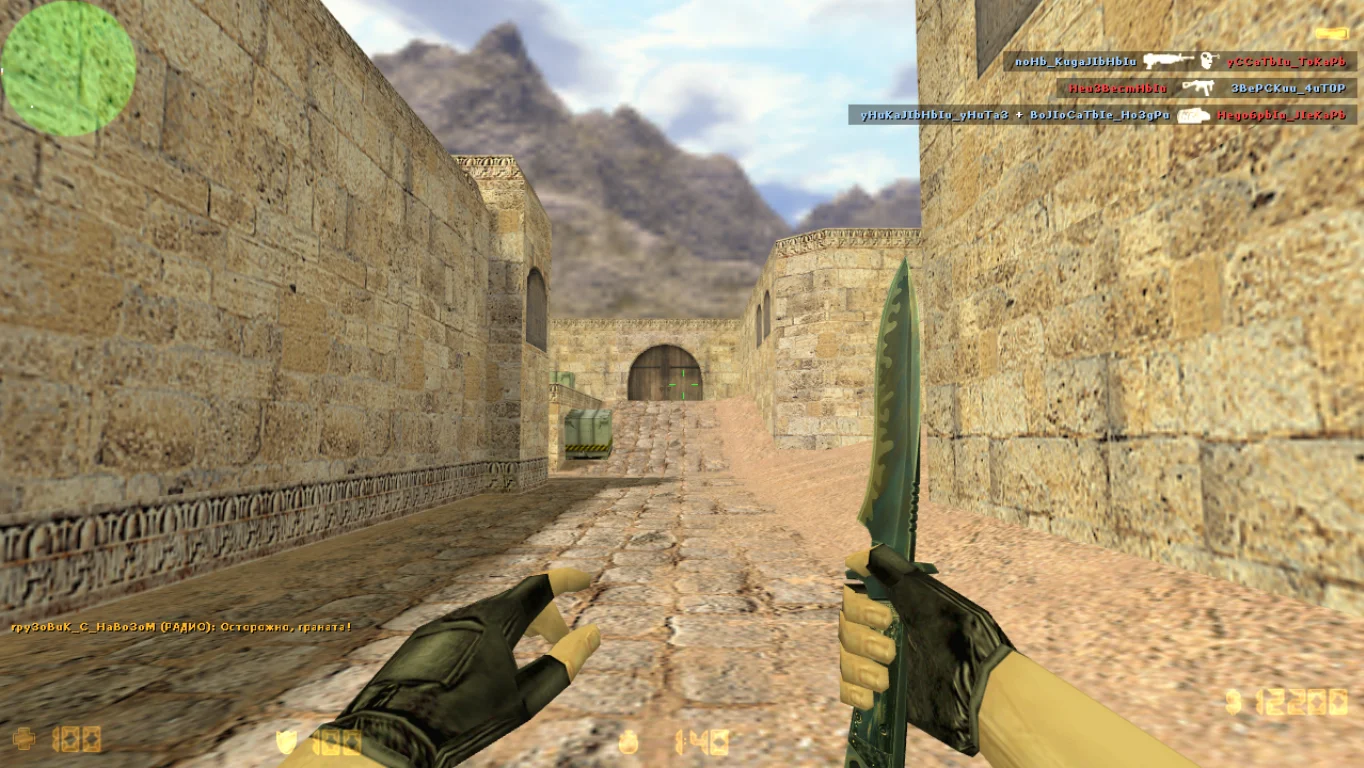
CS 1.6 Portable — is a lightweight, fully portable version of the legendary game Counter-Strike 1.6 that does not require installation. You can run it directly from a USB drive, external hard drive, or any other storage device. Downloading CS 1.6 Portable is especially convenient for those who often use other computers, want to start the game quickly, or simply don’t want to clutter their system with extra files. It’s the perfect solution for gamers who value mobility and fast launch times.
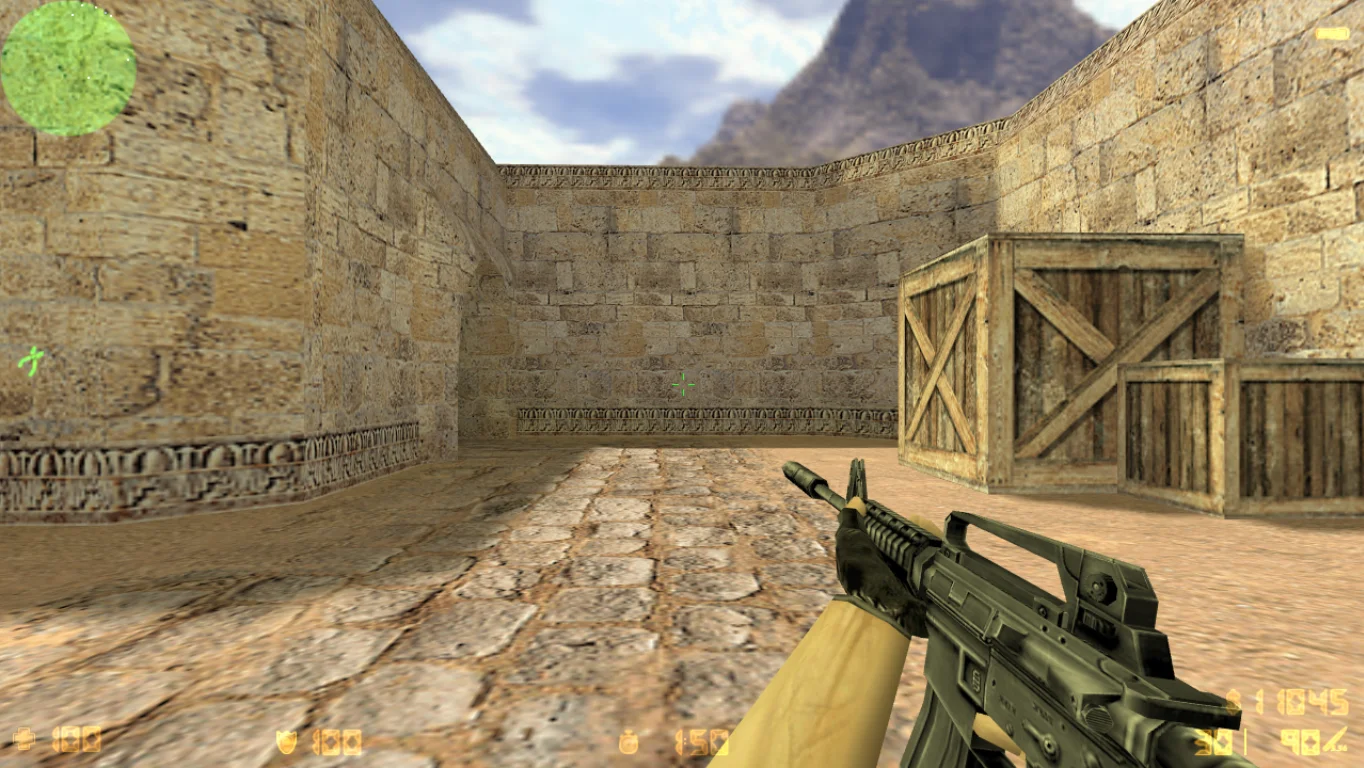
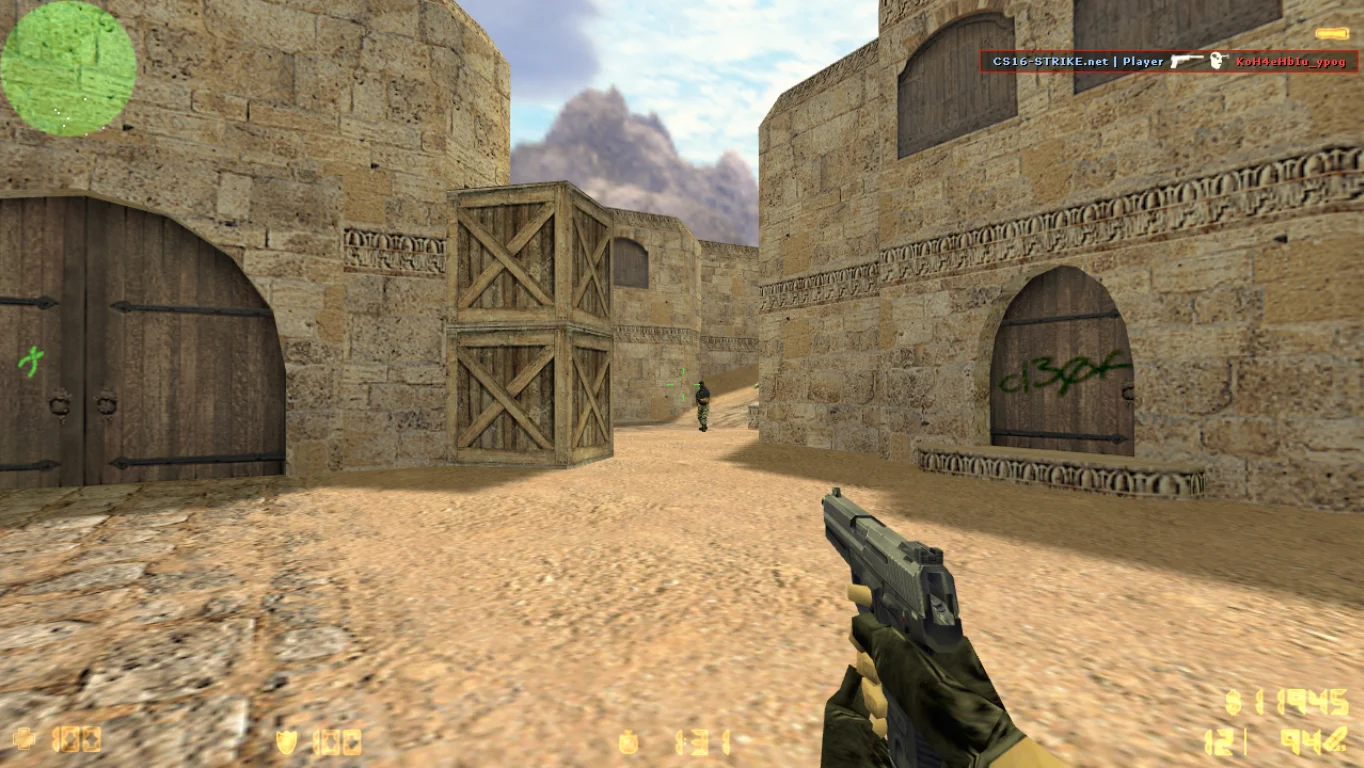
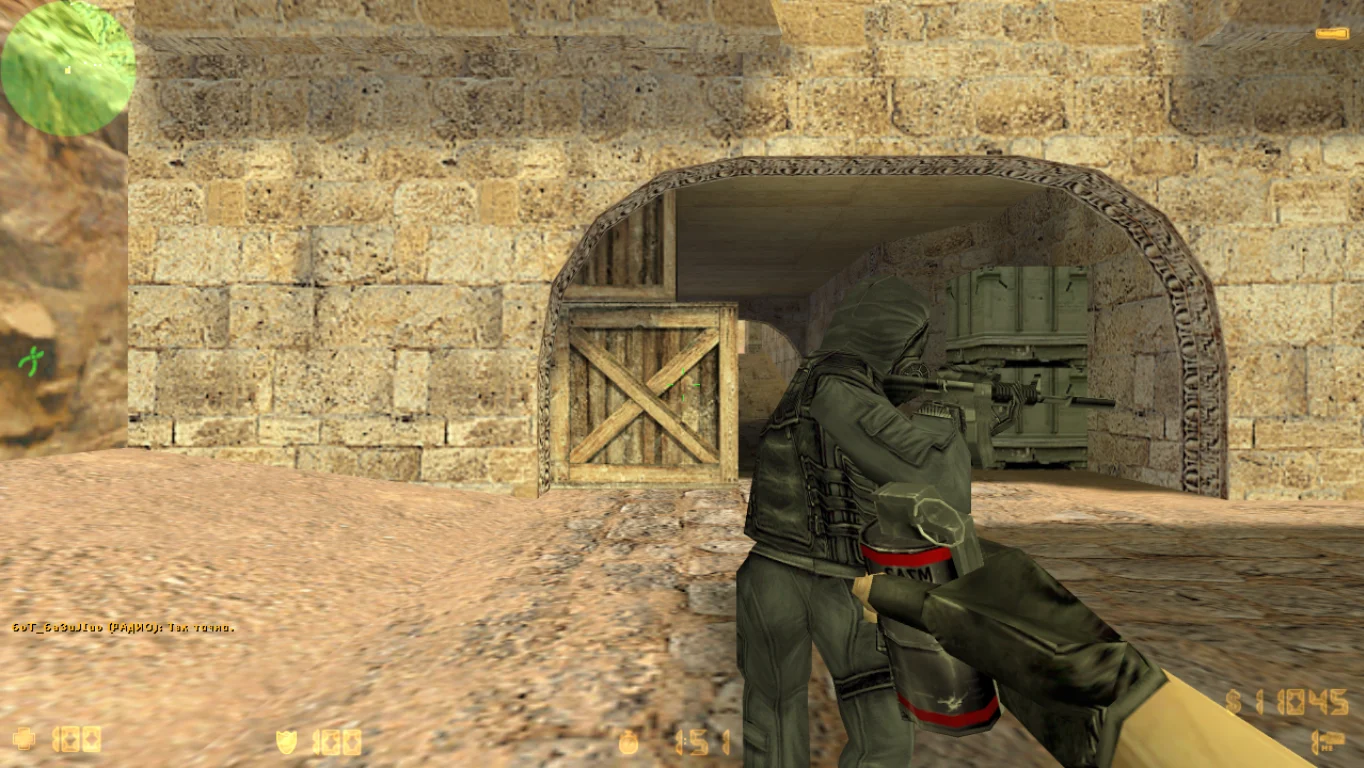
Despite its compact size, the build preserves all the classic CS 1.6 elements: standard maps, models, sounds, and stable gameplay. The game supports offline mode with bots, as well as connection to online servers via the master server. The client runs on all popular Windows versions: XP, 7, 8, 10, and 11, requires no administrator rights, and leaves no traces on the system. All configurations and settings are saved directly in the game folder, making this version convenient and fully autonomous.
CS 1.6 Portable is completely free to download. The client contains no ads, extra files, or viruses. Just download, extract, and play — it’s as simple and safe as possible. This build is ideal for students, office workers, and anyone who wants to always have a full version of their favorite game on hand without installation.
Features of CS 1.6 Portable build:
No installation required — runs directly from the folder
Can be played from a USB drive or external disk
Full offline mode with bots
Online play via master server
Compatible with Windows XP, 7, 8, 10, 11
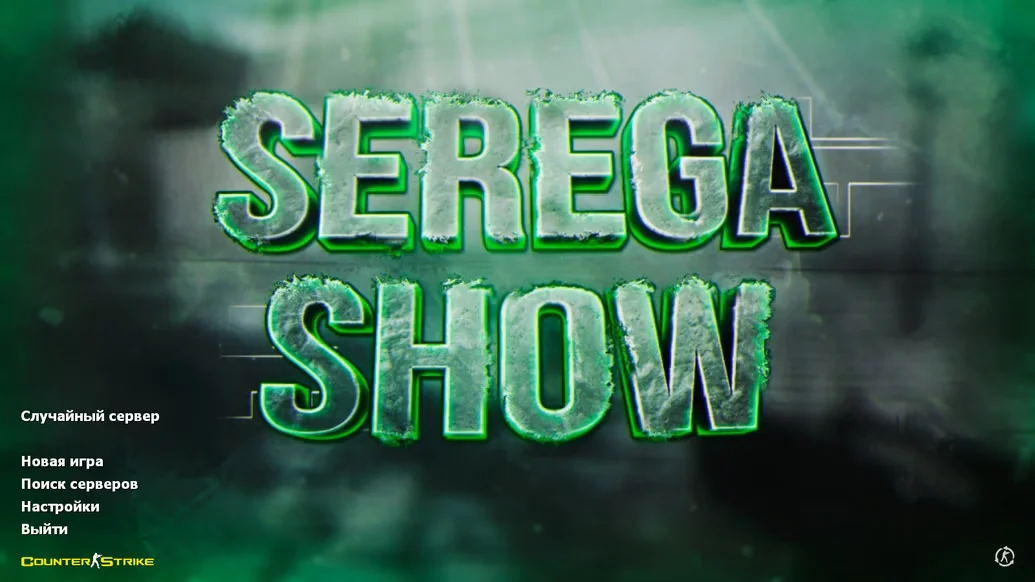
Russian interface
Lightweight and fast launch
Leaves no traces on the system
No ads, viruses, or extra software
All settings are saved in the game folder
System requirements and how to install/run:
Minimum system requirements:
OS: Windows XP/7/8/10/11
Processor: from 1 GHz
RAM: from 512 MB
Video card: OpenGL support
Free space: from 700 MB
How to run:
Download the CS 1.6 Portable archive
Extract it to any convenient location (USB drive is fine)
Open the folder and launch the game
Play without installation and without extra files on the system
Стандартные модели
Установлены только оригинальные модели вооружения и персонажей, что делает игру уникальной в своем роде. Версия подходит для всех поклонников стандартных сборок с полным переводом на русский язык.
Лучшая защита
Клиент включает полную защиту всех файлов от вредоносных дополнений и рекламы, поэтому можете смело загружать игру. Кроме этого, включено автоматическое обновление данной сборки со всеми необходимыми улучшениями.