Home
Home
 CS 1.6 Builds
 CS:GO Builds
 CS:S Builds
 CS2 Builds

Download CS 1.6 by Serega Show

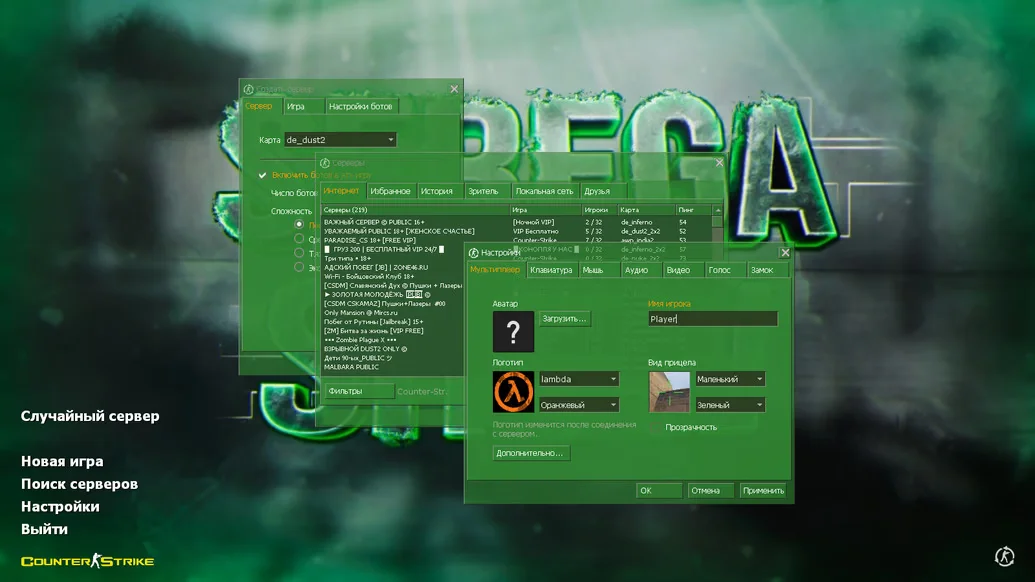
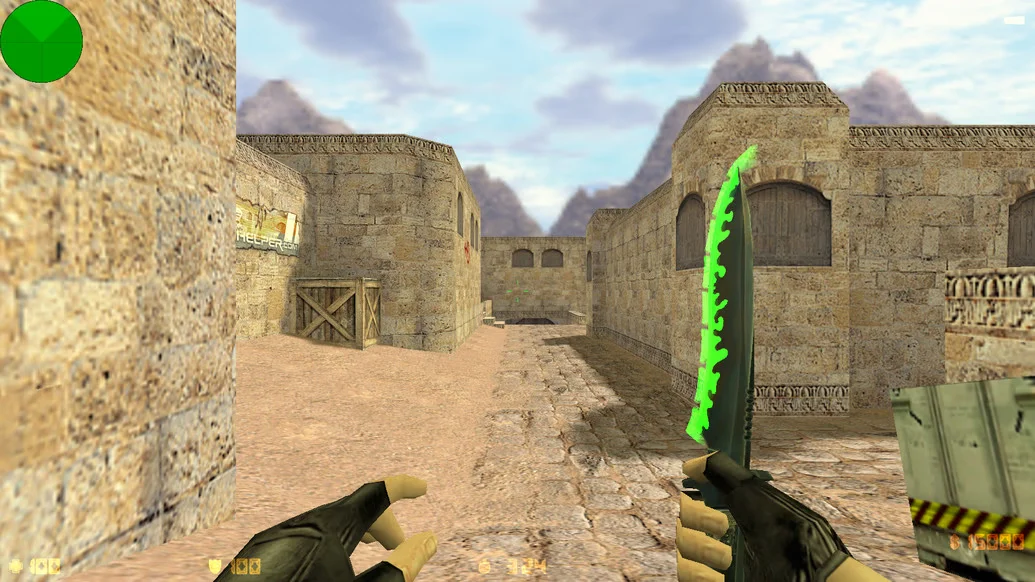
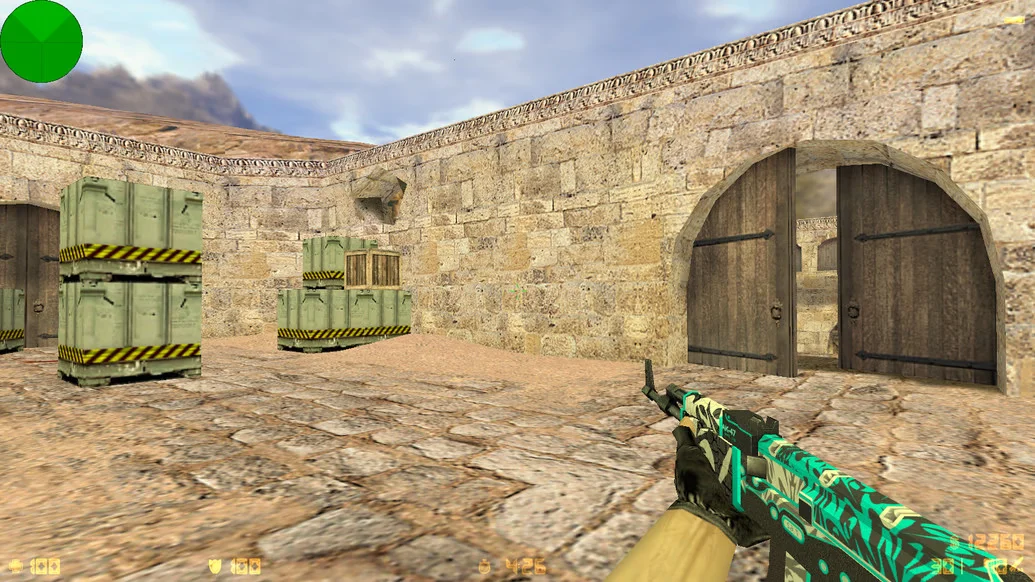
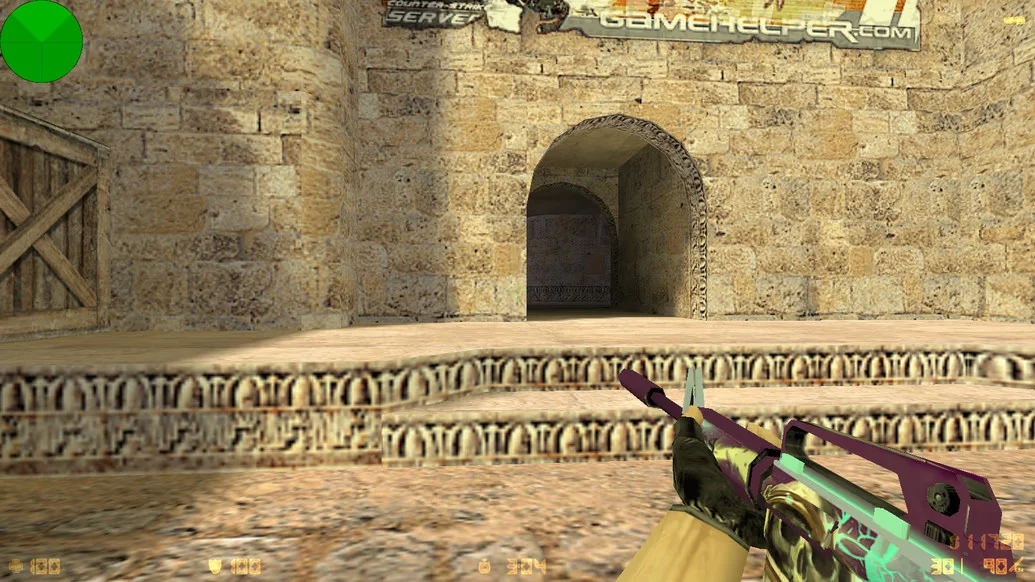
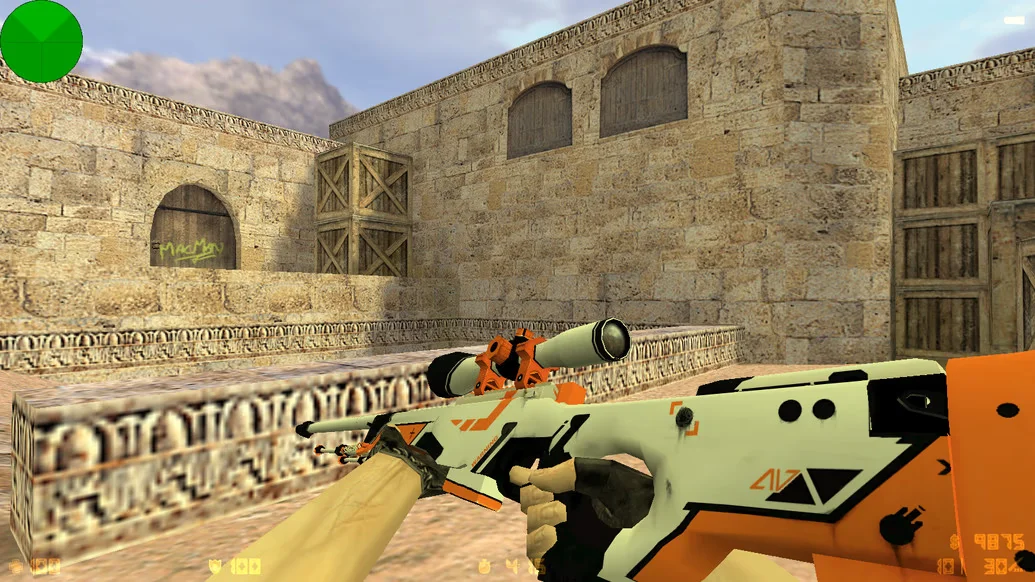
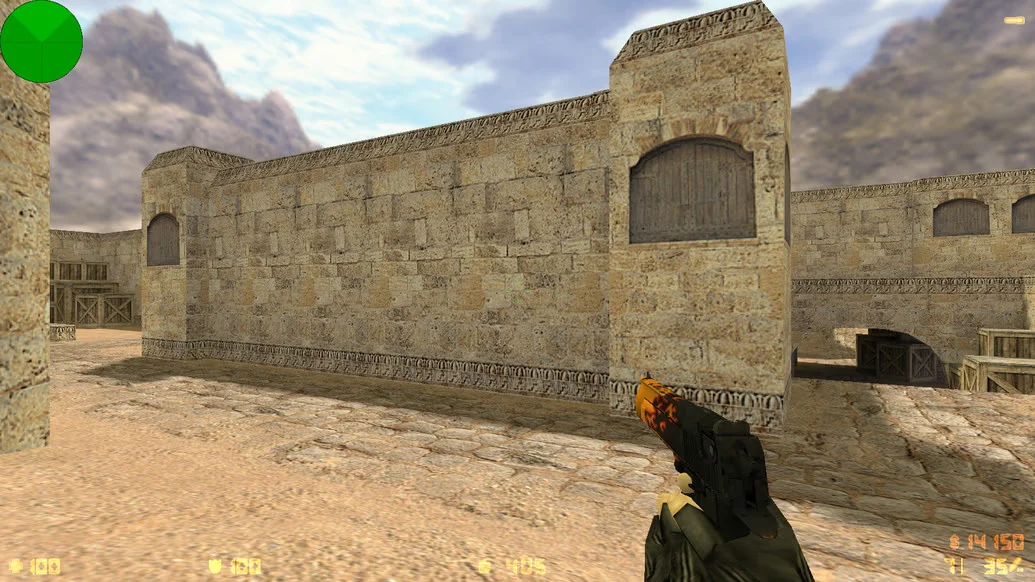
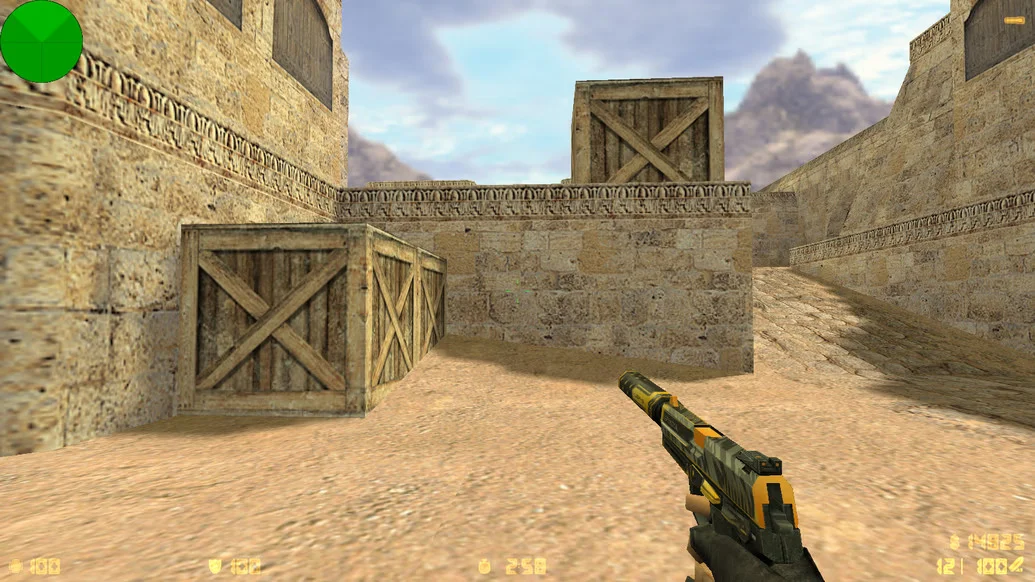
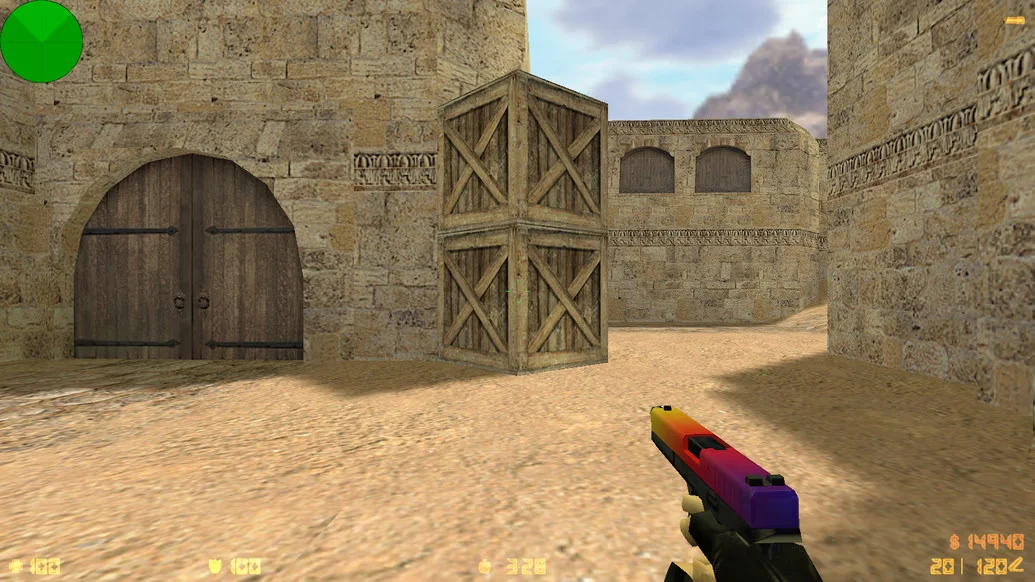
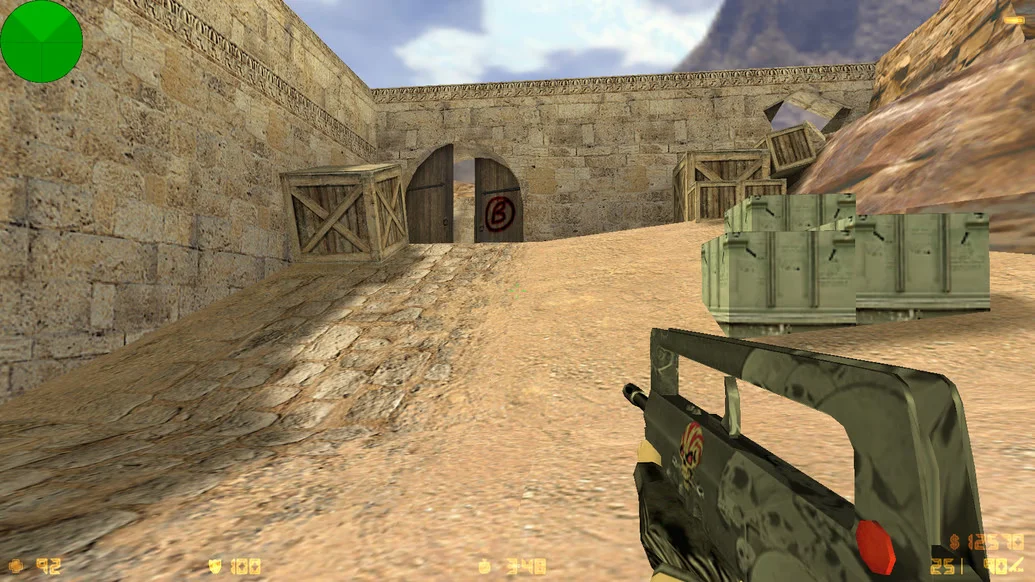
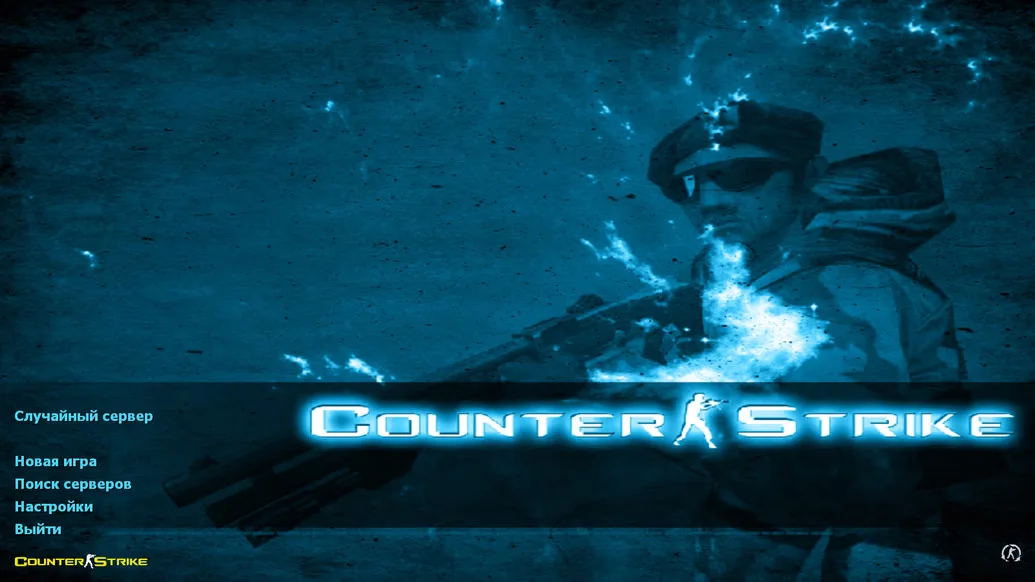
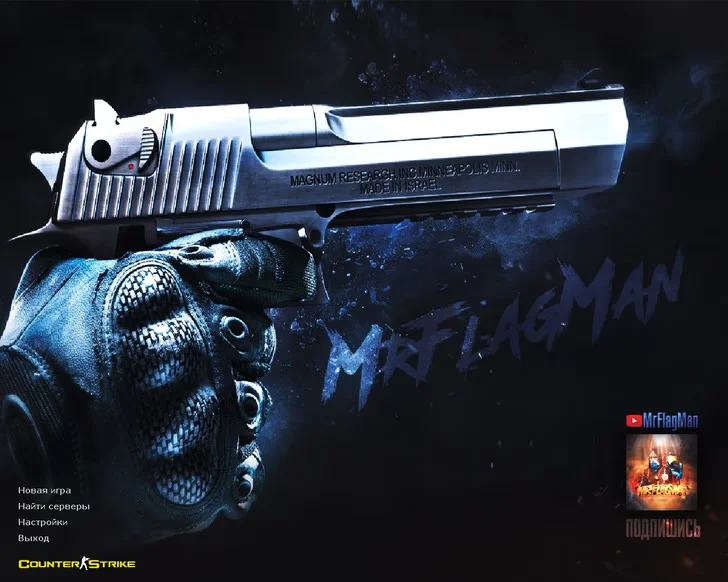
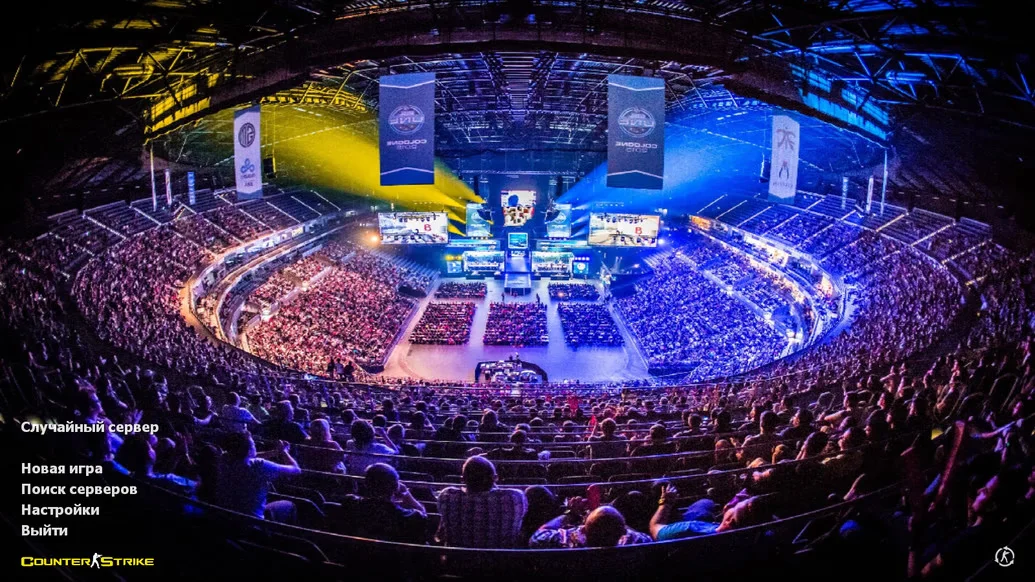
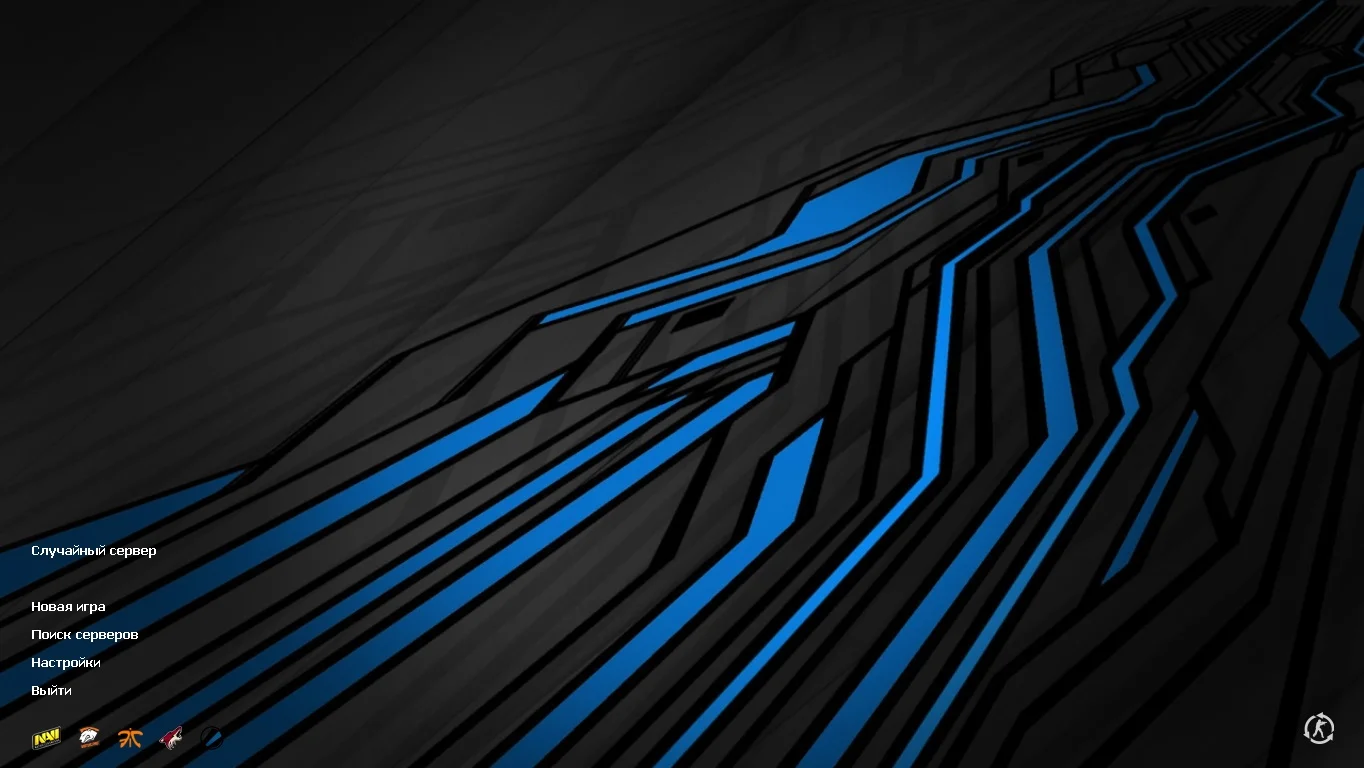
Counter-Strike 1.6 by Serega Show is a unique and carefully redesigned build of the legendary shooter, created in the style of the popular YouTube channel. The game menu features Serega Show’s recognizable design, with exclusive weapon and character models and enhanced sound effects. The interface is fully localized in Russian, making gameplay comfortable for Russian-speaking players.
This build is perfect for both single-player mode with bots and multiplayer online. The integrated master server is already connected to the best game servers, ensuring plenty of active players. Thanks to deep optimization and built-in protection, CS 1.6 by Serega Show runs smoothly, doesn’t conflict with antivirus software, and contains no malicious programs. Common bugs, lags, and crashes have been eliminated, guaranteeing stable and seamless gameplay.
CS 1.6 by Serega Show can be downloaded quickly and for free. Installation is intuitive and takes only a few minutes. This build is an excellent choice for anyone who wants an updated yet classic version of the game. It will appeal both to fans of the Serega Show YouTube channel and to players seeking a high-quality, safe CS 1.6 version.
Build Features:
Menu design in the style of the Serega Show YouTube channel
Full Russian localization
HD weapon and player models
Updated sounds for shooting, footsteps, and reloading
Integrated servers and working server browser
No ads, viruses, or third-party software
Smooth performance with no lags or crashes
Compatible with Windows XP, 7, 8, 10, and 11
Support for bots and online play
System Requirements and Installation:
Operating System: Windows XP/Vista/7/8/10/11
Processor: 1.0 GHz or higher
RAM: 512 MB or more
Graphics Card: DirectX compatible
Free Disk Space: 1 GB or more
How to Install:
Download the CS 1.6 by Serega Show installer.
Run the installer and select the installation path.
Wait for the installation to complete.
Launch the game via the desktop shortcut.
Start playing and enjoy the build.