Home
Home
 CS 1.6 Builds
 CS:GO Builds
 CS:S Builds
 CS2 Builds

Download CS 1.6 with 100 FPS
 Русская версия
 С ботами и серверами
 Работает на всех Windows (от XP до 11)
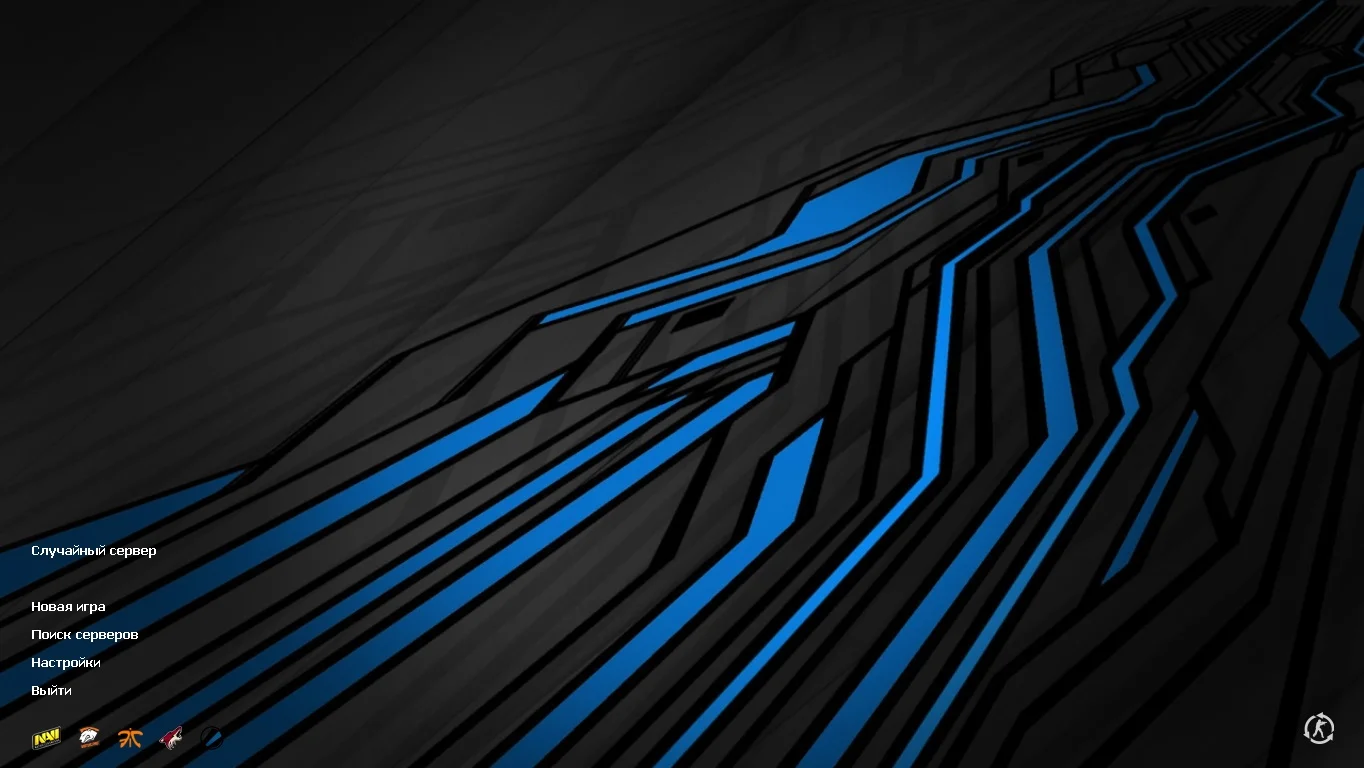
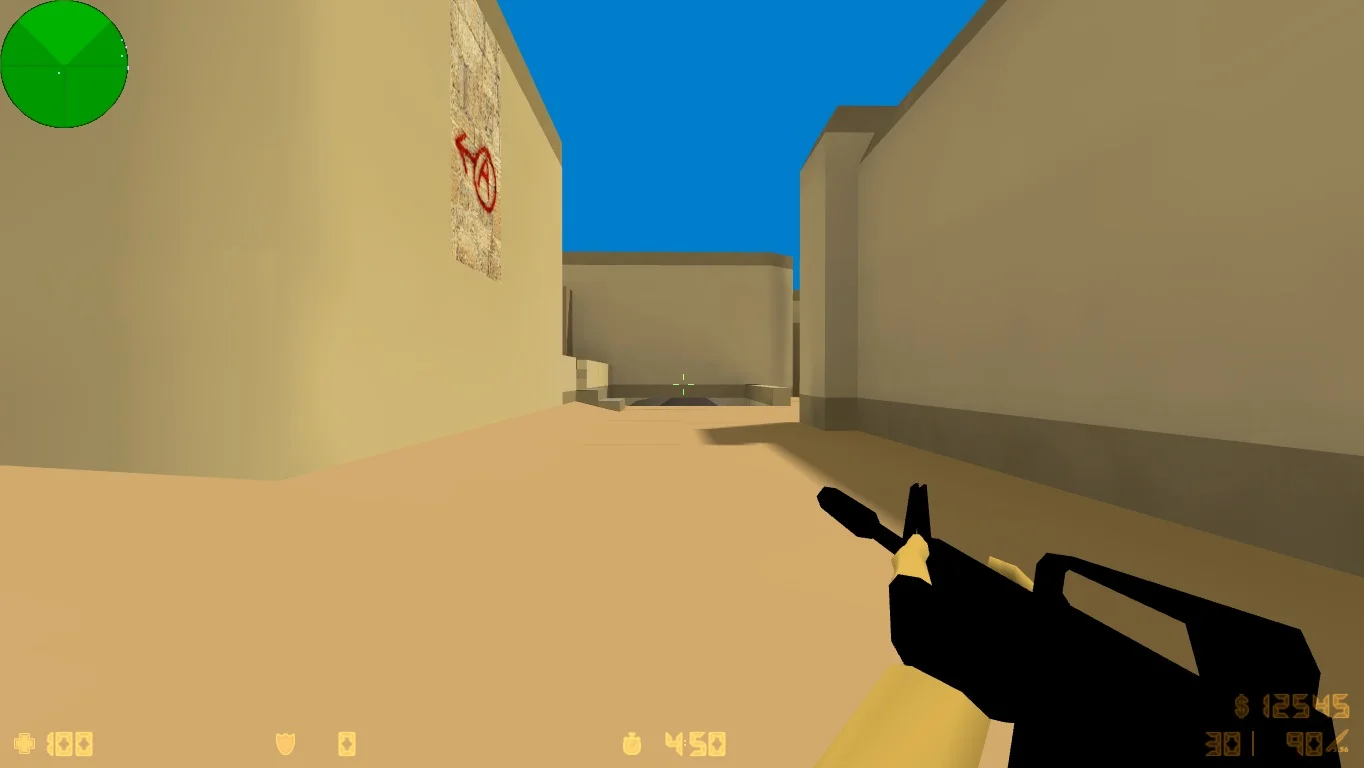
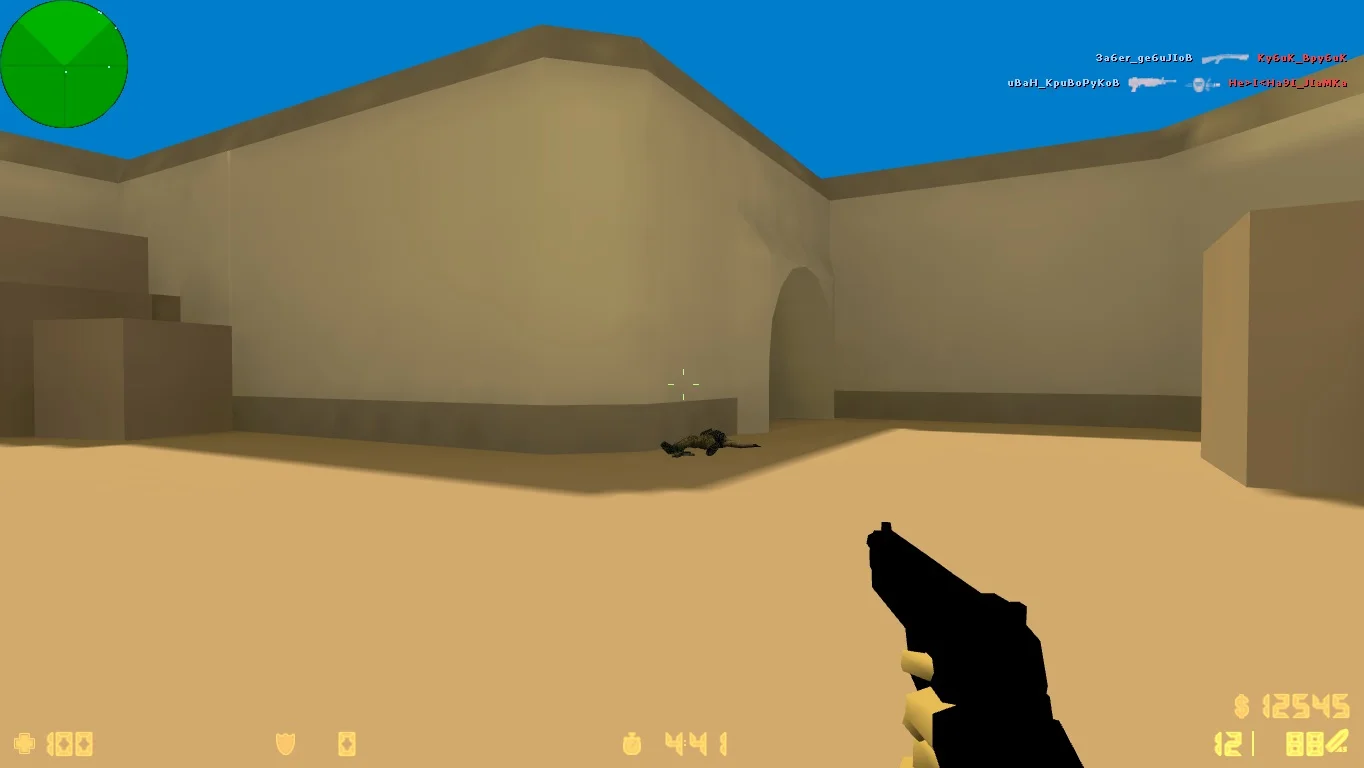
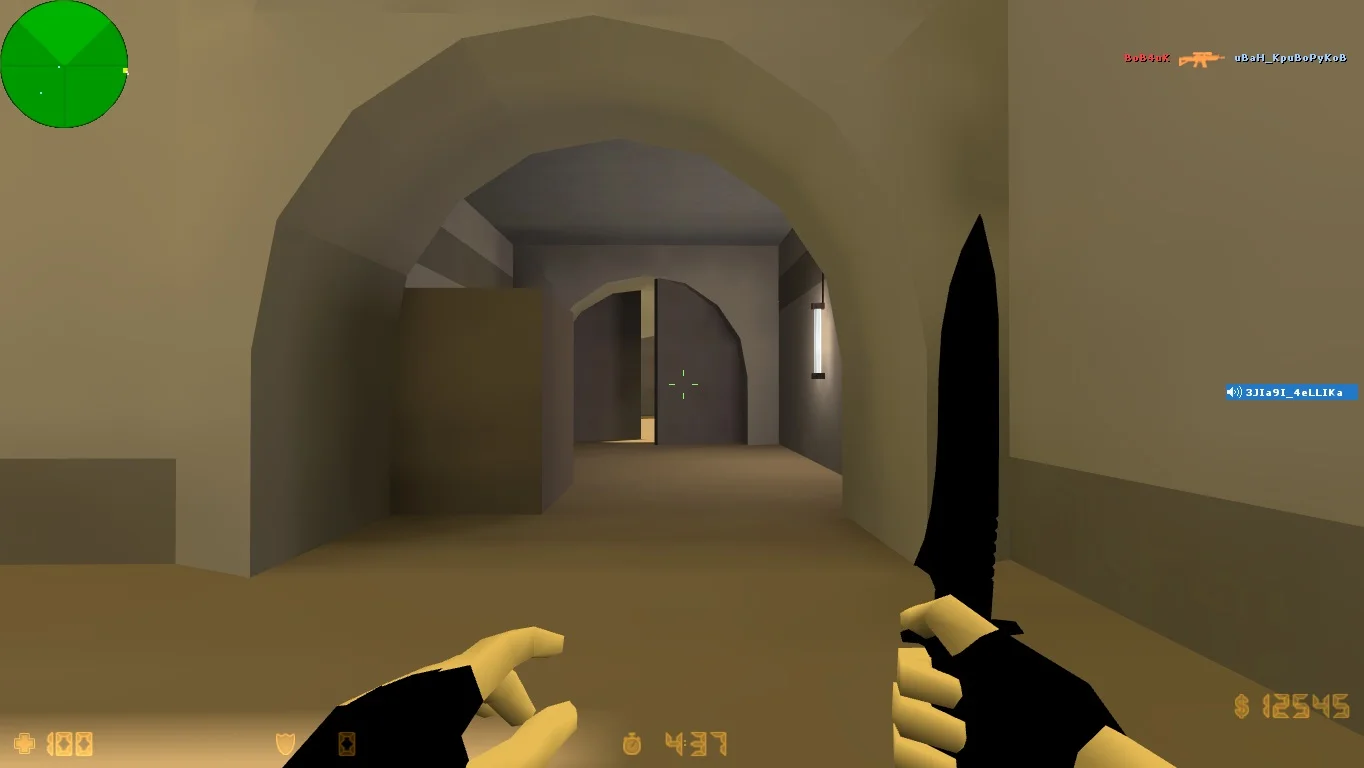
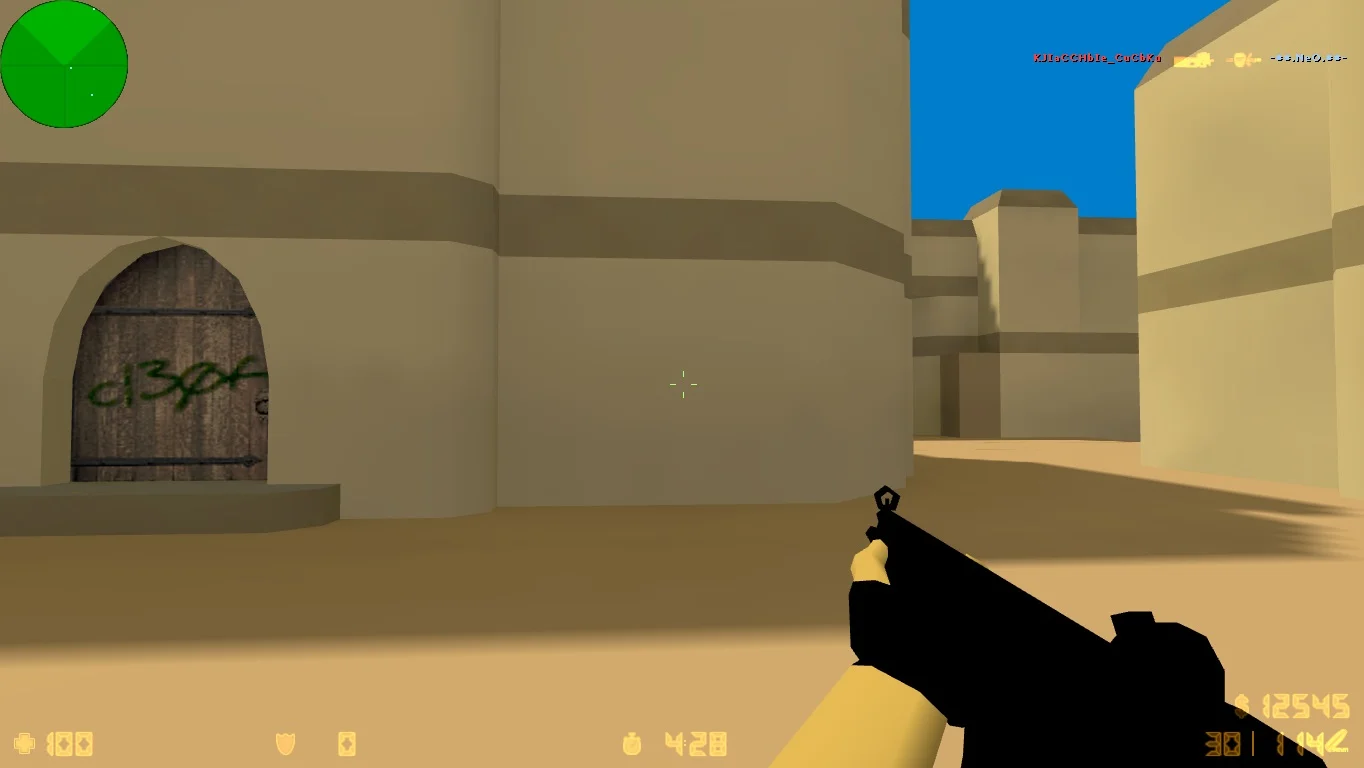
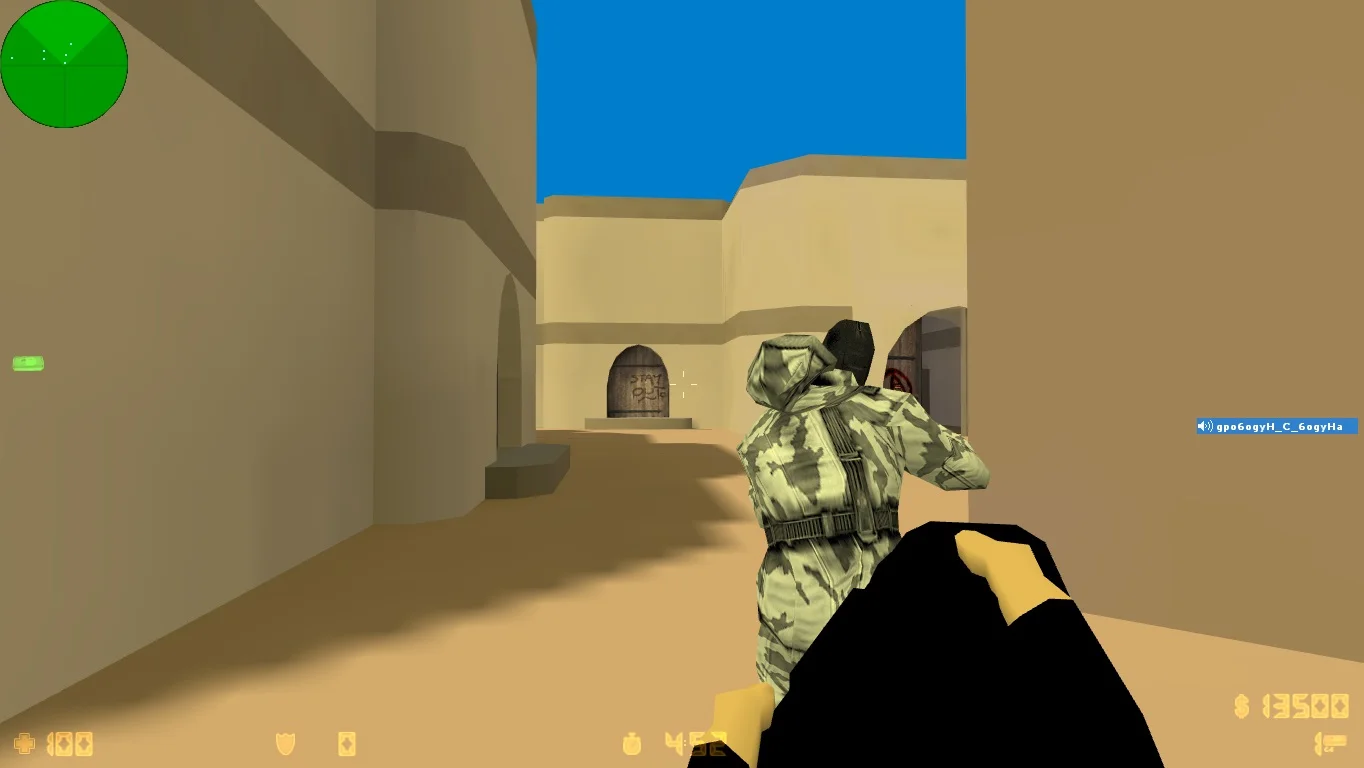
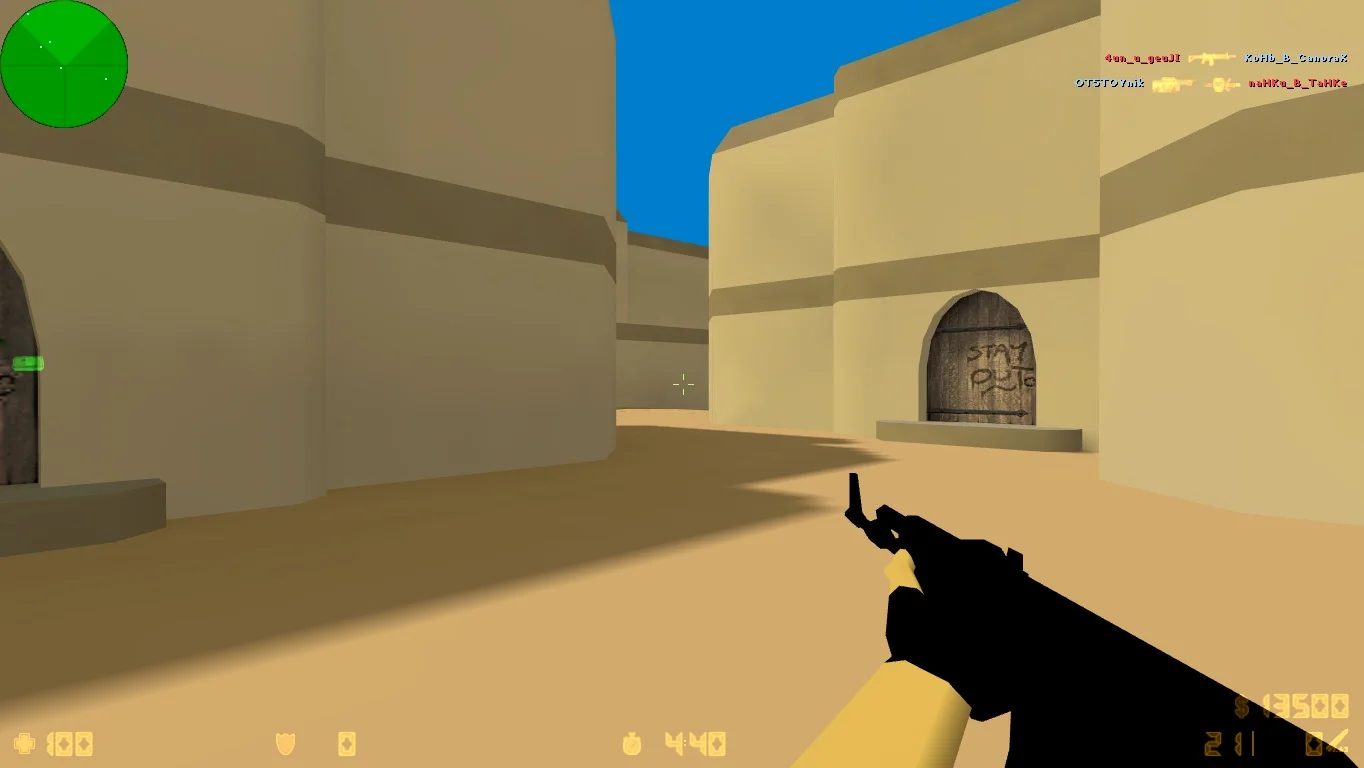
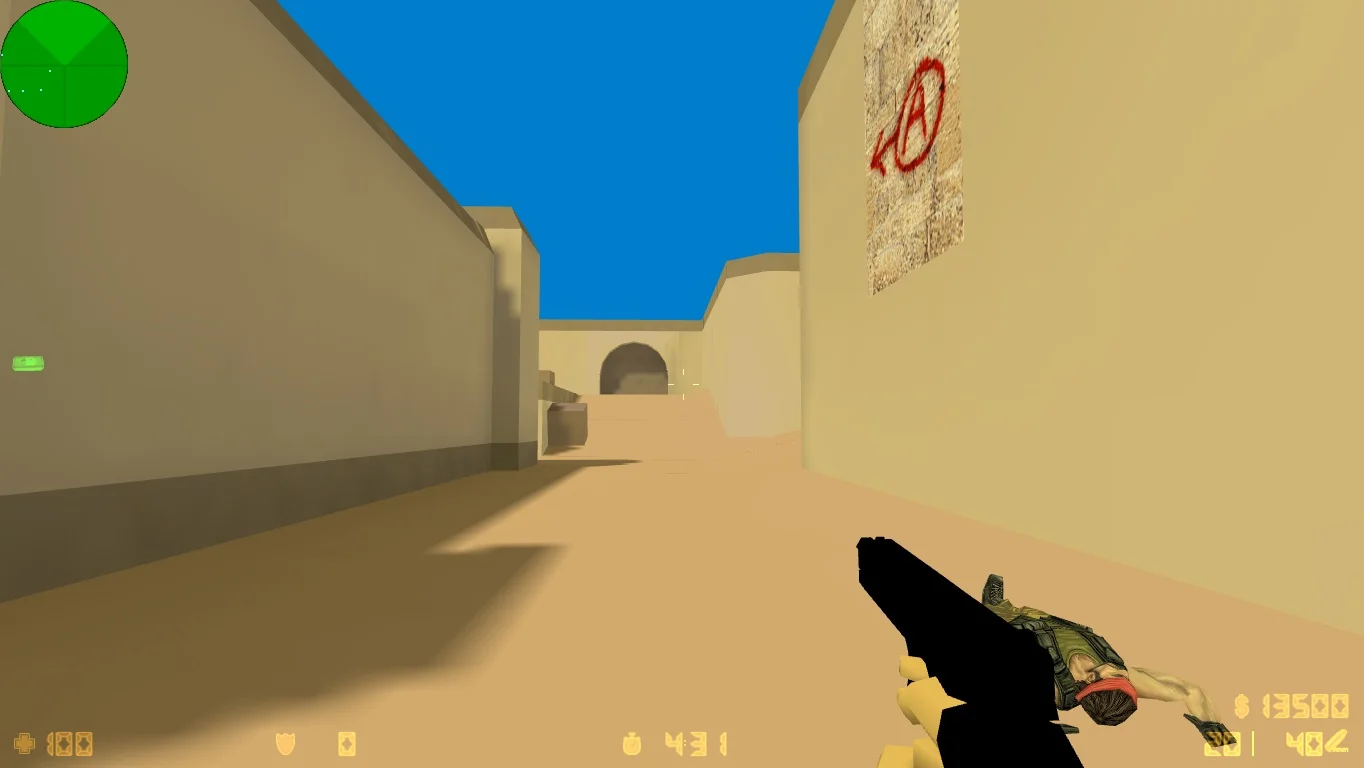
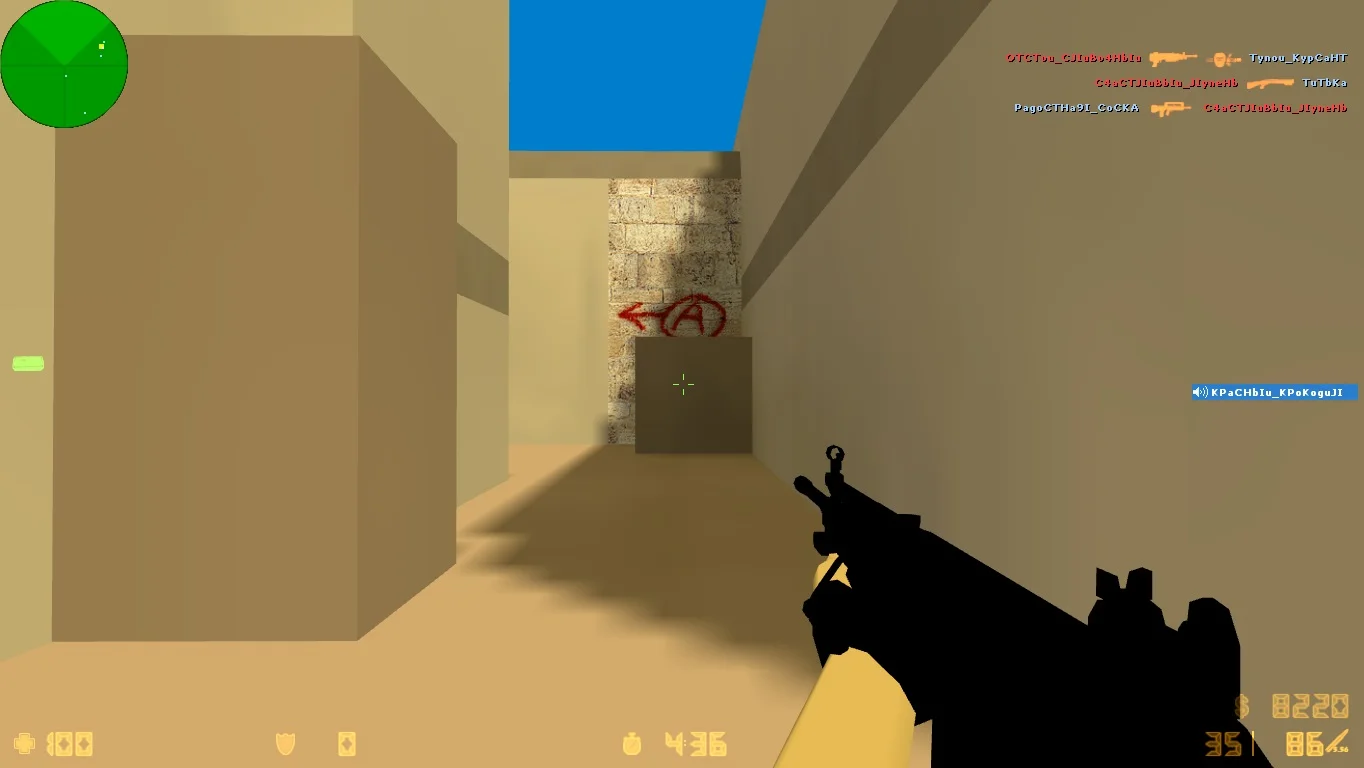
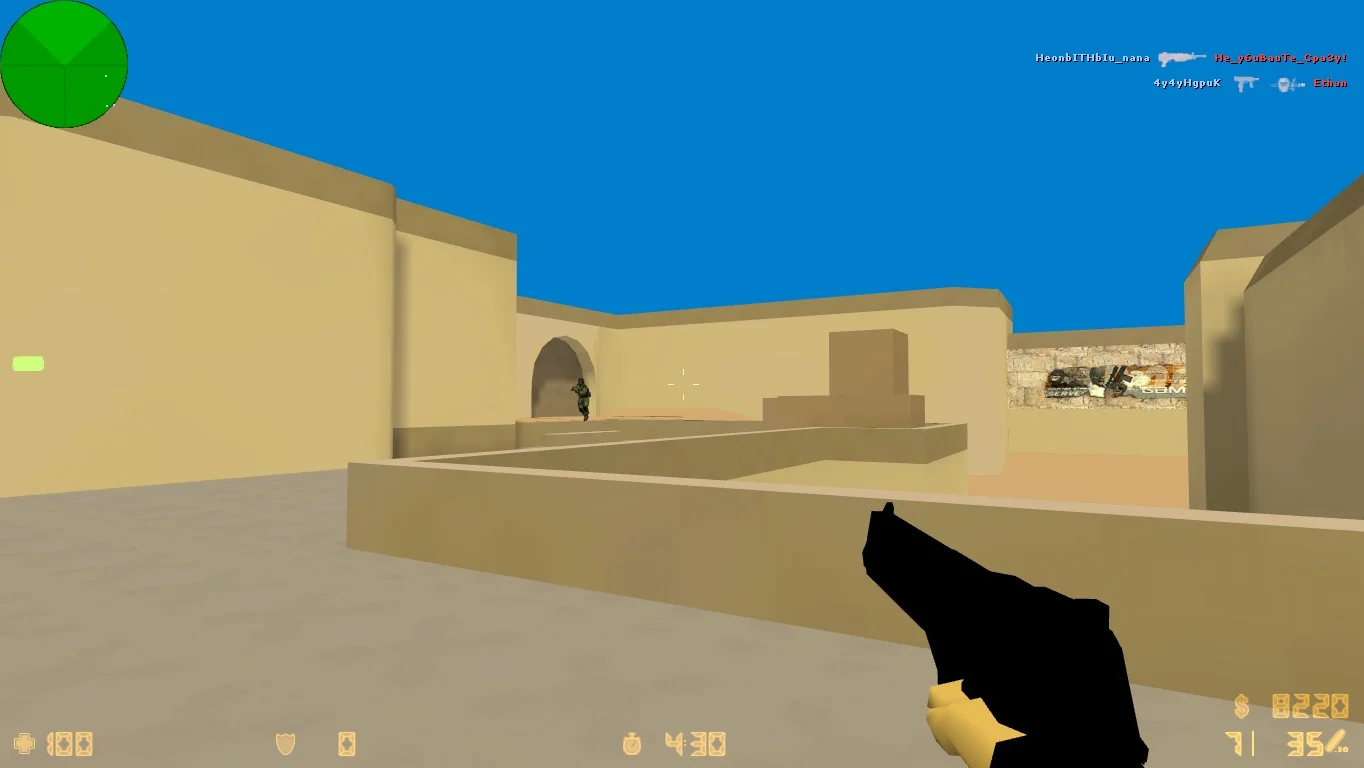
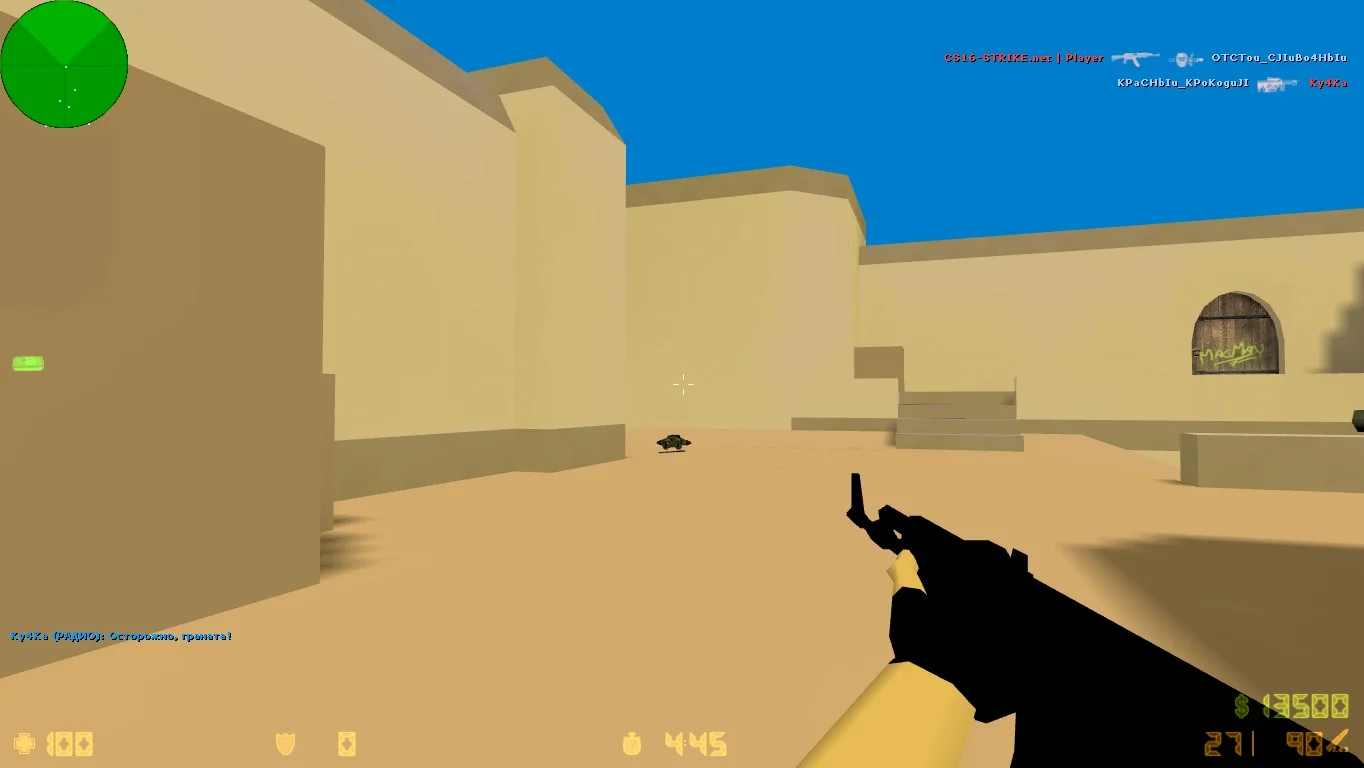
Download CS 1.6 with 100 FPS — this is a build specifically designed for those who want to achieve the smoothest and most comfortable gameplay in the legendary Counter-Strike 1.6. High FPS (frames per second) is key for quick reactions and precise shooting, which is especially important for competitive matches and training. This version is optimized for stable performance on a wide range of computers, including low- and mid-range systems, ensuring smooth gameplay without lags or freezes.
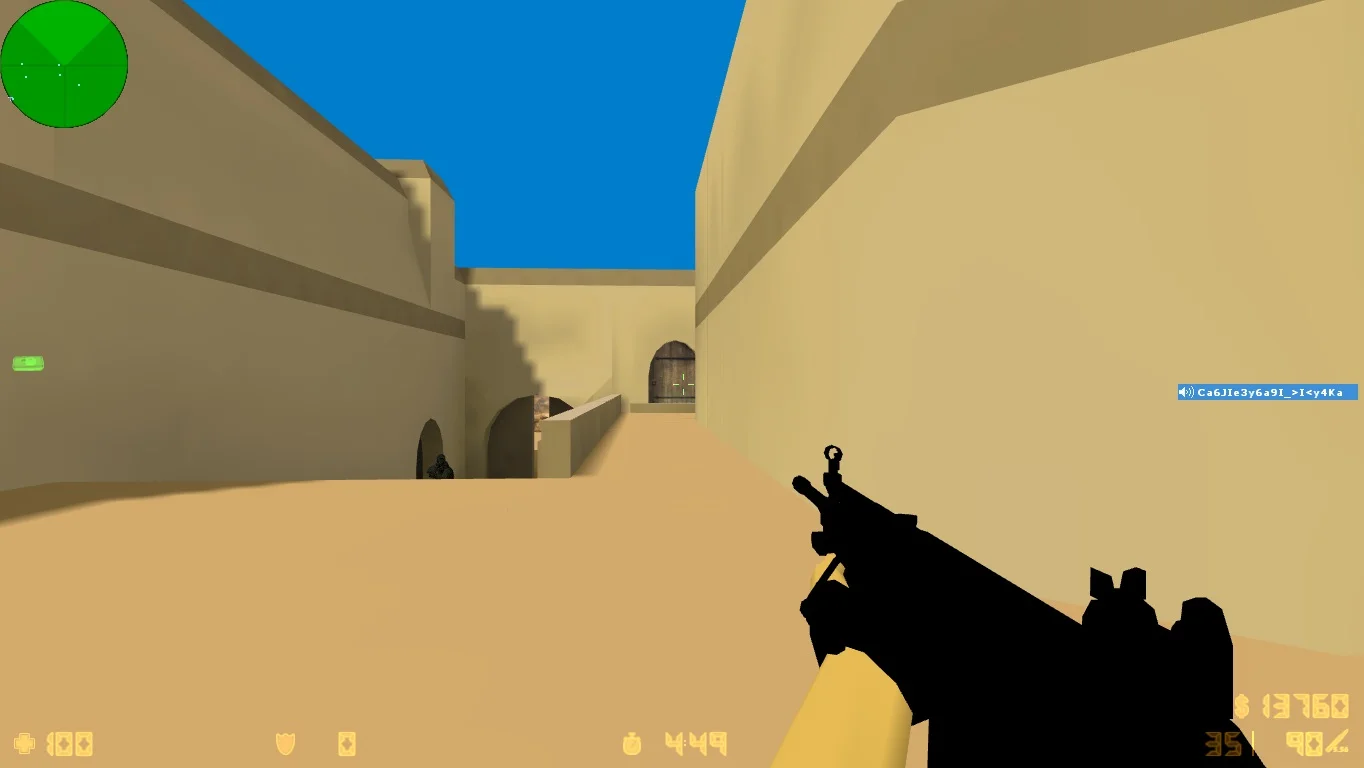
The build includes improved graphics optimization, a minimal set of unnecessary effects and settings, reducing the load on the processor and graphics card. At the same time, all classic elements of CS 1.6 gameplay and interface are preserved, giving players a familiar and comfortable environment. In CS 1.6 with 100 FPS, you can enjoy every moment of the game with maximum responsiveness and image quality, positively affecting both performance and enjoyment.
Downloading CS 1.6 with 100 FPS is a great choice for anyone looking to update the classic version with a focus on performance and speed. Installation is simple and does not require special skills. The game launches quickly, and settings allow adaptation to any computer. This version is suitable for both beginners and professional players seeking an advantage in competitive matches.
Features of the build:
• Optimized for stable 100 FPS
• Preserves classic gameplay and interface
• Minimal set of graphical effects
• Suitable for low- and mid-range PCs
• Compatible with Windows XP, 7, 8, 10, 11
• Supports offline and online modes
• Simple installation and setup
• Easy adaptation to any system configuration
System requirements:
• Operating System: Windows XP and above
• Processor: 1 GHz or higher
• RAM: 512 MB or more
• Graphics Card: 64 MB or more with DirectX 9 support
• Free disk space: 600 MB or more
• Internet required for online play
How to install:
• Copy the build files to a separate folder on your PC
• Check system requirements and PC settings
• Launch the game via the desktop shortcut
• Adjust graphics and controls if necessary
• Enjoy gameplay with high frame rates
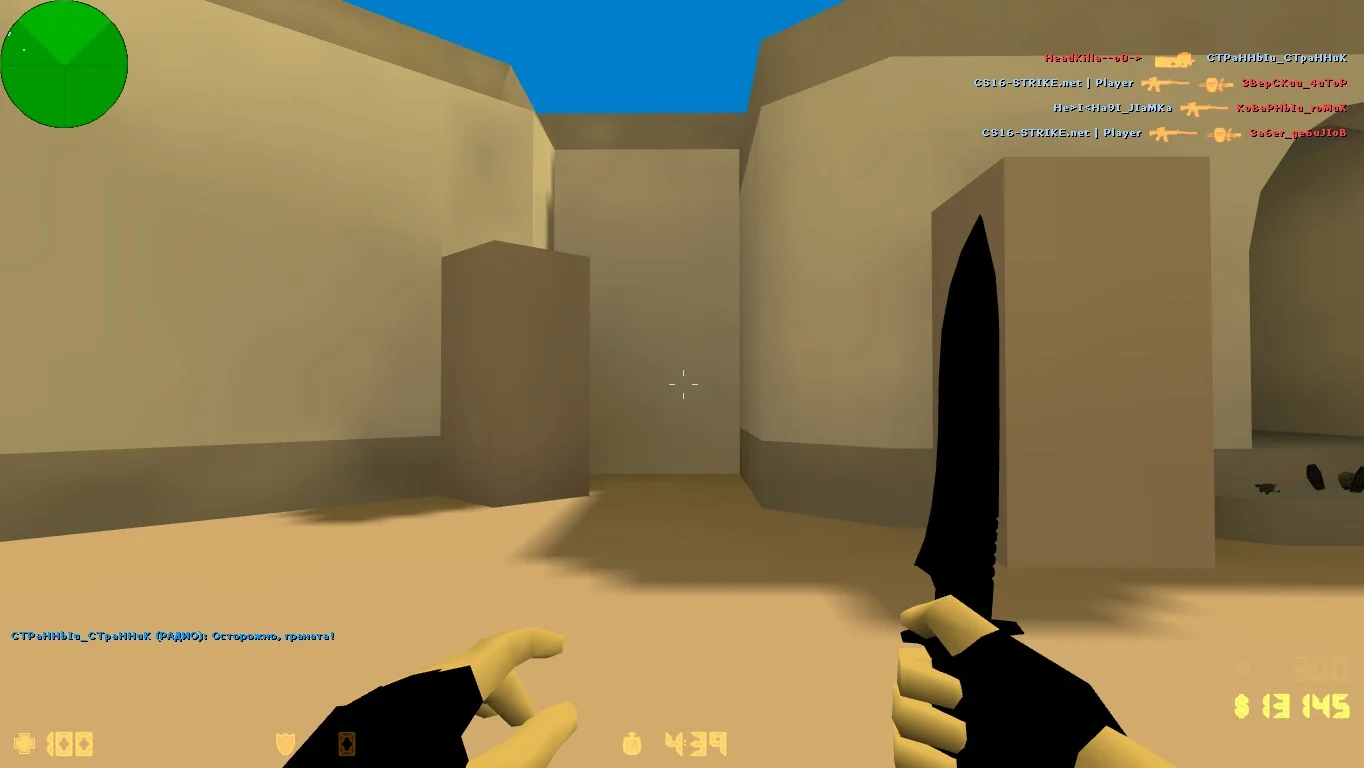
Оригинальные модели оружия
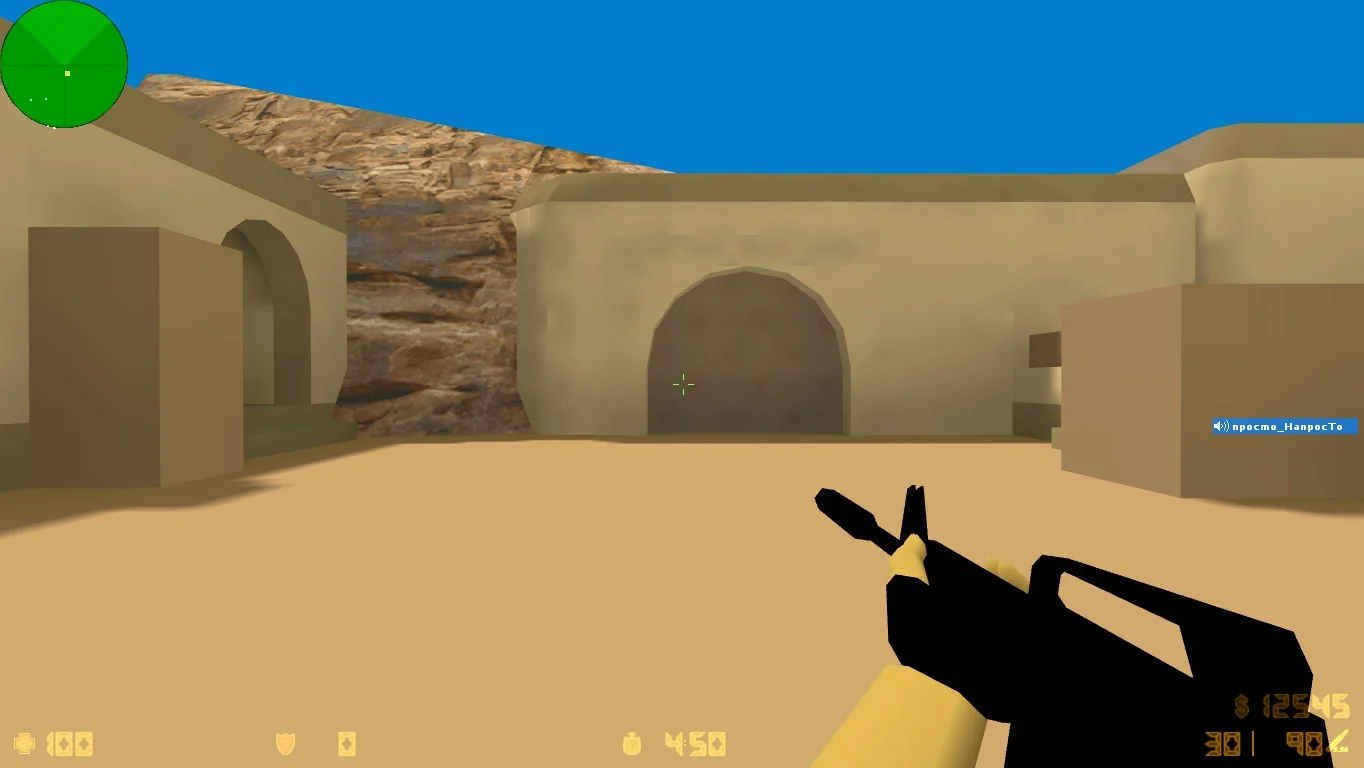
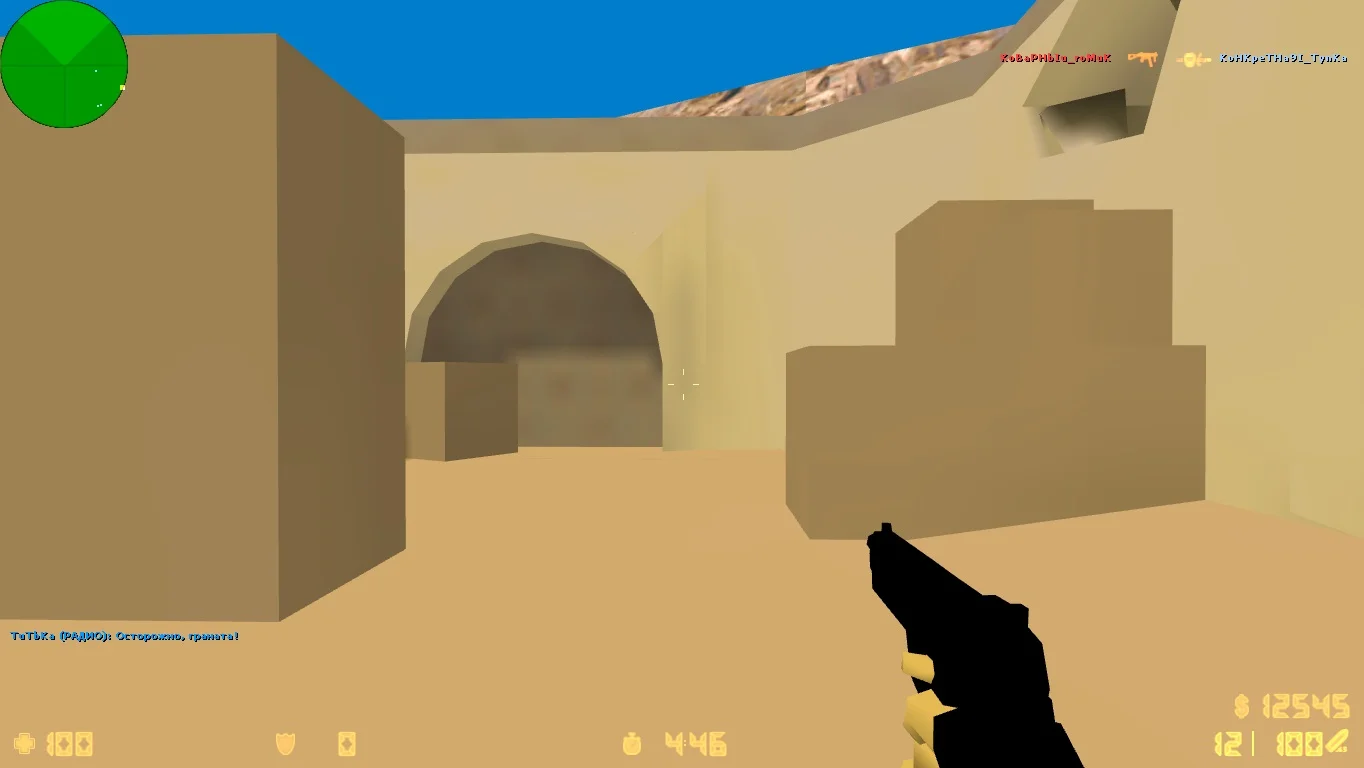
В данной сборке присутствуют модифицированные модели игровых персонажей. Для повышения производительности до максимального значения были внесены оптимизации, которые повлекли за собой изменения во внешнем виде моделей.
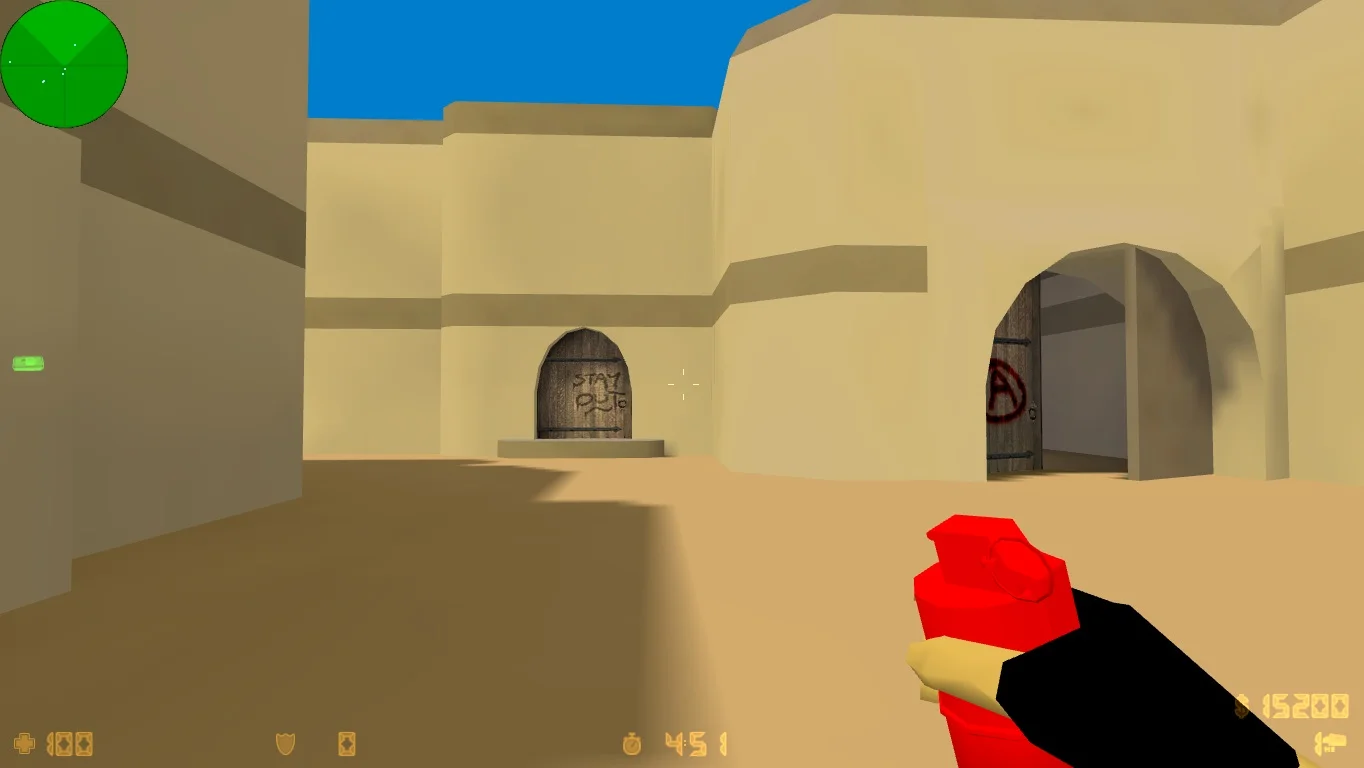
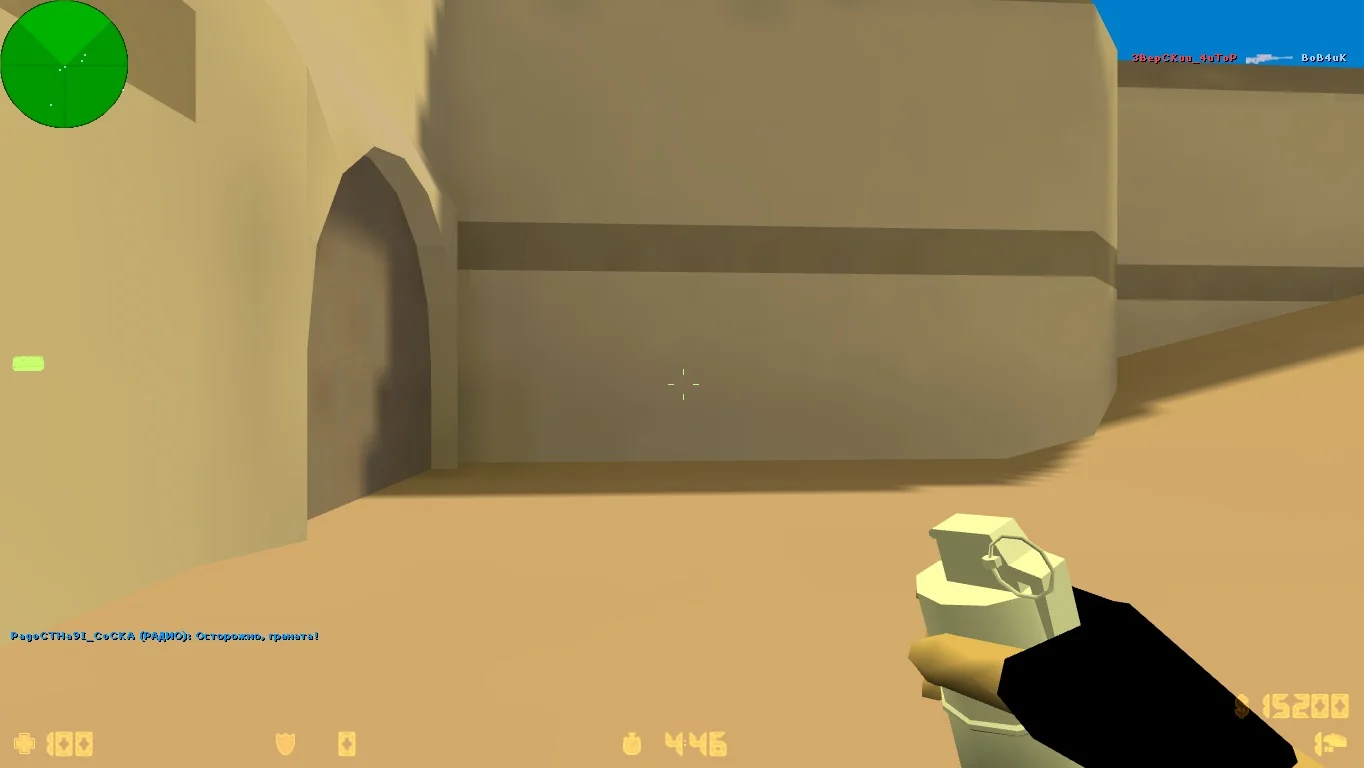
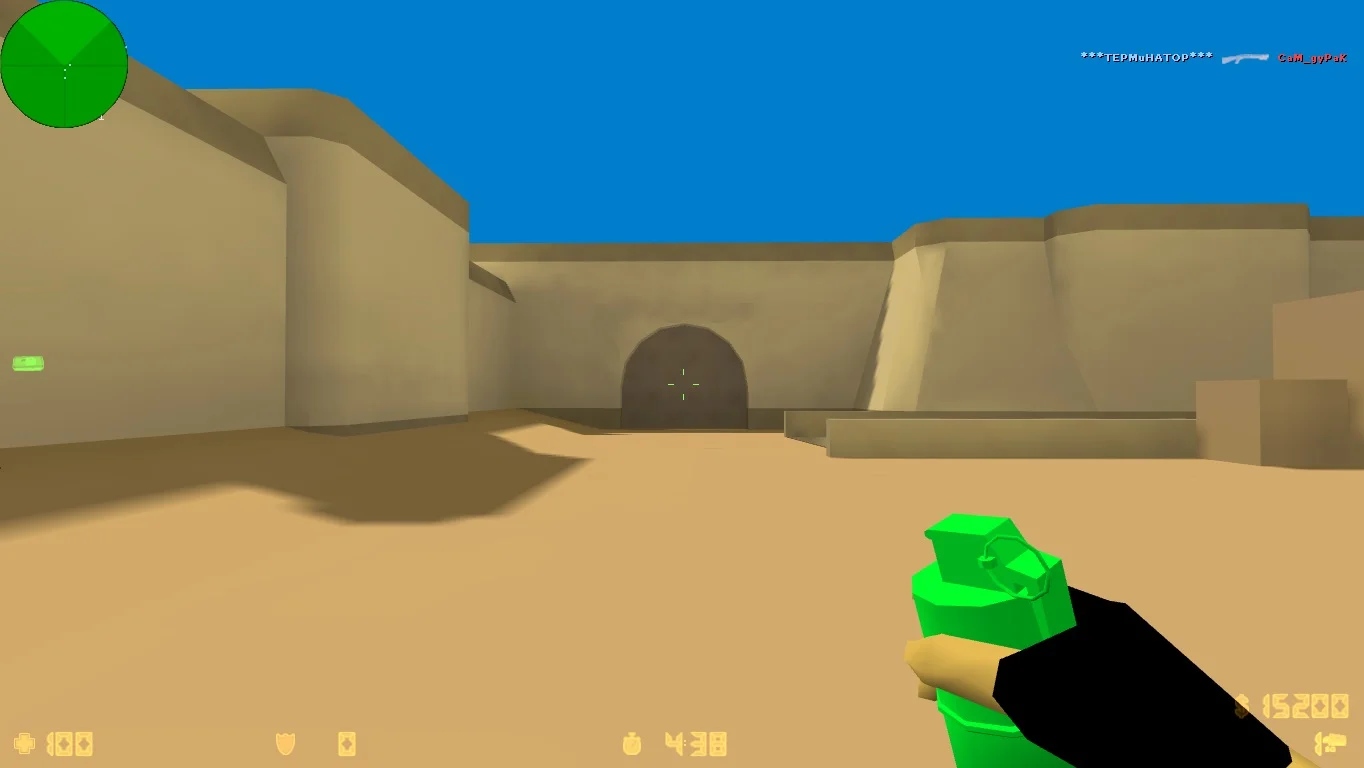
Разноцветные гранаты
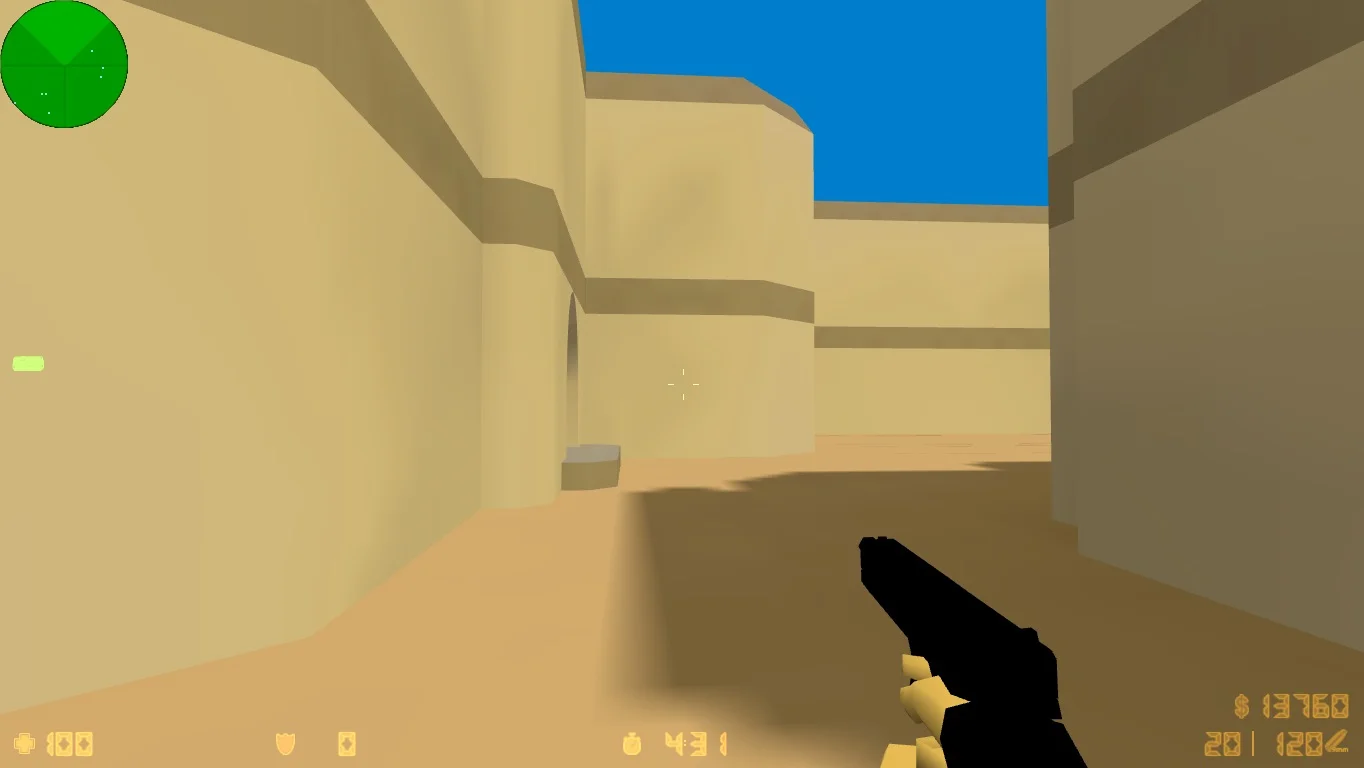
Для повышения реалистичности игрового процесса было принято решение обновить дизайн гранат, заменив классические модели более современными аналогами. Новые модели отличаются стильным дизайном и детально проработанной текстурой, что придает им реалистичный вид.
Новые карты
Главное отличие данной сборки заключается в обновленных текстурах карт. Освещение стало более ярким и ненавязчивым, что способствует повышению точности стрельбы. Локации доступны как для игры по сети, так и для одиночного режима с участием ботов.