Home
Home
 CS 1.6 Builds
 CS:GO Builds
 CS:S Builds
 CS2 Builds

Download CS 1.6 from MrFlagMan
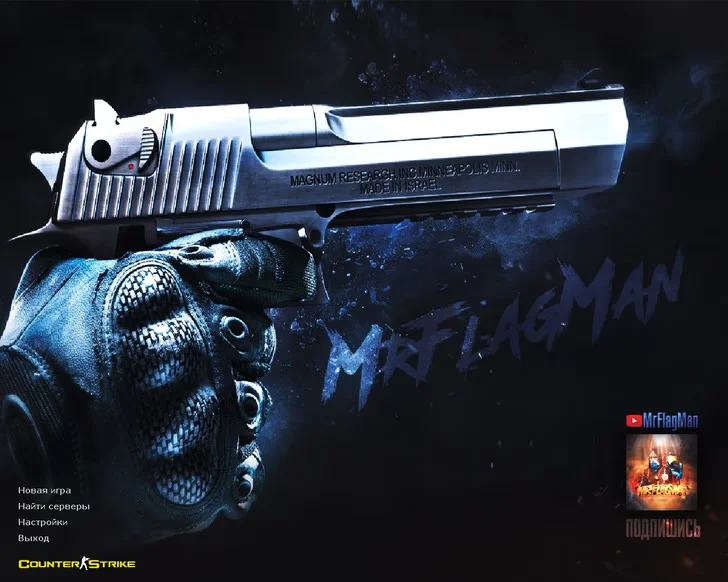
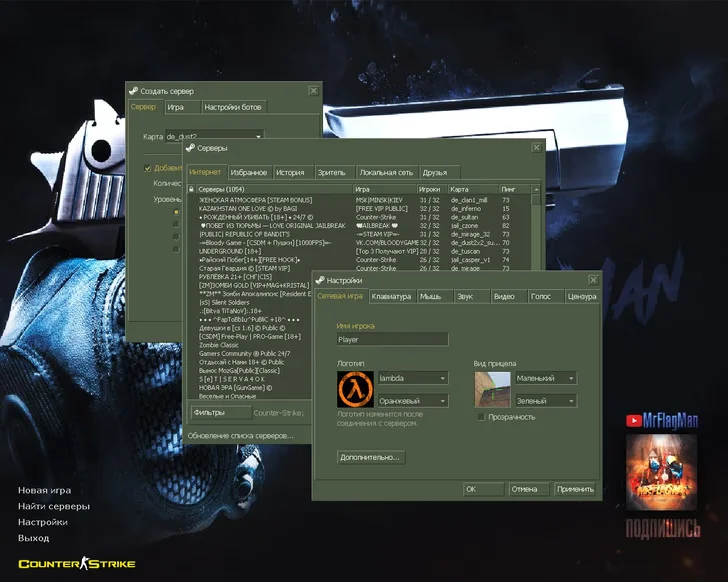
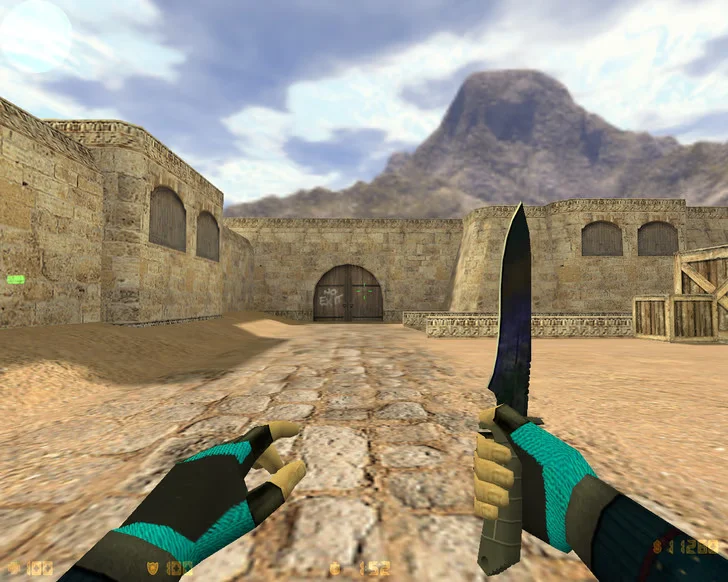
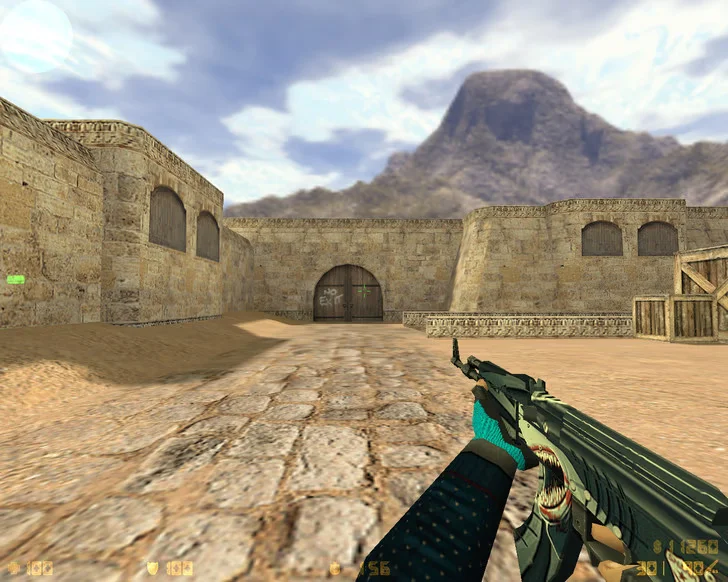
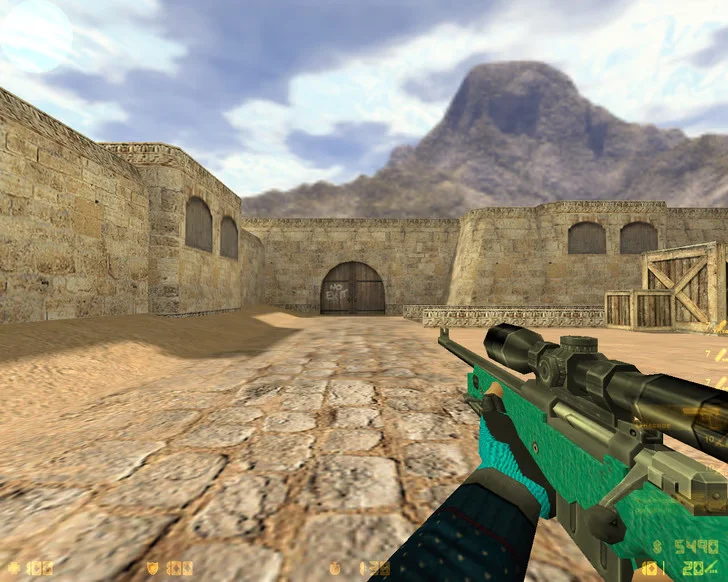
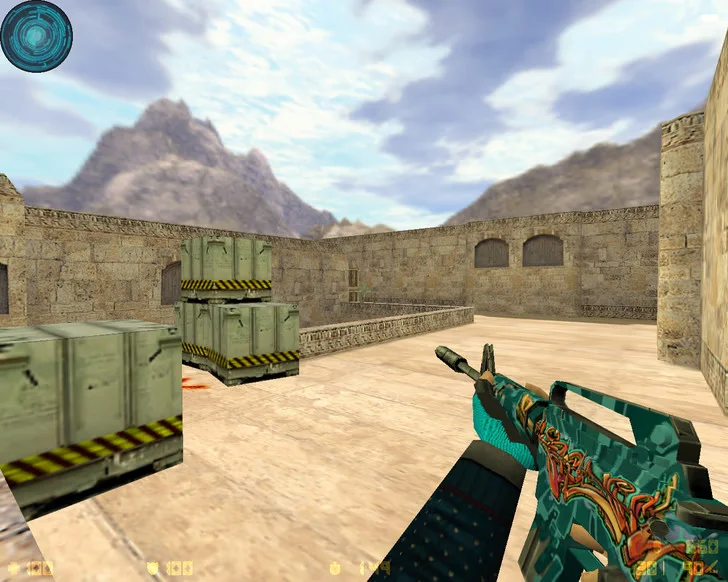
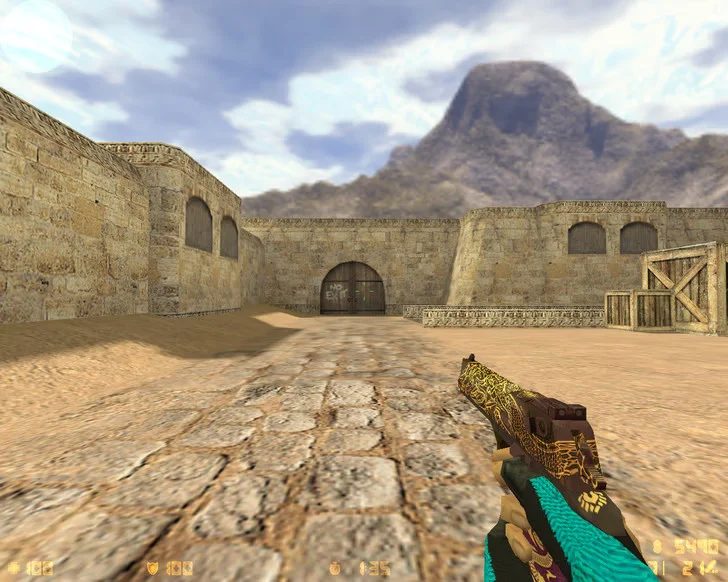
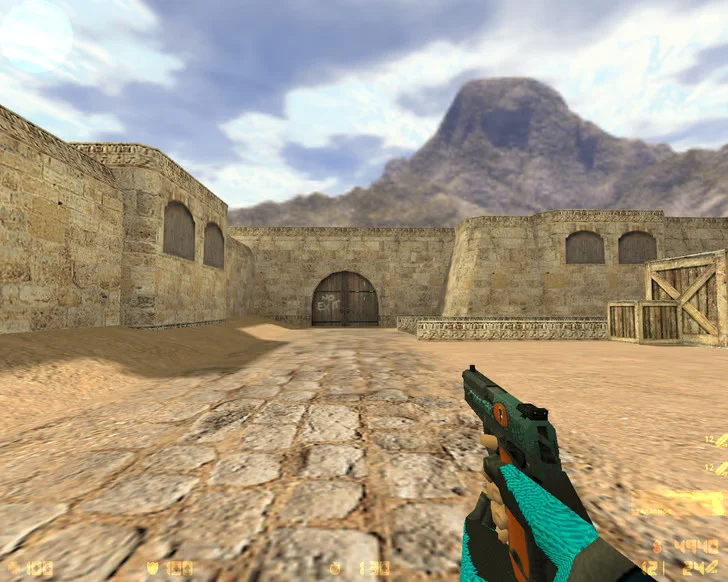
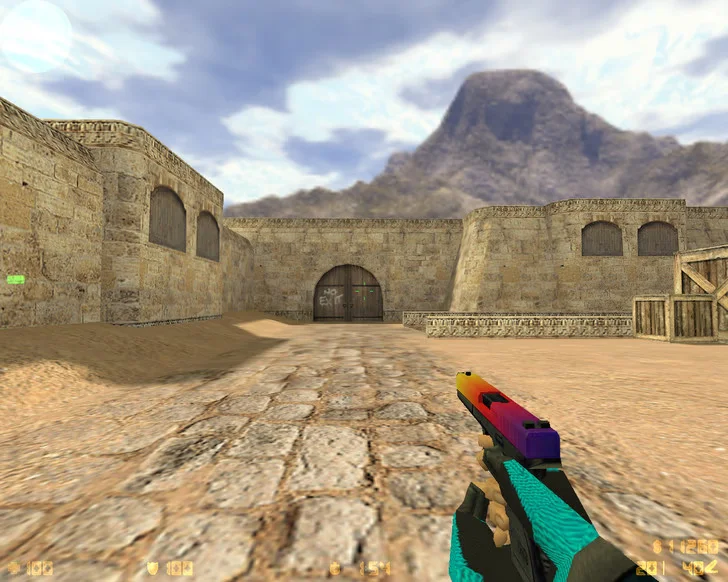
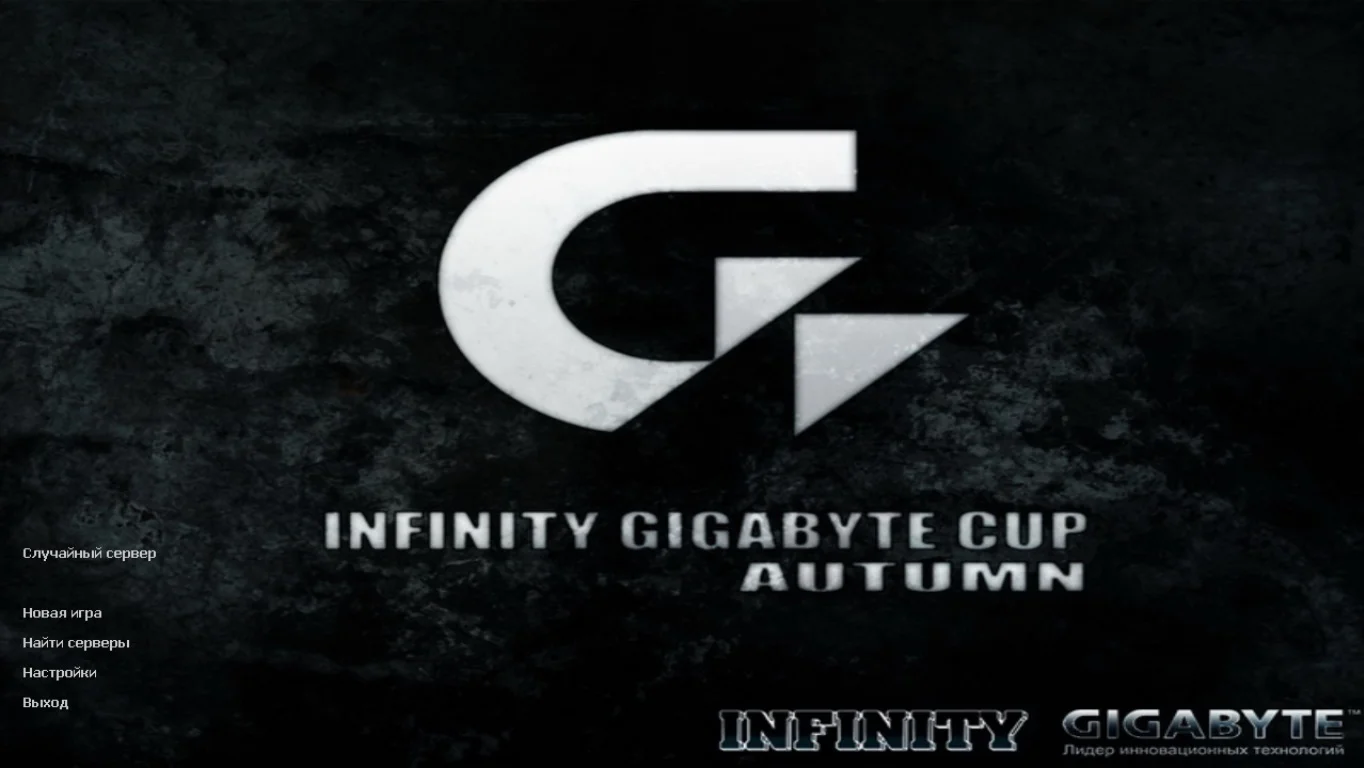
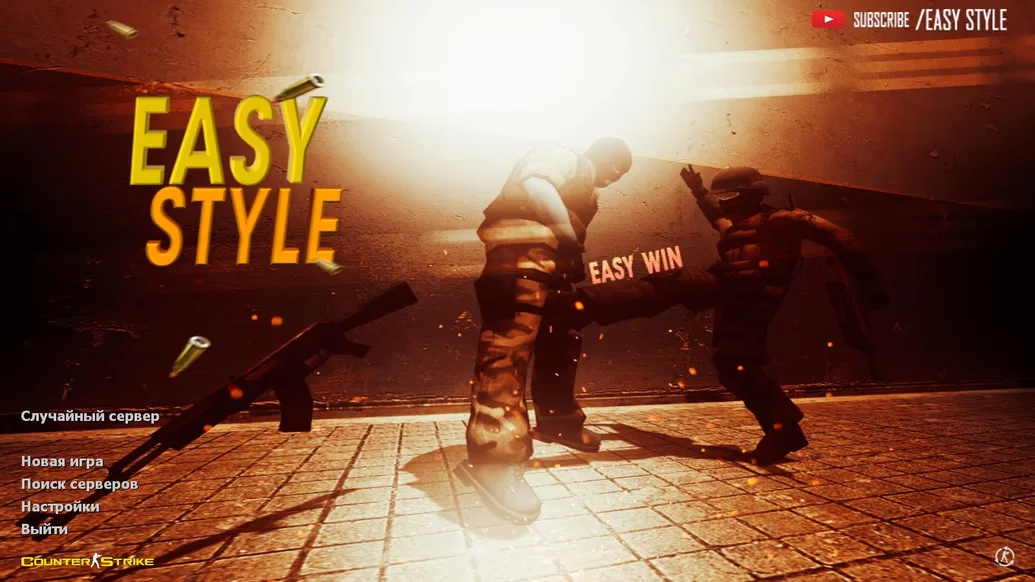
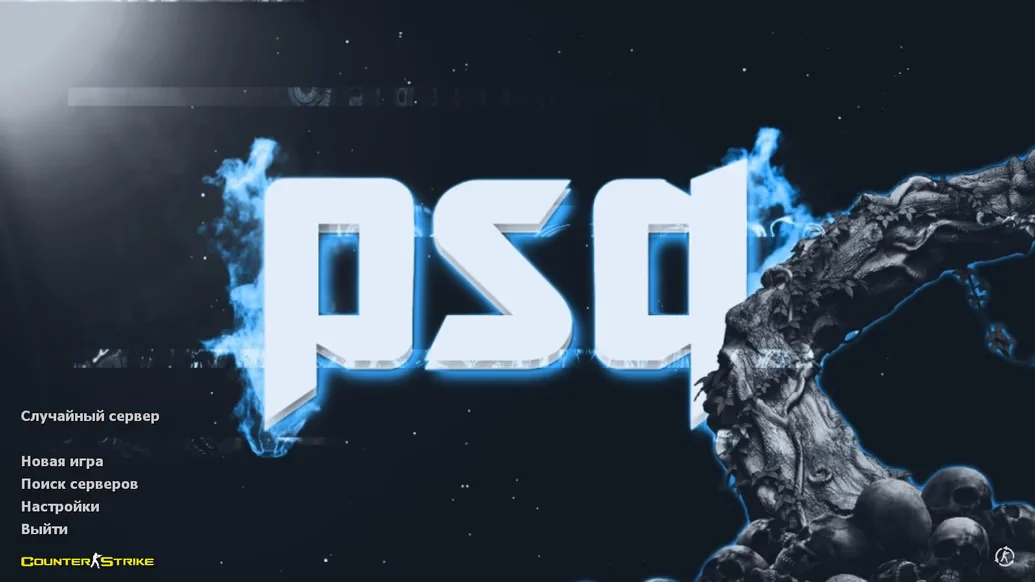
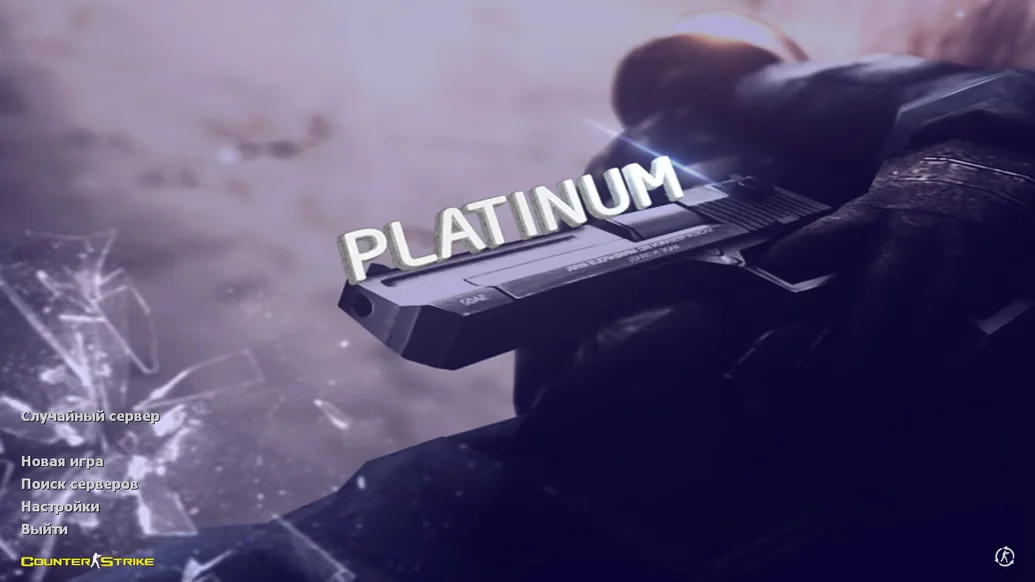
CS 1.6 from MrFlagMan is a custom build created with special attention to detail and gaming comfort. It is designed for both experienced players and beginners who want to dive into the game immediately without manually configuring settings or installing mods. The build features optimized performance, a stylish interface, and unique design in MrFlagMan’s signature style. Downloading CS 1.6 from MrFlagMan means getting a stable, ready-to-play client that requires no additional tweaks.
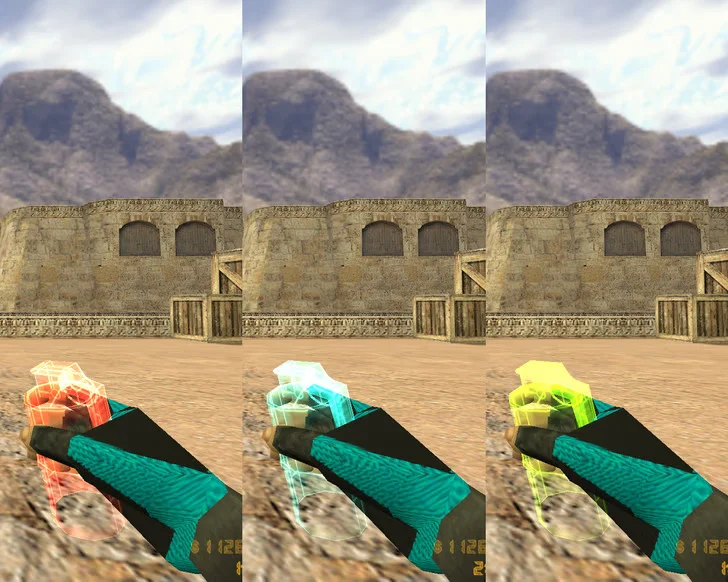
In this version, the standard weapon and player models have been replaced with higher-quality, more detailed ones. All elements — from the menu to the sounds — are chosen for convenience and aesthetics. Gunfire and reload sounds are more realistic, the interface is streamlined, and the crosshair and radar are intuitive. The shooting configuration is adapted for precise recoil and smooth movement, making gameplay feel light and dynamic. Built-in bots with good AI, a fully localized Russian menu, and no ads make the build convenient for continuous play.
CS 1.6 from MrFlagMan works on all current Windows versions — XP, 7, 8, 10, and 11. It does not overload the system and runs stably even on low-end hardware. Installation is simple and takes just a few minutes: just download the file, choose the path, and launch the game. The client contains no viruses, ads, or third-party software. Downloading CS 1.6 from MrFlagMan is the choice for those who value quality, stability, and comfortable shooting in their favorite game.
Build Features:
Unique custom style by MrFlagMan
HD weapon and player models
Realistic gunfire and footstep sounds
Convenient interface and redesigned menu
Fully localized navigation
Configs for precise shooting and smooth gameplay
Built-in bots with good AI
Compatible with Windows XP, 7, 8, 10, 11
High FPS even on low-end PCs
No ads, viruses, or unnecessary software
System Requirements and Installation:
Operating System: Windows XP / 7 / 8 / 10 / 11
Processor: 1.0 GHz or higher
RAM: 512 MB or more
Video Card: 64 MB or more
Free Disk Space: 700 MB or more
How to Install:
Download the CS 1.6 from MrFlagMan installer
Open the installer with a double-click
Choose the installation path
Wait for the process to complete
Launch the game using the desktop shortcut