Home
Home
 CS 1.6 Builds
 CS:GO Builds
 CS:S Builds
 CS2 Builds

Download CS 1.6 Infinity Gigabyte
 Русская версия
 С ботами и серверами
 Работает на всех Windows (от XP до 11)
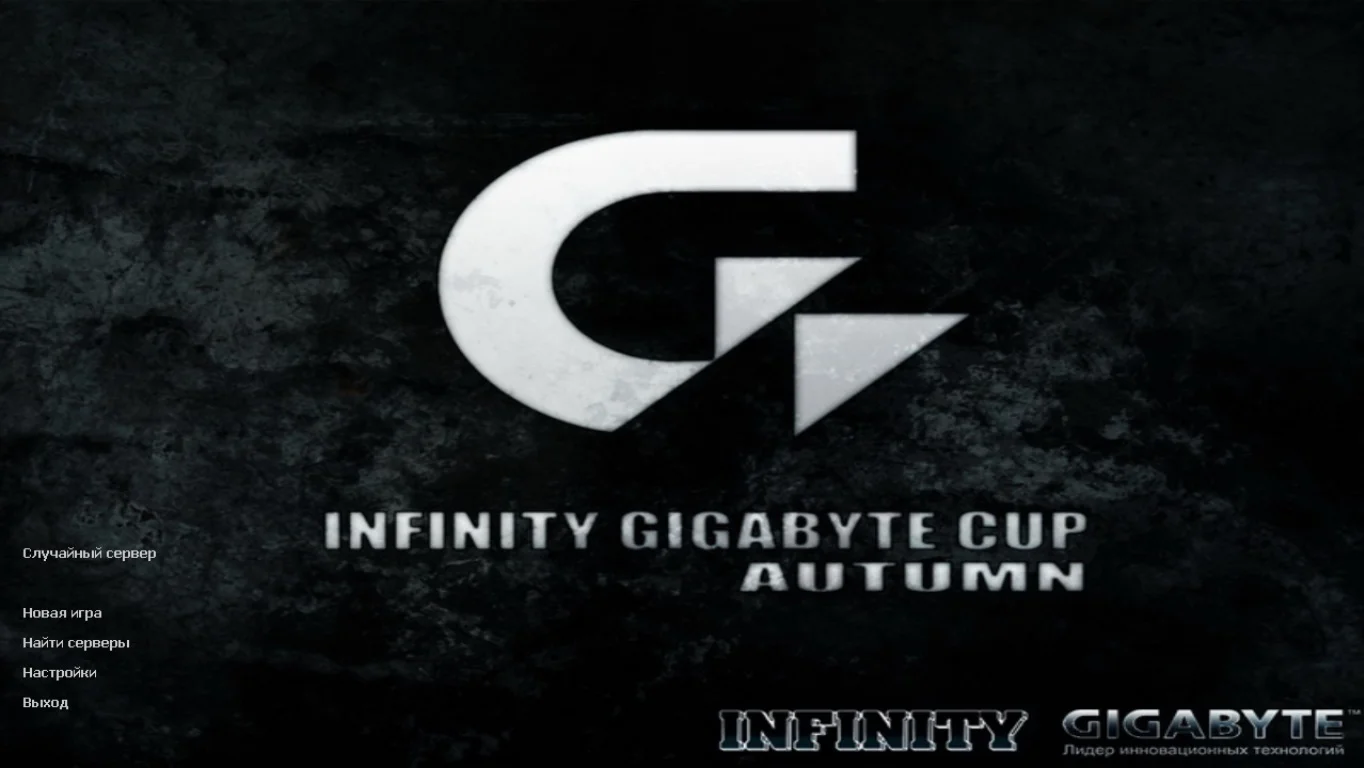
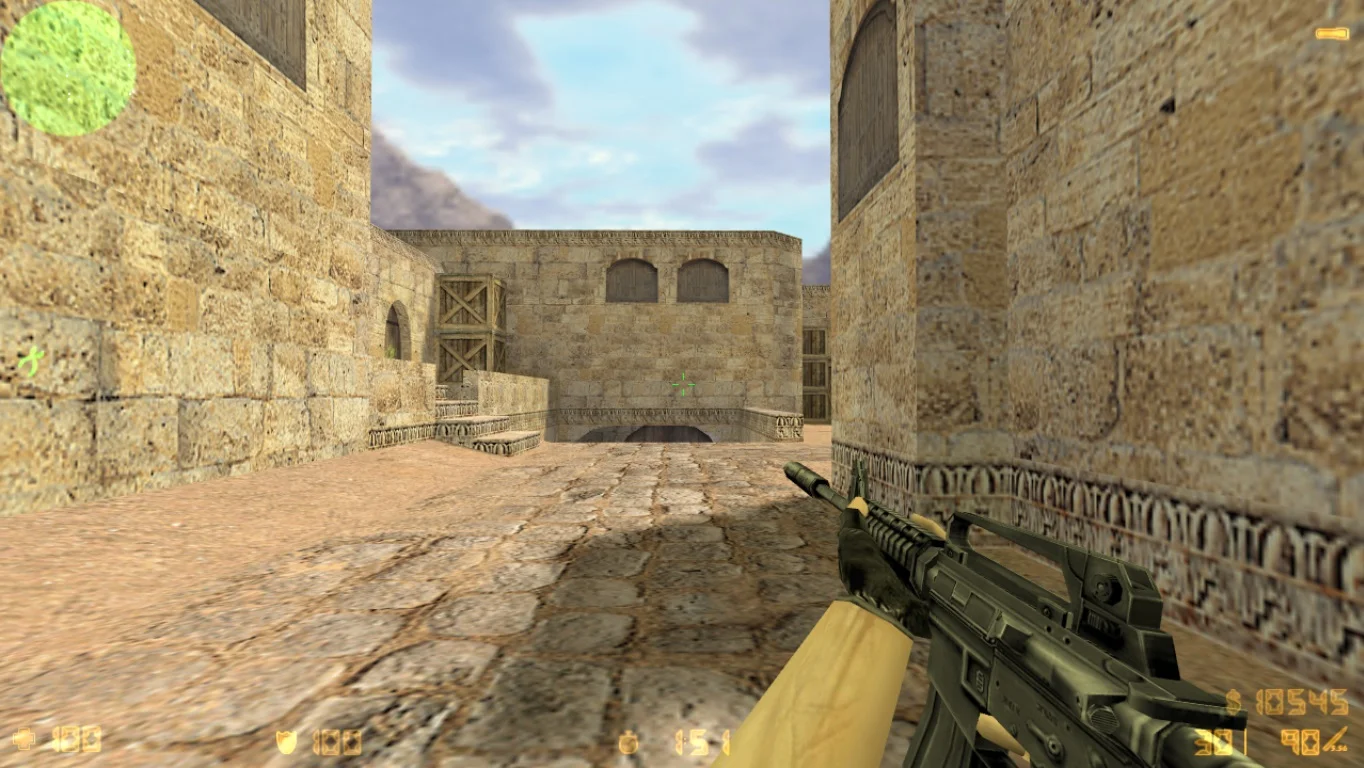
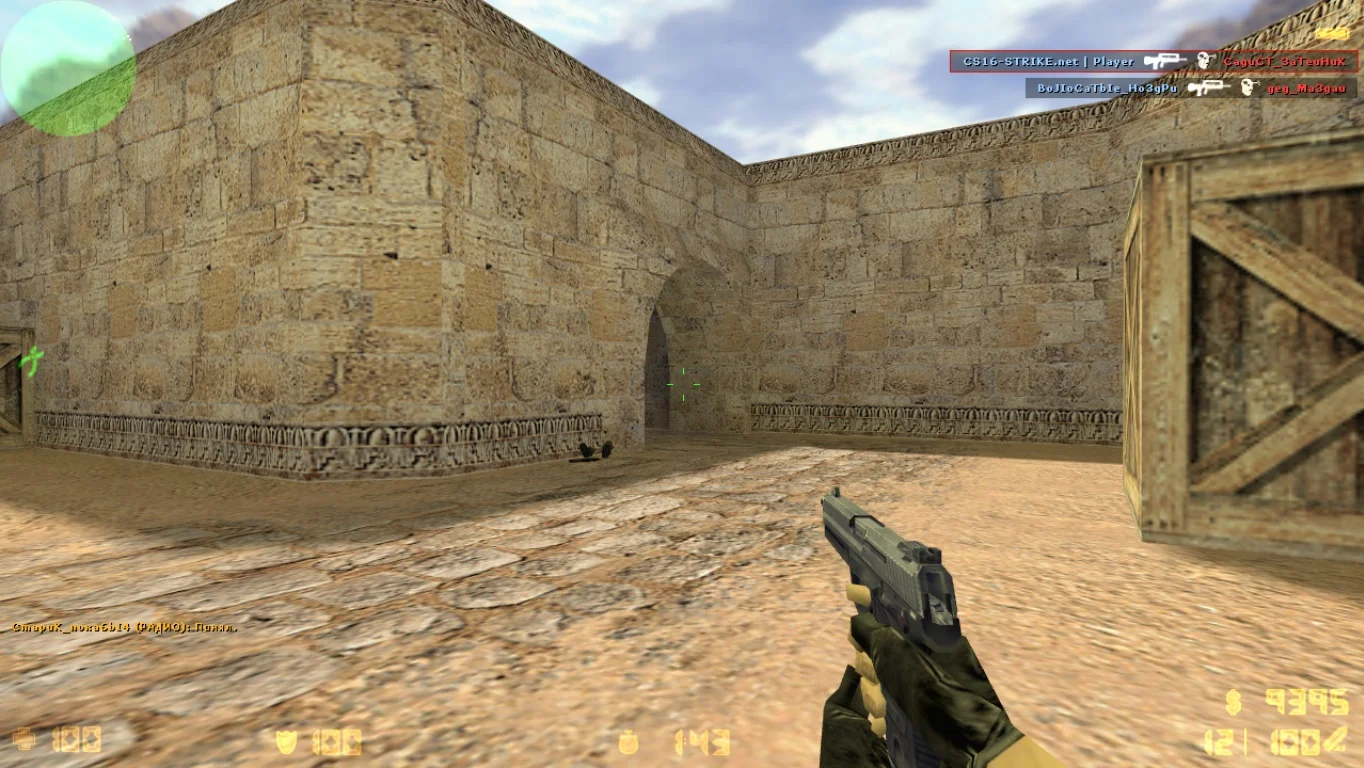
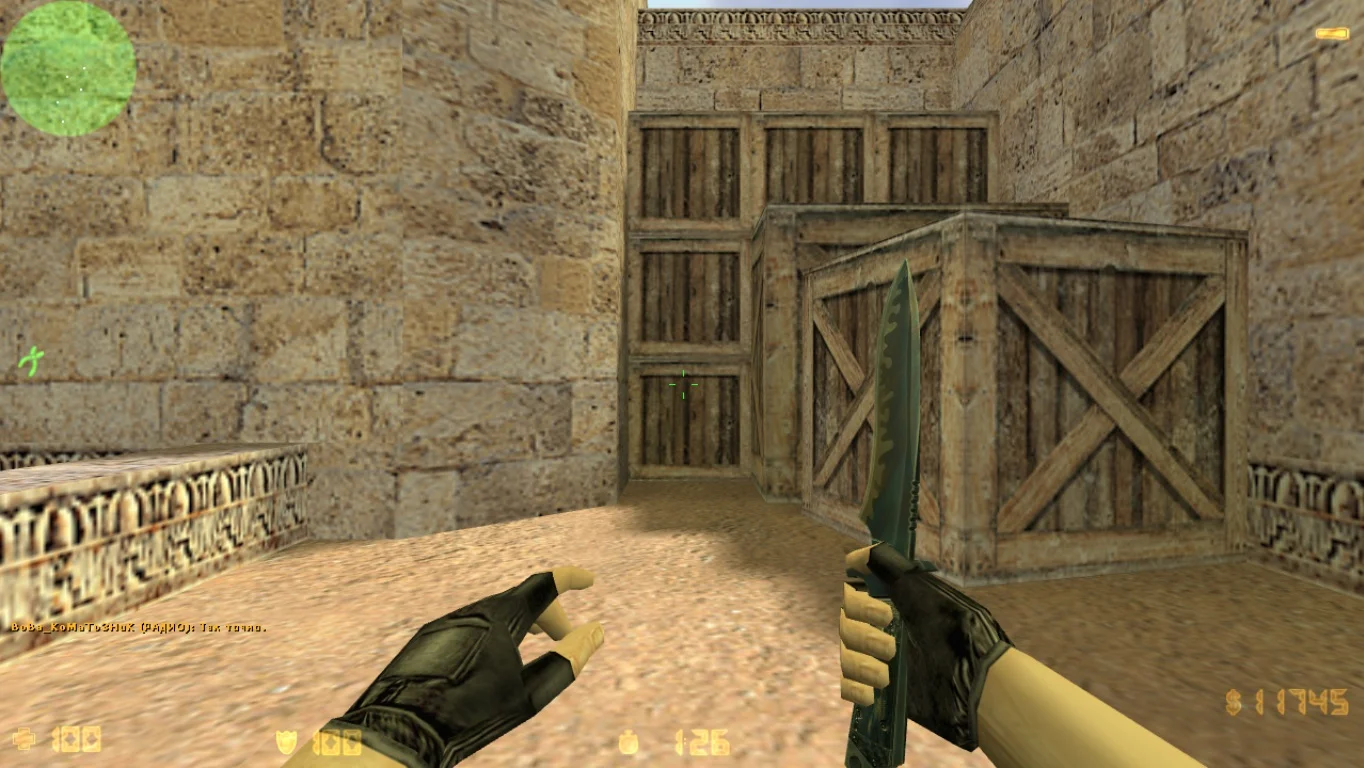
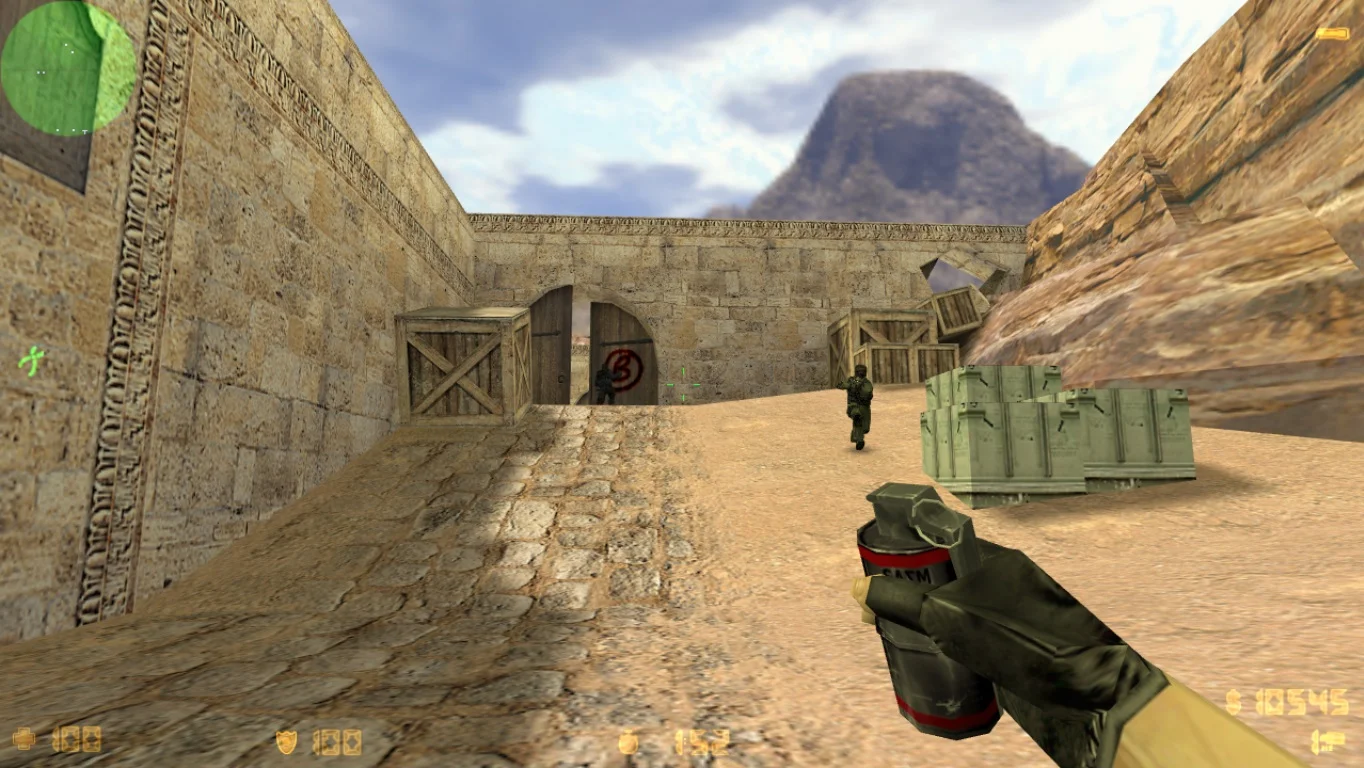
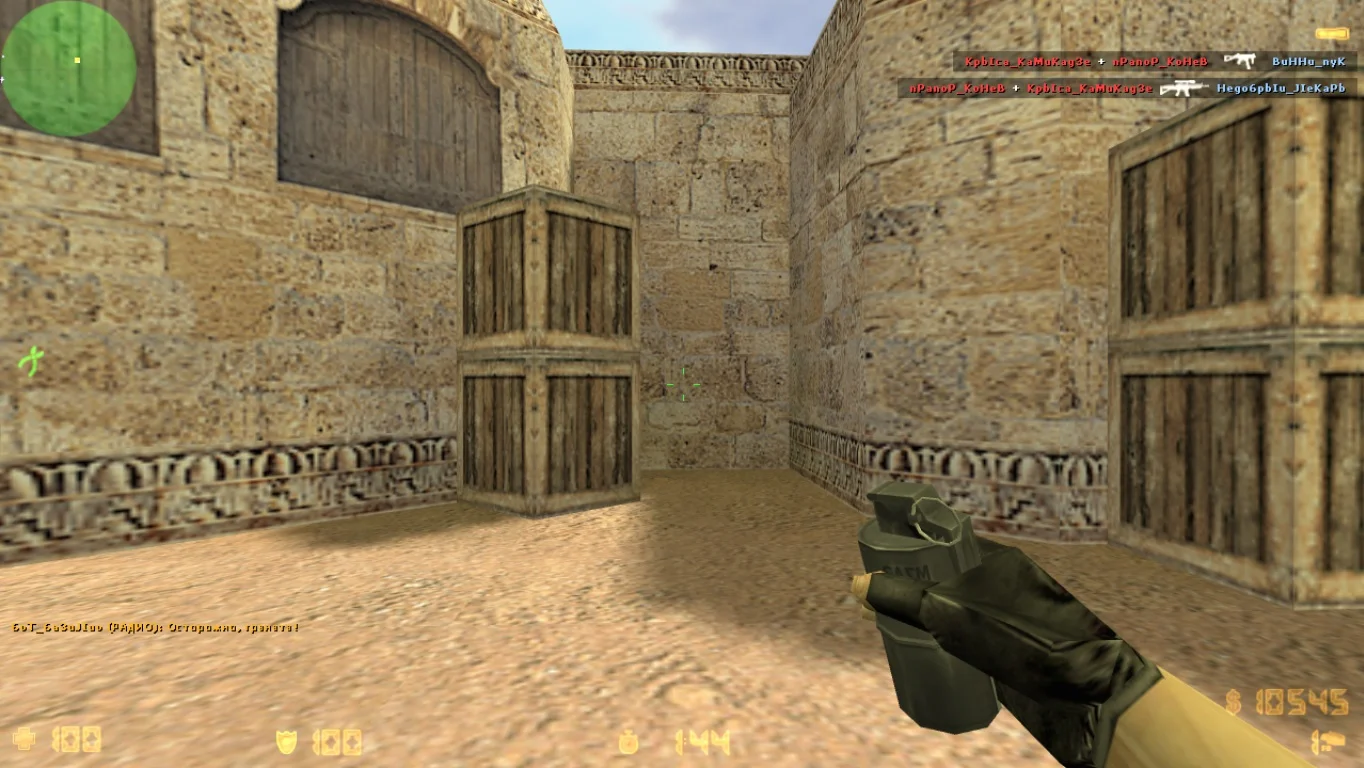
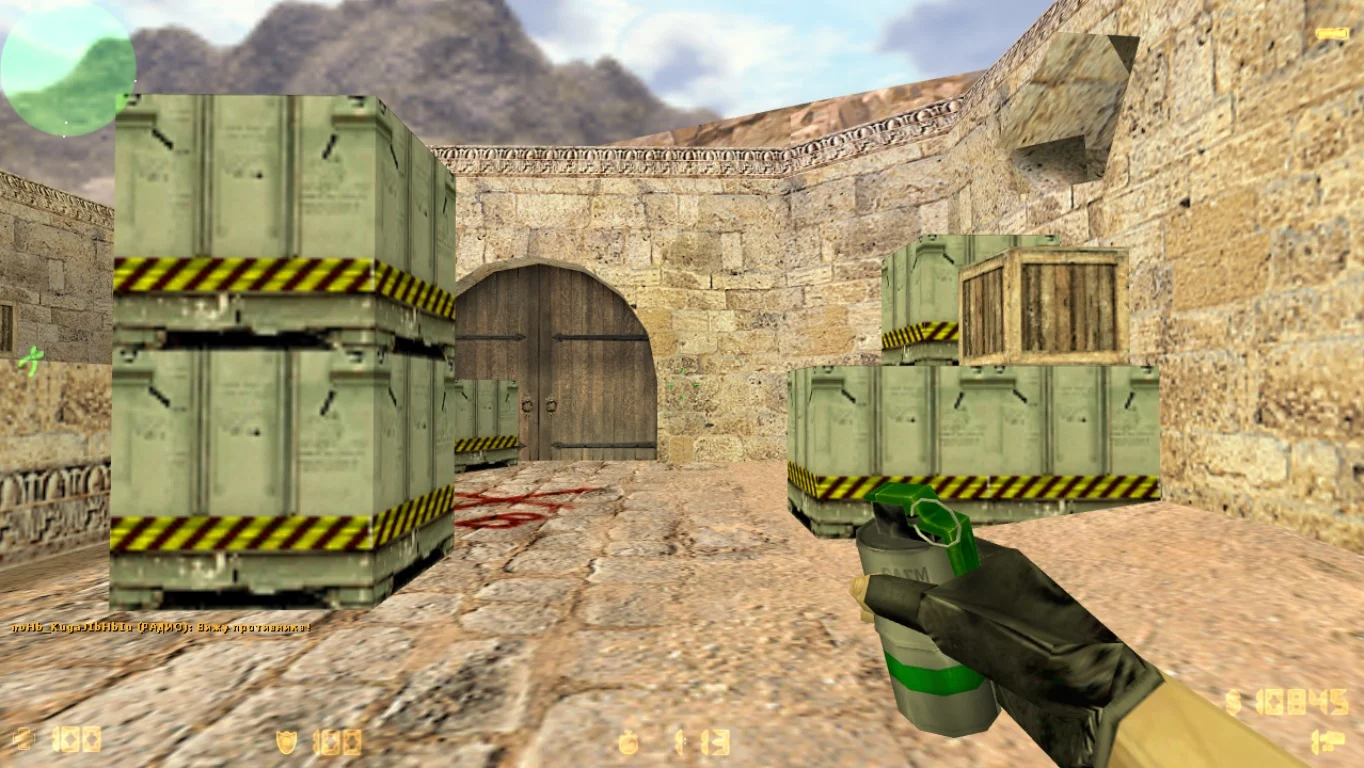
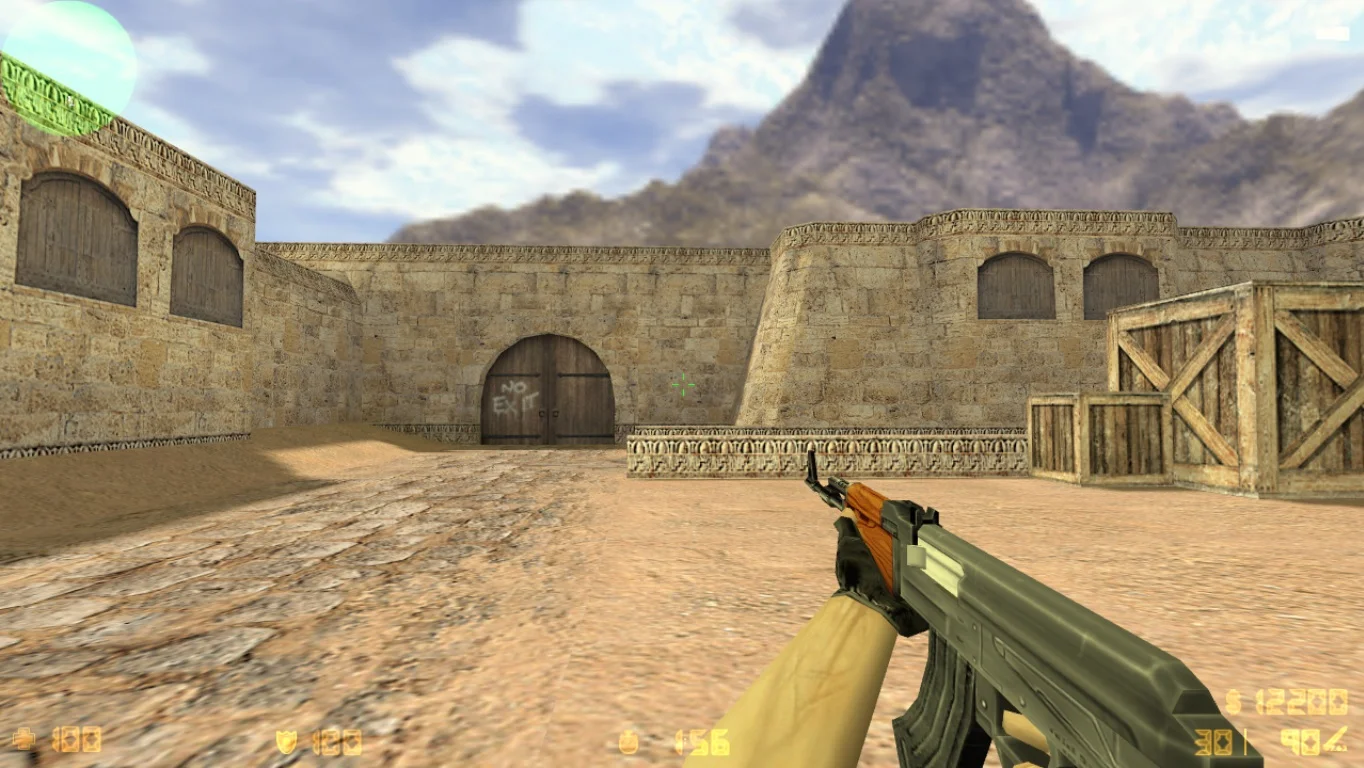
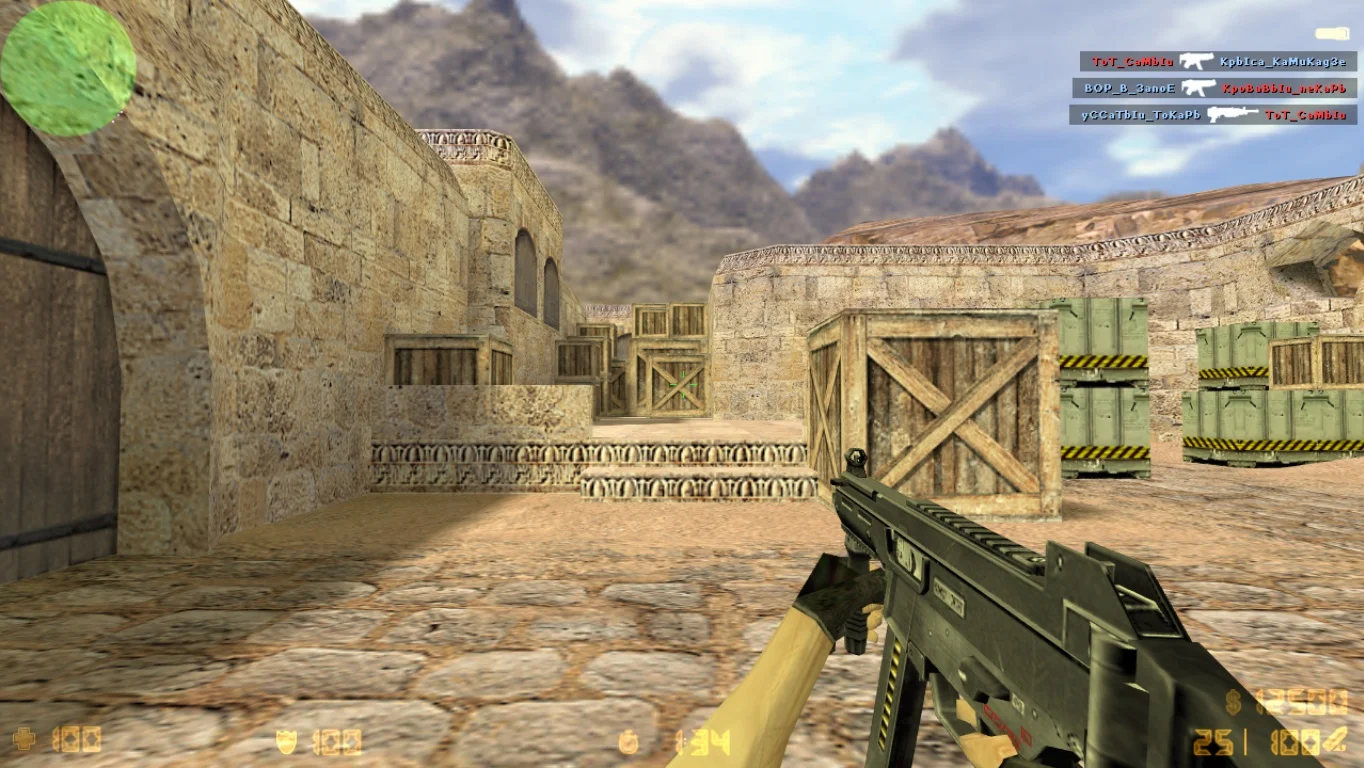
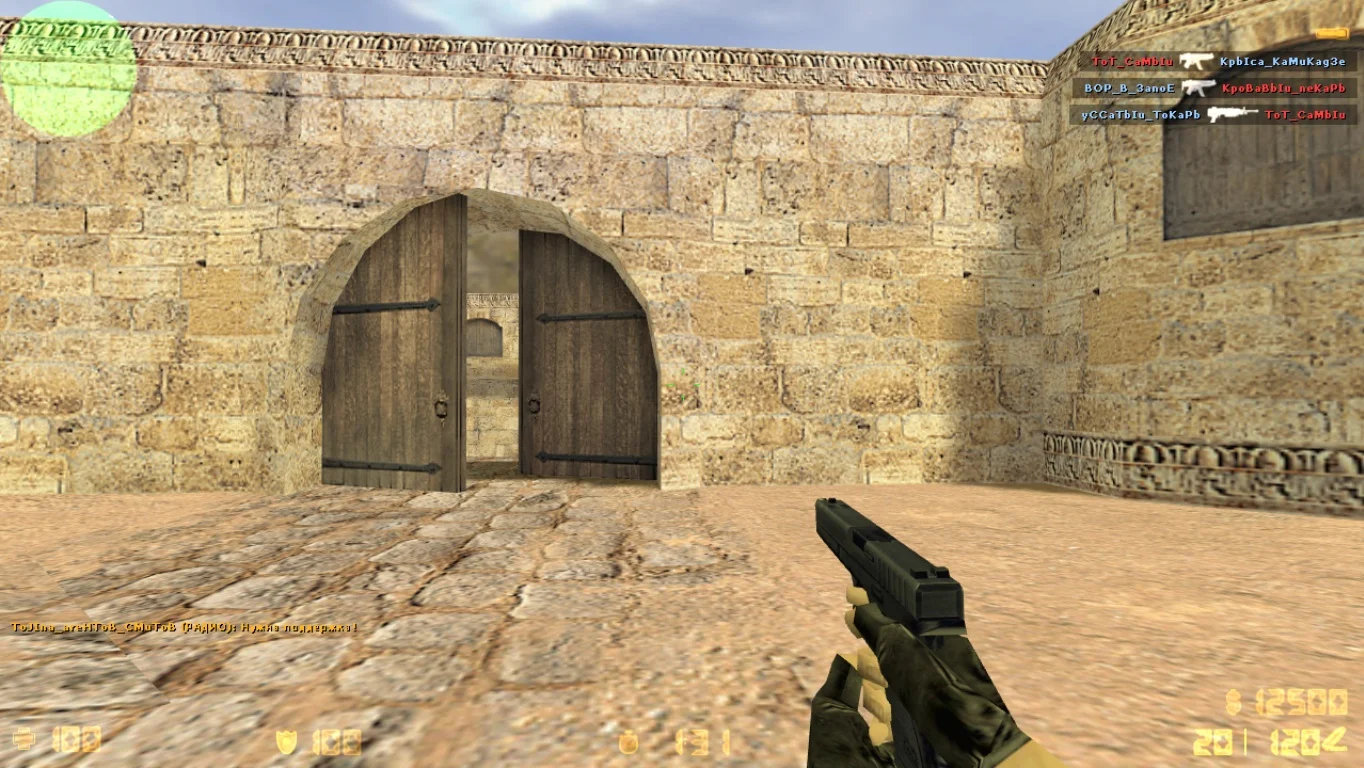
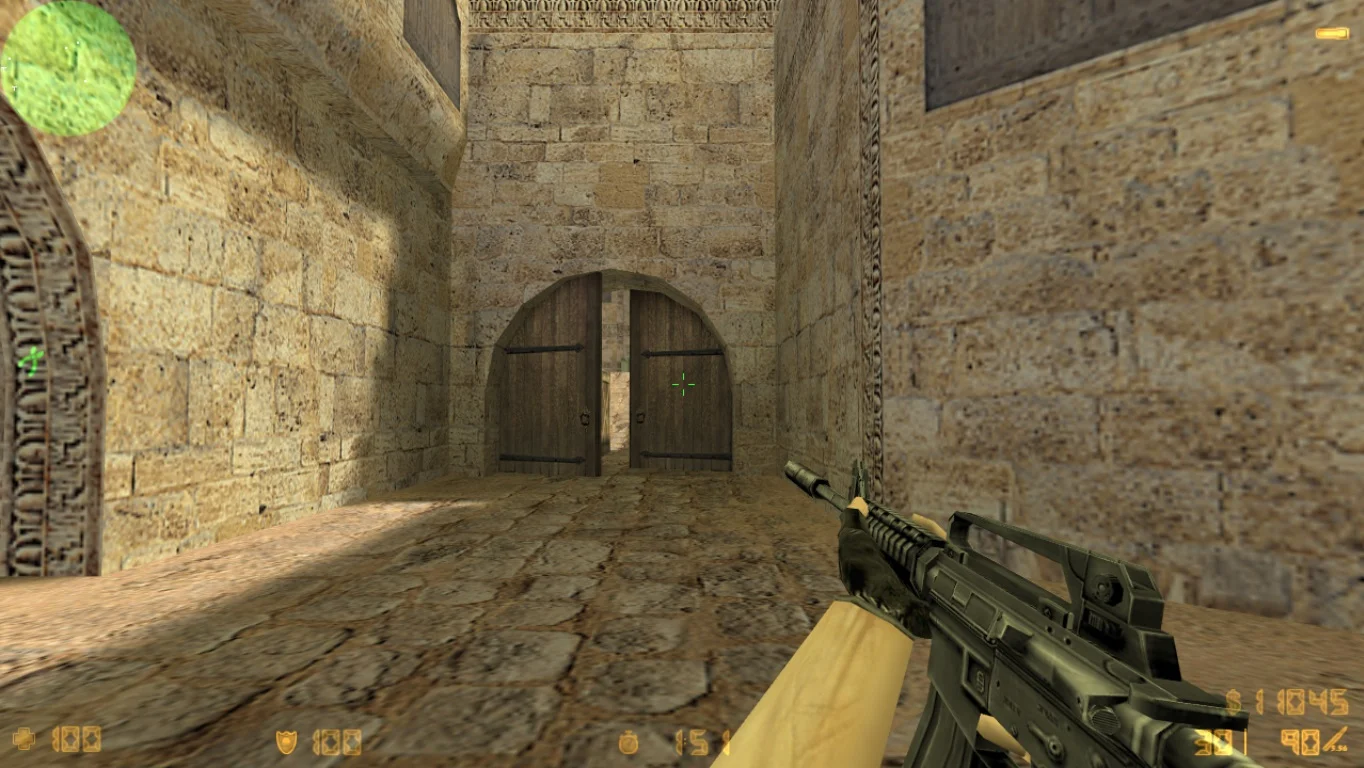
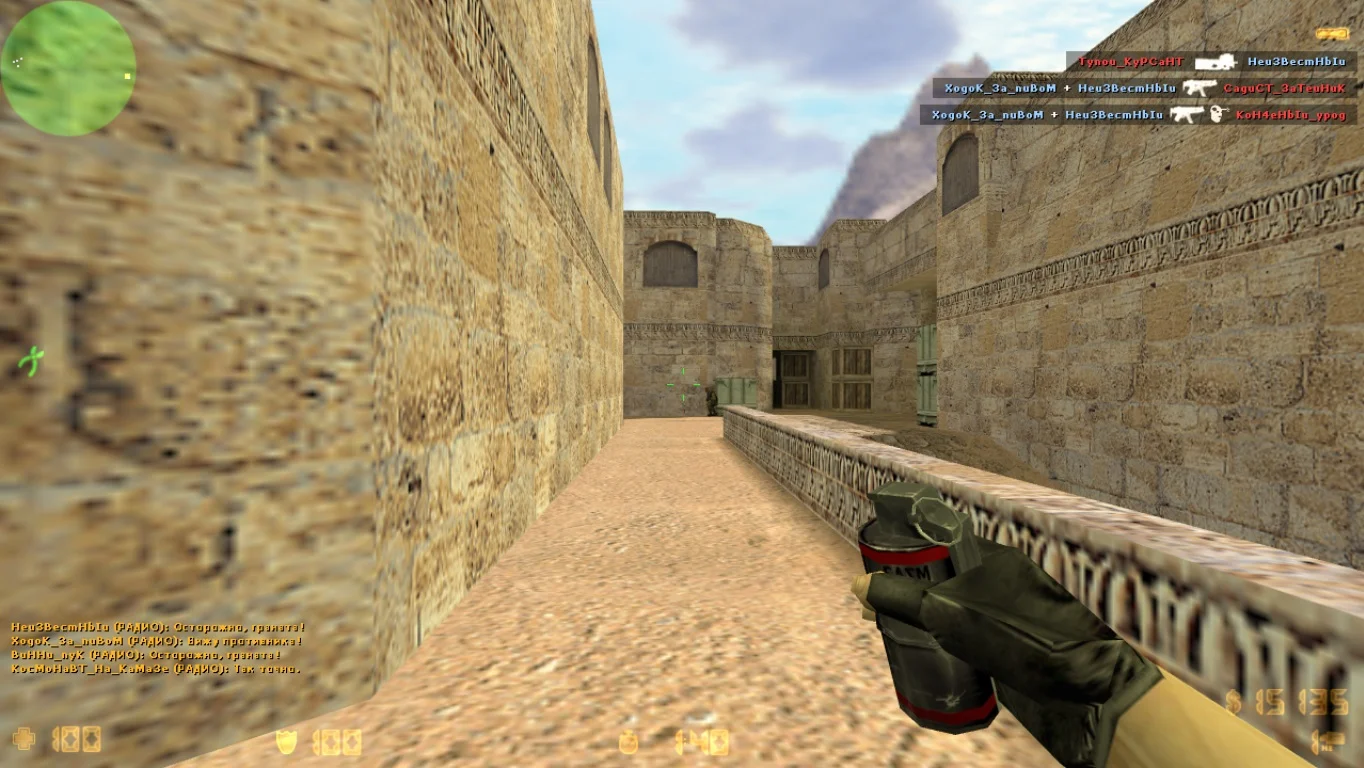
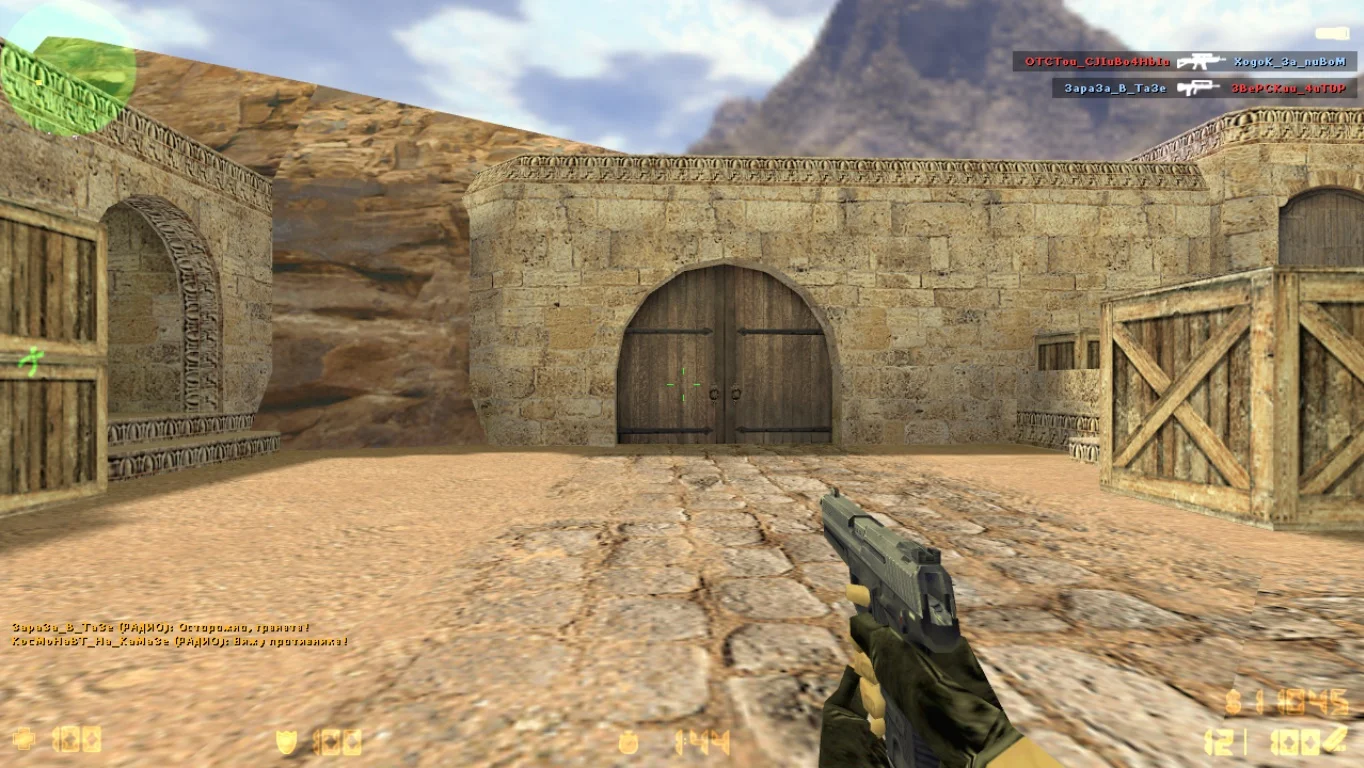
Download CS 1.6 Infinity Gigabyte — a modern and powerful build of the iconic shooter, designed for maximum performance, stability, and visual comfort. This version offers the perfect balance between classic gameplay and modern enhancements, including improvements to graphics and game settings. The build is optimized for speed, low ping, and high FPS, making it an excellent choice for online battles as well as training with bots.
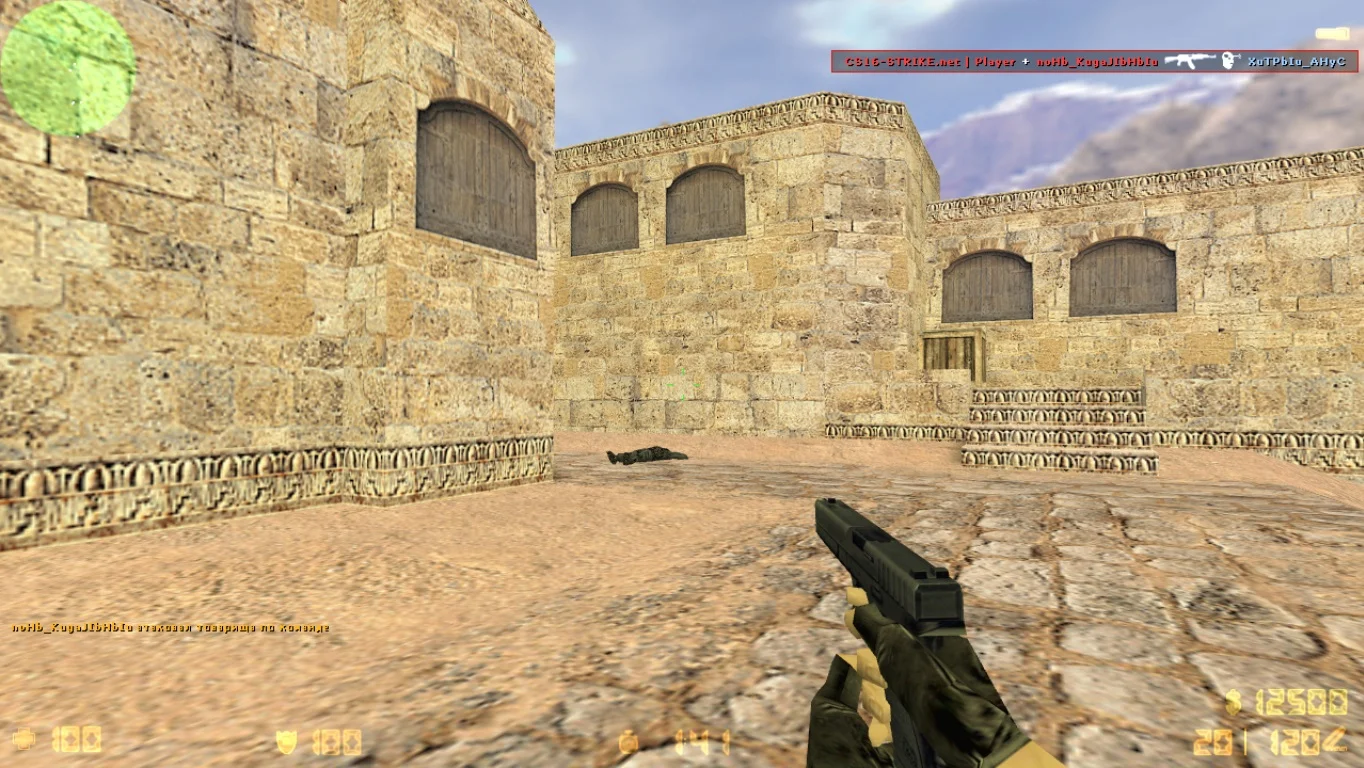
CS 1.6 Infinity Gigabyte features updated weapon and player models, a redesigned interface in the GIGABYTE style, high-quality textures, and enhanced sound effects. It is a clean client without ads, unnecessary files, or bugs. The game launches instantly, does not require Steam, and can be easily configured for any player level. The build is fully compatible with most game servers, and built-in bots allow offline play without an internet connection.
Downloading CS 1.6 Infinity Gigabyte is recommended for anyone who wants a stable and fast version of CS 1.6 with appealing visuals and maximum optimization. This build suits both esports players and casual gamers who value performance and comfort. Installation takes only a few minutes, the game works well even on low-end computers, and no special technical knowledge is required. If you want a stable, visually attractive, and fast version of CS — Infinity Gigabyte is for you.
Features of CS 1.6 Infinity Gigabyte build:
• Updated weapon and player models
• Interface in GIGABYTE style
• Increased FPS and low ping
• Full compatibility with servers
• Play with bots offline
• Fast launch, no ads
• Simple installation, no Steam required
• Support for Windows XP, 7, 8, 10, 11
System requirements:
• OS: Windows XP, 7, 8, 10, 11
• Processor: 1.2 GHz or higher
• RAM: from 512 MB
• Video card: DirectX 9 support
• Free disk space: about 800 MB
How to install CS 1.6 Infinity Gigabyte:
• Download the archive with the build
• Unpack it into a convenient folder
• Open the file
cs.exe
• Configure settings to your preference
• Start a single-player or online game
Играйте на качественных серверах
В поиске можно будет найти и поиграть на разных серверах. Некоторые проекты выдают бесплатные привилегии, поэтому скорее подключайтесь к сражениям по интернету. Кроме этого, доступно огромное количество самых разных модификаций, в том числе популярных.
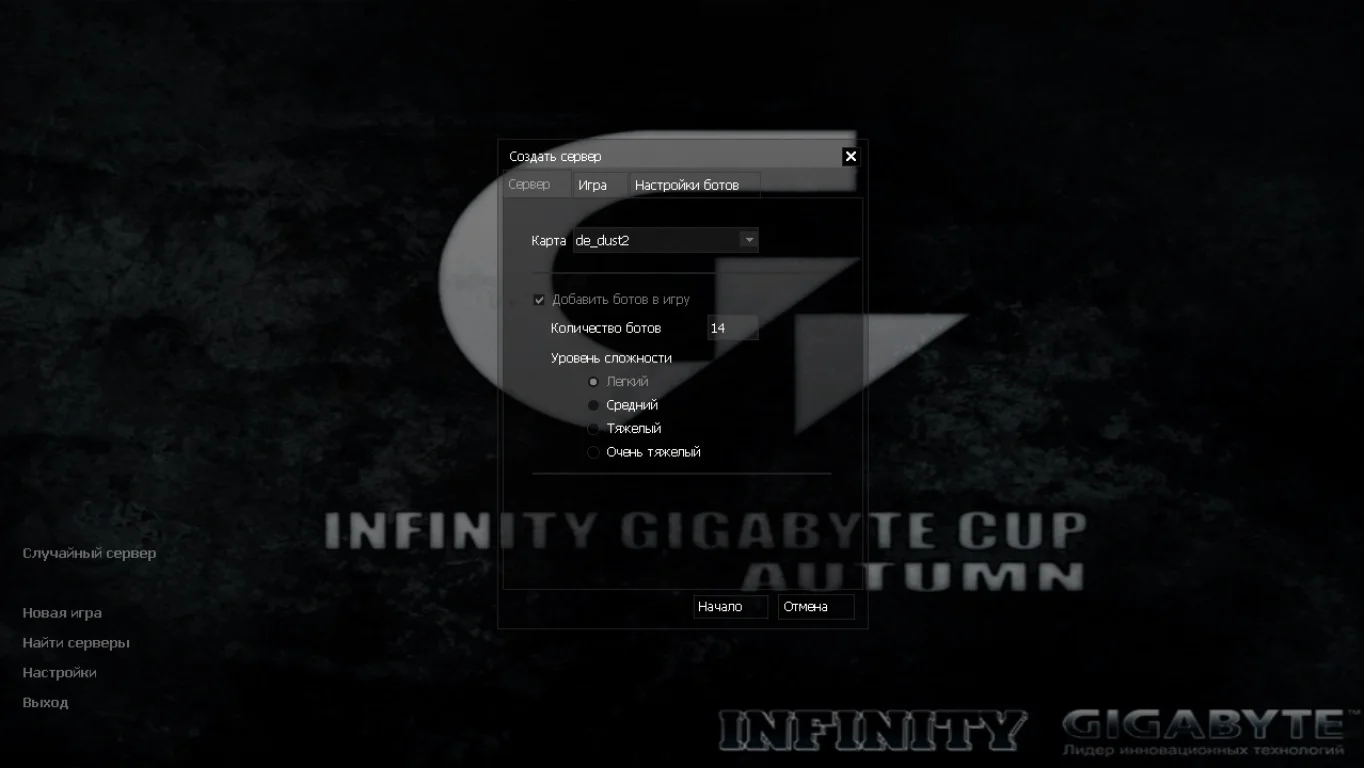
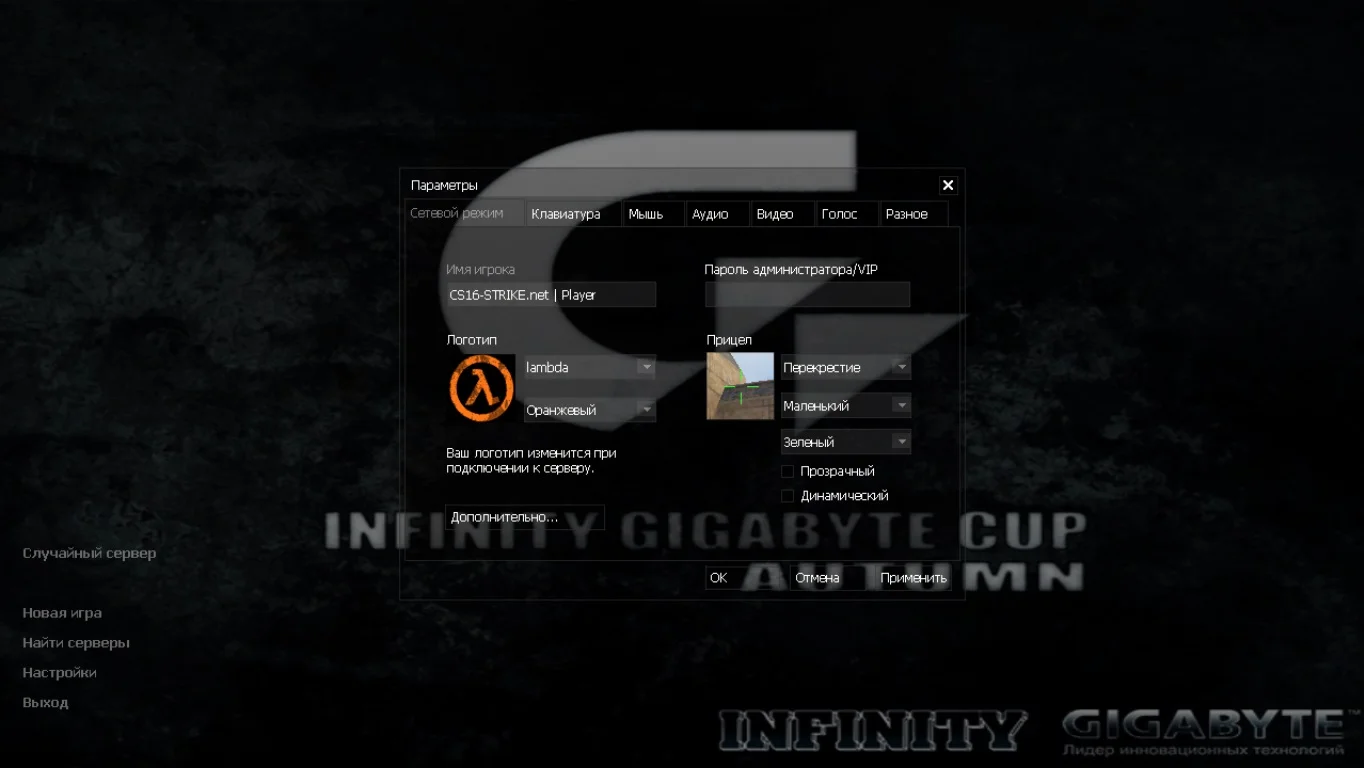
Стандартное оформление сборки
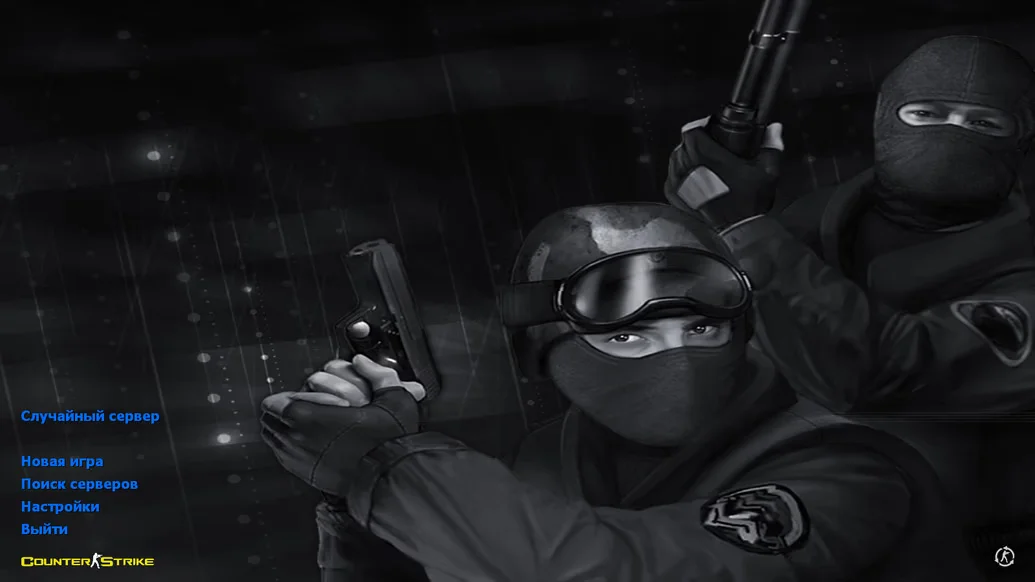
Данная версия создана по мотивам оригинальной сборки игры, содержит классическое оформление, которое так полюбили многие геймеры. Клиент переведен на русский язык и дает возможность установить любое имя пользователя. Установлена стандартная озвучка голосовых команд.
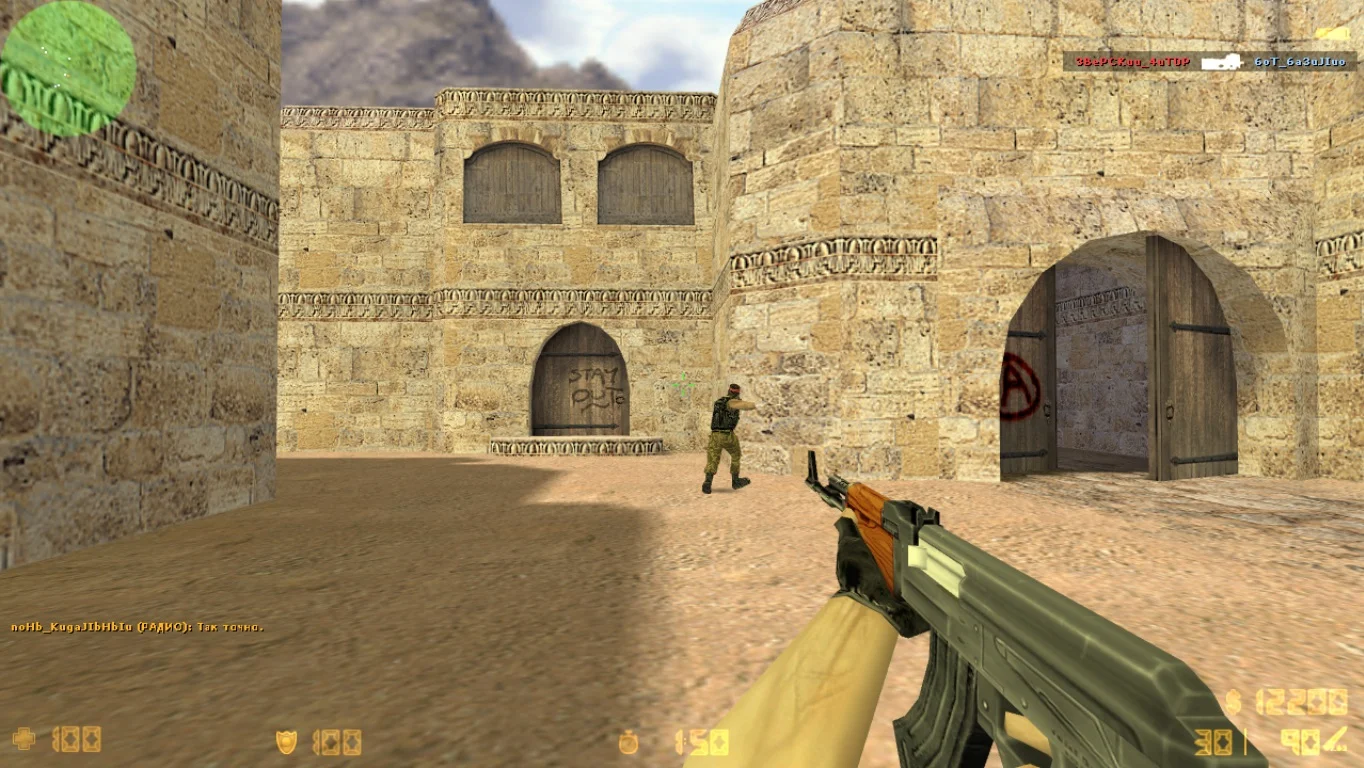
Умные боты и цветной чат
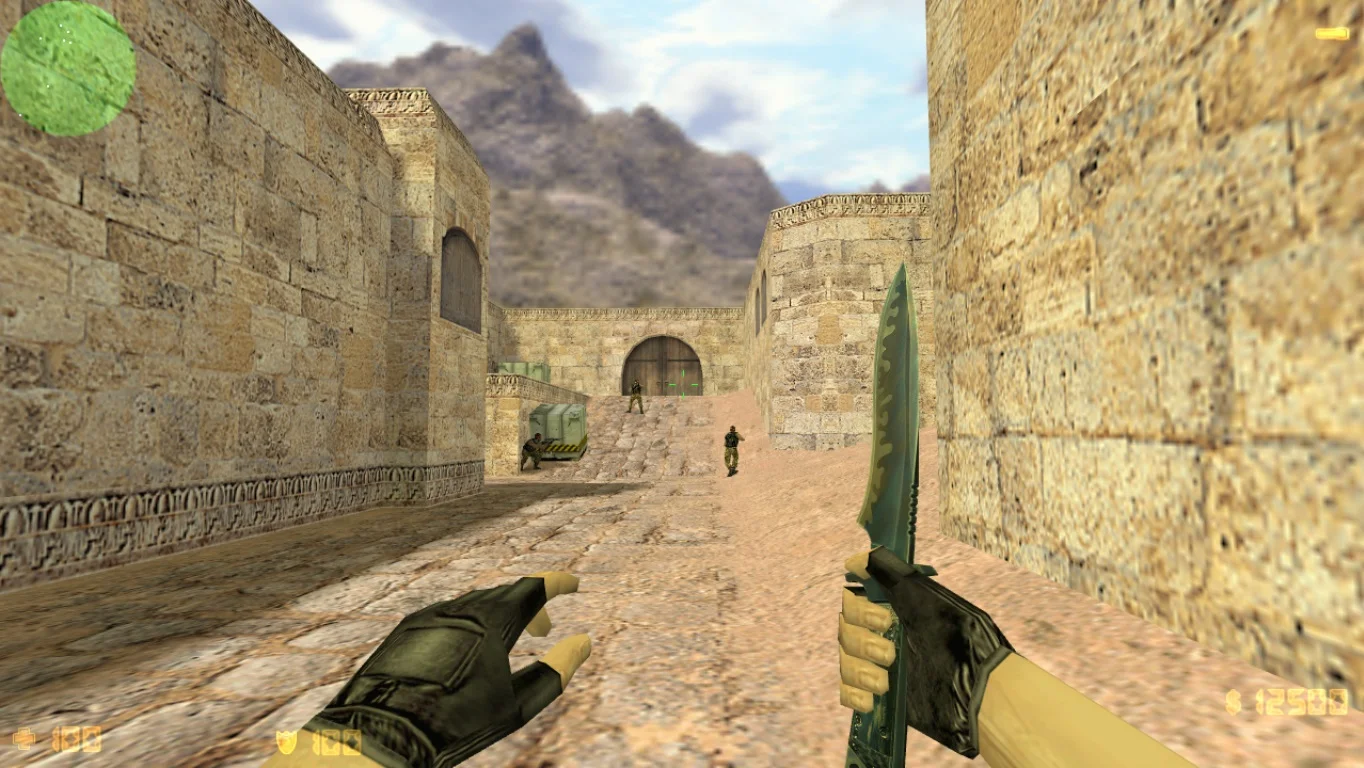
Благодаря некоторым настройкам, можно будет создать игру с ботами, которые почти нечем не отличаются от обычных геймеров. Боты общаются между собой, что несомненно понравится многим игрокам. Для удобства был добавлен цветной чат на английском и русском языке.