Home
Home
 CS 1.6 Builds
 CS:GO Builds
 CS:S Builds
 CS2 Builds

Download CS 1.6 from TIGI Aleksandr
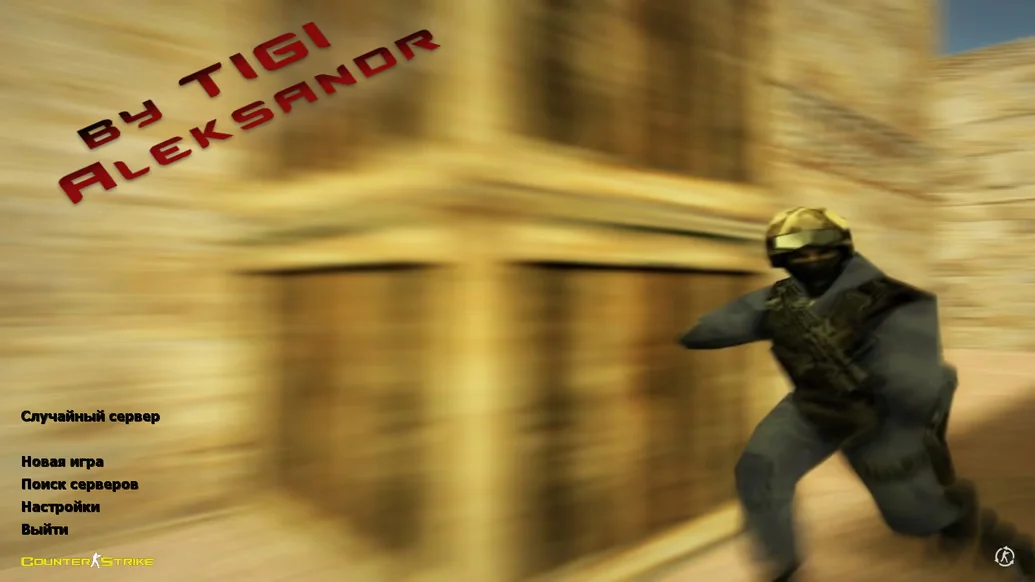
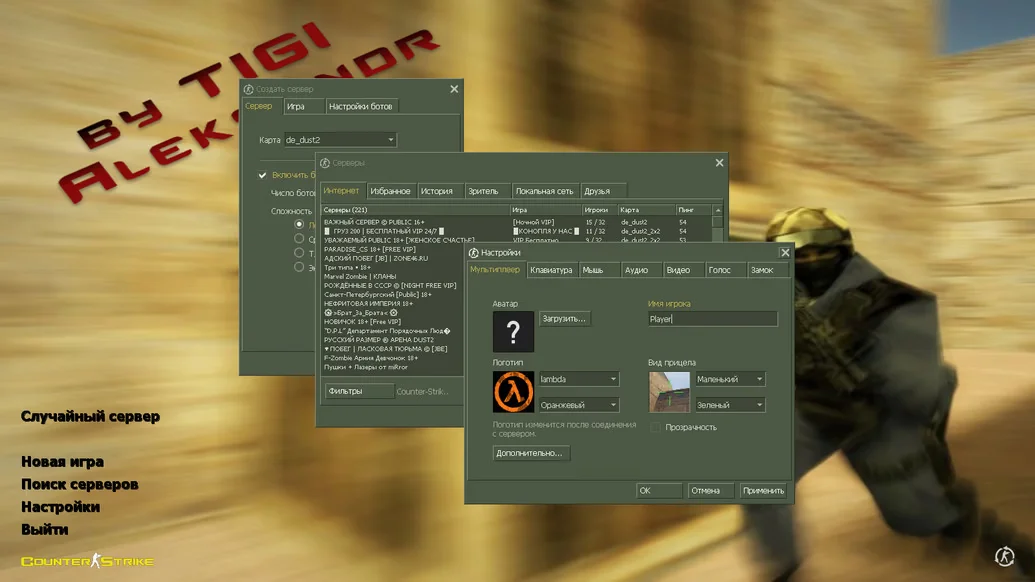
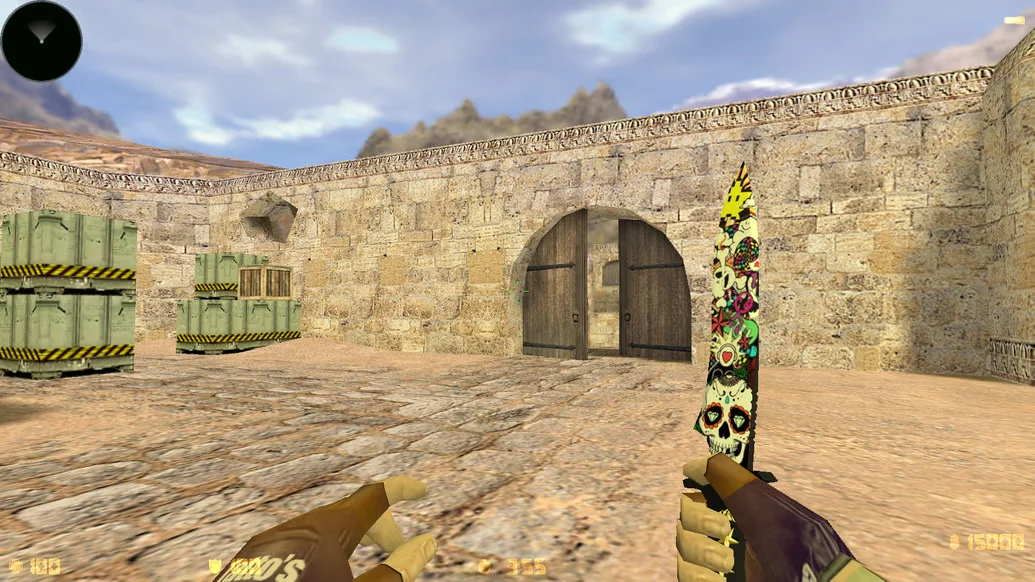
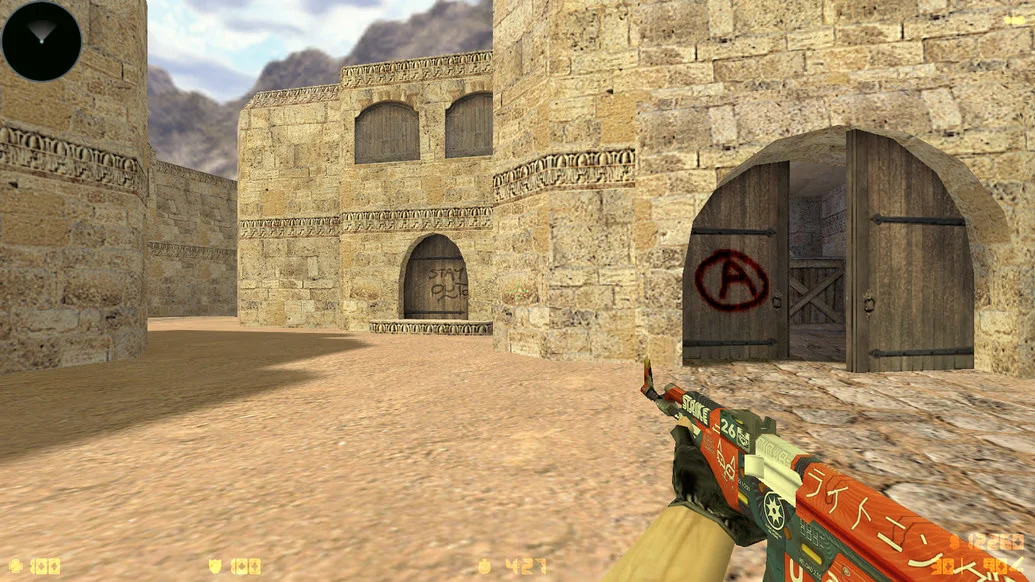
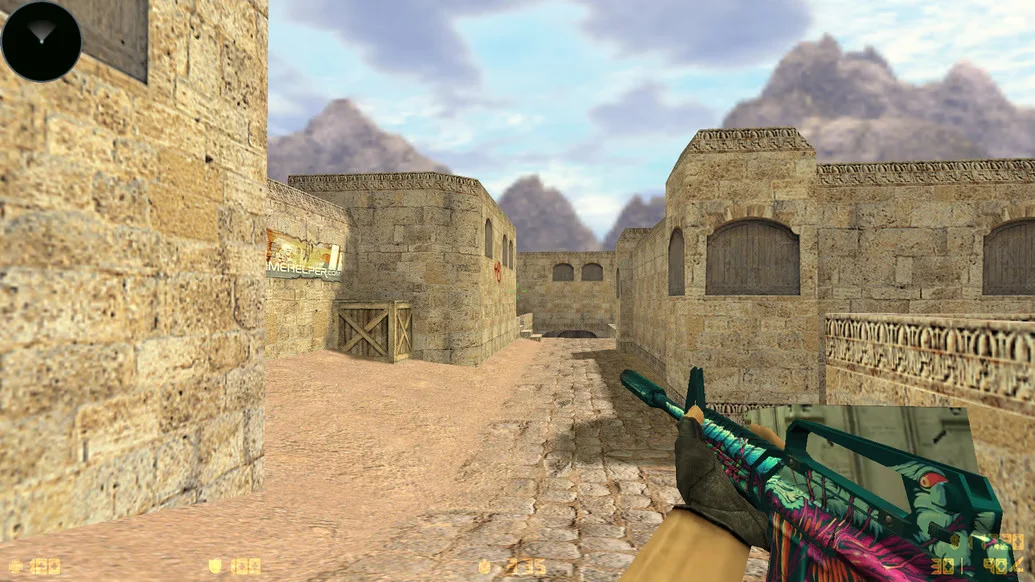
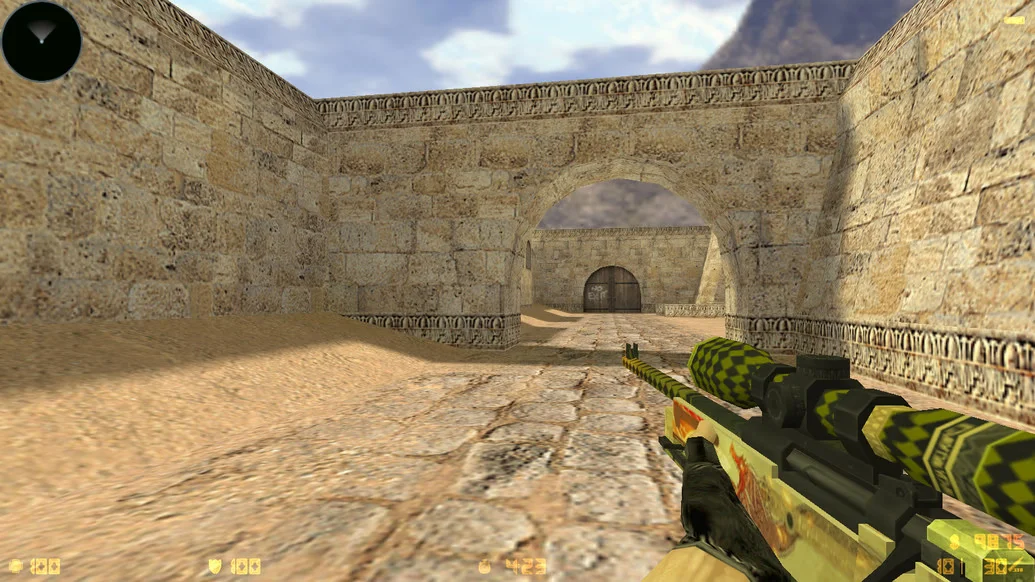
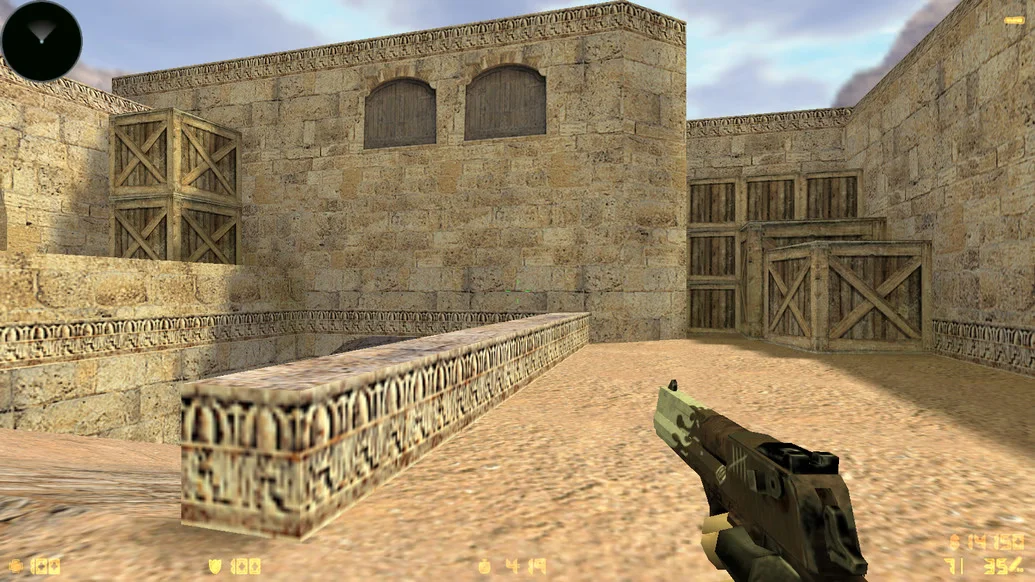
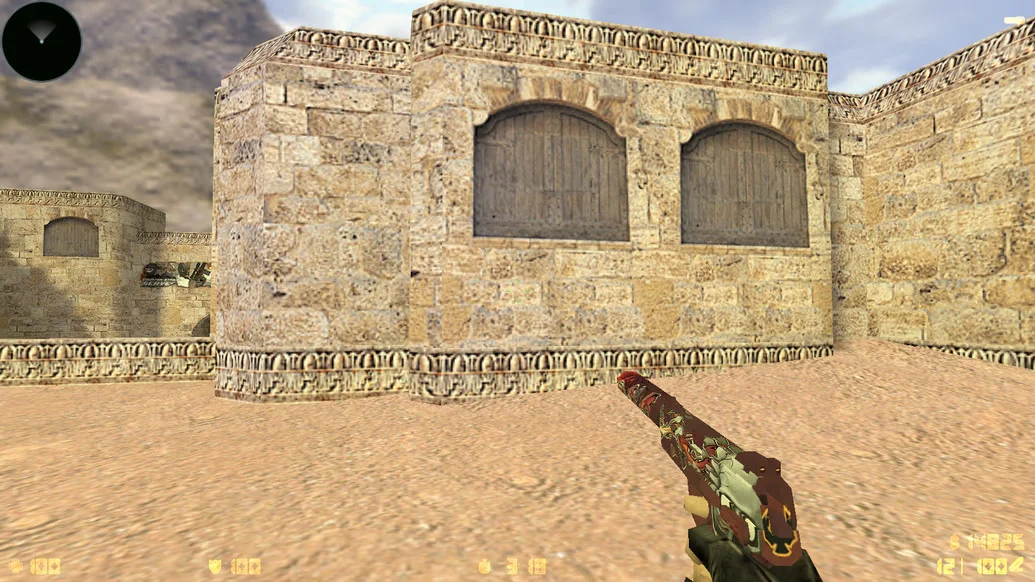
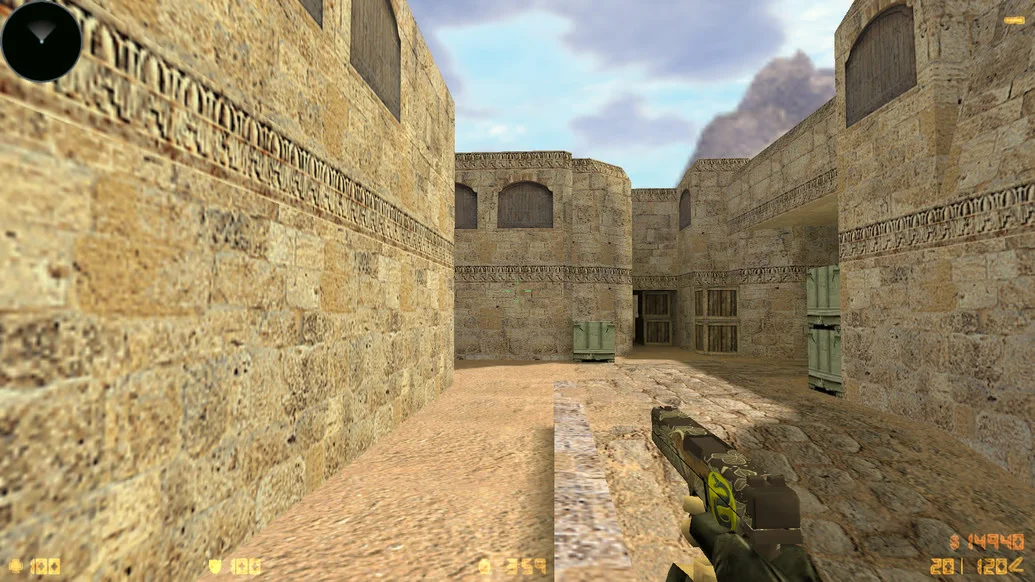
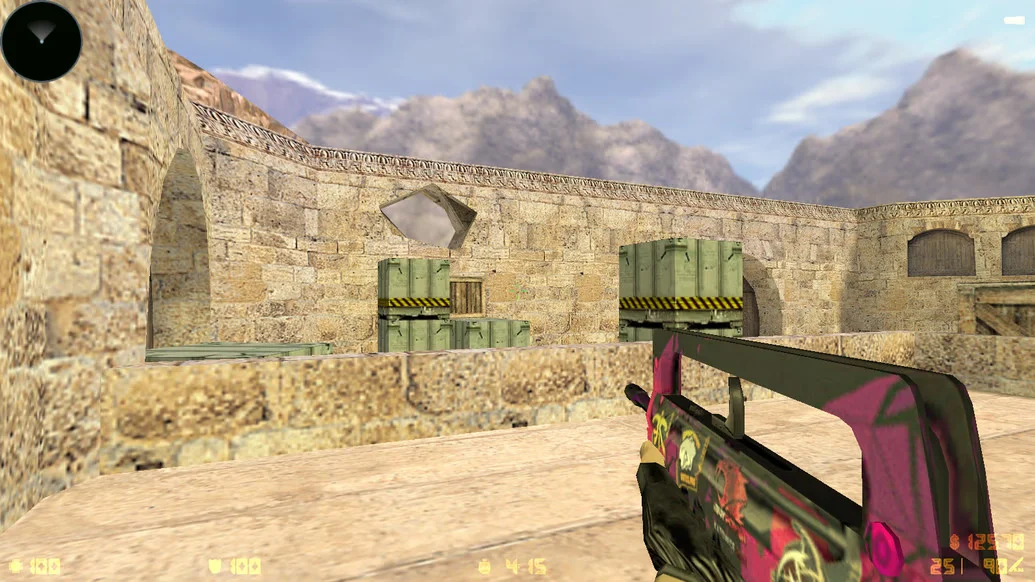
CS 1.6 from TIGI Aleksandr — is a custom build of the legendary shooter, created with a focus on stability, visual simplicity, and comfortable gameplay. The client is suitable for both active online play and offline training. TIGI Aleksandr is an experienced player and enthusiast, so every element of this version has been carefully selected, tested, and optimized. This is a clean, fast, and visually pleasing build that will appeal to both newcomers and CS veterans.
The build includes carefully selected weapon models, classic player models, a modern HUD, and a minimalist crosshair. The main menu is styled in the TIGI Aleksandr theme, and the interface is adapted for comfortable gameplay. The config is fully redesigned for stable shooting and smooth movement. The client contains no ads, viruses, or unnecessary software. It launches instantly and runs stably even on low-end PCs. Smart bots and a built-in master server for quick server searches are included.
You can download CS 1.6 from TIGI Aleksandr for free — installation takes no more than a couple of minutes. After installation, the game is ready to launch without additional setup. It is an excellent choice for those who want to play without unnecessary issues. The build works on all versions of Windows and supports online, LAN, and offline modes. If you want a reliable, clean, and convenient client — this is your option.
Build features:
Custom menu design by TIGI Aleksandr
Classic models with slight updates
Clean and configured config
Convenient crosshair and HUD
No ads, viruses, or unnecessary software
Smart bots included
Built-in master server
Support for online, LAN, and offline modes
Works even on low-end hardware
Installation in 2–3 minutes
System requirements and how to install the file:
Operating system: Windows XP/Vista/7/8/10/11
Processor: from 1.0 GHz
RAM: from 512 MB
Video card: with DirectX support
Free disk space: from 1 GB
How to install:
Download the CS 1.6 from TIGI Aleksandr installer
Run the installer and choose the installation path
Wait for the installation to complete
Open the game via the desktop shortcut
Play online, over LAN, or with bots