Home
Home
 CS 1.6 Builds
 CS:GO Builds
 CS:S Builds
 CS2 Builds

Download CS 1.6 with a pre-configured config
 Русская версия
 С ботами и серверами
 Работает на всех Windows (от XP до 11)
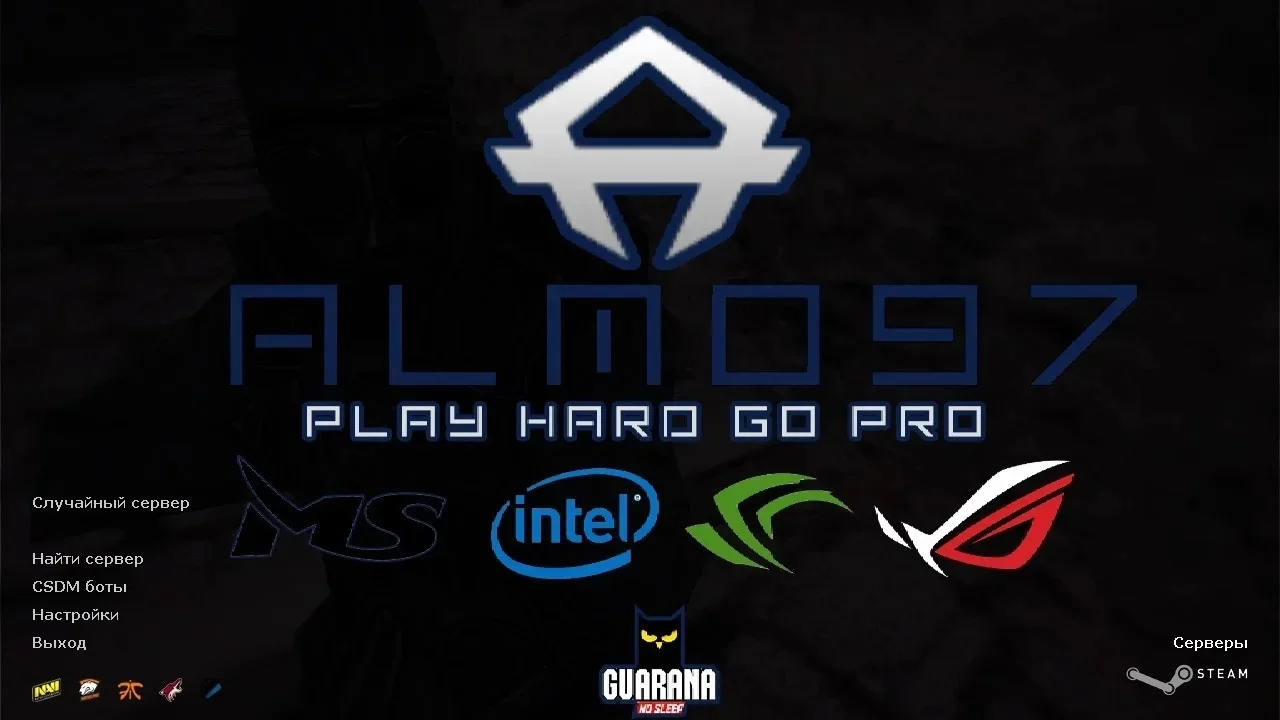
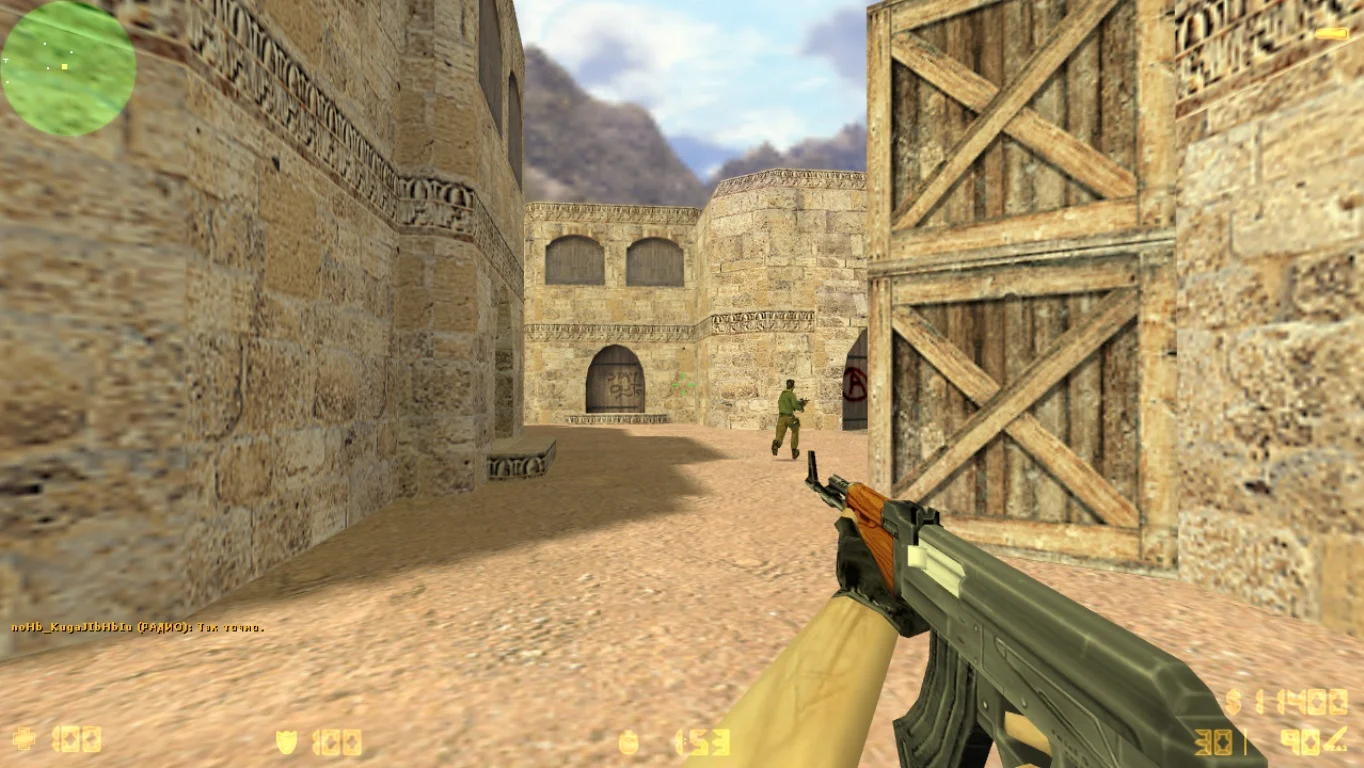
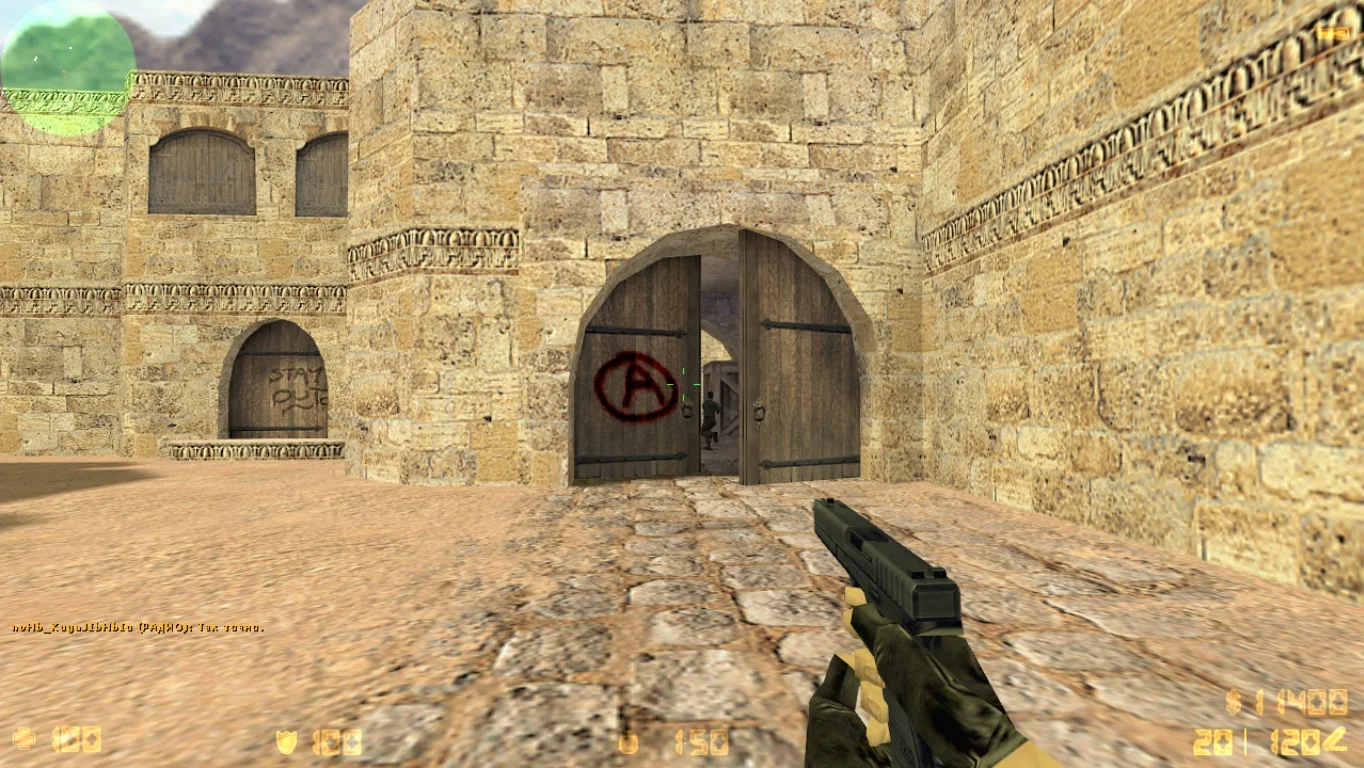
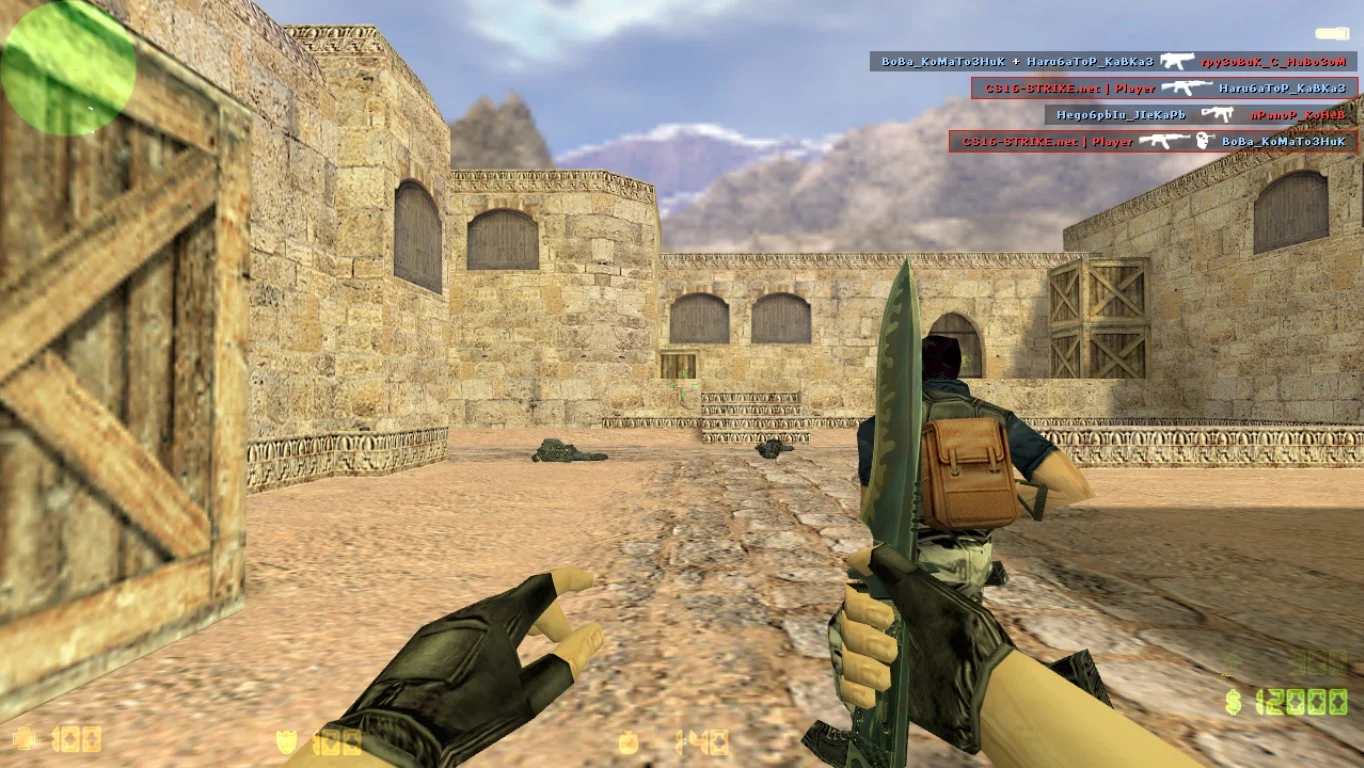
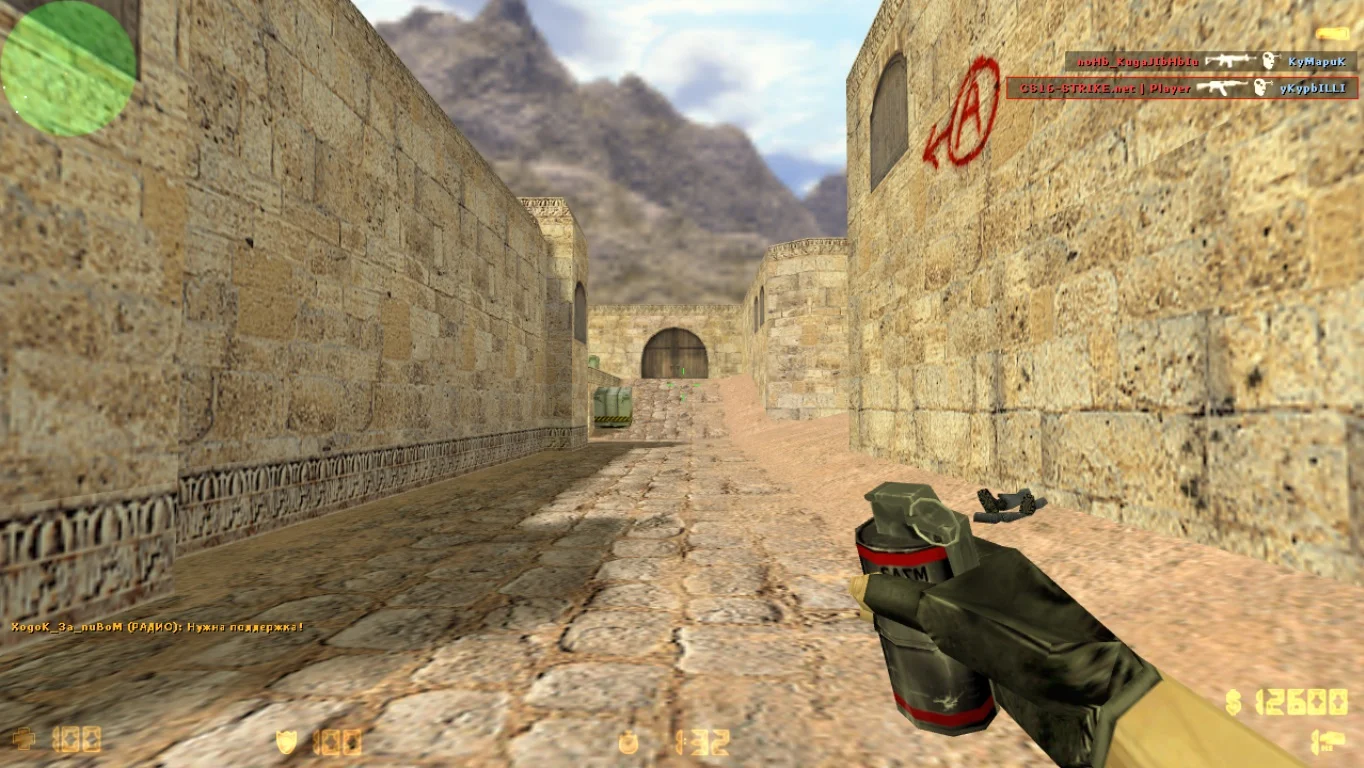
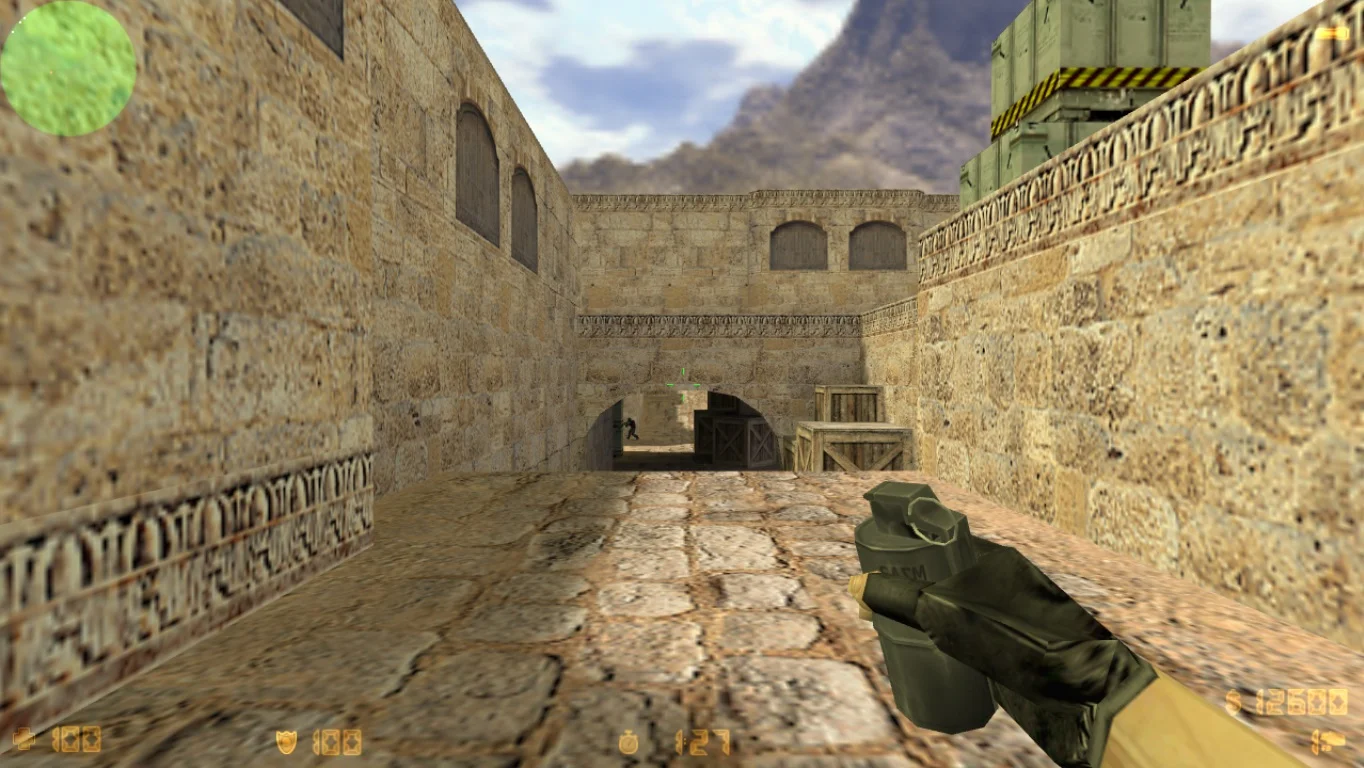
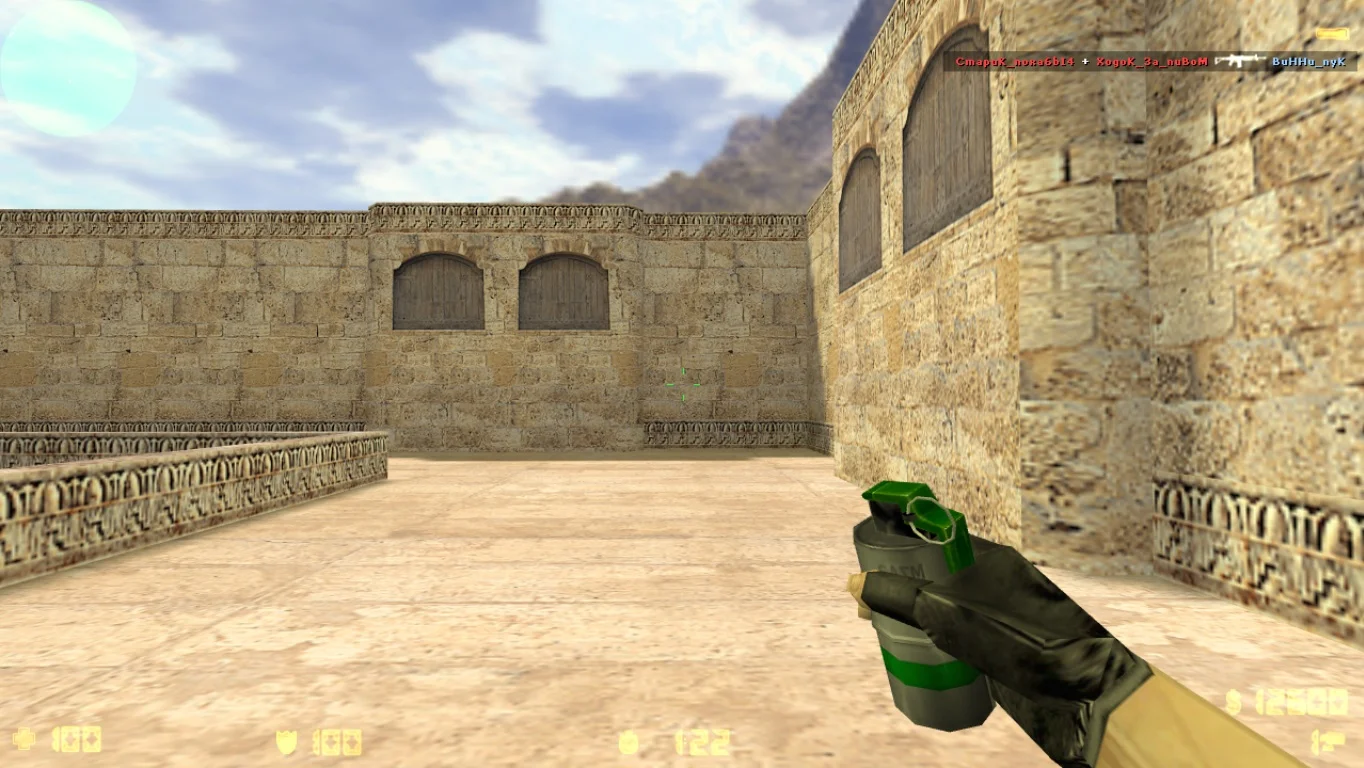
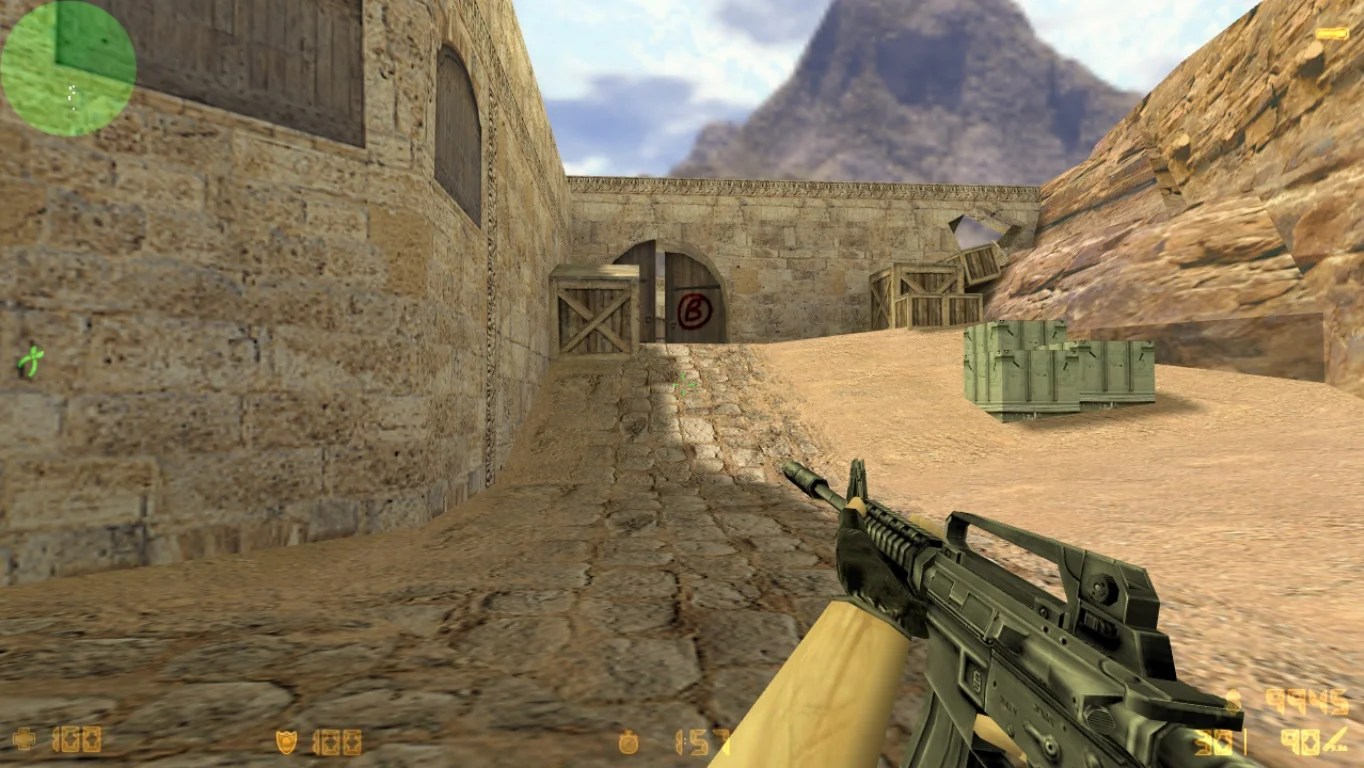
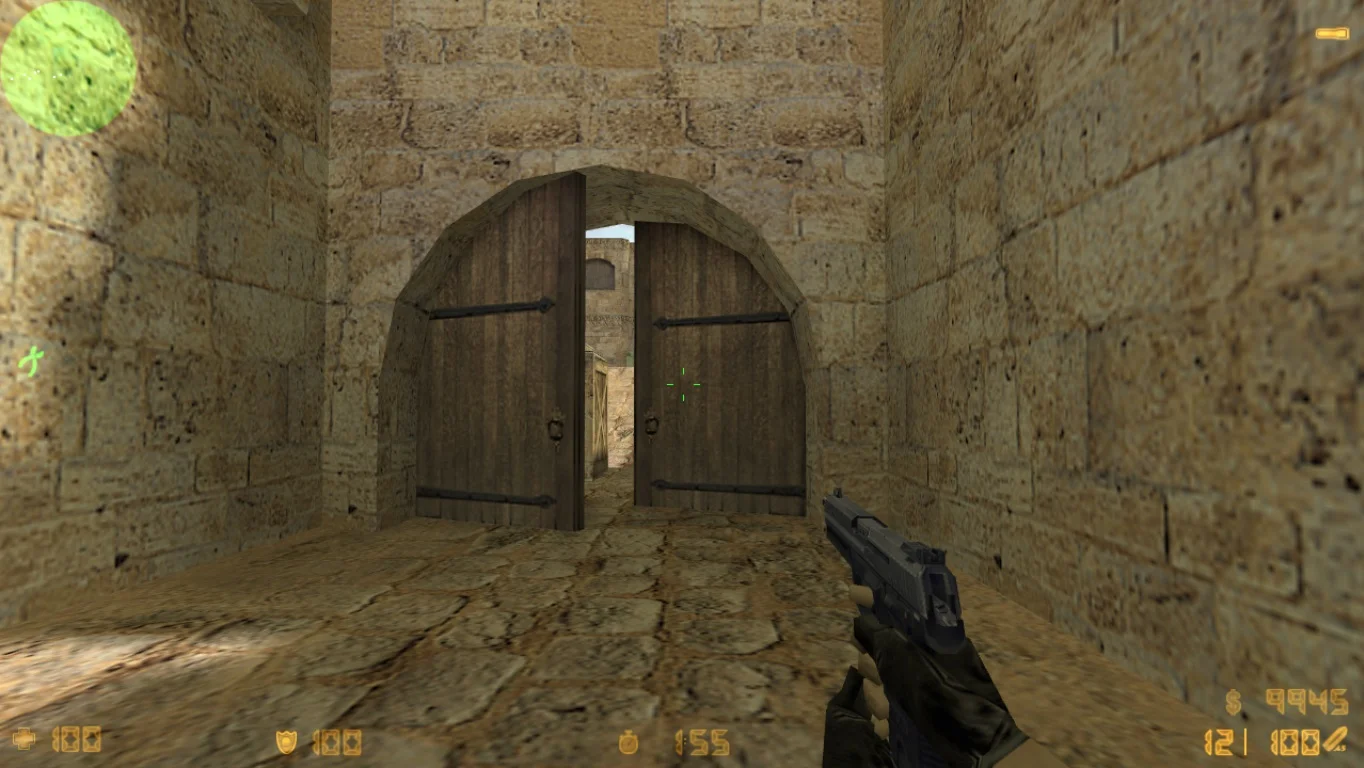
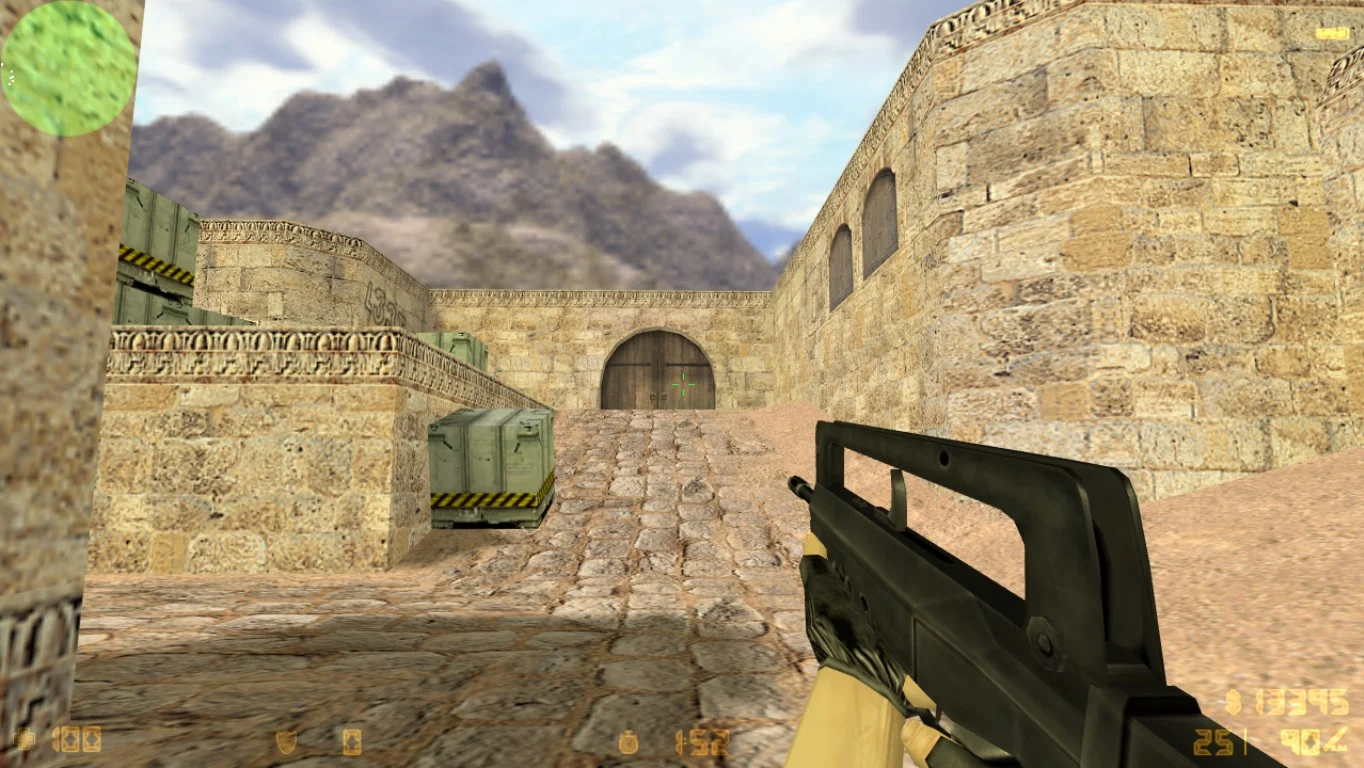
Download CS 1.6 with a pre-configured config — this is an excellent build of the classic Counter-Strike 1.6 game, which already includes optimal configuration settings for comfortable and effective gameplay. This version is perfect for both beginners and experienced players who want to jump straight into dynamic battles without having to adjust settings manually. The config includes optimized controls, graphics, crosshair, and other important game parameters for maximum convenience and performance.
In CS 1.6 with a pre-configured config, classic gameplay, all standard maps, and weapons are preserved, allowing players to quickly adapt and enjoy the game. The configuration improves shooting accuracy, reduces lag, and increases FPS, making gameplay smoother and more comfortable. This build is suitable for both solo practice and online matches on popular servers, allowing players to fully focus on strategy and reaction rather than technical settings.
Installation of CS 1.6 with a pre-configured config is very simple — download the game archive, extract it to a convenient folder, and launch the client. All necessary files and the ready-to-use config are already included, which can be edited if desired. This is an ideal choice for those who want to start playing quickly with comfortable settings without spending time on long setup. Download CS 1.6 with a pre-configured config and achieve the best results in every game!
Features of the build:
• Pre-installed optimized config for gameplay
• Classic gameplay with original maps and weapons
• Improved accuracy and performance
• Optimization for low- and high-end PCs
• Support for single-player and online modes
• Easy installation and quick launch
• Ability to edit the config to personal preferences
• Compatibility with popular game servers
System requirements:
• Operating system: Windows XP, 7, 8, 10
• Processor: 1 GHz or higher
• RAM: 512 MB or more
• Video card: DirectX 8.1 or higher
• Free disk space: around 300 MB
• Internet connection for online play
How to install:
• Download the game archive from the link
• Extract the archive to a convenient folder on your PC
• Run cs16.exe or start.exe
• Modify config settings if necessary
• Start playing in single-player or online mode
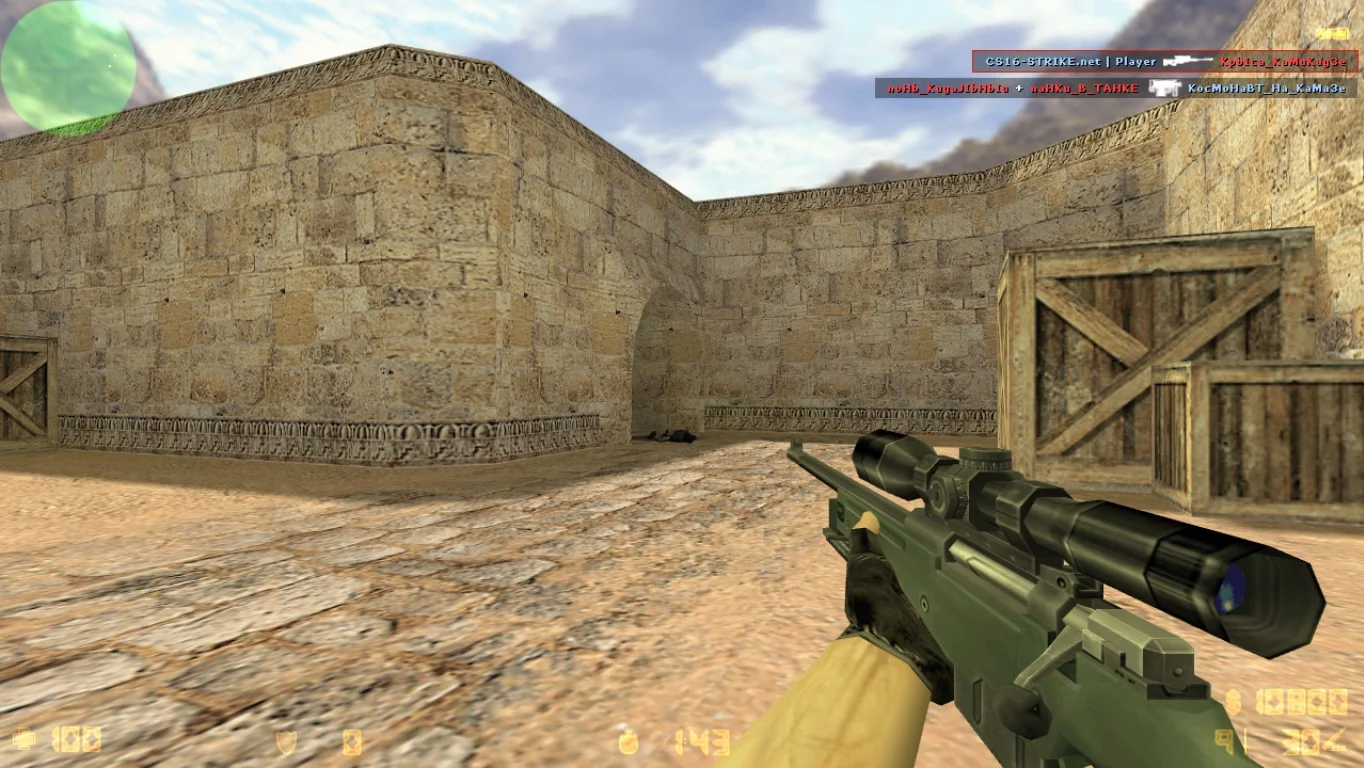
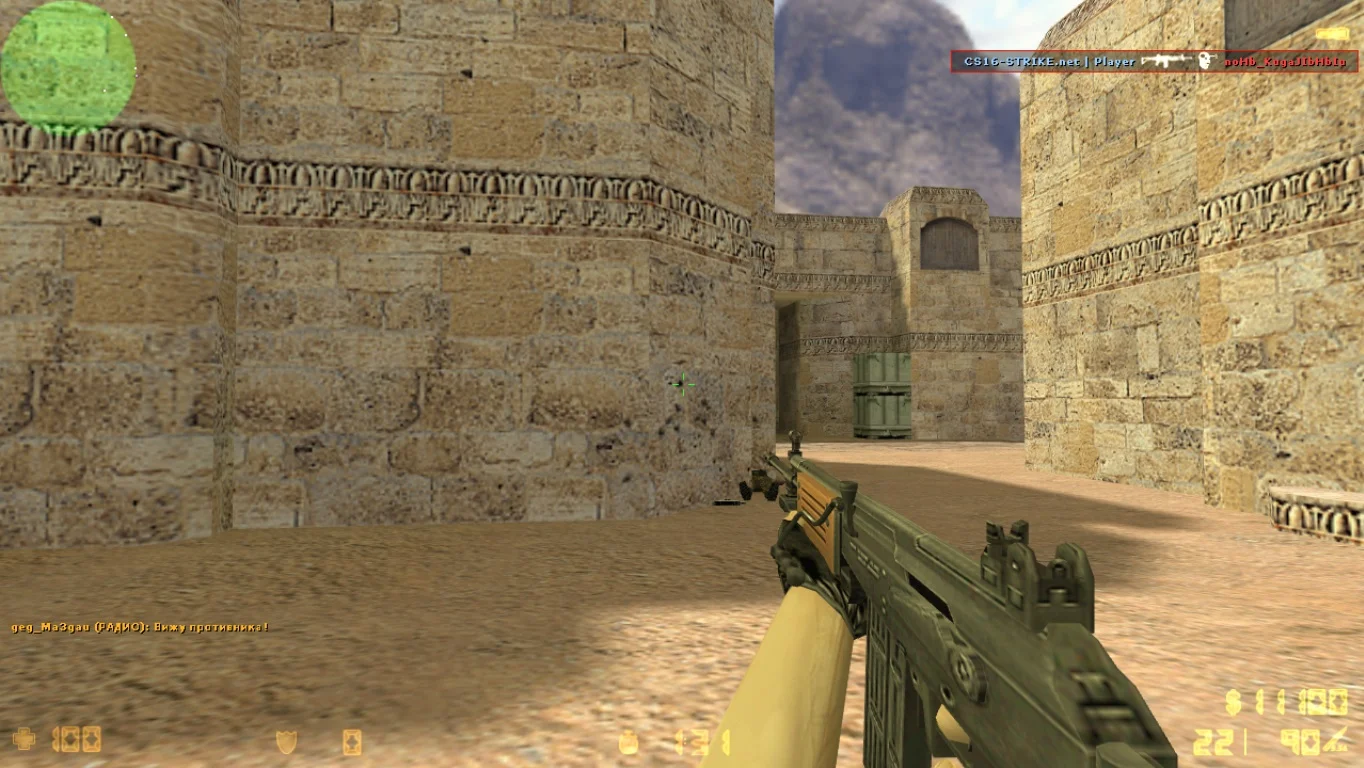
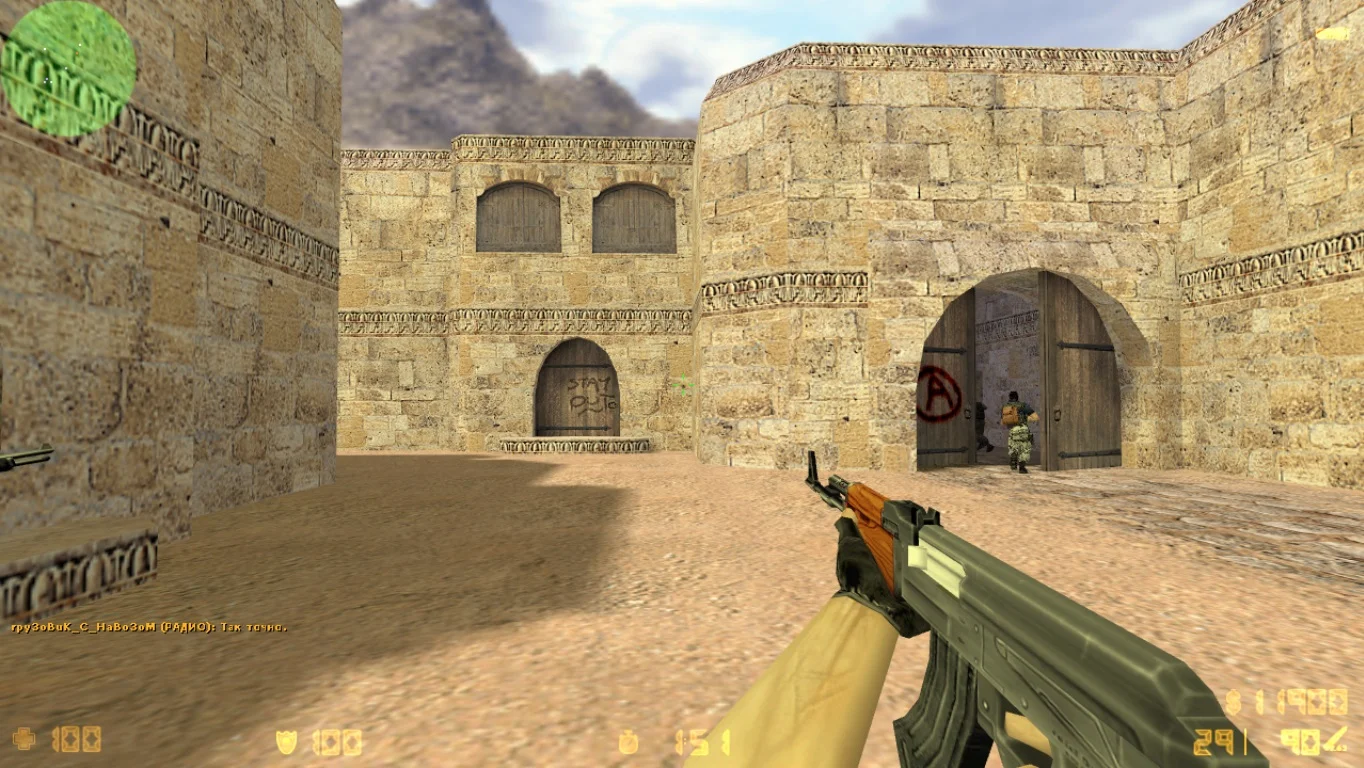
Стандартные модели оружия
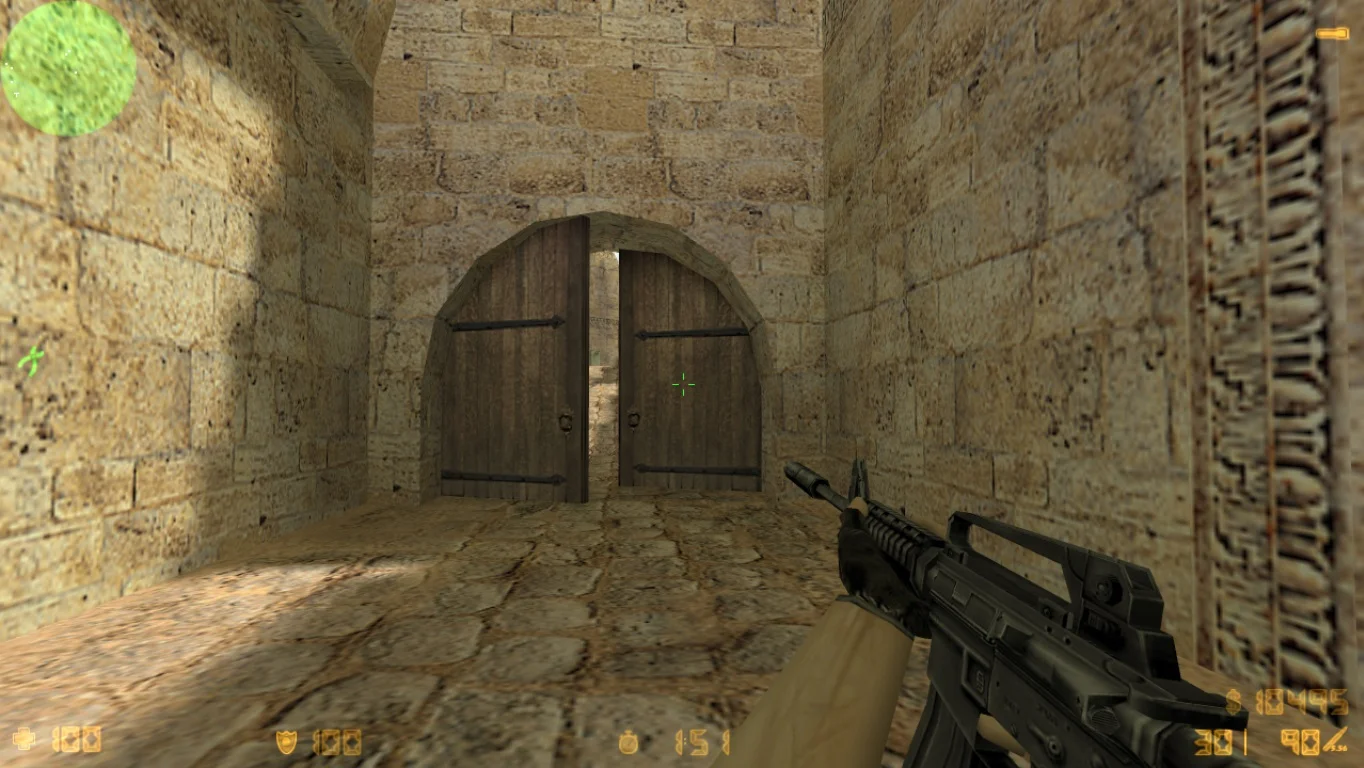
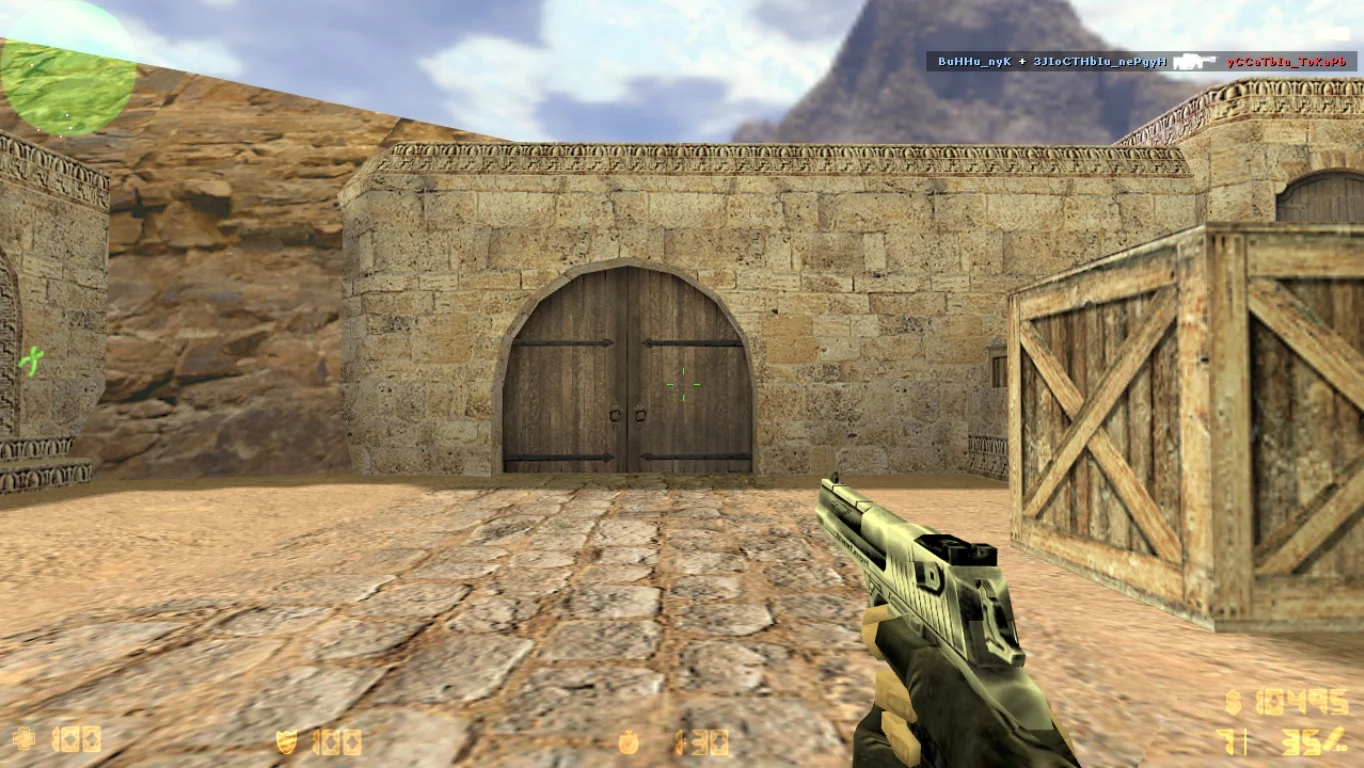
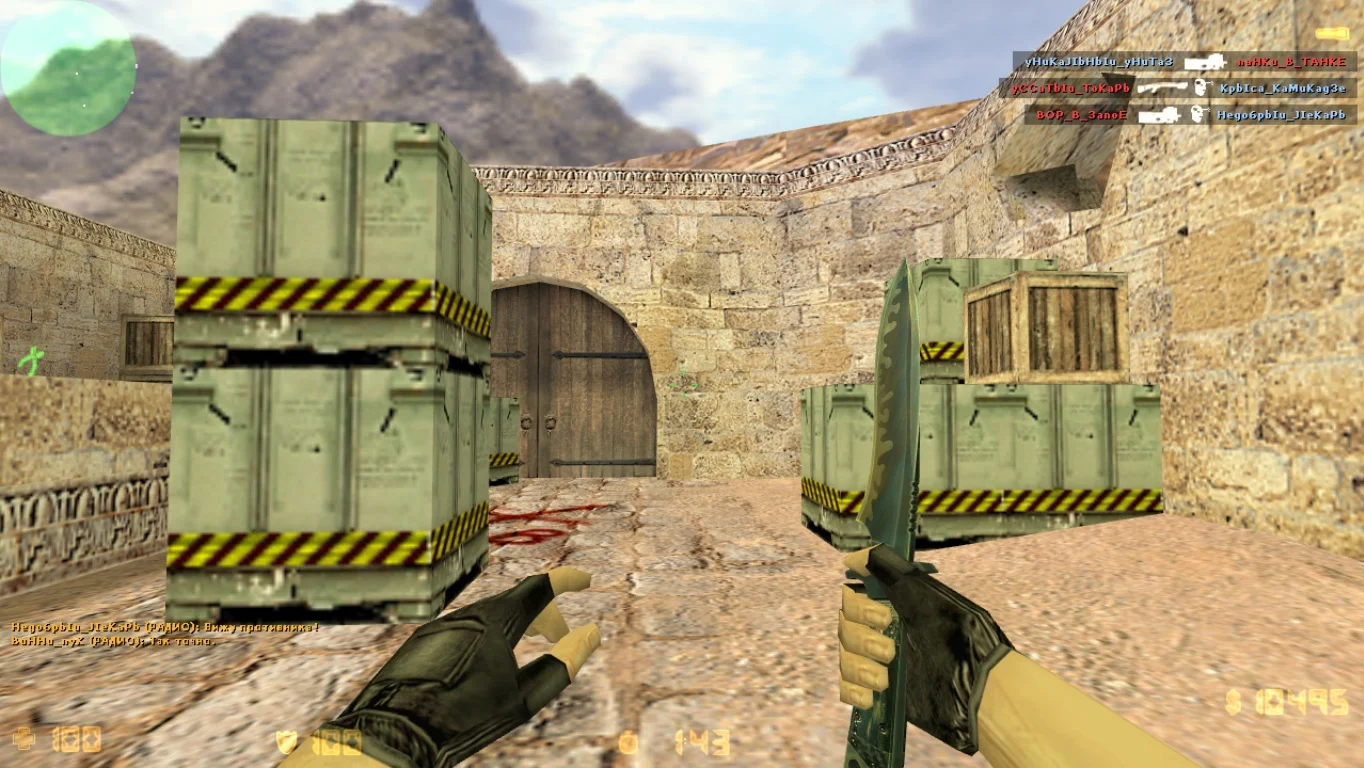
Данная сборка предлагает возможность использования стандартных моделей оружия с улучшенной графикой и детализацией. Пушки отличаются высоким качеством визуализации и не оказывают негативного воздействия на производительность компьютера.
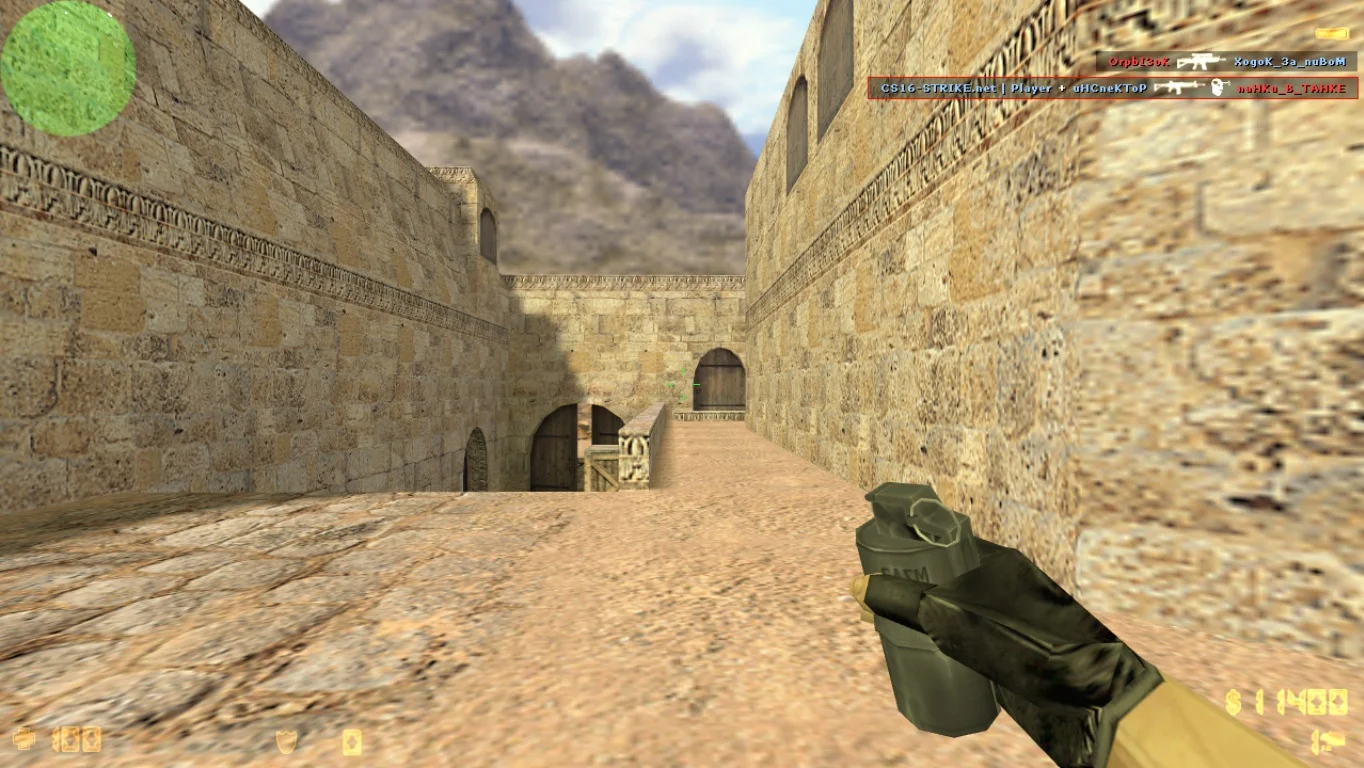
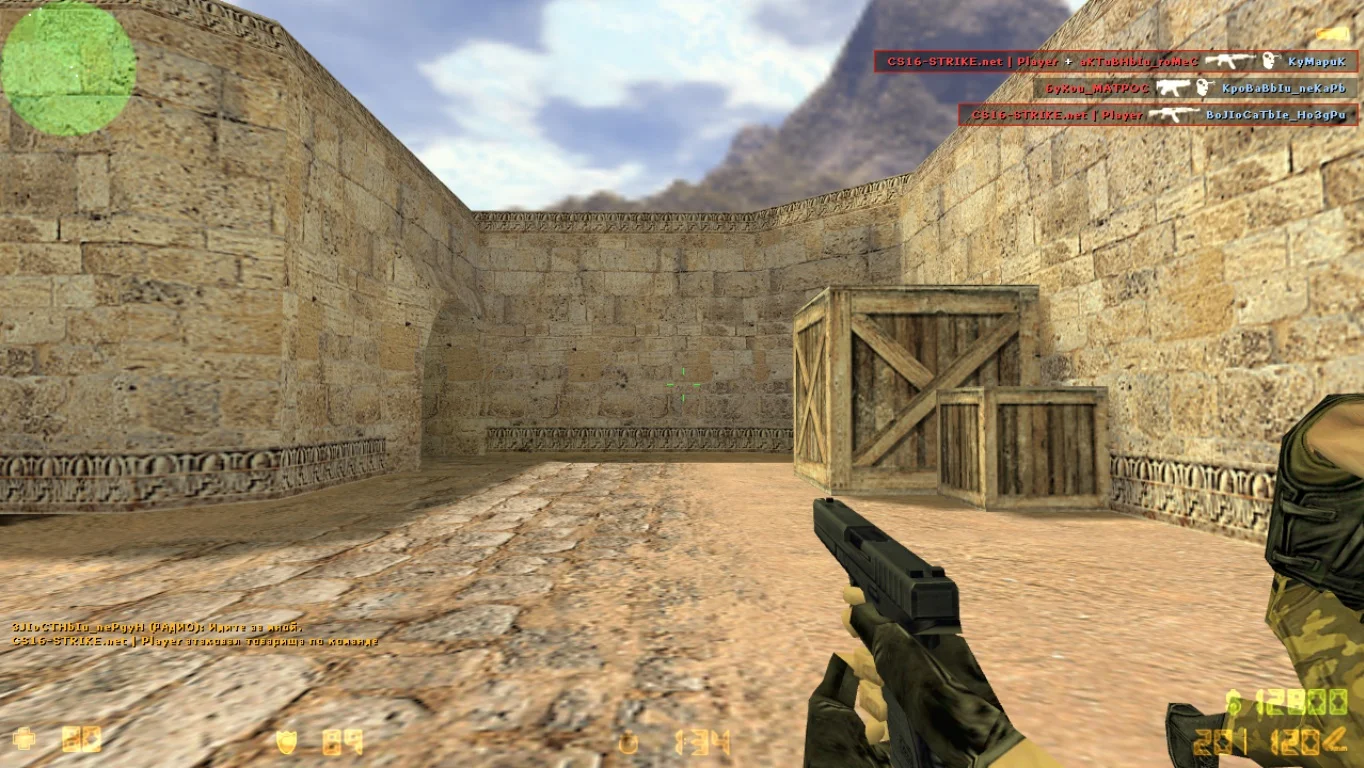
Улучшенные персонажи
Изначально может показаться, что модели персонажей не претерпели существенных изменений и остались верными классическому дизайну. Однако, после более продолжительного игрового процесса становится очевидным отличие благодаря улучшенной детализации.
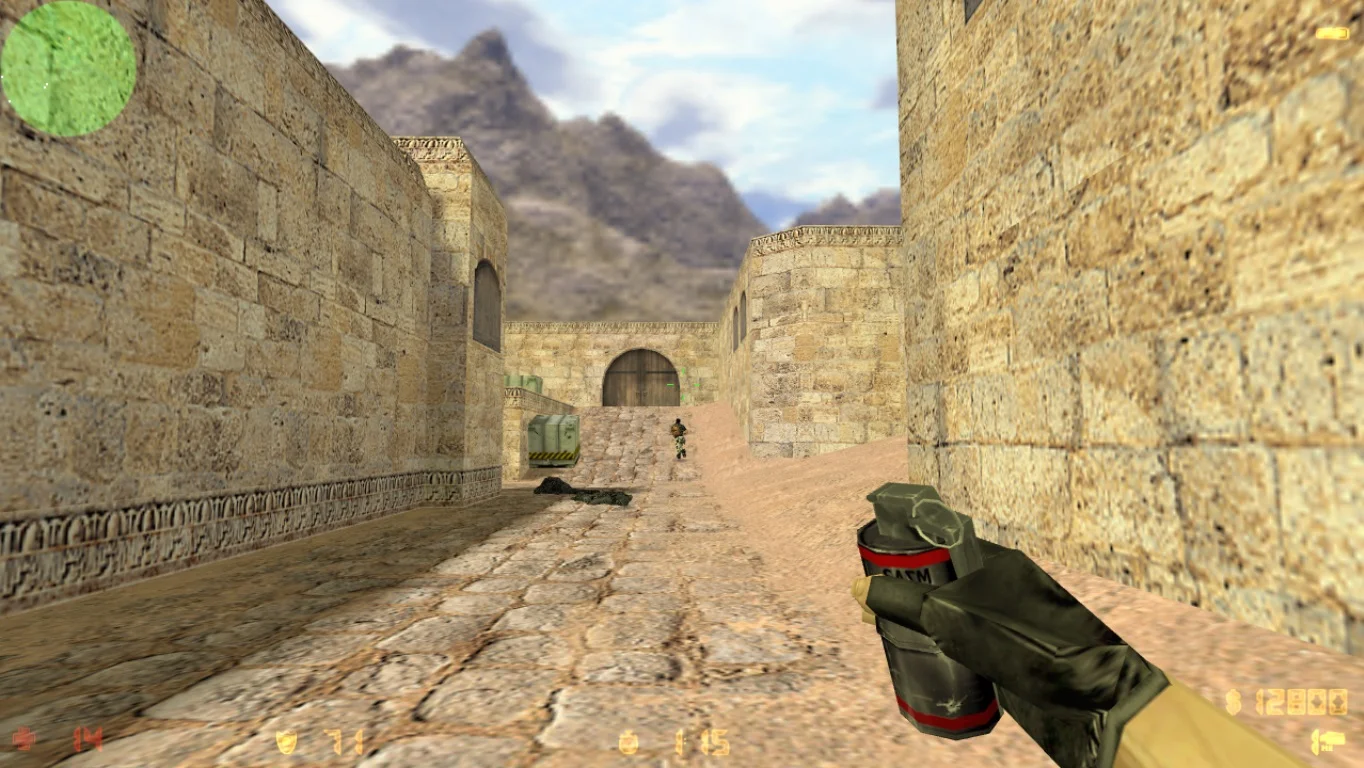
Игра против ботов
В случае, если вас не интересует участие в сетевых баталиях на серверах, можно воспользоваться режимом одиночной игры. Боты обладают несколькими уровнями сложности и демонстрируют тактику, сравнимую с профессиональными игроками.