Home
Home
 CS 1.6 Builds
 CS:GO Builds
 CS:S Builds
 CS2 Builds

Download CS 1.6 Cevo
 Русская версия
 С ботами и серверами
 Работает на всех Windows (от XP до 11)
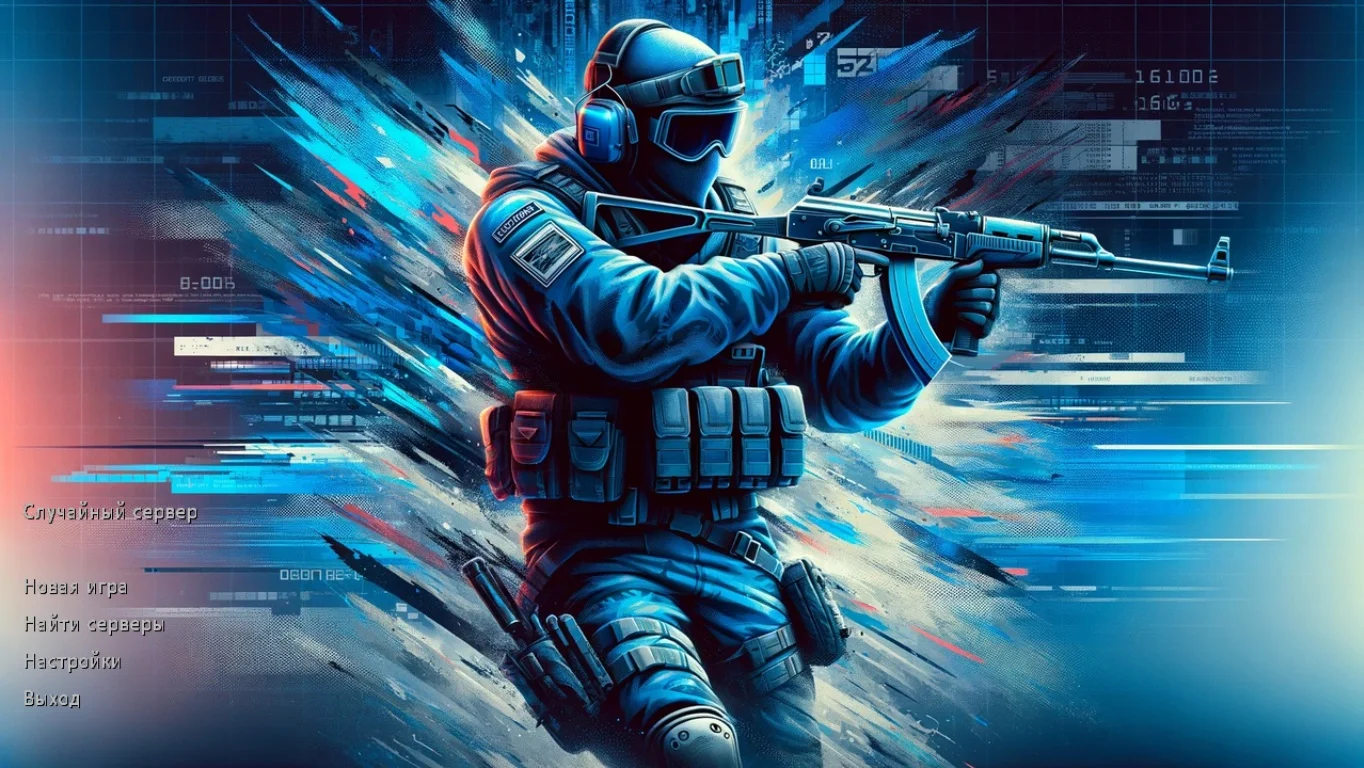
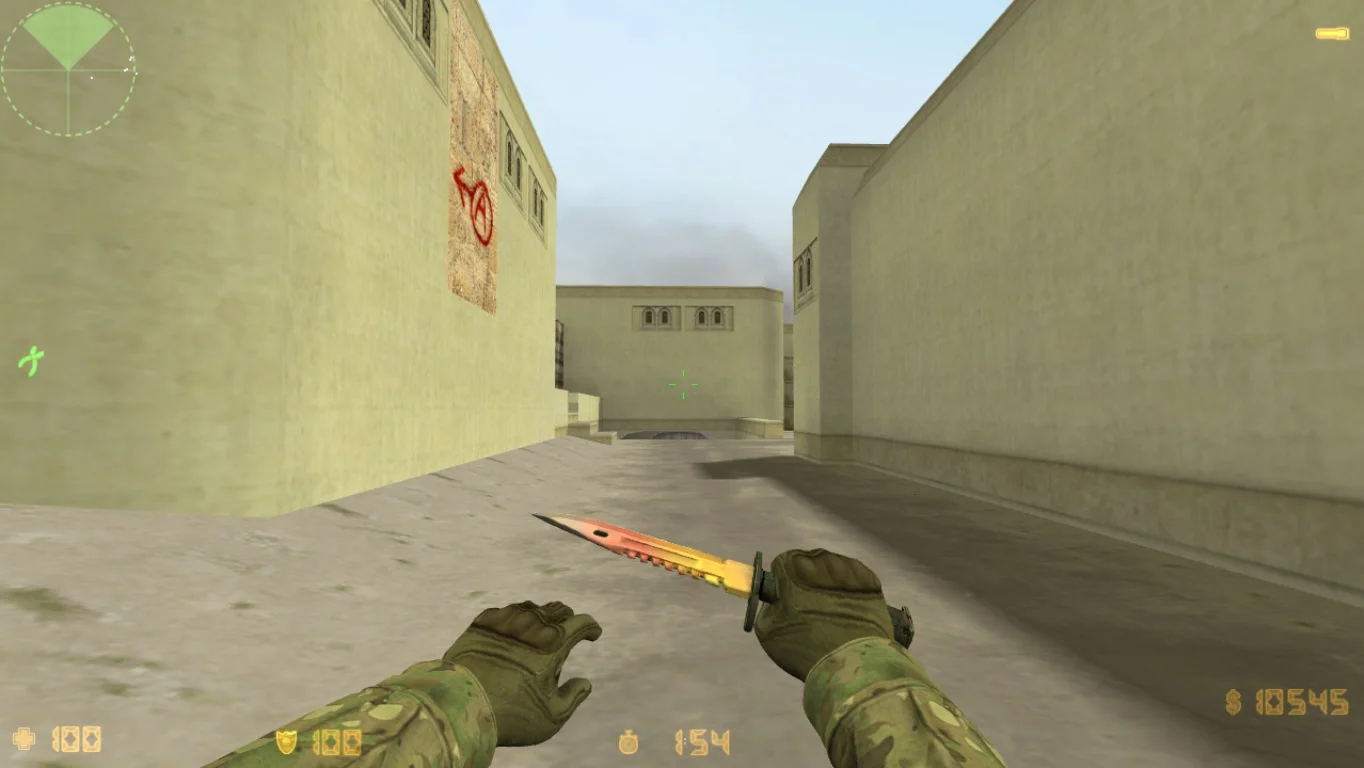
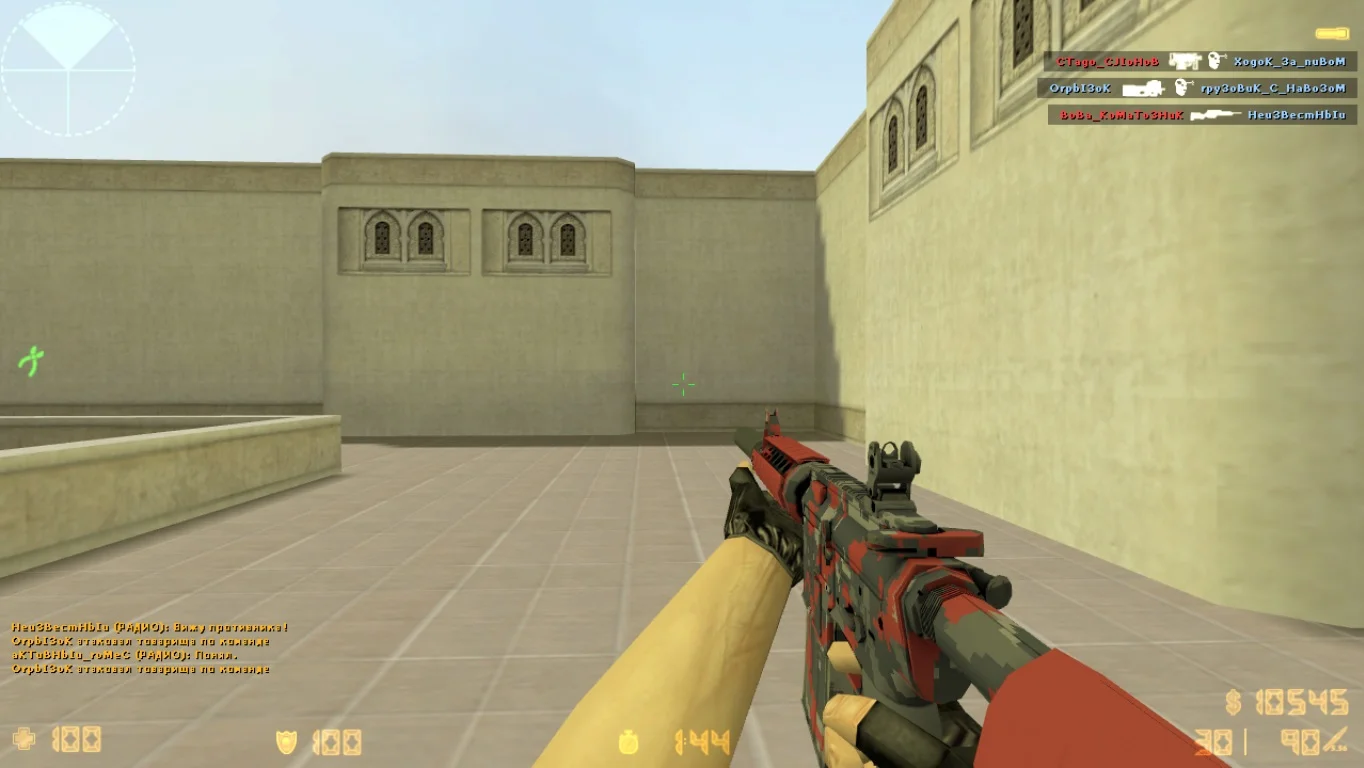
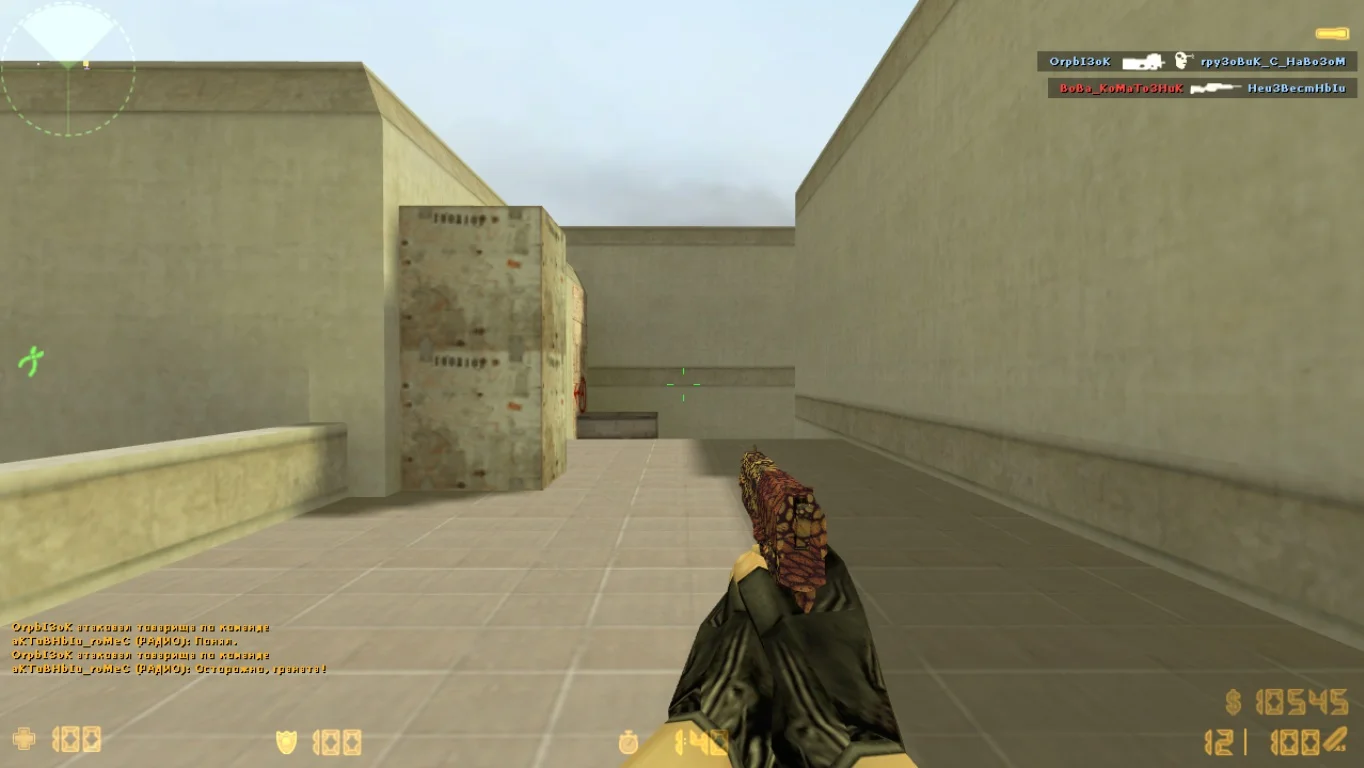
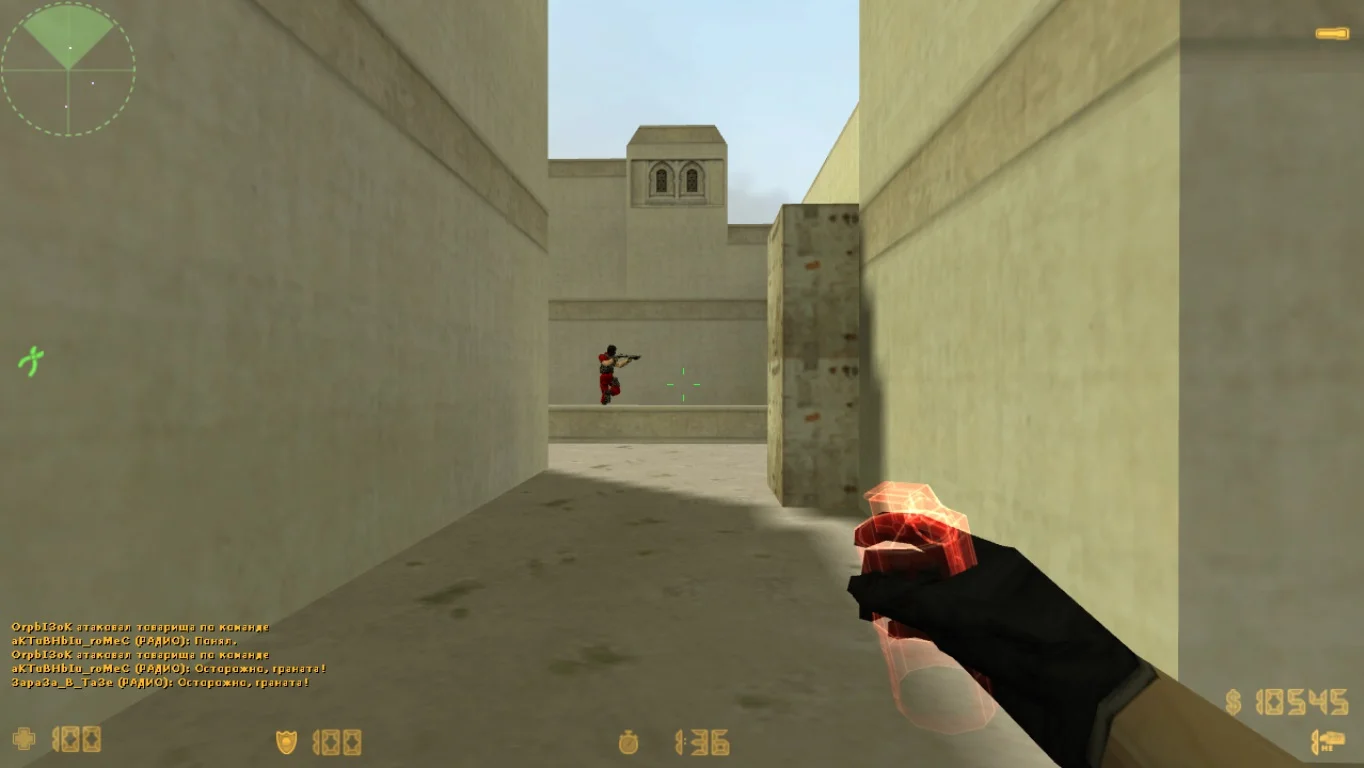
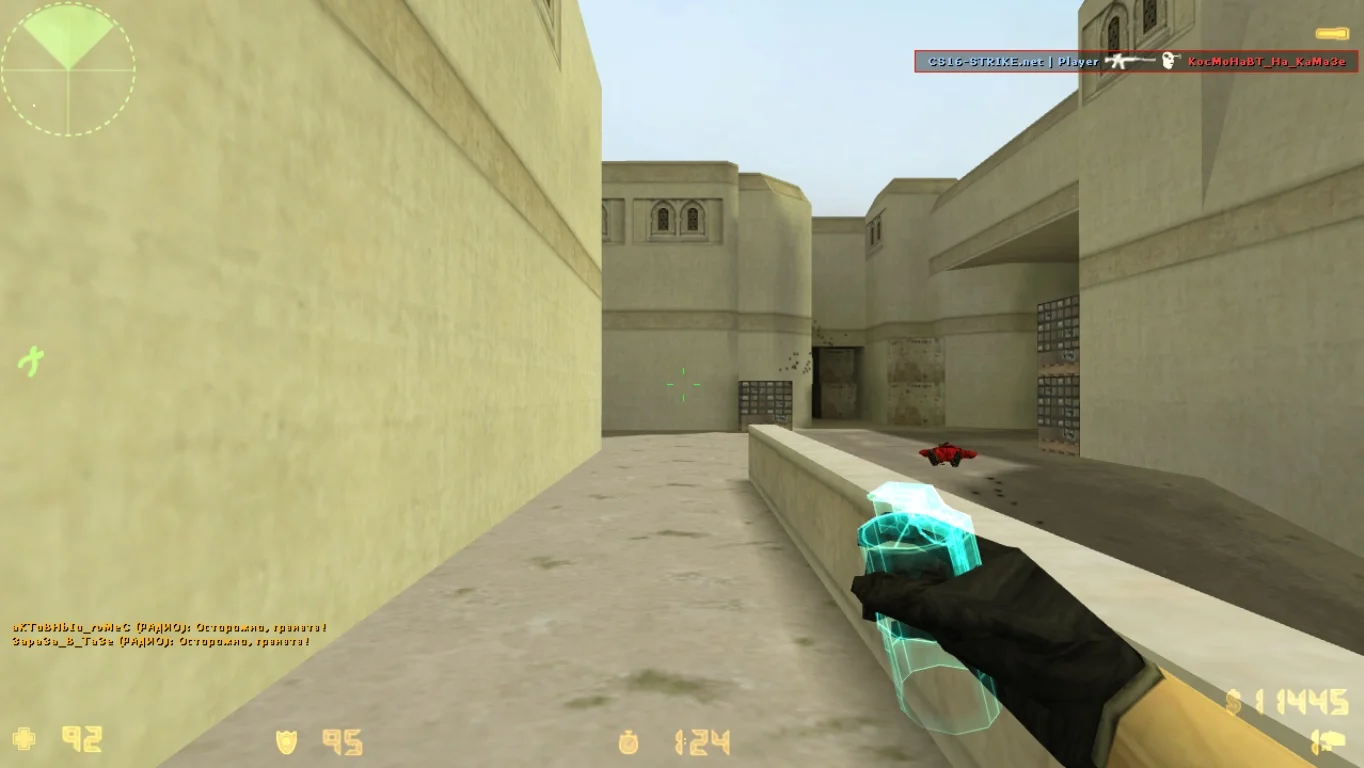
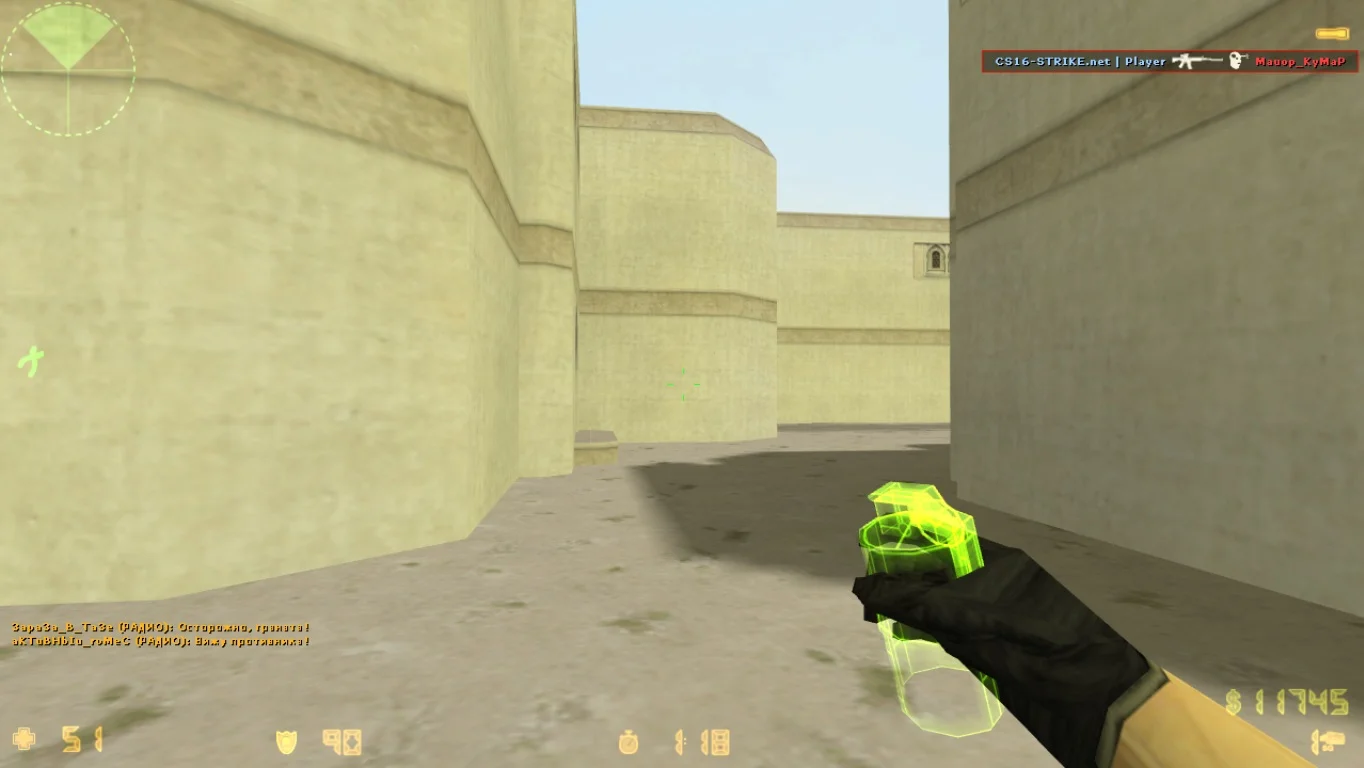
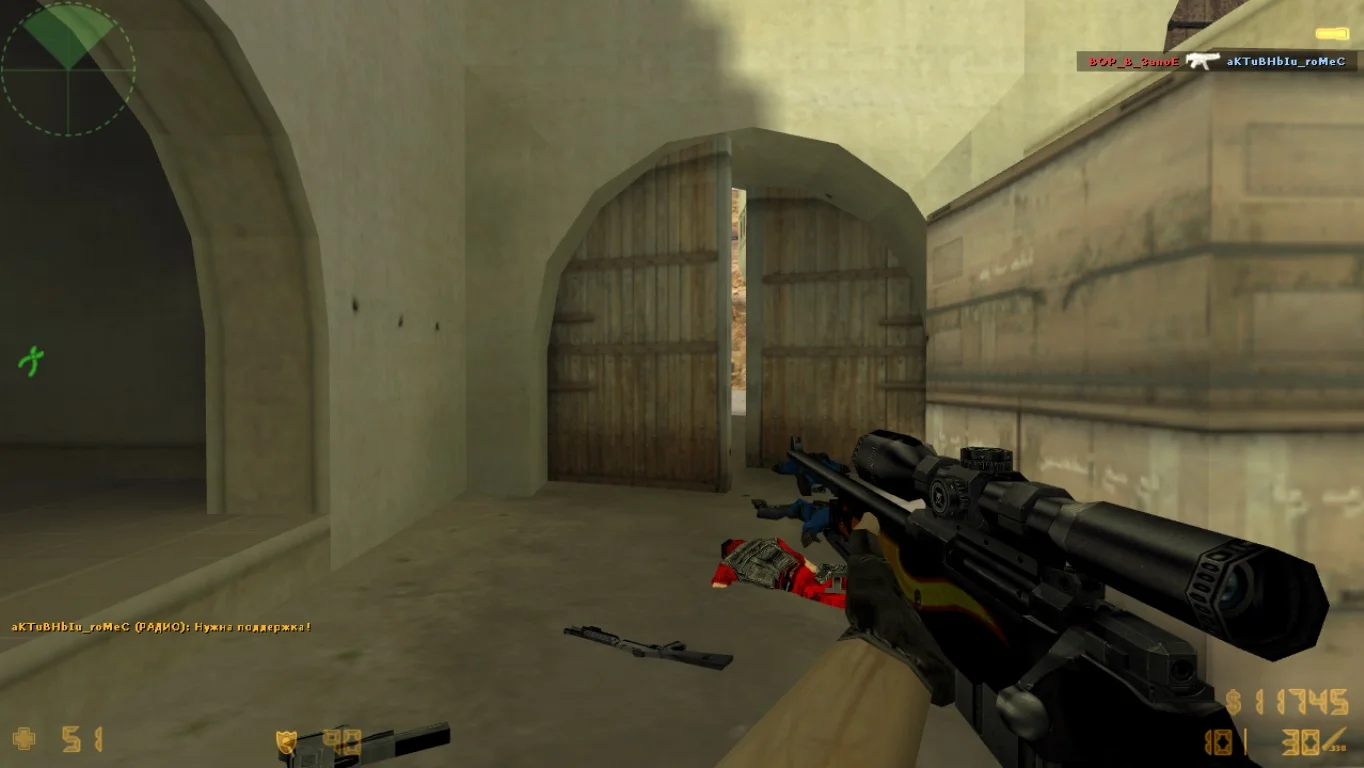
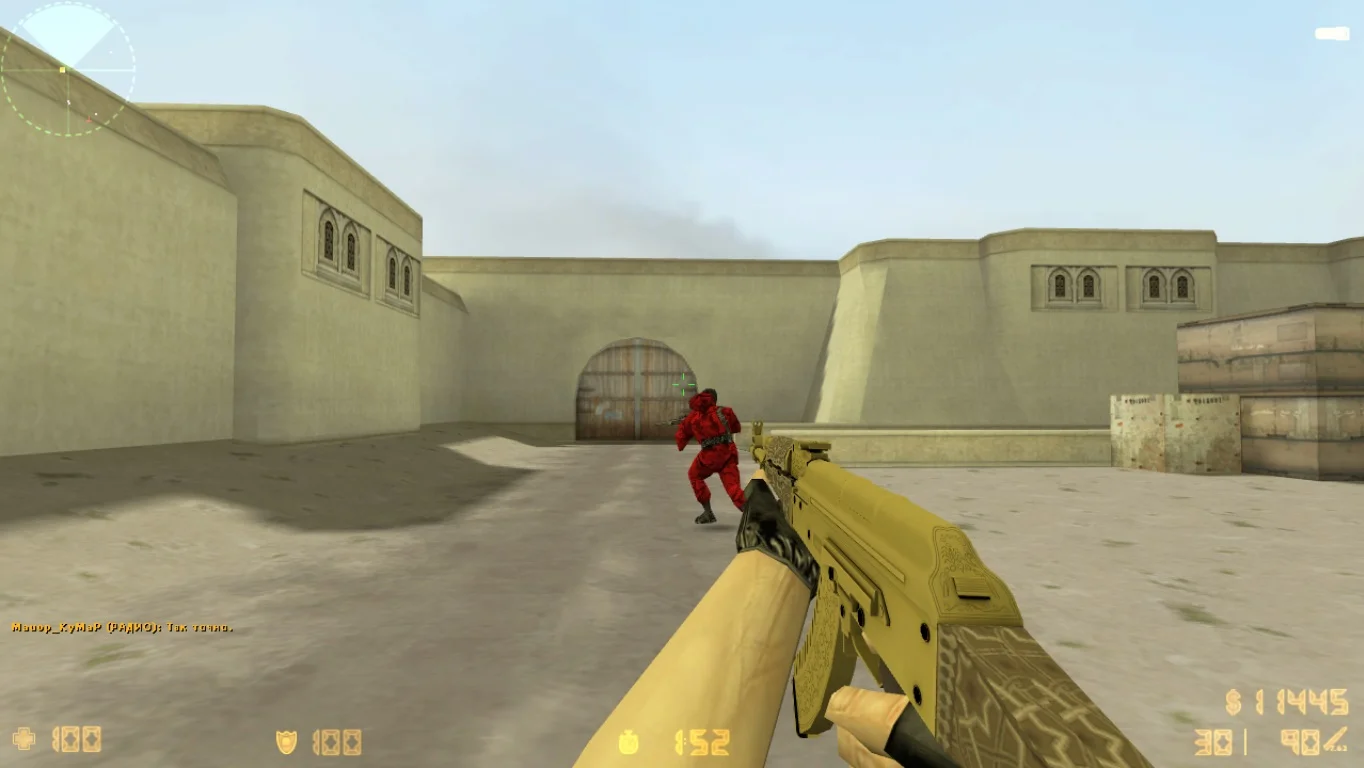
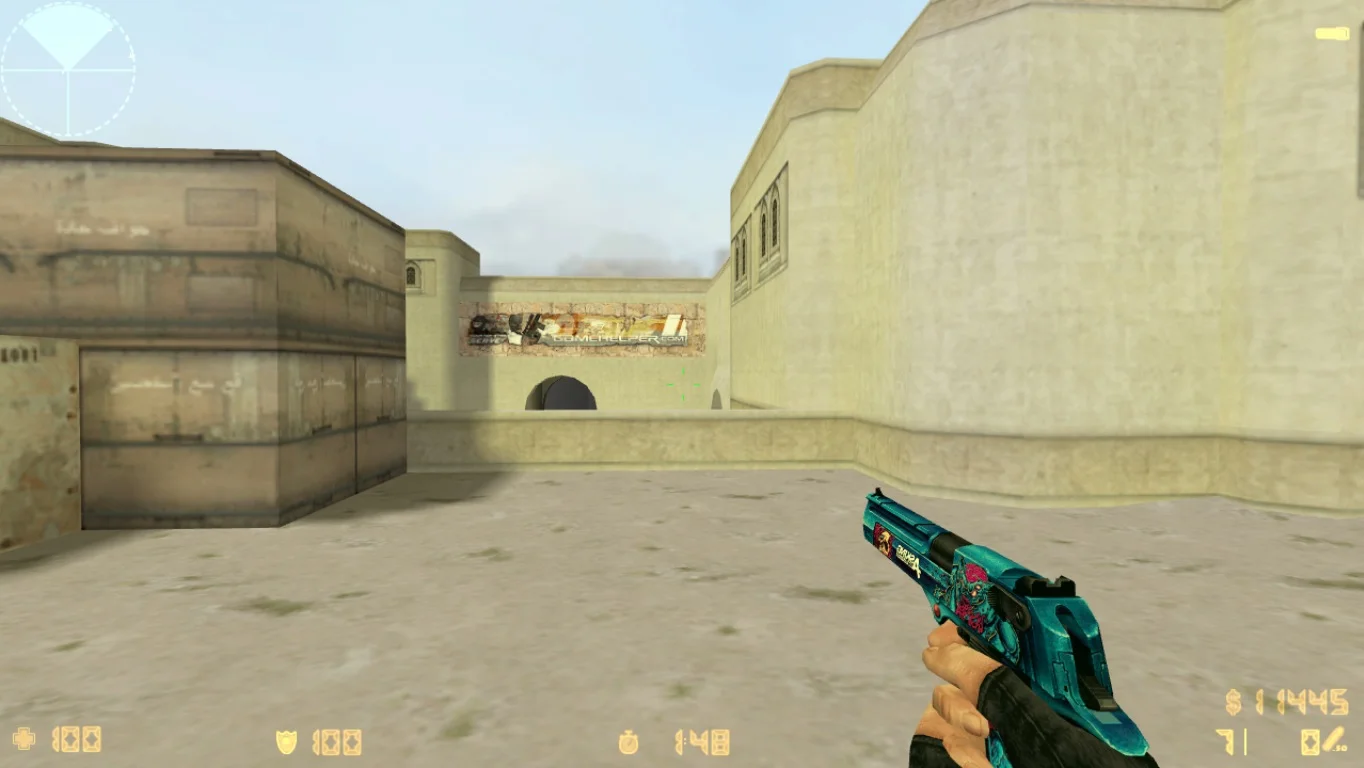
Download CS 1.6 Cevo — this is a professionally configured version of the classic Counter-Strike 1.6, designed for competitive play and meeting CEVO league standards. This build is created for players who value precision, balance, high performance, and fair play. It is perfect for both training and matches on equal terms, without interference from third-party modifications or visual effects that could affect the outcome.
The CS 1.6 Cevo build includes a completely clean client without unnecessary files, ads, cheats, or custom textures. Only original models and classic maps are used, meeting the requirements of professional leagues. The configuration is already optimized for competitive play: effects are disabled, performance is improved, mouse response is enhanced, and shooting feels as precise as possible. An anti-cheat config is also integrated, allowing safe play on most protected servers.
The game launches quickly, runs stably even on older PCs, and requires no additional setup. Everything is prepared: from a configured crosshair and key binds to the optimal command update rate. This is the ideal choice for players who want to train seriously, participate in mix matches, 5x5 games, or simply play at a high level without distractions. Download CS 1.6 Cevo to get a clean, stable, and tournament-ready version of the game.
Features of the build:
• Full compliance with CEVO standards
• Clean client without clutter, ads, or unnecessary files
• Original models, textures, and maps
• Optimized configuration for competitive play
• Improved shooting and responsive controls
• Support for online and LAN games
• Perfect for mixes, training, and 5x5 matches
• Works on all current versions of Windows
System requirements:
• Operating system: Windows XP, 7, 8, 10, 11
• Processor: 1 GHz or higher
• RAM: 512 MB or more
• Video card: DirectX 8.1 compatible
• Free disk space: 300 MB
• Internet connection — for playing on servers
Installation:
• Copy the game files to your computer
• Open the game folder and run the client
• Configure controls to your preference (optional)
• Start a match on LAN or online
• Play fairly on a clean client
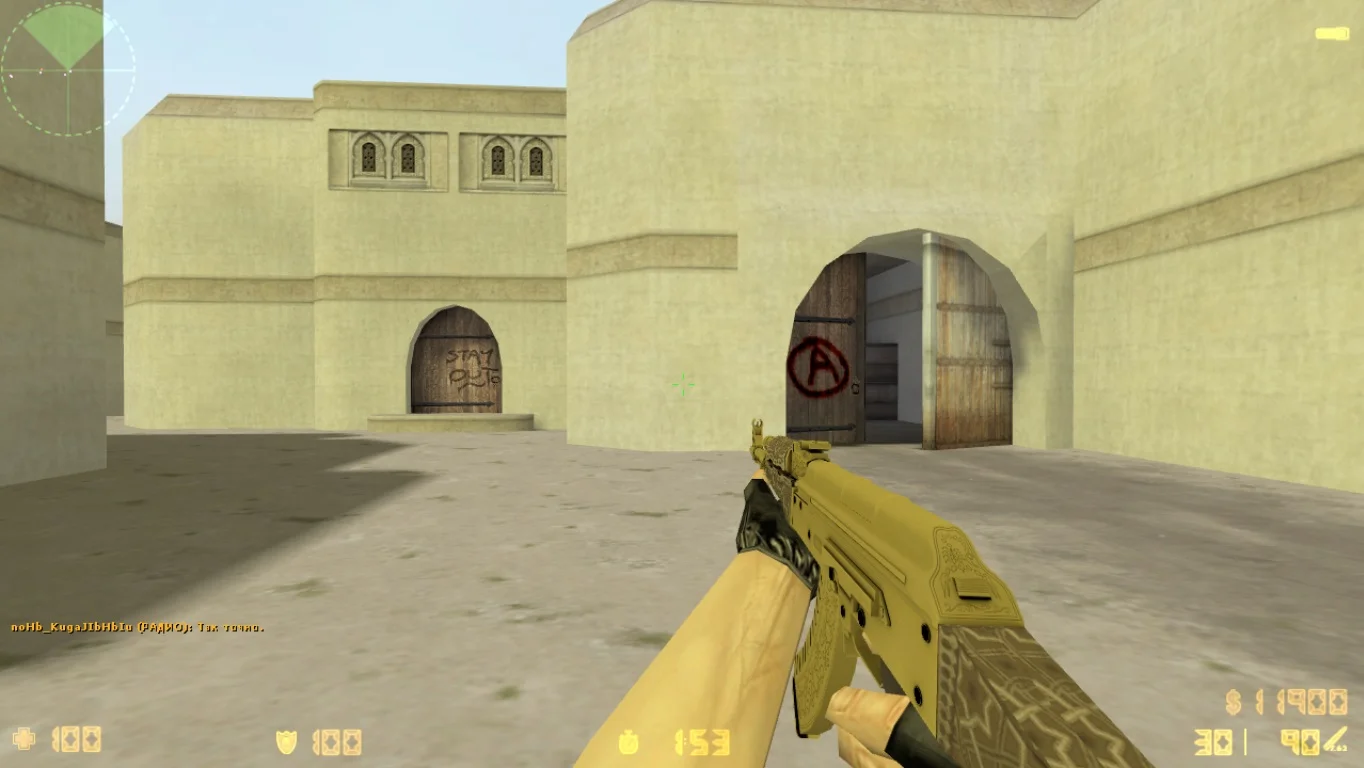
Улучшенные текстуры карт
Существенное изменение заключается в обновленных текстурах карт. В результате применения высококачественных текстур, стилизованных под легендарную CS 2, карты приобрели более свежий и детализированный вид.
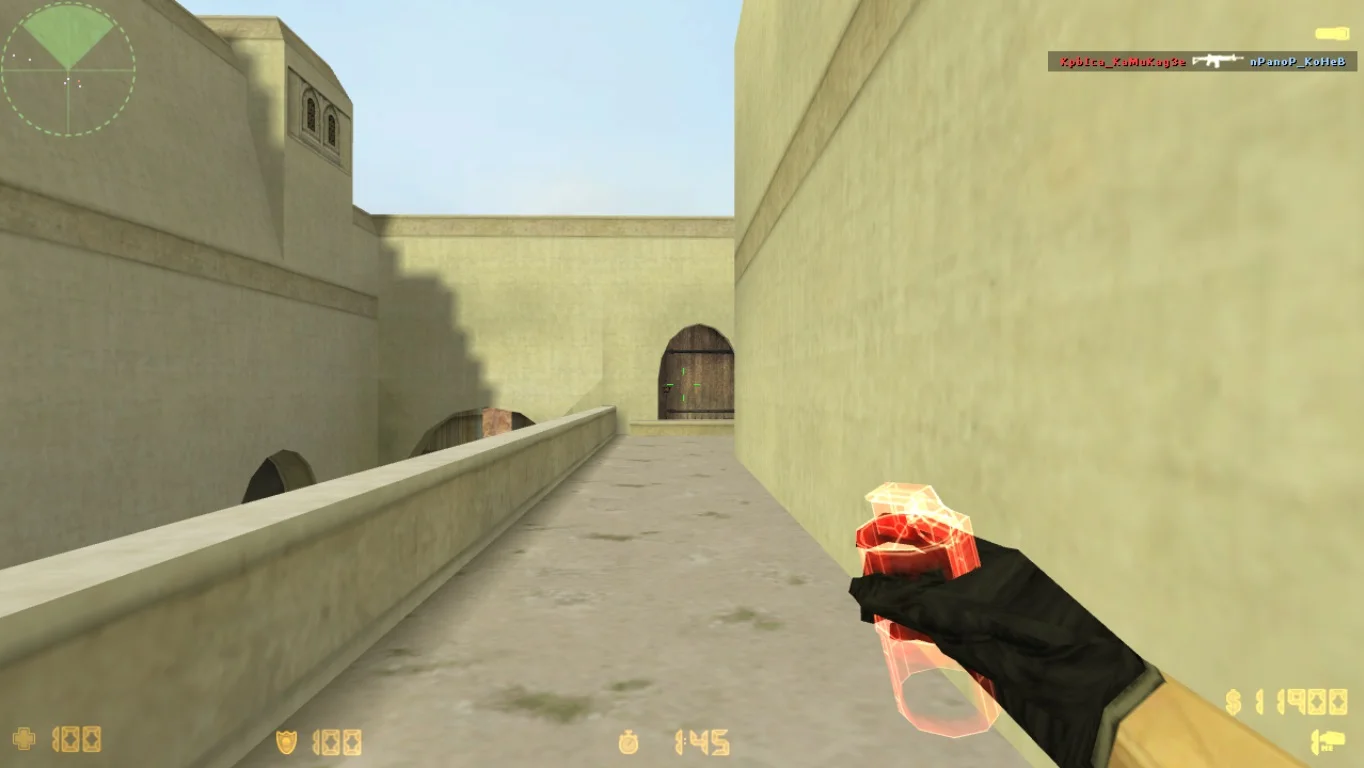
Новый интерефейс игры
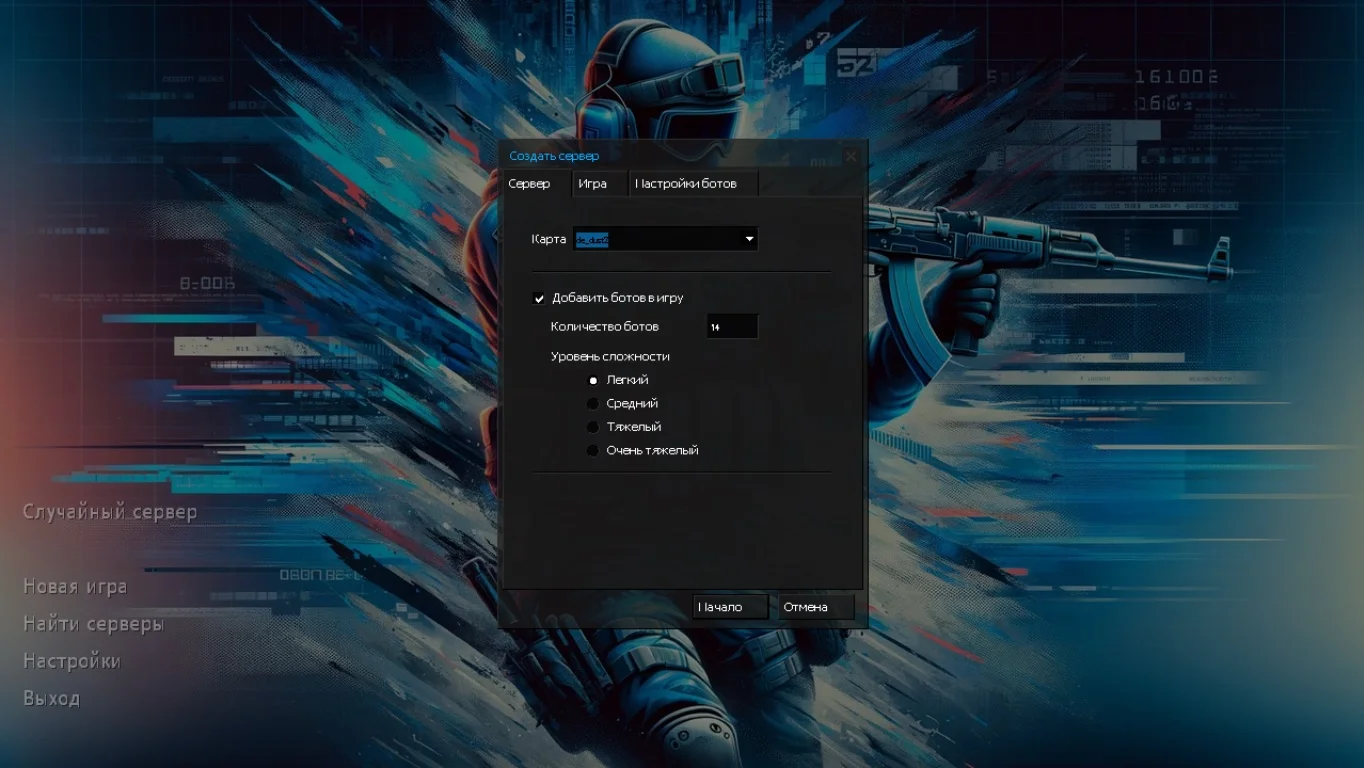
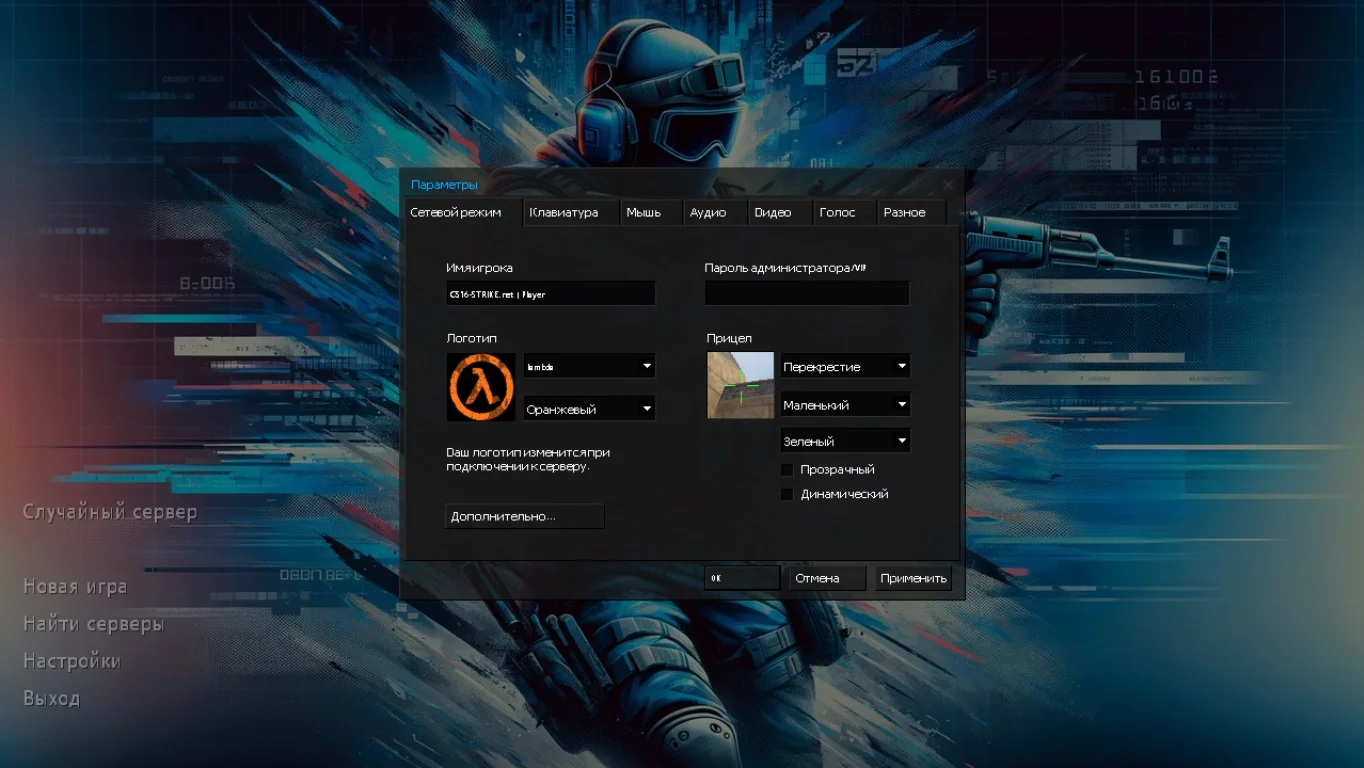
Интерфейс подвергся полной переработке в соответствии с эстетикой игры. Все элементы, от значков и радара до элементов на экране, были адаптированы к новому стилю, обеспечивая визуальную привлекательность и удобство использования.
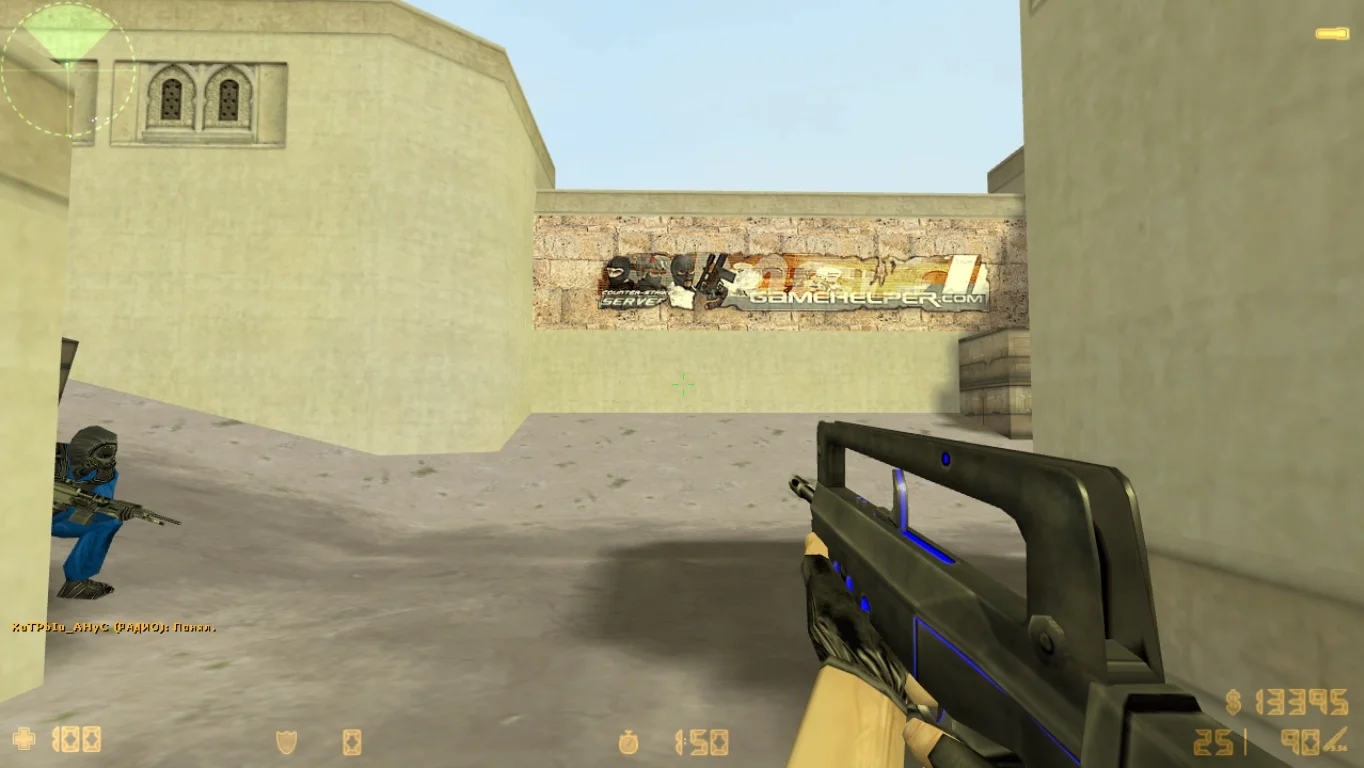
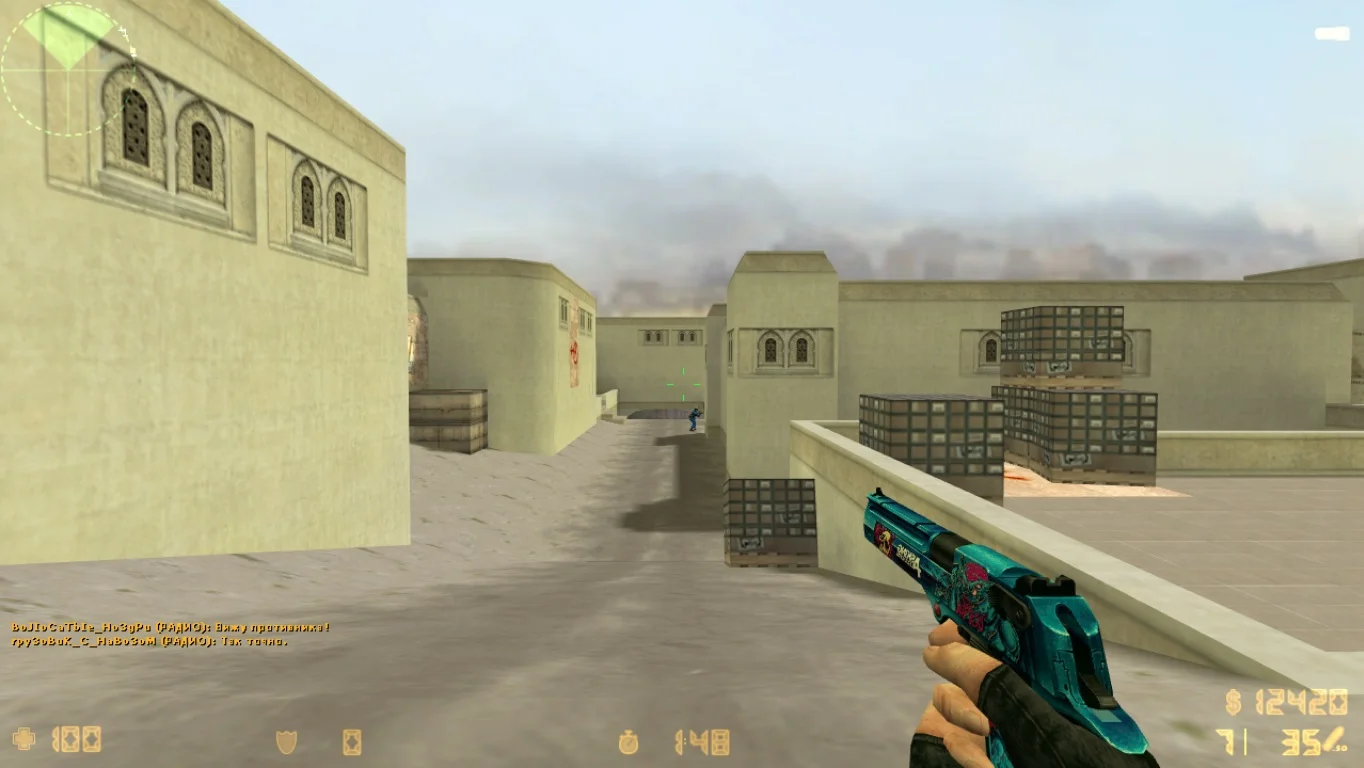
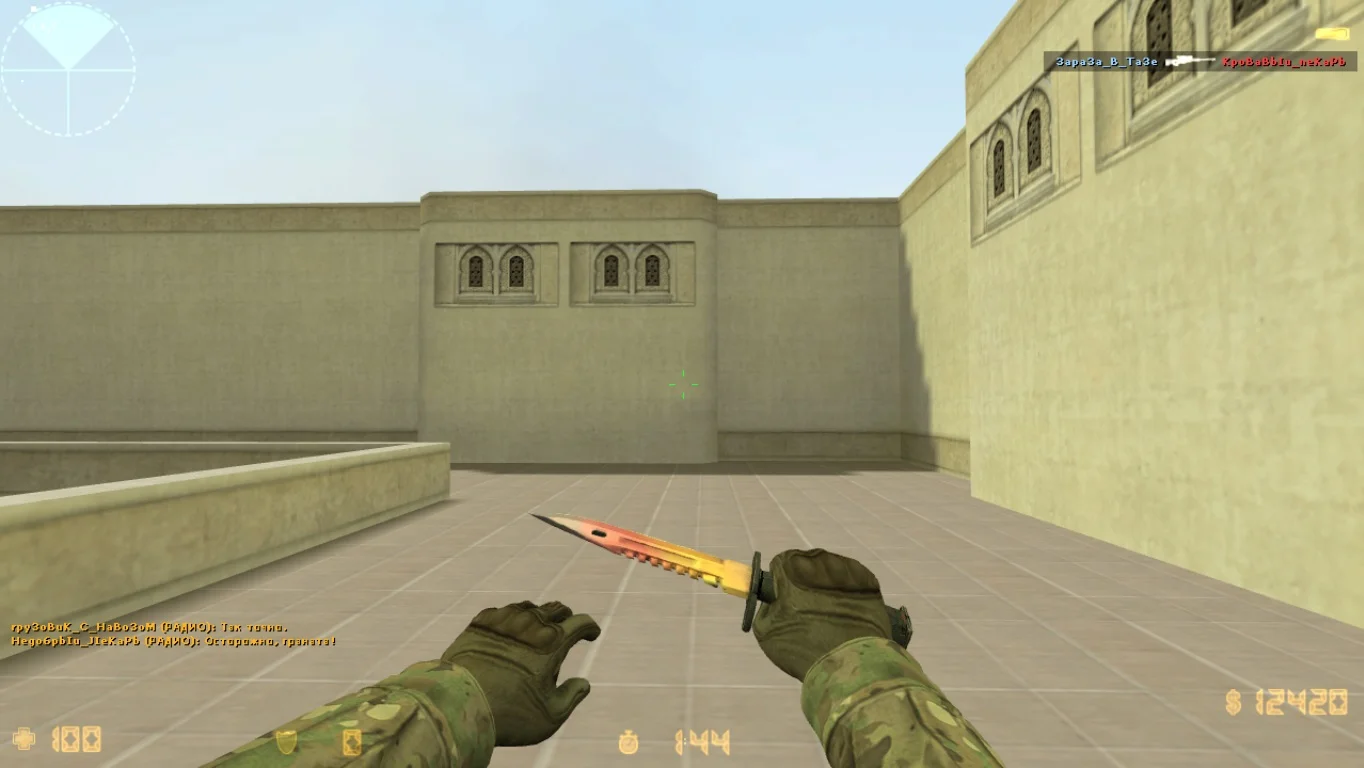
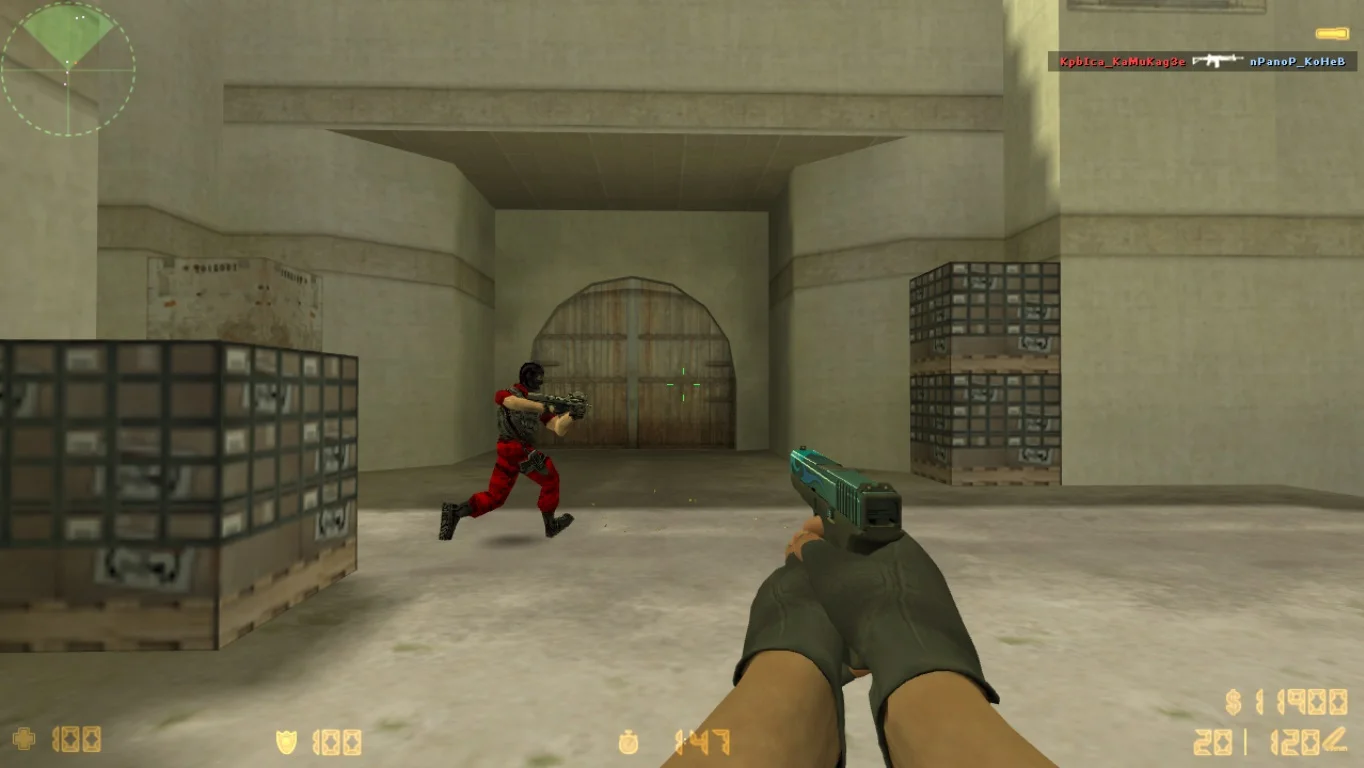
Улучшенные модели
Все модели, включая игровых персонажей были обновлены до максимального уровня. Модифицированные пушки отлично смотрятся в руках и наносят дополнительный урон. Модели игроков вместо стандартных скинов, получили красные и синие костюмы.