Home
Home
 CS 1.6 Builds
 CS:GO Builds
 CS:S Builds
 CS2 Builds

Download CS 1.6 from Makedonskiy
 Русская версия
 С ботами и серверами
 Работает на всех Windows (от XP до 11)
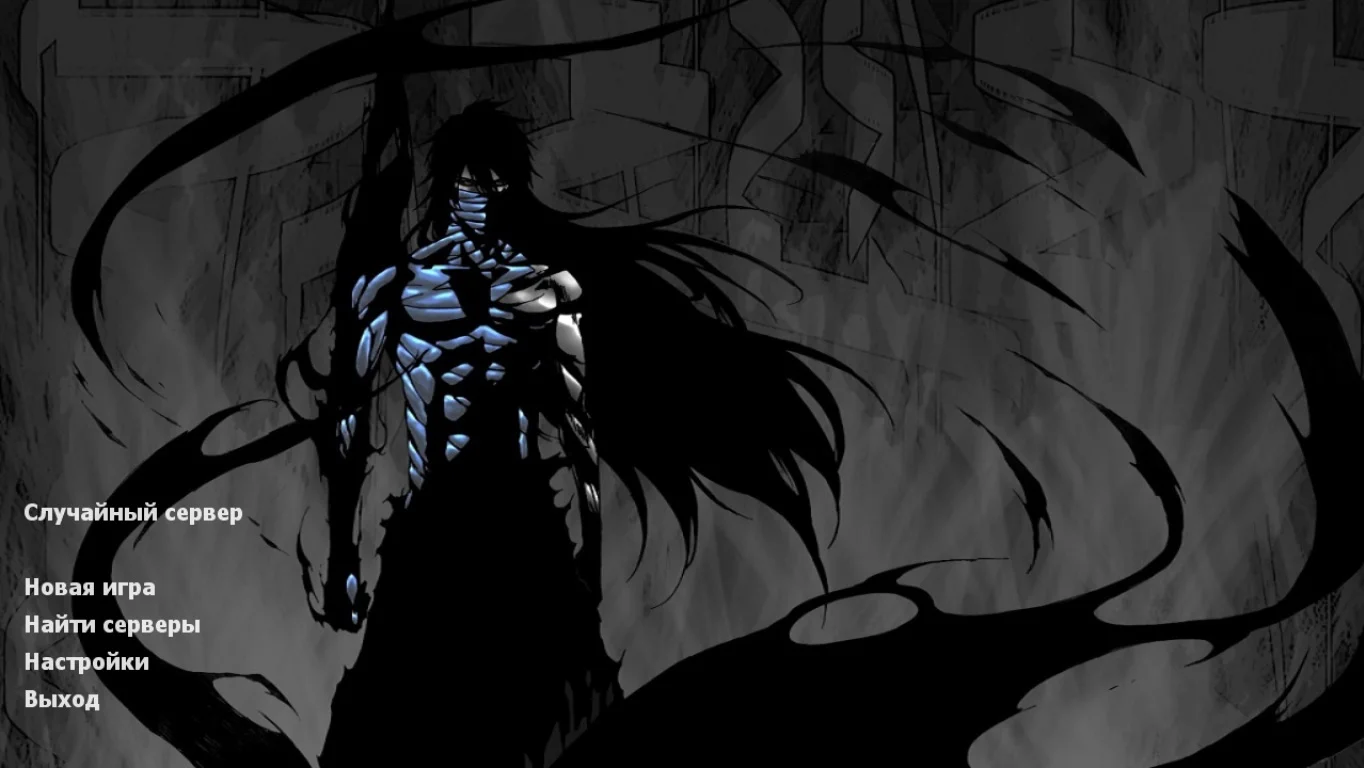
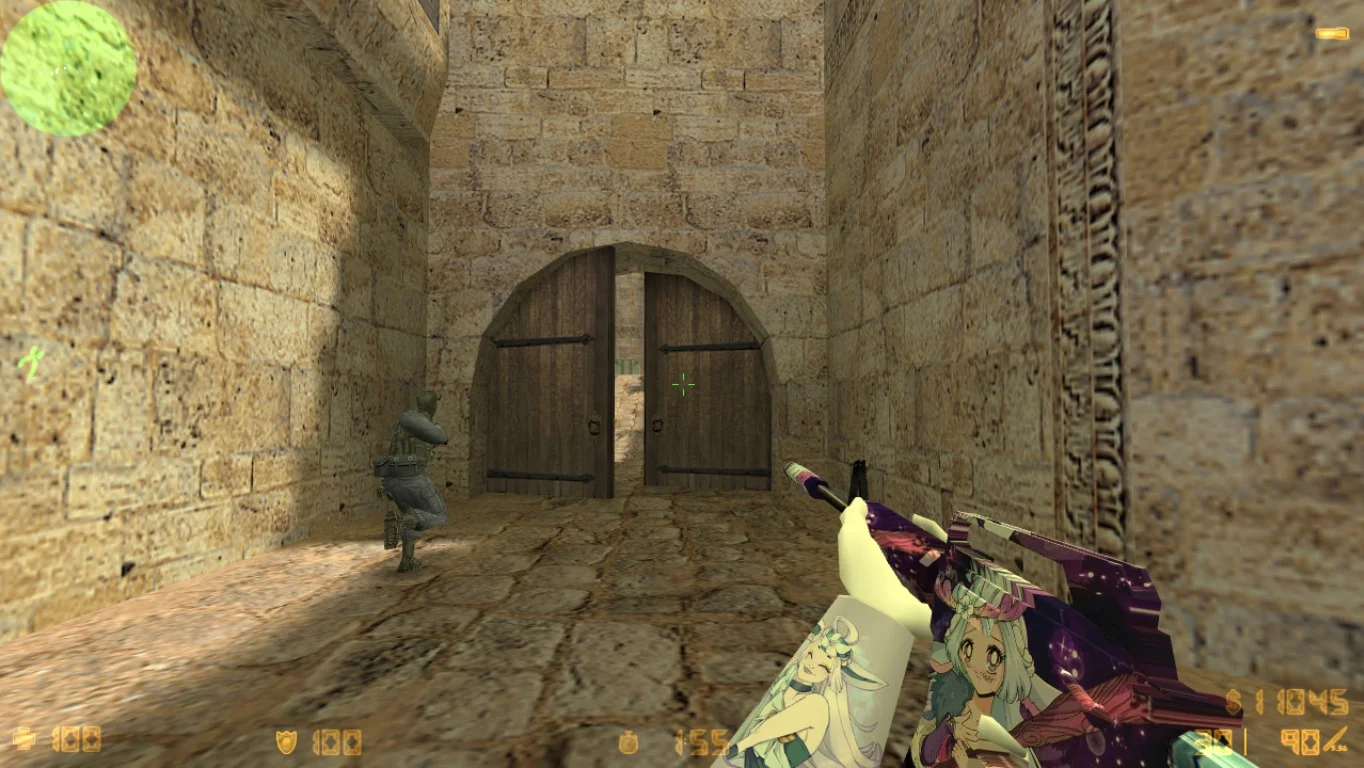
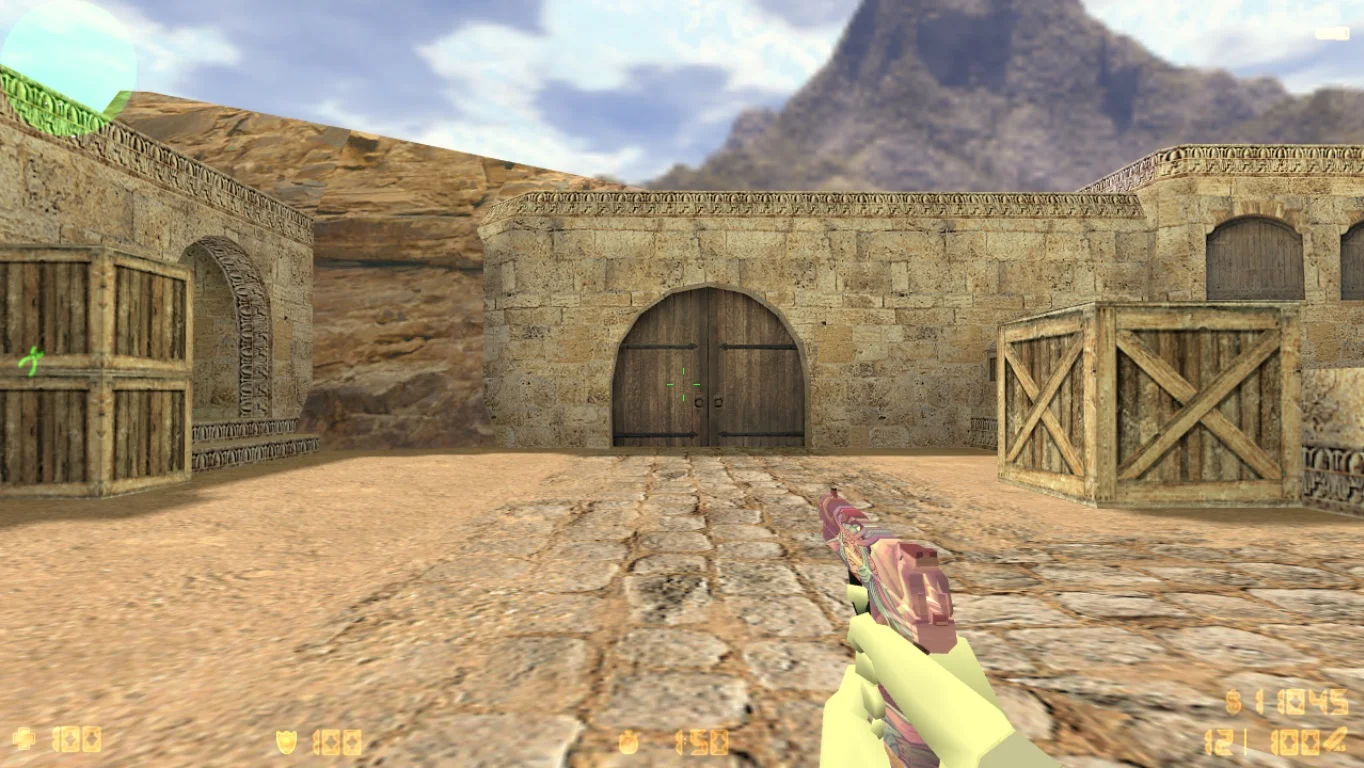
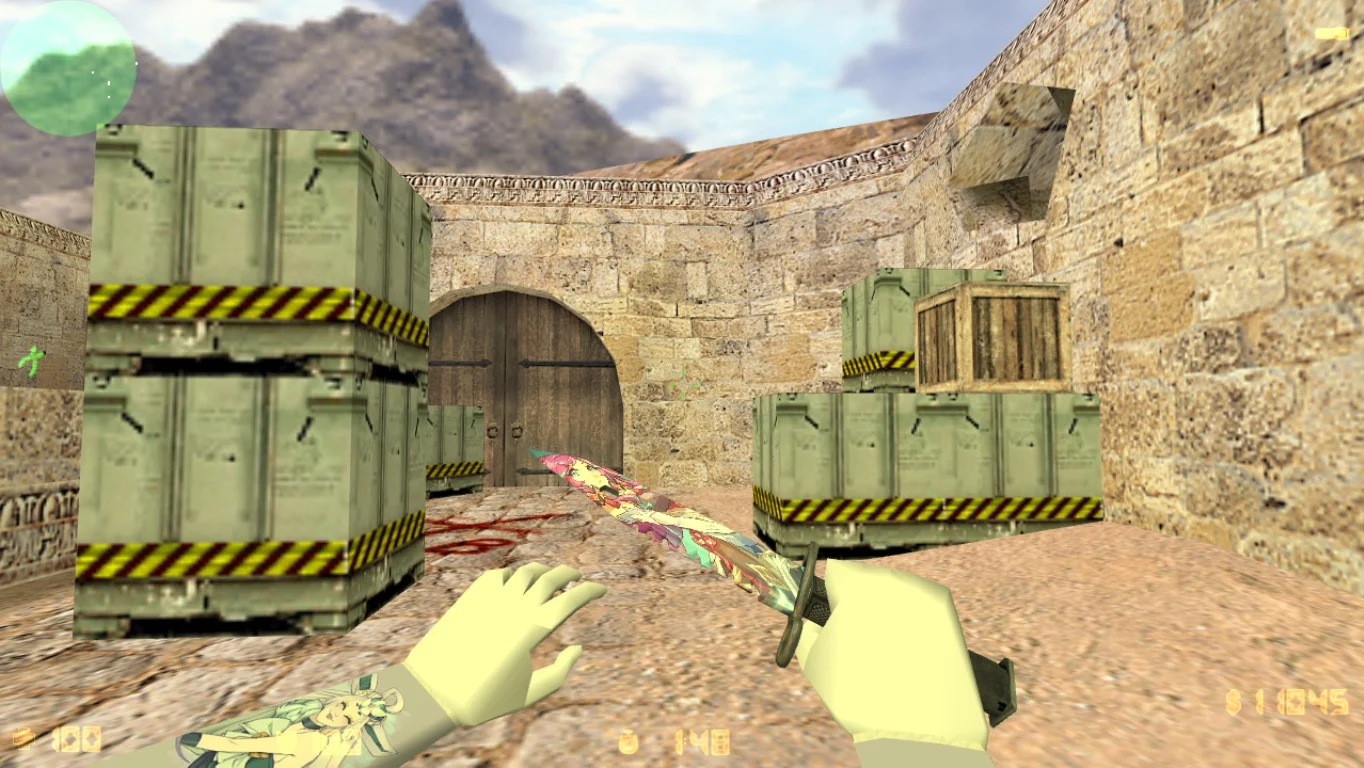
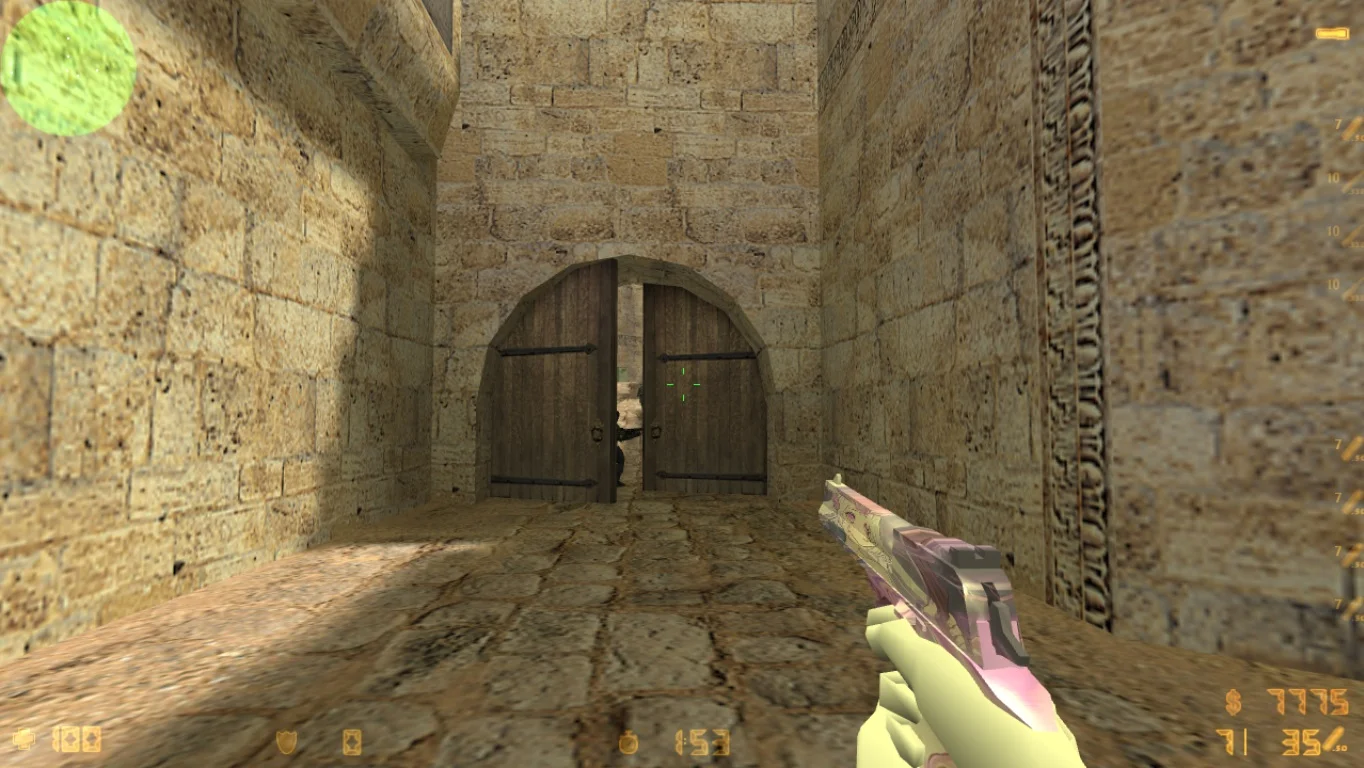
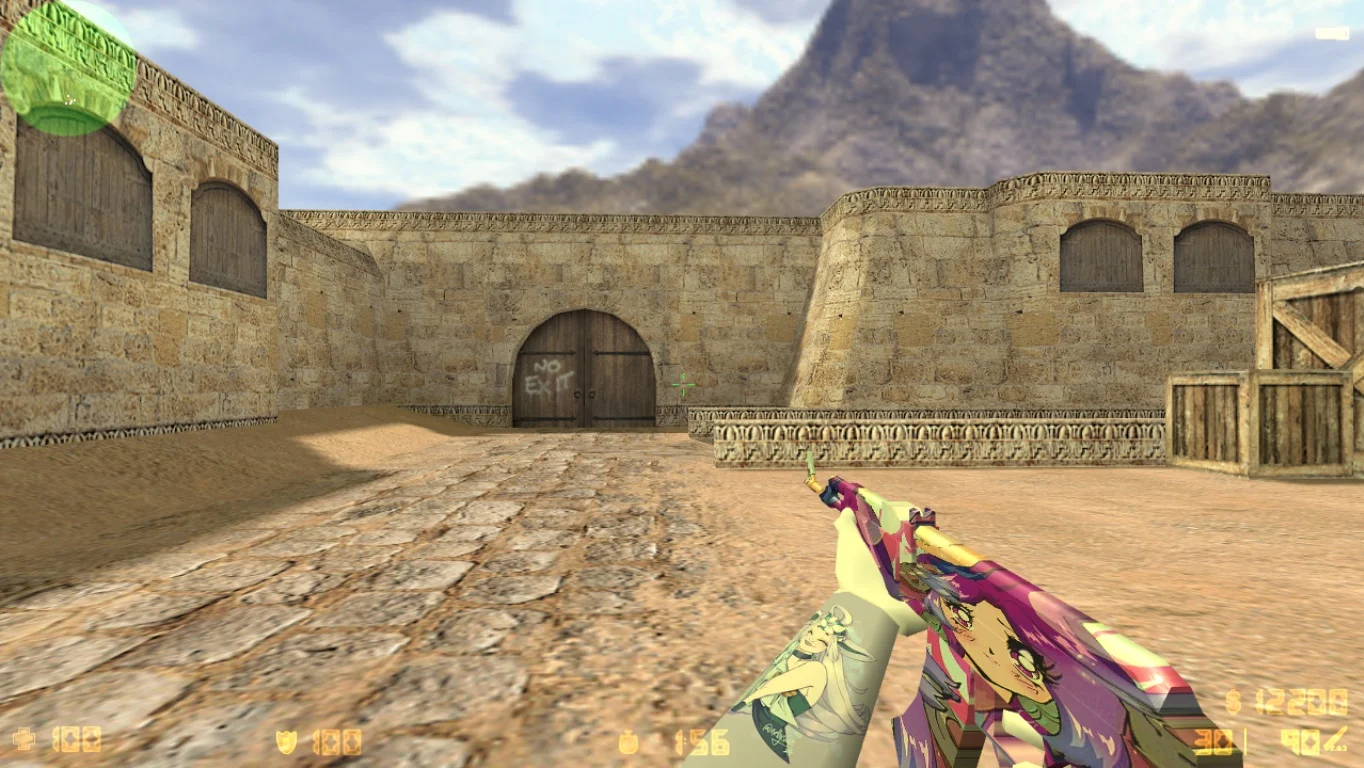
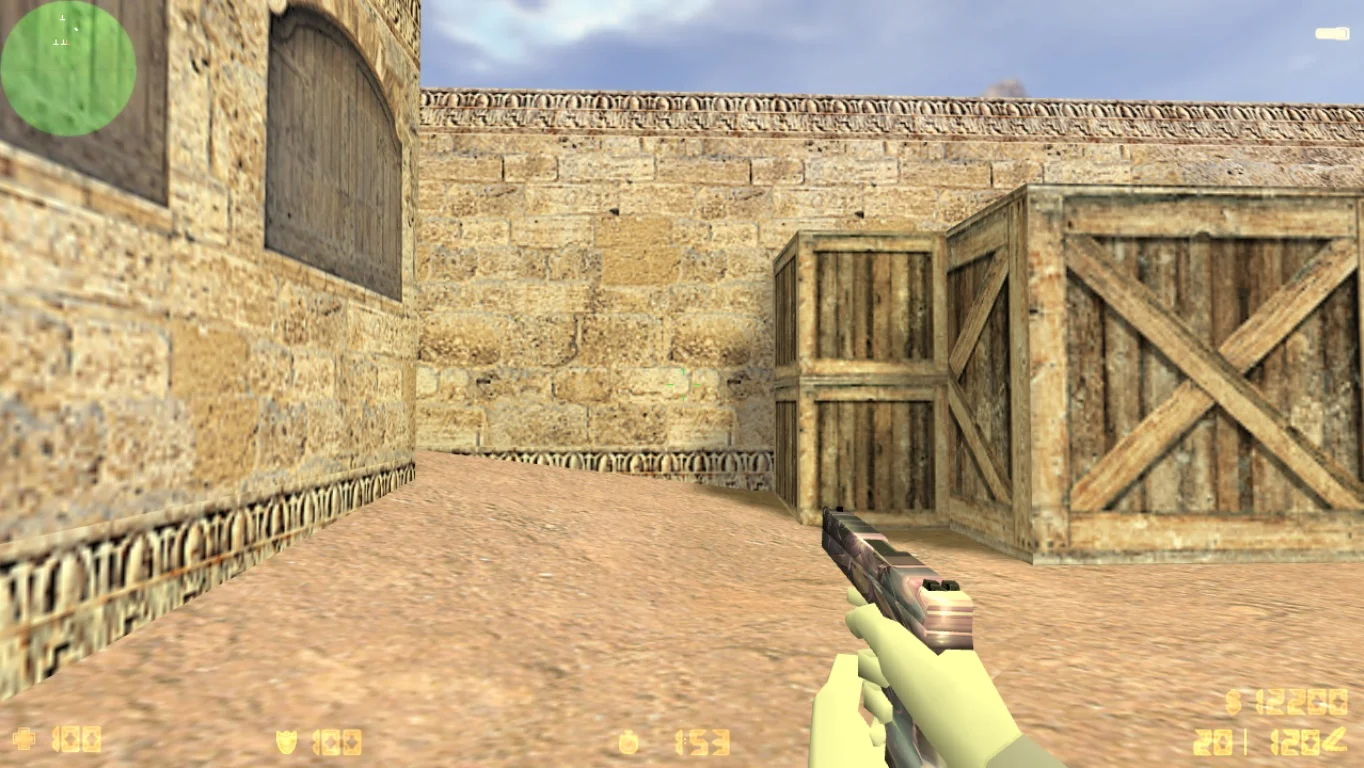
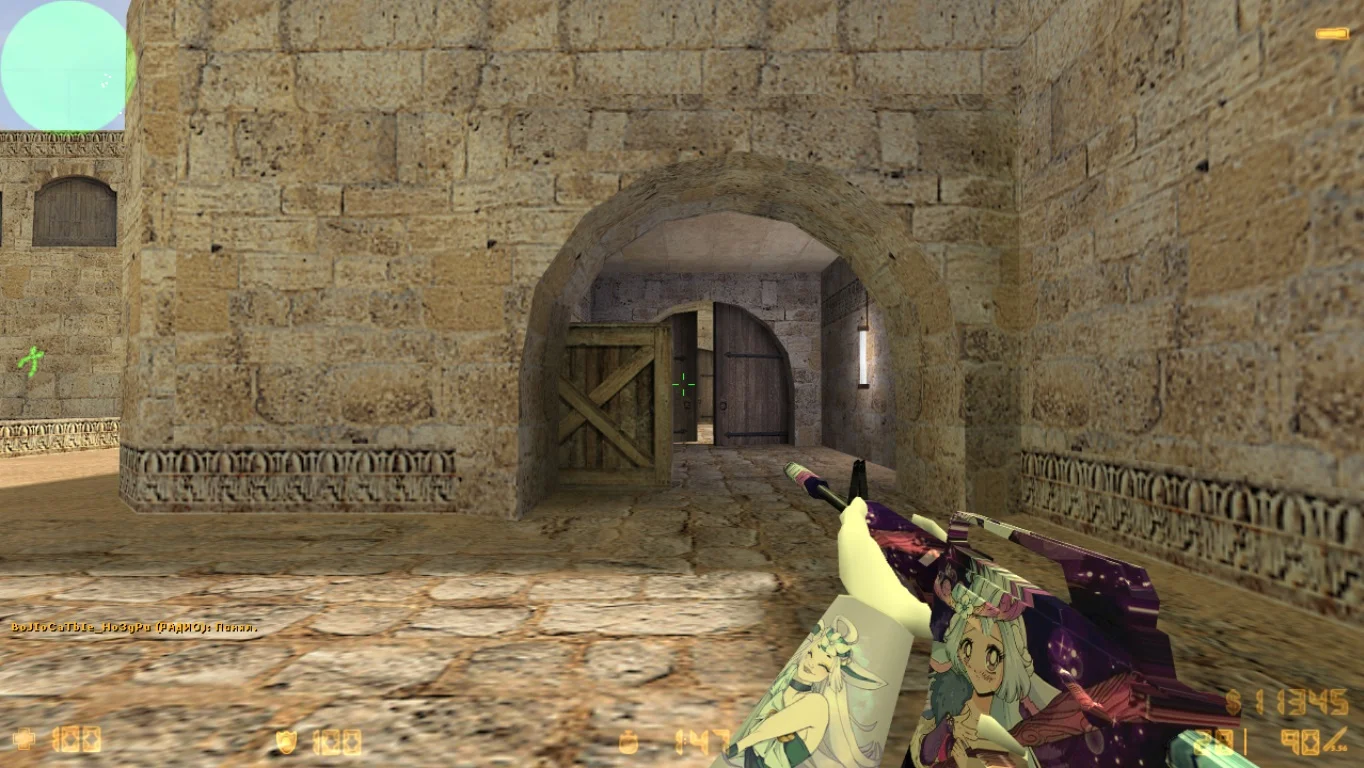
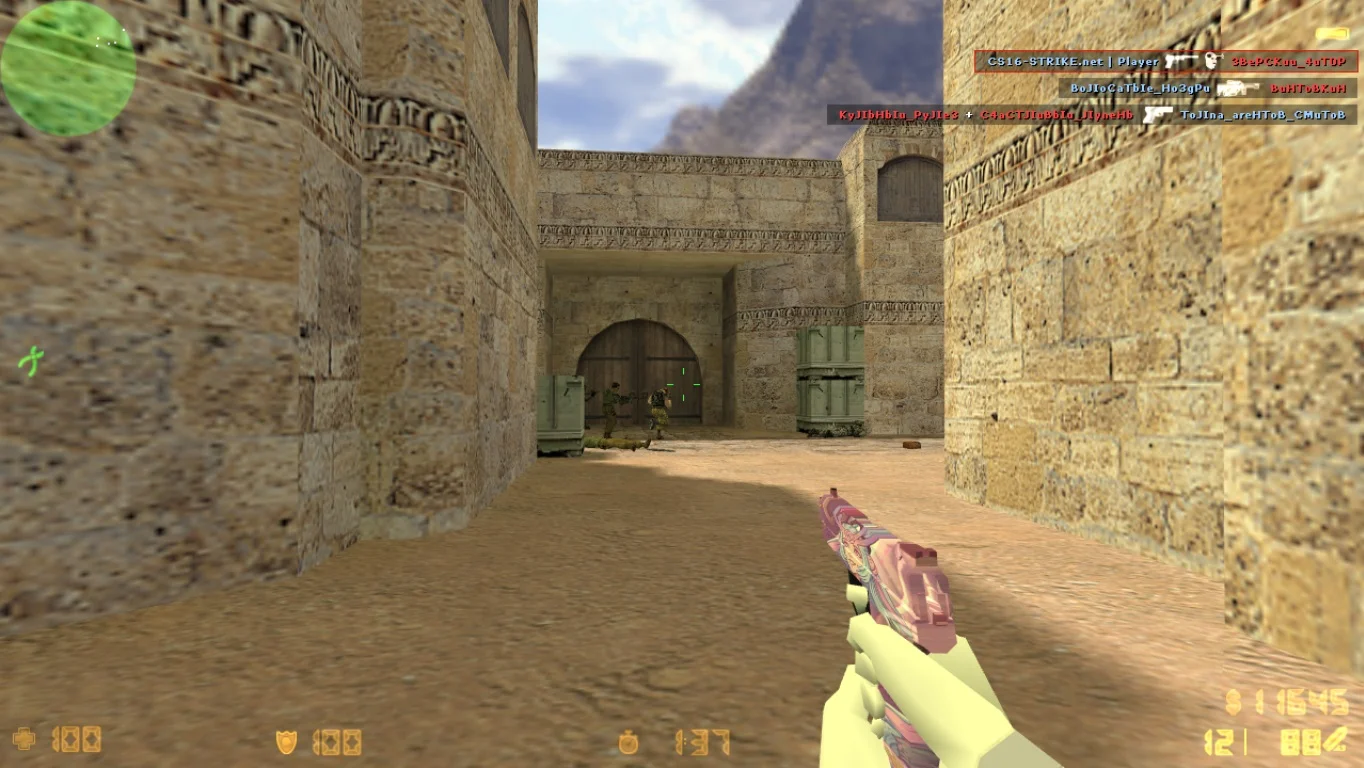
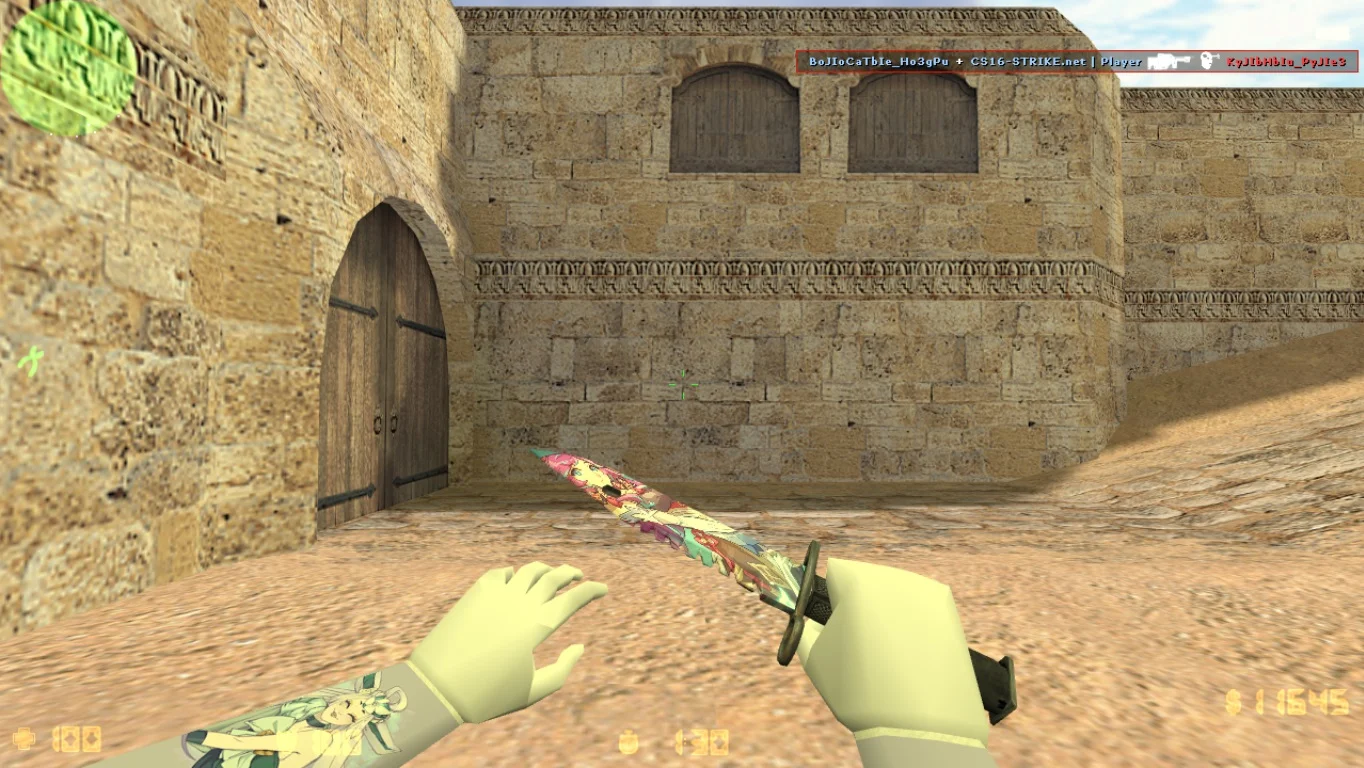
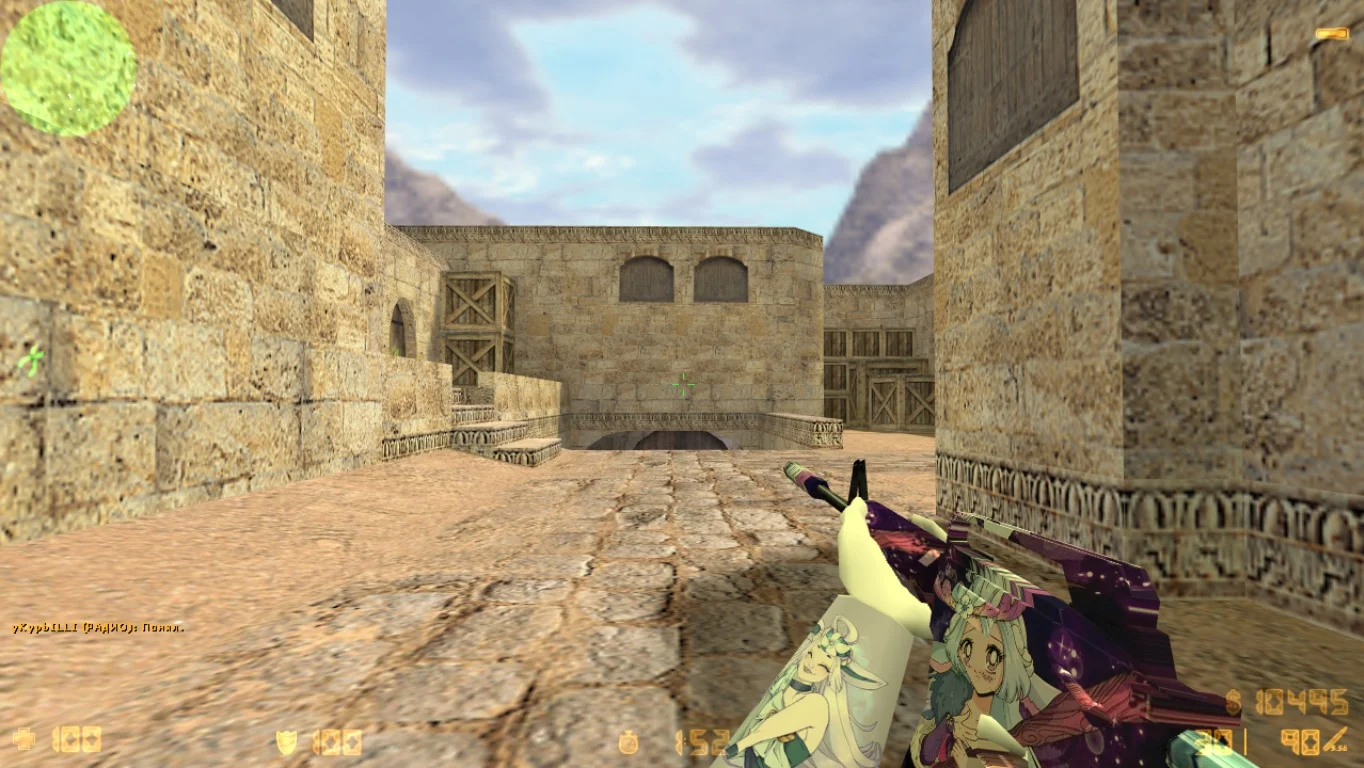
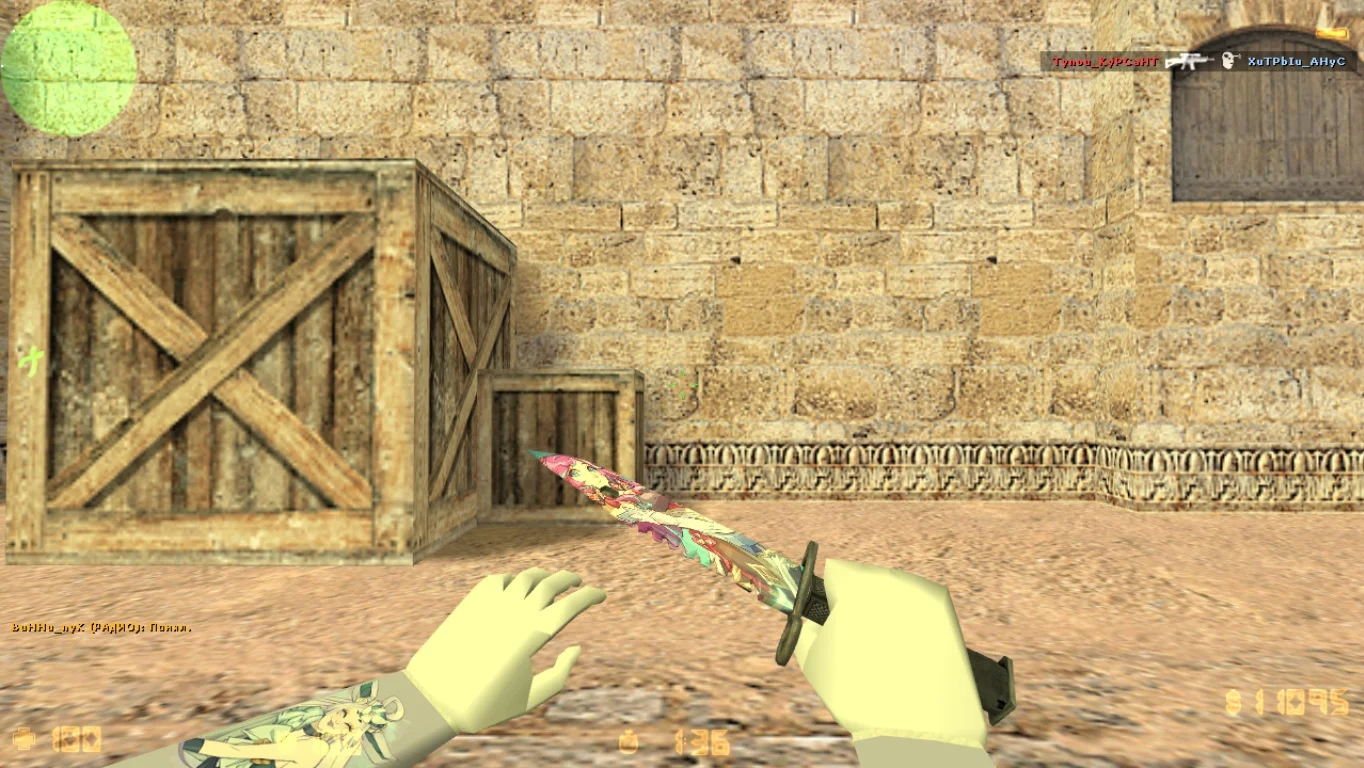
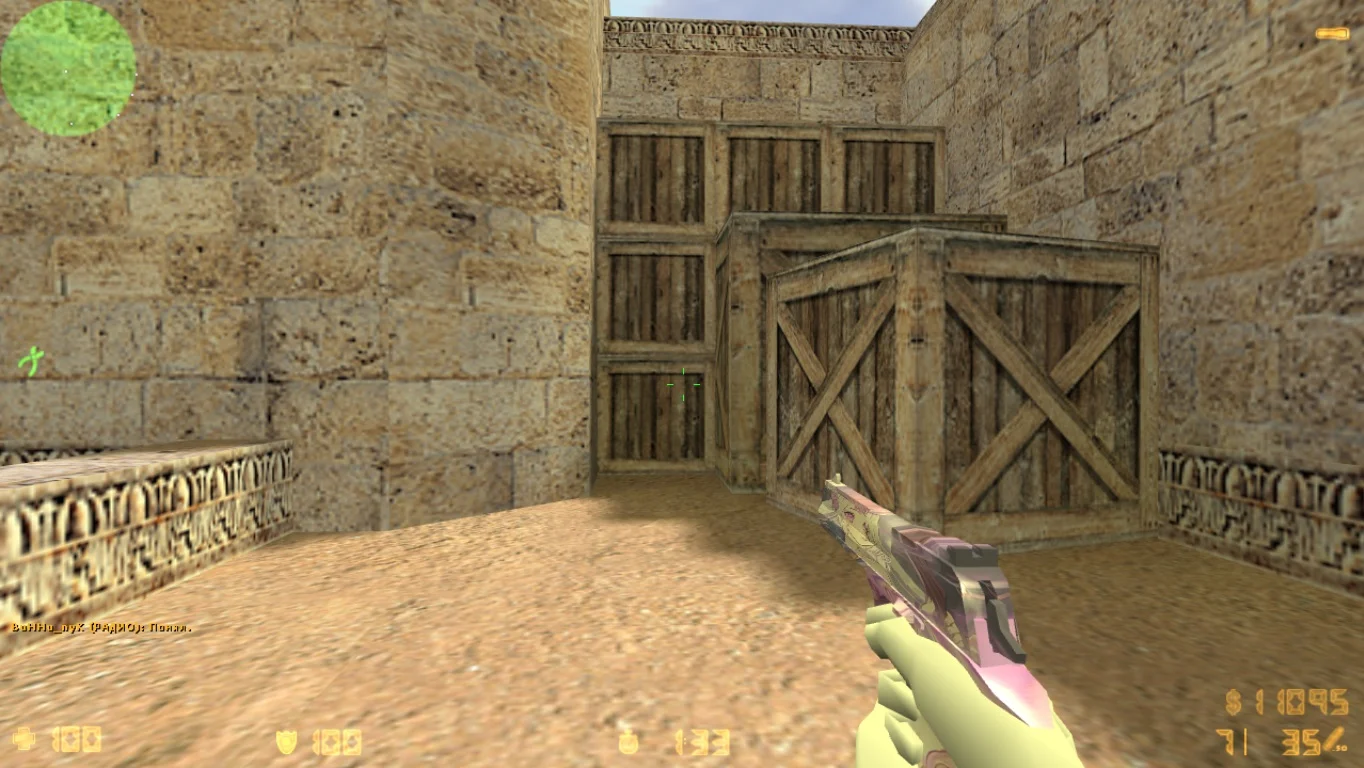
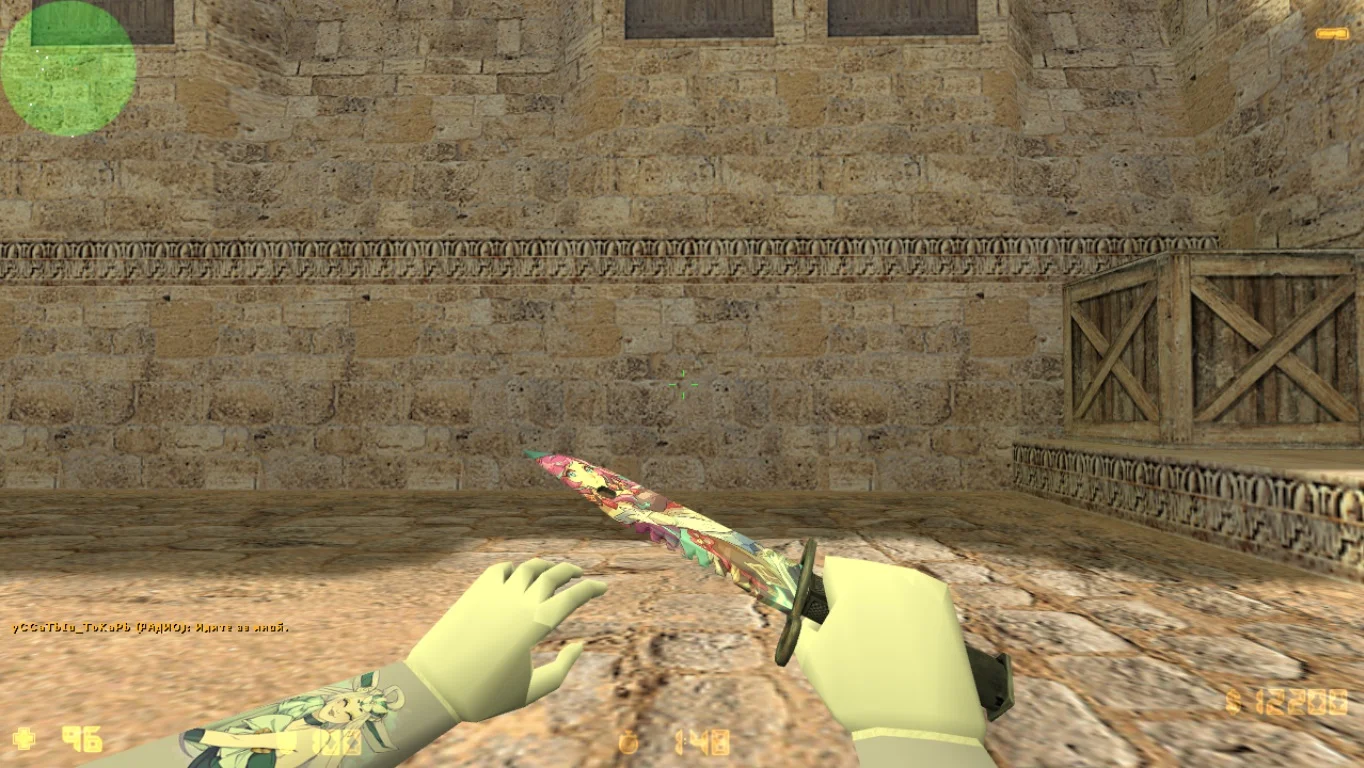
Download CS 1.6 from Makedonskiy — a high-quality and stable build of the legendary Counter-Strike 1.6, designed with a focus on comfort and gameplay optimization. This version is popular among players who value classic gameplay but want improved performance and minimal bugs. The Makedonskiy build includes all classic maps, weapons, and modes, along with useful settings and enhancements that make the game smoother and more convenient.
CS 1.6 from Makedonskiy pays special attention to stable performance on various computers, including low-end systems. Optimization significantly reduces CPU and GPU load, minimizing lag and freezes. Many errors from the original version have been fixed, improving online play. This allows players to enjoy fair and exciting matches without technical issues.
Installing CS 1.6 from Makedonskiy is very simple and straightforward: just download the game archive, extract it to a convenient folder, and launch the client. The package includes all necessary files for single-player and online modes, as well as detailed installation and setup instructions. This build is suitable for both beginners and experienced players seeking a time-tested, stable version of Counter-Strike 1.6. Download CS 1.6 from Makedonskiy and dive into dynamic and fair battles!
Build Features:
• Optimized CS 1.6 version with minimal lag
• Bug and error fixes from the original game
• Classic gameplay with all standard maps and weapons
• Support for single-player and online modes
• Compatibility with popular game servers
• Simple installation and setup
• Suitable for both low-end and powerful PCs
• Convenient interface and controls
System Requirements:
• Operating system: Windows XP, 7, 8, 10
• Processor: 1 GHz or higher
• RAM: 512 MB or more
• Video card: DirectX 8.1 or higher
• Free disk space: about 300 MB
• Internet connection for online play
Installation:
• Download the game archive using the link
• Extract the archive to a convenient folder on your computer
• Launch the file cs16.exe or start.exe
• Configure controls and graphics if necessary
• Start playing in single-player or online mode
Главные особенности клиента
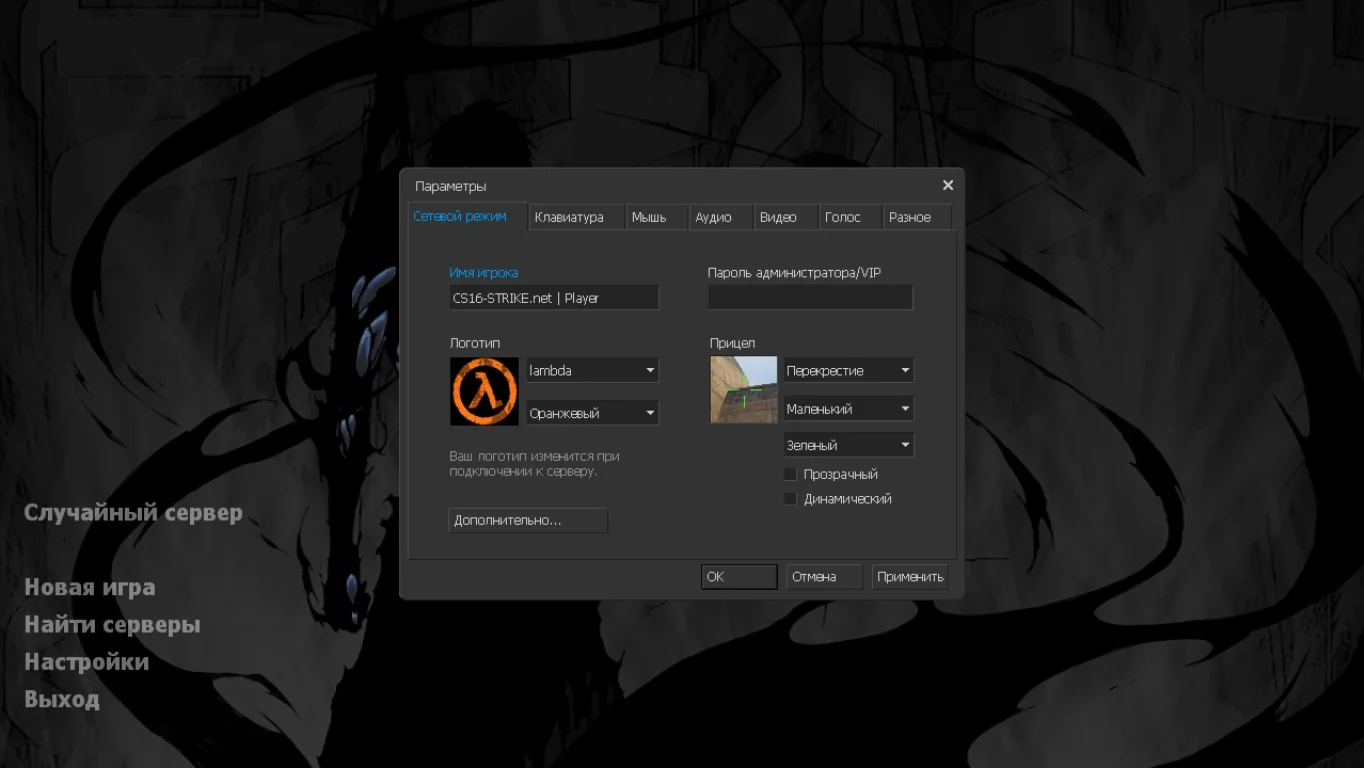
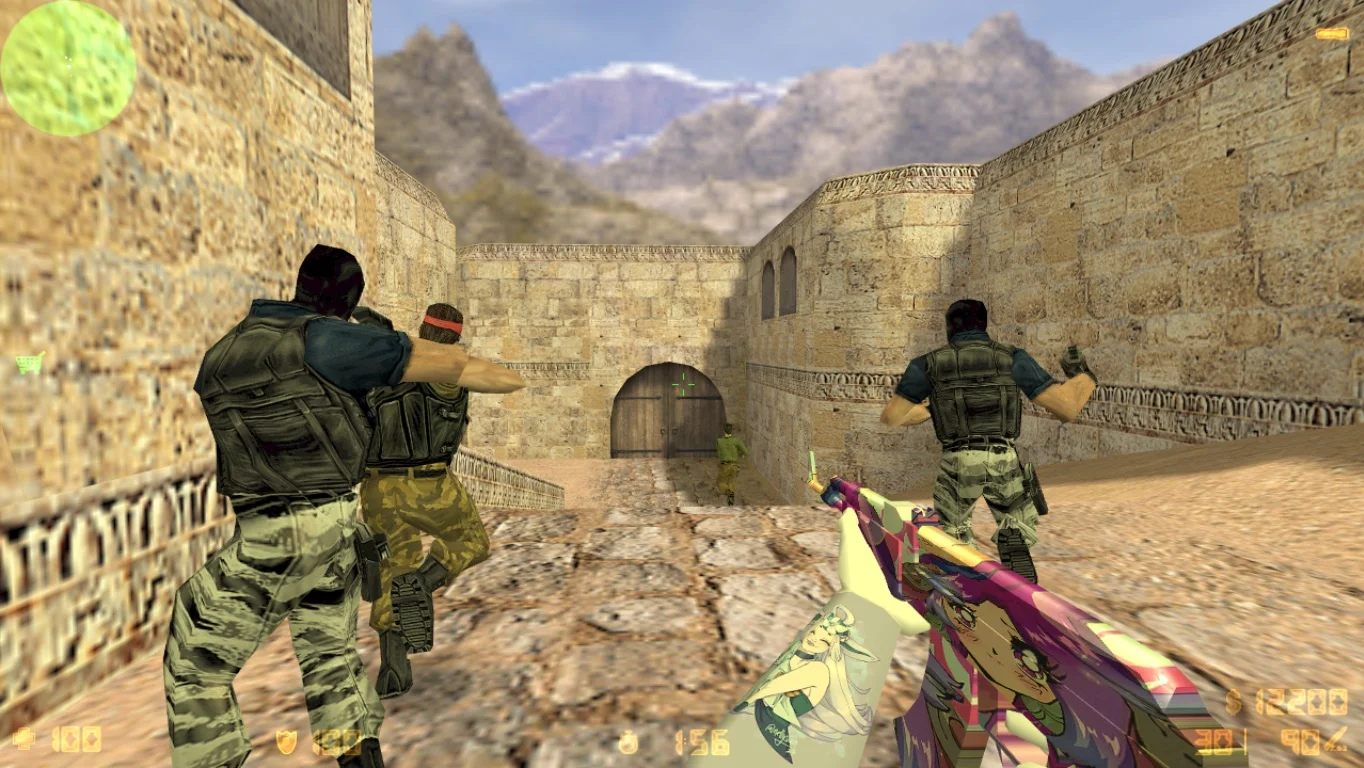
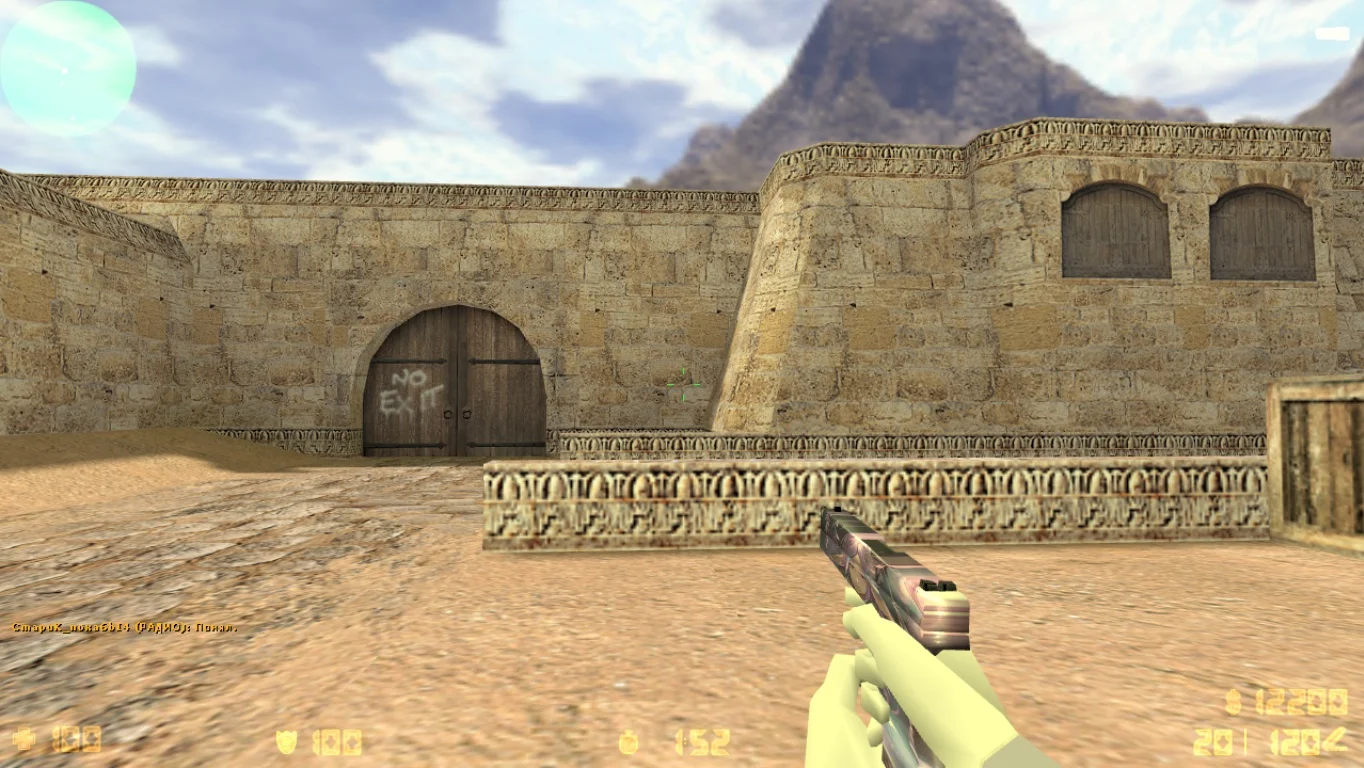
Данная версия полностью сохраняет функциональность оригинальной игры. Она совместима со всеми версиями операционной системы Windows, позволяет играть как в многопользовательском режиме, так и против ботов на любых картах.
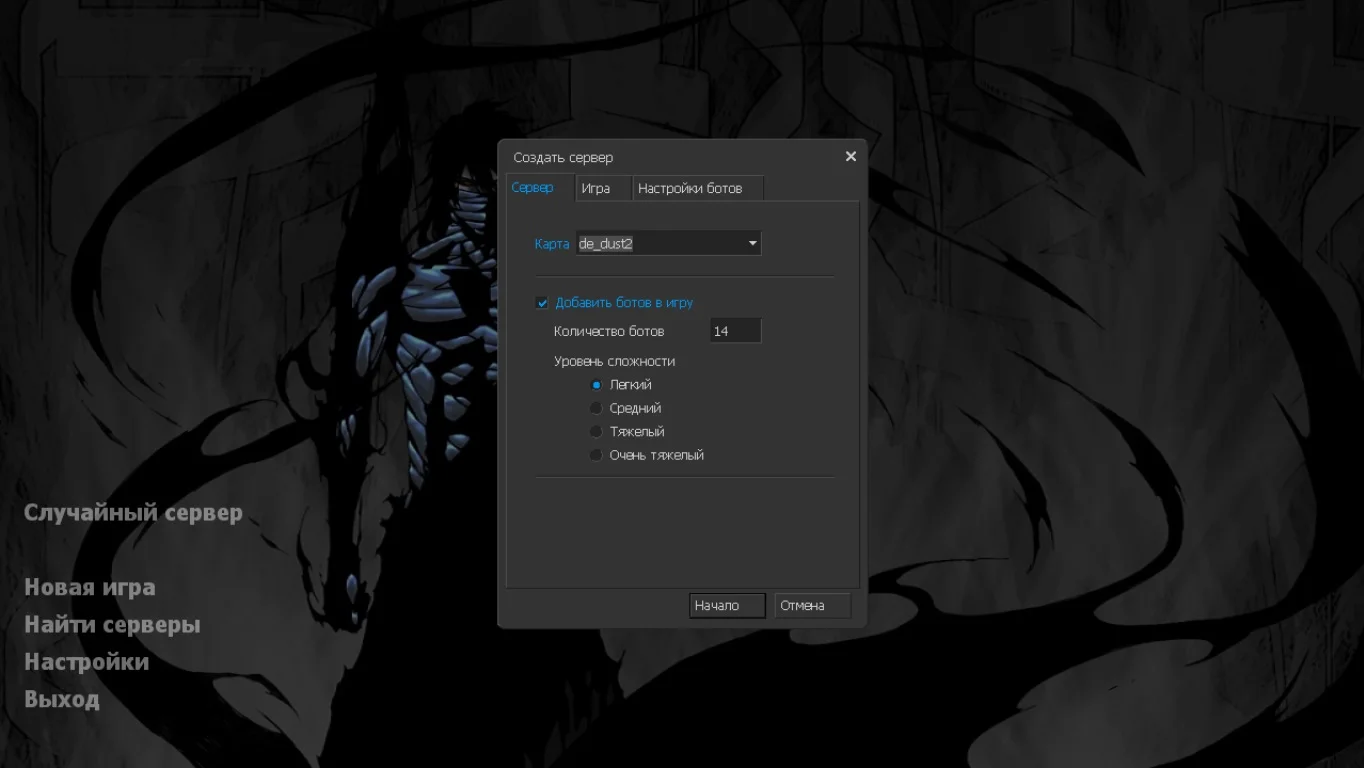
Другие особенности
Геймеры могут использовать русскоязычные никнеймы и общаться на русском языке в чате, а также устанавливать любые модификации. Версия обновляется в автоматическом режиме при нажатии на ярлык, что делает клиент максимально безопасным.
Защита игры
Сборка включает современные файлы, благодаря которым ожидается лучшая защита и высокая производительность. Клиент доступен к загрузке с помощью прямой ссылки либо через торрент, выбирайте желаемый способ и скорее загружайте игру.