Home
Home
 CS 1.6 Builds
 CS:GO Builds
 CS:S Builds
 CS2 Builds

Download CS 1.6 Final Release
 Русская версия
 С ботами и серверами
 Работает на всех Windows (от XP до 11)
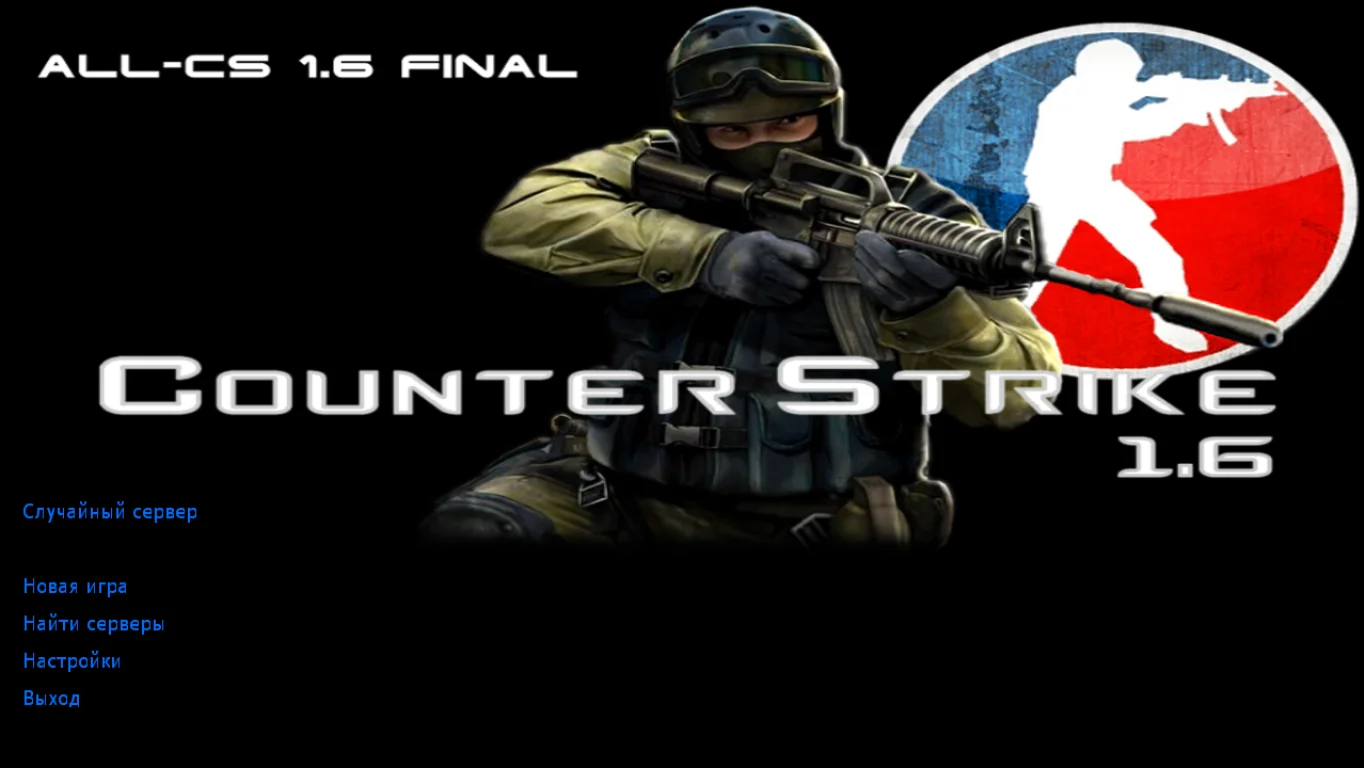
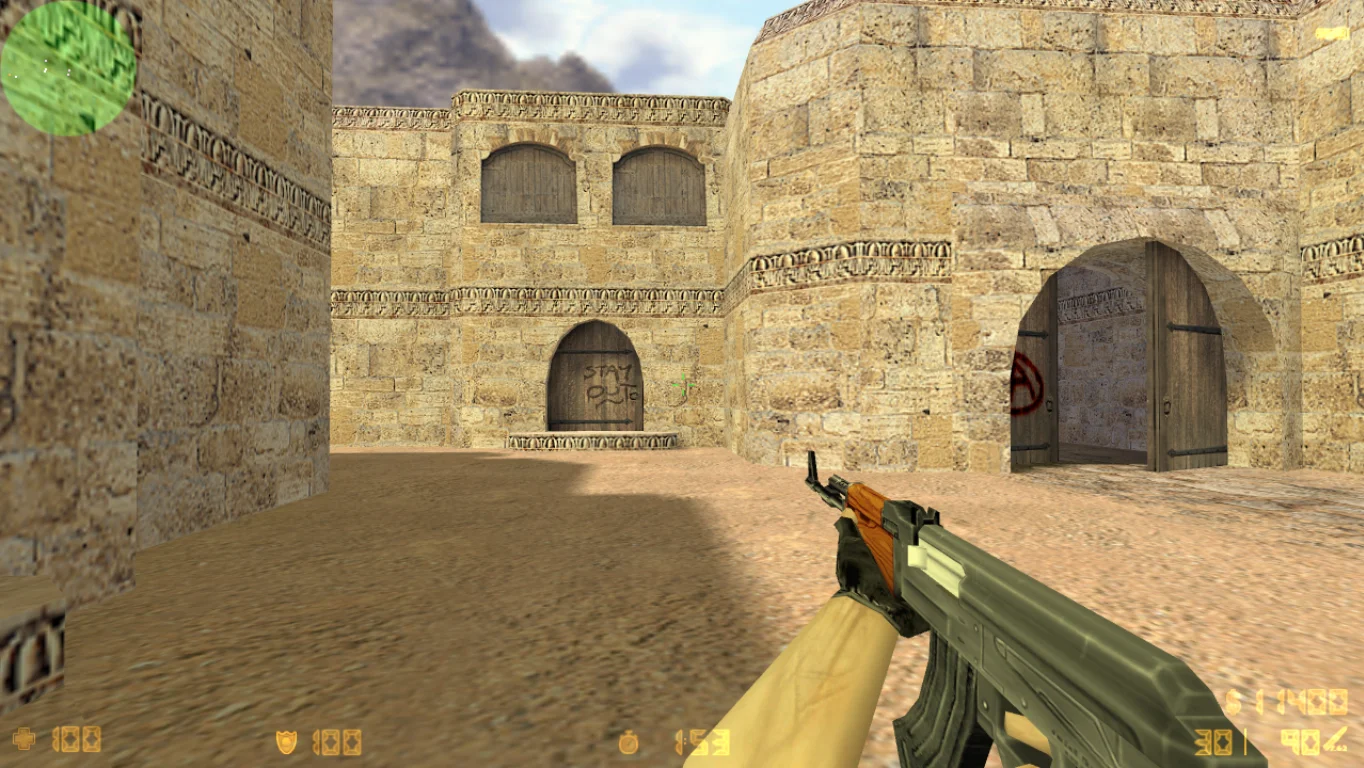
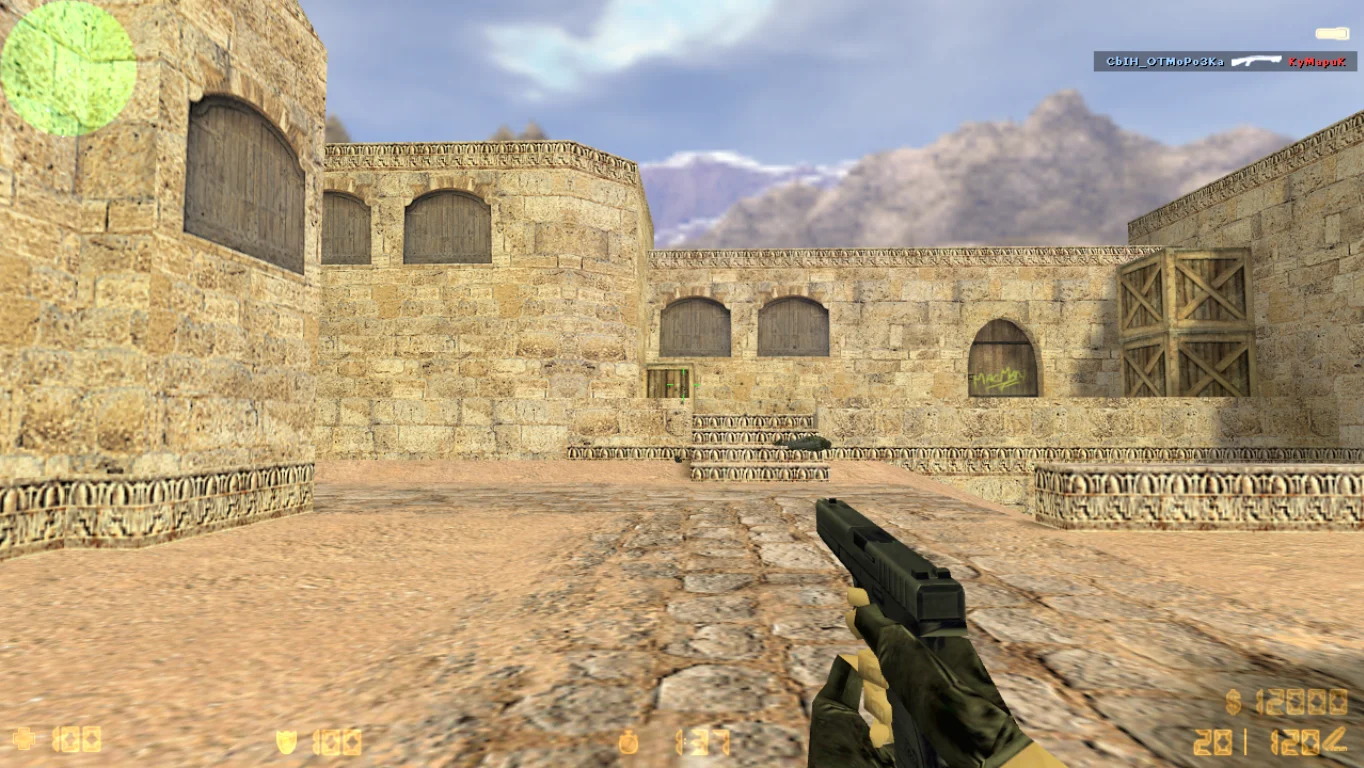
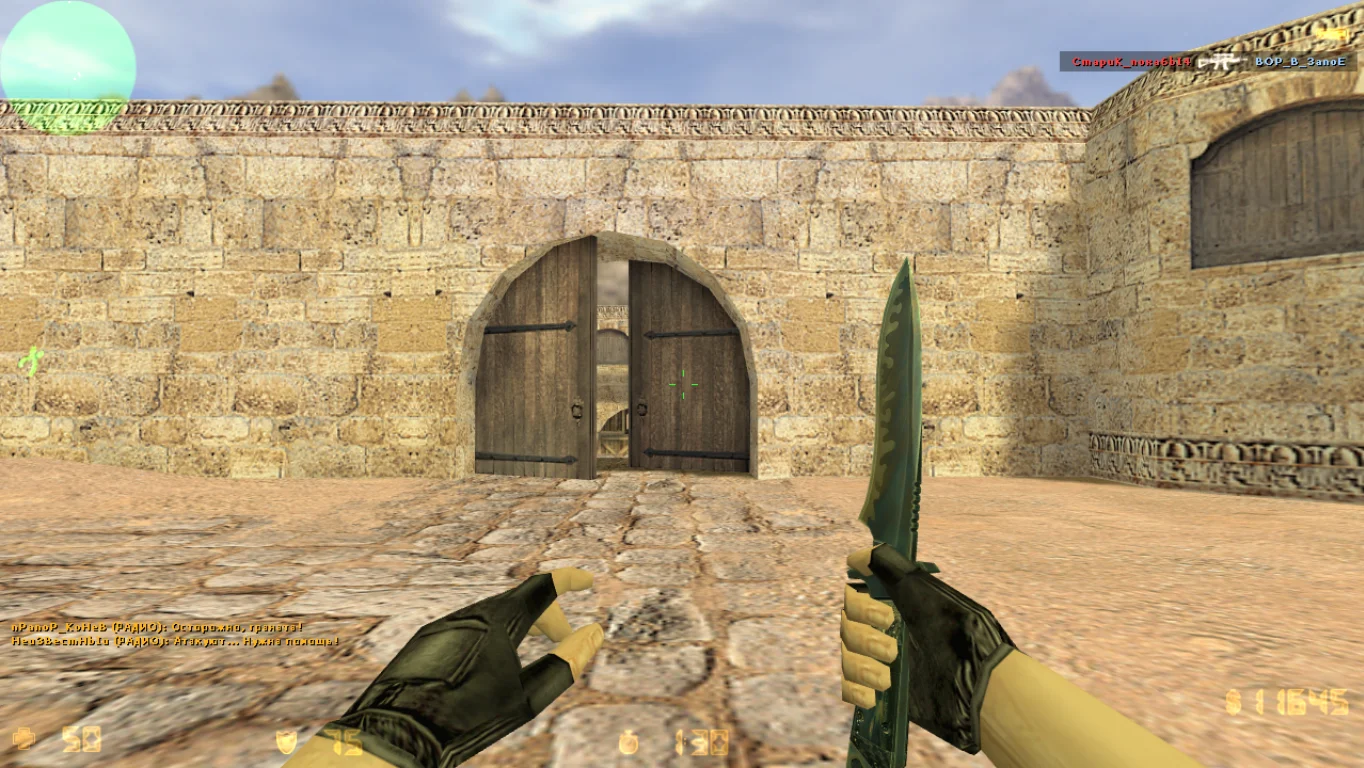
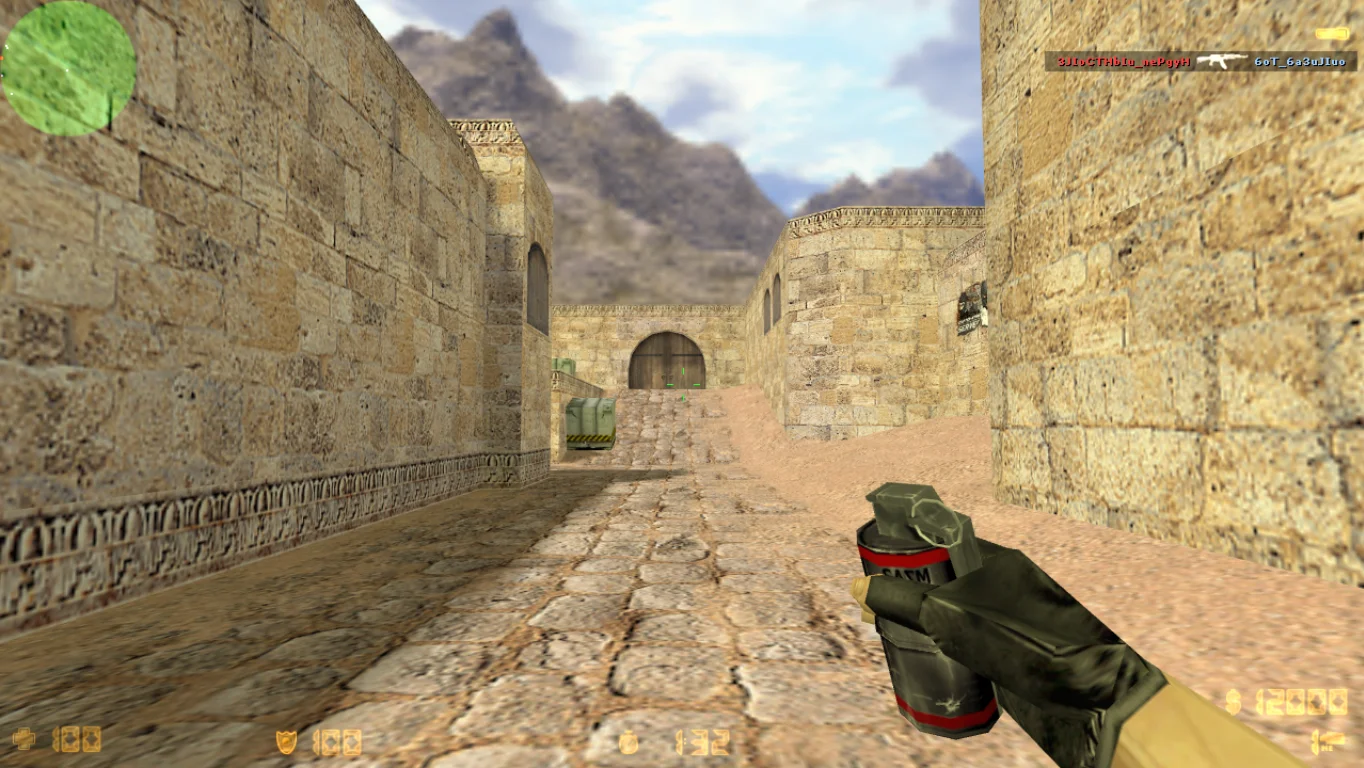
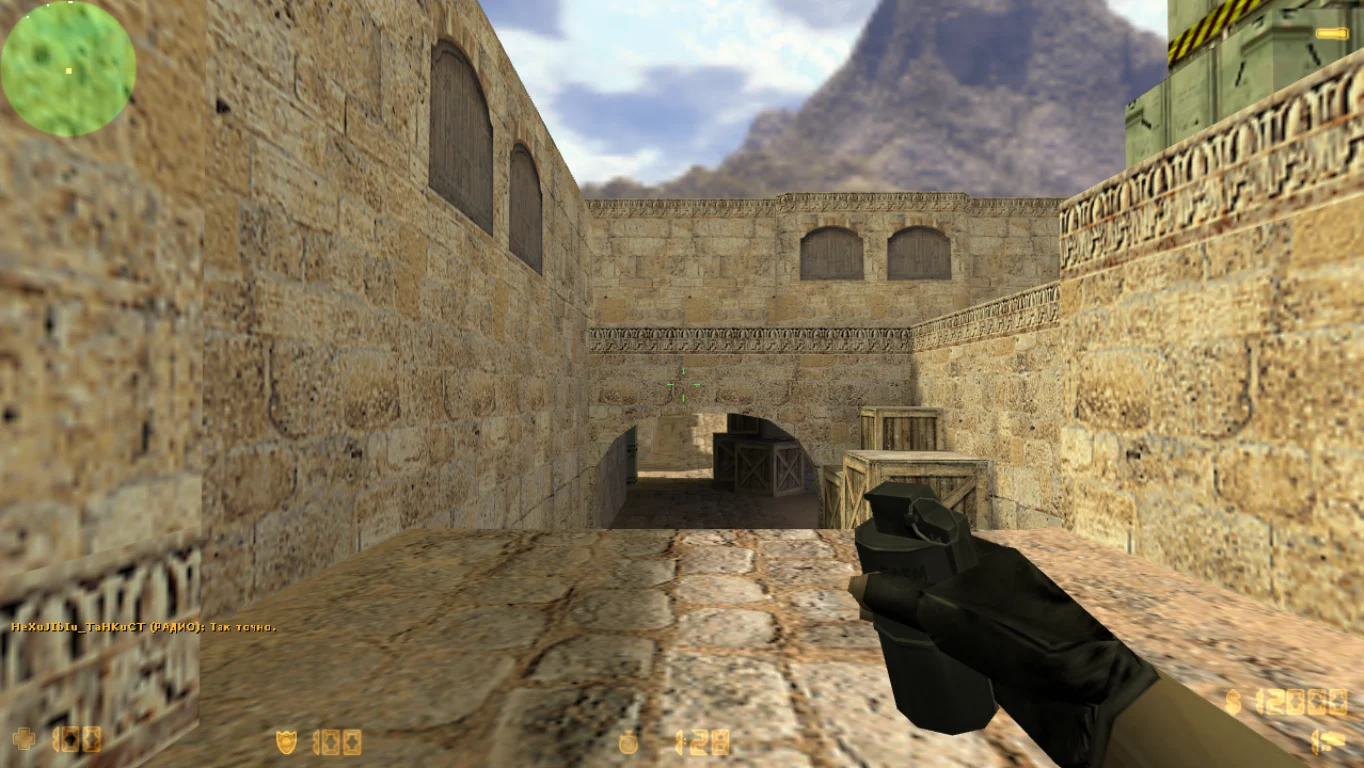
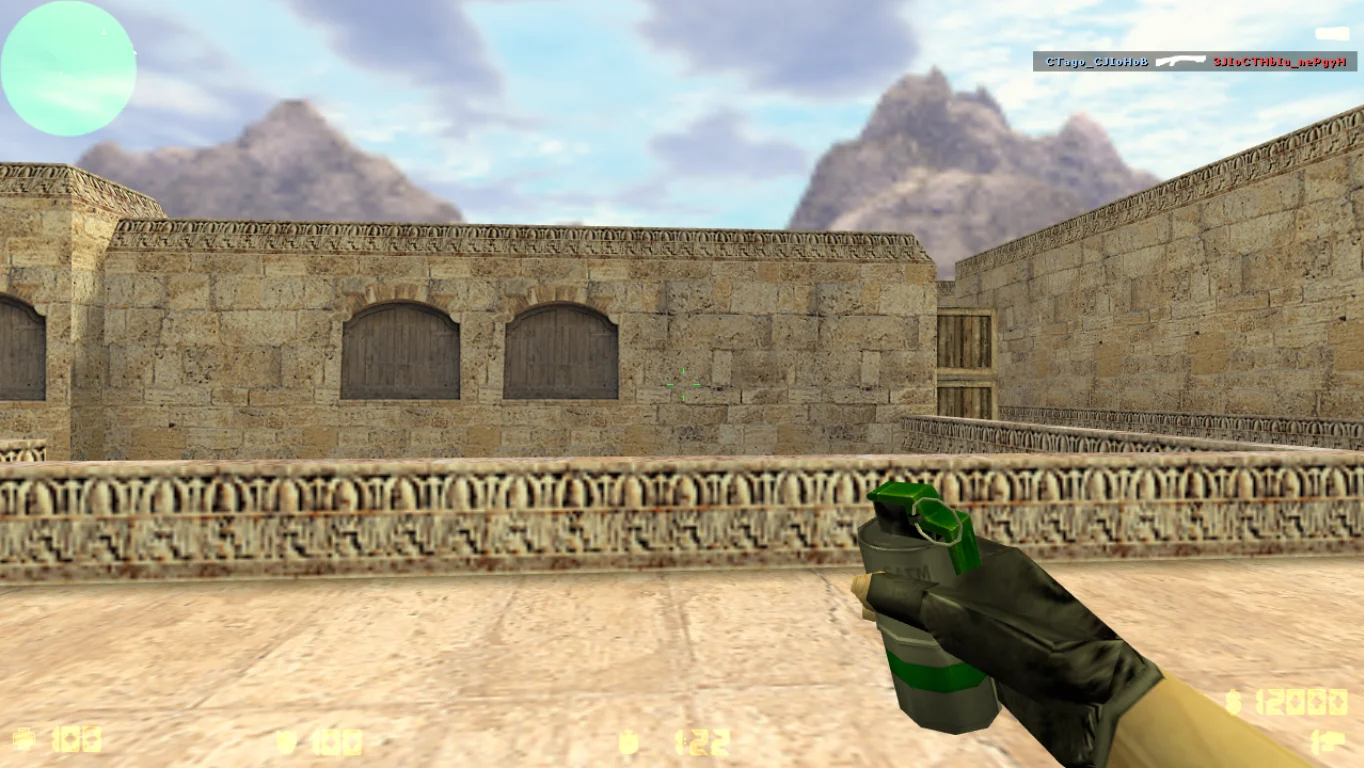
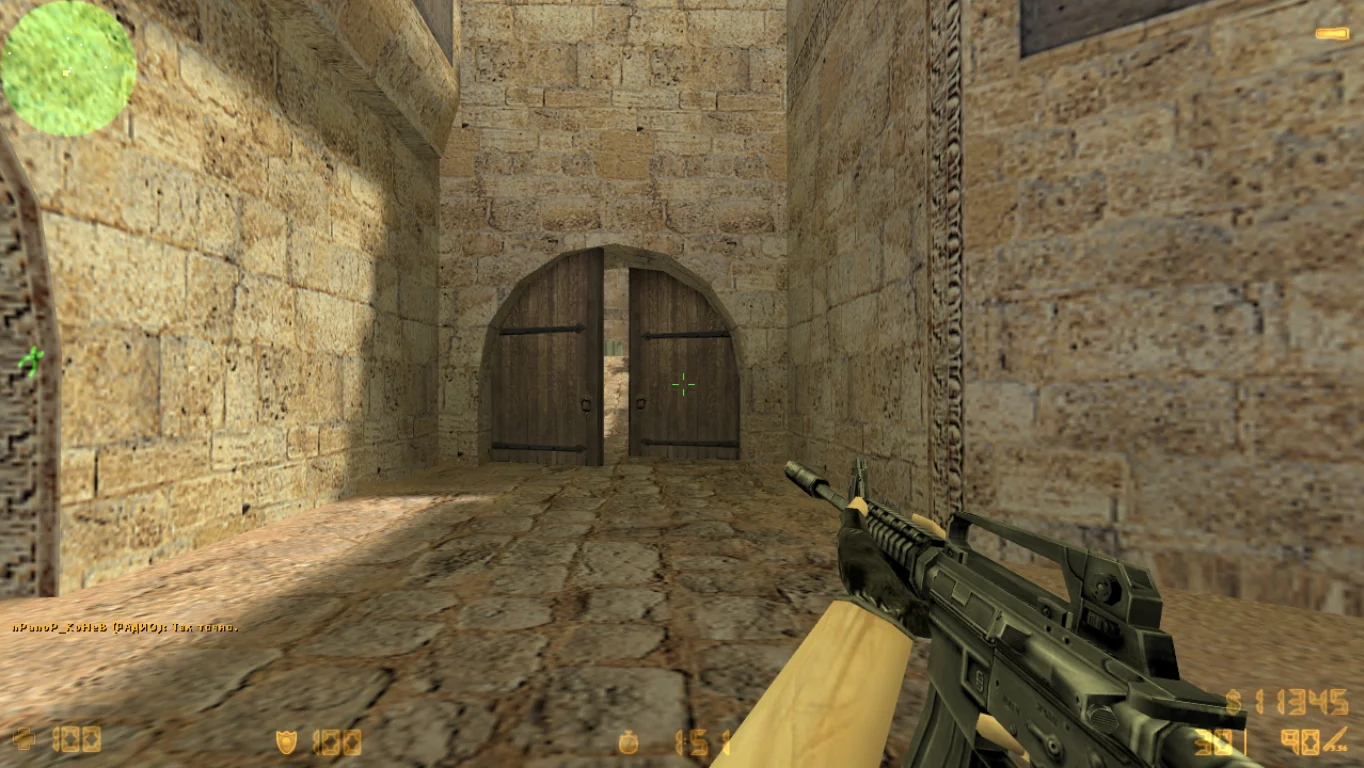
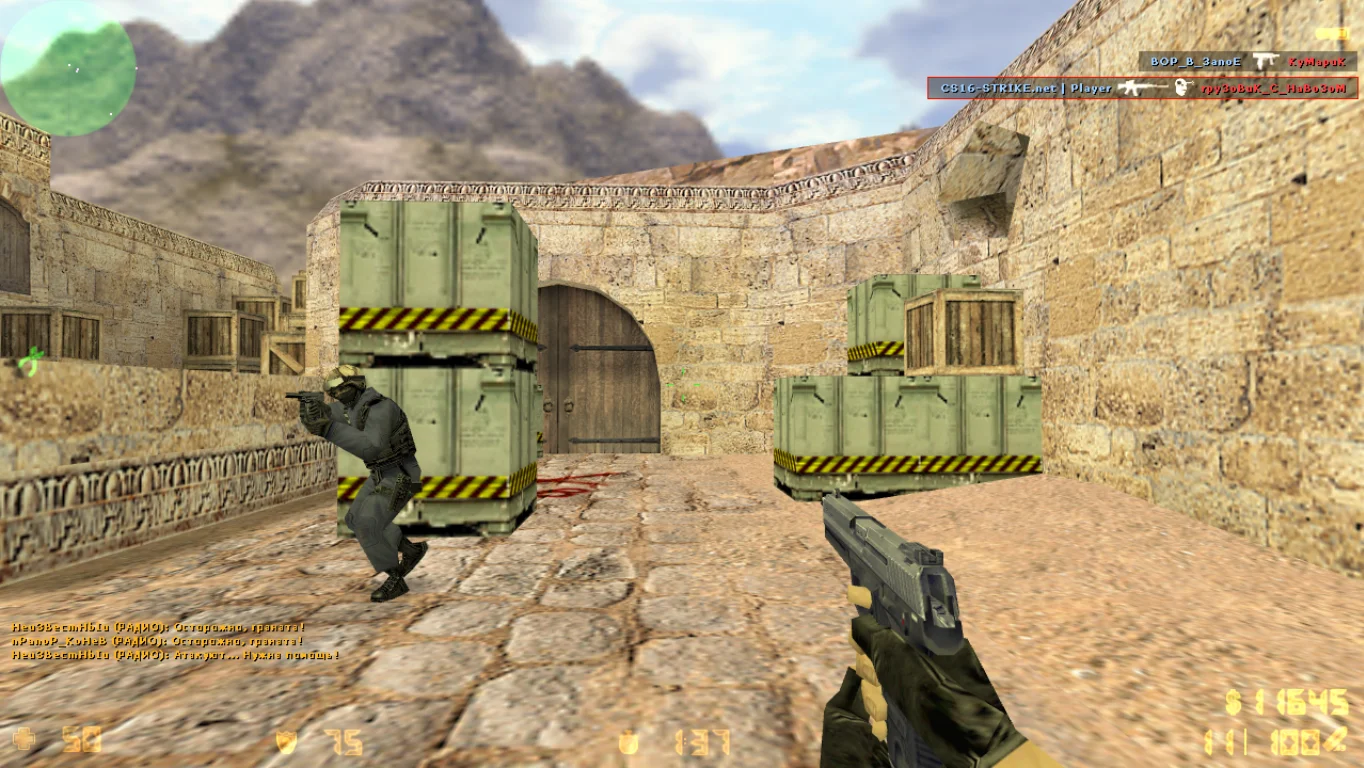
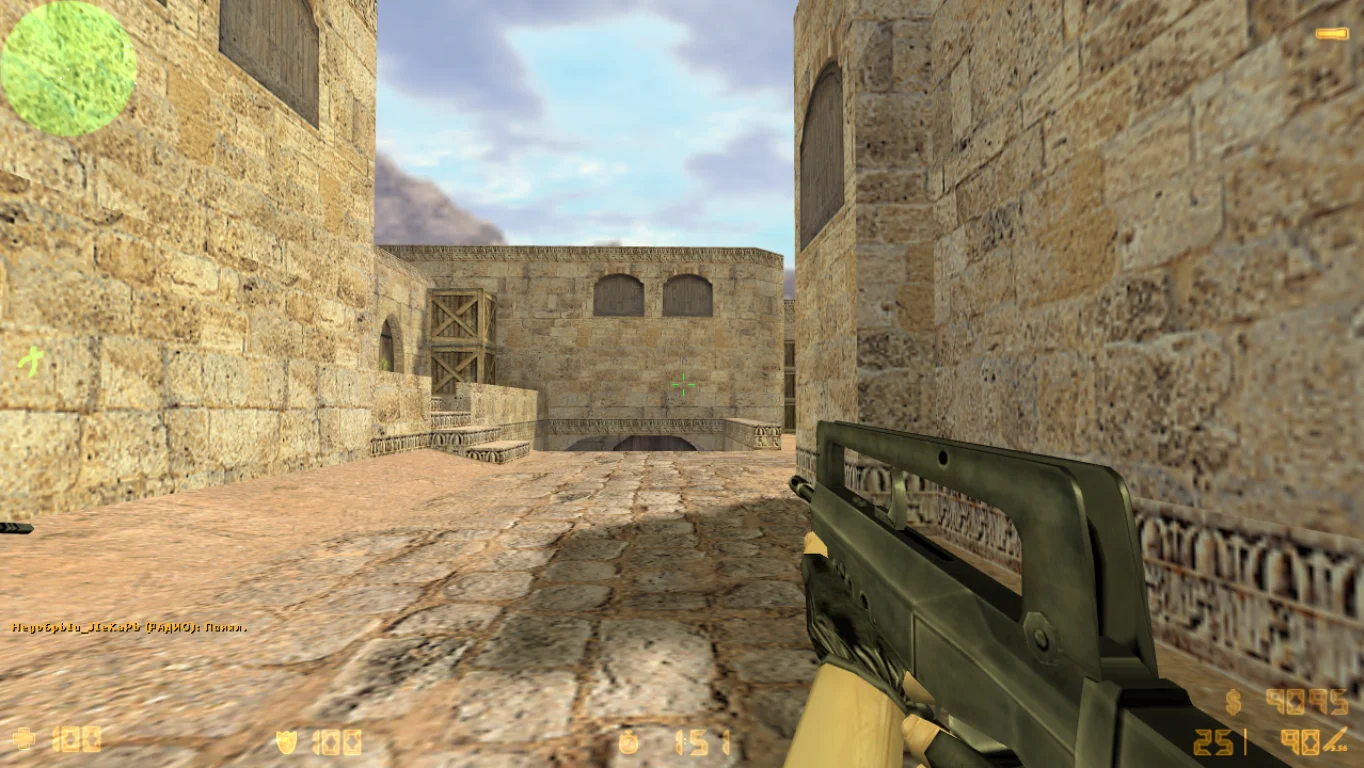
CS 1.6 Final Release — is the final stable version of the iconic game Counter-Strike 1.6, with all bugs fixed, improved compatibility, and maximum performance. Downloading CS 1.6 Final Release is recommended for anyone who wants to play without crashes, bugs, ads, or instability. This client matches the original version but includes important internal improvements for modern systems.
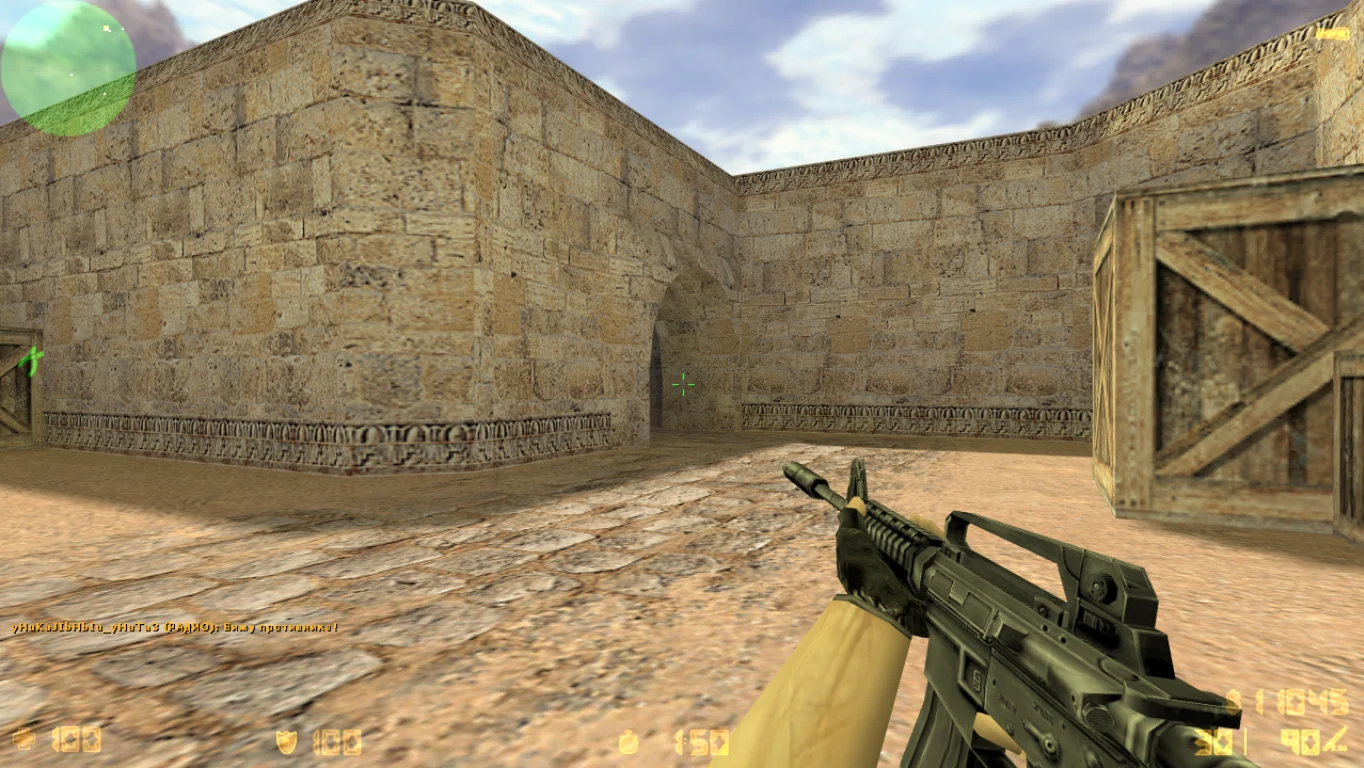
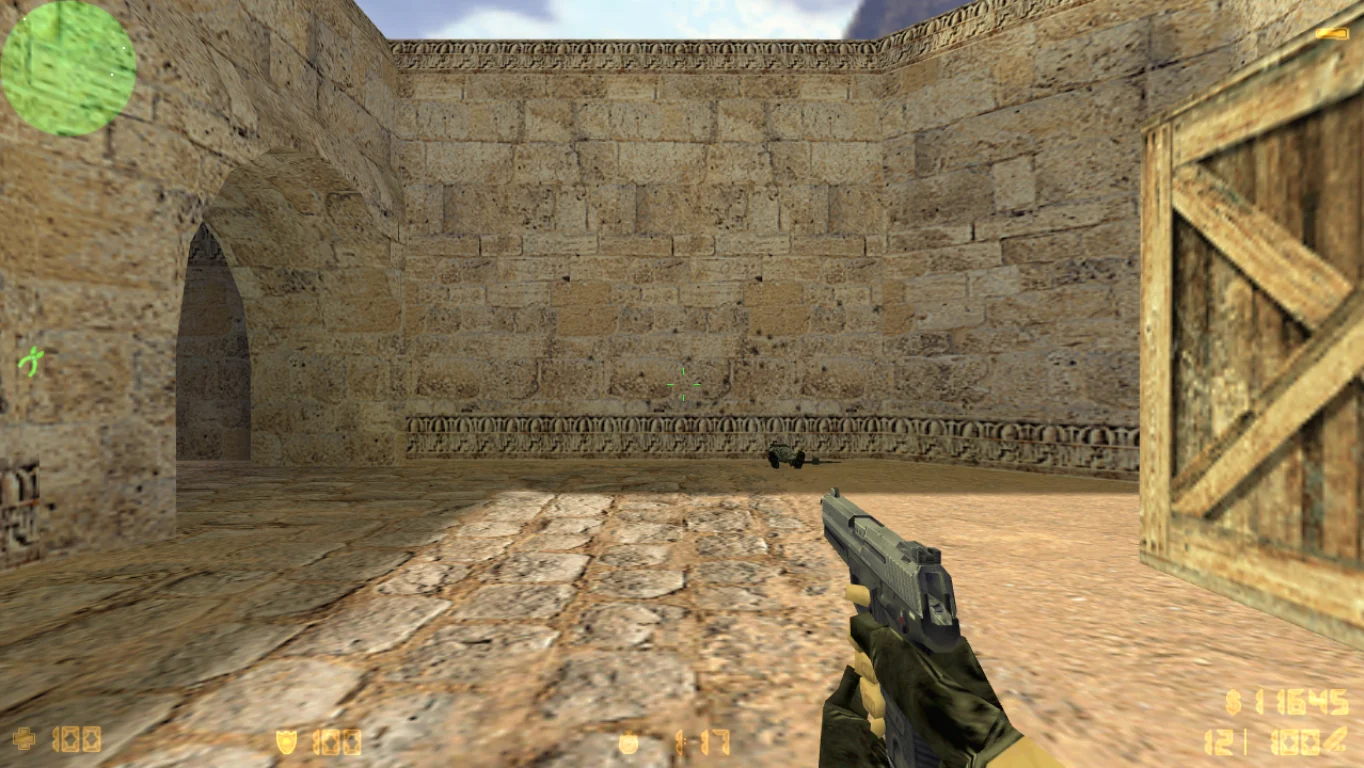
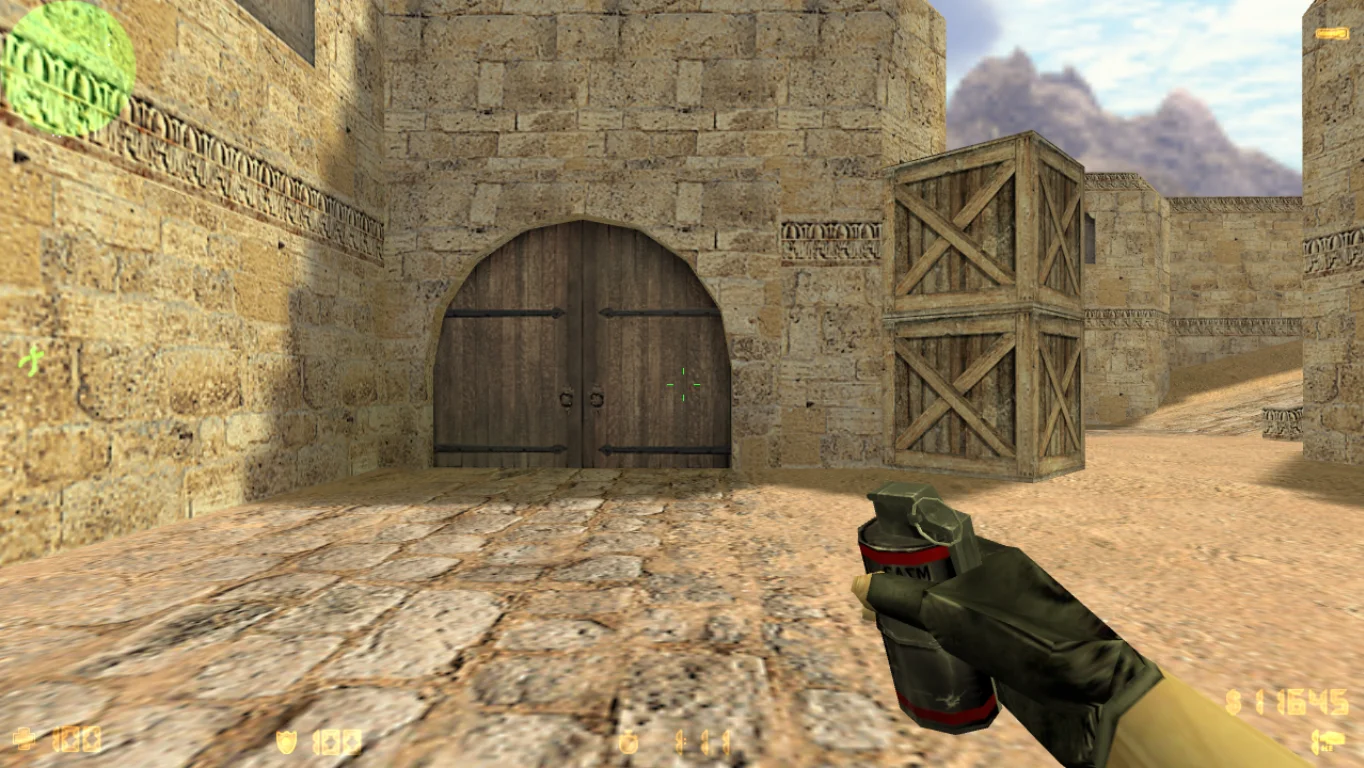
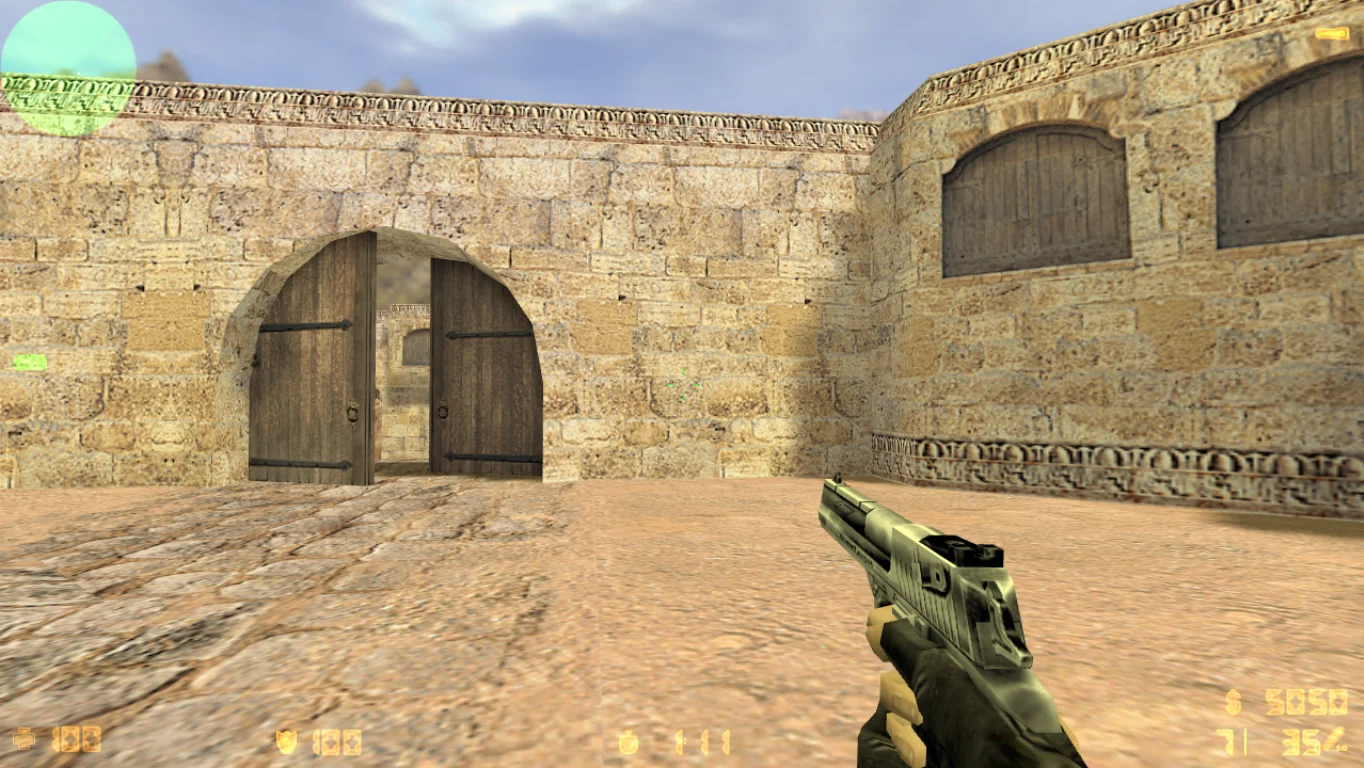
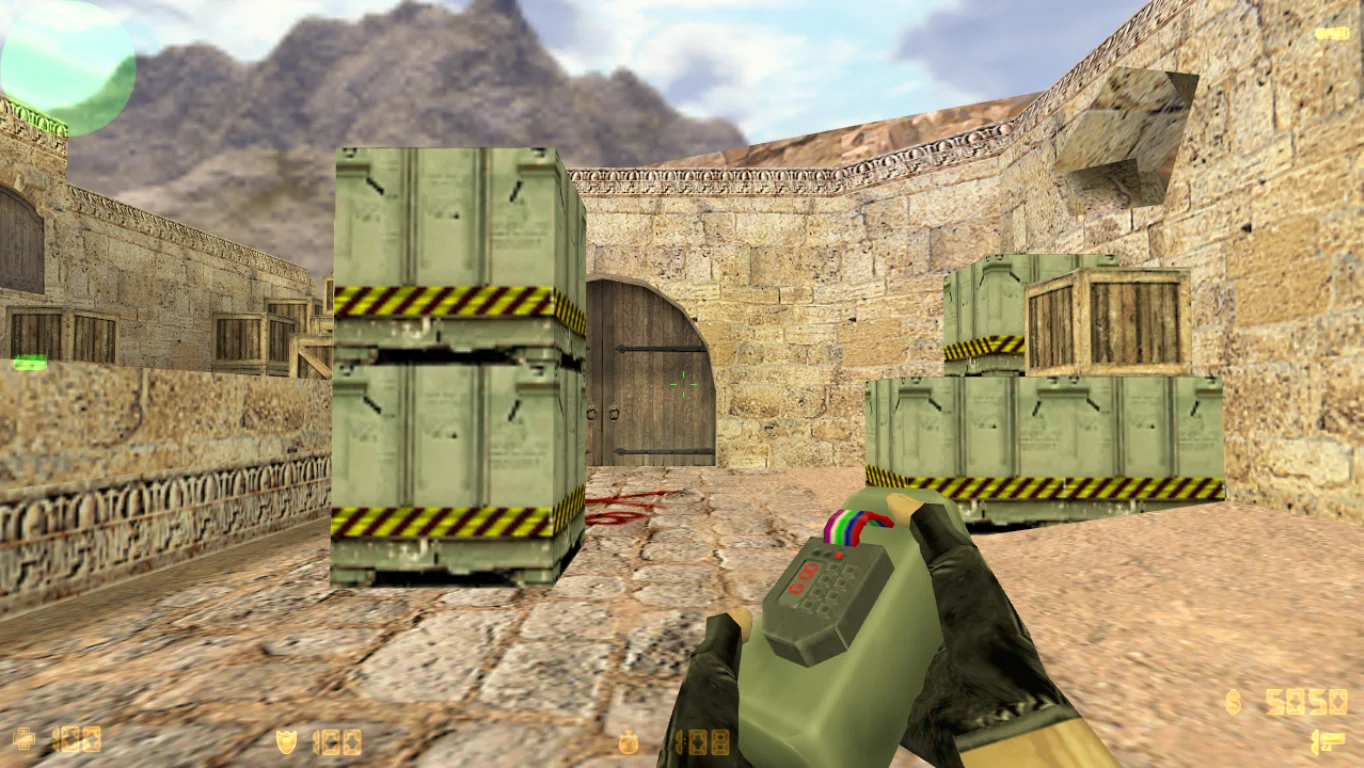
This build includes original player and weapon models, classic maps (de_dust2, cs_assault, de_inferno, and more), standard sounds, and settings. It is perfect for online or LAN play, as well as single-player mode with bots. CS 1.6 Final Release works well on Windows XP, 7, 8, 10, and 11, does not require powerful hardware, loads quickly, and does not conflict with antivirus programs. It is a clean, optimized client that preserves the spirit of the classic game and ensures comfortable gameplay.
Installation is very simple — just download the file and run the installer. The client runs without additional software, contains no viruses, and does not require connection to third-party services. CS 1.6 Final Release is a universal choice for those who want to install and start playing without extra settings or modifications. It is suitable for both beginners and old-school players.
Features of CS 1.6 Final Release build:
Final stable version without errors
Original weapon and player models
Classic maps (de_dust2, de_nuke, cs_assault, etc.)
Full support for LAN, online, and offline modes
Compatible with Windows XP, 7, 8, 10, 11
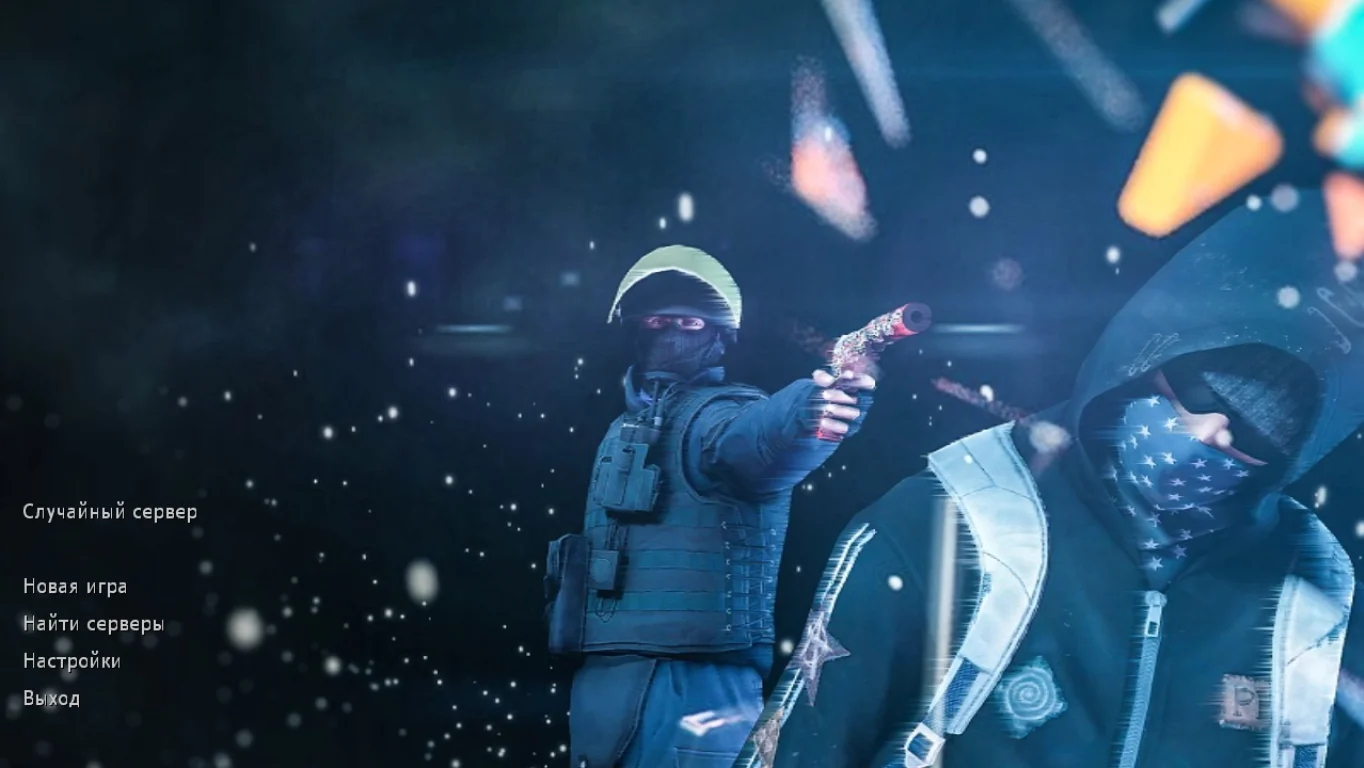
Russian-localized interface
Fast loading and high performance
No ads, viruses, or third-party mods
Completely clean installation
Does not require a powerful PC
System requirements and installation:
Minimum system requirements:
OS: Windows XP/7/8/10/11
Processor: from 1 GHz
RAM: from 512 MB
Video card: OpenGL support
Free space: from 700 MB
Installation instructions:
Download the CS 1.6 Final Release file
Run the installer and choose the installation path
Wait for the installation to complete
Launch the shortcut on the desktop
Play the final stable version of CS 1.6
Установлены дополнения
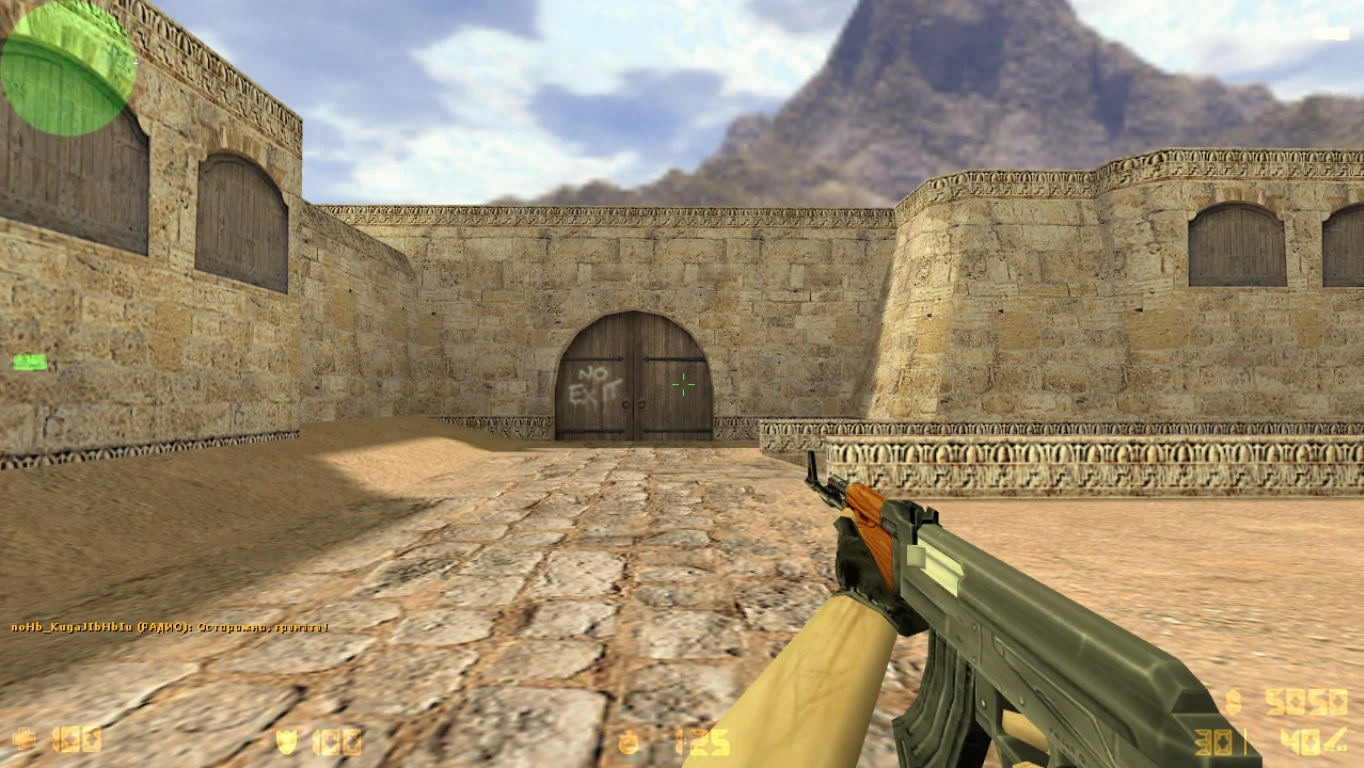
Сборка включает в себя разнообразный набор карт, видов оружия и элементов внешнего вида персонажей, что способствует обновлению игрового процесса и повышению его популярности на просторах интернета. Все дополнения клиента идут бесплатно.
Новые звуки
Кроме того, в клиент включены усовершенствованные звуковые эффекты и текстуры, которые значительно улучшают визуальную и аудиальную составляющие игры, делая версию более привлекательной и реалистичной. Хотелось бы добавить, что сборка находится под защитой.