Home
Home
 CS 1.6 Builds
 CS:GO Builds
 CS:S Builds
 CS2 Builds

Download CS 1.6 with Plugins
 Русская версия
 С ботами и серверами
 Работает на всех Windows (от XP до 11)
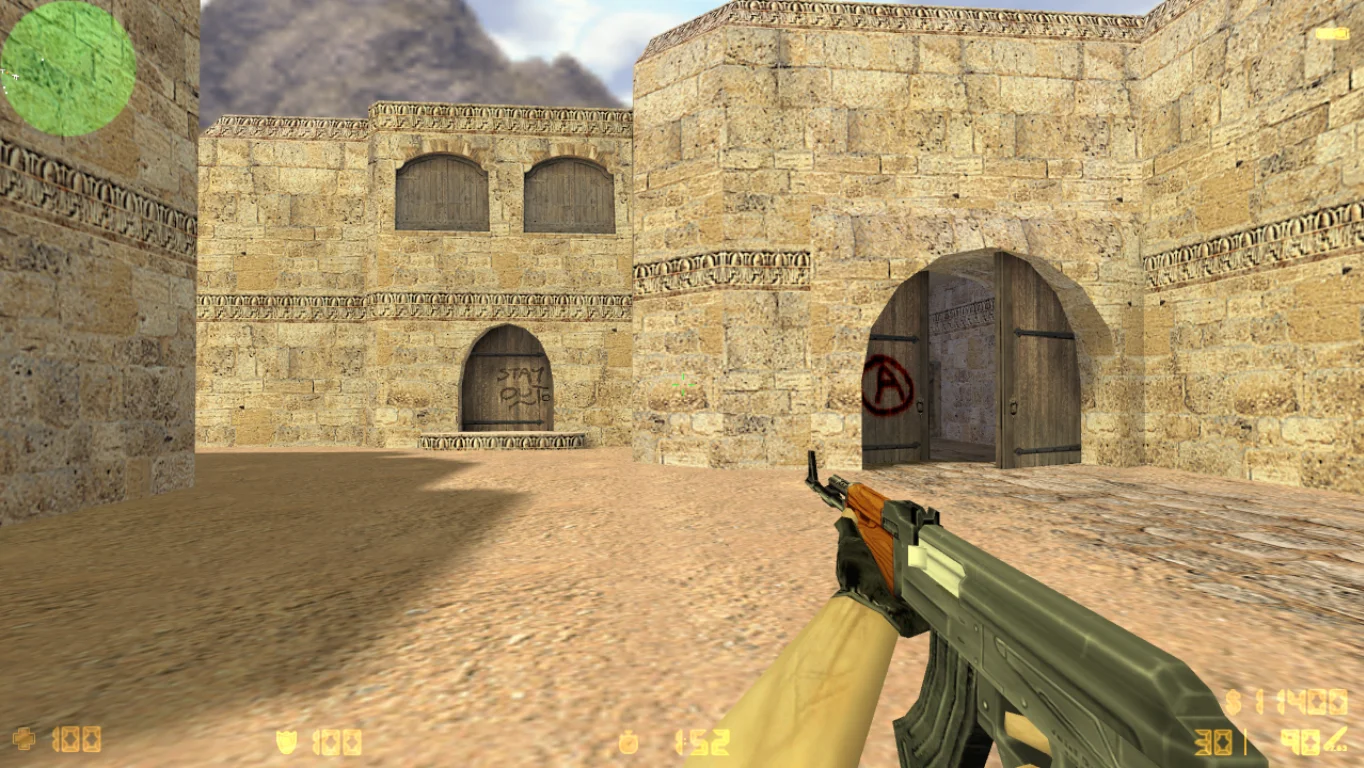
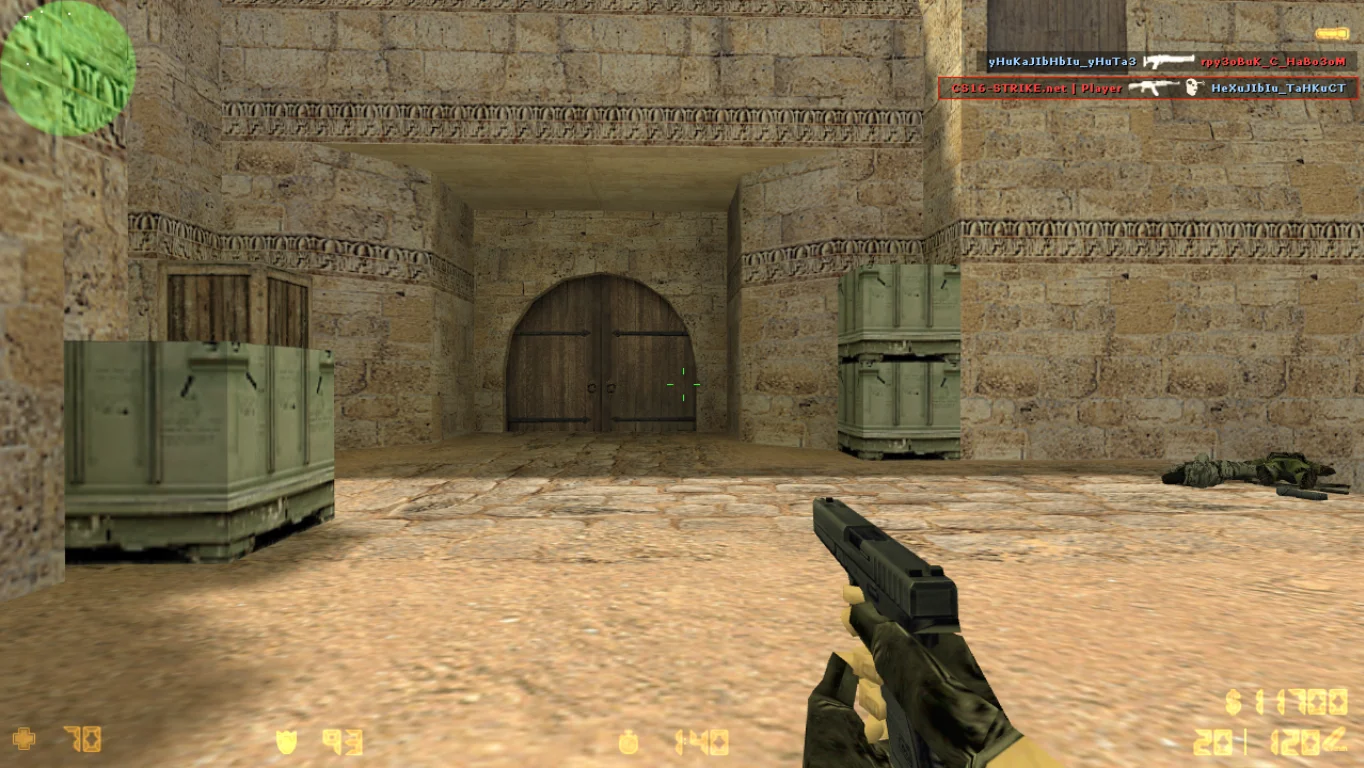
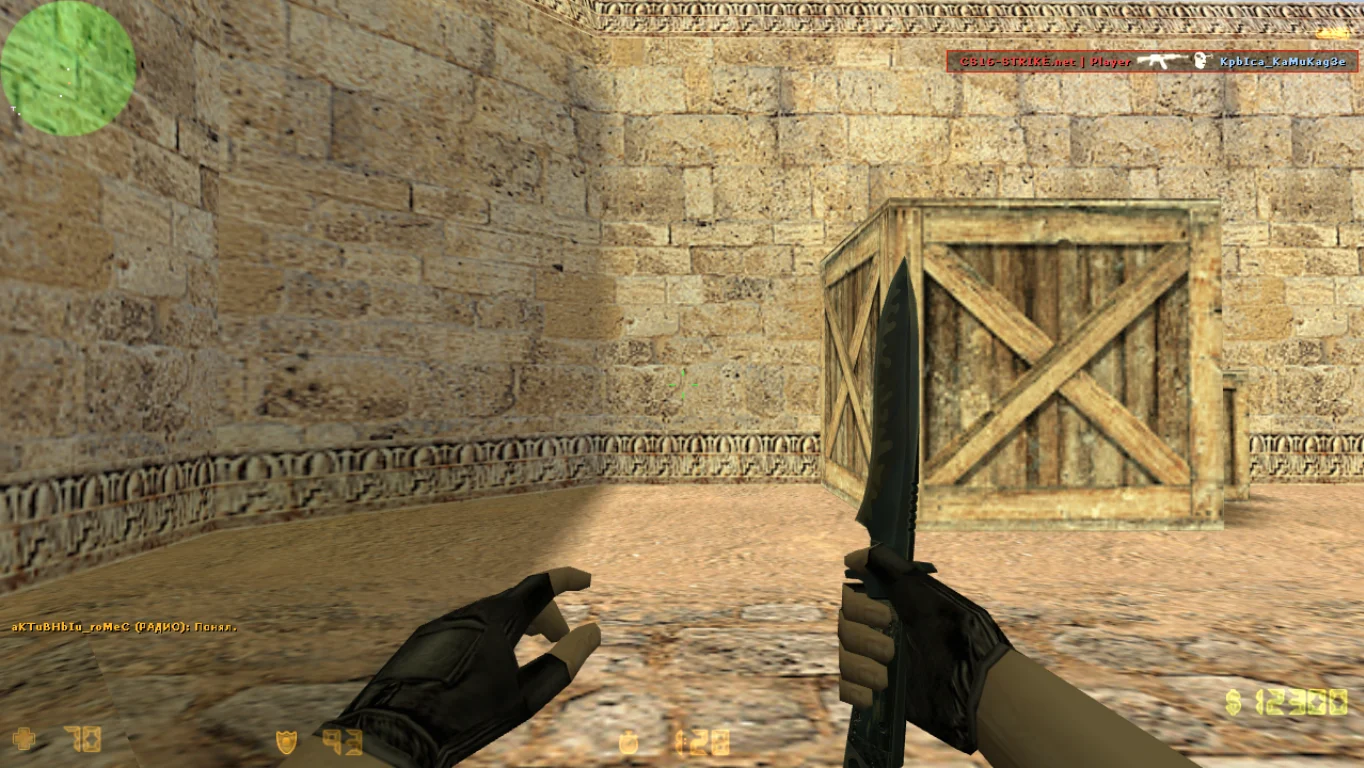
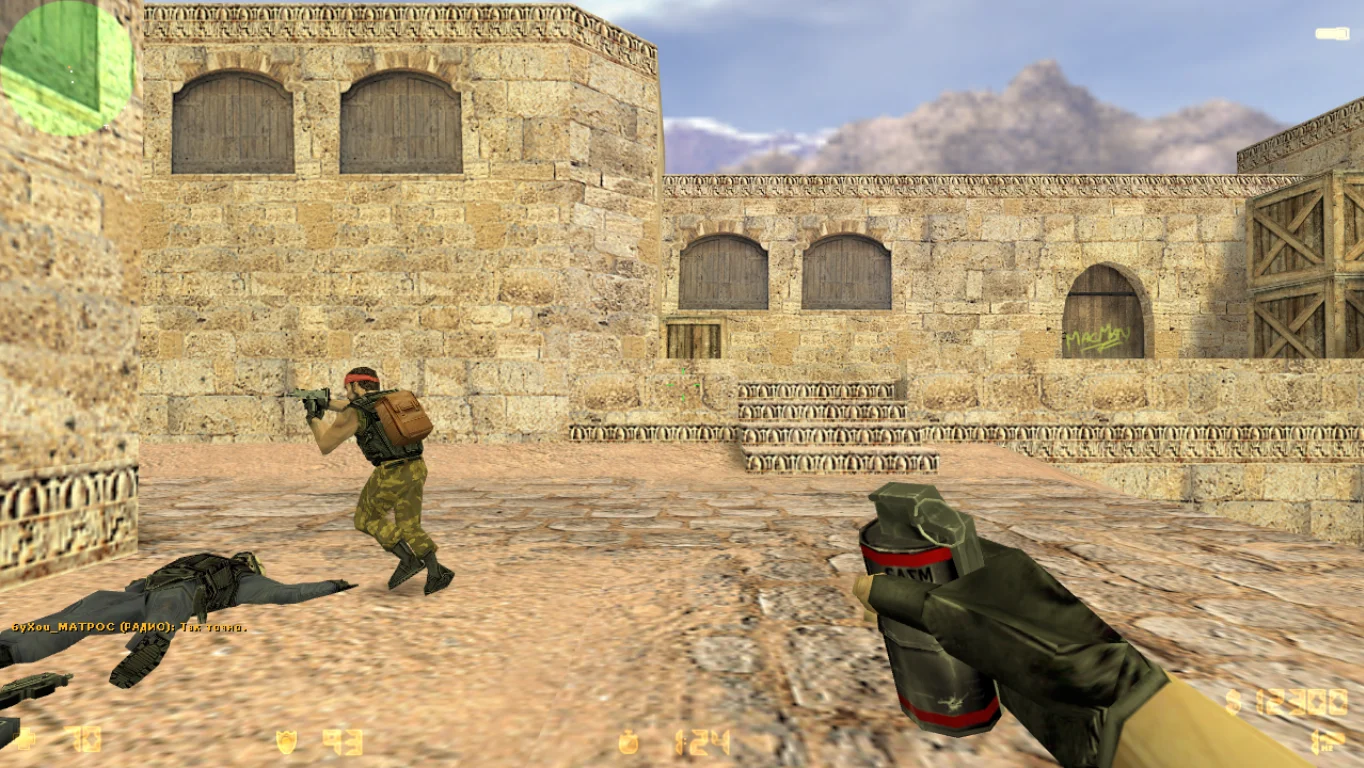
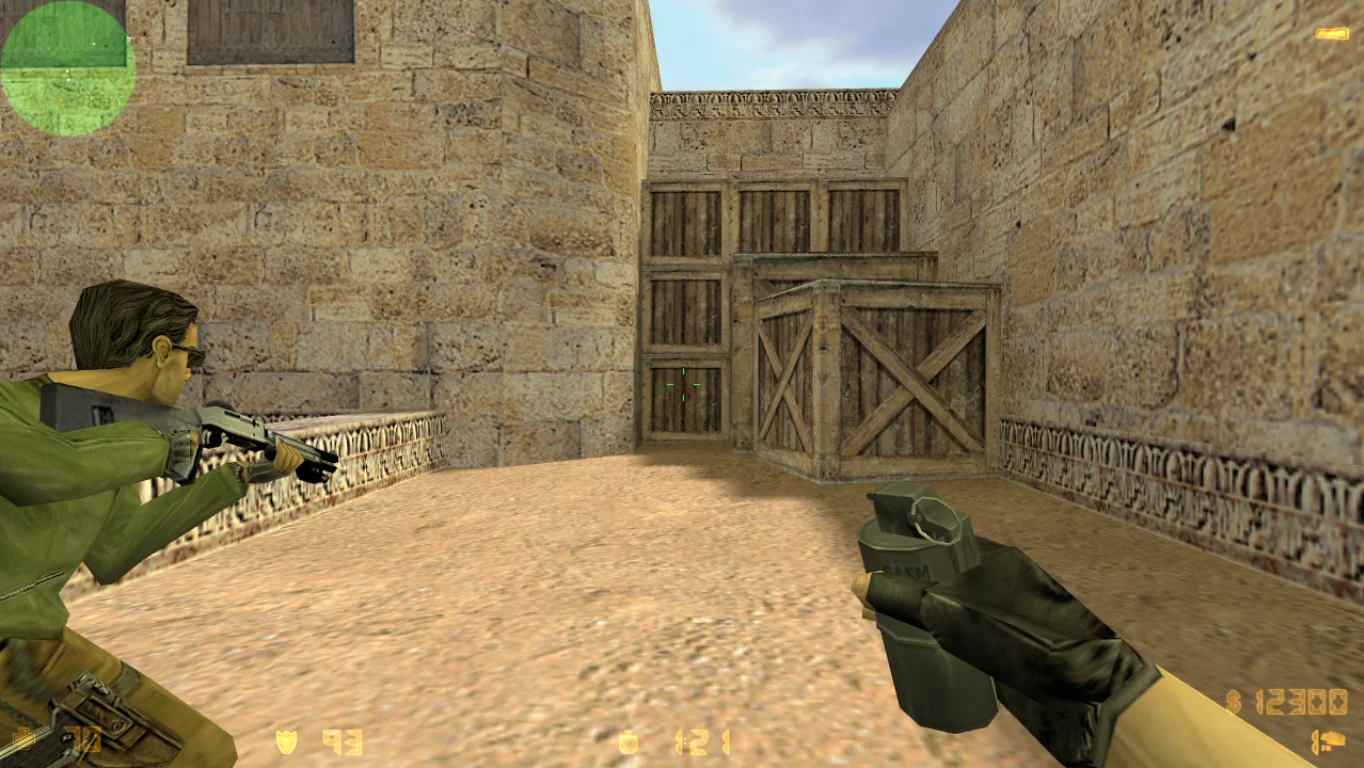
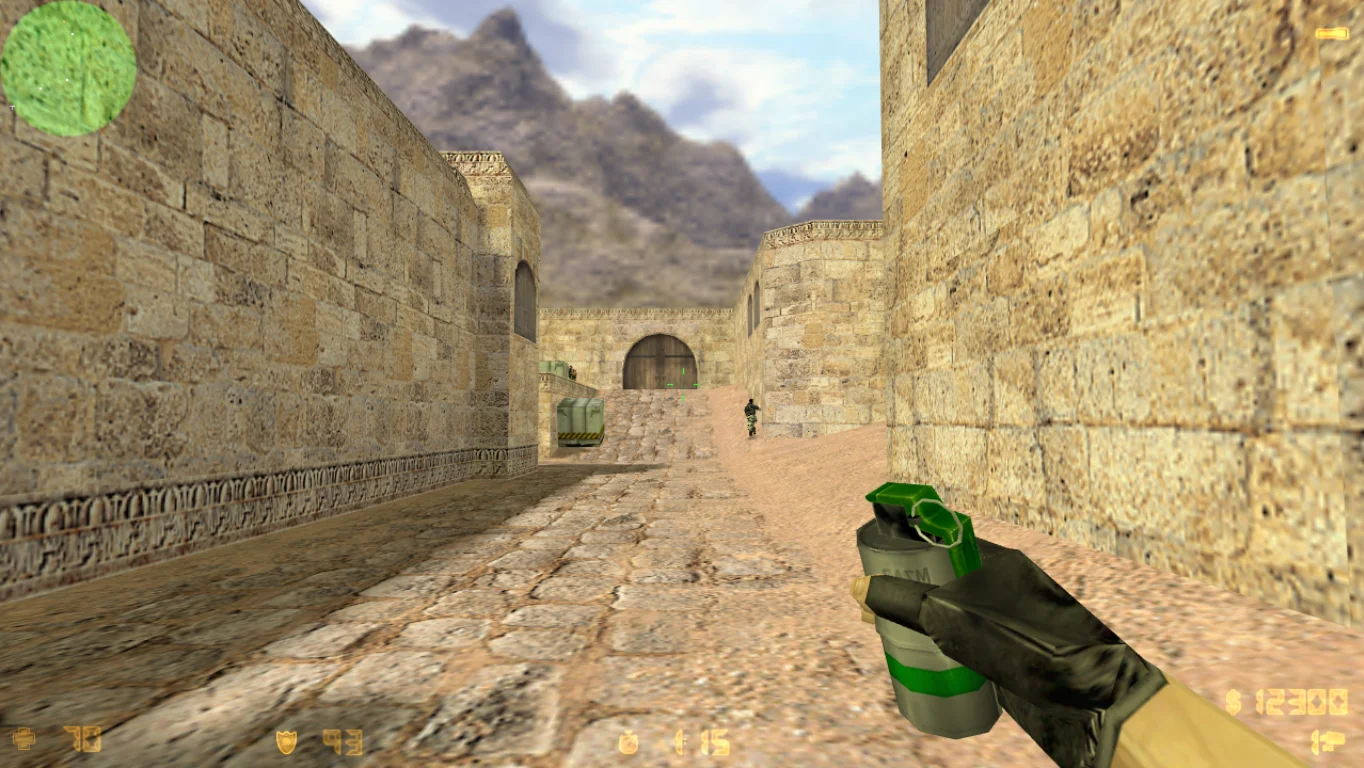
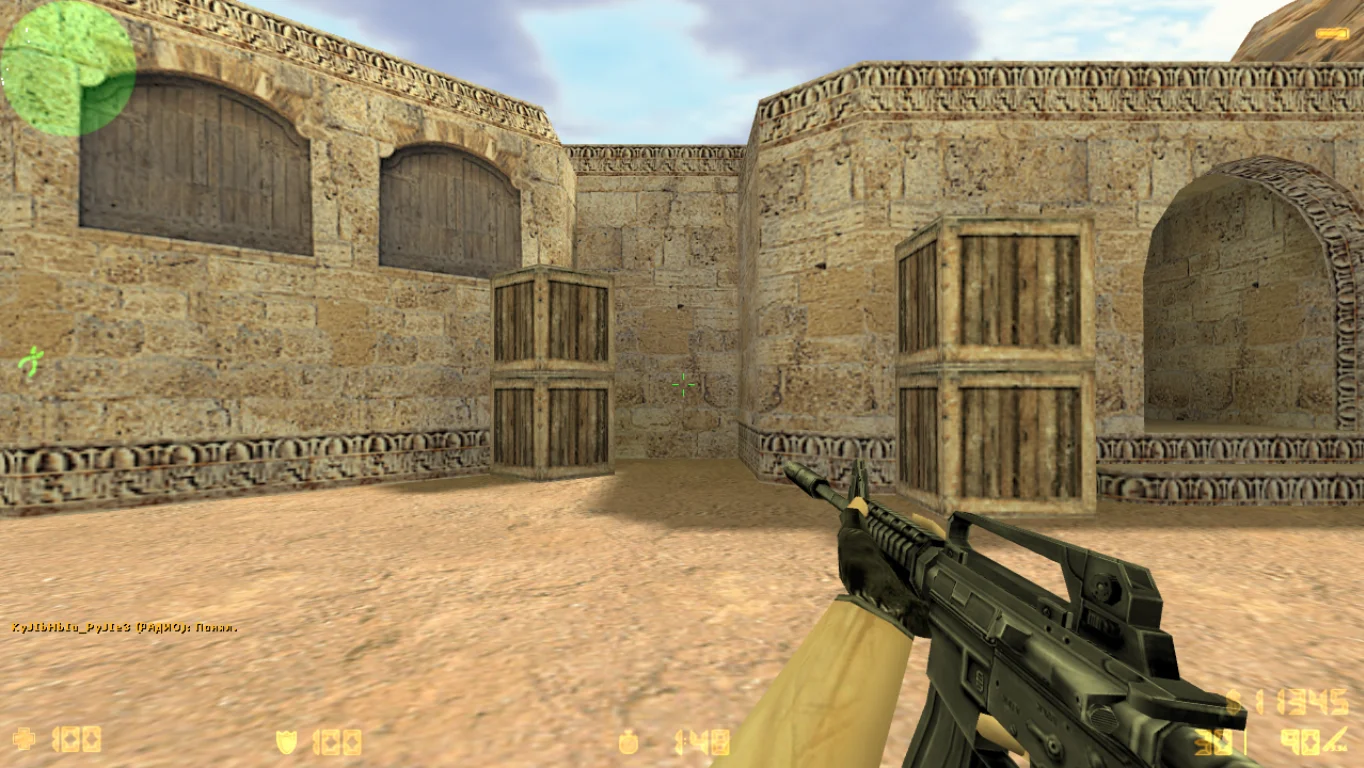
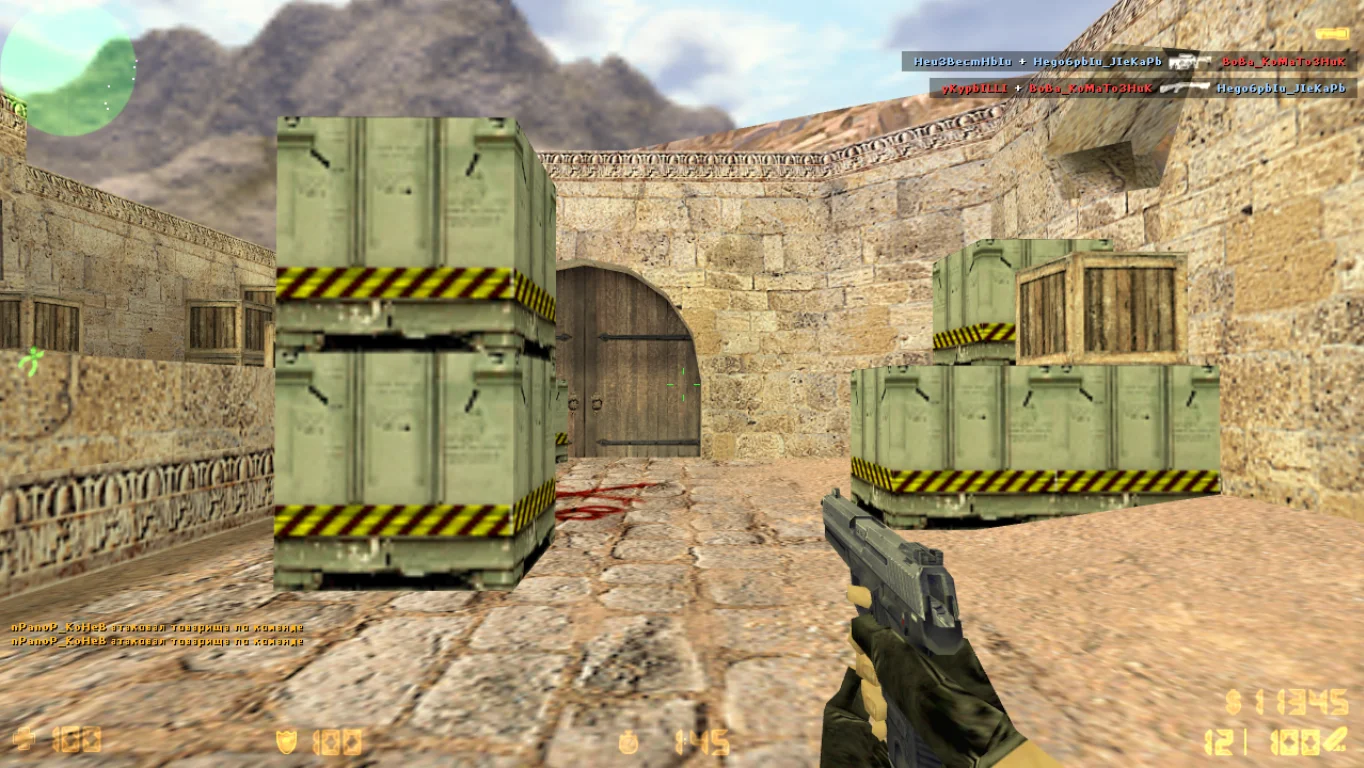
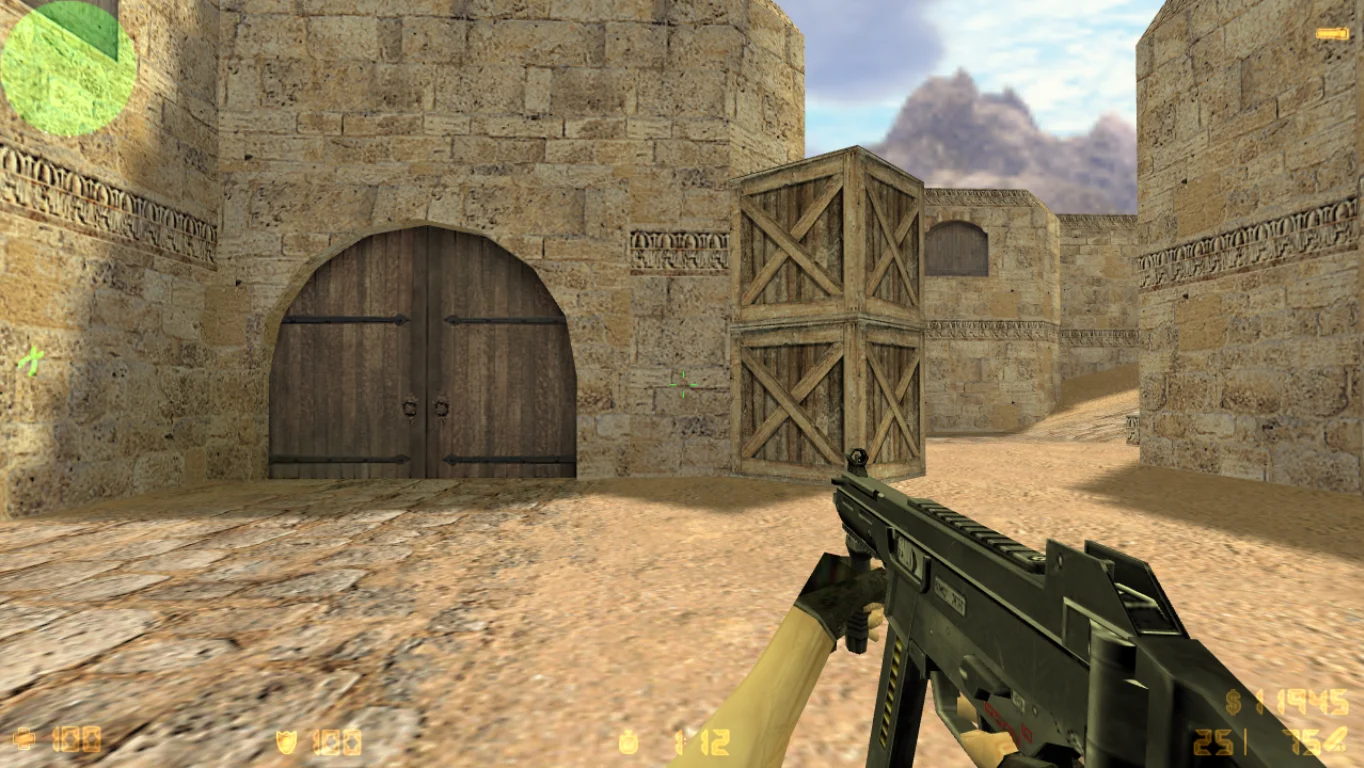
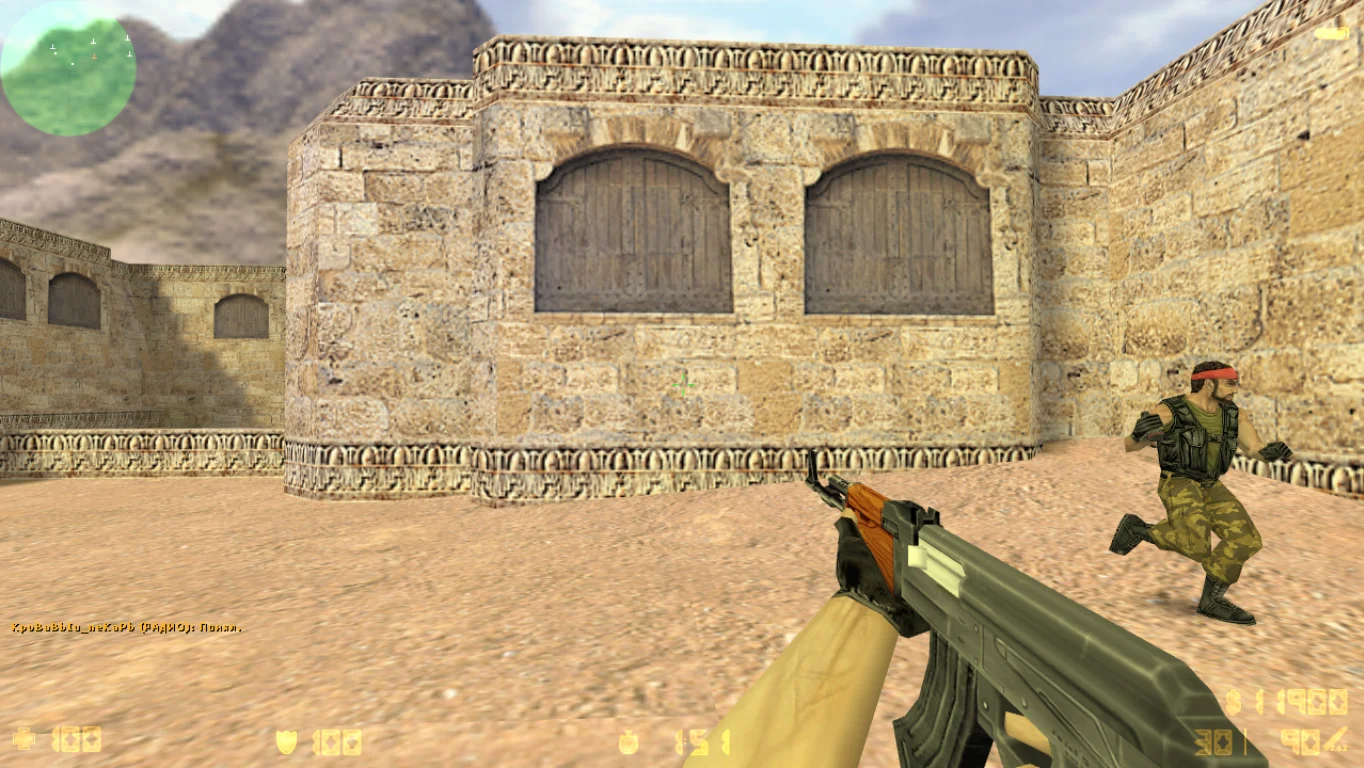
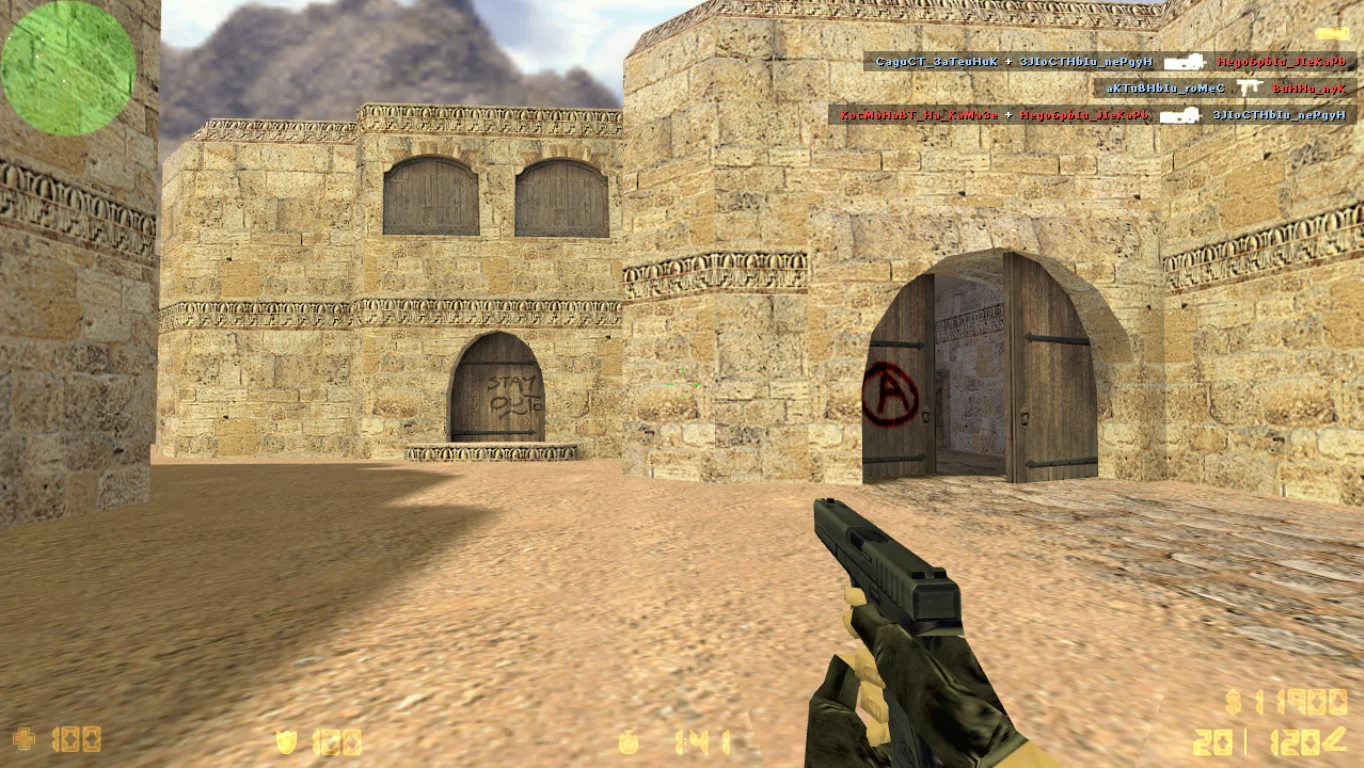
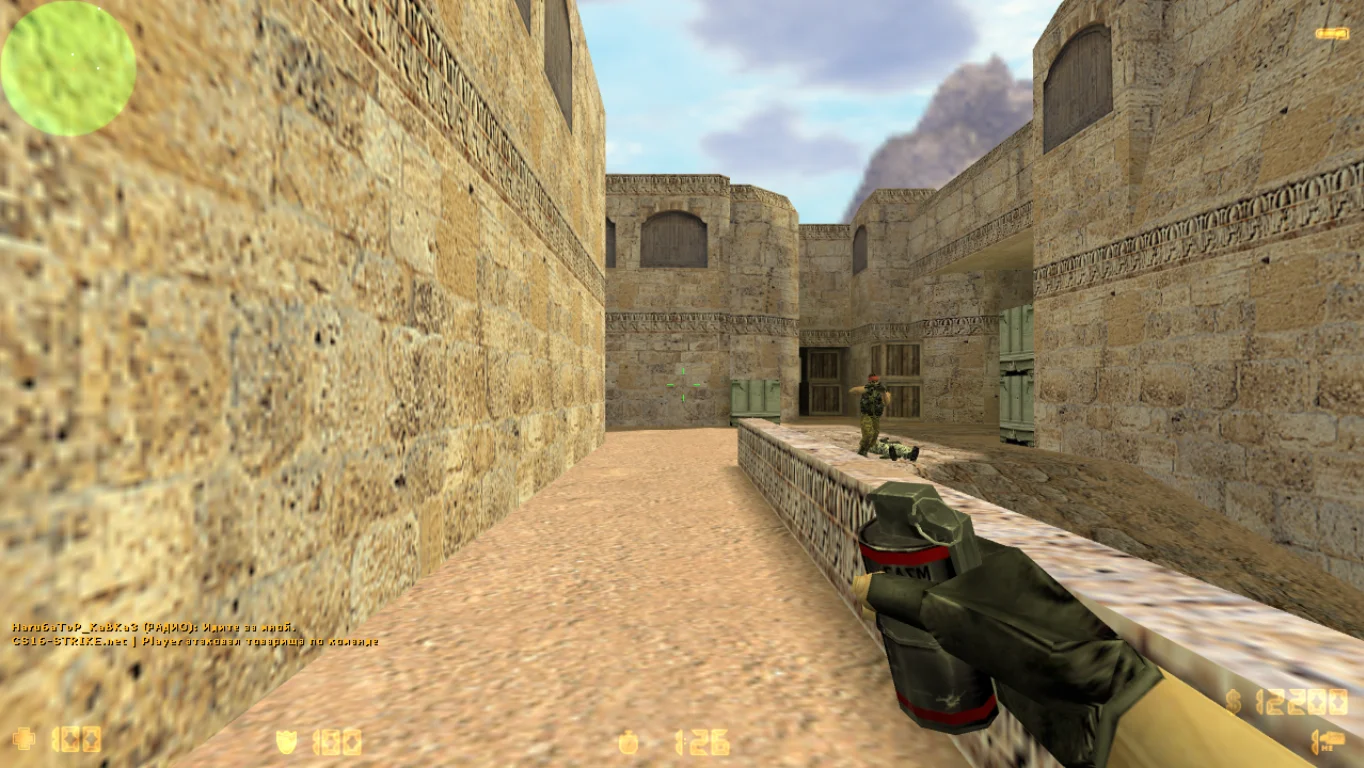
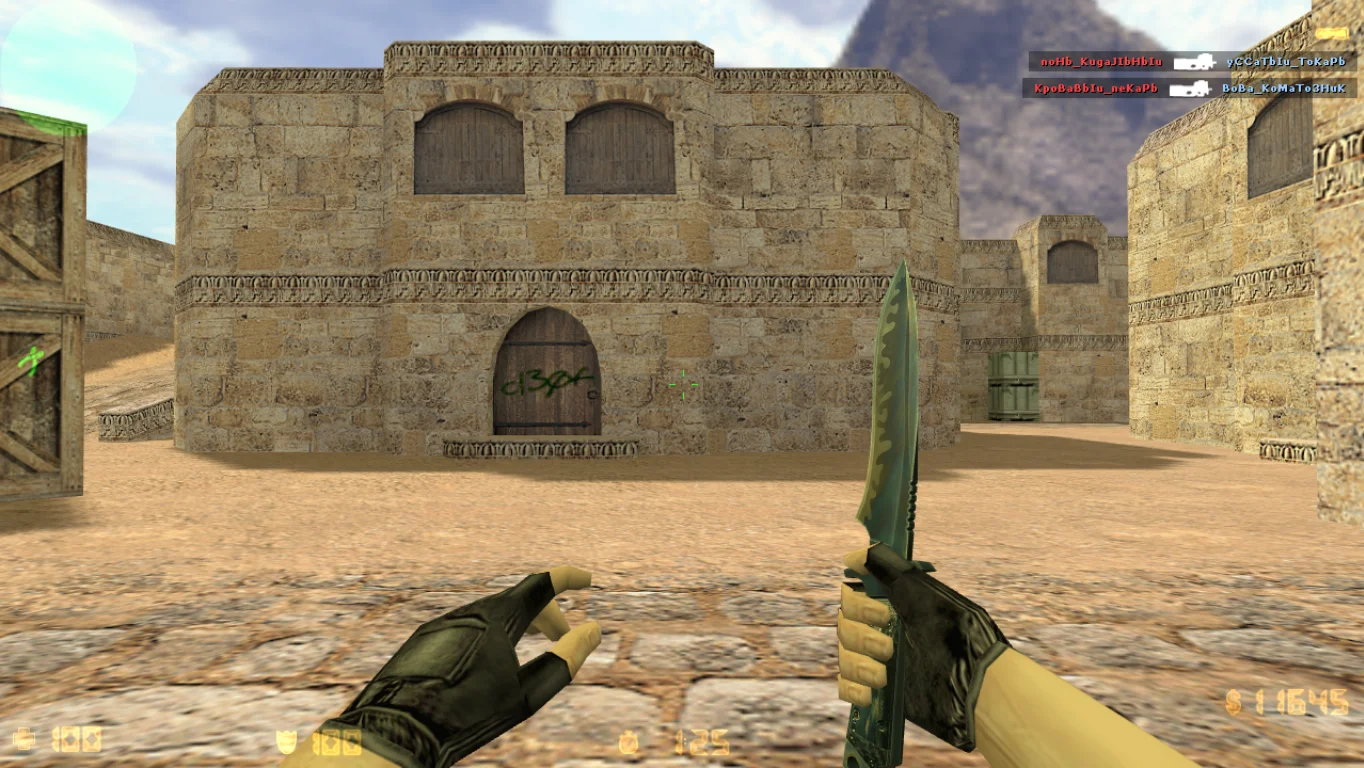
CS 1.6 with Plugins — is an enhanced build of the legendary shooter Counter-Strike 1.6, featuring a wide range of useful plugins to diversify gameplay and improve player convenience. The plugins add new features, functions, and improvements, making the game more engaging and functional for both offline and online modes. Downloading CS 1.6 with Plugins is recommended for those who want to expand the standard gameplay and gain more control over game processes.
The build includes popular plugins such as anti-cheat, additional admin commands, enhanced ranking and statistics systems, as well as unique game modes and modifications. The client is optimized for stable performance on Windows XP, 7, 8, 10, and 11, supporting play with bots as well as connection to master servers for online gaming. It’s an excellent choice for those who want to play with friends on servers with extended features and convenient management.
Downloading CS 1.6 with Plugins is simple — installation is quick and easy, requiring no special skills. The client is completely safe, free of ads and viruses, and optimized for smooth performance on different PCs. If you want to add new features to the classic shooter and enhance your gaming experience, the build with plugins is the perfect solution.
CS 1.6 with Plugins Build Features:
Popular plugin set: anti-cheat, ranks, statistics
New game modes and enhancements
Offline play support with bots
Online play via master servers
Compatible with Windows XP, 7, 8, 10, 11
Optimized for smooth and stable gameplay
Russian-localized interface
No ads or viruses
Simple and fast installation
Convenient management and extended features
System Requirements and Installation Instructions:
Minimum System Requirements:
OS: Windows XP/7/8/10/11
CPU: … GHz or higher
RAM: … MB or more
Video Card: OpenGL support
Disk Space: … MB or more
Installation Instructions:
Download the CS 1.6 with Plugins installer
Run the installer and choose the installation folder
Wait for the installation to complete
Launch the game via the desktop shortcut
Use the new plugins to enhance your gameplay
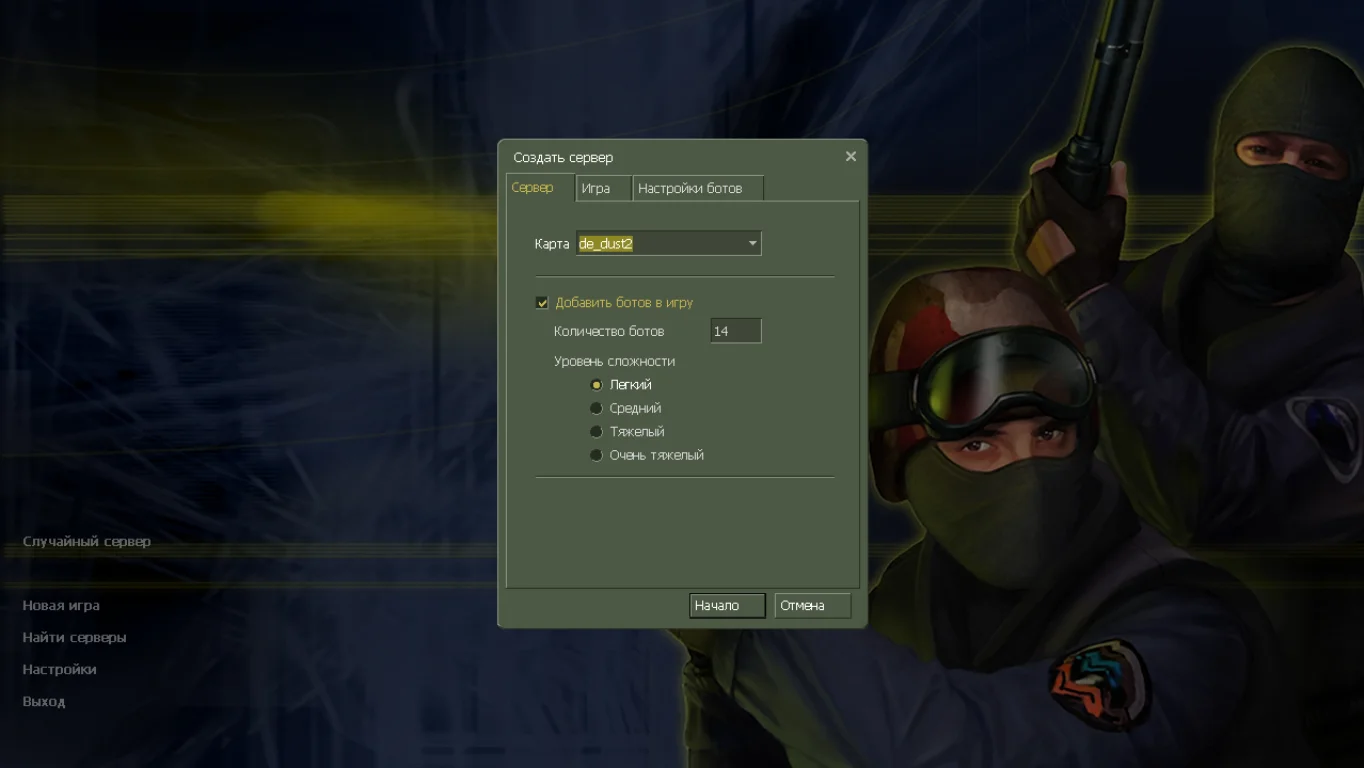
Классическое оформление клиента
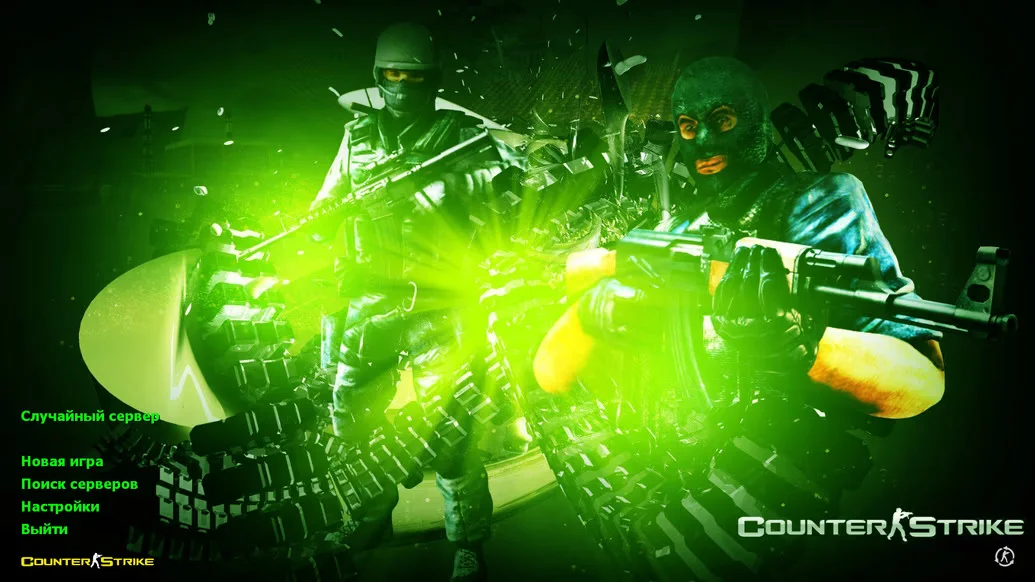
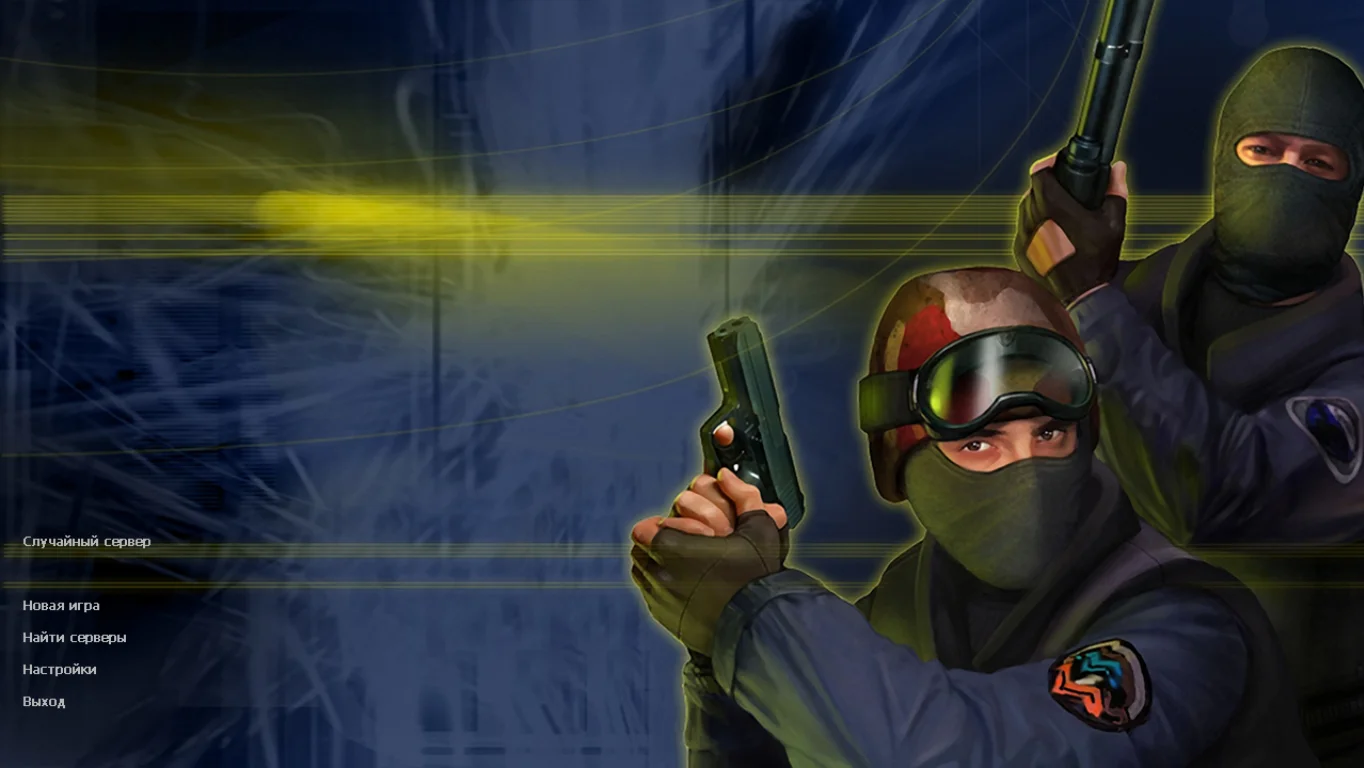
Сборка порадует игроков стандартными оформлением главного меню, на котором расположились спецназовцы. Все настройки включают полную русификацию, вплоть до использования озвучки в режиме сражений с умными ботами.
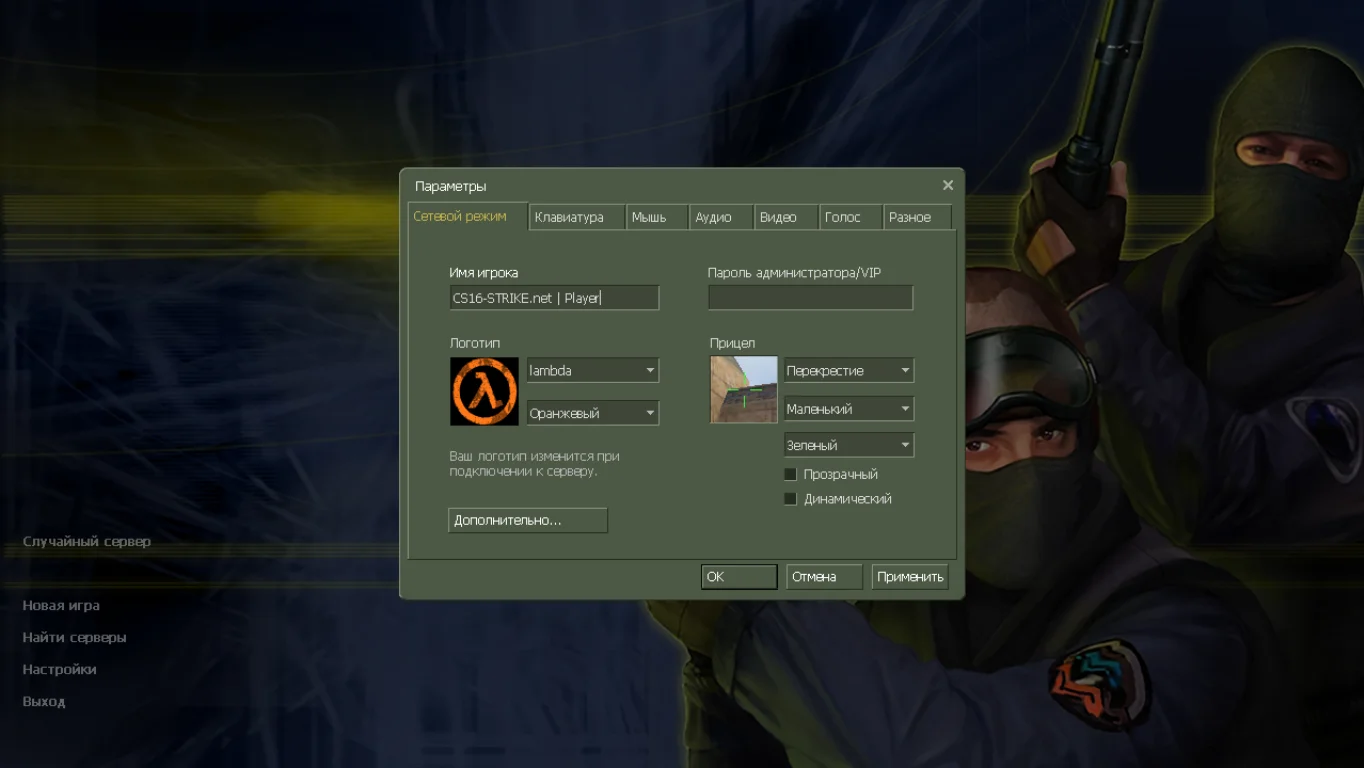
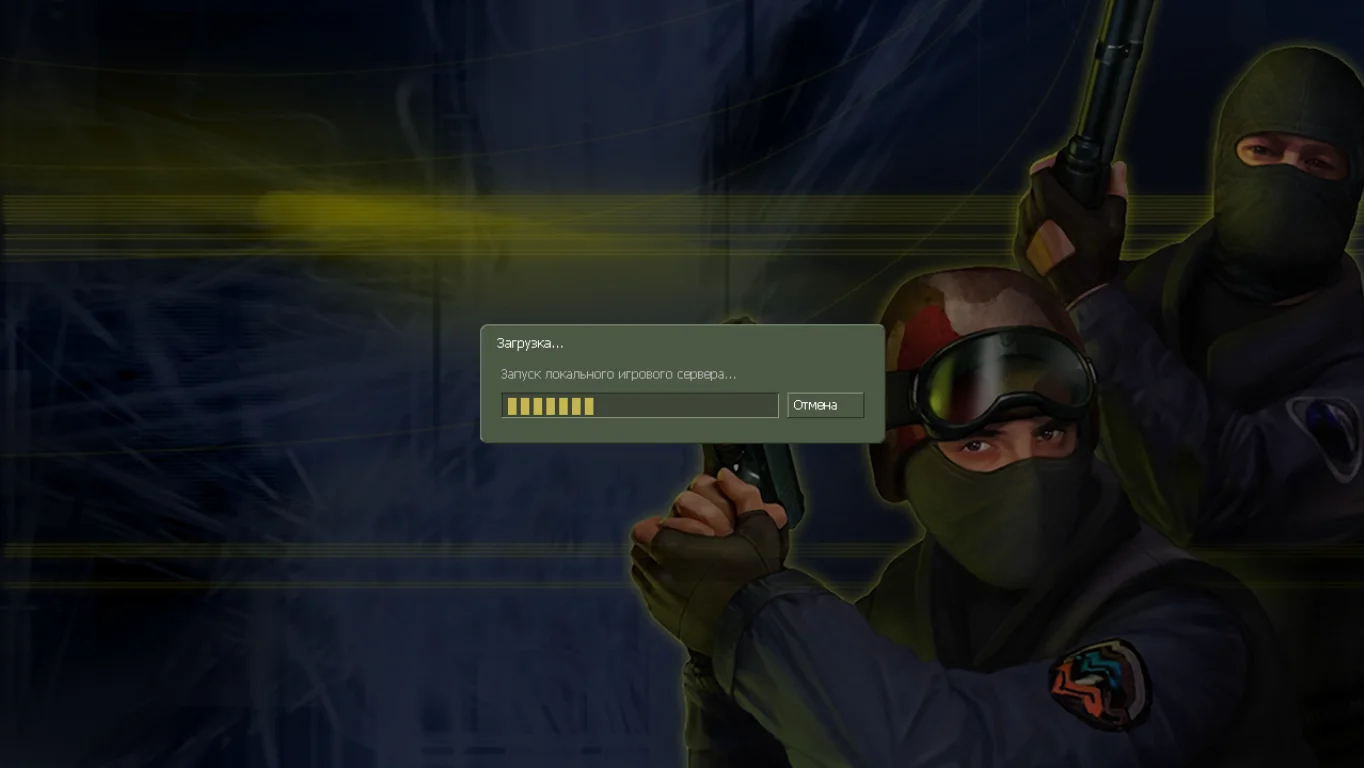
Доступны новые сервера
Вы сможете зарубиться на качественных серверах, которые содержат интересные модификации. На каждом игровом проекте присутствуют отзывчивые администраторы, выдающие бесплатные привилегии за определенных вклад в развитие сервера.
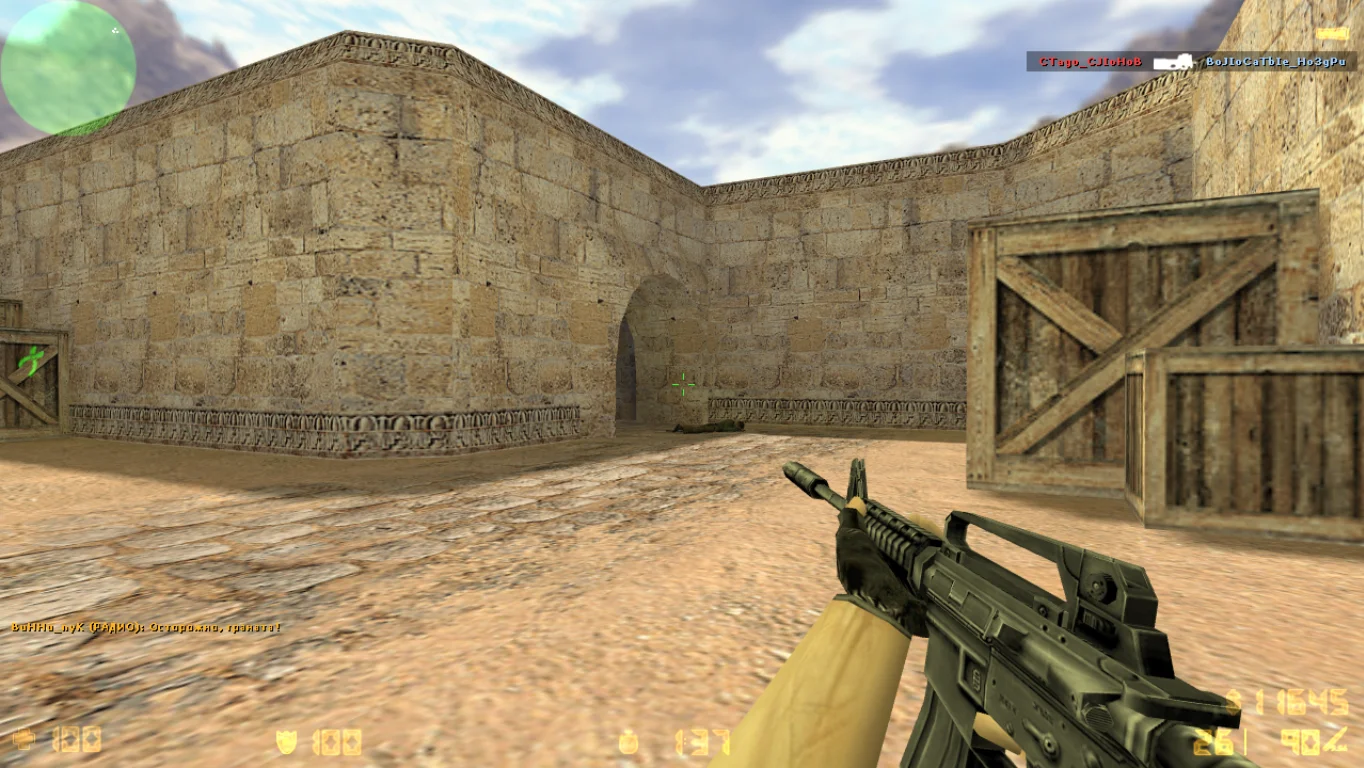
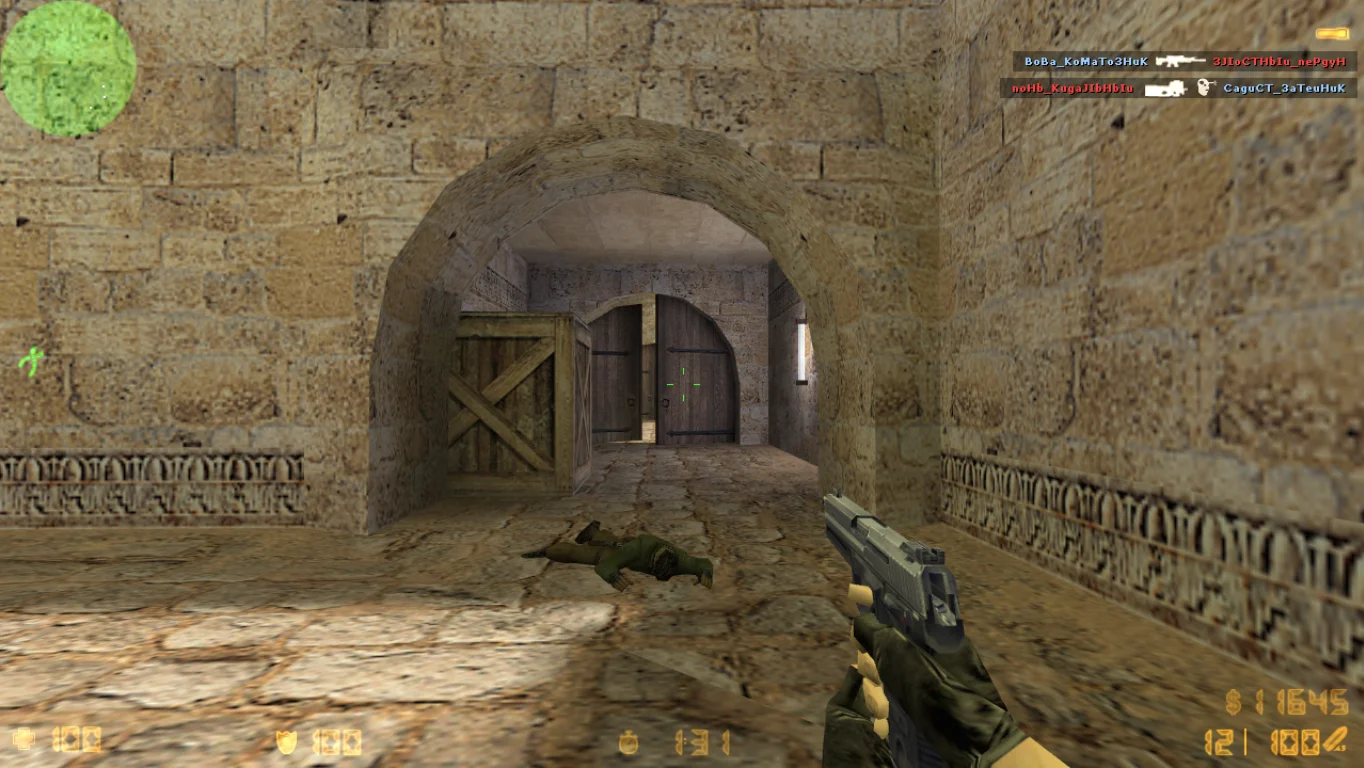
Полная защита
Версия находится под защитой, что делает игру максимально неуязвимой от любого рода плохих файлов. Установлено автоматическое обновления клиента, благодаря чему вы всегда будете иметь актуальную сборку.