Home
Home
 CS 1.6 Builds
 CS:GO Builds
 CS:S Builds
 CS2 Builds

Download CS 1.6 from ByProSTi

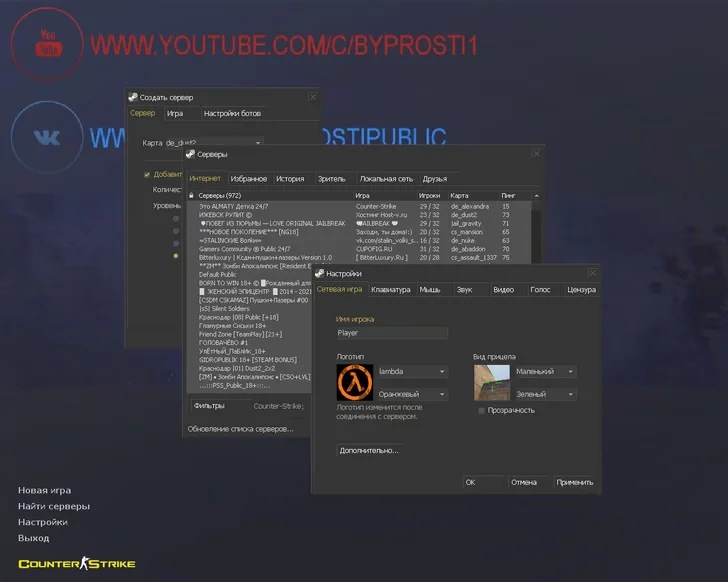
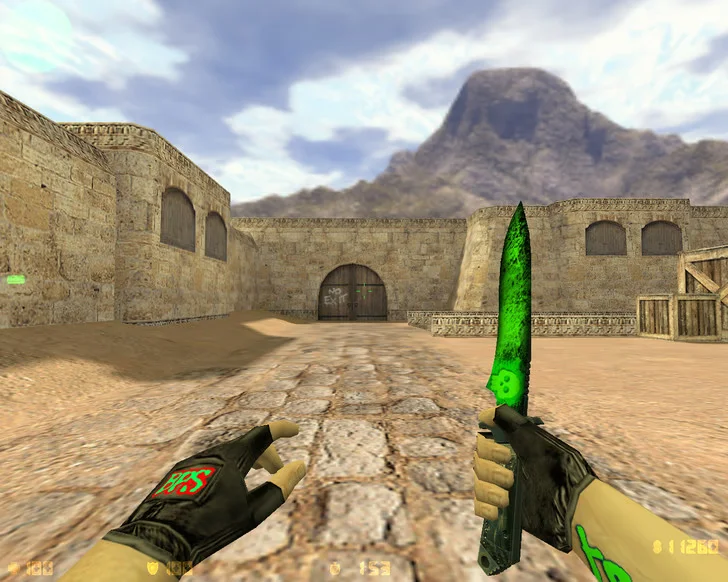
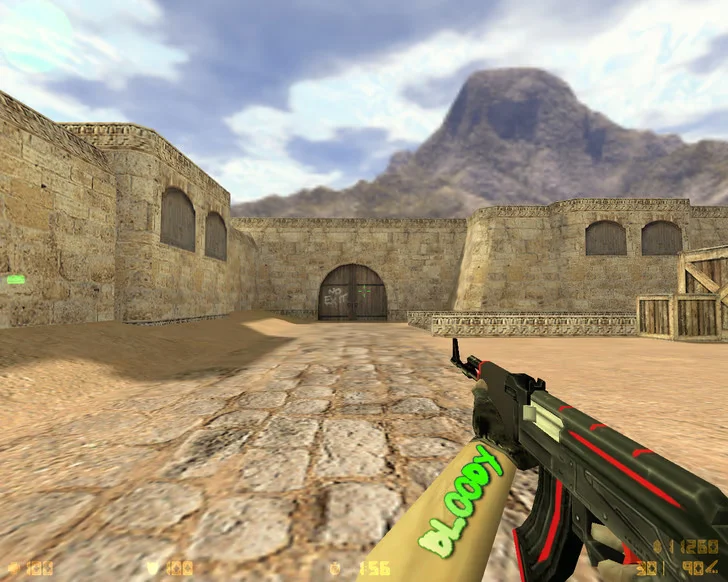
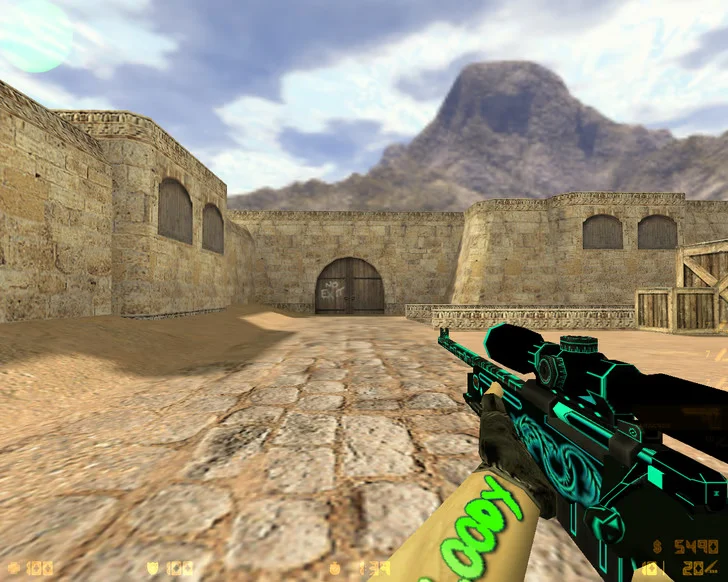
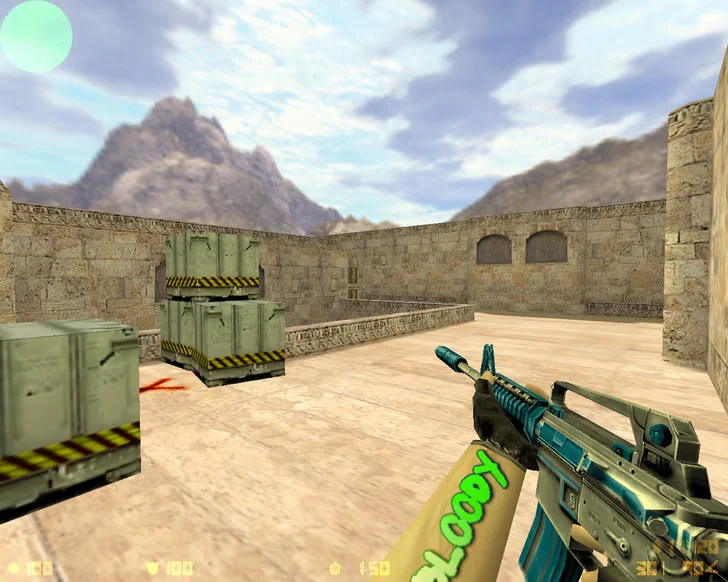
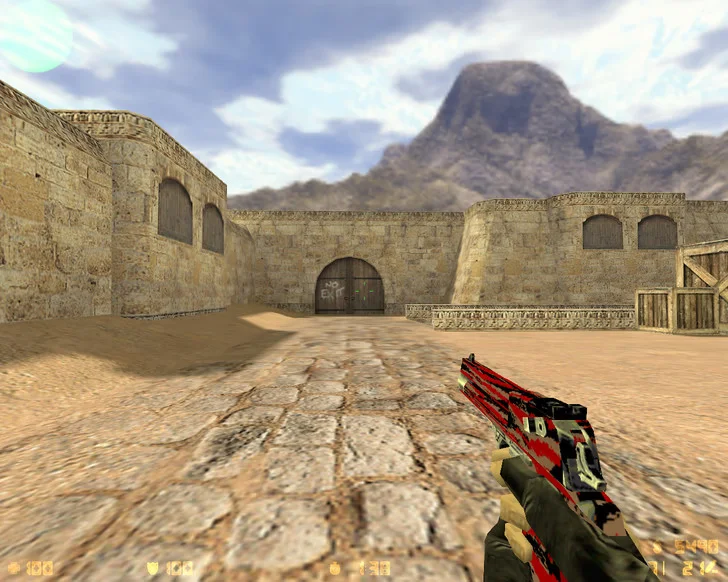
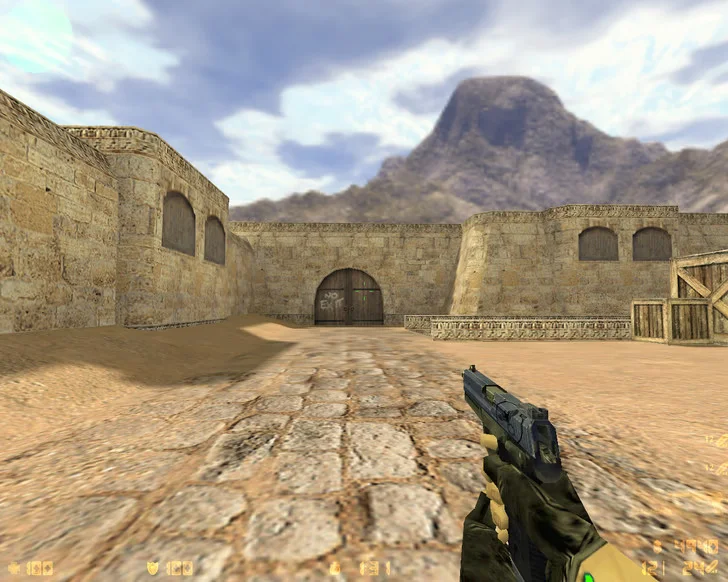
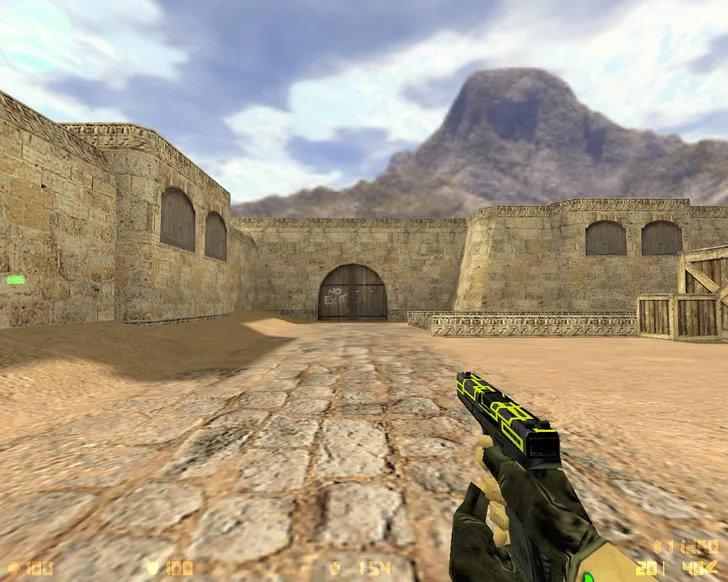
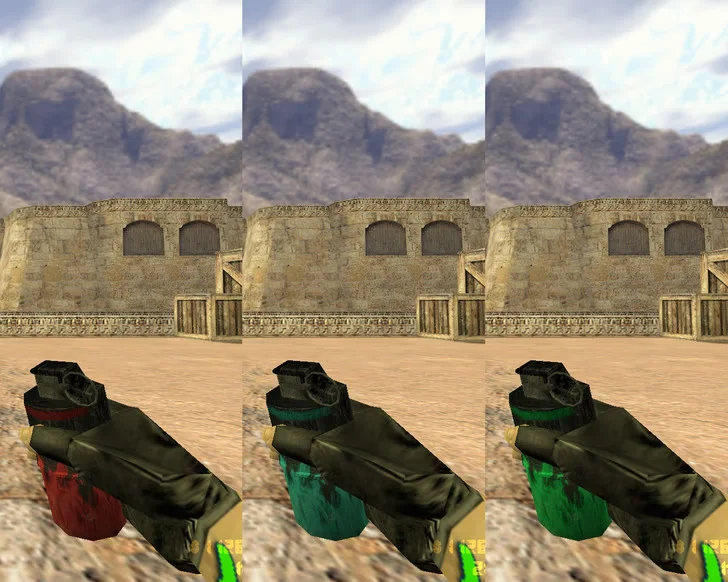
CS 1.6 from ByProSTi is a high-quality custom build created by the popular player and content creator ByProSTi, known for his focus on precise shooting and minimalistic client design. The build was designed for comfortable and stable gameplay without unnecessary software or distracting elements. In this client, you get only what’s essential: stability, performance, clear visibility, and professional settings. Downloading CS 1.6 from ByProSTi is a choice for a clean, fast, and precise gameplay experience.
The build includes improved classic player and weapon models, a minimalist HUD, configured shooting and movement settings, built-in bots, and support for all modes (Classic, AWP, DM, Knife, and more). Models are designed to avoid visual clutter and not interfere with aiming. Garbage-free, ad-free, virus-free, with built-in anti-cheat—this makes the build safe and stable. It is fully ready to play on any server—from public servers to CW.
CS 1.6 from ByProSTi works on all modern OS: Windows XP, 7, 8, 10, and 11. It is perfect for both low-end PCs and more powerful systems—high FPS is guaranteed. Installation takes only a few minutes: download the installer, choose a folder, wait for the process to finish, and start playing. The client is fully localized in Russian, well-optimized, and requires no additional setup. Downloading CS 1.6 from ByProSTi means starting a game in a quality, fair, and convenient version chosen by thousands of players.
Build Features:
Custom build by ByProSTi
Professional shooting configs
Improved classic models
Minimalist and clean interface
Support for all game modes
Built-in bots with selectable difficulty
Fully localized menu
Anti-cheat for safe gameplay
High performance on any PC
No ads or third-party software
System Requirements and Installation:
Operating System: Windows XP / 7 / 8 / 10 / 11
Processor: 1.0 GHz or higher
RAM: 512 MB or more
Graphics Card: 64 MB or more
Free Disk Space: 750 MB or more
How to Install:
Download the CS 1.6 from ByProSTi installer
Run the installer by double-clicking
Choose the installation path
Wait for the process to complete
Launch the game from the desktop shortcut