Home
Home
 CS 1.6 Builds
 CS:GO Builds
 CS:S Builds
 CS2 Builds

Download CS 1.6 Inside

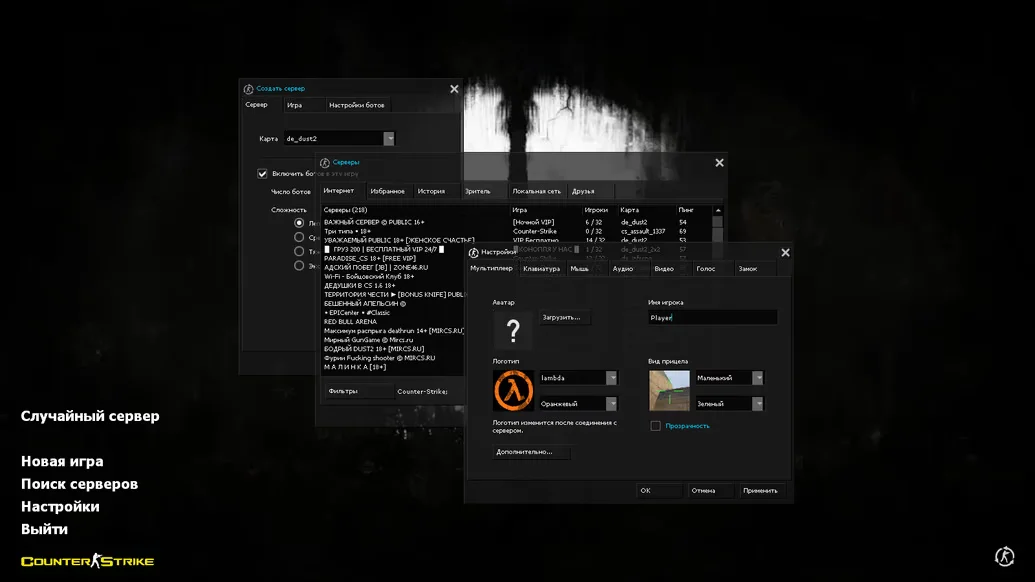
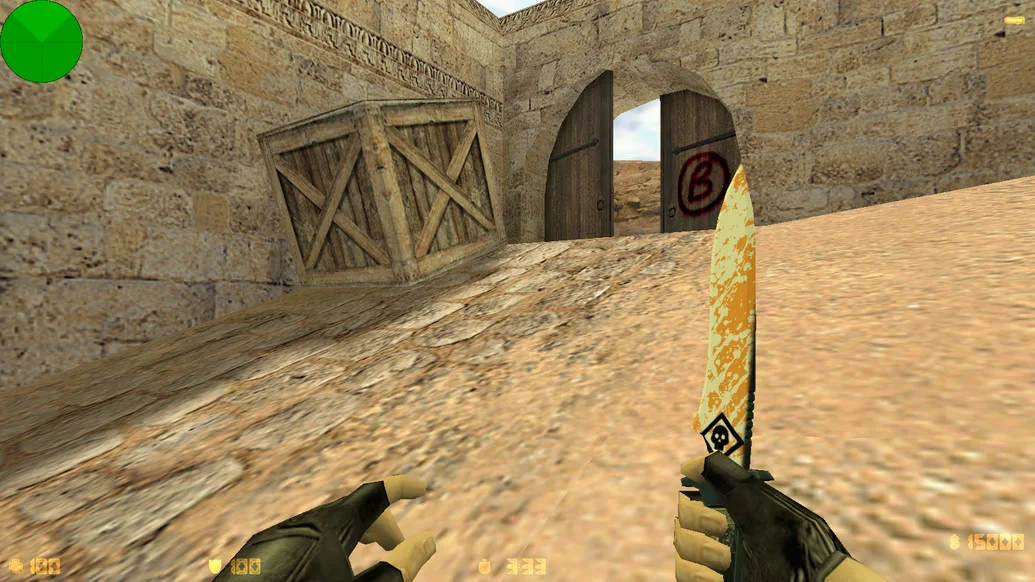
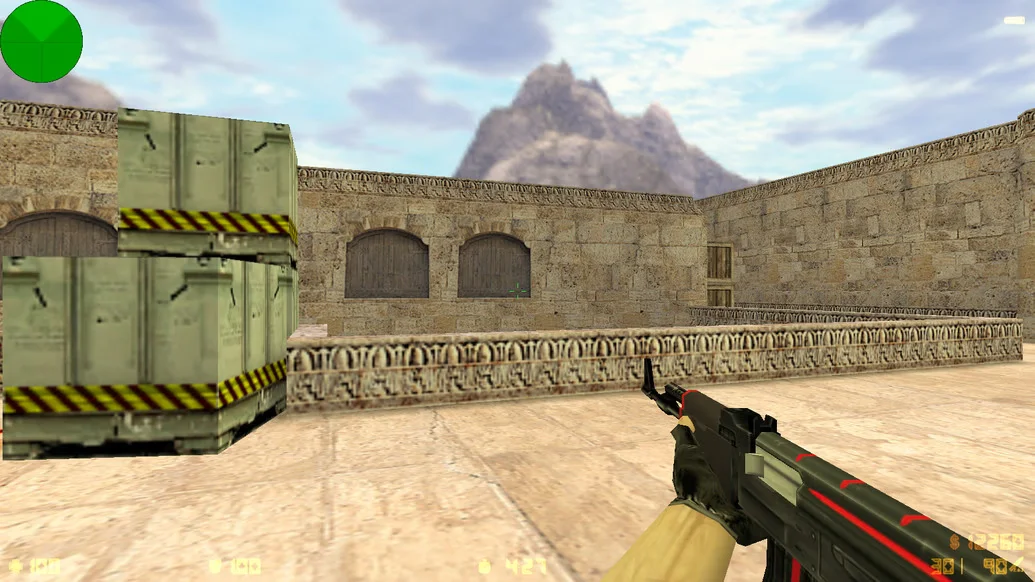
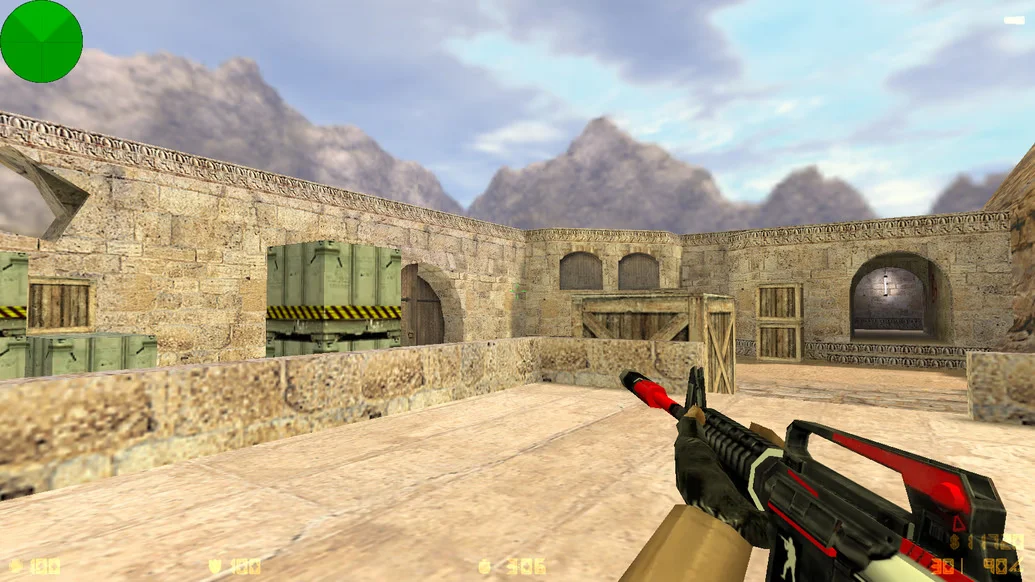
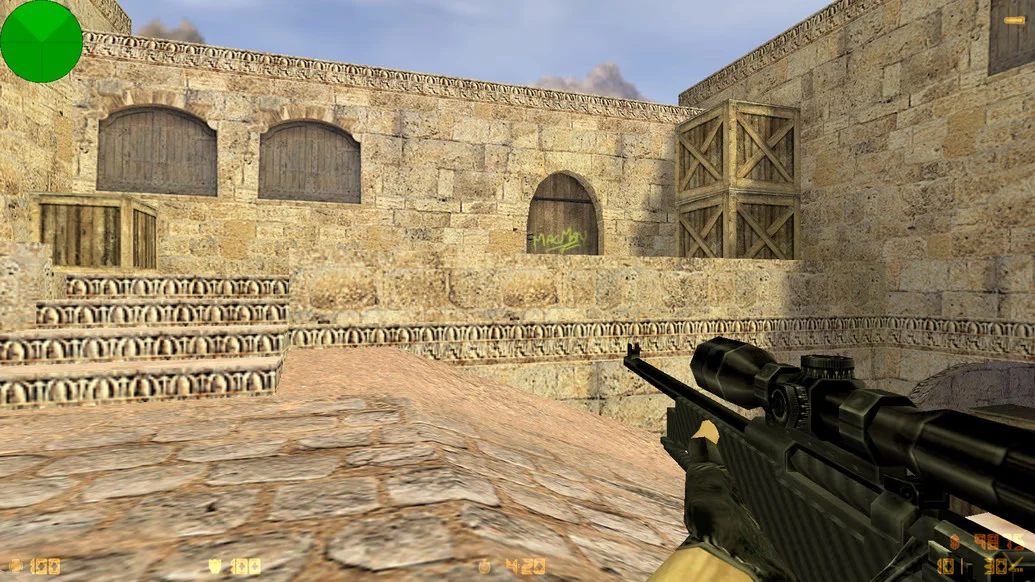
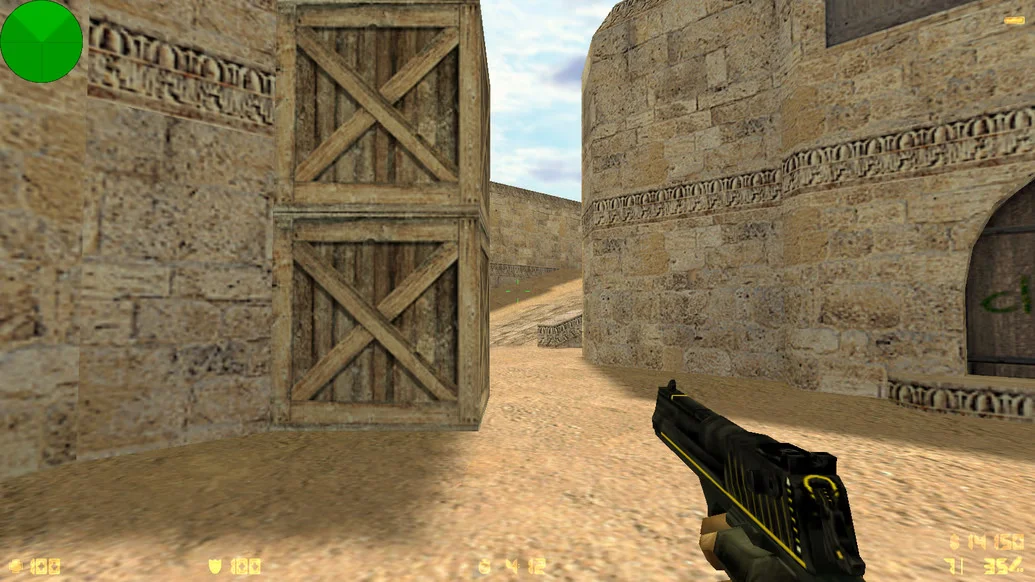
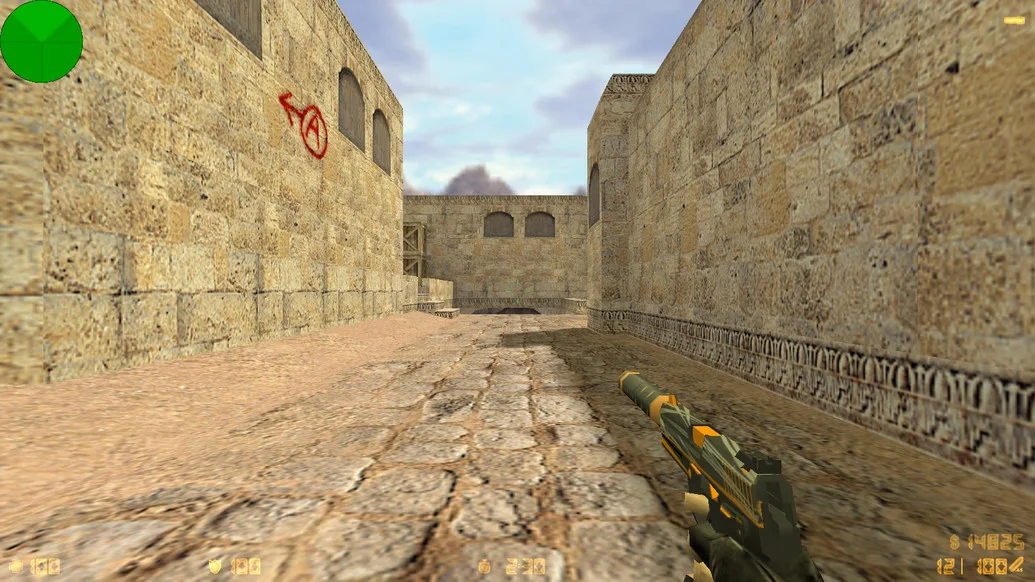
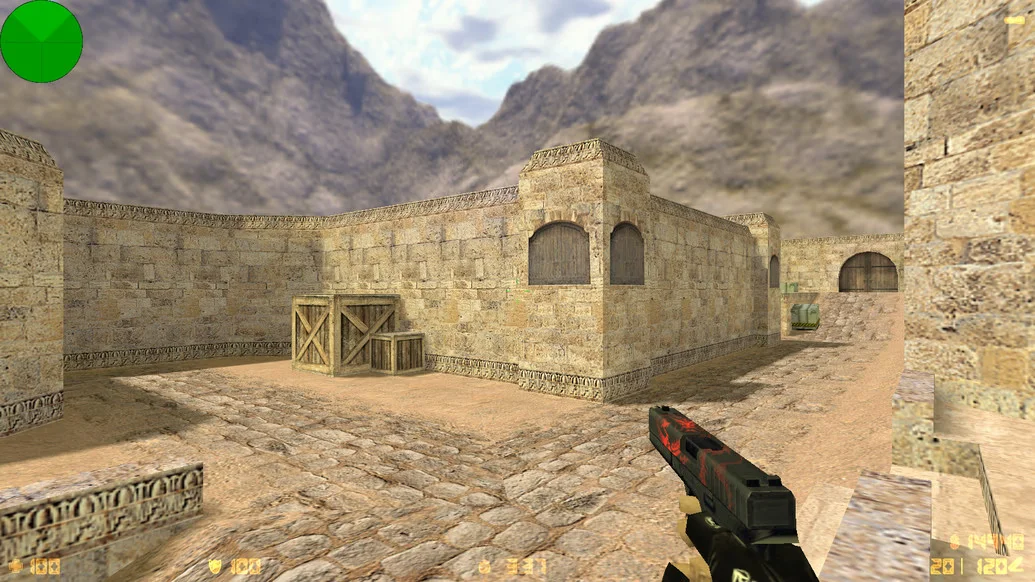
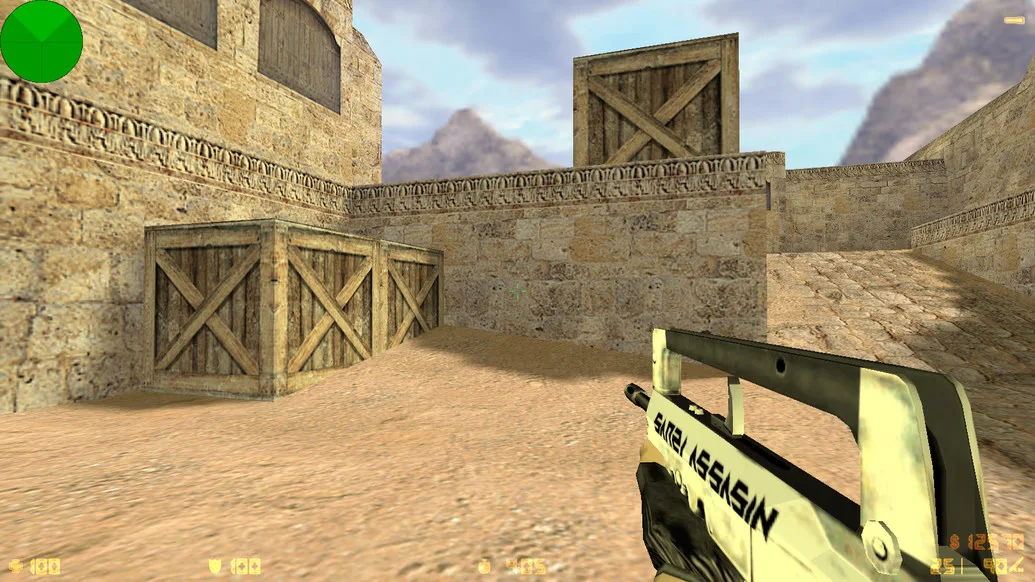
CS 1.6 Inside — is a unique and modern build of the legendary shooter, designed for those who value high quality, performance, and a distinctive visual style. The game retains the classic Counter-Strike 1.6 mechanics while offering a fresh approach to the interface, weapon, and character designs. Downloading CS 1.6 Inside gives you a reliable client with stylish design, improved shooting mechanics, and stable performance on any computer.
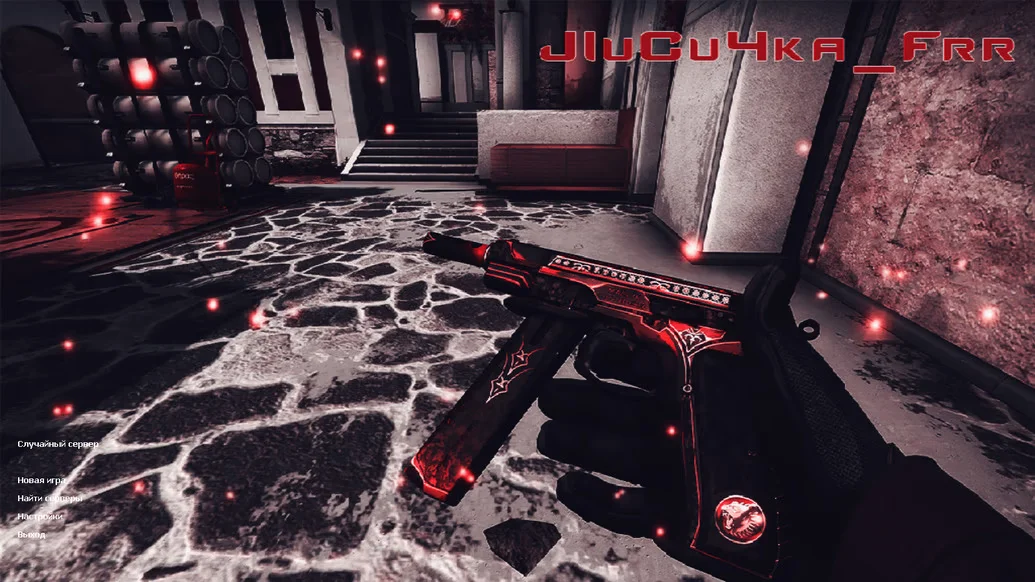
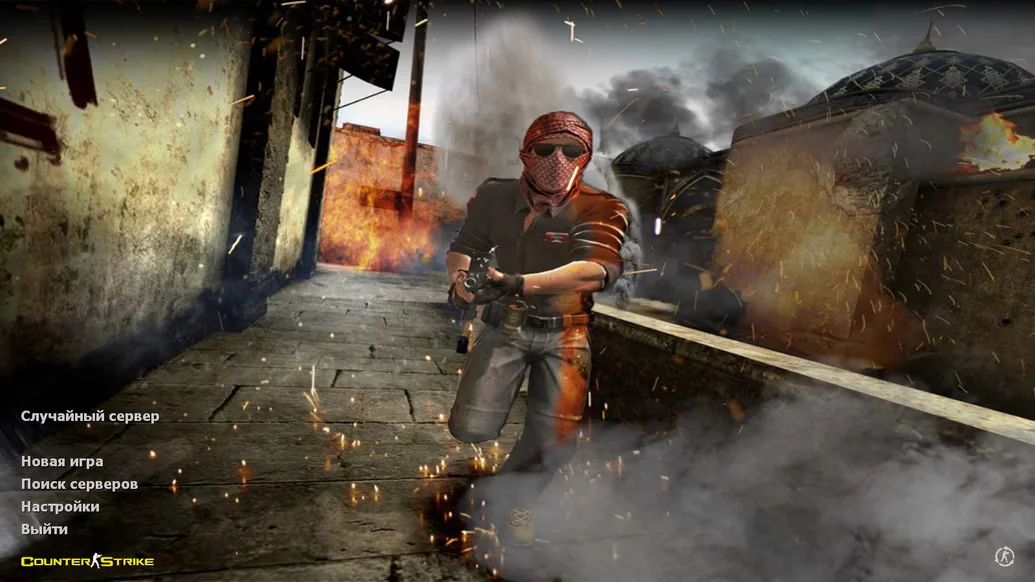
In the Inside build, all weapon models have been fully updated, and player appearances have been redesigned — everything is done in a sleek, modern, and tech-inspired style. The game interface, radar, crosshair, and menus are aligned with a unified visual concept, making gameplay comfortable and visually appealing. Enhanced shooting and footsteps sounds, along with professional shooting configs, allow even beginners to play at a high level. Built-in bots and full Russian localization make the build convenient and functional for both single-player and training sessions.
CS 1.6 Inside works on all Windows versions — from XP to 11 — and does not require powerful hardware. Thanks to good optimization, it provides high FPS even on weak systems. Installation is simple and fast: the client contains no ads, viruses, or unnecessary software. Everything works out of the box — download, install, and jump straight into the action. Downloading CS 1.6 Inside is perfect for anyone seeking a stable, visually appealing, and modern version of the classic game with enhanced gameplay.
Build Features:
Modern weapon and player models
Stylish, redesigned interface
Enhanced shooting and footsteps sounds
Optimized configs for precise shooting
Full Russian localization of the menu
Built-in bots for offline play
Compatible with Windows XP / 7 / 8 / 10 / 11
High performance on any PC
Installation without unnecessary software
Safe client with no ads or viruses
System Requirements and How to Install:
Operating System: Windows XP / 7 / 8 / 10 / 11
Processor: 1.0 GHz or higher
RAM: 512 MB or more
Video Card: 64 MB or more
Free Disk Space: 700 MB or more
Installation Instructions:
Download the CS 1.6 Inside installation file
Open the file with a double-click
Select the installation path
Wait for the installation to complete
Launch the game using the desktop shortcut