Home
Home
 CS 1.6 Builds
 CS:GO Builds
 CS:S Builds
 CS2 Builds

Download CS 1.6 uluqq wow
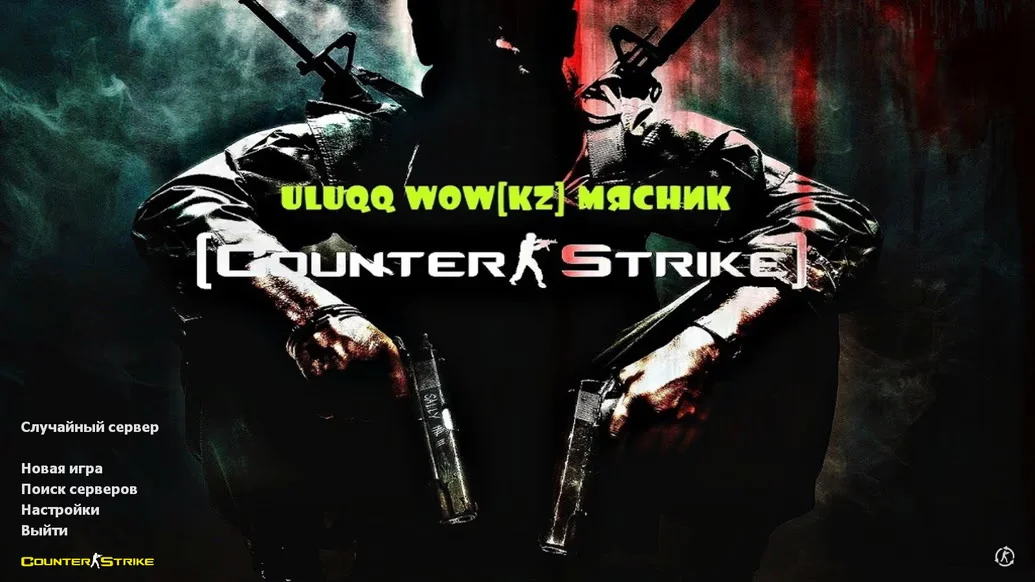
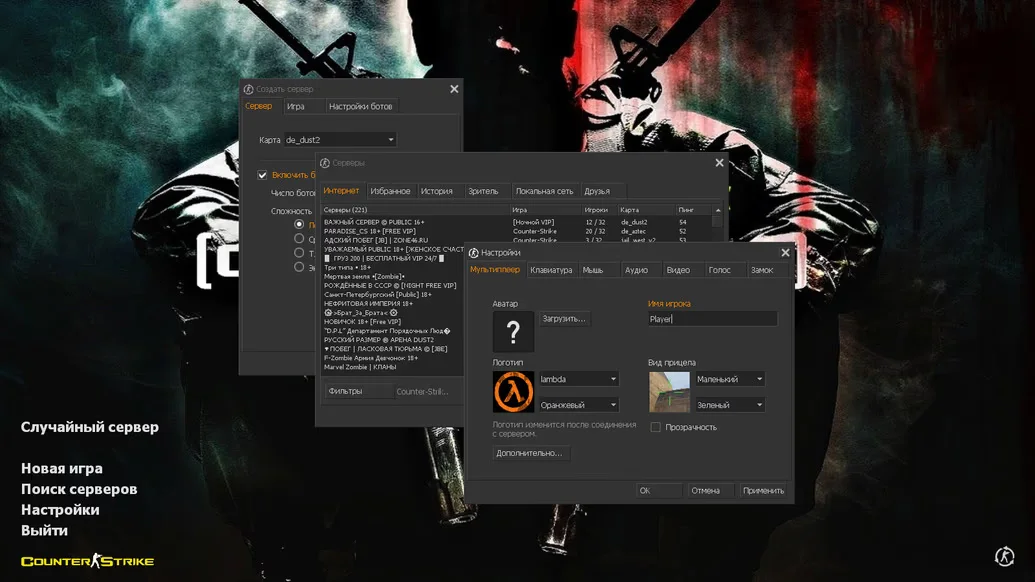
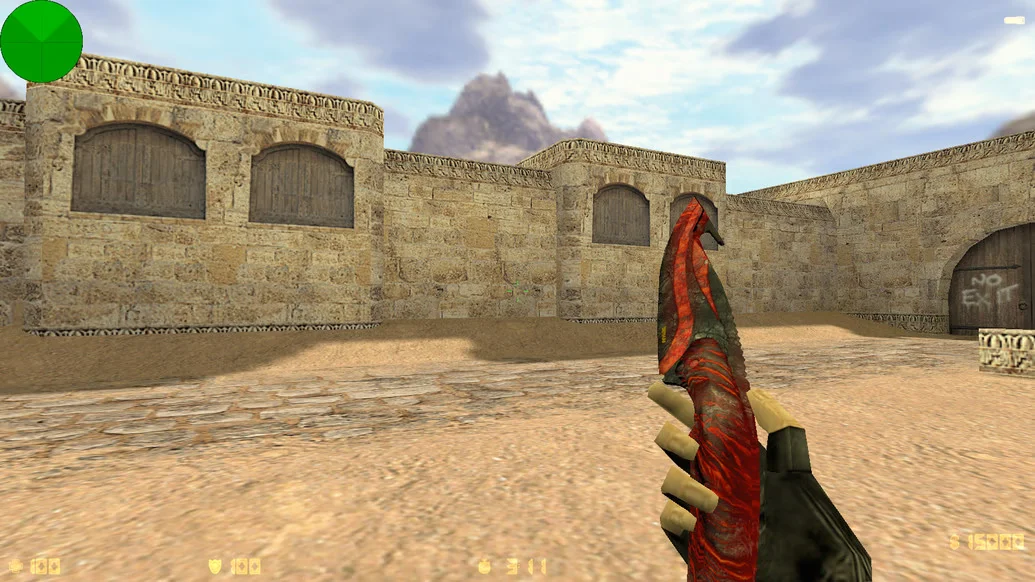
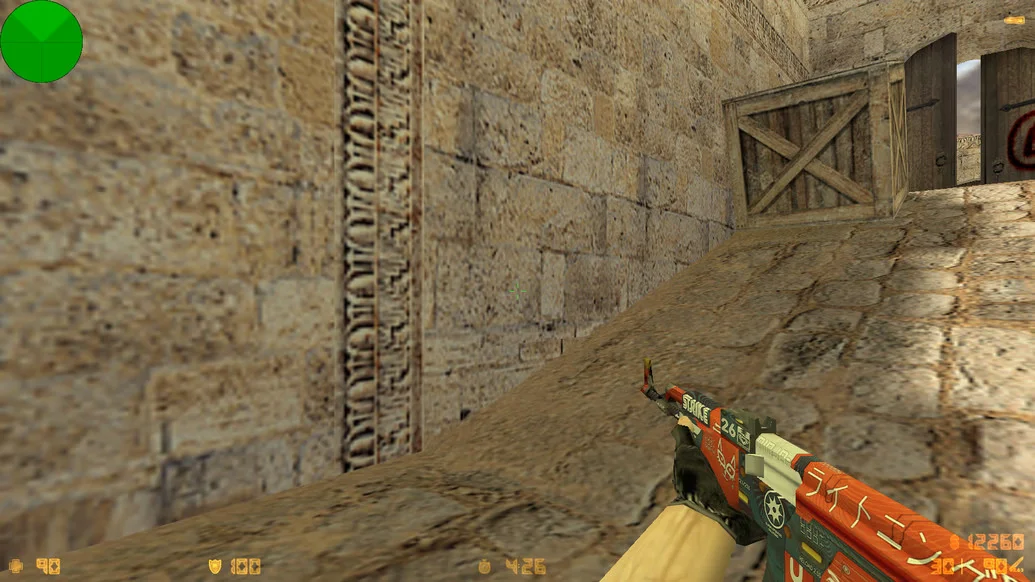
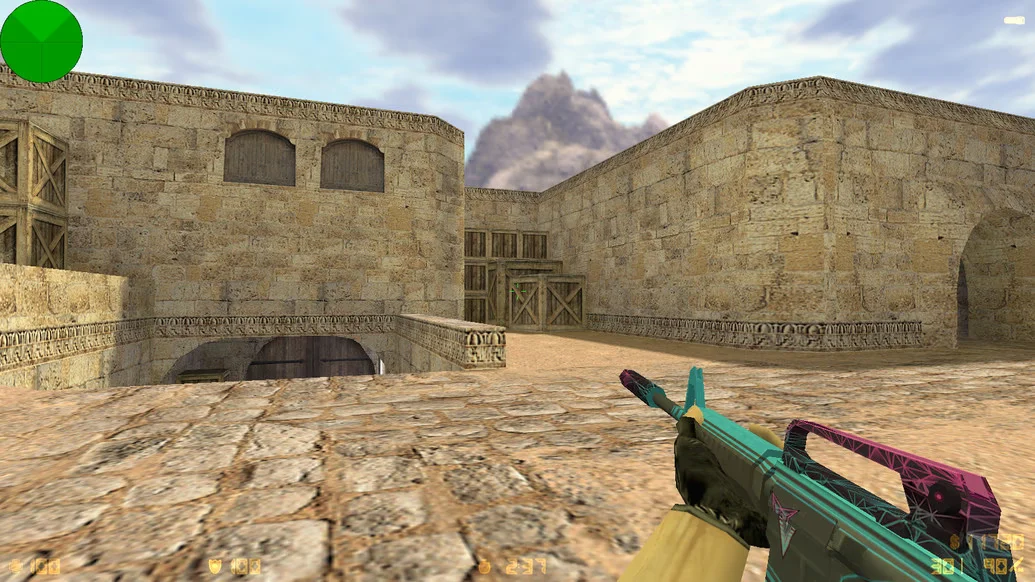
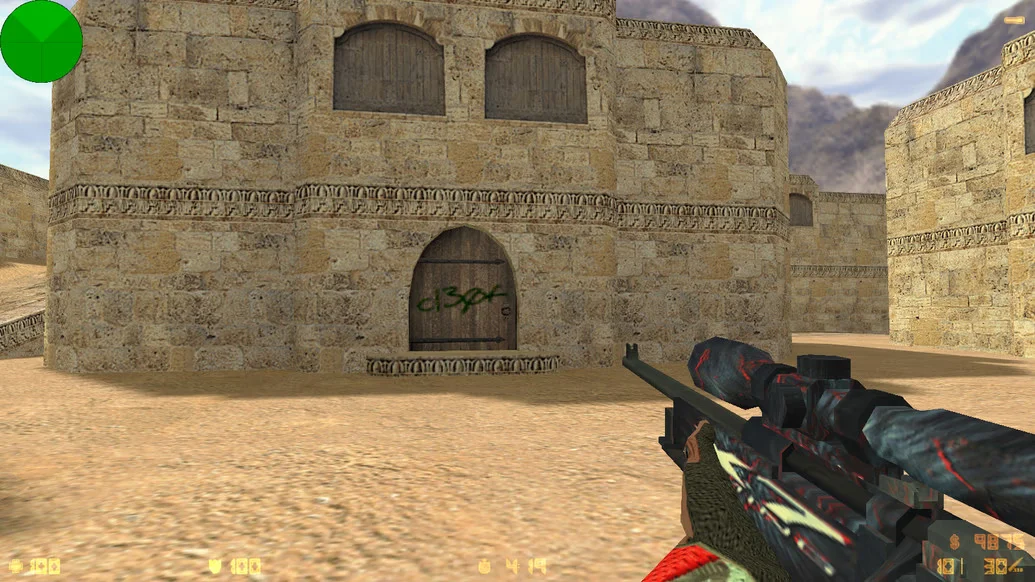
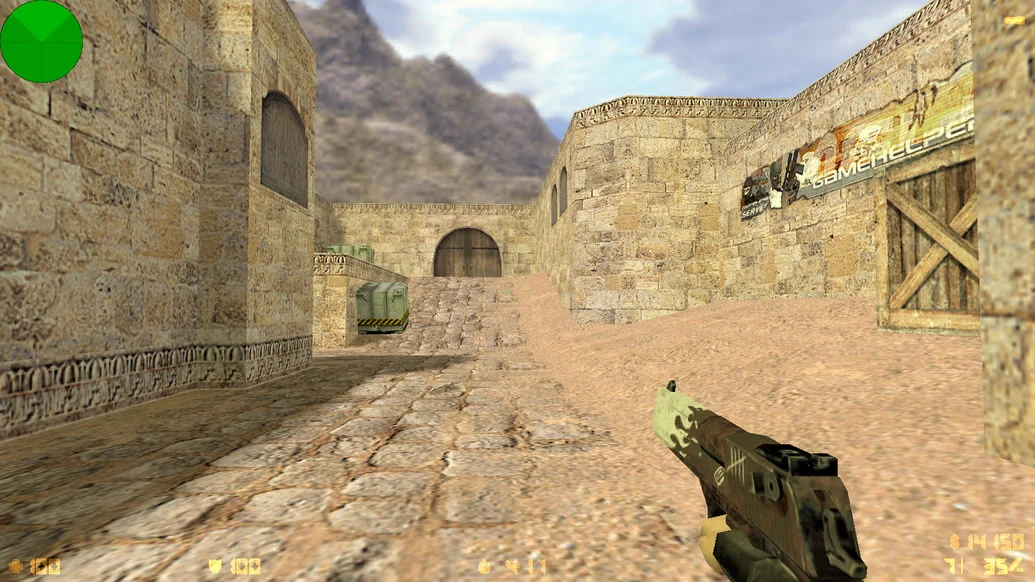
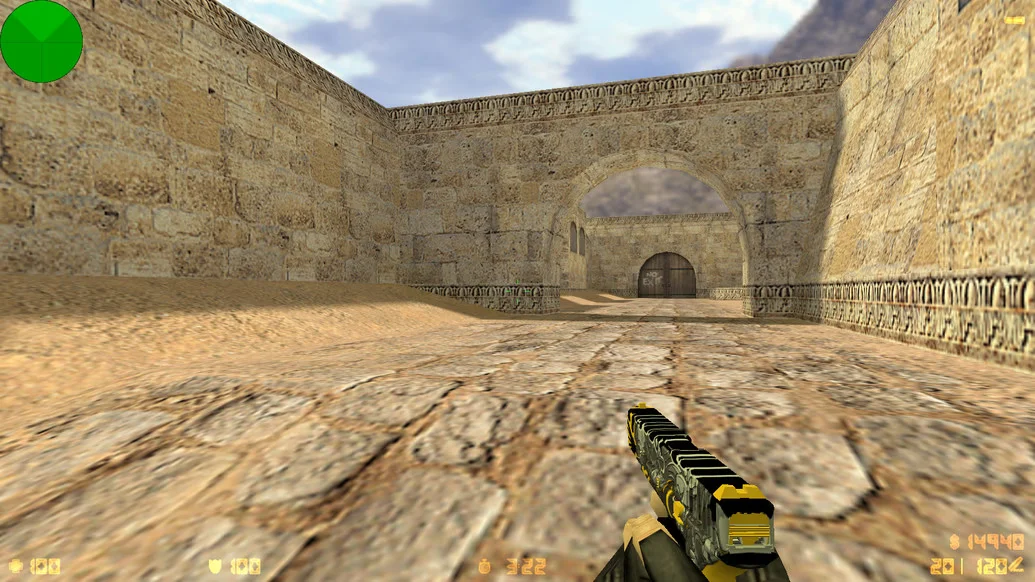
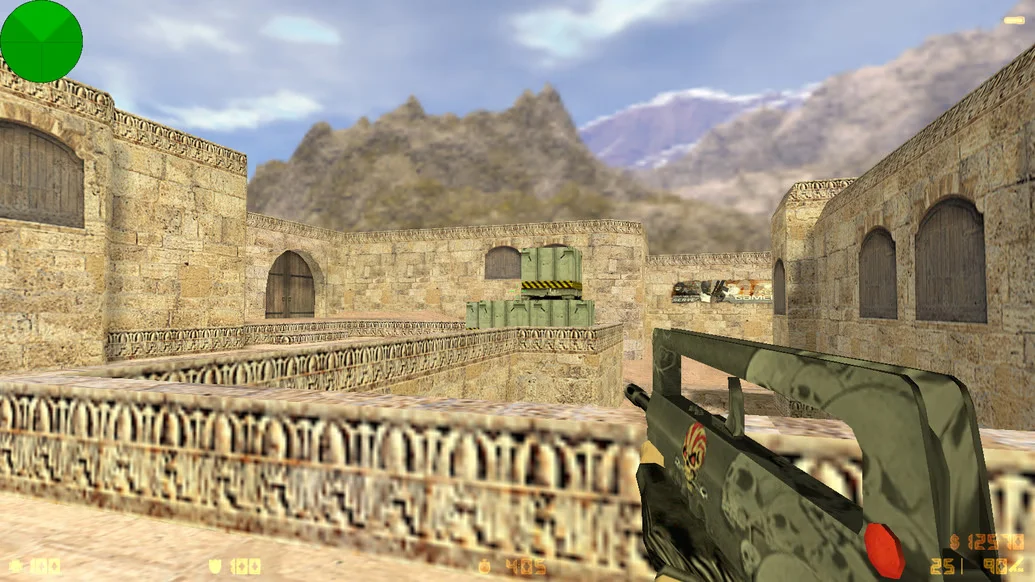
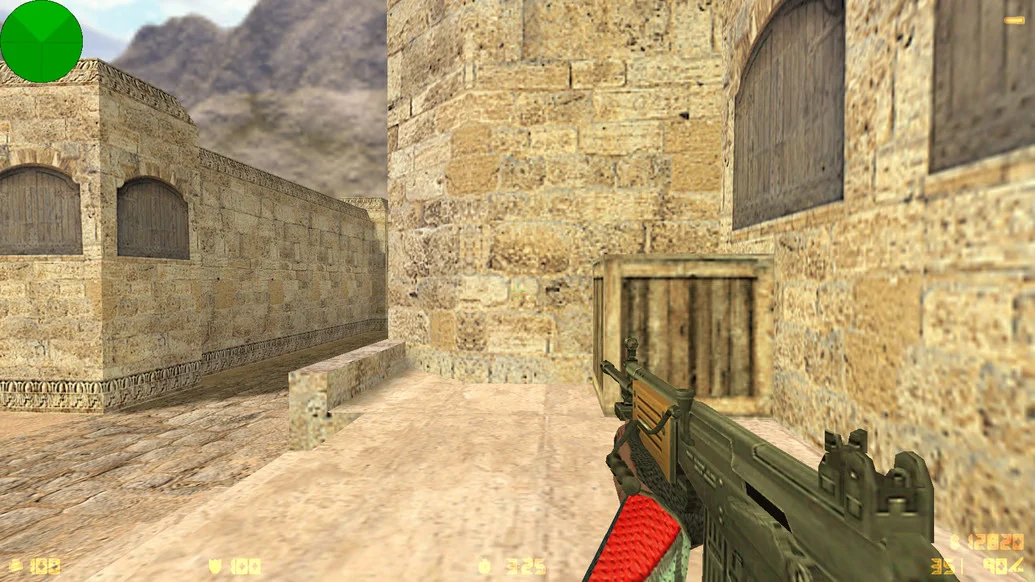
CS 1.6 uluqq wow is a custom build designed in a unique style with vibrant visuals and settings optimized for dynamic and precise gameplay. The creator, popular player and content maker uluqq, brought their approach to shooting, sounds, and design into classic CS 1.6, making this build stand out from standard versions. Downloading CS 1.6 uluqq wow is a great way to experience a fresh atmosphere in a familiar game and play at the level of streamers and esports players.
The build features updated HD weapon models, a redesigned interface in a bright yet clean style, and custom sounds that make shooting rich and memorable. Special attention is given to the configs: they allow for high accuracy and weapon control while maintaining comfort even on low-end hardware. Built-in bots enable offline training, and the fully Russian-localized menu makes it easy to navigate the game and settings.
CS 1.6 uluqq wow supports all modern Windows versions — from XP to 11 — and does not require a powerful computer. The build runs stably, without lags, ads, or unnecessary software. Installation is quick and simple: just download the file, choose the installation path, and start playing within minutes. Downloading CS 1.6 uluqq wow gives you a high-quality, stylish, and battle-ready version of the legendary game, inspired by the experience of one of the popular members of the CS community.
Build Features:
Custom build by uluqq
Bright, modern interface
HD weapon and player models
Tuned configs for precise shooting
Custom gunfire and footstep sounds
Built-in bots for single-player
Fully Russian-localized menu
No ads, viruses, or extra software
Supports Windows XP / 7 / 8 / 10 / 11
High performance even on low-end PCs
System Requirements and Installation:
Operating System: Windows XP / 7 / 8 / 10 / 11
Processor: 1.0 GHz or higher
RAM: 512 MB or more
Video Card: 64 MB or more
Free Disk Space: 700 MB or more
How to Install:
Download the CS 1.6 uluqq wow installer
Open the file with a double-click
Choose the installation folder
Wait for the installation to complete
Launch the game using the desktop shortcut