Home
Home
 CS 1.6 Builds
 CS:GO Builds
 CS:S Builds
 CS2 Builds

Download CS 1.6 Extended
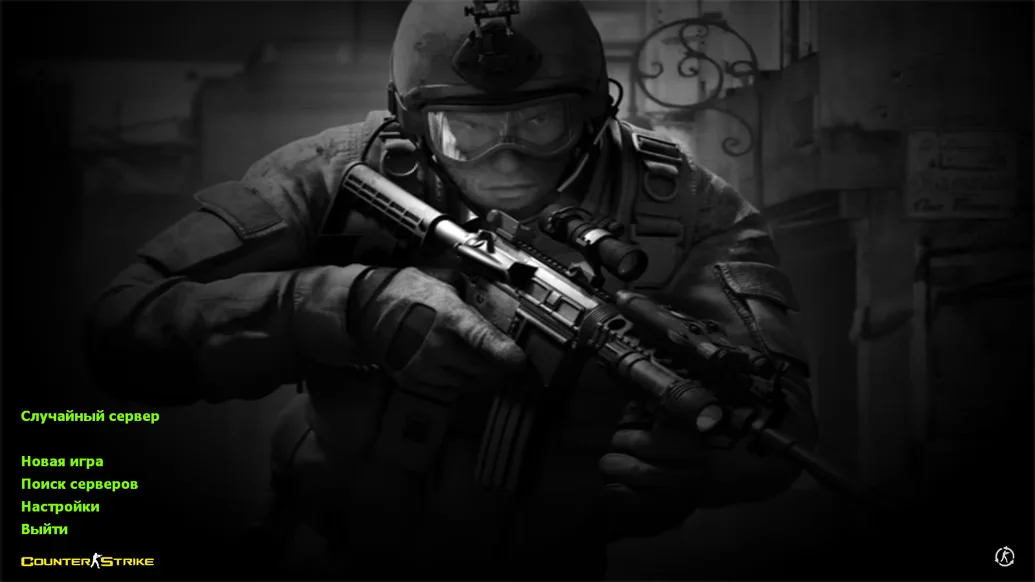
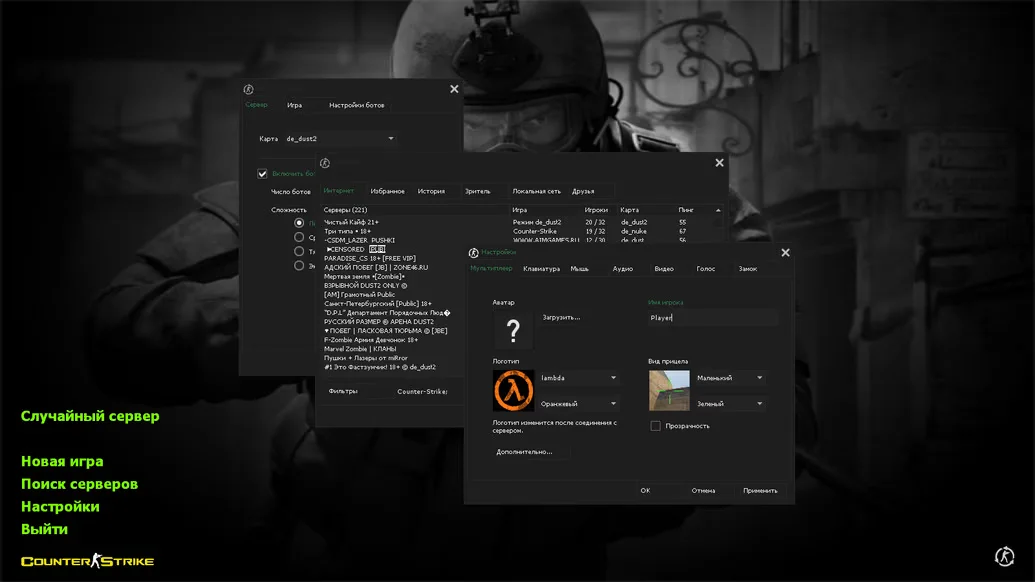
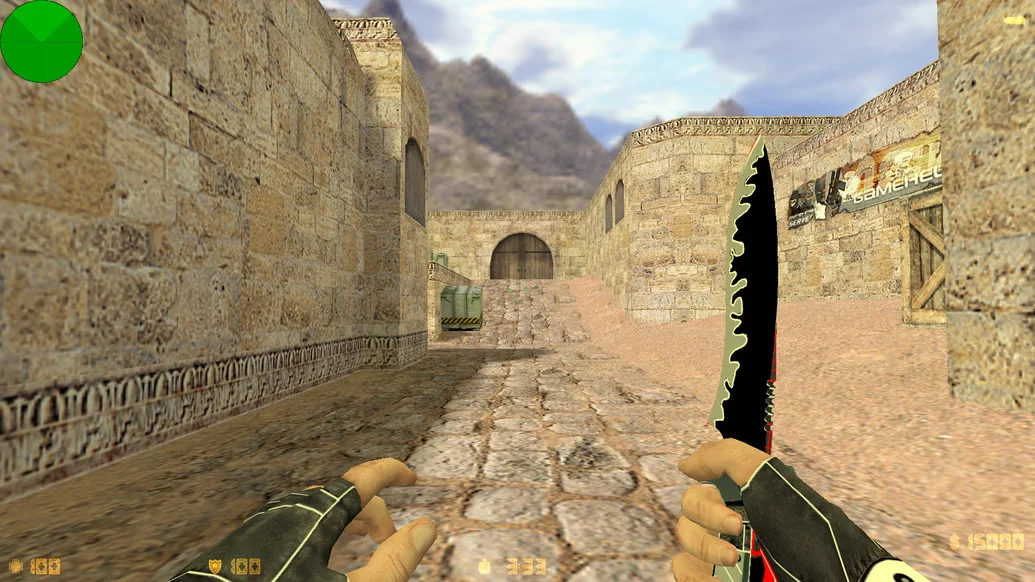
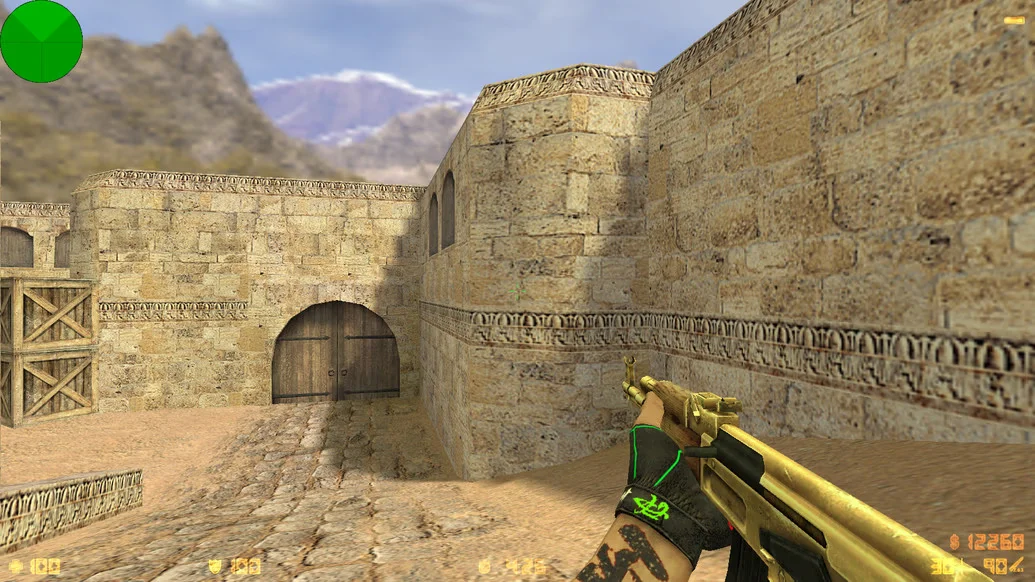
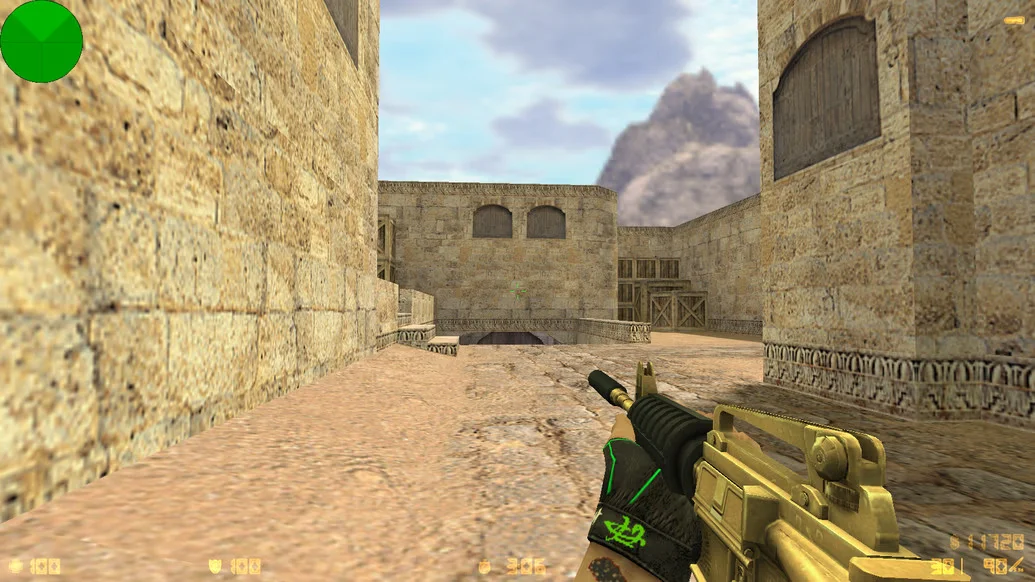
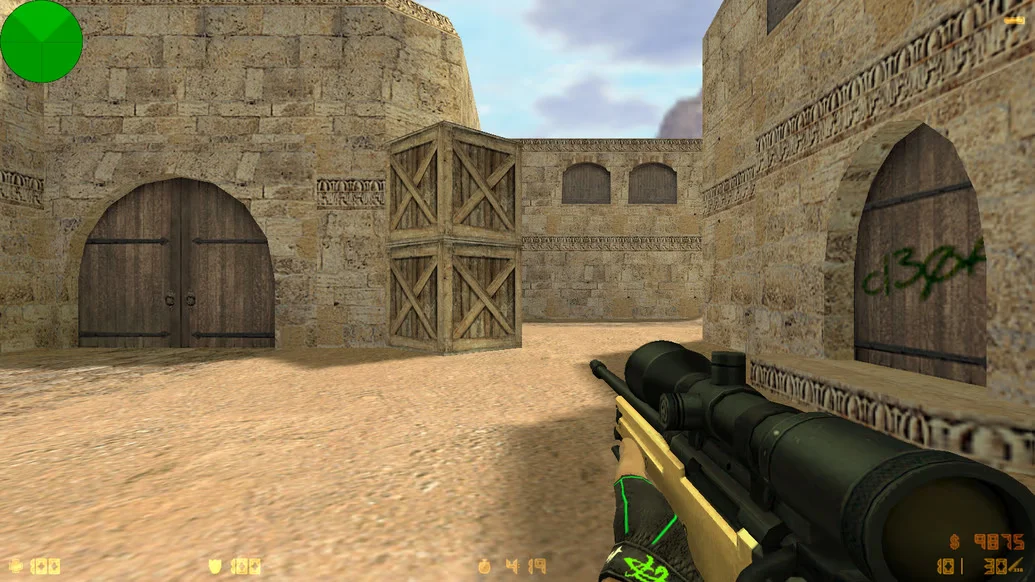
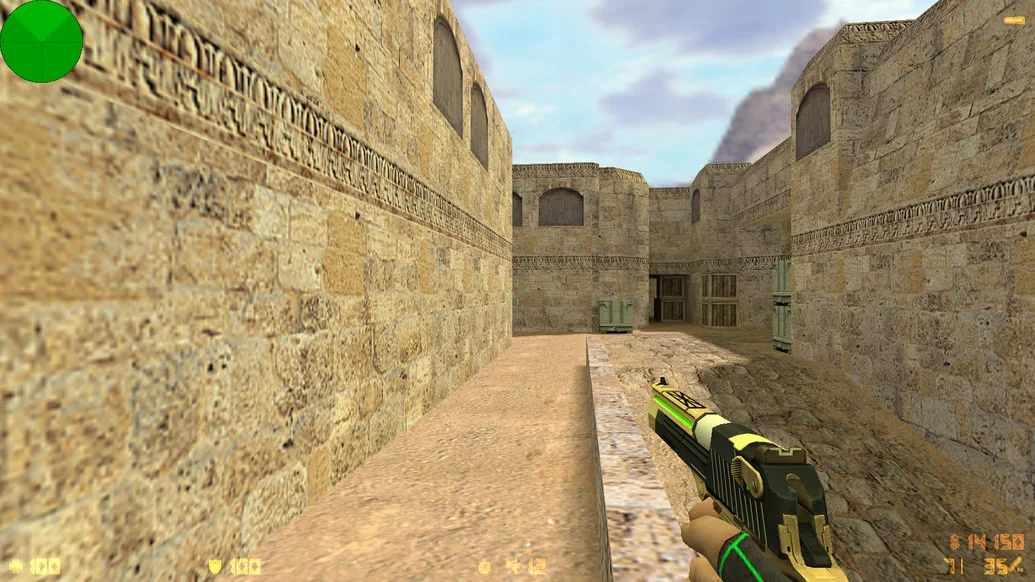
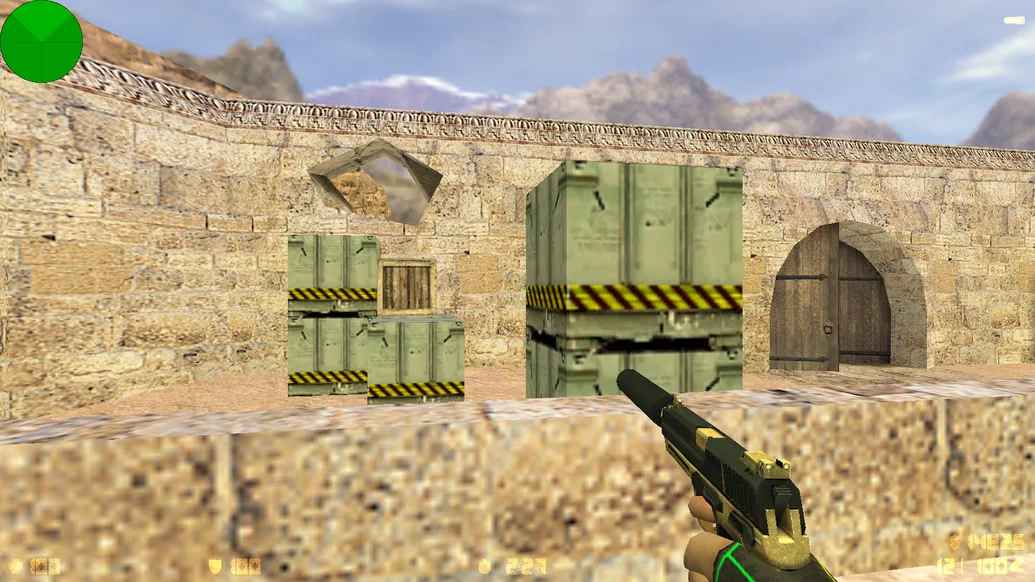
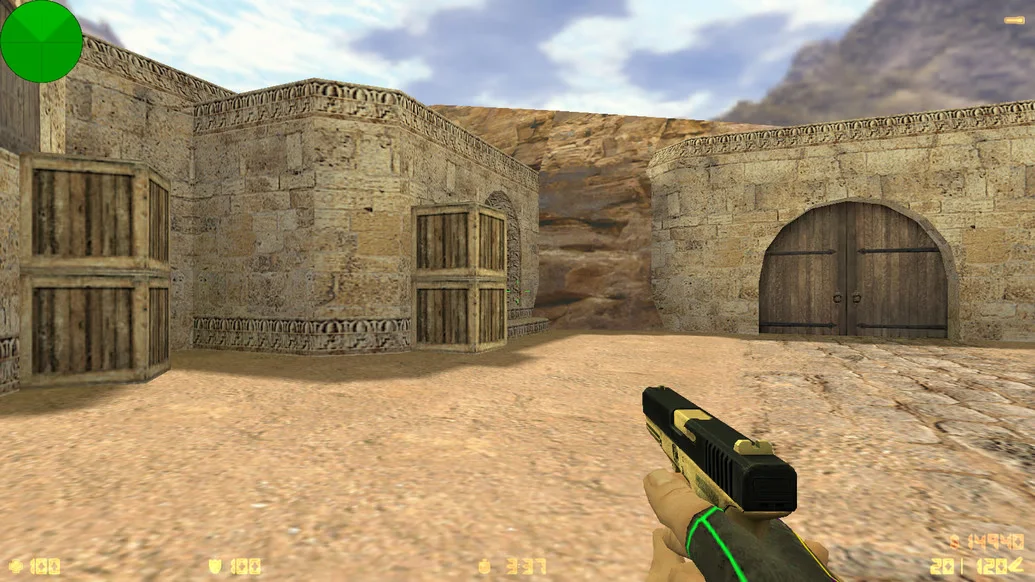
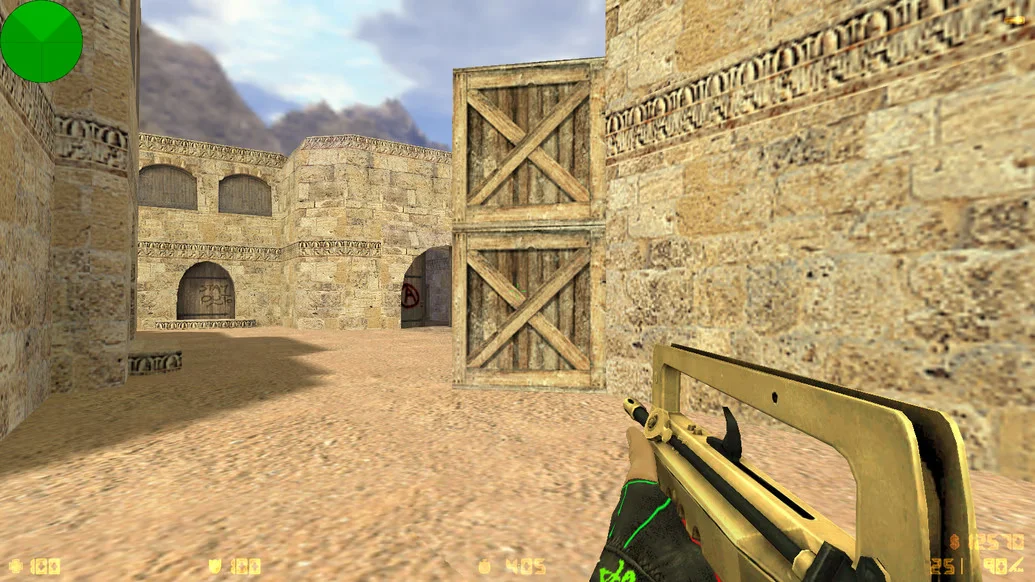
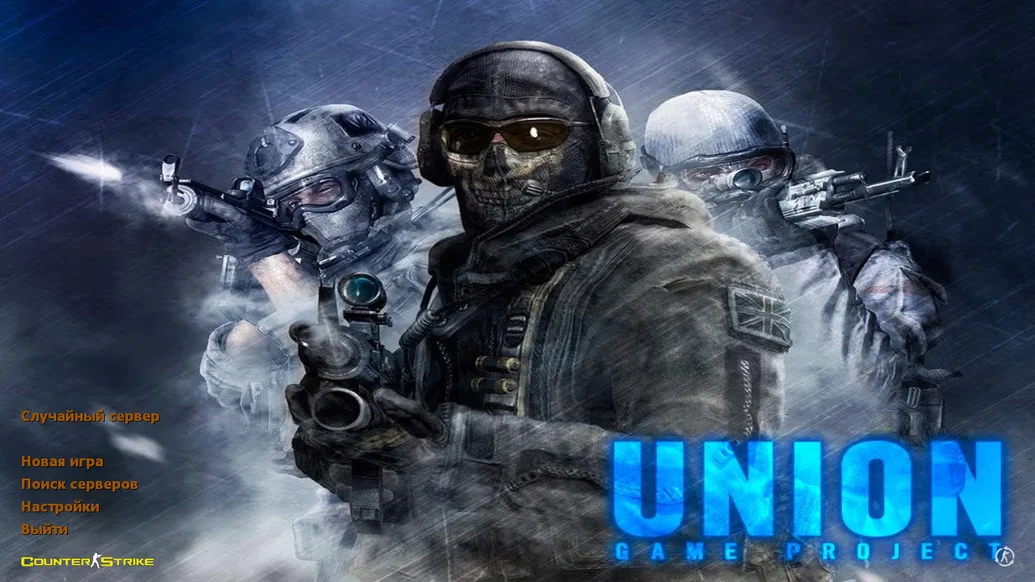
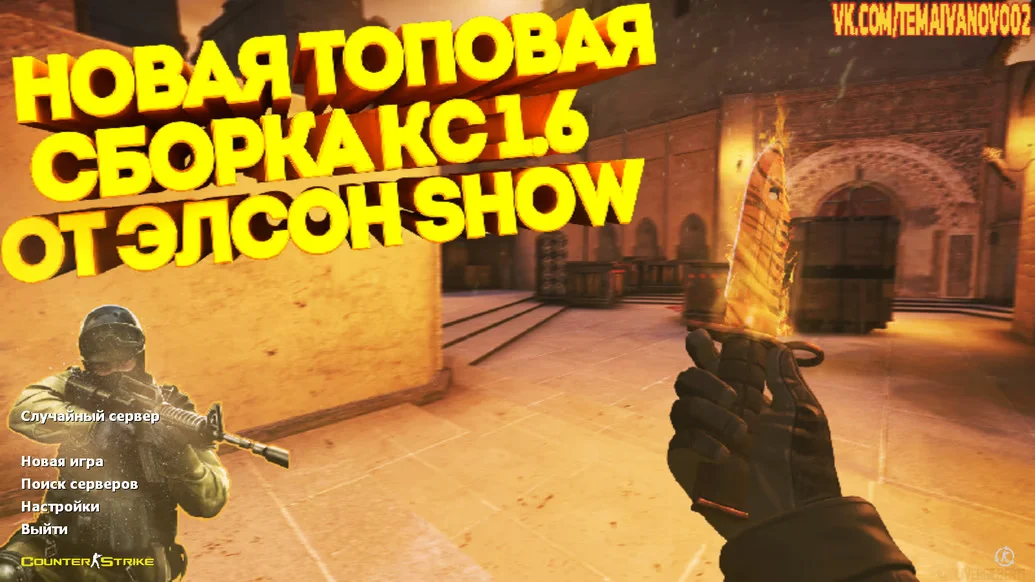
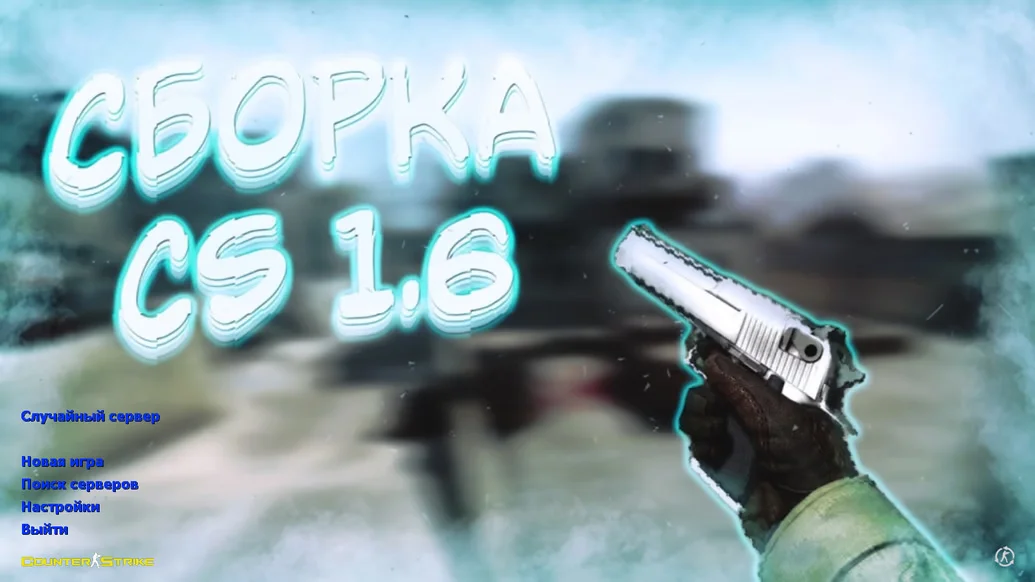
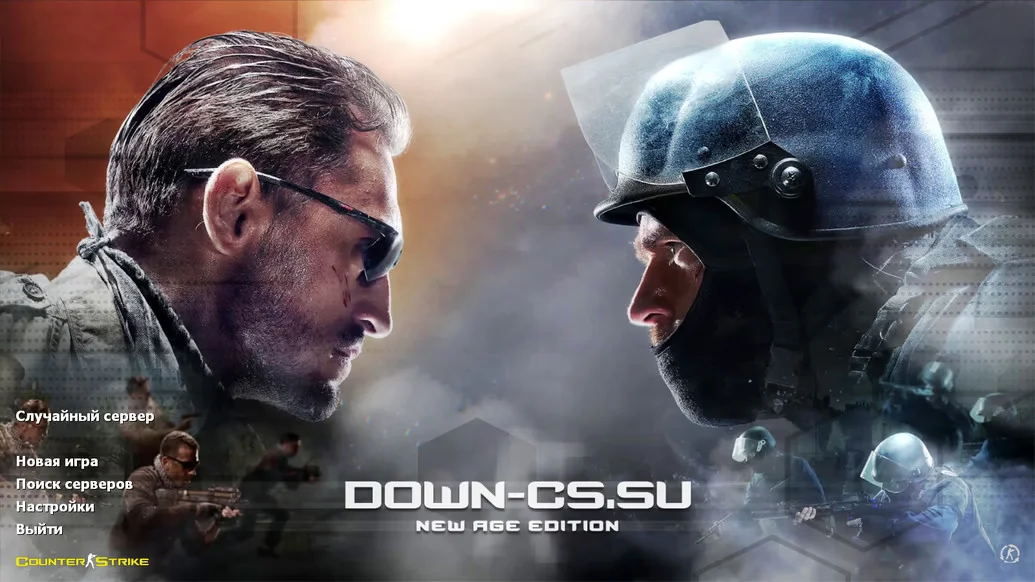
CS 1.6 Extended — is an improved build of the iconic Counter-Strike, featuring dozens of useful functions, visual enhancements, and technical upgrades. It is designed for players who find the standard client insufficient and want more control, flexibility, and modern functionality without compromising the classic experience. The build stays true to the original style while offering higher-quality graphics, a redesigned interface, convenient settings, and enhanced sound, making gameplay significantly more comfortable.
CS 1.6 Extended pays special attention to versatility and stability: it is perfect for both offline play with bots and connecting to any servers. It includes extended graphics settings, network optimizations, additional menu options, and custom weapon and player models. The sounds of shooting, reloading, and footsteps are clearer and more realistic, while the radar, crosshair, and HUD are updated for better visibility and readability. Thanks to the optimized config, the game responds smoothly, providing high accuracy and stable FPS even on low-end computers.
CS 1.6 Extended is fully Russian-localized, requires no installation, and contains no ads or unnecessary software. It works stably on all modern Windows versions — from XP to 11. If you want to download CS 1.6 with wide capabilities, modern design, and classic gameplay — this build is perfect for you. Just download, launch, and enjoy the extended CS 1.6 experience.
Build Features:
Extended menu and settings
Enhanced graphics and interface
New weapon and player models
Updated sounds for footsteps, shooting, and hits
Optimized config for any system
Full LAN and online server compatibility
Built-in bots with flexible settings
Fast launch without installation
Full Russian localization
Compatible with Windows XP, 7, 8, 10, 11
Minimum System Requirements:
Processor: … MHz
RAM: … MB
Video Card: … MB
Disk Space: … MB
Operating System: Windows XP/Vista/7/8/10/11
How to Install:
Download the build archive
Unpack it to any convenient folder
Run the file cs.exe
Configure controls and settings
Play with bots or on servers