Home
Home
 CS 1.6 Builds
 CS:GO Builds
 CS:S Builds
 CS2 Builds

Download CS 1.6 Shox

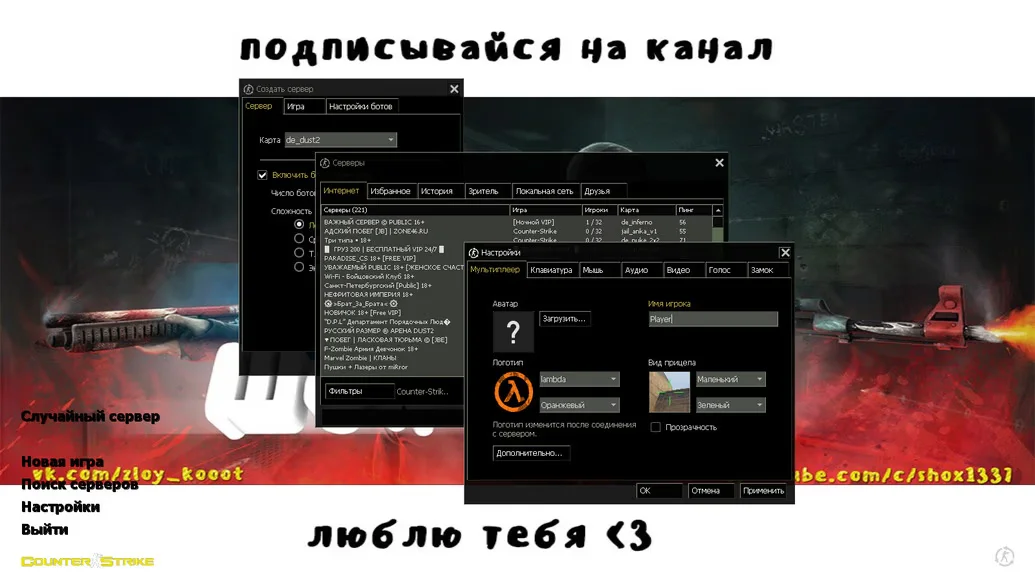
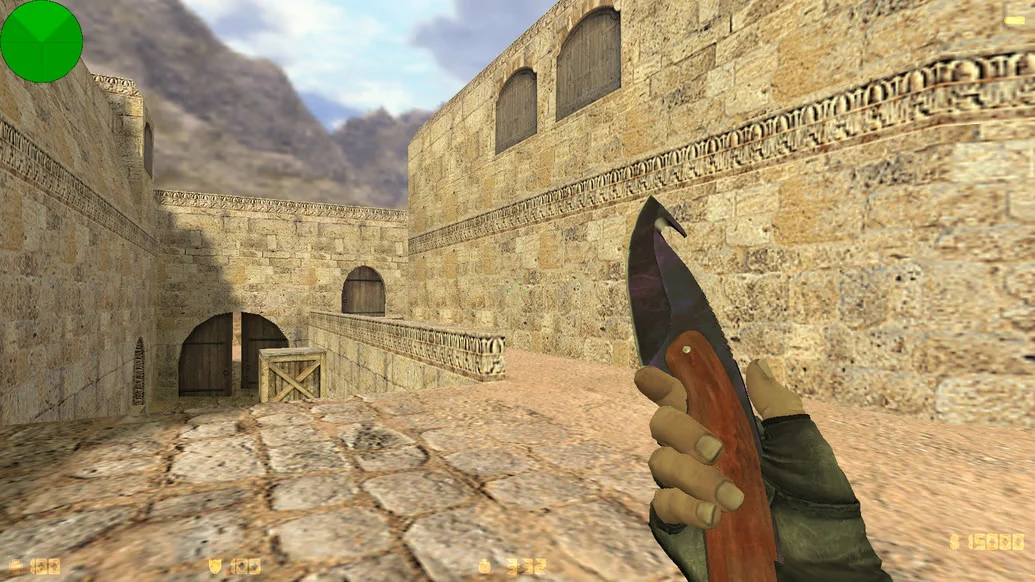
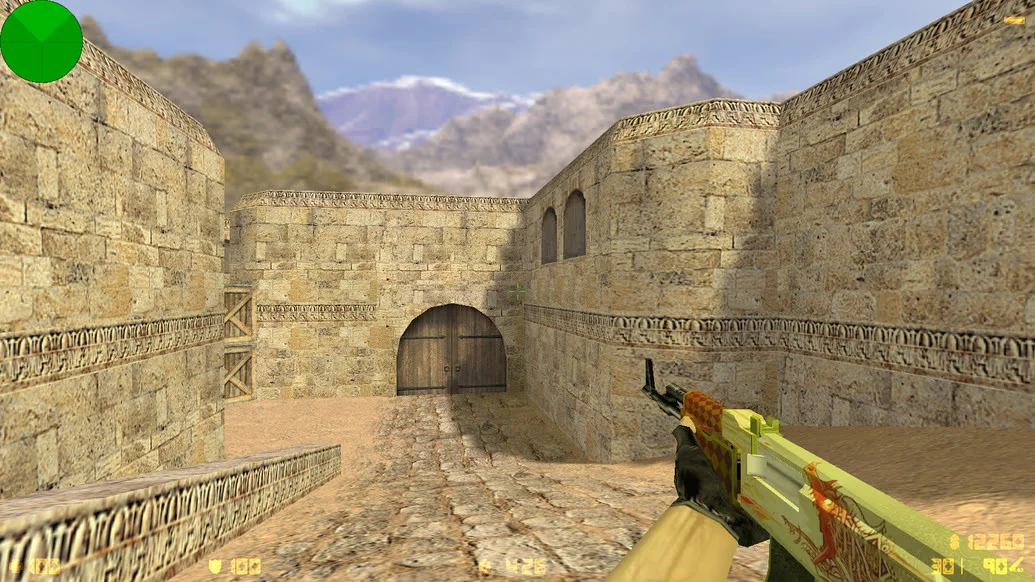
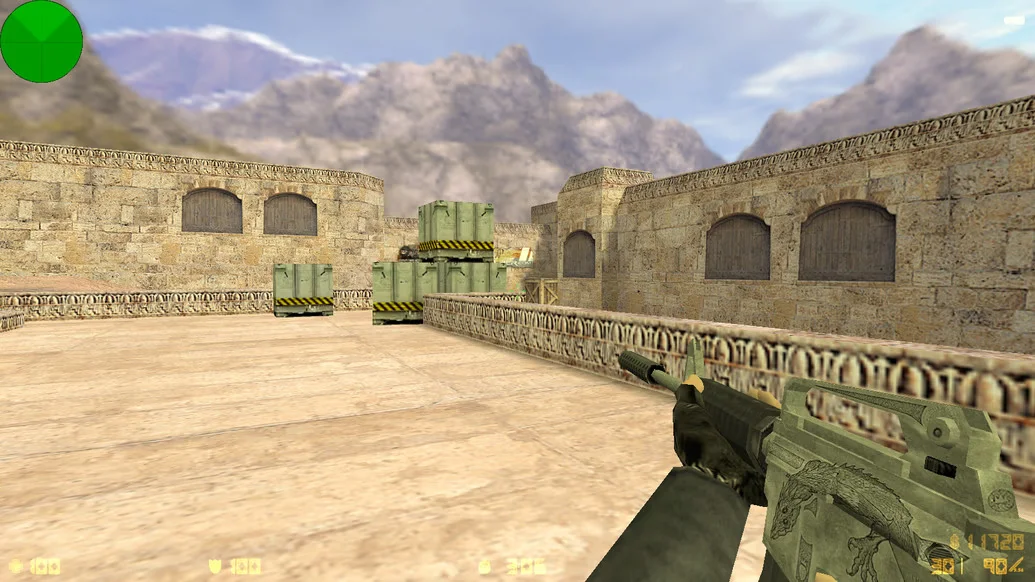
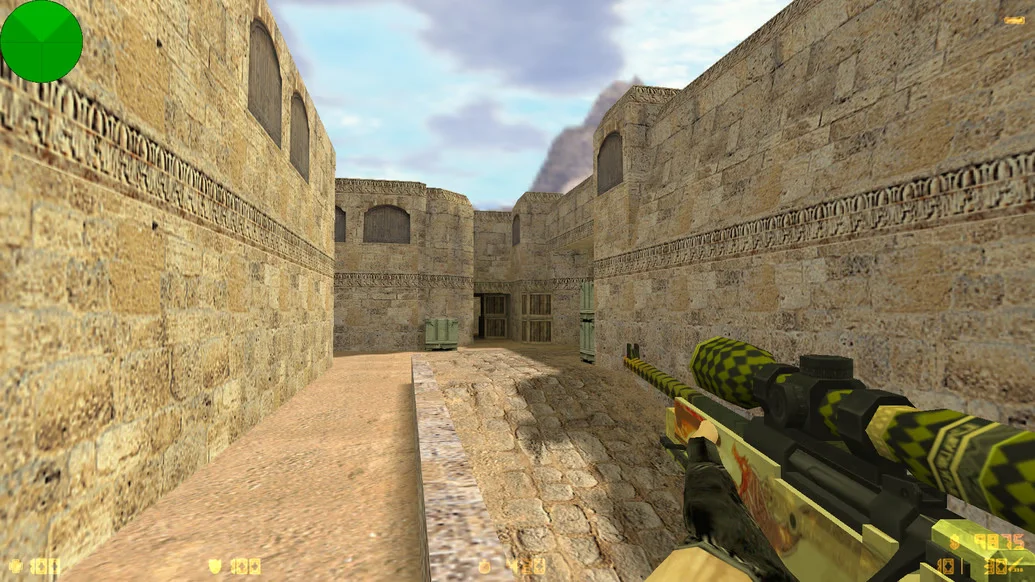
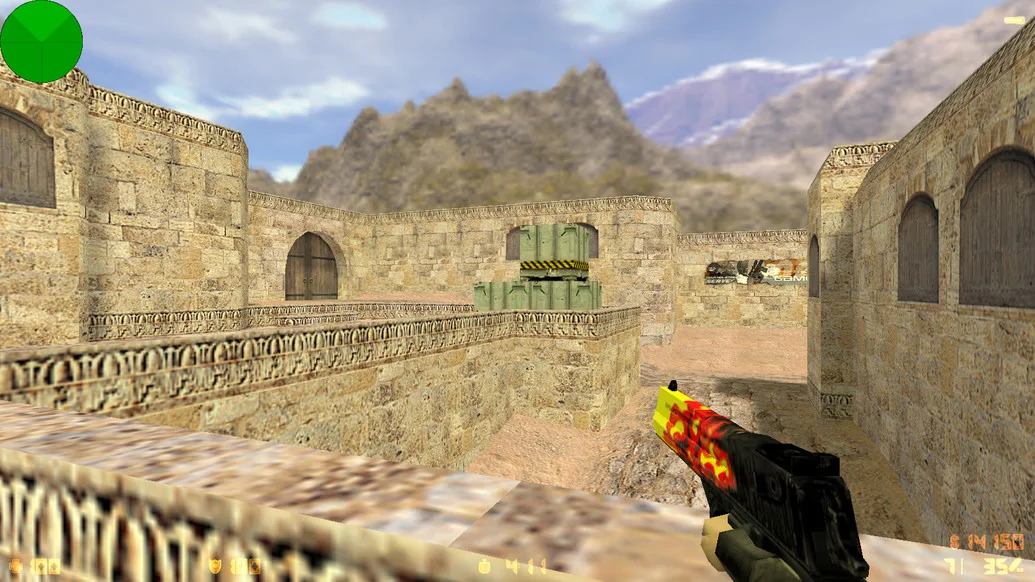
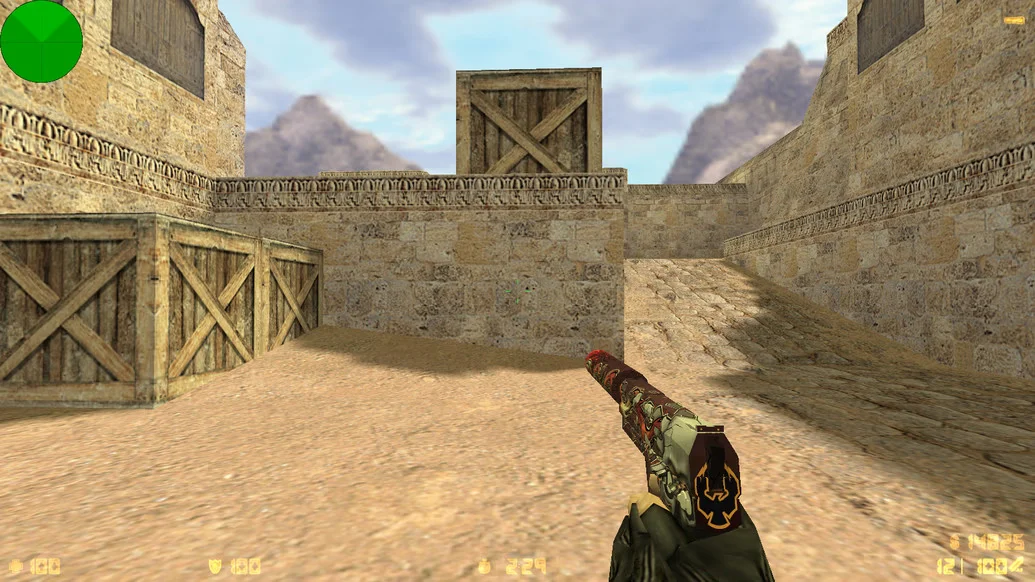
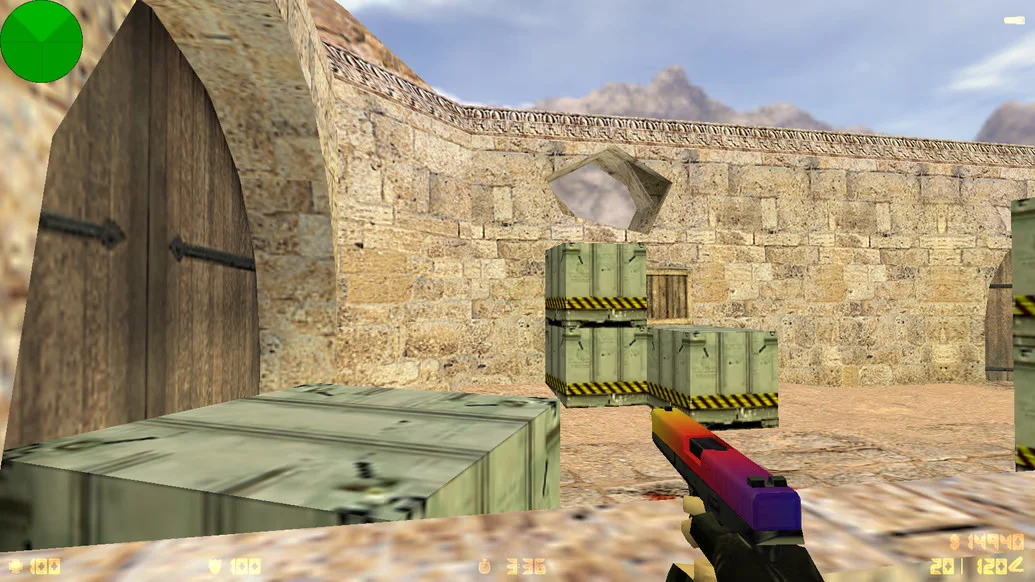
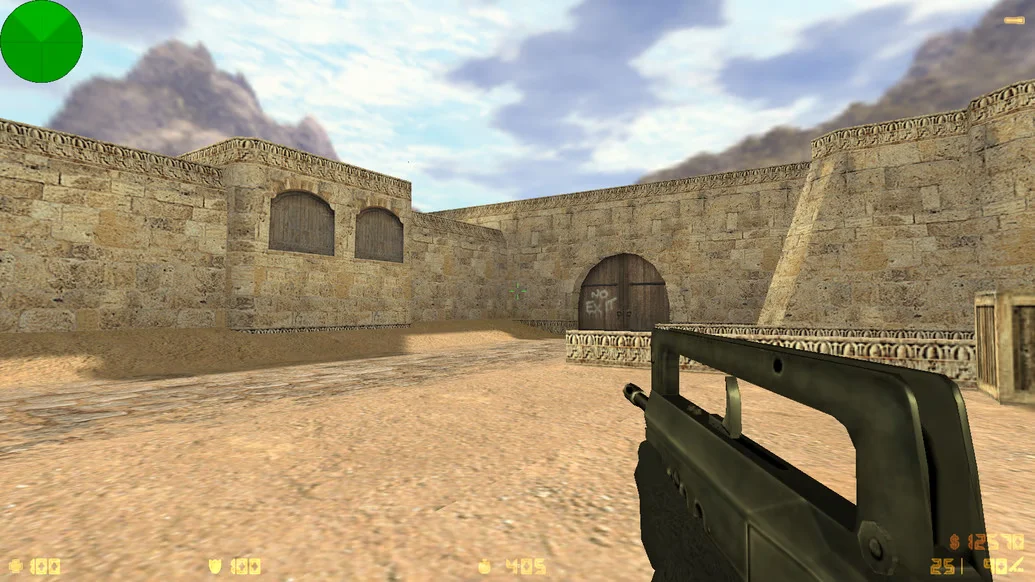
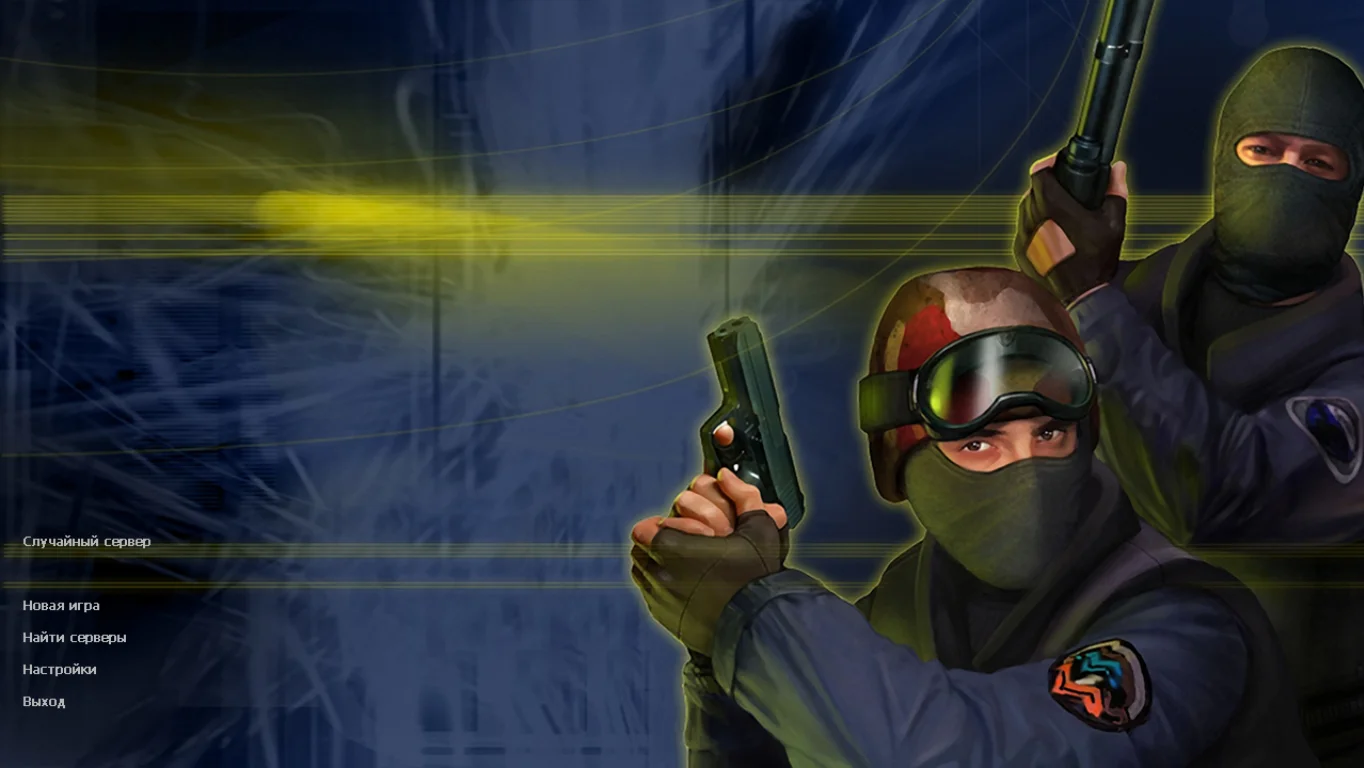
Download CS 1.6 Shox — this is an opportunity to immerse yourself in the atmosphere of the classic game Counter-Strike 1.6 with a unique build dedicated to the famous player Shox. This version of the game is designed for those who want to enjoy gameplay with improved graphics, optimized performance, and exclusive settings that make each match more dynamic and exciting. CS 1.6 Shox features stable performance on low- and mid-range PCs, allowing you to enjoy the game without lags or crashes.
The CS 1.6 Shox build includes original maps and skins, as well as unique weapon models that give the game a fresh and modern look. Thanks to careful optimization and attention to detail, the game loads quickly and requires no complex setup. For esports fans and Shox enthusiasts, this version is an excellent choice, as it preserves the classic mechanics while adding convenient features and improved stability. The game is suitable for both single-player matches and online battles with friends or other players.
By downloading CS 1.6 Shox, you get a stable and high-quality build that installs quickly and is ready to play. The build supports various types of servers, allowing you to choose the best mode and test your skills on different maps. If you want to download CS 1.6 Shox and dive into the world of the classic shooter with enhancements, this build will be your best choice. Don’t miss the chance to experience the pleasure of playing an updated version of Counter-Strike 1.6 with your favorite settings and atmosphere.
Features of the CS 1.6 Shox Build
Unique skins and weapon models inspired by professional player Shox
Optimized for low- and mid-range computers
Fast loading and stable performance without lags
Original maps and support for popular servers
Improved graphics while preserving classic gameplay
Support for various game modes: single-player, team, and online matches
System Requirements for CS 1.6 Shox
Operating System: Windows XP, 7, 8, 10
Processor: 1.2 GHz or higher
RAM: 512 MB or more
Video Card: DirectX 8.1 or higher support
Disk Space: 2 GB or more
Internet connection required for online play
How to Install CS 1.6 Shox
Download the game archive from the link
Extract the contents to a separate folder on your drive
Run setup.exe or cs16.exe to install or launch the game
Configure graphics and controls in the game menu on the first launch
Connect to a server or play in single-player mode