Home
Home
 CS 1.6 Builds
 CS:GO Builds
 CS:S Builds
 CS2 Builds

Download CS 1.6 by RaMzEssTV

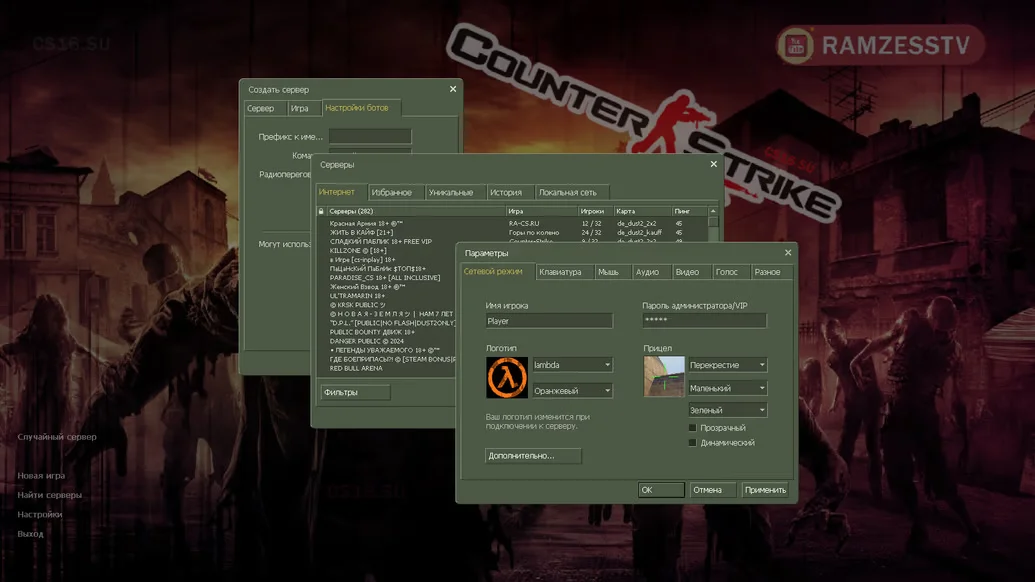
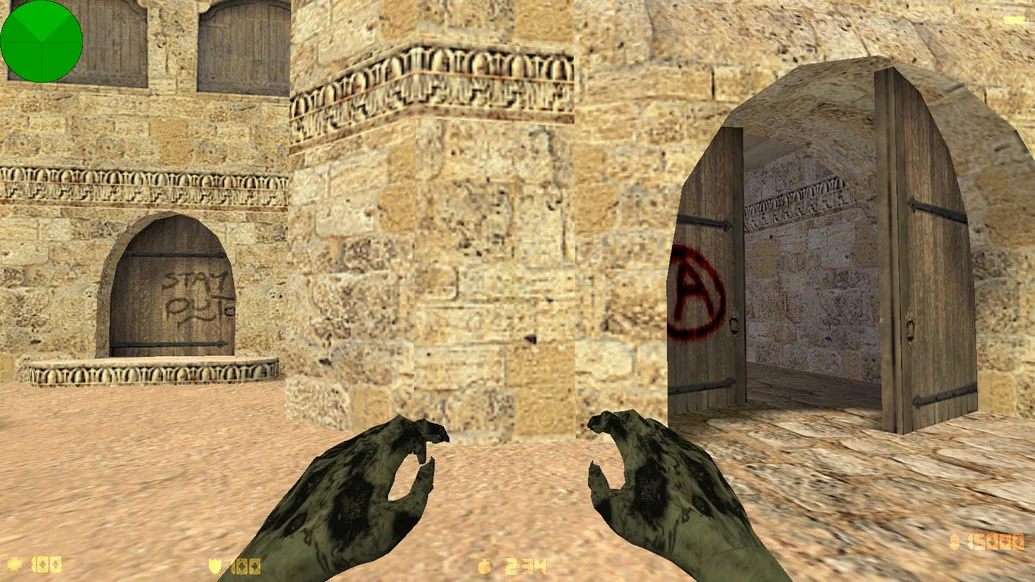
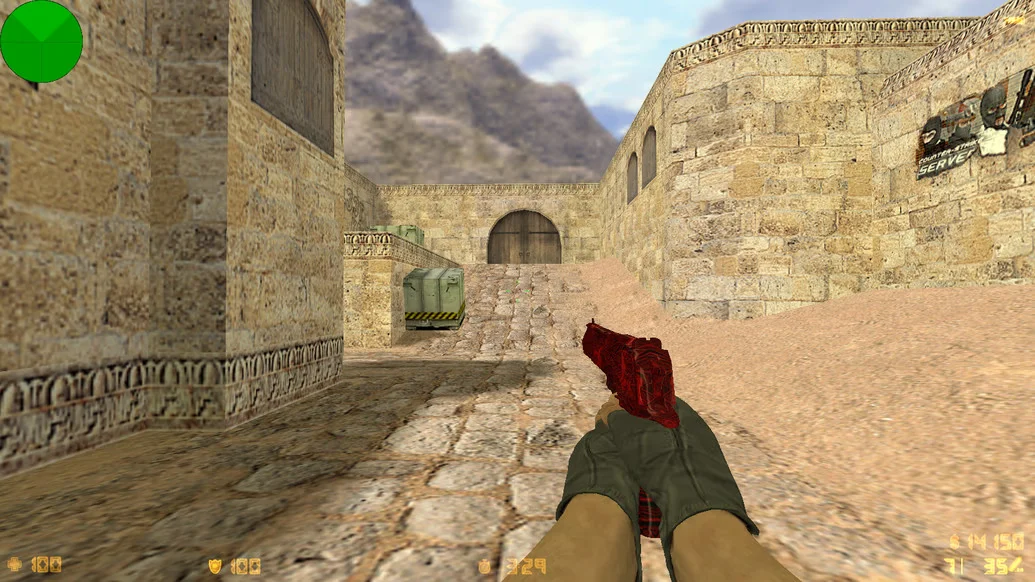
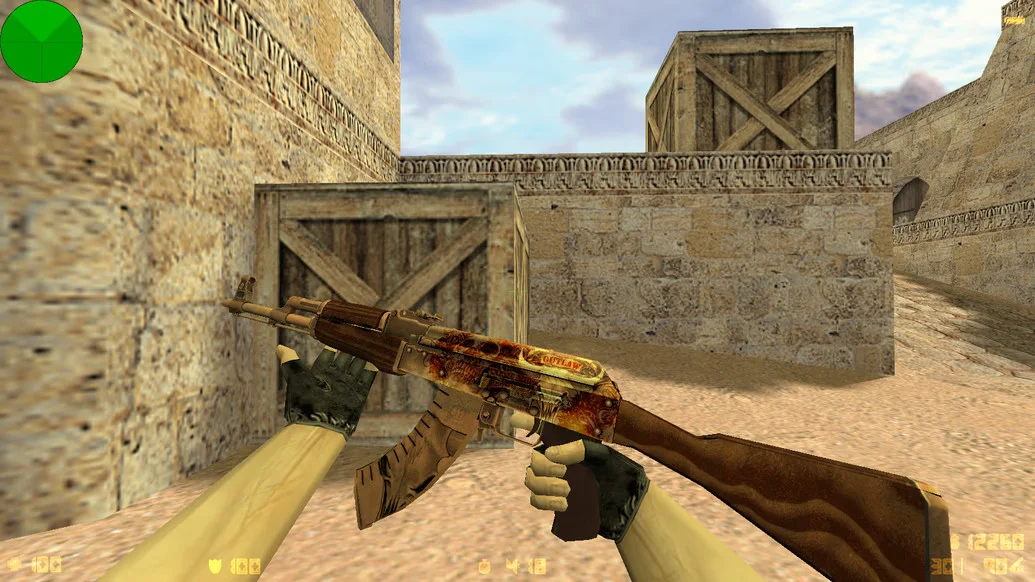
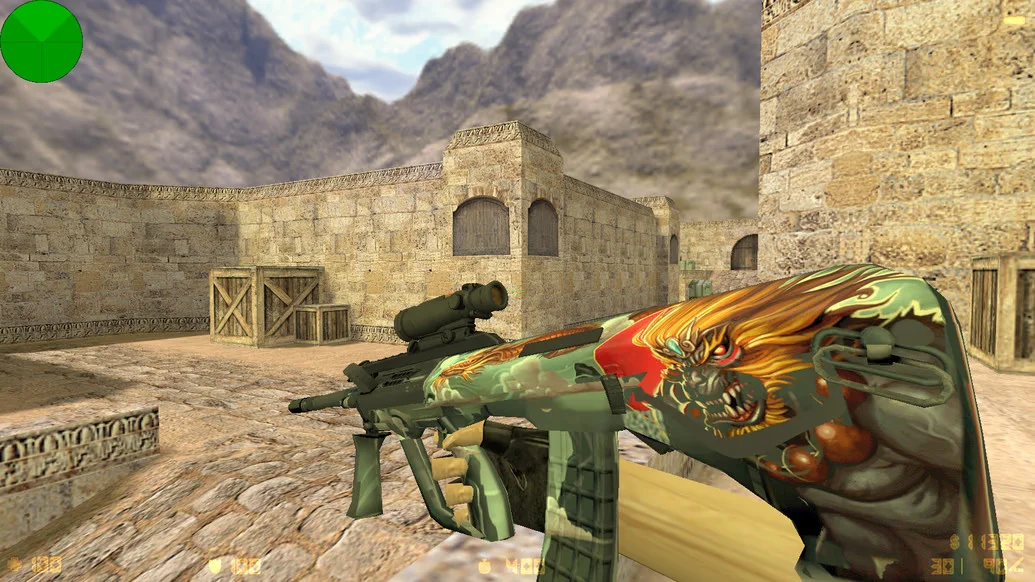
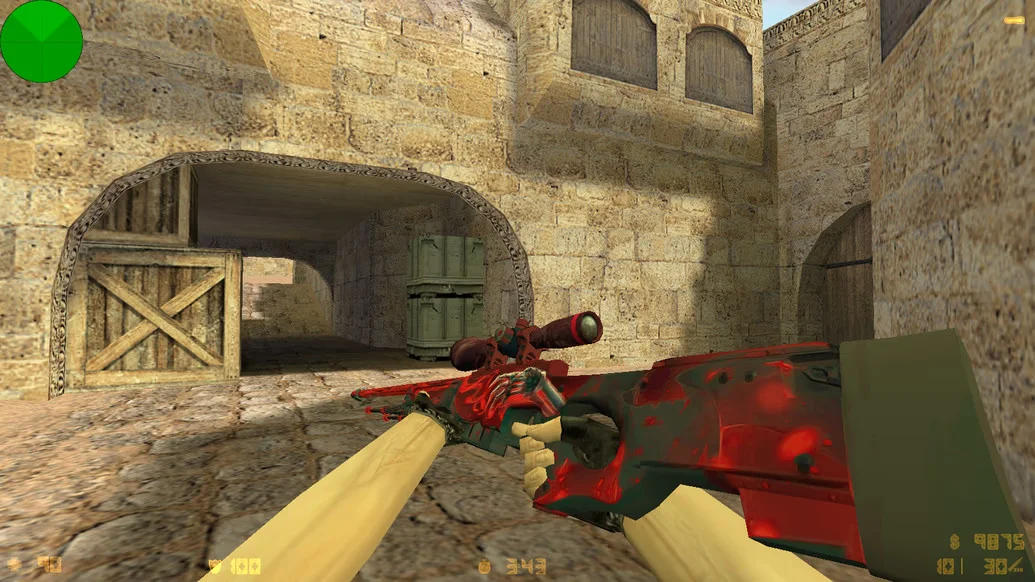
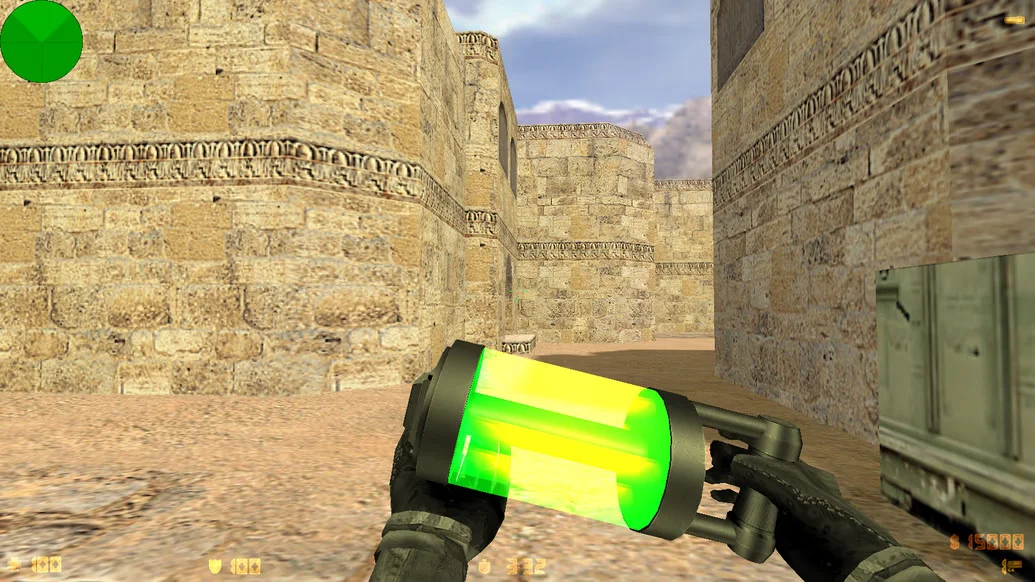
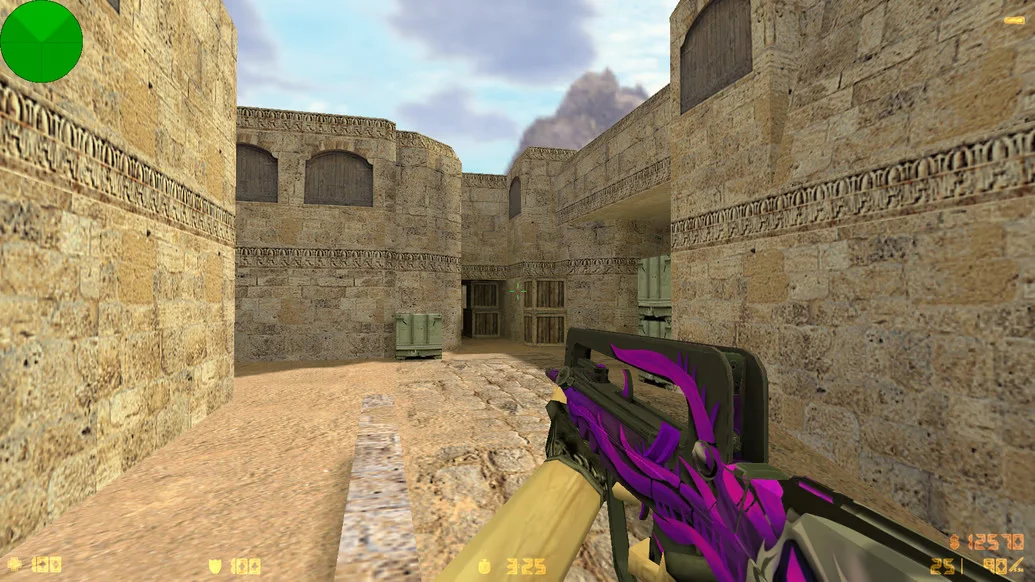
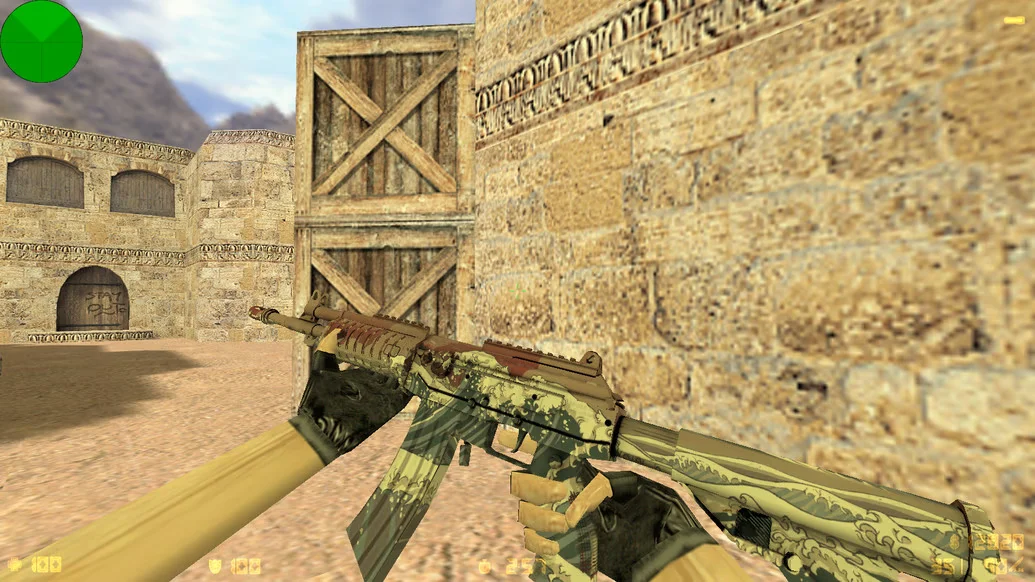
CS 1.6 by RaMzEssTV is a high-quality custom build from a popular streamer and YouTuber, developed with the feedback of his audience and his personal gaming experience in mind. The build combines style, reliability, and optimization for precise shooting. It features a fully redesigned menu, a pleasant interface, updated models, and a perfect config for comfortable gameplay. Downloading CS 1.6 by RaMzEssTV means choosing stability and enjoyment in every round.
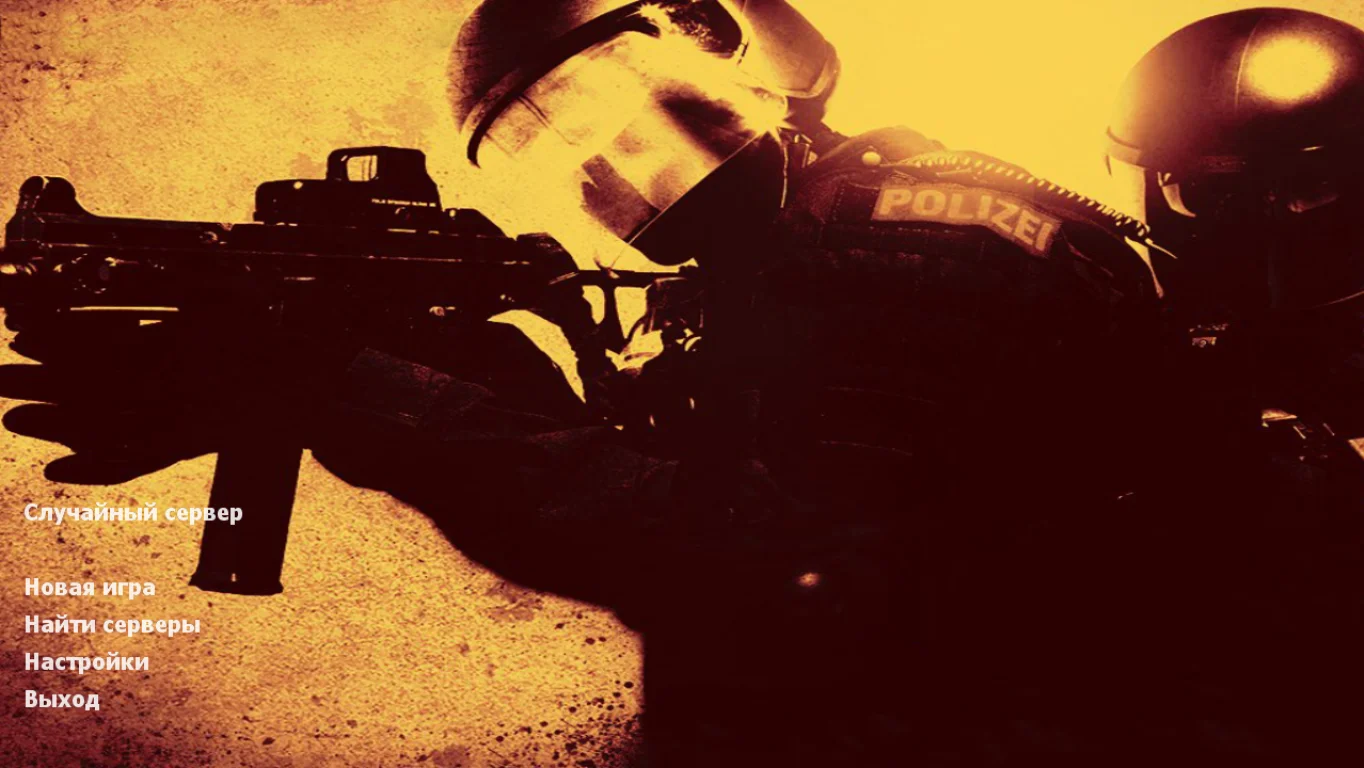
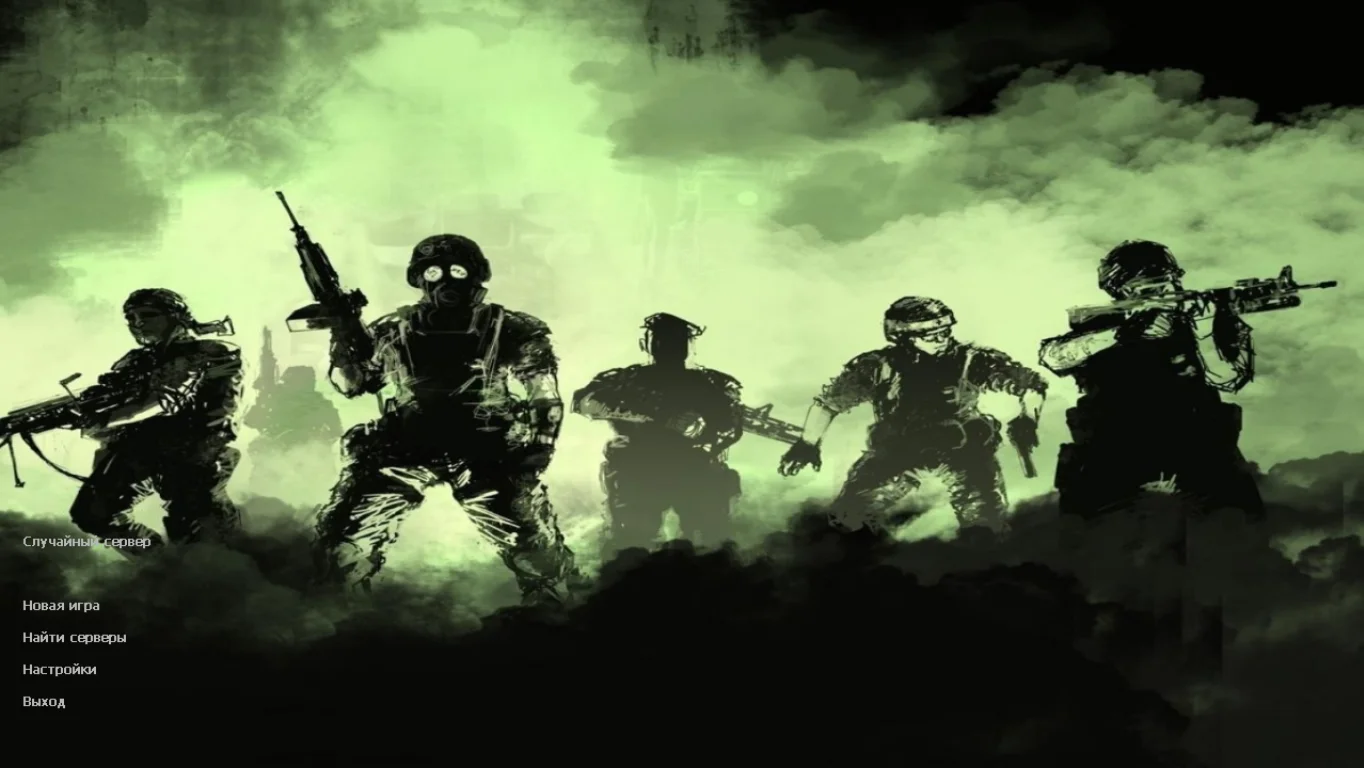
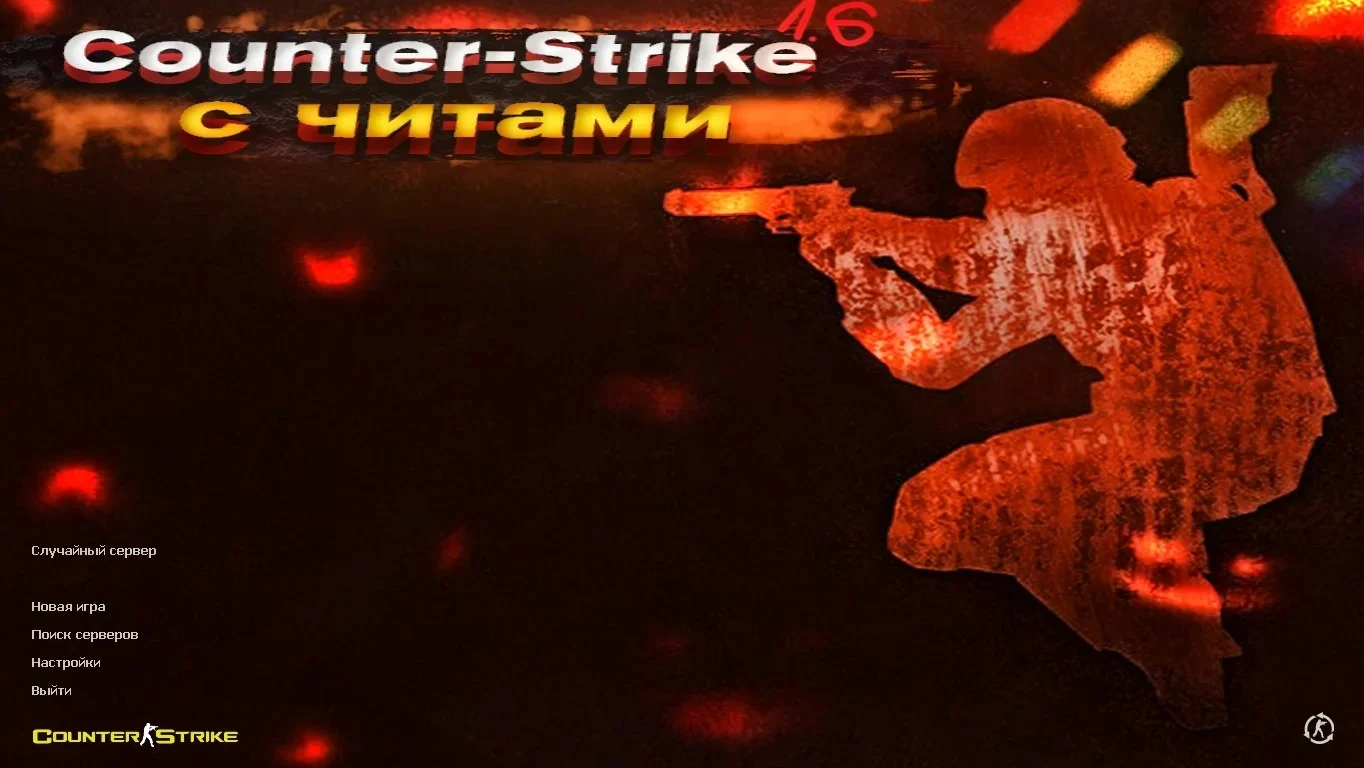
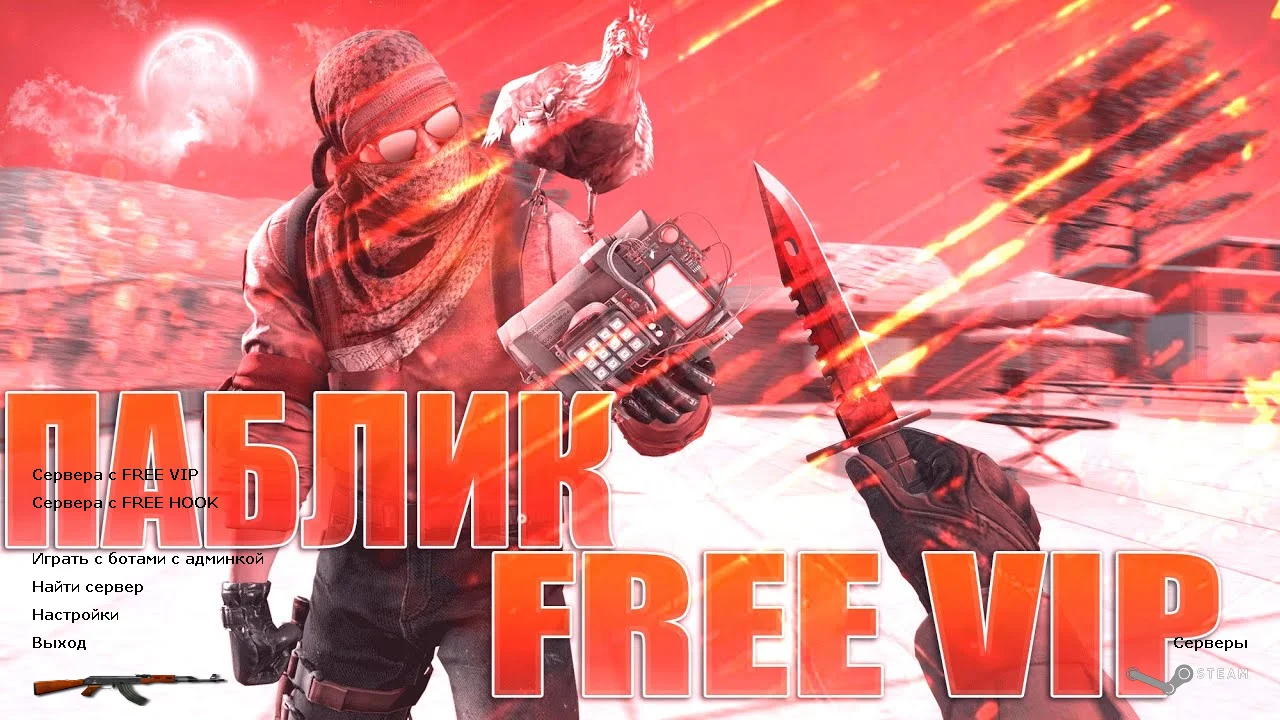
The interface is styled in RaMzEssTV’s signature theme: new background, logo, redesigned buttons, and sounds. All visual elements are neat and do not distract from gameplay. Weapon and player models are updated to look fresh and realistic. The crosshair and HUD are optimized for aggressive and precise play. The config is set for good recoil control, stable sensitivity, and high accuracy. Built-in smart bots allow offline play, and a fully functional master server provides quick access to active online servers.
Installation takes only a few minutes and requires no additional setup — everything works “out of the box.” The game runs smoothly on all Windows versions from XP to 11, even on low-end PCs. CS 1.6 by RaMzEssTV is completely clean: no ads, viruses, or unnecessary files. It’s the perfect choice for anyone who wants a quality client from a popular player and can start playing immediately without optimization.
Build Features:
Custom build by RaMzEssTV
New interface and menu design
HD weapon and player models
Modern crosshair and HUD
Config for precise shooting
Intelligent AI bots
Fully working master server
No ads or third-party software
Ready for offline, online, and LAN play
Stable performance on any PC
Quick installation — 2–3 minutes
Compatibility: Windows XP – 11
System Requirements and Installation:
Operating System: Windows XP/Vista/7/8/10/11
Processor: 1.0 GHz or higher
RAM: 512 MB or more
Graphics Card: DirectX compatible
Free Disk Space: 1 GB or more
How to Install:
Download the CS 1.6 by RaMzEssTV installer
Run the installer and choose the installation folder
Wait for the installation to complete
Launch the game using the desktop shortcut
Play with bots, over LAN, or online