Home
Home
 CS 1.6 Builds
 CS:GO Builds
 CS:S Builds
 CS2 Builds

Download CS 1.6 by Valve
 Русская версия
 С ботами и серверами
 Работает на всех Windows (от XP до 11)
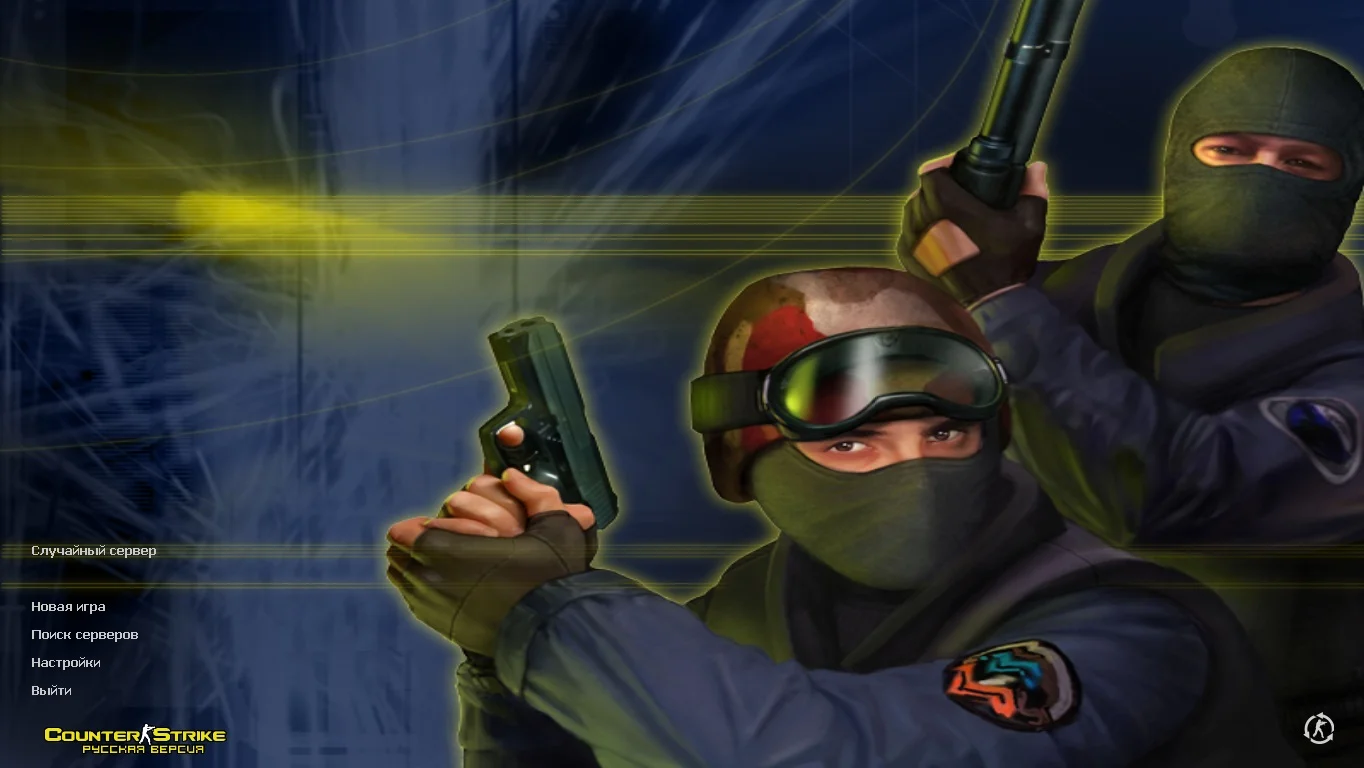
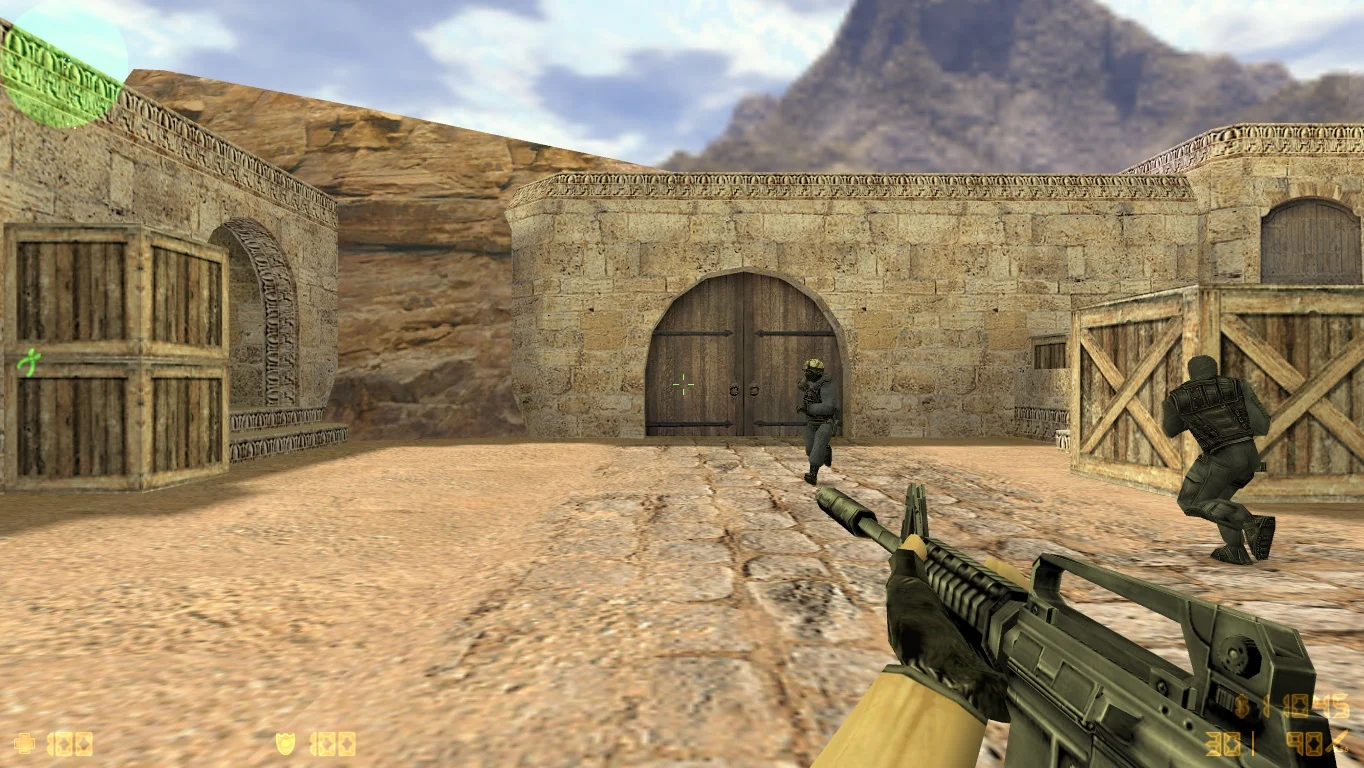
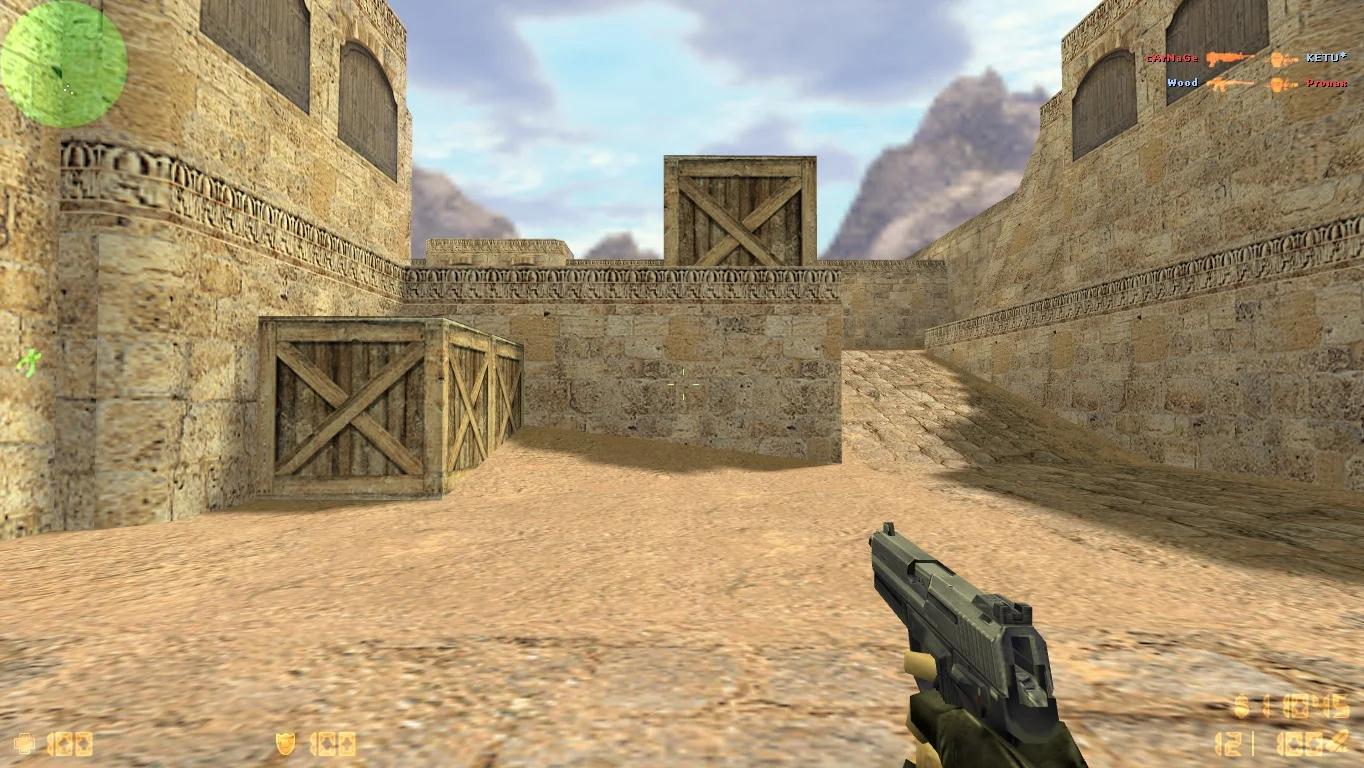
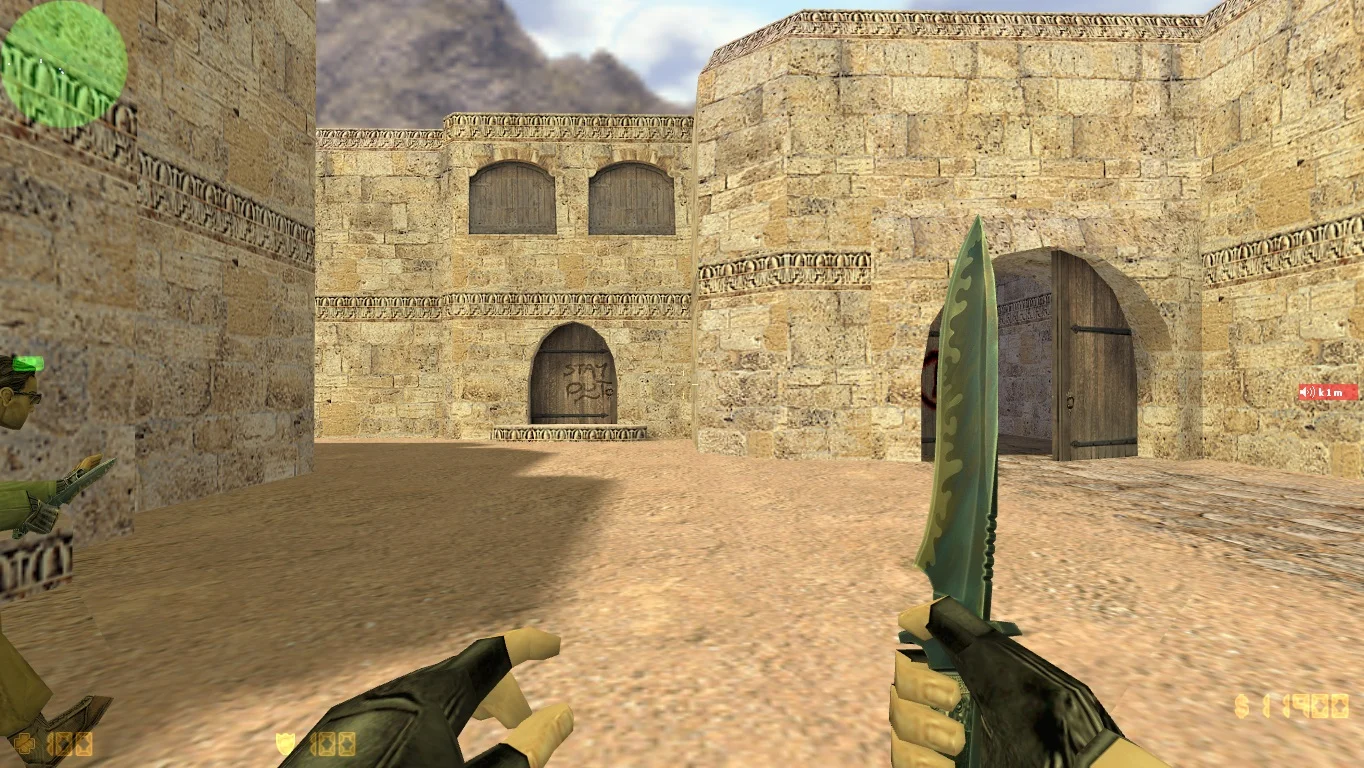
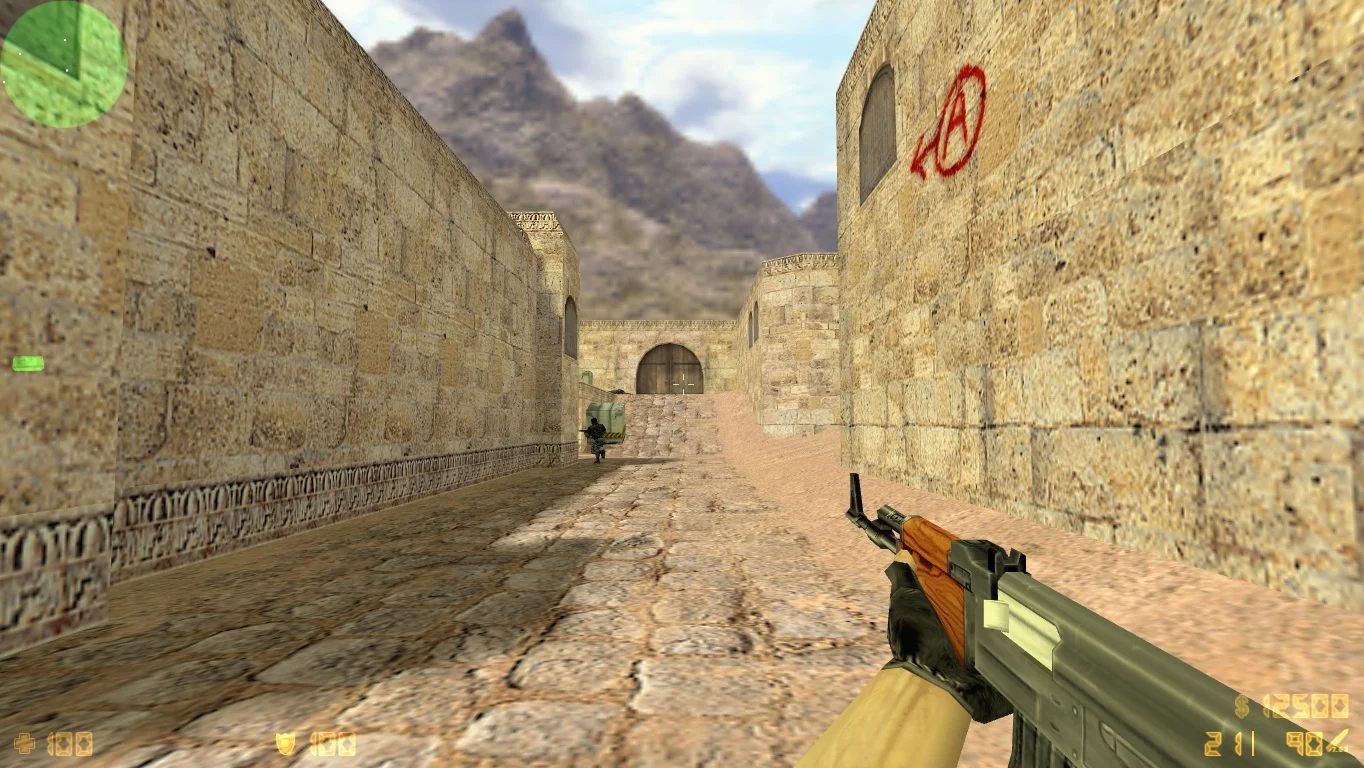
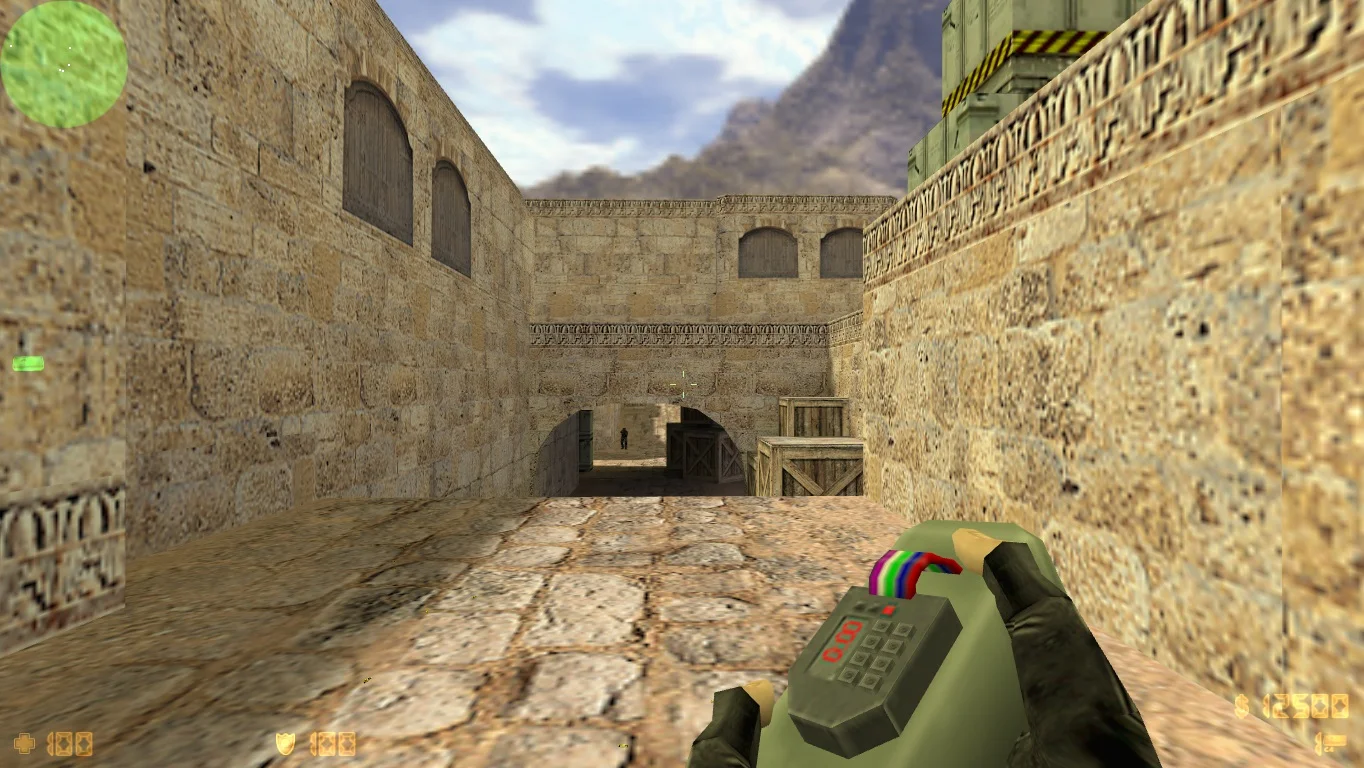

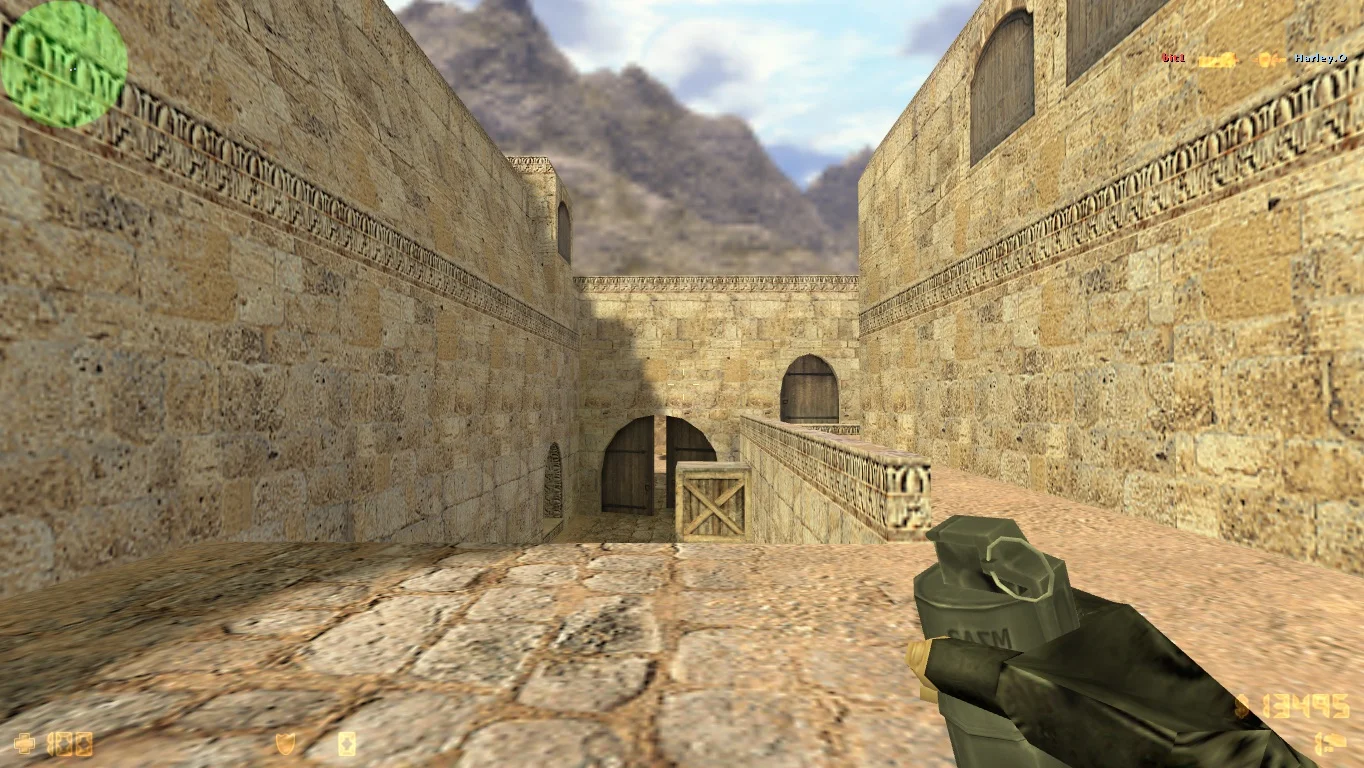


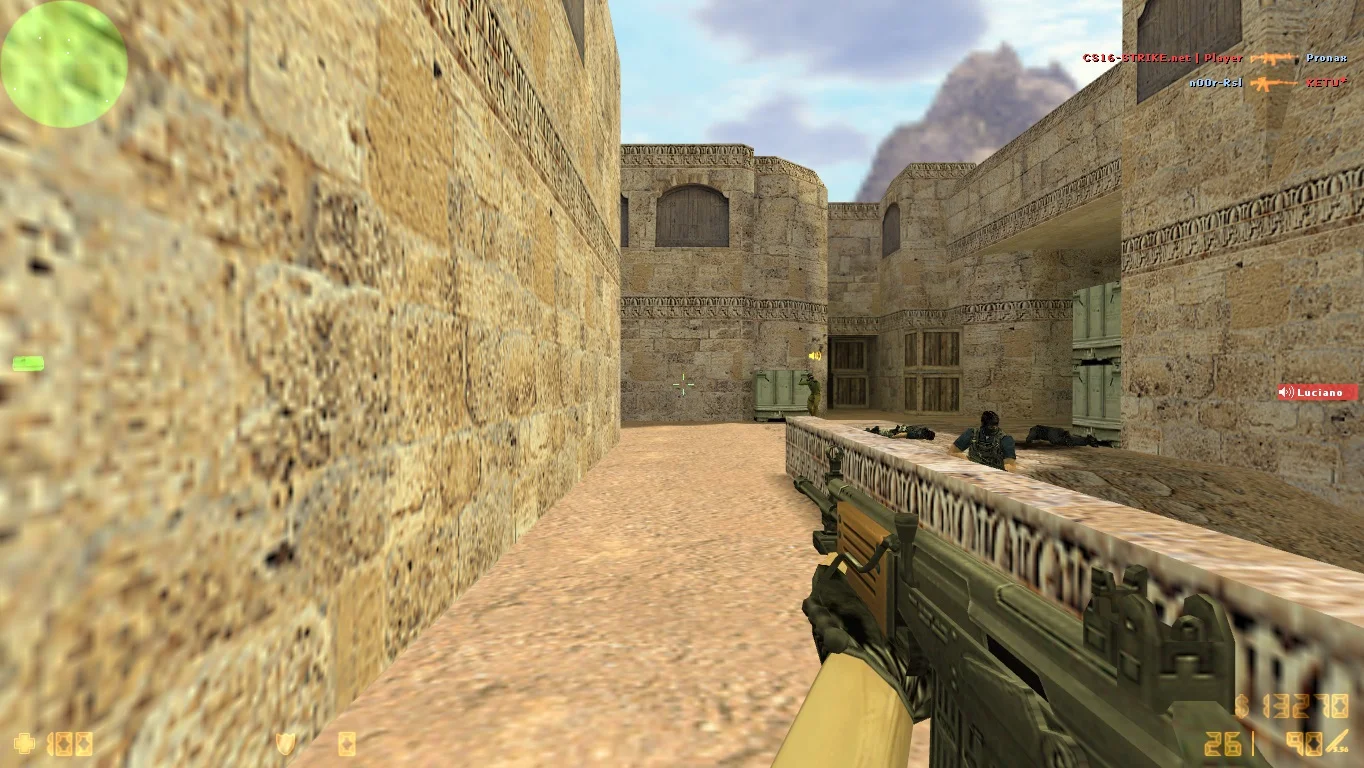
Download CS 1.6 by Valve — a chance to immerse yourself in the original and classic version of the legendary shooter Counter-Strike 1.6, created by Valve itself. This version is the standard for all fans of the game and preserves the original gameplay, balance, and atmosphere that made Counter-Strike a cult game in the world of esports. CS 1.6 by Valve offers pure, unmodified gameplay, making it ideal for those who want to play the pristine version, proven over time.
This build includes all the classic maps, weapon models, sounds, and effects familiar to every fan. The game runs stably and optimally, providing smooth FPS even on mid-range and low-end PCs. CS 1.6 by Valve supports offline play with bots and online battles on popular servers, allowing you to enjoy all aspects of the game without limitations. Additionally, thanks to ongoing community support and official updates, this version remains relevant today.
Installing the original CS 1.6 by Valve is simple and accessible to everyone. Just download the distribution, extract the files, and launch the game. The build includes standard graphics and control settings, which can be adjusted for maximum convenience. If you want to experience true classic Counter-Strike without any additions or mods — CS 1.6 by Valve is the best choice for you.
Features of the build:
• Original version by Valve
• Classic, balanced gameplay
• Full set of original maps and weapons
• Support for offline and online modes
• Optimal performance on mid-range and low-end PCs
• Compatibility with Windows 7/8/10/11
• Easy and quick installation
• Support for official servers
System requirements:
• Operating system: Windows 7 / 8 / 10 / 11 (32/64-bit)
• Processor: Intel Pentium 4 or AMD equivalent
• RAM: from 512 MB
• Video card: DirectX 8 support or higher
• Disk space: from 600 MB
• Internet for online play
How to install:
• Download the archive with CS 1.6 by Valve
• Extract the files to a convenient folder on your PC
• Launch the game via hl.exe or the desktop shortcut
• Adjust controls and graphics as desired
• Start playing offline with bots or connect to online servers
Бесплатная загрузка игры
Сборка предоставляет бесплатно по прямой ссылке на максимальной скорости. Добавлено сразу несколько вариантов скачивания, выбирайте желаемый способ, устанавливайте версию и наслаждайтесь игрой. Клиент находится под современной защитой.

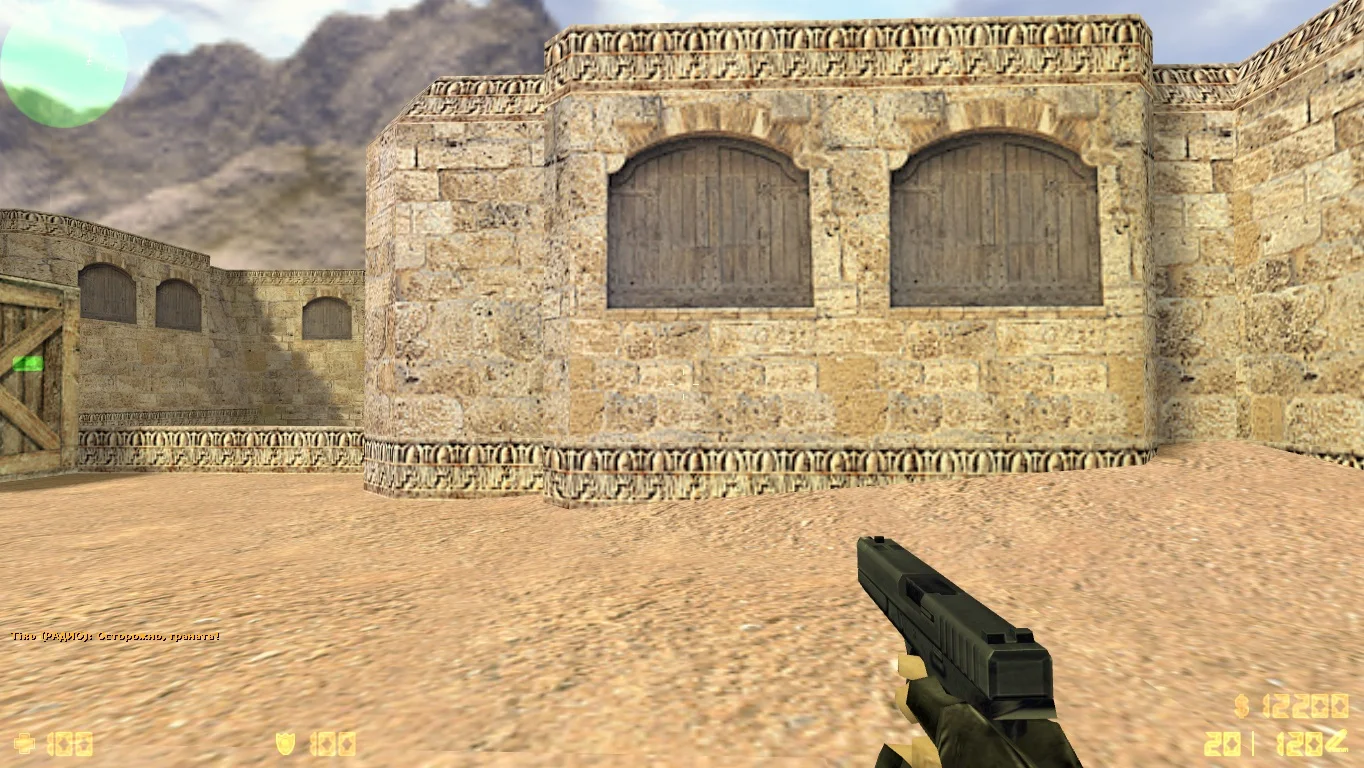

Стандартные модели оружия
Все модели оружия являются оригинальными и были взяты из самой первой контры. Пушки состоят из текстур самого высокого качества, в добавок красиво смотрятся в руках. Благодаря данными моделькам, гарантируем полное отсутствие какой-либо нагрузки.
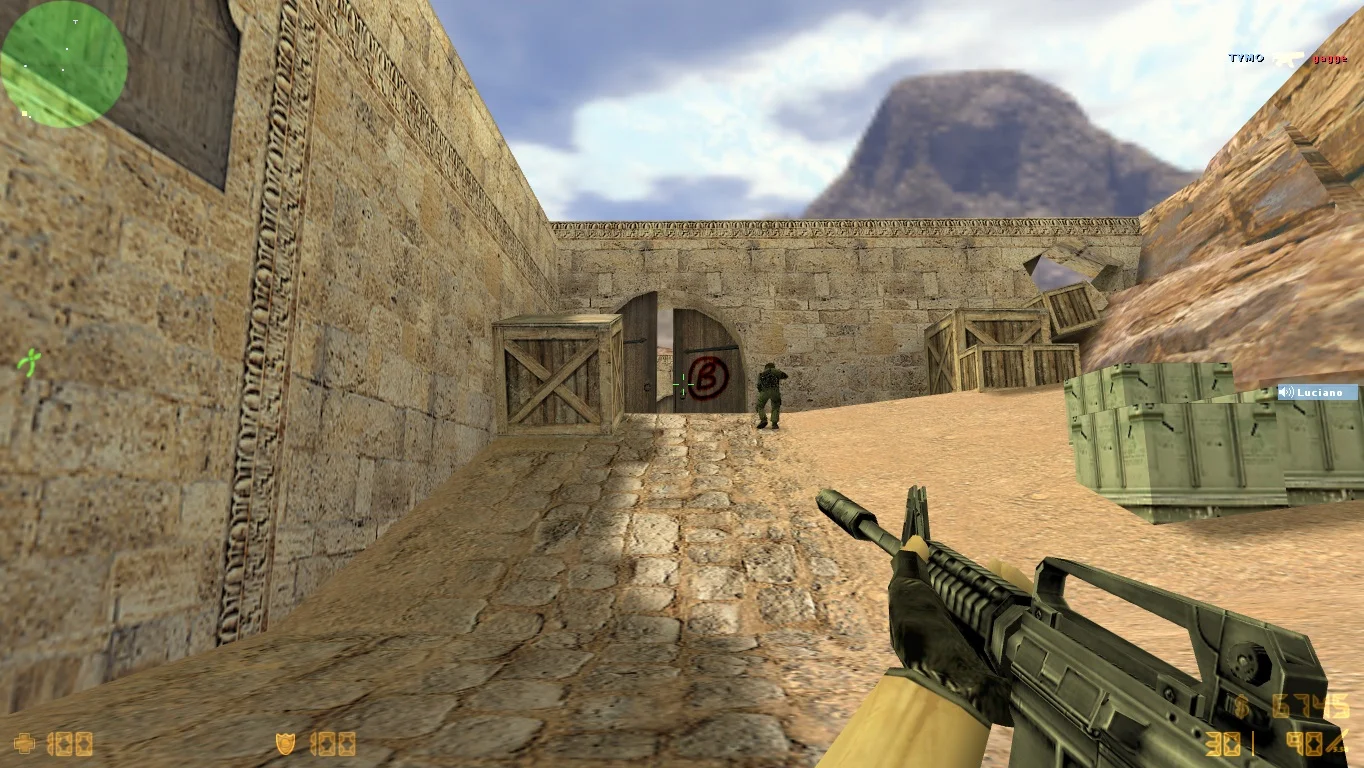
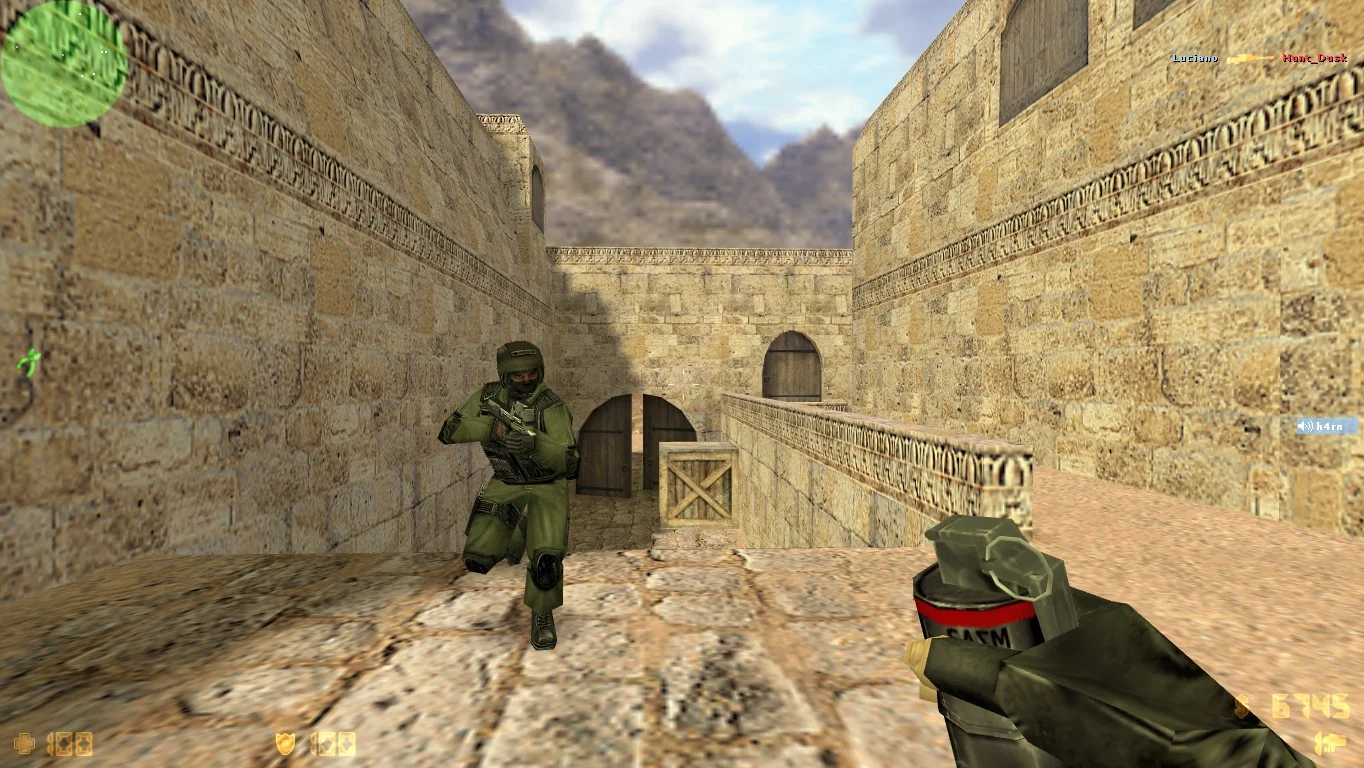

Только популярные карты
Создав одиночную игру с ботами, вы сможете поиграть на лучших локациях, которые зарекомендовали себя временем. Большинство предназначены для установка и разминирования взрывчатки. Любую карту можно скачать, после чего установить на сервер.