Home
Home
 CS 1.6 Builds
 CS:GO Builds
 CS:S Builds
 CS2 Builds

Download CS 2 Launcher
 Русская версия
 С ботами и серверами
 Работает на всех Windows (от XP до 11)
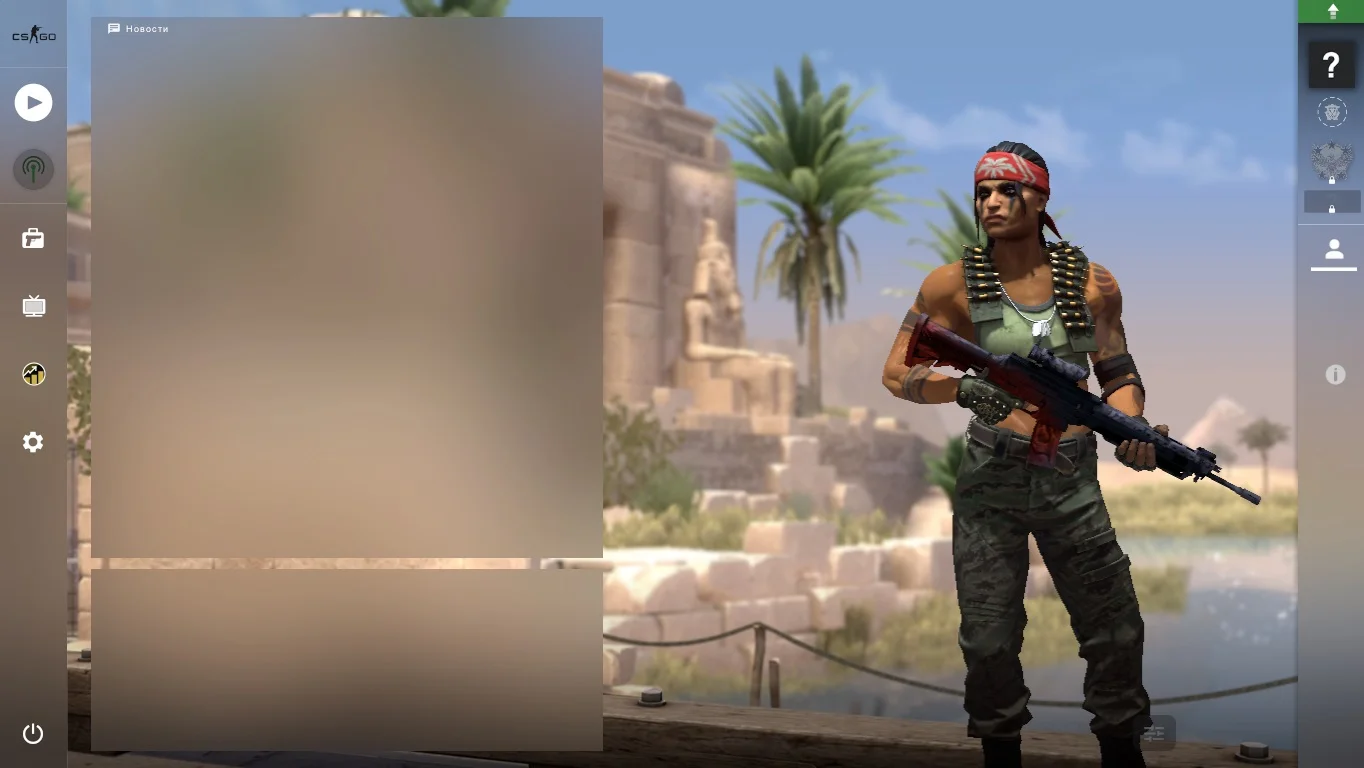
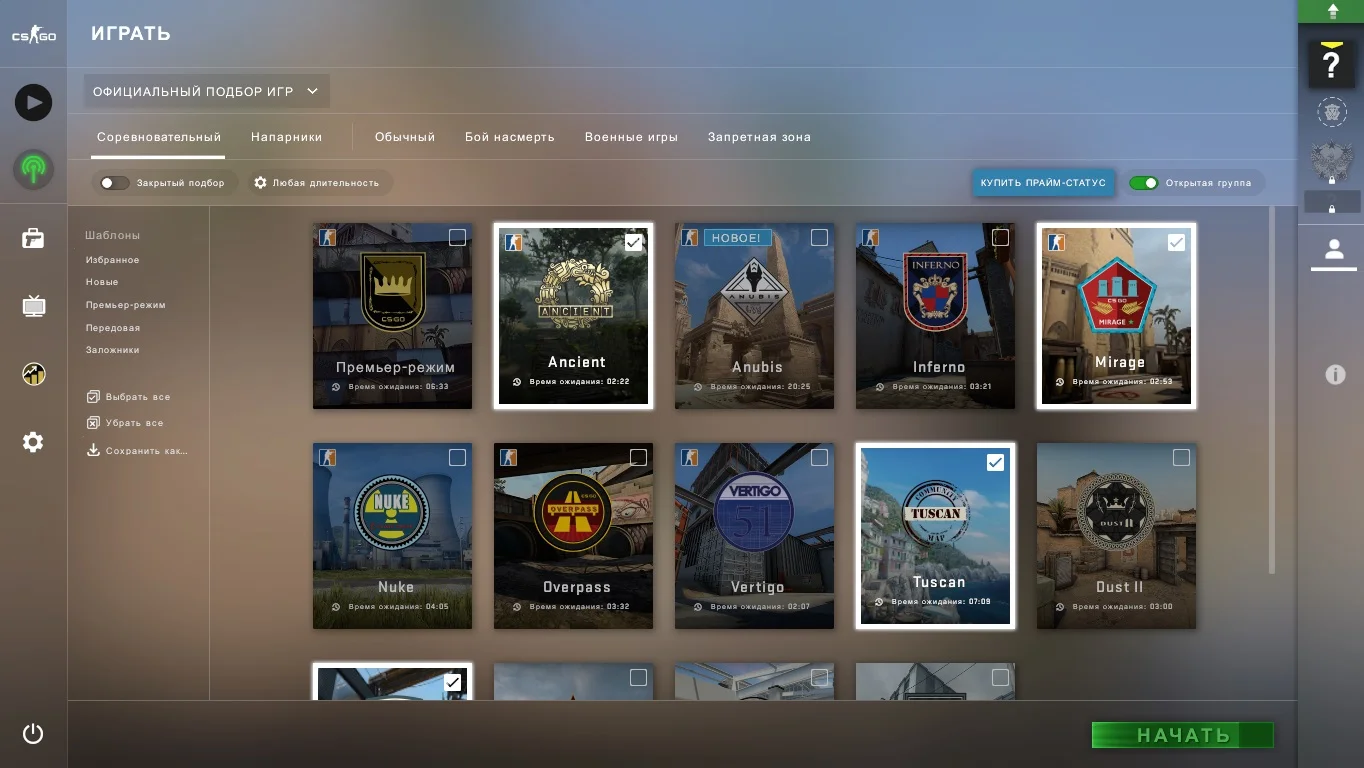
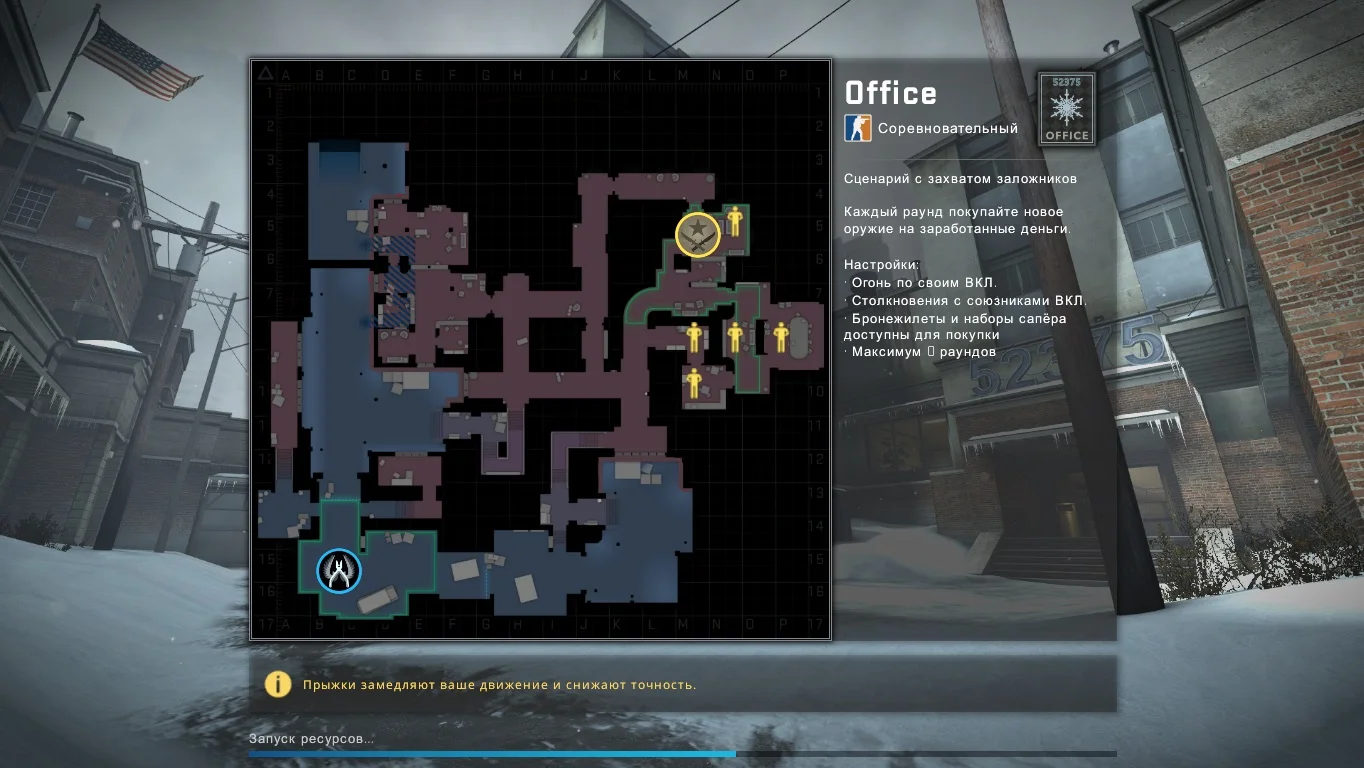
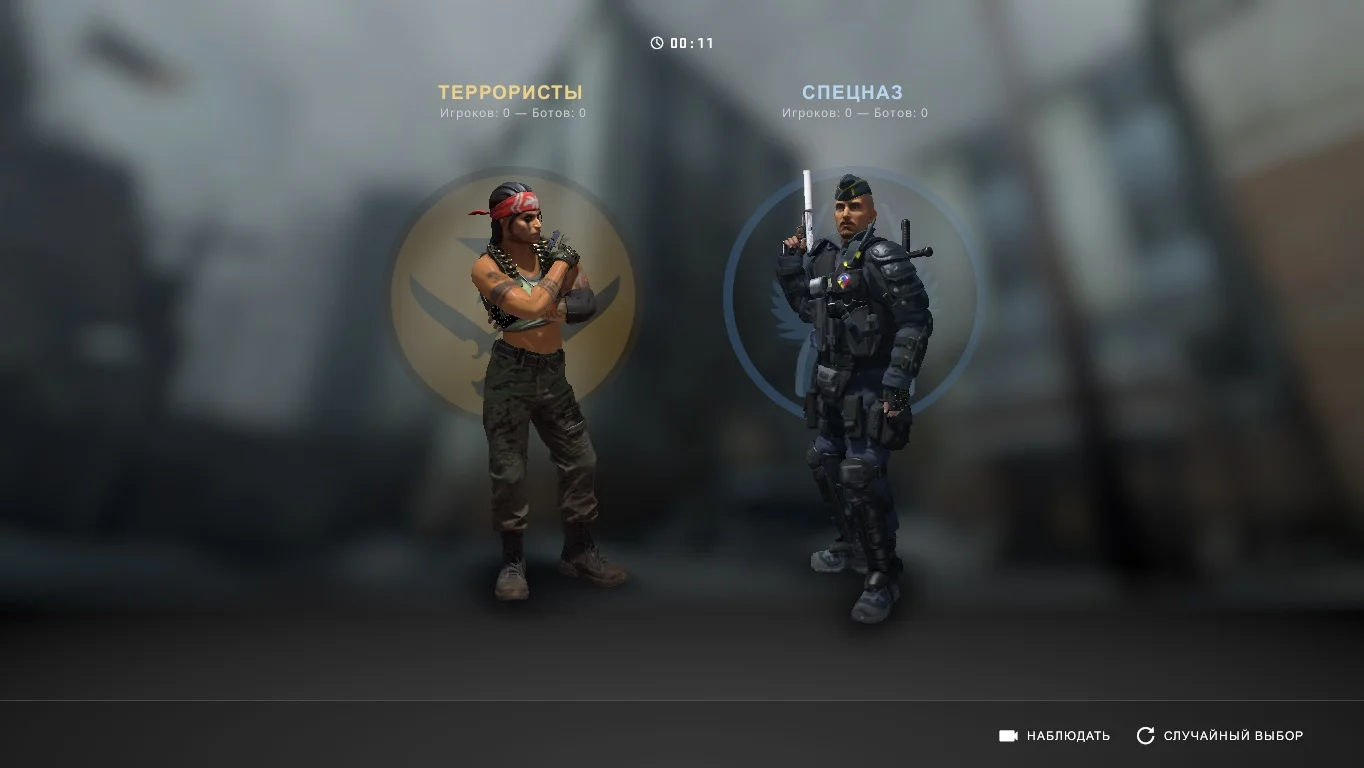
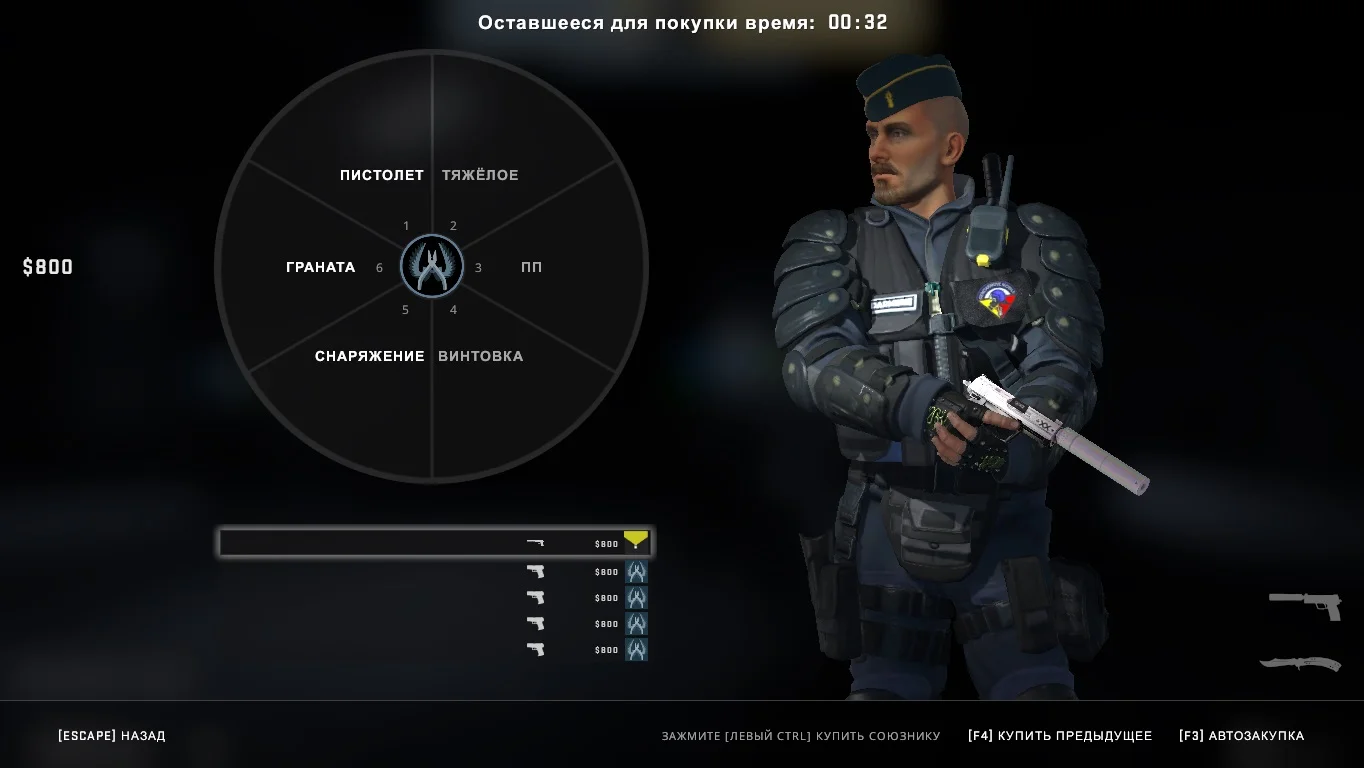
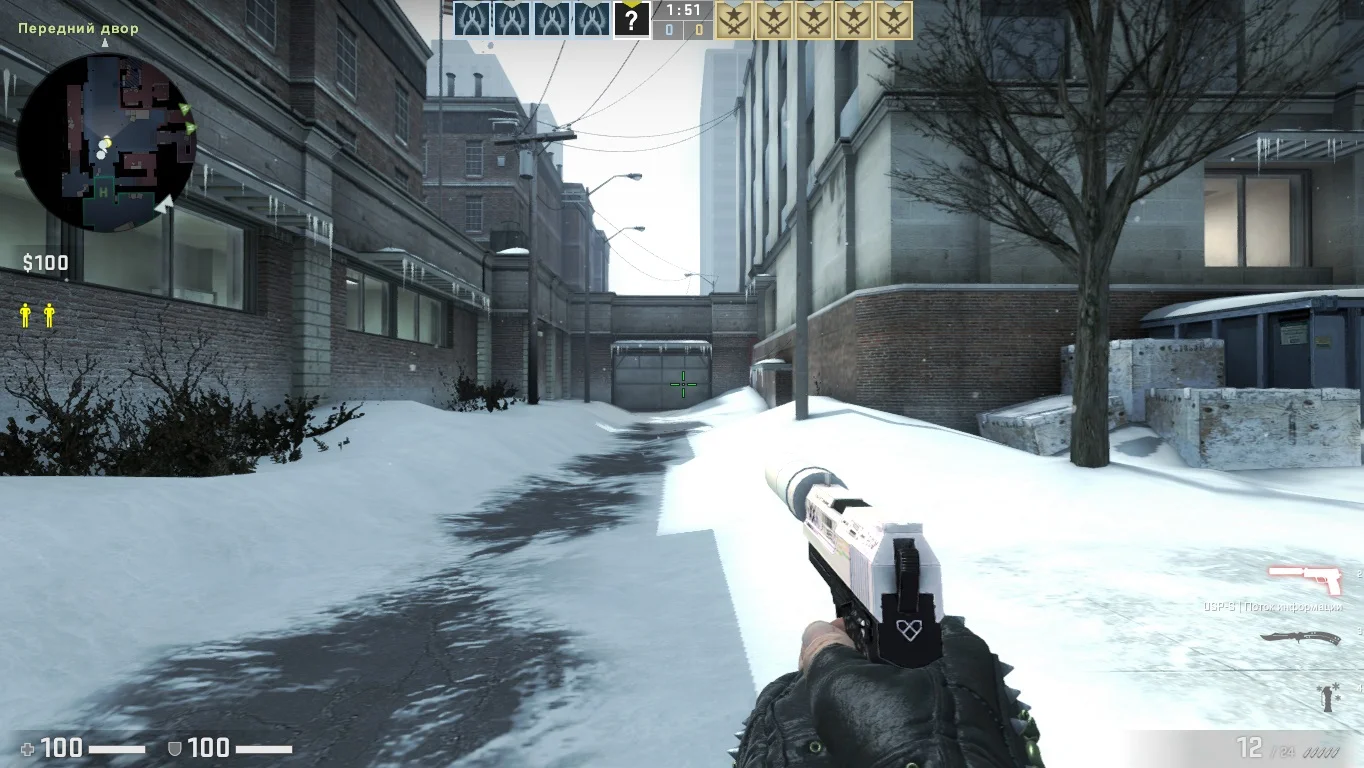
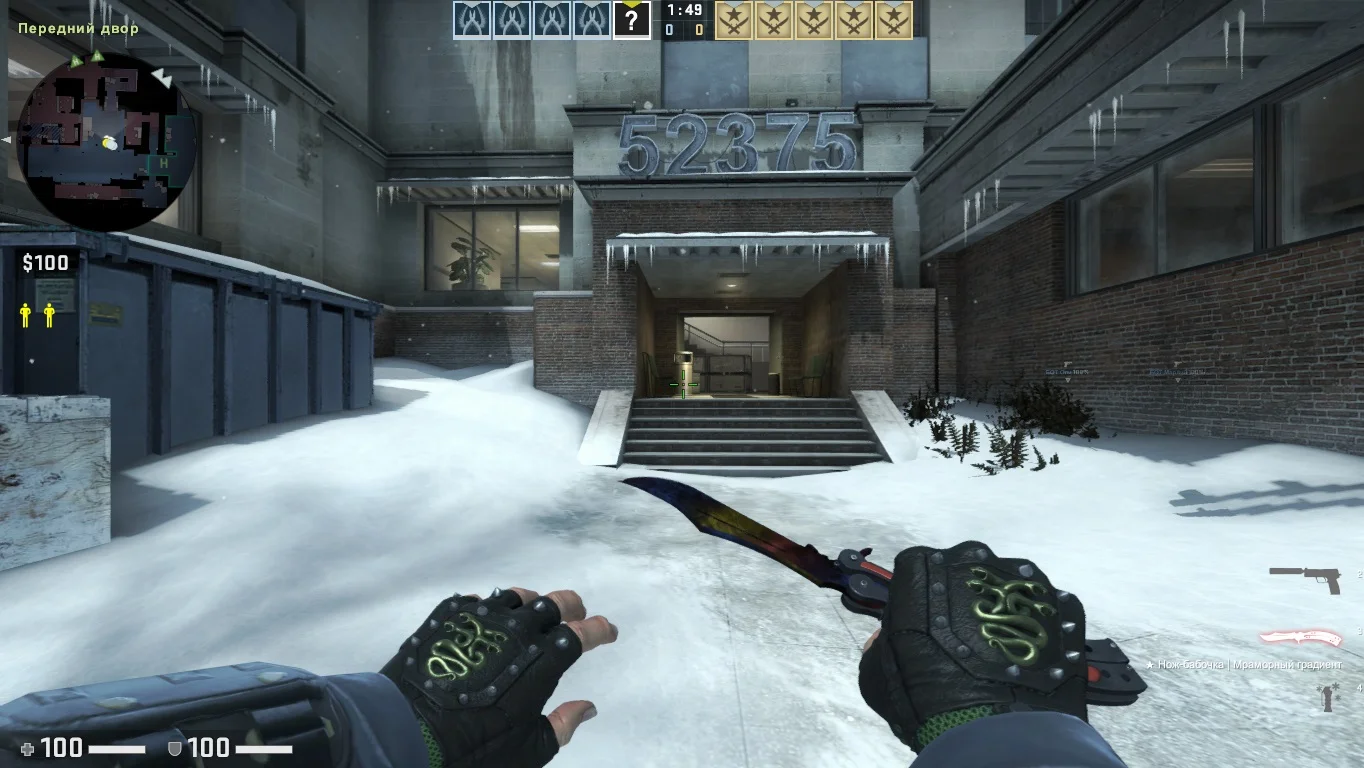
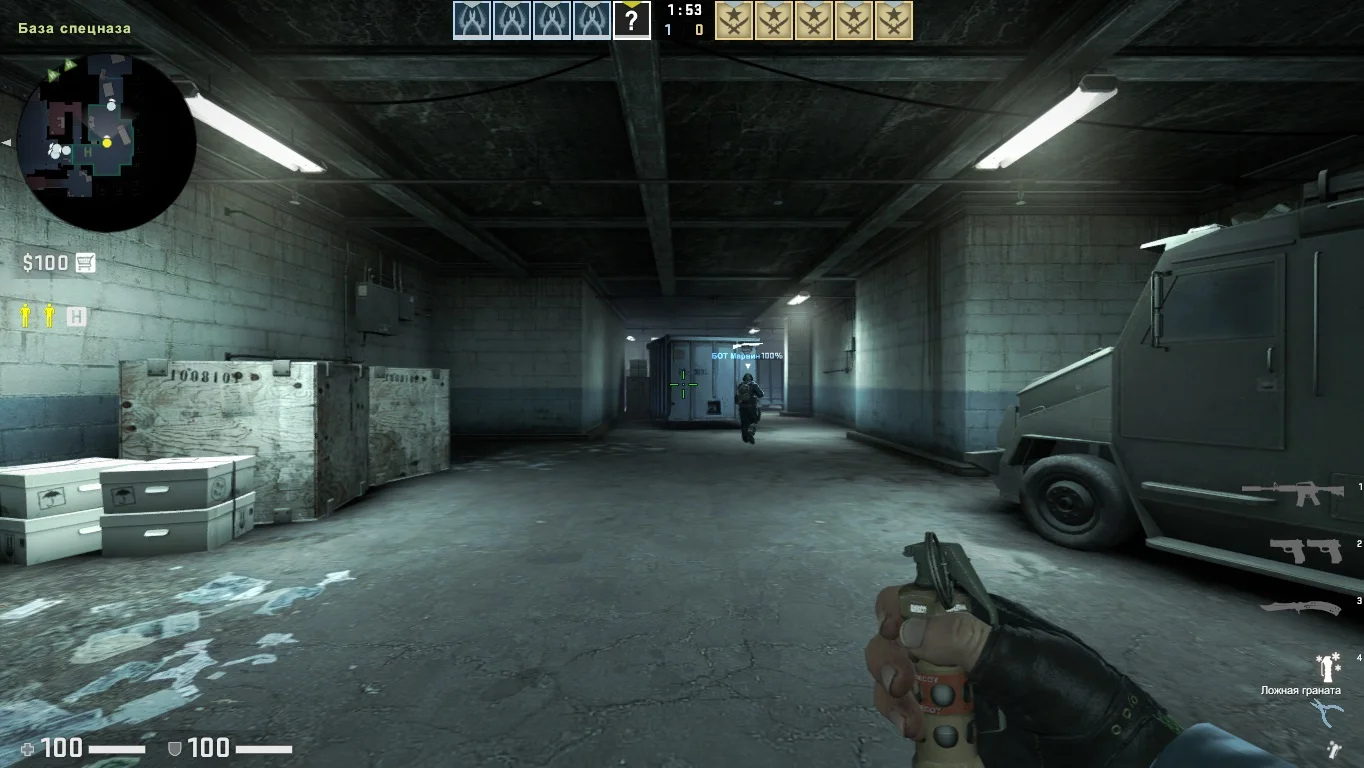
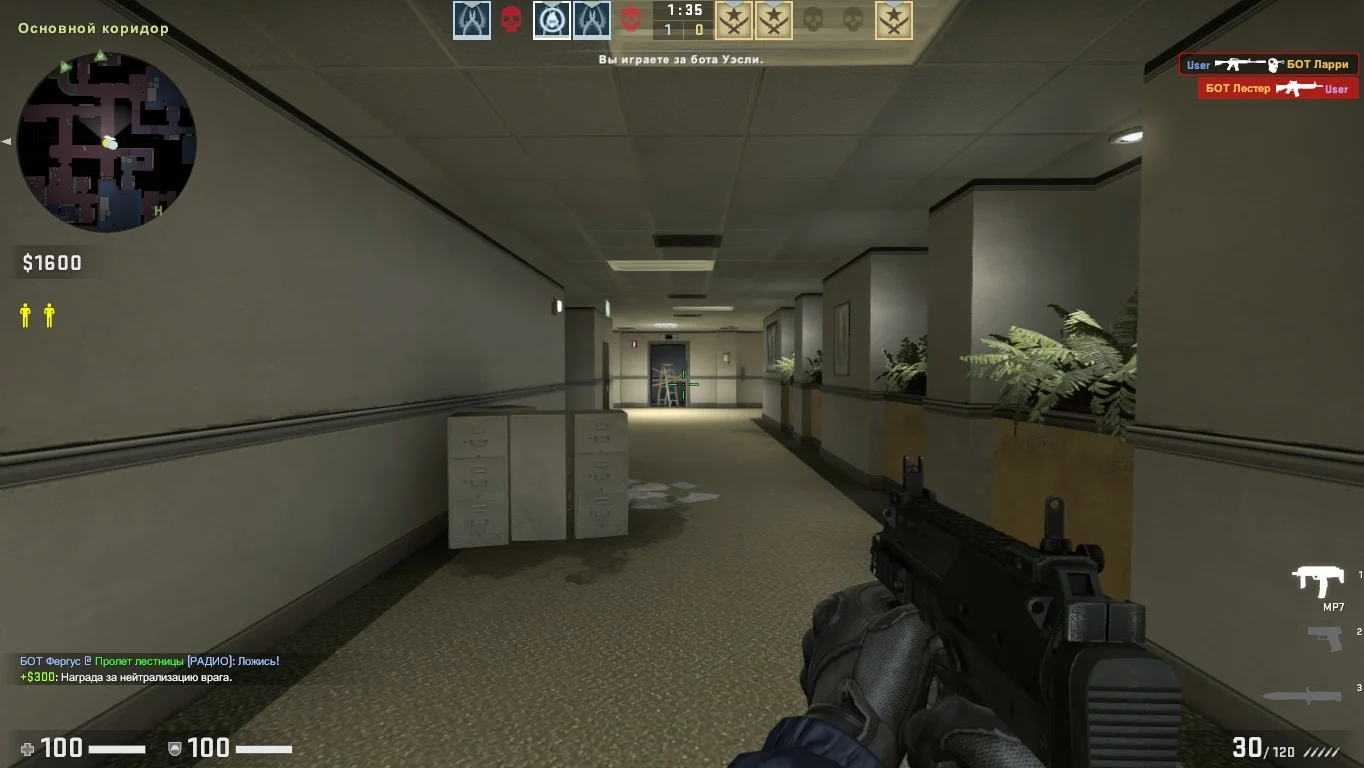
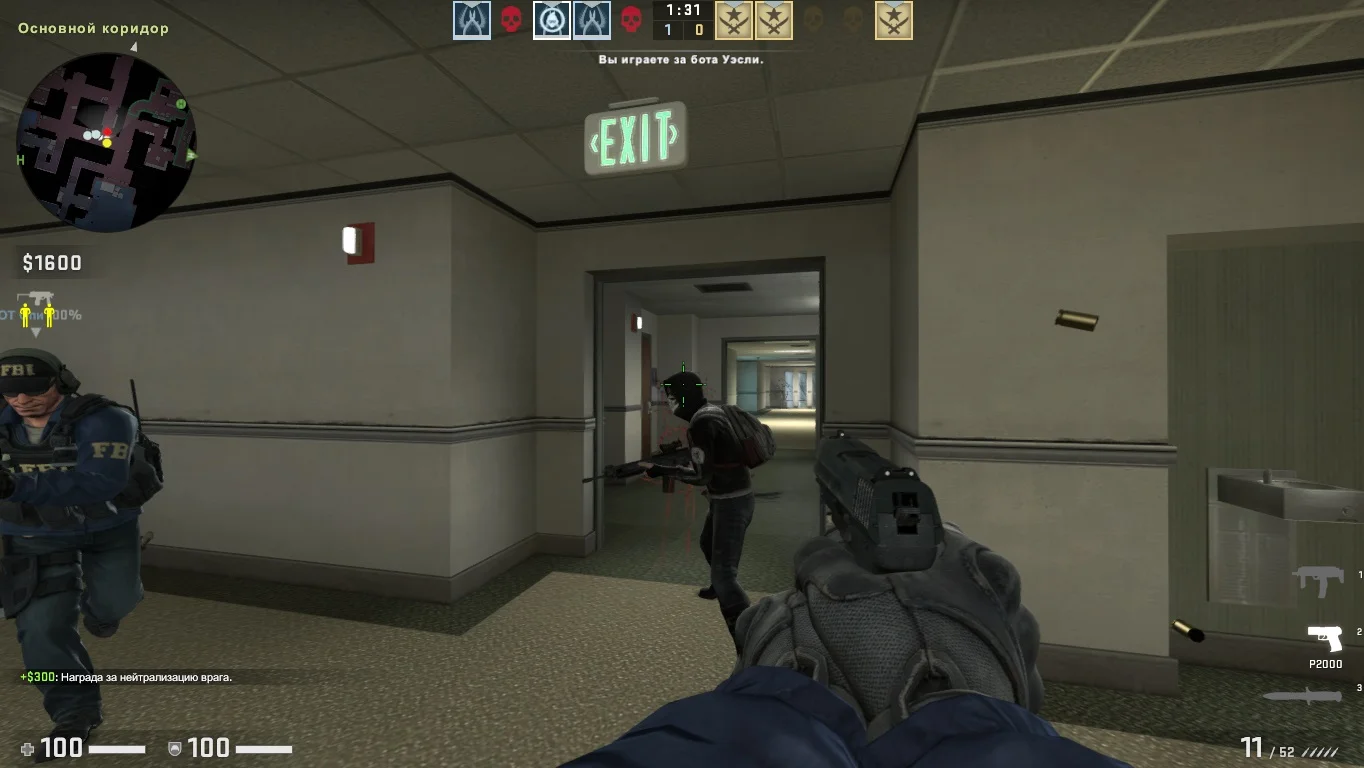
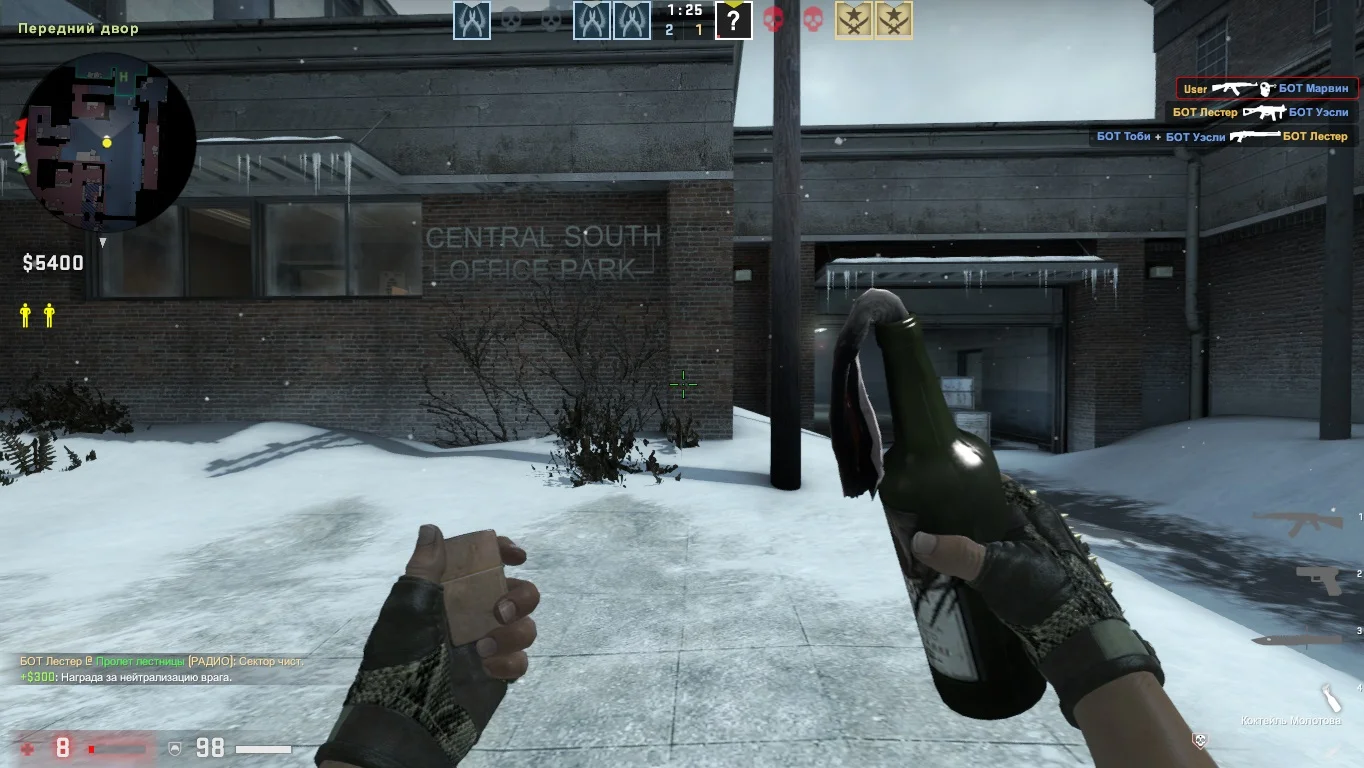
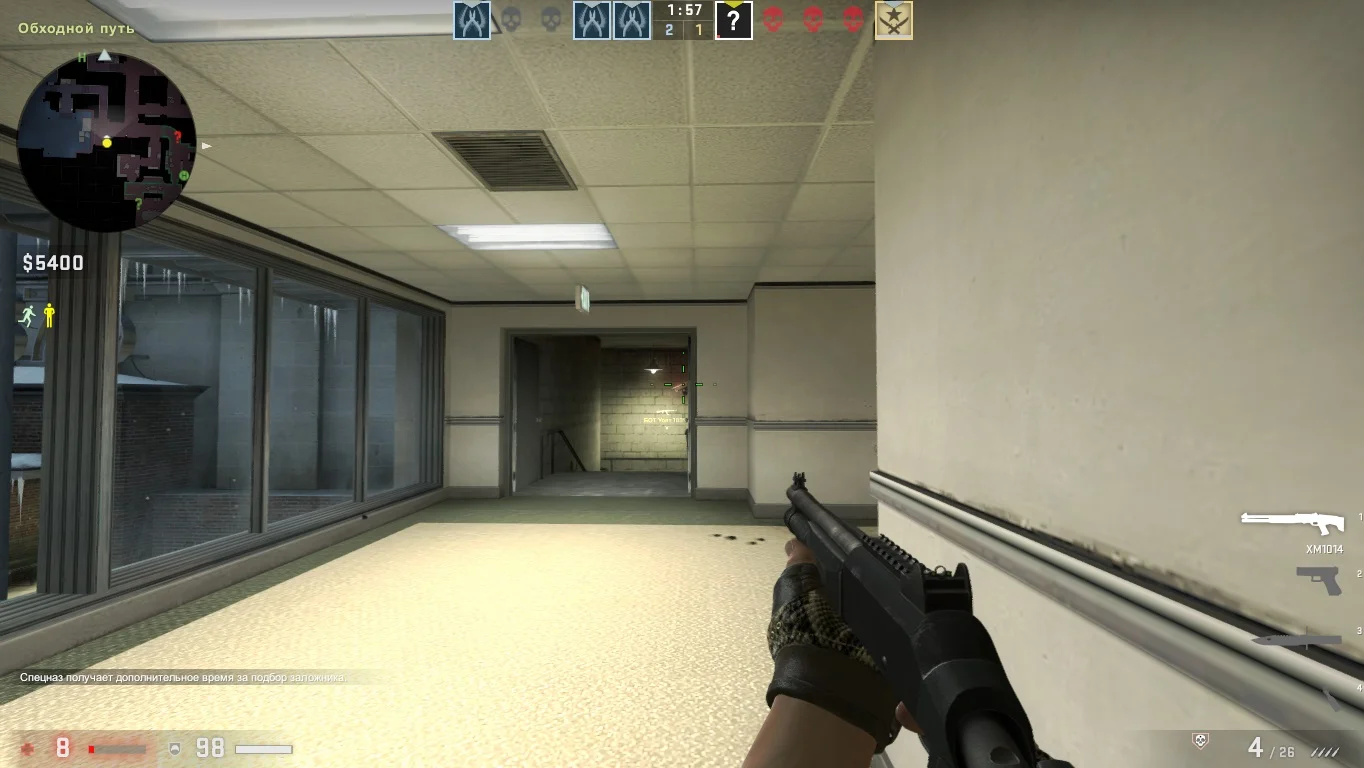
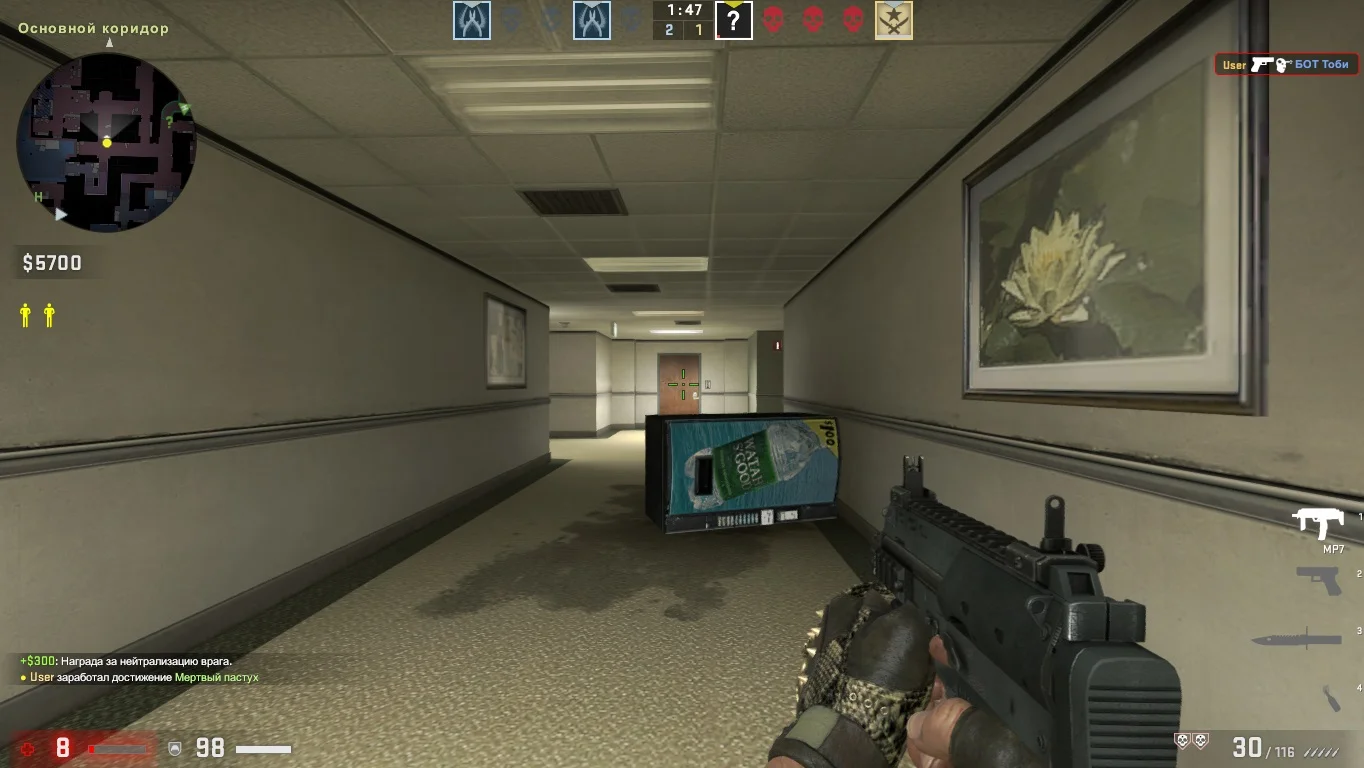
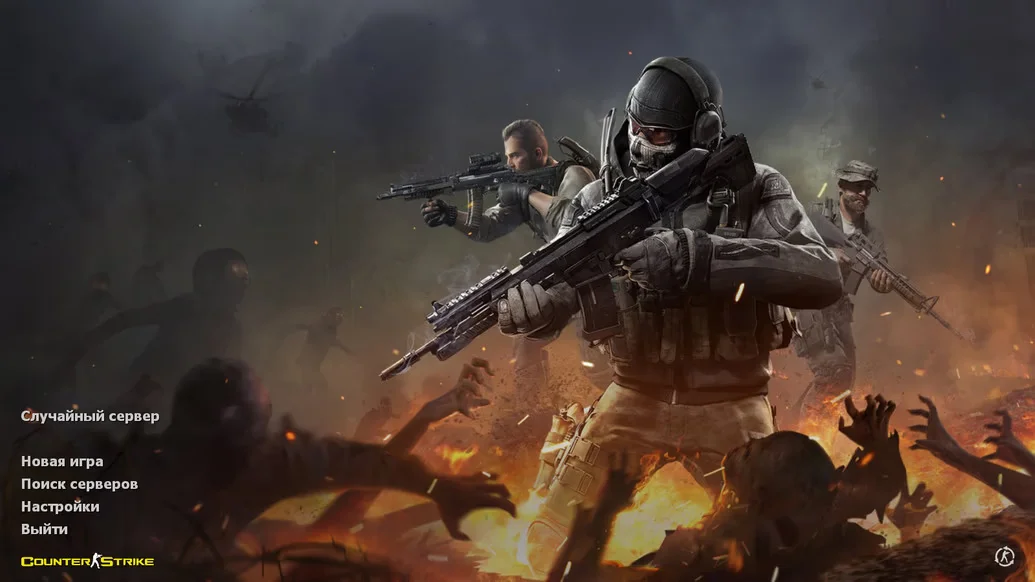
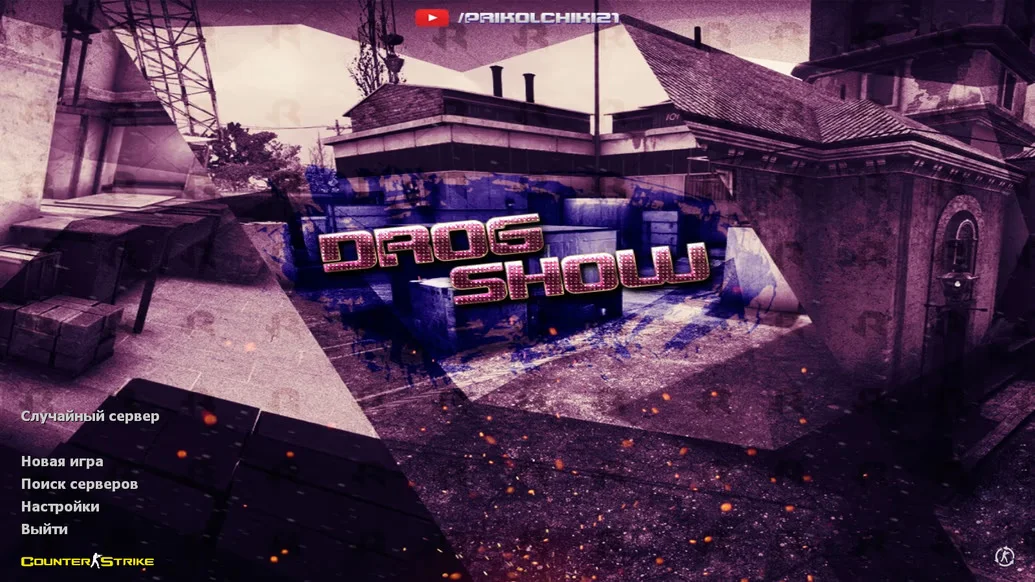
Download CS 2 Launcher for CS 1.6 — this is a specialized shell program that simplifies launching and managing different versions of Counter-Strike 1.6, including modified builds and official clients. The launcher provides a convenient interface for selecting builds, configuring game settings, and quickly starting the game without manually searching for folders and files. It is designed for easy and fast access to your favorite game, saving time and streamlining installation and updates.
The CS 2 Launcher supports a wide range of modifications and versions, including builds with bots, private clients, hacked versions, and builds with skins. The built-in update system automatically downloads the latest files and patches, ensuring stable and secure gameplay. The interface is styled in CS 2 design, making the program modern and user-friendly for all types of players — from beginners to veterans.
Downloading CS 2 Launcher is the perfect solution for those who want to quickly and easily launch different versions of CS 1.6 with minimal effort. Installation is simple and requires no special skills, and the convenience of the launcher keeps you up to date with updates and new releases. With this launcher, you get maximum comfort in managing your game and one-click access to the best builds.
Features of the Build:
• Convenient interface for selecting and launching builds
• Support for multiple CS 1.6 versions
• Automatic updates and patches
• Modern CS 2-style design
• Easy installation and configuration
• Compatible with Windows XP, 7, 8, 10, 11
• Offline and online mode support
• Saves time and simplifies game management
System Requirements:
• Operating System: Windows XP and above
• Processor: 1 GHz or higher
• RAM: 512 MB or more
• Video Card: 64 MB or more with DirectX 9 support
• Free Disk Space: 200 MB or more
• Internet required for updates and online play
How to Install:
• Copy the launcher files to a separate folder
• Launch the launcher using the desktop shortcut
• Select the desired build or game version
• Configure settings if necessary
• Start the game and enjoy convenient gameplay
Другие особенности сборки
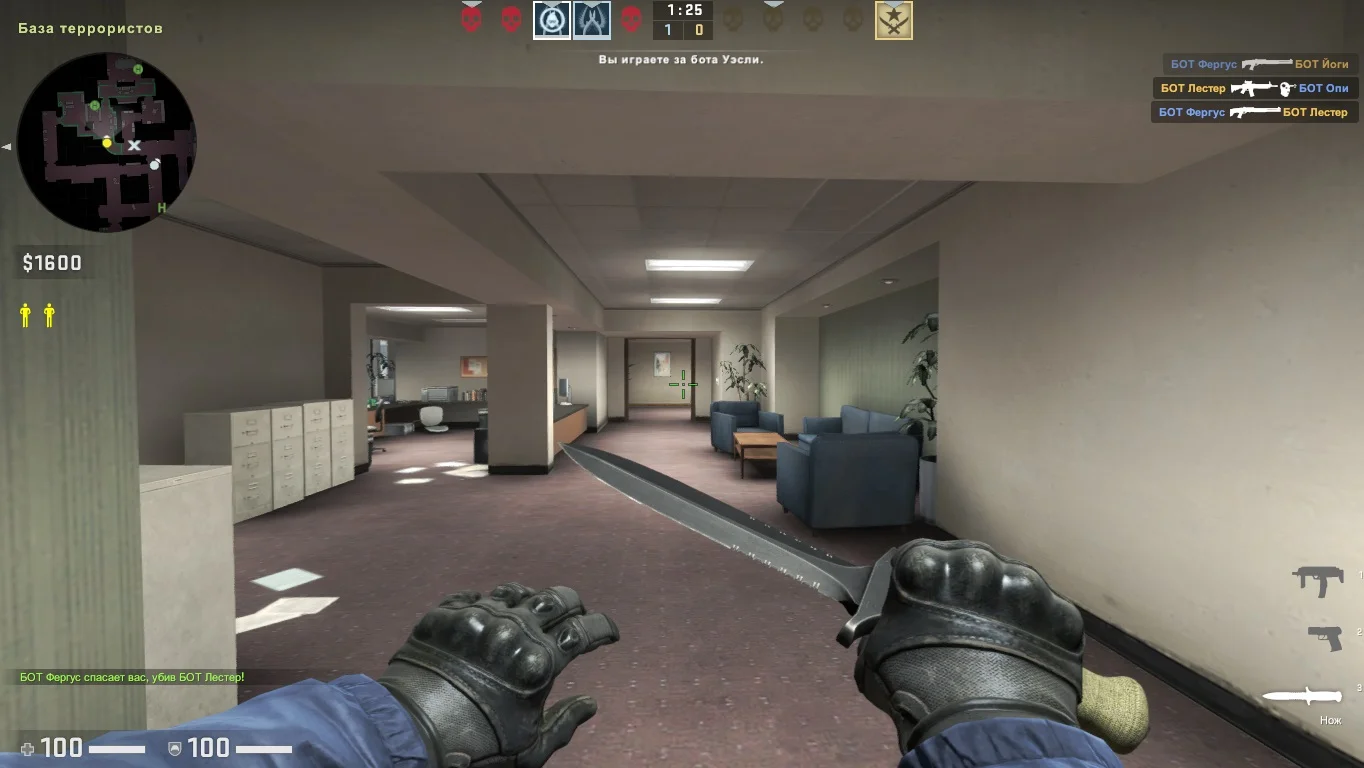
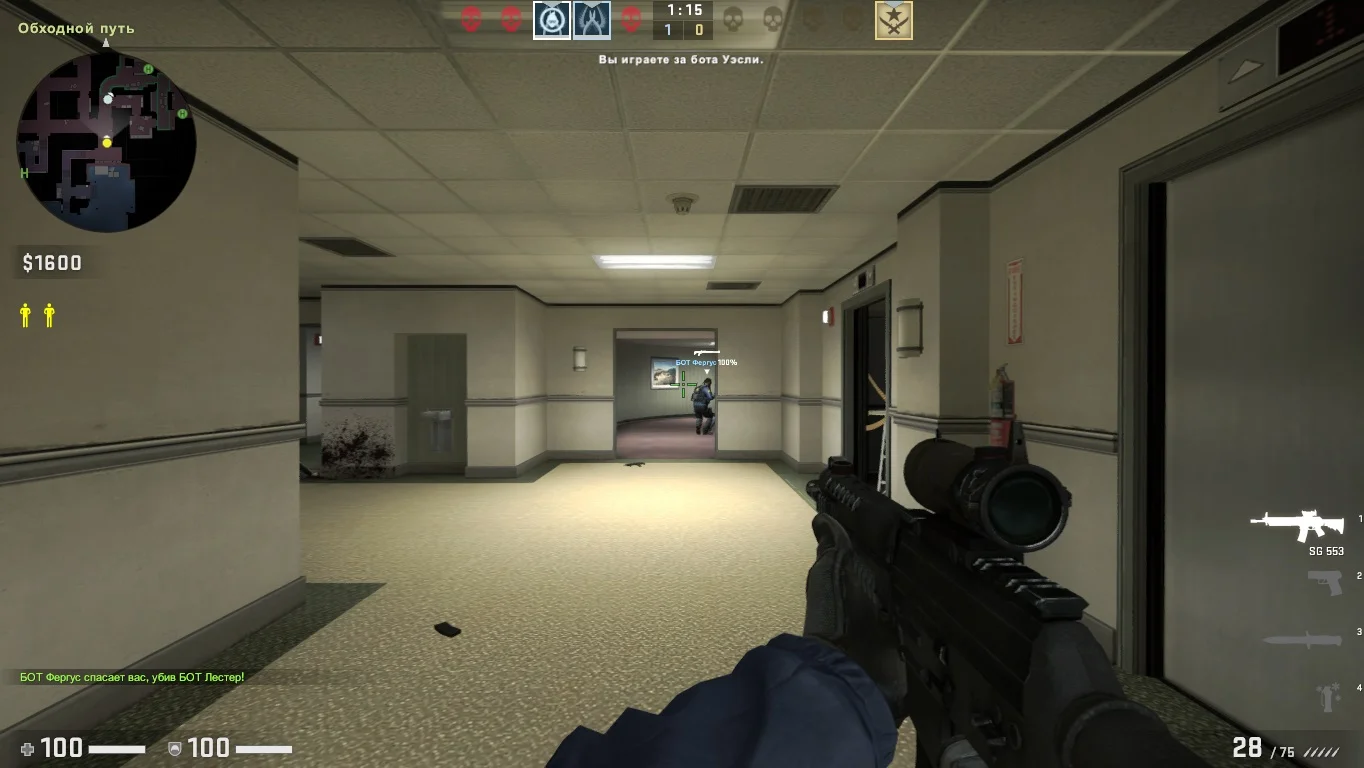
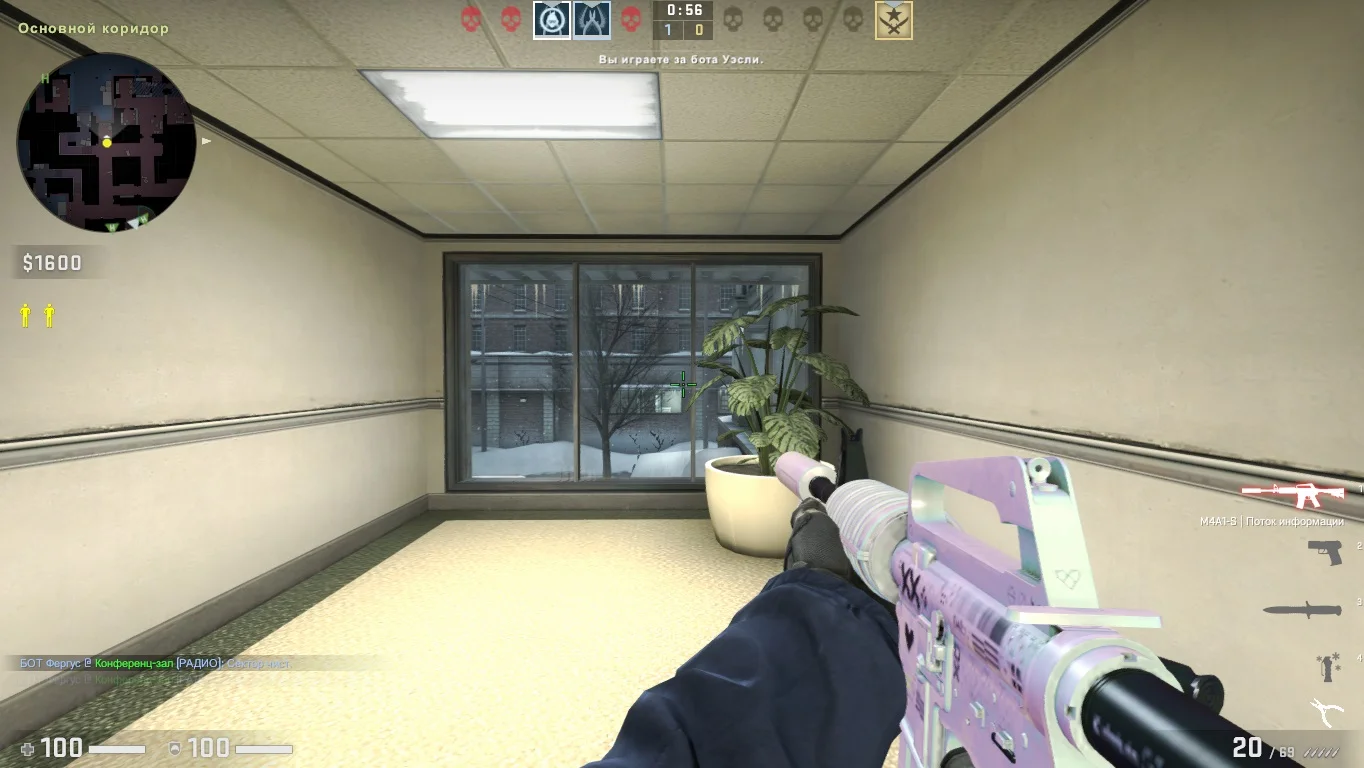
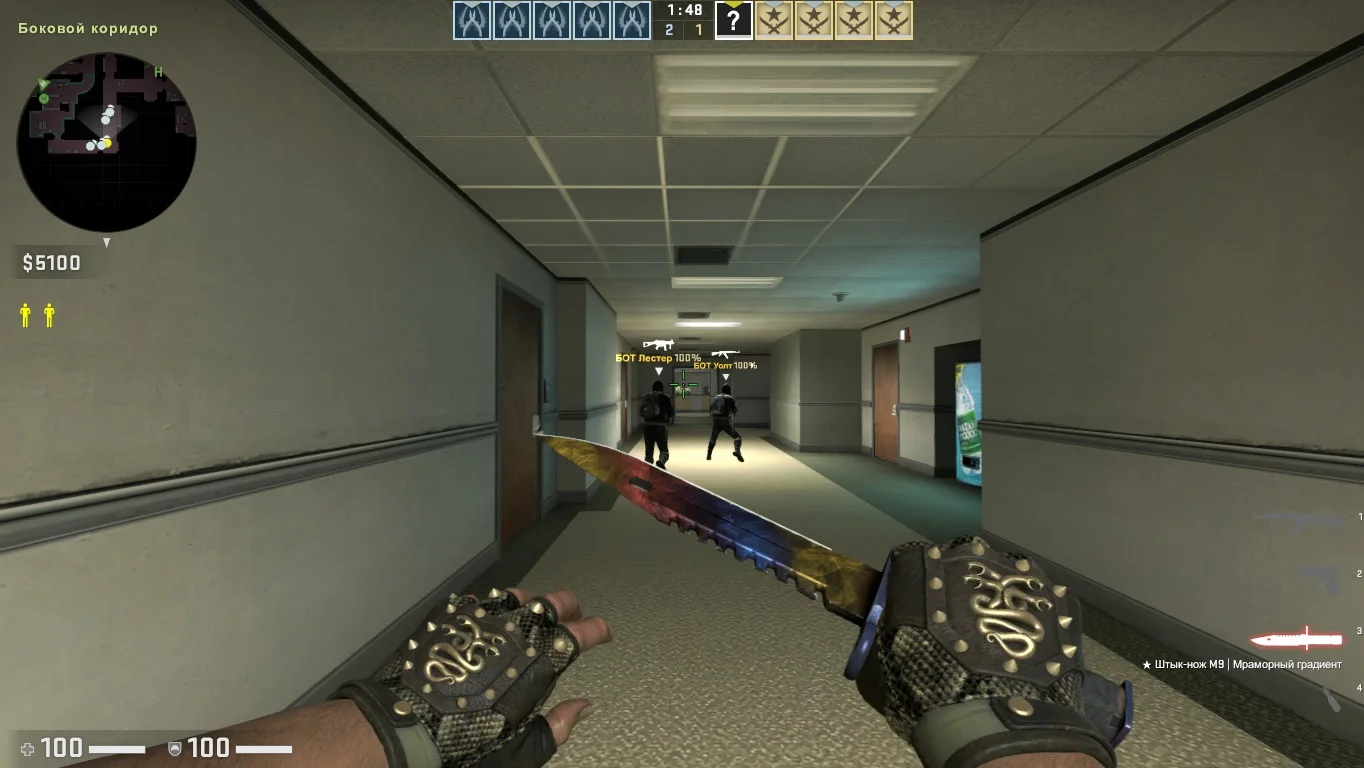
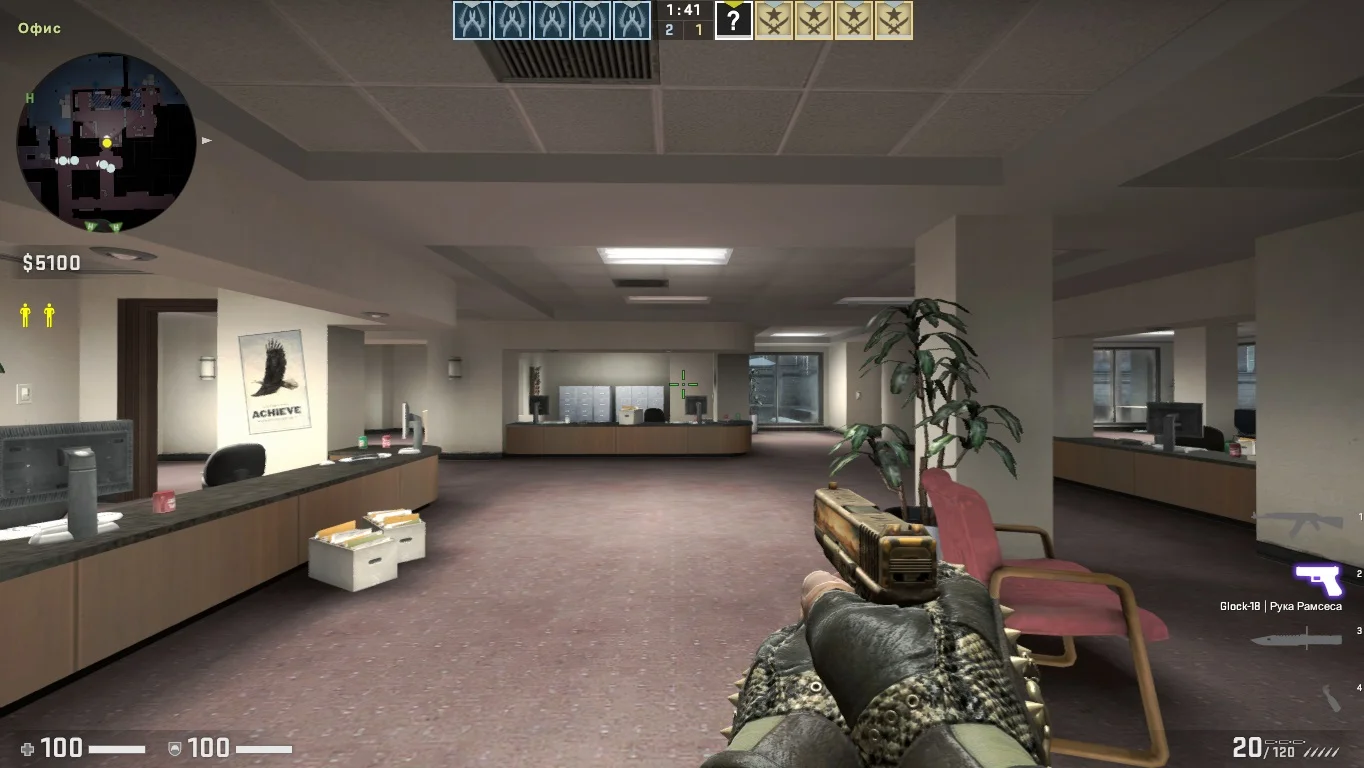
Данная версия игры включает в себя стандартный набор файлов, звуковых эффектов и графических элементов, а также все усовершенствования, внедренные в CS 2. Отличительной особенностью данной сборки является ее стабильная работоспособность на всех операционных системах.
Новые игровые сражения
Сборка может быть запущена для боевых действий по интернету, так и для тренировки с умными ботами. Важно подчеркнуть, что модели функционируют в двух режимах, при этом геймеру будет доступен удобный лаунчер для управления.
Заключение клиента
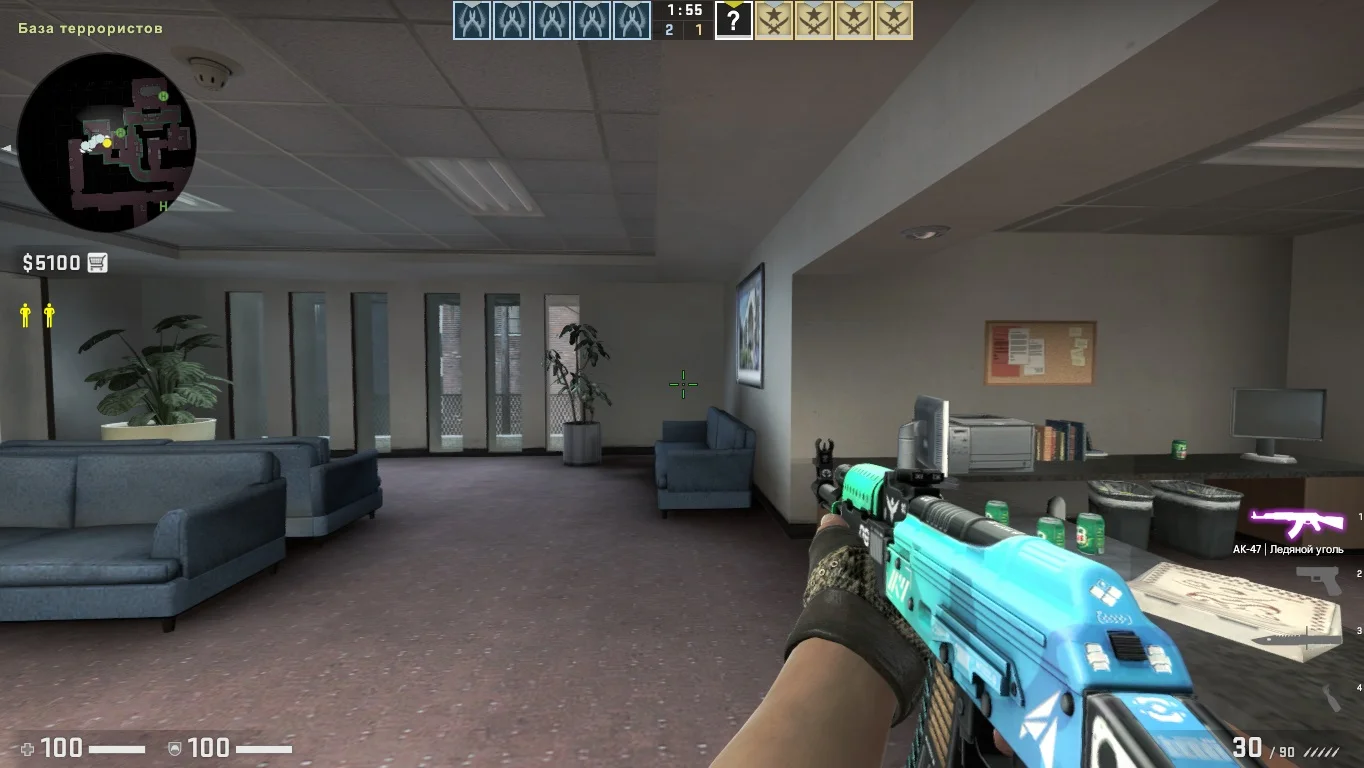
Обновления клиента производятся автоматически, вам не требуется посещать наш сайт для получения самой свежей версии. Скачать версию с ланучером можно по прямой ссылке, обеспечивающей высокую скорость загрузки.