Home
Home
 CS 1.6 Builds
 CS:GO Builds
 CS:S Builds
 CS2 Builds

Download CS 1.6 with Launcher.
 Русская версия
 С ботами и серверами
 Работает на всех Windows (от XP до 11)
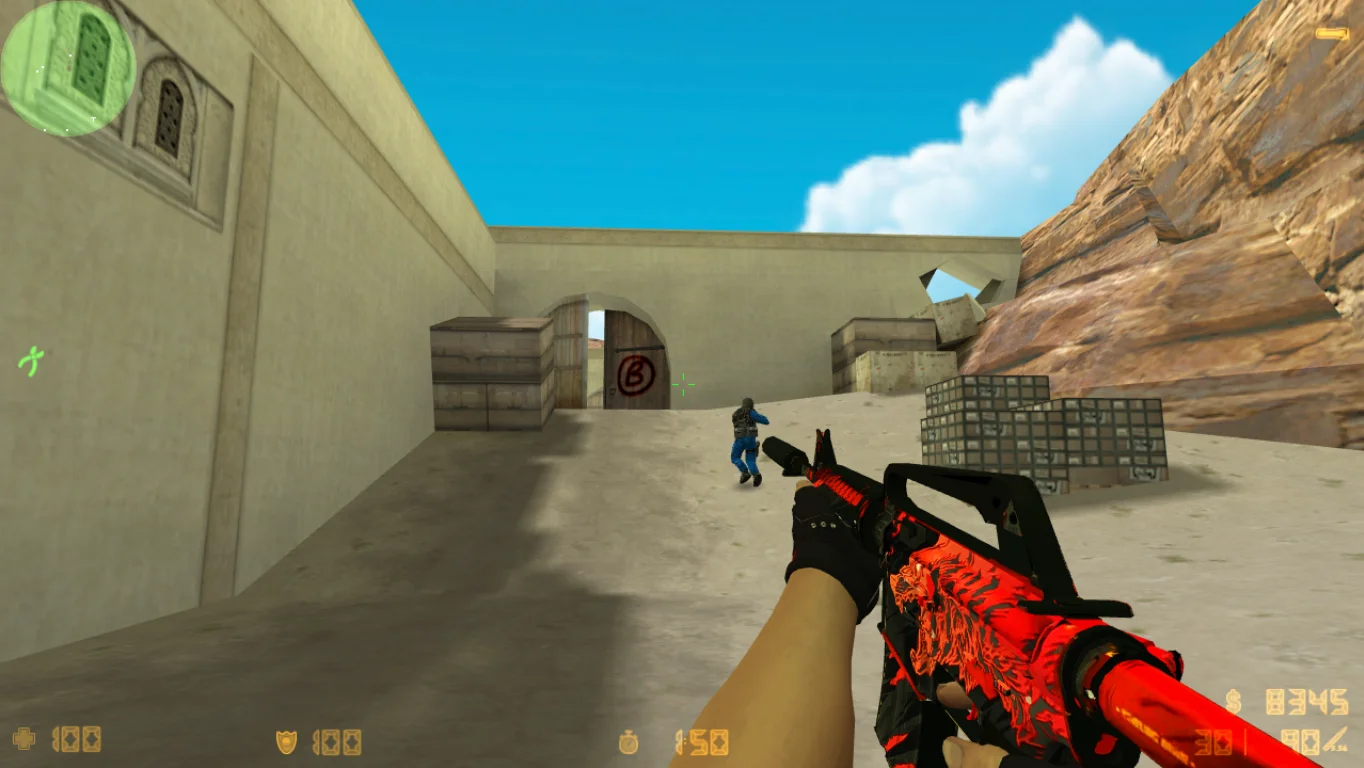
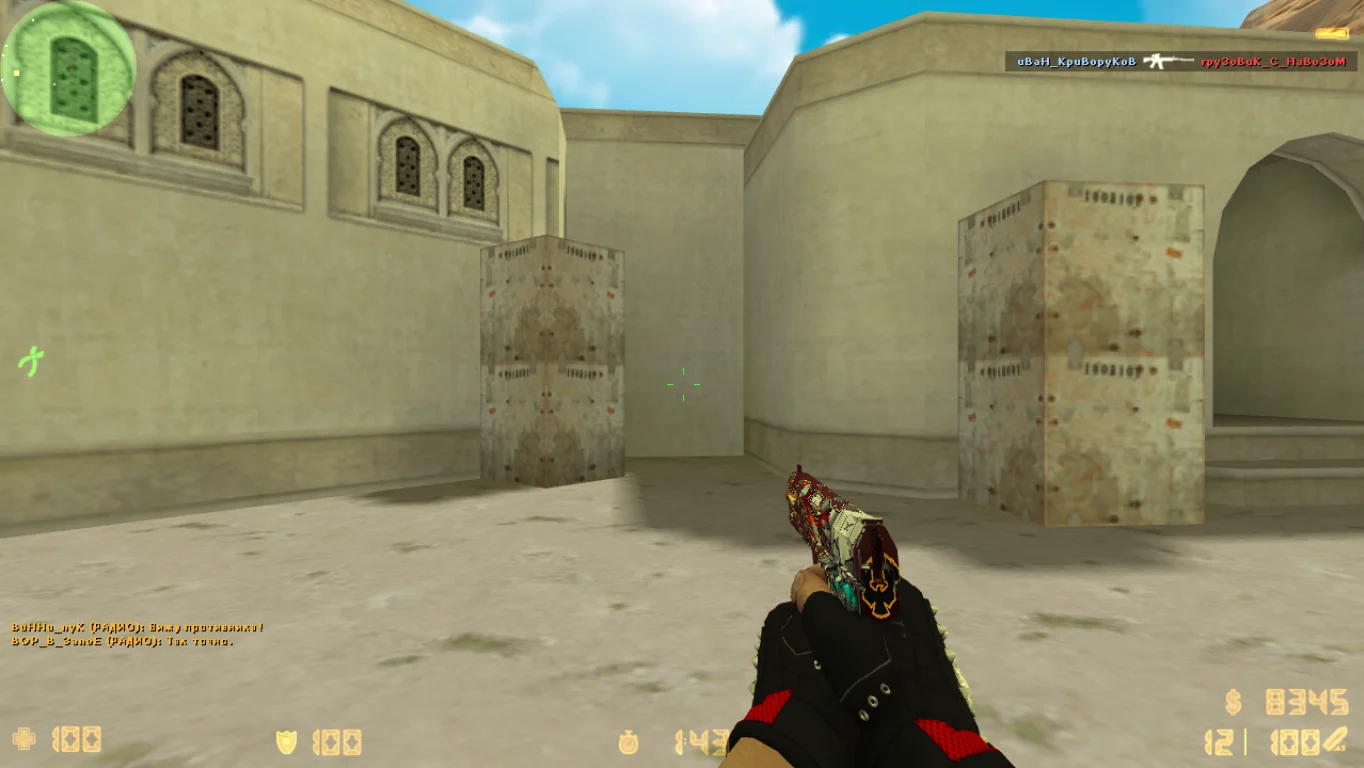
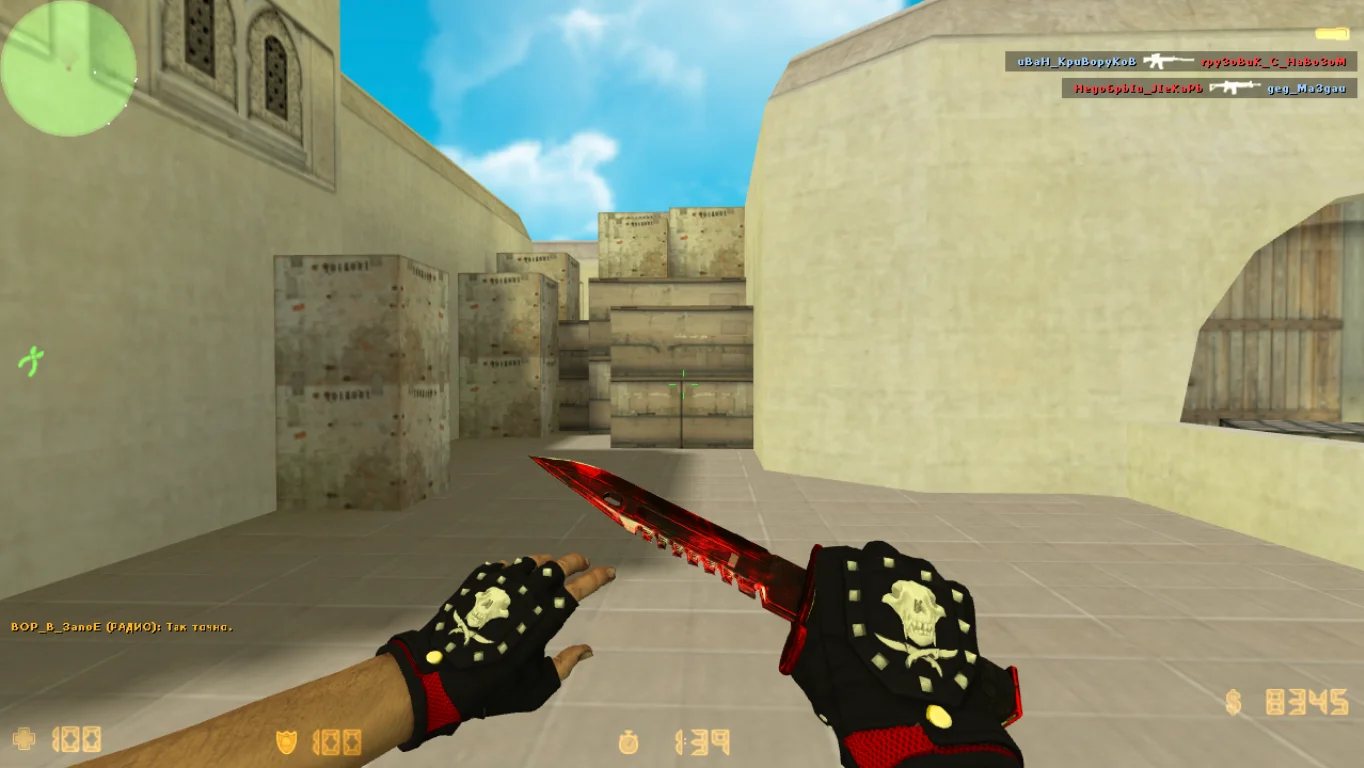
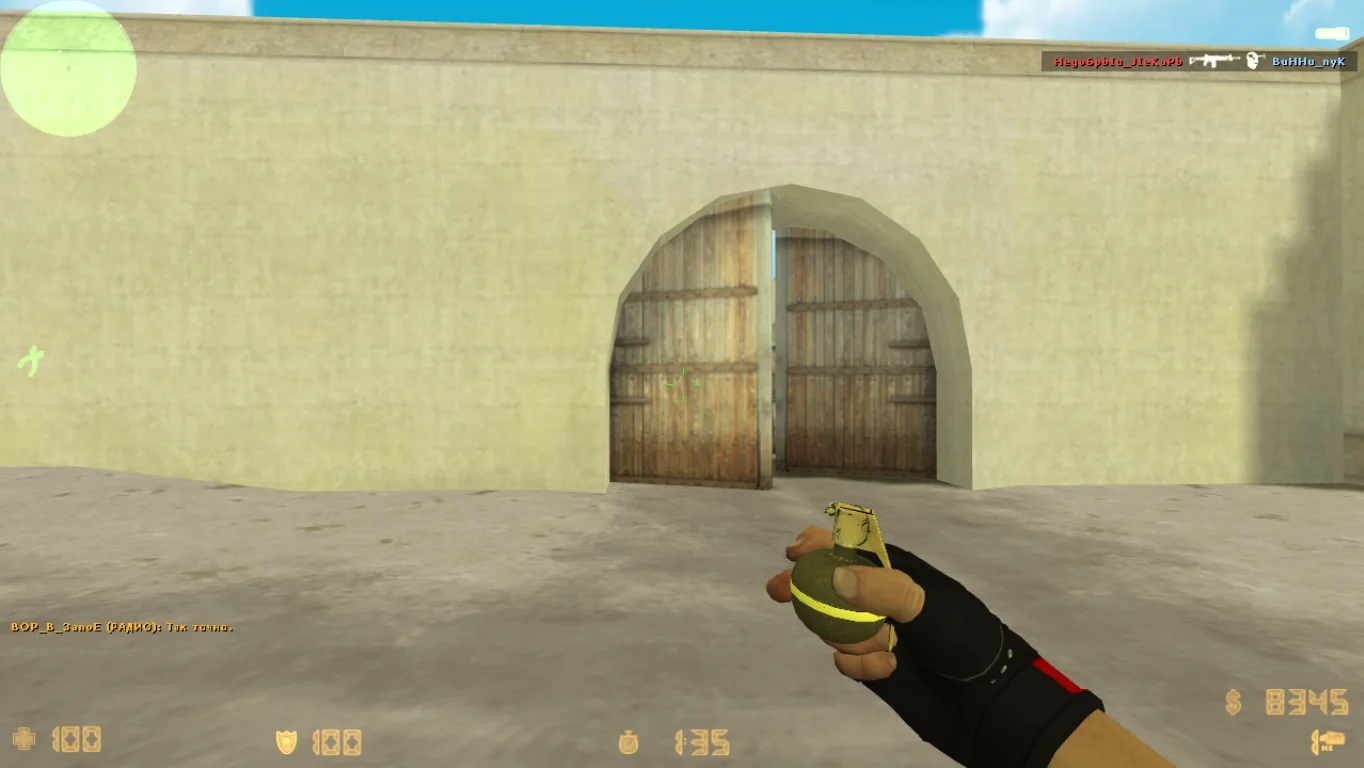
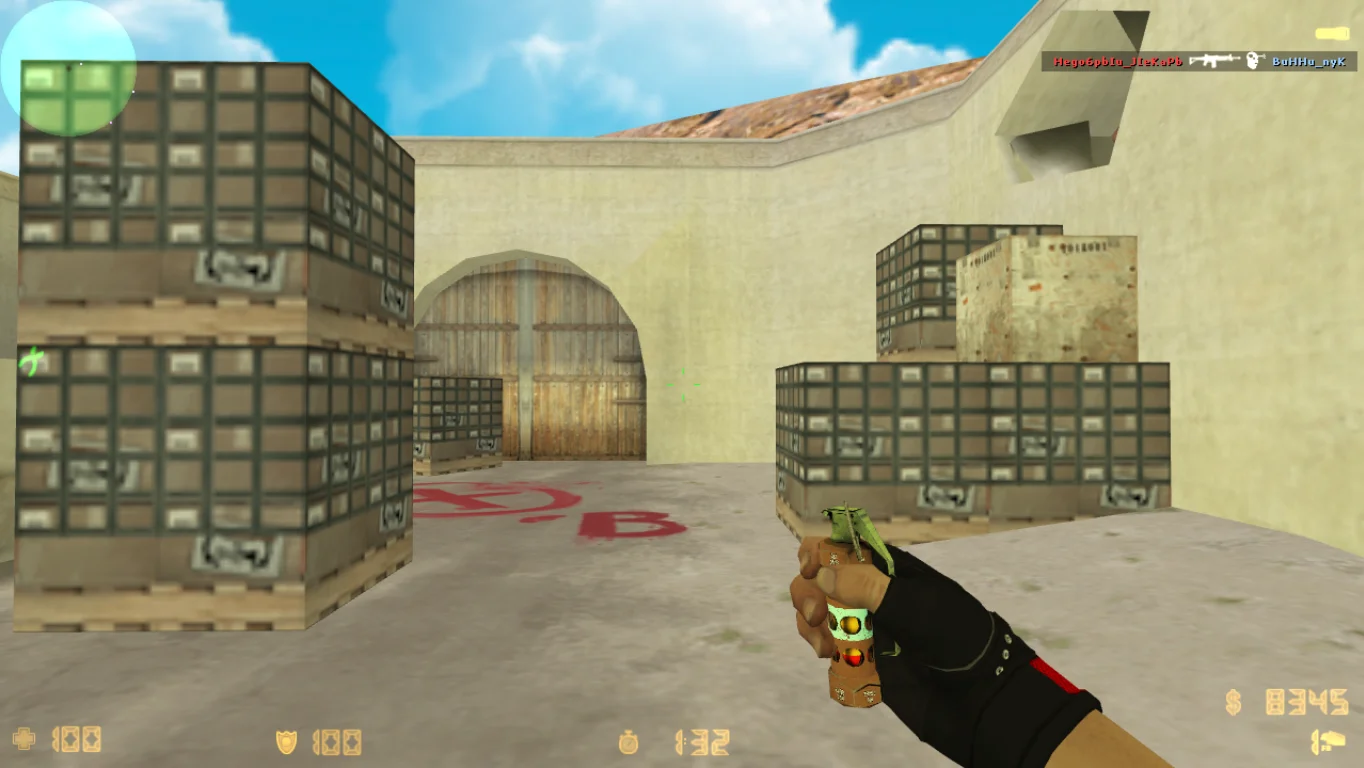
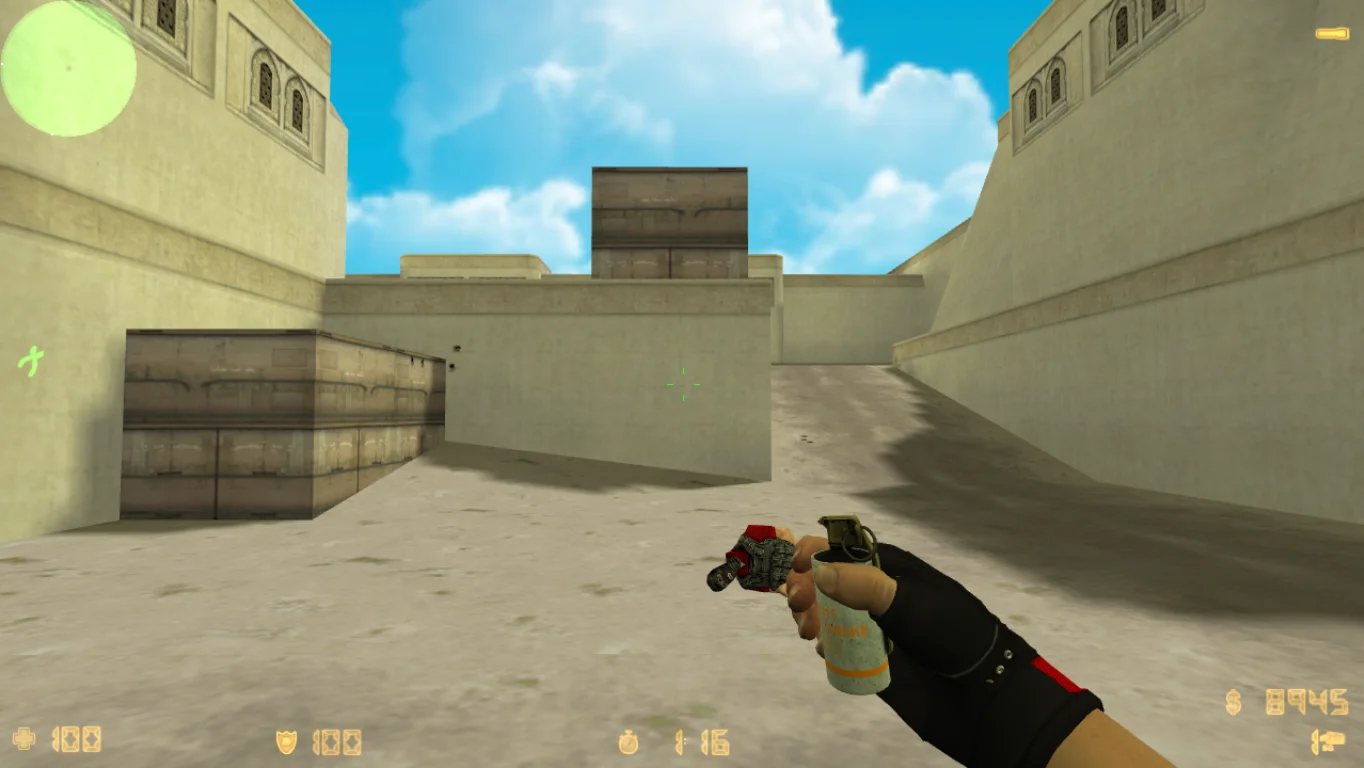
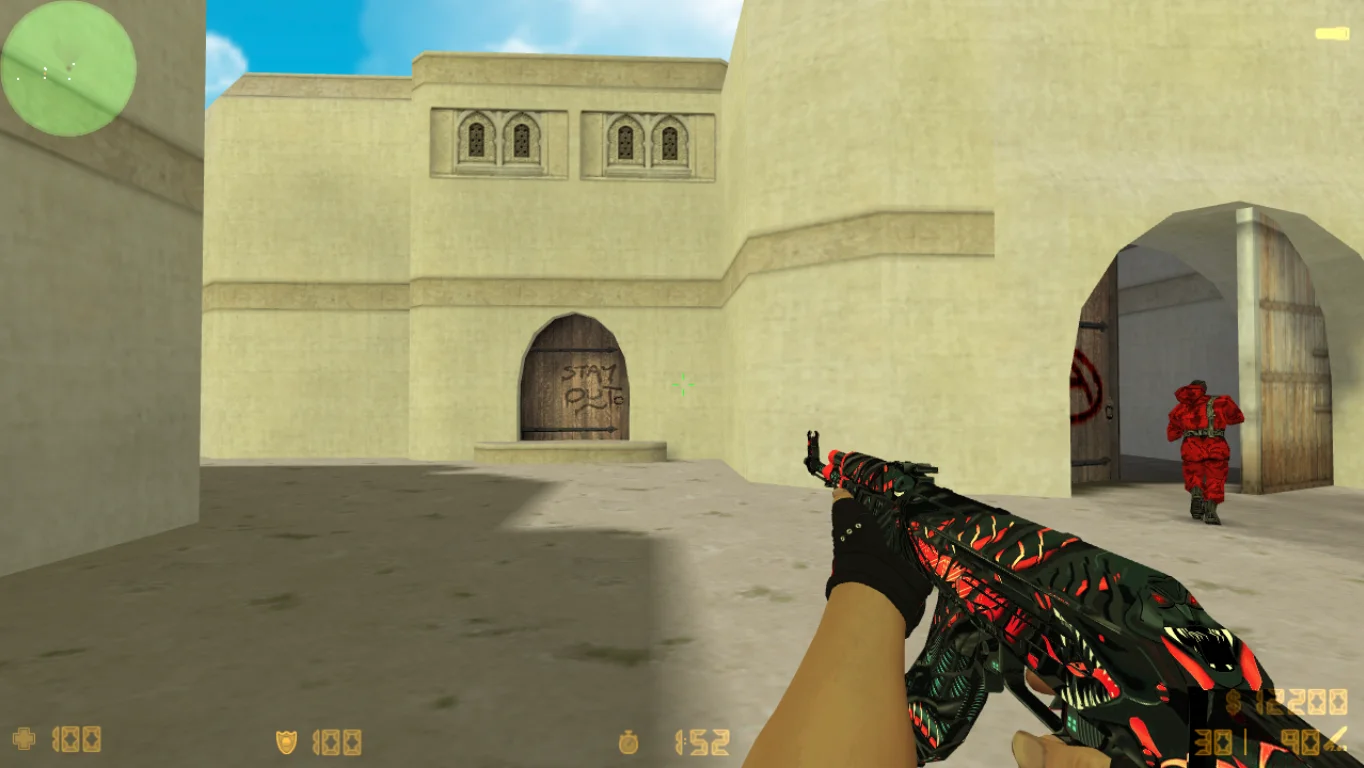
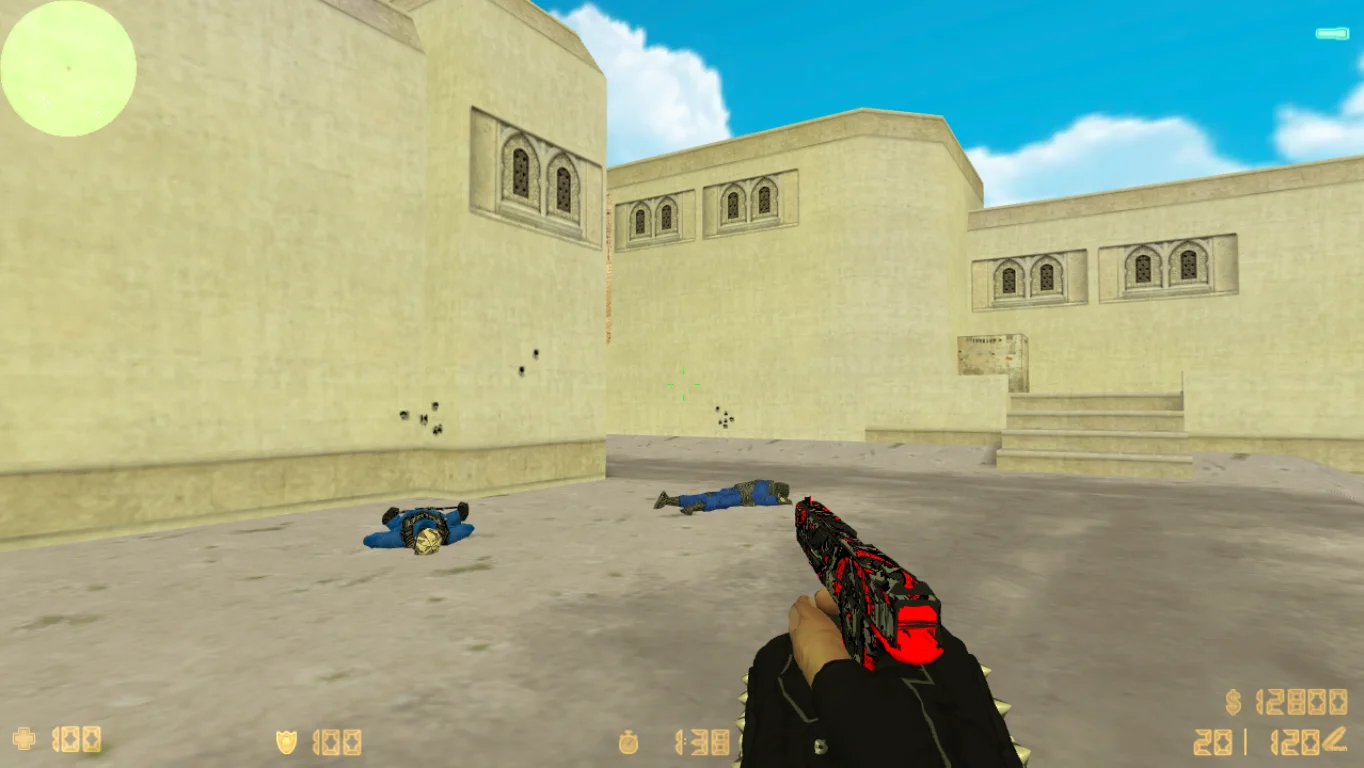
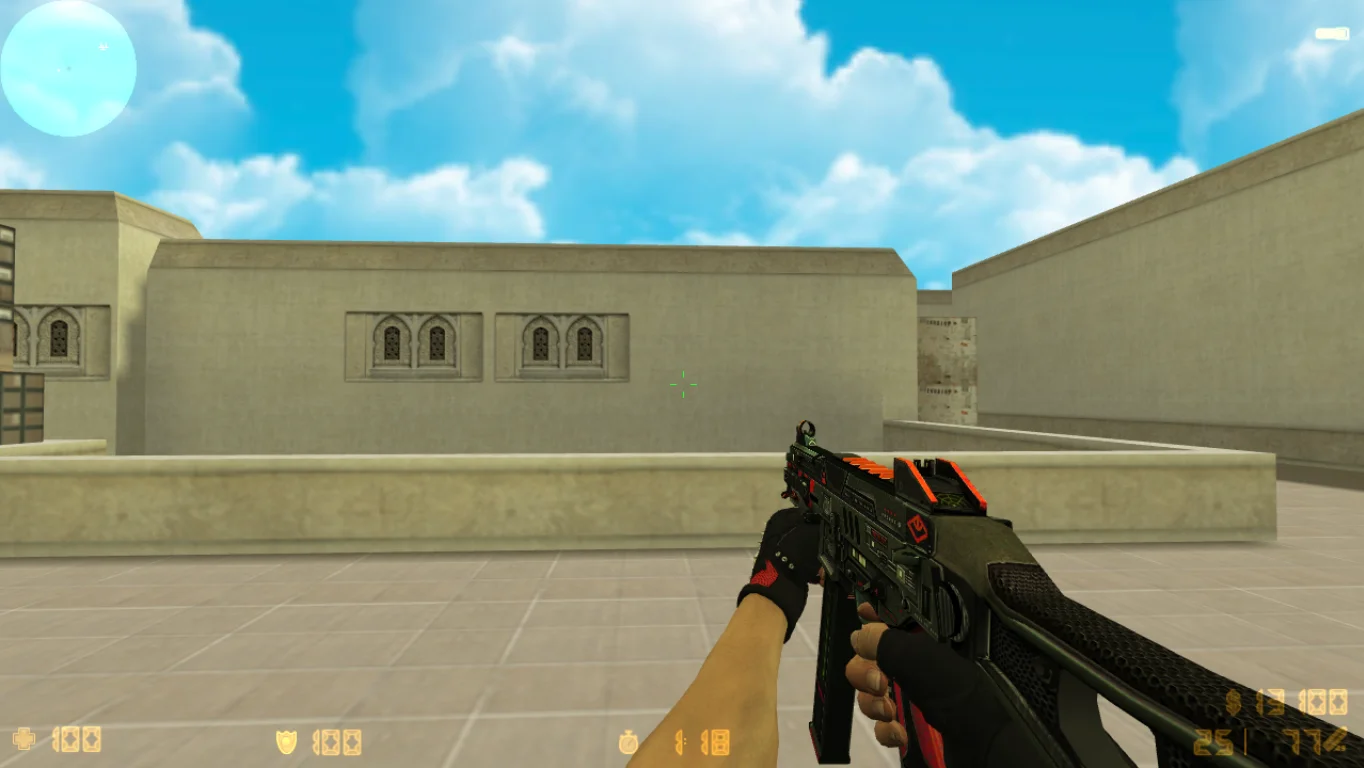
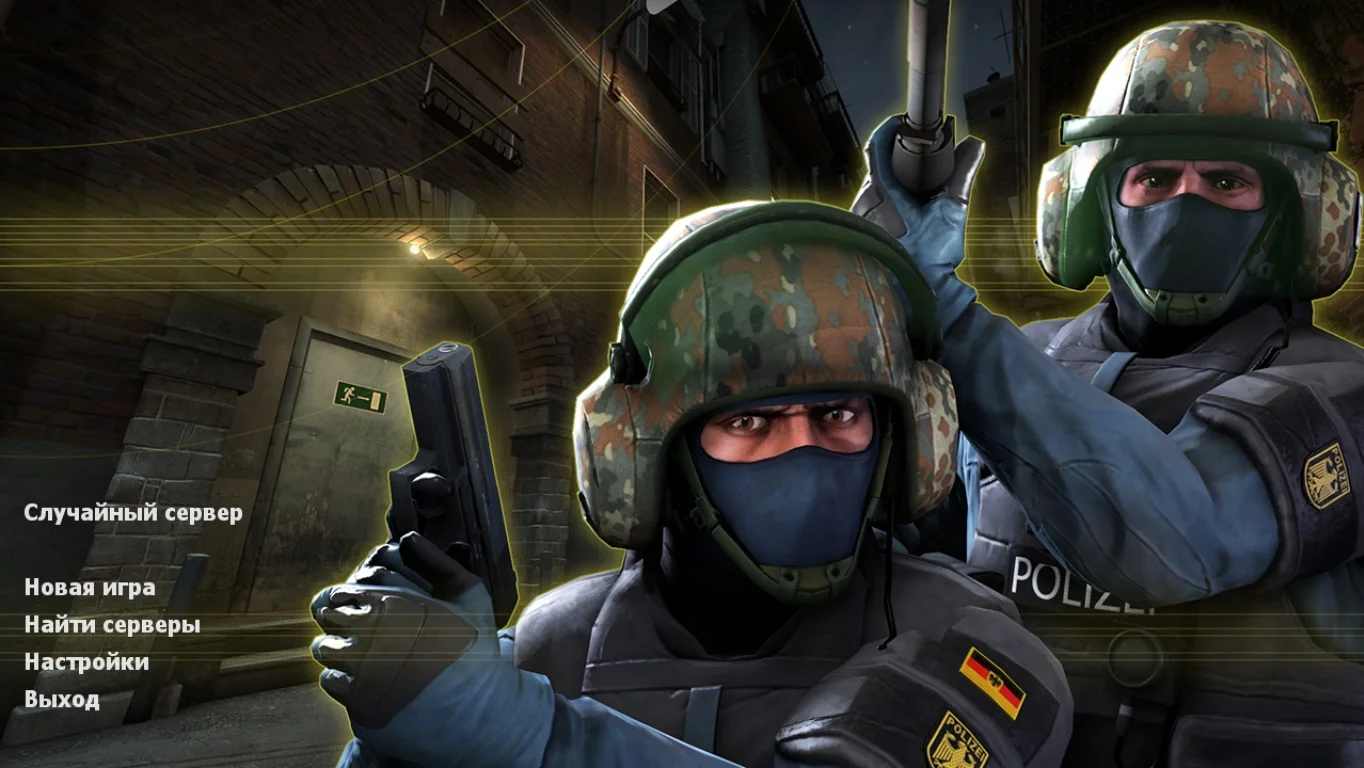
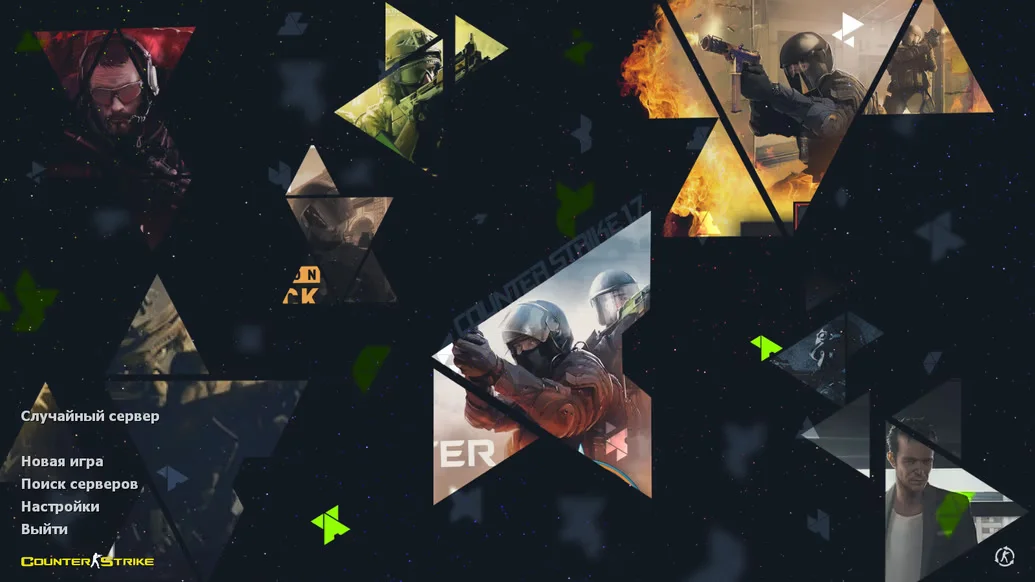
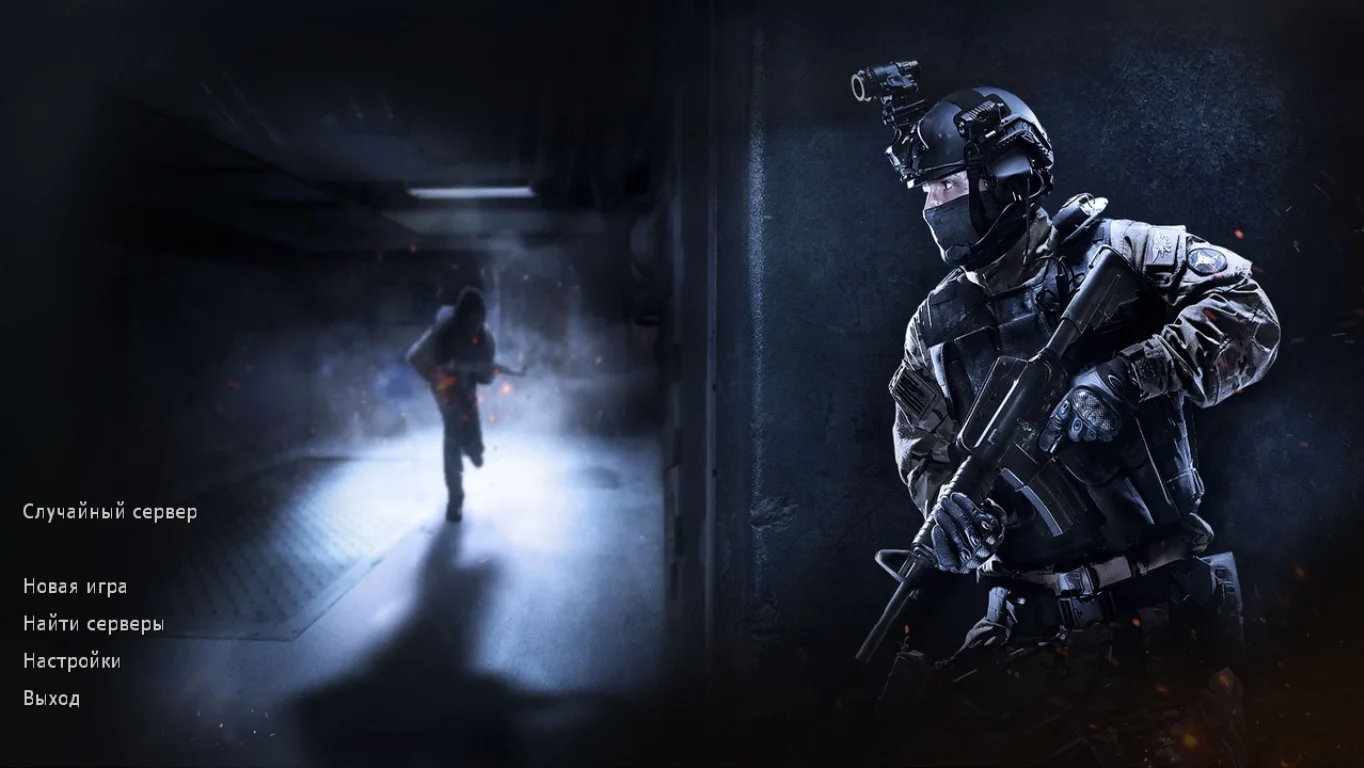
CS 1.6 with Launcher — a modern and convenient build of the classic shooter Counter-Strike 1.6, equipped with a full-featured game launcher. Through it, you can launch the game, update the client, view the list of available servers, join online games, change settings, download maps, skins, and much more — all in one place. Downloading CS 1.6 with Launcher is perfect for anyone who wants more convenience, stability, and flexibility in managing the game.
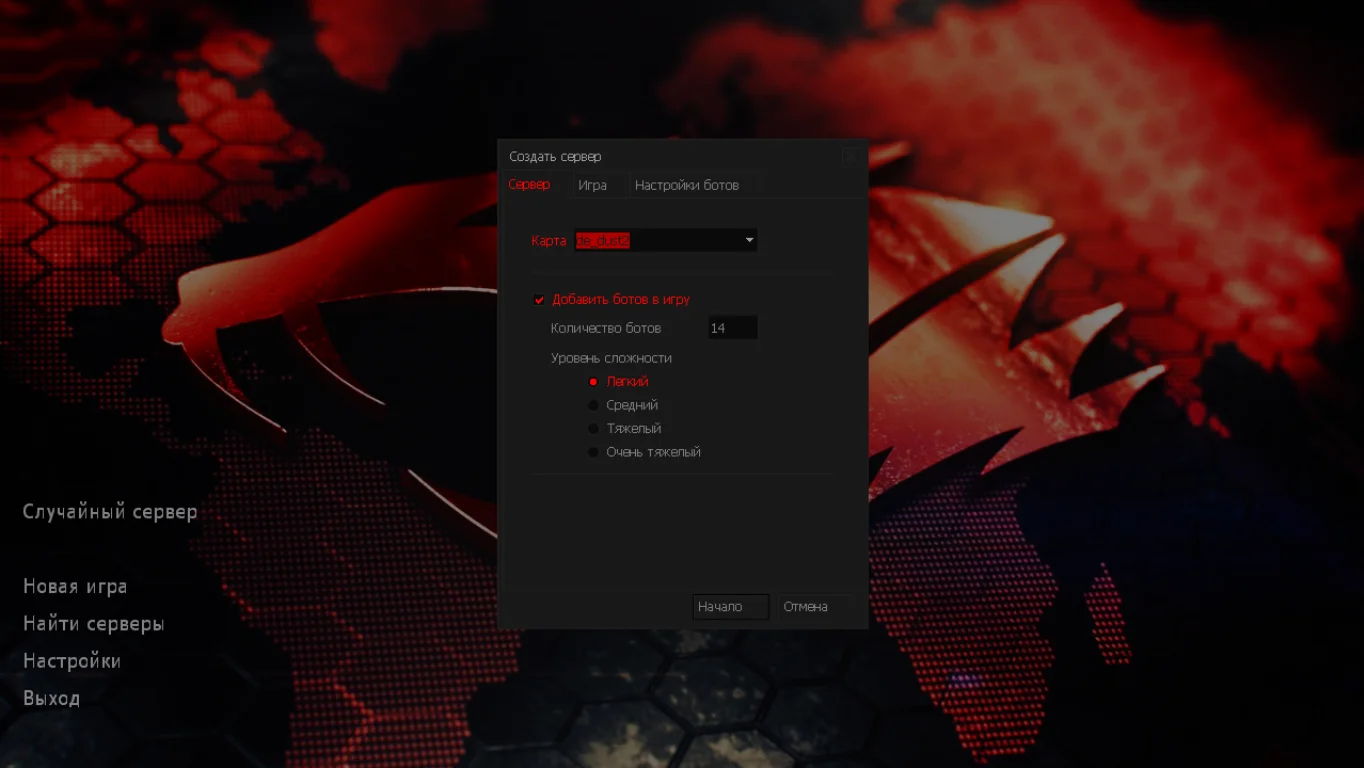
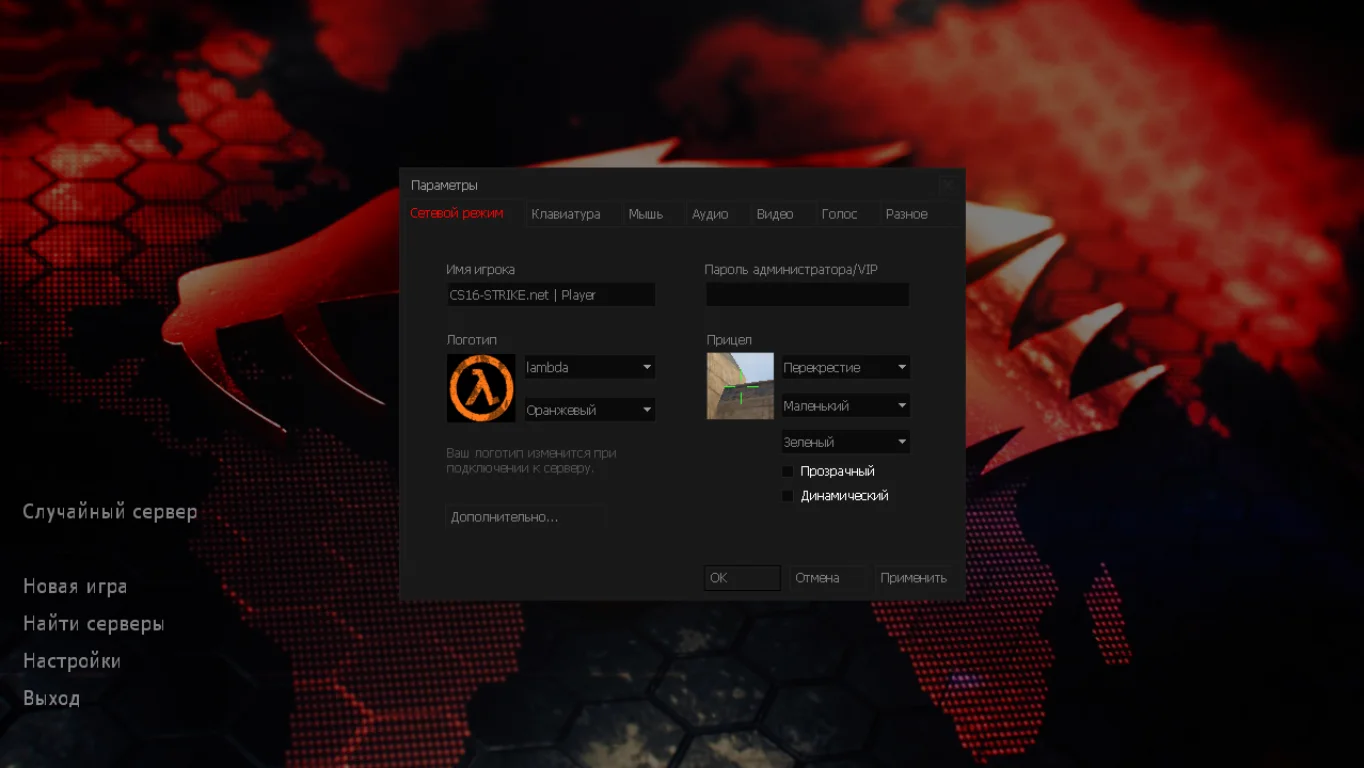
The launcher automatically checks file integrity, protects against configuration tampering, and makes game setup easy even for beginners. You can effortlessly select the game mode, adjust graphics, sound, and controls, and connect to servers directly from the menu. All modern Windows versions are supported: XP, 7, 8, 10, and 11. Thanks to the optimized engine and built-in master server, the game runs smoothly without lags both in single-player mode with bots and in online battles.
Downloading CS 1.6 with Launcher is the ideal solution for those who want full control and updates in just a few clicks. The build contains no viruses, ads, or unnecessary software, installs in a few minutes, and is suitable for both beginners and experienced players. Forget manual settings — everything you need is already included in the launcher!
Features of CS 1.6 with Launcher build:
Convenient launcher with auto-updates.
Quick access to settings and servers.
Instant one-click game launch.
Ability to download maps and add-ons.
Compatible with Windows XP, 7, 8, 10, 11.
Built-in master server for online play.
Classic gameplay without changes.
Russian-localized interface.
No viruses, ads, or junk.
Offline play with bots supported.
System requirements and how to install:
Minimum system requirements:
OS: Windows XP/7/8/10/11.
Processor: 1 GHz or higher.
RAM: 512 MB or more.
Video card: OpenGL support.
Disk space: 700 MB or more.
Installation instructions:
Download the CS 1.6 with Launcher installer.
Install the game, selecting the desired folder.
Launch the launcher via the desktop shortcut.
Adjust the settings to your preference.
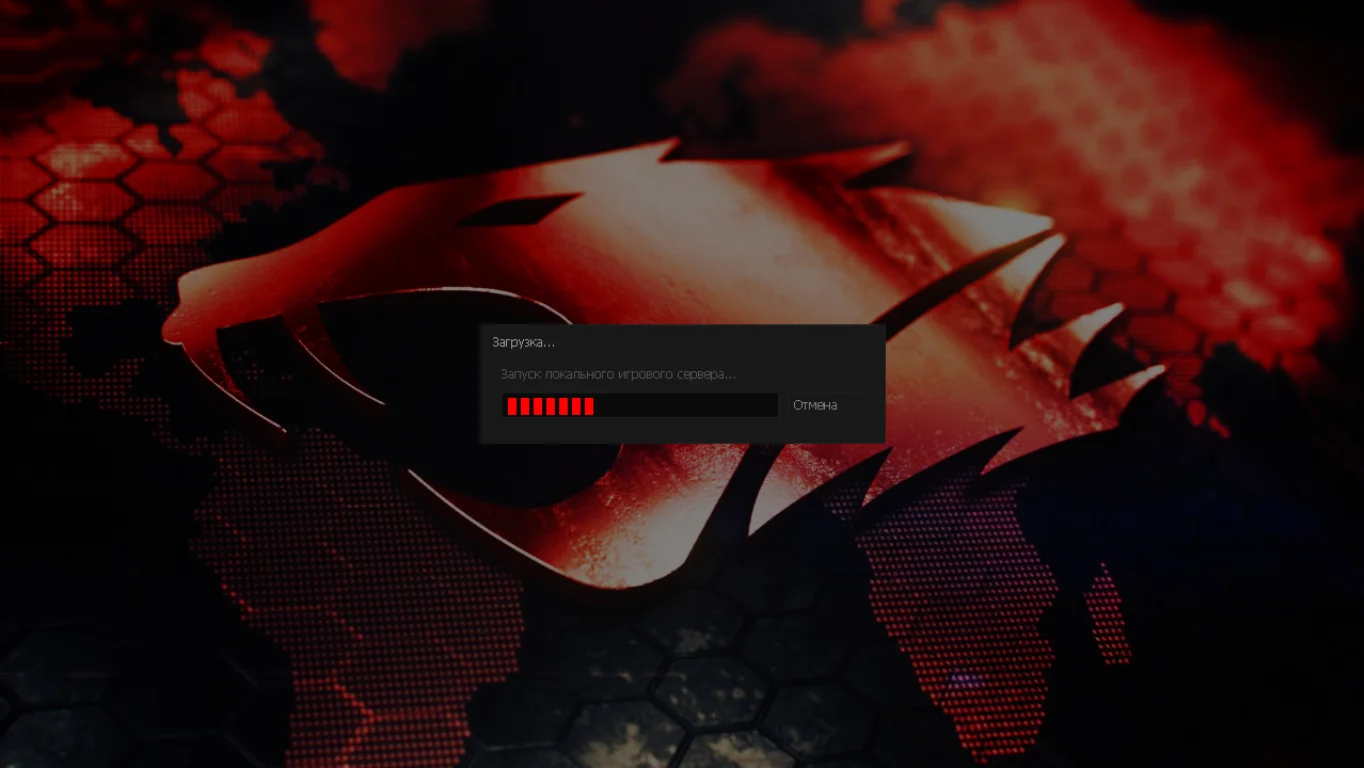
Select a server and start playing!
Современные модели вооружения
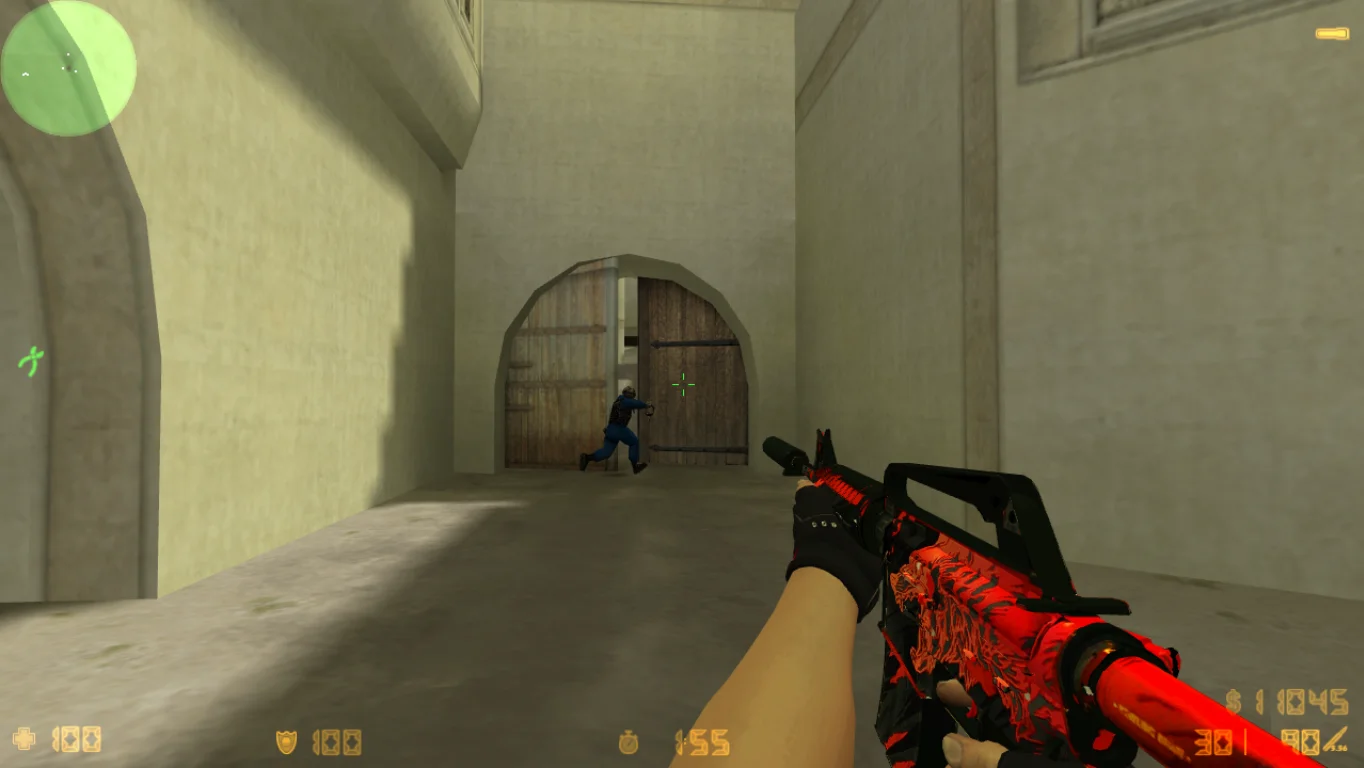
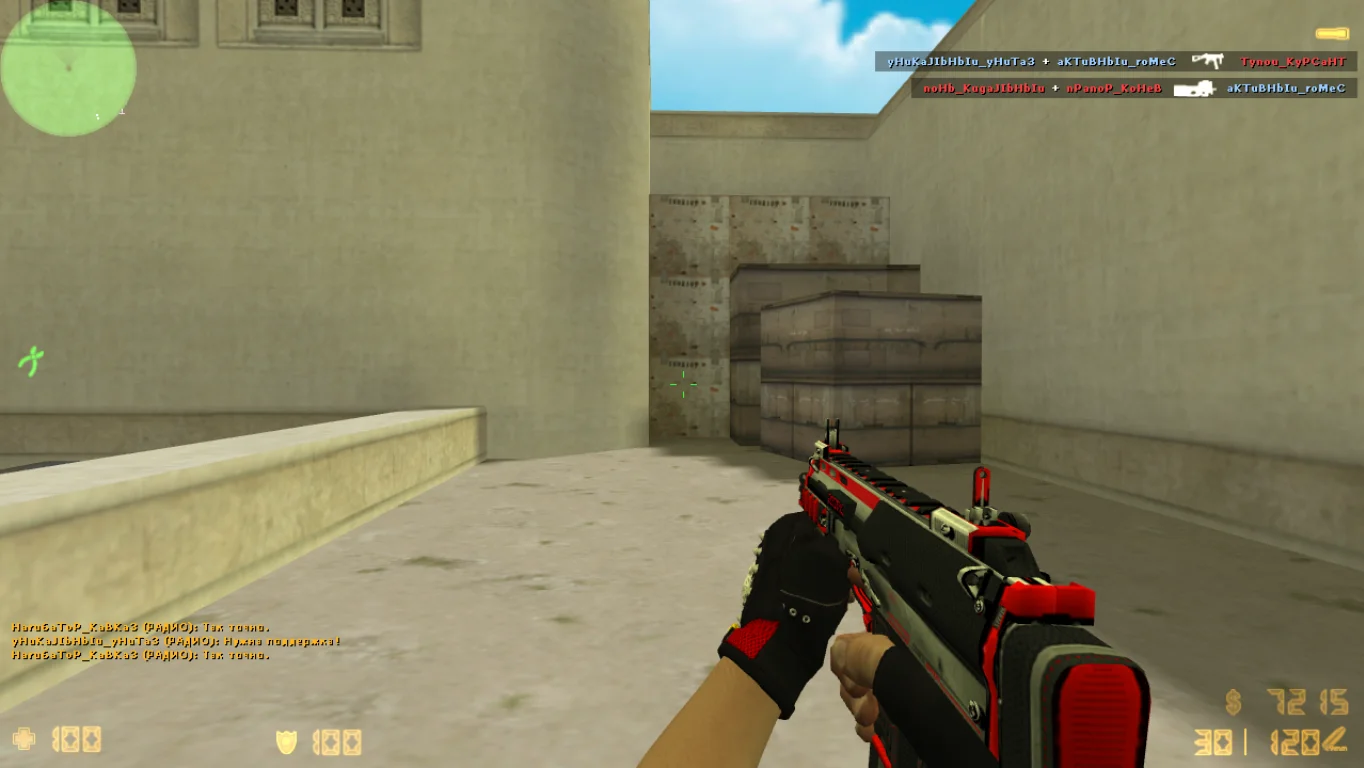
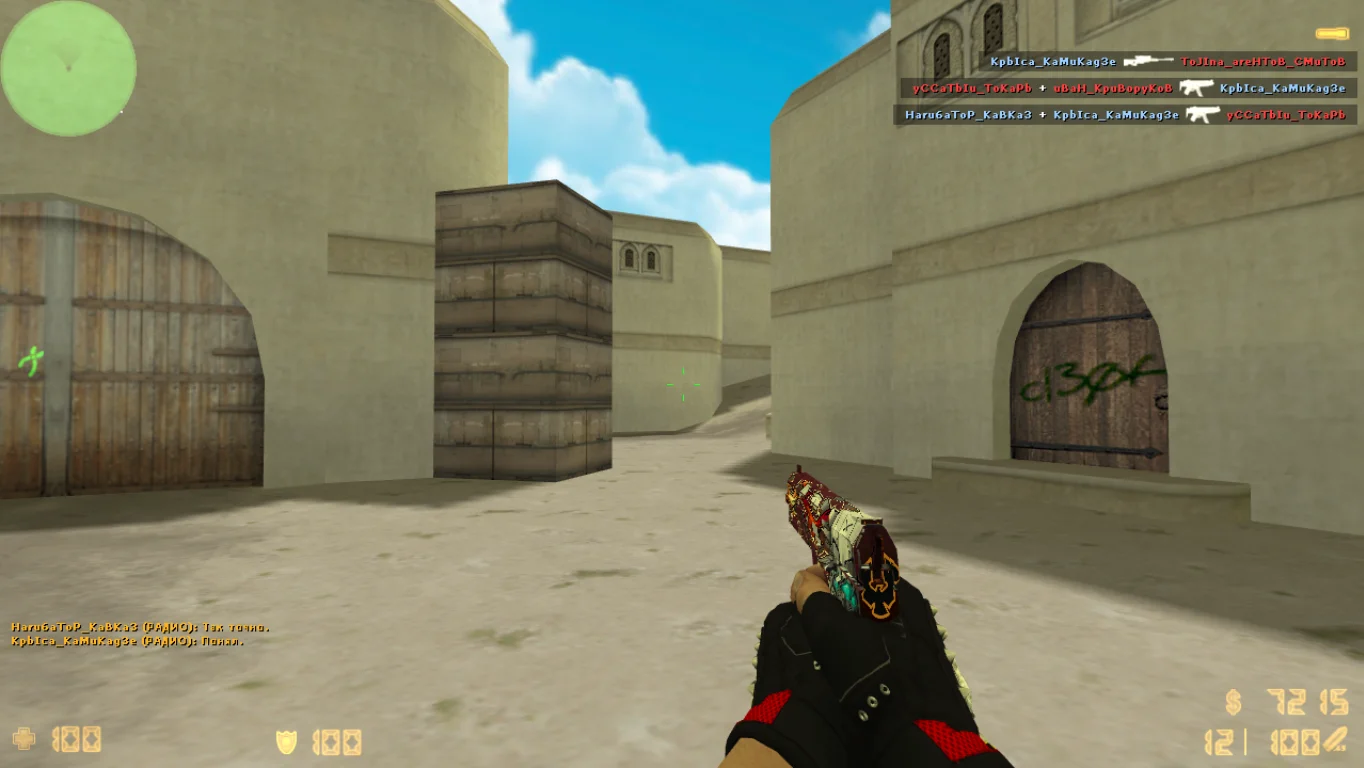
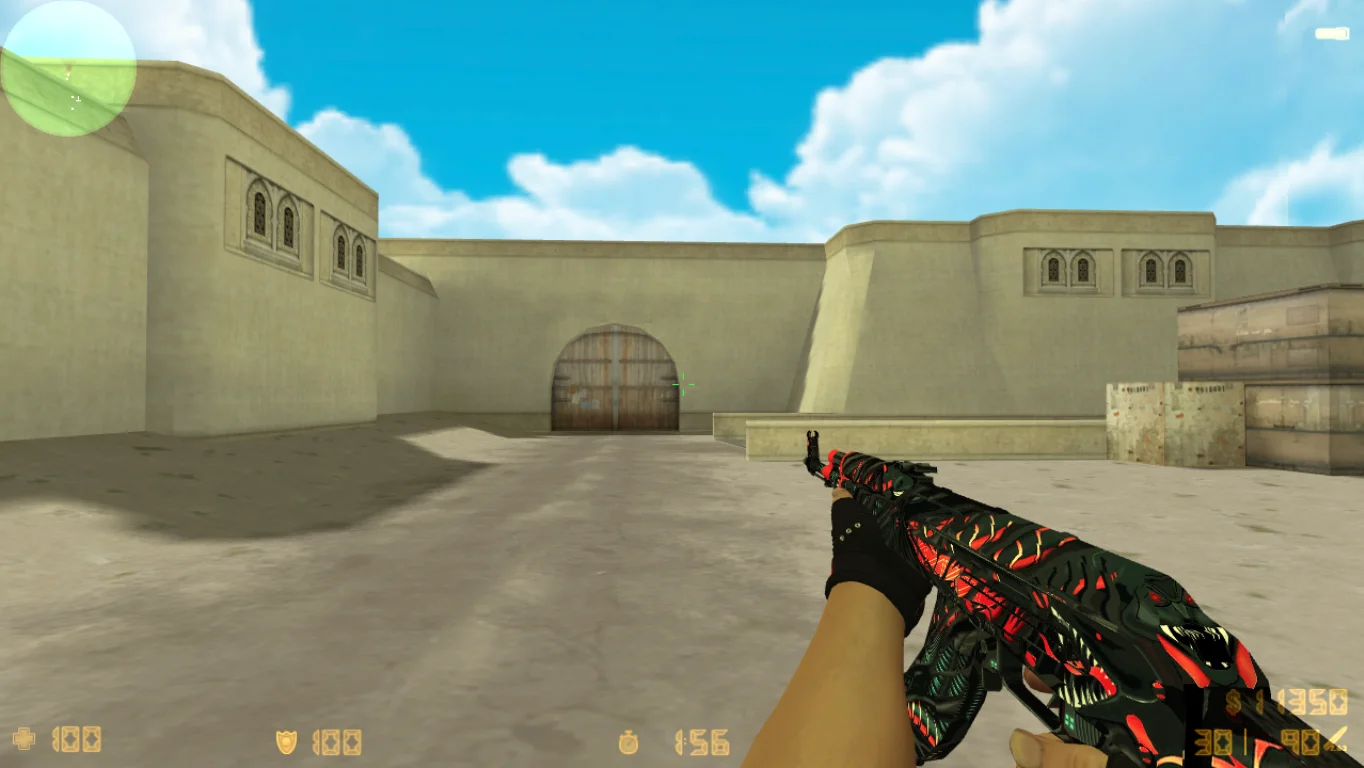
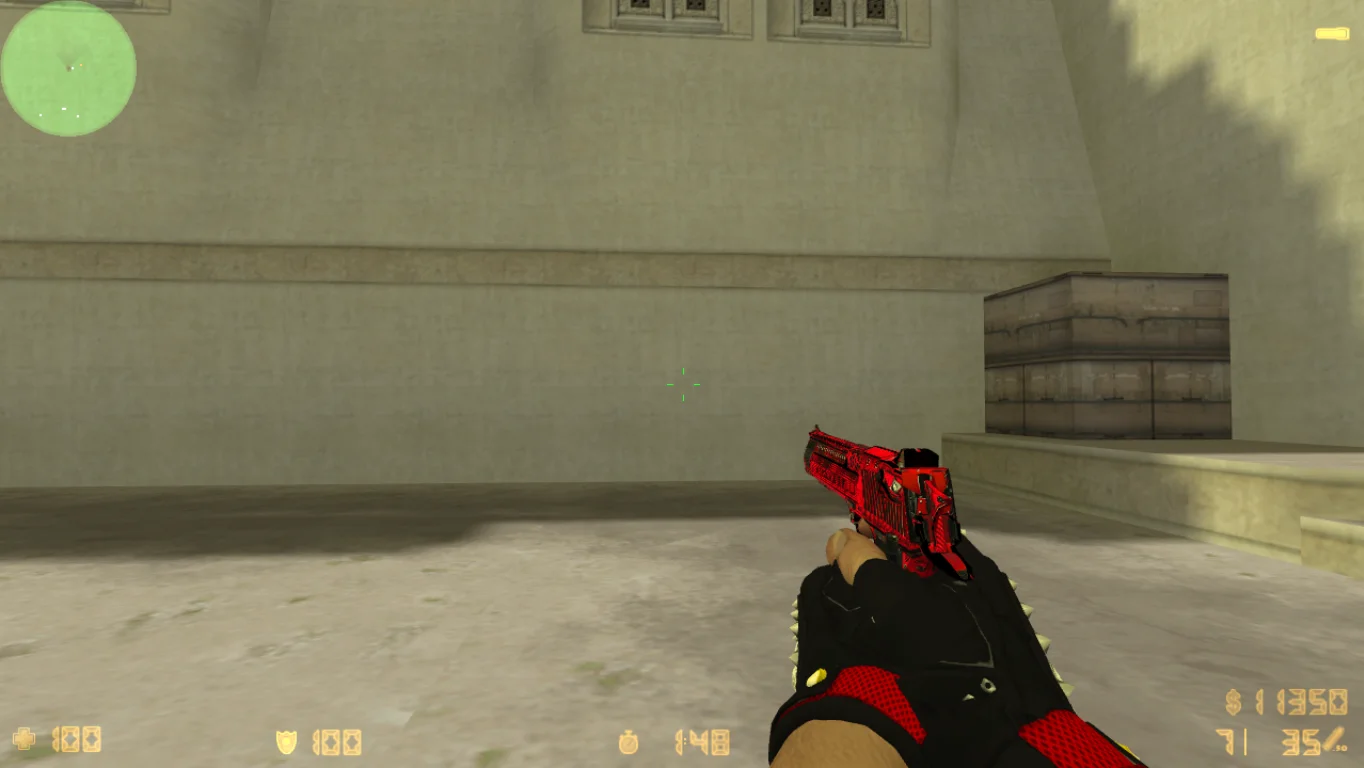
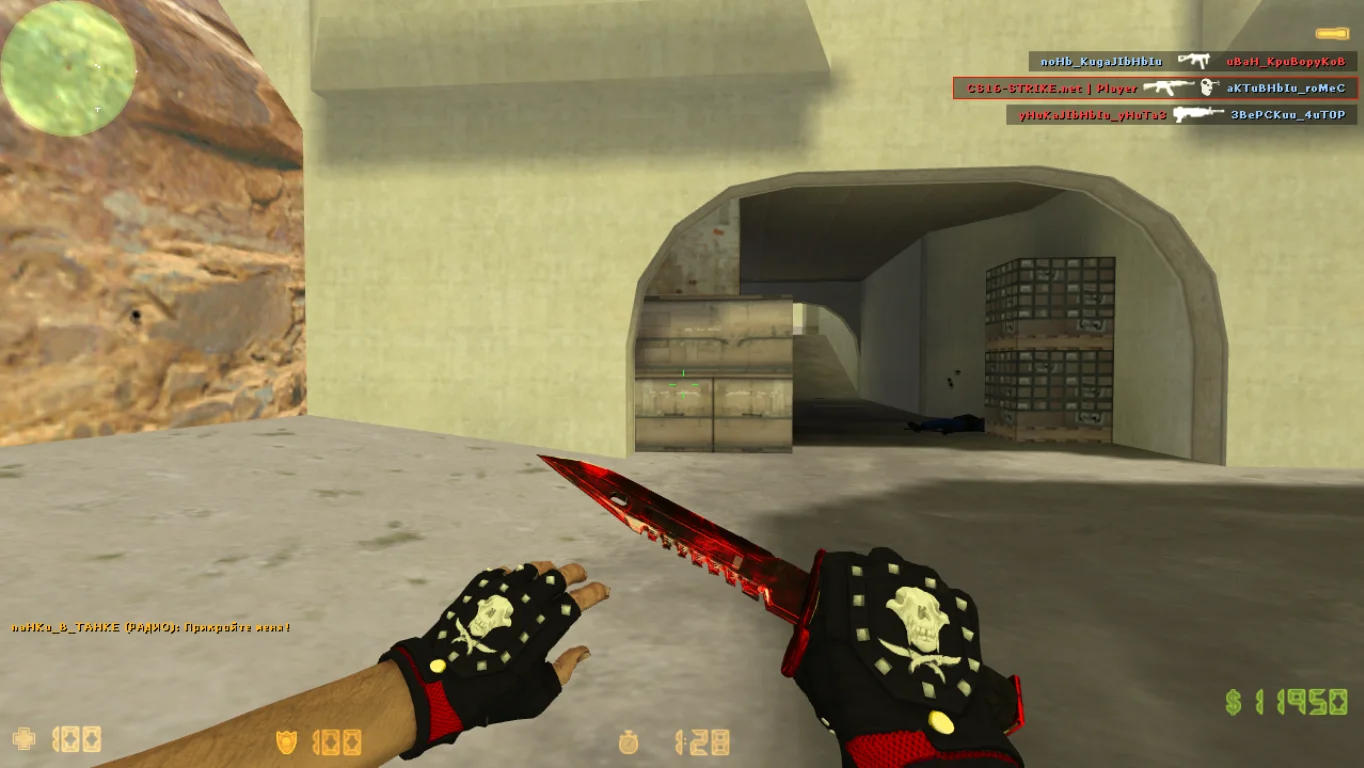
Ключевым достоинством сборки является тщательная проработка всех интегрированных моделей, отличающихся высоким качеством исполнения и новыми текстурами, что делает версию более современной, а также клиент несомненно будет на уровне CS 2.
Простота использования сборки
Игровой клиент выделяется своей простотой и удобством использования. Все модели уже включены в дистрибутив и не требуют дополнительной настройки или загрузки, что обеспечивает готовность к использованию сразу после установки.
Доступ для всех геймеров
Кроме того, игра обладает оптимизацией, позволяющей поддерживать высокую производительность даже при использовании большого количества моделей. Это означает, что геймеры могут устанавливать новые визуальные элементы без риска возникновения зависаний.