Home
Home
 CS 1.6 Builds
 CS:GO Builds
 CS:S Builds
 CS2 Builds

Download CS 1.6 Ultra
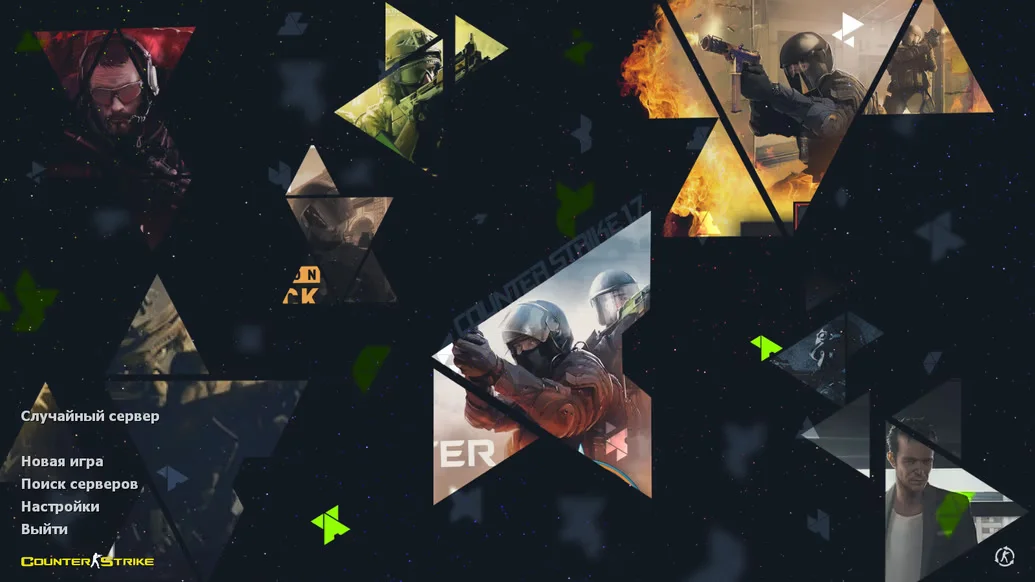
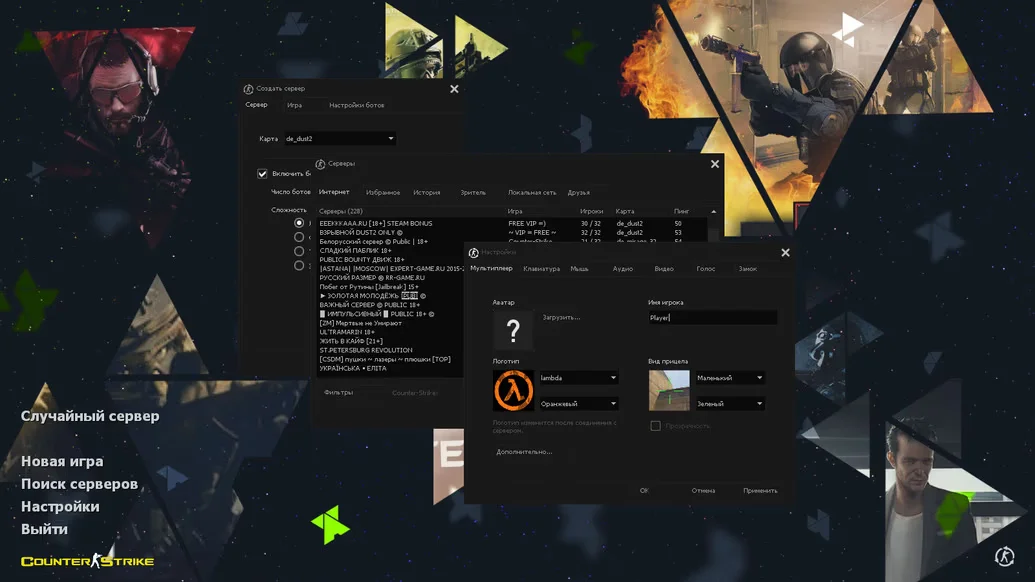
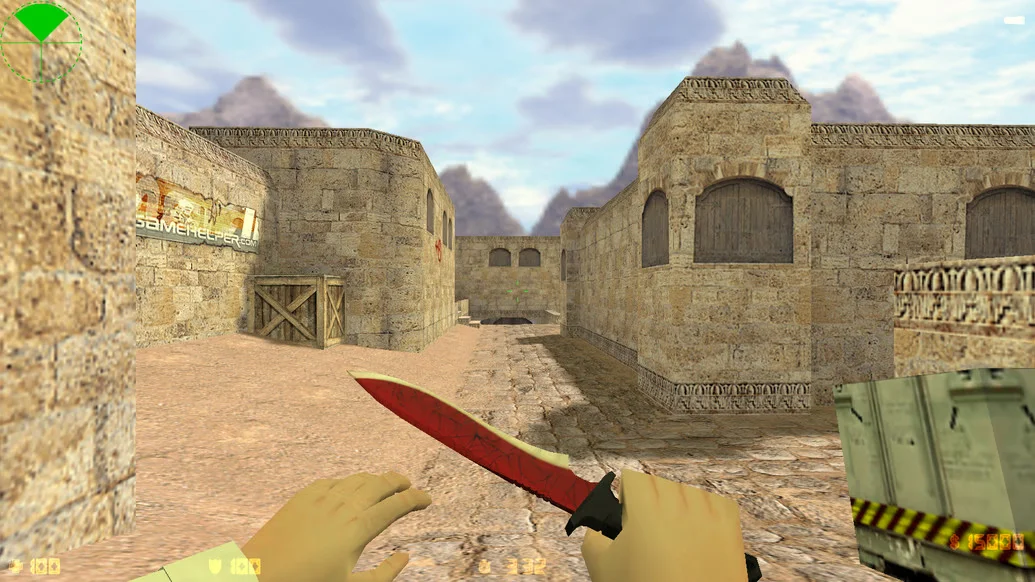
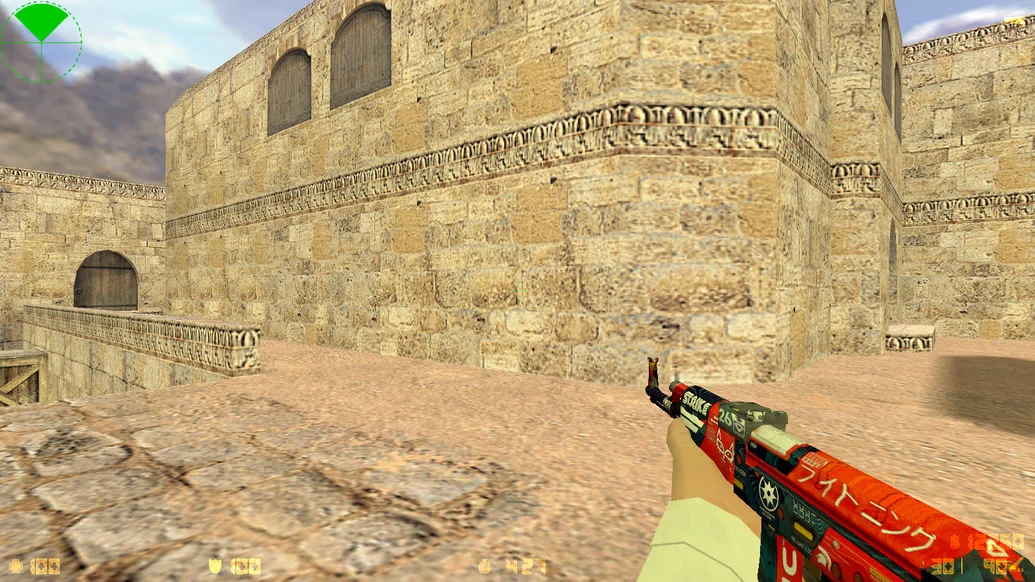
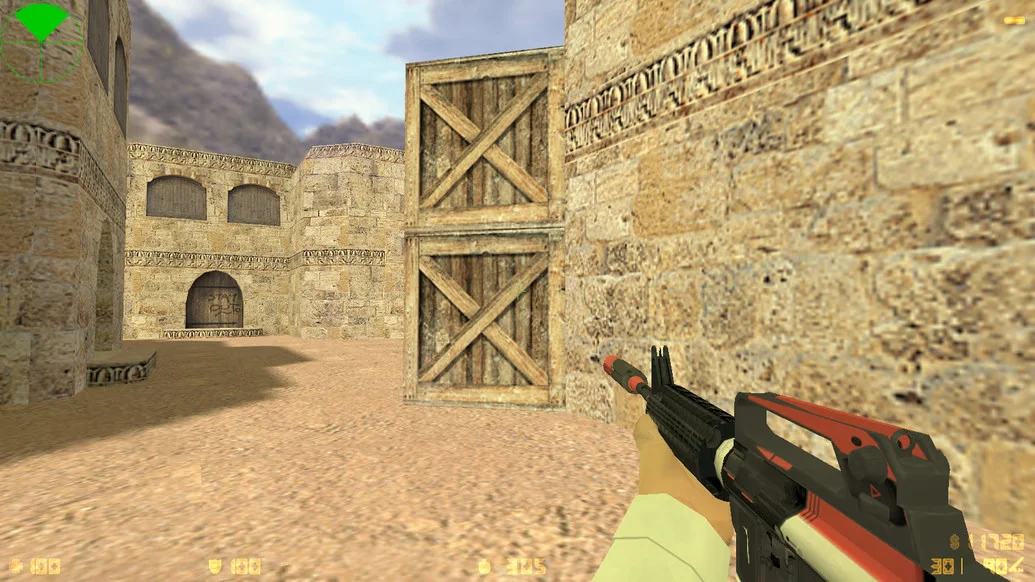
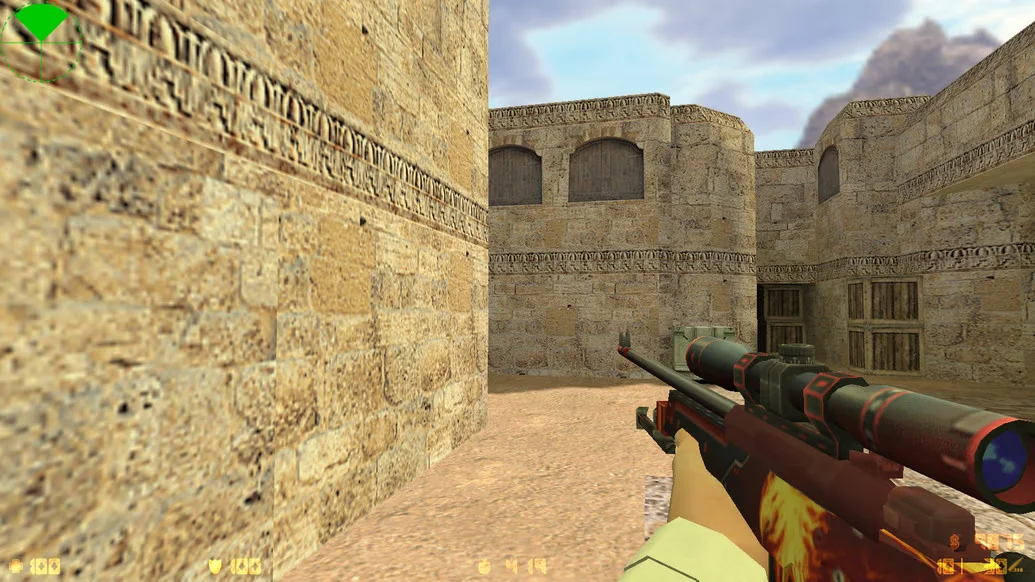
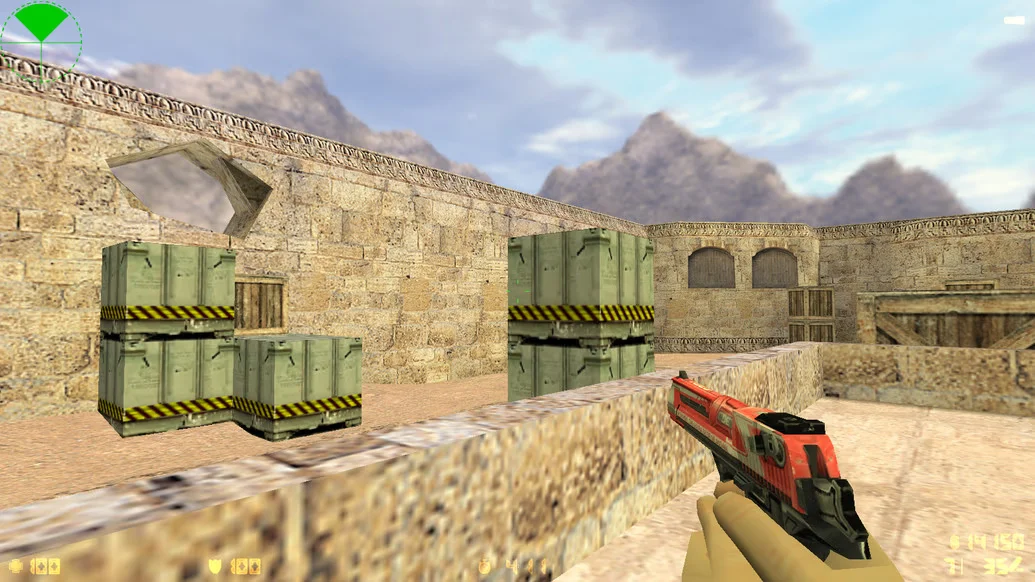
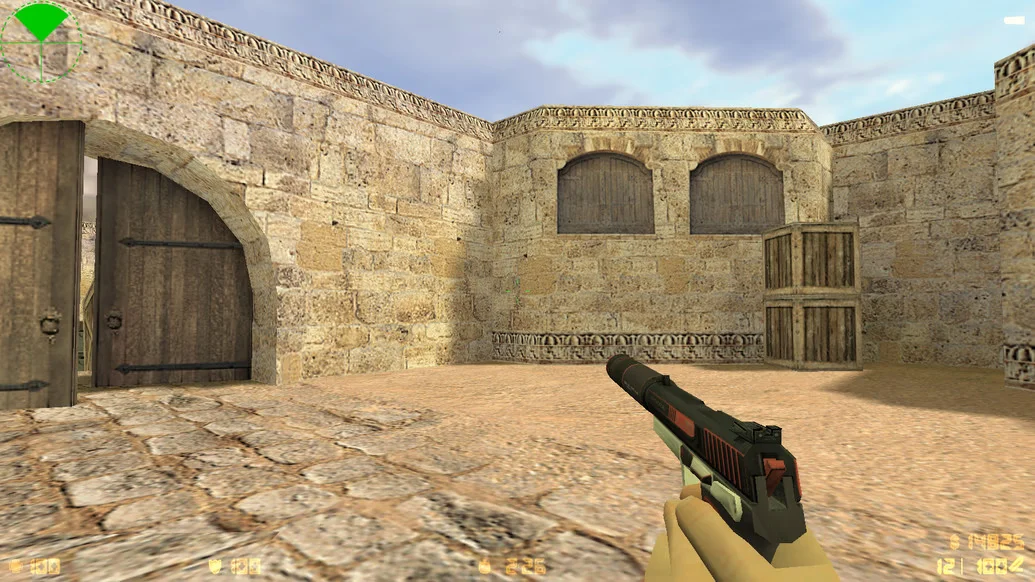
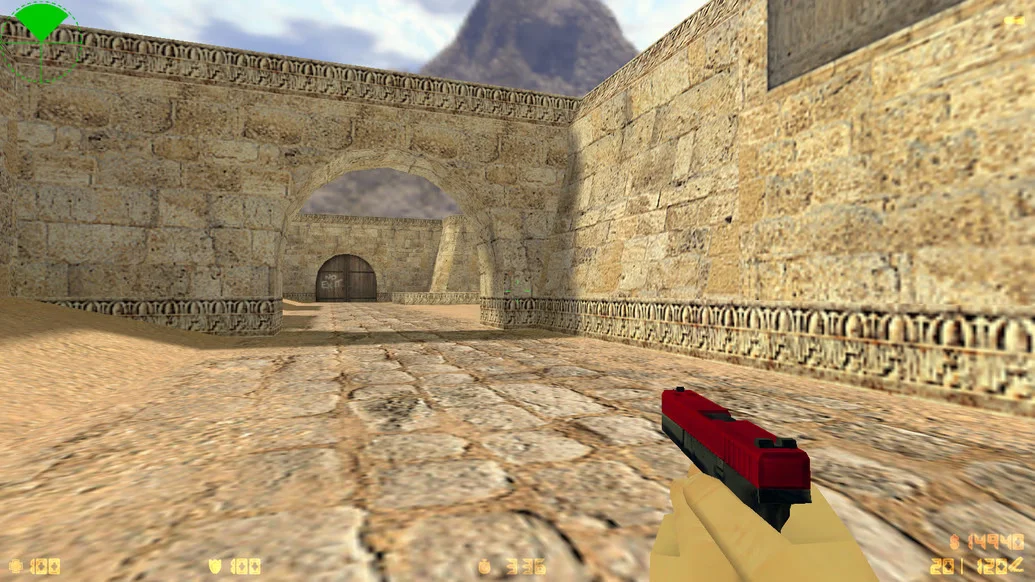
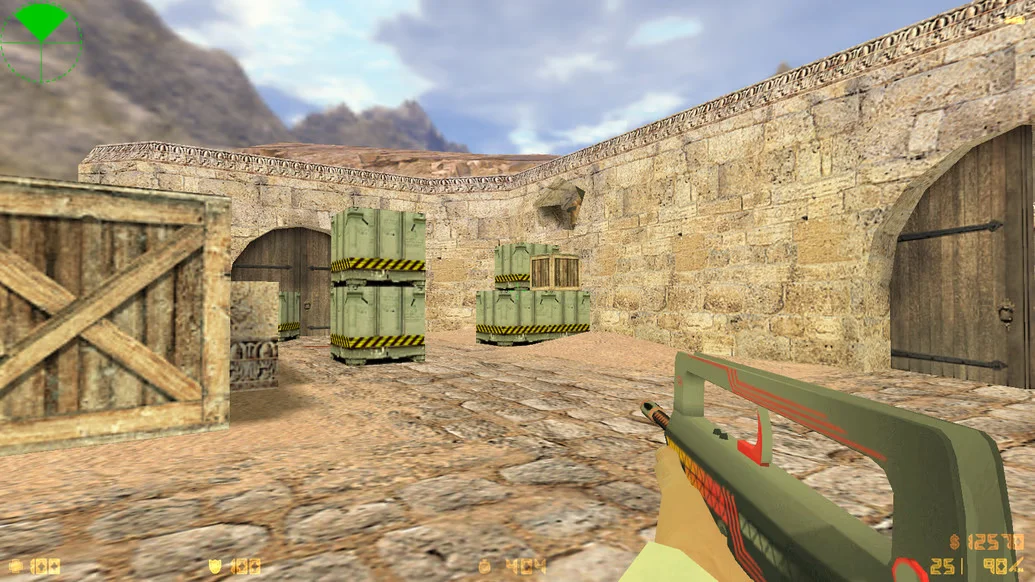
CS 1.6 Ultra is one of the most powerful and modern builds of classic Counter-Strike 1.6, designed for true shooter enthusiasts. This version focuses on maximum quality — from weapon and player models to the interface and configs. The game not only looks impressive but also runs stably on any system. Downloading CS 1.6 Ultra is the perfect choice for those who want enhanced gameplay while preserving the original CS atmosphere.
The build features fully updated HD weapon models, a redesigned minimalist interface, an adapted radar, and a precise crosshair. All standard sounds have been replaced, making shooting and footsteps clearer and more realistic. Shooting configs are professionally tuned: recoil is balanced, movement feels smooth, and controls are highly responsive. The menu and all elements are fully Russian-localized, and bots are included, making the build ideal for both single-player and training sessions.
CS 1.6 Ultra contains no unnecessary software, is completely safe, and runs smoothly on Windows XP, 7, 8, 10, and 11. Thanks to excellent optimization, it works even on low-end PCs with high FPS. Installation takes only a few minutes — simply download, install, and launch. The client is free from ads, viruses, and hidden processes. Downloading CS 1.6 Ultra means getting a powerful, fast, and reliable build, suitable for both casual and competitive play.
Build Features:
HD weapon and player models
Modern minimalist interface
Full Russian localization of menu and commands
Optimized configs for precise shooting
New sounds for footsteps, shooting, and reloading
Built-in bots for offline play
Supports Windows XP / 7 / 8 / 10 / 11
High FPS even on low-end PCs
Quick installation and stable launch
No viruses, ads, or unnecessary software
System Requirements and Installation:
Operating System: Windows XP / 7 / 8 / 10 / 11
Processor: 1.0 GHz or higher
RAM: 512 MB or more
Video Card: 64 MB or more
Free Disk Space: 700 MB or more
How to Install:
Download the CS 1.6 Ultra installer
Run the file with a double-click
Choose the installation folder
Wait for the process to complete
Launch the game via the desktop shortcut