Home
Home
 CS 1.6 Builds
 CS:GO Builds
 CS:S Builds
 CS2 Builds

Download CS 1.6 with multiple resolutions
 Русская версия
 С ботами и серверами
 Работает на всех Windows (от XP до 11)
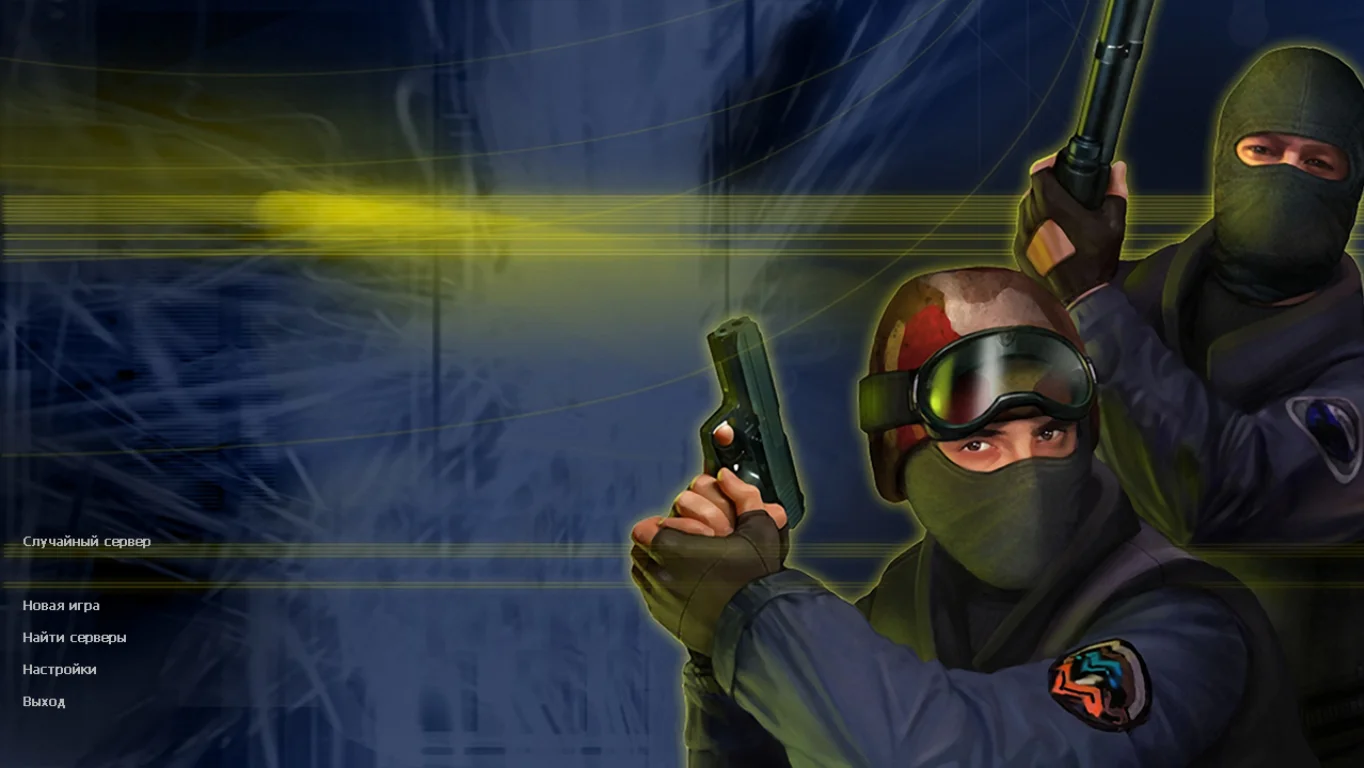
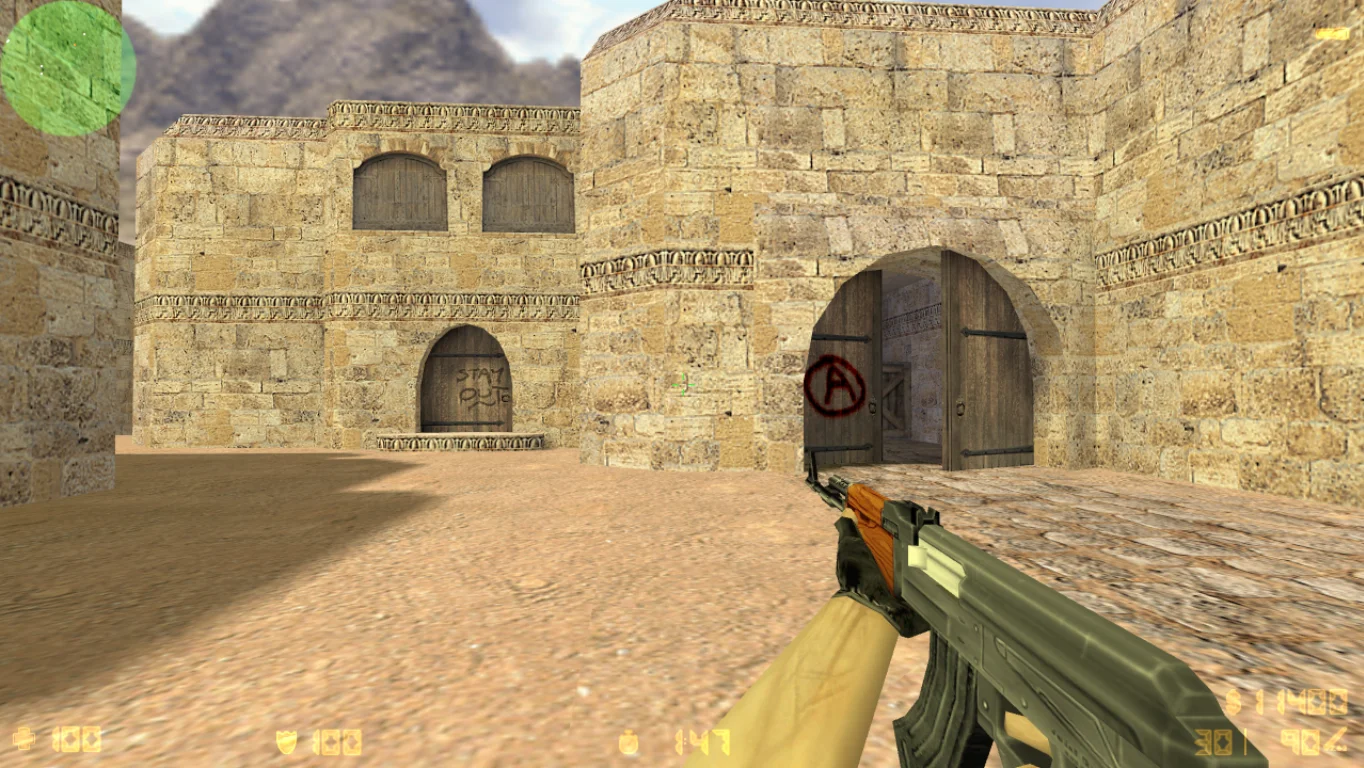
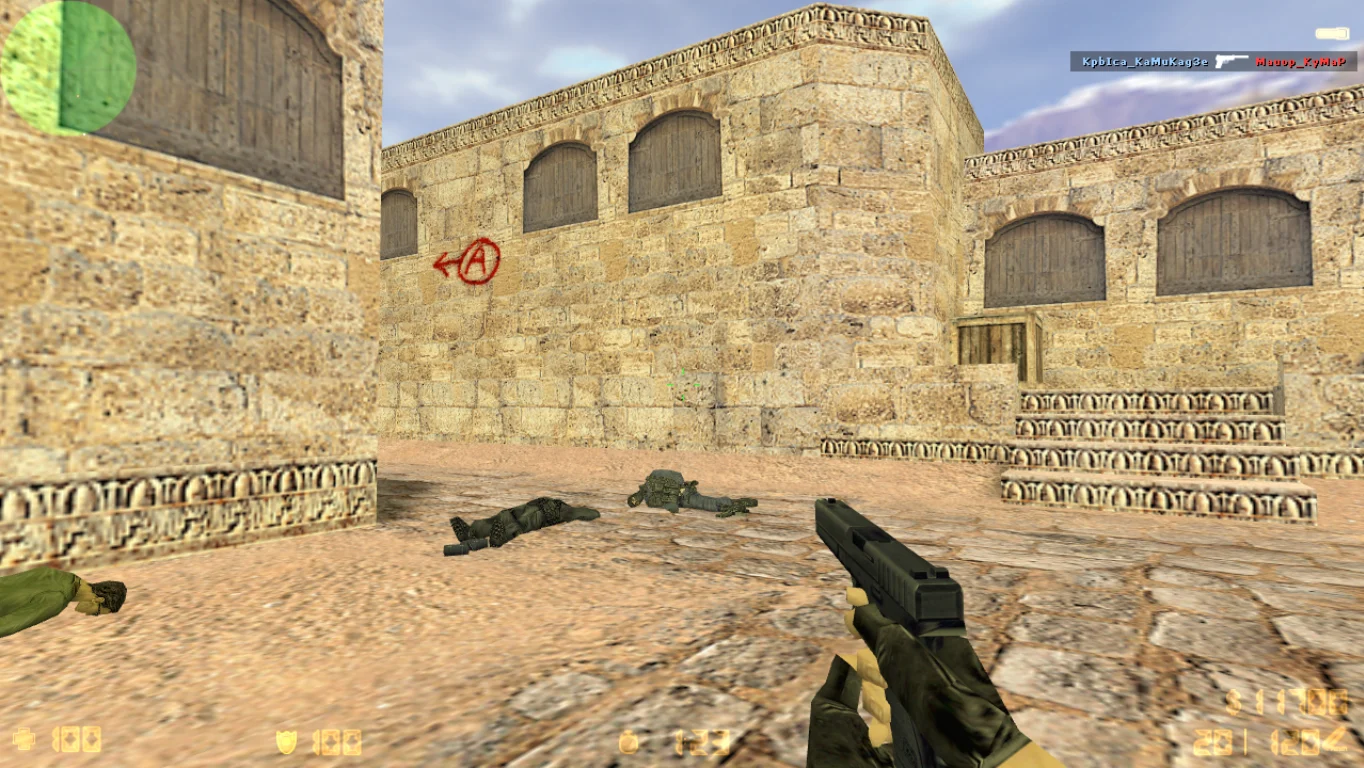
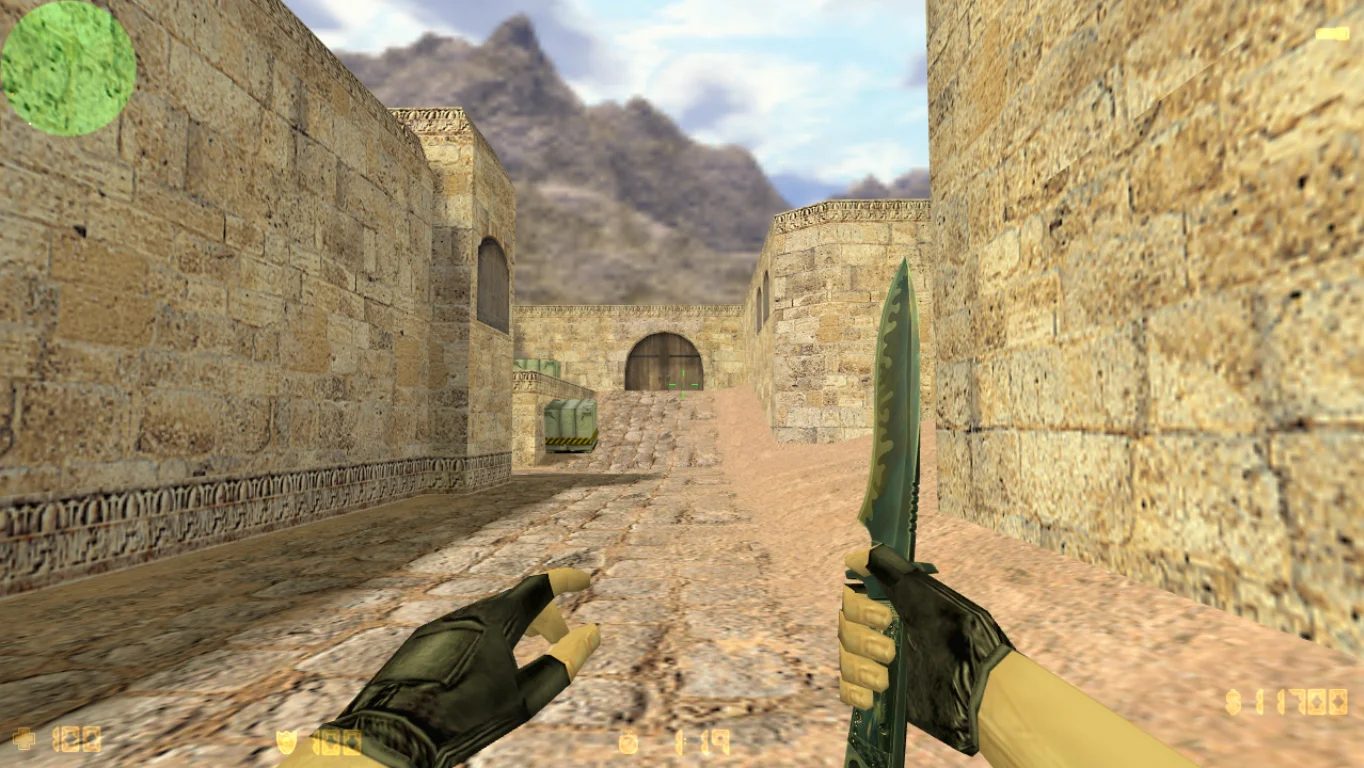
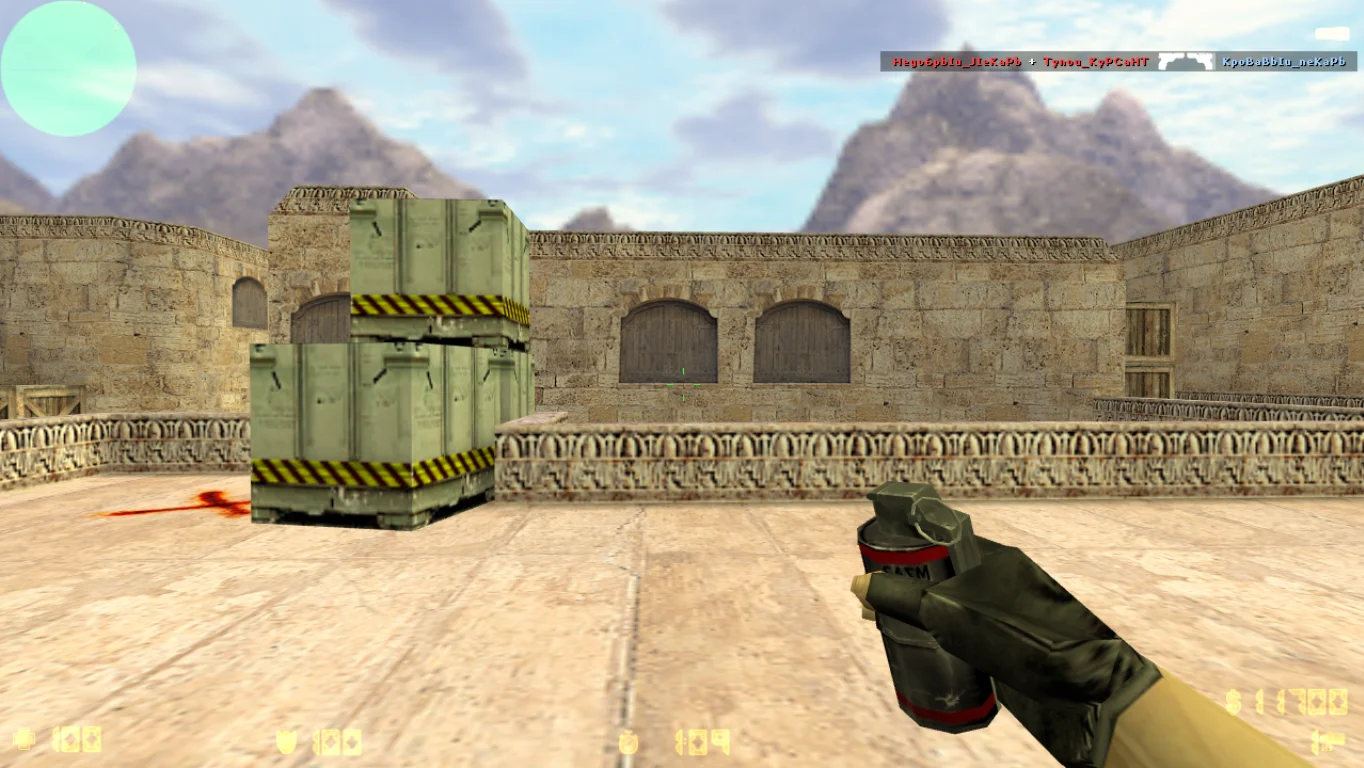
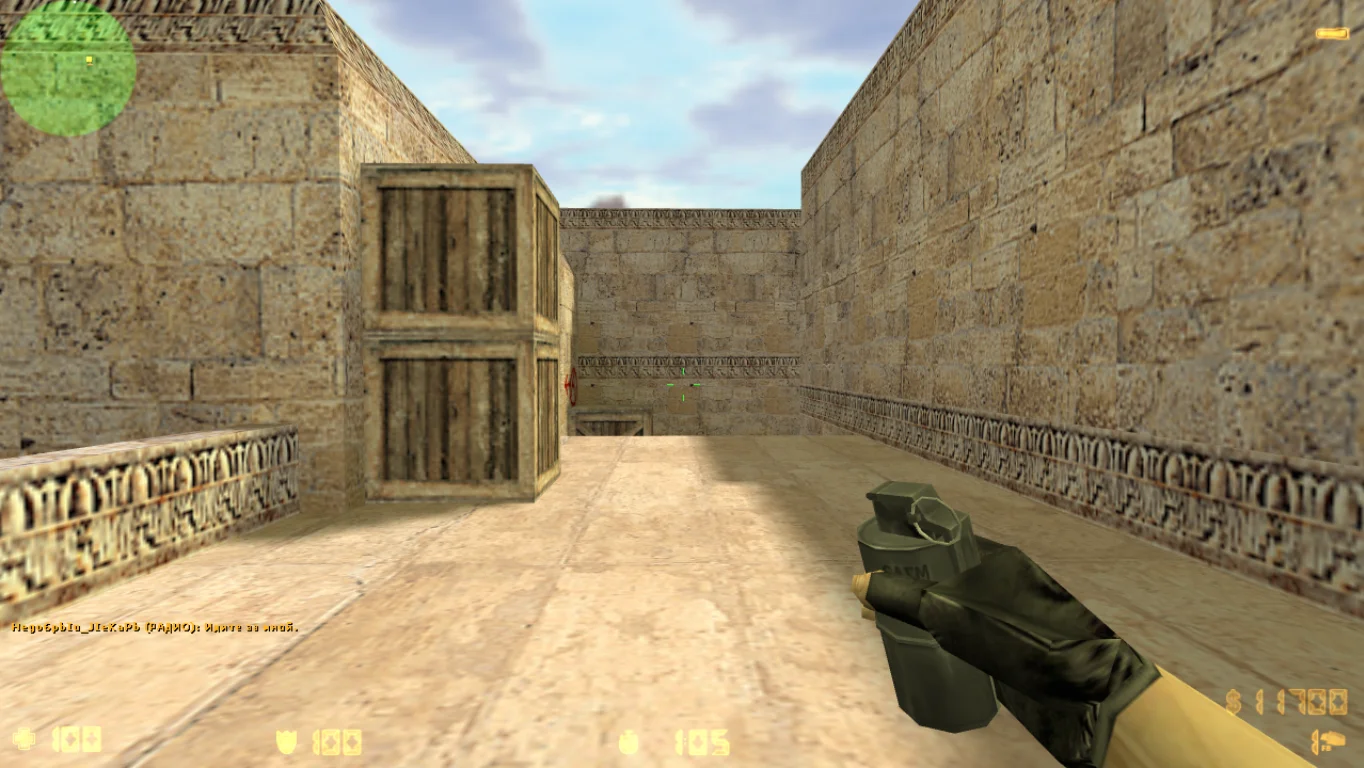
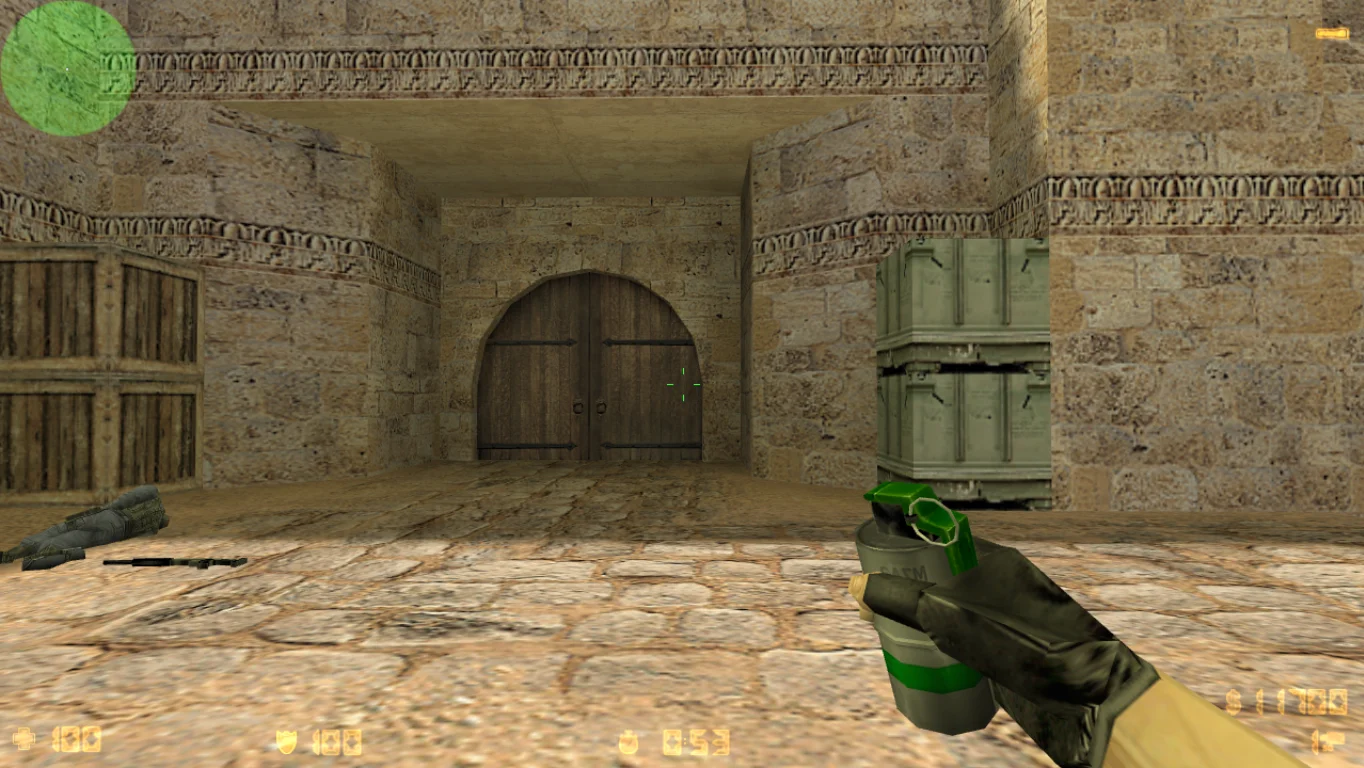
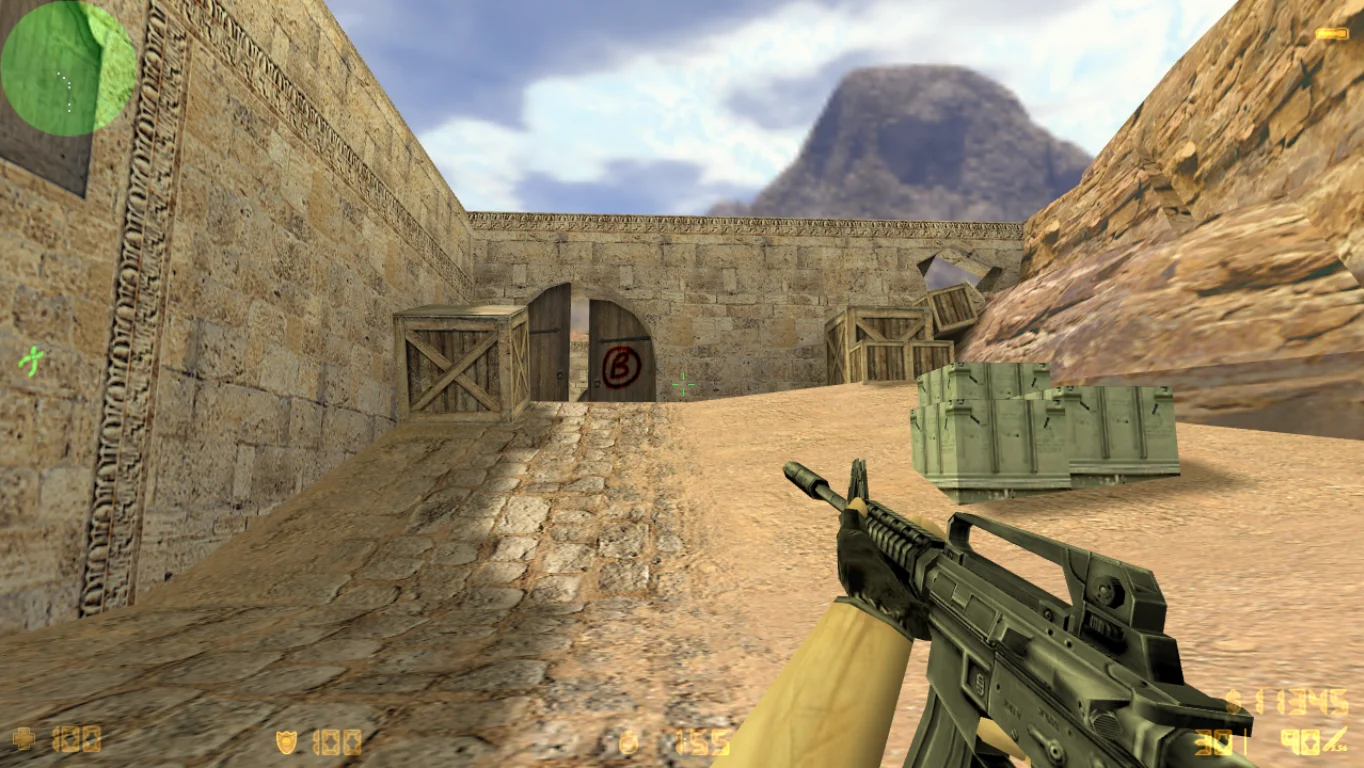
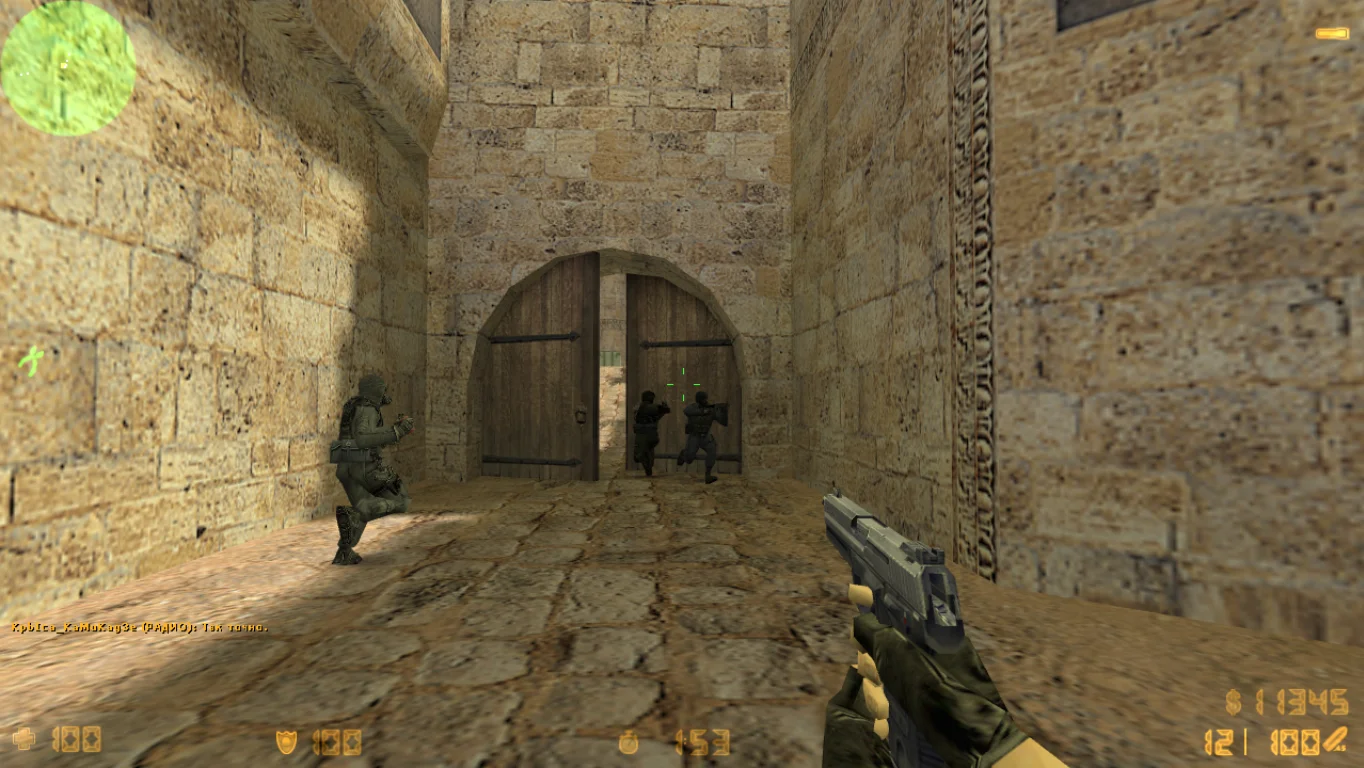
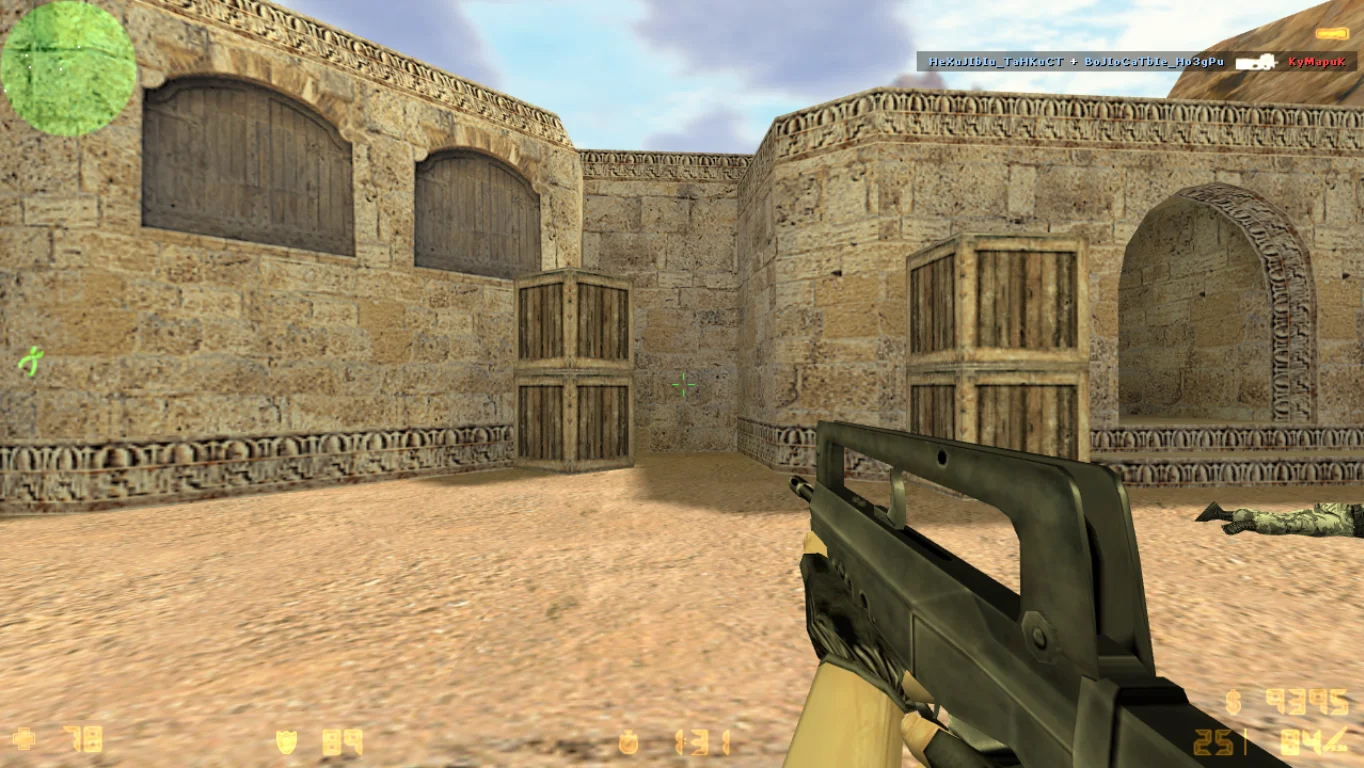
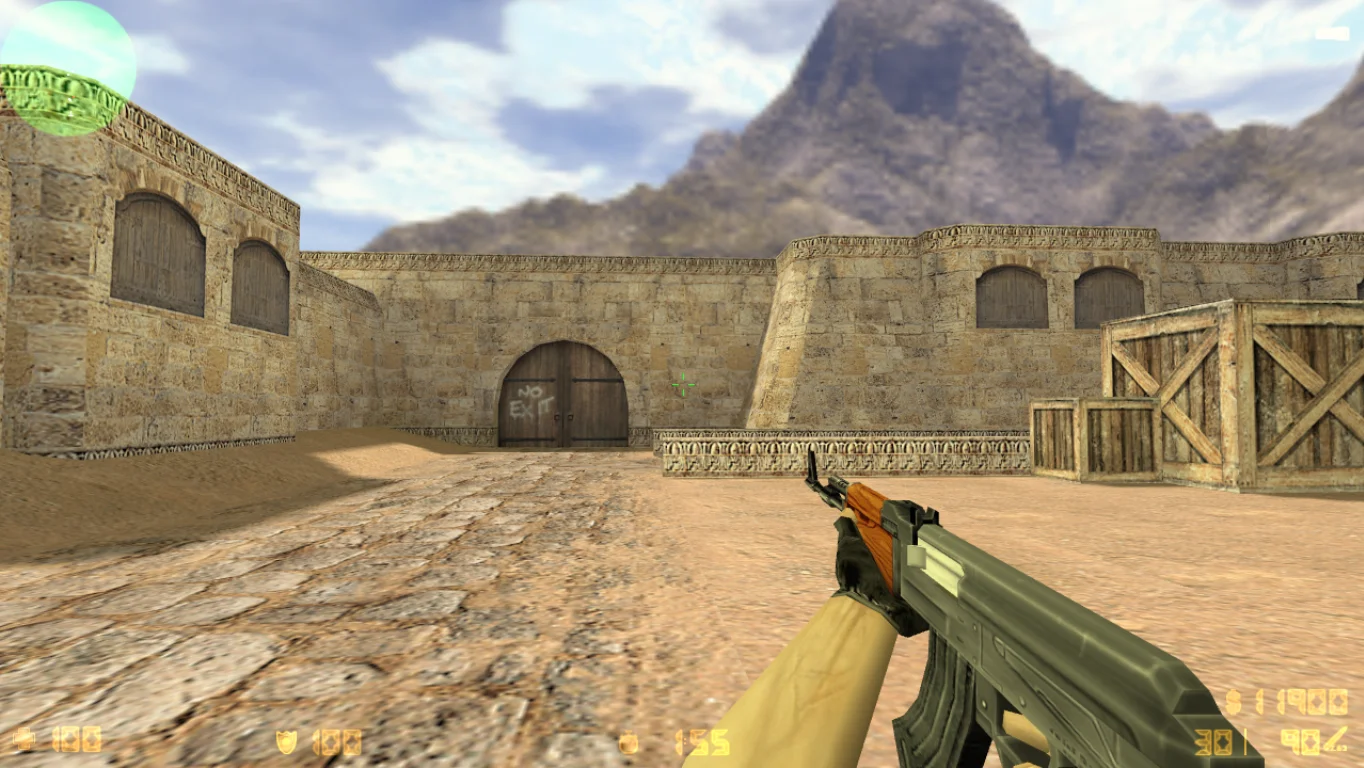
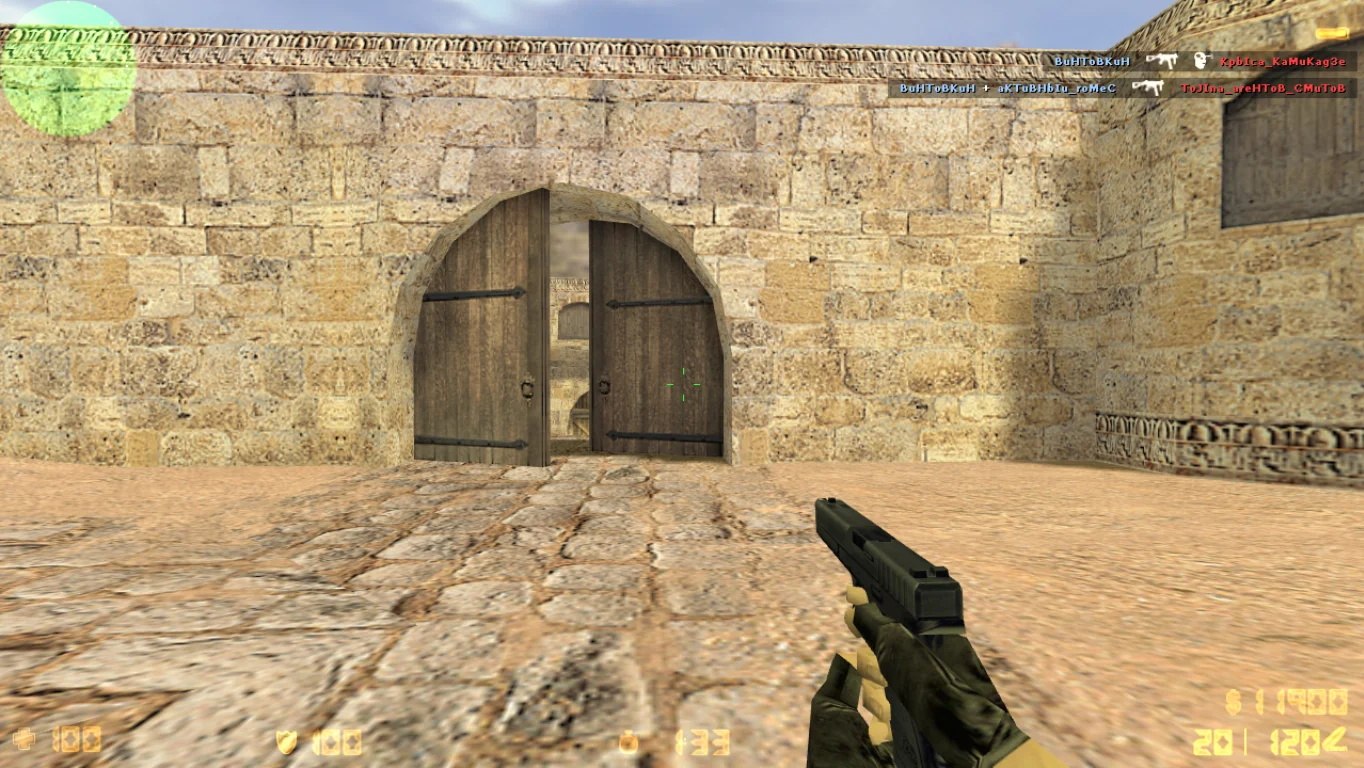
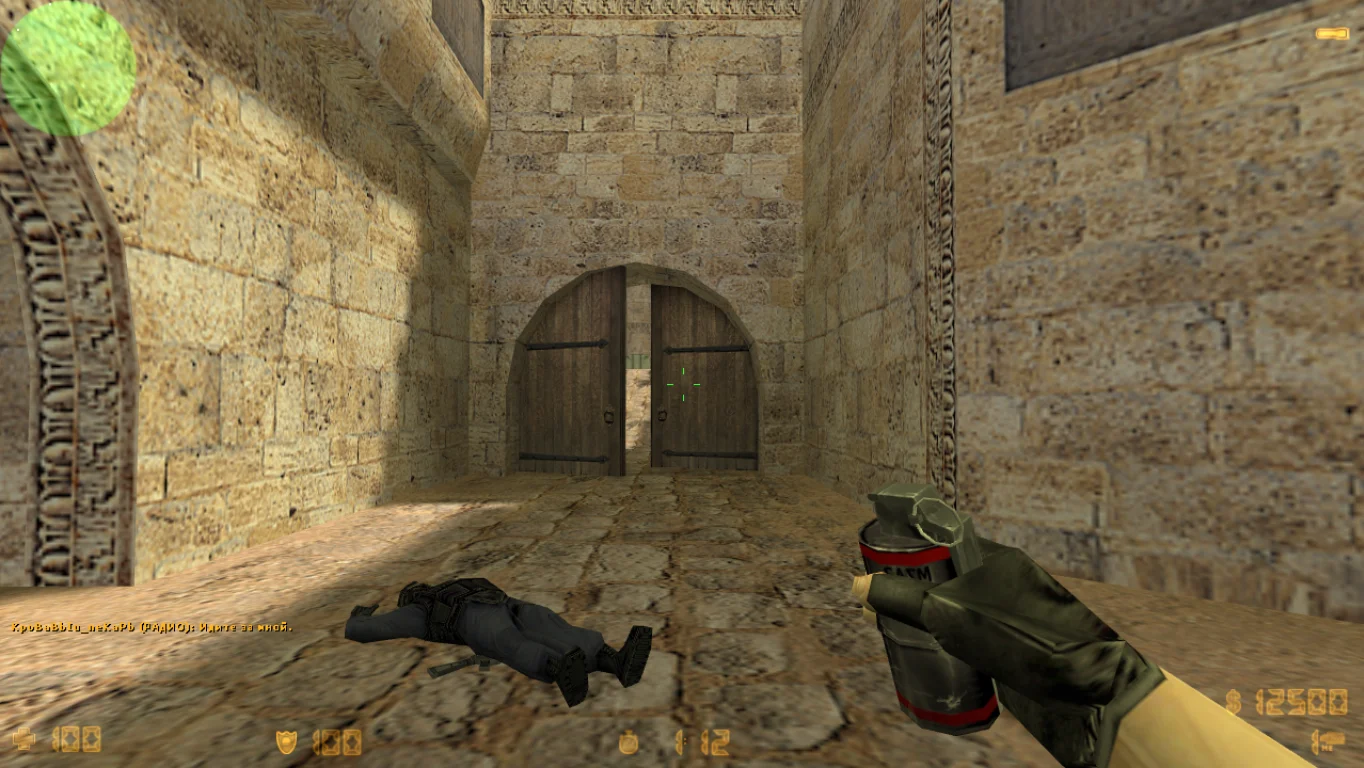
CS 1.6 with multiple resolutions is a universal build of the classic Counter-Strike 1.6 game, featuring full support for all popular screen resolutions. You can choose from the minimum 640x480 up to Full HD and higher — 1920x1080, 2K, and even 4K. Downloading CS 1.6 with multiple resolutions is recommended for anyone who wants to customize the game for their monitor or achieve the perfect balance between performance and image quality.
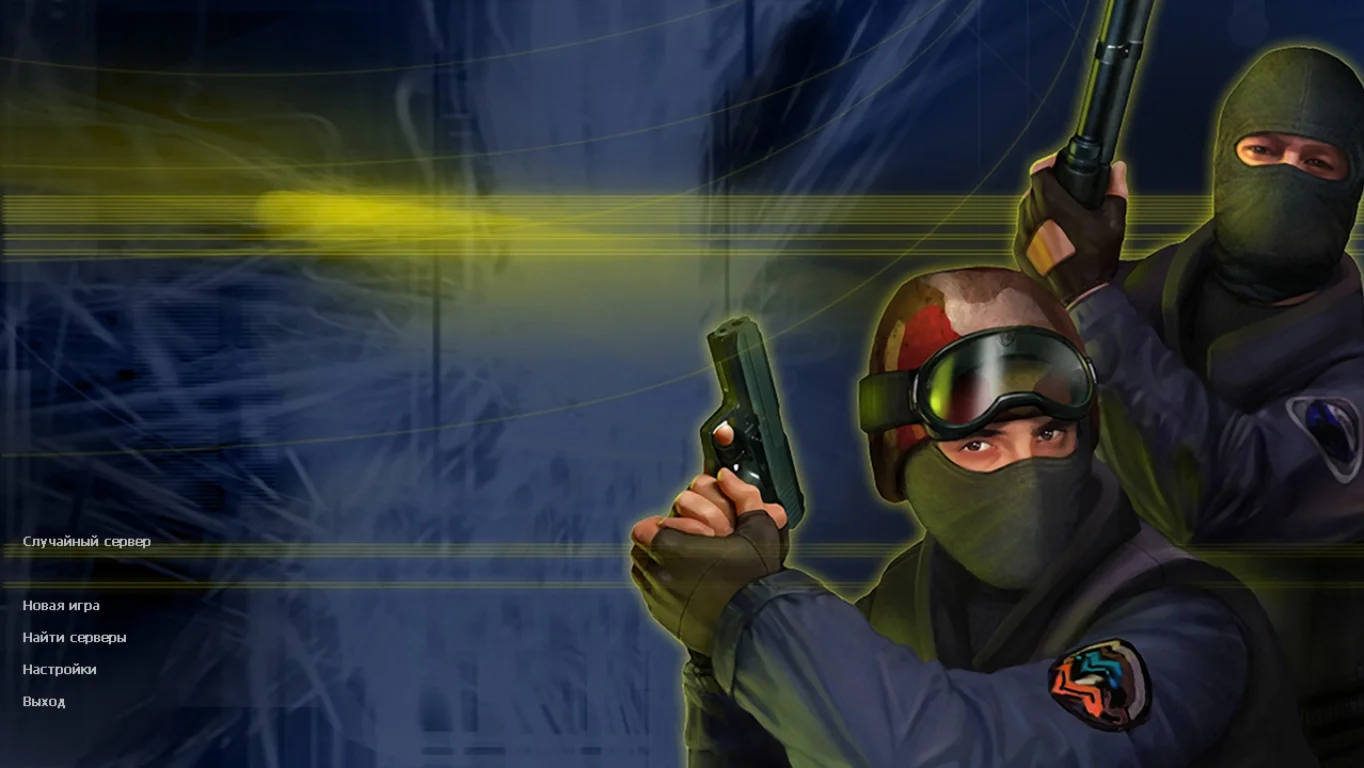
This build allows you to easily change the resolution through the game menu, without editing configs or using launch parameters. It’s ideal for both owners of old laptops and low-end PCs, as well as modern gamers with high-performance hardware. When changing resolutions, the interface automatically adapts, maintaining readability and ease of control. All modes are supported: single-player with bots, LAN, and full online play via master servers.
Downloading CS 1.6 with multiple resolutions is the optimal choice for those who want a flexible and easy-to-configure version of the game. The build contains no viruses, ads, or unnecessary files, installs quickly, and works stably on Windows XP, 7, 8, 10, and 11. Enjoy the classic shooter in the resolution that suits you best — with maximum comfort and performance.
Features of CS 1.6 with multiple resolutions:
• Full support for all popular resolutions
• From 640x480 up to 1920x1080 and higher
• Easy resolution selection in the game settings
• Compatible with any monitors and laptops
• Works on Windows XP, 7, 8, 10, 11
• Supports offline play with bots and online games
• Russian-localized interface and configs
• Classic maps, models, and sounds
• No viruses, ads, or third-party software
• Quick installation and stable performance
System requirements:
• OS: Windows XP/7/8/10/11
• Processor: 1 GHz or higher
• RAM: 512 MB or more
• Video card: OpenGL support
• Disk space: 600 MB or more
Installation instructions:
• Download the build installer
• Run the installation and choose the folder
• After installation, open the game
• Go to video settings and select the desired resolution
• Save and start playing in comfortable conditions
Особенности сборки с разрешениями
Одним из определяющих факторов успеха, является богатый ассортимент карт и режимов, предоставляющий геймерам разнообразные игровые ситуации и тактические варианты. Игроки обладают широким выбором оружия и снаряжения.
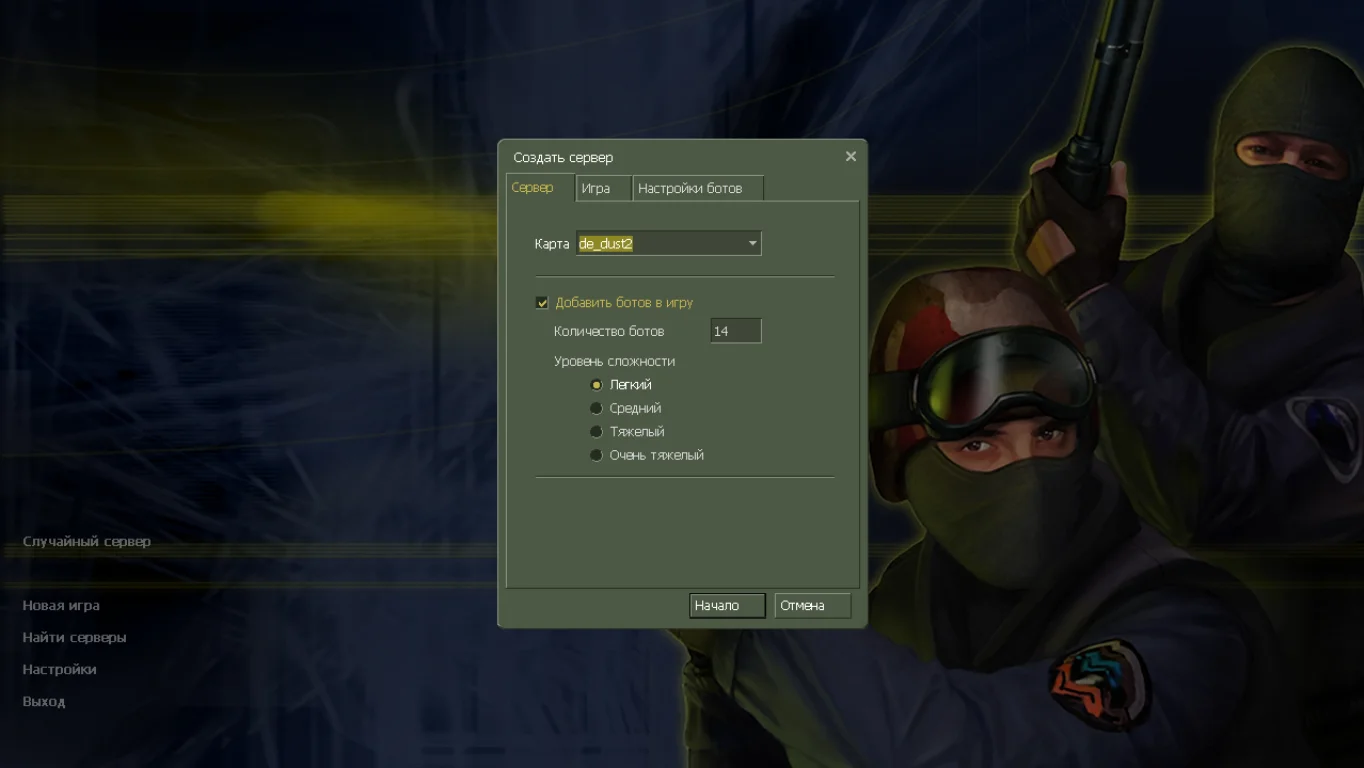
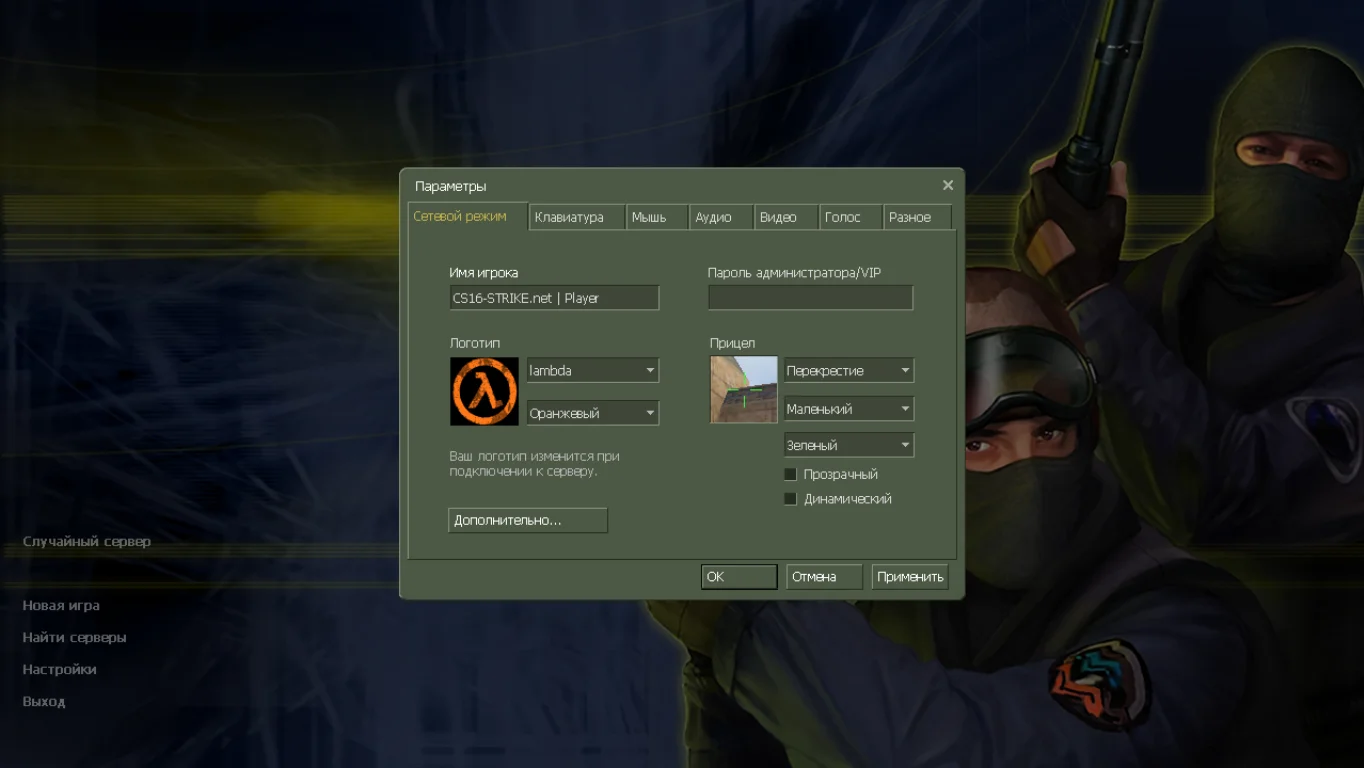
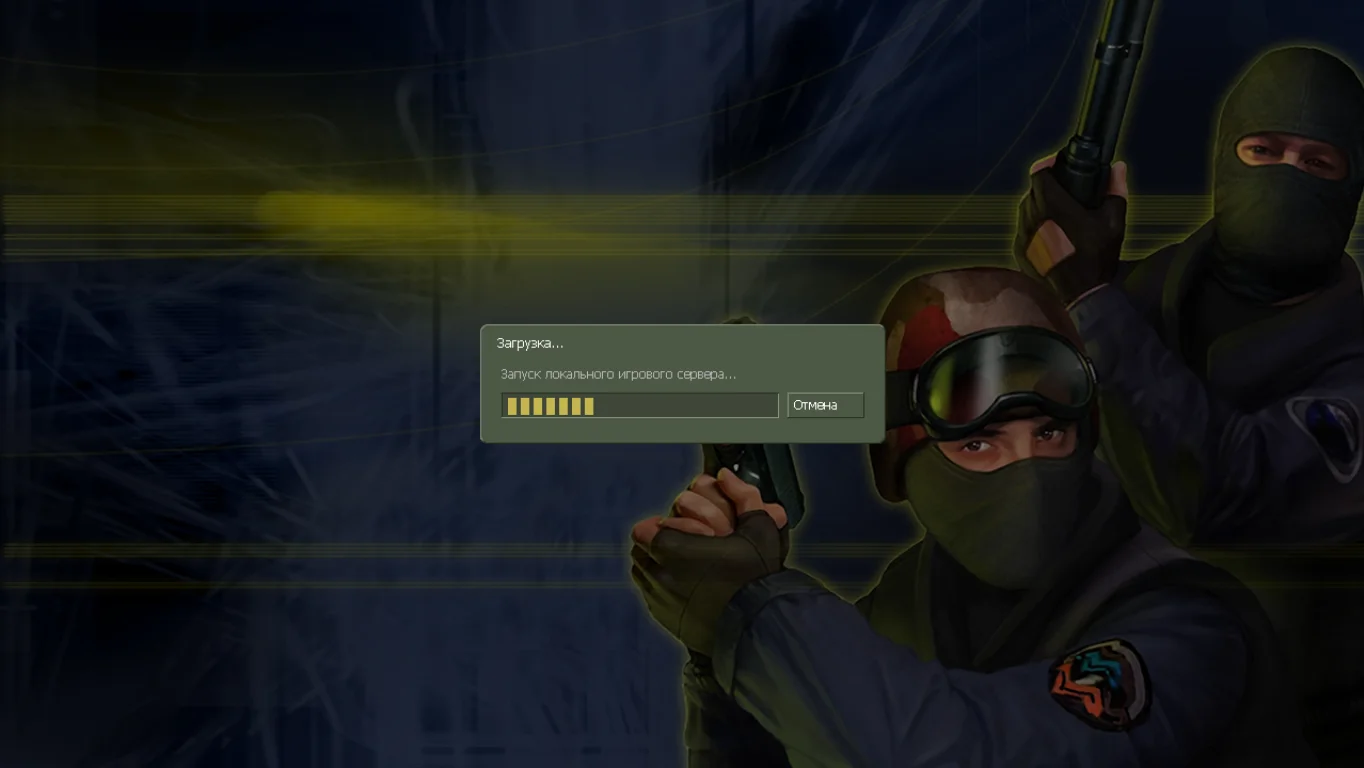
Установка новых модификаций
Данная сборка широко известна своими возможностями модификации. Активное сообщество игроков постоянно разрабатывает и распространяет пользовательские карты, модели персонажей и модификации, что существенно расширяет функциональность клиента.
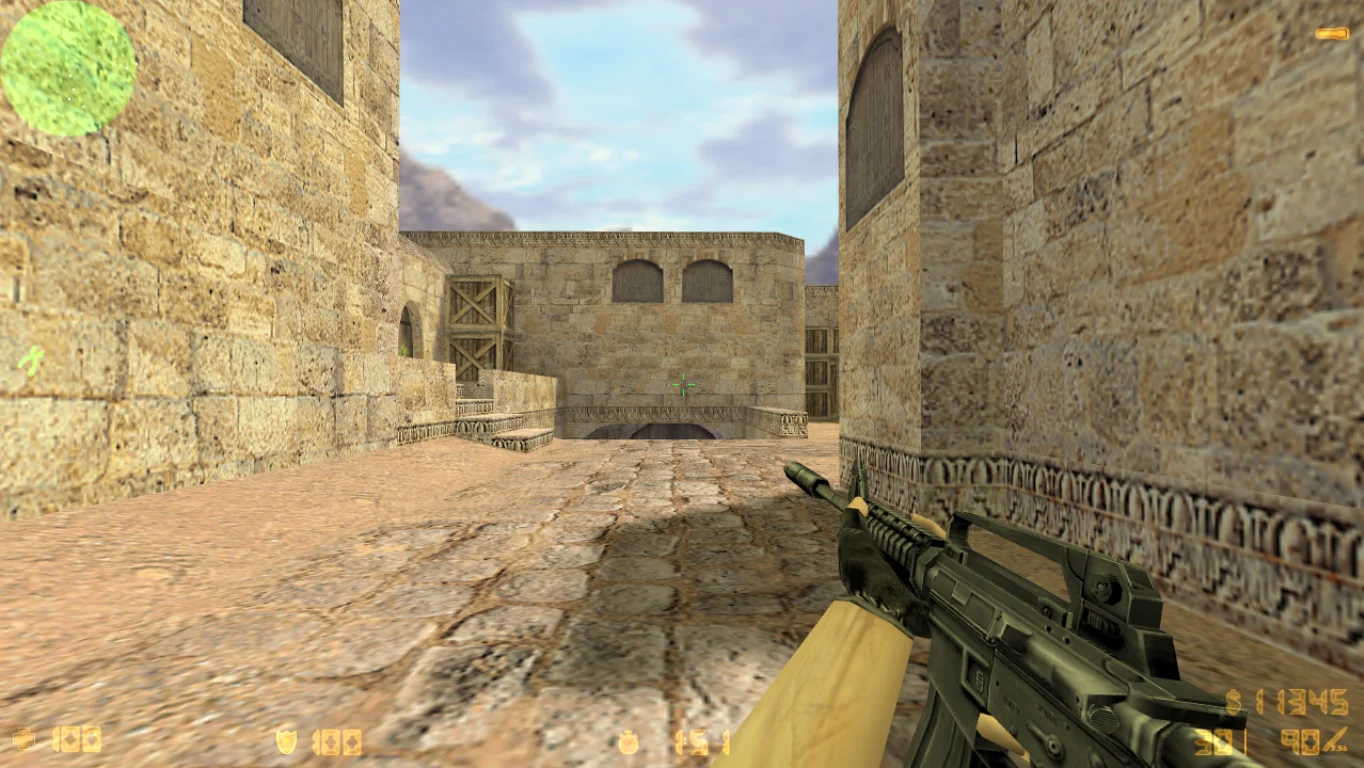
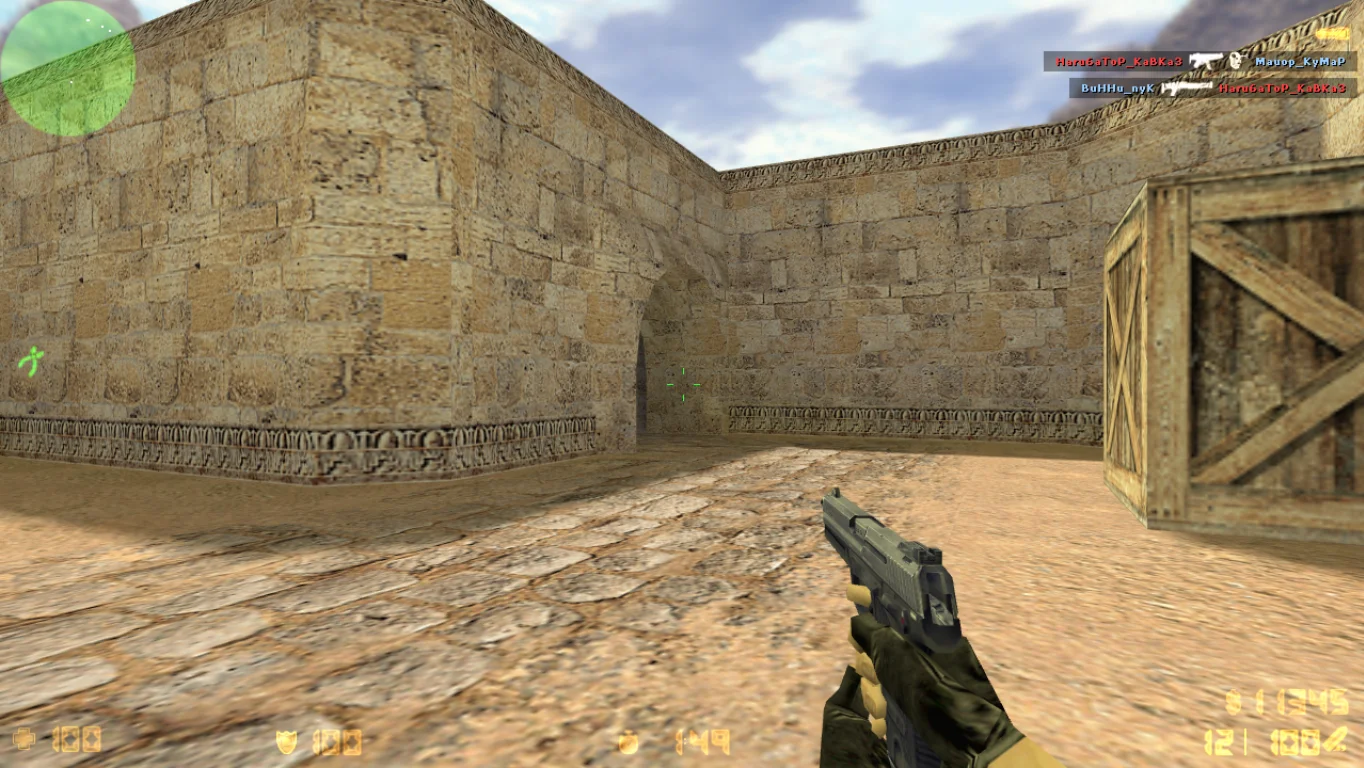
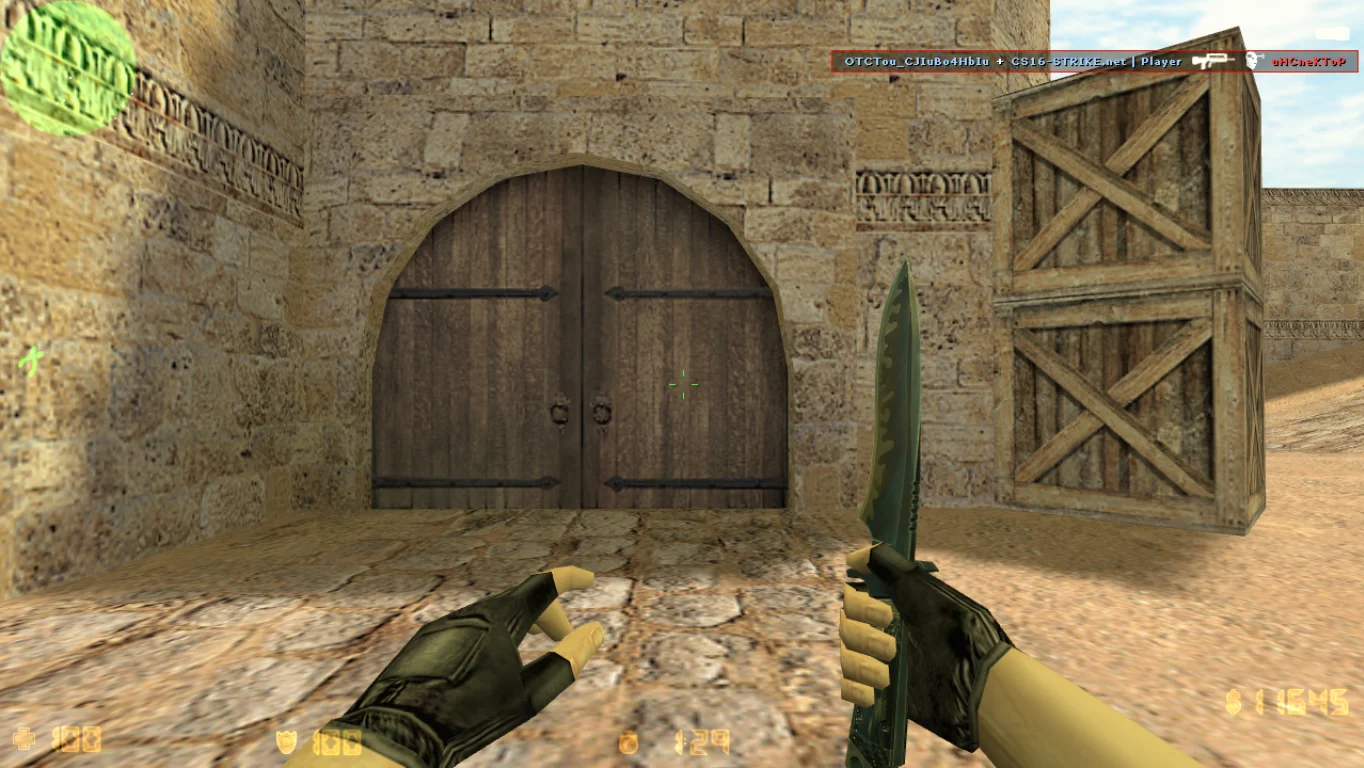
Минимальные требования
Версия характеризуется низкими системными требованиями, что обеспечивает доступность для широкого круга геймеров. Несмотря на невысокую графическую составляющую, игра демонстрирует реалистичную физику и качественное звуковое оформление.