Home
Home
 CS 1.6 Builds
 CS:GO Builds
 CS:S Builds
 CS2 Builds

Download CS 1.6 Next Client
 Русская версия
 С ботами и серверами
 Работает на всех Windows (от XP до 11)

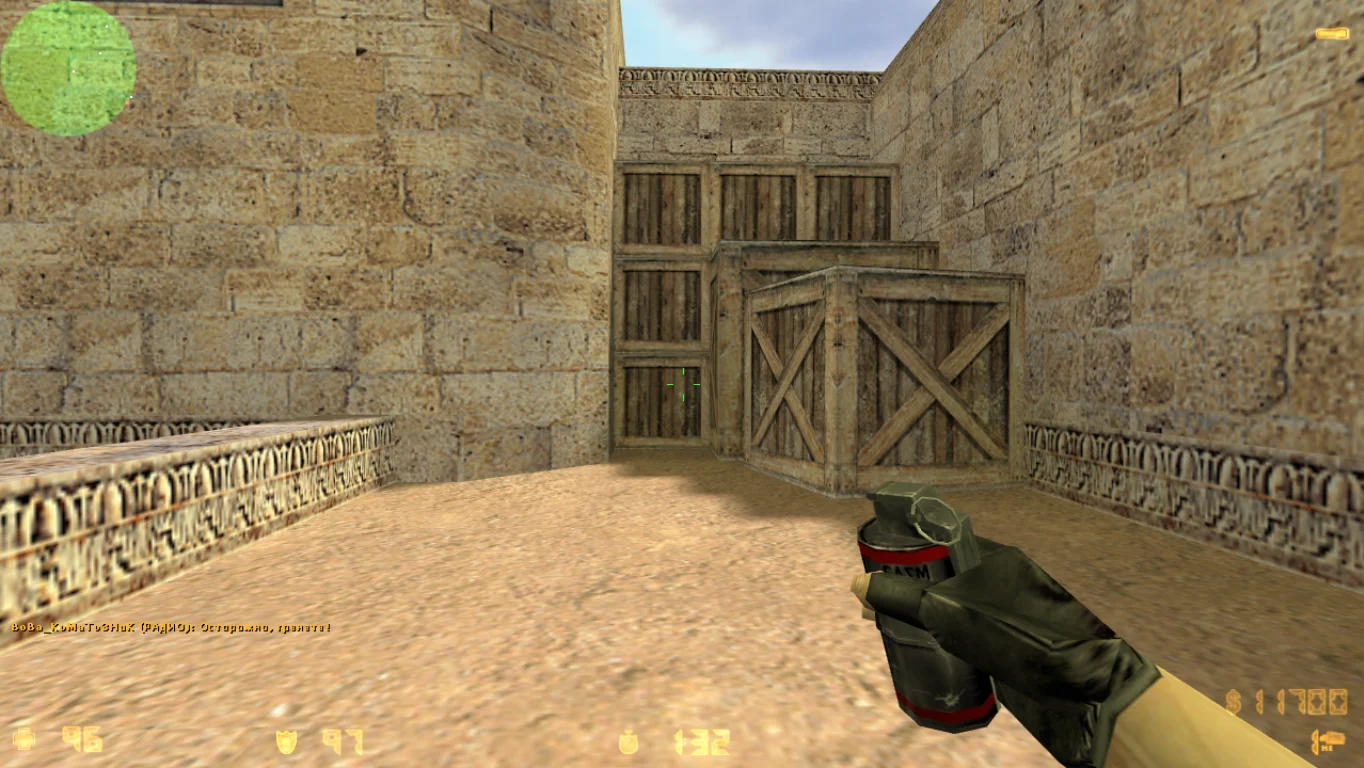
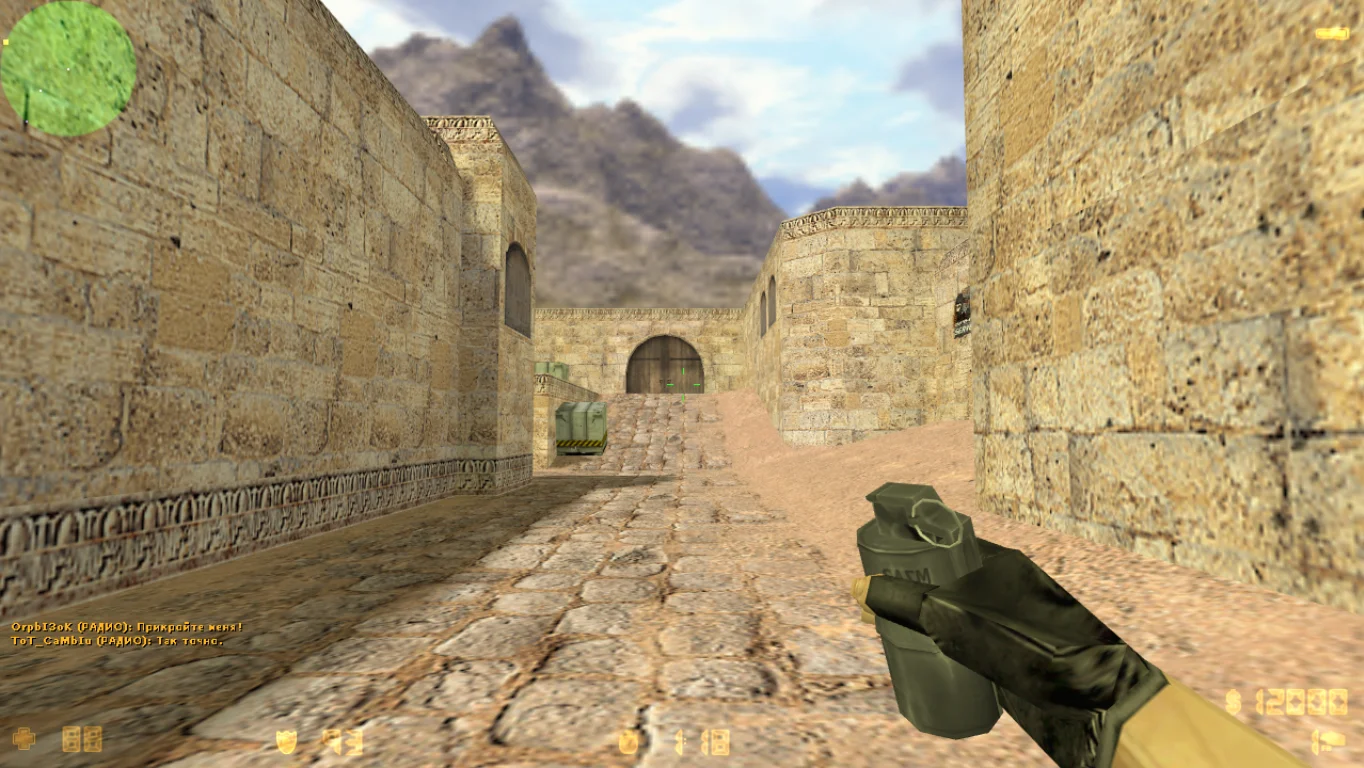
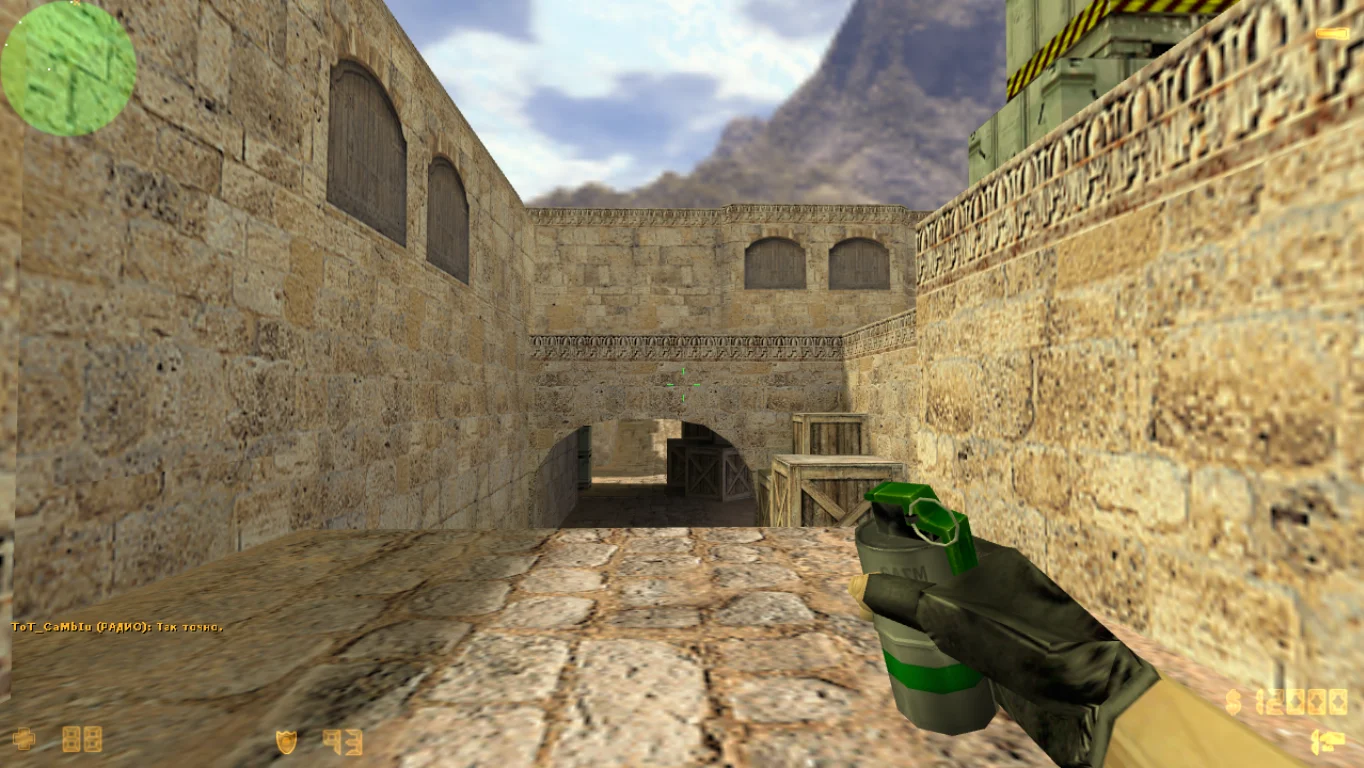
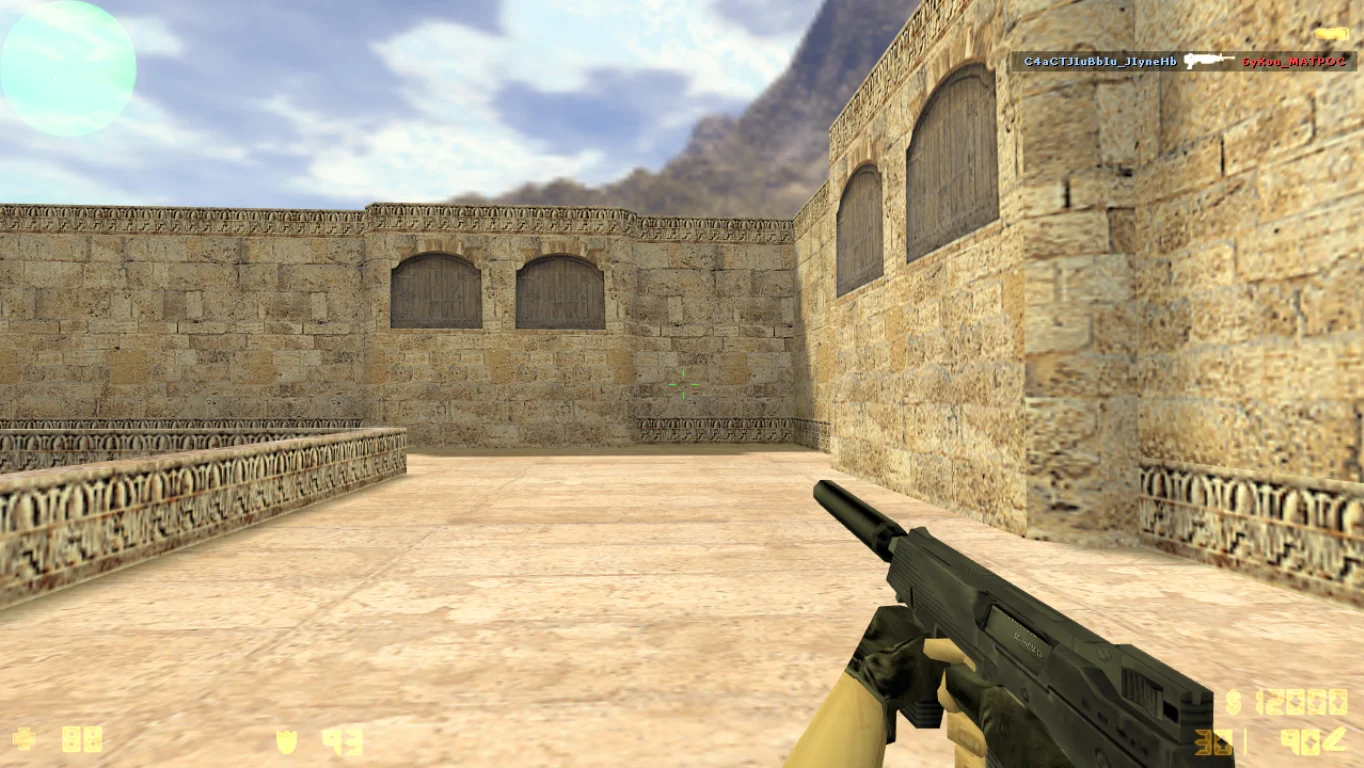
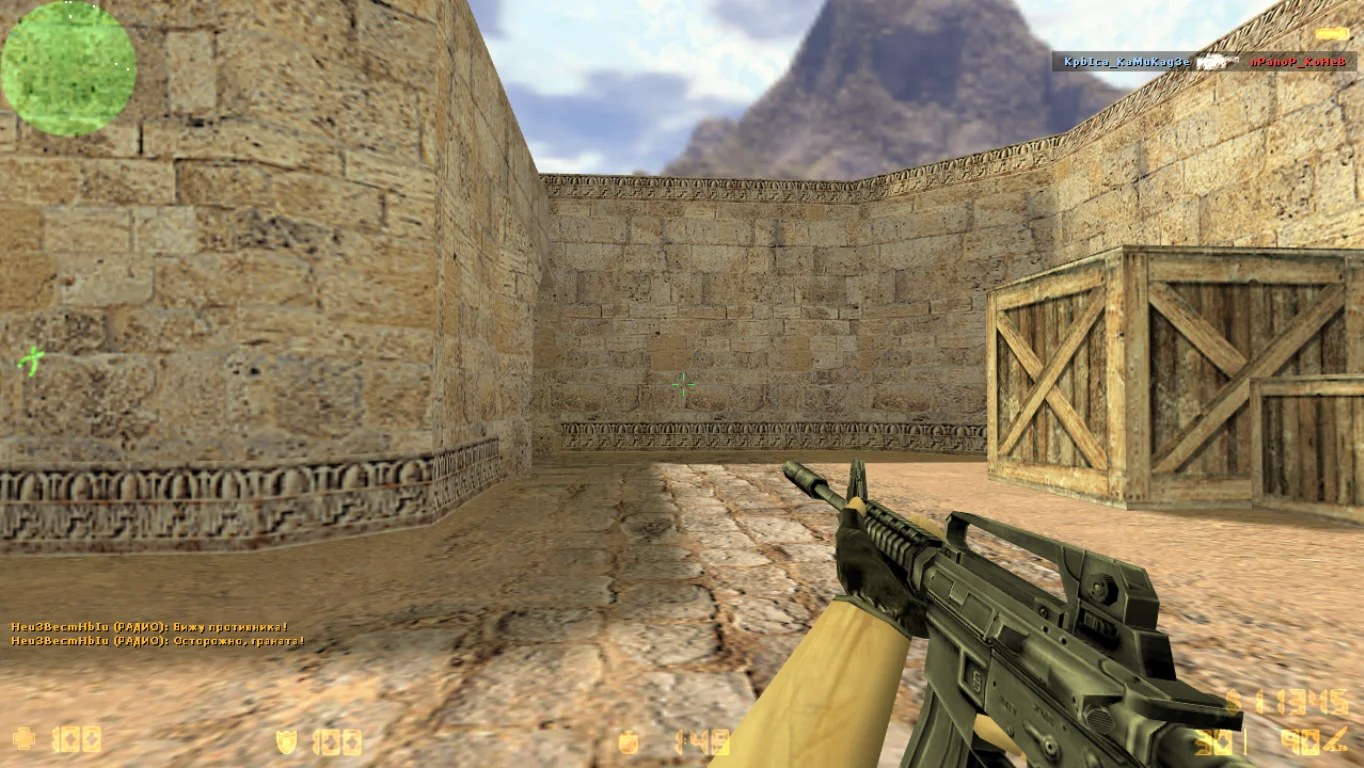
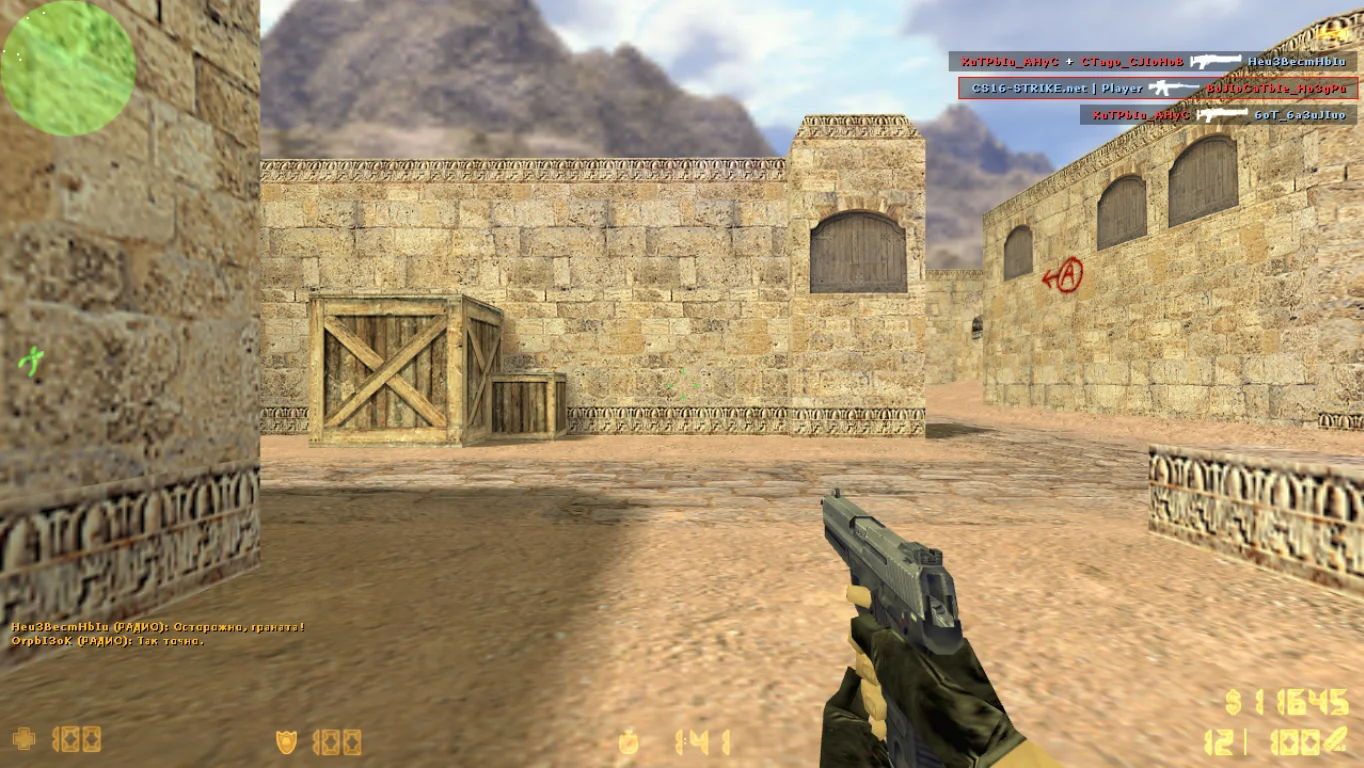
CS 1.6 Next Client
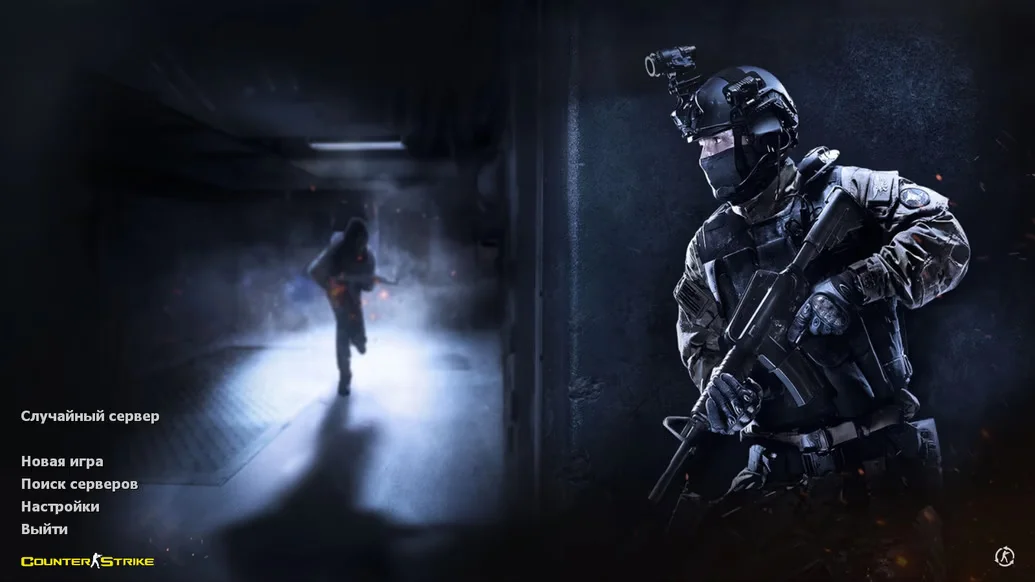
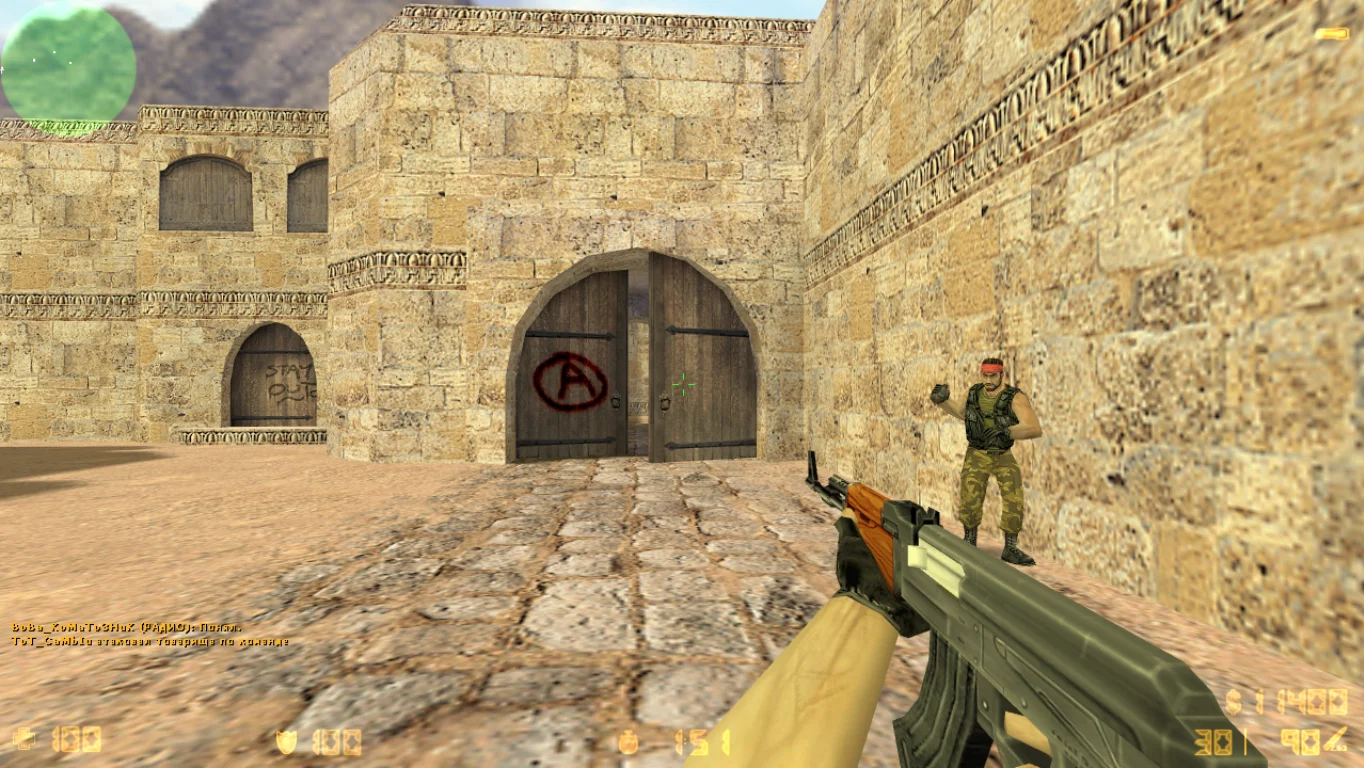
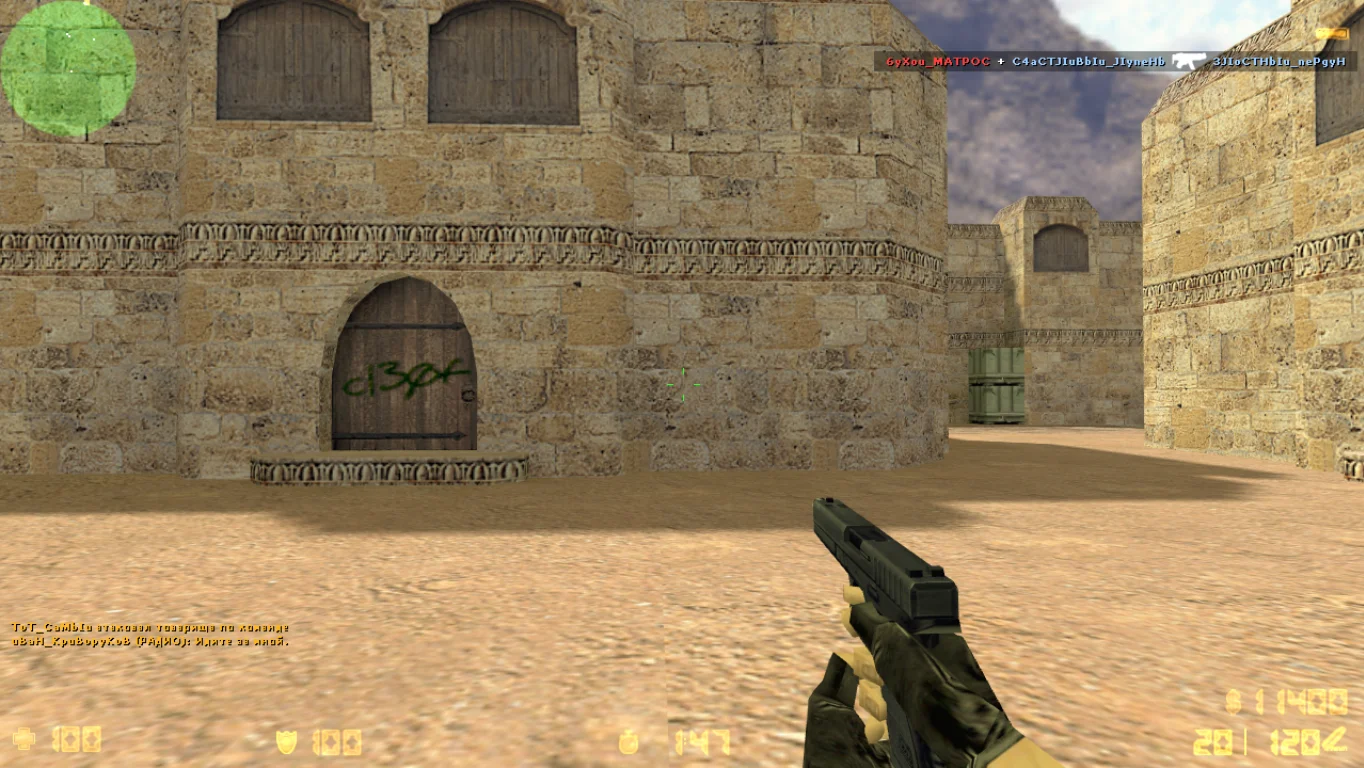
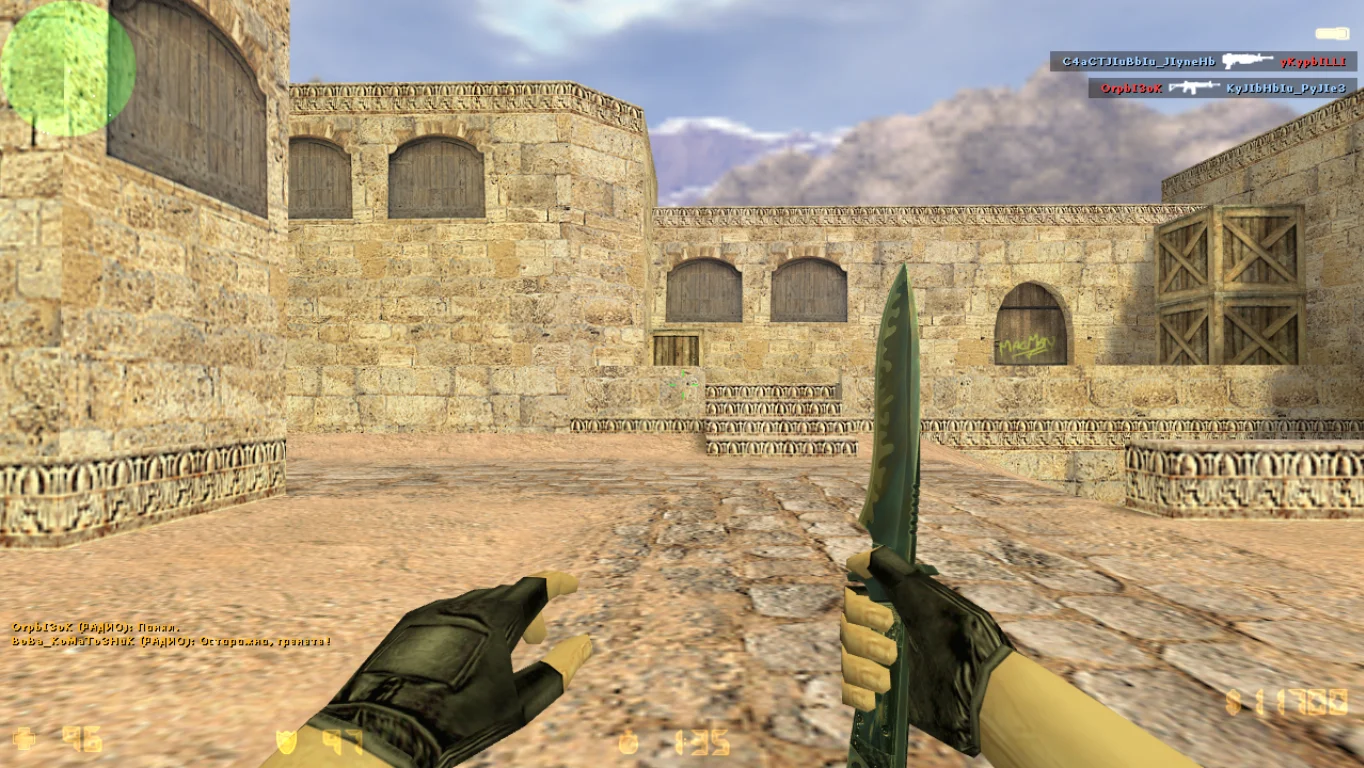
CS 1.6 Next Client is a modern and enhanced version of the classic Counter-Strike 1.6 shooter, designed with the latest gaming trends and community feedback in mind. This build features improved optimization, an updated interface, and extended functionality, making gameplay more comfortable and dynamic. Downloading CS 1.6 Next Client is perfect for those who want the classic game with modern enhancements while retaining the spirit of the original.
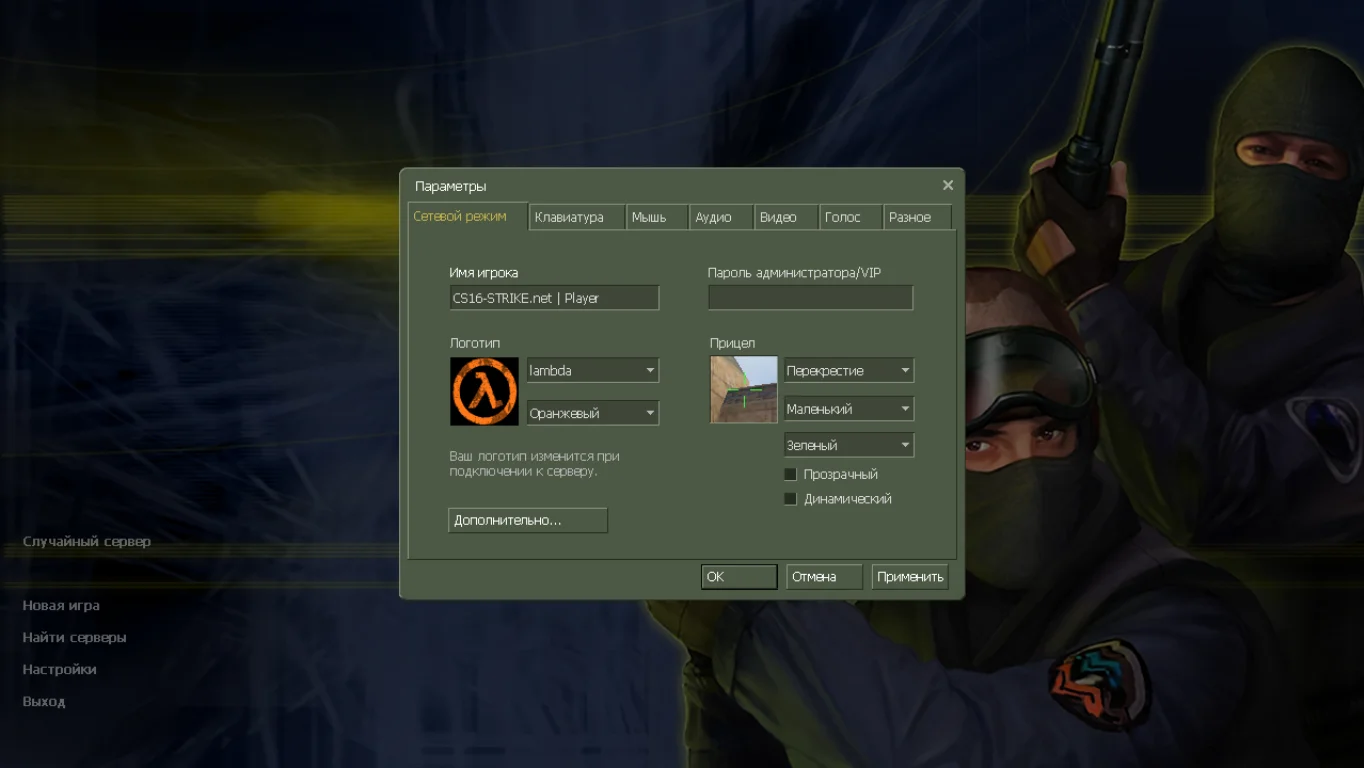
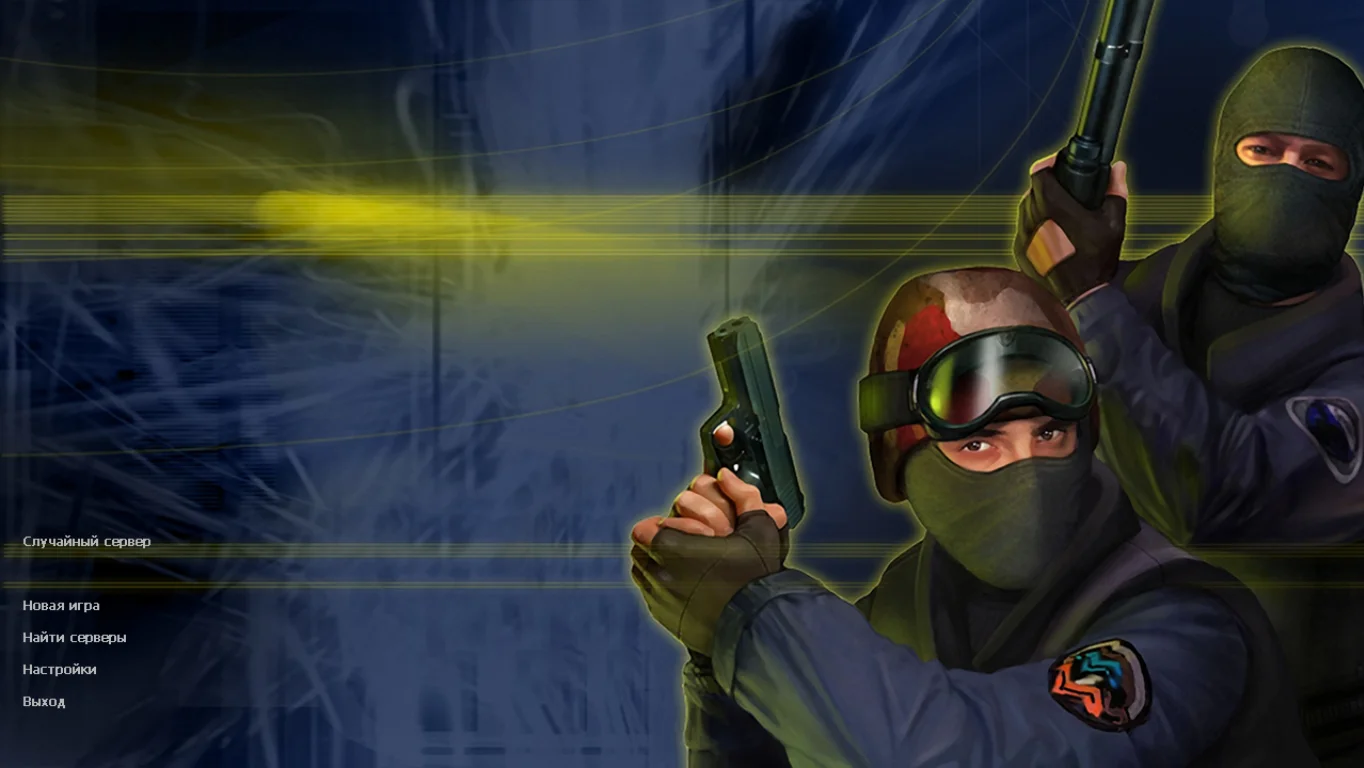
Next Client includes support for new HUD elements, expanded options for controlling settings and graphics, and improved compatibility with modern Windows operating systems such as Windows 7, 10, and 11. The build preserves all classic maps and game modes while adding convenient features that simplify server search, skin customization, and team interaction. It also includes built-in bots and a master server for online play, allowing quick connection to matches with friends and other players.
Downloading CS 1.6 Next Client is an excellent choice for those who want to play the legendary Counter-Strike with improved comfort and performance. Installation takes minimal time, the client is completely safe, and it contains no ads or cheats. If you want a version of CS 1.6 with a modern interface, stable performance, and extended features, this build is for you.
Features of CS 1.6 Next Client:
Updated and user-friendly interface
Improved optimization and performance
Classic maps and game modes
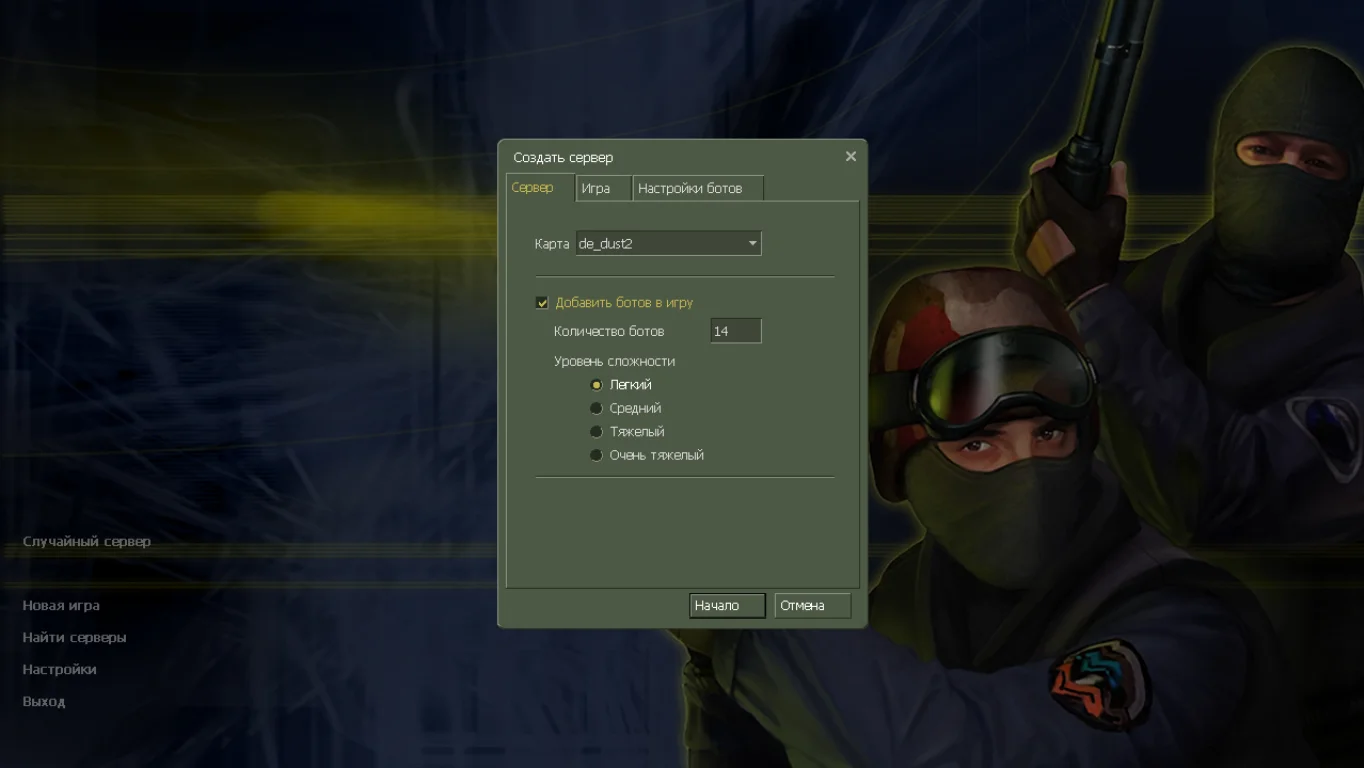
Supports offline play with bots and online matches
Compatible with Windows 7, 10, 11
Built-in master server for quick game search
No ads or cheats
Russian-localized client
Easy installation and setup
Supports standard mods
System Requirements:
OS: Windows 7/8/10/11
Processor: 1 GHz or higher
RAM: 512 MB or more
Video card: with OpenGL support
Disk space: 600 MB or more
Installation Instructions:
Download the installation file for the build
Run the installer and choose the installation folder
Wait for the installation to complete
Launch the game using the desktop shortcut
Configure controls and enjoy the game
Особенности сборки CS 1.6 Next Client
Самая актуальная версия игры с поддержкой русского языка в чате;
Классические модели включают качественные текстуры;
Сражения по интернету на разных модификациях;
Бесплатные обновления и новая графика;
Моментальная установка игры.