Home
Home
 CS 1.6 Builds
 CS:GO Builds
 CS:S Builds
 CS2 Builds

Download CS 1.6 from Faer Show

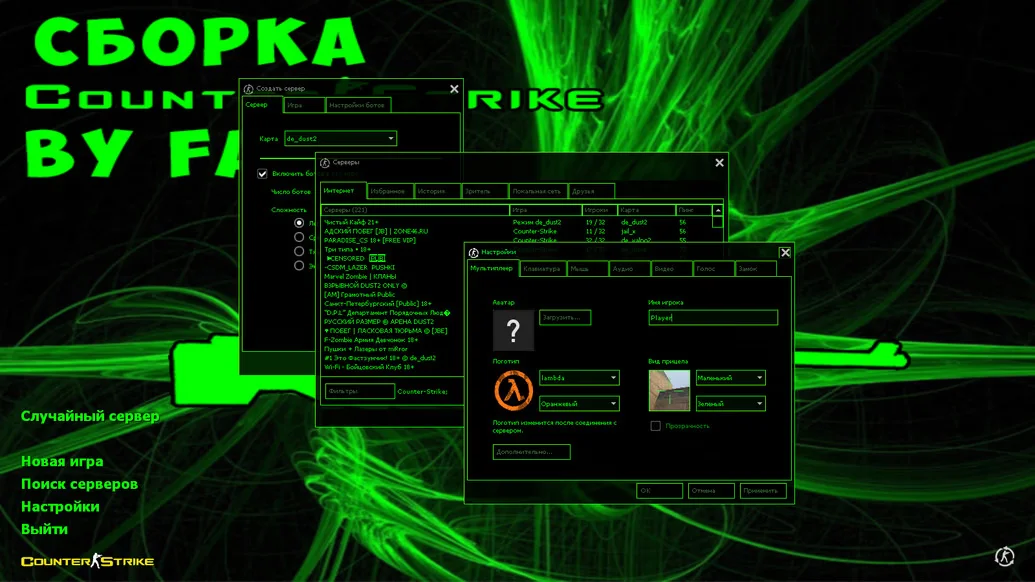
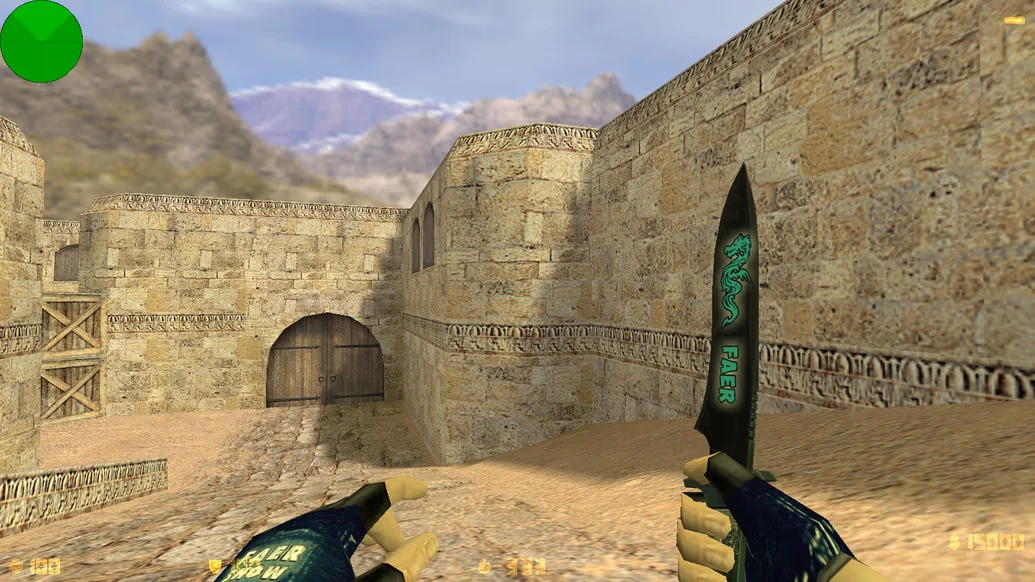
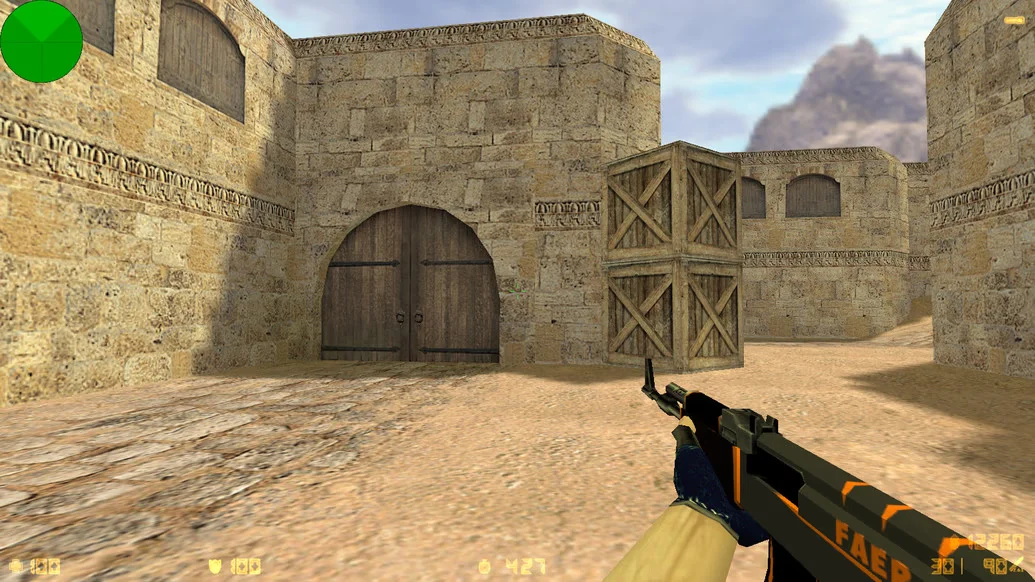
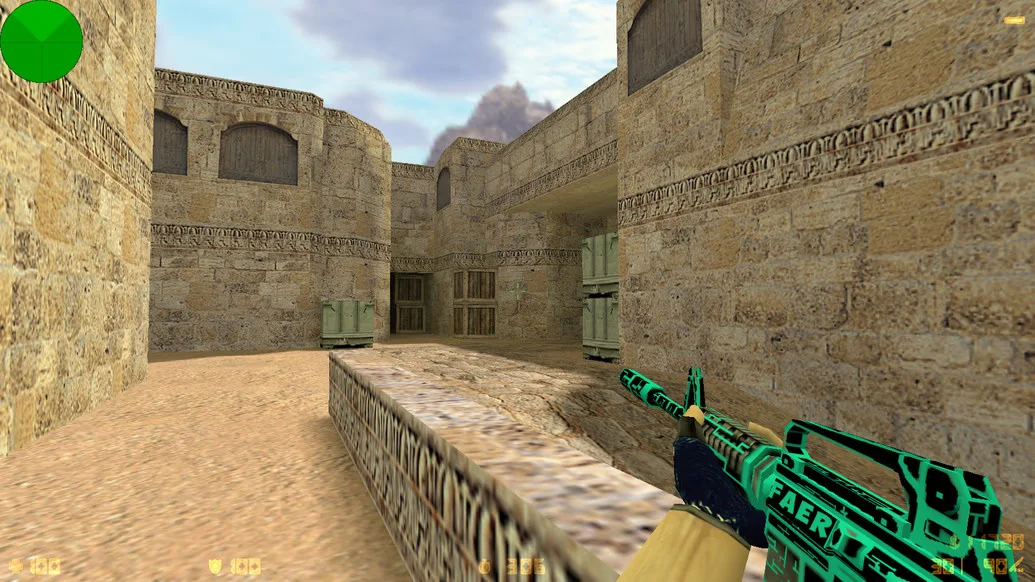
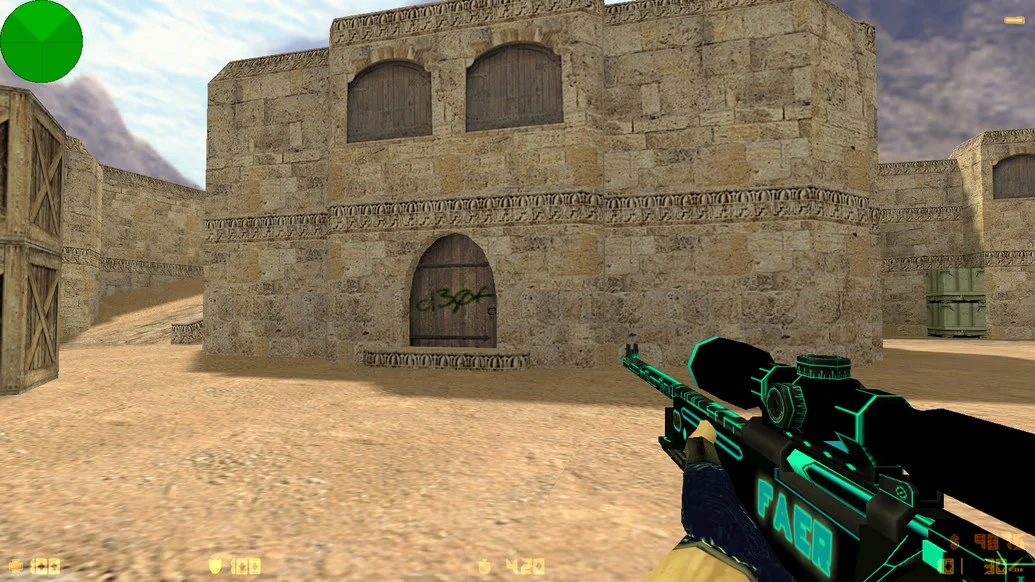
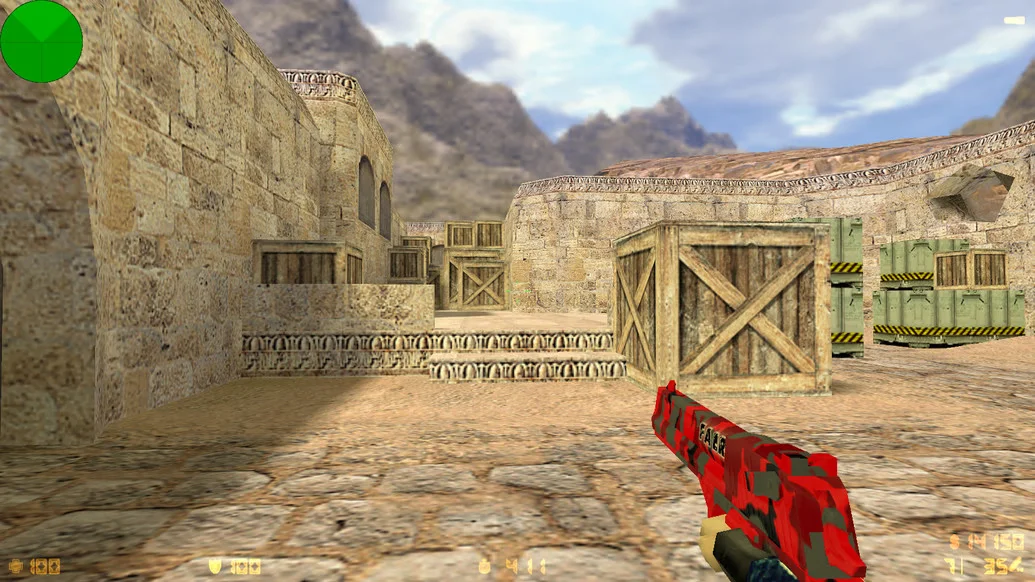
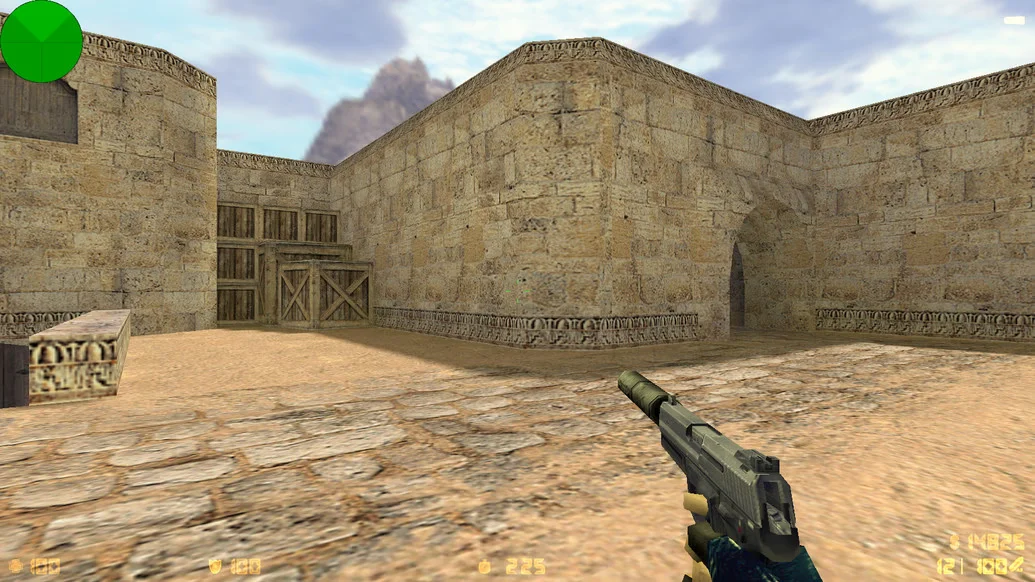
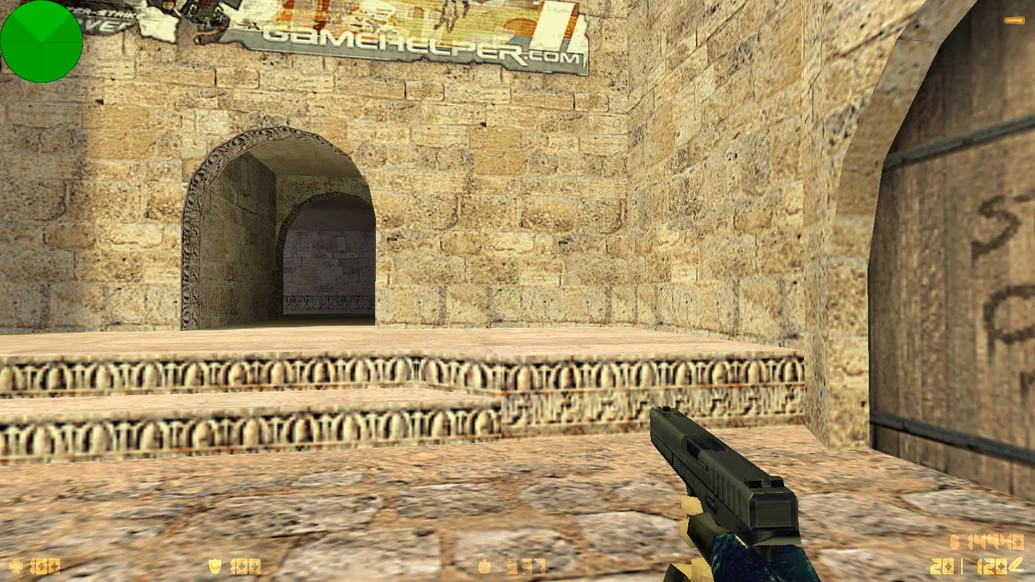
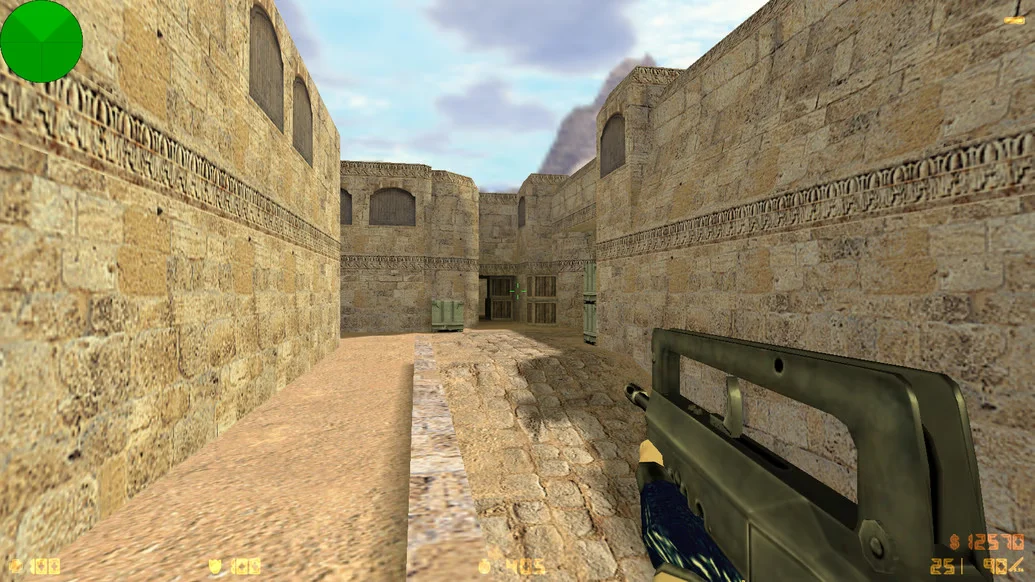
CS 1.6 from Faer Show is a unique build of the legendary Counter-Strike, developed and designed by the popular streamer Faer Show. This version stands out not only for its high-quality technical execution but also for its authorial approach to visual and sound design. The build includes exclusive weapon and player models, a signature HUD design, enhanced textures, and Faer Show’s custom sound effects, creating a distinctive atmosphere and recognizable style. At the same time, the game mechanics remain classic, making it ideal for both single-player and online matches.
The CS 1.6 from Faer Show build is carefully optimized: it launches in seconds, requires no installation, and runs smoothly on any computer configuration, including low-end systems. Players will enjoy updated configs, high-quality models, smooth shooting, built-in bots with sophisticated behavior, and full support for online servers. All changes are user-friendly while preserving balance and original gameplay. The build is fully localized in Russian and free from ads and third-party software.
If you want to play CS 1.6 in Faer Show’s recognizable style, get a clean and stable version that rivals the best builds — just download CS 1.6 from Faer Show. It’s an excellent choice for both fans of the streamer and anyone who appreciates high-quality, unique client builds. LAN and online support allow you to start a game anytime — with friends or against bots.
Build Features:
Authorial design by Faer Show
Exclusive weapon and player models
Updated sounds, interface, and HUD
Optimized configs for modern systems
Full support for LAN and online servers
Quick launch without installation
Full Russian localization
Built-in bots with advanced AI
Clean client, free of ads and viruses
Compatible with Windows XP, 7, 8, 10, 11
System Requirements and Installation:
Minimum System Requirements:
CPU: 500 MHz or higher
RAM: 96 MB or more
Video Card: 16 MB or more
Disk Space: 400 MB
OS: Windows XP/Vista/7/8/10/11
How to Install:
Download the build archive from the website
Extract it to any convenient folder
Run the file
Configure the settings to your preference
Play offline or connect to servers