Home
Home
 CS 1.6 Builds
 CS:GO Builds
 CS:S Builds
 CS2 Builds

Download CS 1.6 from Dmitriy Pozzitiv
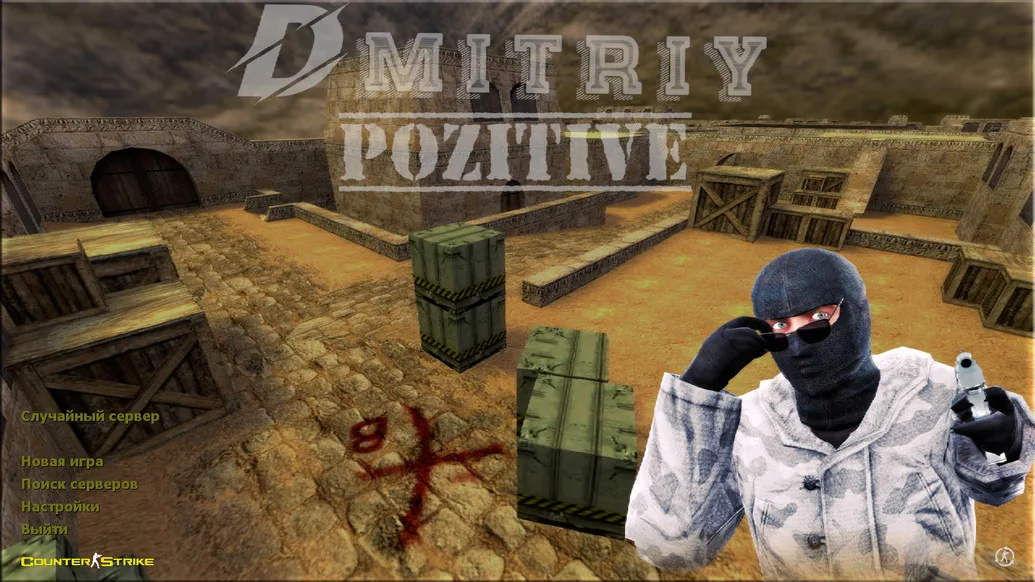
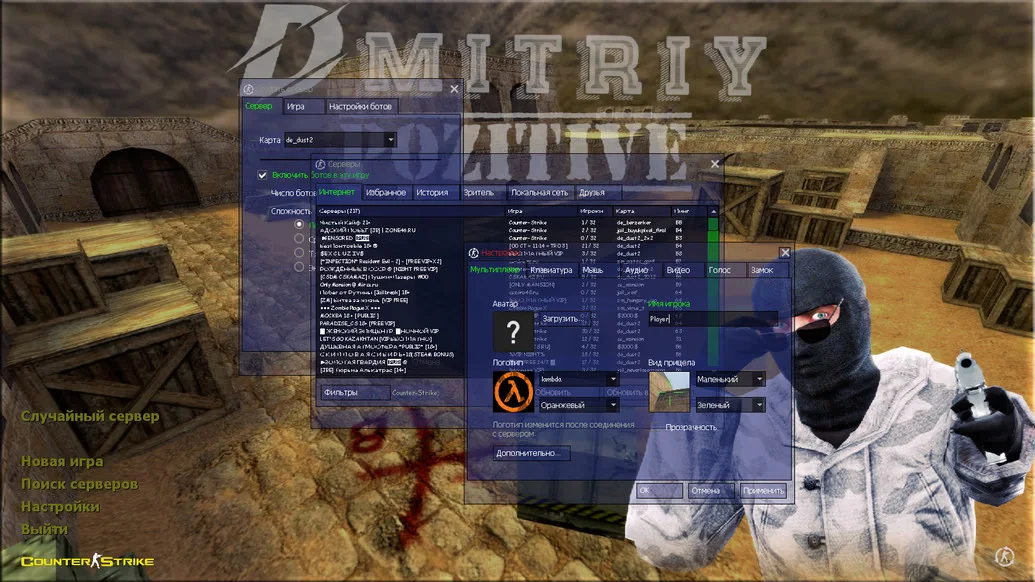
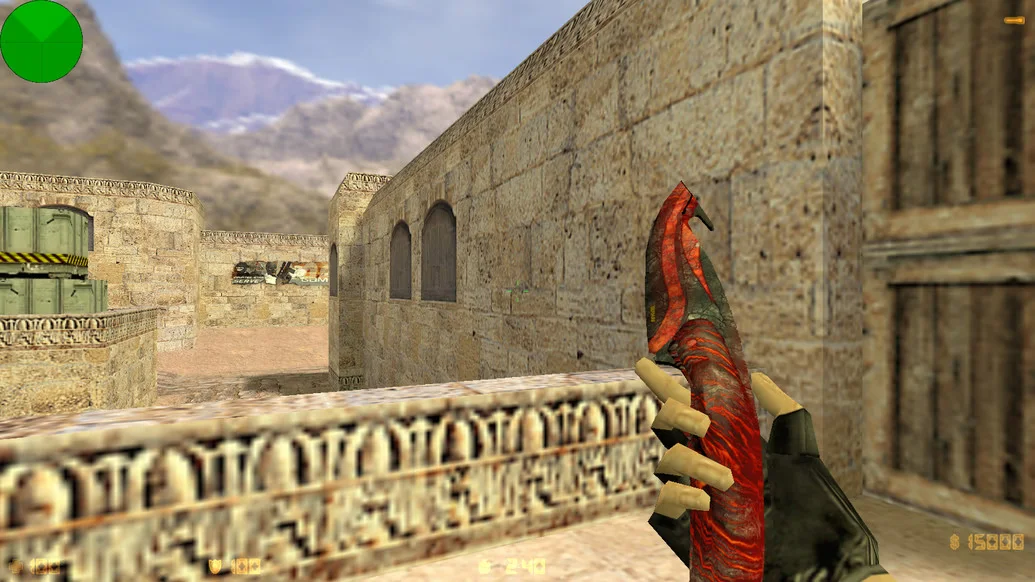
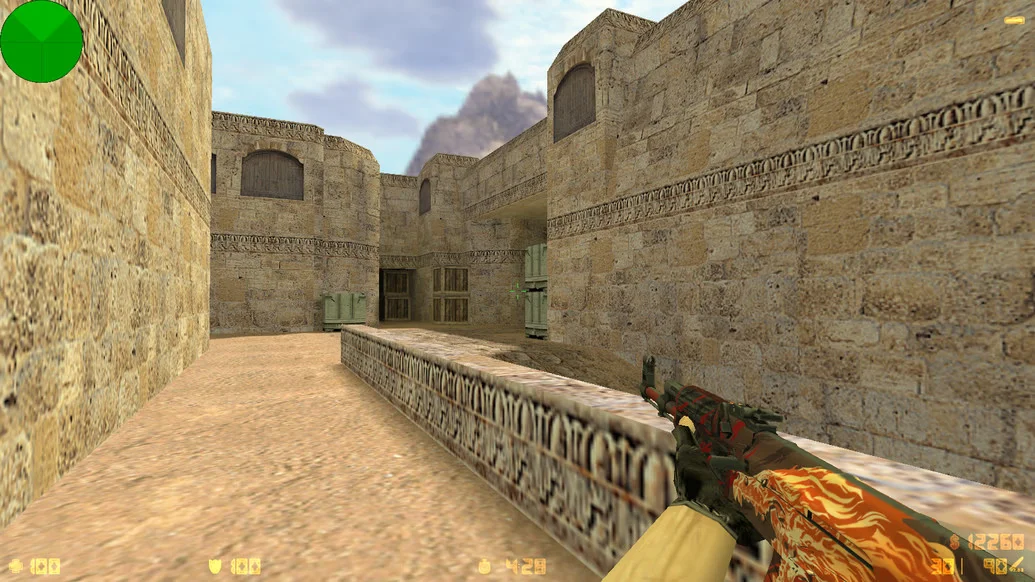
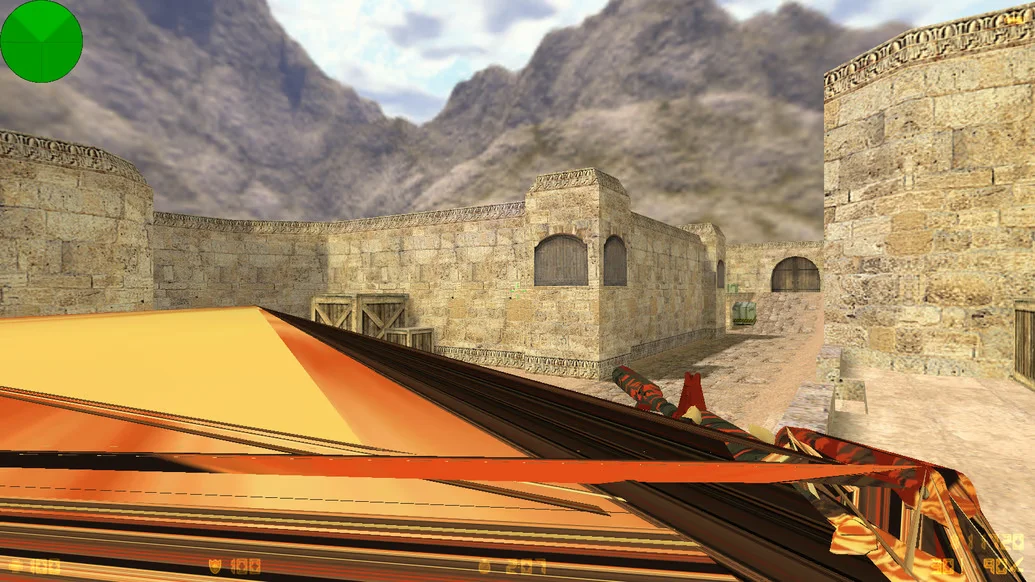
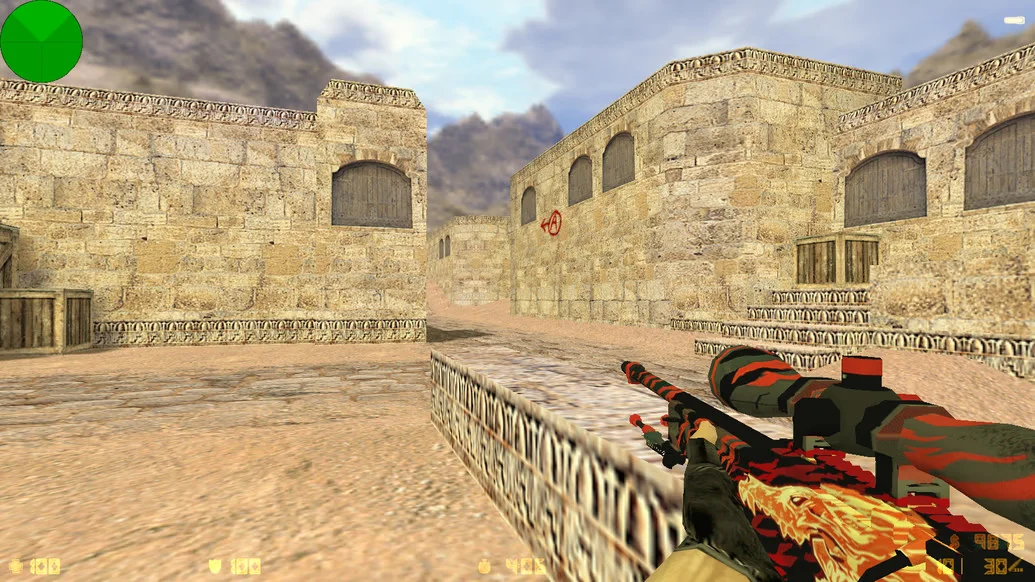
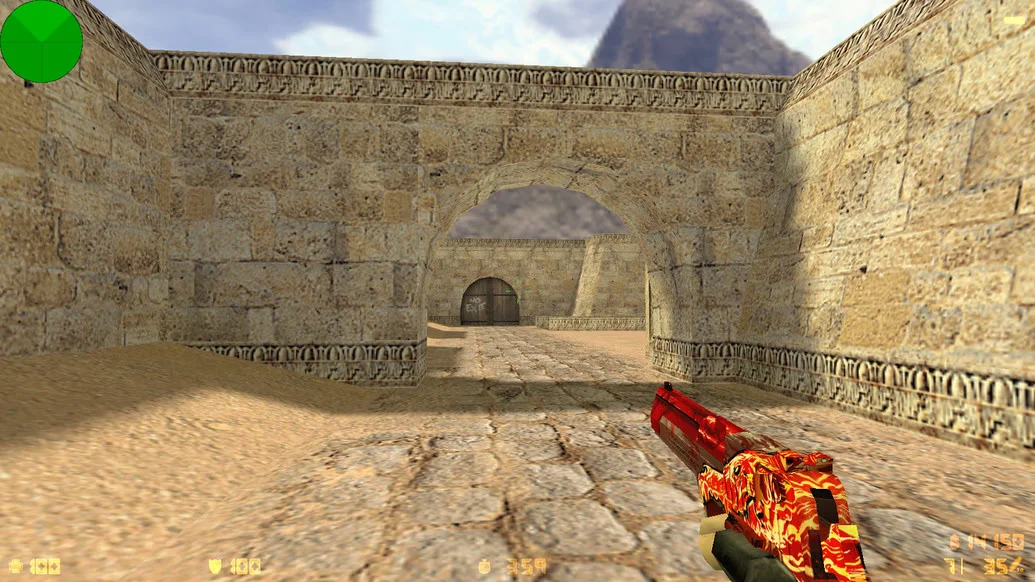
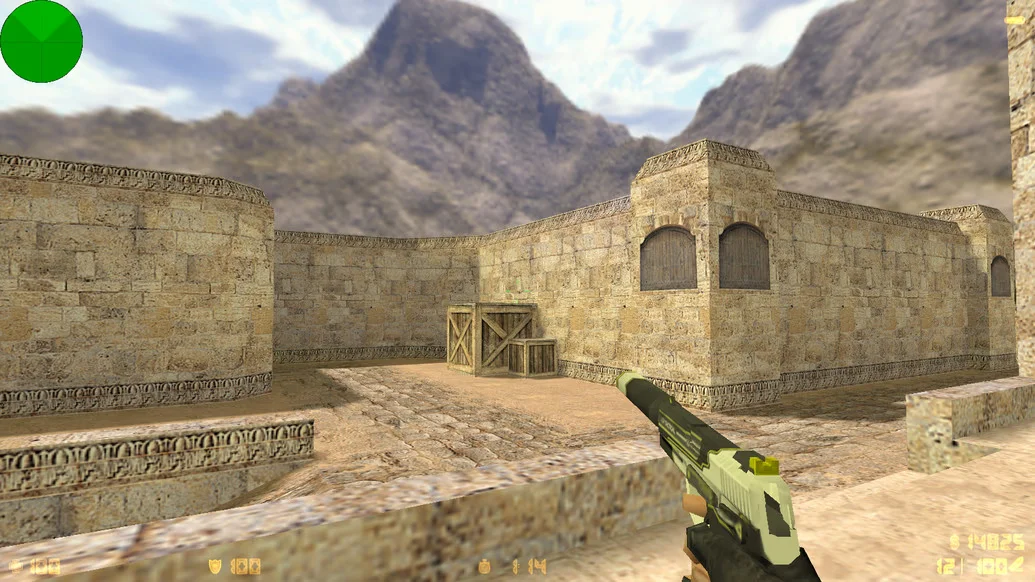
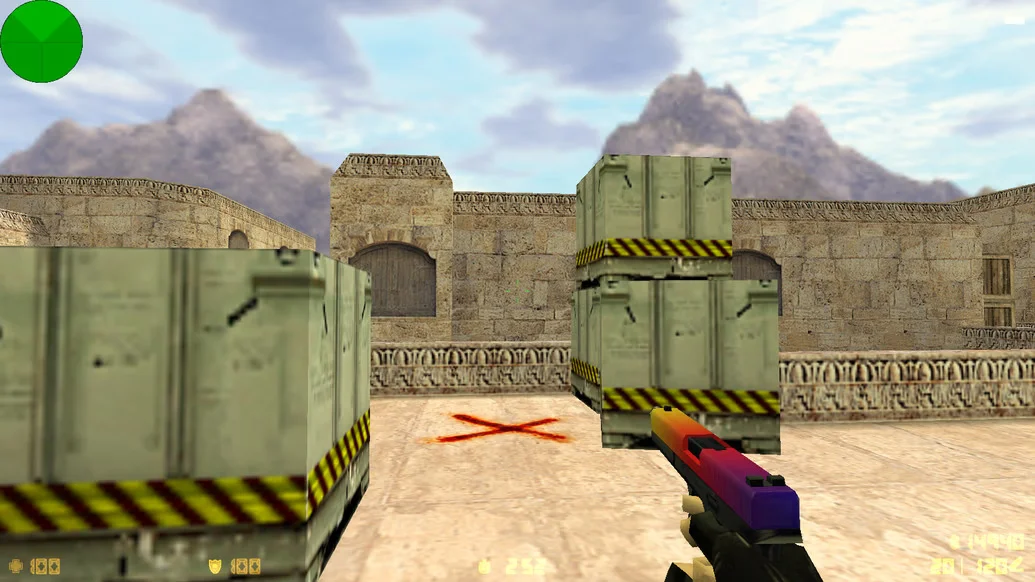
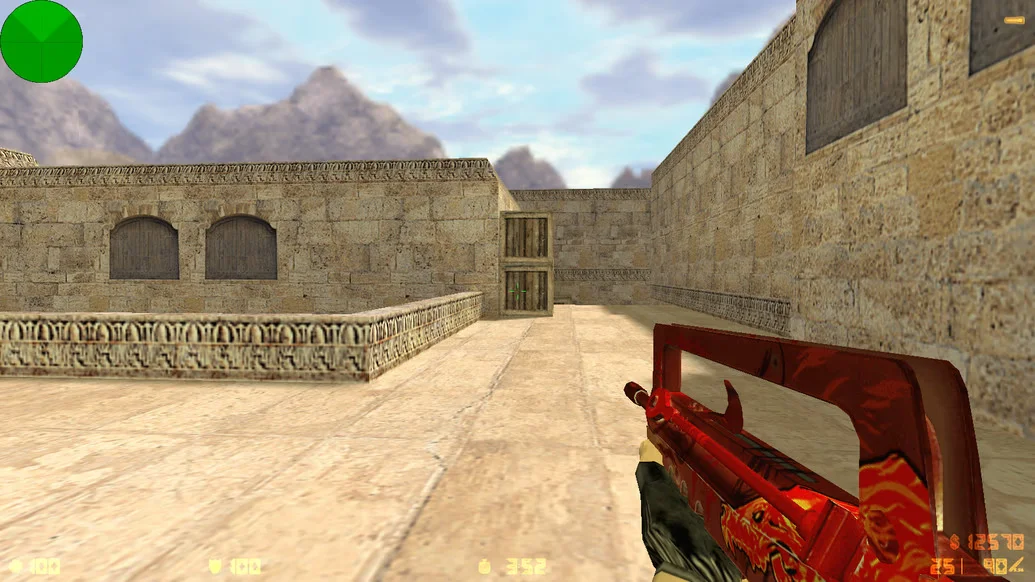
CS 1.6 from Dmitriy Pozzitiv — is an author’s build created by the popular content creator and streamer Dmitriy Pozzitiv. It is perfect both for fans of his work and for all players who value high-quality, well-thought-out builds. The client features vibrant visuals, a recognizable interface design, and consistently high performance. This build is ideal for both casual fun and serious online play.
The build includes original weapon and player models, a redesigned interface in Dmitriy Pozzitiv’s signature style, and a clean, convenient config. Visually, the client looks stylish without being overloaded — everything is designed for comfort and ease of use. CS 1.6 from Dmitriy Pozzitiv contains no ads, viruses, or unnecessary software, and runs quickly and stably even on low-end PCs and laptops. All modes are supported: online, LAN, and offline with bots.
You can download CS 1.6 from Dmitriy Pozzitiv completely free. Installation takes only a few minutes, after which the game is ready to launch. With the built-in master server, you can connect to active servers within seconds and start playing. This is an excellent build for those who want not just a standard version of CS 1.6, but a client with individuality, quality, and an author’s touch.
Build features:
• Author’s style by Dmitriy Pozzitiv
• Unique interface and menu design
• Custom weapon and player models
• Clean and configured shooting-friendly config
• High performance even on low-end PCs
• No ads or third-party software
• Built-in master server for online play
• Support for playing with bots
• Compatibility with Windows XP – 11
• Quick installation in 2–3 minutes
System requirements and file installation:
• Operating system: Windows XP / Vista / 7 / 8 / 10 / 11
• Processor: from 1.0 GHz
• RAM: from 512 MB
• Video card: with DirectX support
• Free disk space: from 1 GB
How to install:
• Download the CS 1.6 from Dmitriy Pozzitiv installation file
• Run the installer and select the installation path
• Wait for the installation to complete
• Open the shortcut on the desktop
• Launch the game and play online or with bots