Home
Home
 CS 1.6 Builds
 CS:GO Builds
 CS:S Builds
 CS2 Builds

Download CS 2 Private Build
 Русская версия
 С ботами и серверами
 Работает на всех Windows (от XP до 11)
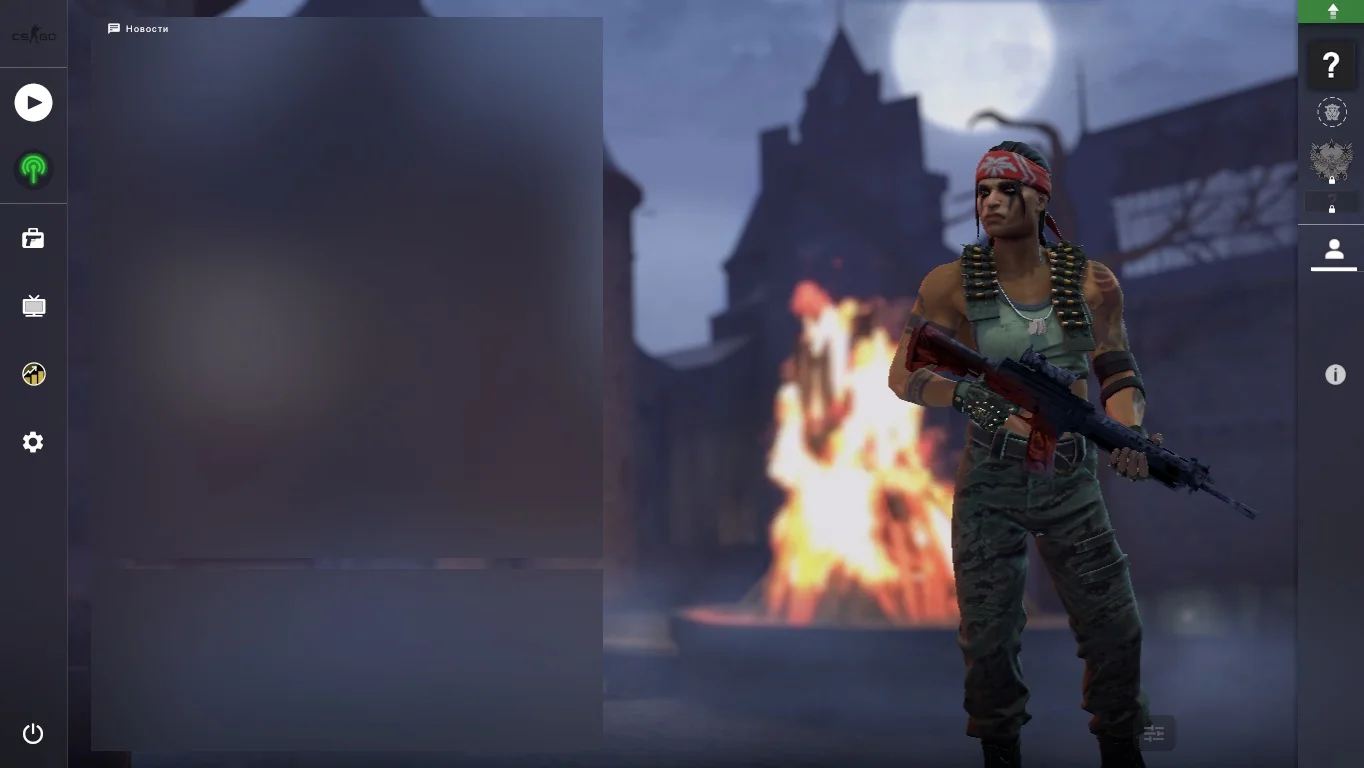
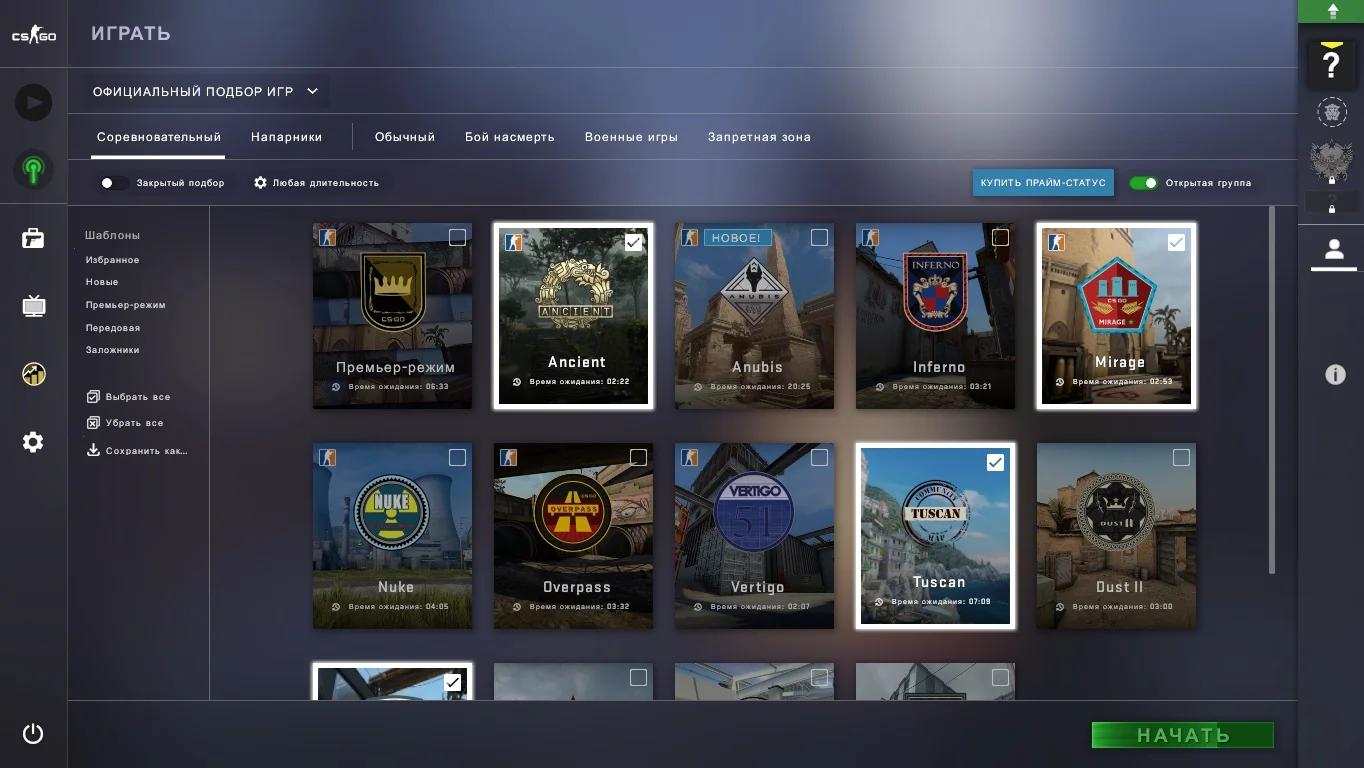
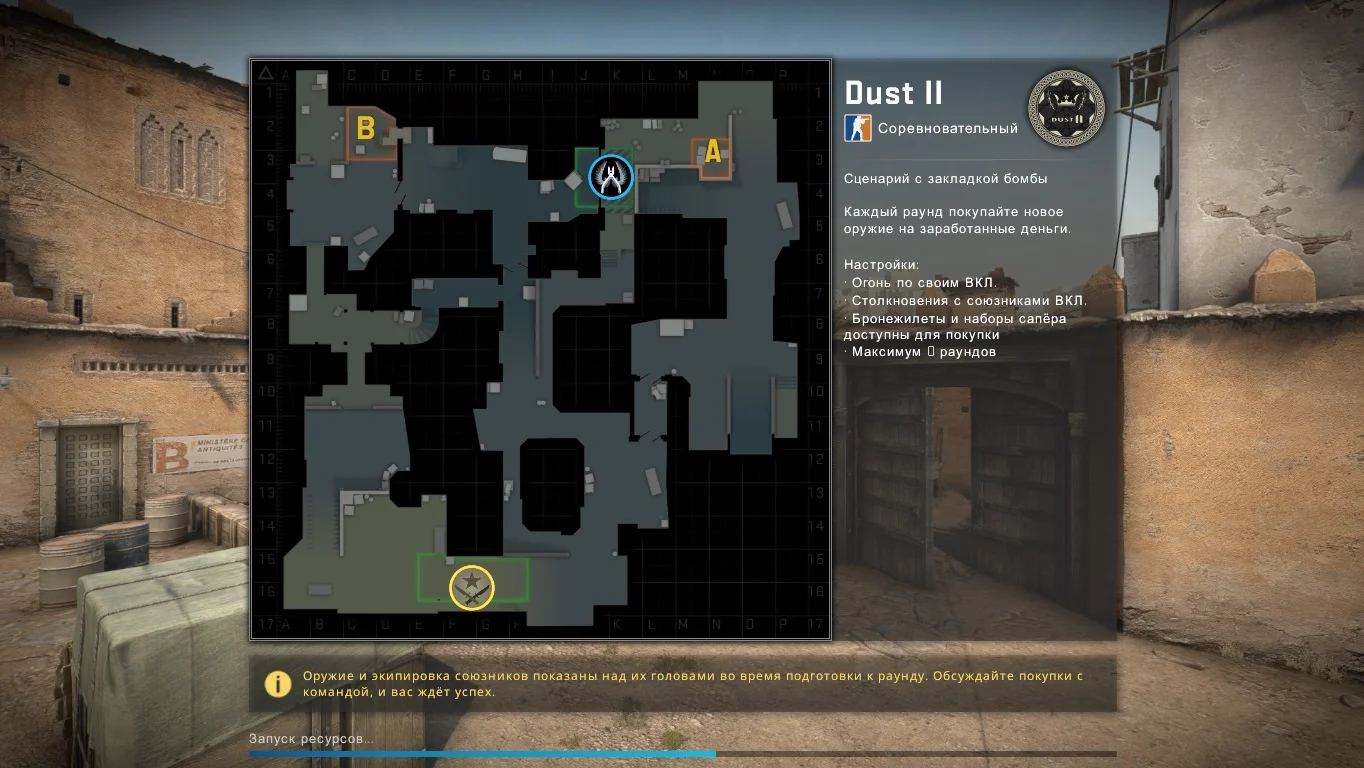
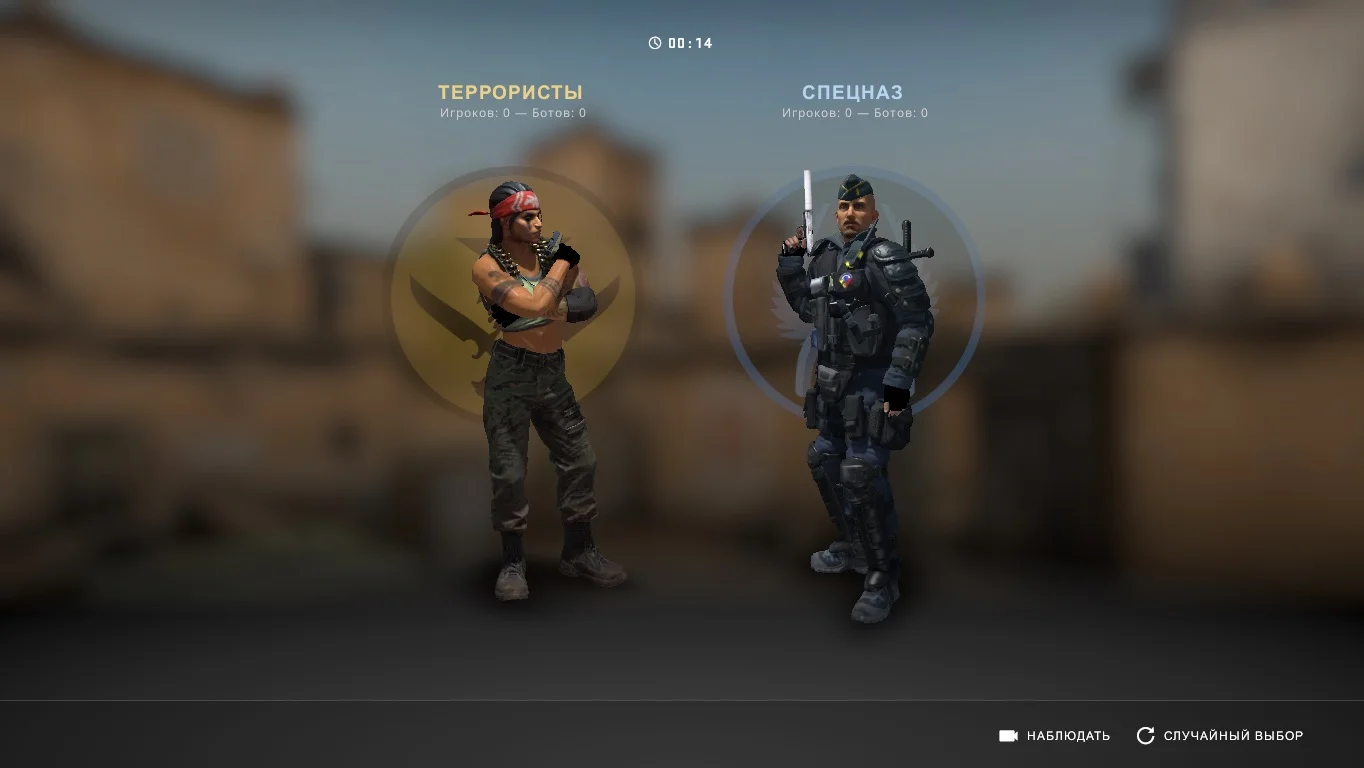
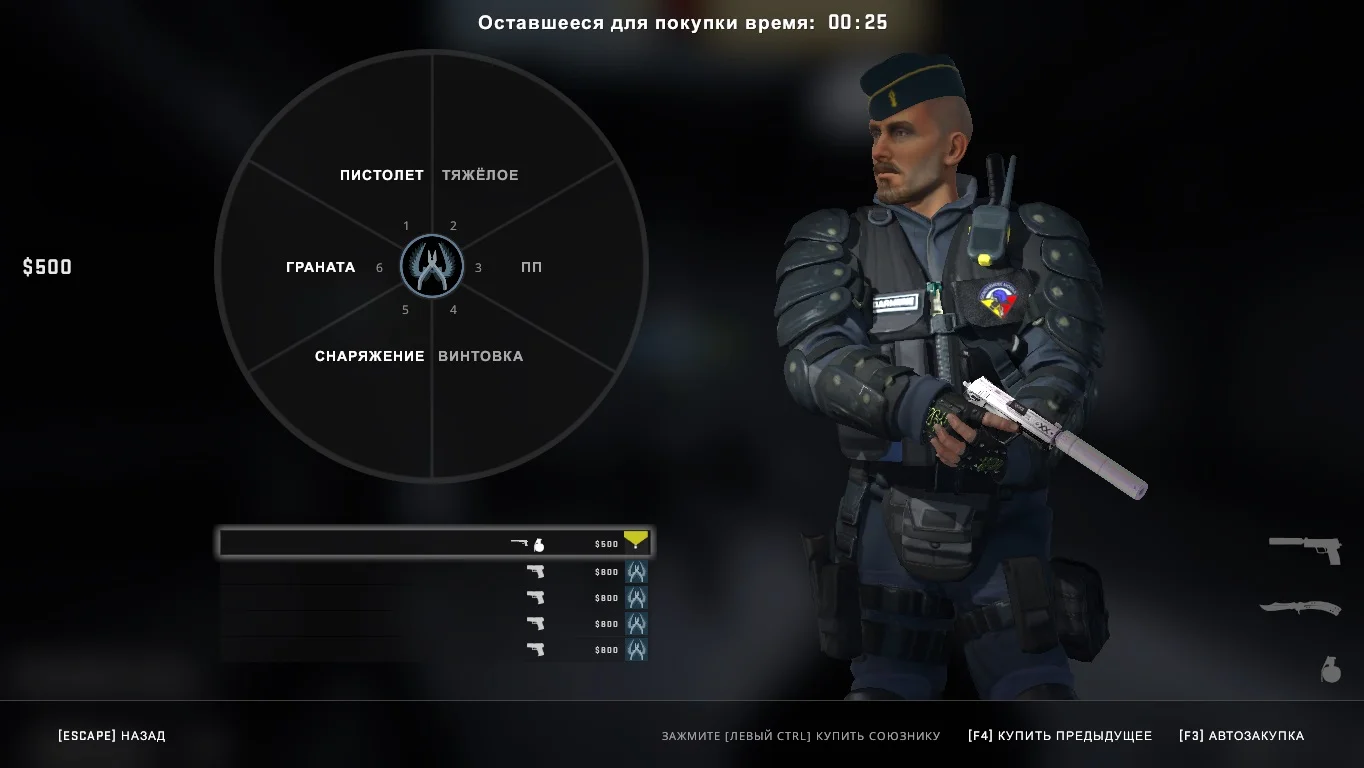
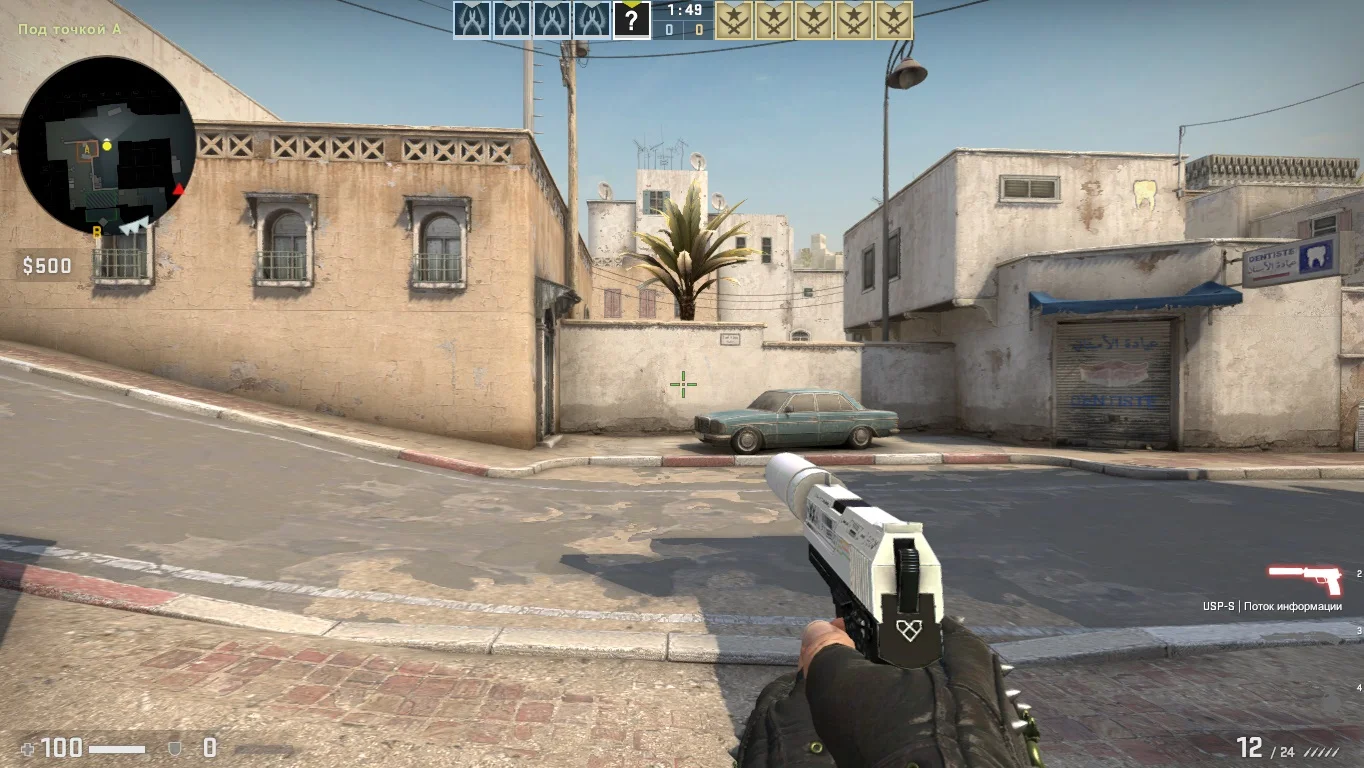
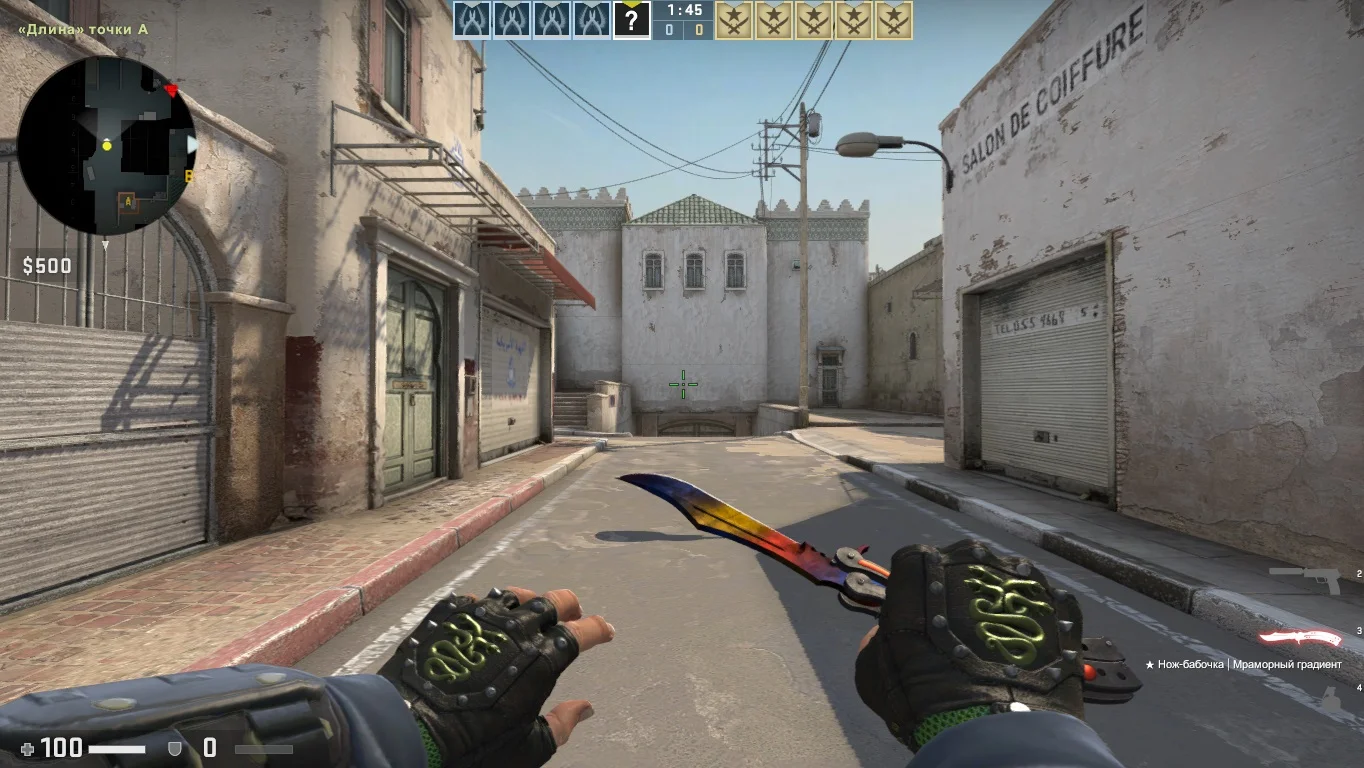
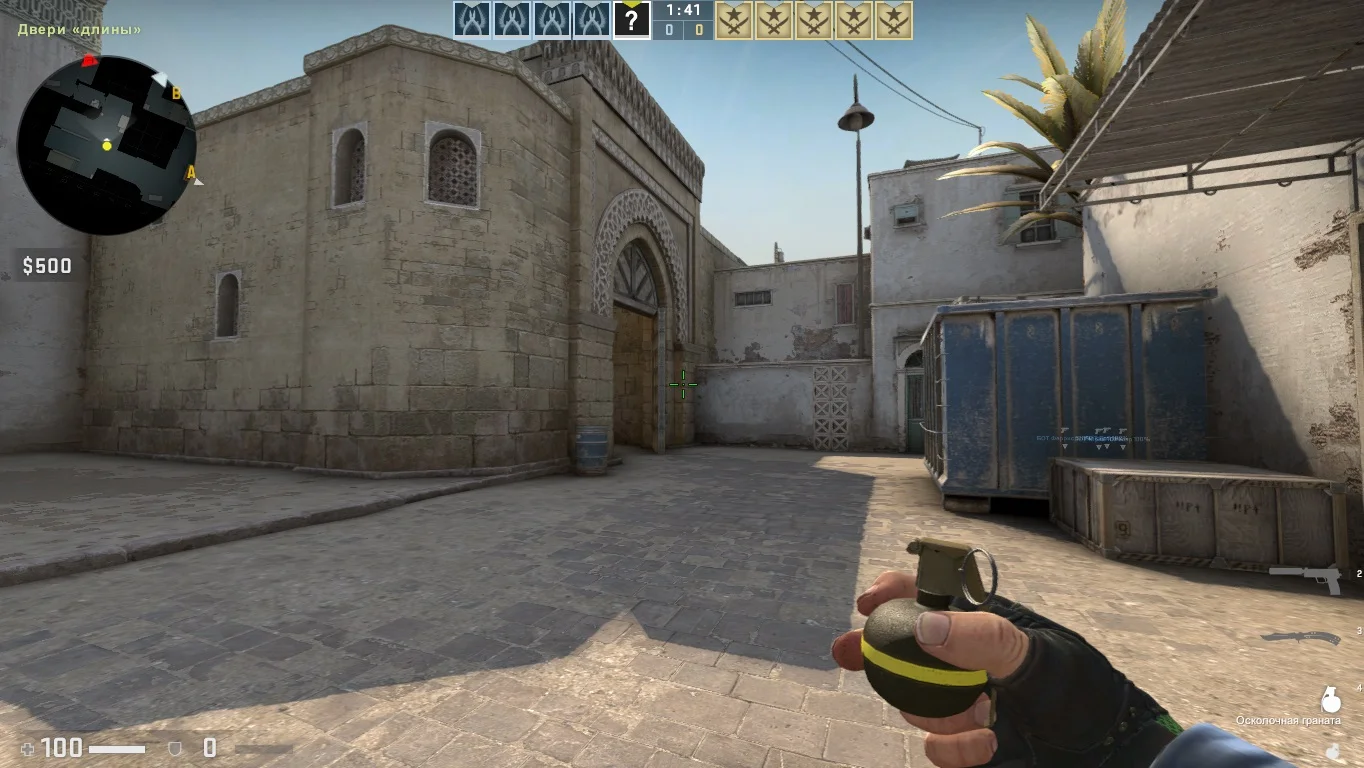
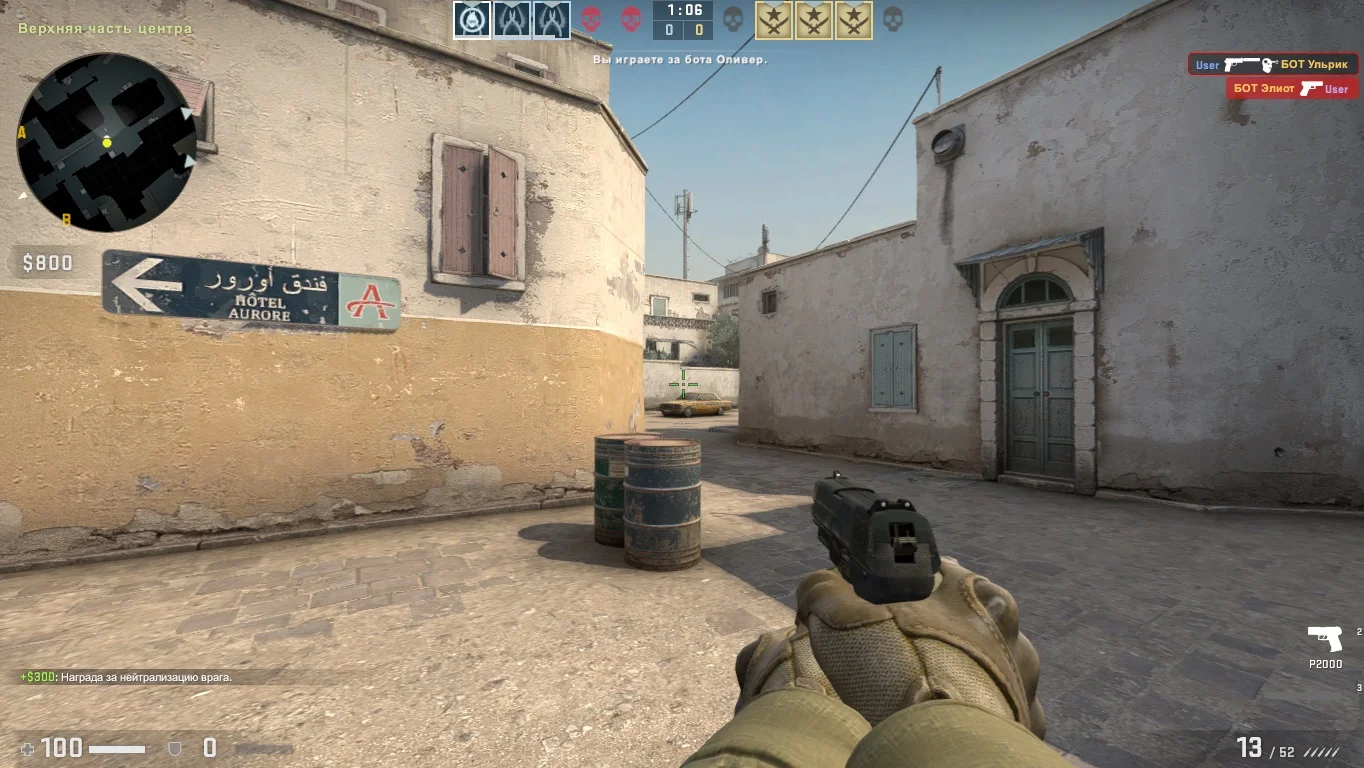
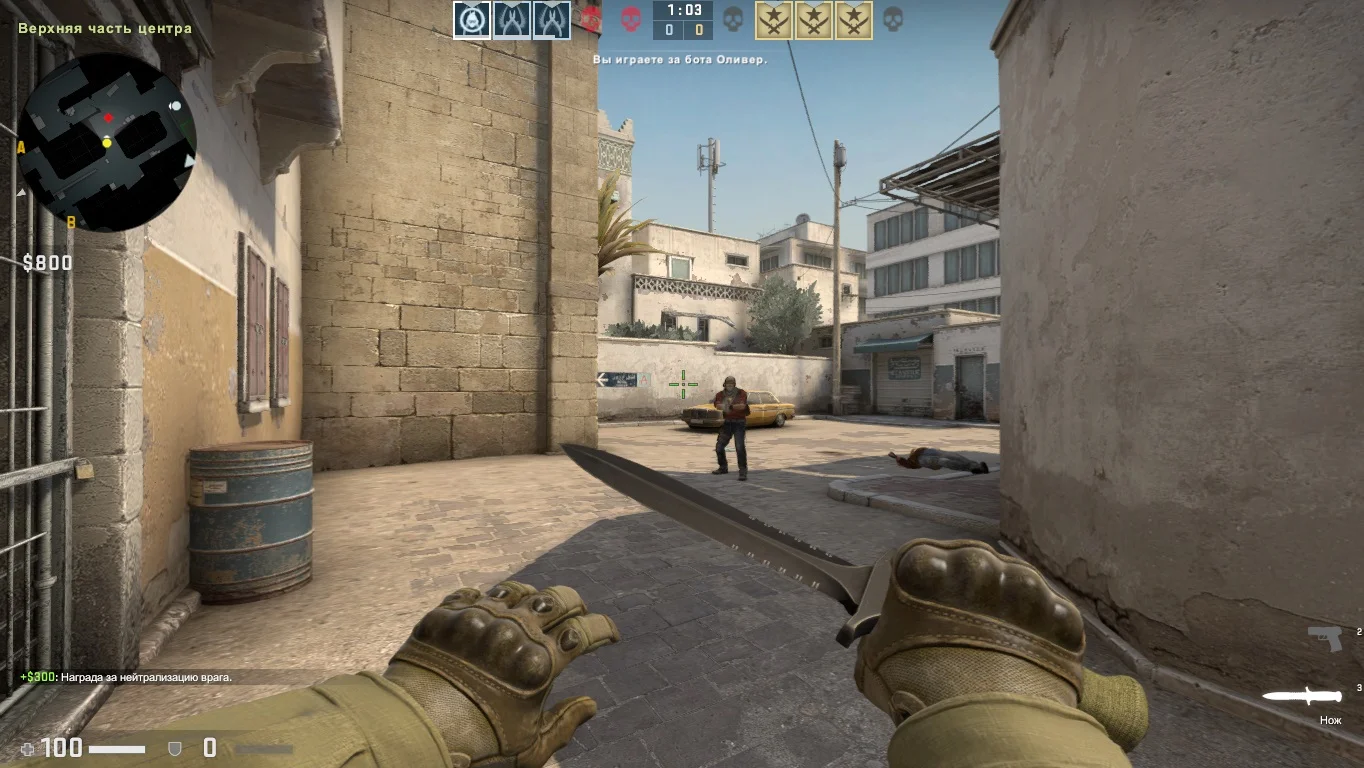
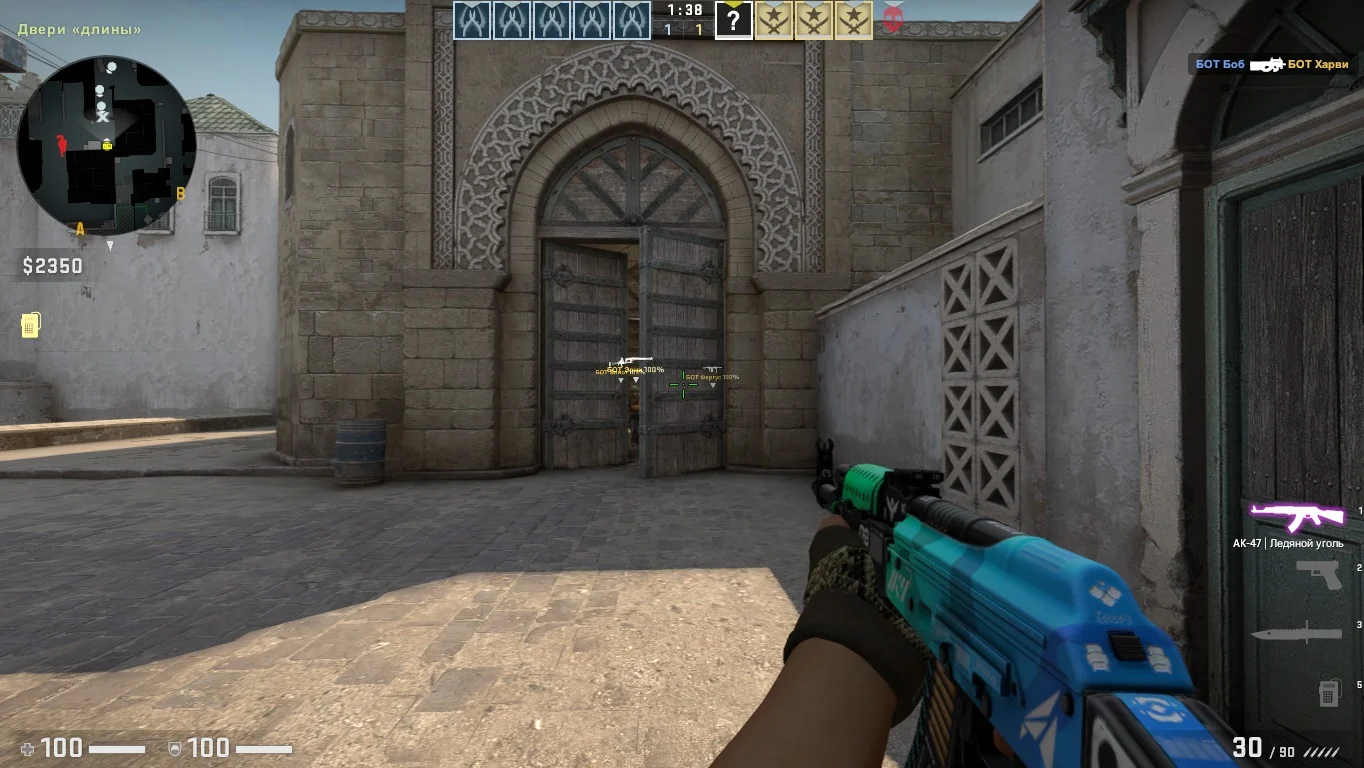
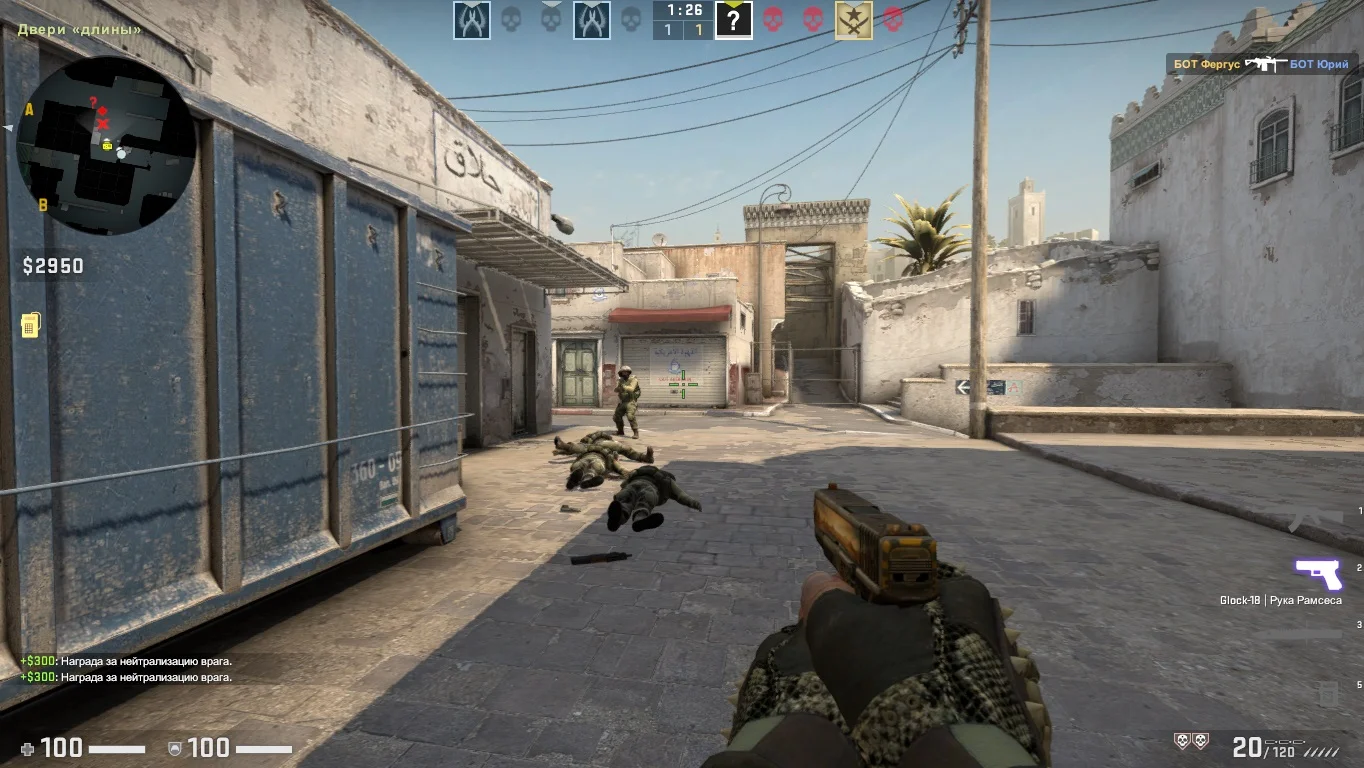
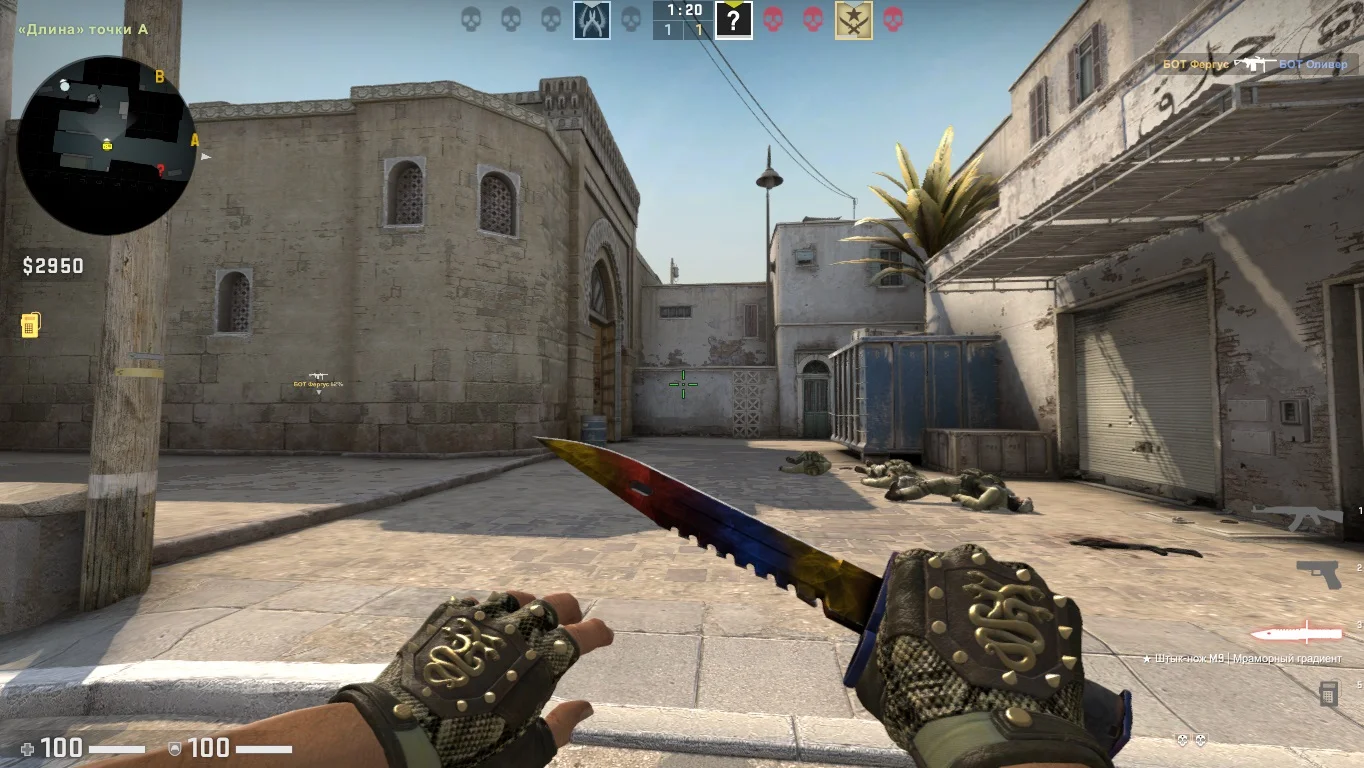
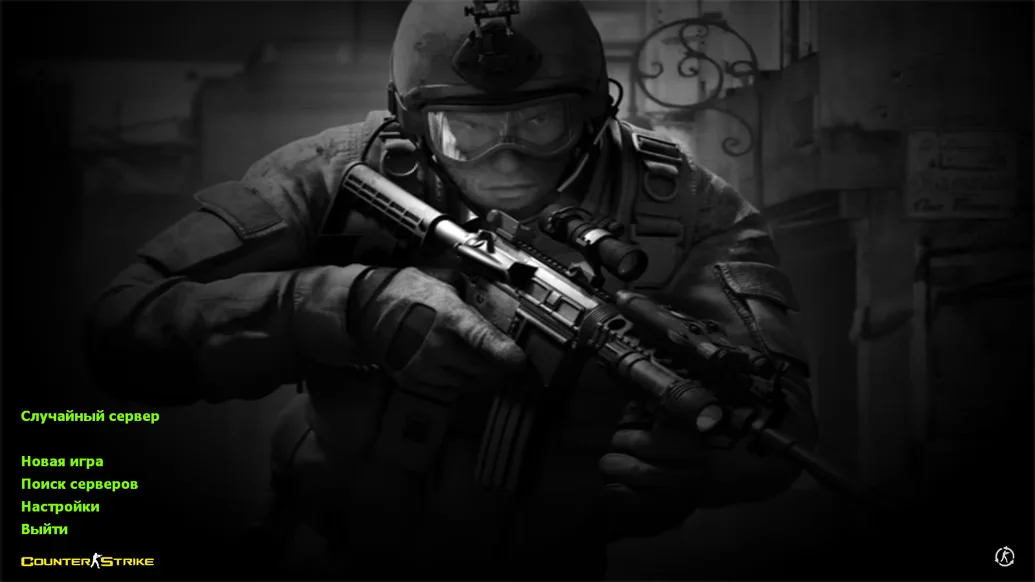
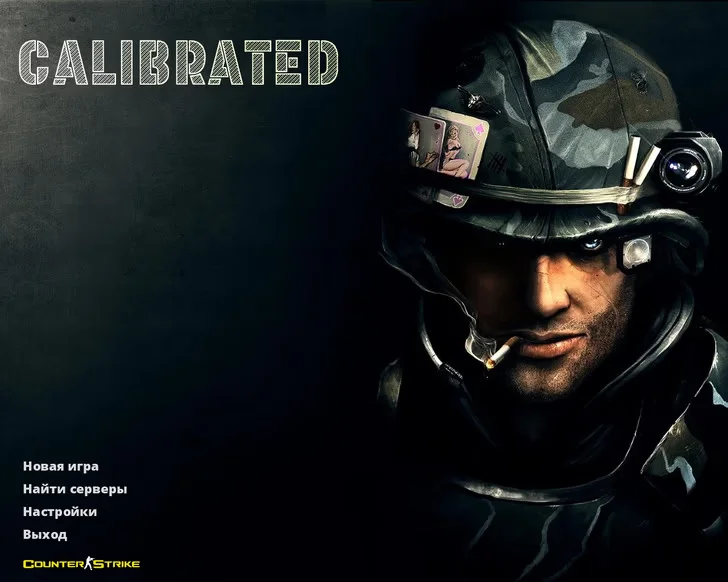
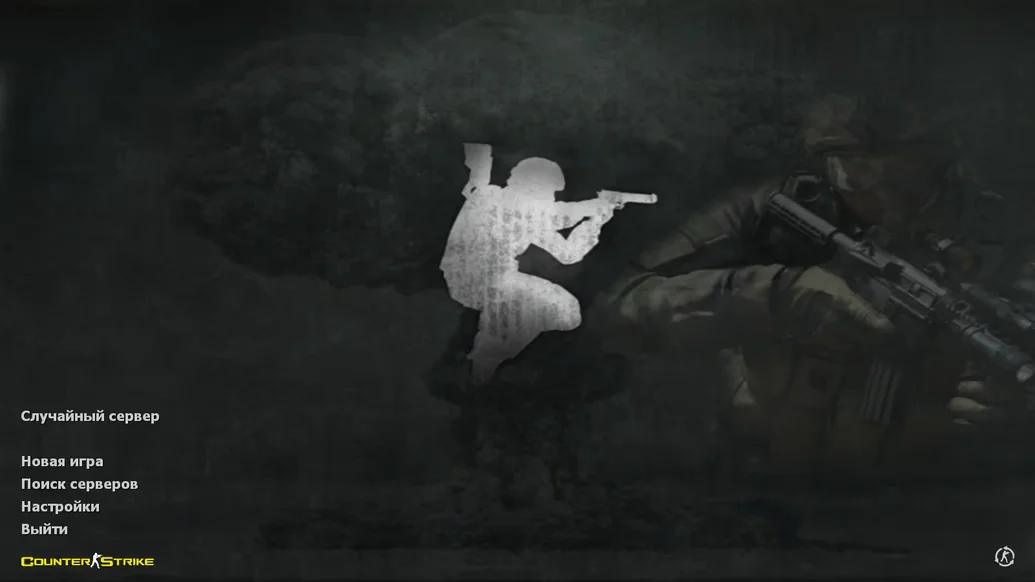
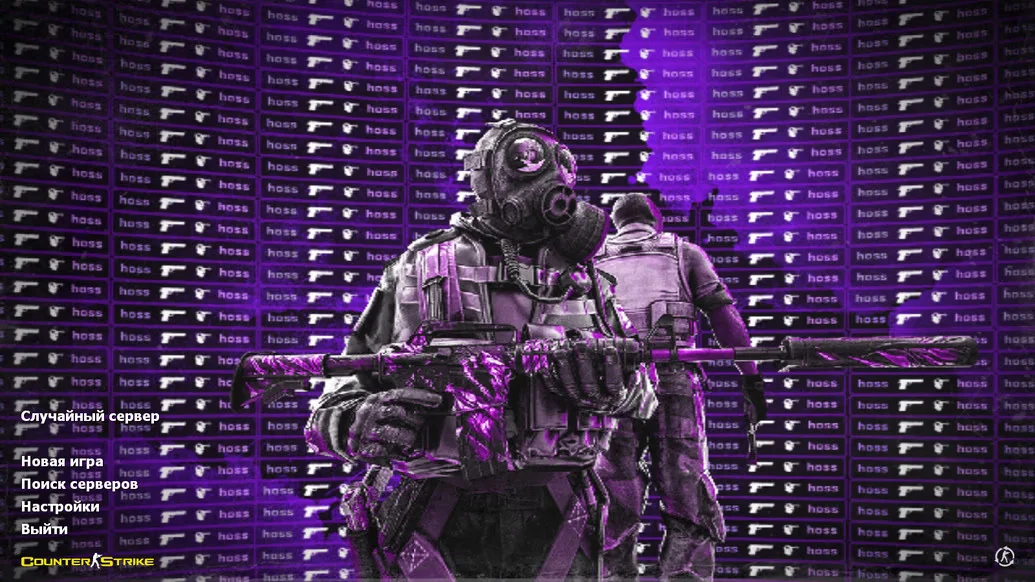
Download CS 2 Private Build for CS 1.6 — this is a unique build created for those who want to play an updated version of the classic with exclusive features and private settings. This version differs from standard releases by offering additional capabilities unavailable in public builds. CS 2 Private Build is perfect for players who want an advantage on servers, customize the game to their preferences, and use advanced features for comfortable and efficient gameplay.
The build includes a unique set of enhancements: custom weapon models, improved sounds and effects, and a special CS 2-style interface. The Private Build features tools for fine-tuning the crosshair, managing cheat functions, and built-in scripts to simplify gameplay. At the same time, stability and performance remain high, allowing smooth play on both low-end and high-end computers. Players have full control over settings and can adapt the build to any conditions.
CS 2 Private Build is an excellent choice for those who want to combine classic CS 1.6 with modern features and the capabilities of a private client. This build is suitable for solo play with bots as well as for playing on private servers with friends. Downloading the Private Build provides a stable, functional, and stylish version of CS 1.6 with unique settings that will satisfy even the most demanding players.
Features of the Build:
• Exclusive features and private settings
• Custom models and sounds in CS 2 style
• User-friendly interface with fine-tuning options
• Built-in scripts and gameplay simplification
• High performance and stability
• Support for both low-end and high-end PCs
• Compatible with classic maps and bots
• Play on private servers and local networks
System Requirements:
• Operating System: Windows XP and above
• Processor: 1 GHz or higher
• RAM: 512 MB or more
• Video Card: 64 MB or more with DirectX 9 support
• Free Disk Space: 600 MB or more
• Internet connection required for online play
How to Install:
• Copy the build files to a separate folder
• Check system compatibility
• Launch the game using the desktop shortcut
• Adjust crosshair, sound, and controls to your preferences
• Start playing on private servers or with bots
Особенности приватной сборки
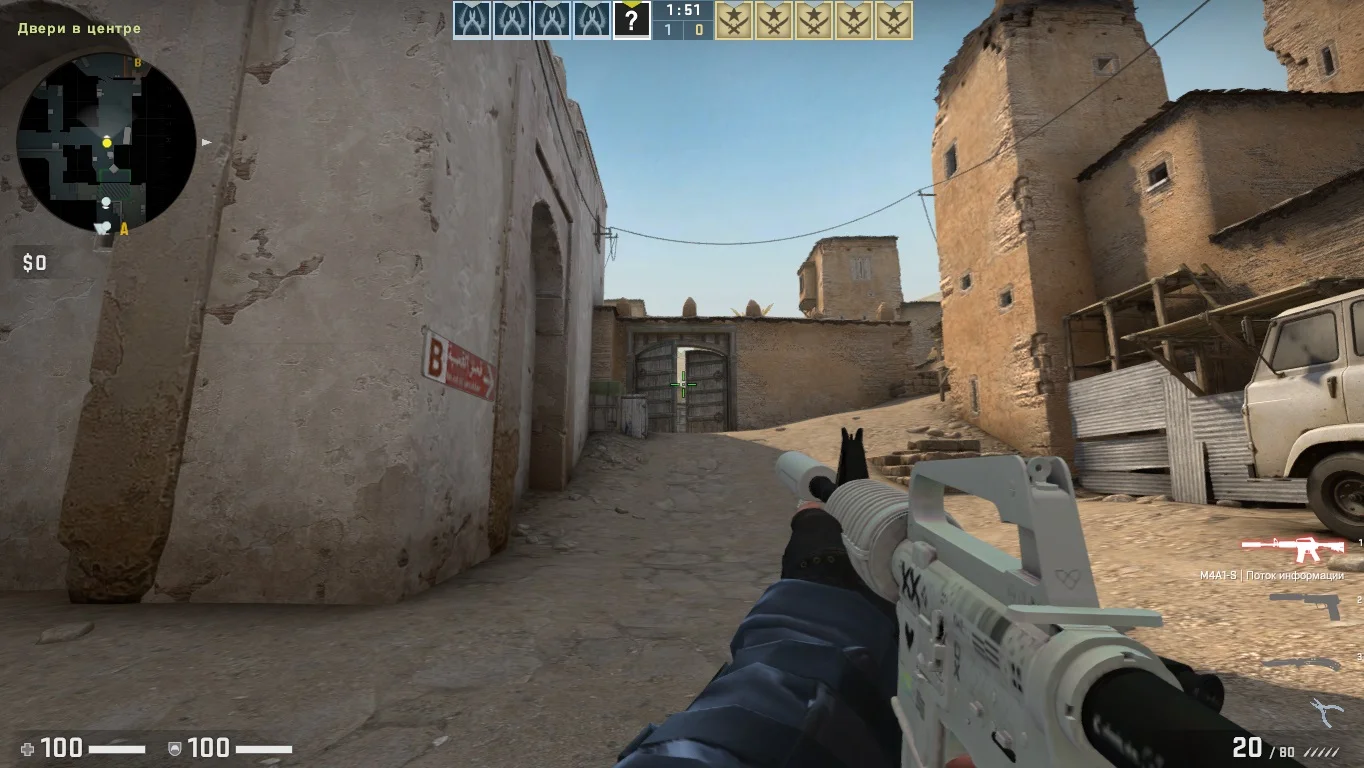
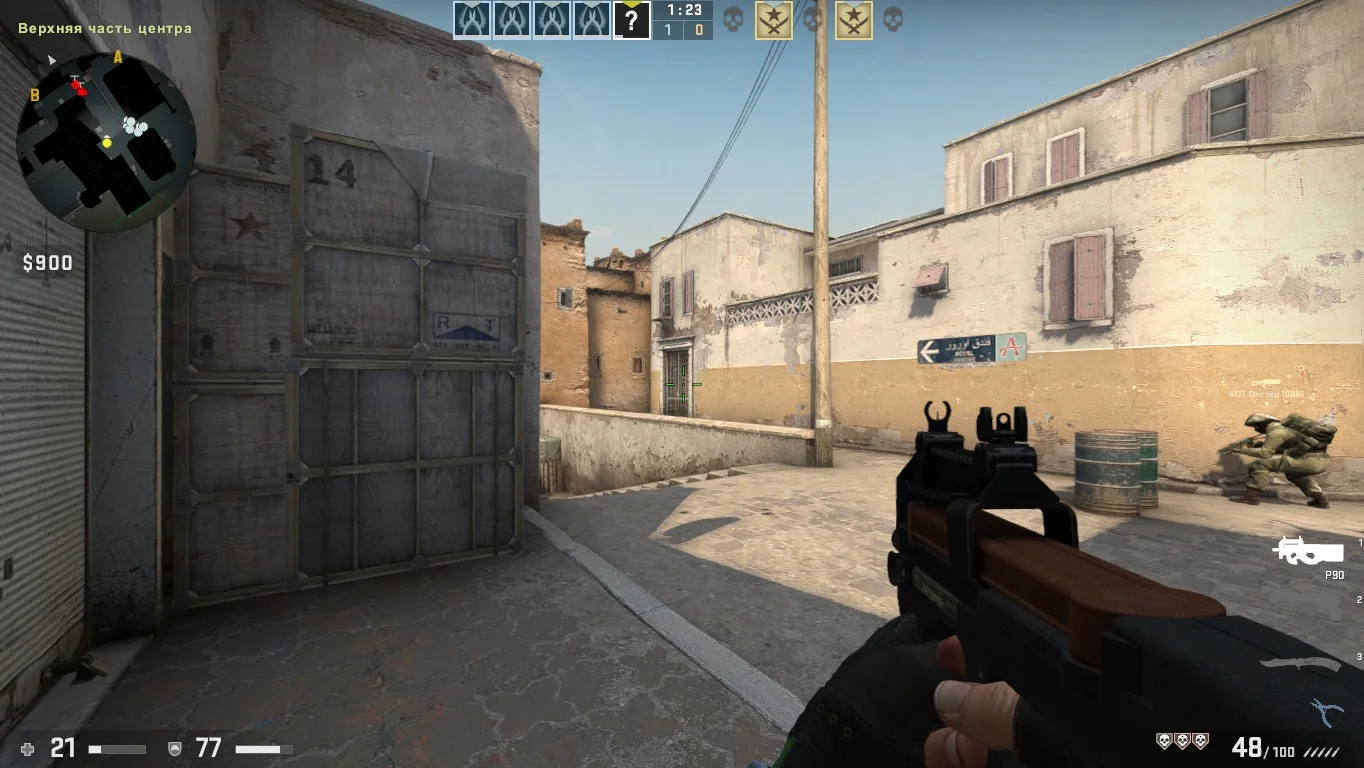
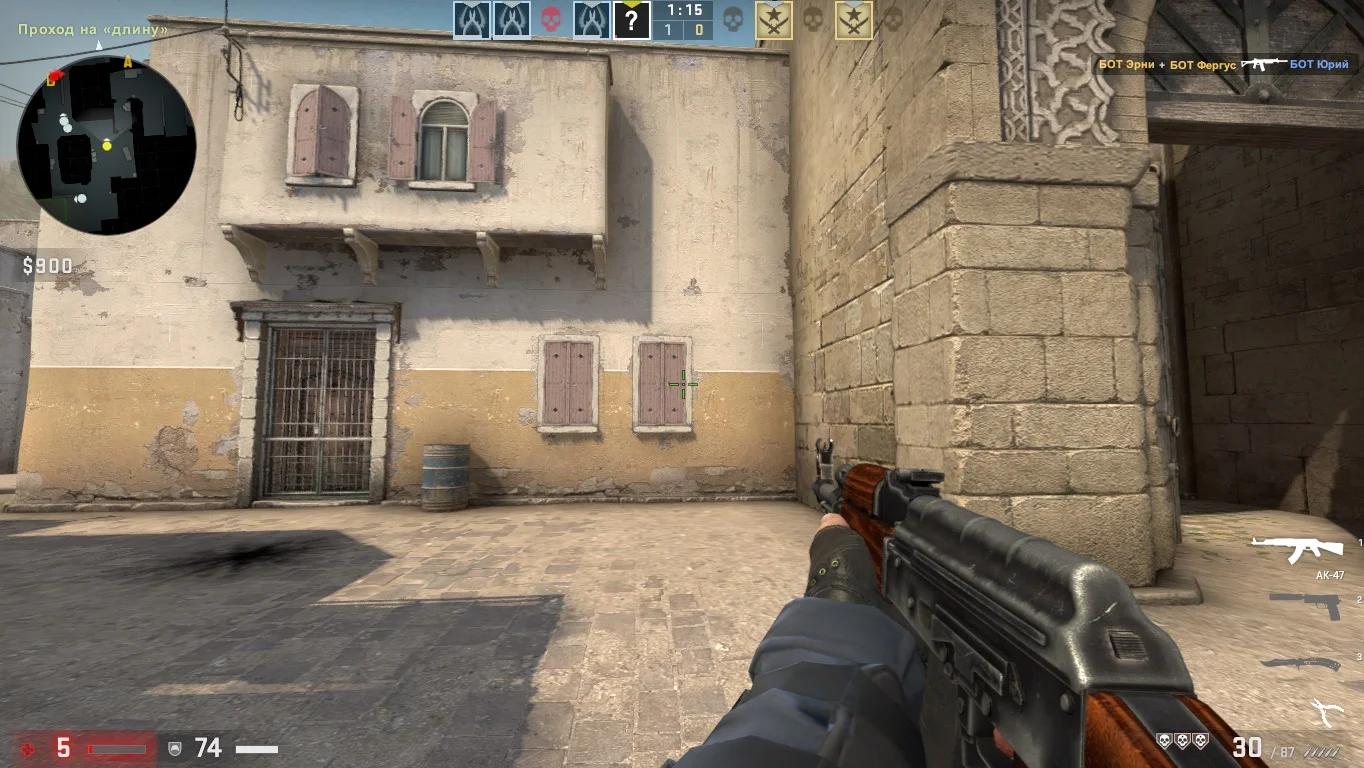
В приватной версии игры геймеры имеют возможность сражаться друг с другом в онлайн-режиме, выполняя разнообразные задания. Для отработки навыков стрельбы и ознакомления с игровым процессом рекомендуется использовать интеллектуальных ботов.
Максимальная защита
Данная сборка включает лучшую защиту от плохих файлов, которые могут навредить вашему компьютеру или ноутбуку. Благодаря современному движке, гарантируем полное отсутствие рекламы и современную безопасность всех файлов.
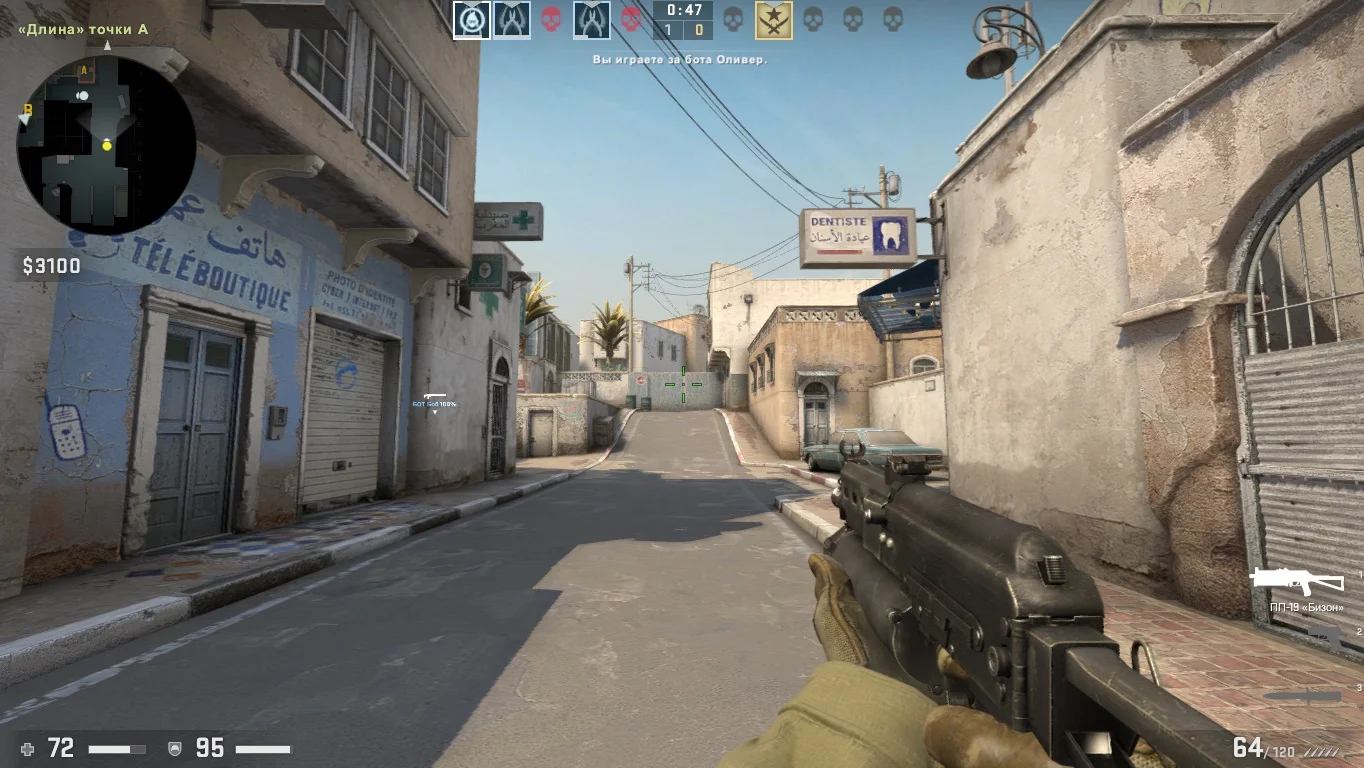
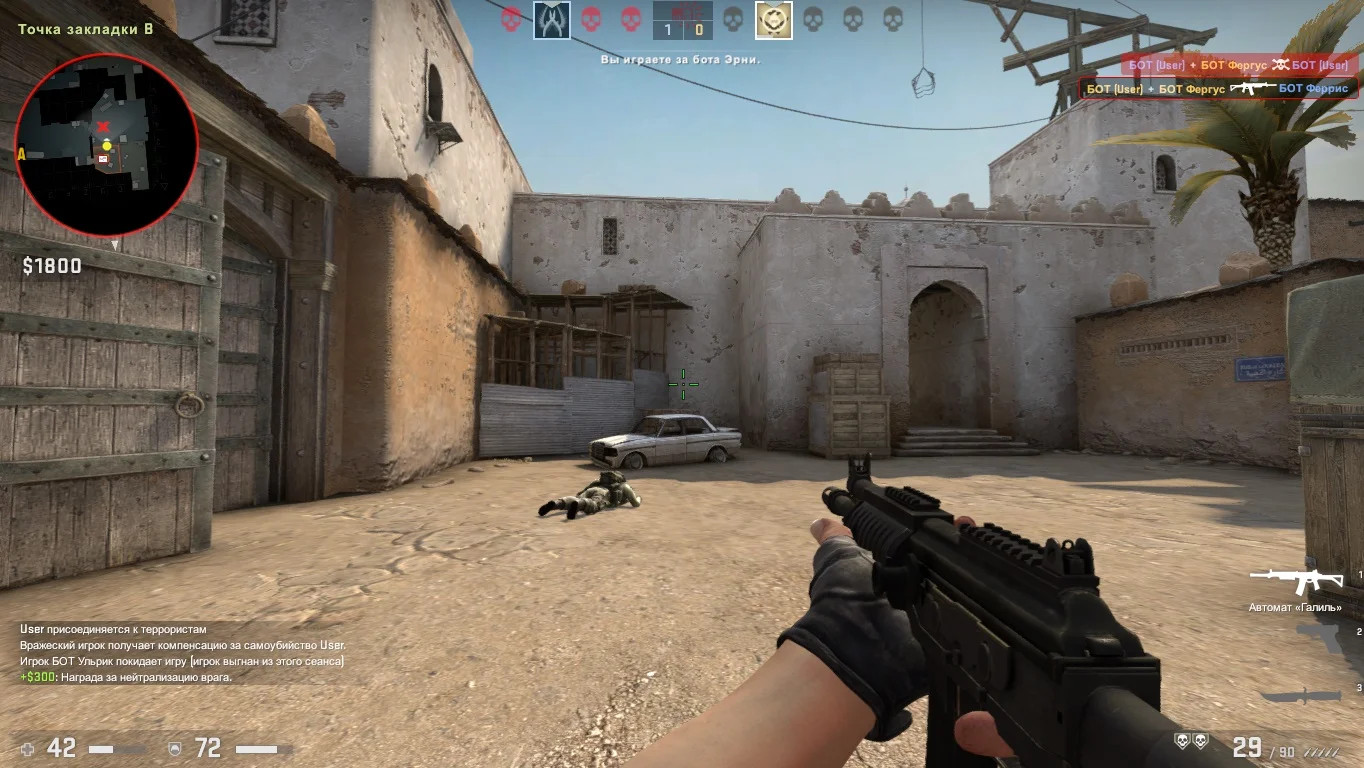
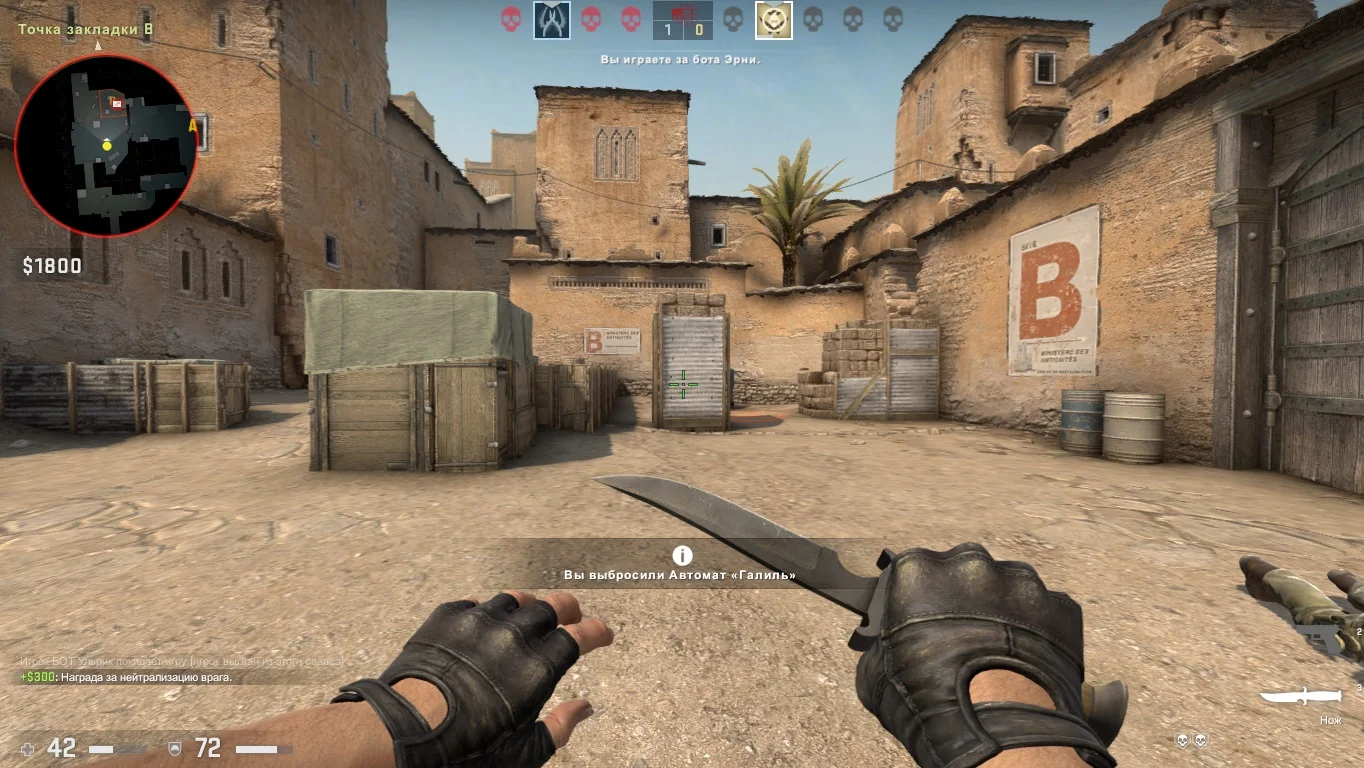
Поиск серверов
Скачав версию, вы сможете найти и поиграть на разных серверах, большинство являются модифицированными. Каждый сервер находится под защитой, а также включает отзывчивых администраторов, которые в нужный момент решат любые проблемы.